

- What Is Streaming TV? Television Delivered Over the Internet
- How Streaming TV Works Behind the Scenes
- The Main Ways People Watch Streaming TV
- What You Need to Start Streaming TV
- Streaming TV vs Cable and Satellite TV
- Why Streaming TV Appeals to So Many Households
- The Trade-Offs to Know Before You Cut the Cord
- How to Get Streaming TV on Your Television
- Frequently Asked Questions
- Conclusion
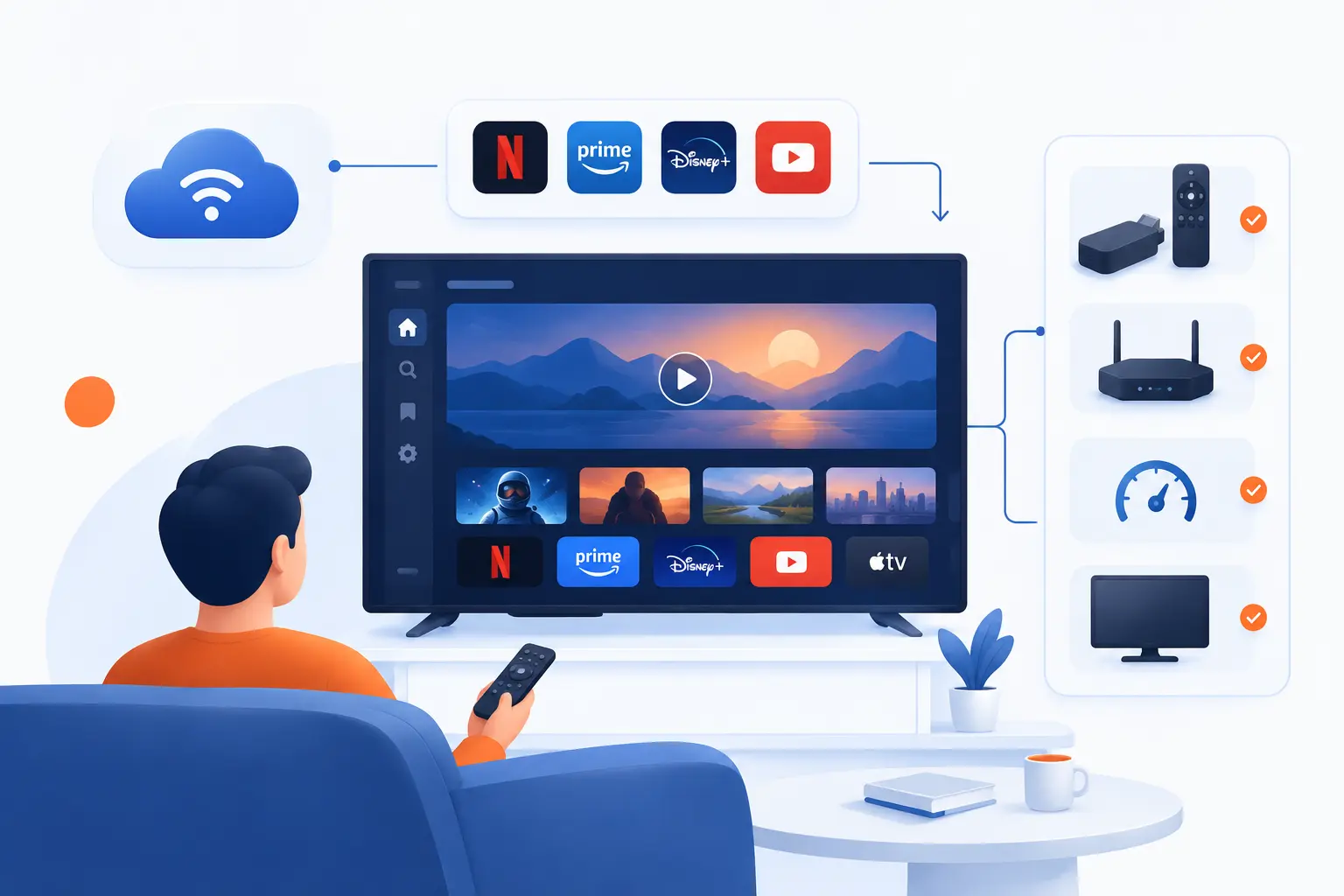
Streaming TV is television content delivered over the internet instead of through a cable line, satellite dish, or antenna broadcast. If someone asks us, “what is streaming tv,” our shortest answer is this: it is TV that plays from an app or website while the video data arrives continuously in the background. You can watch live channels, sports, news, movies, and series on a smart TV, phone, tablet, computer, or small plug-in device. The big shift is control: you choose the app, the screen, and often the exact time you want to watch.
We see streaming TV as the natural result of television moving onto internet infrastructure. That sounds technical, but the user experience is simple. Open an app, pick something, press play, and the service sends the video to your device bit by bit. The magic is not that the whole show is already on your television. The magic is that enough of it arrives fast enough to feel instant.
What Is Streaming TV? Television Delivered Over the Internet
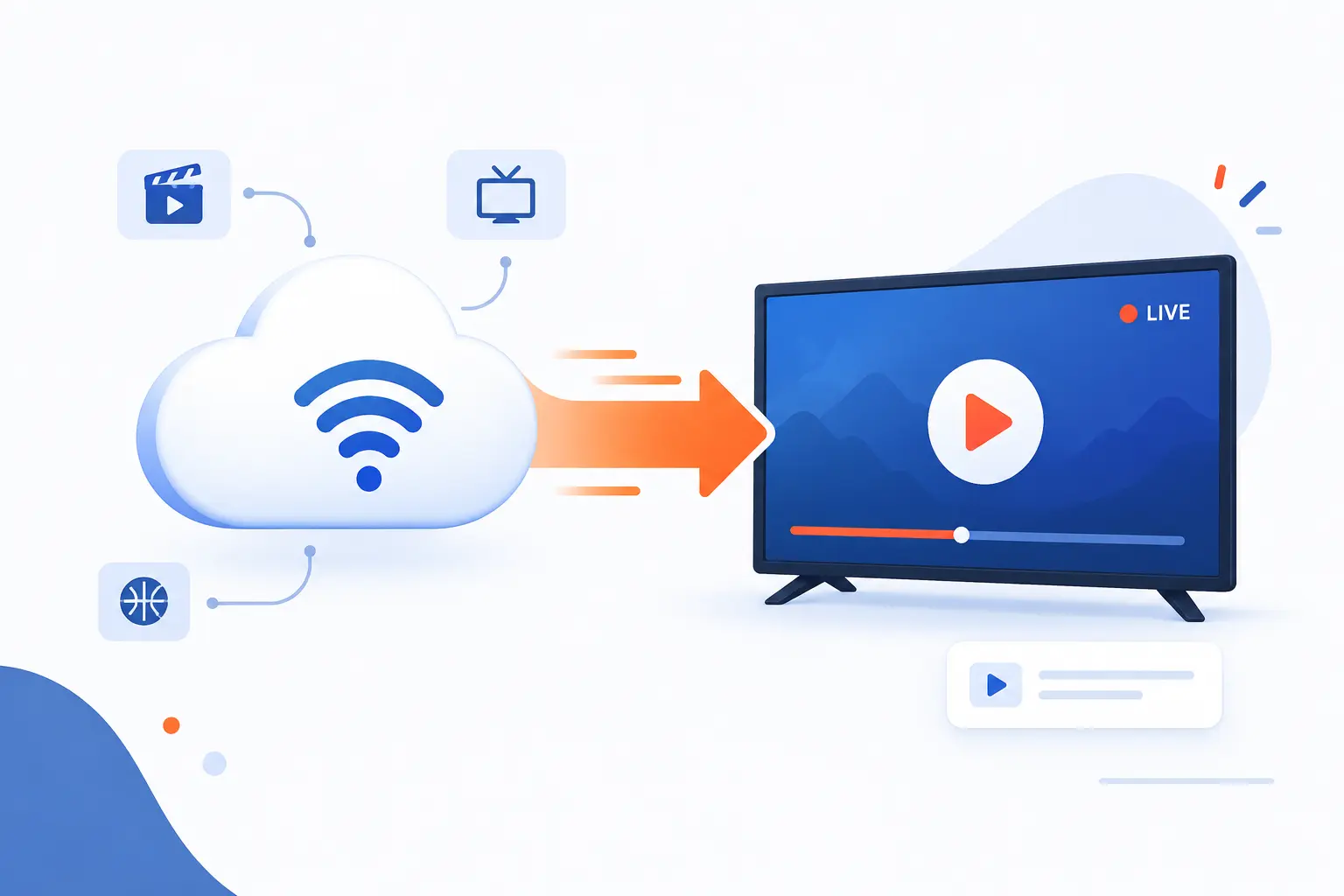
Streaming TV is a way to watch television programming through an internet connection rather than a traditional broadcast system. The content may be live, like a news channel, or on demand, like a movie you start whenever you want. Your device requests the program from a service, then plays the video as the data arrives. That is the core idea, before we get into channels, apps, subscriptions, or devices.
Traditional TV was built around a provider sending many channels to your home at once. You tuned to one of them. Streaming TV works more like a conversation between your device and a remote server. You ask for one program, one episode, or one live feed, and the service sends that content over the same general internet connection you use for browsing, email, and cloud apps.
This is why streaming TV can feel more personal. A cable box usually starts with a channel lineup. A streaming app starts with a profile, a watch history, a home screen, and a search bar. As a cloud and hosting provider, we find that distinction important. The old model was mostly distribution. The newer model is distribution plus software.
The concept is also broad. Netflix, Hulu, Disney+, Peacock, YouTube TV, Sling TV, Pluto TV, Tubi, The Roku Channel, Prime Video, and many network apps all fit under the wider streaming TV umbrella. Some replace cable. Others act more like a movie library. A few cost nothing upfront because ads pay the bill.
How Streaming TV Works Behind the Scenes
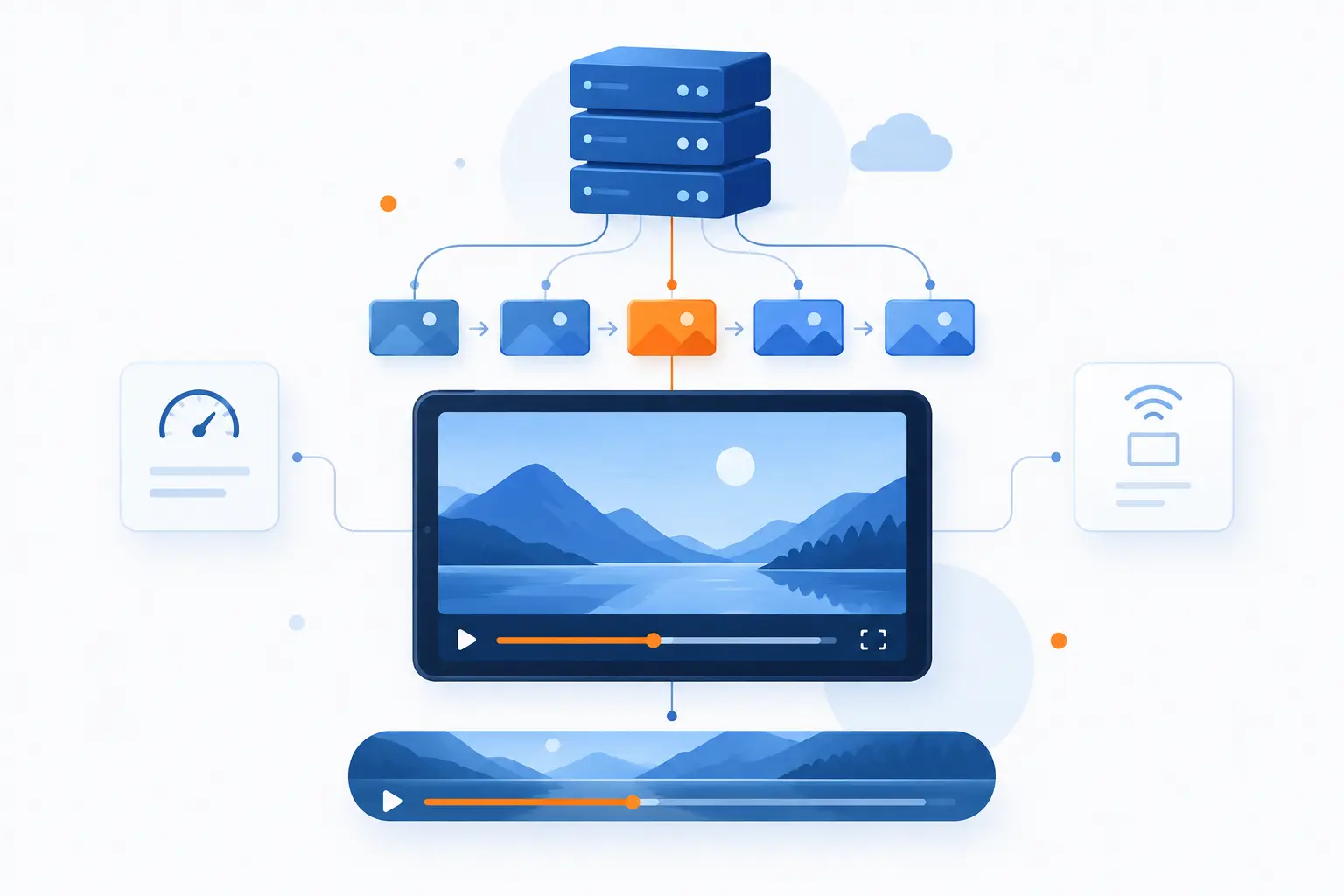
Streaming TV works by breaking video into small pieces, sending those pieces over the internet, and playing them in order on your device. Your app does not usually download the entire movie or live event first. It asks for the next pieces as playback continues. When the connection is healthy, the process feels smooth and nearly invisible.
Media Files Are Sent in Small, Continuous Chunks
Streaming video is usually delivered as many small segments rather than one giant file. This design lets your device request the next part of a program while it is already playing the current part. Apple’s technical documentation for HTTP Live Streaming describes delivery from ordinary web servers, with live workflows that break encoded media into segments and then download available files in sequence through a technical delivery model. That may sound dry, but it explains why streaming can start quickly.
Think of it like a restaurant serving one course at a time. You do not need the whole meal on the table before you begin. The service just needs the next course ready before you finish the current one. Streaming TV applies that idea to video.
Those chunks can also be available in several quality levels. If your internet speed drops, the app may request a lower-quality version of the next chunk. When the connection improves, it may step back up. This is why picture quality sometimes looks soft for a moment, then becomes sharp again.
Playback Starts Before the Full File Arrives
Streaming TV begins playback after your device has received enough video to start safely. The app creates a small cushion of data, then begins showing the program while more data continues arriving. That cushion is called a buffer. It is the reason a two-hour movie can start in seconds instead of waiting for a full download.
This is also why streaming feels different from downloading a file. With a download, you wait for the file to finish, then open it. With streaming, the app constantly receives, decodes, and displays the video in sequence. The experience depends on timing as much as raw speed.
Live TV streaming adds another wrinkle. The service captures the live feed, encodes it for internet delivery, packages it into segments, and sends it to viewers. That process creates a delay. So a streamed sports event may lag behind a cable feed or radio call by a few seconds or more.
Buffering Happens When Data Arrives Too Slowly
Buffering happens when your device runs out of video data to play before the next segment arrives. In practical terms, the show pauses because the app is waiting. This can happen because of a weak Wi-Fi signal, a crowded home network, a slow internet plan, a congested provider route, or a busy service.
We tend to explain buffering with a simple rule: playback speed cannot outrun delivery speed for long. A short slowdown may only lower picture quality. A longer slowdown causes spinning wheels, frozen frames, or audio that falls out of sync.
Restarting the app can help if the app is stuck. Moving closer to the router can help if Wi-Fi is weak. A wired Ethernet connection can help a living-room TV more than people expect. We like boring fixes when they work, and network stability is wonderfully boring.
The Main Ways People Watch Streaming TV
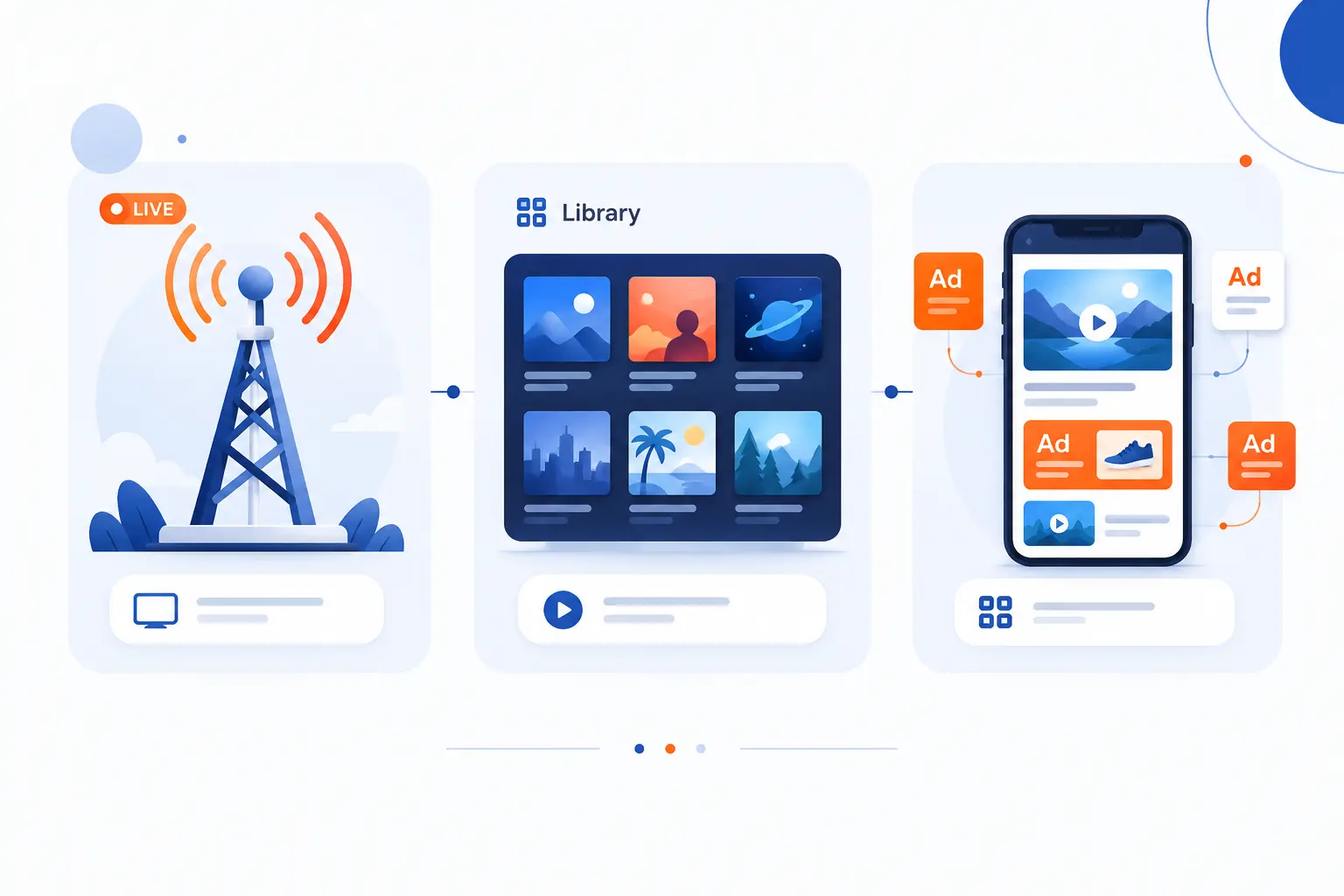
People usually watch streaming TV in three main ways: live channel services, on-demand apps, and free ad-supported services. These categories overlap, but they help beginners understand what they are buying or choosing. A live service feels closest to cable. An on-demand app feels closer to a library. A free ad-supported app feels closer to flipping through channels without a monthly bill.
| Viewing style | Best for | Typical trade-off |
|---|---|---|
| Live channel service | News, sports, local stations, familiar channel guides | Higher monthly cost |
| On-demand app | Movies, series, originals, binge watching | Content is split across apps |
| Free ad-supported option | Casual viewing without a subscription | Ads and less control over catalogs |
Live TV Streaming Services With Channels and Local Programming
Live TV streaming services deliver scheduled channels over the internet. They often include familiar network, sports, entertainment, and news channels. Some also include local broadcast stations, depending on your location. For many households, this is the closest direct substitute for cable.
Examples include YouTube TV, Hulu + Live TV, Sling TV, Fubo, and DIRECTV via internet-based plans. The lineup matters more than the brand name. If you need a regional sports network, a local affiliate, or a specific news channel, check the channel list before subscribing.
Live services often cost more than single on-demand apps because they carry bundles of channels. They may also include a cloud DVR. We recommend treating live channel services like a customizable cable replacement, not like a cheap add-on.
On-Demand Apps for Movies and Series
On-demand apps let you choose a movie, episode, documentary, or special and start it whenever you want. This is the version of streaming TV most people recognize first. Instead of waiting for a show to air at 8 p.m., you open the app and press play.
Netflix, Prime Video, Disney+, Max, Apple TV+, Peacock, Paramount+, and Hulu are common examples. Each has its own catalog, originals, licensing deals, supported devices, and plan rules. One app may have a show this month and lose it later.
The benefit is freedom. The downside is fragmentation. If your family follows different shows across several apps, the monthly cost can creep upward quietly. We have seen plenty of households “cut the cord” and then rebuild a smaller, app-based version of the same bill.
Free Ad-Supported Services and FAST Channels
Free ad-supported services let you watch without a paid subscription, usually in exchange for commercials. FAST means free ad-supported streaming television, and these services often present always-on channels organized by genre, show, or theme. The interface can feel like cable, but the business model is closer to web advertising.
Pluto TV, Tubi, Freevee, Plex, Samsung TV Plus, and The Roku Channel are common examples. Roku says its own free service includes 500+ live channels, which shows how far this category has moved beyond a few leftovers. The catalogs are not always premium, but they are often good enough for background viewing, older shows, niche interests, and movie browsing.
We like FAST services for experimentation. If you are new to streaming TV, they let you test the experience without handing over a credit card. Just remember that “free” usually means more ads and fewer guarantees about what stays available.
What You Need to Start Streaming TV
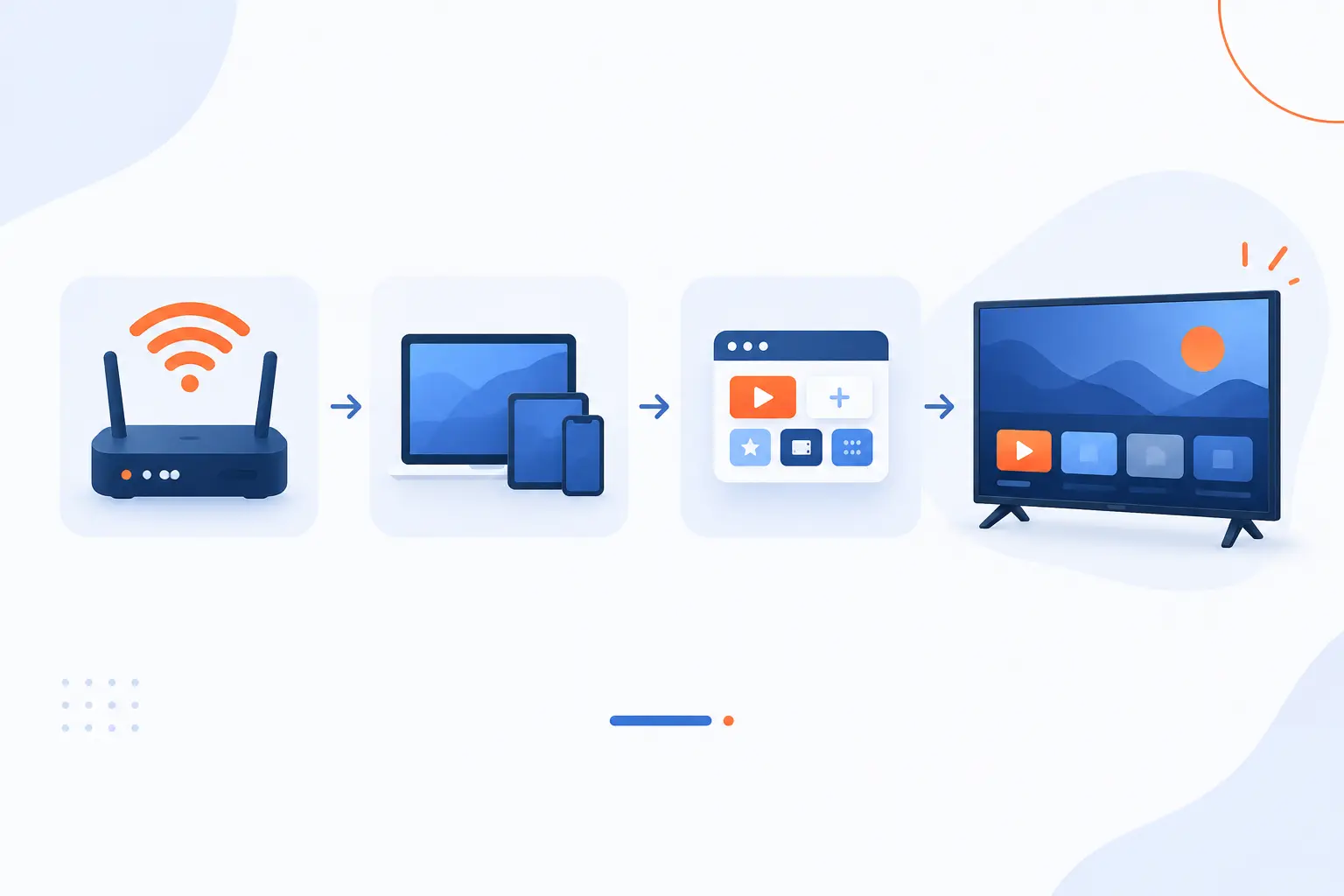
You need three things to start streaming TV: a stable internet connection, a compatible screen or device, and access to an app or service. That is the whole starter kit. You do not always need a cable box. You do not always need a smart TV. You do need enough network quality to keep video arriving faster than you watch it.
A Stable Internet Connection
A stable internet connection matters more than a flashy speed number. A fast connection that drops every few minutes will feel worse than a modest connection that stays steady. For a single Netflix stream, the service recommends 3 Mbps for 720p, 5 Mbps for 1080p, and 15 Mbps for 4K. Other services vary, but these numbers give beginners a useful reference point.
Households should also account for everything else using the same connection. Phones update apps. Laptops run video calls. Game consoles download huge files. Security cameras upload footage. Your TV does not get the full connection if every other device is fighting for bandwidth.
Wi-Fi quality can be the hidden weak spot. If the router sits in a closet behind thick walls, the living-room TV may struggle even with a good internet plan. We often suggest testing near the router, then testing at the TV. If the results differ sharply, you likely have a home network problem rather than a provider problem.
A Smart TV, Computer, Phone, Tablet, or Streaming Device
You need a device that can run the streaming app you want to use. A smart TV may already have the major apps built in. A phone, tablet, laptop, or desktop can play through a browser or app. A dedicated device can add modern apps to an older television.
Popular plug-in devices include Roku players, Amazon Fire TV devices, Apple TV boxes, and Chromecast with Google TV. Game consoles can also run many apps. The right choice depends on the apps you need, the remote you prefer, and whether your TV supports the picture quality you want.
Do not overlook HDMI ports. If you add a streaming stick or box, your television needs a compatible HDMI input. For 4K video, every part of the chain matters: the service plan, the app, the device, the cable, the TV, and the internet connection.
A Streaming App, Account, or Subscription
You need an app or service that has the content you want. Some apps are free. Some require an account. Others require a paid plan, a live channel package, or a separate add-on for sports, premium channels, or higher video quality.
Before subscribing, we recommend making a short watch list. Write down the must-have shows, live channels, sports leagues, local stations, and movies your household actually watches. Then match services to that list. This prevents the classic trap of paying for five apps and still missing the one game everyone wanted.
Also check device support. A service may work on your phone but not on an older smart TV. If you already own a Roku, Fire TV, Apple TV, or Chromecast device, confirm that the service has an app there before you pay.
Streaming TV vs Cable and Satellite TV
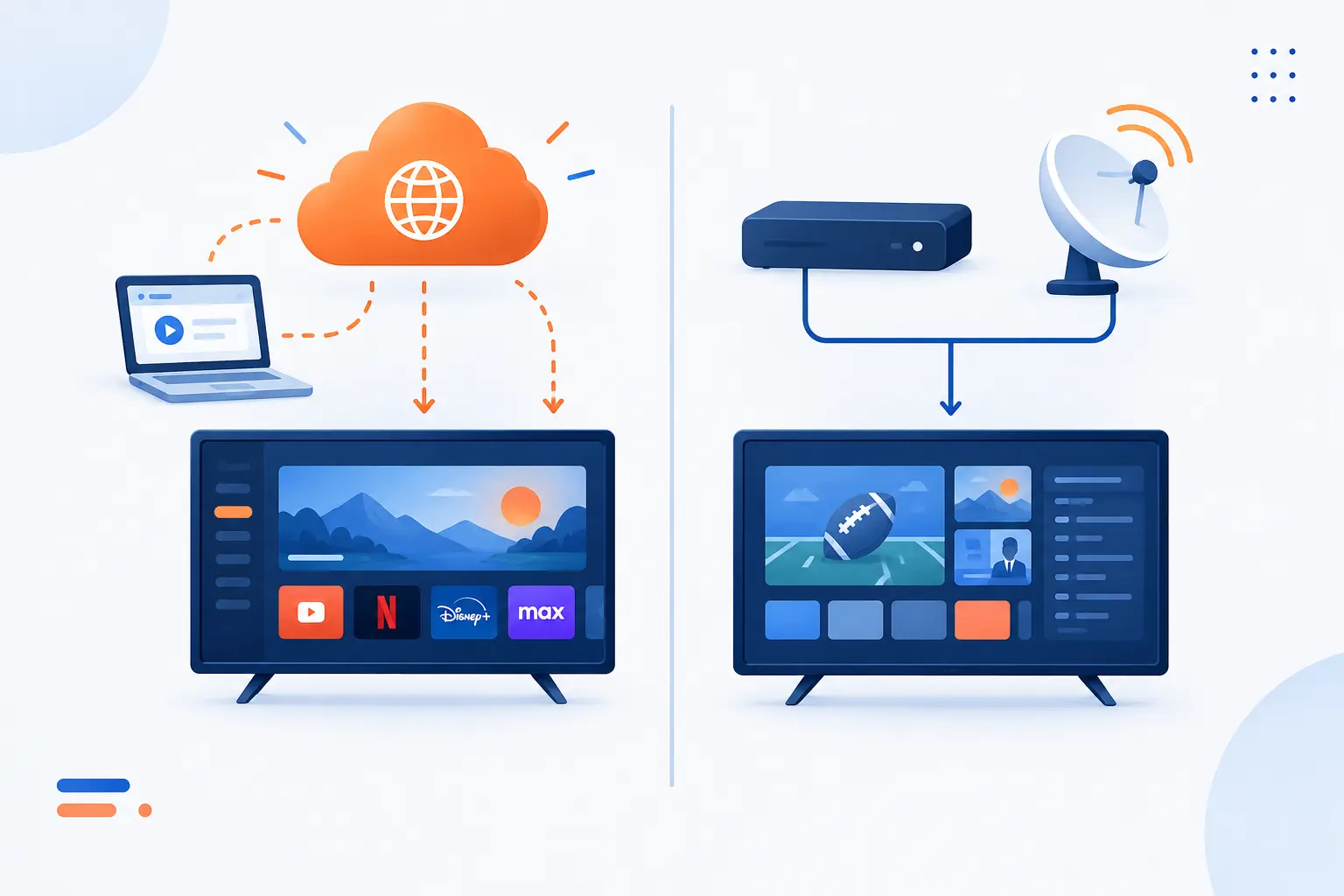
Streaming TV uses the internet, while cable and satellite TV use dedicated broadcast or distribution infrastructure. The viewer experience can look similar because all three put channels and programs on a screen. The difference is how the signal reaches you and how much software control sits between you and the content. That difference affects schedules, equipment, contracts, channel bundles, and reliability.
| Option | How it reaches your home | Best fit |
|---|---|---|
| Streaming TV | Internet connection and apps | Flexible viewing across devices |
| Cable TV | Provider cable network and set-top equipment | Traditional channel bundles |
| Satellite TV | Dish, receiver, and satellite signal | Areas where wired options are limited |
Internet Delivery vs Broadcast Infrastructure
Streaming TV depends on your internet connection for delivery. Cable depends on a provider’s physical network. Satellite depends on a dish receiving a signal from orbit. All three can carry live channels, but they do it in very different ways.
Internet delivery gives streaming its flexibility. You can start on a living-room TV, continue on a tablet, and watch from another location if the service allows it. That flexibility comes with a condition: no reliable internet, no reliable stream.
Cable and satellite can be simpler for people who want one box, one remote, and one channel lineup. They can also be easier for households with weak broadband. But they are usually less flexible across devices and locations.
On-Demand Flexibility vs Fixed Schedules
Streaming TV is strongest when you want to watch on your own schedule. On-demand apps let you start, pause, restart, and binge. Live services still have schedules, but many include replay, restart, or DVR-style tools.
Cable and satellite were built around fixed programming grids. That model still works well for live news, sports, and channel surfing. It works less well when viewers expect a full season to be waiting for them.
This is one reason younger viewers often think of “watching TV” as opening an app, not turning to a channel number. We do not think one habit is morally better than the other. But they are clearly different habits.
Contracts, Equipment, and Channel Mix
Streaming TV often has fewer equipment requirements than cable or satellite, but the channel mix can be more fragmented. You may avoid a cable box rental, yet pay for several separate subscriptions. You may gain control, yet lose one local channel or regional sports network.
Cable and satellite plans may include installation, set-top boxes, broadcast fees, regional sports fees, or long-term pricing rules. Streaming plans usually feel easier to start and stop. Still, prices change, channel carriage disputes happen, and app bundles can get confusing.
Our practical view is simple: compare the content you need, the total monthly bill, and the hassle level. Do not compare a bare streaming app against a full cable package unless both actually meet your household’s needs.
Why Streaming TV Appeals to So Many Households
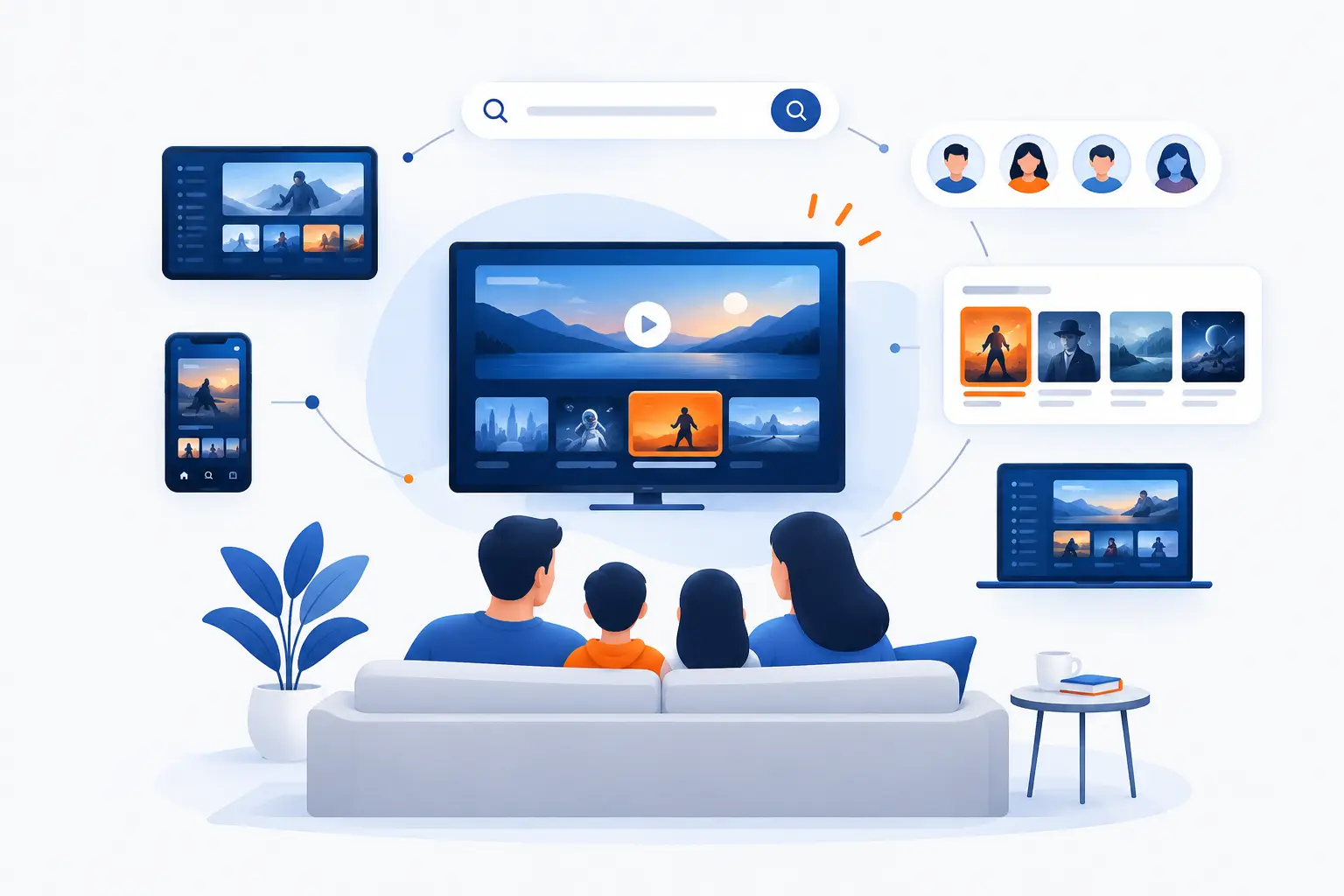
Streaming TV appeals to households because it gives them more control over content, timing, screens, and spending. It also matches how people already use the internet. Many viewers no longer want the television schedule to decide their evening. They want a search box, profiles, recommendations, and the ability to cancel what they do not use.
More Control Over What, When, and Where You Watch
The biggest appeal of streaming TV is control. You can watch an episode at breakfast, a movie on a tablet during travel, or a live event on the main TV. Your watch history follows your account instead of staying tied to a single box.
This control matters in real life. Parents can set up children’s profiles. Roommates can keep separate watch lists. A sports fan can subscribe during a season, then cancel afterward if the service allows month-to-month billing.
We like this flexibility because it puts the user closer to the decision. The best technology should get out of the way. Streaming TV is not perfect, but when it works well, it does exactly that.
Broader Content Choices Across Services
Streaming TV gives viewers access to more varied content than a single traditional lineup usually can. One household can combine live news, international dramas, classic movies, children’s shows, documentaries, anime, sports, and niche channels. That variety is a major reason the category keeps pulling attention from older formats.
Nielsen’s viewing data shows the shift clearly: in May 2026, internet-delivered viewing reached 48.6% of total TV watch time in its U.S. measurement report. We do not read that as a death certificate for cable. We read it as proof that viewers now treat apps as a normal part of television.
The catch is discovery. More choice can become more work. You may spend ten minutes looking for something to watch, then give up and rewatch a comfort show. We have all been there.
Profiles, Recommendations, and Cloud DVR Features
Profiles, recommendations, and cloud DVR tools make streaming TV feel personalized. A profile separates one viewer’s history from another’s. Recommendation systems suggest titles based on behavior. Cloud DVR stores recordings online instead of on a box in your living room.
Live services use these features to soften the old limits of scheduled television. Hulu says its live plan’s DVR can store recordings for up to nine months, which is a good example of how the DVR concept moved from hardware to cloud storage. You still record a program, but the recording lives in the service’s system.
Recommendations are useful, but we advise keeping expectations sane. They can surface good shows. They can also trap you in a narrow loop. Search, curated lists, and word of mouth still matter.
The Trade-Offs to Know Before You Cut the Cord
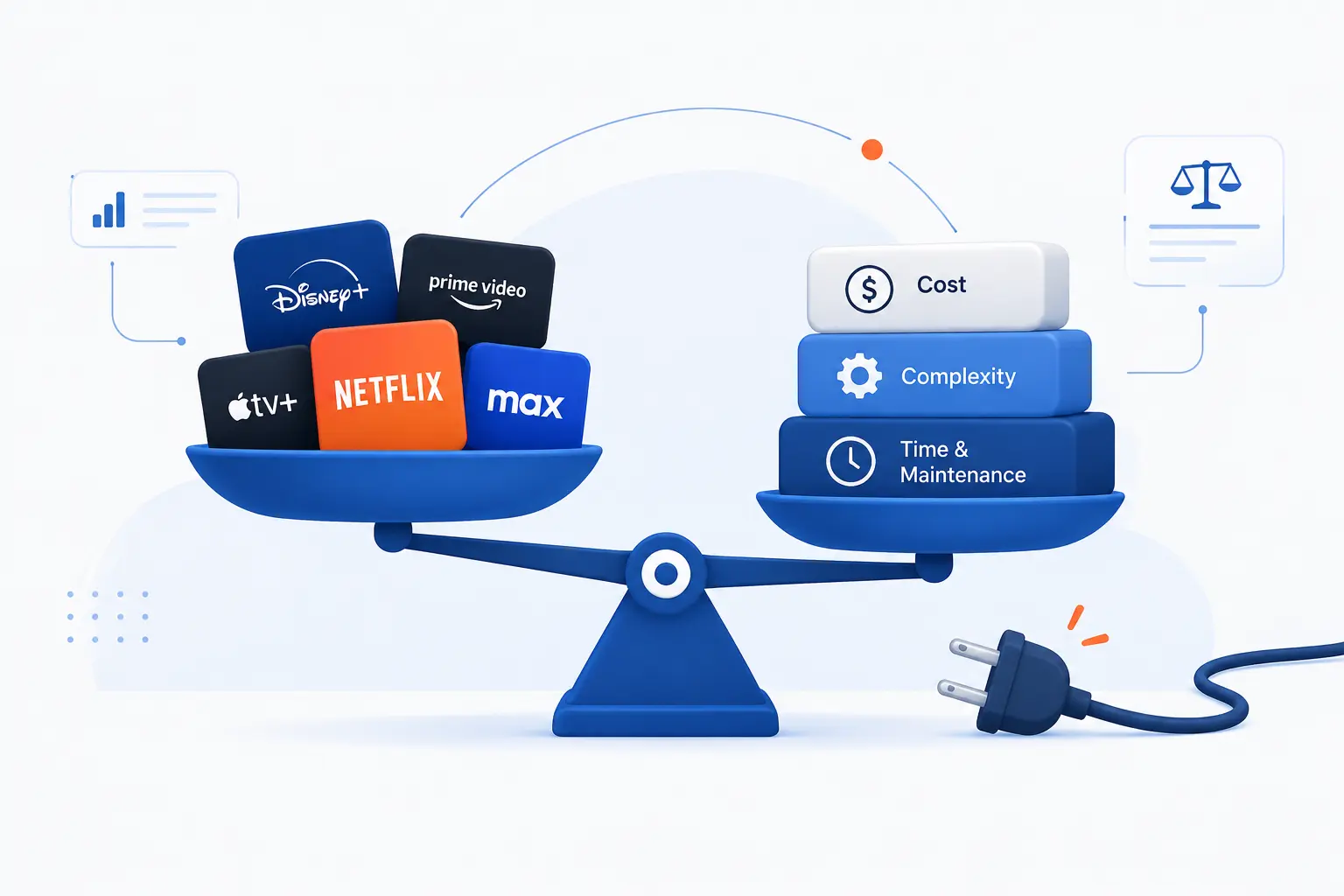
Cutting the cord means replacing cable or satellite with internet-based viewing, but it does not automatically mean lower cost or less complexity. Streaming TV can be cheaper, more flexible, and easier to cancel. It can also become expensive if you stack too many services. The smart move is to know the trade-offs before you cancel your old plan.
Internet Quality Can Make or Break the Experience
Your internet quality is the foundation of streaming TV. If the connection is unstable, every app suffers. If Wi-Fi is weak, the best subscription in the world will still stutter. The screen gets blamed first, but the network is often the culprit.
For a main television, we prefer Ethernet when it is practical. A wired connection removes many Wi-Fi variables. If Ethernet is not realistic, a better router location or mesh system may help. Start with the simplest test: move the device closer to the router and see whether the problem improves.
Also watch for peak-time slowdowns. If streaming works in the morning but fails every evening, the issue may involve neighborhood congestion, provider capacity, or home network load. That pattern is useful evidence when troubleshooting.
Costs Can Add Up Across Multiple Services
Streaming TV can become expensive when households subscribe to many services at once. A single app may feel cheap. Five paid apps plus a live channel package may not. Deloitte’s consumer research found that surveyed U.S. subscribers reported spending $69 per month for four paid services, which shows why subscription stacking deserves attention.
We recommend rotating services instead of keeping everything forever. Subscribe to one or two on-demand apps, watch what you came for, then cancel or pause. Keep a live service only if you use it weekly. This is the unglamorous budgeting habit that makes cord-cutting work.
Annual plans can lower the monthly equivalent, but they reduce flexibility. Monthly plans cost more over time, but they let you leave. Choose based on viewing habits, not marketing banners.
Data Use, Ads, and Changing Content Libraries
Streaming TV can use a lot of data, especially at higher picture quality. Netflix’s own help page estimates high-quality playback at up to 3 GB per hour for HD and 7 GB per hour for 4K. If your internet plan has a data cap, that matters quickly in a busy household.
Ads are another trade-off. Lower-cost plans often include commercials. Free services usually depend on them. Some viewers do not mind. Others find that ad breaks make streaming feel too much like the cable experience they left behind.
Content libraries also change. A show available in January may leave in March. Sports rights move. Movie licenses expire. This is why we advise against choosing a service based on one title unless you plan to watch it soon.
How to Get Streaming TV on Your Television
You get streaming TV on your television by using built-in smart TV apps, adding a streaming device, or connecting another device that can run the service. The setup is usually simple: connect to the internet, install the app, sign in, and press play. The harder part is choosing the right services. Start with what you actually watch, not with what every ad tells you to try.
Use the Apps Built Into a Smart TV
The easiest way to start is to use the apps already built into your smart TV. Most modern smart TVs include an app store or home screen with popular services. Connect the TV to Wi-Fi or Ethernet, open the app store, install the service, and sign in.
This path keeps the setup clean. No extra box. No extra remote. No HDMI juggling. For casual viewers, that is enough.
The downside is app support over time. Older smart TVs may become slow, lose updates, or miss newer apps. If the TV interface feels clunky, a dedicated streaming device can give the television a second life.
Add a Device Like Roku, Fire TV, or Chromecast
A dedicated streaming device plugs into your TV and provides its own app platform. Roku, Fire TV, Chromecast with Google TV, and Apple TV are the common choices. These devices are especially helpful for older televisions or smart TVs with poor software.
Setup usually follows a familiar pattern. Plug the device into HDMI. Connect power. Join Wi-Fi. Sign in to the device account. Install apps. Then sign in to each service.
Our advice is to buy for the apps and interface, not just the lowest price. If your household hates the remote or cannot find favorite apps, the bargain will not feel like a bargain. A smooth interface matters because you use it every night.
Pick Services Based on Live Channels, Sports, News, and On-Demand Needs
Pick streaming services by matching them to your must-have content. If you need local news and live sports, start with live channel services. If you mostly watch scripted shows and movies, start with on-demand apps. If you just want casual background viewing, add free ad-supported options first.
Here is the simple process we use with beginners:
- List the shows, channels, teams, leagues, and movie types your household truly watches.
- Mark which items are live, which are on demand, and which are optional.
- Check service lineups and device support before subscribing.
- Start with the fewest paid services that cover the list.
- Review the bill every month and cancel anything unused.
This approach sounds almost too practical, but it works. Streaming TV rewards households that choose intentionally. It punishes households that subscribe in a hurry and forget to clean up the bill.
Frequently Asked Questions
Streaming TV raises a few common beginner questions, and the answers are simpler than the jargon suggests. At its core, it is internet-delivered television through apps and services. The details depend on whether you want live channels, on-demand shows, free viewing, or a full cable replacement. These quick answers cover the basics.
How Do TV Streaming Services Work?
TV streaming services work by sending video over the internet to an app on your device. The service breaks the video into pieces, your device receives those pieces in order, and playback begins before the full program arrives. For live channels, the service encodes the live feed and delivers it with a short delay.
Do I Need Internet for Streaming TV?
Yes, you need internet for streaming TV. The video arrives through your home broadband, mobile data, or another internet connection. Without internet, you may still watch downloaded titles from some apps, but normal live and on-demand playback will not work.
How Do You Watch Live Streaming TV on a Smart TV?
You watch live streaming TV on a smart TV by installing a live service app, signing in, and choosing a channel from its guide. The TV must be connected to the internet first. If the app is not available on your TV, add a Roku, Fire TV, Chromecast, Apple TV, or similar device.
Can You Stream TV for Free?
Yes, you can stream TV for free through ad-supported apps and free channel services. These services usually show commercials and may have smaller or changing catalogs. They are a good starting point if you want to test streaming TV before paying for subscriptions.







Conclusion
Streaming TV is television delivered through the internet, and that one change reshapes almost everything about how we watch. It lets you use apps instead of a cable box, choose live or on-demand content, and watch across many screens. It also shifts responsibility onto your internet connection, your device, and your subscription choices.
Our view at 1Byte is practical: streaming TV is best when you treat it like a system, not a pile of apps. The system includes your broadband, Wi-Fi, television, device, services, passwords, profiles, and monthly budget. Get those pieces right, and streaming feels simple. Ignore them, and the spinning wheel will teach the lesson for you.
If you are starting now, do not overbuy. Test free apps, list your must-have content, choose one or two paid services, and watch your bill for a month. What do you want streaming TV to replace first: cable channels, movie nights, live sports, or casual background viewing?