

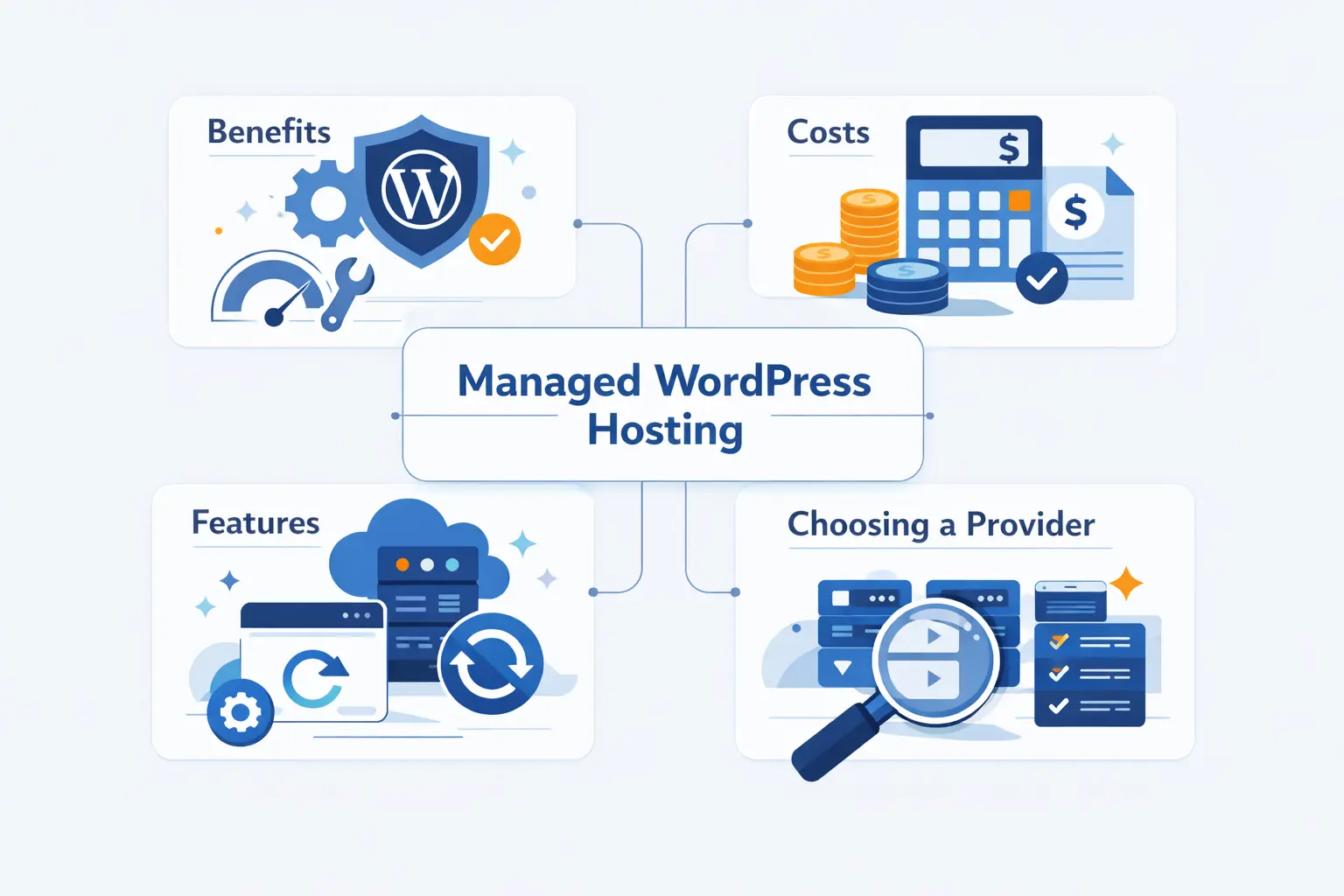
- What Managed WordPress Hosting Actually Includes
- Who Should Use Managed WordPress Hosting
- The Biggest Benefits
- The Main Trade-Offs to Consider
- Features to Compare in a Plan
- Pricing and Total Cost of Ownership
- How to Choose the Best Managed WordPress Hosting Provider
- Providers Worth Comparing
- How to Move to Managed WordPress Hosting Without Downtime
- Managed WordPress Hosting FAQ
- How 1Byte Supports Managed WordPress Hosting Customers
- Conclusion: Choosing the Right Managed WordPress Hosting
At 1Byte, we think managed WordPress hosting makes sense when your website matters more than the thrill of tinkering with servers. If your site brings in leads, sales, bookings, or steady traffic, the extra management layer can be worth every dollar. You are not just paying for disk space. You are paying for fewer surprises, safer updates, and a hosting stack tuned for WordPress.
We also think this topic gets oversimplified. Many plans sound similar on the sales page, yet the real differences show up when traffic spikes, a plugin update breaks something, or a backup needs to be restored fast. So let us look at what these plans really include, where they help, where they fall short, and how we would choose with clear eyes.
What Managed WordPress Hosting Actually Includes
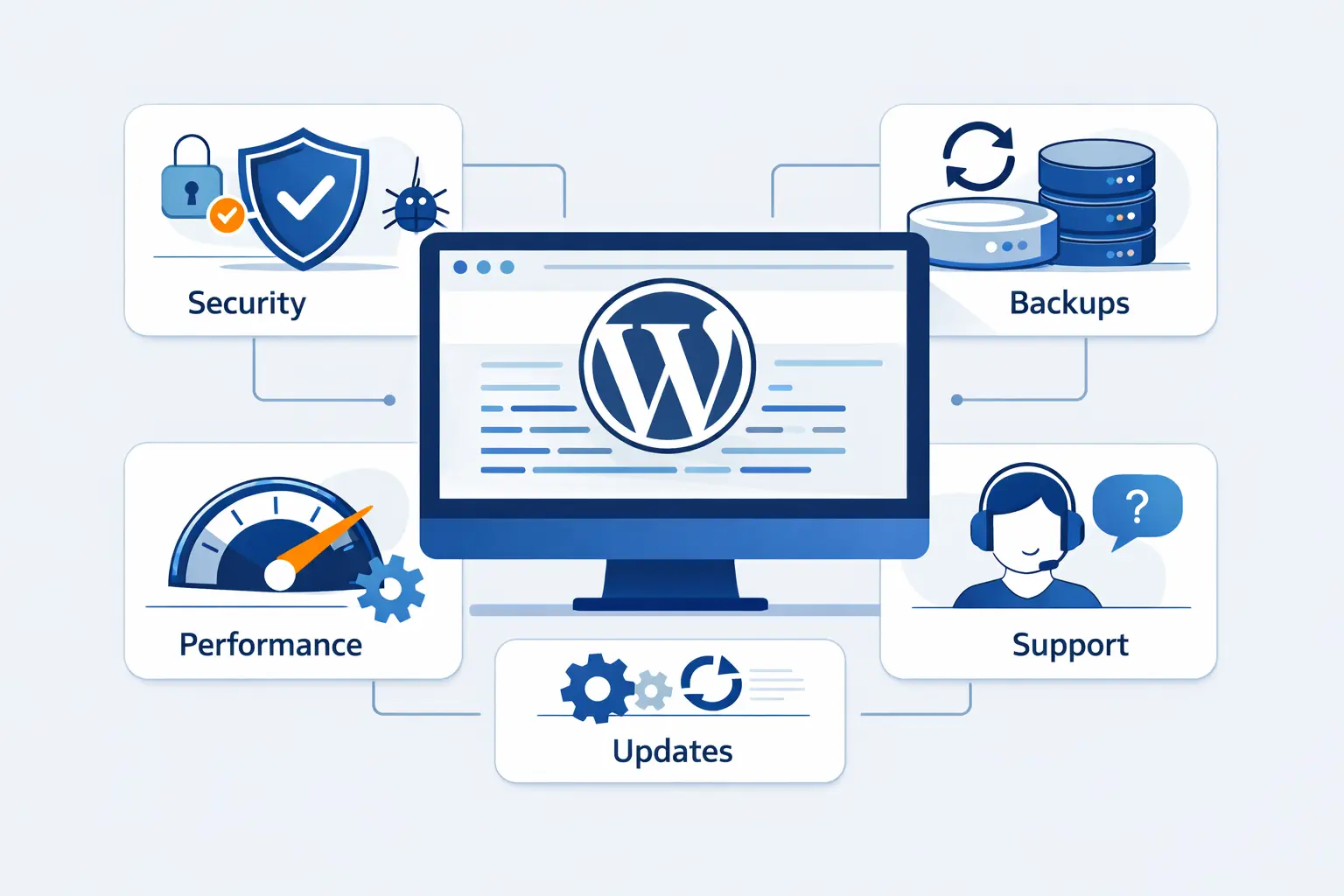
Managed WordPress hosting is not just regular hosting with WordPress preinstalled. The real value is the management layer around performance, security, updates, backups, and support. That layer is what separates a calm workday from a long night of avoidable troubleshooting.
1. How It Differs From Shared, VPS, and Unmanaged Hosting
We are not talking about a tiny niche. The broader hosting business is projected to reach $320.62 billion by 2030, which helps explain why providers now build specialized WordPress environments instead of offering only generic plans.
WordPress still runs 41.5% of all websites, so hosts have a strong reason to tune their platforms around its update cycle, plugin habits, and caching needs.
Shared hosting is the cheapest option, but it is also the most crowded. Your site shares resources with many other accounts, and management is usually basic. A VPS gives you more isolation and more control, but you or your team still handle much more of the stack. Unmanaged hosting gives the most freedom, but it also hands you more responsibility for patching, security, backups, and server tuning.
Managed WordPress hosting sits in the middle. You still get flexibility inside WordPress, but the provider takes on much of the infrastructure work. We think that balance is the main reason it appeals to growing businesses and busy teams.
2. The Technical Tasks Your Provider Handles for You
A good provider usually handles server maintenance, core platform hardening, routine patching, backup schedules, cache setup, and basic performance tuning. In many cases, they also manage firewall rules, malware scanning, and restore tools. That means your team is less likely to spend its afternoon comparing PHP versions, testing cache exclusions, or guessing why the admin area suddenly feels slow.
Some providers also take a safer approach to updates. Instead of forcing changes the moment WordPress releases them, they may stage or validate them first. That matters more than many beginners realize. A rushed plugin update can break a checkout flow, a form, or a page builder in a hurry.
3. The WordPress-Specific Features Most Plans Include
Most managed plans bundle features that target common WordPress pain points. Think staging environments, automatic backups, CDN integration, SSL, update tools, malware cleanup, and migration help. Higher tiers often add SSH, WP-CLI, Git, activity logs, and role-based access for teams.
We also see a newer layer arriving fast. Some providers now add AI helpers for site setup, content work, update guidance, or issue summaries. We like that direction when it reduces busywork. We dislike it when it is just decoration. The useful question is simple. Does the feature help you run a safer site, or is it just another badge on the pricing table?
Who Should Use Managed WordPress Hosting
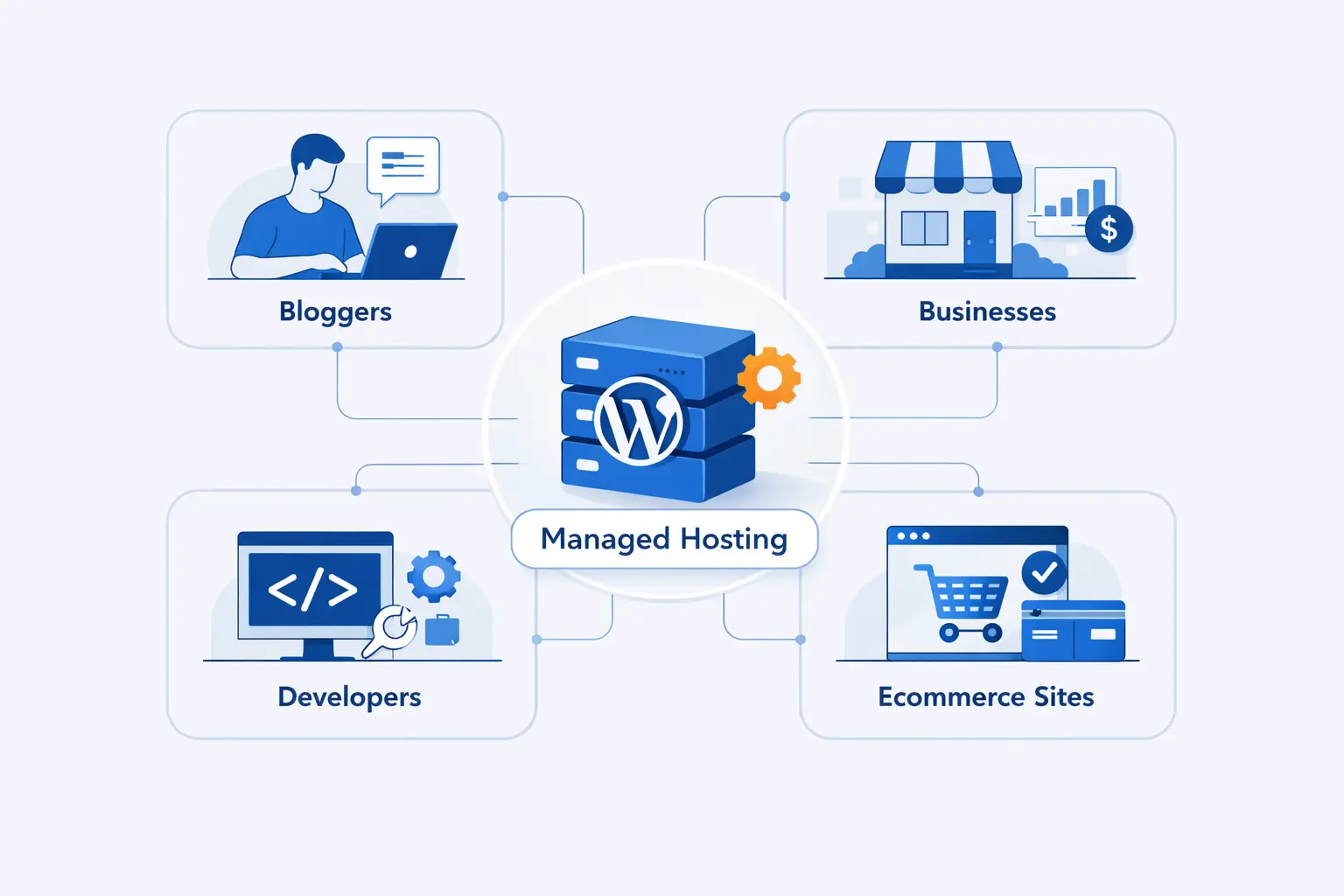
We do not think managed WordPress hosting is only for giant publishers. In practice, it is often the right fit for smaller organizations that cannot afford downtime and do not want to become part-time system administrators.
1. Small Businesses, Content Sites, and Brands That Need Reliability
If your site drives calls, appointments, contact form submissions, or ad revenue, reliability matters. A local law firm, a dental office, a personal finance blog, or a growing brand site can all benefit from better backups, stronger security defaults, and faster support. When the site plays a real business role, low-cost generic hosting starts to look less cheap.
We usually tell smaller teams to think in plain business terms. If a broken site costs you trust, leads, or sleep, managed WordPress hosting is already on the table.
2. Agencies, Developers, and Teams Managing Multiple Sites
Agencies and developers often need staging, safer deployments, clean handoffs, and separate access for clients or teammates. That is where managed platforms start to earn their keep. Instead of building the same workflows from scratch on every server, you get repeatable tools and clearer guardrails.
We pay close attention to agency case studies because the pain is familiar. One WP Engine story highlights smoother delivery for 80+ nonprofit customers after dealing with fluctuating bills and downtime, and that is the sort of operational drag most agencies want gone.
3. High-Traffic, Ecommerce, and Enterprise WordPress Websites
Busy sites need more than a pretty dashboard. They need consistent behavior under pressure. Ecommerce stores, membership sites, publishers, and enterprise portals often run dynamic pages that cannot rely on simple page caching alone. Cart sessions, logged-in users, search queries, and checkout requests all add complexity.
That is why we see managed WordPress hosting as especially helpful for WooCommerce and high-traffic publishing. The provider is not just hosting pages. They are reducing the odds that growth turns into chaos.
The Biggest Benefits
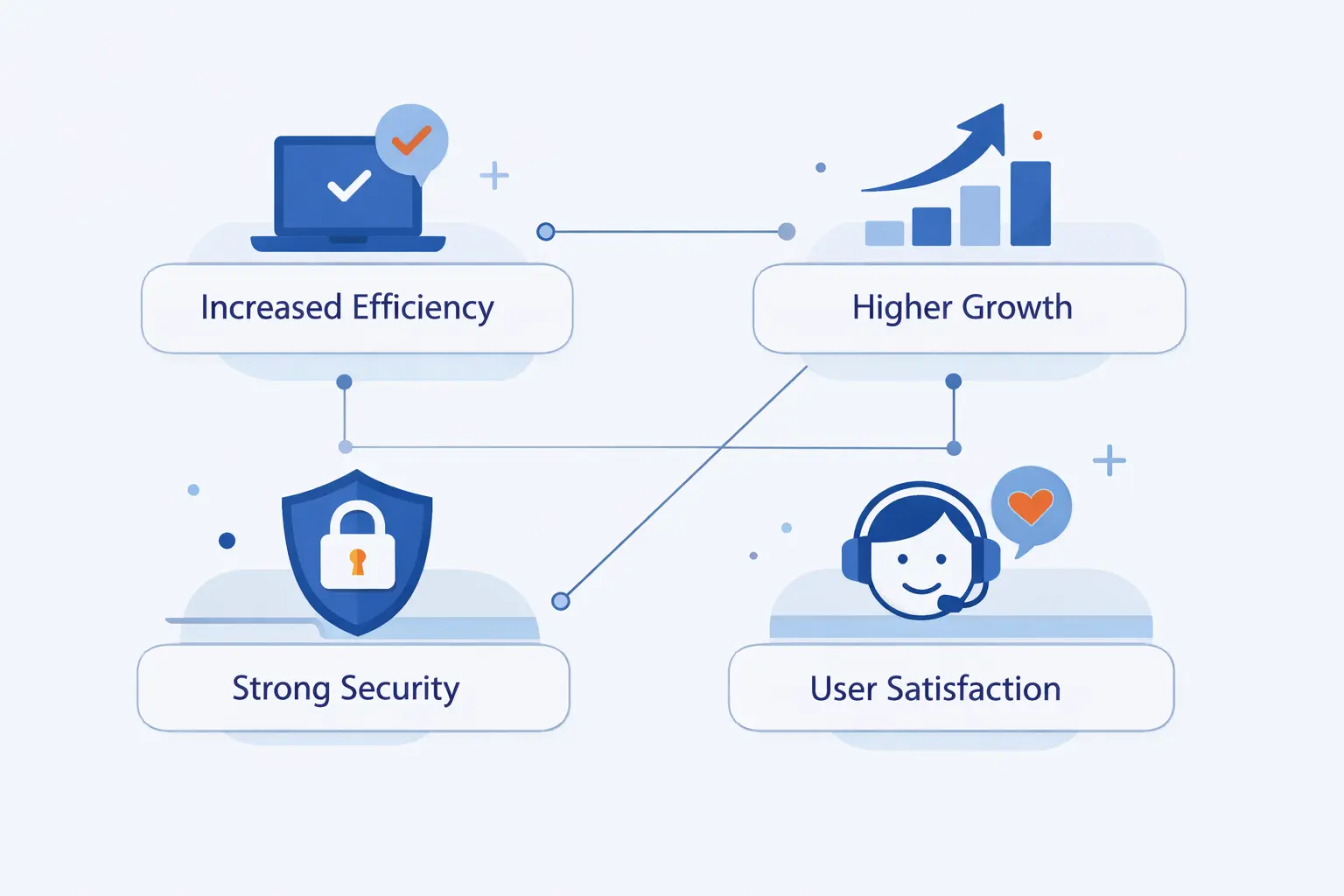
The best managed WordPress hosting plans do not simply add features. They remove friction. We think that is the clearest way to judge them. Do they make your site easier to run, safer to update, and faster for real visitors?
1. Faster Performance Through Caching, CDN Delivery, and Optimized Infrastructure
Performance is usually the first thing people notice. Managed platforms often ship with server-side caching, CDN support, optimized PHP settings, and database tuning that would take more work to assemble on your own. That does not mean every site becomes lightning fast overnight. A bloated theme can still drag its feet. But a tuned stack gives WordPress a better place to start.
We also like that strong providers tune around WordPress behavior, not just raw server specs. That includes cache rules for logged-in users, admin performance, media delivery, and object caching where it makes sense.
2. Stronger Security Through Firewalls, Malware Protection, and Daily Backups
Security is where managed plans often justify their price. Web application firewalls, malware scanning, backup retention, login protection, update policies, and patching all reduce common risks. These are not glamorous features, but they matter when a plugin vulnerability shows up or an admin account gets targeted.
We would still never call managed hosting a substitute for good habits. You still need sane passwords, careful plugin choices, limited admin access, and a clean theme stack. Managed hosting lowers risk. It does not erase it.
3. Less Maintenance Through Auto Updates, Expert Support, and Safer Workflows
This is the part many buyers undervalue. Less maintenance means fewer manual checks, fewer update gambles, and less time spent asking basic server questions in developer chat. Good managed hosting gives you safer workflows. You test changes before launch, restore when needed, and ask support teams that understand WordPress instead of reading from a generic script.
For small teams, that time savings is practical. For agencies, it is margin. For in-house teams, it is attention they can put back into content, design, or growth work.
The Main Trade-Offs to Consider
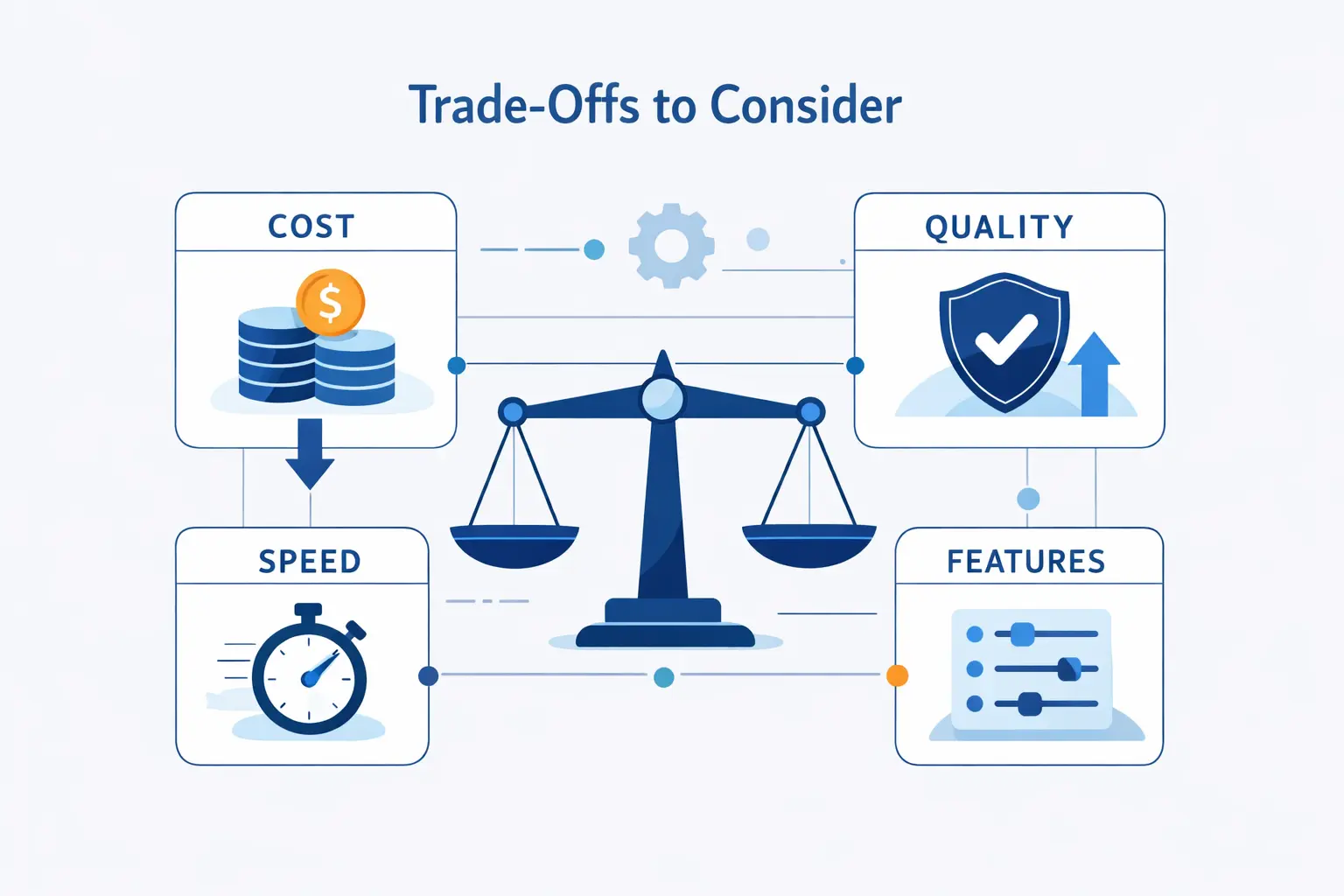
No hosting choice is perfect. We think the smartest buyers are the ones who accept the trade-offs early, before they migrate and discover what they gave up.
1. Higher Pricing and Renewal Costs
Managed WordPress hosting usually costs more than plain shared hosting. Sometimes the gap is small. Sometimes it is wide enough to make beginners flinch. That is normal. You are paying for management, support, and tooling, not just storage and bandwidth.
The catch is that intro prices can make plans look closer than they really are. Renewal pricing, paid add-ons, extra site fees, premium support, and traffic overages can all change the picture. We always recommend looking at the total annual cost, not just the first checkout screen.
2. Plugin Restrictions and WordPress-Only Limits
Some providers restrict plugins that duplicate built-in backups, caching, or security features. From our view, that is not always bad. In many cases, it prevents conflicts and poor performance. Still, if you rely on a favorite backup plugin or a very specific caching setup, you need to check the rules first.
You also need to remember the obvious truth hiding in plain sight. Managed WordPress hosting is built for WordPress. If you want to run a custom app, a separate Node service, or a mixed stack on the same environment, it may feel cramped.
3. Less Server Access and Fewer Low-Level Customization Options
This is the classic trade. The more the provider manages, the less deep control you usually keep. Many managed platforms limit root access, custom server modules, or unusual background processes. That makes the environment safer and more predictable, but it can frustrate advanced users.
We think that is a fair trade for most businesses. If you truly need low-level control, you may be better served by a cloud server or a well-managed VPS instead of a tightly opinionated WordPress platform.
Features to Compare in a Plan
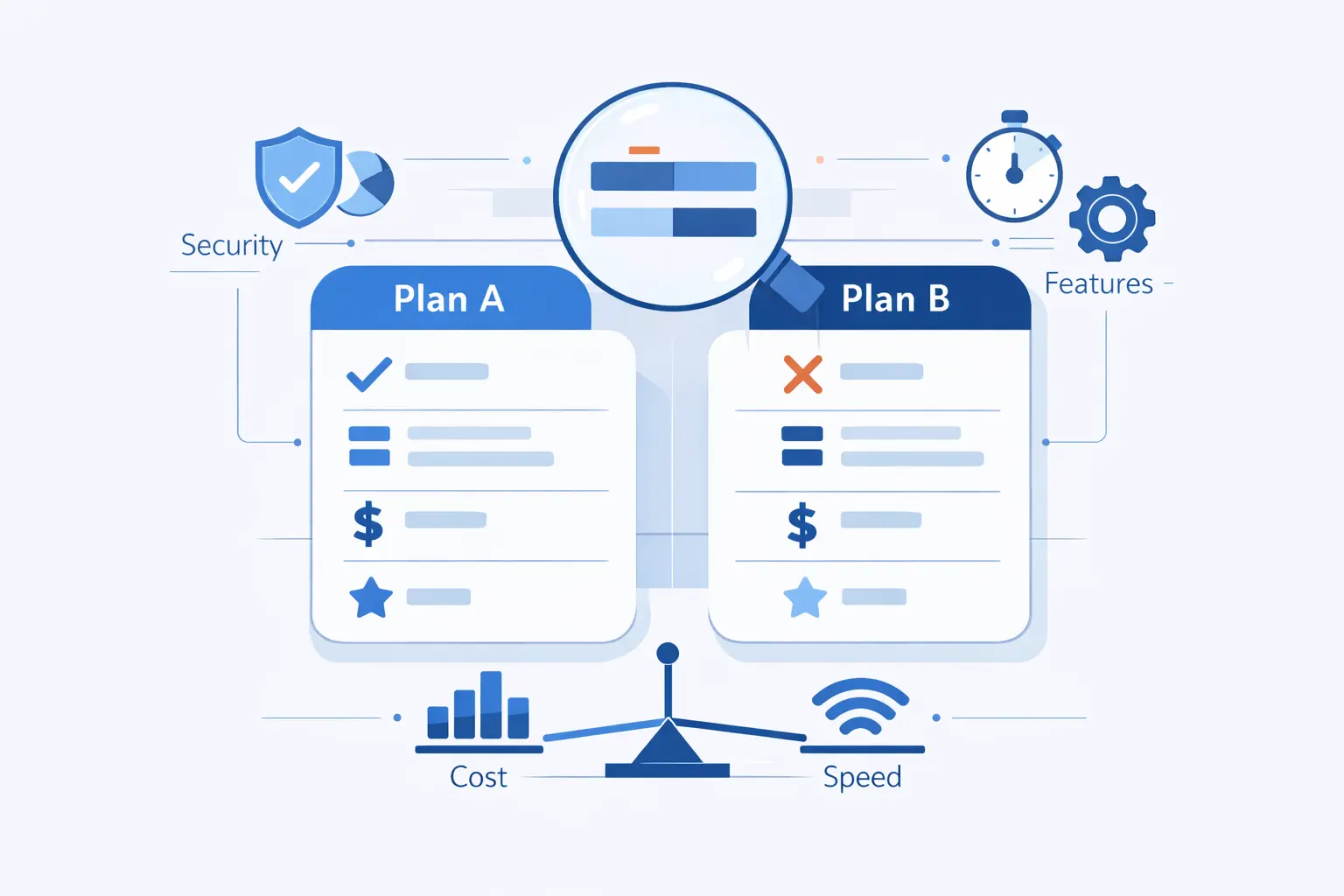
Feature checklists can be noisy. We prefer to group them by real use. Can you update safely, work comfortably, and recover quickly when something goes wrong? Those questions cut through the clutter fast.
1. Staging, Safe Updates, and Seamless Migrations
Staging should be easy to use and easy to trust. You want a quick copy of the site, a clear path to test changes, and a safe way to push or discard those changes. Migration tools matter too. A hand-held move is often worth more than another line item in a feature grid, especially for stores, multilingual sites, or large media libraries.
We also look for update safety. The best plans make it simple to back up first, test changes, and roll back if needed. That is a practical feature, not a luxury.
2. Git, SSH, WP-CLI, and Other Developer Tools
Developer tools are not only for developers. They are also workflow tools. SSH access, Git support, WP-CLI, cron access, logs, and environment controls can save time and reduce mistakes. If your team touches code, these options matter more than fancy marketing phrases.
We would not assume they are included. Some starter plans stay intentionally simple. Others reserve the better tooling for higher tiers. If you build custom themes, run deployment workflows, or support client sites, check this section carefully.
3. AI Automation, Collaboration Tools, and Site Management Features
AI features are starting to show up across the hosting market. We think the useful ones do a few clear jobs well. They help summarize issues, guide updates, manage repetitive admin work, or support content tasks inside the site workflow. The weak ones simply add noise.
Collaboration tools deserve equal attention. Separate logins, activity history, approval flows, and cleaner client handoff can prevent confusion and protect the production site. For teams, these details are often more valuable than a slight difference in raw server specs.
Pricing and Total Cost of Ownership
The sticker price is only the start. With managed WordPress hosting, real cost comes from renewals, site limits, support quality, add-ons, and the amount of labor the platform saves your team over time.
1. What Entry-Level, Growth, and Premium Plans Usually Include
If you want a beginner-friendly reference point, GoDaddy opens low with plans starting at $6.99 a month, which makes it attractive for small business owners who want a simple setup and room to add marketing extras later.
SiteGround is another common entry point, with plans beginning at $2.99 a month, and we think that makes sense for buyers who want a low first bill but are willing to watch renewal terms closely.
At the premium end, WP Engine starts at $30 a month, and that pricing tells you right away that it is selling a managed platform experience rather than a bargain starter account.
Cloudways takes a different path, starting at $11 a month, which appeals to teams that want more cloud choice and more direct control without going fully unmanaged.
In broad terms, entry plans are for simpler sites, growth tiers add workflow and collaboration features, and premium plans are built for heavier traffic, stronger support expectations, or more complex teams.
2. How Resource Limits, Add-Ons, and Renewal Terms Affect Cost
Cost rises in ways that are easy to miss. Some plans meter visits. Others care more about storage, server size, or add-on services. You may also pay more for longer backup retention, advanced security, premium migration help, higher support levels, or extra team access.
Renewal terms deserve special attention. We have seen many buyers focus on launch cost, then feel burned later. Read the billing cycle, the renewal rate, and any charges tied to extra sites or resource spikes. Those details often matter more than the first discount.
3. When Paying More Saves Time, Downtime, and Internal Resources
We do not think the cheapest plan is automatically the most efficient plan. If a better host prevents broken updates, reduces slowdowns, and gives you faster recovery when something fails, the math changes. A single outage during a campaign or a checkout problem during a busy period can cost more than a year of hosting savings.
That is why we frame this as total cost of ownership. Sometimes paying more means buying back staff time, protecting revenue, and avoiding rework. In our experience, that is where managed WordPress hosting earns its place.
How to Choose the Best Managed WordPress Hosting Provider
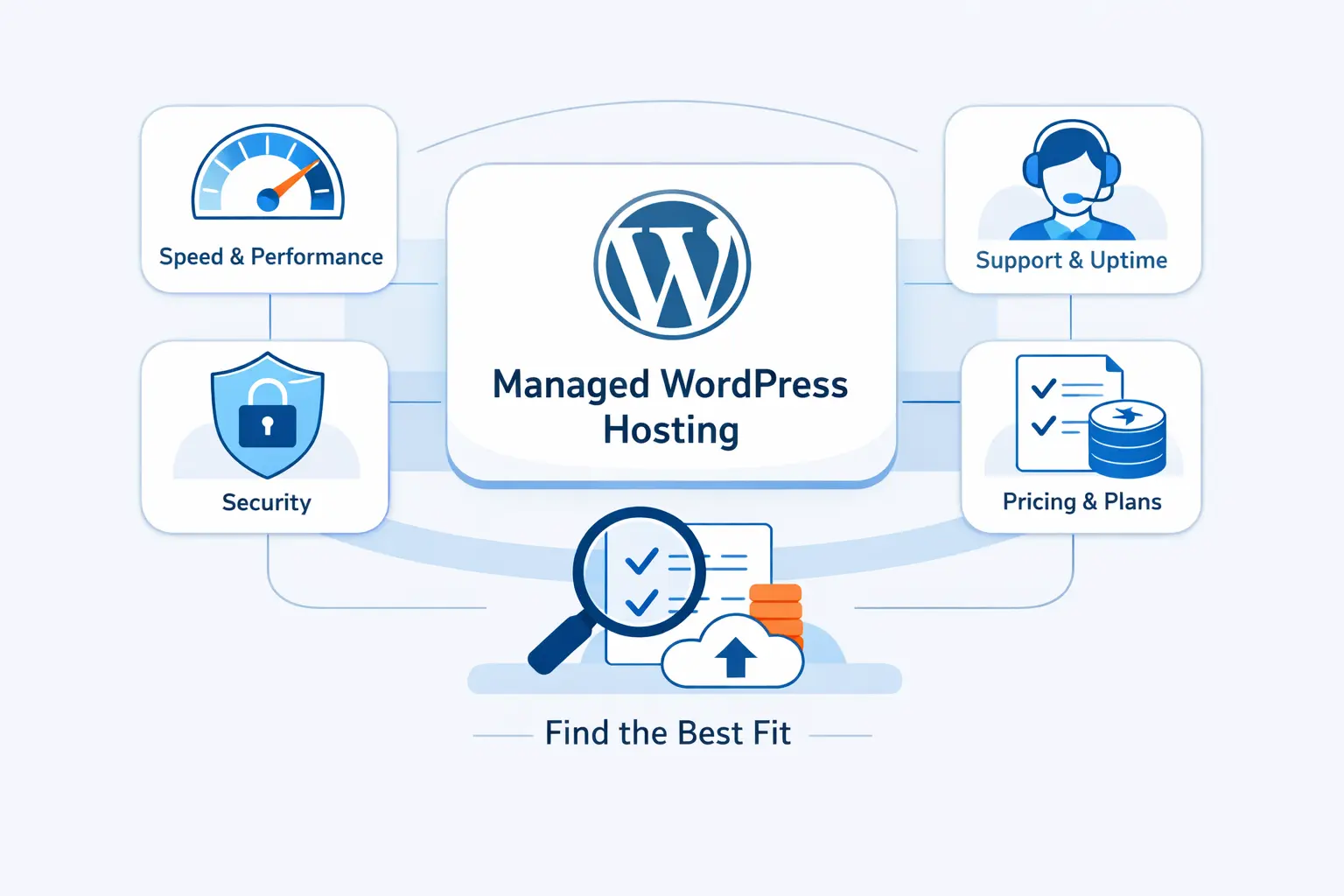
We would not choose a provider by brand name alone. The better approach is to match the plan to your site’s real behavior, your team’s skill level, and the amount of risk you are willing to manage yourself.
1. Match the Plan to Traffic, Storage, and Growth Goals
Start with the shape of your site. Is it a brochure site, a content machine, a store, or a member area? Does it have many logged-in users, lots of images, or frequent plugin changes? A provider that feels generous for a blog may feel cramped for a store with dynamic traffic.
We also suggest buying for the next stage, not just the current week. You do not need to overbuy. You do need a path forward that does not force a painful rebuild when traffic rises.
2. Compare Support Quality, Uptime, and Migration Help
Support quality is harder to measure on a landing page, but it matters. Ask what happens when a plugin conflict breaks the site, when a migration stalls, or when DNS changes go sideways. Some teams only cover infrastructure. Others help you think through WordPress-specific problems.
Migration help is part of the support story. We tend to value a clean, well-guided move more than a long feature list. If the migration is stressful, every other feature starts with a bad taste.
3. Verify Speed, Security, and Backup Standards Before You Commit
Before you buy, verify the basics. How often are backups created? How quickly can you restore? What security controls are included by default? Is staging available on your tier? Do you get logs, developer tools, and a sensible update workflow?
We also like to check where the line is drawn between “managed” and “your problem.” That answer tells you a lot about the provider’s mindset.
Providers Worth Comparing
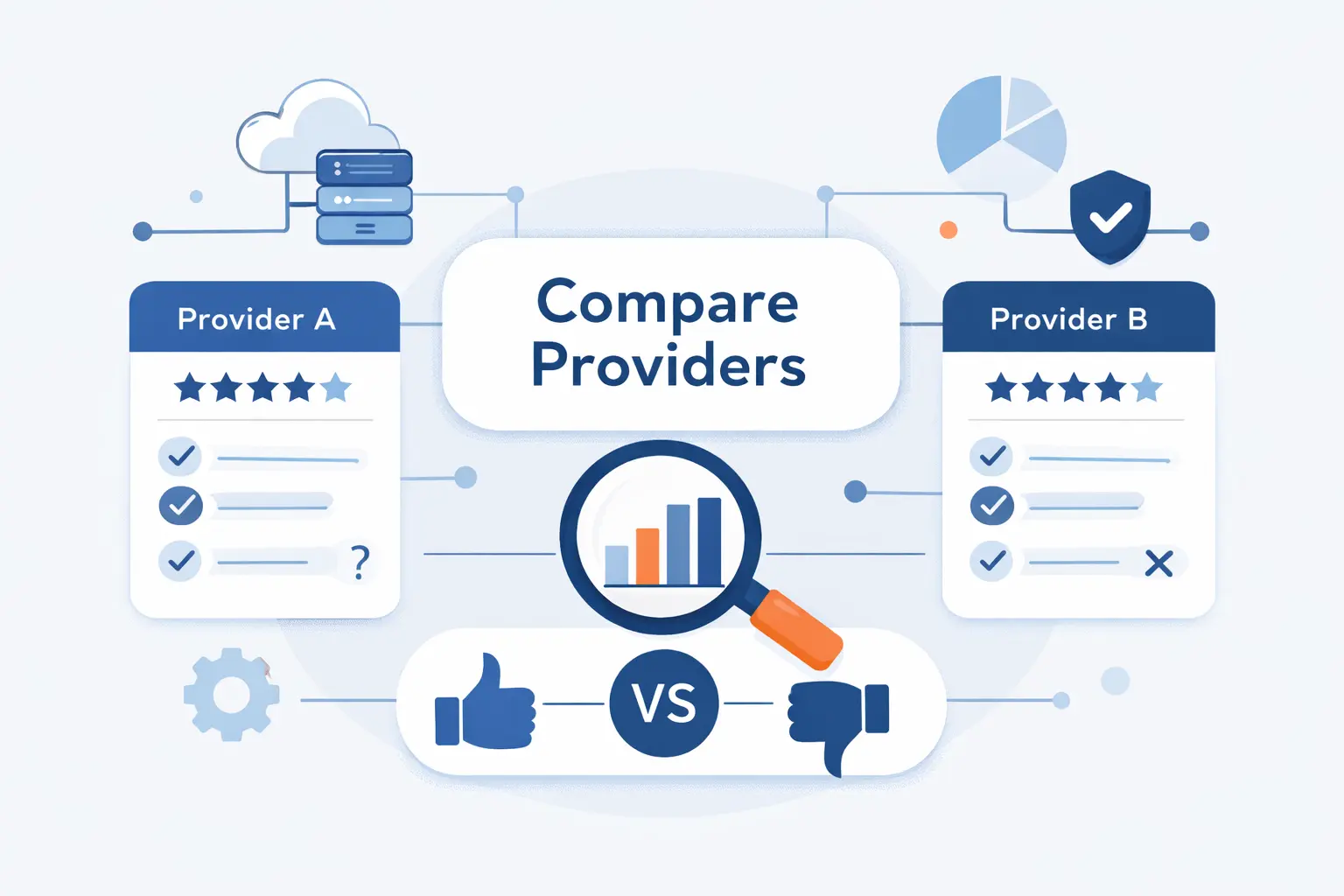
We would not treat these providers as interchangeable. Each one tends to fit a different kind of buyer, and knowing that upfront saves time.
1. GoDaddy and SiteGround for All-in-One Setup and Small Business Workflows
GoDaddy is often the easier sell for beginners who want domains, hosting, and business tools under one roof. SiteGround usually feels stronger when the buyer wants more hosting-focused workflow tools earlier in the journey. We think both can work well for small business sites, but they serve slightly different temperaments. GoDaddy leans toward convenience. SiteGround leans toward a more hands-on hosting toolkit.
2. WP Engine for Premium Support, Developer Tools, and Enterprise Growth
WP Engine is the premium option many teams shortlist when WordPress is central to the business. We usually place it higher for agencies, established brands, and larger organizations that care about safer deployment workflows, WordPress-specific support, and a platform built with more opinionated guardrails. It costs more, but the point is not price alone. The point is operational confidence.
3. Cloudways for Flexible Cloud Infrastructure, Scaling, and Team Workflows
Cloudways stands out when you want cloud flexibility without taking on a fully unmanaged server. We think it is a strong fit for agencies, developers, and growing businesses that want more say over infrastructure choices and scaling behavior. It is not always the simplest path for a true beginner, but it can be a very practical middle ground between convenience and control.
How to Move to Managed WordPress Hosting Without Downtime
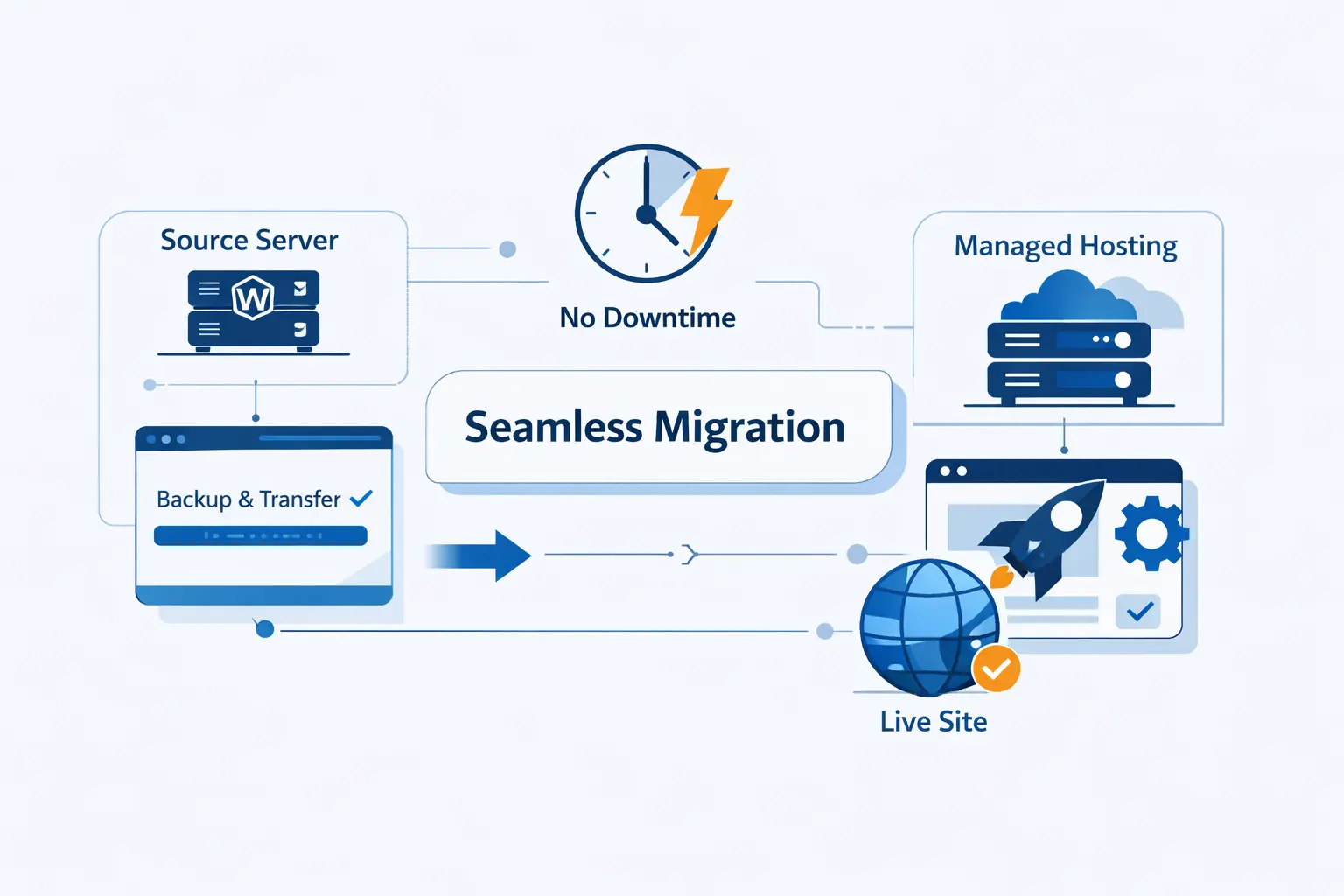
A good migration is rarely about luck. It is about preparation, testing, and a rollback plan that you trust before the DNS change happens.
1. Audit Plugins, Themes, Backups, and Site Requirements First
Before moving, list your active plugins, theme dependencies, form handlers, payment flows, scheduled tasks, and any unusual server requirements. If the site sends mail, runs a store, uses redirects, or depends on custom caching rules, write that down. This step catches most avoidable surprises.
We also recommend cleaning house before the move. Remove unused plugins, old themes, and stale backup files. A leaner site migrates more cleanly and is easier to test.
2. Use Staging, Testing, and Restore Points to Reduce Risk
Do not migrate straight into production and hope for the best. Use a staging copy, verify the theme, forms, search, logins, and checkout flow, then take a fresh restore point before launch. That gives you a way back if something odd appears after cutover.
In our view, the goal is not perfection. The goal is controlled risk. That is a much saner target.
3. Check Speed, Security, and Site Functionality After Launch
Once the site is live, test what real visitors use. Open the contact form, reset a password, submit a comment if comments matter, test the cart if you sell products, and confirm SSL and redirects behave as expected. Then watch logs and alerts closely for the next stretch.
We have seen many migrations declared “done” too early. A site is only truly done when the boring things work again, because the boring things are usually what pays the bills.
Managed WordPress Hosting FAQ
These are the questions we hear most often from teams trying to decide whether managed WordPress hosting is a smart next move or an unnecessary upgrade.
1. Is Managed WordPress Hosting Worth It?
Yes, if the website matters to your business and you do not want to manage the server stack yourself. If the site is tiny, rarely updated, and not business-critical, a simpler plan may be enough for now.
2. What Is the Difference Between Managed WordPress Hosting and Shared Hosting?
Shared hosting mainly gives you a place to run a site. Managed WordPress hosting adds a more specialized support and maintenance layer. That usually includes better update handling, stronger defaults, safer backups, and tooling built around WordPress workflows.
3. Do I Need Managed WordPress Hosting to Start a Website?
No, not always. Many beginners can start with a simpler plan. The upgrade becomes more compelling when traffic grows, revenue depends on the site, or your team wants fewer technical chores.
4. Does Managed WordPress Hosting Include Backups, Staging, and Migrations?
Often, yes. But not every plan includes all three, and not every provider offers them on every tier. We always advise checking the exact plan details, not assuming the word “managed” covers everything.
5. Can I Install Plugins and WooCommerce on Managed WordPress Hosting?
Usually, yes. WooCommerce support is common, and most plugins work fine. Still, some providers restrict certain backup, caching, or security plugins to avoid conflicts with built-in platform tools.
How 1Byte Supports Managed WordPress Hosting Customers
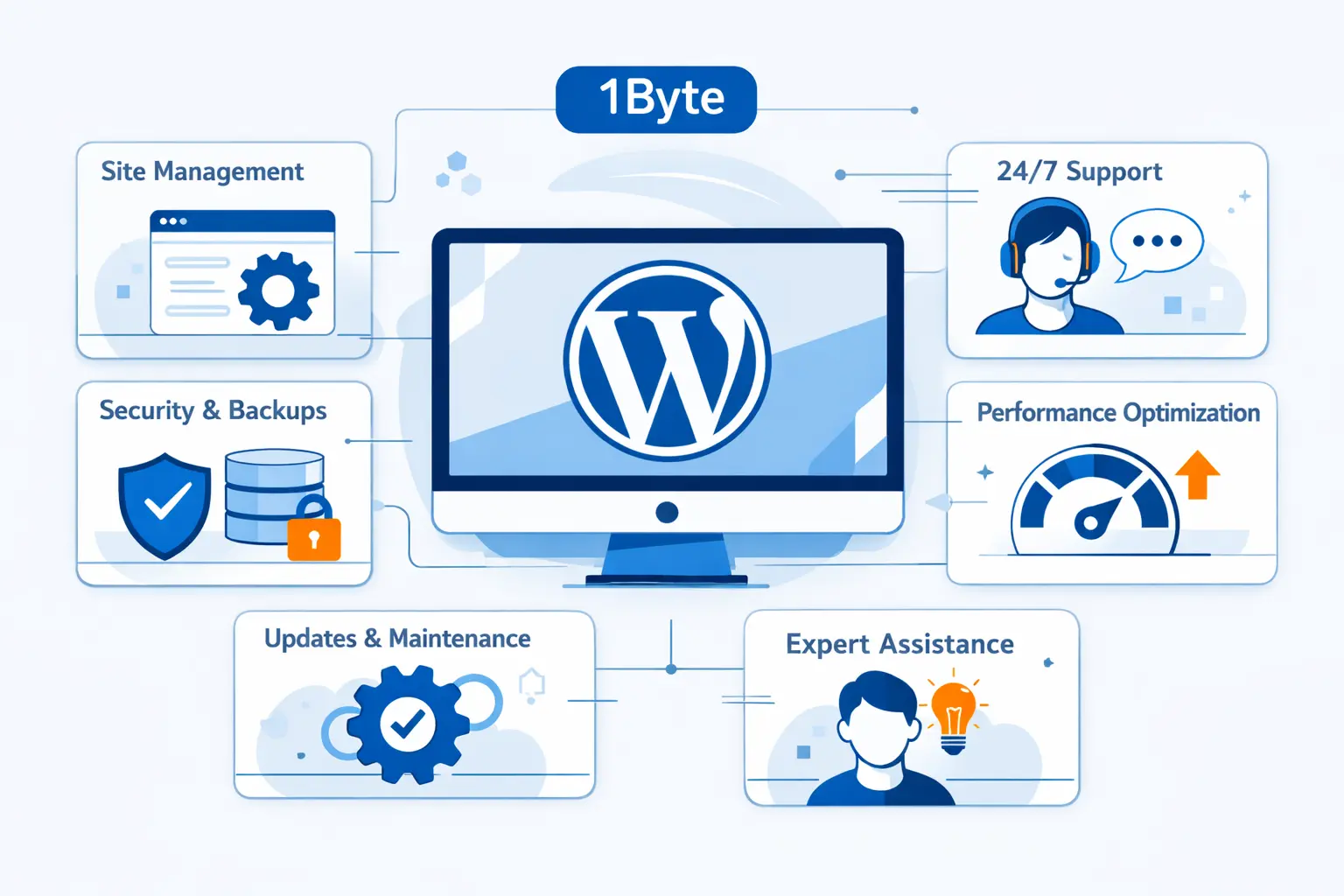
At 1Byte, we approach this from an operator’s point of view. Customers need the right setup for today, but they also need a realistic path for tomorrow. That means fewer vendor headaches, clearer growth options, and hosting choices that do not paint them into a corner.
1. Domain Registration, SSL Certificates, and WordPress Hosting in One Place
We like keeping the basics together when it makes life easier. If your domain, SSL, and hosting are managed in one place, setup is cleaner and routine administration feels less scattered. That is especially helpful for small businesses that want clarity more than complexity.
2. Shared Hosting, Cloud Hosting, and Cloud Servers for Every Growth Stage
We do not believe every WordPress site should start on an expensive platform. Some projects belong on shared hosting. Others need cloud hosting or dedicated cloud server resources as traffic grows. Our view is simple. Start with what fits, then move up before performance and risk become painful.
3. AWS Partner Support for Scalable, Secure WordPress Infrastructure
When a site becomes business-critical, architecture starts to matter more than brochure language. That is where our AWS partner support mindset becomes useful. We help customers think through scaling, isolation, backups, and security in a way that supports real growth instead of improvised patchwork.







Conclusion: Choosing the Right Managed WordPress Hosting
Managed WordPress hosting is not just about faster servers. It is about safer operations, clearer workflows, and less time spent babysitting the platform under your website. For some owners, that is overkill. For others, it is the difference between a site that quietly supports the business and a site that keeps demanding rescue.
At 1Byte, we would choose based on workload, risk, and team capacity. If you need an easy all-in-one setup, look for convenience. If you need stronger developer workflows, look for depth. If you expect growth, look for a clean upgrade path. Make the decision with those priorities in mind, and managed WordPress hosting becomes much easier to judge.