

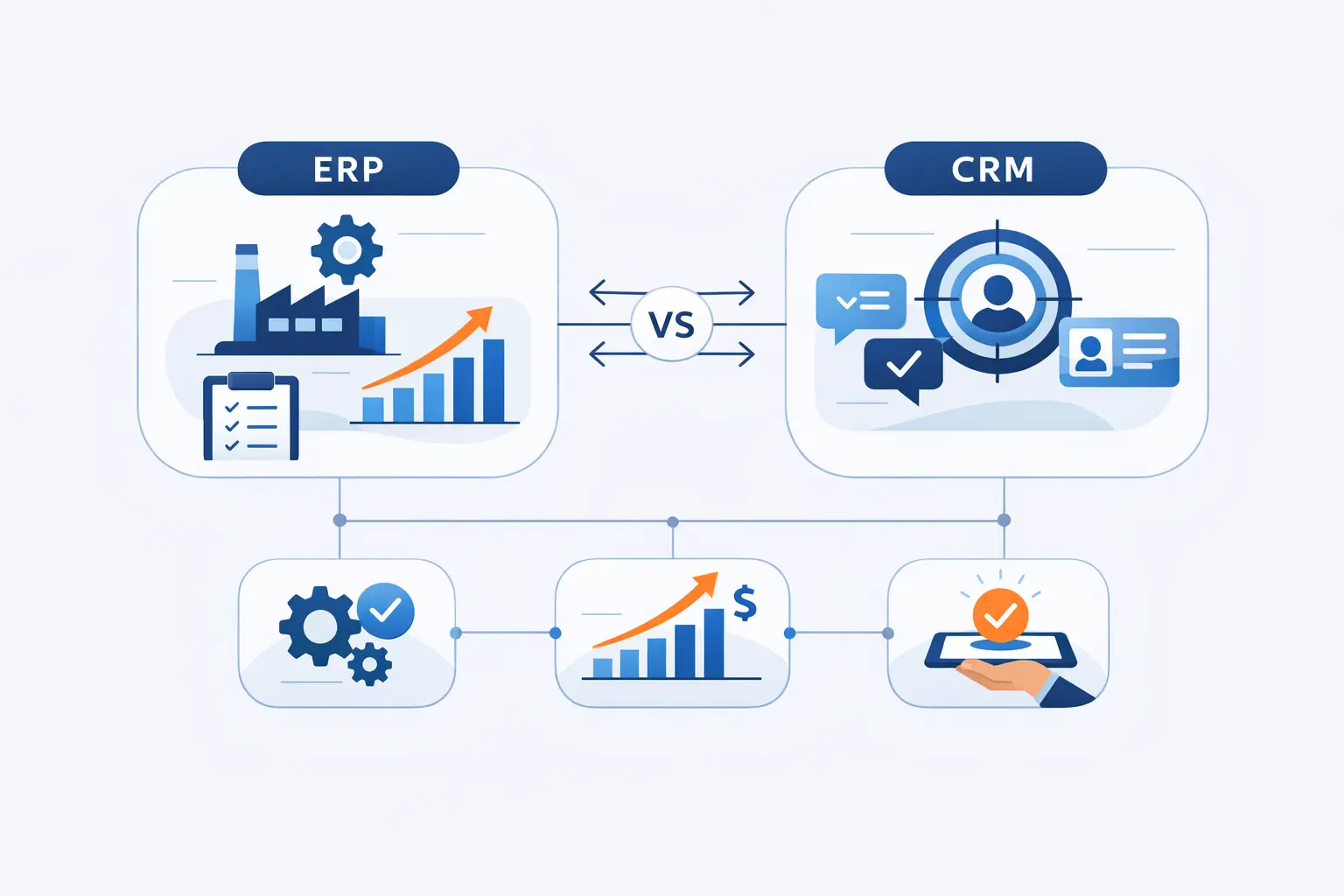
- ERP vs CRM at a Glance
- What Is CRM?
- What Is ERP?
- ERP vs CRM Key Differences
- ERP vs CRM Similarities
- ERP vs CRM Benefits
- ERP vs CRM Integration Benefits
- How to Choose ERP CRM or Both
- Cloud Deployment and AI in ERP vs CRM
- ERP vs CRM FAQ
- How 1Byte Supports the Cloud Infrastructure Behind ERP and CRM
- Final Thoughts on ERP vs CRM
From our seat at 1Byte, the ERP vs CRM question usually appears when a business can no longer improvise its way through growth. Gartner forecast public cloud end-user spending would reach $723.4 billion in 2025, and that tells us this decision now sits inside a cloud-first operating model, not just a software shortlist.
McKinsey found 88% report regular AI use in at least one business function, so buyers increasingly expect ERP and CRM tools to automate work, surface recommendations, and connect data across teams. In plain English, CRM helps businesses win, serve, and retain customers, while ERP helps them fulfill, control, and account for what they promised. For most growing companies, the real question is not which acronym sounds more impressive, but which bottleneck hurts more right now.
ERP vs CRM at a Glance
At the simplest level, SAP says ERP connects financial and operational systems to a central database while CRM manages customer interactions, and we still think that is the cleanest beginner definition. One system faces the customer; the other keeps the engine room running.
1. Front Office and Back Office Roles
CRM lives in the front office, where sales teams track opportunities, marketers manage campaigns, and service agents resolve issues. Meanwhile, ERP lives in the back office, where finance closes books, operations plan work, procurement buys stock, and supply chains keep promises. The catch is that customers do not experience those layers separately; a late shipment or billing error turns an internal process failure into an external relationship problem very quickly.
2. Customer Data and Operational Data
Customer data usually means contacts, accounts, emails, calls, campaigns, tickets, and buying history. Operational data usually means invoices, purchase orders, inventory balances, payroll records, receiving events, and financial entries. Once an order is placed, those two worlds collide, which is why businesses eventually care so much about integration and shared context instead of treating CRM and ERP as separate islands.
3. Common Reasons Businesses Compare ERP and CRM
Most companies compare ERP vs CRM when growth exposes cracks in the old setup. Sometimes leads are slipping through the cracks, and sometimes month-end close, stock visibility, or approval flows are the bigger mess. Either way, duplicate entry, spreadsheet sprawl, and disconnected reporting usually signal that a core system choice can no longer wait.
What Is CRM?
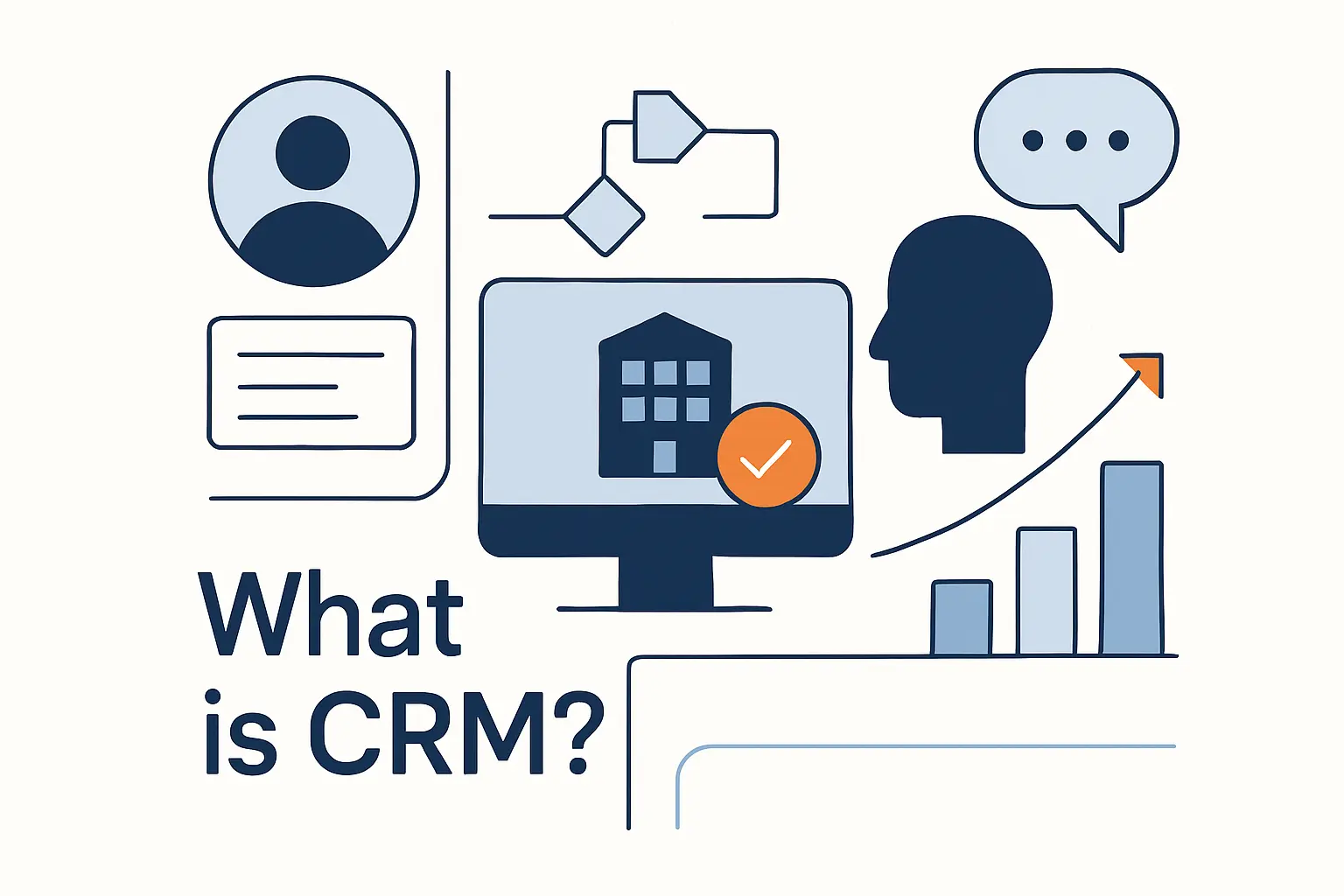
To us, CRM is less a database than a coordination layer for revenue teams. Rather than forcing staff to dig through inboxes, chat threads, and personal notes, it creates a shared record of relationship context, pending work, and service history.
1. Core CRM Functions Across Sales Marketing and Service
Salesforce highlights contact management, sales pipeline tracking, customer service tools, marketing automation, reporting and analytics, AI capabilities, mobile access, and integrations as core CRM features, which is a solid summary of the category. Put simply, sales uses CRM to manage deals, marketing uses it to segment and nurture audiences, and service uses it to track cases and response history. Because all three teams touch the same customer, the platform works best when each handoff updates the same record instead of creating a fresh silo.
2. How CRM Centralizes Customer Interactions and History
A good CRM centralizes conversations across email, web forms, chat, phone calls, meetings, and support activity. That shared history matters because the next employee who picks up an account should not have to start from zero. In practice, the famous full-customer-view idea only works when data capture is disciplined, permissions are clear, and connected tools feed the same account record.
3. Key CRM Capabilities Such as Contact Management Automation and Analytics
Beyond storing contacts, modern CRM supports lead scoring, task automation, sequence management, case routing, dashboards, forecasting, and increasingly AI-assisted suggestions. For beginners, the big win is not the shiny interface but the way the system nudges teams toward repeatable follow-up. Left unmanaged, customer work becomes tribal knowledge; inside CRM, it becomes a measurable workflow.
What Is ERP?
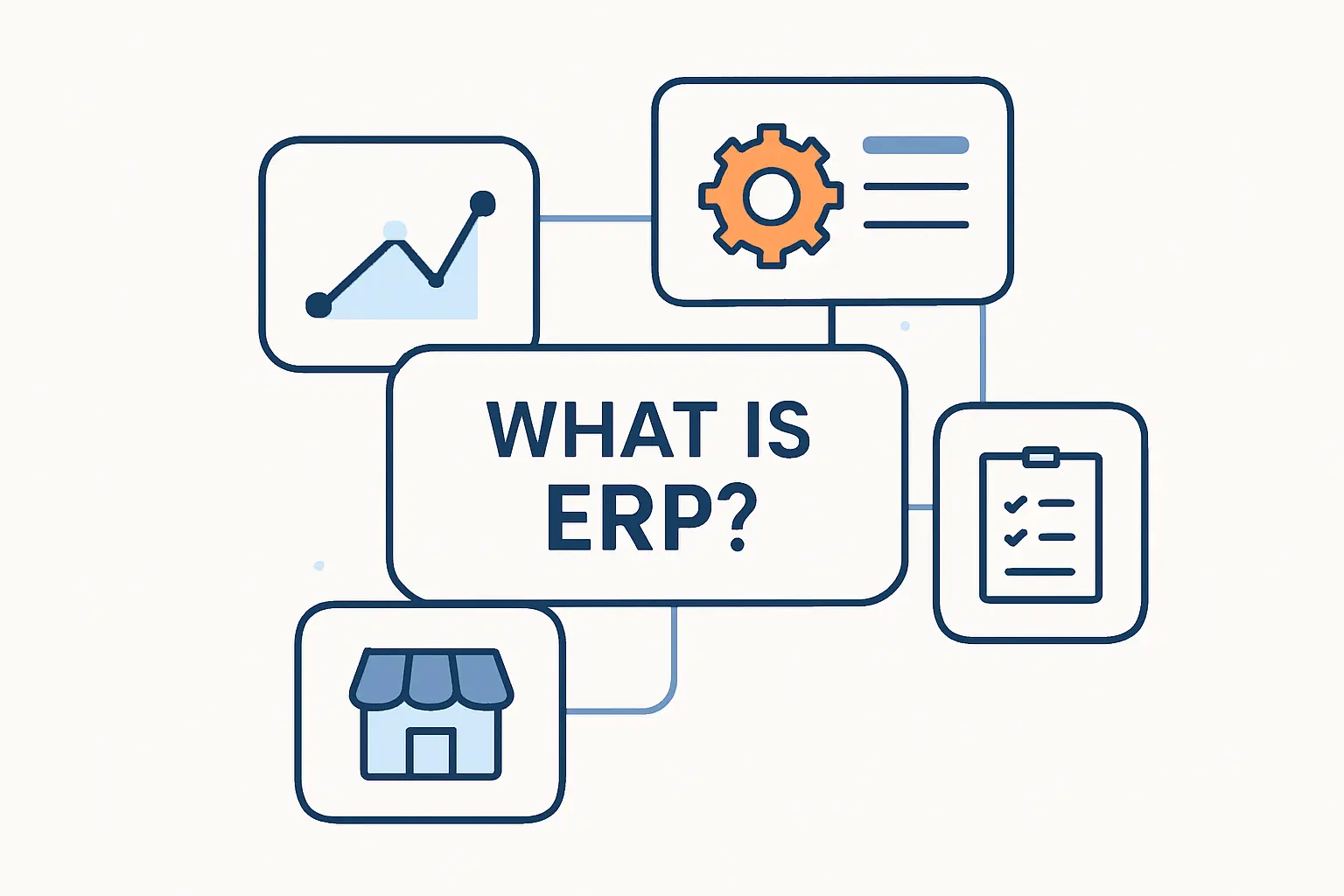
By contrast, ERP is built to coordinate how the business runs once a sale turns into a real obligation. From our perspective, it is less about persuasion and more about control, timing, accuracy, throughput, and financial clarity.
1. Core ERP Functions Across Finance Operations and Supply Chain
SAP describes ERP as software that streamlines finance, HR, manufacturing, supply chain, sales, and procurement in one system, and that breadth explains why implementations touch so many departments. Finance depends on it for the general ledger and close process, while operations rely on it for orders, purchasing, inventory, planning, and fulfillment. When a company makes or moves physical goods, ERP becomes the place where promises finally meet capacity.
2. How ERP Connects Departments Through a Single Source of Truth
ERP connects departments through a shared data model, not just through a shared login screen. As a result, a purchase receipt can update inventory, affect accounting, and influence order promises without three teams retyping the same information. To us, that single source of truth is the real prize because it improves control and shortens decision cycles at the same time.
3. Key ERP Capabilities Such as Accounting Inventory HR and Reporting
Typical ERP capabilities include accounting, accounts payable and receivable, inventory, procurement, reporting, approvals, and often HR-related workflows. Some suites also reach into warehouse execution, production planning, project management, and demand forecasting as complexity rises. For a small business, the first benefit is often cleaner financial and inventory visibility; for a larger one, the bigger gain is cross-department coordination at scale.
ERP vs CRM Key Differences
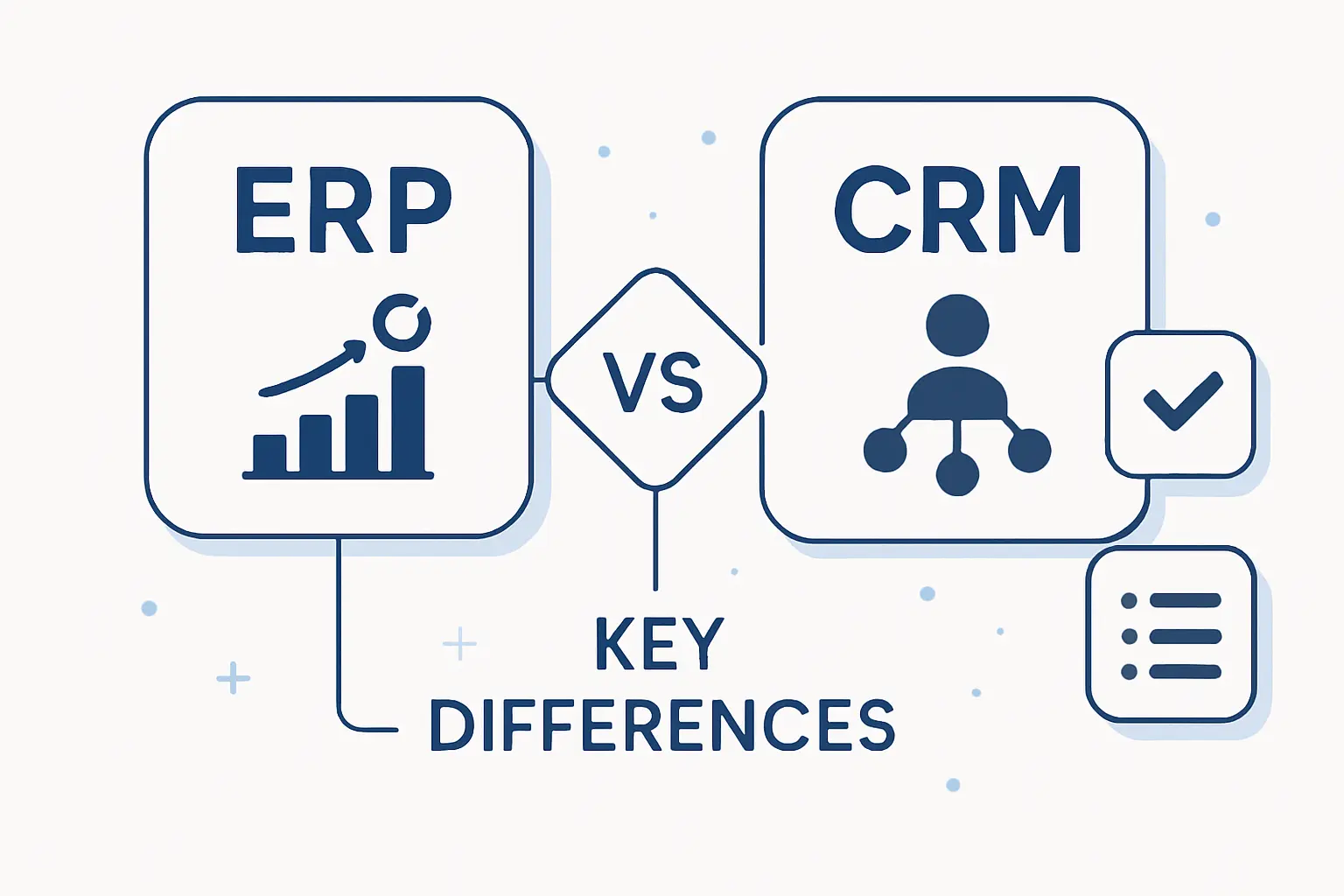
The key differences are easier to see when we stop thinking about feature checklists and start thinking about jobs to be done. One platform optimizes customer-facing growth, while the other optimizes internal execution and financial control.
1. Business Goals Users and Workflows
CRM is usually owned by sales, marketing, or service leaders who care about pipeline, conversion, response time, and retention. ERP is usually shaped by finance, operations, procurement, supply chain, and leadership teams that care about cost, compliance, inventory, cash flow, and throughput. Even when both systems touch the same order, they serve different primary users and very different operational rhythms.
2. Front Office and Back Office Responsibilities
Front-office work is outward-facing: campaigns, outreach, quoting, conversations, renewals, and support. Back-office work is inward-facing but mission-critical: purchasing, planning, receiving, billing, reconciliation, and reporting. Once more, the line is porous, because a quote without stock, credit, or delivery insight is not really sales intelligence at all.
3. System Scope and Feature Overlap
Feature overlap is real, and this is where many buyers get tripped up. Some ERP suites include light CRM functions, and some CRM tools expose orders, invoices, or service data through integrations. Depth is the deciding factor: a CRM showing invoice status does not make it a subledger, and an ERP storing customer records does not make it a true sales engagement system.
ERP vs CRM Similarities
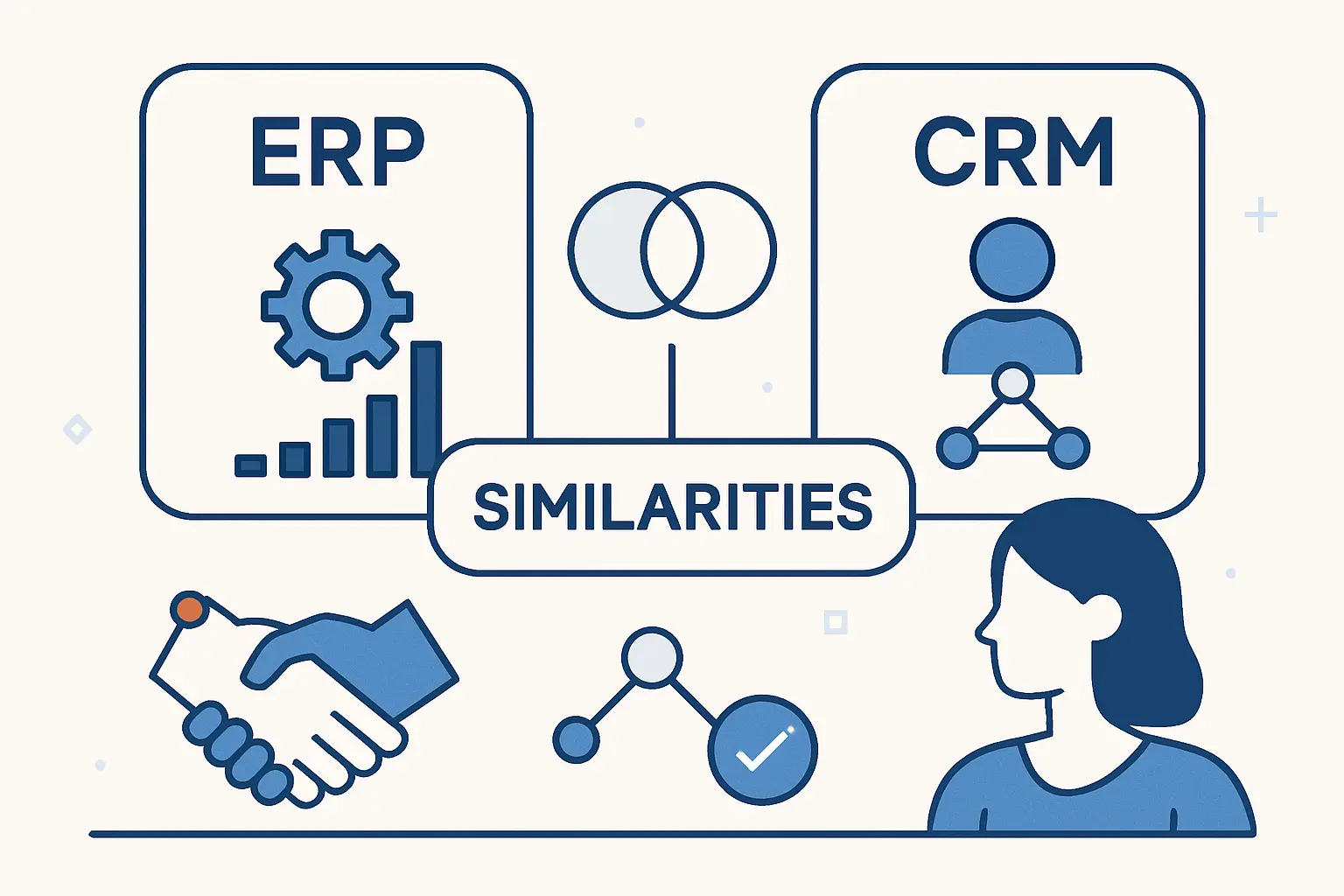
Still, ERP and CRM are closer cousins than most first-time buyers realize. Both are fundamentally about centralizing data, standardizing process, and giving teams a more reliable operating picture.
1. Centralized Data and Automation
Each system replaces scattered spreadsheets and ad hoc memory with structured records and workflow rules. Automation then turns those records into action by routing approvals, creating tasks, syncing updates, and flagging exceptions. That is why adoption matters so much; a half-used platform only centralizes part of the truth.
2. Real Time Visibility and Collaboration
Real-time visibility is not just a dashboard slogan. In CRM, it means a rep can see recent interactions before making a call; in ERP, it means finance or operations can see current orders, stock, and status before making a commitment. Better collaboration follows when teams are working from the same facts instead of arguing over whose spreadsheet is newer.
3. Cloud and SaaS Delivery Models
Today, both categories are widely delivered as cloud or SaaS products, which shifts the buyer conversation toward configuration, integration, governance, and vendor management rather than hardware alone. Cloud delivery also makes mobile access, API-based connections, and continuous updates much easier to support. Even so, SaaS does not eliminate architecture work; it simply moves the hard questions higher up the stack.
ERP vs CRM Benefits
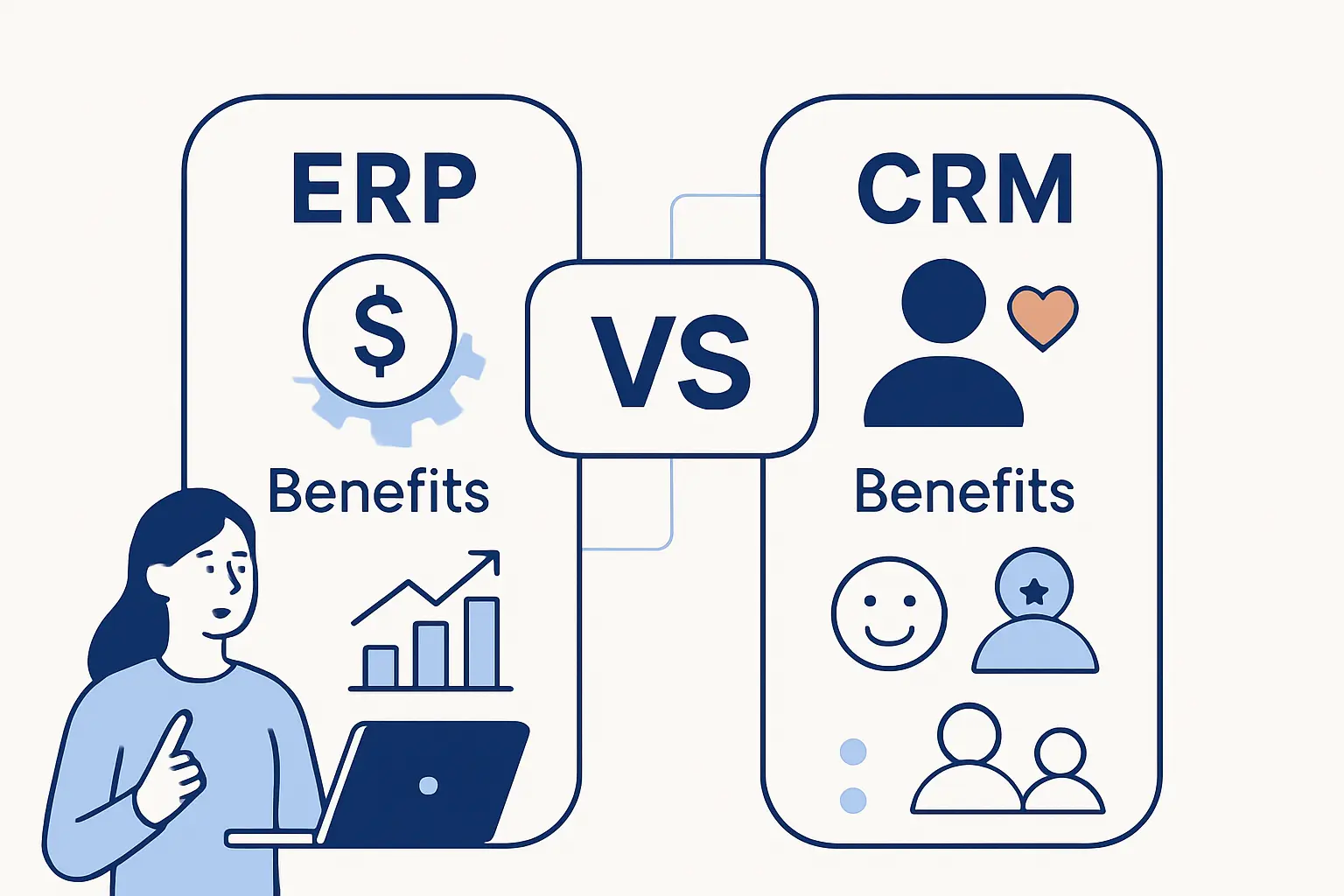
Benefits are not theoretical when the right system matches the right pain point. From our perspective, the fastest wins come when leaders choose the platform that removes a known bottleneck instead of buying the broadest demo.
1. ERP Benefits for Efficiency Control and Scalability
On the ERP side, SAP highlights an adesso Group result of 63% decrease in invoice processing time, and that gets straight to the business case. Less manual handling means fewer errors, tighter control, faster close cycles, and more room to scale without hiring around broken process. For manufacturers, distributors, and multi-entity businesses, that kind of operational discipline is often the difference between controlled growth and chaos.
2. CRM Benefits for Customer Experience Sales and Retention
On the CRM side, Salesforce says Roojai saw sales jumping from 80 per agent to 150 per agent, a reminder that better customer systems can change behavior, not just record it. Quicker follow-up, cleaner prioritization, and richer customer context improve the odds of conversion while also making service more consistent. Over time, that usually lifts retention because customers stop feeling like they have to reintroduce themselves every time they reach out.
3. Shared Business Value Across Teams
Shared value shows up when finance trusts sales data, operations trust order data, and service trusts status data. Cleaner systems reduce finger-pointing because teams can see where a process broke and who needs to act next. In our experience, that cultural effect is underrated; software changes behavior when it clarifies responsibility.
ERP vs CRM Integration Benefits
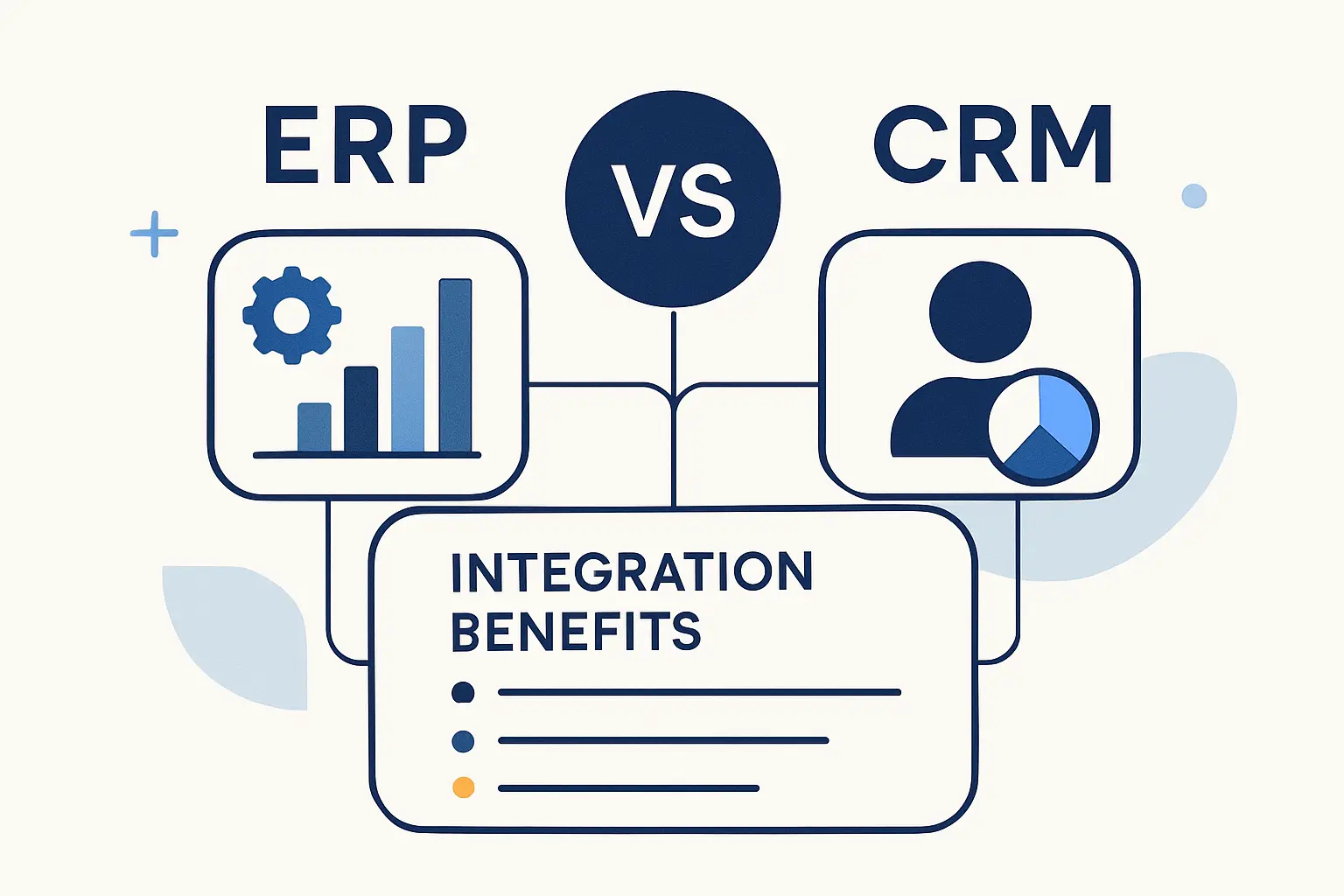
Integration is where ERP vs CRM stops being an either-or debate and becomes a systems-design question. When the two platforms share timely, governed data, leaders gain a clearer view of revenue, fulfillment, cash, and service in one motion.
1. Shared Data Across Customers Orders Inventory and Finance
Shared data lets sales check order status, finance review customer context, and operations see what was promised before they commit resources. Instead of guessing, teams can work from the same customer, order, inventory, and payment picture. That matters most when products are configurable, lead times are tight, or account terms are complex.
2. Fewer Silos and Manual Handoffs
Without integration, people become the middleware. Too often, one person exports a file, another keys it back in, and a third cleans up the mismatch after the fact. By removing those handoffs, businesses cut latency, reduce error risk, and make accountability much easier to trace.
3. Visibility From Lead to Fulfillment and Payment
The real prize is end-to-end visibility from first touch to quote, order, shipment, invoice, and payment. Leaders can then ask better questions about margin, backlog, customer health, and operational risk because the lifecycle is visible rather than fragmented. In other words, the business stops reacting in pieces and starts managing the whole chain.
How to Choose ERP CRM or Both
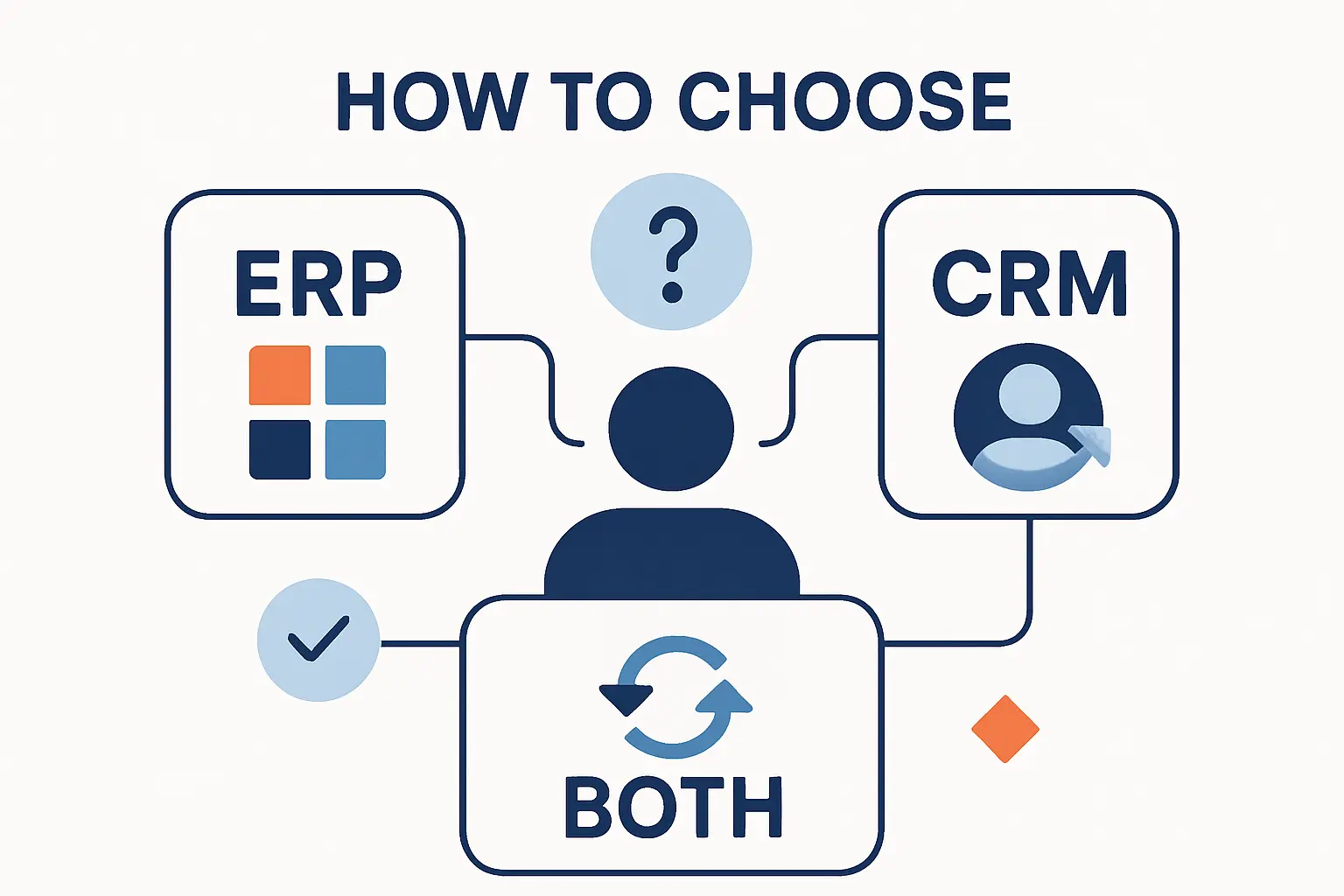
Choosing well starts with a brutally honest look at where work breaks today. Our rule of thumb is simple: buy the system that removes the most expensive source of friction first.
1. Signs a CRM Should Come First
CRM should usually come first when leads disappear between channels, follow-up is inconsistent, sales forecasting is mostly guesswork, or service history lives in inboxes. Another clue is when the commercial team is growing faster than the back office and customer experience is already suffering. In that scenario, a dedicated CRM creates immediate discipline around pipeline, ownership, and response.
2. Signs an ERP Should Come First
ERP should usually come first when inventory accuracy is poor, month-end close drags, purchasing is reactive, or multiple departments keep separate versions of the truth. Growing complexity in finance, fulfillment, manufacturing, or compliance is another strong signal. Once core operations are wobbling, a shiny CRM alone will not fix the underlying engine.
3. When an Integrated Platform Makes Sense
An integrated platform makes sense when a company wants fewer vendors, standardized processes, and a cleaner path between customer and operational data. Microsoft Dynamics 365 is a good example of that trend because Microsoft positions it as a suite that supports both CRM and ERP use cases in one connected environment. For midmarket teams with limited IT bandwidth, that model can reduce integration overhead, though it still demands disciplined process design and clear data ownership.
Cloud Deployment and AI in ERP vs CRM
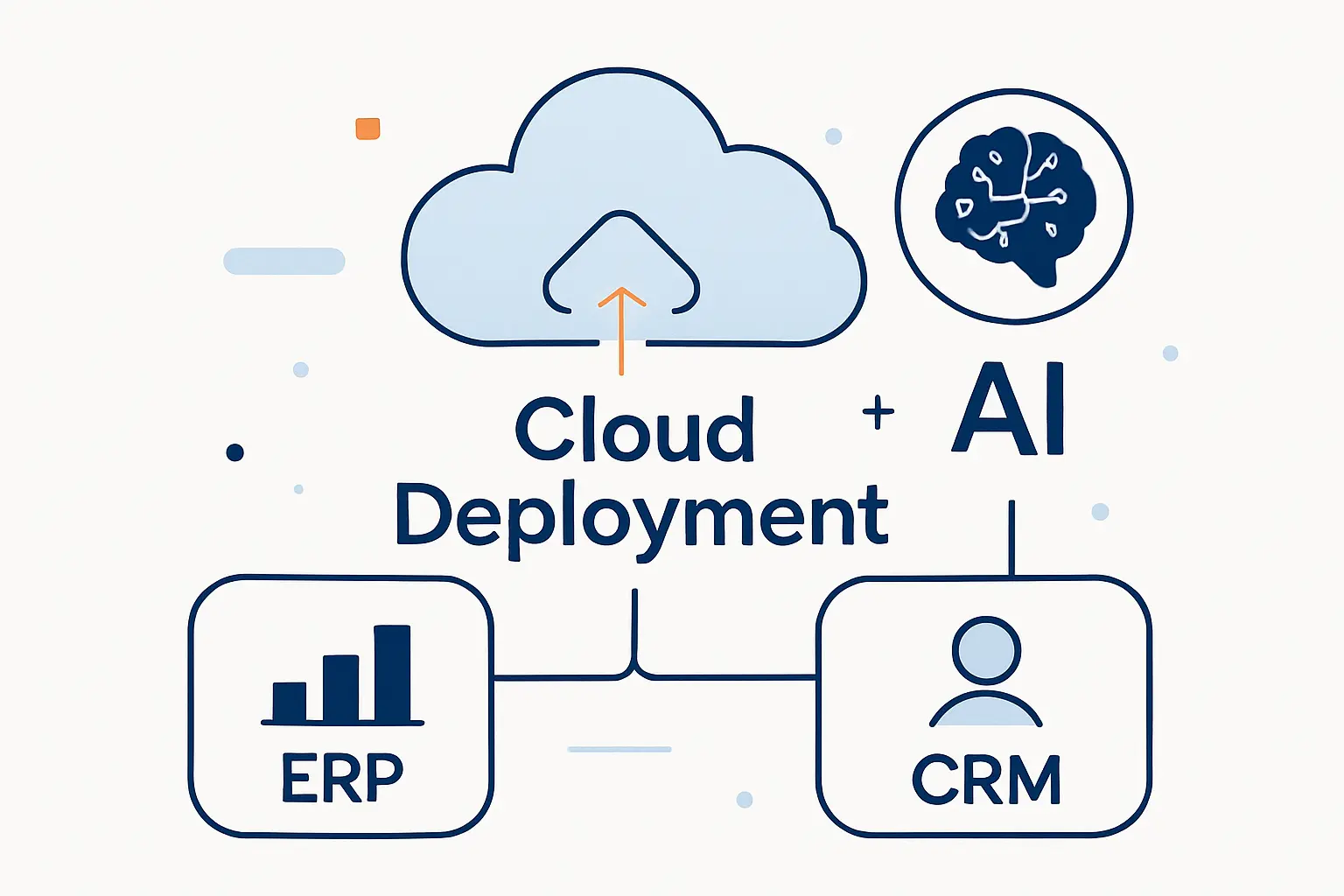
Cloud deployment has changed the economics and the operating model of both categories. Because software is easier to access and update, the harder questions now center on identity, integration, data governance, latency, residency, and change management.
1. On Premises and Cloud Based Deployment Options
On-premises deployment can still fit companies with strict control requirements, heavy customization, or local regulatory constraints. Cloud-based deployment usually wins on speed, flexibility, remote access, and reduced infrastructure overhead. Seen from our side of the infrastructure conversation, the real decision is not ideology; it is whether the business can support the upgrade, security, backup, and availability burden it chooses.
2. SaaS Accessibility Scalability and Integration
SaaS makes ERP and CRM easier to roll out across locations, contractors, and hybrid teams because the application is reachable without a private-network maze. Integration also improves when vendors expose mature APIs, connectors, and event-driven services, though clean master data still does the heavy lifting. As the business scales, accessibility is valuable only if permissions, observability, and data ownership are just as well designed.
3. AI for Forecasting Automation and Next Best Actions
AI is pushing both systems beyond record keeping. In CRM, it can prioritize accounts, summarize conversations, recommend next best actions, and improve forecasting; in ERP, it can flag anomalies, automate document-heavy work, predict demand, and surface planning suggestions. Even so, the strongest results still come from redesigning workflows around trusted data rather than sprinkling AI on top of messy processes.
ERP vs CRM FAQ
These are the ERP vs CRM questions we hear most often from businesses moving beyond spreadsheets or patchwork tools. The short answers are simple, but the implementation details always deserve a closer look.
1. What Is the Difference Between CRM and ERP?
The main difference is focus. CRM manages customer-facing processes like sales, marketing, and service, while ERP manages internal processes like finance, inventory, procurement, reporting, and operations. When we explain it to beginners, we usually say CRM helps you win and keep business, whereas ERP helps you deliver and account for it.
2. Can ERP Replace CRM?
Usually no. Some ERP suites include customer and order views, but that is not the same as a full CRM built for pipeline management, marketing workflows, case history, and multichannel engagement. If customer relationships are complex, a dedicated CRM still does the heavier front-office lifting.
3. Can ERP and CRM Work Together?
Yes, and in many organizations they should. Integration lets sales, service, finance, and operations share the facts they each need without duplicating every workflow inside one tool. When the handoffs are designed well, the customer sees a smoother experience and the business sees fewer surprises.
4. Is Salesforce a CRM or ERP System?
Salesforce is a CRM platform, not a full ERP suite. Its strength is managing customer relationships across sales, service, marketing, analytics, and connected workflows. That said, many businesses integrate Salesforce with ERP software so front-office teams can see order, billing, or fulfillment context.
5. Is SAP an ERP or CRM?
SAP is both, although it is best known for ERP. SAP’s own guidance makes clear that it offers ERP products as well as CRM capabilities, and many businesses use SAP on the operational core even when they choose another vendor for customer engagement. In practice, that means the answer depends on which SAP product family you are talking about.
How 1Byte Supports the Cloud Infrastructure Behind ERP and CRM
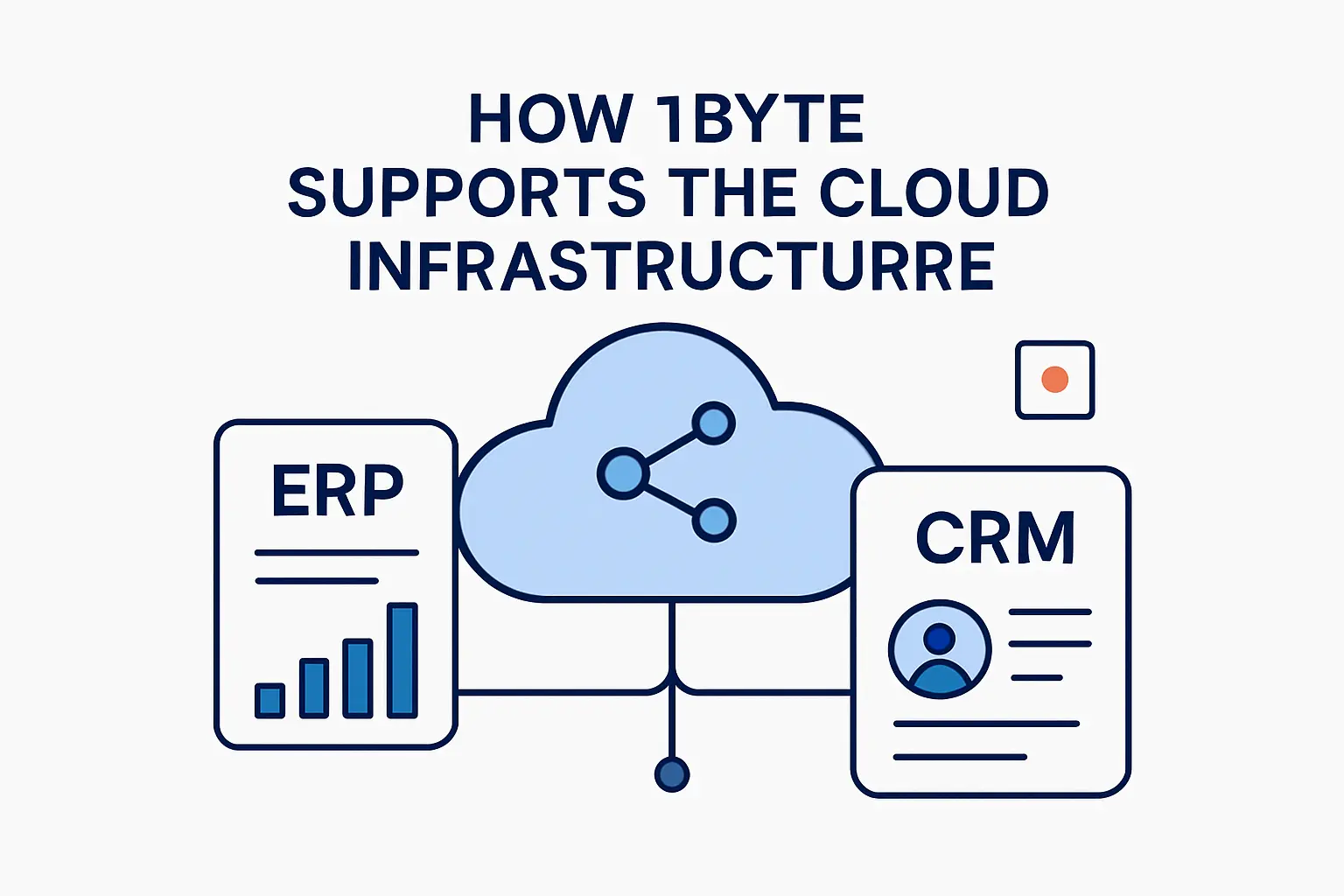
From where we sit at 1Byte, the software choice is only half the story. A reliable ERP or CRM deployment still depends on sound hosting, secure access, certificates, backups, and a cloud architecture that can grow without falling apart under everyday business load.
1. Cloud Hosting and Cloud Servers for Scalable Business Applications
Cloud hosting and cloud servers matter because ERP and CRM are not brochure sites; they are living workloads with peaks at month-end, during campaigns, and during integration jobs. Capacity planning, storage performance, network stability, and recovery design all shape user experience long after the software contract is signed. Seen from our side of the fence, good infrastructure keeps a business application boring in the best possible way.
2. Domain Registration SSL Certificates and Secure Access for Connected Systems
Domain registration, DNS control, and SSL certificates sound basic, yet they affect login flows, subdomains, customer portals, webhook endpoints, and browser trust. Secure access also depends on identity design, certificate hygiene, and clear separation between public-facing assets and internal business logic. Put bluntly, if the access layer is sloppy, even the best application stack will feel fragile.
3. WordPress Hosting Shared Hosting and AWS Partner Support for Growing Businesses
Around many ERP and CRM projects, there is a second web layer to manage: marketing sites, landing pages, help centers, documentation, and lightweight portals. WordPress hosting or shared hosting can be enough for that outer layer early on, while heavier integrations and resilience requirements often push growing businesses toward more elastic cloud or AWS-aligned designs. Our advice is simple: keep each workload on the right tier instead of forcing every function into the same box.
Final Thoughts on ERP vs CRM







1. Matching the Right System to Business Goals Growth Stage and Data Needs
ERP vs CRM is not a trivia question; it is a sequencing decision about how your business grows. When customer acquisition, follow-up, and service consistency are the pain points, start with CRM. If financial control, inventory, fulfillment, or operational visibility are the bigger problem, start with ERP. Once both sides are already intertwined, map your lead-to-cash flow and ask one blunt question: where is the bigger leak in your business today?