

- What Google Workspace Pricing Includes
- Google Workspace Pricing Plans Compared
- Flexible and Annual Google Workspace Pricing Compared
- What Changes Across Google Workspace Pricing Tiers
- How to Estimate Your Total Google Workspace Cost
- How to Choose the Right Google Workspace Pricing Plan
- Google Workspace Pricing FAQ
- How 1Byte Supports Your Business Beyond Google Workspace
- Conclusion: Finding the Best Google Workspace Pricing Plan for Your Business
When people ask us about Google Workspace pricing, we rarely start with the monthly number. We start with the work. A two-person studio, a growing agency, and a regulated finance team can all buy the same brand, yet need very different levels of storage, AI, admin control, and retention.
At 1Byte, we think the smartest purchase is the one you do not outgrow six months from now. Below, we break down what each plan includes, what really changes between tiers, and how to estimate the full bill before a shiny feature list nudges you into the wrong choice.
What Google Workspace Pricing Includes
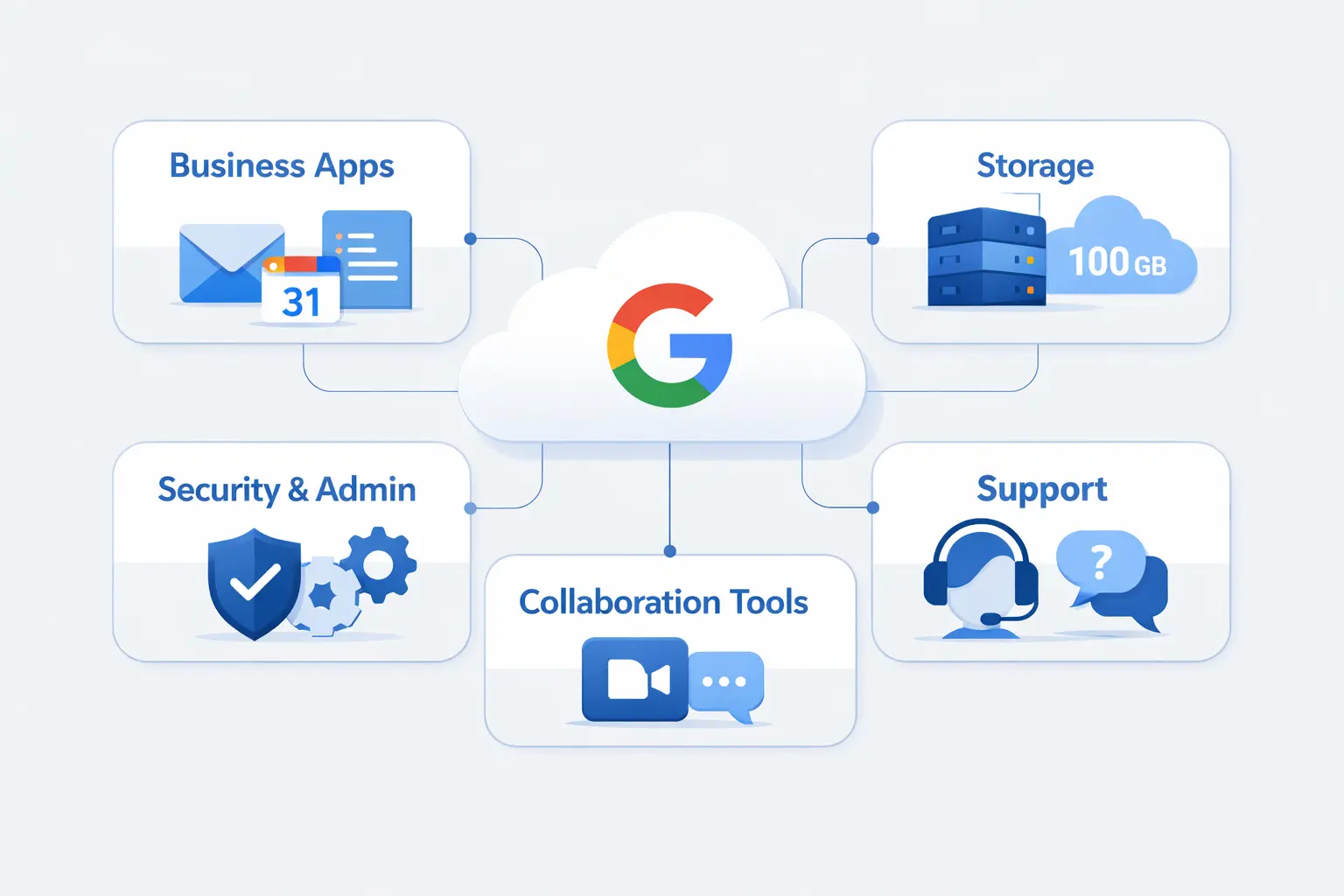
Google Workspace pricing includes far more than email. When we look at a plan, we are really looking at a bundled work stack with mail, files, docs, meetings, chat, calendars, AI, and admin tools. That is why one tier can feel cheap for one business and costly for another.
1. Core Apps in Every Google Workspace Plan
Every business edition starts with the core office tools most teams actually use every day, including Gmail, Calendar, Drive, Docs, Sheets, Slides, Meet, and Chat. For beginners, the practical point is simple. You can send branded mail, store files, schedule meetings, edit documents together, and keep internal messages in one place instead of stitching together separate apps.
2. Custom Business Email, Gemini AI, and Collaboration Tools
Custom business email is part of the appeal, and Google lets companies sign up with a verified domain, a business email address, or even Gmail, though some features stay limited until the domain is verified. AI is now built into the lineup too. Starter keeps Gemini fairly light, while Standard expands it across more apps and makes NotebookLM much more useful for real team research.
3. Security, Admin Controls, and Real-Time Cloud Productivity
Workspace is also an admin product, not just a user product. Google includes centralized account management, security settings, audits, reports, and device controls, alongside live collaboration in docs and files. We think this is where the subscription starts to justify itself, because real companies need a place to disable accounts, review activity, and enforce rules when someone joins or leaves.
Google Workspace Pricing Plans Compared
Before we compare tiers, it helps to zoom out. Gartner expects worldwide IT spending to reach $6.31 trillion in 2026, which tells us collaboration suites are now bought as core business infrastructure, right alongside cloud, security, and AI budgets.
1. Business Starter Pricing, Storage, and Meeting Limits
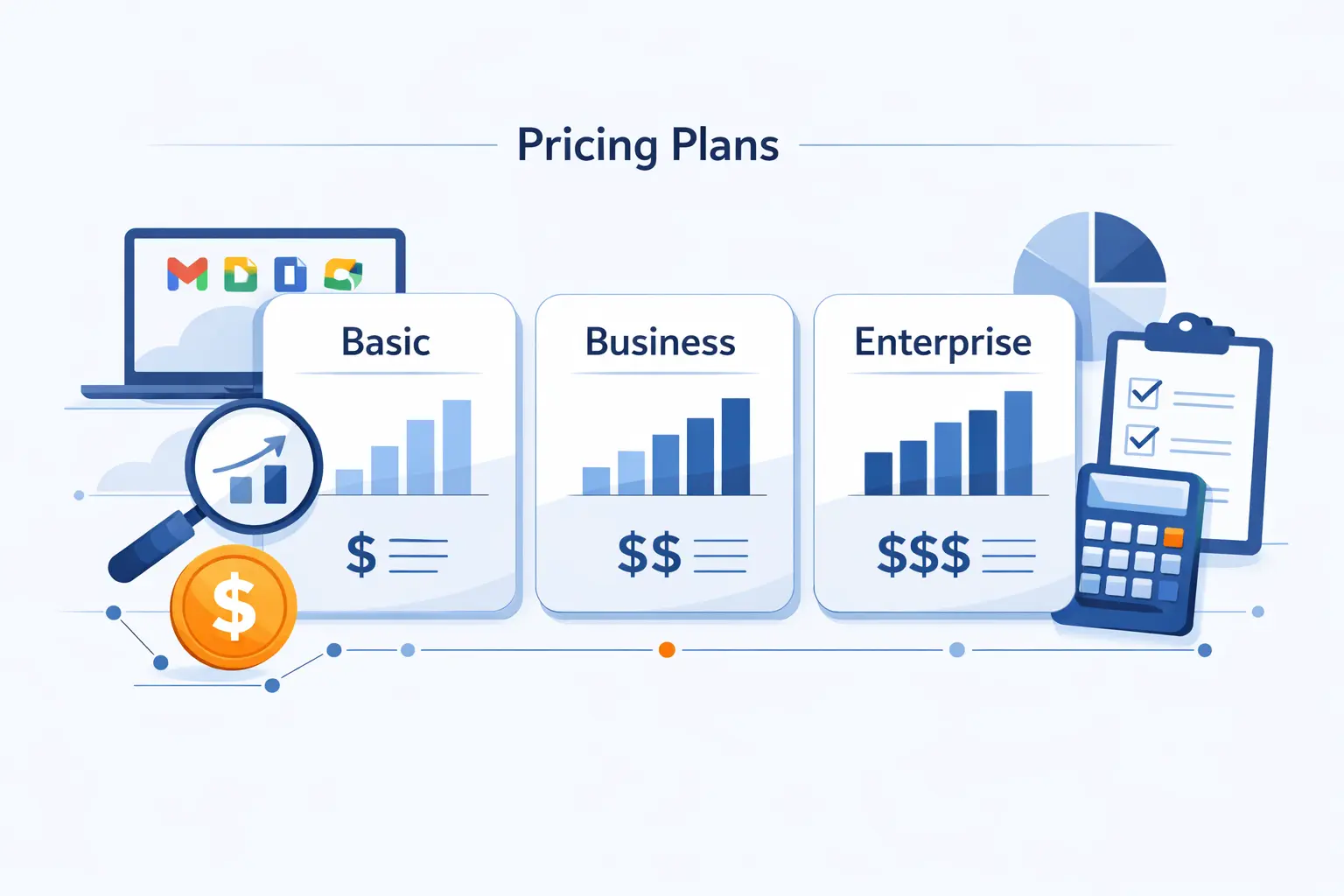
At the list level, Google puts its three business editions at $7, $14, and $22 per user per month on the annual track, while Enterprise moves into quote-only territory. Starter is the leanest of the group. We usually like it for solo founders, very small firms, and businesses that mostly need professional email, shared calendars, cloud docs, and lighter collaboration without governance-heavy features.
2. Business Standard Pricing, Shared Drives, and NotebookLM Access
Standard is where the product starts to feel like a real team workspace. Shared drives mean files belong to the organization, not to one employee’s personal drive, which solves a problem many teams only notice after someone leaves. It also adds broader Gemini coverage, recordings, and stronger NotebookLM access. That upgrade path is not theoretical. One startup Google featured described itself as starting with a basic package before moving up for enhanced capabilities.
3. Business Plus Pricing, Vault, and Advanced Management
Plus is where compliance and device management start to matter in a serious way. Vault adds retention, search, and export for legal or policy review. Advanced endpoint management gives IT tighter control over devices and access. We usually point Plus at firms handling contracts, staff turnover, or sensitive client data, because this is where Workspace stops acting like a basic office bundle and starts acting like a light governance platform.
4. Enterprise Pricing, S/MIME, DLP, and Unlimited Users
Enterprise is no longer one simple small-business plan. Google splits it into Enterprise Standard and Enterprise Plus, and pricing is handled by quote. Both editions support any number of users. DLP belongs to the enterprise family, which matters if you need rules that can stop sensitive data from being shared outside the company. S/MIME, which signs or encrypts email at the message level, sits on Enterprise Plus.
Flexible and Annual Google Workspace Pricing Compared
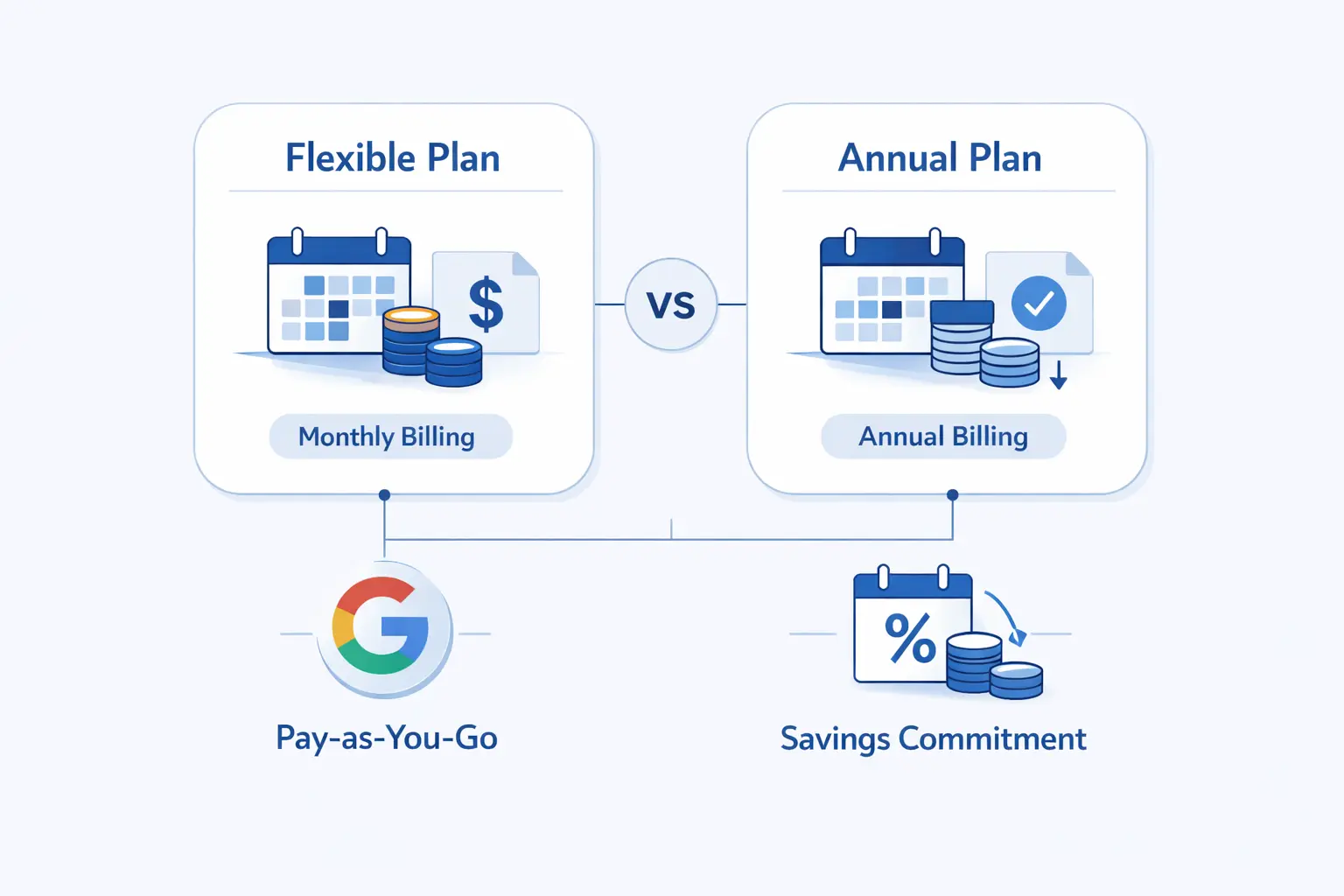
This is the part many teams skim and later regret. Google Workspace pricing is not only about plan tier. The payment model changes how forgiving your bill will be when headcount rises, falls, or changes shape during the contract.
1. Flexible Plan Billing and Month-to-Month Flexibility
If you need month-to-month freedom, Google’s Flexible Plan lists Starter, Standard, and Plus at $8.40, $16.80, and $26.40 per user per month. You can add or remove users as needed, and you can cancel without a contract penalty. We like this model for seasonal businesses, short projects, and early-stage teams that still do not know what stable headcount will look like.
2. Annual Commitments, Lower Costs, and Renewal Rules
The Annual or Fixed-Term Plan is the cheaper route, but it expects discipline. Google states you can’t lower your subscription price until renewal, even though you can add users if the team grows. Billing can be monthly or yearly depending on region, subscription type, and how the service was purchased. We tell stable teams to take the discount, but only after they are honest about churn.
3. User Changes, Cancellations, and Prorated Charges
Here is the nuance that catches people. On Flexible, mid-month adds and removals are prorated. On Annual, extra licenses added after the initial commitment are also prorated, but early cancellation still leaves you responsible for the remaining contract value. In plain practice, Flexible bends with your staffing. Annual bends far less.
4. New Account Limits During the First 90 Days
New Flexible accounts also come with an early onboarding guardrail. Google limits those accounts to 20-50 users at first. To go above that, you may need to make a manual payment equal to 50% of the total user count you want, and Google applies that amount as account credit later. It is an easy rule to miss, so we always check it before a fast hiring sprint.
What Changes Across Google Workspace Pricing Tiers
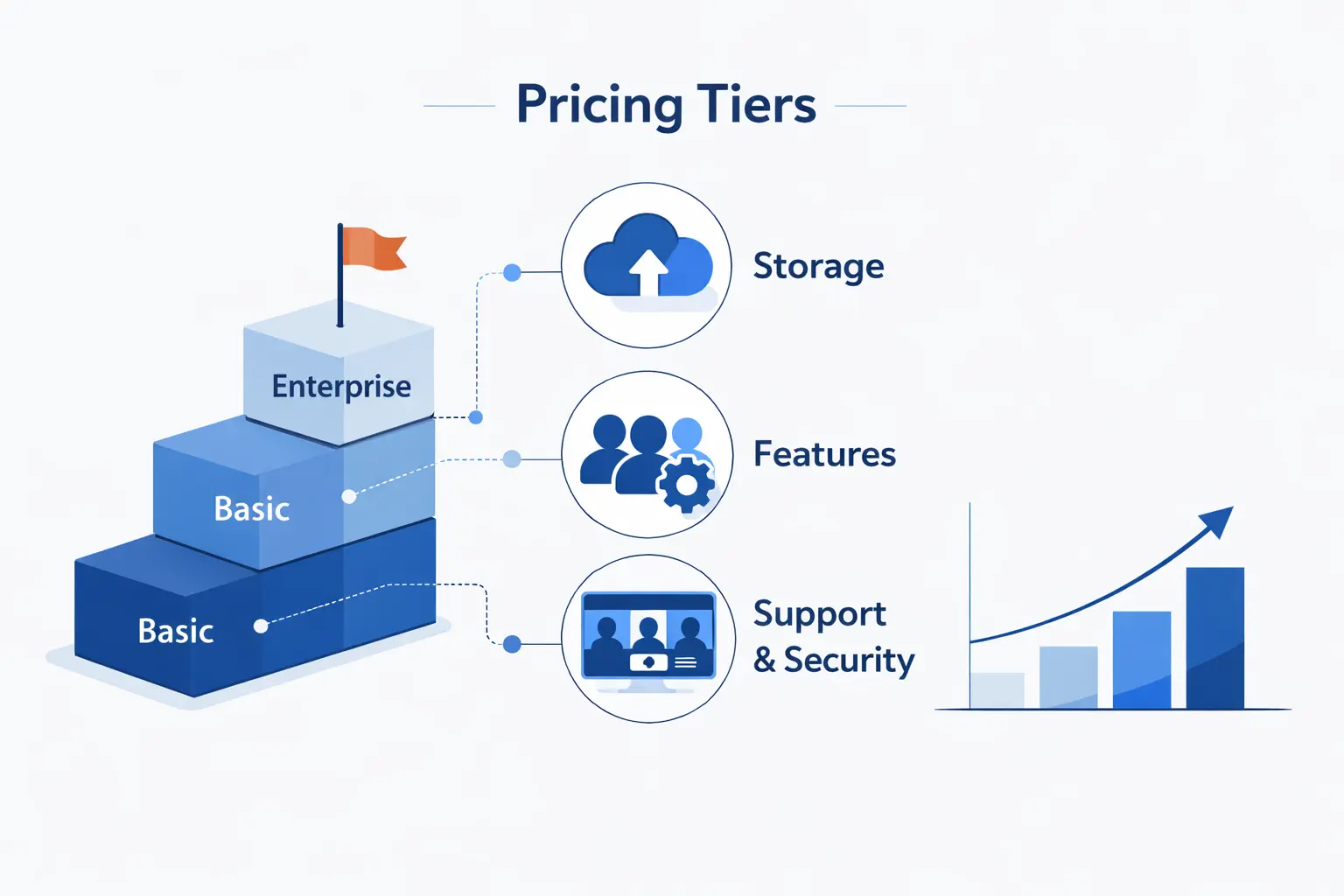
When we compare tiers for clients, we do not stare at the price row for long. We look at three pressure points instead: shared storage, meeting behavior, and how much control the admin team needs over data and devices.
1. Storage Levels Across Business and Enterprise Plans
Storage is pooled, so it is shared across the organization rather than chopped into rigid mailboxes. The ladder goes from 30 GB in Starter to 2 TB in Standard, then 5 TB in Plus. Enterprise starts at that same pooled level and can be expanded. For teams with years of mail, recorded meetings, media files, or shared project assets, this is often the first hard reason to move up.
2. Meeting Capacity, Recording, and Live Streaming
Meet scales with the plans too. Starter caps meetings at 100 participants. Standard lifts that to 150 and adds recording. Plus goes to 500 with attendance tracking. Enterprise Plus reaches 1000 and adds in-domain live streaming for larger internal events. If your team depends on recordings and bigger all-hands calls, this change matters more than many buyers expect.
3. AI, Security, and Management Features by Tier
The AI and admin story changes more than many buyers expect. Starter keeps AI narrower. Standard spreads Gemini across more apps and makes NotebookLM more practical for research-heavy work. Plus adds Vault, stronger endpoint controls, and better governance. Enterprise layers on DLP, context-aware access, data regions, Cloud Identity Premium, and extra classification tools. At 1Byte, we see that jump as the line between convenience features and policy features.
How to Estimate Your Total Google Workspace Cost
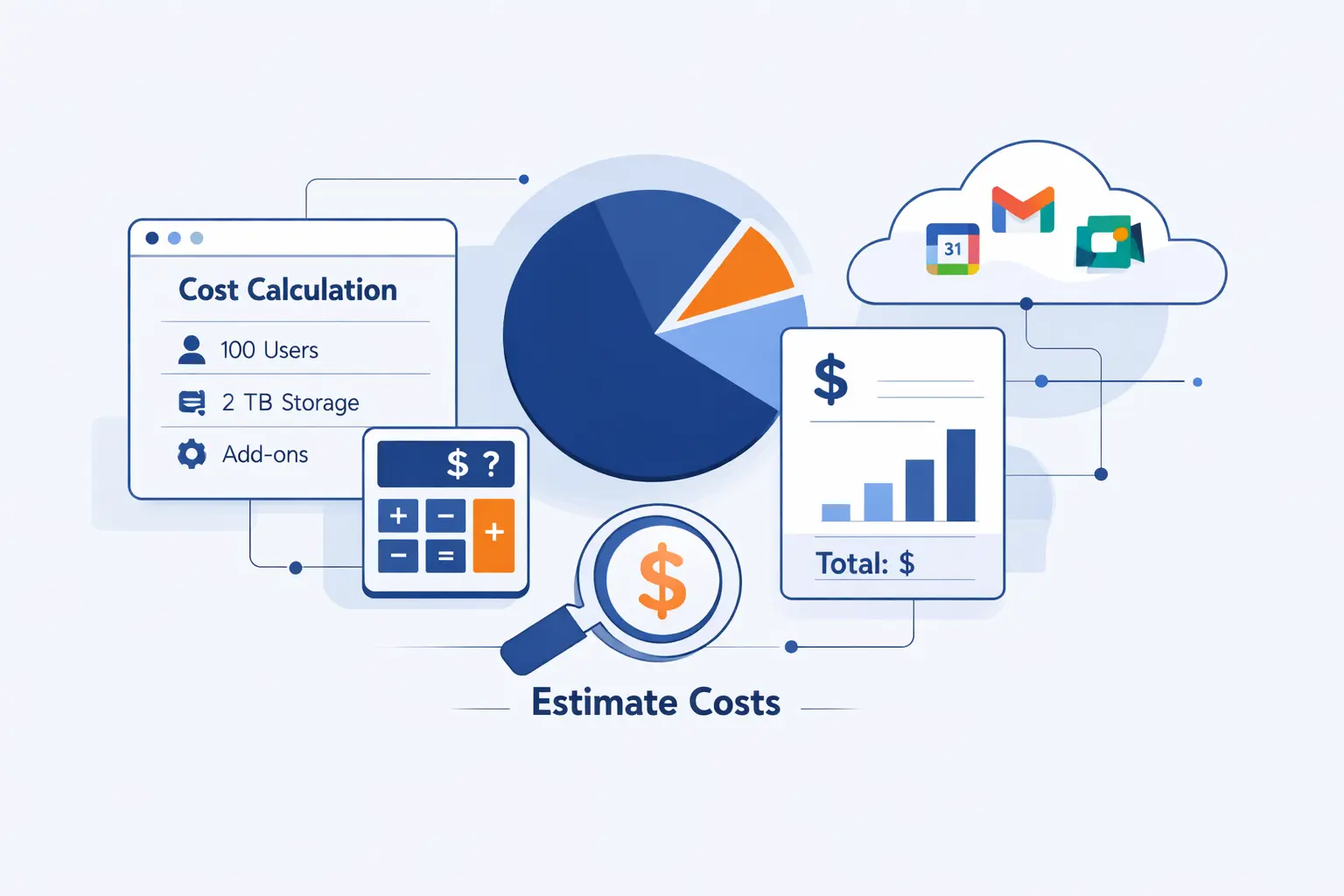
To estimate total Google Workspace cost, we like to build the bill the boring way. Count real users, choose the payment model, then add the control and support level the business actually needs. The list price is only the start.
1. User Count, Billing Model, and Contract Terms
Begin with active seats. Then ask the harder question. Are those seats steady, or do they swing with contractors, interns, locations, or seasons? If headcount changes often, Flexible usually costs more per seat but can still cost less overall. If headcount is stable, Annual often wins because you avoid the higher month-to-month rate.
2. Support Levels, Security Needs, and Enterprise Pricing
Next, price the things a simple spreadsheet hides. Do you need enhanced support, message encryption, DLP, data regions, or deeper investigation tools? If yes, Enterprise may be the right conversation even before raw user count forces the move. We have seen teams save on tier, then spend the savings back on workarounds, policy gaps, or third-party add-ons.
3. The 300-User Cap and When to Move to Enterprise
Business editions stop at the midsize-company ceiling built into Google’s lineup. Once you are getting close to that boundary, it is usually smarter to plan the move before the org chart hits it. Enterprise removes the cap and gives you more room for support, governance, and security design.
4. Resellers, Regional Pricing, Trials, and Promotions
Finally, check how you are buying. Google allows purchases through Google Sales or local resellers, and billing options can vary by region, currency, subscription type, and purchase path. Short promos can sweeten the first bill, but we treat them as a bonus, not the baseline. Our rule is simple. Budget from list behavior, then enjoy discounts if they appear.
How to Choose the Right Google Workspace Pricing Plan
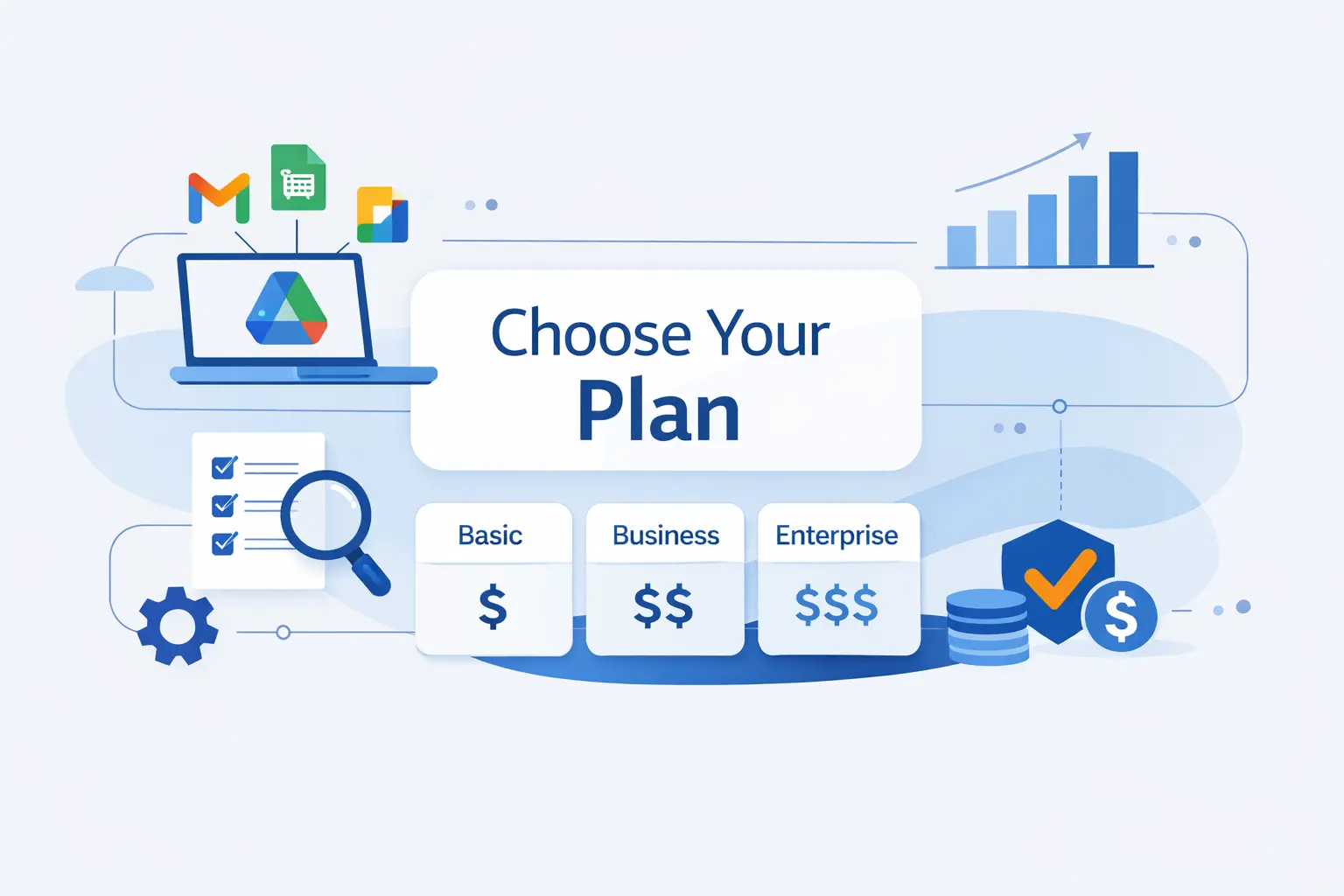
Choosing the right plan is less about ambition and more about friction. We ask what will annoy the team first: limited storage, missing recordings, weak device control, or lack of retention and data rules. The answer usually points to the right tier fast.
1. Choose Starter for Low-Cost Professional Email
Choose Starter if your first priority is a professional email address and a clean shared office suite, not compliance controls. It suits consultants, tiny firms, and early-stage companies that want branded communication and light collaboration without paying for features they will barely touch. We like Starter when the work happens mostly in email, docs, and smaller internal meetings.
2. Choose Standard for Better Collaboration and AI Features
Choose Standard when the business starts working as teams instead of as individuals. Shared drives, recordings, broader Gemini access, and stronger NotebookLM access change the day-to-day experience in visible ways. This is the plan we often call the sweet spot because it improves file ownership, meeting follow-up, and collaborative research without jumping straight into governance pricing.
3. Choose Plus or Enterprise for Compliance, Control, and Scale
Choose Plus or Enterprise when rules matter as much as convenience. If you need retention, eDiscovery, stronger device policy, DLP, message encryption, or enterprise-grade admin controls, this is where the higher bill starts to earn its keep. Law, finance, healthcare, education, and multi-country operations tend to reach this point sooner than creative or service firms do.
Google Workspace Pricing FAQ
Below are the short answers we give most often when a client wants the plain version before opening a spreadsheet.
1. Is There Still a Free Version of Google Workspace?
For businesses, not really. Google no longer lets new customers sign up for the legacy free G Suite edition, and the normal Google Workspace business path is paid. Free consumer Google accounts still exist, but they are not the same thing as a managed business Workspace deployment.
2. Which Is Cheaper, Google Workspace or Office 365?
If by Office 365 you mean Microsoft’s current small-business lineup, Microsoft lists Business Basic and Business Standard at $6.00 and $12.50 on annual billing, so it is cheaper at the entry and mid tiers on sticker price. At the top business tier, the gap gets much tighter. We still compare storage, desktop app needs, AI scope, and admin controls before calling it a winner.
3. Is Google Workspace Worth It for Small Businesses?
Yes, if you will actually use the business features. The value comes from branded mail, centralized admin, shared files, collaboration, and built-in AI inside the same account. If you only need free personal mail and occasional documents, it is overkill. If you want a business identity and shared control, it is usually money well spent.
4. What Is the Difference Between the Flexible Plan and the Annual Plan?
Flexible means pay for what you used that month and leave when you want. Annual means commit to licenses for a term, get the lower rate, and accept less freedom to shrink the bill before renewal. We usually point seasonal teams to Flexible and stable headcount to Annual.
5. Can You Try Google Workspace Free Before Buying?
Yes. Google offers a 14-day free trial, and your payment method is not charged until the trial ends. We like using that window to test mail flow, calendar sharing, permissions, and real file collaboration instead of just clicking around the admin panel.
6. How Many Users Can Google Workspace Plans Support?
Business editions are built for smaller and midsize organizations, while Enterprise supports any number of users. If you are nearing the business-plan ceiling or expect rapid hiring across locations, it is usually time to price Enterprise before the move becomes urgent.
How 1Byte Supports Your Business Beyond Google Workspace
At 1Byte, we see Workspace as one piece of the business stack, not the whole table. Email and collaboration matter, but they work best when your domain, certificate, site, hosting, and cloud infrastructure are set up to match.
1. Domain Registration and SSL Certificates for Brand Trust
We help with the front-door pieces first. A clean domain setup gives staff the right business identity, and SSL certificates keep customer-facing sites encrypted and trusted. That matters because a polished mailbox feels incomplete if the website behind it still looks temporary or insecure.
2. WordPress Hosting and Shared Hosting for Business Sites
For many small businesses, the next step after Workspace is a dependable website. We offer WordPress Hosting for teams that want an easier managed path, and Shared Hosting for businesses that want a lower-cost site foundation for blogs, brochures, or smaller commerce builds. In practice, this lets email, site, and domain choices move together instead of fighting each other later.
3. Cloud Hosting, Cloud Servers, and AWS Partner Support
When the workload grows past a brochure site, we can support that too. Our lineup includes Cloud Hosting, customizable Cloud Servers, and AWS consulting support. We like this combination for businesses that start with Workspace for communication, then need application hosting, migration help, or a more tailored cloud environment behind the scenes.







Conclusion: Finding the Best Google Workspace Pricing Plan for Your Business
Our view at 1Byte is simple. Buy the lowest Google Workspace tier that covers your next stretch of real work, not just this week’s setup checklist. Starter is good for branded email and basic collaboration. Standard is the practical sweet spot for many teams. Plus and Enterprise earn their keep when retention, device rules, data protection, or large-scale admin control stop being optional. Choose with that lens, and Google Workspace pricing becomes a planning tool instead of a guessing game.