

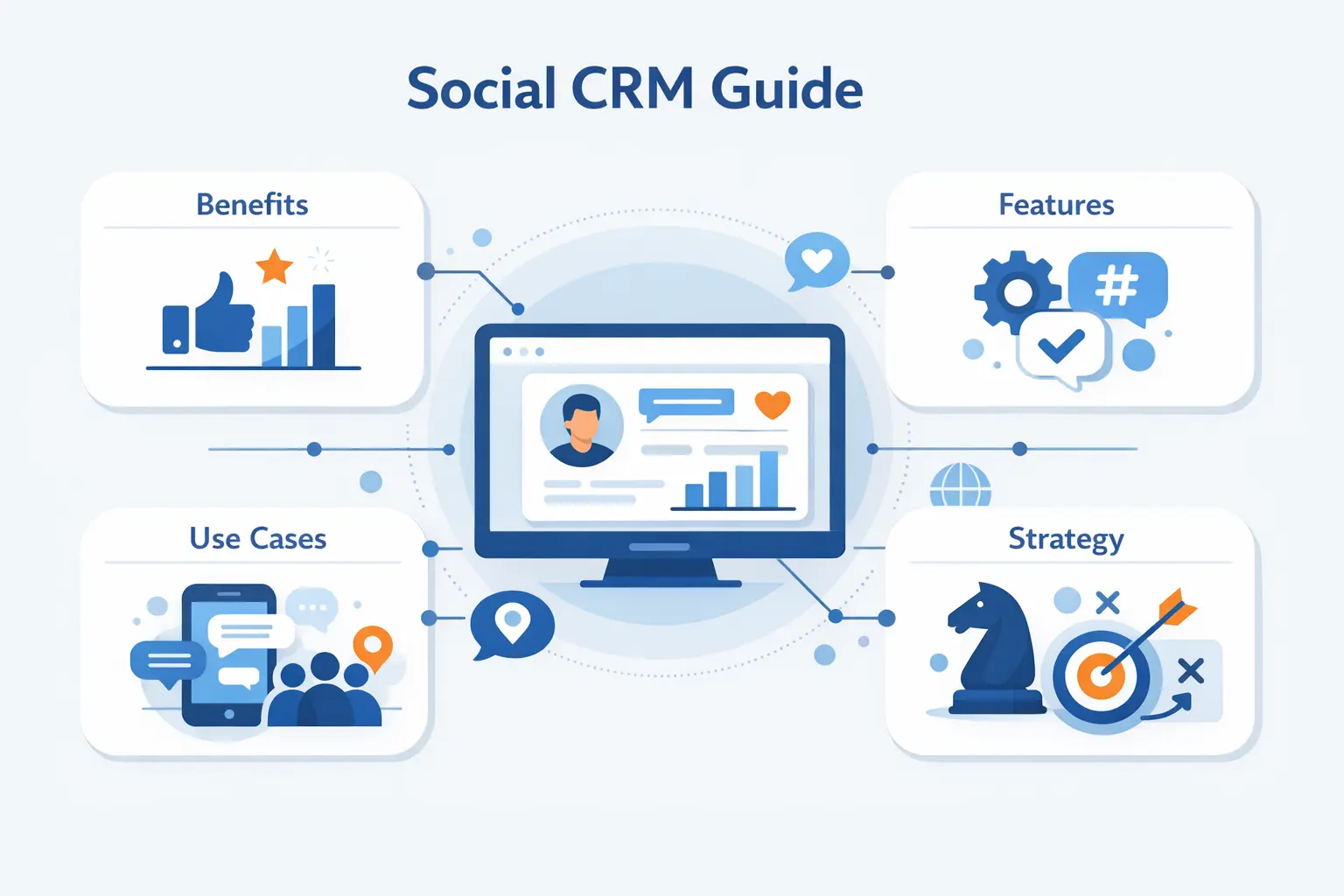
- What Is Social CRM?
- Social CRM vs Traditional CRM
- Why It Matters for Modern Businesses
- Core Features to Look For
- How It Supports Customer Service, Sales, and Marketing
- Use Cases Across the Business
- Key Benefits for Teams and Customers
- How to Build the Right Strategy
- Common Challenges and Mistakes
- How to Choose the Right Software
- Social CRM FAQ
- How 1Byte Supports Social CRM as a Cloud Computing and Web Hosting Provider
- Final Thoughts on Social CRM
At 1Byte, we see social CRM moving from optional channel work to a core operating discipline. Deloitte Digital found social media budgets surged by an average of 9% from 2023 to 2024, which tells us brands are no longer budgeting only for content; they are budgeting for conversation, community, and conversion.
As a cloud computing and web hosting provider, we care about the infrastructure underneath that shift. Whenever a customer complains in a comment, asks for help in a direct message, or praises a product in a review, the real question is simple: does that signal reach the systems that sales, marketing, support, and leadership actually use? Social CRM exists to close that gap.
What Is Social CRM?
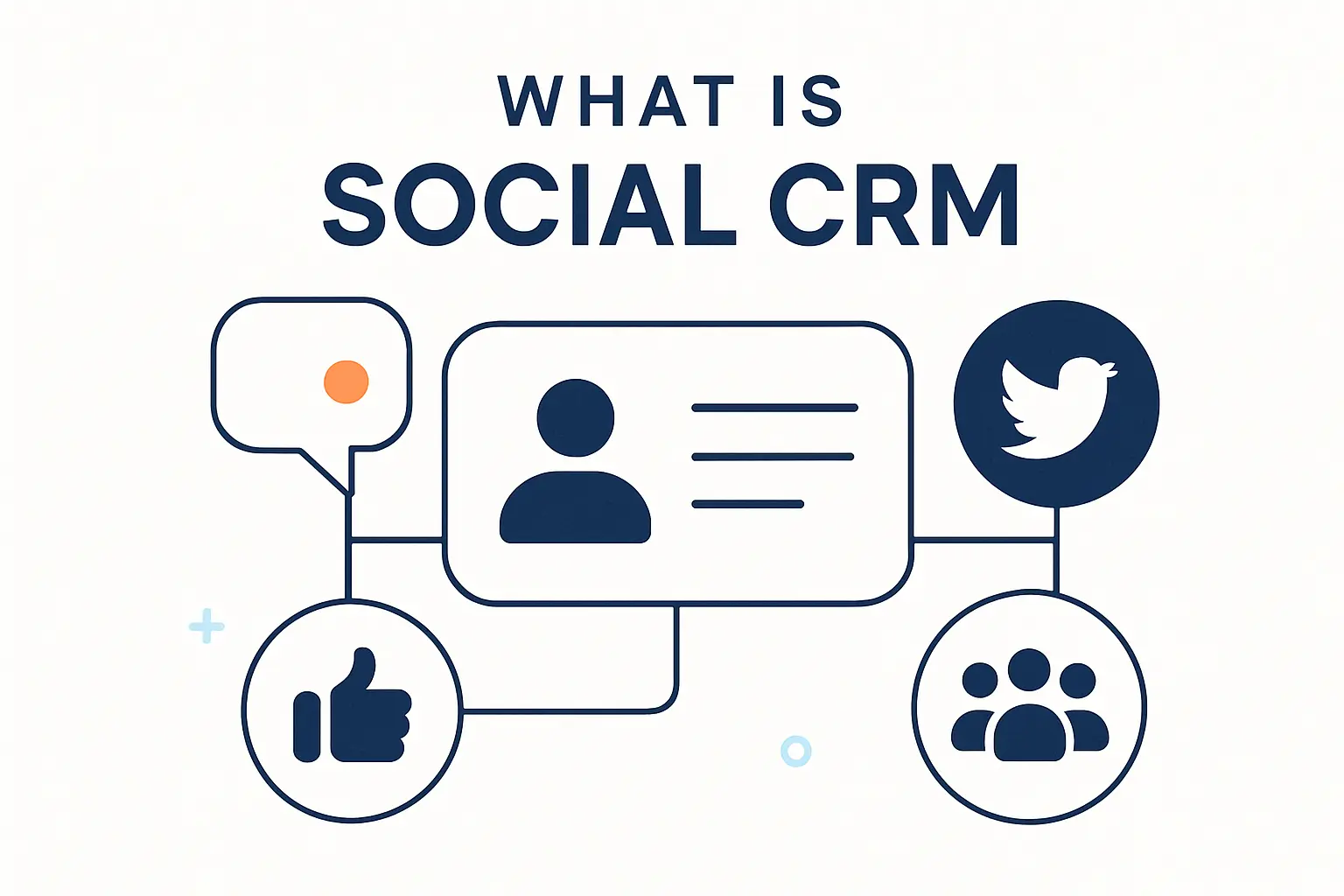
To us, social CRM is not a trendy label. It is the practical extension of customer relationship management into the places where customers speak in their own words, on their own timing, and often in public.
1. Definition and the Role of Social Media Data
In simple terms, social CRM connects your CRM with social channels so teams can capture mentions, comments, messages, reviews, and other social signals alongside contacts, accounts, opportunities, and support cases. It collects not only the fact that an interaction happened, but also the tone, urgency, topic, and context around it. The role of social media data is to turn scattered conversation into usable customer intelligence rather than leaving it floating outside the business.
2. Why Social Conversations Now Matter in Customer Relationships
Because buyers research openly and customers vent publicly, social no longer sits outside the relationship. A single unanswered complaint can shape other prospects’ opinions, while a thoughtful response can become free proof of service quality. In other words, social conversations are not background noise; they are live evidence of trust, friction, and demand.
3. How It Creates a Fuller View of Customers and Prospects
Once social signals join purchase history and service records, teams stop guessing. McKinsey notes that personalization can lift revenues by 5 to 15 percent, and we think social CRM matters because it adds the context that makes personalization feel relevant rather than creepy. A support agent sees prior complaints, a marketer sees recurring questions, and a salesperson sees buying intent without stitching together a dozen tabs.
Social CRM vs Traditional CRM
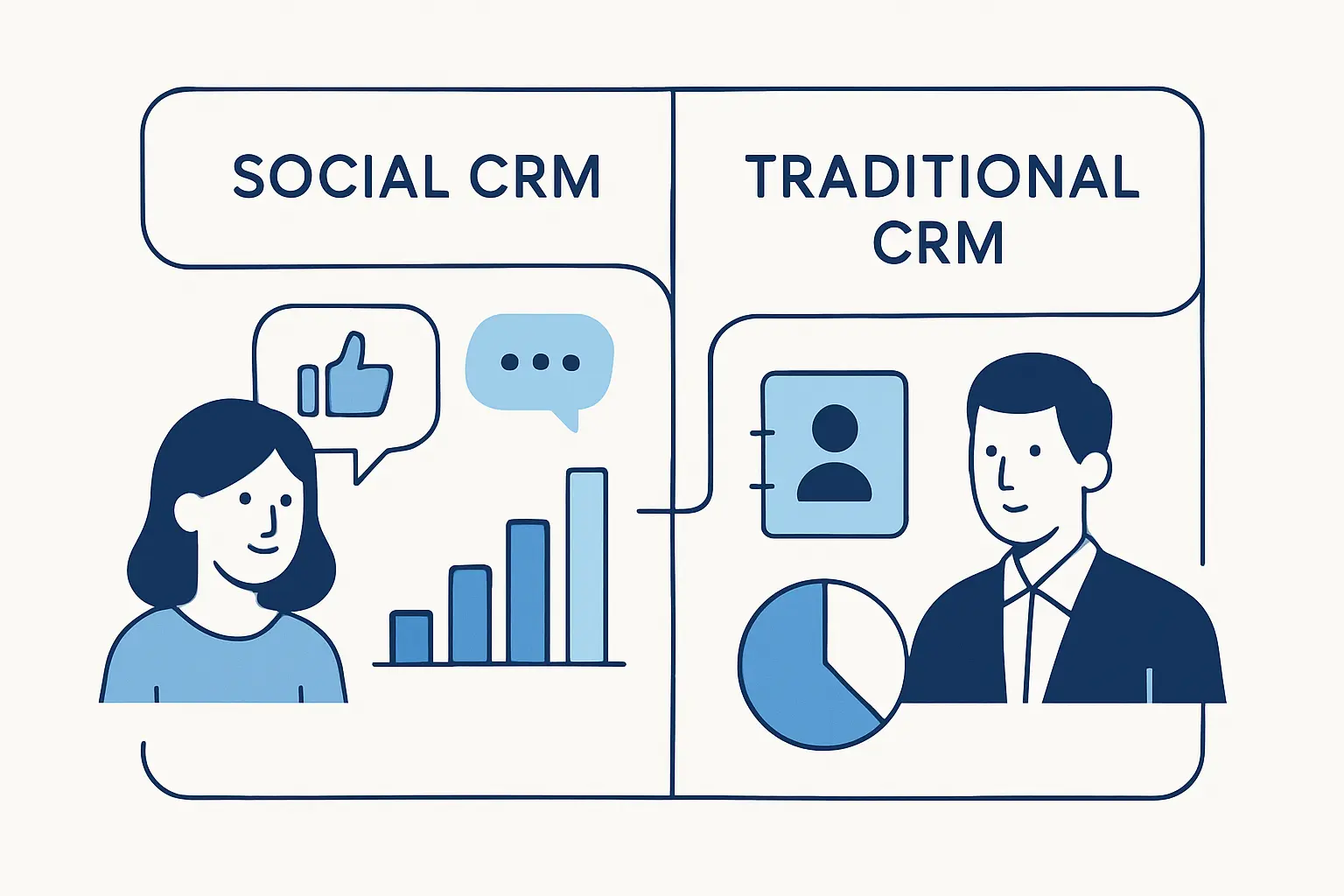
Traditional CRM gave businesses a memory. Social CRM adds senses: it helps the organization hear what customers are saying now, notice tone, and respond before the next interaction drifts out of sync.
1. Transactional Records vs Real-Time Interactions
Traditional CRM is strongest when it tracks structured objects such as leads, deals, invoices, or tickets. Social CRM deals with streams instead of neatly boxed records, which means it must ingest live conversations, tag them intelligently, and surface the right ones fast. To manage that well, businesses need filters, routing logic, and alerting so the system catches important signals without drowning teams in noise.
2. Company-Controlled Communication vs Customer-Led Engagement
Older CRM workflows assumed the business chose the channel and pacing. Social flips that script; customers may mention the brand in public, open with a private message, then jump to email or phone when the issue becomes sensitive. A good social CRM preserves the thread across those handoffs so the customer never feels like they restarted the story from scratch.
3. Reactive Service vs Proactive Relationship Building
Classic CRM often wakes up after a ticket or deal appears. By contrast, social CRM lets teams spot frustration, praise, or purchase signals before a formal case exists. That changes the posture from “handle what arrived” to “strengthen the relationship while it is still forming,” and that shift is where much of the real business value lives.
Why It Matters for Modern Businesses
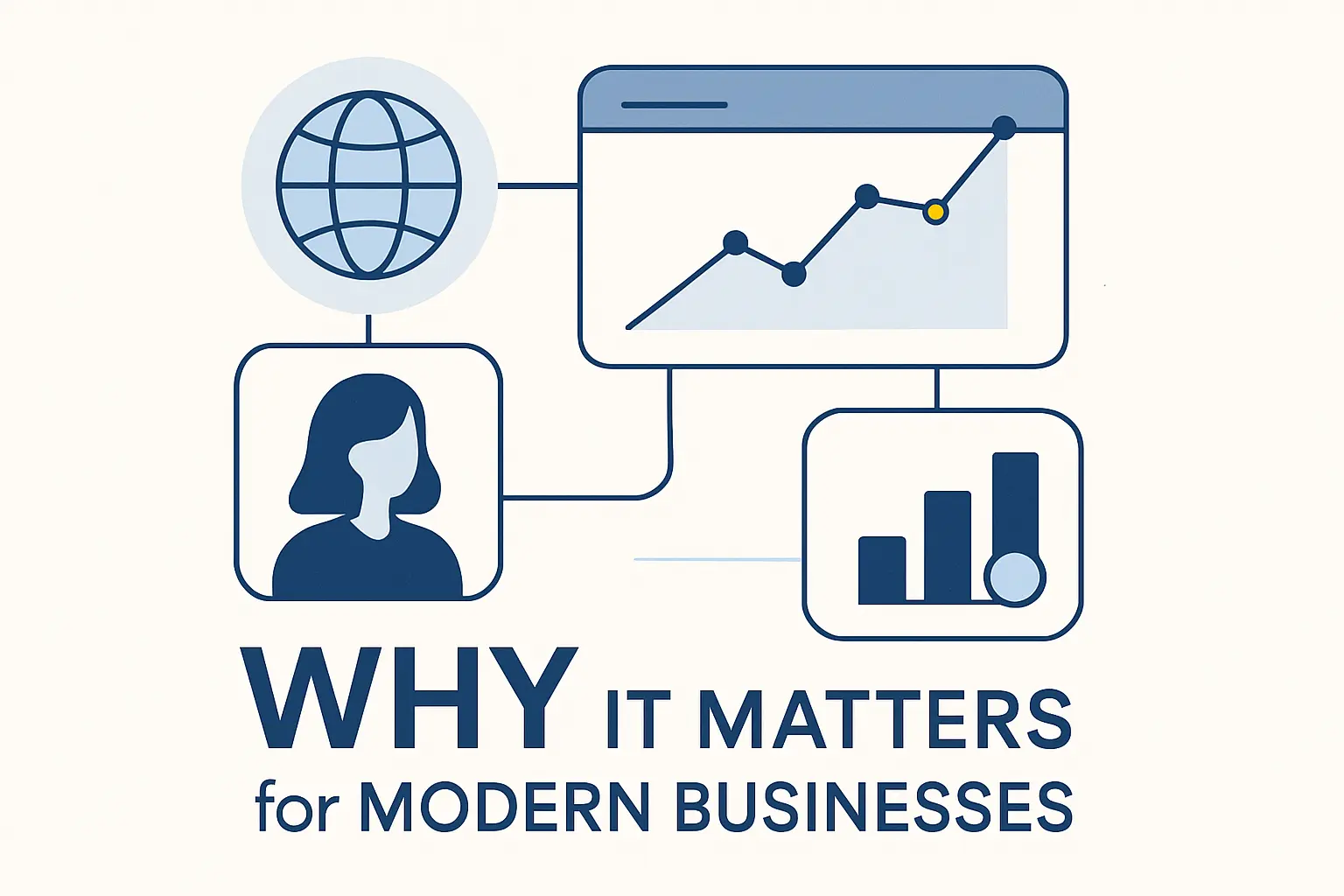
Across industries, customer journeys have become messy in the most human way. People compare options in public, ask their peers for advice, and expect the brand to understand them whether they arrive from a post, a form, or a phone call.
1. Meet Customers Where They Ask Questions, Share Feedback, and Mention Brands
From where we sit, this is the baseline requirement. Customers do not think in department labels; they simply ask a question on the channel that feels fastest or most convenient. When social CRM is in place, that question can become a lead, a support case, a product insight, or a retention save instead of a lost comment buried in a feed.
2. Deliver a Unified Omnichannel Experience Across Social, Email, Chat, and Phone
The hard part is not being present on many channels; it is keeping context intact while customers move between them. Social CRM links the public mention, the private message, the follow-up email, and the phone call to the same history, which reduces duplicate explanations and keeps service consistent. That unified record also helps managers see where handoffs break, where response lag grows, and where automation should step in.
3. Build Trust, Loyalty, and Advocacy Through Timely Responses
Speed matters, but thoughtful speed matters more. Sprout Social reports that 73% of social users agree if a brand doesn’t respond on social, they’ll buy from a competitor, and that is why we treat responsiveness as a revenue issue, not a vanity metric. In public channels, every reply is both support for the person asking and a signal to everyone else who is watching.
Core Features to Look For
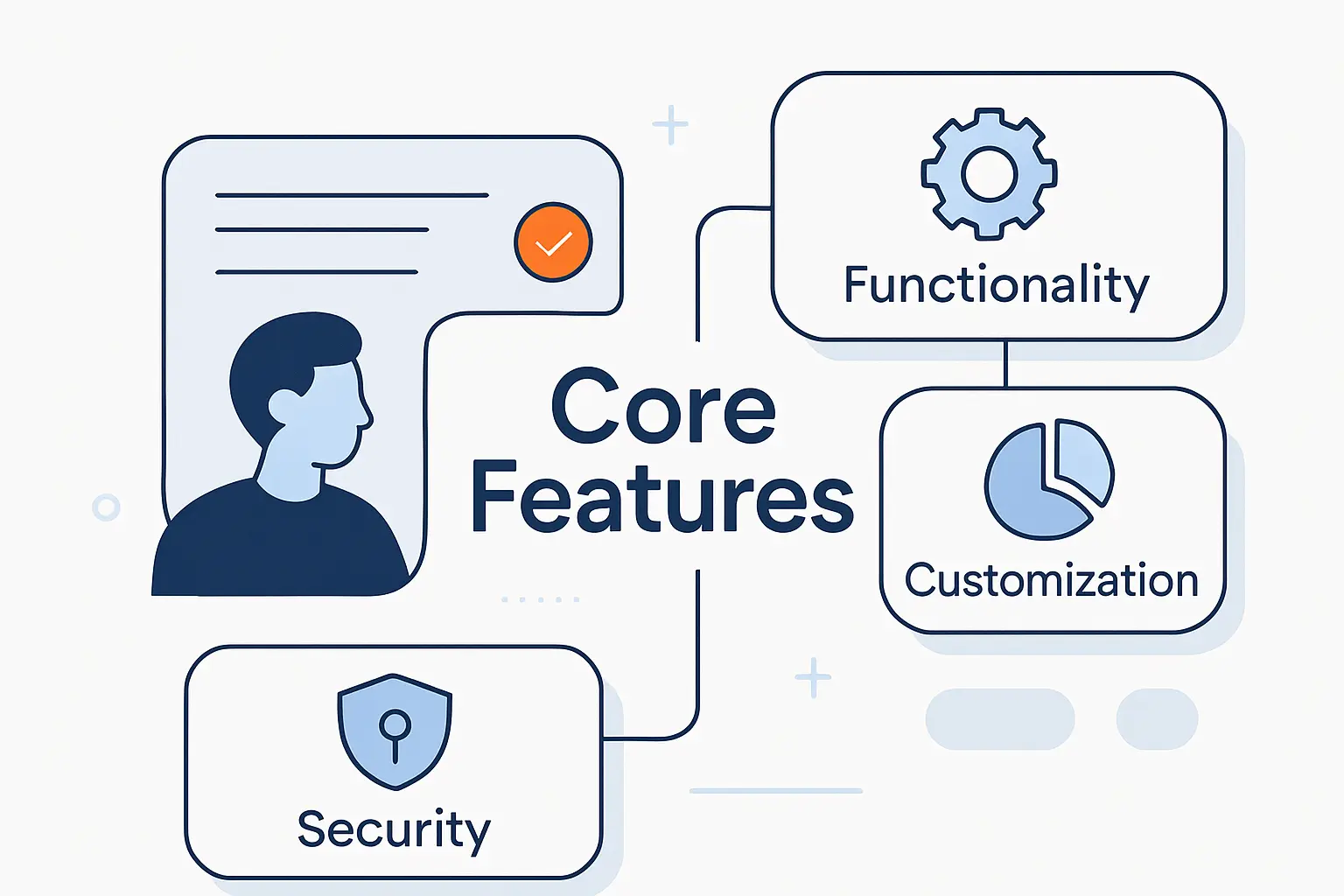
Not every platform that connects to social networks deserves to be called social CRM. We would look for features that turn scattered messages into usable customer context, accountable workflows, and measurable outcomes.
1. Social Listening, Sentiment Analysis, and Brand Mention Tracking
Listening should reach beyond direct tags to include misspellings, product names, campaign hashtags, competitor comparisons, and untagged brand mentions. Sentiment analysis can help sort volume, but we would never trust it blindly because sarcasm, slang, mixed emotions, and multilingual posts can fool even strong models. Done well, this feature becomes an early warning system for service issues and a radar for emerging demand.
2. Multi-Platform Integrations, Centralized Profiles, and Activity History
Centralization is the hinge that holds the whole strategy together. Without integrations across major social platforms and customer channels, teams end up with fragmented records and awkward handoffs. When identity, activity history, and prior interactions live in a shared profile, the business can respond with continuity instead of guesswork, and that alone removes a lot of needless friction for both customers and staff.
3. Lead Capture, Automation, Reporting, and Real-Time Engagement
A mature tool should let teams turn a social interaction into a lead, case, task, or follow-up workflow without manual copy-and-paste. Automation should handle repetitive work such as tagging, routing, and alerts, while humans handle nuance, judgment, and empathy. Meanwhile, reporting needs to show business impact clearly enough that social activity can be linked to service quality, pipeline movement, campaign learning, and retention trends.
How It Supports Customer Service, Sales, and Marketing
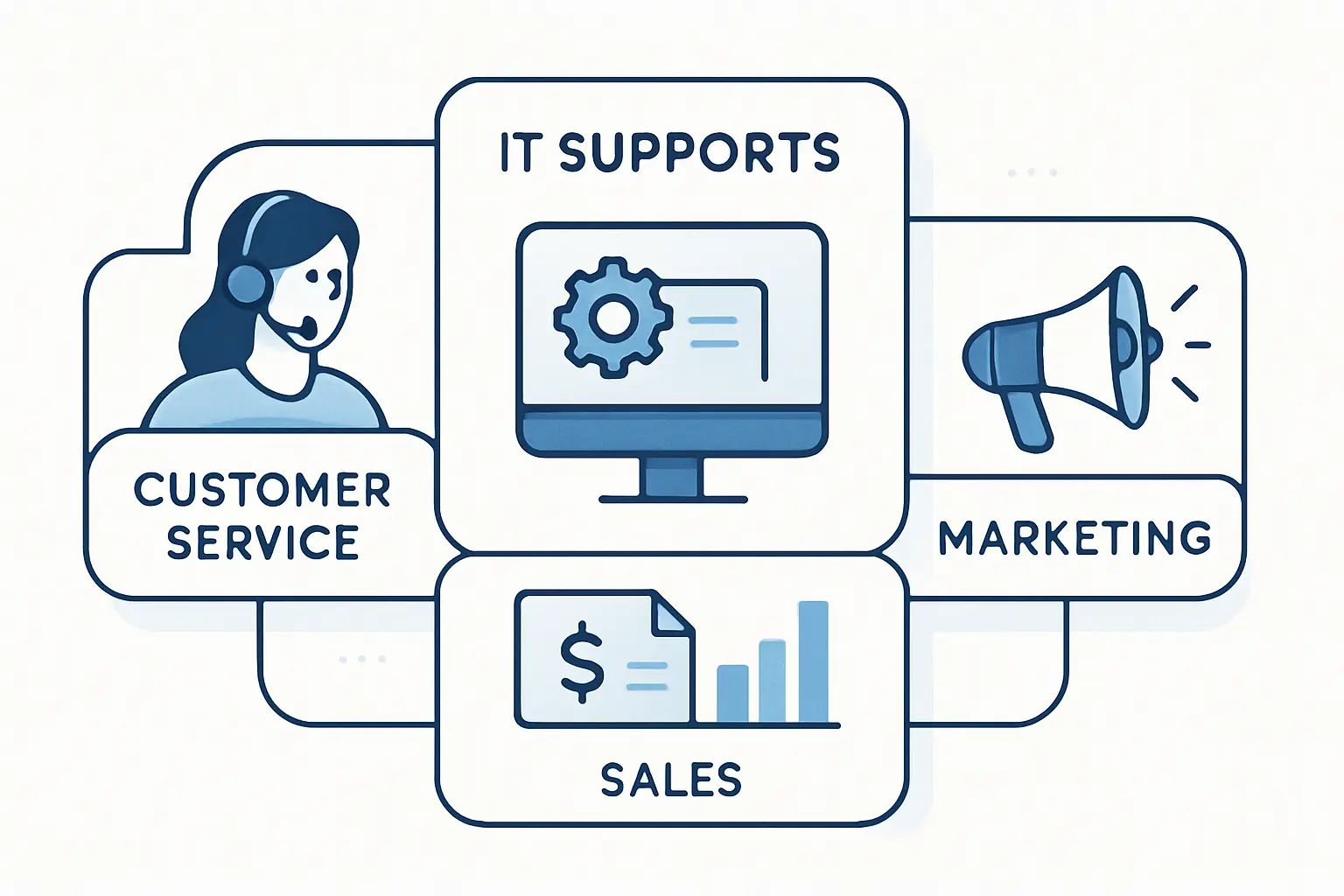
Part of the appeal for us is that social CRM breaks the old wall between frontline teams. A single conversation can start as support, reveal buying intent, and end as a marketing lesson for the next campaign.
1. Faster Support With Better Routing, Context, and Personalized Replies
Routing is where much of the operational magic happens. Instead of handing every comment to a general queue, social CRM can classify by language, issue type, urgency, or customer value and send the interaction to the right owner quickly. Personalized replies then become easier because agents can see recent orders, prior complaints, and account notes before they answer, which means fewer robotic responses and fewer back-and-forth loops.
2. Lead Generation, Qualification, and Nurturing From Social Conversations
Sales teams can use social CRM to catch buying signals hiding in plain sight: comparison questions, requests for recommendations, pain points with a competitor, or repeated interest in a topic your solution addresses. The smart move is not to pounce on every mention but to qualify intent carefully and route the best opportunities into a measured follow-up. Later, those prospects can be nurtured with content, demos, or outreach that reflects what they actually discussed.
3. Targeted Content, Audience Segmentation, and Smarter Campaign Planning
Marketing benefits when social CRM turns casual chatter into structured themes. Repeated questions expose content gaps, recurring objections sharpen messaging, and community language helps teams write in words customers already use themselves. Over time, that makes segmentation more grounded, editorial planning more precise, and campaigns more believable because they are based on observed behavior rather than boardroom assumptions.
Use Cases Across the Business
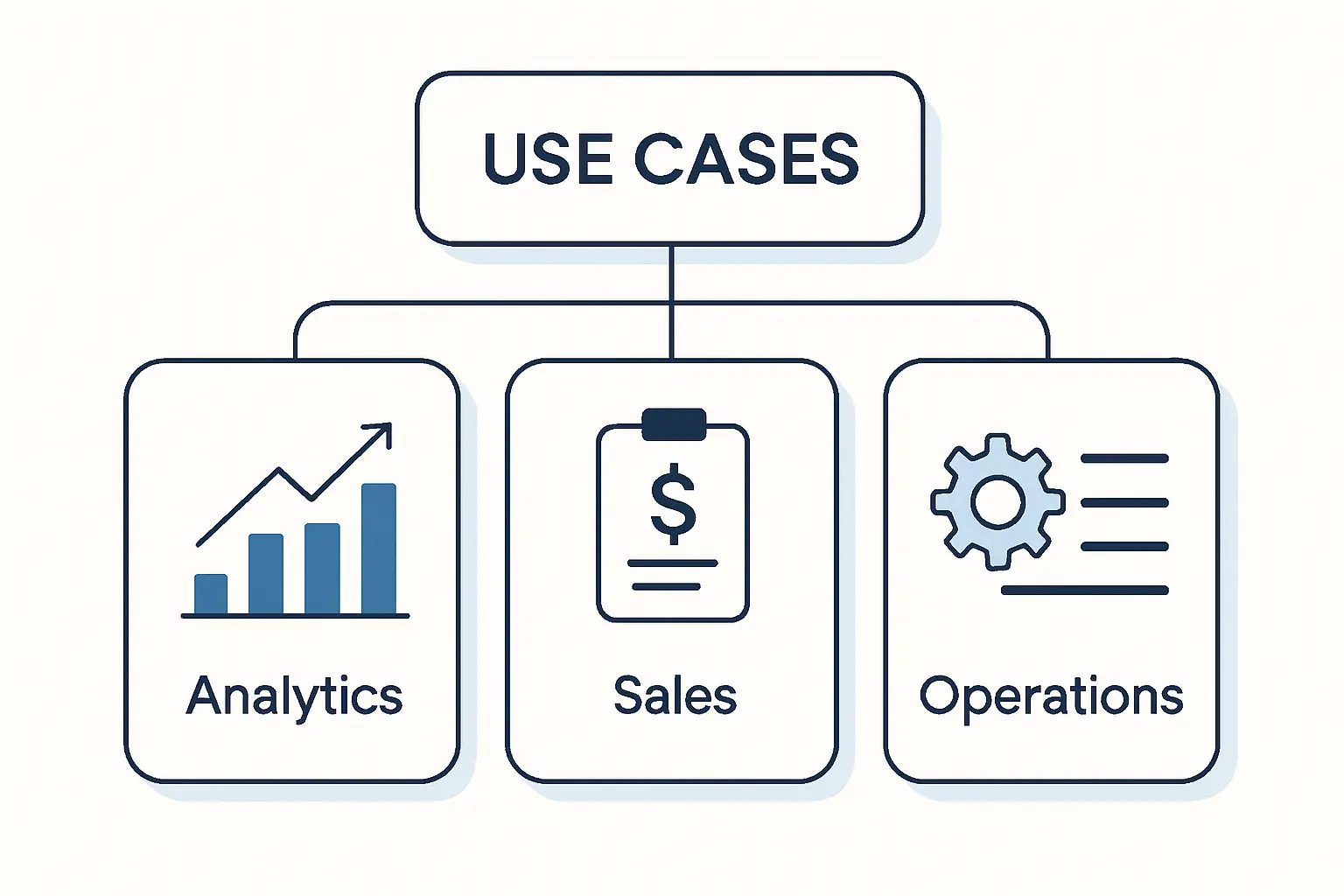
Theory becomes useful when it enters a workflow. In practice, social CRM earns its keep when it shortens response loops, improves public interactions, and feeds customer insight back into the business.
1. Review Management, Public Response Workflows, and Reputation Building
Public reviews often do double duty: they influence future buyers while signaling current operational problems. A social CRM workflow can route negative reviews for escalation, surface repeat themes, and help teams answer with empathy and consistency rather than canned panic. Just as important, positive reviews can be tagged for advocacy, testimonials, or follow-up, which turns reputation management from damage control into relationship building.
2. Social Selling, Influencer Relationships, and Community Engagement
This is where social CRM stops looking like support software and starts looking like a growth system. Business-to-business teams can track intent-rich conversations on professional networks, while consumer brands can manage creators, ambassadors, and community threads in one place. On the community side, Sephora’s Beauty Insider Community is a useful reminder that customers often teach, reassure, and inspire one another faster than a branded FAQ can.
3. Product Research, Feature Requests, and Voice of Customer Insights
Product teams rarely lack data; they lack timely, organized data tied to real customer language. KLM reported a 3x increase in number of passengers using social channels after building its Social Media Hub, and we read that as proof that better access changes customer behavior. More important, structured social workflows can surface feature requests, friction points, and service gaps while customers are still engaged enough to explain what they mean.
Key Benefits for Teams and Customers
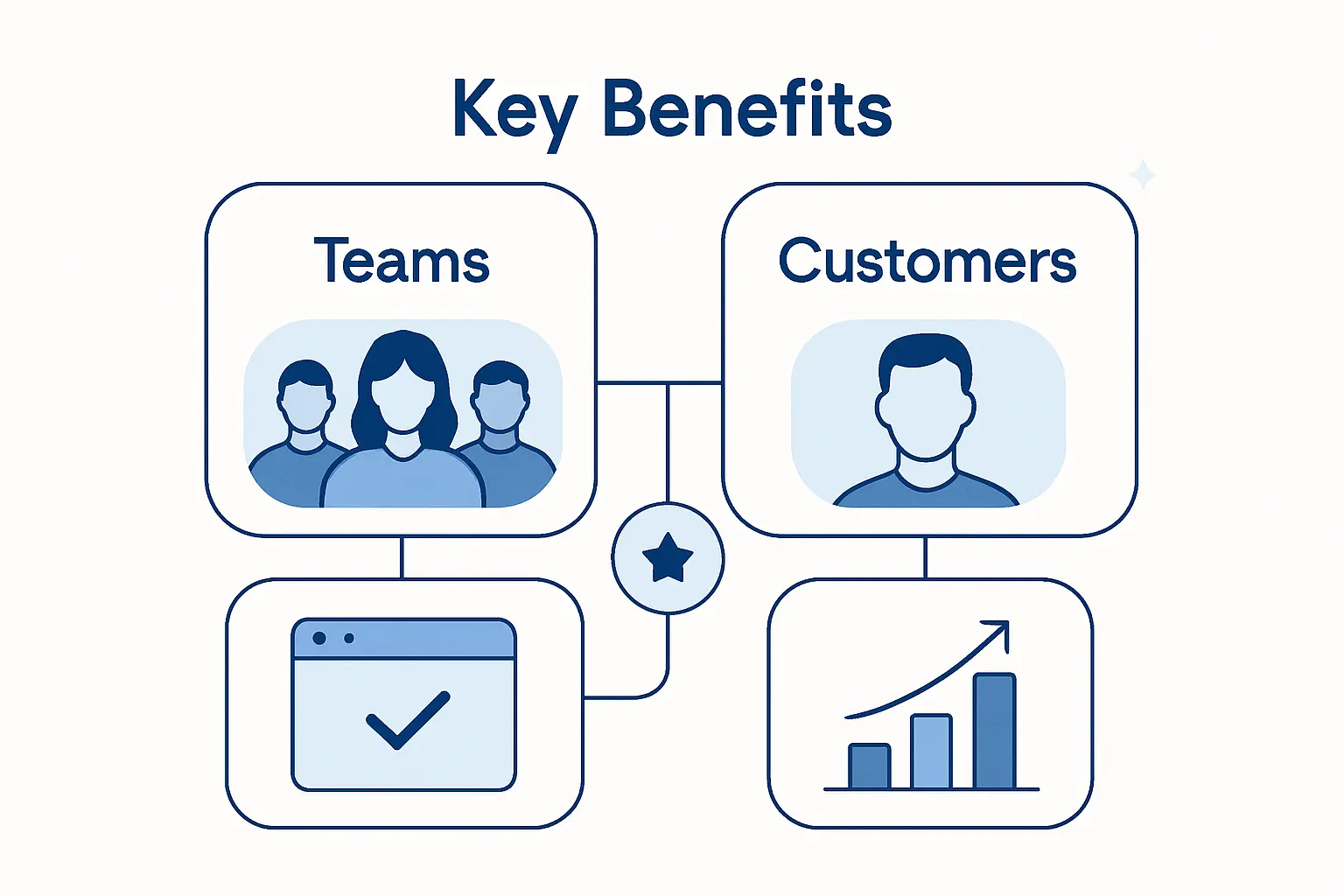
Done well, social CRM helps both sides of the table. Internally, teams work with richer context and cleaner coordination; externally, customers feel heard without having to navigate a maze.
1. Better Accessibility and Stronger Two-Way Communication
Accessibility improves when people can contact a business from channels they already use comfortably. Instead of forcing every issue into a form or a phone queue, social CRM gives customers more natural entry points and gives brands more chances to listen. That two-way rhythm matters because relationships strengthen when customers feel the company is reachable, responsive, and willing to converse rather than merely broadcast.
2. More Actionable Insights for Customer Experience and Business Decisions
Insight quality rises when teams stop relying only on surveys and closed tickets. Patterns in social conversations can reveal where a product confuses people, where expectations break down, what competitors are being praised for, and which messages resonate naturally. As a result, customer experience improvements become more targeted, product discussions become less abstract, and leadership gets a clearer read on what the market is really saying.
3. Greater Efficiency Through Collaboration, Shared Data, and Less Duplicated Work
Efficiency is one of the quietest but most valuable wins. Shared data reduces repeat questions, duplicate notes, and awkward cross-team handoffs because marketing, sales, and service can work from the same customer picture. Departments stop tripping over each other when everyone sees the same history, understands the same issue, and knows who owns the next step.
How to Build the Right Strategy
Software comes last, not first. Before any rollout, we would define the operating model: which channels matter, which teams own what, and how information should move when a conversation becomes a case, lead, or escalation.
1. Assess Your Current Presence, Performance, and Audience Channels
Start with an audit. Map every official account, inactive handle, response pattern, escalation path, and content destination that currently touches customers. That baseline matters because many businesses believe they are “active on social” when they are really just posting into the wind, with no clear handoff between comments, inboxes, websites, and CRM records.
2. Set Clear Goals, KPIs, Ownership, and Management Support
Goals should reflect business outcomes, not platform vanity. Leadership support is essential because social CRM crosses teams, budget lines, and approval chains, which means it needs executive air cover when processes change or accountability gets uncomfortable. Otherwise, social becomes everyone’s side job and no one’s responsibility.
3. Monitor Feedback, Adapt Continuously, and Train Teams
Strategy is never truly finished because channel behavior, platform features, and customer expectations keep shifting. Teams need regular reviews of conversation themes, routing rules, playbooks, and content responses so the system stays useful instead of stale. Training also matters more than many buyers expect, since brand voice, empathy, escalation judgment, privacy handling, and tool fluency all shape the customer experience.
Common Challenges and Mistakes
Here is the rub: social CRM fails less because the idea is flawed and more because execution gets sloppy. Noise, privacy risk, disconnected tools, and fuzzy ownership can drain value surprisingly fast.
1. Filtering the Right Insights From High Volumes of Data
Volume is both the promise and the headache. Keyword rules can pull in spam, irrelevant jokes, stock chatter, or off-topic commentary unless the listening model is tuned carefully with exclusions, taxonomy, and human review. Human review remains important because the most useful signals are often subtle, and teams that chase raw volume usually end up measuring noise with great enthusiasm.
2. Protecting Privacy, Strengthening Security, and Keeping a Consistent Brand Voice
Privacy cannot be an afterthought when customer conversations begin in public spaces. Sensitive details should move quickly into secure channels, access should be limited by role, and workflows should document who can publish, escalate, or view account-level data. Consistency matters just as much, because a fragmented brand voice across comments, messages, and support channels makes the business look confused even when the underlying issue is minor.
3. Avoiding Siloed Tools, Weak Adoption, and Unclear ROI
The biggest trap, in our experience, is buying a shiny tool before agreeing on outcomes. Deloitte’s customer service research found that 47% cite lack of strategy towards what GenAI tools to use for customer service, and the same logic applies to social CRM: without strategy, adoption stalls and ROI becomes hand-waving. Tie the platform to cases resolved, leads advanced, retention saved, and insights acted on.
How to Choose the Right Software
Choosing software is really choosing an operating model in disguise. The right stack should fit your team’s speed, channel mix, compliance needs, and data architecture without forcing awkward workarounds.
1. Built-In Capabilities vs Standalone Tools
Suites win when tight integration, unified records, and shared reporting matter most. Standalone tools shine when listening depth, publishing flexibility, moderation, or specialized social workflows are the bigger priority. Our rule of thumb is simple: if your teams live inside one CRM already, native capabilities may reduce friction; if your social operation is unusually complex, a specialized layer may justify itself.
2. Essential Requirements Such as Omnichannel Workflows, Scalability, and Analytics
Look beyond polished demos and ask how the product handles routing, tagging, case creation, lead sync, permissions, audit trails, multilingual engagement, and API-based integration. Scalability matters because social volume can spike suddenly around launches, service outages, and brand moments. If a vendor cannot show how data moves, not just how screens look, we would keep shopping.
3. Metrics That Connect Social Activity to Traffic, Leads, Sentiment, and Retention
Metrics should explain business movement, not merely audience activity. Track which interactions drive site visits, which social leads become qualified opportunities, how sentiment shifts after support intervention, and whether resolved public issues reduce churn risk or improve loyalty signals. When those measures are visible, social CRM stops being “the thing the social team uses” and becomes a business system leaders can trust.
Social CRM FAQ
Beginners often hear the phrase and wonder whether it is just a buzzier CRM. We would answer the common questions this way.
1. What Is a Social CRM
A social CRM is a CRM approach that connects customer data with social interactions so businesses can monitor conversations, respond across channels, and use social insight in service, sales, and marketing. Unlike a basic social media dashboard, it ties those interactions to customer records and business workflows.
2. What Is the Difference Between CRM and Social CRM
CRM manages relationships through structured records such as contacts, opportunities, and support histories. Social CRM adds public and private social interactions, real-time listening, and a stronger focus on customer-led engagement. Put differently, traditional CRM remembers what happened, while social CRM also notices what is happening now.
3. How Do Companies Use Social CRMs
Companies use social CRMs to answer service questions, capture leads, route complaints, manage reviews, monitor brand perception, support communities, and feed customer insight back into marketing and product decisions. Support teams use it for faster case handling, sales teams use it for intent signals, and marketers use it for smarter segmentation and content planning.
4. What Features Should a Social CRM Include
Core features include social listening, sentiment or topic classification, centralized customer profiles, activity history, lead and case creation, workflow automation, routing, reporting, and integrations with other business systems. Beyond features, we would also insist on role-based access, auditability, and enough flexibility to support real omnichannel handoffs.
5. Is Social CRM Suitable for Businesses of Different Sizes
Yes, but the scope should match the business. Small companies can begin with a lean setup that focuses on a few important channels and basic routing, while larger organizations may need deeper integrations, governance, and analytics. The key is not size alone; it is whether customer conversations on social are important enough to affect revenue, service quality, and brand trust.
How 1Byte Supports Social CRM as a Cloud Computing and Web Hosting Provider
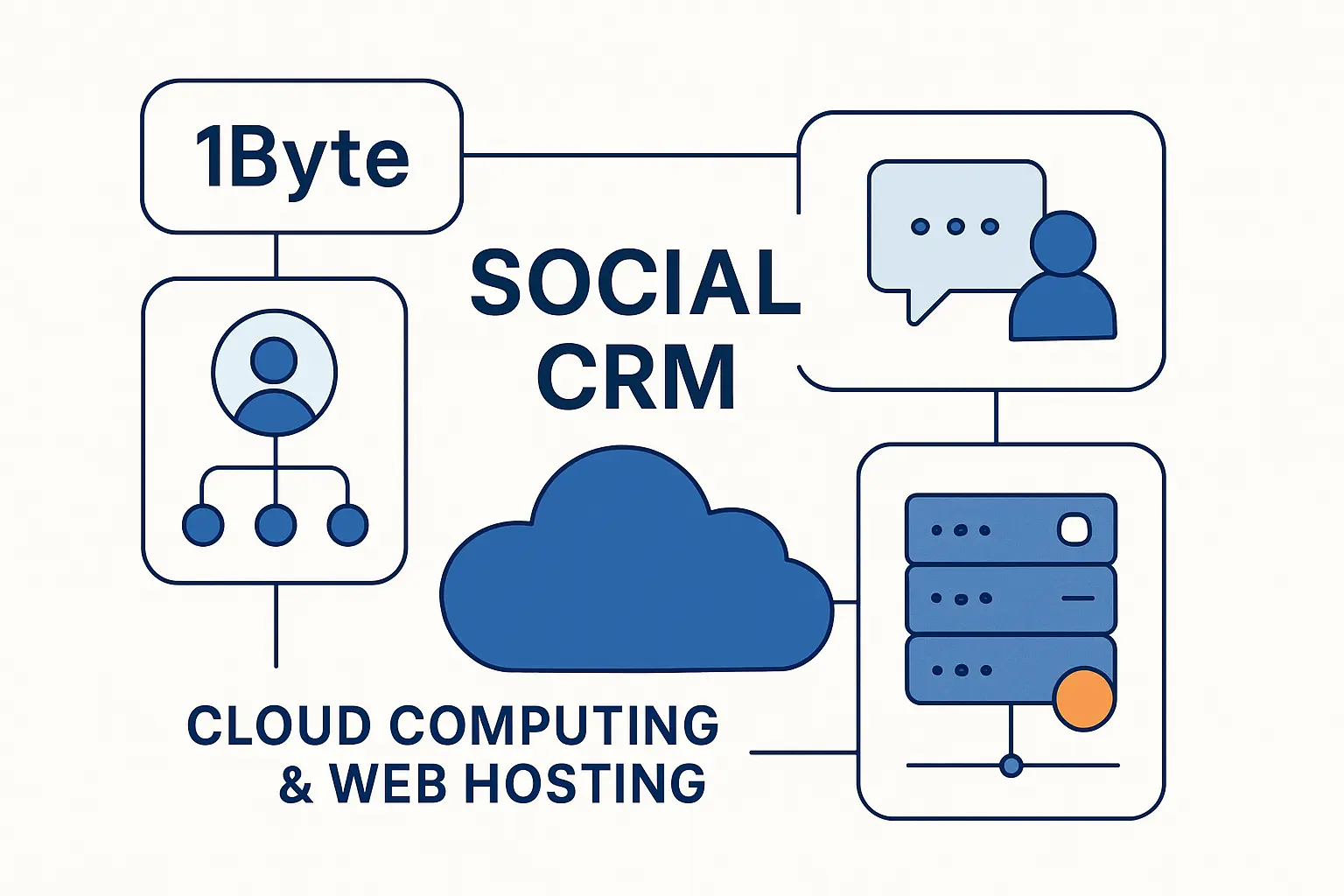
At 1Byte, we do not position ourselves as a social CRM vendor. Instead, we provide the digital foundation that helps social CRM programs perform well: secure domains, reliable hosting, scalable cloud infrastructure, and the flexibility to build customer touchpoints that plug into the rest of the stack.
1. Domain Registration and SSL Certificates for Secure Branded Customer Touchpoints
Branded touchpoints matter because customers trust what they recognize. Our domain services help businesses launch campaign microsites, help centers, review-response landing pages, or dedicated community sites, while SSL certificates secure forms, logins, and customer handoffs. In plain English, this is the layer that turns a social click into a trustworthy destination instead of a leaky funnel.
2. WordPress Hosting and Shared Hosting for Websites, Landing Pages, and Content
Many social CRM journeys still end on a website. With WordPress hosting and shared hosting, we can support content hubs, FAQs, landing pages, blogs, and gated resources that capture leads from social campaigns and give service teams a clean place to send customers for next steps. That may sound basic, but stable content delivery and dependable page performance often make the difference between interest and abandonment.
3. Cloud Hosting and Cloud Servers From 1Byte as an AWS Partner for Scalable Growth
As an AWS Partner, we at 1Byte can support businesses that need more headroom for integrations, automation, analytics, or custom customer portals. Cloud hosting and cloud servers are especially useful when social CRM expands into API-heavy workflows, webhook processing, data pipelines, AI-assisted tagging, or traffic spikes tied to campaigns and brand moments. Put simply, we help keep the underlying infrastructure strong while customer conversations scale.







Final Thoughts on Social CRM
Social CRM is worth taking seriously because it changes how a business listens, remembers, and responds. Rather than treating social as a loud room outside the CRM, it pulls that room into the system where service, sales, marketing, and leadership can actually act.
Our advice is to start small but architect wisely: map a real customer journey, connect a high-value social channel to your CRM, define ownership, and measure what improves. Once your team can answer a simple question—what did we learn from this conversation, and where did that learning go—you will know whether your strategy is working. What would happen if every important social interaction in your business became usable context rather than forgotten chatter?