

- How These Free CRM Tools Compare and Why They Made the List
- Top 10 Free CRM Tools for Most Small Businesses
- 5 More Free CRM Tools Worth Considering
- Free Plan Limits That Matter More Than the Feature List
- How to Match Free CRM Tools to Your Workflow
- What Makes Free CRM Tools Worth Keeping
- How to Get More Value From a Free CRM
- Frequently Asked Questions
- Conclusion
The best free CRM tools give small teams enough structure to stop living in spreadsheets without forcing an expensive upgrade in week two. For most readers comparing free CRM tools, the shortlist comes down to five questions: how many people can use it, how much contact data it holds, how useful the free automation is, how painful the branding limits are, and whether the paid path still makes sense later. Our research points to HubSpot as the broadest free option, Zoho CRM as the strongest value for more than two users, and Salesforce Free Suite as a smart fit for tiny teams that want a cleaner path into a bigger ecosystem. The rest of this list matters because some teams care more about Gmail, Outlook, all-in-one marketing, or flexible data models than about brand recognition.
How These Free CRM Tools Compare and Why They Made the List
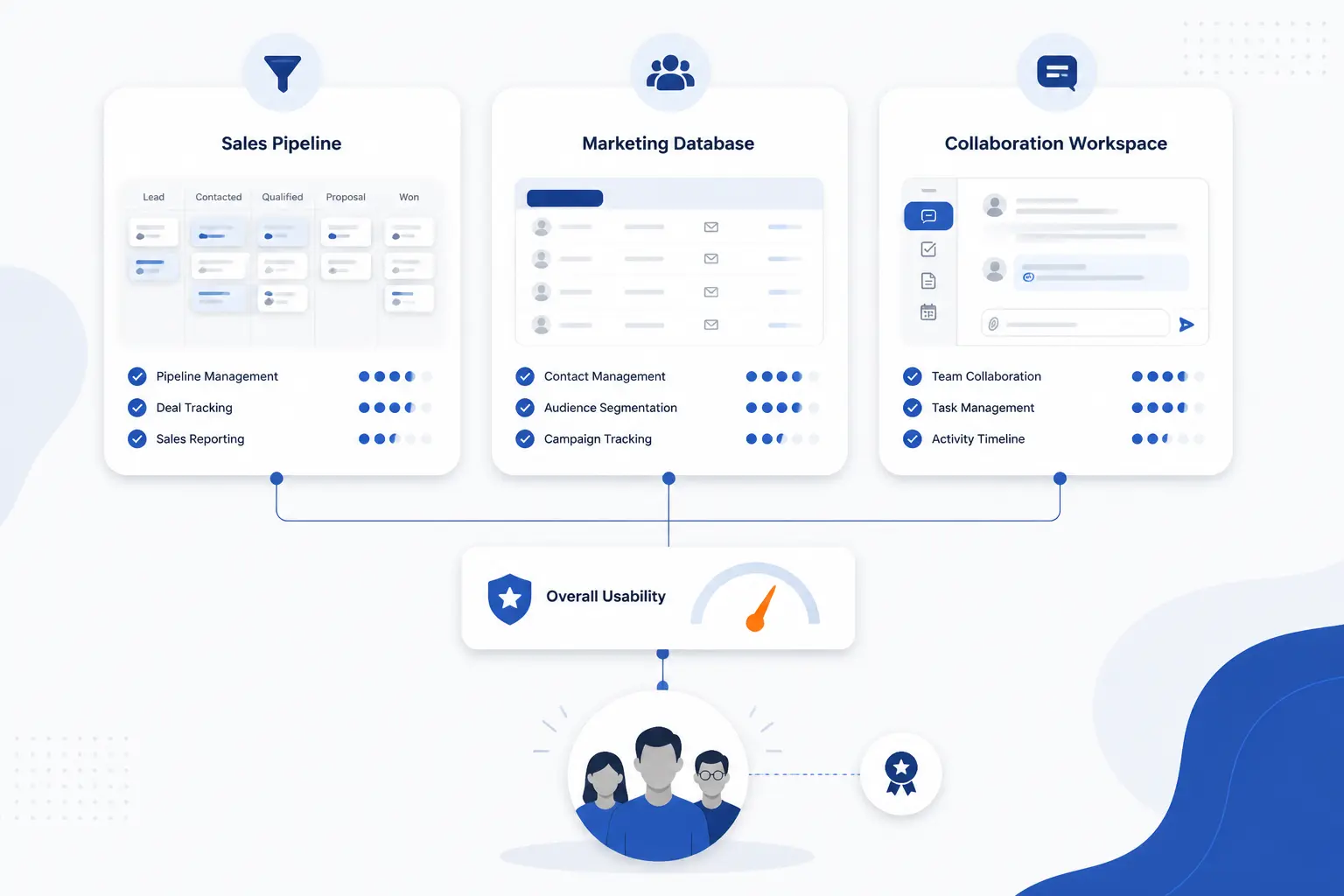
Most free CRM tools are not really competing on the same thing. Some are trying to be a true day-to-day sales system, some are a marketing database with light CRM behavior, and some are collaboration platforms with CRM baked in. That is why we did not rank them on feature-count theater alone. We ranked them on how usable the free tier looks for a real small team that needs contacts, deals, follow-ups, and a believable upgrade path.
FURTHER READING: |
| 1. 15 Best IoT Platform Providers For Real-World Needs |
| 2. 15 Best AI for Graphic Design Tools That Deliver |
| 3. 15 Best Free CDN for WordPress for Speed and Security |
Quick Comparison of the Best Free CRM Tools
| Name | Best For | Free Plan Limits | Upgrade Starting Price | Score |
|---|---|---|---|---|
| HubSpot CRM | Teams that want the broadest free toolkit | 2 users, 1,000 contacts, 1 deal pipeline | Starter from $7 per seat per month on the listed offer | 4.8 |
| Zoho CRM | Small sales teams that need more free seats | 3 users, 5,000 records, 5 workflow rules | Standard from $14 per user per month billed annually | 4.7 |
| Salesforce Free Suite | Two-person teams that want a clean Salesforce start | 2 users, 100 emails per month, login every 60 days | Starter Suite from $25 per user per month | 4.5 |
| Bitrix24 | Teams that want CRM plus internal collaboration | Pricing page shows 1 to 2 users and 5 GB storage | Basic from $69 per month flat rate | 4.2 |
| Freshsales | Small sales teams that want a cleaner sales-first layout | Up to 3 users | Growth from $9 per user per month billed annually | 4.4 |
| EngageBay | Lean teams that want CRM plus marketing and support | Up to 15 users | Paid plans run up to $99 per month on the pricing page | 4.4 |
| Attio | Modern teams building a custom data model | 3 seats, 3 objects, 50,000 records | Plus from $35 per user per month billed annually | 4.3 |
| Vtiger One | Small businesses that want lots of modules in one app | 10 users, 3,000 records | One Growth from $12 per user per month | 4.2 |
| Capsule CRM | Very small teams that value simplicity over breadth | 2 users with core contact, task, and pipeline tools | Paid plans begin after the free tier and trial path | 4.3 |
| FreeCRM | Budget teams that want built-in calling and cases later | Unlimited storage, core contacts, deals, tasks, and reports | Pro from $10 per user per month | 3.8 |
How We Researched and Evaluated Each Option
We looked at each product the way a careful buyer would. That meant reading the official product page, checking the live pricing structure, looking for documentation or help pages when limits were unclear, and then checking whether third-party reviews lined up with the marketing story.
- Free-tier usefulness: we scored how much real work a small team can do before hitting the first hard wall on seats, records, automation, or branding.
- Capability fit: we favored tools that can handle everyday CRM work such as contact management, deal tracking, follow-ups, and team visibility without awkward workarounds.
- Ease of adoption: we looked for products whose setup and daily workflow appear straightforward from the product pages, menus, modules, and plan descriptions.
- Upgrade sanity: we checked whether the first paid step looks financially reasonable or whether the jump from free to paid gets steep fast.
- Review signal: we used independent review pages to pressure-test support quality, billing friction, and recurring complaints that the official pages obviously do not highlight.
Those criteria also shaped the score column above. The score is our editorial judgment from this research, not a recycled marketplace rating.
Top 10 Free CRM Tools for Most Small Businesses
If you only want the strongest shortlist, start here. These ten free CRM tools cover most real small-business use cases, from classic pipeline management to marketing-led follow-up, inbox-first selling, and all-in-one customer tracking. The higher-ranked picks either give you more useful free capacity or make fewer frustrating trade-offs.
1. HubSpot CRM
- Category: CRM suite
- Best for: small teams that want the widest free toolkit
- Ease of use: easy to learn
- Pricing: free for up to 2 users
- Standout feature: unusually broad free sales, service, and content tools
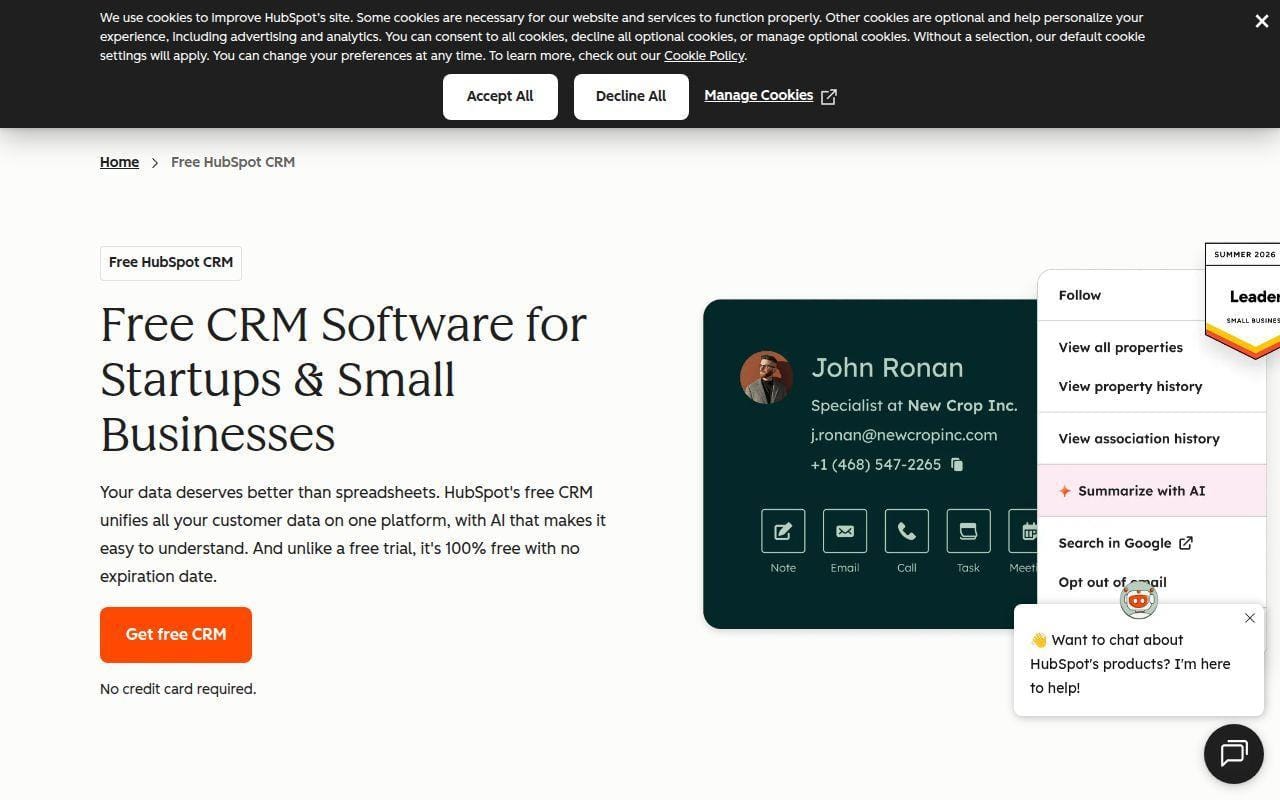
HubSpot sits at the top of this list because its free plan still looks like a real operating system for a very small team, not a teaser page with a contact form. The official product page shows contact management, CRM import, deals, and tasks at the center of the workflow, while the pricing page spells out enough free limits to tell you where the walls are. For a small business that wants one place for leads, meetings, chat, light reporting, and a pipeline, it is the easiest broad recommendation in this roundup.
What pushes it ahead of most rivals is balance. HubSpot is not the most generous on seat count, and it definitely nudges you toward paid products later, but the free tier is still coherent enough to run real work while you figure out whether your team will stay tiny or grow into something bigger.
How HubSpot CRM works
The basic flow is familiar in a good way. You create or import contacts, log activities, connect email, and move opportunities through a single deal pipeline. HubSpot’s product page highlights contact management, CRM import, deals, and tasks and activities as the core building blocks, while the free tools page adds meeting scheduling, ticketing, live chat, 1-to-1 email, forms, and reporting dashboards. That matters because a beginner can start with a plain pipeline and gradually turn on more structure without switching tools.
There are also very concrete free-plan limits. The pricing page says the free account includes up to 2 users, 1,000 contacts, 10 dashboards with 50 reports per dashboard, one deal pipeline, up to 3 snippets, and one personal meetings link. It also notes that 1-to-1 email, live chat, and forms include HubSpot branding on free. In other words, the workflow is strong, but you are expected to tolerate some visual branding and a few hard caps.
Who is HubSpot CRM for?
This is for micro teams that want a polished CRM without piecing together five separate apps. It fits consultants, small B2B service firms, early SaaS teams, and founders who want a future path into marketing and service tools without a migration.
If you already know you need more than two active users on day one, or you hate branded free-plan assets, look elsewhere. Zoho CRM and EngageBay both stretch a small team further on seats.
HubSpot CRM pricing
- Free: $0 per month with up to 2 users, 1,000 contacts, 1 deal pipeline, and 10 dashboards.
- Starter: starts at $7 per seat per month on the listed offer, with higher dashboard limits, branding removal on several tools, more snippets, and more meeting links.
You can review the current plan breakdown before deciding how painful the jump from free to paid looks for your team.
Pros and cons
Pros
- Free plan covers more daily ground than most rivals, including deals, tickets, chat, forms, and dashboards.
- Clear free-plan limits, including 1,000 contacts and one deal pipeline, make planning easier.
- The product pages show direct email integration and import tools, which lowers setup friction.
Cons
- The 2-user ceiling is tight for many small teams.
- Free tools still carry HubSpot branding in places like 1-to-1 email, live chat, and forms.
- Trustpilot reviewers regularly flag billing and support frustration once companies move deeper into the paid ecosystem.
HubSpot CRM rating and reviews
- Trustpilot: rated 1.5/5 across 1K reviews.
That low public score does not erase HubSpot’s product strength, but it is a real warning sign on support and account friction once money enters the picture.
If you want the safest all-around free pick and can live with the 2-user cap, HubSpot is still the one we would shortlist first. Just go in with your eyes open about how the paid side is perceived.
2. Zoho CRM
- Category: CRM platform
- Best for: small sales teams that need more free room than HubSpot allows
- Ease of use: moderate
- Pricing: free for 3 users
- Standout feature: strong free-seat value with real workflow automation
Zoho CRM earns the runner-up spot because it gives small teams a lot of substance before asking for a credit card. The free edition supports three users, and Zoho’s own free-edition guide adds details that matter in practice: lead and contact management, accounts and deals, webforms, reports, email marketing, a mobile app, and seven native app integrations. That is a lot of actual CRM for no money.
We rank it just behind HubSpot because the experience looks a little less immediately friendly for beginners, and Zoho’s broader suite can feel sprawling. Still, if your biggest pain point is “HubSpot looks good but two seats is not enough,” Zoho is the clearest next stop.
How Zoho CRM works
Zoho’s free edition is built around a conventional lead-to-deal workflow. You track leads, contacts, accounts, and deals, capture new prospects through webforms, and set reminders or simple automations so nothing sits untouched too long. Zoho’s free-edition guide says the plan supports up to five workflow rules, and it even outlines the menu path for building them in Setup, Automation, and Workflow Rules. That is the kind of detail we like to see because it shows the free plan is meant to be used, not just demoed.
The product positioning is more sales-first than HubSpot’s free stack. You get what small pipeline teams usually need first: records, follow-up reminders, deal tracking, reports, dashboards, mobile access, and basic customization. The upside is stronger pure-CRM value. The trade-off is that the interface and product family can take longer to absorb.
Who is Zoho CRM for?
Zoho CRM is for small sales teams, agencies, consultants, and owner-led businesses that already know they need at least three users or want more automation on the free tier. It is also a practical pick for companies that may eventually buy into a wider app suite from the same vendor.
If your team wants the most polished beginner experience or more of an all-in-one marketing-service feel, HubSpot or EngageBay will usually feel easier.
Zoho CRM pricing
- Free: free for 3 users with leads, contacts, deals, reports, workflow automation, and mobile access.
- Standard: $14 per user per month billed annually with sales forecasting, multiple currencies, and reminders.
- Professional: $23 per user per month billed annually with macros, SalesSignals, and assignment rules.
- Enterprise: $40 per user per month billed annually with contextual related lists, custom signals, and email parser.
- Ultimate: $52 per user per month billed annually as the highest listed tier.
Zoho lays out the current edition details clearly enough that you can see where the first paid jump starts to make sense.
Pros and cons
Pros
- Three free users is a meaningful advantage over many better-known rivals.
- The free edition includes up to five workflow rules, which is more practical than many stripped-down free plans.
- Zoho’s own guide lists webforms, reports, dashboards, mobile, and seven native app integrations on free.
Cons
- The wider product family can feel busy if you want something dead simple.
- Paid plan differences get more layered as you move up the stack.
- Public reviews across the broader Zoho brand show recurring support and billing complaints even though the software depth is strong.
Zoho CRM rating and reviews
- Trustpilot: rated 3.9/5 across 6,071 reviews.
The catch is that this review footprint covers Zoho broadly, not only Zoho CRM. Even so, it is useful for spotting patterns around service quality and account handling.
For a genuinely useful free sales CRM with one more seat and better free automation than HubSpot, Zoho is easy to recommend. We would put it first for small teams that are already a little process-minded.
3. Salesforce Free Suite
- Category: CRM suite
- Best for: two-person teams that want a clean Salesforce on-ramp
- Ease of use: moderate
- Pricing: free for up to 2 users
- Standout feature: built-in AI in a no-cost starter package
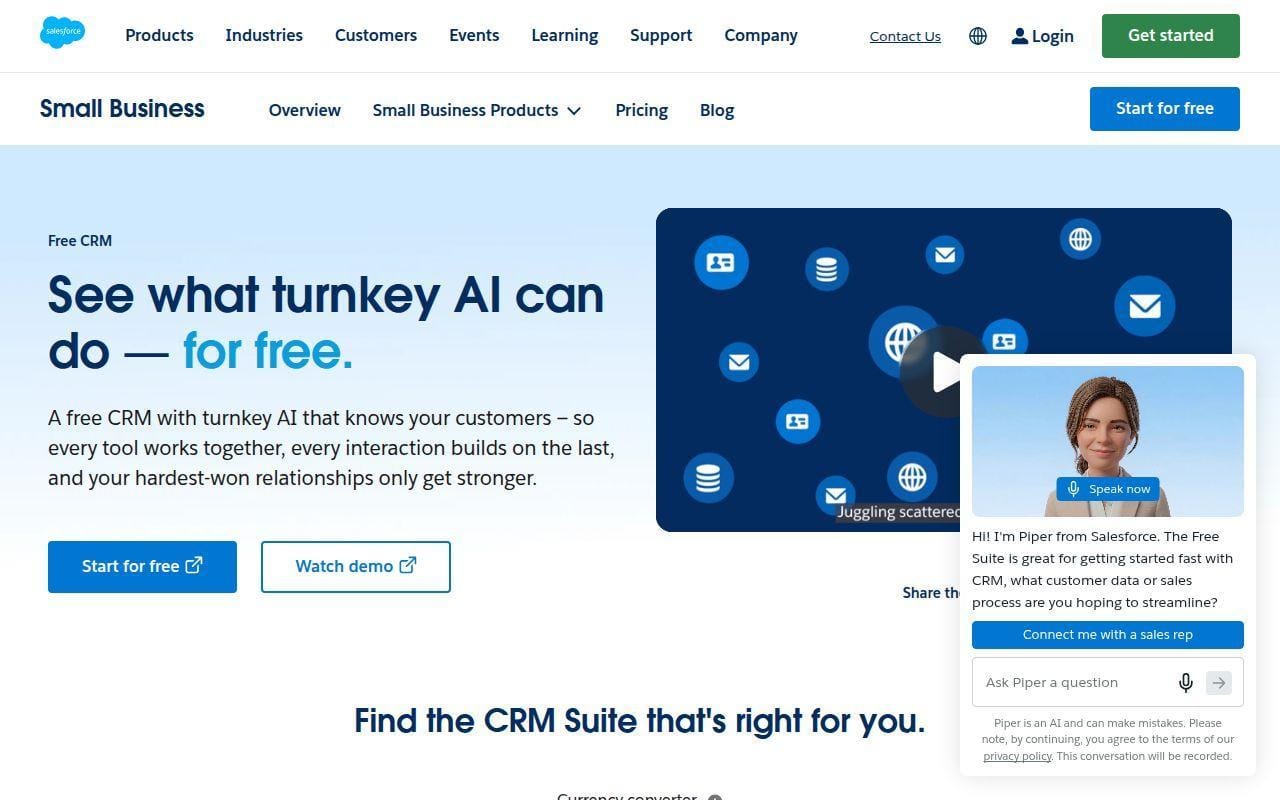
Salesforce Free Suite is better than many readers assume. The official free CRM page is unusually direct: it says the plan is a no-cost CRM for up to two users, includes sales, service, and marketing basics, and adds built-in AI for email drafting and record summaries. For a two-person shop that wants Salesforce credibility without starting on a paid contract, that is a legitimate option.
It ranks third because the fit is narrower than HubSpot or Zoho. The seat limit is firm, and Salesforce is still Salesforce. Some small teams will love the structure. Others will wonder why they brought such a big name into such a small room.
How Salesforce Free Suite works
The workflow starts with standard CRM objects: accounts, leads, opportunities, and support cases. Salesforce also says Free Suite includes task feeds, knowledge management, customizable reports or dashboards, custom landing pages for lead capture, and email sending. The same page says the AI features can summarize customer details and draft contextual emails right out of the box, which makes the setup story a little stronger than people often expect.
There are two important limit notes. First, Free Suite is for up to two users. Second, Salesforce says the account stays free with no expiration date as long as you log in at least once every 60 days. That is not a dealbreaker, but it is the kind of operational footnote small teams should know before building habits around it.
Who is Salesforce Free Suite for?
This makes sense for founders, micro agencies, and very small sales teams that want to grow inside the Salesforce world later. It also suits teams that like the idea of guided learning and a clearly structured CRM instead of a lighter, more flexible tool.
If you already have three users, or if your team wants a cheaper first paid upgrade, Zoho, Freshsales, or EngageBay will usually be more practical.
Salesforce Free Suite pricing
- Free Suite: $0 with up to 2 users, accounts, leads, opportunities, support cases, landing pages, and 100 emails per month.
- Starter Suite: $25 per user per month with advanced automation, lead routing, and e-commerce tools.
- Pro Suite: $100 per user per month with sales forecasting and deeper customization.
Pros and cons
Pros
- The free plan includes real sales and service objects, not just a contact list.
- Built-in AI for summaries and email drafting is a notable bonus at this price.
- Salesforce is unusually clear that the free plan has no expiration date if you meet the login requirement.
Cons
- Two users is a hard stop for many small teams.
- You need to log in at least once every 60 days to keep the free status active.
- The first paid jump is not outrageous, but it is still steeper than Freshsales or Zoho.
Salesforce Free Suite rating and reviews
- Trustpilot: rated 1.5/5 across 638 reviews.
As with HubSpot, the public score is far harsher than the product’s market reputation. We would treat it as a warning about service experience and account friction, not as proof that the CRM is weak.
Salesforce Free Suite is a sharper pick than it looks, but only for the right team shape. If you are exactly two people and want a serious platform from the start, it belongs on the shortlist.
4. Bitrix24
- Category: CRM and collaboration platform
- Best for: teams that want CRM plus internal teamwork tools
- Ease of use: moderate to difficult
- Pricing: free cloud plan shown on the pricing page
- Standout feature: tasks, chat, calendars, and video calls alongside CRM
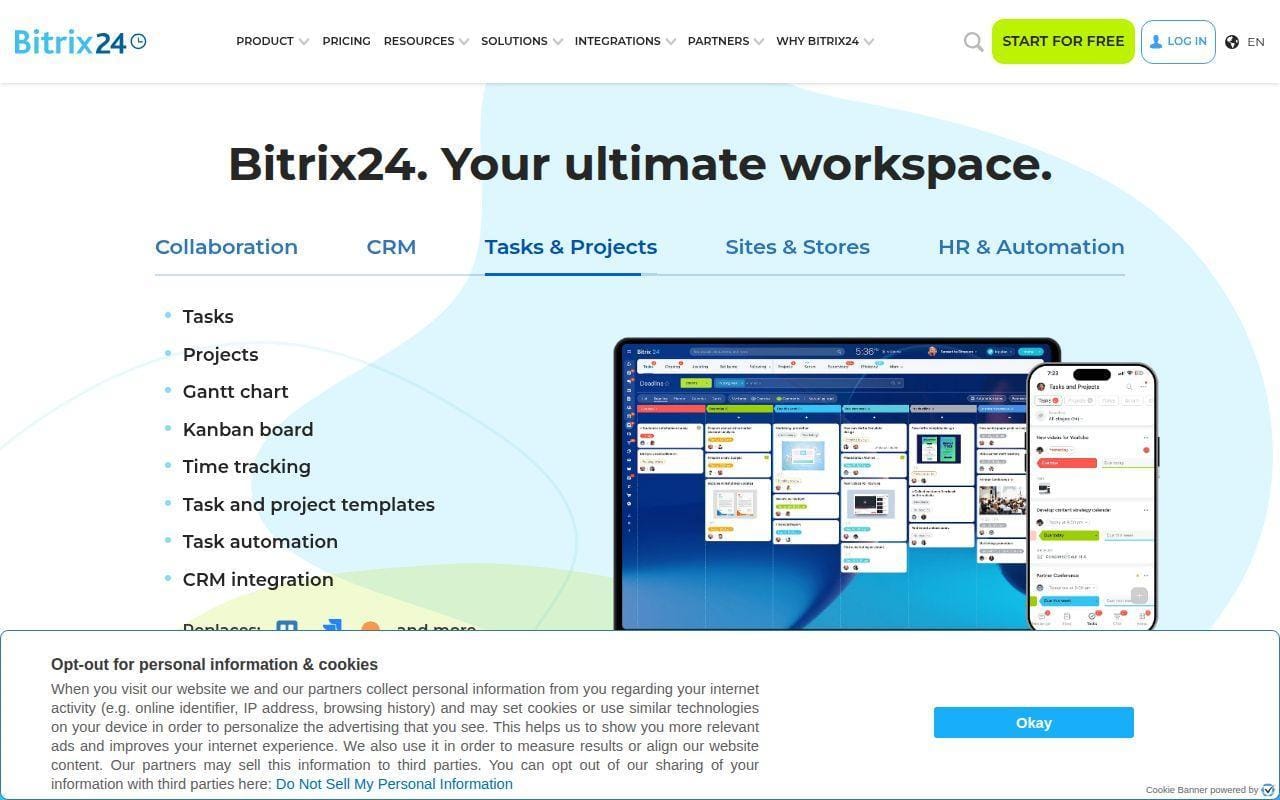
Bitrix24 stands out because it is not just trying to be a contact-and-deals app. The pricing page frames it as one platform for sales, tasks, and teams, and that makes it appealing for companies that want internal collaboration wrapped around the CRM instead of bolted on later. If your team lives in task boards and chat as much as in pipelines, Bitrix24 is more interesting than a pure sales CRM.
It ranks fourth because the free story is strong but messy. The plan card on the pricing page shows a Free tier for 1 to 2 users with 5 GB storage, basic CRM, tasks, calendars, chat, and video calls. Lower on the same page, the FAQ still describes the free plan as a default account state where you can add an unlimited number of users. That inconsistency is exactly the kind of thing buyers hate.
How Bitrix24 works
The product combines CRM basics with work management. On the pricing page, the Free tier lists basic CRM for deals and contacts, tasks with Kanban and Gantt views, shared calendars, and chat and video calls. That means the workflow is less “pipeline only” and more “manage the sale and the team work around the sale in one place.”
Bitrix24’s flat-rate paid structure is another differentiator. Instead of per-user pricing at every step, the pricing page emphasizes one flat rate for all users included in your plan. That can be attractive for teams that expect to add collaborators faster than they add actual quota-carrying reps.
Who is Bitrix24 for?
Bitrix24 fits teams that want CRM, task management, and internal communication in one system. Small agencies, operations-heavy service teams, and project-based firms are the obvious candidates.
If you want the cleanest beginner CRM experience, or you want absolute clarity on free-plan limits, look elsewhere. HubSpot, Freshsales, and Capsule are all easier to read at a glance.
Bitrix24 pricing
- Free: 100% free plan card with 1 to 2 users, 5 GB storage, basic CRM, tasks, shared calendars, and chat and video calls.
- Basic: $69 per month flat rate.
- Standard: $139 per month flat rate.
- Professional: $299 per month flat rate.
You can check the current plan matrix, and we strongly suggest doing that because the free-user messaging on the page is not fully consistent.
Pros and cons
Pros
- Free tier includes collaboration tools that many CRMs leave for separate products.
- Flat-rate paid plans can work out well for broader teams.
- Tasks, calendars, chat, and video calls make it more of a work hub than a narrow sales database.
Cons
- The pricing page sends mixed signals about whether the free plan is 1 to 2 users or effectively wider.
- 5 GB storage is modest if you attach lots of files.
- Third-party reviewers frequently mention support frustration and general complexity.
Bitrix24 rating and reviews
- Trustpilot: rated 2.0/5 across 110 reviews.
That review signal lines up with our main hesitation. Bitrix24 can do a lot, but it can also feel harder to trust at the edges than the cleaner top-three picks.
If you want one system for selling and collaborating, Bitrix24 is worth a serious look. If you mainly want a clean CRM, it is probably more platform than you need.
5. Freshsales
- Category: sales CRM
- Best for: small sales teams that want a more focused pipeline tool
- Ease of use: easy to moderate
- Pricing: free for up to 3 users
- Standout feature: a cleaner sales-first structure than most all-in-one suites
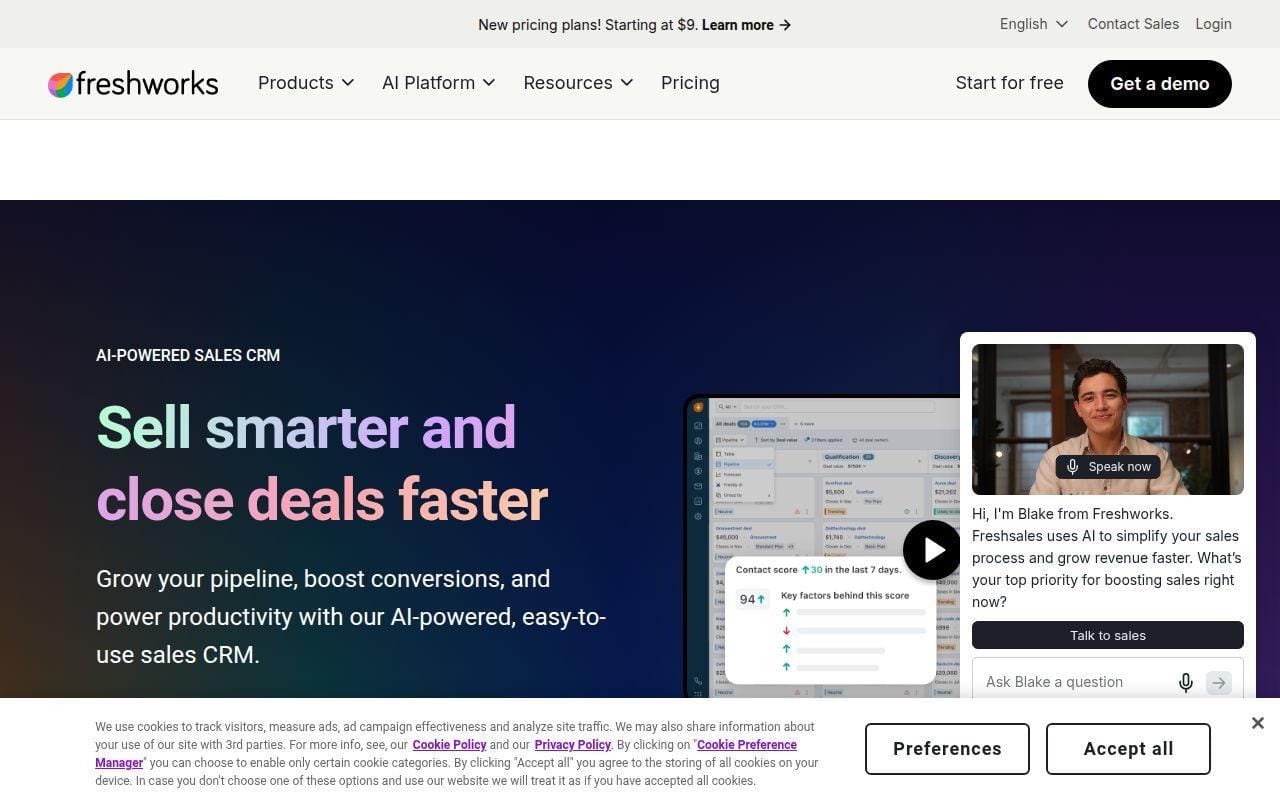
Freshsales makes this list because it looks like one of the more sensible sales-first free CRM tools for a small team that does not need an entire customer platform on day one. The pricing comparison page is clear on the headline that matters most: the Free plan is $0 for up to 3 users. That alone gives it immediate appeal for small teams that have already outgrown HubSpot’s 2-user ceiling.
We place it behind Bitrix24 because the public review signal is weaker, but for straightforward deal tracking and account management, Freshsales is easier to understand than more bloated platforms. Sometimes that simplicity is half the battle.
How Freshsales works
The official comparison page lays out a classic sales workflow. Even on Free, it shows contact management, account management, contact lifecycle stages, activity timeline, Kanban view for records, tasks, appointments, notes, and a sales dashboard. That is a solid base for teams that mainly care about leads, deals, and rep activity.
The same matrix makes it plain that the higher tiers are where deeper automation, AI, reporting, and integrations stack up. So the logic here is simple: start with core sales discipline for up to three users, then pay only if you need more sophisticated process control.
Who is Freshsales for?
Freshsales is a good fit for sales-led startups, small B2B teams, and businesses that want a CRM centered on accounts, records, and rep activity instead of a sprawling suite of side features.
If you want more marketing or service breadth on free, HubSpot and EngageBay are better matches. If you want a true collaboration hub, Bitrix24 still goes wider.
Freshsales pricing
- Free: $0 for up to 3 users with core contact and account management, activity timeline, tasks, appointments, notes, and sales dashboard.
- Growth: $9 per user per month billed annually.
- Pro: $39 per user per month billed annually.
- Enterprise: $59 per user per month billed annually.
You can compare the current tier matrix if you want to see exactly where the feature stack changes.
Pros and cons
Pros
- Three free users is generous enough for many actual small sales teams.
- The free tier still includes useful daily tools like lifecycle stages, activity timeline, and Kanban records.
- The first paid step at $9 per user per month billed annually is relatively reasonable.
Cons
- Advanced capabilities clearly live in the paid tiers.
- The free offer is narrower than HubSpot if you want service or content features too.
- Its public Trustpilot footprint is rough, especially around customer experience.
Freshsales rating and reviews
- Trustpilot: rated 1.5/5 across 119 reviews.
This is another case where the product story and the support story do not sound equally strong. That does not disqualify Freshsales, but it does keep it out of the top four.
For a lightweight, sales-first free CRM, Freshsales is still easy to like. It is one of the cleaner options if your workflow is mostly people, deals, and follow-ups.
6. EngageBay
- Category: all-in-one CRM suite
- Best for: small teams that want CRM, email marketing, chat, and helpdesk together
- Ease of use: moderate
- Pricing: genuinely free plan available
- Standout feature: generous user allowance on free
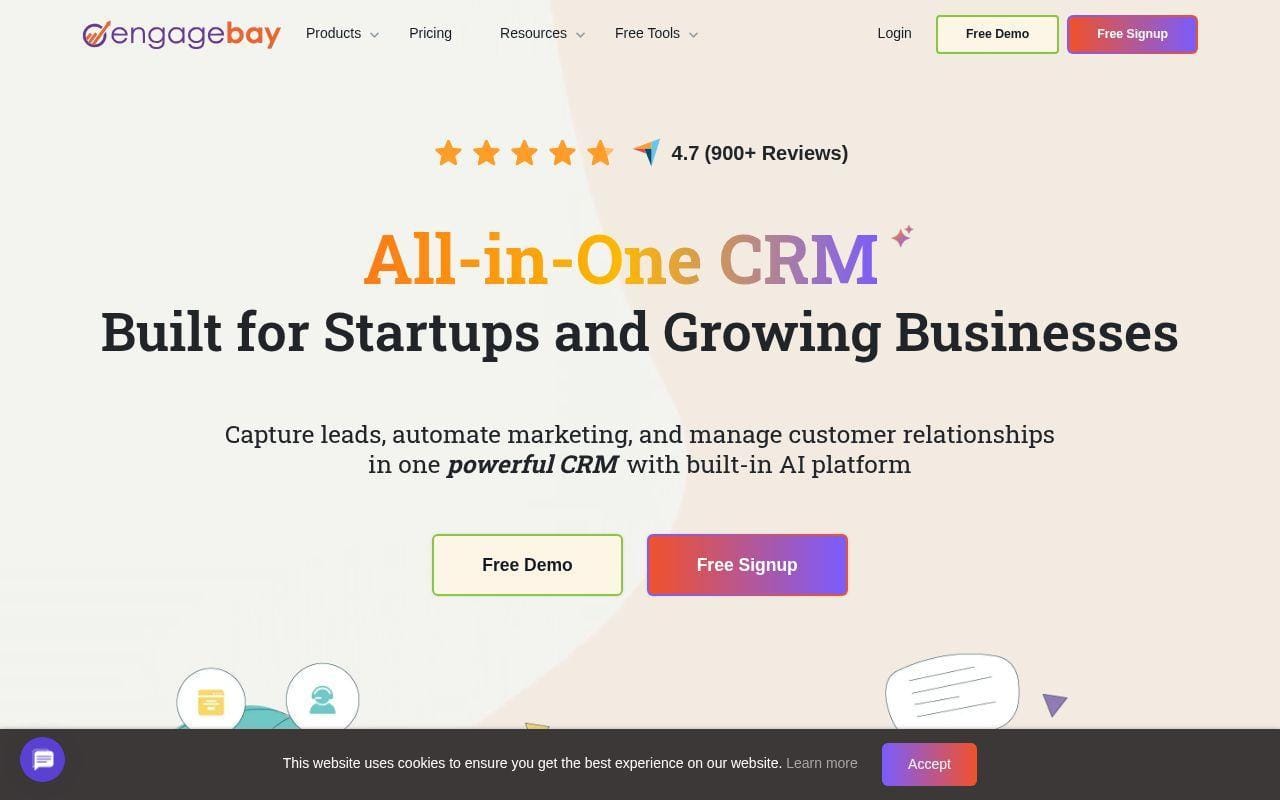
EngageBay wins a place this high because its free plan is unusually generous on team access. The official site says the free plan is not a trial and includes CRM, email marketing, live chat, and helpdesk features for up to 15 users. That one fact changes the conversation. If your team is already bigger than two or three people but still cash-conscious, EngageBay immediately becomes more realistic than several better-known names.
We do not rank it higher than Freshsales because the product tries to do a lot at once, and that can cut both ways. The upside is obvious. The downside is that some teams really do better with a cleaner, more focused sales app.
How EngageBay works
EngageBay is built as a shared customer workspace rather than just a pipeline tracker. The free offering spans CRM, email marketing, live chat, and helpdesk, so the workflow can start with lead capture, move into contact management, and continue into support without forcing separate products. For small teams that wear several hats, that is a big deal.
The pricing page also makes clear that this is a laddered suite, not a one-plan forever story. Free gets you in the door. Paid tiers are there for deeper automation and capacity once your operation becomes more serious.
Who is EngageBay for?
EngageBay is for lean teams that need one affordable stack for sales, marketing, and support. Small agencies, service businesses, and founder-led companies that do not want to buy separate chat and helpdesk tools are the sweet spot.
If your top priority is a clean, sales-only CRM or a more established enterprise ecosystem, you will probably prefer Freshsales, Zoho, or Salesforce.
EngageBay pricing
- Free: $0 with CRM, email marketing, live chat, helpdesk, and up to 15 users.
- Paid plans: the pricing page positions the range from free up to $99 per month depending on tier and billing setup.
You can inspect the current package details if you need the exact tier mix for marketing and support features.
Pros and cons
Pros
- Up to 15 users on the free plan is one of the most generous seat allowances in this list.
- Combines CRM, email marketing, live chat, and helpdesk instead of making you assemble them yourself.
- Good fit for teams that want one vendor for the customer journey.
Cons
- The broader scope can feel busier than a pure sales CRM.
- It is not as widely entrenched as HubSpot or Salesforce.
- The all-in-one pitch is great only if you actually need several of those modules.
EngageBay rating and reviews
- Trustpilot: rated 4.6/5 across 1,020 reviews.
That is one of the stronger public review footprints in this list, and it helps explain why EngageBay keeps showing up in budget-conscious comparisons.
If you need more seats than most free CRM tools allow, EngageBay becomes hard to ignore. For the right team, it can replace several entry-level tools at once.
7. Attio
- Category: modern CRM platform
- Best for: startups that want a flexible, custom-shaped CRM
- Ease of use: moderate
- Pricing: free for up to 3 seats
- Standout feature: flexible objects and built-in enrichment
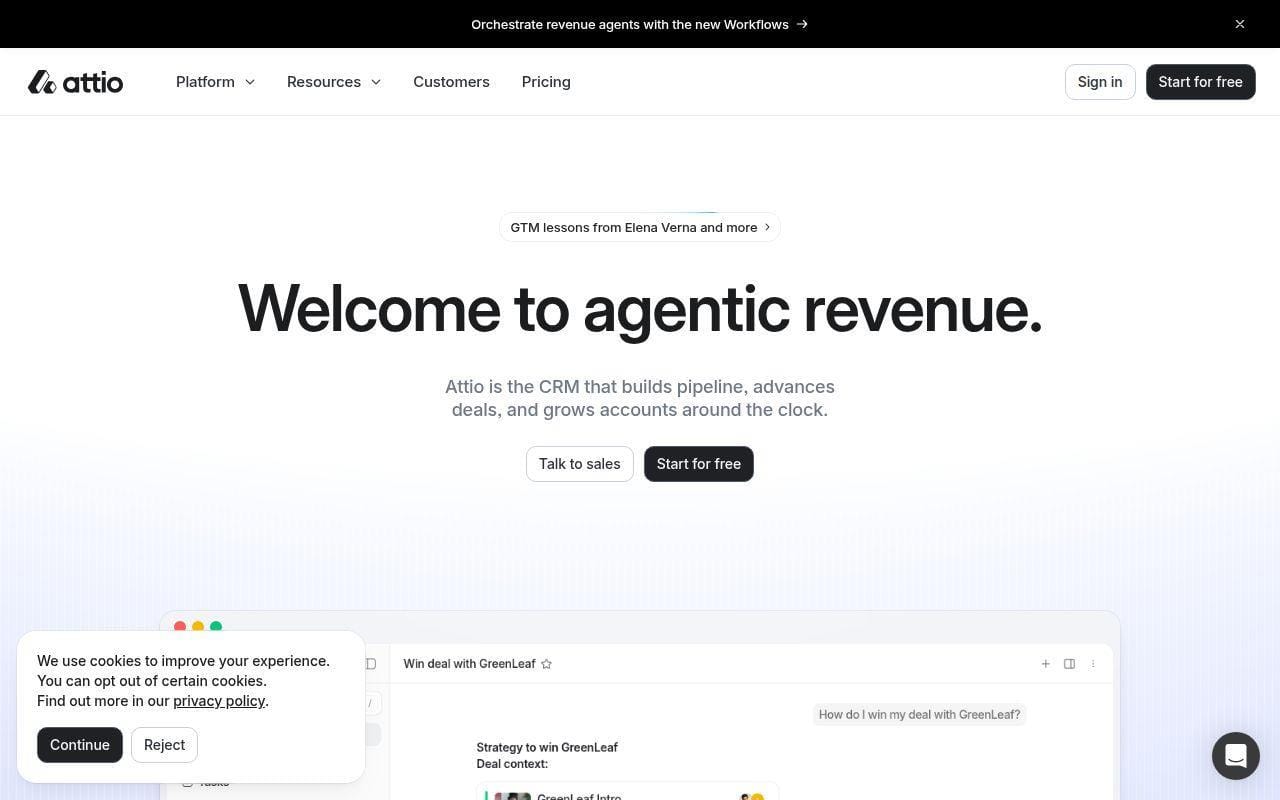
Attio is the freshest-feeling CRM in this top tier. Its pitch is not “we copied the old CRM layout and polished it up.” Instead, it leans into custom objects, relationship modeling, real-time syncing, enrichment, and AI-flavored workflows. For a startup with a non-standard go-to-market motion, that matters more than having a massive marketing hub attached.
We rank it seventh because the free tier is smart but not especially broad. It is a strong base for a small, design-conscious team that knows what it wants from its data model. It is less ideal for a beginner who just wants an obvious, traditional CRM without much setup thinking.
How Attio works
The official pricing page shows the shape of the platform clearly. The Free plan includes real-time contact syncing, automatic data enrichment, up to 3 seats, up to 3 objects, and 50,000 records. That tells you a lot about how Attio thinks. It is not just about storing contacts. It is about modeling relationships and enriching them automatically.
As you move up, Attio adds private lists, enhanced email sending, call intelligence, sequences, permission controls, and advanced reporting. The platform is clearly designed for teams that want to build a CRM around their own process rather than live inside a rigid default mold.
Who is Attio for?
Attio is for startups, SaaS teams, partnerships teams, and modern sales orgs that need more flexibility than older CRMs usually allow. It is especially appealing if you care about data structure, enrichment, and a cleaner user experience.
If you need the simplest possible onboarding path, or you want lots of free users and classic out-of-the-box defaults, HubSpot, Zoho, and EngageBay are easier starts.
Attio pricing
- Free: $0 per user per month with real-time syncing, automatic enrichment, up to 3 seats, and up to 50,000 records.
- Plus: $35 per user per month billed annually with private lists and enhanced email sending.
- Pro: $79 per user per month billed annually with call intelligence, sequences, permission controls, and advanced reporting.
- Enterprise: custom pricing with unlimited objects, unlimited teams, and security controls.
The official plan details are worth a careful read because record limits, objects, and credit allowances all matter here.
Pros and cons
Pros
- Free plan includes real-time syncing, enrichment, 3 seats, and 50,000 records.
- Custom objects make it far more flexible than traditional pipeline-only CRMs.
- The upgrade path is clear and tied to meaningful capability jumps.
Cons
- Free is better for thoughtful setup than for instant “plug and play” adoption.
- Paid pricing climbs quickly compared with Zoho or Freshsales.
- The review footprint is active, but the accessible public pages we opened did not expose a clean rating figure we could verify confidently.
Attio rating and reviews
Attio has a public G2 review footprint with hundreds of reviews, but the accessible pages we checked did not expose a stable rating figure cleanly enough for us to print a number here.
Attio is not the default free CRM pick for everybody, and that is exactly why it makes the list. When your process is unusual, its flexibility can be more valuable than a bigger but more rigid free suite.
8. Vtiger One
- Category: all-in-one CRM
- Best for: small businesses that want lots of modules under one roof
- Ease of use: moderate
- Pricing: forever-free entry plan available
- Standout feature: unusually broad module mix on the free entry tier
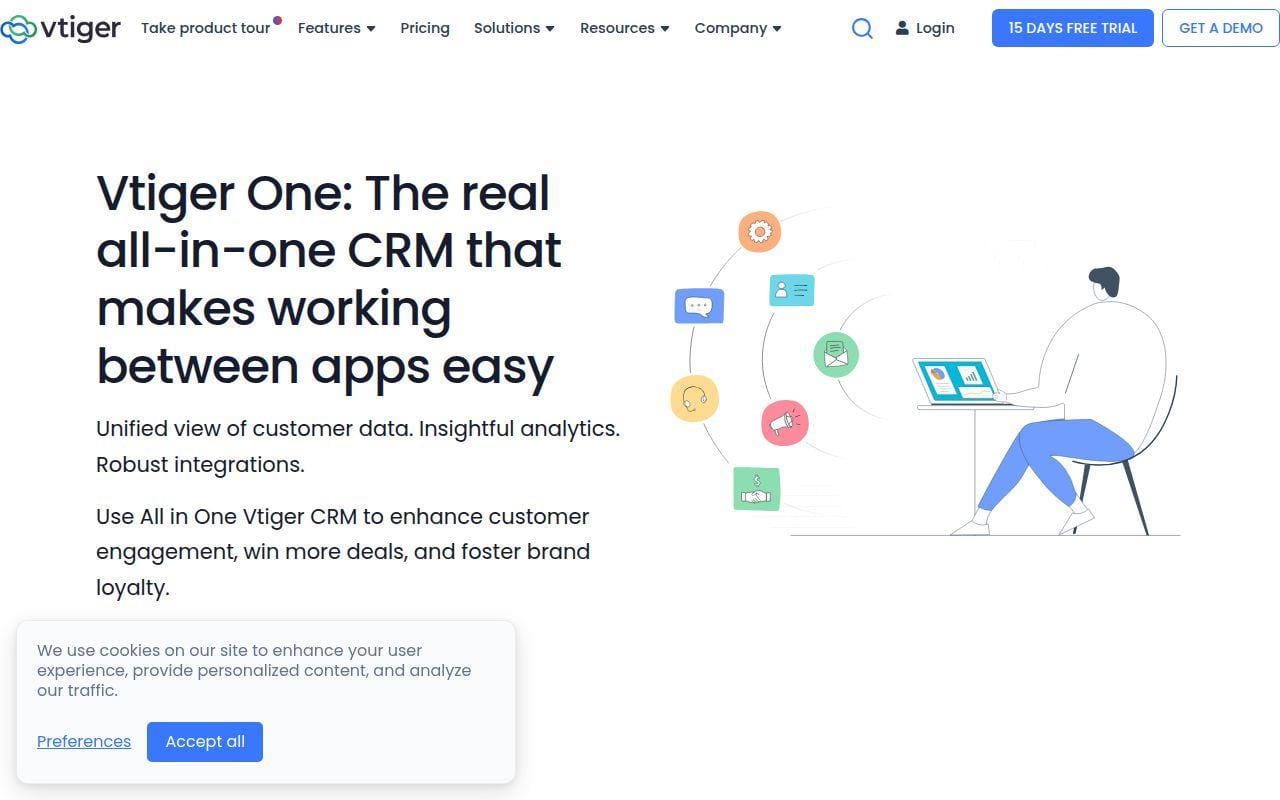
Vtiger One is a classic “more than you expected for free” option. The pricing page calls the forever-free plan One Pilot and says it is ideal for companies getting started with CRM. More importantly, it puts hard numbers next to that claim: up to 10 users and up to 3,000 records. For small businesses that want more seats than HubSpot, Salesforce, or Freshsales allow, that is a serious value proposition.
It lands eighth because Vtiger’s scope is broad enough that the product can feel heavier than a simpler CRM. Still, if your team wants sales, marketing, help desk, projects, and inventory thinking in one place, Vtiger deserves more attention than it usually gets.
How Vtiger One works
The free One Pilot tier already hints at Vtiger’s all-in-one philosophy. The pricing page lists leads, contacts and organizations, One View, idle alerts, duplicate prevention, and profile scoring. The paid plans then expand into marketing campaigns, help desk and customer portal, inventory and invoicing, reports and dashboards, AI capabilities, and progressively deeper automation.
What we like here is that the free plan looks operational, not decorative. What we like less is that the free record limit is only 3,000. For some teams that is plenty. For others it is a ceiling they will hit faster than expected.
Who is Vtiger One for?
Vtiger One is for small businesses that want broad business process coverage and more free seats than the biggest names usually offer. It is a sensible pick for firms that think in terms of one shared operating system instead of one narrow sales tool.
If your team wants the most intuitive first-time CRM experience, Capsule or HubSpot are usually gentler. If you only want sales pipeline management, Freshsales is cleaner.
Vtiger One pricing
- One Pilot: free forever with up to 10 users, up to 3,000 records, leads, contacts and organizations, duplicate prevention, and profile scoring.
- One Growth: $12 per user per month with contact, account, and lead management, marketing campaigns, help desk, inventory, reports, and AI capabilities.
- One Professional: $30 per user per month with advanced sales automation, process designer, advanced marketing automation, and collaboration features.
- One Enterprise: $42 per user per month with multi-currency support, contact engagement insights, internal ticketing, and work order management.
The official pricing overview also includes booster packs, which is useful if one feature limit is your main bottleneck.
Pros and cons
Pros
- Free plan allows up to 10 users, which is unusually high in this category.
- One Pilot includes practical safeguards like duplicate prevention and idle alerts.
- Paid tiers look broad enough to support full small-business operations.
Cons
- The 3,000-record cap is a meaningful limit.
- The product scope can be more than a tiny team needs at first.
- We found public review footprints for Vtiger, but not a clean product-specific score we could verify for Vtiger One from the accessible pages we opened.
Vtiger One rating and reviews
Vtiger has a visible independent review footprint, including Gartner and G2 presence, but the accessible pages we opened did not provide a clean, product-specific score for Vtiger One that we were comfortable printing as a verified figure.
Vtiger is one of the better sleeper picks in this list. If you need free seats more than brand prestige, it deserves a real look.
9. Capsule CRM
- Category: CRM software
- Best for: very small teams that want simplicity over sprawl
- Ease of use: easy
- Pricing: free plan available for 2 users
- Standout feature: calm, straightforward CRM structure
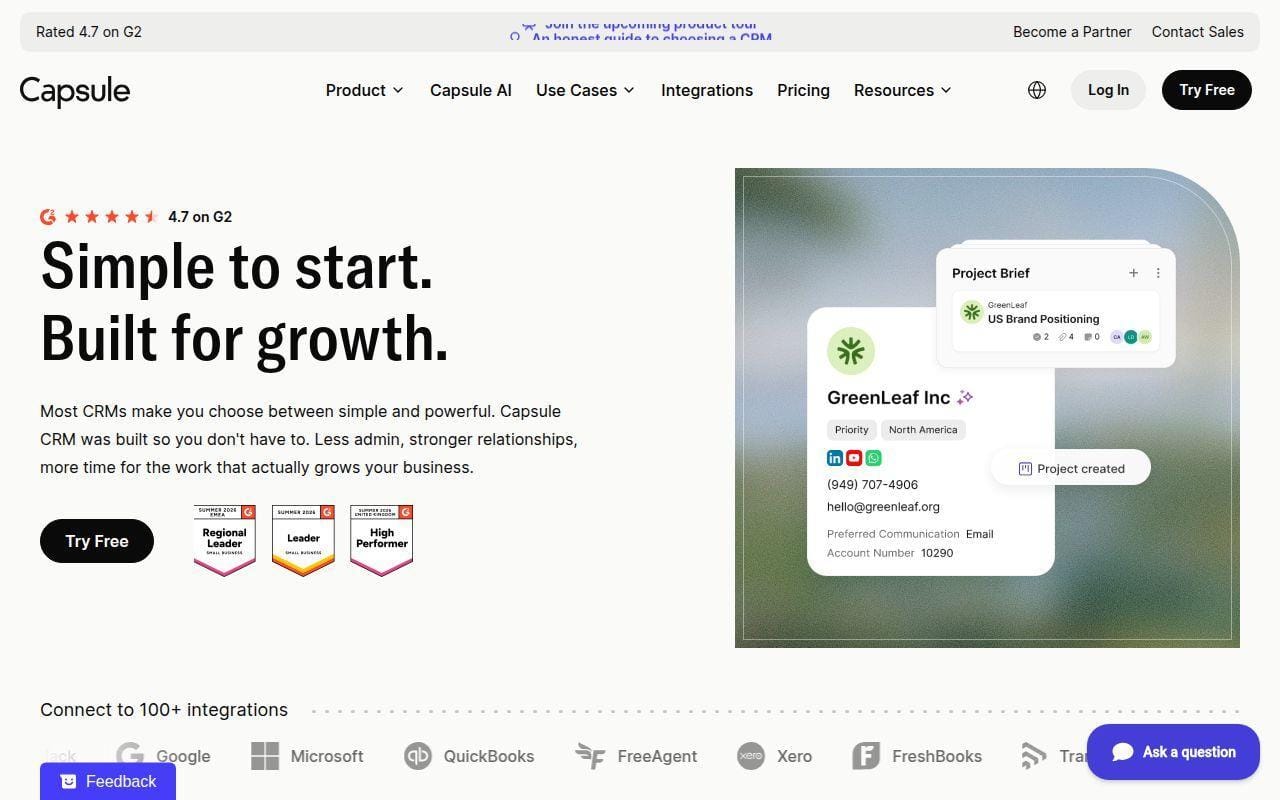
Capsule CRM makes this list because not every small team wants a giant suite. Some just want contacts, tasks, and a pipeline that make sense in five minutes. Capsule’s free-plan page leans hard into that pitch, and its value is easy to understand: essential tools, two users, and a customizable sales pipeline without a lot of surrounding noise.
We rank it ninth only because the free plan is intentionally smaller than the leaders above it. If you want breadth, you will hit the edge sooner. If you want clarity, though, Capsule remains one of the more appealing low-stress options.
How Capsule CRM works
Capsule’s free-plan page describes the offer in plain terms. You get contact management, task tracking, and a fully customizable sales pipeline for up to two users. That is the heart of the workflow. Add people, organize who you are talking to, create tasks, and push deals through a pipeline that you can shape to your process.
The appeal here is not complexity. It is restraint. Capsule is trying to help small teams build better operating habits without turning the CRM into a second job.
Who is Capsule CRM for?
Capsule CRM is for freelancers, consultants, boutique agencies, and owner-led teams that care more about staying organized than about having every possible extra module. It is also a good fit if you know your team will stay small for a while.
If you need more free seats, more marketing depth, or more advanced automation, HubSpot, Zoho, and EngageBay are stronger.
Capsule CRM pricing
- Free: $0 with up to 2 users, contact management, task tracking, and a customizable sales pipeline.
- Paid path: Capsule’s pricing flow starts after the free tier and trial path, with higher plans positioned for growing SMB needs.
You can review Capsule’s current free-plan details to see whether the lightweight approach matches how your team already works.
Pros and cons
Pros
- Very straightforward free-plan story for two-person teams.
- Contact management, tasks, and customizable pipeline cover the basics cleanly.
- Good fit for teams that want discipline without a lot of menu sprawl.
Cons
- Two users is limiting once you add a second founder and a rep or assistant.
- The free plan is more about simplicity than scale.
- The accessible public review pages we checked did not expose a clean rating figure we could verify confidently for printing.
Capsule CRM rating and reviews
Capsule clearly has an independent review footprint, including a public G2 review page, but the accessible page we opened did not expose a rating figure cleanly enough for us to print a verified score.
Capsule is not trying to win the feature war, and that is part of its charm. For the right tiny team, it may feel more usable than several tools ranked above it.
10. FreeCRM
- Category: CRM software
- Best for: budget teams that want a classic free CRM with clear paid steps
- Ease of use: moderate
- Pricing: free forever
- Standout feature: unlimited storage on the free tier
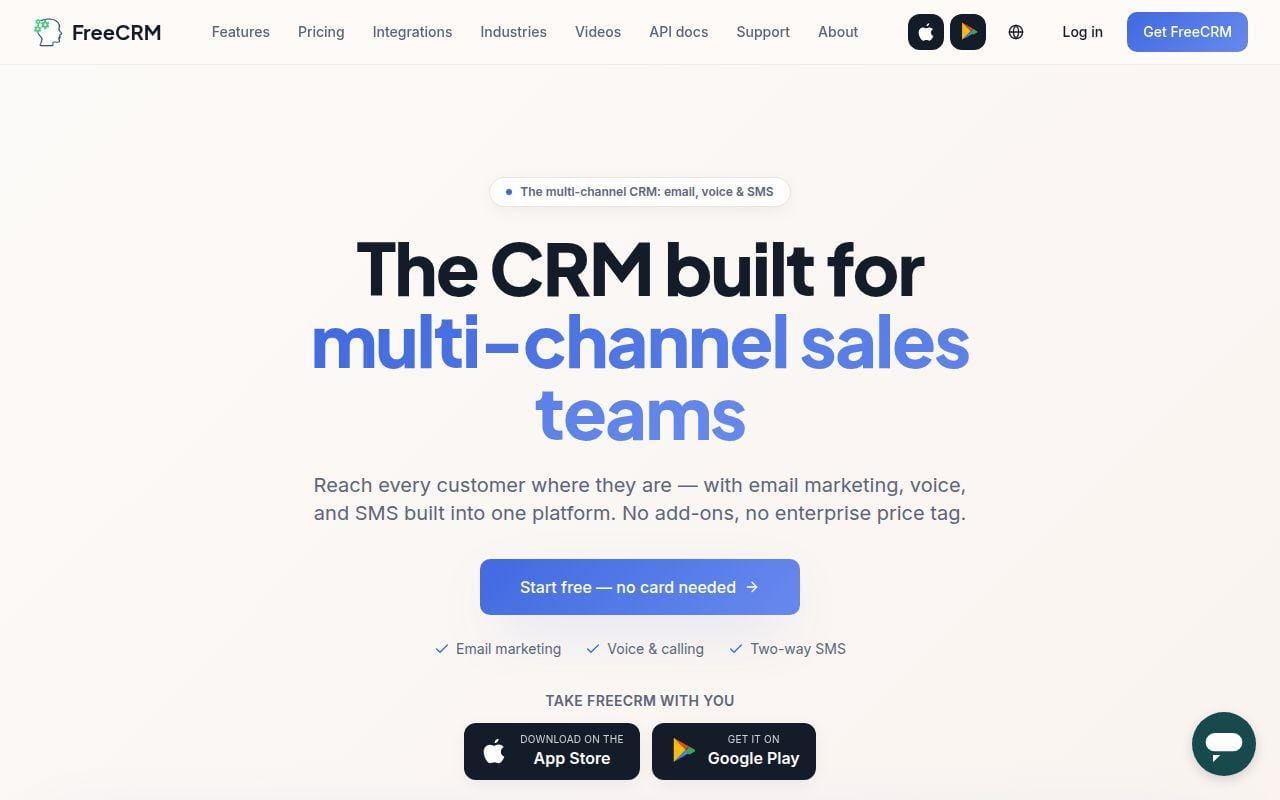
FreeCRM rounds out the top ten because it still does the old-school freemium thing in a refreshingly blunt way. Its pricing page is one of the clearest we saw. The free plan is $0 per user per month and includes unlimited storage, contacts and companies, deals and tasks, cases and calls, calendar and docs, reports, and mobile apps. If your main concern is “give me the basics and do not play games,” that is appealing.
It sits tenth because the public review footprint is tiny and the free plan comes with no support. That does not make it bad. It just makes it harder to trust at the same level as better-known options with broader ecosystems.
How FreeCRM works
FreeCRM’s site positions the workflow around a standard shared customer database. You manage companies and contacts, track deals and tasks, log calls and cases, use the calendar, store docs, and check reports. The home-page messaging also emphasizes email, voice, and SMS as the wider theme, but the pricing page is useful because it separates what is truly in Free from what starts in Pro.
That split is pretty practical. The no-cost tier handles core CRM structure. The paid tiers layer on campaigns and forms, email, Google sync, QuickBooks, SMS, voice calling, customer support, and then API access at the top end.
Who is FreeCRM for?
FreeCRM is for budget-sensitive teams that want a broad set of classic CRM basics without paying per database size from the start. It can also appeal to businesses that expect calling, SMS, and cases to matter later.
If you want polished onboarding, a stronger public reputation, or a more modern interface, it will likely feel less convincing than HubSpot, Zoho, or Attio.
FreeCRM pricing
- Free: $0 per user per month with unlimited storage, contacts and companies, deals and tasks, cases and calls, calendar and docs, reports, and iOS and Android apps.
- Pro: $10 per user per month with campaigns and forms, email, Google Sync, QuickBooks, SMS, voice calling, credit card support, and customer support.
- Enterprise: $25 per user per month with everything in Pro plus API access.
You can read the current pricing breakdown if you want the cleanest possible view of what changes at each step.
Pros and cons
Pros
- The free plan is very clear and includes unlimited storage.
- Core records, tasks, reports, cases, and mobile apps are all part of the no-cost tier.
- The upgrade path is easy to understand, especially compared with more layered suites.
Cons
- No support on the free tier is a real limitation.
- Voice, SMS, email, and key integrations sit behind paid plans.
- The independent review footprint is very small, which lowers confidence.
FreeCRM rating and reviews
- Trustpilot: rated 3.8/5 across 2 reviews.
That is not enough review volume to tell us much, which is part of why FreeCRM stays near the bottom of the main top ten despite its attractive pricing page.
If you want a traditional freemium CRM and care more about clear plan math than about brand buzz, FreeCRM is still worth a look. We would just verify support expectations before you commit.
5 More Free CRM Tools Worth Considering
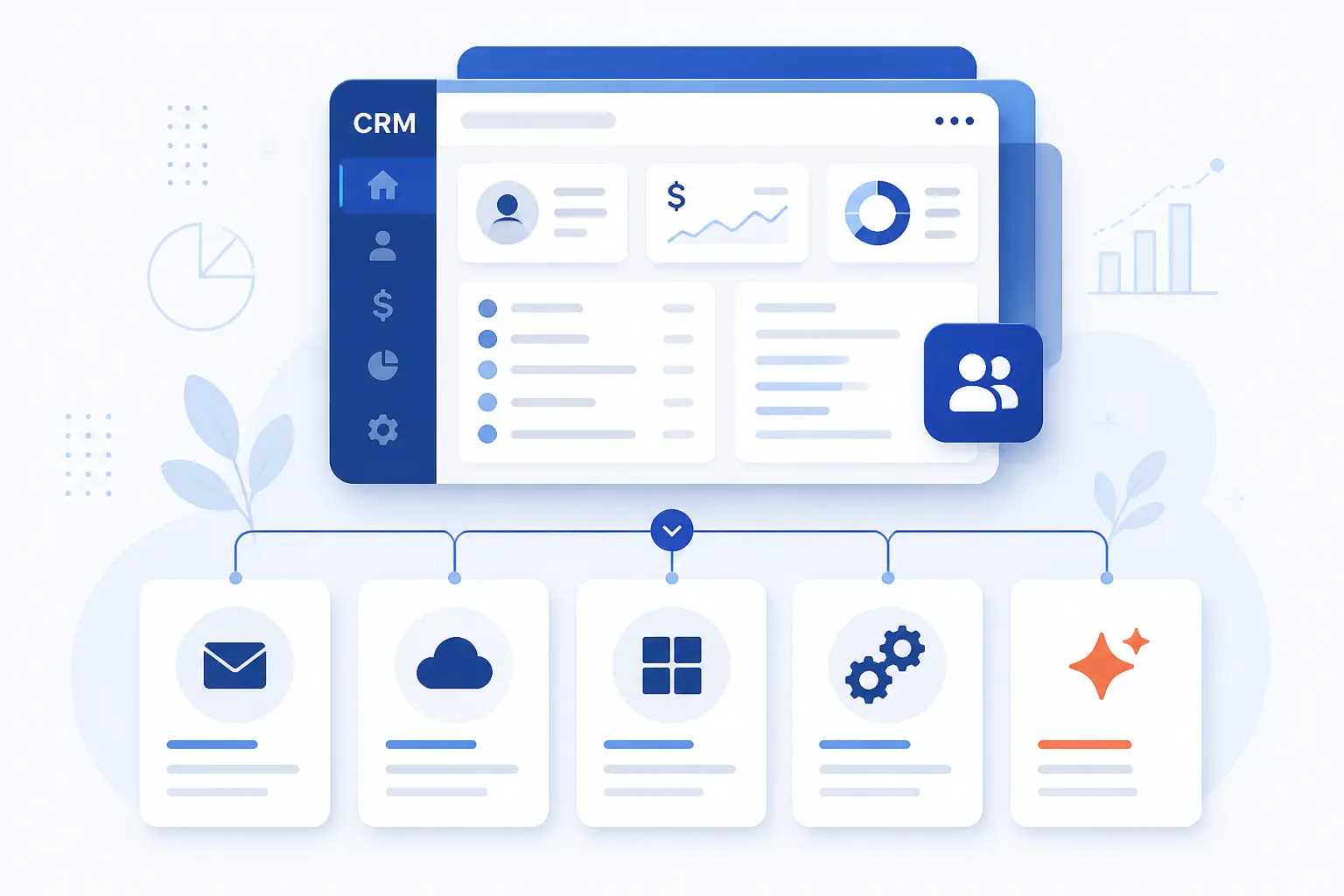
These next five did not quite beat the main top-ten group for broad small-business appeal, but each one does something better or differently than several higher-ranked options. If your workflow is marketing-led, inbox-first, Microsoft-heavy, open-source minded, or deeply AI curious, this tier may actually fit you better.
11. Mailchimp
- Category: marketing CRM
- Best for: audience-driven teams already centered on campaigns
- Ease of use: easy to moderate
- Pricing: free tier with 250-contact limit
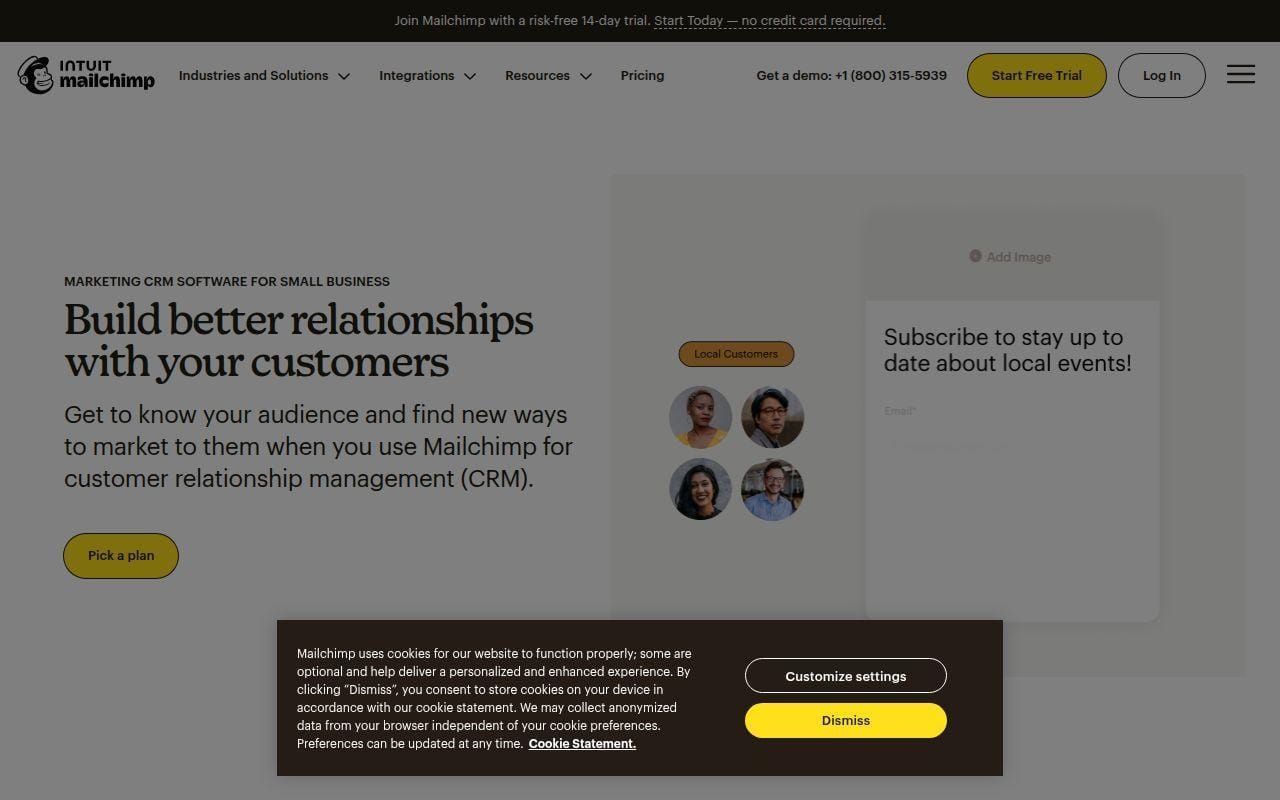
Mailchimp is not the best free CRM for a classic sales pipeline. It is, however, one of the most practical picks for a small team whose customer workflow starts with campaigns, lists, and audience behavior rather than a rep-managed deal desk.
The official feature page focuses on audience visibility, segmentation, and keeping contact data in one place. That sounds vague until you pair it with the product behavior in Mailchimp’s help content. Contact profiles can hold notes, engagement data, purchase information, and synced app data, which makes the system more useful as a lightweight customer record than many people give it credit for.
The catch is that the free tier is now much tighter than it used to be. The pricing page we opened shows a free plan limited to 250 contacts, and the CRM feature page warns that sending pauses if you exceed the free contact or send limit. That puts Mailchimp in the “marketing-led mini CRM” bucket, not the “free sales CRM for a growing team” bucket.
If your team lives in newsletters, simple audience segmentation, and basic customer notes, Mailchimp is more useful than most sales-first CRMs. If you need structured deals and rep workflows, it is still the wrong tool to force into the job.
Who is Mailchimp for?
Mailchimp is for small teams that think in audiences first and sales stages second. If your work revolves around email lists, tags, campaigns, and simple customer context, it can be a tidy fit.
12. Streak
- Category: Gmail CRM
- Best for: inbox-first teams that do not want a separate CRM tab
- Ease of use: easy if you live in Gmail
- Pricing: free email tools plus paid CRM tiers
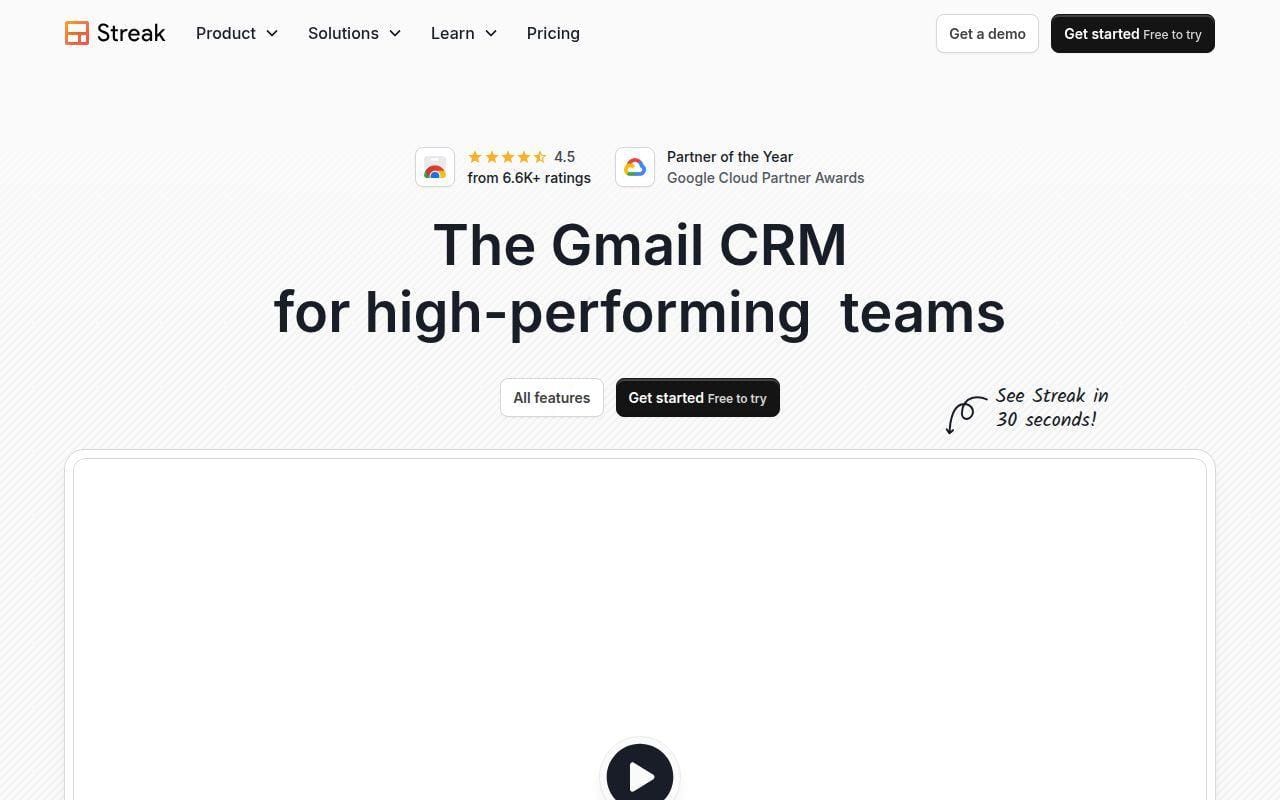
Streak is the best option in this article for people who think, “I do not want another system. I want my CRM inside Gmail.” That is not a niche use case. For many small teams, the inbox already is the workflow.
The product page highlights magic columns, direct integrations, calling, custom permissions, mail merge, and contact management, all inside a Gmail-first experience. The pricing page then makes the split clear. Streak offers free email power tools forever, including email and link tracking, snippets, mail merge at 50 per day, Streak Share, and Thread Splitter. Paid CRM usage starts with Pro at $49 per user per month on the annual view and Pro+ at $69 for teams that need automations and advanced reports.
That makes Streak a compelling “graduate from personal productivity into real team CRM” option. It does one thing better than almost anyone above it: it keeps you in the inbox where the work already happens.
The obvious downside is lock-in to a Gmail way of working. If your team wants a broader customer platform or deeper structure outside email, Streak can feel too narrow.
Who is Streak for?
Streak is for salespeople, founders, recruiters, and business development teams who already manage work from Gmail all day. If your CRM should feel like an inbox upgrade rather than a separate system, it is the right kind of different.
13. eWay-CRM
- Category: Outlook-based CRM
- Best for: Microsoft-heavy teams that want CRM inside Outlook
- Ease of use: moderate
- Pricing: free edition after a 14-day Plus trial
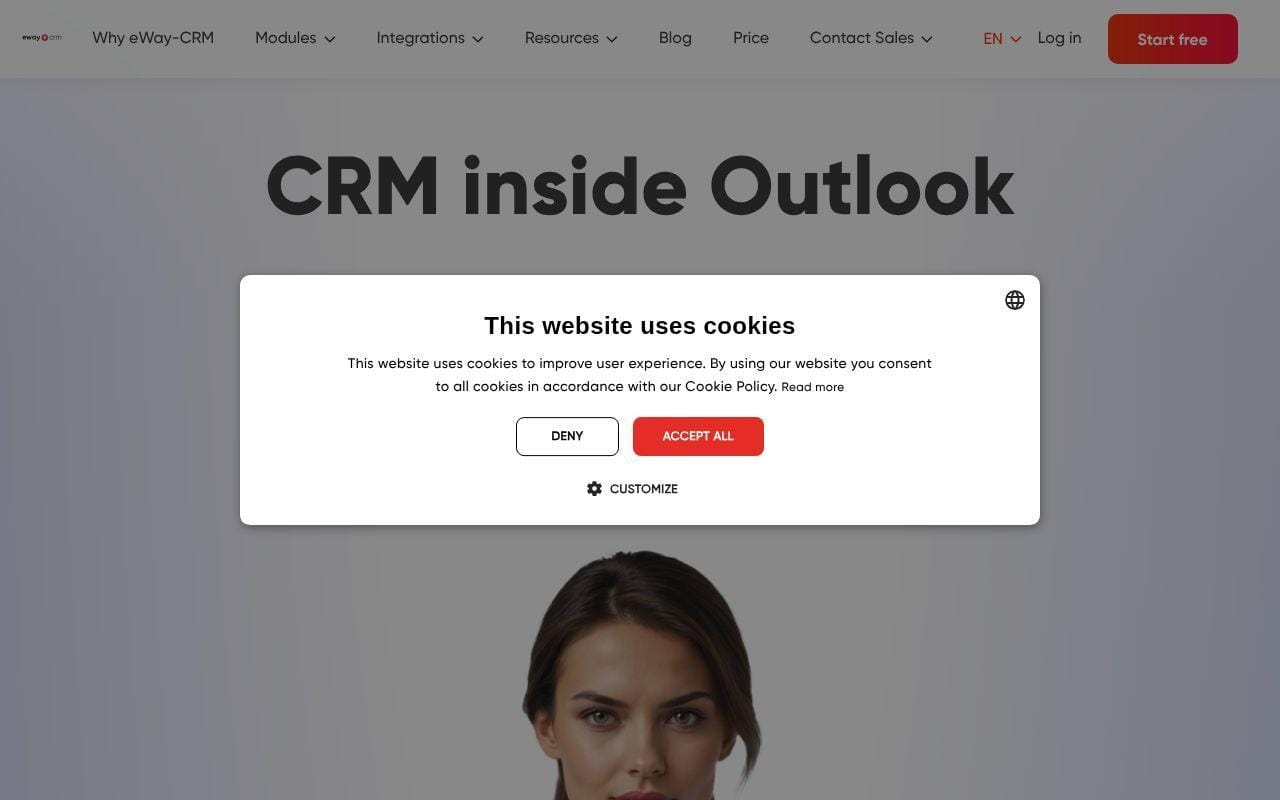
eWay-CRM has a very clear niche, and that niche is useful. If Streak is the Gmail answer, eWay-CRM is the Outlook answer. The home page puts that front and center, then lists modules for Contacts and Companies, Sales, Projects, and Marketing, along with integrations such as Power BI, SharePoint, Power Automate, QuickBooks, Mailchimp, and Zapier.
What makes it interesting in a free roundup is the pricing page’s explanation of the onboarding path. New users get an eWay-CRM Plus 14-day trial, then move to eWay-CRM Free, which works for unlimited users and unlimited time. That is a very different free-seat story from most mainstream CRMs.
The real appeal is not just price. It is adoption. Teams already committed to Outlook may find an Outlook-native CRM easier to roll out than a separate browser tool that asks everyone to relearn their habits.
That said, eWay-CRM is a more specialized recommendation. If your company is not already deep in Microsoft land, the narrow fit becomes less attractive.
Who is eWay-CRM for?
eWay-CRM is for Outlook-centered businesses that want the CRM close to the inbox and calendar people already use. If your team resists browser-based CRM tools but lives in Microsoft apps, this is one of the more practical alternatives.
14. Twenty
- Category: open-source CRM
- Best for: teams that want customization and self-hosting options
- Ease of use: moderate to advanced
- Pricing: cloud starts at $9 per user per month, with self-hosting available
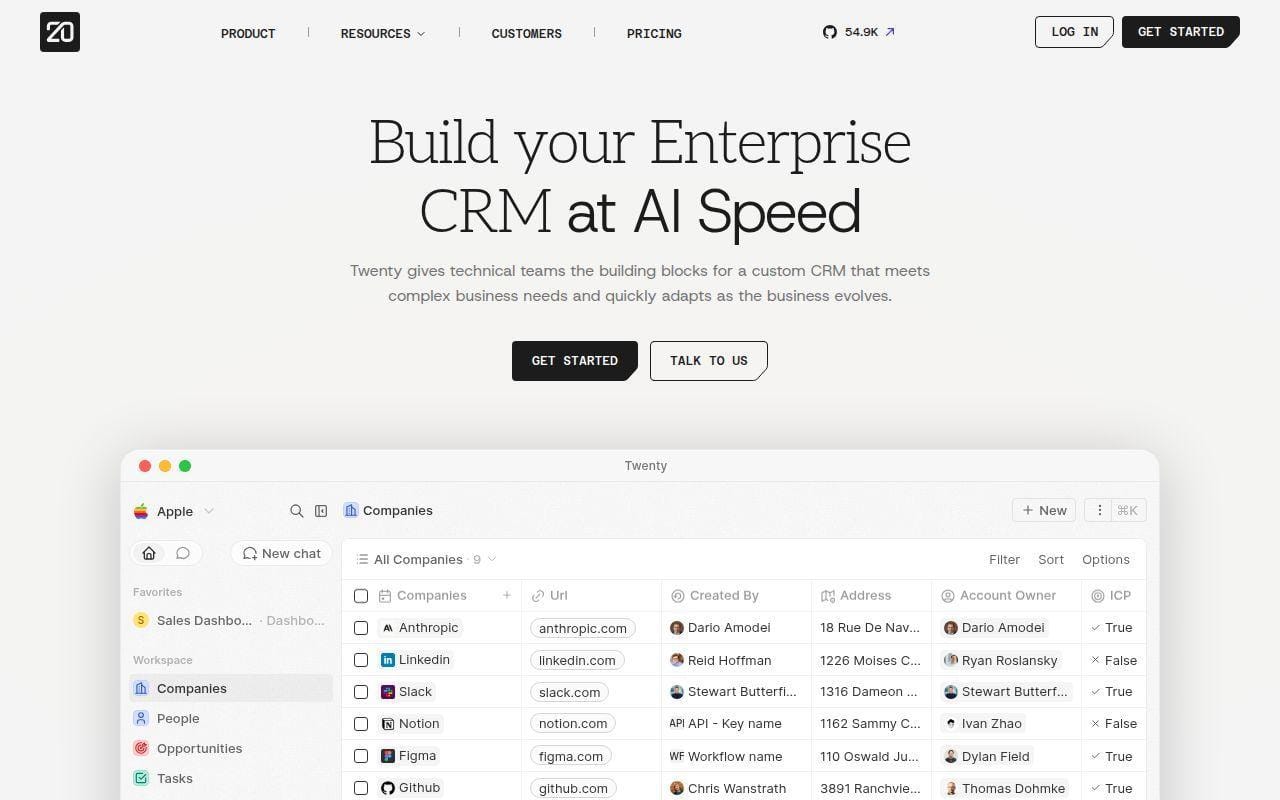
Twenty is the most interesting “future-facing” alternative in this article if you care about ownership and customization more than plug-and-play familiarity. Its site calls it the number one open-source CRM on GitHub, and the pricing documentation backs up the positioning by explaining both cloud and self-hosting options.
The pricing page says Cloud Pro is $9 per user per month billed yearly, while Organization is $19 per user per month and unlocks SSO and row-level permissions. The documentation adds that the cloud Pro plan includes all core CRM features, email and calendar sync, workflows and automations, and standard support. That is a strong value story if your team wants a flexible base without legacy CRM baggage.
What Twenty does better than several top-ten picks is openness. If your team expects to customize deeply or self-host for control reasons, the usual free big-brand CRMs are not really playing the same game.
The flip side is obvious. Twenty is not the safest pick for a non-technical team that wants an effortless first CRM rollout. It is a better match for builder-minded teams.
Who is Twenty for?
Twenty is for startups, ops teams, and technical organizations that want to shape the CRM around their stack rather than inherit a rigid vendor model. If self-hosting or extensibility is part of the buying conversation, it deserves a serious look.
15. Clarify
- Category: AI-first CRM
- Best for: founder-led startups experimenting with AI-assisted sales work
- Ease of use: moderate
- Pricing: free plan with usage credits
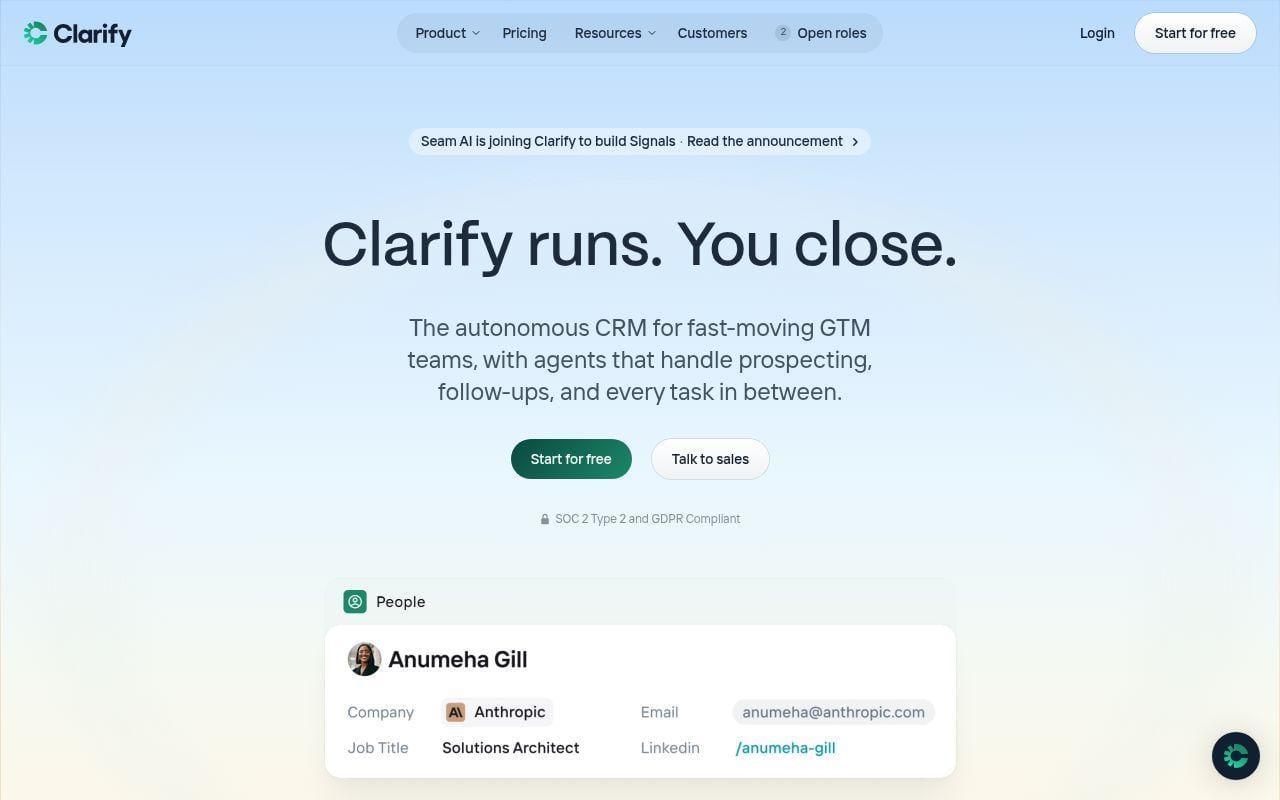
Clarify is the most AI-native option in this roundup, and it feels different right away. The home page calls it an autonomous CRM for fast-moving GTM teams, with agents that handle prospecting, follow-ups, and admin work. The pricing page is even more distinctive because it charges by usage credits rather than by seat.
That matters because the free plan is not “one user, toy database, good luck.” Clarify’s official pricing table says Free includes unlimited seats, 1,000 credits per month, 20,000 records for people, companies, meetings, and deals, one active campaign, and core items like pipeline tracking, reports, and tasks. Background enrichment is free, and the credit system applies to AI-heavy work such as meeting summaries, deal summaries, field updates, and campaign sends.
What Clarify does better than many higher-ranked tools is remove manual CRM busywork from the center of the pitch. If your team hates data entry and wants the CRM to gather context from email, calendar, meetings, and outbound work, Clarify is the most direct bet on that model.
The reason it stays at fifteen is simple. This is still a more opinionated, newer way to buy CRM. Some teams will love the seatless pricing logic. Others will prefer a more conventional free plan.
Who is Clarify for?
Clarify is for founder-led startups and modern GTM teams that want the CRM to act more like an assistant than a filing cabinet. If the appeal is less manual updating and more AI-handled admin, it is one of the most intriguing tools on this list.
Free Plan Limits That Matter More Than the Feature List
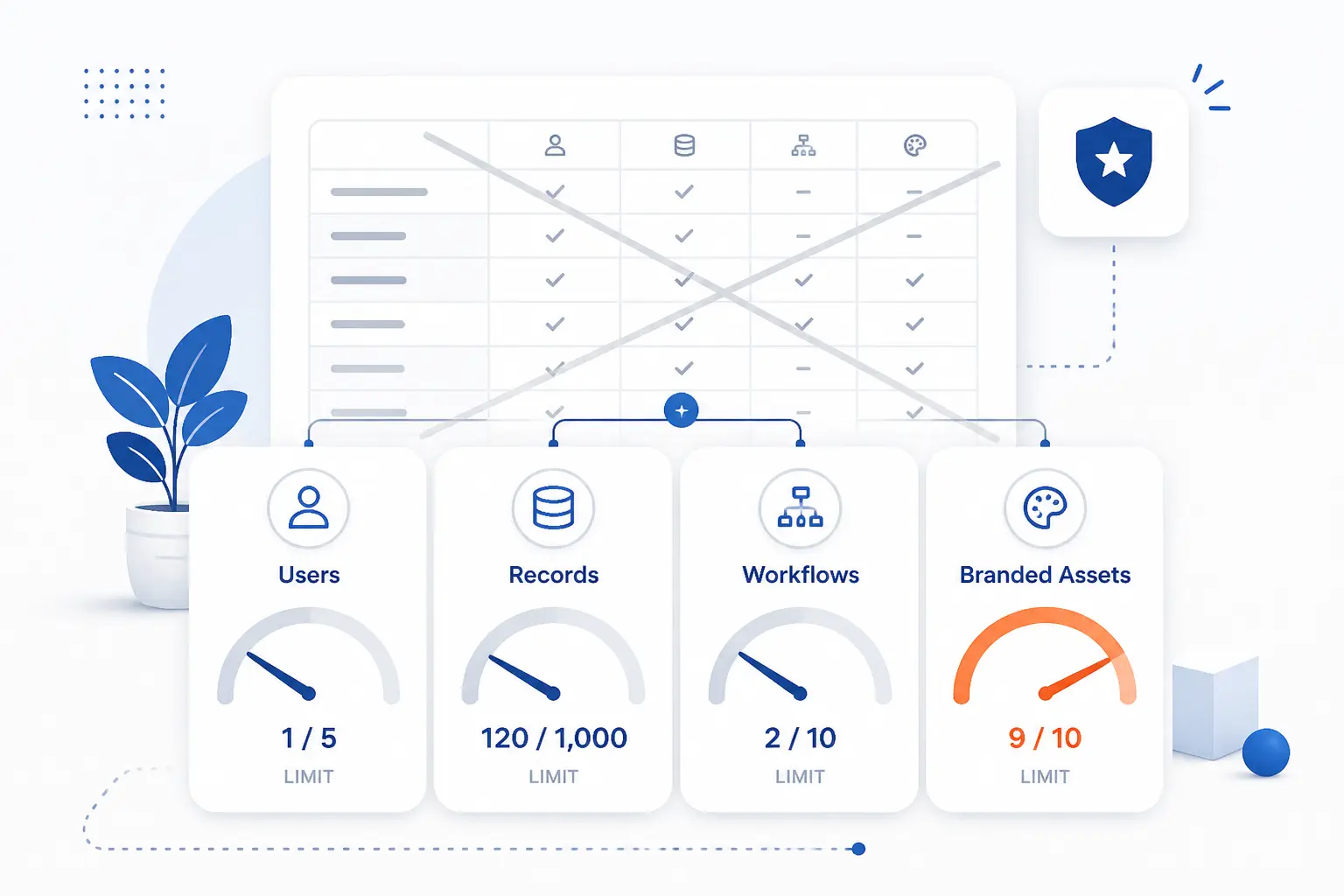
The fastest way to choose the wrong free CRM is to stare at the feature grid and ignore the limits. Small teams rarely fail because the CRM lacks one obscure checkbox. They fail because the free tier caps the wrong thing, whether that is users, records, workflows, or branded customer-facing assets. These are the limits we would look at first.
User Seats and Collaboration Caps
Seats are usually the first free-plan wall, and they matter more than most vendors want to admit. HubSpot and Salesforce both stop at two users on free, while Freshsales allows three, Zoho allows three, Vtiger One Pilot allows ten, and EngageBay stretches all the way to fifteen. That one difference can change your shortlist immediately.
Zoho’s free edition guide is especially useful here because it does not just say “free.” It spells out the sort of basic workflow a small team can actually run at that level. If you already know your CRM will be shared across a founder, a sales rep, a marketing lead, and an ops person, a two-user free plan is not really free for you.
Contact, Record, and Pipeline Limits
Record limits are the second trap. HubSpot’s free tools page says you can add 1,000 contacts and that free accounts are subject to a limit of 1 million records across other standard object types. Zoho’s free edition guide says the plan stores 5,000 contact records. Attio’s pricing page says the free workspace supports 50,000 records, while Clarify’s free plan supports 20,000 records for people, companies, meetings, and deals.
That is why “free CRM” can mean wildly different things. A tiny services firm with a few hundred active prospects will barely notice these caps. A newsletter-led brand or a busy agency might hit them much sooner. Zoho’s edition guide is also worth reading because it frames which version fits solo founders, growing teams, and broader bundles without pretending every user has the same shape.
Automation, Reporting, and Branding Restrictions
Free automation is where the marketing claims often get slippery. Zoho says its free edition supports five workflow rules, which is generous for the tier. HubSpot gives you dashboards, reports, snippets, and a workable pipeline, but it also keeps branding on several free tools and limits pieces like snippets and meetings links. In other words, the automation is useful, but not unlimited.
Mailchimp’s Inbox article is a good reminder that restrictions are not always about features existing or not existing. Free users can reply to Inbox messages from emails or surveys, but they need a paid marketing plan to message email contacts first, and they need Standard or higher for SMS conversations. That kind of line-item restriction matters more in the real world than a generic “includes inbox tools” badge.
How to Match Free CRM Tools to Your Workflow
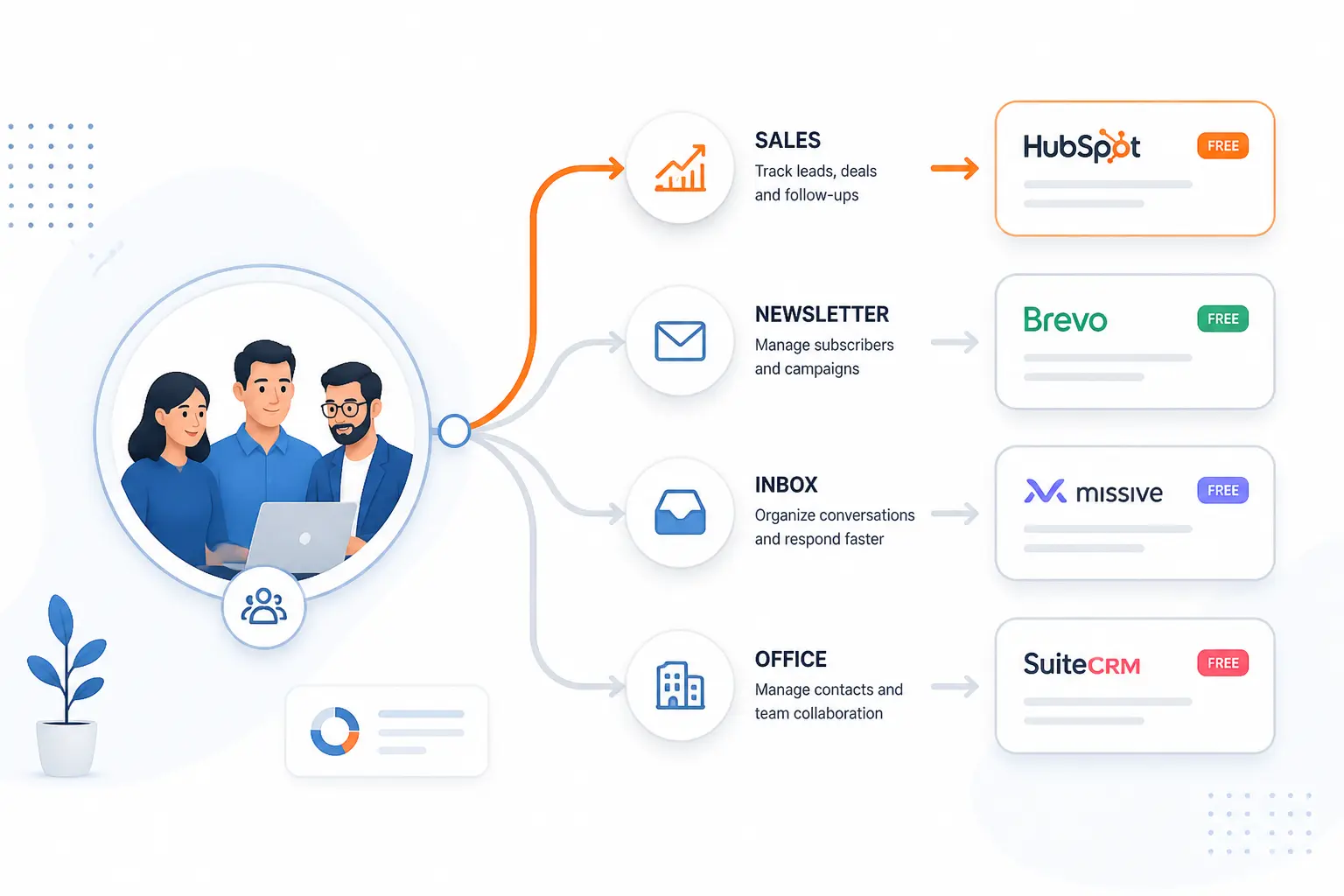
The right free CRM usually follows your team’s existing motion. A sales-first company should not buy like a newsletter business. A Gmail-heavy team should not shop the same way as an Outlook-heavy team. Once you match the tool to the work style, the shortlist gets much shorter.
Sales First Teams
If your team mainly needs lead capture, follow-ups, deal tracking, and rep visibility, start with HubSpot, Zoho CRM, Freshsales, or Salesforce Free Suite. HubSpot is the broadest beginner-friendly choice. Zoho is stronger if you need more free seats and want real workflow rules. Freshsales feels cleaner when you want a more classic sales layout. Salesforce Free Suite makes sense when the team is tiny and wants a long-term path into a larger system.
The most grounded way to separate them is to look at how each vendor describes the early-user fit. Zoho’s edition overview is not flashy, but Salesforce’s help documentation is clear that Free Suite is designed for individuals, startups, and micro businesses that are new to CRM.
Marketing Led Teams
If your customer data revolves around campaigns, segmentation, and follow-up messaging, Mailchimp and HubSpot deserve more attention than a pure sales CRM. Mailchimp’s contact records are more useful than many people realize because they can hold notes, engagement signals, purchase data, and synced app context.
The practical question is whether you need a real pipeline or a richer audience database. Mailchimp’s contact profile article makes it clear that the platform is strongest when the relationship is understood through interactions, tags, purchase behavior, and campaign history. That is great for marketing-led teams and less ideal for a rep-driven sales floor.
Collaboration Heavy Teams
Teams that coordinate lots of internal work around each customer should look hard at Bitrix24, EngageBay, and Vtiger One. Bitrix24 wins when tasks, calendars, chat, and calls belong in the same place as the deal. EngageBay works better when you also want marketing and support inside the same vendor stack. Vtiger is worth a look when you need a broader all-in-one business system and more free seats.
This is the part buyers often miss. A CRM is not just a record of the customer. It is often the place where the team decides what happens next. If the real work around each deal is collaborative, a narrow pipeline tool may feel neat at first and limiting a month later.
Inbox Based and Custom CRM Setups
If your team hates leaving email, Streak and eWay-CRM are the specialized answers. Streak is the Gmail-native choice. eWay-CRM is the Outlook-native choice. Those are not second-rate options. They are often the fastest way to get adoption because they keep the work inside the software people already open all day.
For teams that want to shape the CRM itself, Twenty is more interesting than most mainstream free tools because its pricing documentation spells out both cloud and self-hosted paths instead of forcing one vendor model. That matters when customization, ownership, or developer control is part of the buying criteria from the start.
What Makes Free CRM Tools Worth Keeping
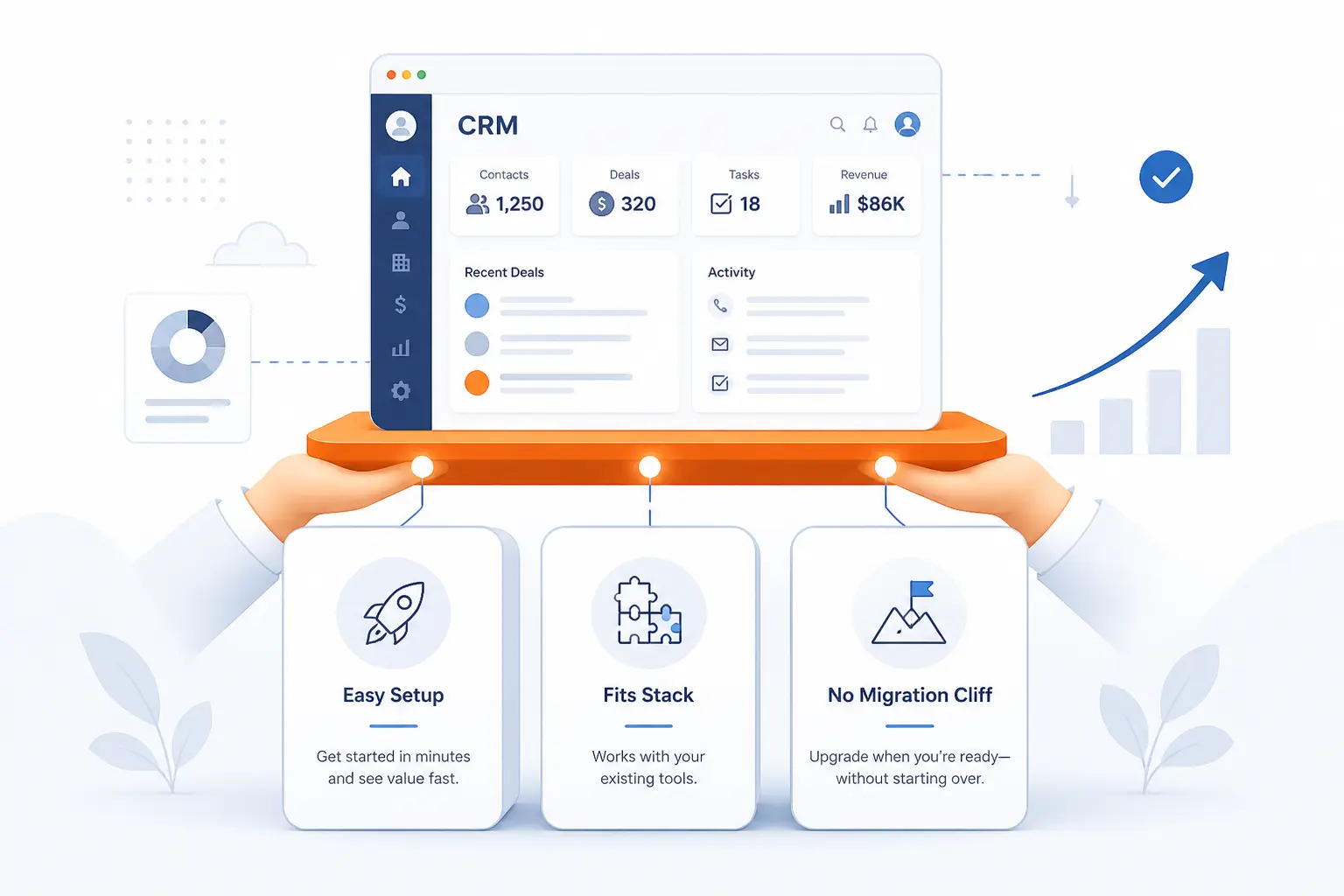
A free CRM is only useful if your team keeps using it after the first burst of setup energy fades. The keepers usually share three traits: they are easy enough to use daily, they fit the rest of your stack, and they do not create a painful migration cliff the moment you grow.
Ease of Setup and Everyday Usability
The best free CRM tools reduce friction on ordinary days, not just in demos. That is why HubSpot, Capsule CRM, and Freshsales score well here. Their basic objects and workflows are easy to understand. Add a contact, create a deal, set a task, log an interaction, move the record forward. Nothing fancy, but that is exactly the point.
By contrast, flexible platforms like Attio or broad platforms like Bitrix24 can be stronger long-term for the right team, but they ask for more thought up front. That is not a flaw. It just means small teams should be honest about whether they want clarity or configurability first.
Integrations and Ecosystem Fit
Free CRMs last longer when they connect to the tools your team already uses. That may mean Gmail or Outlook, but it can also mean forms, support systems, calendar sync, marketing tools, or accounting software. The less manual copying your team does, the more likely the CRM becomes a habit instead of a chore.
This is also where brand ecosystems matter. HubSpot makes sense if you may want service and content tools later. Zoho makes sense if you like the idea of adding more apps from the same vendor. eWay-CRM makes sense if Microsoft tools are already everywhere. Good fit beats big feature counts every time.
Upgrade Path and Migration Risk
Some free CRM tools are worth keeping because the first paid step is sane. Freshsales and Zoho look fairly reasonable here. Others are worth keeping only if you are comfortable with a bigger later jump or a tighter seat model. HubSpot gives you a lot up front, but its free boundaries arrive quickly for a growing team. Attio looks modern and capable, but its paid tiers are not cheap.
The question is simple: if you succeed with this free plan, will the upgrade feel like a normal next step or a nasty surprise? That answer matters just as much as what the tool gives you at $0.
How to Get More Value From a Free CRM
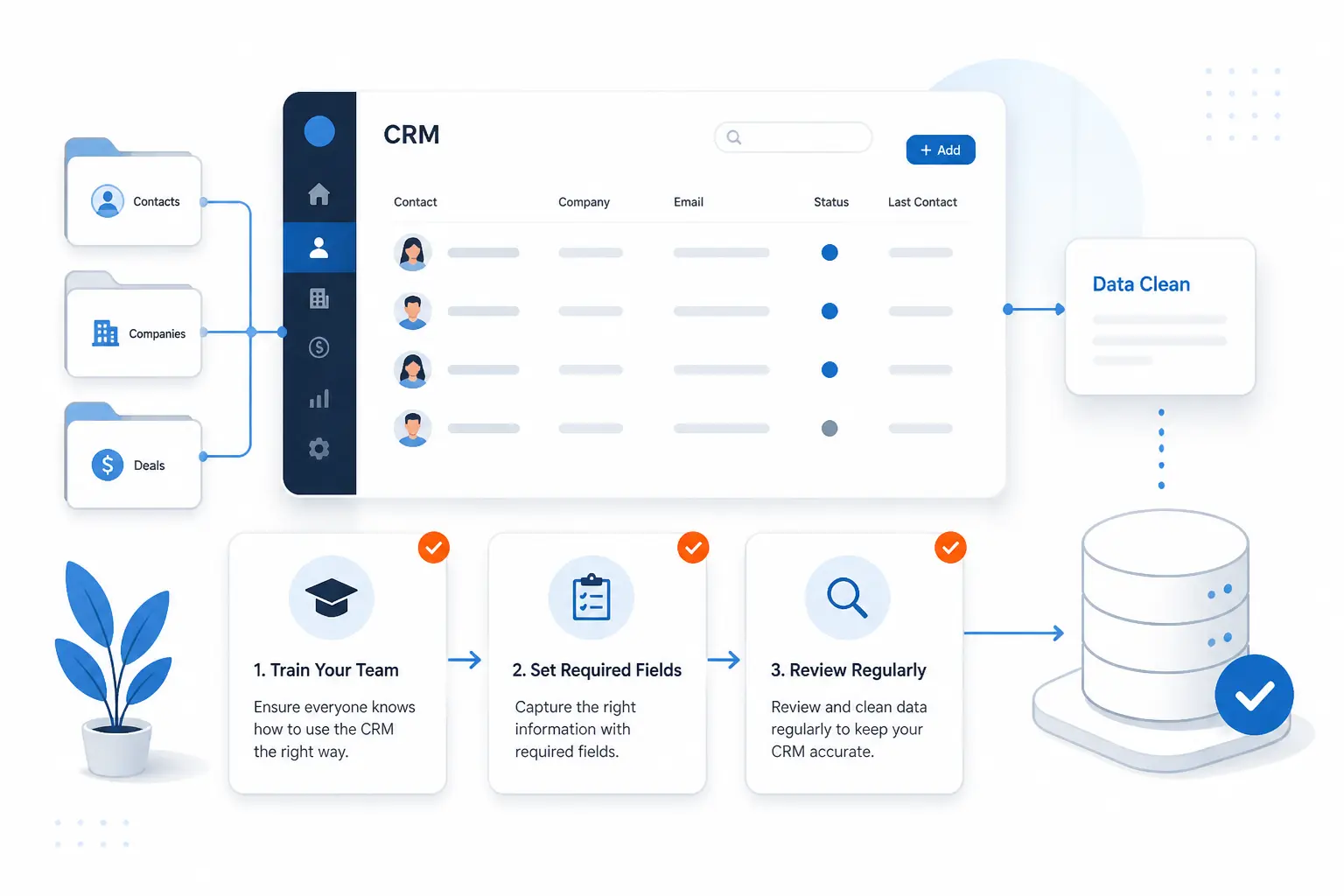
Most small teams do not outgrow a free CRM because the software is useless. They outgrow it because the setup is loose, the data gets messy, or nobody agrees on how the tool should be used. A few simple habits make a much bigger difference than one extra feature ever will.
Train Your Team Early
The right time to explain stages, owners, required fields, and follow-up expectations is before bad habits settle in. Even a free CRM works far better when everyone knows what counts as a new lead, when a deal moves stages, and where notes belong. If you skip that step, every dashboard becomes noise.
This does not need a heavy training program. A short setup document and one shared walkthrough often do the job for a small team.
Keep Data Clean From Day One
Messy data ruins free plans faster than paid ones because the caps are lower. Duplicate records, vague pipeline stages, and half-filled contacts burn through your allowance while making the CRM harder to trust. Pick a naming convention, decide which fields are mandatory, and review imports before they pile up.
That sounds boring because it is boring. It is also one of the highest-return things a small team can do with a CRM.
Connect Your Existing Tools Before You Scale
Do not wait until the CRM is crowded to connect email, calendar, forms, or key inbound channels. A connected system is easier to keep current because some of the activity arrives automatically instead of relying on everyone’s memory. That matters even more on free plans where your team cannot afford wasted time or duplicate manual work.
If you are evaluating two similar options, the one that fits your current stack with less fuss usually wins. Fancy extras rarely beat clean connections.
Frequently Asked Questions
These are the questions we see most often when readers compare free CRM tools. The short answer is usually enough to narrow the field, but the nuance matters if you are trying to avoid a bad fit.
What Is the Best CRM for Free?
For most small teams, HubSpot CRM is the best free all-around pick. It gives you a broad mix of contact management, deals, tasks, meetings, chat, and dashboards without feeling half-built. If you already know you need more free users, Zoho CRM is the strongest alternative.
Is There a 100% Free CRM?
Yes, several tools in this list have true no-cost plans with no expiry date. The real catch is not time. It is limits on users, records, branding, automation, or support. “Free forever” can still mean “small forever” unless the plan matches how your team works.
Does Google Offer a Free CRM?
No, Google does not offer a native full CRM in the usual sense. If your team works inside Gmail, Streak is the closest fit because it turns Gmail into the working environment for your records and pipeline. That is why inbox-first teams often compare Streak with traditional browser-based CRMs instead of with Google tools.
Is HubSpot CRM Still Free?
Yes, HubSpot still has a real free tier. The official pricing page says it is free for up to two users and includes core CRM functionality, though with limits such as 1,000 contacts and branding on some tools. It is still one of the best free starting points, but the two-user cap is the first thing to watch.
What Limits Do Most Free CRM Tools Have?
Most free CRM tools limit seats, contact or record volume, automation depth, branding removal, or support access. Seats and records usually matter first, while branding and reporting restrictions become more annoying once the team is actively using the system. That is why we recommend checking those limits before comparing long feature lists.







Conclusion
The best free CRM tools are the ones you can still imagine using six months from now, not the ones that look most generous in a banner. HubSpot CRM is our best all-around pick, Zoho CRM is the strongest value play for a slightly bigger free team, and Salesforce Free Suite is better than expected for a very small company that wants a serious platform early. If your workflow is more specialized, the better move may be EngageBay for all-in-one coverage, Streak for Gmail, or eWay-CRM for Outlook.
The next step is simple. Pick the two or three options that match your team shape, write down your must-have limits, and compare those first. Which trade-off would annoy your team least after the honeymoon period ends?