

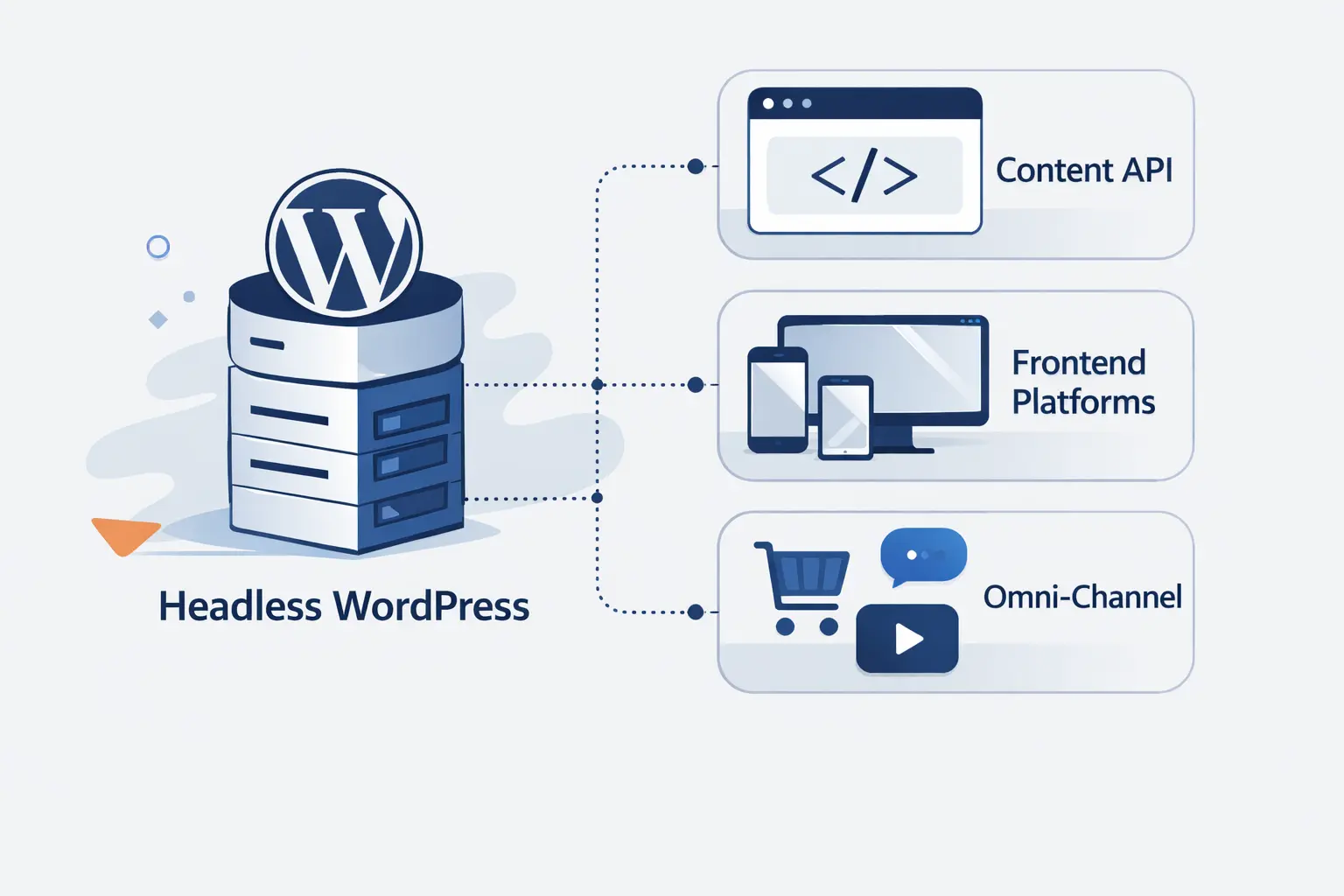
- What Is Headless WordPress?
- How Headless WordPress Works
- Benefits of Headless WordPress
- Headless, Decoupled, and Hybrid WordPress Models Explained
- Headless WordPress Versus Traditional WordPress
- Headless WordPress Versus a Native Headless CMS
- When Headless WordPress Makes Sense
- Challenges and Tradeoffs of Headless WordPress
- How to Get Started with Headless WordPress
- SEO Considerations for Headless WordPress
- Headless WordPress FAQ
- How 1Byte Supports Headless WordPress Projects
- Final Thoughts on Headless WordPress
Headless WordPress sounds simple until you have to build it, preview it, secure it, and rank it. At 1Byte, we think the phrase gets used too loosely. In practice, it means WordPress keeps doing the content work while another system renders the public experience. That can be a smart move. It can also be expensive theater if the site never needed it.
We have seen teams choose this model for the right reasons, such as multichannel publishing, a shared design system, or a custom application. We have also seen teams pick it because it felt more modern. That is rarely enough. The better question is whether your front end goals, editorial workflow, and operations model justify running two layers instead of one.
What Is Headless WordPress?
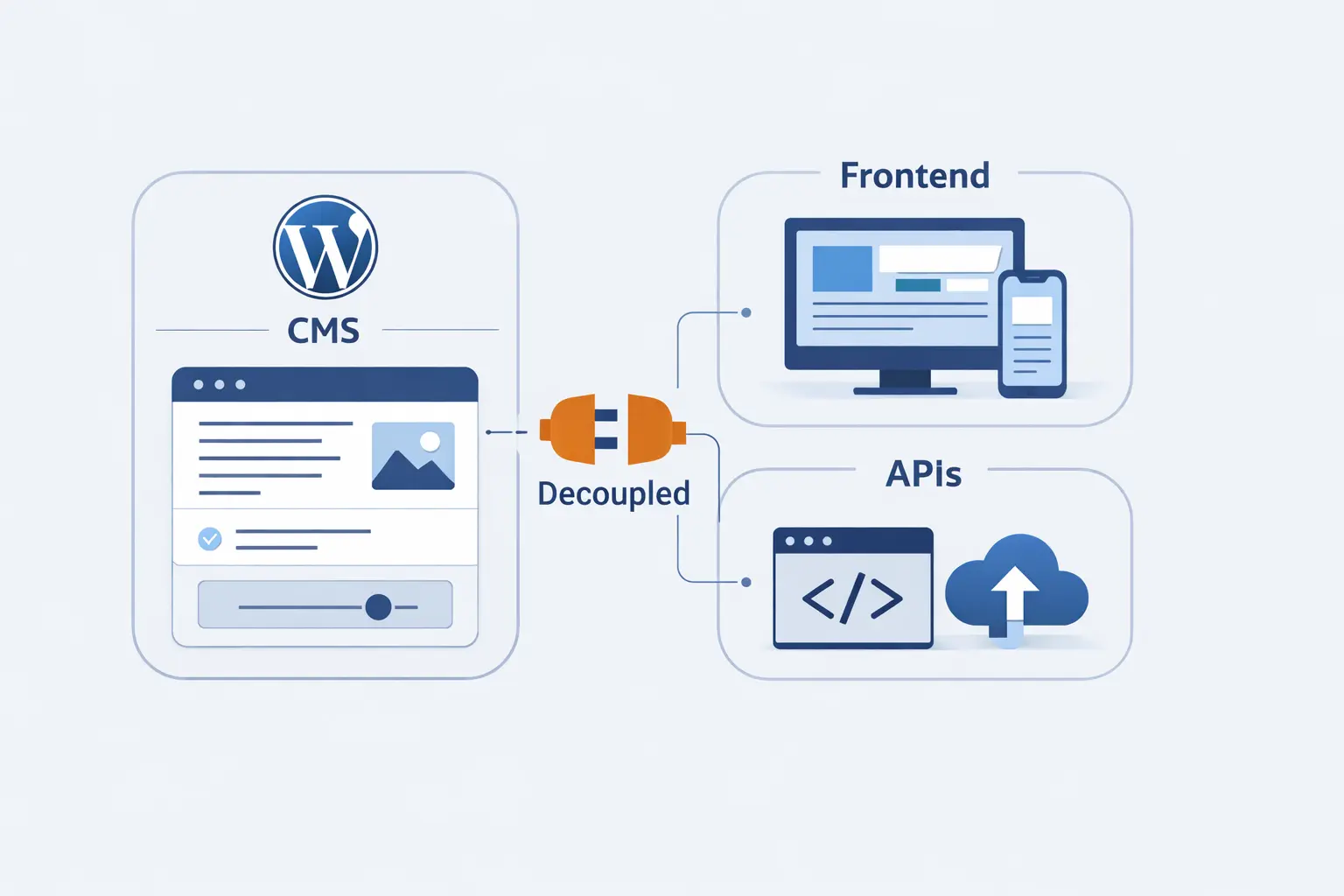
We start with the market reality. In June 2026, WordPress was used by 41.5% of all websites and 59.3% of CMS sites, so many teams would rather keep the editing layer they know than replace the whole stack. That is the backdrop for headless WordPress. It is usually an evolution of the presentation layer, not a rejection of WordPress itself.
1. What Makes a WordPress Site Headless
A site becomes headless when WordPress stops being the system that renders the public pages. Authors still use WordPress to create posts, pages, media, menus, and structured content. But visitors do not get HTML from a PHP theme. They get pages built by another front end that pulls data from APIs and turns it into the final experience.
2. Why Teams Keep WordPress as the Content Hub
Teams keep WordPress because editors already know it. They know drafts, revisions, media handling, user roles, categories, and blocks. That familiarity matters more than many developers admit. We have learned that replacing the content system can create more friction for editors than replacing the front end creates for developers.
3. Why Traditional Themes Are Not Used in a Headless Build
Traditional themes are skipped because the front end is no longer responsible for page output. In a classic setup, the theme handles templates, routing, and most of the visible markup. In a headless setup, that responsibility moves to another application. A theme may still exist for admin reasons, but it is no longer the public face of the site.
How Headless WordPress Works
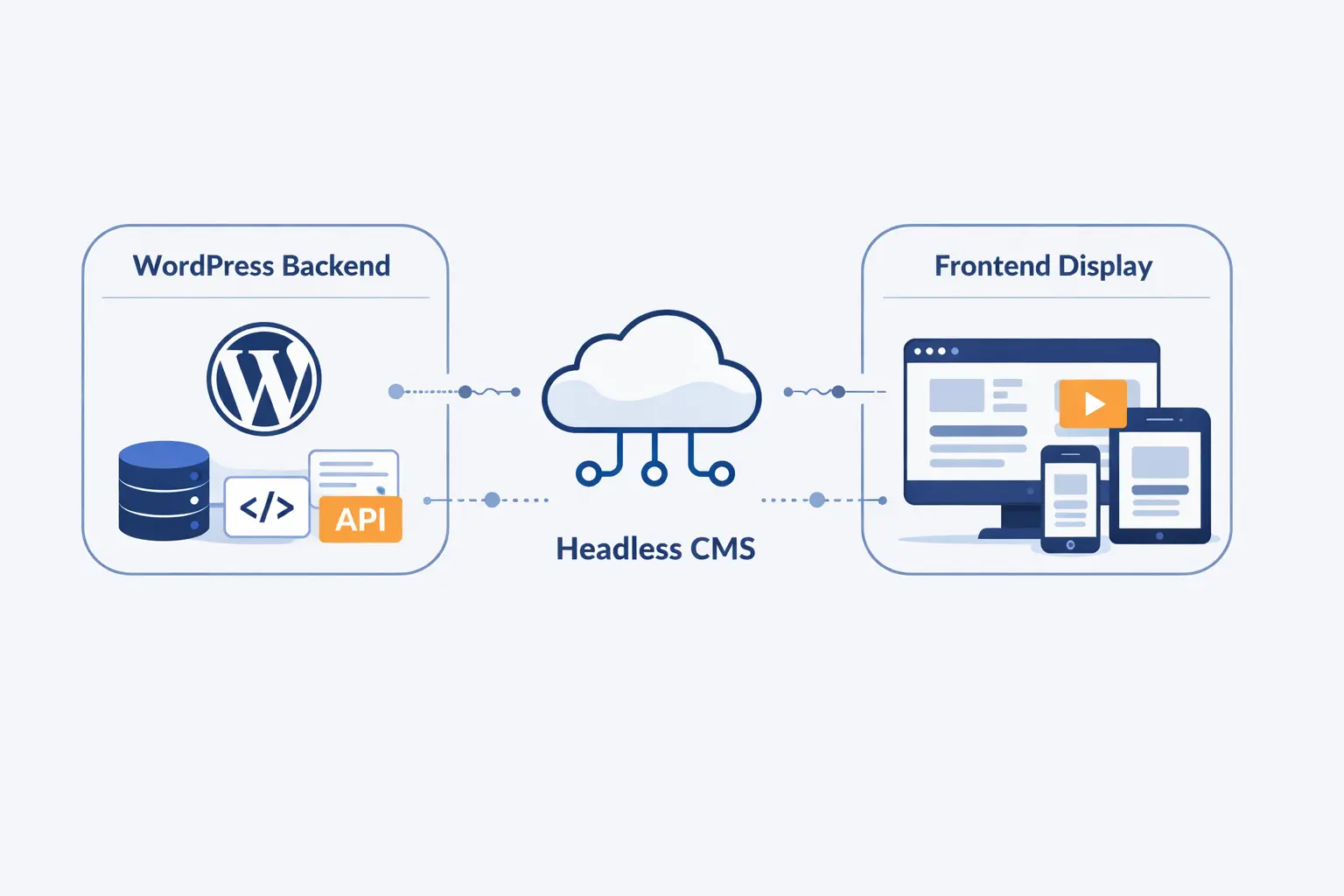
At a high level, the flow is straightforward. Editors publish content in WordPress, APIs expose that content, and a separate front end fetches and renders it. The real work starts after that. You still need route mapping, previews, authentication, caching, revalidation, and a deployment process that keeps both sides in sync.
1. REST, GraphQL, and Block Data Delivery
Most builds start with routes under /wp-json/. Those endpoints can expose posts, pages, media, taxonomies, users, blocks, and custom content types. The front end fetches that JSON and turns it into HTML. If you register custom types and fields correctly, those can move through the same pipeline too.
Some teams also add an extendable GraphQL schema and API. We like that option when the front end needs nested data in one request, such as menus, authors, categories, related posts, and reusable components. Blocks can be delivered as rendered content, raw content, or structured data, depending on the model you choose. WordPress still stores the content, but the front end decides how to ask for it and how to render it.
2. Front End Frameworks, Static Generation, and Server Rendering
Frameworks like Next.js, Nuxt, and Astro sit on the public side. Many content pages are generated at build time and served from a CDN, while search pages, dashboards, or personalized views can render on demand. That mix is why headless WordPress often feels fast when it is built well. It lets teams use static output where possible and server rendering where necessary.
3. Authentication, Caching, and API Performance
Public reads are often anonymous, but previews, drafts, and write operations need authentication. We usually recommend server-to-server access over HTTPS, with revocable credentials and tight permissions. Performance then comes from keeping responses small, caching aggressively, and revalidating only what changed. In WordPress, even a simple field filter can shrink REST responses and reduce wasted work.
Benefits of Headless WordPress
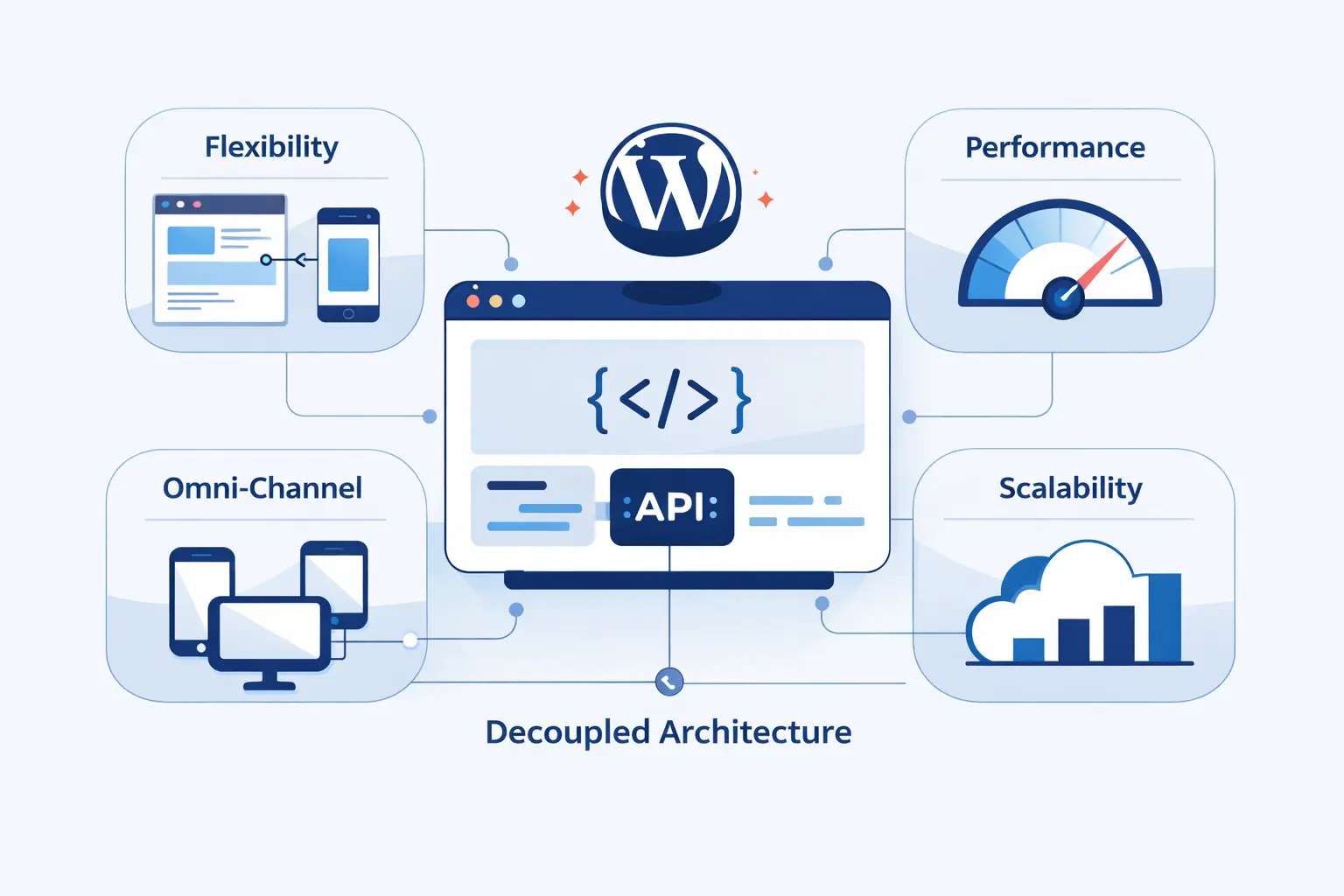
The benefits are real, but they are not automatic. We are skeptical of any pitch that says headless WordPress is faster, safer, and better by default. Architecture does not save a project from weak content models or sloppy operations. Still, when the fit is right, the upside is easy to see.
1. Faster Performance, Better Security, and Greater Scalability
When the stack is designed around caching, the gains can be large. They are not automatic, and we do not pretend otherwise. Still, a connected build can handle serious load. In a WordPress VIP case study, Mecum’s rebuilt platform was built to support more than 120 million pageviews a year while tying WordPress to a Next.js app and other services.
2. Greater Front End Flexibility with Modern Frameworks
Headless gives developers far more control over the interface. They can use a React or Vue based design system, route logic, animation, shared components, and app style interactions without squeezing everything through theme templates. That matters when a company wants the marketing site, product site, and logged in app to feel like one product instead of three stitched together properties.
3. Centralized Content Reuse for Web, Mobile, and More
One editorial workflow can feed many channels. A newsroom can publish to the website, mobile app, alerts panel, email summaries, and partner surfaces from the same source. A product team can do the same with pricing copy, help articles, or campaign modules. That is one of the clearest cases for headless WordPress, because content stops being trapped inside page templates.
Headless, Decoupled, and Hybrid WordPress Models Explained
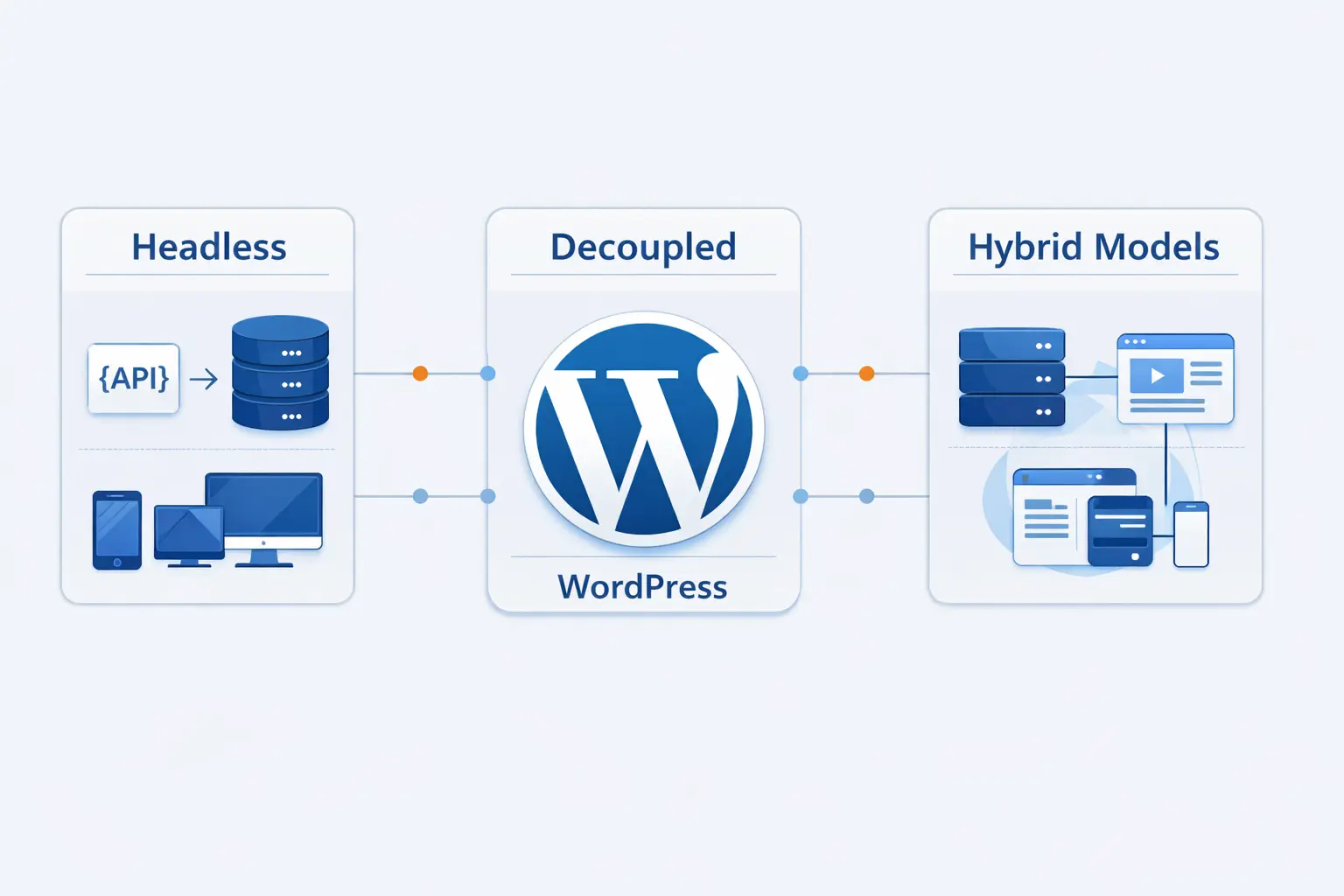
These labels get mixed together all the time. We do not lose sleep over the vocabulary, but the operating model does matter. Different teams use the same words for different setups. So we prefer plain definitions tied to how the site is actually built, deployed, and maintained.
1. How Headless WordPress Differs From Decoupled WordPress
In everyday use, the terms often overlap. We tend to use headless for a setup where WordPress mainly acts as a content source and another application owns the public experience. Decoupled often implies the same split, but with more deliberate coordination between the two layers, such as synchronized previews, webhooks, and deployment rules. In the wild, many teams use the two terms interchangeably.
2. Where a Single Stack Setup Still Fits
A single stack setup still fits many sites beautifully. If the project is mostly a marketing site, publication, brochure site, or standard store, traditional WordPress can still be the faster and saner choice. We would rather ship a clean single stack build than a fashionable split stack that no one can maintain. Why split the stack if the single stack already works?
3. When a Hybrid Model Is the Better Compromise
A hybrid model often works best when only part of the site needs a custom front end. You might keep articles and landing pages in regular WordPress templates while sending a complex search experience, catalog, or account area to a separate app. This keeps editor workflows simpler and reduces cost. It also lets teams modernize in stages instead of rebuilding the whole house at once.
Headless WordPress Versus Traditional WordPress
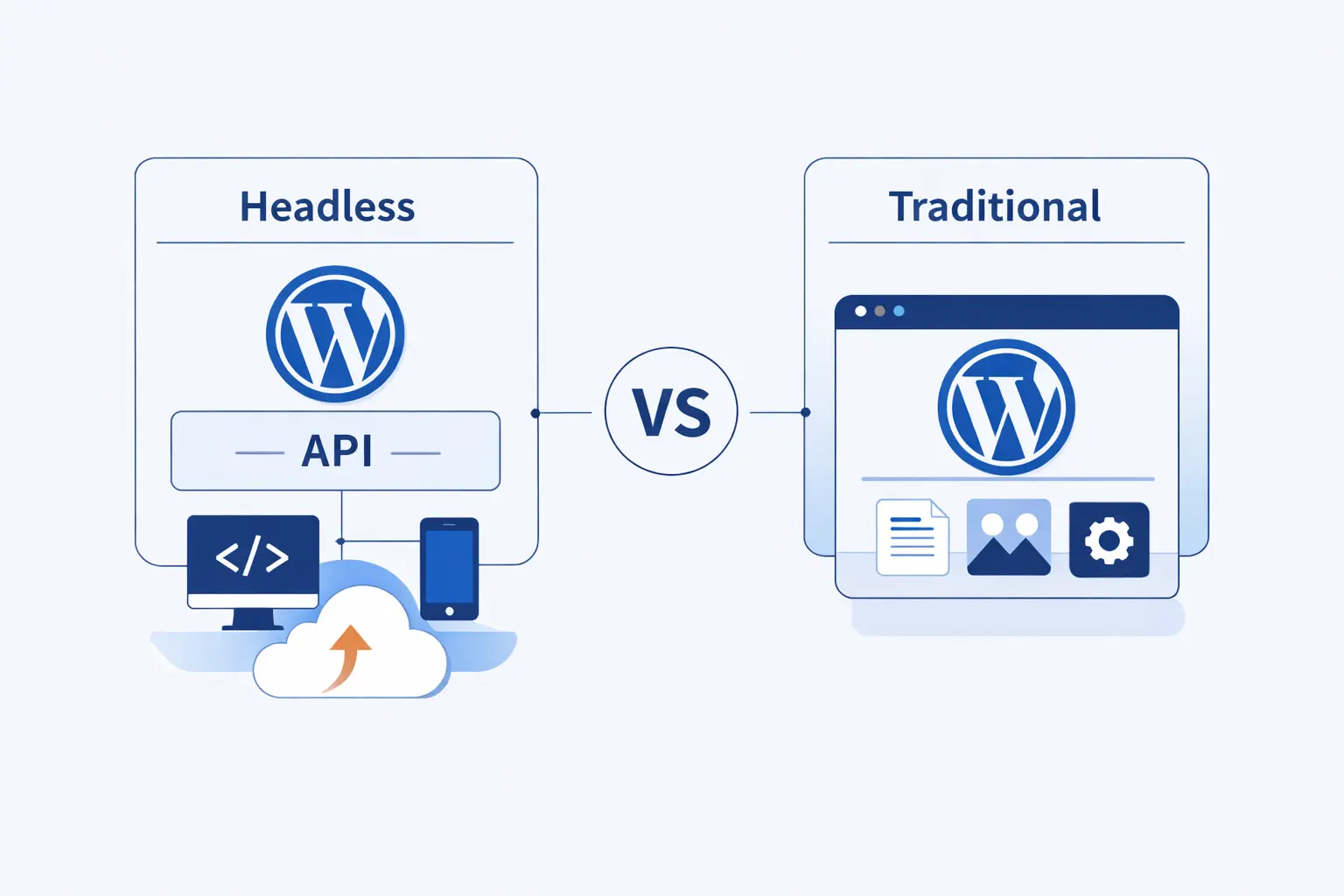
This comparison is really about tradeoffs. Traditional WordPress usually wins on speed of setup and plugin compatibility. Headless WordPress can win on front end freedom and content reuse across channels. We think the right choice depends less on ideology and more on what your team has to ship over the next two years.
1. Theme Based Builds Versus API Driven Architecture
In a traditional build, WordPress handles routing, templates, plugin output, and most of the page rendering in one place. In an API driven build, WordPress provides data and another application handles routing and rendering. That second model creates freedom, but it also creates more moving parts. You gain more control over the front end and lose some of the convenience of the default stack.
2. How the Editing Experience Changes in Headless WordPress
Editors still create content in WordPress, but the mental model shifts. They are no longer editing content inside a system that also controls the final page template. Instead, they are filling structured fields and blocks that a separate front end interprets. Previews, component rules, and content modeling start to matter more. If editors expect pixel level control from the live theme, that change can feel jarring.
3. How Modern WordPress Has Reduced the Need for Headless
Modern WordPress is more capable than the old stereotype suggests. Blocks let teams create reusable layouts. Custom blocks let developers shape richer editorial systems. The Interactivity API now covers some front end behaviors that once pushed teams toward separate JavaScript apps. We think this has narrowed the list of projects that truly need headless WordPress.
Headless WordPress Versus a Native Headless CMS
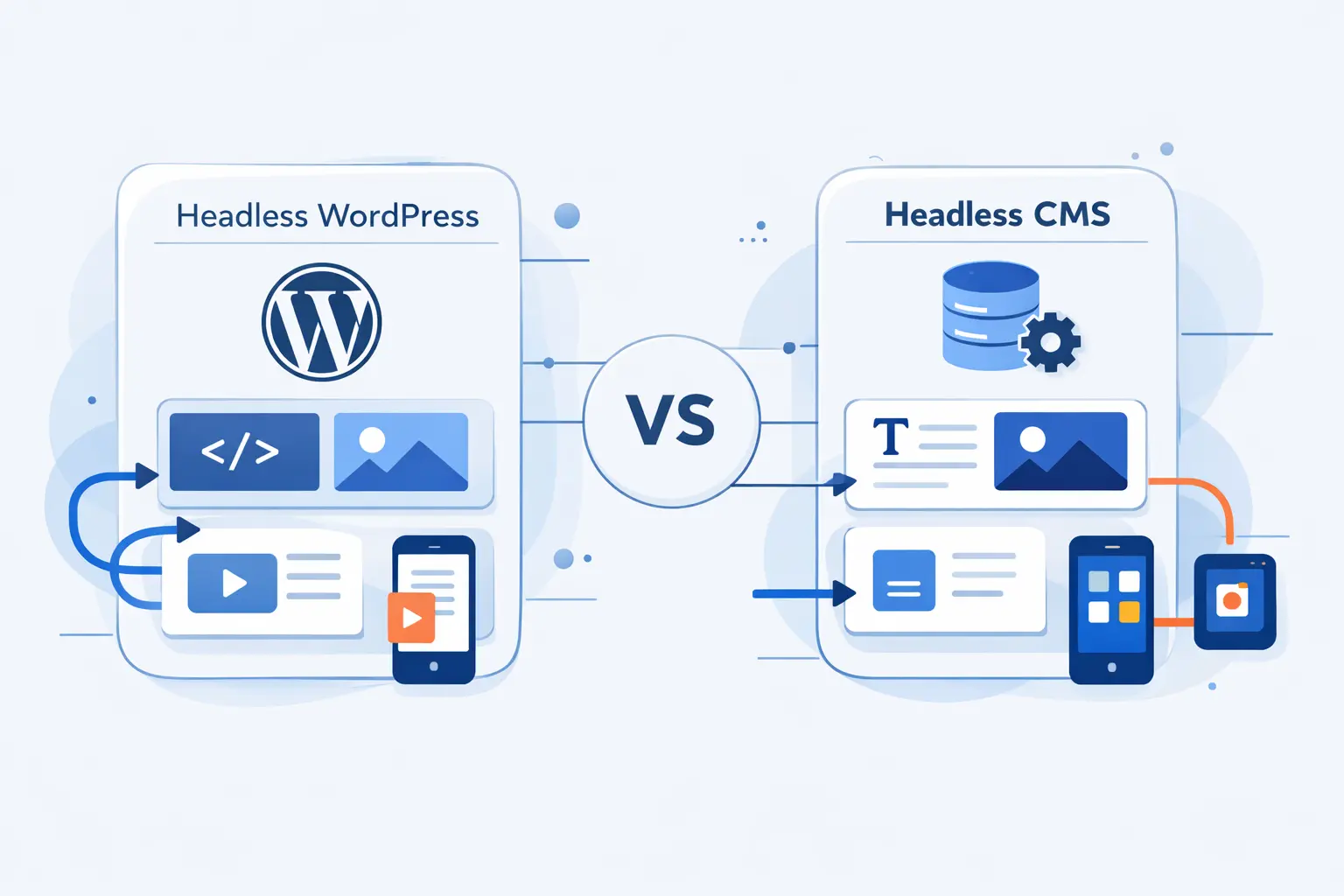
This is a fair fight, and it deserves an honest answer. WordPress can act like a headless CMS, but it was not born that way. Native headless CMS platforms usually start with API delivery, structured modeling, and webhook driven workflows at the center. WordPress starts from publishing and grows into that role.
1. Where WordPress Wins on Familiarity and Ecosystem
WordPress wins when the team already knows it, trusts it, and depends on its ecosystem. Editors know the interface. Developers know the content structures. The plugin and talent ecosystem is massive. That lowers the cost of change. For many organizations, that comfort and speed are more valuable than the architectural purity of a native headless CMS.
2. Where Native Headless CMS Platforms Win on Performance and Architecture
Native headless CMS platforms usually feel cleaner when content must be deeply structured from day one. Their content models, webhook systems, and API first patterns are often more direct. That makes them appealing for teams shipping the same content to many products with strict schema control. If your project is mostly an API problem, a native headless CMS may be the straighter path.
3. How to Choose Based on Team Skills, Budget, and Channels
The best choice usually follows the editors. If your content team loves WordPress and your developers can work around the split stack, keeping WordPress may be wise. If you need highly structured content and have little legacy to preserve, a native headless CMS may be cleaner. A good example is Edutopia. After evaluating WordPress VIP and Contentful for a headless setup, the team said content transfer dropped from 10 minutes to a minute or two after the move.
When Headless WordPress Makes Sense
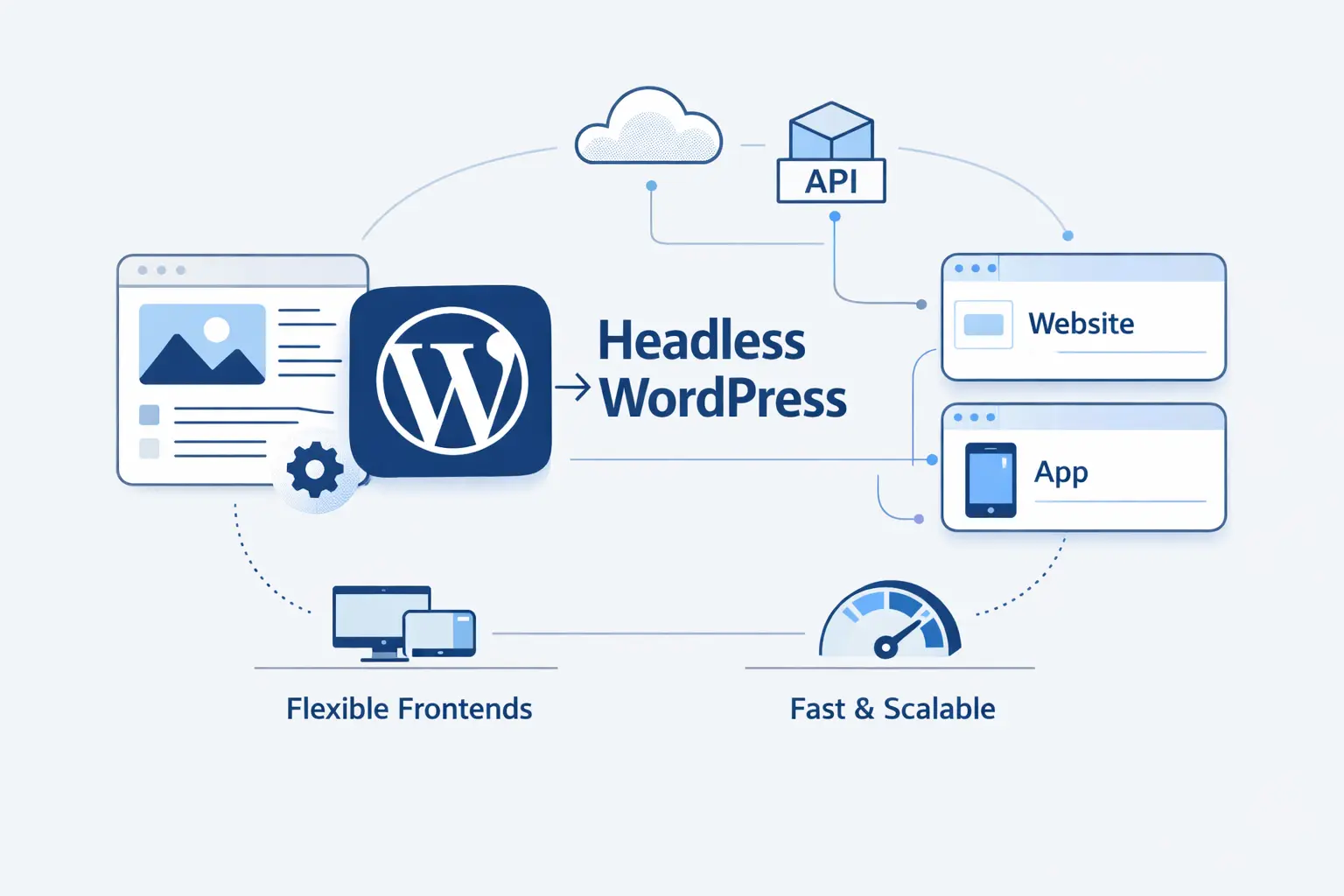
At 1Byte, we think headless WordPress makes sense when there is a clear business reason for the added complexity. We do not recommend it just because the dev team wants to try a new framework. The best cases are the ones where the content layer and the presentation layer genuinely need different strengths.
1. Omnichannel Publishing for Web, Mobile, and More
If the same content needs to reach the website, mobile app, notifications, email modules, and partner surfaces, headless becomes easier to justify. You are no longer building one website. You are building a content distribution system. In that context, WordPress works well as the editor facing hub while other products consume the output in their own ways.
2. Existing Front Ends, Microservices, and Custom Applications
Some organizations already run custom front ends, search services, account systems, and product applications. For them, forcing everything back into a theme can be awkward. Headless WordPress lets the content side plug into an architecture that already exists. It fits especially well when the design system and runtime logic already live in a separate application layer.
3. Future Ready Content, Reusable Blocks, and Centralized Content Workflows
Headless WordPress is also useful when teams want content that can outlive a single front end. Reusable blocks, custom post types, and registered meta can become shared building pieces instead of page locked fragments. That makes future redesigns easier. It also helps larger teams keep one editorial workflow instead of multiplying content systems across departments.
Challenges and Tradeoffs of Headless WordPress
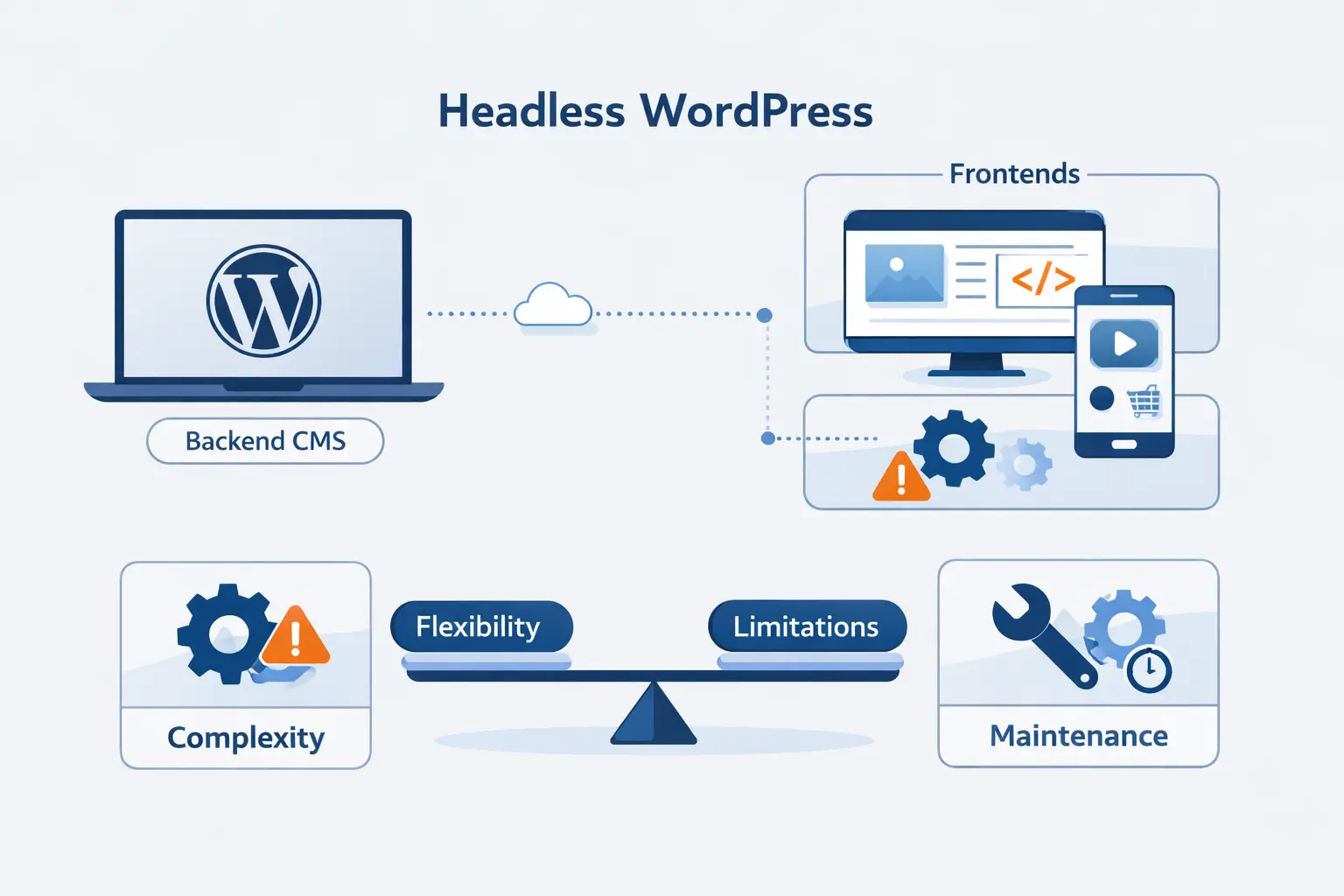
This is the part people often soften in sales decks. We will not. Headless WordPress usually means more complexity, more coordination, and more opportunities for small mistakes to turn into large delays. If your team is not ready for that, the cost shows up fast.
1. More Complex Setup, Maintenance, and Security Workflows
You now have at least two systems to deploy and monitor. You need environment variables, cache rules, preview logic, CORS decisions, API rate limits, and secret handling. WordPress still needs core, plugin, and server maintenance. The JavaScript front end still needs dependency updates and build checks. Nothing becomes maintenance free just because the front end moved elsewhere.
2. Live Preview, Site Editor Support, and Front End Plugin Limits
Live preview almost always needs extra work because WordPress no longer controls the final page render. The same is true for plugin output that assumes a PHP theme, shortcodes, or template hooks. Some features translate cleanly, and some do not. In commerce, even extension compatibility can vary by rendering model. We treat this as an architectural rule of thumb, not a universal bug list.
3. Higher Costs, Broader Skill Requirements, and Longer Timelines
Headless WordPress usually needs broader skills across WordPress, front end frameworks, and infrastructure. That means more planning and more coordination. It can absolutely be worth it, but it is rarely the cheapest route to launch. We have found that teams underestimate the timeline when they focus only on the pretty front end and ignore previews, redirects, analytics, and operations.
How to Get Started with Headless WordPress
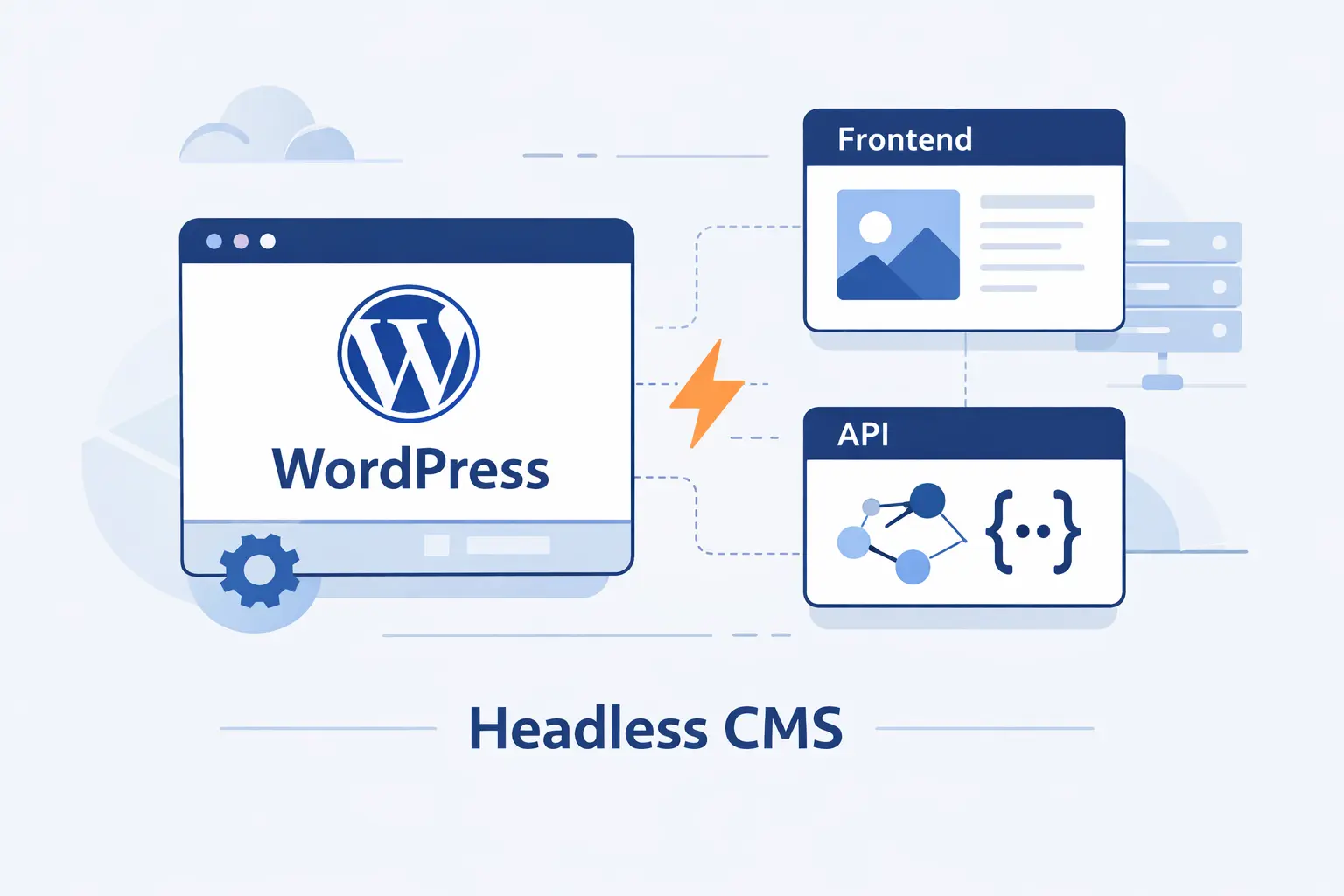
We usually advise teams to start smaller than they first imagine. Do not begin with every content type, every plugin, and every marketing request at once. Prove the data flow, preview flow, and deployment flow on a tight scope. Then expand only after those foundations behave well.
1. Choose the Right Hosting and Deployment Setup
Decide early where WordPress will live and where the public front end will run. Plan DNS, CDN behavior, preview environments, secrets, backups, staging, and rollback paths before the build gets busy. A headless project can fail for boring infrastructure reasons just as easily as for code reasons. We think it is better to settle the boring parts first.
2. Expose Content Through APIs, Permalinks, and Custom Post Types
Make sure the content model is ready for API delivery. Custom post types should be exposed properly. Meta fields should be registered correctly. Permalinks and slugs should be stable and human readable. These details sound small, but they shape everything from route matching to redirects and search visibility later on.
3. Build, Fetch, Test, and Optimize the Front End
Start with a few core templates, then fetch the data and render it in predictable ways. Test drafts, 404s, redirects, pagination, and search before worrying about fancy effects. Then optimize images, caching, code splitting, and revalidation. Headless WordPress projects get healthier when teams chase correctness first and polish second.
SEO Considerations for Headless WordPress
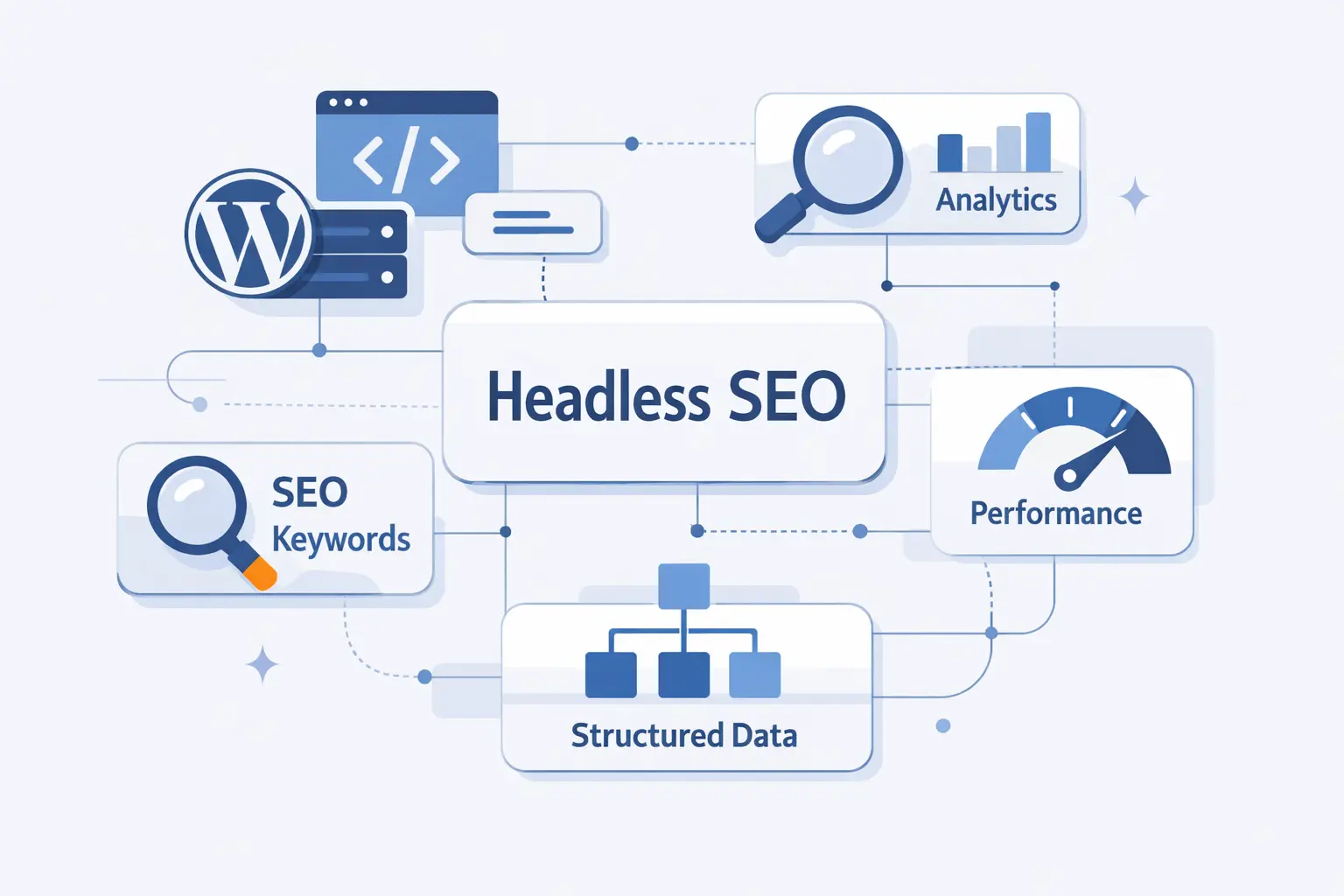
SEO is fully possible in headless WordPress, but it is more hands on. Traditional WordPress themes and plugins often handle many search details for you. In headless builds, the front end must deliberately consume and output that data. That means more control, but also more room for mistakes.
1. Why SEO Is More Complex in Headless WordPress
Metadata is no longer enough inside the WordPress admin alone. Your front end has to render titles, descriptions, canonicals, robots rules, schema, and social tags correctly. It also has to generate or serve the right sitemap and handle redirects cleanly. If the front end forgets any of that, search visibility can suffer even when the content is excellent.
2. How Rendering, Speed, and Code Control Affect Search Visibility
Search engines do process JavaScript, but the pipeline still involves crawling, rendering, and indexing. We therefore prefer pre-rendered or server-rendered HTML for core content pages. It gives crawlers less work and gives teams more direct control over canonicals, schema, internal links, robots files, and sitemaps. Good headless SEO is less about tricks and more about disciplined output.
3. Which SEO Tools, Form Builders, and Ecommerce Features Need Extra Planning
SEO plugins can still store valuable metadata, but the front end has to read and render it. Form builders may need custom endpoints, embedded forms, or hosted alternatives. Ecommerce adds another layer because carts, checkout, sessions, and extensions often rely on specific rendering flows. Headless stores can work well, but they require more deliberate planning than a standard theme based setup.
Headless WordPress FAQ
These are the short answers we give most often. We like plain answers here because the topic already attracts enough jargon. If a reply sounds conditional, that is because headless WordPress is conditional. Context changes everything.
1. Can WordPress Be Used Headless?
Yes. WordPress can expose content through the REST API, and many teams also add GraphQL through WPGraphQL. In that model, WordPress becomes the content back end while another application renders the public site or app.
2. What Are the Disadvantages of Headless WordPress?
The main disadvantages are complexity, higher build cost, more operations work, custom preview logic, and weaker plug and play compatibility with some front end plugins. It also asks more of the team. You need people who can think across content modeling, APIs, rendering, deployment, and search visibility.
3. Is Headless WordPress Worth It?
It is worth it when the project truly needs a separate front end, multichannel delivery, or a custom application layer. It is usually not worth it for a simple content site that could run well on modern WordPress alone. We treat it as an architecture choice, not a badge of technical ambition.
4. Is WordPress Still Relevant for Modern Web Projects?
Yes, very much so. It remains dominant in the CMS market, and the platform has kept evolving through blocks, APIs, and newer front end capabilities. We would not build every project with it, but we would never dismiss it as outdated either.
5. What Is the Difference Between Headless WordPress and a Headless CMS?
Headless WordPress is WordPress adapted to serve content through APIs while another system handles presentation. A native headless CMS is designed around API delivery from the start. The first often wins on familiarity and ecosystem. The second often wins on structured modeling and cleaner API first architecture.
6. Which Front End Frameworks Work Best with Headless WordPress?
Next.js is the most common answer in React teams. Astro is attractive for content heavy sites that want mostly static output. Nuxt is a strong option for Vue teams. We usually tell people to choose the framework their team can maintain well, not the one that wins the loudest online debate.
How 1Byte Supports Headless WordPress Projects
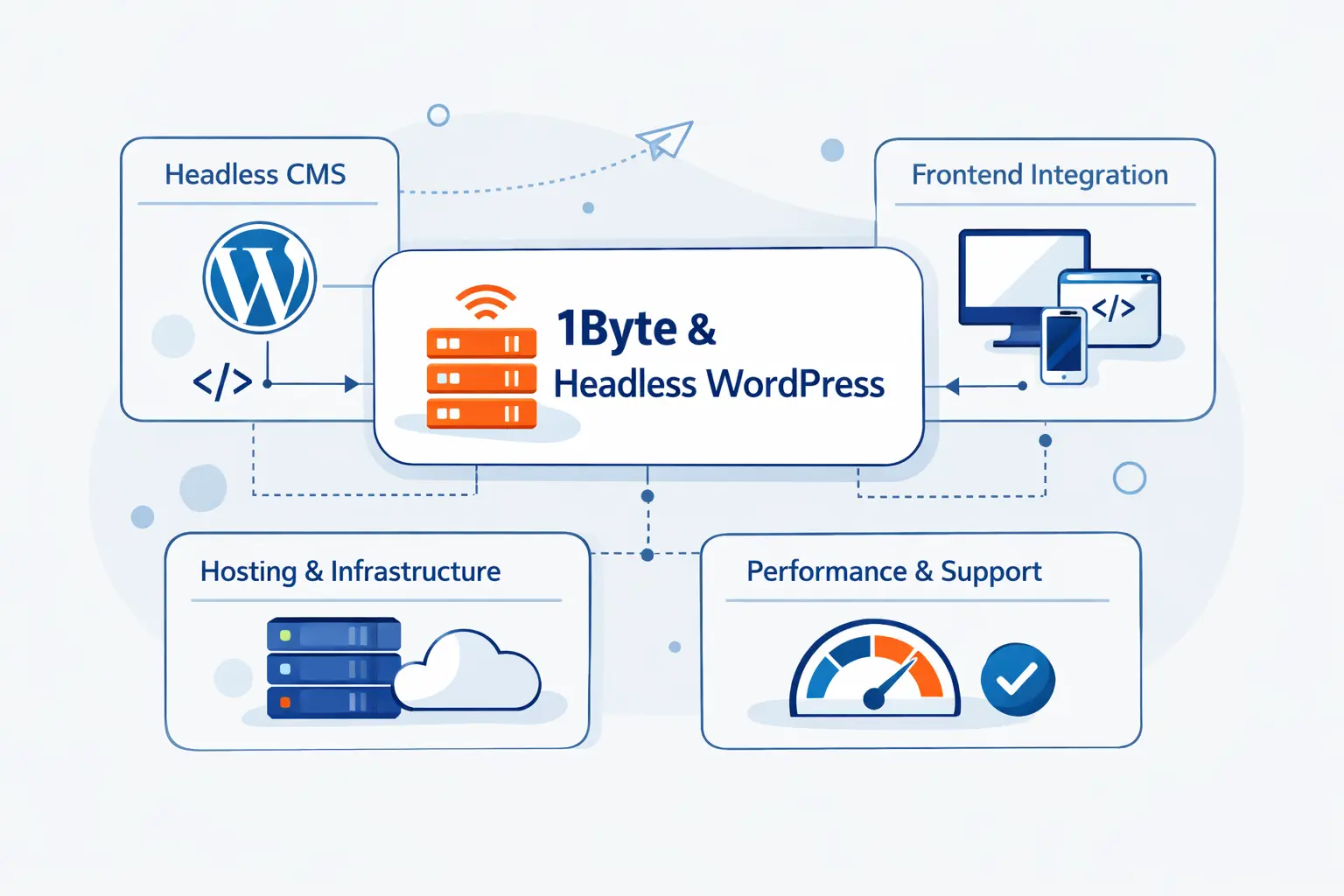
At 1Byte, we see headless WordPress as an infrastructure and workflow problem as much as a development problem. That is why we focus on the practical pieces first. Naming, routing, certificates, hosting layers, and deployment paths shape how stable the project feels after launch.
1. Domain Registration and SSL Certificates for Secure Launches
We help teams start with a clean domain and subdomain plan, because headless projects often split traffic across the public site, the content backend, preview environments, and APIs. SSL also matters from day one. Draft previews, API calls, webhooks, and admin logins all become easier to trust and troubleshoot when the certificate setup is clear and complete.
2. WordPress Hosting and Shared Hosting for Flexible Content Management
For many projects, the WordPress side does not need to be flashy. It needs to be stable, predictable, and easy for editors to use. Our WordPress hosting and shared hosting options can give teams a practical home for the content layer, especially when the editorial workload is moderate and the public front end runs elsewhere.
3. Cloud Hosting, Cloud Servers, and AWS Partner Support for Scalable Deployments
When the public front end needs more control, cloud hosting and cloud servers become the stronger fit. That is especially true for custom runtimes, multi environment deployments, private networking, and service integrations. AWS partner support also helps when a project spans storage, compute, CDN, and security services instead of living on one simple web stack.







Final Thoughts on Headless WordPress
Headless WordPress is neither hype nor silver bullet. It is a real and useful architecture pattern, but only when the project has a real reason to separate content management from presentation. We like it best when it serves a clear goal, such as multichannel publishing, shared application interfaces, or stronger control over rendering and deployment. We like it least when it is chosen as a style statement.
At 1Byte, our view is simple. Use traditional WordPress when it fits. Use headless WordPress when it solves a specific problem that a single stack cannot solve cleanly. And if you do go headless, build it deliberately. The winners are usually the teams that stay practical, respect the editing experience, and treat infrastructure as part of the product.