

- Jetpack Is a WordPress Plugin That Adds Security, Performance, Growth, and Management Tools to Self-Hosted Sites
- How Jetpack Works on a WordPress Site
- What Jetpack WordPress Is Used For
- Free Features vs Paid Upgrades
- Who Should Use Jetpack and When to Choose Alternatives
- FAQ
- How 1Byte Helps You Run Jetpack on WordPress
- Conclusion
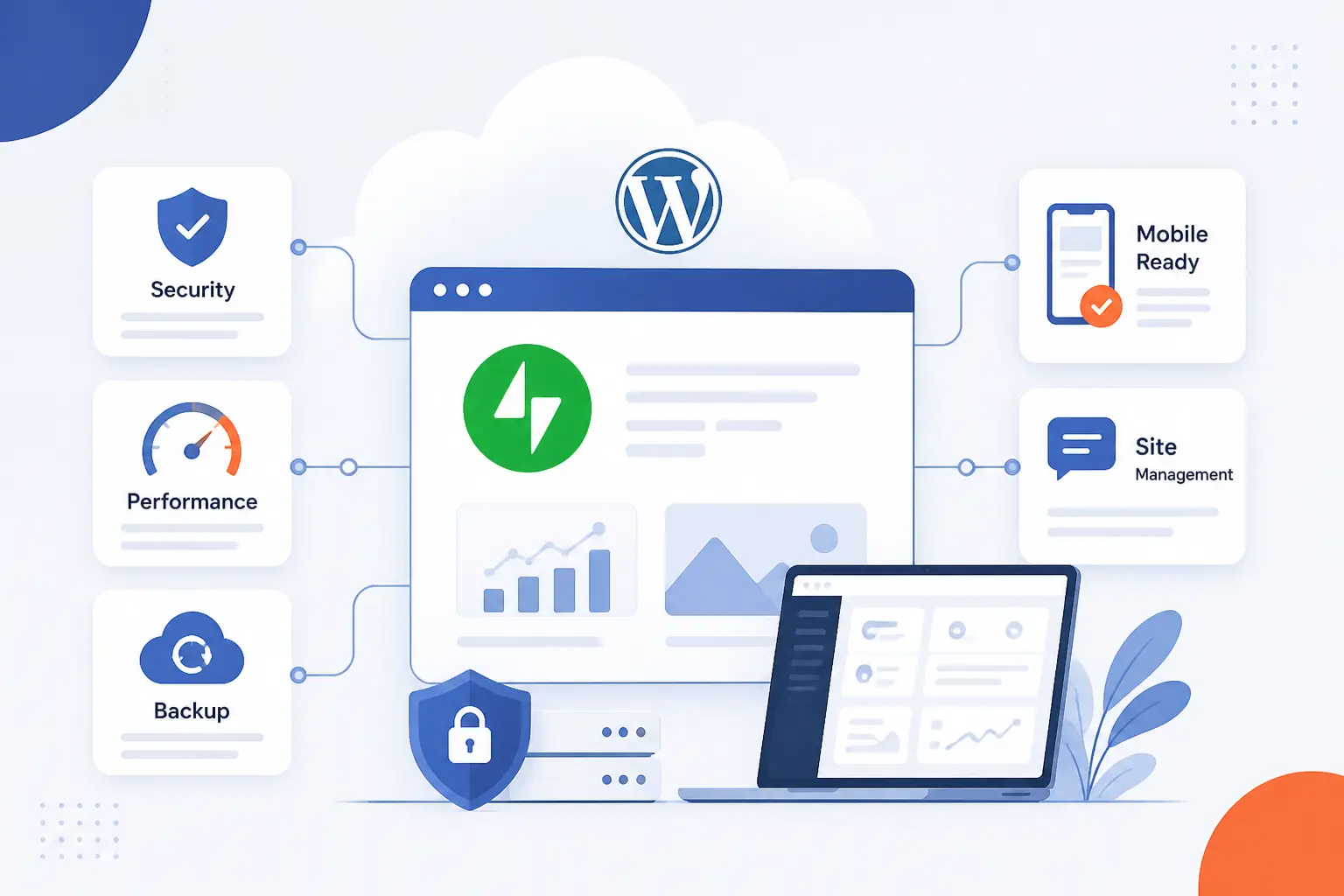
What is Jetpack WordPress? It is a plugin for self-hosted WordPress sites that adds extra tools for security, speed, traffic growth, and day-to-day management. At 1Byte, we think of it as a bridge between a regular WordPress install and services that run through WordPress.com. You install the plugin, connect the site, and then turn on the pieces you actually need. For beginners, that usually means less guesswork and fewer moving parts.
Jetpack Is a WordPress Plugin That Adds Security, Performance, Growth, and Management Tools to Self-Hosted Sites
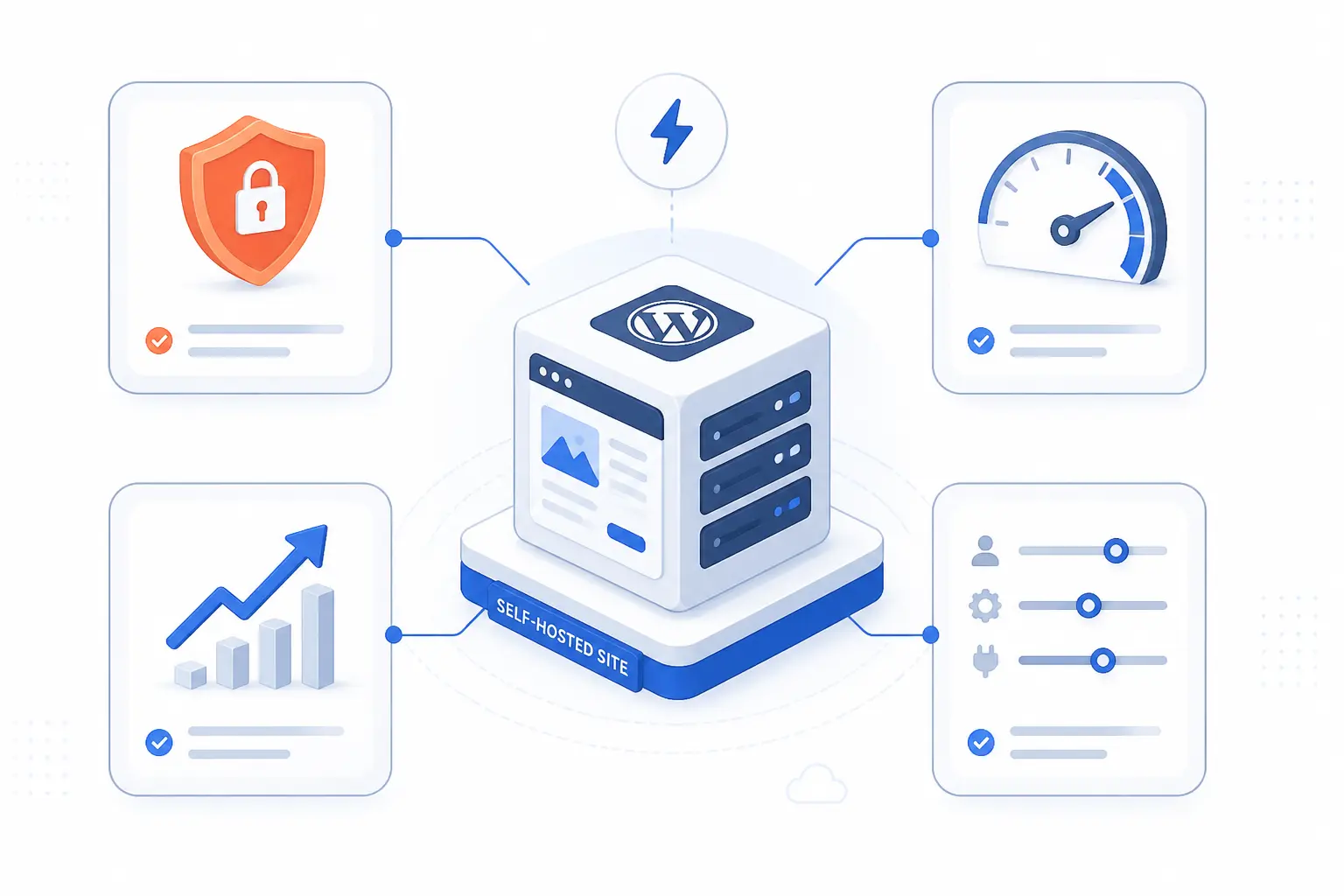
Jetpack is an add-on for WordPress, not a replacement for WordPress itself. It is designed to give a self-hosted site a broad set of features in one package, from backups and spam filtering to stats and social sharing. Its reach is substantial too, with the WordPress plugin directory listing 3+ million active installations. At 1Byte, we see Jetpack WordPress as a practical “toolbox” plugin for site owners who want official integrations without building a stack from scratch.
That said, Jetpack is optional. A WordPress site can run perfectly well without it, and many experienced users prefer narrower plugins for each job. Jetpack simply offers a different trade-off: convenience, cloud-backed features, and one vendor across several common needs.
How Jetpack Works on a WordPress Site
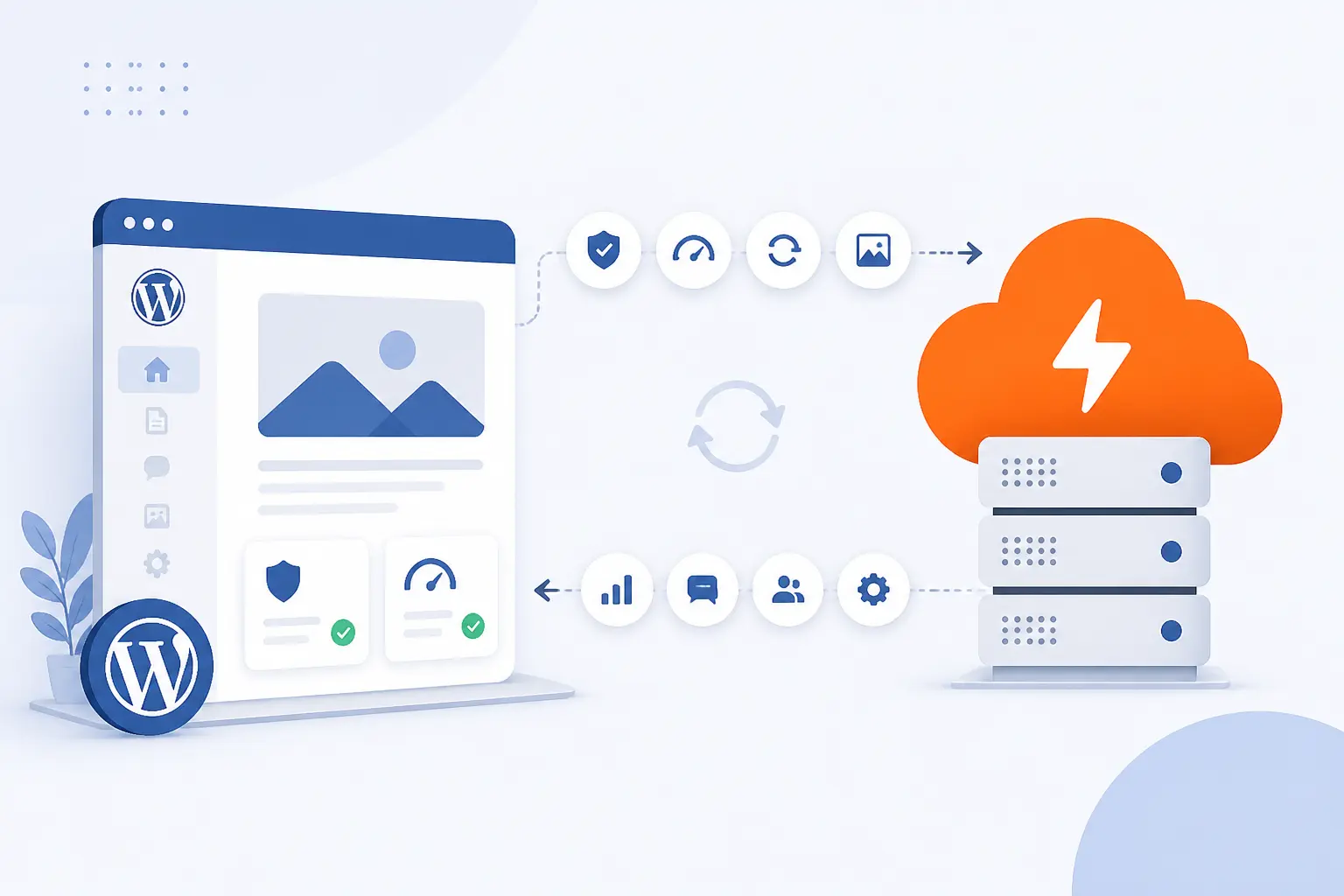
Jetpack works by living inside your WordPress site while connecting key features to WordPress.com services. The plugin installs through normal WordPress admin screens, but many of its better-known tools depend on that external connection to sync data, manage settings, or process work off your server. In practice, Jetpack is part local plugin and part cloud service. That hybrid design is the whole point.
Why It Needs a WordPress.com Account
Jetpack needs a WordPress.com account because many of its features are tied to WordPress.com cloud services and user-level permissions. The official connection guide explains that tools such as Stats, the Activity Log, Search, and Backup rely on that connection, while some simpler features can still work with only a site connection or in limited offline scenarios. We usually tell readers to think of the account as the identity layer that unlocks the cloud side of Jetpack. A basic install is easy, but the full experience starts after the account connection. connection guide.
How It Uses WordPress.com Servers for Key Features
Jetpack uses WordPress.com servers to offload work that would otherwise run on your own hosting account. That is why features like Search, Related Posts, offsite backups, and the image CDN can feel heavier-duty than a purely local plugin. A good example is media delivery: Jetpack’s image CDN copies images to its network and serves them from there, while Search indexes content in the cloud and Related Posts calculates matches off-site. For a busy content site, that can reduce pressure on the origin server, though it also means you are relying on an external service path.
Where You Manage Jetpack Features, Stats, and Mobile Access
You manage Jetpack from both your WordPress dashboard and Jetpack’s cloud tools. Inside WordPress, the My Jetpack dashboard shows active products, plan status, and connection details. If you run more than one site, Jetpack Manage adds a cloud dashboard for plugin updates, stats, backups, scan status, and downtime checks, and the Jetpack app lets you sign in with the connected WordPress.com account or your WP Admin credentials. In other words, Jetpack tries to meet you wherever you already work.
Core Plugin vs Individual Jetpack Products
The core plugin is the all-in-one version, while individual Jetpack products let you install only the pieces you want. Jetpack’s own docs say the full plugin includes a mix of free and paid features, but the company also offers standalone products such as Backup, Search, Social, Boost, and VideoPress. We like the core plugin for beginners because it is straightforward, but we like standalone tools for leaner builds where every plugin has to earn its place. That split is one of the better changes Jetpack has made.
What Jetpack WordPress Is Used For
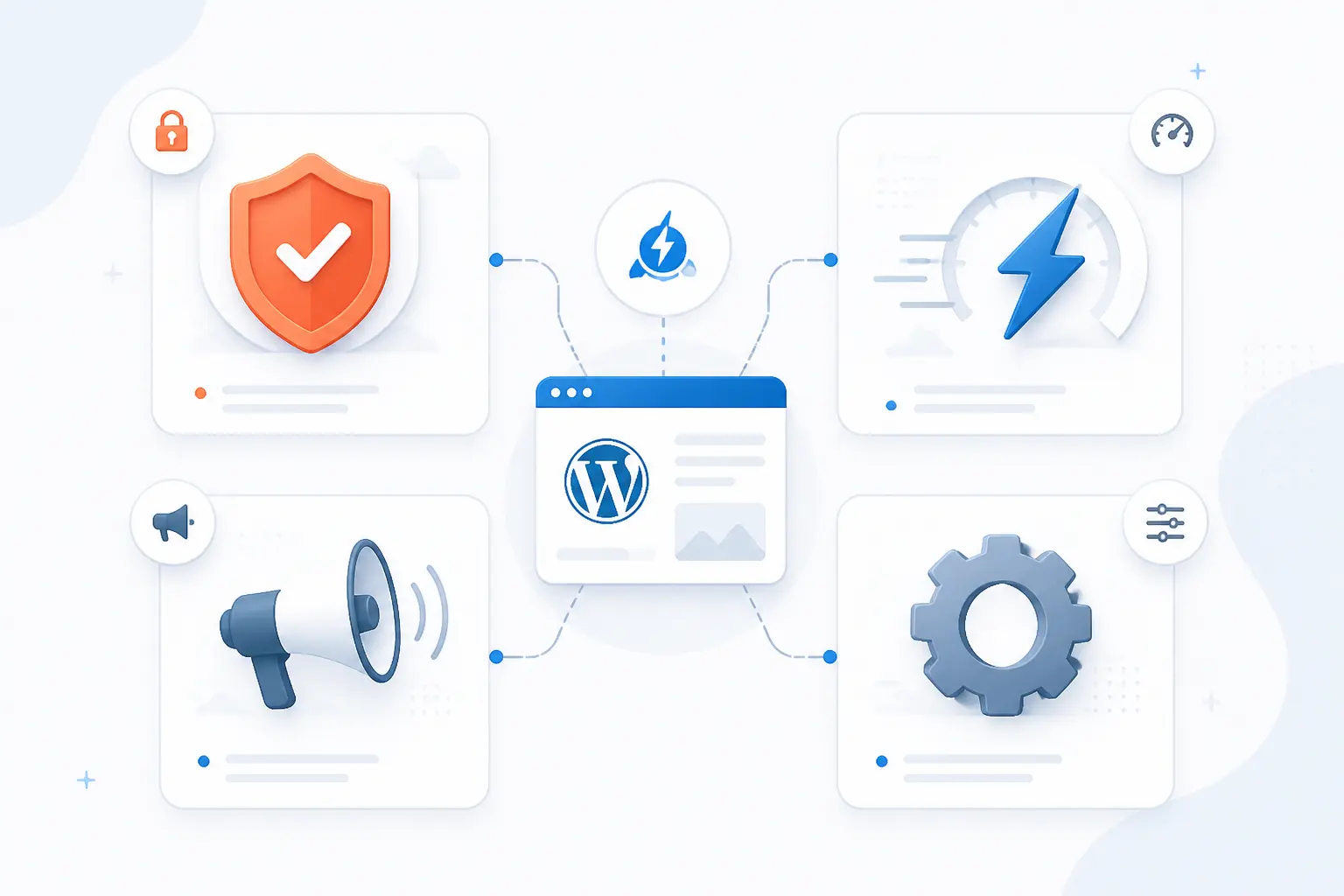
Jetpack WordPress is used for four broad jobs: protecting the site, making it load faster, helping content reach more people, and simplifying management. Those categories sound wide because Jetpack really is wide. The plugin’s own feature list spans security, performance, traffic, and admin tools rather than one narrow function. That breadth is why some people love it and others find it too much.
Security, Spam Protection, and Backups
Jetpack is often used first for protection and recovery. Its backup system can create daily and event-triggered snapshots, and the official docs say changes such as updated posts, comments, media edits, settings changes, and plugin or theme changes can trigger backup activity. For a store, the real-world value is obvious: Jetpack documents that WooCommerce orders and products can be backed up in real time so they are not lost during a restore. On top of that, Scan is a paid security product, while Akismet spam filtering is free for personal non-commercial sites and bundled into certain paid plans for commercial use. real-time backups.
Speed, SEO, Search, and Video Delivery
Jetpack is also used to speed up delivery and improve how visitors find content. Site Accelerator serves images and some core assets from Jetpack’s network, while Jetpack Search replaces default WordPress search with an Elasticsearch-based system and can add AI answers on paid search plans. VideoPress, meanwhile, hosts video off your main server and supports external embeds, which is useful when a site wants cleaner playback without stuffing large files into local storage. We would not call Jetpack a full SEO suite, but we would call it a meaningful performance and discovery layer.
Social Sharing, Stats, and Audience Growth
Jetpack helps with audience growth by pushing content outward and by showing what readers do after they arrive. Its social tool can automatically share posts to supported networks such as Facebook, LinkedIn, Tumblr, Mastodon, Nextdoor, Instagram Business, Threads, and Bluesky, and Jetpack notes that this auto-sharing feature is free. A practical example is a small business blog that publishes once in WordPress and lets Jetpack handle distribution to several channels from the editor. sharing guide.
Jetpack Stats then closes the loop by showing traffic, insights, ads, and subscriber views in one place. Paid stats add extras such as UTM, device, and region-level reporting, while Related Posts can keep readers moving across your archive without adding more database work to your own server. We like that combination because it connects reach, behavior, and retention without forcing a beginner into a full analytics stack on day one. traffic dashboards.
Management Tools, Mobile Access, and Content Creation
Jetpack can simplify site management by pulling updates, status checks, and mobile actions into one system. Through Jetpack Manage and plugin management, you can update plugins, set auto-updates, and review multiple connected sites from a single dashboard, while the mobile app supports self-hosted sites through either the connected WordPress.com account or WP Admin credentials. For teams, the real benefit is not magic. It is fewer tabs, fewer logins, and quicker visibility when something breaks or needs updating. management notes.
Free Features vs Paid Upgrades
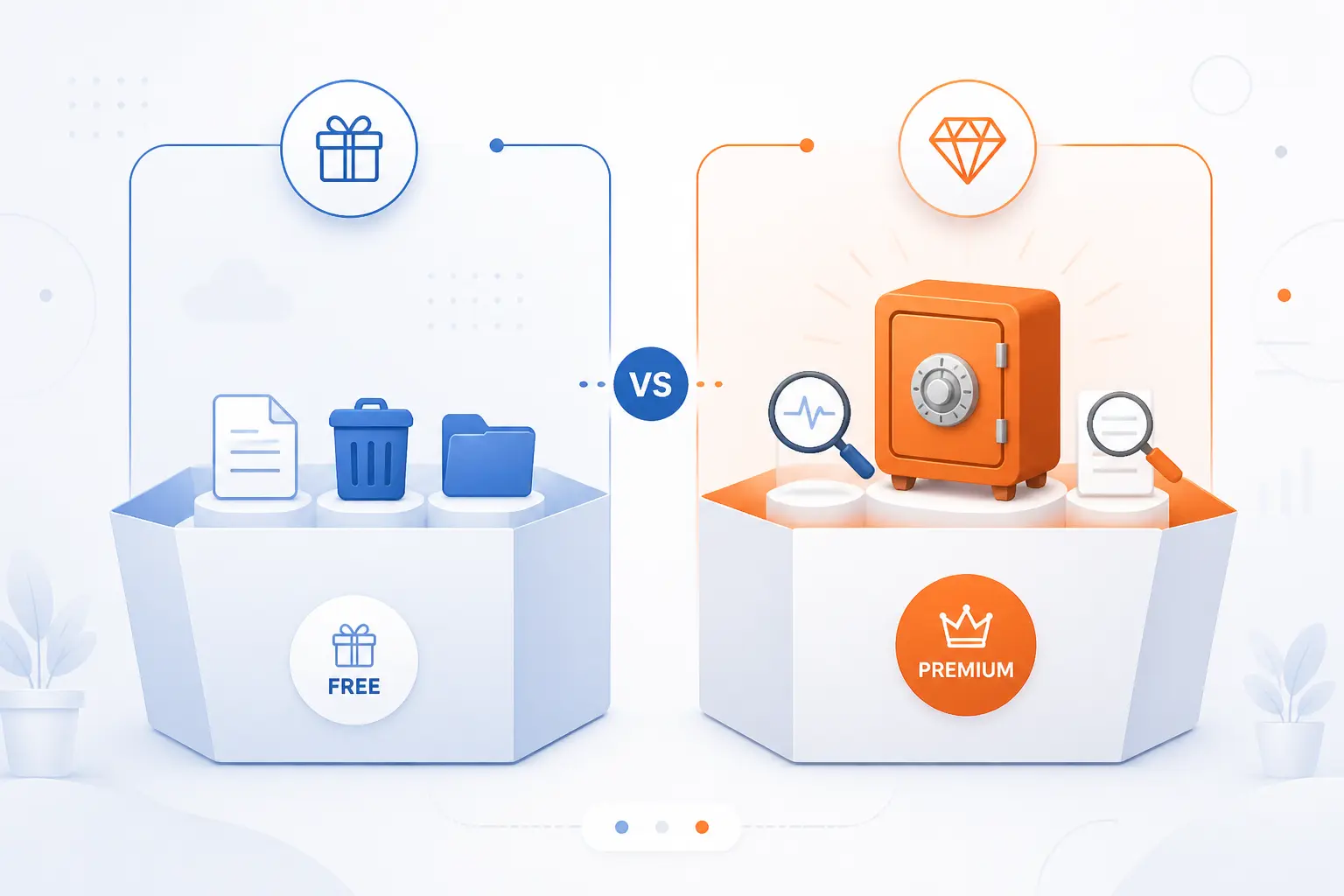
Jetpack has a real free layer, but its most valuable recovery and cloud-security features sit behind paid products. That is the cleanest way to think about pricing. The free tier covers a useful starter set, while paid plans unlock deeper backups, scanning, search, video, and more advanced reporting. If we were advising a beginner, we would say: start with the job you need solved first, then decide whether the free layer is enough.
| Option | What it usually includes | Best fit | Main trade-off |
|---|---|---|---|
| Free core plugin | Basic security, performance, sharing, and admin tools | Blogs, brochure sites, first-time users | Advanced recovery and search are limited |
| Paid plans | Backup, Scan, paid Stats, Search, VideoPress, premium extras | Businesses, stores, content-heavy sites | Recurring cost |
| Standalone tools or bundles | Only the products you choose, or a grouped package | Custom stacks and selective buyers | More planning up front |
What the Free Tier Includes
The free tier includes more than many people expect. Jetpack’s core feature list says some security and performance tools are available without a paid plan, including brute force protection, downtime monitoring, single sign-on, and Site Accelerator, and Jetpack Social auto-sharing is free as well. Stats can also be free in the right context, though Jetpack treats personal non-commercial usage differently from commercial use. For a hobby blog or simple company site, the free layer can be enough to get started sensibly.
What Paid Plans Unlock
Paid plans unlock the features that matter most when downtime, lost content, or search quality start costing you money. The official docs tie Scan to paid products, put Backup behind paid plans, offer AI answers on paid Search plans, reserve advanced Stats details for paid subscriptions, and treat premium Boost options and fuller VideoPress use as paid upgrades. In plain terms, the free tier helps you run a site, while paid tiers help you recover, inspect, and optimize it at a higher level.
When Standalone Jetpack Tools or Bundles Make Sense
Standalone tools make sense when you want one Jetpack capability without carrying the full toolbox. Jetpack explicitly supports the idea of adding only what you need, and that is a sensible route if you already have a preferred security plugin, CDN, or analytics setup. Bundles make more sense when you know you want several cloud features under one billing and support umbrella. We generally see core Jetpack as the convenience choice and standalone products as the precision choice.
Who Should Use Jetpack and When to Choose Alternatives
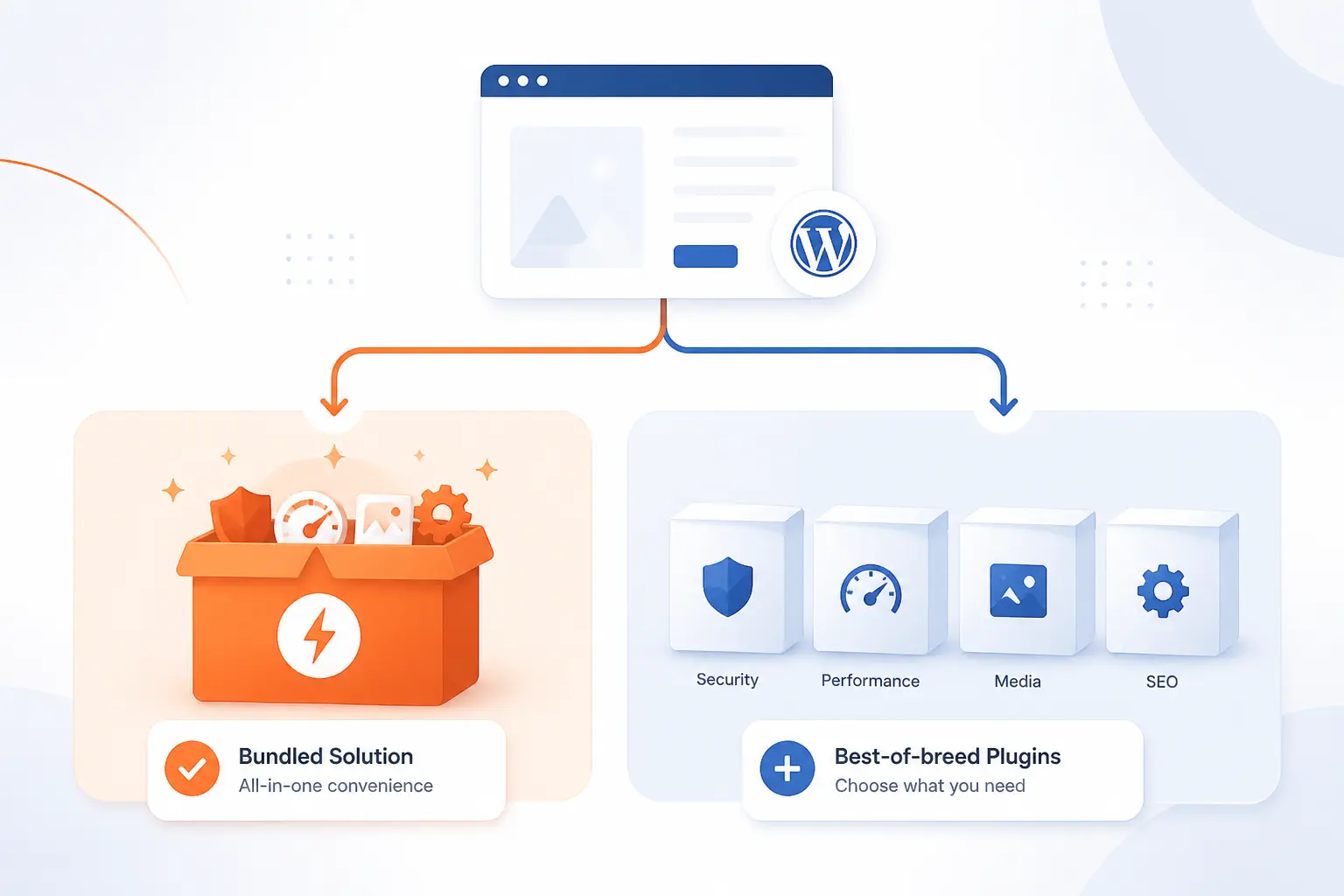
Jetpack is a strong fit for site owners who value convenience, official WordPress ties, and cloud-backed features in one place. It is a weaker fit for people who want every major function handled by a separate specialist plugin. Neither camp is wrong. The right choice depends on how much simplicity you want and how much control you insist on keeping.
When One Plugin for Many Jobs Is a Good Fit
One plugin for many jobs is a good fit when a site owner wants fast setup and fewer integration decisions. That often describes solo bloggers, small businesses, nonprofits, and content teams that want backups, spam filtering, stats, and admin visibility without stitching together five vendors. A WooCommerce store is a good real-world example, because Jetpack’s documented real-time order backups can be more valuable than shaving off one extra plugin from the stack. From our seat at 1Byte, this is where Jetpack feels most compelling.
When Separate Specialized Plugins May Be Better
Separate specialized plugins may be better when you already have a mature stack or you dislike relying on an external account and cloud connection for core features. Jetpack’s architecture clearly depends on WordPress.com for many headline tools, so developers who prefer fully local control, best-of-breed tools, or very narrow plugins may choose another route. That is partly a technical decision and partly a philosophical one, but the trade-off follows directly from Jetpack’s design.
What to Consider About Cost, Risk, and Long-Term Support
Cost, risk, and ownership matter more than feature checklists. Free Jetpack can be inexpensive to try, but paid features add recurring spend, and some products have limits you need to notice early, such as the fact that Jetpack Backup and Jetpack Scan do not currently support WordPress multisite. There is also an account-governance angle: Jetpack ties plans and management to the connected account structure, so the right administrator should own that connection from the start. We think that is manageable, but it is worth treating as an operational decision, not just a plugin click.
FAQ
Most Jetpack questions are really about necessity, price, value, and where the plugin sits in the WordPress stack. The short answers are simple. The better answers depend on how much you want from one plugin and how comfortable you are with the WordPress.com connection behind it.
Do I Need Jetpack for My WordPress Site
No, you do not need Jetpack for every WordPress site. WordPress itself works without Jetpack, and many sites use other plugins for backups, security, search, or analytics instead. You need Jetpack only if its specific features, workflow, or connected services fit what you are trying to do.
Is Jetpack Free for WordPress
Yes, Jetpack has a free core plugin for WordPress. Several tools are free, but products such as Backup, Scan, fuller Search features, premium Boost options, advanced Stats for some uses, and broader VideoPress functionality sit behind paid plans or standalone products. That is why “Jetpack is free” is true, but incomplete.
Is Jetpack for WordPress Worth It
Yes, Jetpack can be worth it when you will actually use several of its cloud-backed features. In our view, it becomes easier to justify when one subscription replaces separate backup, sharing, management, and search tools, or when a fast restore would save real business pain. If you only need one narrow feature, a smaller plugin may be the better buy.
What Is the Difference Between WordPress and Jetpack
WordPress is the content management system, while Jetpack is a plugin that adds extra services to it. You can build and run a WordPress site without Jetpack, but you cannot use Jetpack without WordPress. Put simply, WordPress is the house and Jetpack is an add-on toolkit.
How 1Byte Helps You Run Jetpack on WordPress
At 1Byte, we help with the layer Jetpack does not replace. Jetpack can offload certain functions to WordPress.com, but it still depends on a sound domain, valid HTTPS, and hosting that fits the site you are building. That is where our domain registration, SSL certificates, WordPress hosting, shared hosting, cloud hosting, and cloud servers come into the picture. We are also an AWS Partner, which matters when a simple WordPress site starts turning into a broader infrastructure decision.
Domain Registration and SSL Certificates for a Secure Setup
Domain registration and SSL certificates give Jetpack a cleaner foundation to work with. Your domain is the permanent address Jetpack connects to, and HTTPS matters for secure logins, admin sessions, and the general trustworthiness of the site you are protecting. We see this as table stakes, not garnish. If the base setup is messy, no plugin can fully paper over it.
WordPress Hosting and Shared Hosting for Easy Launches
WordPress hosting and shared hosting are often the simplest way to launch a site that will use Jetpack’s core features. The basic flow is straightforward: install WordPress, add Jetpack, connect the account, and switch on the tools you need. For lighter blogs, portfolios, and brochure sites, that can be all the complexity you need. We like simple starts because they make later upgrades cleaner.
Cloud Hosting and Cloud Servers for Speed and Scalability
Cloud hosting and cloud servers make more sense when the site is growing, handling heavier traffic, or carrying more business risk. Jetpack can offload search, images, and backups, but your WordPress site still serves pages, runs plugins, and depends on the health of its own environment. That means better infrastructure still matters, especially for stores, media libraries, and multi-plugin builds. If you are moving beyond a basic launch, this is the point where we would look carefully at the server layer.







Conclusion
Jetpack WordPress is best understood as a hybrid plugin-and-service layer for self-hosted WordPress sites. It can secure, speed up, promote, and help manage a site from one connected system, but it does that by leaning on WordPress.com for many of its headline features. That design is exactly why Jetpack is useful, and also why it is not for everyone.
At 1Byte, we would start with a blunt question: do you want one broad toolkit, or do you want to hand-pick every part of your stack? If you want the first option, Jetpack is often a smart place to begin. If you want the second, Jetpack still teaches a helpful lesson by showing which jobs your site really needs solved next.