

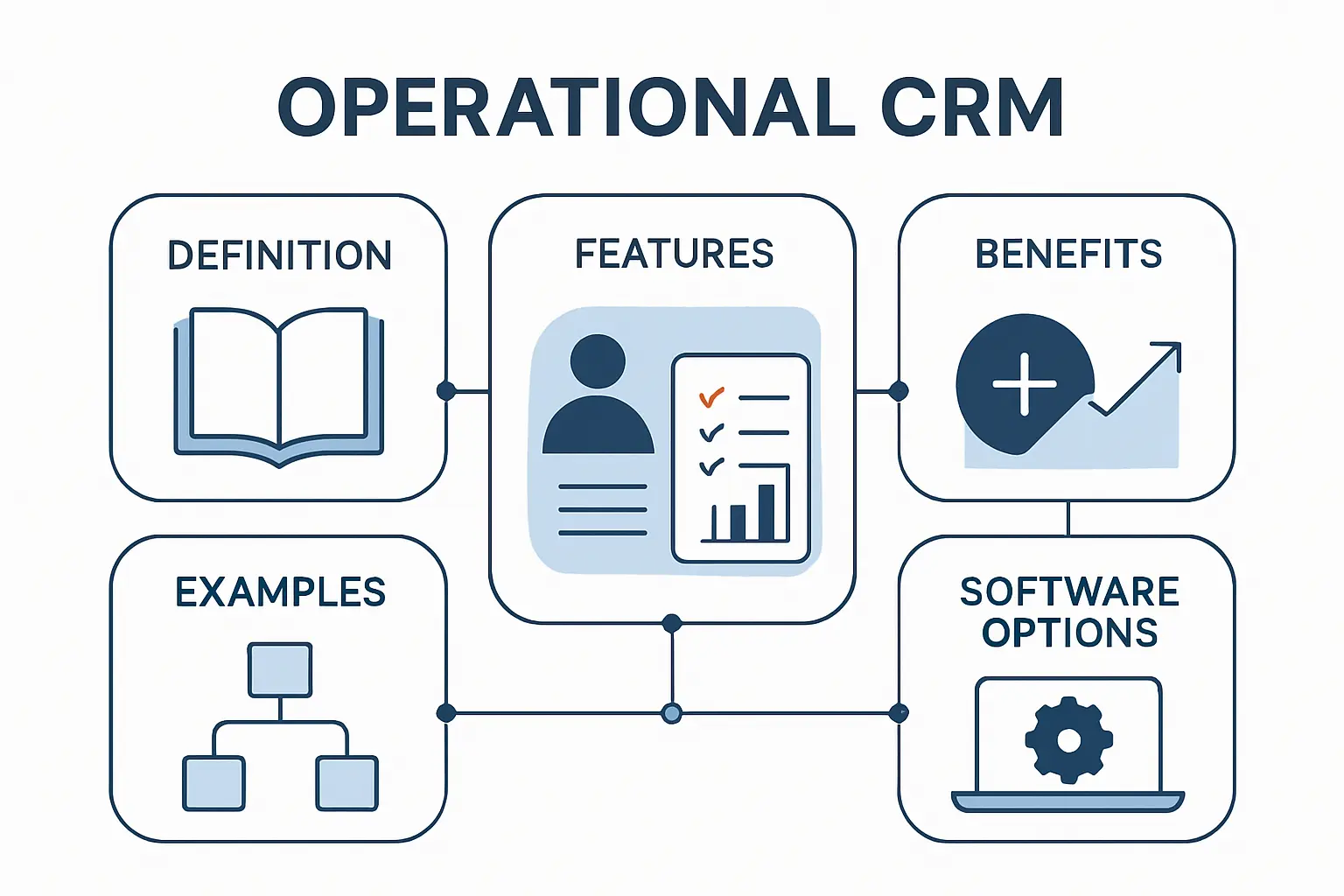
- What Is Operational CRM and What Are Its Core Objectives
- How Operational CRM Works Across the Customer Lifecycle
- Key Features to Look For in an Operational CRM
- Operational CRM vs Analytical CRM vs Collaborative CRM
- Benefits of Operational CRM for Growing Teams
- Operational CRM Examples and Use Cases
- How to Choose Operational CRM Software
- Operational CRM Software Options by Use Case
- Implementing Operational CRM Without Disrupting the Team
- Operational CRM Reporting and Metrics to Track
- Operational CRM FAQ
- How 1Byte Supports the Infrastructure Behind Operational CRM
- Conclusion: Choosing the Right Operational CRM for Long Term Growth
Gartner notes that the CRM sales software market reached $25.7 billion in 2024, and that matters because customer operations are no longer a side system. At 1Byte, we see operational CRM as the control layer that turns leads, conversations, tasks, and cases into repeatable business motion.
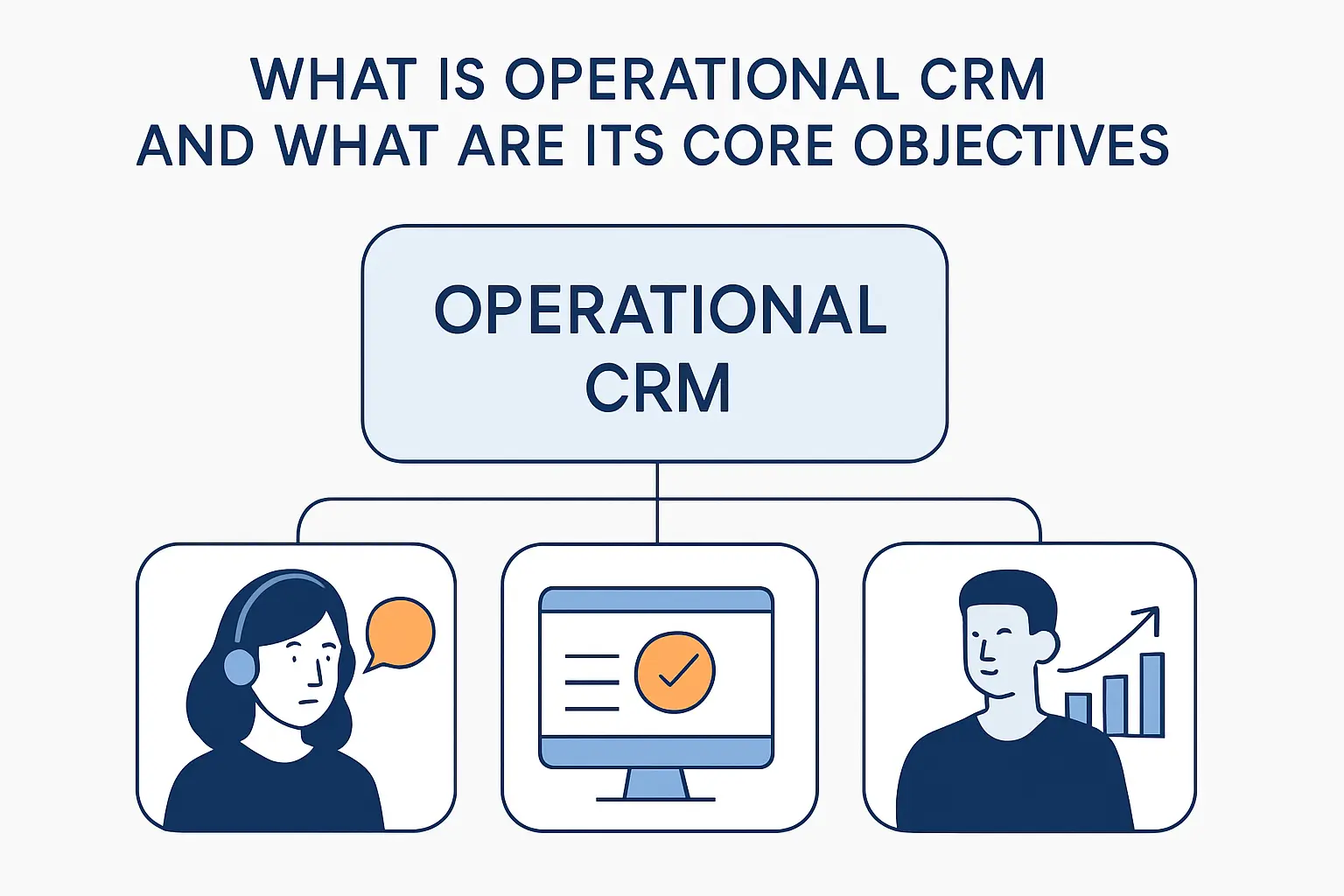
What Is Operational CRM and What Are Its Core Objectives
1. Operational CRM Definition in Simple Terms
At 1Byte, we explain operational CRM as the part of CRM that automates and streamlines business processes across marketing, sales, and support. In plain English, it is the system that helps teams do the work, not just study the data after the fact.
2. The Main Objectives of Operational CRM
Its core job is to improve relationships, streamline processes, and drive growth by making every handoff cleaner and every next step easier to trigger. Rather than leaving follow-ups to memory, an operational CRM creates structure around outreach, routing, service actions, and accountability.
3. Signs Your Business Needs Operational CRM
When spreadsheets multiply, inboxes become tribal knowledge, and no one can tell which prospect should get attention first, the warning lights are on. Salesforce lays out six signs your small business needs a CRM, and we would add one more: if growth makes your team slower instead of faster, operations need a backbone.
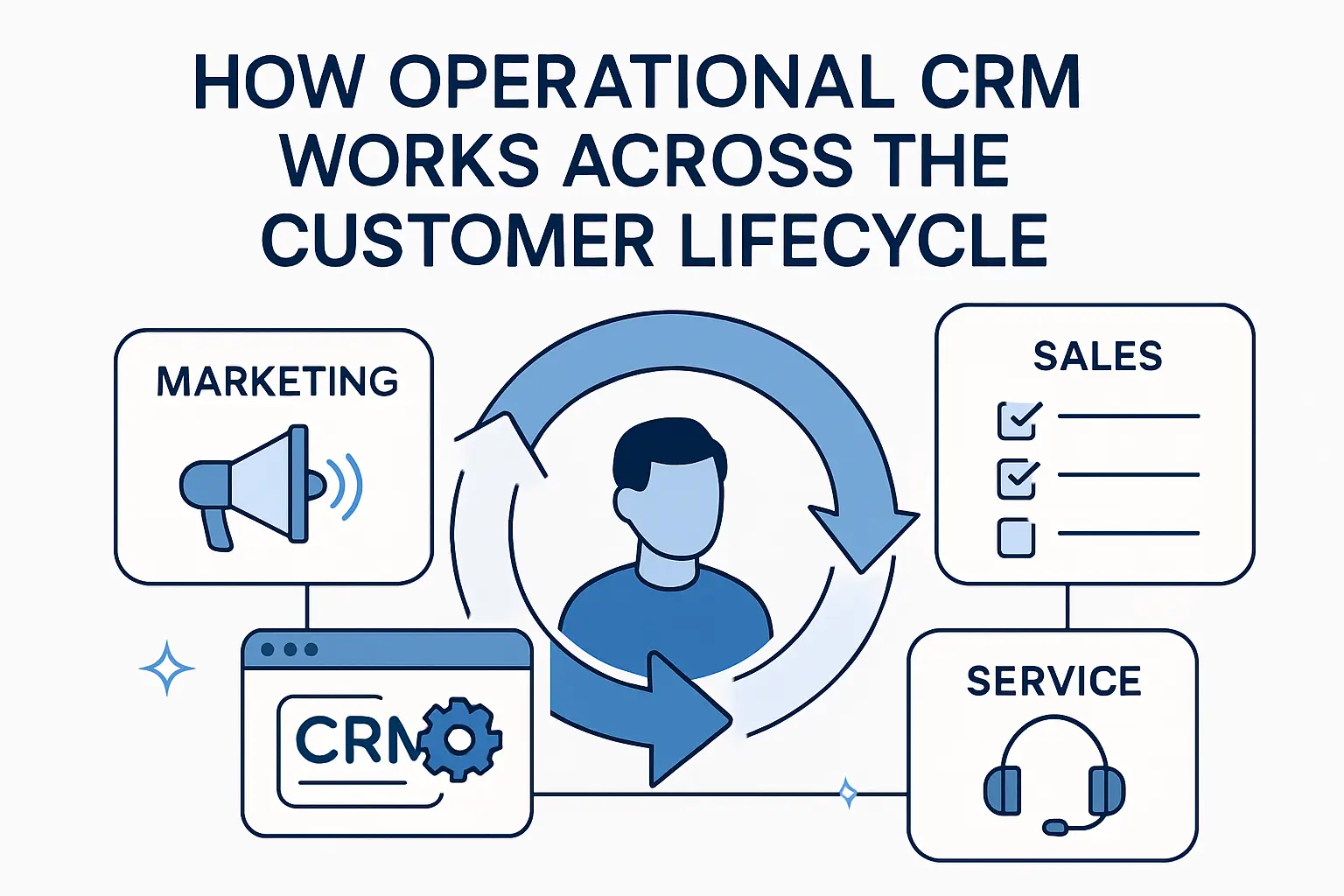
Before we compare platforms or features, it helps to look at the customer journey itself. A good CRM is valuable because it can manage relationships from first touch to long-term loyalty without forcing teams to rebuild context at every stage.
How Operational CRM Works Across the Customer Lifecycle
1. Marketing Campaigns and Lead Capture
Marketing is usually where the data trail begins, so capture quality matters more than people think. HubSpot shows how to create and edit forms, but the bigger lesson is architectural: every form, landing page, chat widget, or ad response should feed the same contact record and the same lifecycle logic.
2. Sales Activities, Follow-Ups, and Pipeline Movement
Sales teams live or die by speed, and operational CRM earns its keep when it can schedule meetings in seconds to keep deals moving forward. Once activities, notes, reminders, and stage changes sit in one workflow, reps spend less time chasing calendars and more time advancing real opportunities.
3. Service, Support, and Case Resolution
Service is where weak systems get exposed, because customers feel every delay. Salesforce describes software that helps teams manage and resolve customer inquiries and issues, and we agree with the principle: support should inherit the full customer history instead of starting every ticket from zero.
Once a business understands the lifecycle, feature selection becomes much easier. In our view, the right shortlist starts with the CRM capabilities that benefit your business at the process level, not with whatever vendor has the loudest homepage.
Key Features to Look For in an Operational CRM
1. Contact Management and a Unified Customer View
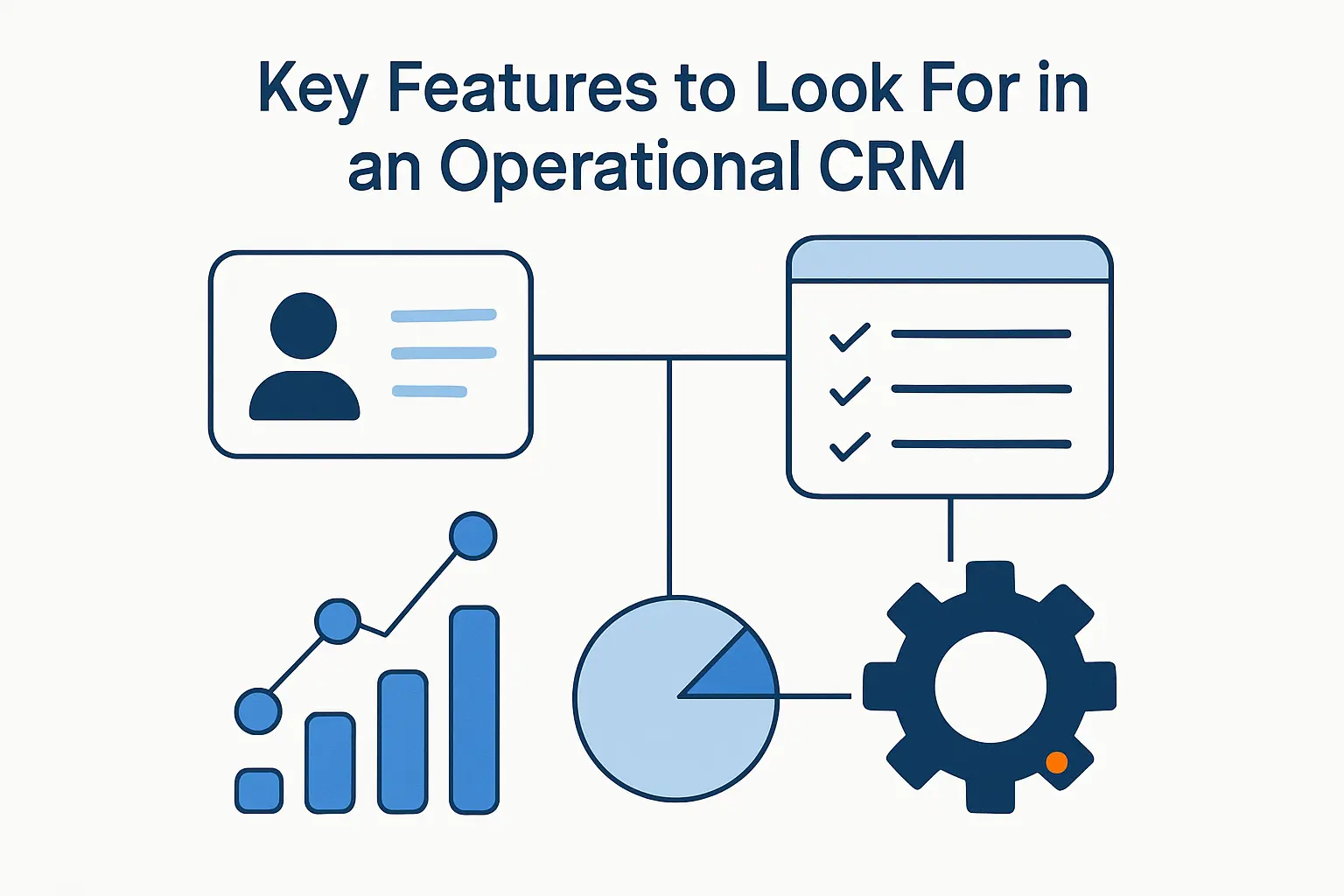
A modern CRM should build relationships at scale with a contact management system by storing activity history, firmographic detail, ownership, and communication context in one record. That single view sounds simple, yet it is the hinge point for personalization, routing, forecasting, and support quality.
2. Sales Force Automation, Lead Management, and Pipeline Tracking
Pipeline discipline improves fast when the platform can do the repetitive work for you, such as assigning tasks, nudging overdue deals, and updating fields after specific triggers. From our side, this is where operational CRM stops being a database and starts behaving like a workflow engine.
3. Marketing Automation, Segmentation, and Campaign Management
For marketing, the sweet spot is a system that can automate your marketing, sales, and service processes without creating a maze of brittle logic. Good segmentation is not just list building; it is the discipline of deciding who should receive what message, when, and why.
4. Service Automation, Ticketing, Self Service, and Case Management
Support teams gain leverage when customers can get answers quickly through searchable help content before an agent ever joins the thread. Even then, the same system should escalate complex cases smoothly, preserve context, and measure whether service actually improves over time.
Different CRM categories exist because businesses have different bottlenecks. The broad CRM playbook is to create a central and accessible organization of all customer information, but each model approaches that goal from a different angle.
Operational CRM vs Analytical CRM vs Collaborative CRM
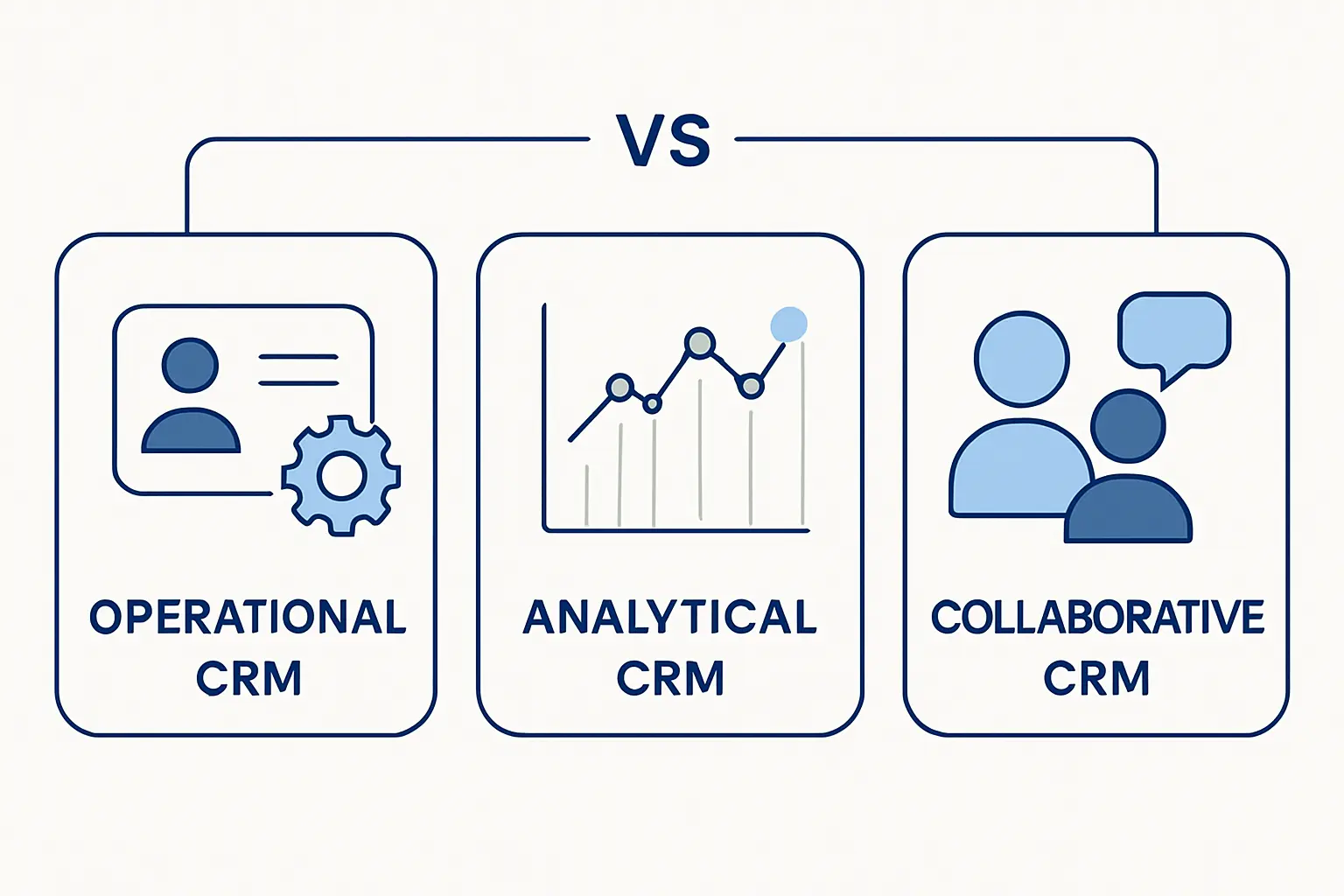
1. Operational CRM vs Analytical CRM
Analytical CRM is built for hindsight and foresight, while operational CRM is built for execution. HubSpot puts it cleanly when it says analytical CRMs rely on data gathering and analysis, whereas operational tools focus on the workflows that create those interactions in the first place.
2. Operational CRM vs Collaborative CRM
Collaborative CRM matters most when several departments touch the same account and nobody can afford a fragmented story. monday.com frames that model as one that aligns teams with one shared customer story, while operational CRM is the machinery that pushes actions forward inside that story.
3. Which CRM Type Matches Your Biggest Business Challenge
Our rule of thumb is simple: choose operational CRM when follow-through is broken, analytical CRM when decisions are blind, and collaborative CRM when silos are the real enemy. Salesforce reminds us that CRM best practices are important, because the problem you are solving should shape the system you buy.
Customer expectations have moved the goalposts, so this is not just an internal efficiency debate anymore. McKinsey found that 71% of consumers expect companies to deliver personalized interactions, which means operational consistency has become a revenue issue.
Benefits of Operational CRM for Growing Teams
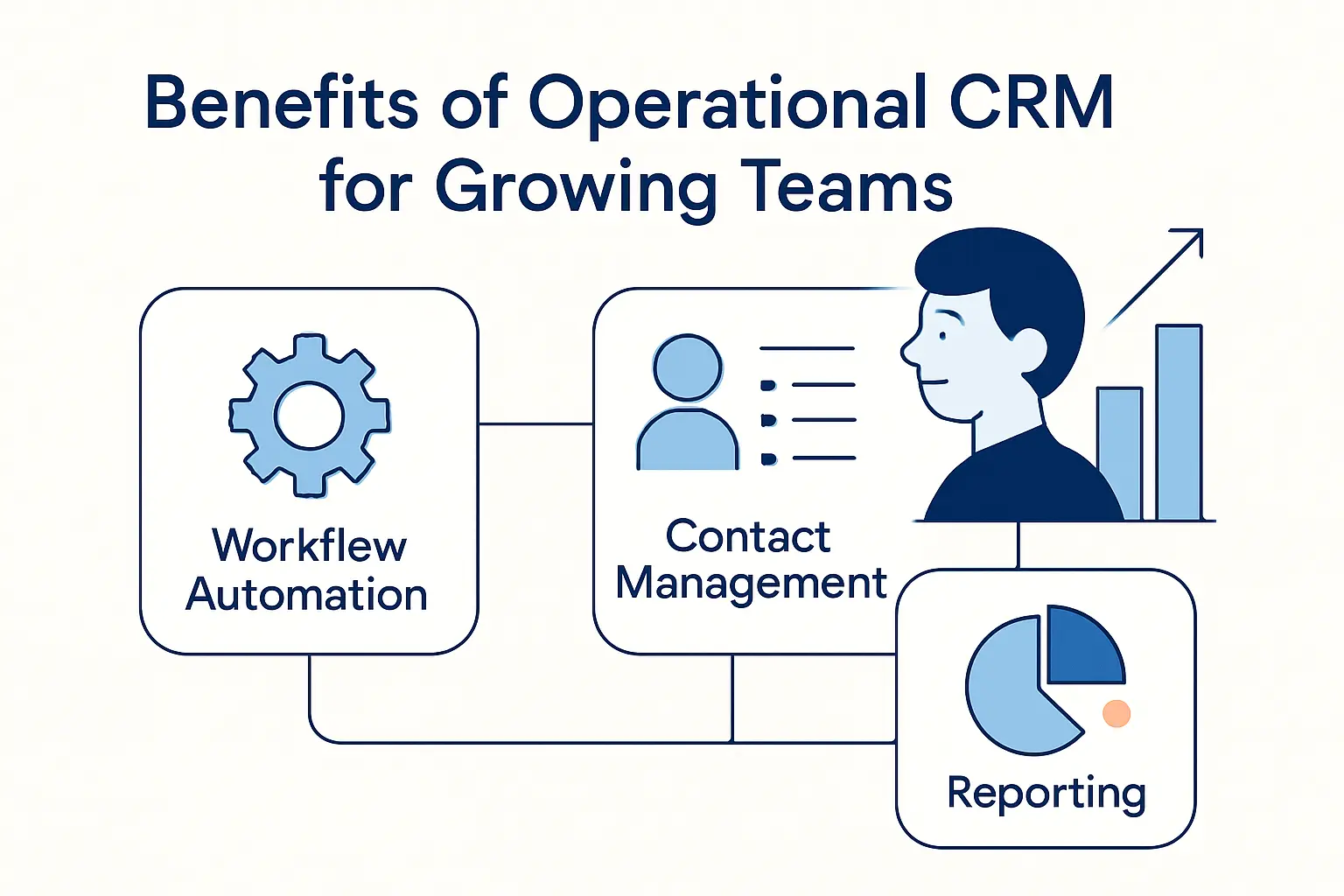
1. Less Manual Work and Faster Follow-Ups
Manual admin steals prime selling and service time, especially in small teams wearing five hats before lunch. Deloitte points to the value of systems that automate tasks that are relatively low value and often repetitive, and we think that is one of the fastest wins a growing company can buy.
2. Better Alignment Between Sales, Marketing, and Customer Support
Silos create awkward customer moments: duplicated outreach, missing notes, and constant re-explaining. Salesforce reports that 79% of customers expect consistent interactions across departments, so operational CRM matters because it turns three disconnected teams into one visible operating system.
3. Higher Customer Satisfaction, Loyalty, and Retention
Retention rises when teams can track service performance and customer feedback in one clear view instead of relying on anecdotes. A business does not keep customers with charm alone; it keeps them with fast answers, accurate context, dependable handoffs, and fewer avoidable mistakes.
4. More Visibility Into Performance, Forecasting, and Revenue
Leadership needs more than a pile of activity logs; it needs signal. HubSpot’s KPI tools are built to measure how your teams are performing, which is exactly why operational CRM helps owners and managers forecast with more confidence and coach with more precision.
Real examples make this less abstract. In HubSpot’s case study, Casio UK and Ireland reported 27% more eCommerce customers in a year after improving alignment and visibility, which is a useful reminder that operational cleanup often turns into commercial upside.
Operational CRM Examples and Use Cases
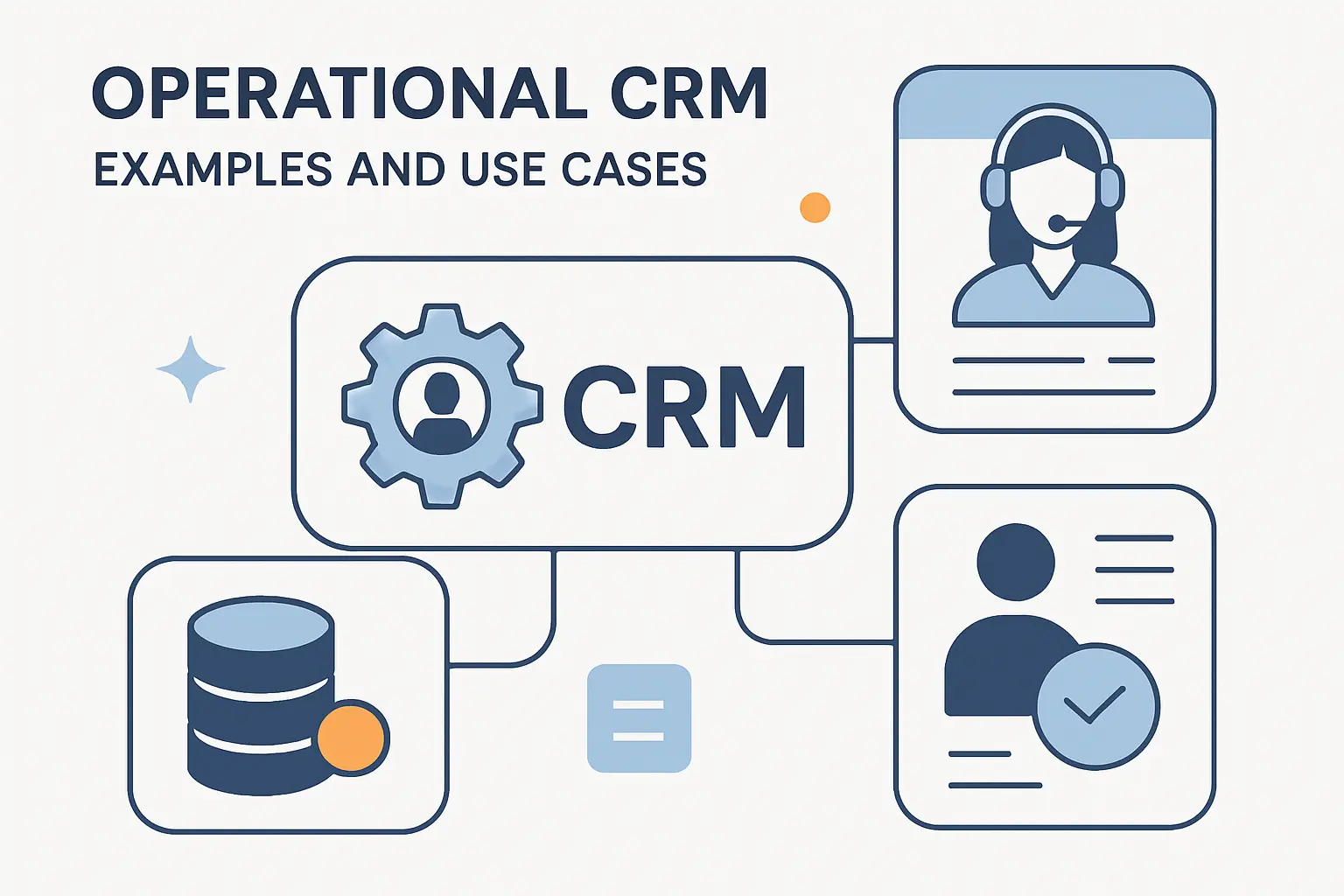
1. Sales Examples Such as Prospecting, Lead Routing, and Scheduling
Prospecting workflows are the classic operational CRM use case because they reward speed and consistency. Pipedrive highlights tools that automate lead routing and increase conversion, and that is exactly the kind of work we want software to handle before human energy gets wasted on triage.
2. Marketing Examples Such as Welcome, Onboarding, Win Back, and Re-engagement Campaigns
Lifecycle marketing works best when trigger logic is tied to customer behavior instead of a fixed calendar. Zoho describes systems for automating contextual campaigns to your subscriber base, which is why welcome flows, onboarding nudges, win-back programs, and re-engagement sequences belong inside the same customer record.
3. Support Examples Such as Self Service, Surveys, and Case Escalation
On the support side, operational CRM shines when a help desk can combine ticket automation and routing with feedback collection and escalation rules. In practice, that means simple issues get resolved early, serious issues reach the right owner quickly, and customers stop falling into the cracks.
4. Industry Examples in Retail, Banking, and Healthcare
Industry patterns differ, but the operating principle stays the same: connect data, action, and accountability. U.S. Bank’s Salesforce story shows how CRM can strengthen high-touch customer relationships, while retailers use similar shared records for omnichannel selling and healthcare teams use them to coordinate patient-facing journeys more cleanly.
Choosing software is where enthusiasm can outrun judgment, so we prefer a slower approach. A CRM for small business is fundamentally software that helps businesses store and manage contact information, but the real buying question is whether it matches your processes without burying your team in setup debt.
How to Choose Operational CRM Software
1. Assess Business Needs, Workflows, and Must Have Features
Needs analysis should start with your own stages, not a vendor demo. HubSpot’s guidance to create and customize lifecycle stages captures the point well: if your sales, onboarding, renewal, or support motions are unique, your CRM has to reflect them or adoption will stall.
2. Compare Ease of Use, Integrations, Reporting, and Scalability
Ease of use is not fluff; it is a cost line. Insightly positions AppConnect as a way to connect every application you use to run your business, and we think that integration story matters because a CRM that cannot talk to email, billing, chat, or docs becomes yet another silo.
3. Review Pricing, Hidden Costs, Support, and Time to Value
Price pages never tell the whole story, so we read them for packaging logic, user minimums, and upgrade pressure. monday CRM makes its 14-day trial easy to spot, and that kind of transparency is useful because hidden complexity usually becomes hidden cost.
4. Test Real Workflows With Free Plans, Trials, and Demos
Nothing replaces hands-on testing with your own leads, fields, approvals, and support requests. Bitrix24 openly offers a free 15-day trial period, and we recommend using trials like that to validate routing, permissions, dashboards, and day-to-day usability before anyone signs a longer contract.
The next step is not finding the “best CRM” in the abstract. The shortlist that matters is the one that helps departments work as one while fitting your budget, admin appetite, and growth path.
Operational CRM Software Options by Use Case
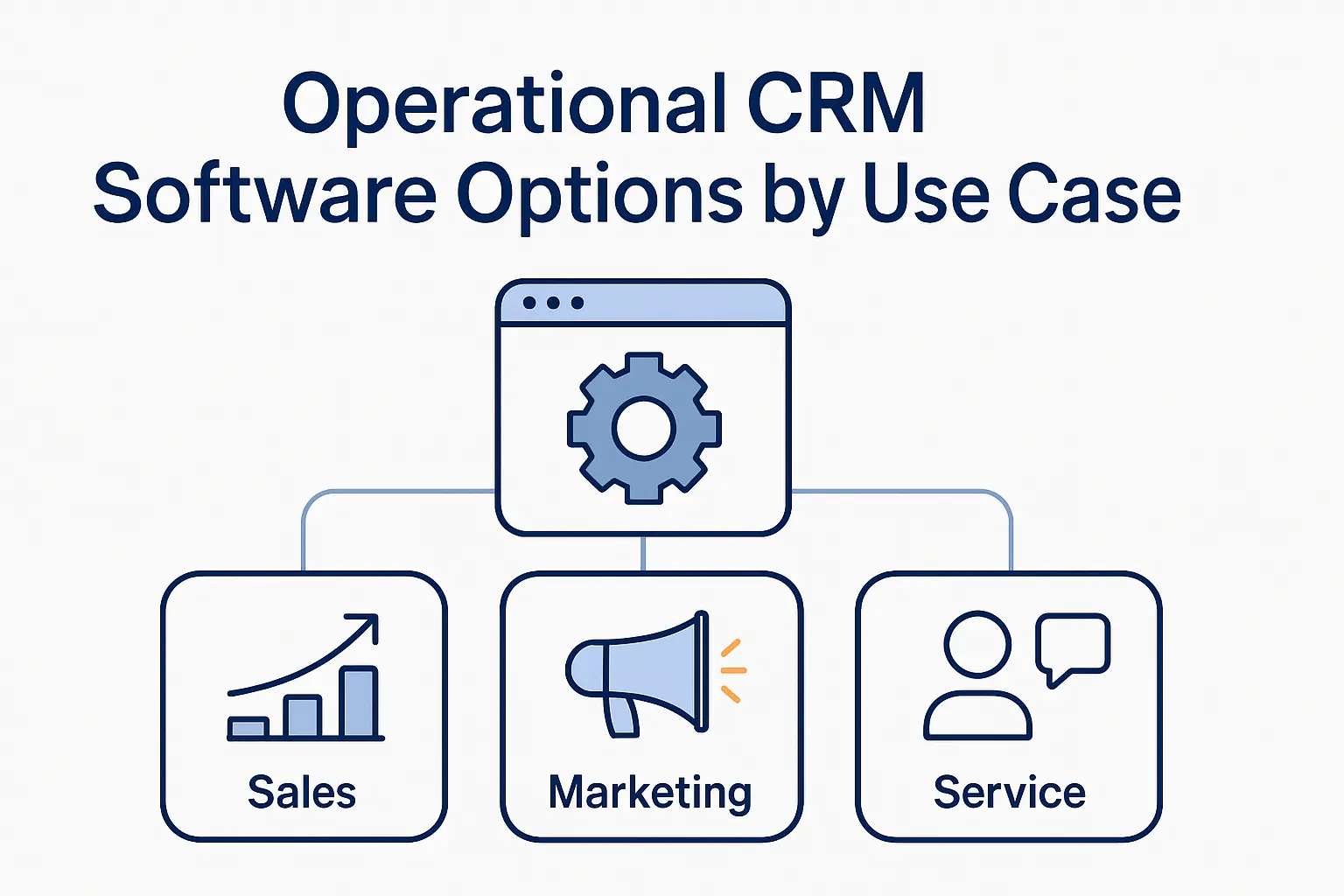
1. Free Plan and Budget Friendly Options Including HubSpot CRM, Zoho CRM, and Bitrix24
For smaller teams, we usually group HubSpot CRM, Zoho CRM, and Bitrix24 into the budget-first tier, then separate them by simplicity, flexibility, and breadth. Zoho’s pricing page calls its free tier your complete CRM starter kit, which fits teams that want more knobs and structure early on.
2. Sales Automation and Pipeline Options Including Pipedrive and Freshsales
If the main pain is stalled deals and inconsistent follow-ups, Pipedrive and Freshsales are usually more natural fits than all-in-one suites. Pipedrive focuses on sales motion and uses AI and automation to help you convert and retain buyers, while Freshsales often appeals to teams that want built-in scoring and guided prioritization.
3. Productivity, Project, and Workflow Options Including Insightly, monday CRM, and Copper
Where post-sale delivery matters as much as pre-sale closing, we like tools that blend CRM with operational follow-through. Insightly is strong here because it brings CRM and project management together, while monday CRM favors visual flexibility and Copper feels especially natural for Google Workspace-heavy teams.
4. Enterprise Automation and Reporting Options Including Salesforce
Salesforce remains the heavyweight option when organizations need depth, cross-functional reach, and room for serious process design. Its sales platform is described as a complete, unified platform for the entire sales process, which is why larger companies still treat it as the benchmark for enterprise-grade operational CRM.
Implementation is where good software projects either gain traction or quietly go sideways. We prefer plans that build a roadmap to accomplish both your immediate and long-term goals, because rushing a CRM rollout is a fine way to create expensive confusion.
Implementing Operational CRM Without Disrupting the Team
1. Define Goals and Bring Key Stakeholders Into Planning
Goals should be concrete enough to change behavior: faster lead response, cleaner handoffs, better case routing, or clearer forecast hygiene. HubSpot’s work on sales and marketing alignment automation makes the same point from another angle: planning must include the teams that will live inside the system.
2. Clean Data and Map Workflows Before Migration
Dirty data is where many CRM projects start limping before launch. Insightly notes that workflow automation allows you to fire off automated emails and assign pre-made tasks, but that only works well when records, ownership, statuses, and field rules are cleaned and mapped first.
3. Pilot With Real Data, Train Users, and Build Adoption Early
Pilots should feel real, not theatrical. HubSpot’s Guided Onboarding is designed to help teams skip the learning curve and start seeing results, and that is the right philosophy: train with real records, real objections, and real service cases so habits form before the rollout expands.
4. Monitor Integrations, Costs, and Continuous Improvement
After launch, the job shifts from implementation to operations management. HubSpot encourages teams to report on performance, and we would push even further by reviewing broken automations, sync failures, role-based access issues, and workflow drift on a recurring cadence.
Reporting deserves its own section because operational CRM is not only about doing work faster. The system should also help teams review data insights on deal views so managers can spot friction before it becomes a quarter-end surprise.
Operational CRM Reporting and Metrics to Track
1. Pipeline Velocity, Stage Conversion, and Forecast Accuracy
Pipeline metrics become more useful when they are based on elapsed time and movement, not gut feel. HubSpot’s stage calculated properties show why: they let teams measure how long records sit in each stage, where deals stall, and whether forecasts are grounded in actual progression.
2. Campaign Attribution, Lead Response Time, and Engagement
Marketing metrics should answer a hard question: which programs create qualified activity, not just clicks. HubSpot’s marketing analytics tools are useful here because attribution, response timing, and engagement patterns only matter if they can be tied back to conversion quality and follow-up discipline.
3. SLA Tracking, Case Resolution Time, and Customer Satisfaction
Service teams need clarity on commitments, not vague promises to “get back soon.” HubSpot shows how to set SLA goals in help desk, which is important because response targets, close times, and satisfaction trends reveal whether support is stable or simply busy.
Because FAQ sections often get skimmed first, we like them to answer practical questions instead of repeating vendor jargon. Creatio’s glossary frames operational CRM in process terms, and that is the mindset we want readers to keep as they evaluate tools.
Operational CRM FAQ
1. What Does Operational CRM Mean for Daily Business Operations
Operational CRM means the software supports the daily front-office rhythm: capturing leads, assigning owners, logging calls, triggering follow-ups, and moving service work forward. Zendesk summarizes this well by saying operational CRM helps companies actually implement their data-driven strategies, not merely admire dashboards.
2. How Does Operational CRM Work in Practice
In practice, it works by turning customer activity into standardized actions inside a shared system. Salesforce’s simple CRM overview emphasizes the need for a CRM that’s simple, powerful, and built to grow with your business, which is another way of saying the daily workflow has to stay usable as complexity rises.
3. What Are the Three Main CRM Types Businesses Should Know
The three core types most businesses should understand are operational, analytical, and collaborative CRM. Creatio’s summary of the 3 types of CRM is a useful framing device, because each model solves a different problem even though the categories often overlap in modern platforms.
4. Which Teams and Processes Does Operational CRM Support
Front-office teams benefit first: marketing, sales, account management, and customer support. Creatio’s explanation of a unified system that centralizes customer data and interactions across all channels points to the operational truth here: every team touching the customer should work from the same history.
5. When Does a Business Need Operational CRM
Usually, the need appears when growth creates friction that people can no longer patch over manually. Salesforce’s guide on why CRM for small business aligns with our view that once follow-ups are missed, information is scattered, and service feels inconsistent, operational CRM stops being optional.
6. How Should You Choose Operational CRM Software
The best approach is to start with your process, then judge usability, integration fit, reporting depth, and admin burden. HubSpot’s CRM guide says you need a CRM if you’re experiencing lost opportunities from forgetting to follow up, and that is a smart starting test for software selection too.
7. How Is Operational CRM Different From Analytical CRM
The clearest distinction is that operational CRM executes work, while analytical CRM interprets patterns and recommends action. Salesforce positions CRM Analytics as the bridge from seeing data to acting on it, which shows why analytical tools complement operational systems rather than replace them.
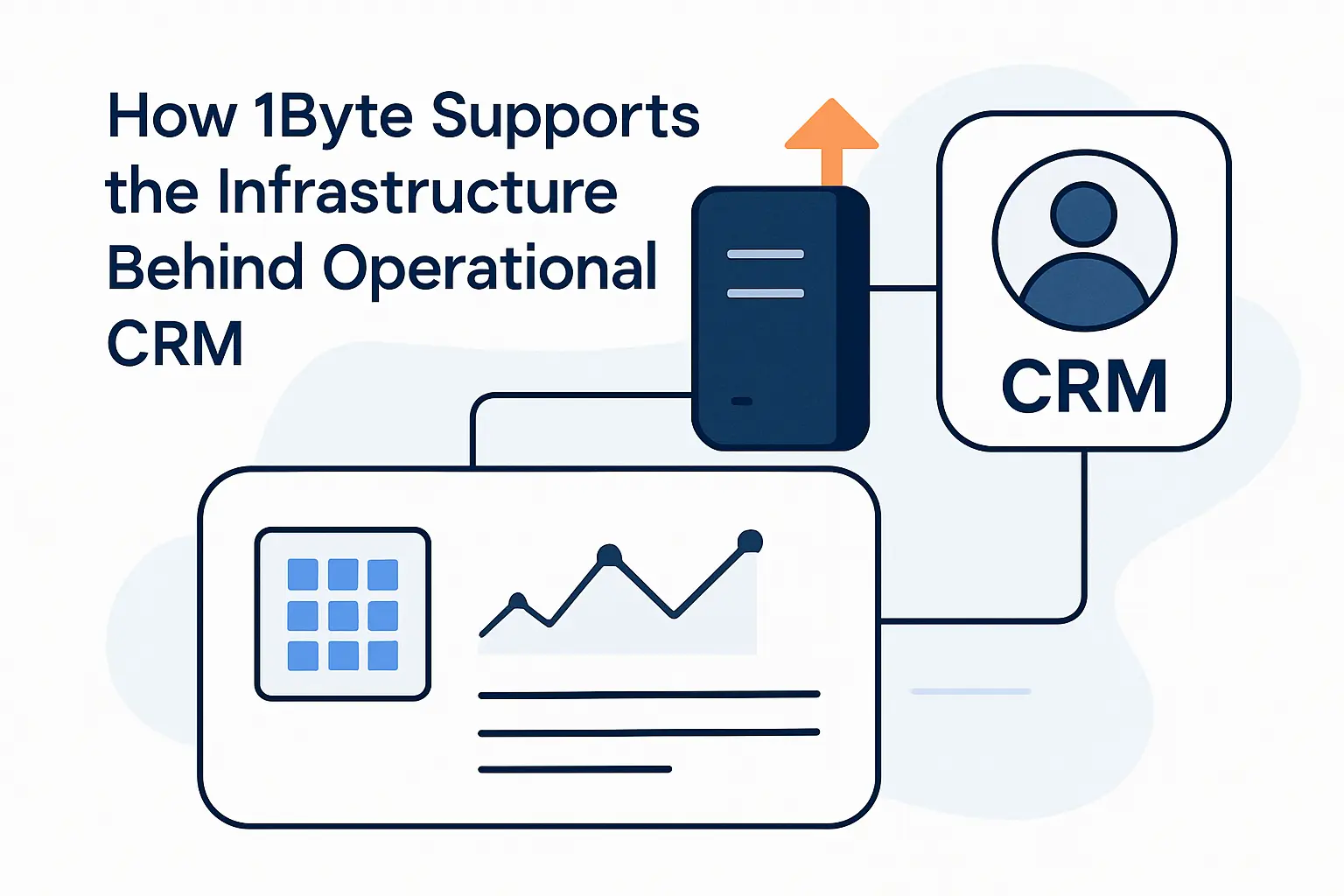
At 1Byte, we do not pretend infrastructure is the whole CRM story, but we know it shapes the customer’s first and last impression. When businesses want to adopt cloud at scale, the website, form flow, SSL setup, and hosting layer still determine whether the CRM ever receives clean, dependable customer data.
How 1Byte Supports the Infrastructure Behind Operational CRM
1. Domain Registration and SSL Certificates for Secure Customer Touchpoints
Secure touchpoints start with domain control and encryption, especially for forms, portals, checkout flows, and support pages. At 1Byte, we help protect those moments with SSL service, because customers trust faster when the basic signals of legitimacy and transport security are already in place.
2. WordPress Hosting and Shared Hosting for Business Websites and Lead Capture
Website speed and stability directly affect lead capture quality, campaign performance, and self-service usefulness. Our WordPress Hosting is built for businesses that want a simpler publishing stack, while shared hosting still makes sense for lighter sites that need an affordable front door into CRM-driven marketing.
3. Cloud Hosting and Cloud Servers From an AWS Partner for Reliable Scale
Reliable scale matters when campaigns spike, portals stay busy, and customer traffic becomes less predictable. For those workloads, we look to Cloud Server infrastructure as the sturdier option, because operational CRM performs best when the web, app, and data layers can grow without becoming brittle.
To bring all of this together, we would stress that CRM success is never purely about software licenses. Even seemingly basic layers like shared hosting can influence form speed, content delivery, uptime, and the reliability of the customer touchpoints feeding your operational workflows.







Conclusion: Choosing the Right Operational CRM for Long Term Growth
At the end of the day, the right operational CRM is the one your team will actually use to move leads, deals, and service work forward every single day. If you are ready to tighten that whole journey, from web presence to secure customer entry points, start by registering your domain at 1Byte and then test your CRM shortlist against real workflows, not marketing promises; which process will you automate first?