Troubleshooting Guide

20 Posts Available


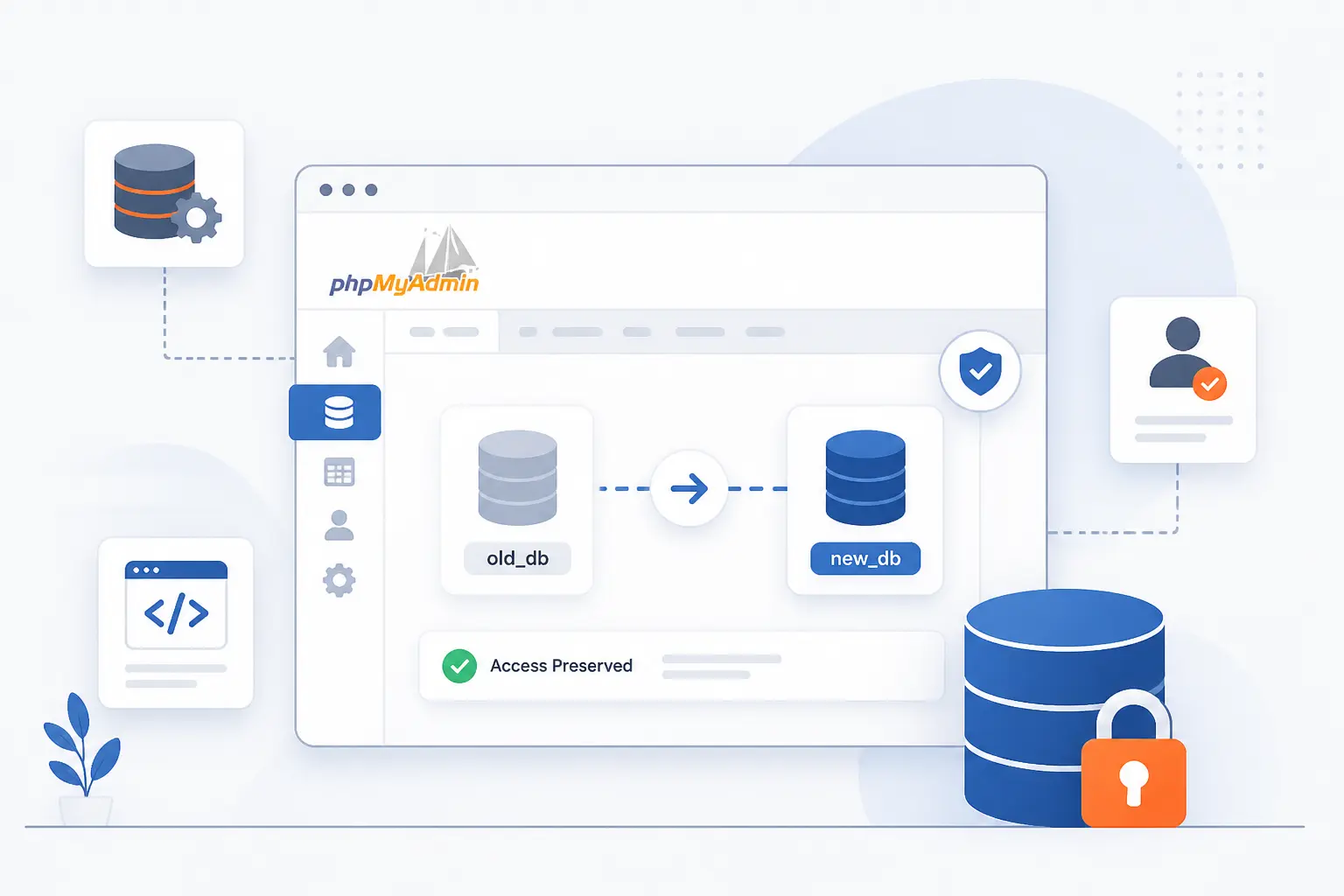
Rename Database phpMyAdmin Without Losing Access

Aug 09,2026 by 1Byte MKT

Changing a database name sounds simple until your website cannot connect anymore. In this guide, we show the exact cPanel and phpMyAdmin steps we use, plus the permission fix most beginners miss. You will also see what to change in wp-config.php after the rename. If you need to rename database phpMyAdmin without locking yourself out, this walkthrough keeps the process clear and predictable.

Troubleshooting Guide
                                           

Public_Html Folder Missing in cPanel Recovery Guide

Aug 09,2026 by 1Byte MKT

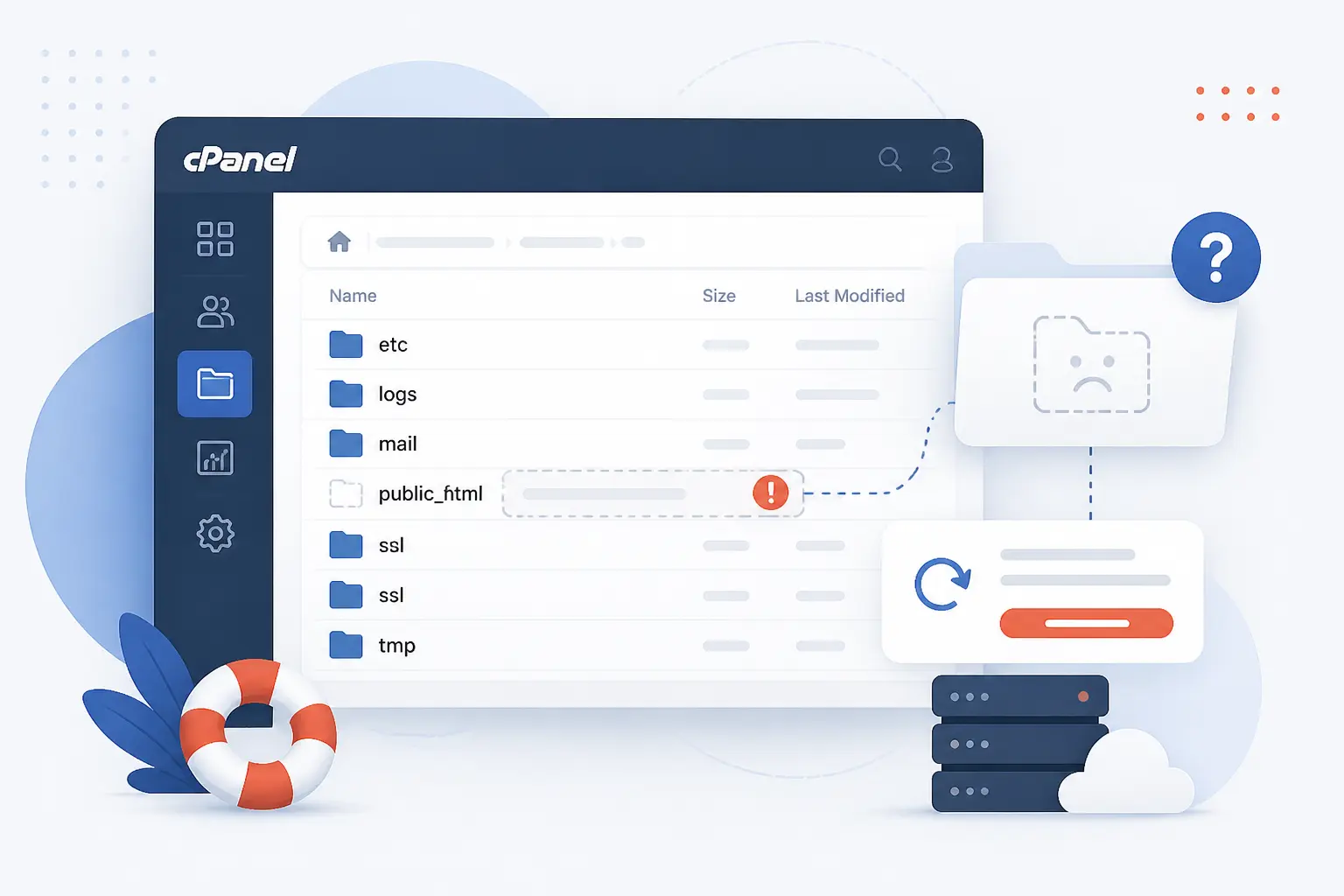
A missing web root in cPanel can mean far more than a deleted folder. We walk through the exact order we use to verify the account, find the active document root, restore files, and test the live domain. If you are dealing with a public_html folder missing in cPanel, this guide helps you avoid the common trap of rebuilding too early. It is written for beginners, but it is precise enough for real recovery work. Follow it step by step and you can usually get the site back without guesswork.

Troubleshooting Guide
                                           

Public_Html Permissions for Secure Reliable Access

Aug 09,2026 by 1Byte MKT

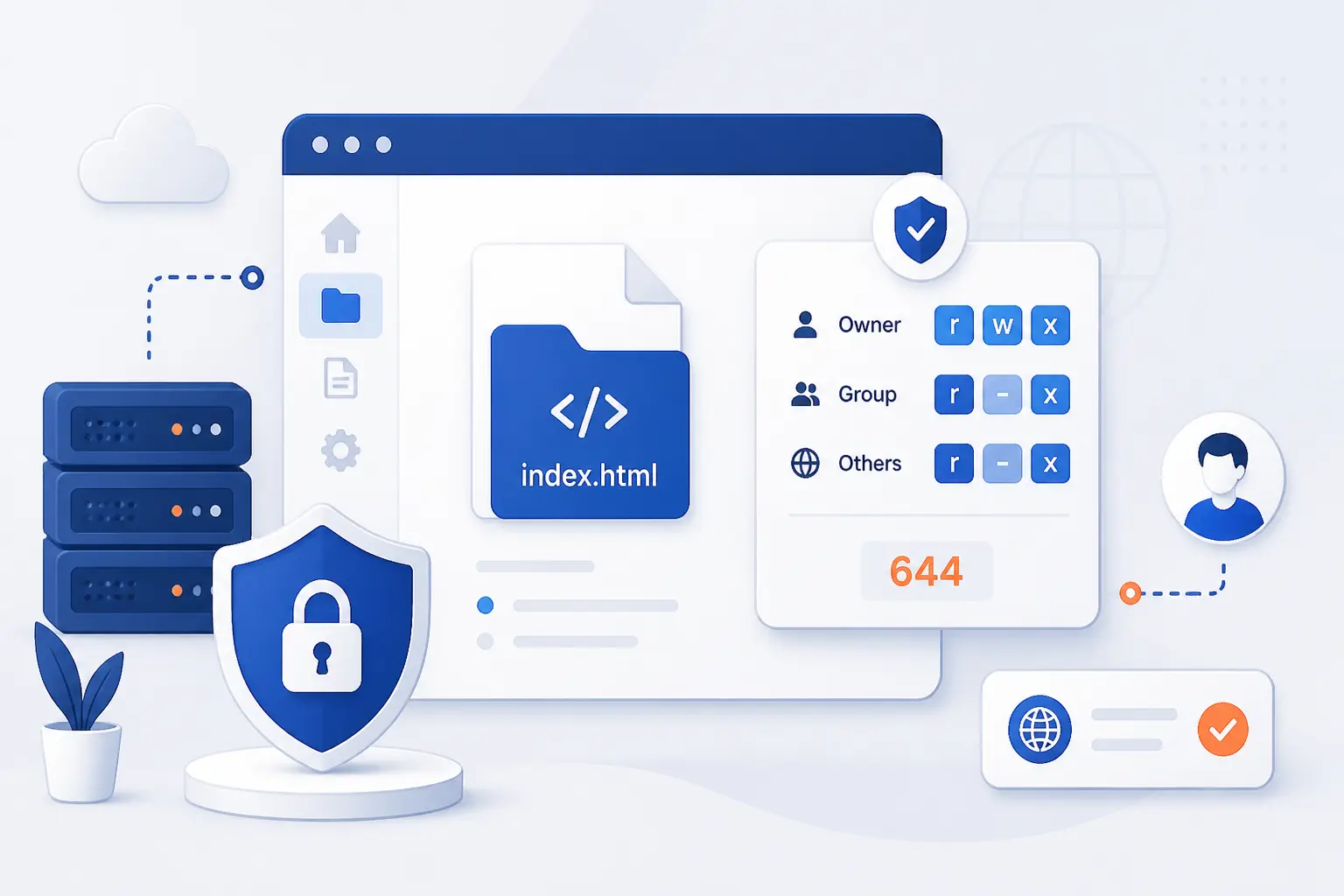
Getting public_html permissions wrong can turn a normal site into a 403 error in seconds. This guide walks through the exact order to check your hosting setup, reset folders and files, and test browser access safely. We cover when 0750 works, when 755 is still required, and how to tighten config files without guessing. If you want a beginner-friendly path that still respects real server behavior, start here.

Troubleshooting Guide
                                           

How to Block Websites on Chrome for Desktop and Mobile

Jul 24,2026 by 1Byte MKT

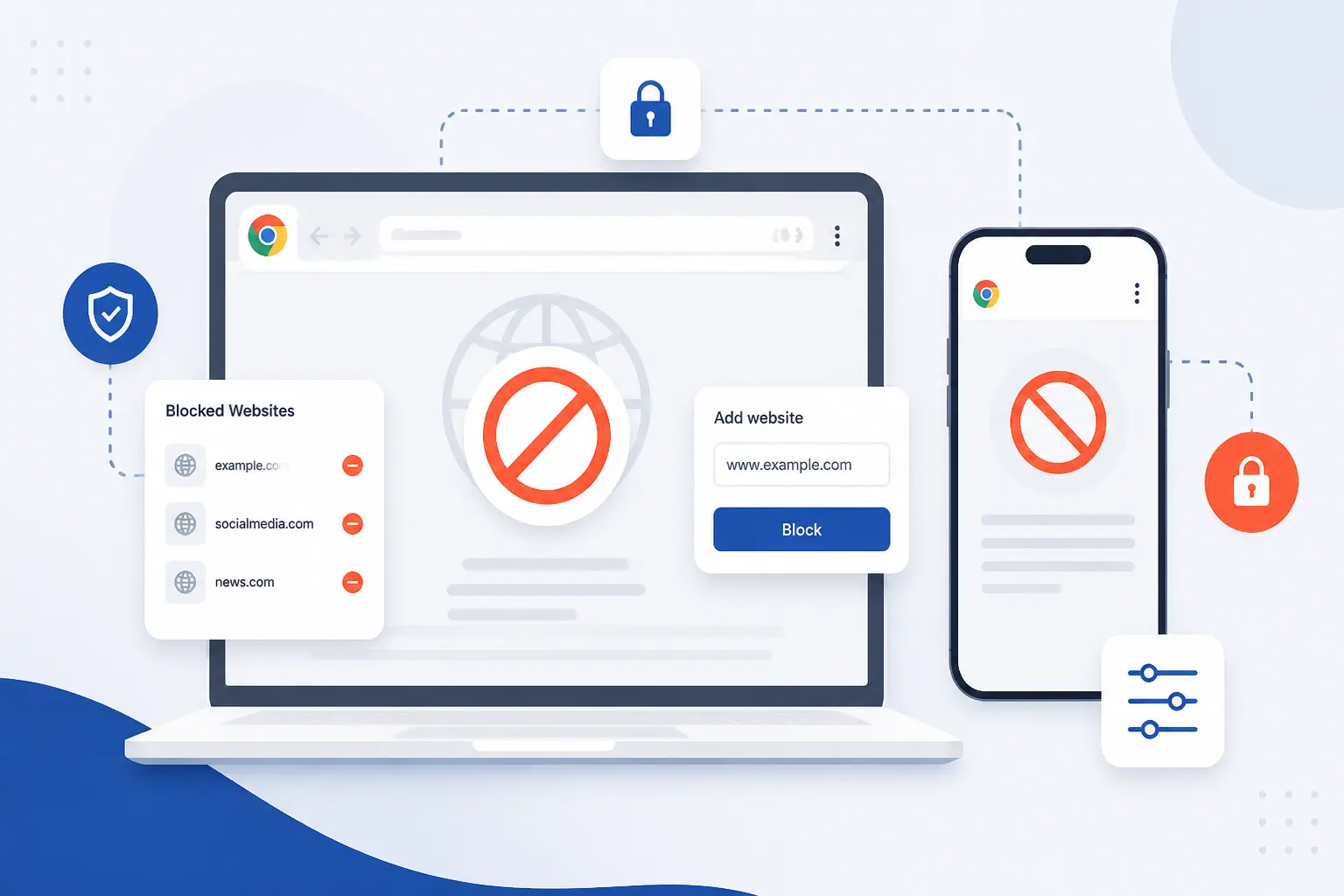
Blocking a distracting or unsafe site in Chrome is easier than most people think, but the best method depends on the device. In this guide, we walk through how to block websites on Chrome with exact clicks, sample values, and clear success checks. We also show when an extension is enough and when you need stronger controls like Screen Time, Family Link, or DNS filtering. If you want instructions you can follow without guesswork, start here.

Troubleshooting Guide
                                           

How to Fix ERR_SSL_PROTOCOL_ERROR Step-by-Step

Jul 24,2026 by 1Byte MKT

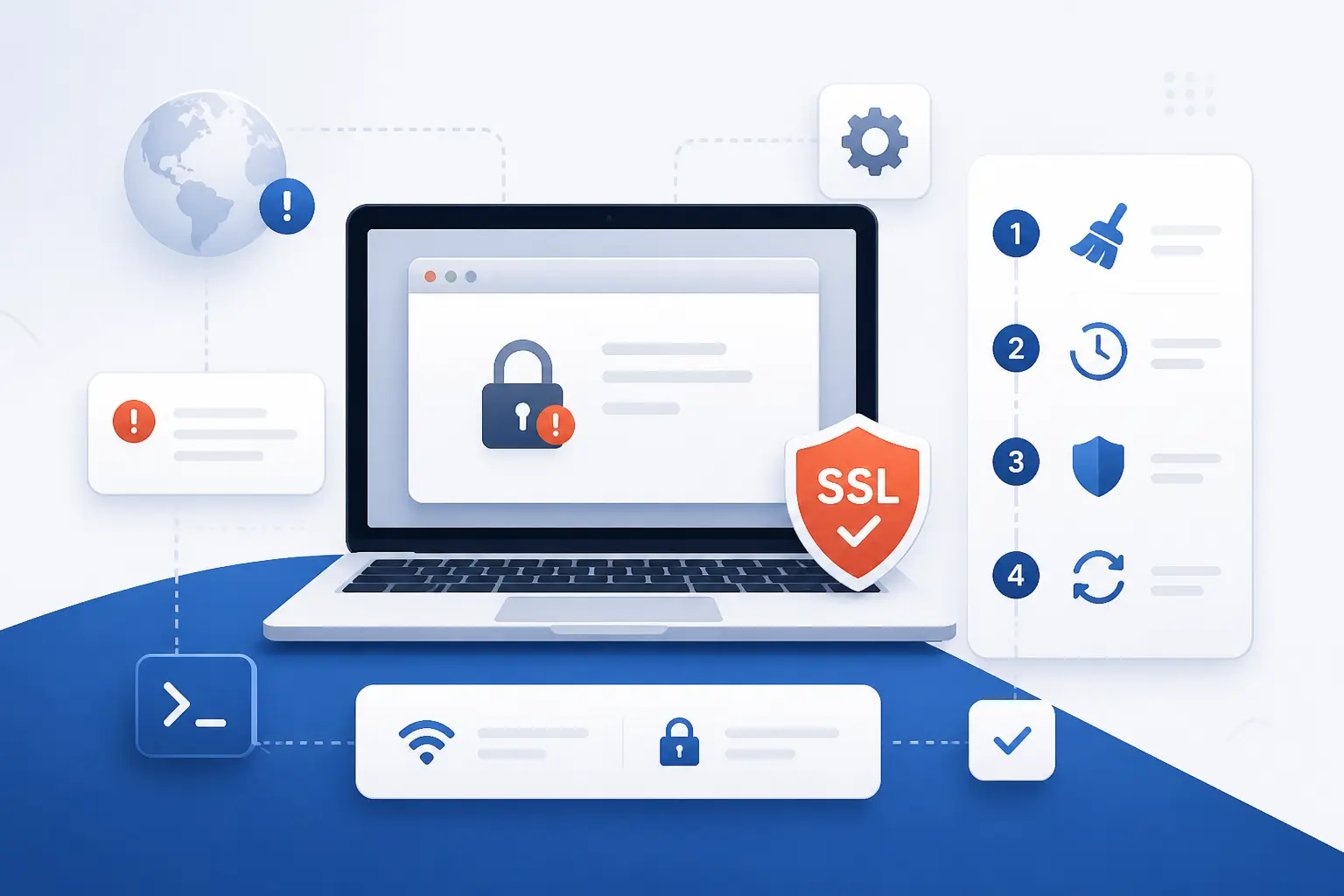
Most ERR_SSL_PROTOCOL_ERROR cases come down to a bad clock, stale browser data, or a broken certificate chain. We walk through the quickest device fixes first, then show website owners what to inspect on the server before they chase the wrong problem.

Troubleshooting Guide
                                           

How to Fix Internal Server Error on Your Site

Jul 22,2026 by 1Byte MKT

Encountering an Internal Server Error? Learn what causes the HTTP 500 error, how to troubleshoot it, and the best solutions to restore your website quickly.

Troubleshooting Guide
                                           

HTTP Error 404: Meaning, Causes, Fixes, and Prevention

Apr 18,2026 by 1Byte MKT

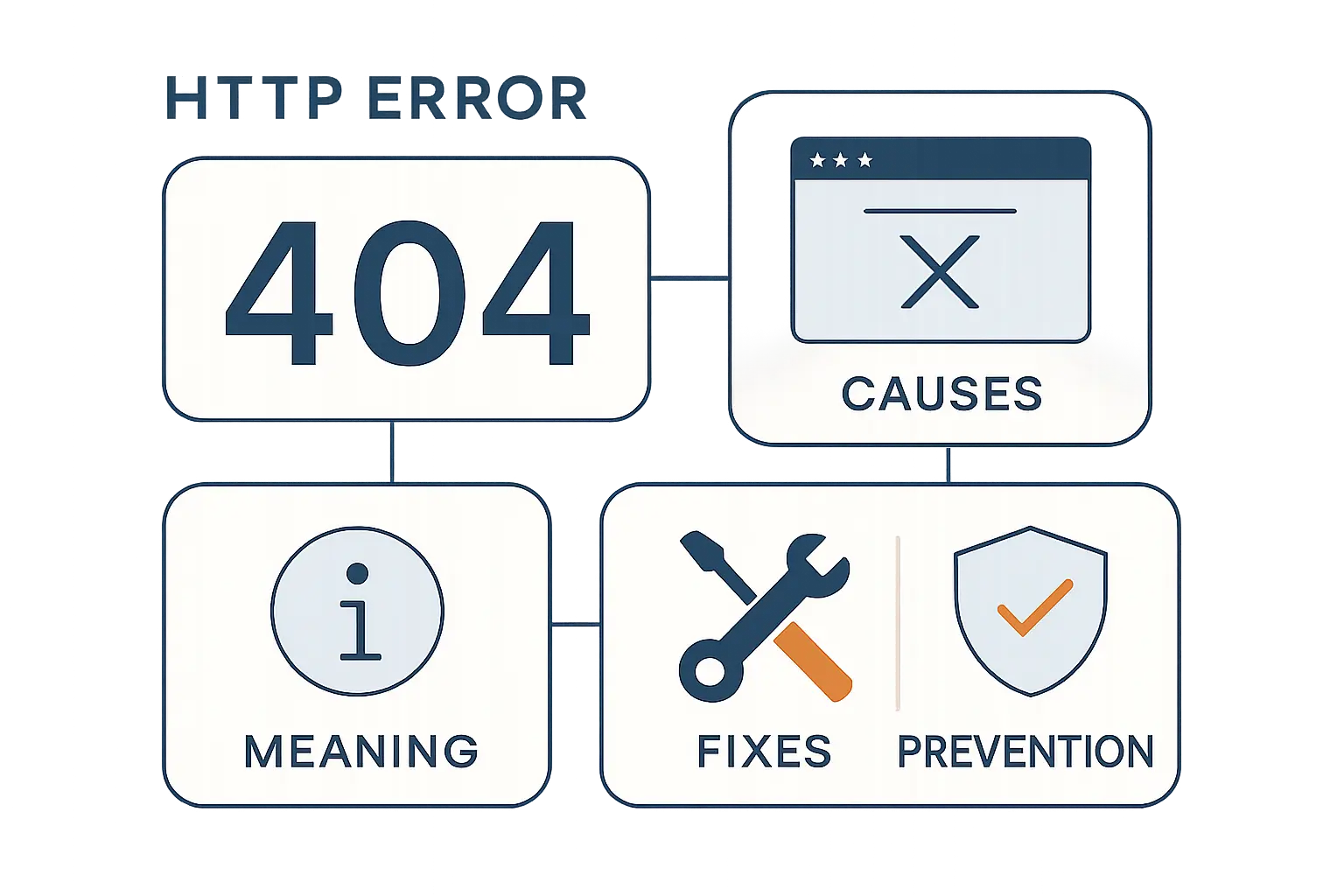
Encountering an http error 404 can frustrate visitors and harm SEO. This guide helps you quickly identify why pages return 404s, from broken links and moved content to server issues, and provides practical fixes: redirecting URLs, restoring missing files, and updating internal links. Learn how to create a friendly 404 page that guides users and reduces bounce rates, plus monitoring tips to catch future errors early. Follow these step-by-step strategies to restore access, improve user experience, and protect your site’s search visibility.

Troubleshooting Guide
                                           

How to Fix There Has Been a Critical Error on This Website in WordPress

Mar 24,2026 by 1Byte MKT

If you’ve come across the message ‘There has been a critical error on this website,’ you’re not alone. This common issue can disrupt your online presence, but it doesn’t have to be permanent. In this guide, we’ll explore the potential causes of this critical error and provide actionable steps to troubleshoot and fix it. Whether it’s a plugin conflict, theme issue, or server problem, we’ll help you identify the root cause and restore your website’s functionality. Don’t let a critical error hold you back—read on to regain control of your site and ensure a seamless experience for your visitors.

Troubleshooting Guide
                                           

Error 410 Guide: Meaning, SEO Impact, and How to Fix HTTP 410 Gone

Mar 22,2026 by 1Byte MKT

Error 410 is a specific HTTP status code that indicates a resource is permanently gone and will not be returning. This error can be frustrating for website visitors and can impact your site’s SEO performance. Understanding Error 410 is crucial for webmasters and users alike. In this article, we’ll explore the causes of this error, how it differs from other status codes, and the best practices for handling it. Whether you’re a developer looking to troubleshoot your site or a user seeking clarity on why a page is missing, our comprehensive guide will provide you with actionable insights. Don’t let Error 410 derail your online experience; read on to learn how to navigate this issue effectively!

Troubleshooting Guide
                                           

How to Fix Briefly Unavailable for Scheduled Maintenance in WordPress

Mar 21,2026 by 1Byte MKT

Our website is currently briefly unavailable for scheduled maintenance. We are committed to providing you with the best possible experience, and this essential update will help us achieve that. While we work behind the scenes to enhance our services, we appreciate your patience. Please check back shortly, as we’ll be back online with improved features and performance. Your satisfaction is our priority, and we can’t wait to welcome you back. Stay informed and get ready to explore our refreshed site!

Troubleshooting Guide
                                           

407 Status Code Explained: Proxy Authentication Flow, Common Causes, and Fixes

Mar 18,2026 by 1Byte MKT

The 407 status code, often encountered in web development, indicates that authentication is required to access a requested resource. This response is typically issued by a proxy server, signaling that the client must provide valid credentials before proceeding. Understanding the 407 status code is crucial for developers and users alike, as it can impact browsing experience and application functionality. In this article, we delve into the intricacies of the 407 status code, exploring its causes, implications, and effective troubleshooting tips. Whether you’re a web developer looking to enhance your skills or a curious user wanting to understand web errors better, our comprehensive guide will equip you with the knowledge you need to navigate the challenges posed by this status code. Don’t let a 407 status code hinder your online experience—read on to find solutions and improve your web interactions!

Troubleshooting Guide
                                           

Bad Message 431: Causes, Fixes, and Prevention for Request Header Fields Too Large

Mar 18,2026 by 1Byte MKT

Have you ever faced the frustrating Bad message 431 error? This common issue can disrupt your workflow and leave you searching for answers. In our comprehensive guide, we delve into the causes behind this error and provide actionable steps to resolve it efficiently. Whether you’re dealing with network issues, server misconfigurations, or application errors, we’ve got you covered. Learn how to diagnose the problem and implement solutions that will get you back on track in no time. Don’t let a Bad message 431 slow you down—read on to empower yourself with the knowledge to tackle this error head-on!

Troubleshooting Guide