

- The Cheapest Way to Host a Website for Most Beginners
- What Web Hosting Actually Covers
- Compare the Main Hosting Types First
- What to Look for in Cheap Hosting Plans
- How to Calculate the Real Cost of Cheap Hosting
- Free Extras That Lower Your Total Website Cost
- Best Cheap Hosting Setups by Website Type
- How to Launch a Website on a Small Budget
- How to Keep Cheap Hosting Affordable as You Grow
- Common Mistakes to Avoid When Choosing the Cheapest Way to Host a Website
- FAQ About the Cheapest Way to Host a Website
- How 1Byte Supports Affordable Website Hosting
- Final Thoughts on the Cheapest Way to Host a Website
When people ask us about the cheapest way to host a website, we usually give a simple answer. Start with the smallest setup that still fits the job. For most beginners, that means shared hosting or a free static host, not a large cloud bill. Budget hosting is no sideshow either. The global market is projected to reach $178.76 billion in 2026.
Still, cheap is not the same as wise. We have seen people save a few dollars upfront, then lose far more to renewals, weak support, missing backups, or the wrong plan type. In our view, the best low-cost setup is the one that gets you online fast, keeps the basics covered, and lets you upgrade only when real traffic demands it.
The Cheapest Way to Host a Website for Most Beginners
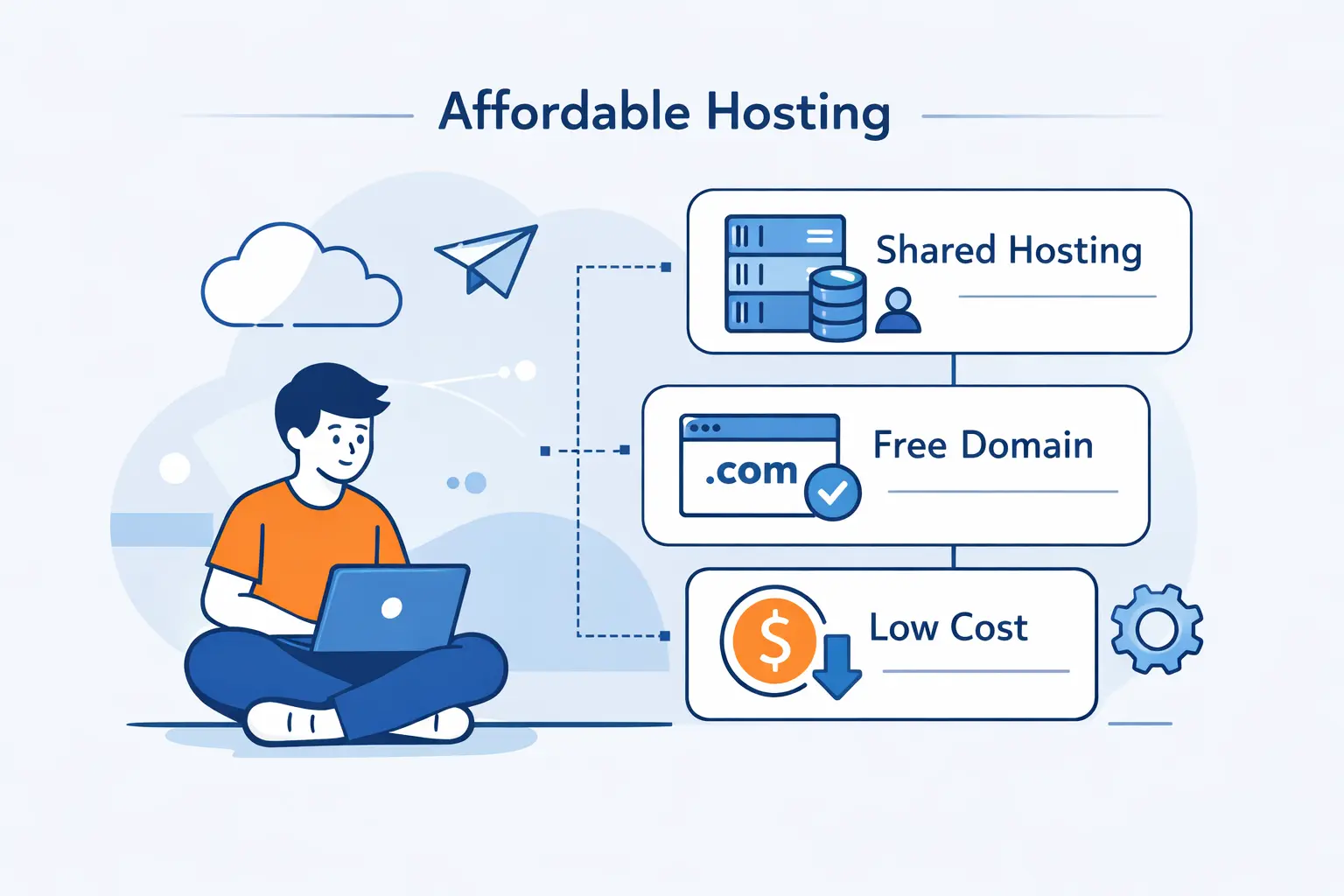
Let us start with the practical answer. Most first sites do not need special infrastructure. They need a stable place to live, a dashboard that makes sense, and a bill that will not bite later.
1. Why Shared Hosting Is Usually the Lowest-Cost Starting Point
Shared hosting is usually the lowest-cost paid starting point because many sites share one server’s overhead. That keeps entry pricing low and keeps maintenance off your plate. For a blog, portfolio, club site, or local business page, that trade is usually fine. We think shared hosting is the right first stop when traffic is light and simplicity matters more than control.
2. When Managed WordPress Hosting Makes Setup Easier
Managed WordPress is worth a look when you want WordPress without the admin chores. Updates, backups, caching, and setup are often easier to handle. That matters because WordPress still accounts for 41.5% overall usage on the web. If the whole project depends on WordPress, paying a bit more for easier upkeep can save real frustration.
3. When Free Hosting Makes Sense and When It Does Not
Free hosting makes sense for static portfolios, documentation, student projects, and quick tests. GitHub Pages is available in public repositories with a free plan, so a plain HTML or Jekyll site can cost almost nothing to publish. We would not use free hosting for a serious business site that needs databases, private resources, or fast human support. At that point, your time becomes the hidden fee.
What Web Hosting Actually Covers

Many beginners lump everything into one word, hosting. We understand why. Domains, builders, email, and hosting plans are often sold together. Still, they do different jobs, and that distinction saves money.
1. How Hosting, Domains, and Website Builders Work Together
We explain it this way. The domain is the address, the hosting is the rented space and computing, and the builder or CMS is the tool you use to create pages. The Domain Name System points that address to the server. Once you separate those roles, pricing gets much easier to compare, because you can see what you are actually paying for.
2. What Control Panels, Dashboards, and One-Click Installers Do
Control panels and dashboards save beginners from doing everything by hand. They give you places to manage files, email, databases, DNS, SSL, and backups. One-click installers help even more. Tools such as Softaculous can deploy 380+ apps, which is why many budget plans feel much less intimidating than a bare server. In our experience, that convenience is worth real money.
3. Why Data Centers and Uptime Matter
Data centers and uptime can sound abstract until your site disappears in the middle of the day. Server location can affect latency, and weak operations can hurt availability anywhere. Uptime Institute says Nearly 40% of organizations have suffered a major outage caused by human error over the past three years. That is why we treat uptime and support quality as budget issues, not luxury extras.
Compare the Main Hosting Types First
Before comparing brands, compare hosting types. This is where many people lose the plot. A great deal on the wrong kind of plan is still the wrong plan.
1. Shared Hosting for Blogs, Portfolios, and Small Business Sites
Shared hosting fits blogs, portfolios, landing pages, and simple company sites. It is cheap because resources are pooled, and that is fine when the workload is modest. A photographer’s portfolio or a local plumber’s site does not need much muscle at first. We would rather see a beginner use a well-run shared plan than overpay for resources they will not touch for months.
2. Managed WordPress and Cloud Hosting for Easier Management and Growth
Managed WordPress and cloud hosting sit in the middle. Managed WordPress is easier when the site lives inside WordPress. Cloud hosting is better when growth, multiple sites, or steadier scaling matter. We tend to recommend these options when the site matters to revenue, but the owner still wants the provider to handle most of the plumbing behind the scenes.
3. When VPS or Dedicated Hosting Becomes the Better Fit
VPS or dedicated hosting becomes the better fit when shared plans start boxing you in. That can happen with custom software, heavy plugins, stricter security rules, or traffic spikes that no longer feel rare. If you need root access or guaranteed resources, you are past basic beginner hosting. By then, control often matters more than the lowest monthly bill.
What to Look for in Cheap Hosting Plans
Cheap plans can be good plans. We just have to read past the headline price. A short checklist keeps bad bargains from sneaking through.
1. Free SSL, Backups, and Basic Security
Free SSL, backups, and basic security should be table stakes. We no longer see SSL as a premium add-on. Let’s Encrypt reported 500 million active domains, which shows free certificates are normal at internet scale. If a low-cost plan still charges extra for basic encryption, we usually move on.
2. Storage, Bandwidth, and Uptime
Storage and bandwidth only matter in context. A small brochure site may need very little disk space. An image-heavy gallery or course library will need more. “Unmetered” can still come with fair-use limits, so we read the details. We also look at uptime promises, but we care even more about what sits behind them, like monitoring, staffing, and backup discipline.
3. 24/7 Support, Migrations, and Beginner-Friendly Tools
Support, migration help, and beginner tools deserve a place on the shortlist. A cheap plan stops being cheap if every small fix becomes a support maze. We like hosts that give you a usable panel, clear setup paths, and help moving an older site over. Those features lower the real workload, especially for first-time owners and small teams.
How to Calculate the Real Cost of Cheap Hosting
This is the step many buyers skip. They compare the first invoice and call it a day. We think that is exactly where many budget plans hide their sting.
1. Introductory Prices and Renewal Rates
Introductory prices are built to pull you in. Renewal rates tell the fuller story. We always read the renewal line before the buy button. If the discount only lasts one term, the first-year bargain may not be the cheapest option over two or three years. A boring, transparent plan can beat a flashy teaser every time.
2. Longer Terms, Auto-Renewal, and Total Cost
Longer terms can lower the monthly rate, but they also lock up more cash upfront. Auto-renewal can surprise people who forget the date. We prefer to calculate the whole commitment before checkout. That means the term length, the renewal price, and how painful it will be to leave if the service turns out to be a poor fit.
3. Hidden Fees for SSL, Domains, Email, and Add-Ons
Hidden fees usually live in the extras. Domains, SSL, email, backups, malware scans, and premium add-ons can change the math fast. That is why we total everything around the site, not just the hosting line item. The cheapest way to host a website is usually the setup with the fewest paid surprises over time.
Free Extras That Lower Your Total Website Cost
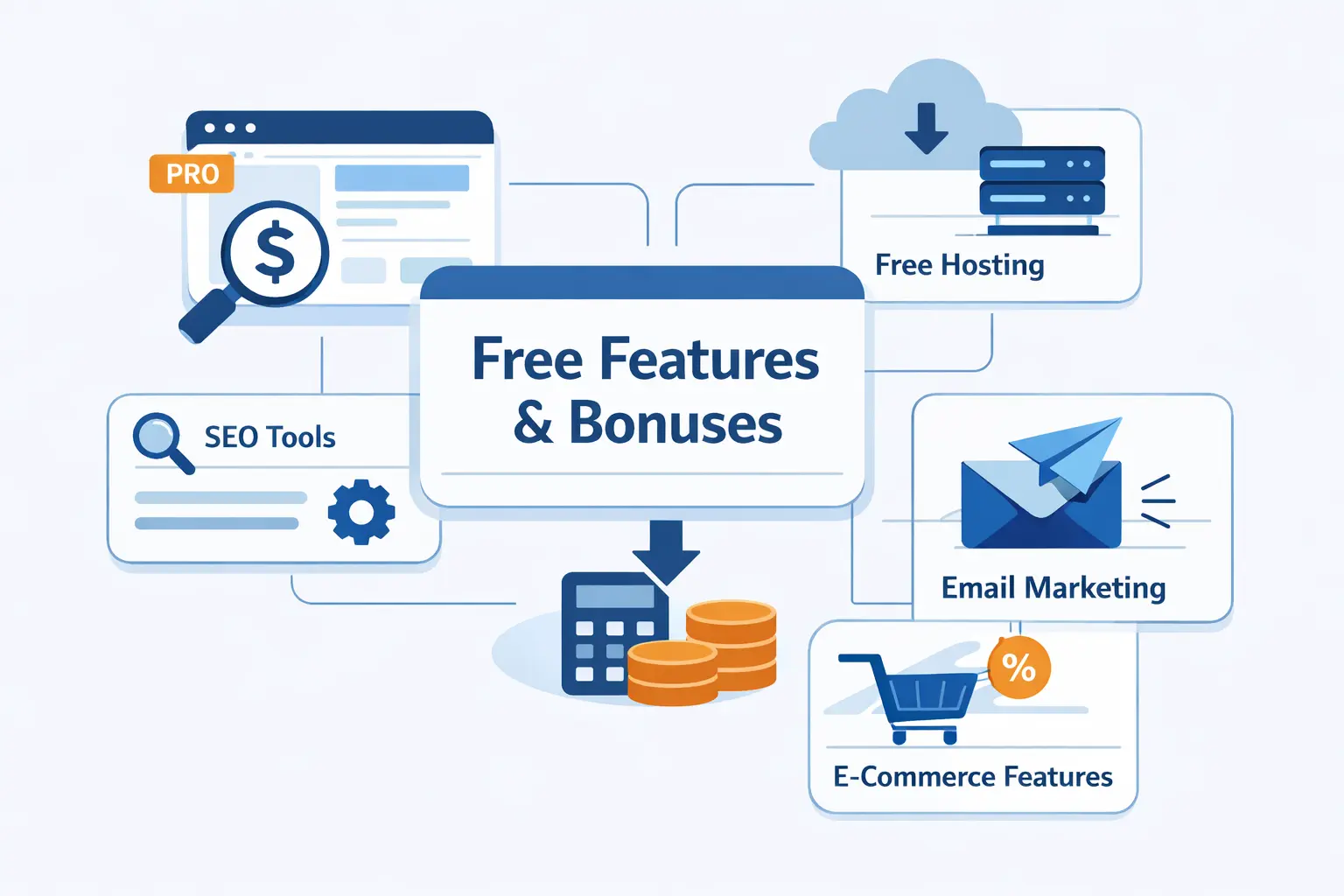
Free extras only matter if they replace something you would have bought anyway. We like extras that trim real costs, not decorative bonuses.
1. Free Domain, Email, and Website Builder Offers
A free domain, email account, or simple site builder can help a beginner get moving. We just advise treating first-year bundles with caution. If the domain renews high or the builder traps you in a closed system, the savings fade fast. Still, for a simple launch, bundled basics can cut the starting bill in a useful way.
2. Free SSL and Automatic Backups
Free SSL and automatic backups are the best extras because almost every site needs them. We would rather see a plain plan with real backups than a flashy one full of coupons and upsells. Ask how often backups run, how simple restores are, and whether SSL renews on its own. That is where the real value lives.
3. Free Migrations and Control Panel Access
Free migrations and control panel access save money in quieter ways. Migration help spares you from DNS slips and broken database imports. Panel access makes everyday jobs easier, from email setup to file edits. For a small business owner, that can mean fewer paid developer hours and fewer avoidable mistakes.
Best Cheap Hosting Setups by Website Type
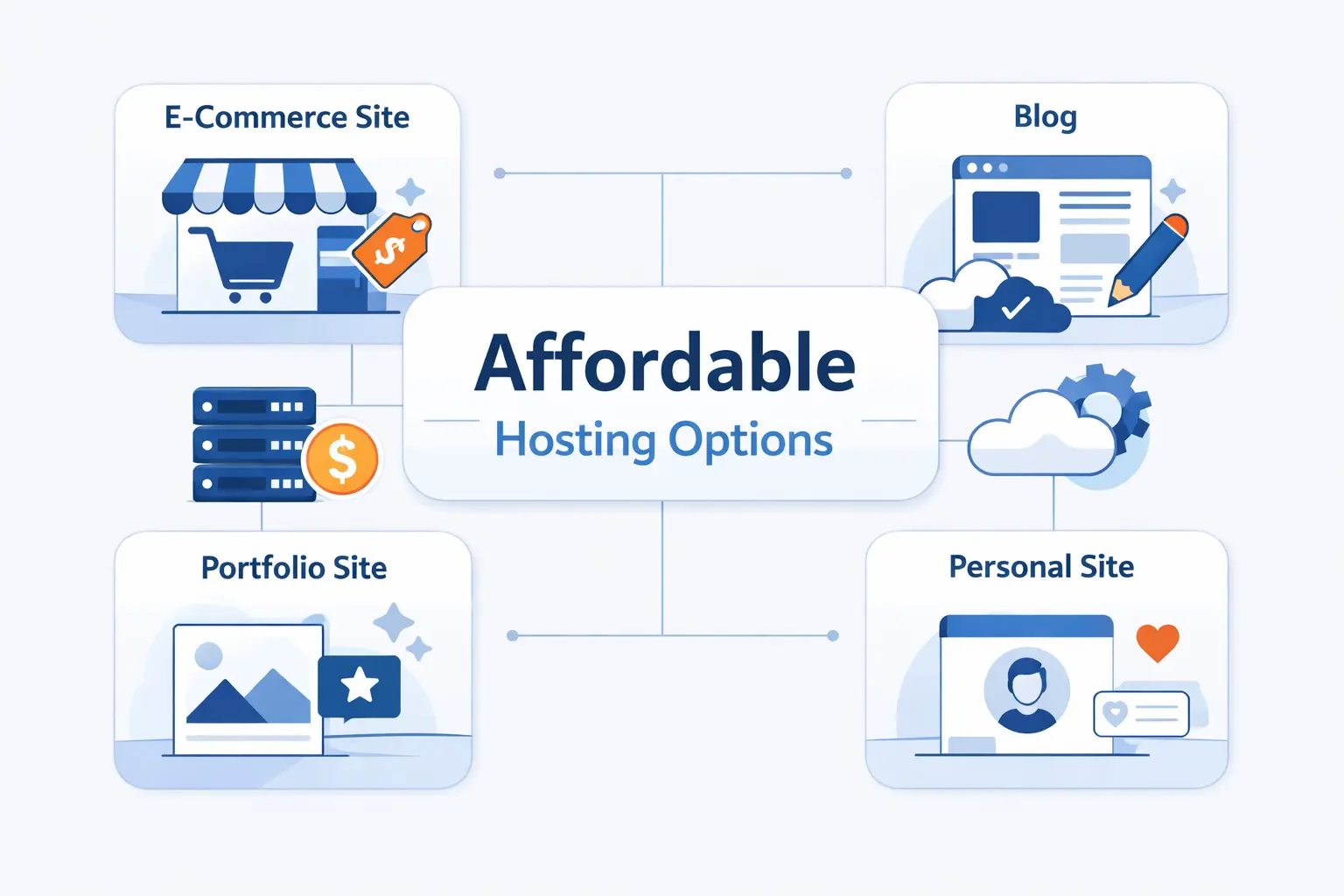
Different sites deserve different low-cost setups. We do not like one-size-fits-all advice here. A portfolio and a client portal have very different needs.
1. Personal Websites, Blogs, and Landing Pages
Personal sites, blogs, and landing pages usually fit one of two lanes. A static page can live on a free host if it does not need server-side features. A content-heavy blog usually does better on shared or managed WordPress hosting. We lean static for tiny sites and shared hosting for anything you expect to update often.
2. Small Business Sites and Multisite Projects
Small business sites and multisite projects need a bit more room. You may want business email, forms, backups, staging, and more than one site under one account. That is where higher shared tiers, managed WordPress, or entry cloud plans start to make sense. The goal is not raw power. It is fewer migrations later.
3. Test Sites, Mockups, and New Ideas
Test sites, mockups, and new ideas deserve the lowest-risk environment possible. We like free sandboxes, temporary installs, or inexpensive starter plans for this stage. Softaculous even lets beginners launch sandbox WordPress sites before buying a domain or hosting package. That is a good reminder that early experiments should be cheap, disposable, and fast to replace.
How to Launch a Website on a Small Budget

Launching on a small budget is not complicated if you keep the order straight. We use a simple sequence, and it works for most first sites.
1. Register Your Domain and Choose the Right Plan
First, register the domain and choose the smallest plan that matches the site type. If you are building a simple brochure site, do not buy business-grade infrastructure. If you are launching a store or member area, do not pretend a free static host will cover it. The plan should match the job, nothing more.
2. Install WordPress or Use a Website Builder
Next, install WordPress or use a builder. WordPress is the better fit when you expect regular posts, plugins, or long-term content growth. A builder can be enough for a short site with only a few pages. One-click setup tools keep beginners moving and reduce configuration mistakes, which is one reason they are so useful on budget plans.
3. Upload Content, Monitor Resources, and Keep Backups
Then upload your content, watch resource use, and keep backups current. This part is easy to ignore once the site is live. We do not ignore it. A small site should still be checked for storage, traffic, broken forms, and restore readiness. Cheap hosting stays cheap when maintenance stays simple and predictable.
How to Keep Cheap Hosting Affordable as You Grow
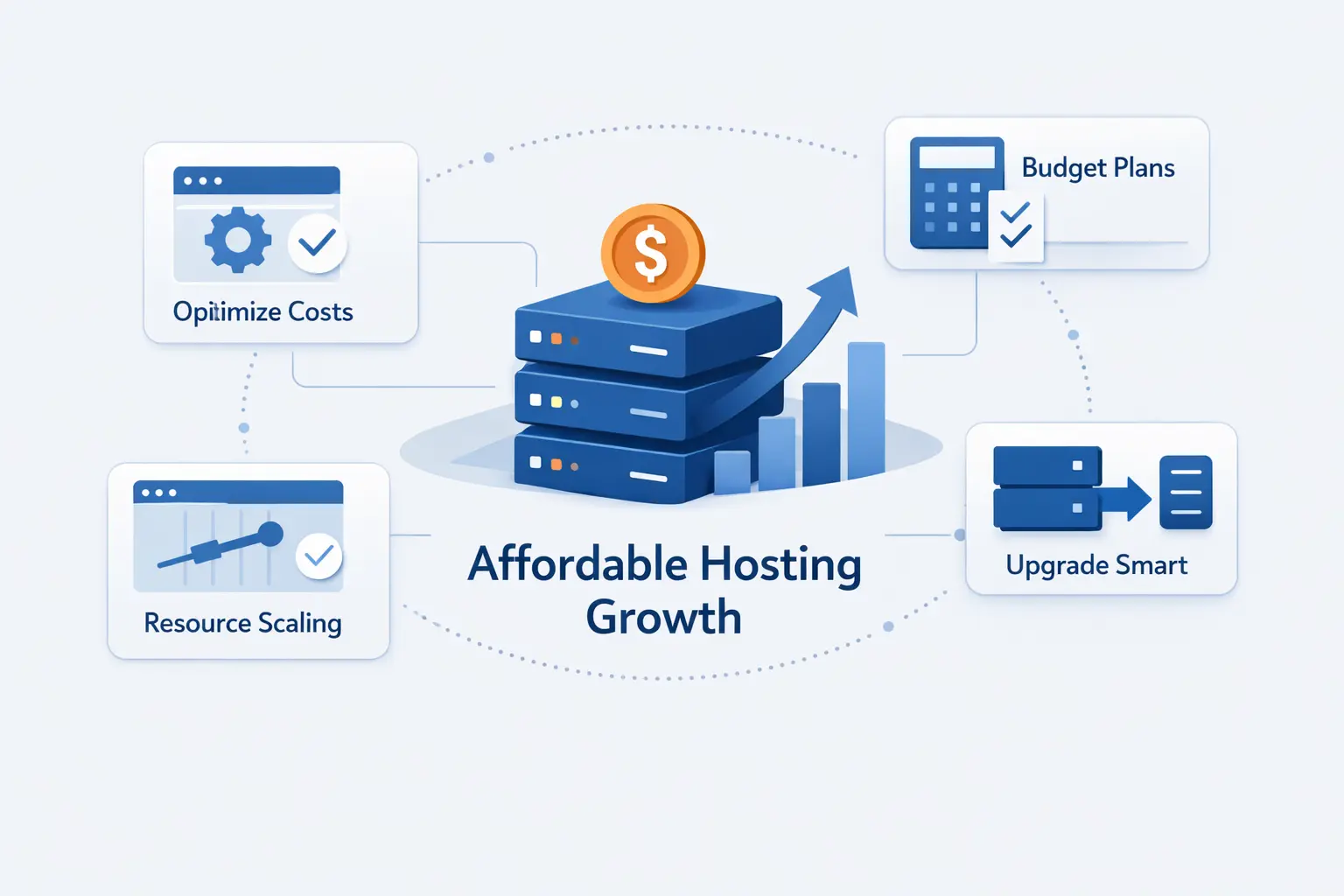
Growth is where good budget choices start paying off. If you begin small and leave yourself a clear path upward, you can keep costs calm for a long time.
1. Start Small and Upgrade Only When Traffic Requires It
Start with the smallest sensible plan and upgrade when real traffic or workload tells you to. We do not believe in paying for hypothetical success. Metrics should force the move, not fear. If the site is stable and the audience is modest, there is no prize for running oversized infrastructure on a tight budget.
2. When Cloud or VPS Makes More Sense Than Shared Hosting
Cloud or VPS makes more sense once shared hosting becomes the bottleneck. The jump is not always dramatic anymore. Amazon Lightsail lists entry Linux bundles from $3.50 per month, which shows that basic cloud options can stay close to budget territory. We usually make that move when a site needs steadier resources, more control, or cleaner growth room.
3. Avoid Waste by Monitoring Storage, Bandwidth, and Unused Features
You can also avoid waste by watching storage, bandwidth, backups, and features you never use. Old media libraries, forgotten staging copies, and paid add-ons pile up quietly. We review those items the same way we review code or content. Small monthly leaks still add up over a year.
Common Mistakes to Avoid When Choosing the Cheapest Way to Host a Website
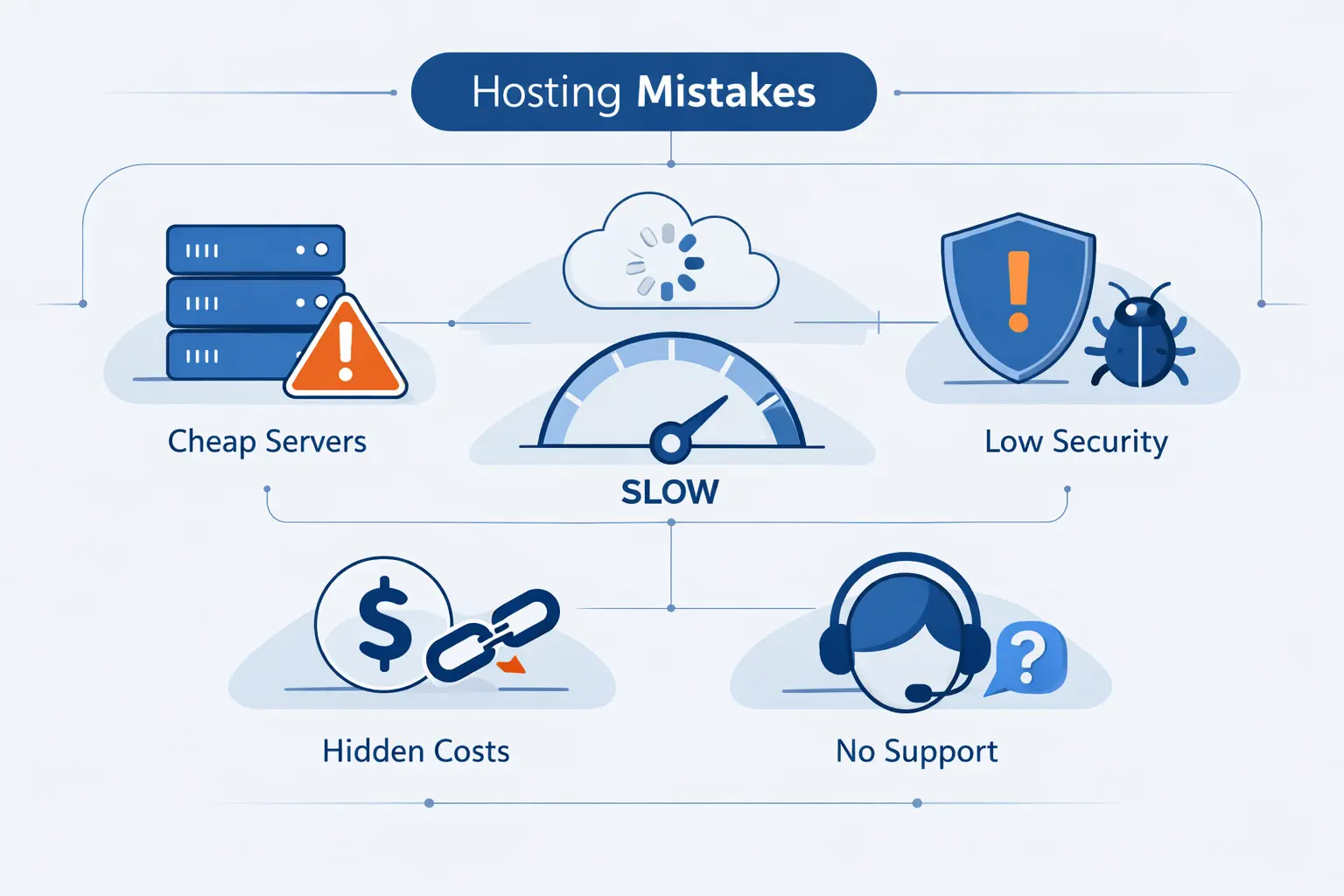
Most hosting mistakes look cheap at first. They only reveal themselves later. We have seen the same three problems again and again.
1. Picking the Lowest Sticker Price Instead of the Best Value
The first mistake is buying the lowest sticker price instead of the best value. A rock-bottom promo can still be the expensive option if renewals jump or basic features cost extra. We would rather pay a little more for clear terms, backups, and decent support than chase the absolute lowest ad price and regret it later.
2. Ignoring Support Quality, Security, and Server Location
The second mistake is ignoring support quality, security, and server location. When trouble hits, those details stop being background details. They become the whole story. If outages, weak guidance, or poor routing cost you leads, the “cheap” plan has already failed its job.
3. Choosing a Plan That Does Not Match Your Site Needs
The third mistake is choosing a plan that does not match the site. A personal blog does not need dedicated hardware. A busy app should not live forever on the smallest shared tier. Good hosting fits the work in front of it, with room for the next sensible step when the site starts demanding more.
FAQ About the Cheapest Way to Host a Website
Let us answer the short questions we hear most from first-time site owners. These are the points that usually decide whether a budget setup feels smart or flimsy.
1. What Is the Cheapest Way to Own a Website?
A low-cost shared plan plus a basic domain is usually the cheapest paid route. If the site is fully static, a free host can cut costs even more. We still advise paying for your own domain, because it looks more credible and gives you more control over your identity.
2. Can I Host My Own Website Without Paying?
You can host a site on your own hardware, but you still pay in internet service, power, backups, uptime risk, and maintenance time. For most beginners, that trade is worse than basic paid hosting. What looks free on paper can become costly in hours and headaches very quickly.
3. What Is the Cheapest Platform to Create a Website?
If you can live with static pages, a free static platform is usually the least expensive. If you need editing, plugins, and a content feed, WordPress on shared hosting is usually the cheapest practical path for most beginners. We like to match the platform to the amount of change the site will need after launch.
4. How Much Does Cheap Web Hosting Cost per Year?
It depends on the promo term, the renewal price, and whether the domain, SSL, email, and backups are included. We always budget for the full term, not just the first invoice. That is the only honest way to compare low-cost plans without fooling ourselves.
5. What Features Should You Look for in Cheap Hosting?
We look for free SSL, backups, enough storage, clear renewal pricing, simple dashboards, support that answers fast, and a data center location that makes sense for the audience. If those basics are missing, the low price is usually a trap. Cheap hosting should still feel safe and manageable.
How 1Byte Supports Affordable Website Hosting
At 1Byte, we try to make affordable hosting feel straightforward, not stripped down. We believe small sites deserve clear choices, dependable basics, and a path forward when they grow.
1. Domain Registration and SSL Certificates for a Lower-Cost Start
We support lower-cost starts by offering domain registration and SSL under one roof. That matters because new owners often overspend simply by juggling too many vendors too early. Bringing the naming and security pieces closer together reduces setup friction and keeps the first launch easier to manage from day one.
2. WordPress Hosting and Shared Hosting for Beginner-Friendly Launches
We also give beginners two clear lanes. Shared hosting is our economical entry point for simple sites. WordPress hosting is the easier path when the project lives inside WordPress. Our WordPress plans center management in one dashboard and include FTP access, while our shared hosting focuses on value, cPanel control, AutoSSL, and beginner-friendly day-to-day management.
3. Cloud Hosting and Cloud Servers Backed by an AWS Partner
When a site outgrows starter hosting, we do not think the next move should be guesswork. Our cloud hosting and cloud server options give teams more room, and our AWS Consulting Partner status gives us a stronger view of what comes next. Our AWS partner page lists Advanced Tier Services and the AWS Solution Provider Program, and AWS has also recognized our momentum in Cambodia. That helps us support both first sites and heavier cloud workloads with more confidence.







Final Thoughts on the Cheapest Way to Host a Website
So, what is the cheapest way to host a website? For most beginners, it is a modest shared plan or a free static host, paired with your own domain and a clear idea of what the site actually needs. The trick is not squeezing the bill to zero. The trick is avoiding waste and buying only what the site can use.
We would start small, insist on SSL and backups, check the renewal math, and upgrade only when traffic, features, or control needs truly change. That is the approach we trust at 1Byte. It keeps the budget sane, the launch simple, and the next step obvious.