

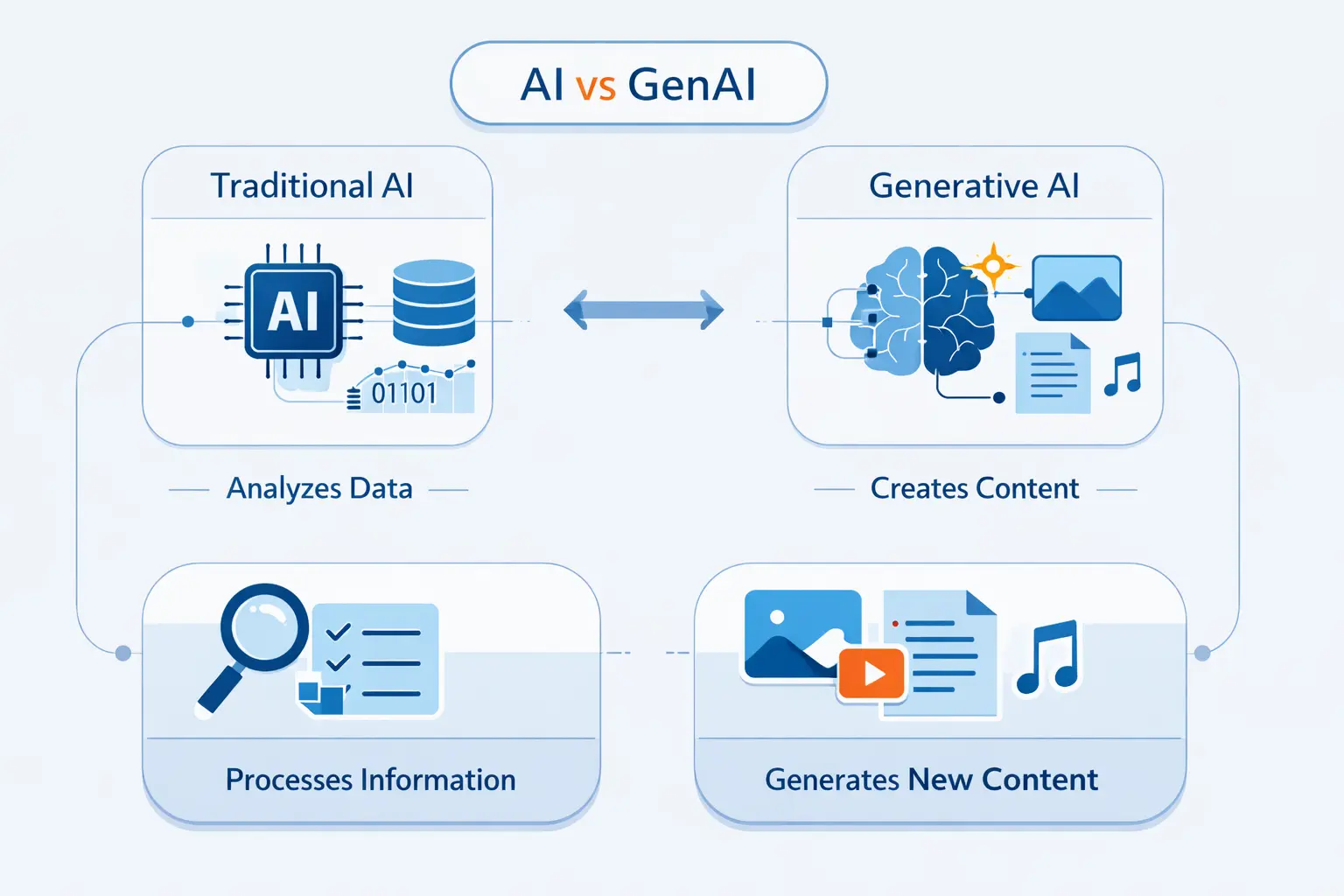
- Making Sense of the AI vs GenAI Comparison
- What Is Artificial Intelligence
- What Is Generative AI
- What Is the Difference Between AI and Generative AI?
- How Traditional AI and Generative AI Learn and Perform
- Common Use Cases for AI and Generative AI
- When to Use Traditional AI, Generative AI, or Both
- Benefits, Risks, and Tradeoffs of AI and Generative AI
- Examples of AI Tools and Generative AI Tools
- Frequently Asked Questions About GenAI vs AI
- Final Takeaways on GenAI vs AI
At 1Byte, as a cloud and hosting provider, we hear the genai vs ai question from teams who want clarity, not buzzwords. We think the confusion is understandable, because the difference between AI and generative AI is really about scope and output. AI is the broad field of systems that analyze data, recognize patterns, and support decisions. Generative AI is one subset of that field, focused on producing new content such as text, images, audio, video, or code.
Why does the distinction matter? Because buying the wrong tool is expensive. Gartner forecasts $2.59 trillion in 2026 in worldwide AI spending, which tells us the market is much bigger than chatbots alone. A fraud model, a recommendation engine, and a coding assistant may all use AI, but they solve very different problems.
Making Sense of the AI vs GenAI Comparison
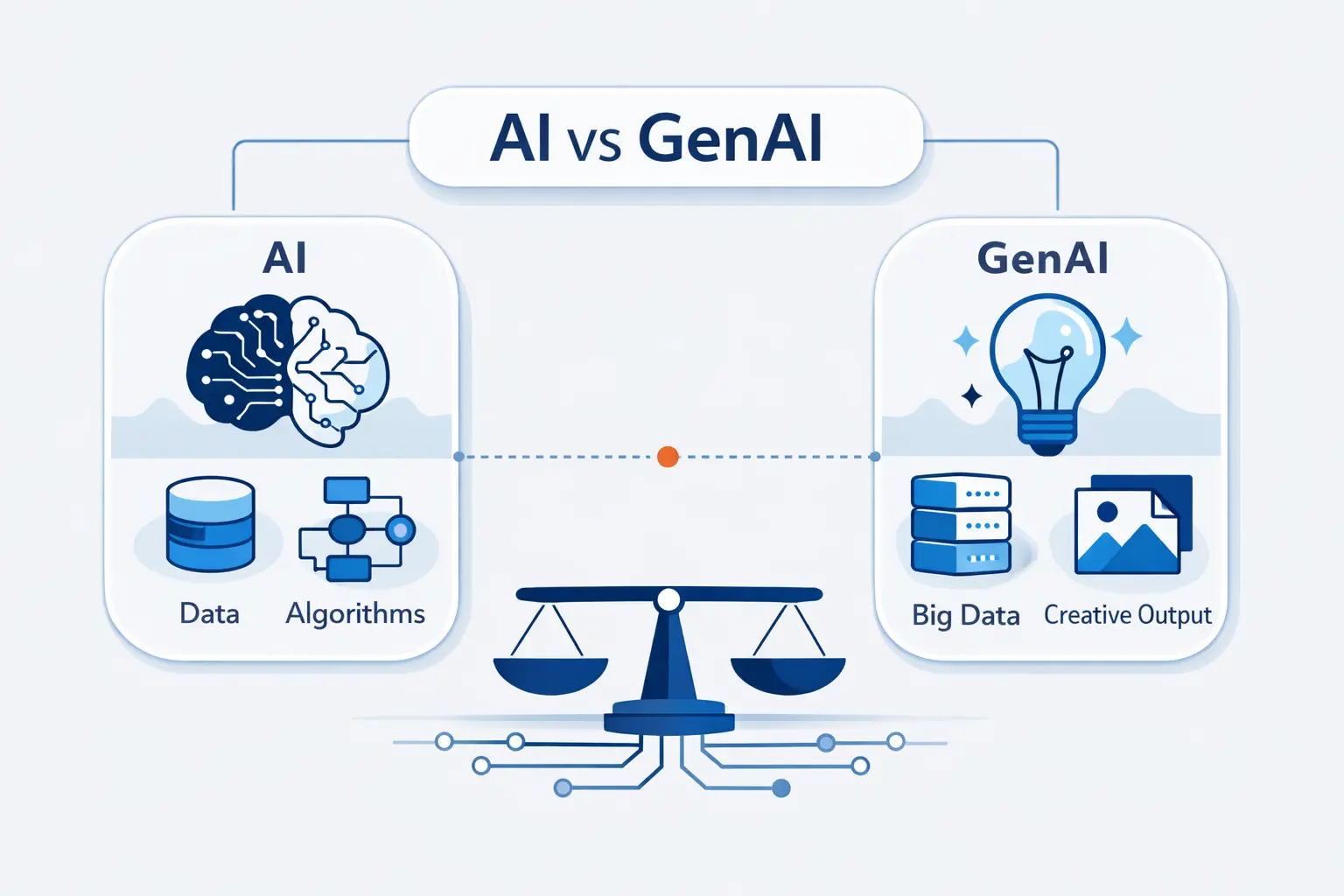
We like to start with the map before the details. If you skip that step, GenAI can look like the whole story. It is not. It is the loudest chapter in a much larger book.
FURTHER READING: |
| 1. How AI Is Changing Data Analysis in 2026 |
| 2. Artificial Intelligence Examples in Business You Should Know |
| 3. How to Start a Blog With AI Tools for Content, SEO & Monetization |
1. The Umbrella Meaning of AI
AI is the umbrella term. It covers systems that classify, predict, optimize, translate speech, detect objects, or help people make decisions. Some AI uses explicit rules. Some uses machine learning. Some combines both. The shared goal is simple, help machines do tasks that usually need human judgment.
2. Where Generative AI Fits
Generative AI sits inside that umbrella. Its specialty is creation. Give it a prompt, and it can draft an email, summarize a report, write code, or create an image. That creative feel is why many newcomers mistake GenAI for all of AI.
3. Traditional AI as the Reference Point
We use traditional AI as the reference point because the contrast becomes clearer. We are not using “traditional” as a value judgment. A classic model often predicts a score, a class, or a likely next event. It usually has a narrower job. Think fraud detection, demand forecasting, defect inspection, or search ranking.
What Is Artificial Intelligence
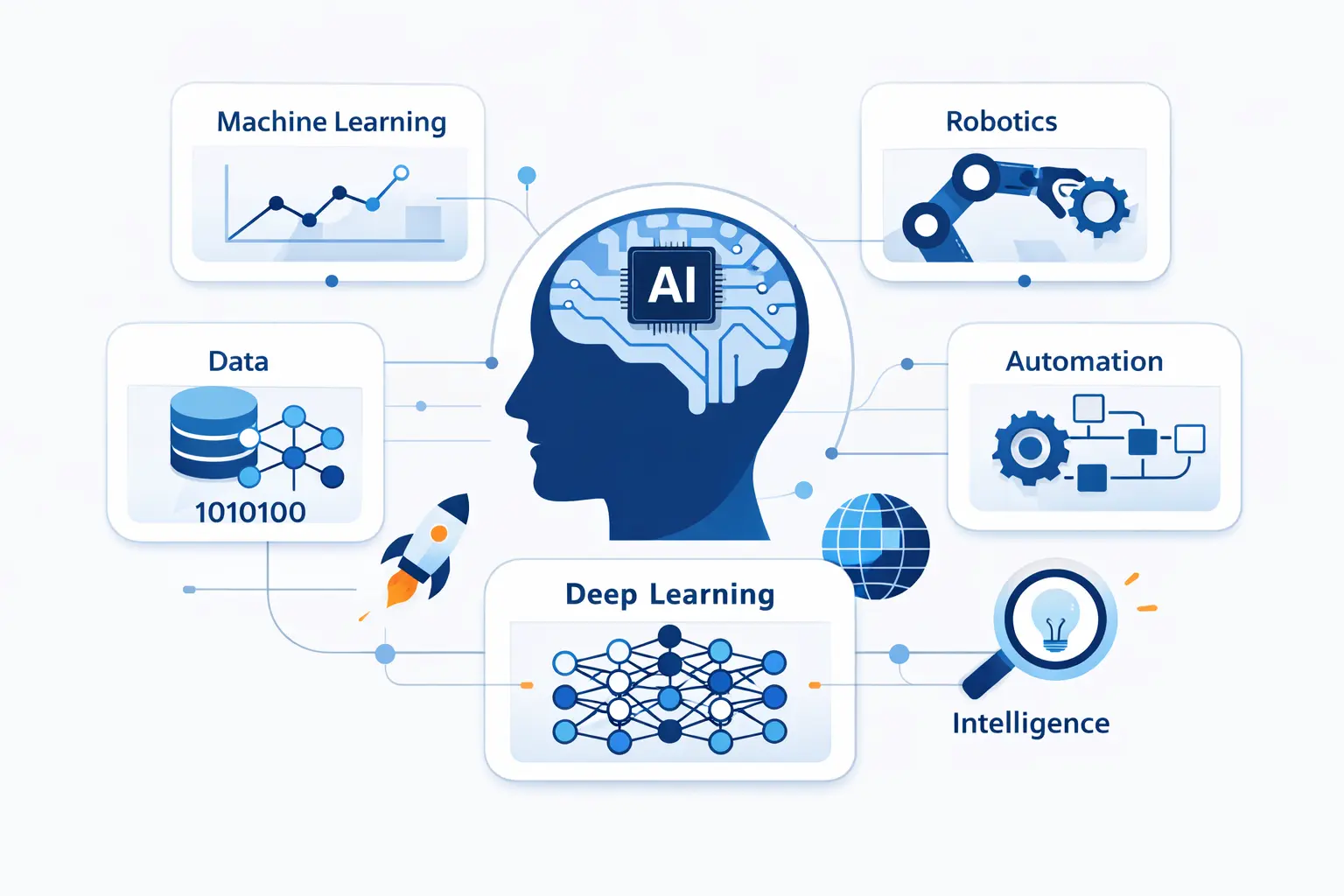
When we say artificial intelligence here, we mean the full category, not one trendy product. That includes older methods and newer ones. This matters because many businesses have used AI for years without generating a single paragraph.
1. Data Analysis, Pattern Recognition, and Decision Support
A lot of AI work is quiet. It lives in back-end systems that analyze data, spot patterns, and surface recommendations. A retailer may predict stockouts. A bank may flag suspicious transactions. A support system may route a ticket to the right team. The point is decision support, not content creation.
2. Common AI Types, Including Predictive and Conversational AI
Common AI types include predictive models, classifiers, anomaly detectors, recommendation engines, computer vision systems, speech recognition, and conversational systems. Predictive AI estimates what is likely. Conversational AI interacts in language. Some assistants use scripts, rules, or document lookup instead of broad free-form generation. That is still AI. It is just a narrower form.
3. Everyday Examples, Such as Search, Spam Filtering, and Recommendations
Everyday AI is all around us. Search engines rank pages. Stores recommend products. Email filters block junk. Gmail automatically identifies suspicious email messages and marks them as spam, which is classic pattern recognition, not open-ended writing. The result feels simple, but the job is hard.
What Is Generative AI
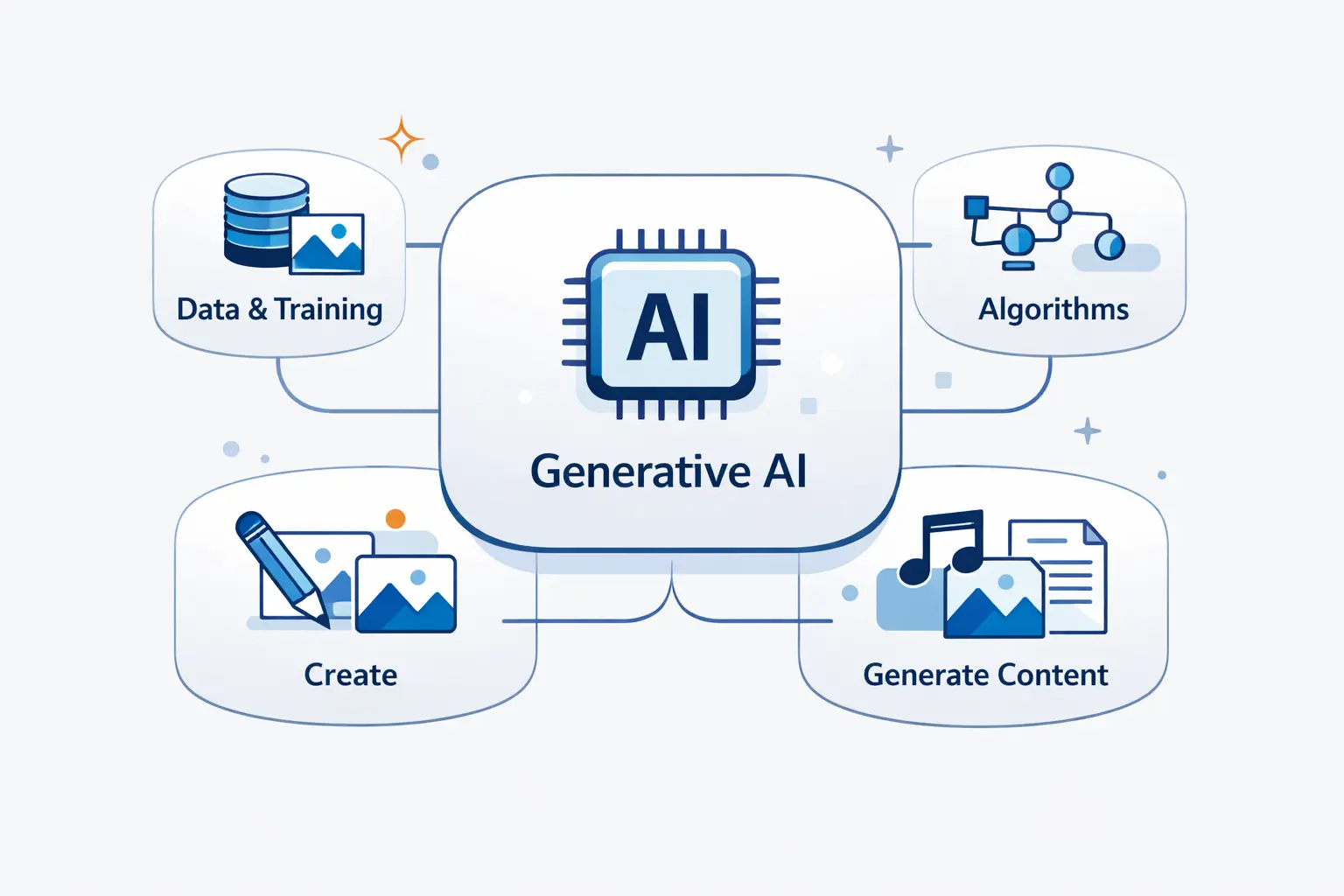
Generative AI is the branch people notice first because it talks back. It writes, draws, summarizes, and rewrites. From our perspective, its real appeal is not magic. It is flexibility.
1. New Text, Images, Audio, Video, and Code
Instead of returning a label or a score, generative AI creates a fresh output. That output might be text, an image, a voice clip, a video sequence, or source code. The system is not just finding an existing document. It is composing something new from learned patterns.
2. Prompts, Large Datasets, and Deep Learning Models
These systems respond to prompts. Behind the scenes, they are trained on large datasets with deep learning methods. OpenAI says GPT-4 can accept a prompt of text and images, which gives beginners a concrete picture of what a multimodal model does. In simple terms, the model predicts likely next pieces and builds an answer step by step.
3. Common Tools, Such as ChatGPT, Image Generators, and Copilots
Popular tools include ChatGPT, image generators, video tools, and coding assistants. In software work, Copilot Chat can explain code, generate unit tests, and suggest fixes inside the editor. That is a practical example of GenAI helping a person create and revise, not just score data.
What Is the Difference Between AI and Generative AI?
This is the heart of the genai vs ai question. If we had to reduce it to one rule, this is it. Traditional AI mostly evaluates what exists. Generative AI mostly creates what does not exist yet.
1. Analysis and Prediction vs Creation and Synthesis
Traditional AI asks questions like, “What is this?” or “What is likely next?” Generative AI asks, “What should I write, draw, or say next?” One analyzes and predicts. The other synthesizes. Both can be useful in the same workflow.
2. Structured Data Tasks vs Unstructured and Multimodal Content
Traditional AI often shines on structured inputs such as tables, logs, sensor readings, or labeled images. Generative AI shines on unstructured content, where the output may be prose, design ideas, code, or mixed media. If the task needs a clean yes-or-no decision, traditional AI usually has the edge.
3. Fixed Task Boundaries vs Flexible and Adaptive Outputs
Classic systems usually operate inside firm boundaries. They have a fixed target, a clear metric, and a narrow role. Generative systems are more flexible. The same model can draft a FAQ, summarize a meeting, and explain code. That flexibility is powerful, but it also makes behavior harder to predict.
How Traditional AI and Generative AI Learn and Perform
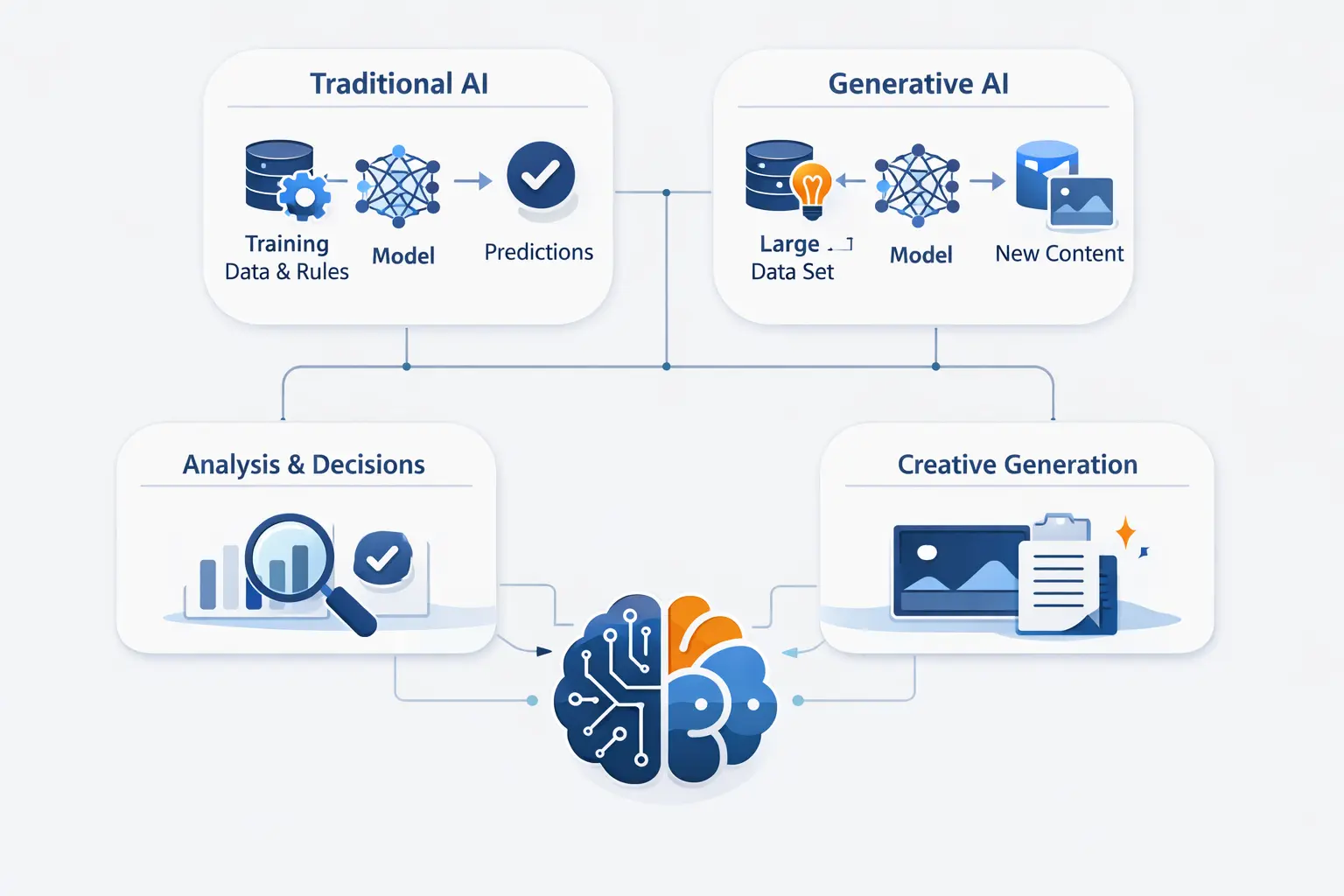
Both families learn from data, but the training style and operating costs can look very different. This affects speed, control, explainability, and budget.
1. Traditional AI Models, Rules, and Pattern Recognition
Some traditional systems are rules written by humans. Others learn from labeled examples. Many combine both. Either way, the model learns to map input to a known kind of answer. That makes evaluation more direct, because you can compare predictions with real outcomes.
2. Generative Models, Scale, Compute Needs, and Data Requirements
Generative models usually start broad. They absorb huge amounts of text, code, images, or audio, then learn shared patterns. Training them is expensive. Running them can be expensive too, especially if answers are long or used at high volume. That is why many teams start with a pretrained model and add their own context.
3. Transparency, Explainability, and Black Box Concerns
Transparency is different too. Rules and simpler models can be easier to explain. Deep models are more opaque. That is the black box problem people worry about. Generative systems add another wrinkle because they can sound confident while being wrong. We think this is where flashy demos fool people. Fluency is not the same as reliability.
Common Use Cases for AI and Generative AI
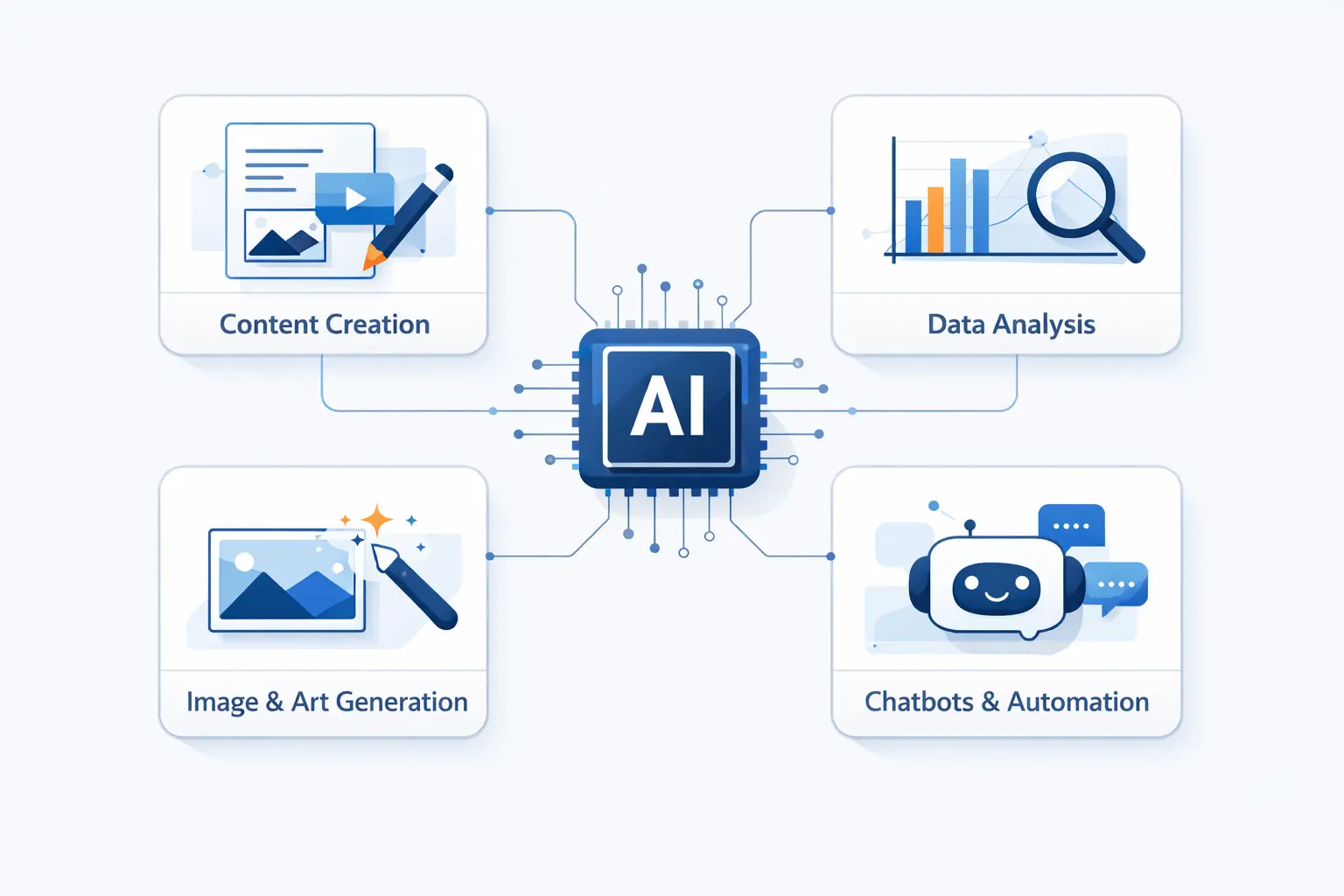
Most teams do not choose one technology forever. They choose the right approach for the job in front of them. That is why we prefer talking about use cases before tools.
1. Forecasting, Classification, Detection, and Automation
Traditional AI fits forecasting, classification, anomaly detection, route planning, and process automation. It works well when the target is known and the answer needs to be consistent. A warehouse may predict demand. A payment system may score risk. A factory may inspect images for defects.
2. Writing, Summarization, Translation, Design, and Code Generation
Generative AI fits writing, summarization, translation, mockups, support replies, code drafts, and research assistance. It is especially useful when a human would otherwise start with a blank page. The first draft may not be perfect. The value is that it appears quickly, and can be refined.
3. Examples Across Education, Healthcare, Finance, Marketing, and Product Development
Across industries, adoption is now broad. In McKinsey’s 2025 survey, 78% of respondents said their organizations use AI in at least one business function. The same survey found GenAI spreading into marketing, software, service operations, and product work.
Education uses tutoring and feedback. Healthcare uses note drafting and research support. Finance uses fraud review. Marketing uses copy and segmentation. In science and healthcare, over 200 million protein structures have been predicted with AlphaFold. That shows how far beyond chatbots the field already goes.
When to Use Traditional AI, Generative AI, or Both
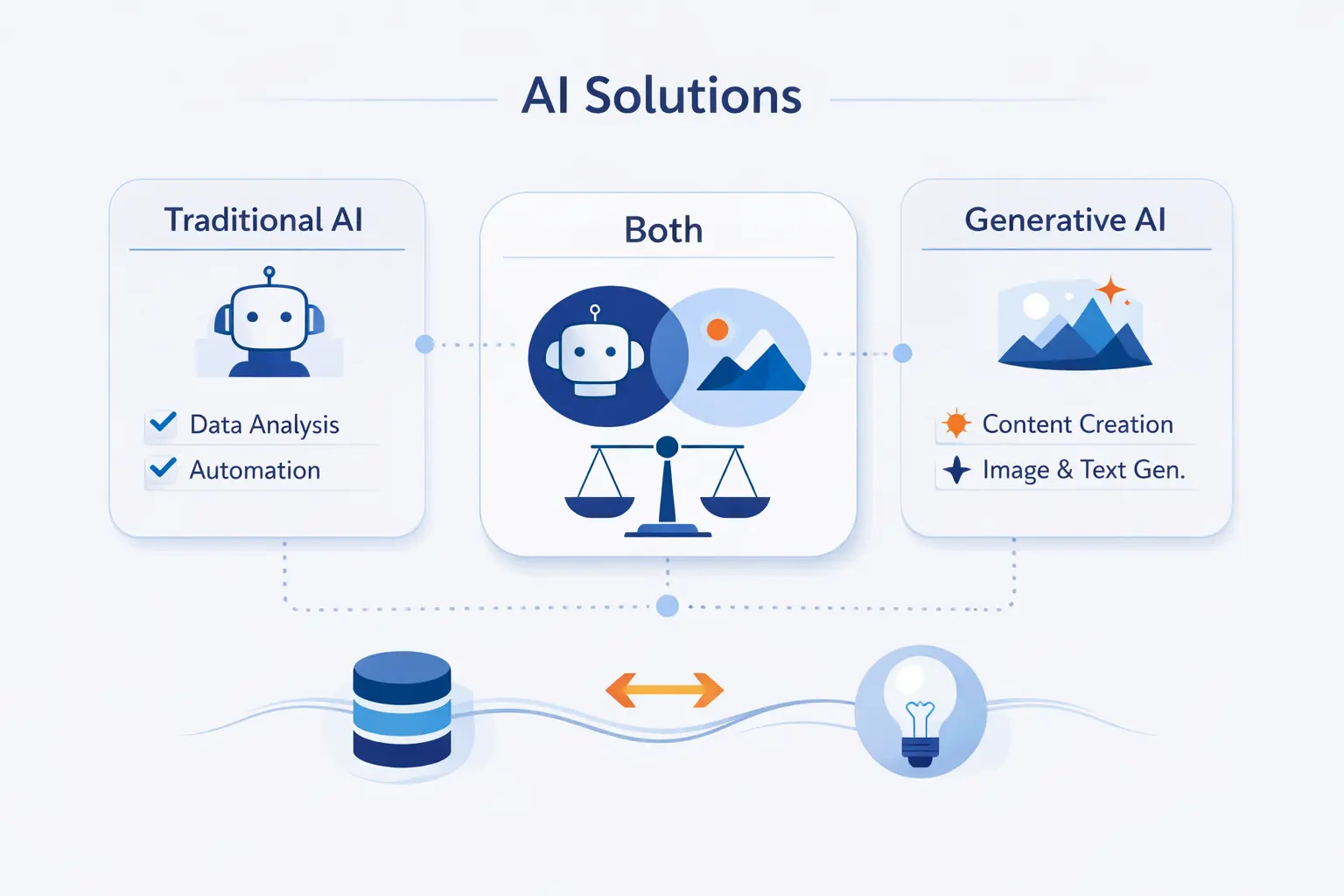
At 1Byte, we try to keep this choice boring. If the job is prediction, use prediction. If the job is creation, use creation. If the user needs both, combine them.
1. Traditional AI for Prediction, Scoring, Segmentation, and Inspection
Choose traditional AI when you need scoring, segmentation, inspection, or repeatable decisions. It is usually the better fit for dashboards, alerts, and automated workflows. If you care about stable results and clear metrics, this is often your safest starting point.
2. Generative AI for Content, Chat, Search, and Knowledge Work
Choose generative AI when people need answers in natural language or help producing new content. It works well for chat assistants, search assistants over documents, document drafting, and coding help. Still, we would not let it act alone in legal, medical, or financial decisions.
3. Combined Workflows for Better Decisions and Better User Experiences
The strongest systems often mix both. A classifier can route a support request. A search step can find the right documents. Then a generative model can draft the reply in plain English. The first part keeps the system grounded. The second part makes it easier to use.
Benefits, Risks, and Tradeoffs of AI and Generative AI
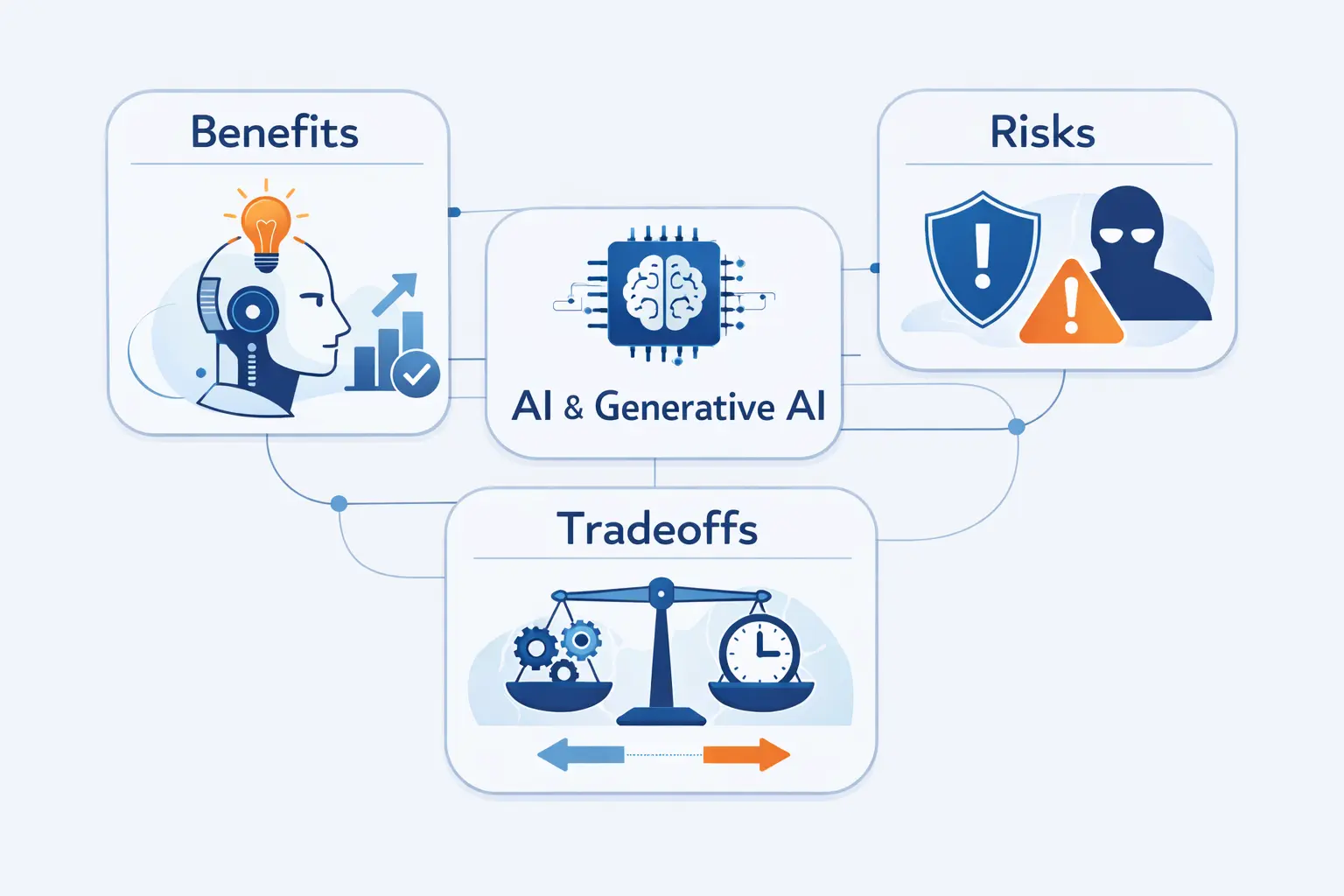
We like both technologies, but we do not romanticize them. Each offers something valuable. Each introduces its own failure mode.
1. Traditional AI Benefits in Efficiency, Accuracy, and Consistency
Traditional AI can be fast, consistent, and cost-effective once deployed. It handles repetitive decisions well and usually fits neatly into existing workflows. When the task is stable, it can outperform a chat-style system on accuracy and control.
2. Generative AI Benefits in Creativity, Personalization, and Speed
Generative AI is strongest when people need ideas, explanations, or drafts. It can personalize responses and adapt tone. That range matters in knowledge work. We love the speed, but we do not confuse speed with truth.
3. Bias, Inaccuracy, Privacy, Security, and Ethics
Both approaches carry risk. Training data can encode bias. Inputs can expose private information. Models can be misused. Generative tools add hallucinations, prompt injection, and intellectual property concerns. If we were building for production, we would add access controls, evaluation, logging, and human review before we added excitement.
Examples of AI Tools and Generative AI Tools
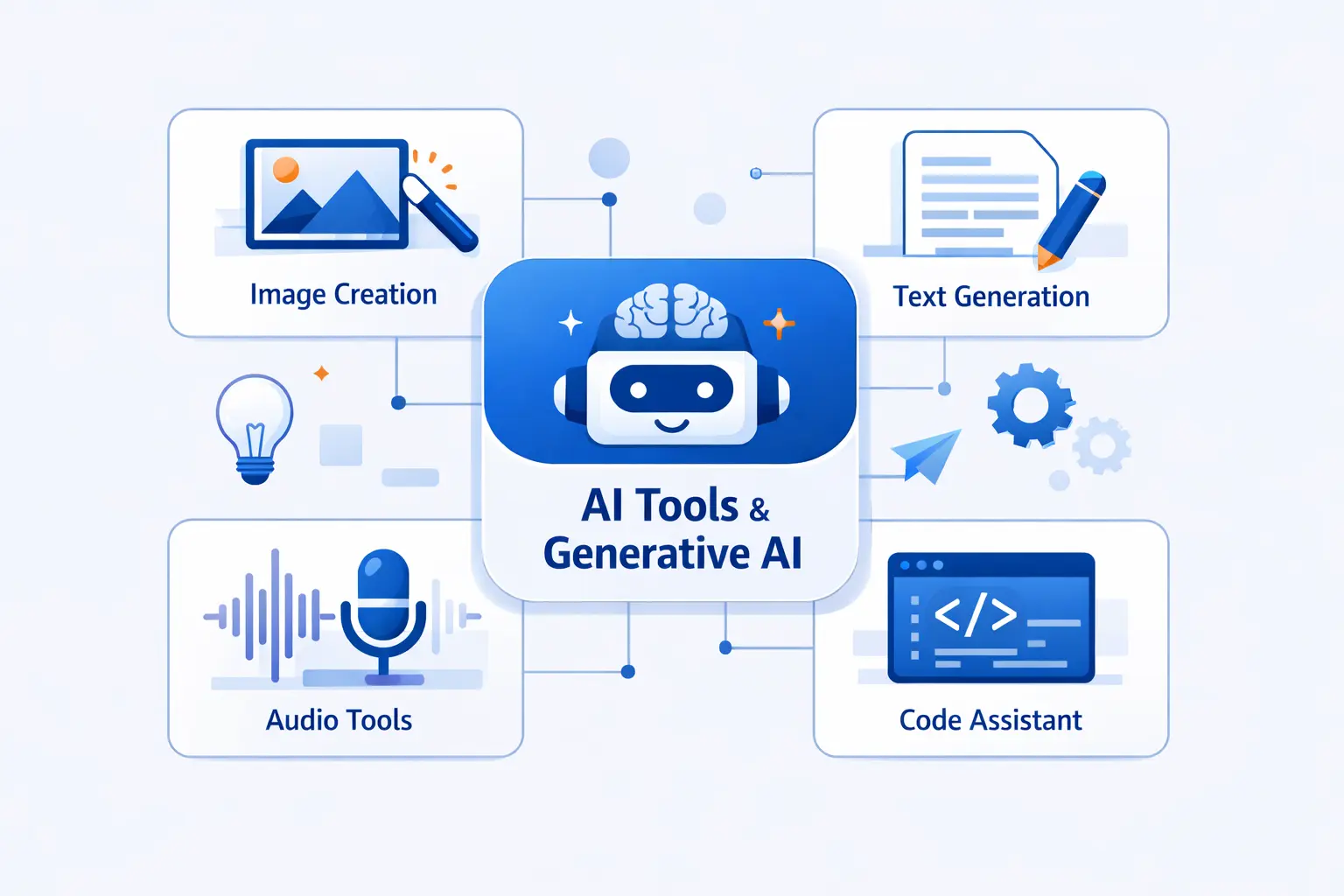
People often understand the difference faster through interfaces. Traditional AI usually hides behind a score, a dashboard, or an automated action. Generative AI sits in front of you and waits for a prompt.
1. Traditional AI Examples in Search, Recommendations, Virtual Assistants, and Autonomous Vehicles
Traditional AI examples include search ranking, product recommendations, voice assistants, fraud scoring, and autonomous driving systems. One self-driving fleet describes a system that maps roads, detects objects, predicts motion, and plans a safe path. That is classic perception and decision-making, even though it looks futuristic.
2. Generative AI Tools for Text, Images, Research, and Software Assistance
Generative tools include ChatGPT, image generators, video tools, research assistants, and code copilots. Their value comes from synthesis. They can turn notes into summaries, sketches into images, or plain-language requests into code. The key interaction is conversational, and the output is new.
3. Dashboards and Rules vs Prompts and Iterative Refinement
The working style is different too. Traditional AI often feeds dashboards, rules engines, or background automations. Generative AI is more iterative. You prompt, inspect, refine, and prompt again. That means context and review habits matter a lot.
Frequently Asked Questions About GenAI vs AI
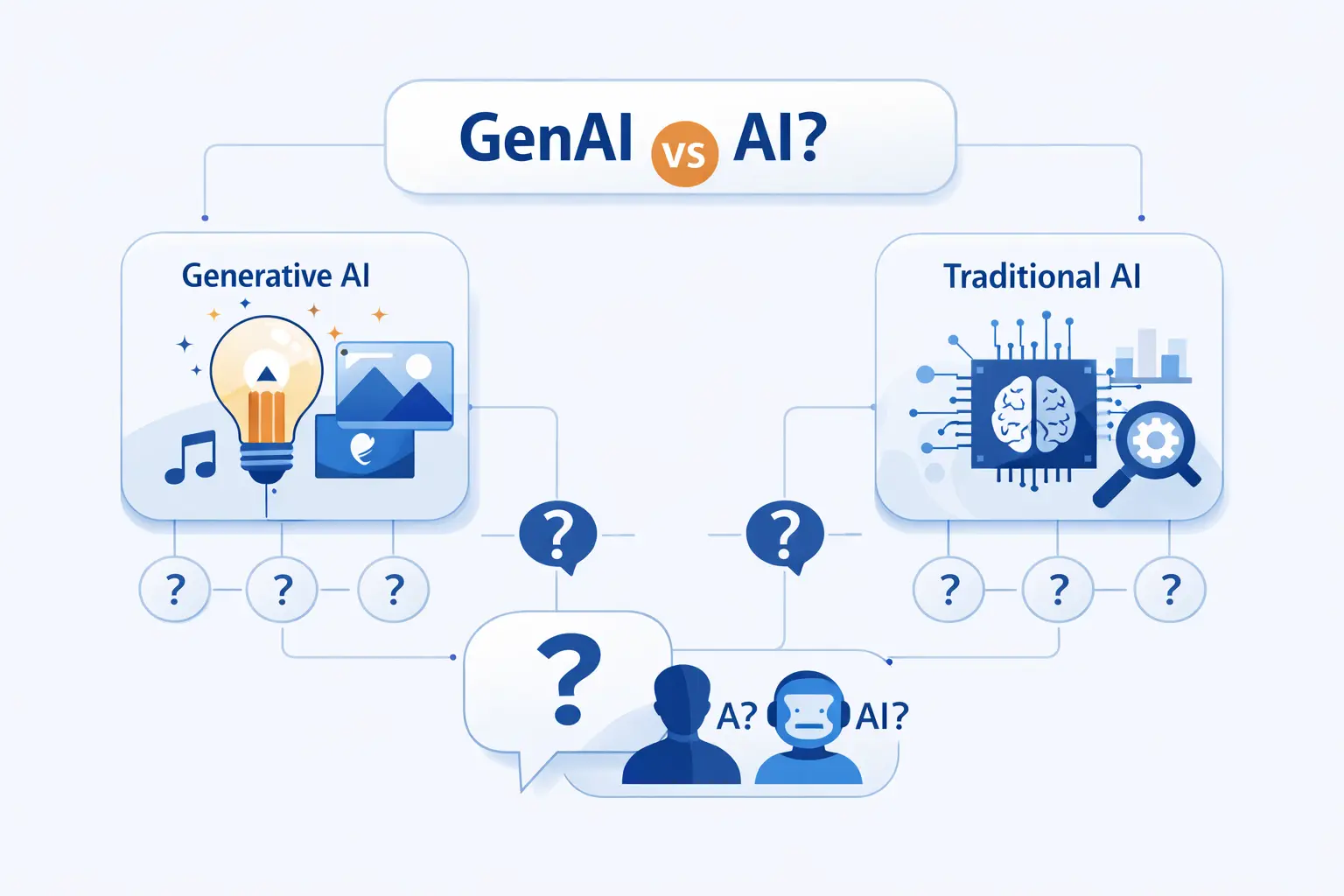
We hear these questions from founders, developers, and first-time buyers all the time. Short answers work best here.
1. Is There a Difference Between AI and GenAI?
Yes. AI is the broad category. GenAI is a subset inside it. If a system detects spam, predicts churn, or ranks search results, it may use AI without being generative.
2. Is ChatGPT AI or GenAI?
ChatGPT is best described as generative AI, and therefore it is also AI in the broader sense. In normal conversation, though, we would label it GenAI because its main job is to generate responses from prompts.
3. What Are the Four Types of AI?
A common framework lists reactive machines, limited memory systems, theory of mind systems, and self-aware systems. In practice, the first two are the useful categories for most business readers. The last two are mostly theoretical.
4. Can Traditional AI and Generative AI Work Together?
Absolutely. In fact, that is often the best design. Traditional AI can retrieve, score, filter, or route. Generative AI can explain, summarize, or draft. Together, they create better user experiences and tighter controls.
5. When Should You Use Generative AI Instead of Traditional AI?
Use generative AI when the output must be open-ended, natural, or creative. If you need a fraud score, a defect label, or a forecast, traditional AI is usually the better fit. If you need a draft, an explanation, or a conversational interface, GenAI is the better starting point.
Final Takeaways on GenAI vs AI
1. AI as the Broader Category
We keep coming back to the same point. AI is the bigger category. It covers prediction, classification, optimization, perception, conversation, and generation.
2. Generative AI as the Content Creation Subset
Generative AI is the content-creating subset. It is powerful, flexible, and often easier for humans to interact with. It is not a replacement for every older model.







3. Matching the Tool to the Task
Our view at 1Byte is simple. Match the tool to the task. In the genai vs ai discussion, the winner is rarely one side. The winner is the team that knows when to score, when to generate, and when to do both.