


- Best Cloud Server for Game Hosting Quick Comparison and Research Criteria
- Top 10 Best Cloud Server for Game Hosting Picks
- 5 More Cloud Servers for Game Hosting Worth Considering
- Key Performance Specs That Matter for Game Hosting
- Game Specific Resource Planning Before You Buy
- Game DDoS Protection, Uptime, and Support Signals to Compare
- What Self Managed Game Server Setup Actually Involves
- Pricing, Fair Usage, and Scaling Considerations
- Frequently Asked Questions
- Conclusion
Choosing the best cloud server for game hosting comes down to one practical question: do you want raw control, easy setup, or a managed platform that handles the hard parts for you? After reviewing official product pages, pricing pages, documentation, and independent review listings, we think the shortlist is clearer than most roundups make it seem. OVHcloud and Amazon GameLift Servers lead if performance control or studio-grade scaling is the priority. Apex Hosting, BisectHosting, and Host Havoc are easier picks when you want to launch faster and spend less time wrestling with infrastructure.
That does not mean there is one universal winner. A small modded Minecraft community needs a different host than a Rust clan, a CS2 admin, or a studio deploying fleets across regions. The sections below are built to help you narrow the field quickly, understand the tradeoffs, and pick the option that fits how you actually plan to host.
Best Cloud Server for Game Hosting Quick Comparison and Research Criteria
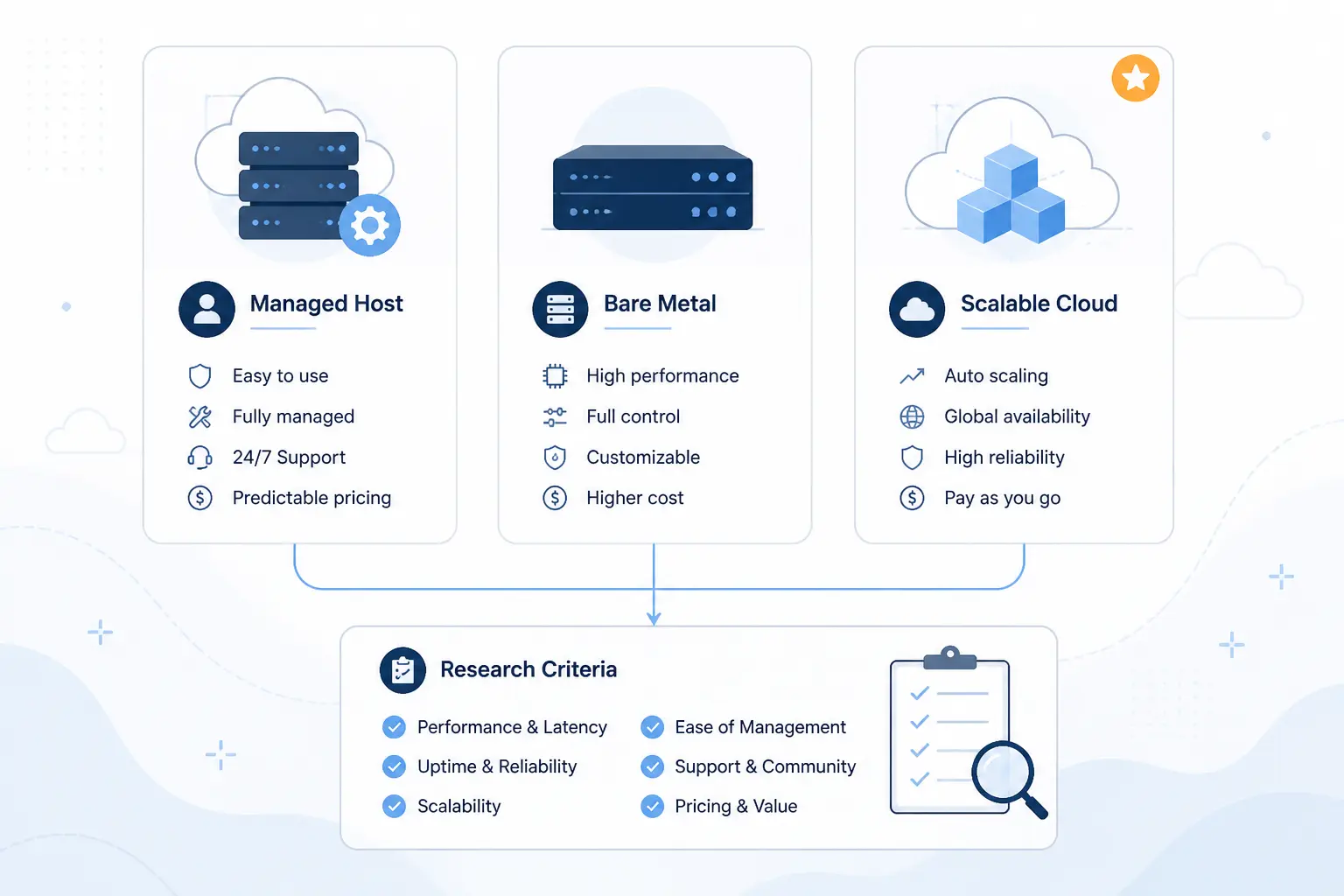
The fastest answer is this: managed game hosts win on ease, bare metal wins on control, and platform services win on scale. That split shaped the whole list. We compared providers on how well they fit real game hosting jobs, how clearly they price those jobs, and how much operational work they leave on your plate. If you only read one section before shortlisting, read the table first and the scoring criteria second.
Quick Comparison of the Best Cloud Server for Game Hosting Options
| Provider | Best For | Ease of Use | Pricing | Management Style | Score |
|---|---|---|---|---|---|
| OVHcloud Game Servers | Bare metal game hosting with strong hardware control | Moderate | Premium monthly | Self-managed dedicated server | 4.6 |
| 1Byte Cloud Server | Budget cloud VM hosting for self-managed game servers | Moderate | Budget monthly | Self-managed cloud server | 3.8 |
| Apex Hosting | Beginner-friendly Minecraft and game hosting | Easy | Mid-range monthly | Managed game hosting | 4.7 |
| Amazon GameLift Servers | Studios building scalable multiplayer infrastructure | Advanced | Usage-based | Managed platform service | 4.8 |
| BisectHosting | Modded Minecraft and hands-on support | Easy | Mid-range monthly | Managed game hosting | 4.6 |
| ScalaCube | Low-cost Minecraft hosting with flexible panel features | Moderate | Low monthly | Managed game hosting | 4.2 |
| InMotion Hosting Minecraft Server Hosting | Minecraft plans with clear RAM and player guidance | Easy | Structured monthly tiers | Managed Minecraft hosting | 4.3 |
| PingPerfect | Wide game catalog and trial-friendly rentals | Moderate | Mid-range monthly | Managed game hosting | 4.4 |
| Shockbyte | Cheap entry plans for smaller game servers | Easy | Low monthly | Managed game hosting | 4.1 |
| Host Havoc Game Server Hosting | Multi-game communities that switch titles often | Moderate | Per-game monthly | Managed game hosting | 4.5 |
How We Researched and Evaluated Each Hosting Provider
Our scores are editorial judgments, not copied ratings. We judged each host against the same practical criteria readers use when they are about to pay for a server.
- Capability fit: we looked at whether the provider can realistically host the kinds of games this category implies, including modded Minecraft, survival sandboxes, and session-based multiplayer.
- Control vs simplicity: we weighed how much freedom you get against how much setup work the provider leaves to you.
- Pricing clarity: we favored hosts whose product pages make it easy to understand what you pay for, what upgrades look like, and where promotional pricing can change the real cost.
- Infrastructure signal: we checked for concrete signs like CPU class, RAM guidance, NVMe storage, bandwidth, DDoS tooling, control panels, and region coverage where the pages exposed them.
- Review confidence: we used third-party ratings as a reality check, while discounting thin listings and treating broad review patterns more seriously than one-off praise.
That framework favors hosts that are honest about tradeoffs. Some cheap plans made the list because they are useful, not because they are magic. Some advanced platforms ranked high because they solve hard problems well, even though they are clearly not beginner tools.
Top 10 Best Cloud Server for Game Hosting Picks
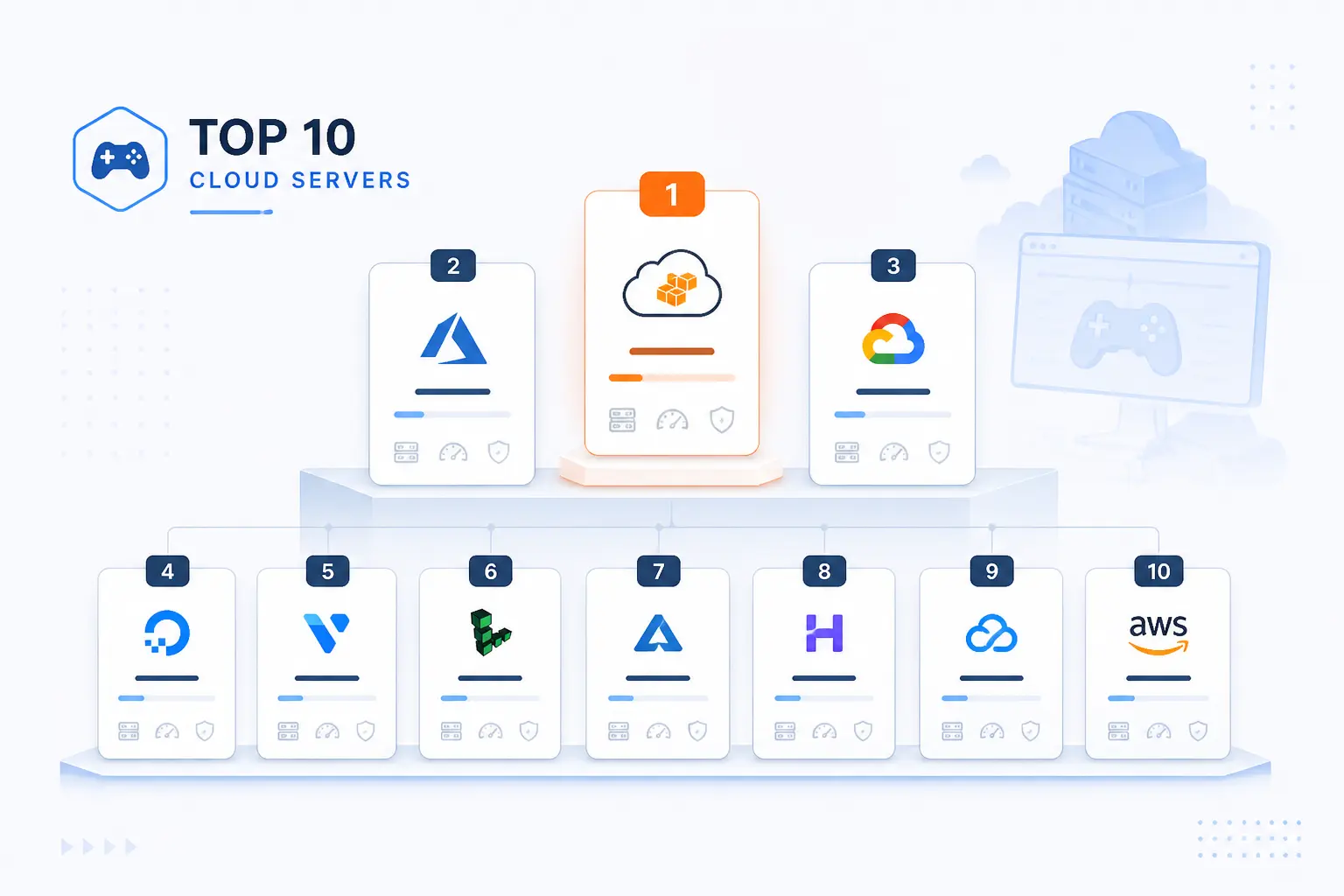
If you want the short version, the top of this list splits into three lanes. OVHcloud and Amazon GameLift Servers are for people who care most about infrastructure depth. Apex Hosting, BisectHosting, and Host Havoc are easier fits for most readers who want to get a server online without building the whole stack themselves. The rest fill specific niches well, from low-cost Minecraft hosting to budget cloud VMs you can shape yourself.
1. OVHcloud Game Servers
- Category: Bare metal game hosting
- Best for: Admins who want hardware-level control
- Ease of use: Moderate
- Pricing: Premium monthly
- Standout feature: Game DDoS protection on dedicated servers
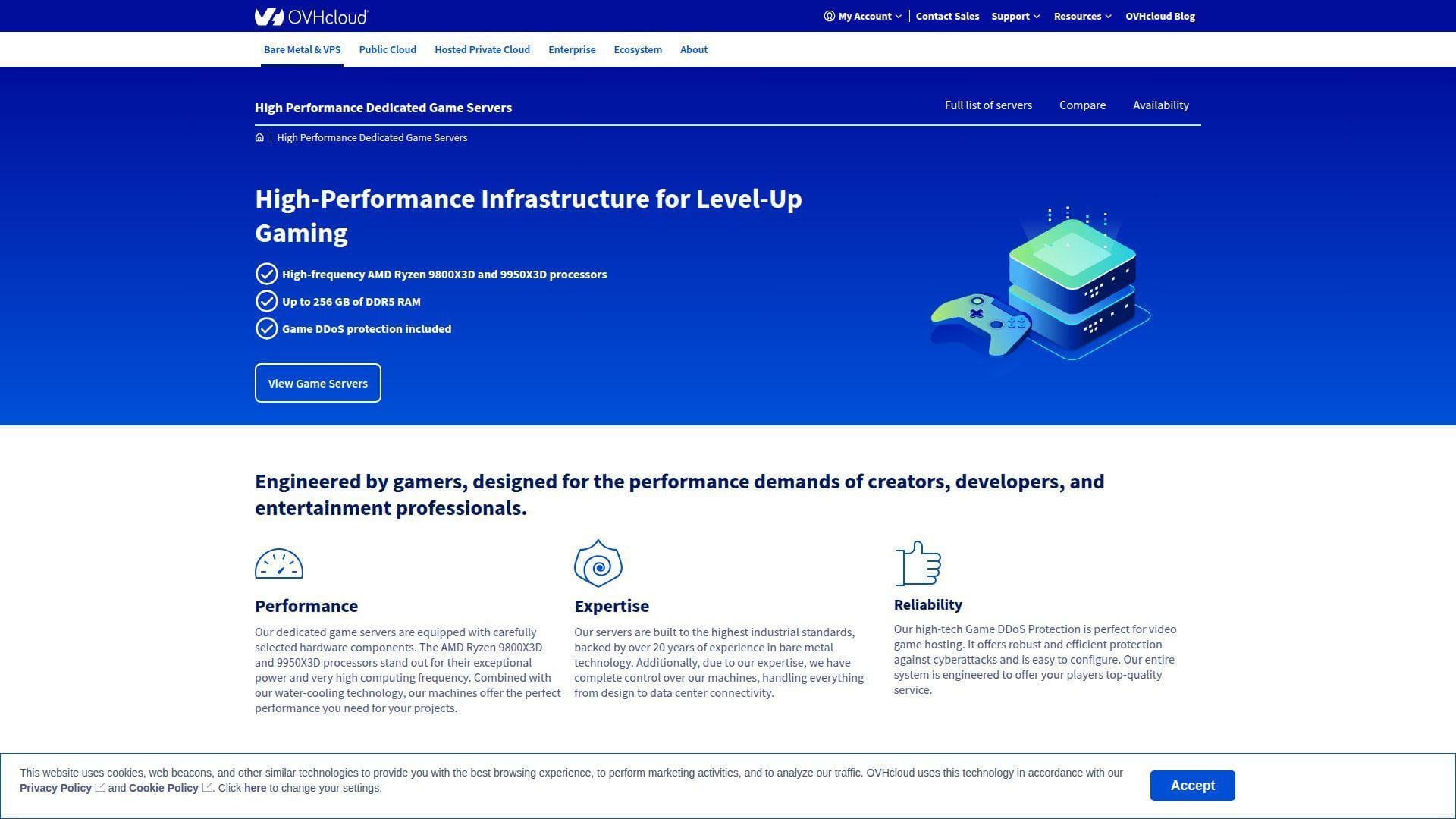
This is the strongest pure infrastructure pick in the list for readers who want to run their own stack instead of renting a hand-held panel experience. OVHcloud stands out because the product is built around dedicated game hardware, not a generic VPS with gaming language pasted on top. The official page is also refreshingly direct about what you get: AMD Ryzen X3D CPUs, DDR5 memory, NVMe SSD storage, public bandwidth, and Game DDoS protection. That makes it one of the clearest choices for high-tick-rate workloads and serious community servers.
The catch is simple. OVHcloud is not trying to be the easiest option here. It is trying to give you a fast, configurable machine and the tools to manage it yourself. If that sounds appealing rather than annoying, it belongs near the top of your shortlist.
How OVHcloud Game Servers works
The workflow is closer to renting serious infrastructure than buying a consumer game panel. From the OVHcloud customer portal, you pick a server configuration, install the operating system, and then deploy the game you want to run. The product page says you can customize ports, mods, and network settings after deployment, which is the right shape for experienced admins who already know their stack.
The platform also includes IPMI access through the OVHcloud Control Panel or API, so you still have a direct path into the machine if the software layer misbehaves. On the hardware side, the public listing highlights the Game-1 model with an AMD Ryzen 7 9800X3D, DDR5 memory that scales up, NVMe SSD storage, and public bandwidth. Network and server-management features on the page also include IPv4 and IPv6 allocation, plus optional add-ons during configuration.
We also like that the page separates included infrastructure from optional extras instead of burying everything in sales fluff. You know early that you are renting a bare metal host with game-focused network protection, not a prebuilt managed game panel.
Who is OVHcloud Game Servers for?
OVHcloud is best for experienced server admins, hosting businesses, competitive communities, and teams that want full control over OS choice, ports, mods, backups, and monitoring. It also makes sense for games where CPU speed and isolation matter more than one-click convenience.
Readers who should look elsewhere are beginners, small friend groups that just want modpacks preinstalled, and anyone who does not want to think about Linux, firewalls, or remote management. If you want a host that feels more like renting an appliance, Apex Hosting or BisectHosting is a smoother path.
OVHcloud Game Servers pricing
- Game-1: $179 per month, AMD Ryzen 7 9800X3D, 64 GB to 256 GB DDR5 memory range, NVMe SSD storage, and public bandwidth.
- Setup terms: one-time setup fees apply on shorter commitments, while the product page says setup is free on commitment periods of 12 months or longer.
Pros and cons
Pros
- Game-focused bare metal with Ryzen X3D hardware instead of generic entry virtualization.
- Game DDoS protection is included on the range.
- IPMI access is included, which matters when you need true out-of-band recovery.
- Public bandwidth and direct server-level control suit custom setups well.
Cons
- Much less beginner-friendly than managed game hosts.
- The public page is light on turnkey plan variety compared with consumer hosts.
- Private bandwidth is not included on the listed Game-1 configuration.
- Shorter commitments can come with setup fees.
OVHcloud Game Servers rating and reviews
- Trustpilot: rated 3.9/5 across 7,882 reviews.
OVHcloud is one of the best choices in this roundup when performance control matters more than convenience. If you know how to run a server and want the host to stay out of your way, it is a strong first stop.
2. 1Byte Cloud Server
- Category: Cloud server
- Best for: Budget self-managed hosting
- Ease of use: Moderate
- Pricing: Budget monthly
- Standout feature: Vertical scaling and web-based OS controls
This is the value-first wild card in the list. 1Byte is not a specialized game host, which is exactly why some readers will like it. The linked page presents it as a customizable cloud server with instant initialization, a web-based management tool, remote desktop-style control, and vertical scaling. For readers who want a cheap VM they can turn into a game server on their own terms, that is a real use case.
Its place in this list is straightforward. It is not here because it beats managed game hosts on convenience. It is here because the entry price is low, the page exposes a sensible resource ladder, and 1Byte explicitly lists gaming servers as a cloud-server use case. If you are comfortable doing your own setup, it can be a low-cost starting point.
How 1Byte Cloud Server works
The flow is closer to renting a general cloud VM than buying a game-specific control panel. You choose a server size, provision it, and then use 1Byte’s web-based tool to install, reinstall, upgrade, or switch operating systems. The page also highlights instant server initialization, remote control through a desktop-style interface, and vertical scaling so you can move resources up or down.
For game hosting, the important part is that 1Byte says player capacity depends on the server specifications. That is obvious, but it is also honest. There is no fake “unlimited performance” promise. The page lists bandwidth up to 1 Gbps, unlimited transfer on the visible entry tiers, and storage options tied to each plan. If you are running something small, like a private Minecraft or Valheim world, that can be enough. If you are planning heavy mods, large player counts, or anti-DDoS-sensitive public communities, you will need to be much more selective.
Who is 1Byte Cloud Server for?
1Byte fits readers who want an inexpensive cloud server, are comfortable installing the game server software themselves, and do not need a polished game-hosting panel. It also makes sense for people who may use the same box for more than one job, such as a website, bot, staging environment, or test server.
Readers who should skip it are beginners who want one-click modpack workflows, public gaming communities that need clearly documented protection features, and buyers who want a North America-first footprint spelled out on the page. The product page simply does not go that deep.
1Byte Cloud Server pricing
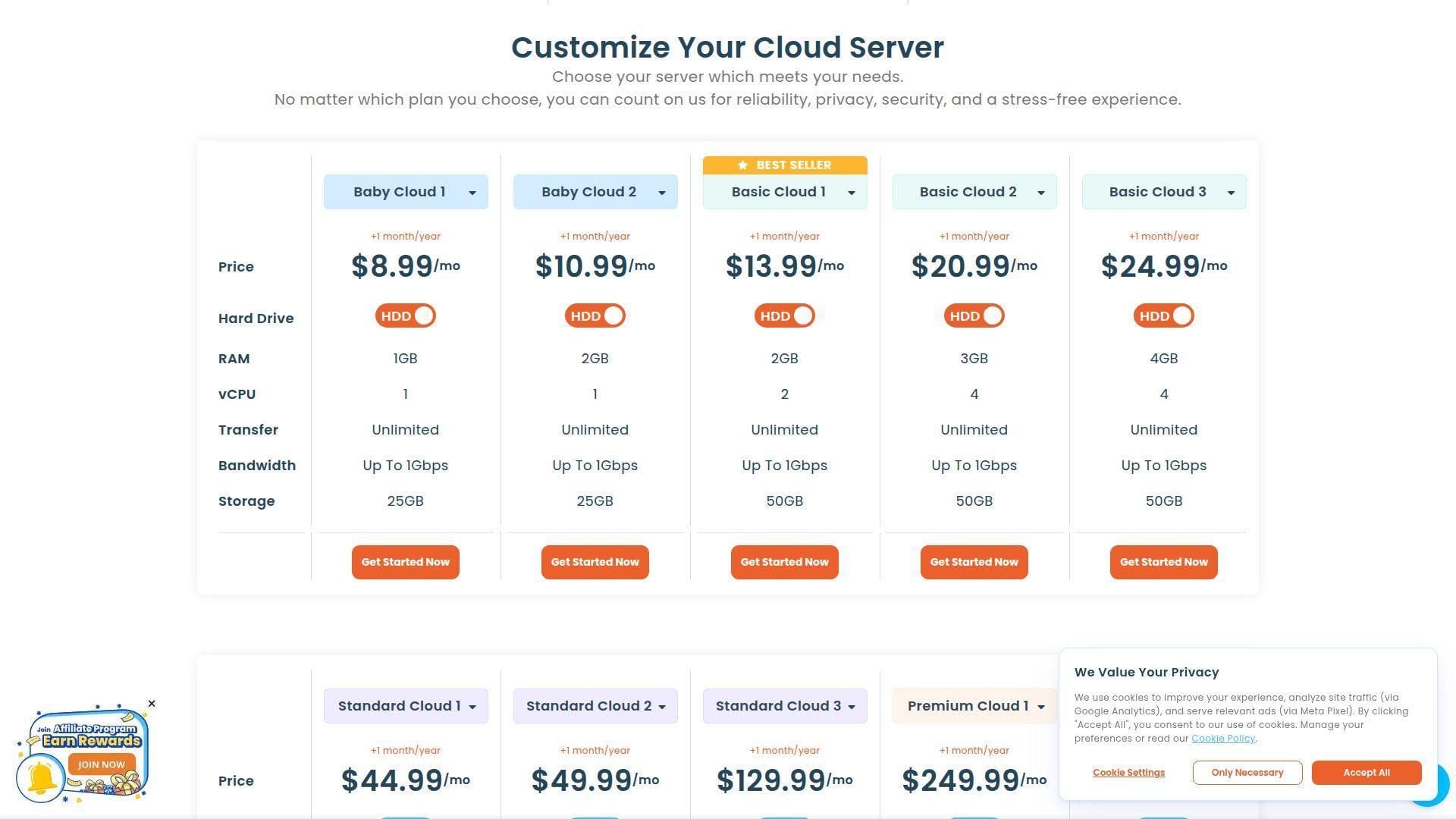
- Baby Cloud 1: $8.99 per month, 1 GB RAM, 1 vCPU, 25 GB storage, unlimited transfer, and bandwidth up to 1 Gbps.
- Baby Cloud 2: $10.99 per month, 2 GB RAM, 1 vCPU, 25 GB storage, unlimited transfer, and bandwidth up to 1 Gbps.
- Basic Cloud 1: $13.99 per month, 2 GB RAM, 2 vCPU, 50 GB storage, unlimited transfer, and bandwidth up to 1 Gbps.
- Basic Cloud 2: $20.99 per month, 3 GB RAM, 4 vCPU, 50 GB storage, unlimited transfer, and bandwidth up to 1 Gbps.
- Basic Cloud 3: $24.99 per month, 4 GB RAM, 4 vCPU, 50 GB storage, unlimited transfer, and bandwidth up to 1 Gbps.
Pros and cons
Pros
- Very low entry cost for a customizable cloud server.
- Web-based OS install and reinstall tools are friendlier than pure command-line provisioning.
- Vertical scaling is called out clearly on the product page.
- The page also confirms other useful services around domains, SSL, hosting, and that 1Byte is an AWS Partner.
Cons
- Not a dedicated game-hosting product with modpack installers or game panels.
- The page is thin on backup details, regions, CPU generation, and gaming-specific protections.
- It states the bandwidth is shared, which matters for performance expectations.
- US readers may want a provider with clearer regional and support detail for this exact use case.
1Byte Cloud Server rating and reviews
The public review footprint we found is still too thin to treat as a meaningful independent score, so we would not use third-party ratings as a deciding factor here.
1Byte earns its spot as a budget self-managed option, not as a polished gaming specialist. If low cost and cloud flexibility are your top priorities, it is worth a look. If you want the game hosting to feel turnkey, move to the next few entries.
3. Apex Hosting
- Category: Managed game hosting
- Best for: Beginners and modded Minecraft communities
- Ease of use: Easy
- Pricing: Mid-range monthly
- Standout feature: One-click mod and plugin workflows
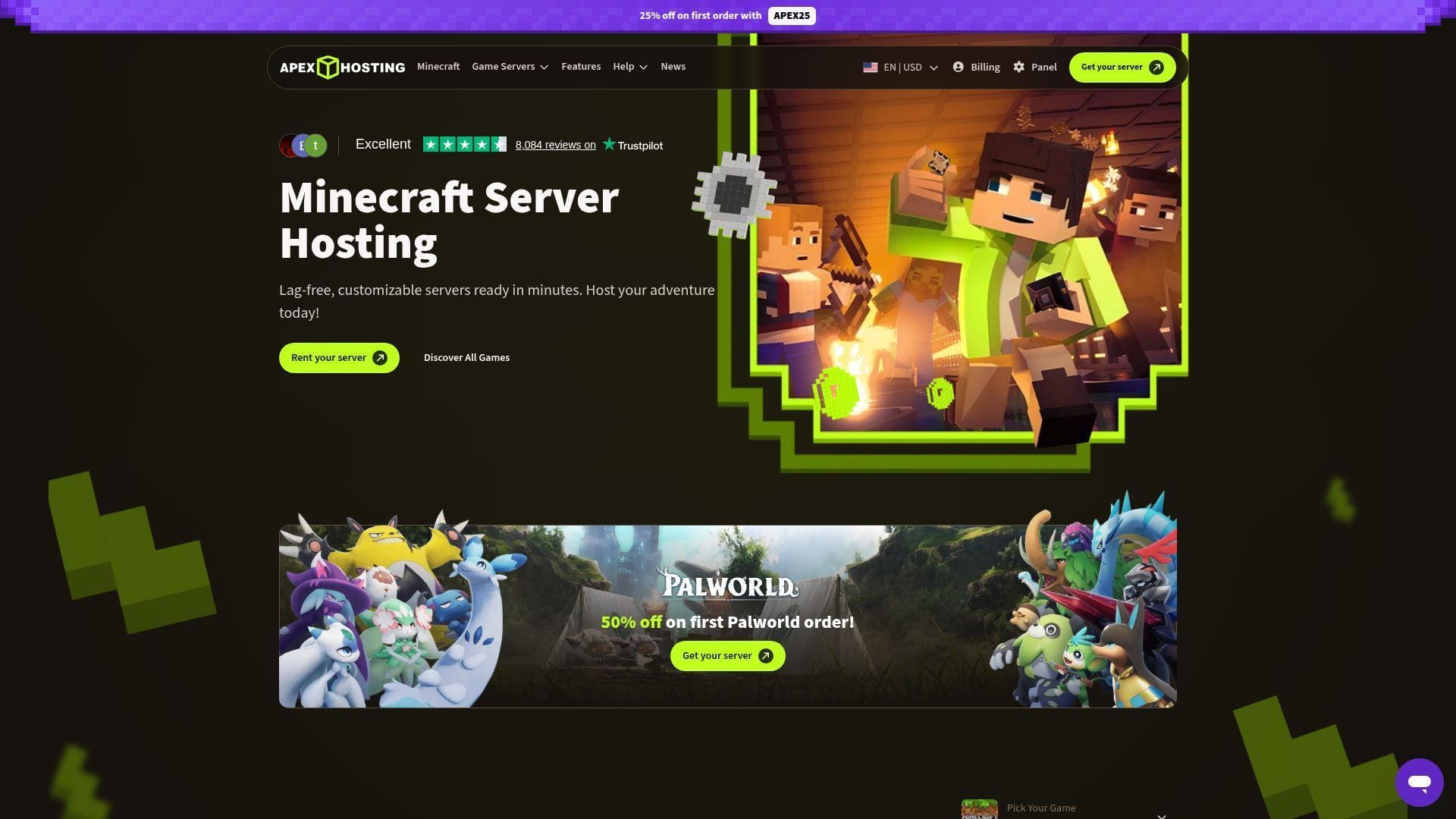
Few providers explain their product as clearly as Apex Hosting. The official site puts the main value proposition front and center: servers ready in minutes, a control panel built around easy game management, one-click installs for mods and plugins, automated backups, unlimited slots, and round-the-clock chat support. For most readers who want to host Minecraft or similar games without becoming a part-time sysadmin, that mix is hard to beat.
Apex also lands in a sweet spot in this list. It is more expensive than the absolute budget options, but the site makes a good case for why. The product feels like it was designed around the questions new admins actually ask, not around what looks impressive on a raw spec sheet.
How Apex Hosting works
You pick a game and plan, provision the server, and then manage it through the Apex panel. The site highlights instant setup in minutes, game switching across more than 20 titles, and access to more than 200 mod packs through one-click tools. On the Minecraft side, Apex exposes both a built-in Plugin List and a Modbox flow, so you can install supported add-ons without hunting down every file by hand.
The product page also emphasizes practical quality-of-life features that matter once a server is live. Every order includes a free subdomain, unlimited slots, automated offsite backups, and 24/7 chat support. For larger or heavier communities, the EX Series listing pushes further with dedicated vCores, NVMe storage, and a free dedicated IP.
Apex is not pretending to be bare metal. It is selling a managed control-panel experience that reduces setup friction. For the target audience, that is the right trade.
Who is Apex Hosting for?
Apex Hosting is best for first-time server owners, modded Minecraft groups, school or club communities, and anyone who values support and easy panel tasks over full infrastructure control. It also suits readers who expect to swap between games or tweak plugins often.
If you want root-level server control, deeply custom networking, or the lowest possible cost per resource, you should look elsewhere. OVHcloud, 1Byte, or another self-managed server will suit that style better.
Apex Hosting pricing
- 4 GB RAM: $14.99 recurring, aimed at basic servers and some modpacks, billed monthly, and shown with a discounted first-month rate on the page.
- 6 GB RAM: $22.49 recurring, aimed at basic servers and some modpacks, billed monthly, and shown with a discounted first-month rate on the page.
- 8 GB RAM: $27.99 recurring, aimed at advanced servers and all modpacks, billed monthly, and shown with a discounted first-month rate on the page.
- EX Series 16 GB RAM: $71.99 recurring, Ryzen-based hardware, NVMe storage, Premium Support, 4 dedicated vCores, and a free dedicated IP.
Pros and cons
Pros
- One-click mod, modpack, and plugin tooling is clearly built into the panel experience.
- Automated offsite backups are included on all orders.
- Unlimited slots remove one common upsell point.
- The site explains bigger performance tiers like EX Series in plain language.
Cons
- Pricing climbs fast when you move from small servers to heavy modpacks.
- Some services stay outside the base plans, including paid support or installation add-ons.
- Readers who want bare-server control may find the managed layer limiting.
Apex Hosting rating and reviews
- Trustpilot: rated 4.6/5 across 8,083 reviews.
Apex Hosting is one of the safest recommendations in this roundup for readers who want a smooth start. It is not the cheapest way to host a game server, but it is one of the easier ways to get a good result without a lot of second-guessing.
4. Amazon GameLift Servers
- Category: Managed game server platform
- Best for: Studios and developers shipping multiplayer games
- Ease of use: Advanced
- Pricing: Usage-based
- Standout feature: Managed fleets with autoscaling and hybrid compute
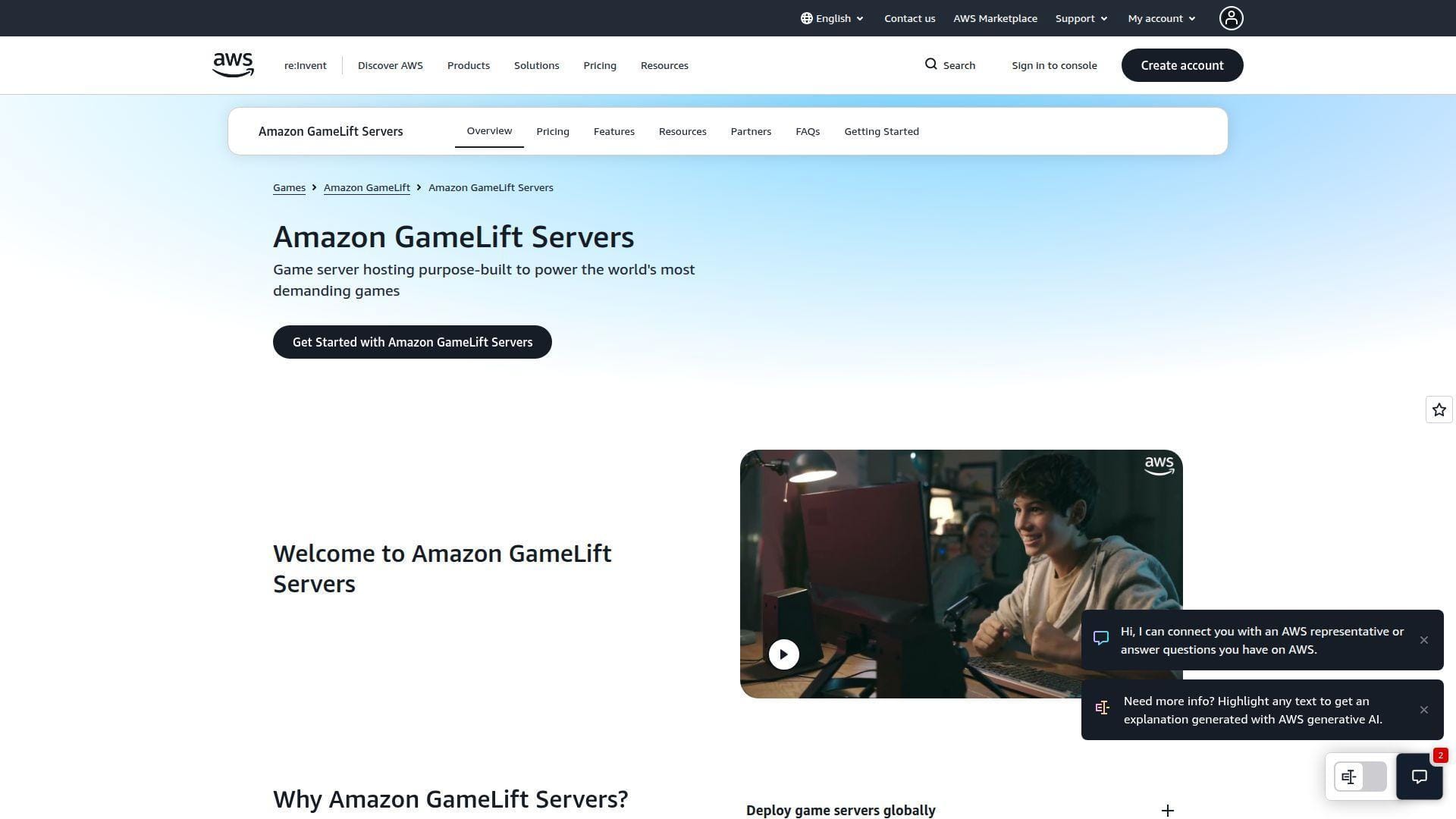
This is the most capable platform in the list, and also the least beginner-friendly. Amazon GameLift Servers is purpose-built for multiplayer game infrastructure, not for renting a quick community server with a friendly panel. The official overview page is explicit about the target: deploy globally, autoscale for spikes, mix AWS and non-AWS compute, and push cost per player down with tools like Spot instances and bandwidth-free eligible instances.
That puts it in a different class from typical game hosts. If you are building and operating a real multiplayer title, that is a strength. If you just want a modded Minecraft server for friends, it is overkill.
How Amazon GameLift Servers works
The workflow starts with integrating your game server with the GameLift server SDK, packaging the build, and then choosing a hosting model. The documentation shows three main routes: managed EC2 fleets, managed container fleets, and Anywhere fleets for compute you supply yourself. In practice, that means you can deploy on AWS-managed infrastructure, use containers, or connect on-premises or third-party compute through the same management layer.
The documentation also makes local and hybrid testing more practical than many readers may expect. Anywhere fleets can register your own compute, including a workstation, for iterative testing before you move to managed fleets. That is useful because it lets teams validate session management and server integration without going all-in on production infrastructure on day one.
Once live, the big draw is scale management. The product page emphasizes responsive autoscaling, global reach across AWS Regions and Local Zones, and a unified layer for session placement and fleet management. That is why GameLift ranks so highly for studios.
Who is Amazon GameLift Servers for?
GameLift is for developers, studios, publishers, and technical teams that need fleet orchestration, regional deployment, and programmable scaling. It is especially good for session-based multiplayer games where demand can spike hard around launches or events.
It is the wrong fit for casual admins, small private communities, and readers who do not already have game-server software to deploy. Those buyers should stick with managed hosts or cloud servers higher up the list.
Amazon GameLift Servers pricing
- Free Tier: new AWS customers can use the service within Free Tier limits for up to 12 months.
- Managed hosting: you pay for EC2 instance usage by region, instance family, size, purchase type, and operating system, with separate data-transfer considerations.
- Anywhere hosting: there are no compute charges from GameLift for your own hardware, but billing is based on game sessions placed and connection minutes.
You can review the cost model in the instance pricing page before you commit to a design.
Pros and cons
Pros
- Built for real multiplayer operations, not just hobby hosting.
- Managed global deployment with autoscaling across AWS infrastructure.
- Hybrid support lets you mix AWS, other clouds, and on-premises resources.
- Eligible generation 6 and later instances get no additional network-bandwidth charge.
Cons
- Far too complex for most small community hosts.
- Requires build integration and operational competence before it becomes useful.
- Reviewers on G2 do praise scaling and latency, but some also flag cost as a challenge for smaller teams.
Amazon GameLift Servers rating and reviews
- G2: rated 4.1/5 across 27 reviews.
Amazon GameLift Servers is the best option here for game businesses that need a platform, not a rental panel. For everyone else, it is better admired than bought.
5. BisectHosting
- Category: Managed game hosting
- Best for: Modded Minecraft and support-heavy setups
- Ease of use: Easy
- Pricing: Mid-range monthly
- Standout feature: Strong modpack depth and fast support claims
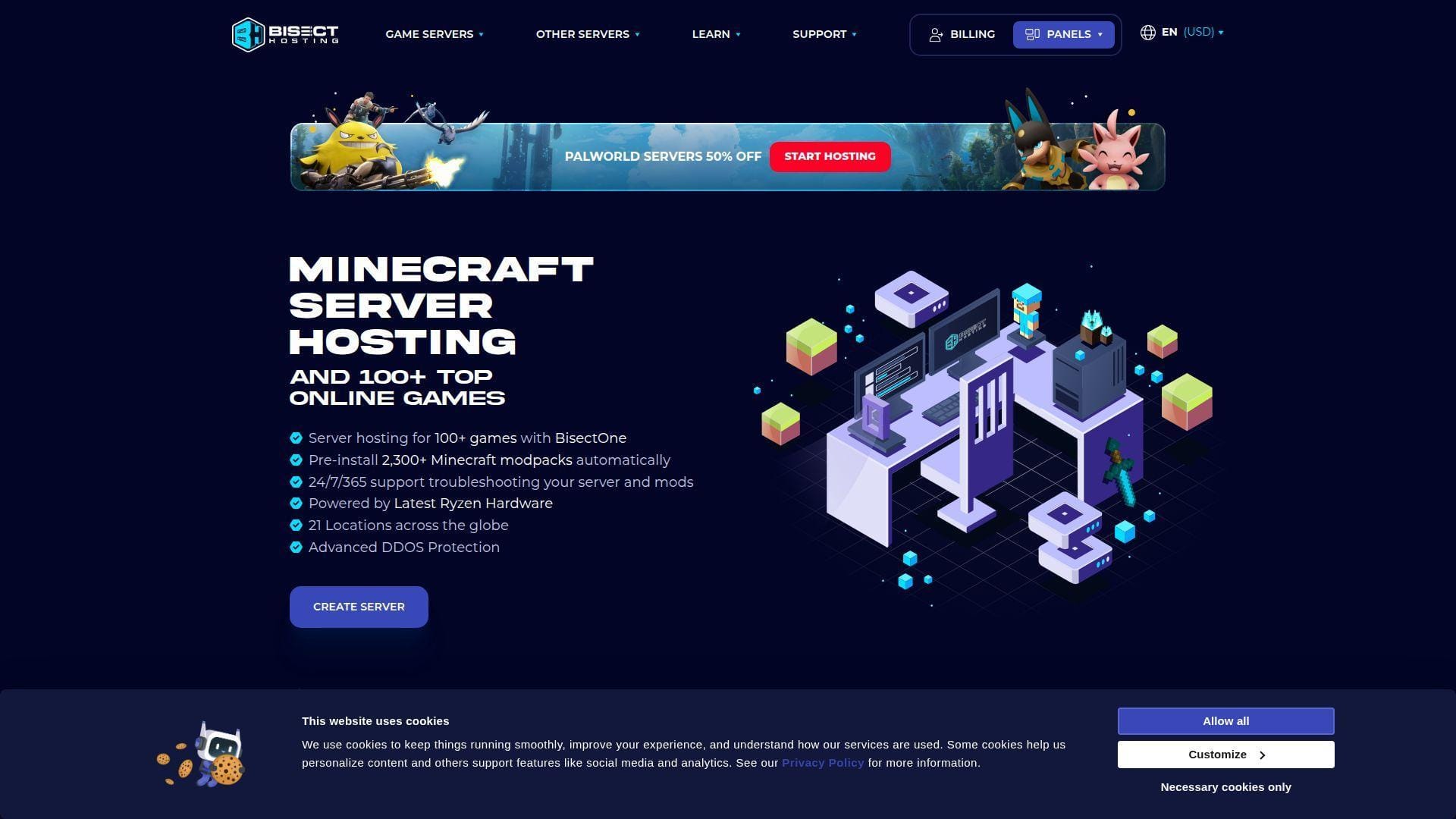
BisectHosting earns its place by being unusually clear about what a mod-heavy game host should do well. The official page leans hard into the things Minecraft admins actually care about: DDoS protection, a long location list, NVMe storage, one-click access to a huge modpack library, and support availability that is framed in practical terms. It reads less like a generic host and more like a service built by people who know how often modded servers go sideways.
That focus matters. Plenty of hosts support modpacks in theory. Fewer make them a central part of the product. BisectHosting does, and that is why it scores well.
How BisectHosting works
The linked Minecraft hosting page is centered on the BisectOne plan structure. From there, you choose RAM, pick a location, deploy the server, and manage it through the company’s panel tools. The page calls out support for Java and Bedrock crossplay, DDoS protection on all servers, and hosting from a large set of global locations.
The modding workflow is the real headline. BisectHosting says users can install from more than 2,300 modpacks with one click. For admins who do not want to upload and babysit every modpack manually, that is a meaningful convenience feature. The page also pushes support hard, with 24/7/365 availability and an advertised average response time under fifteen minutes.
That combination makes BisectHosting feel more like a managed operations helper than a plain server rental. For this use case, that is a selling point.
Who is BisectHosting for?
BisectHosting is for Minecraft communities, modpack users, and buyers who want support to be part of the product rather than an afterthought. It also suits crossplay-minded groups that want Java and Bedrock flexibility without moving to a pure DIY server.
If you want root-level server administration, or if you are hosting many different titles and care less about Minecraft-specific tooling, you may prefer a raw cloud box or a broader multi-game host.
BisectHosting pricing
- 2 GB: $5.99 monthly, recommended for 3 players, supports 31 other games, and positioned for vanilla servers.
- 4 GB: $11.99 monthly, recommended for 6 players, supports 54 other games, and positioned for vanilla servers.
- 16 GB: $47.99 monthly, recommended for 48 players, supports 100 other games, and positioned for modded servers.
- Billing note: the page also shows discounted per-GB rates on longer terms, with lower effective pricing on quarterly, semi-annual, and annual billing.
Pros and cons
Pros
- One-click access to more than 2,300 modpacks is a real differentiator.
- The page clearly confirms NVMe storage and 21 locations.
- DDoS protection is included by default.
- Support messaging is concrete rather than vague, including a published average response target.
Cons
- Bigger modded servers become expensive fast because the model scales with RAM.
- The strongest value is still centered on Minecraft rather than broad infrastructure control.
- Buyers who want a plain VPS may find the managed layer restrictive.
BisectHosting rating and reviews
- Trustpilot: rated 4.7/5.
BisectHosting is one of the best choices here if modpacks are part of the plan from day one. It is easy to recommend when support and Minecraft-specific tools matter more than bare-metal freedom.
6. ScalaCube
- Category: Managed game hosting
- Best for: Budget-minded Minecraft hosting
- Ease of use: Moderate
- Pricing: Low monthly
- Standout feature: Unlimited slots and multiple servers on one VPS
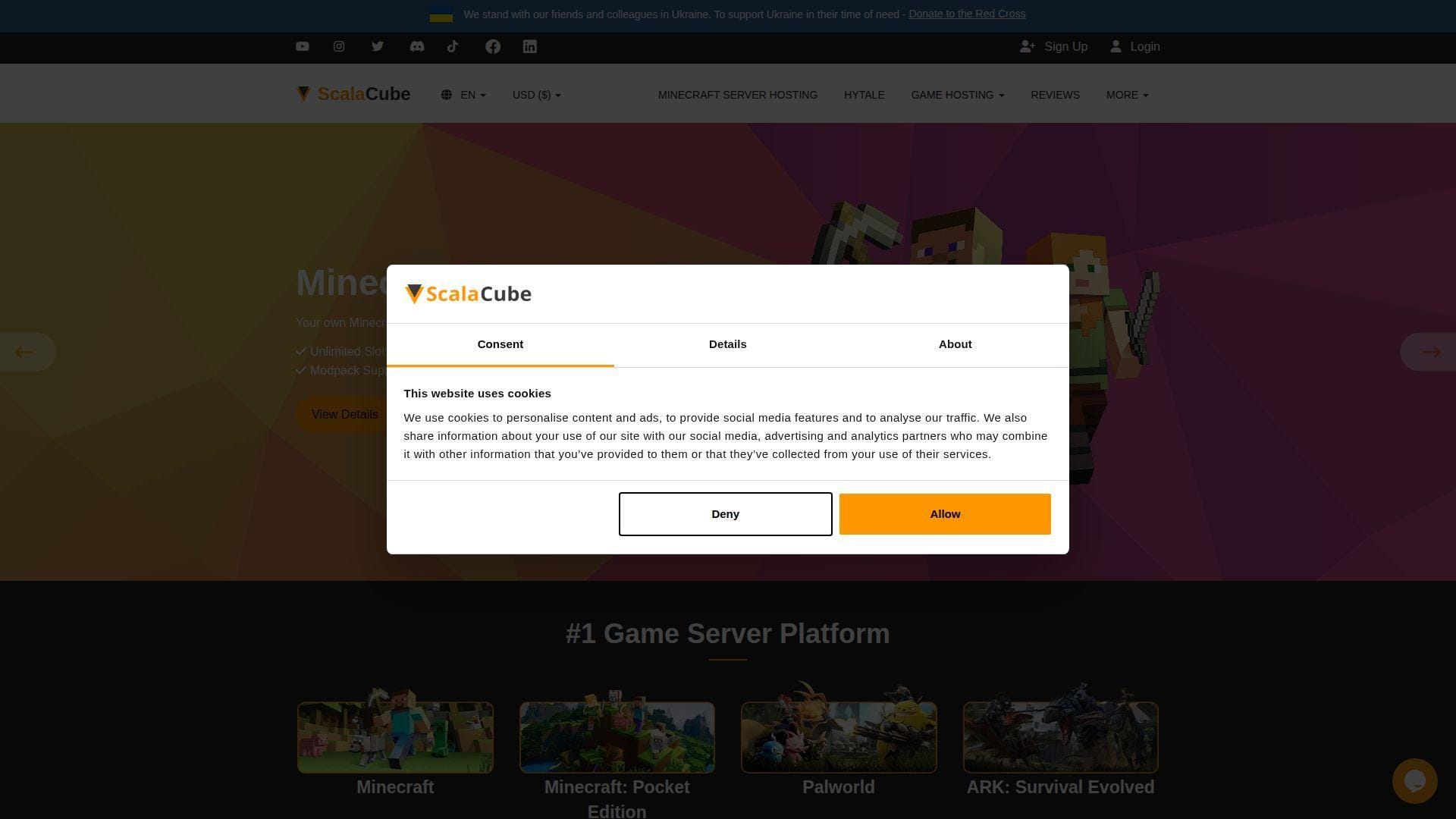
ScalaCube is the budget-friendly panel host in this tier, but with a twist. The official Minecraft page does not just push low starting prices. It also says you can run an unlimited number of game servers with an unlimited number of slots on one VPS through its control panel, provided you have enough RAM and CPU resources. That is a more flexible pitch than the usual “cheap server, good luck” approach.
The result is a host that looks especially attractive for small communities, tinkerers, and buyers who want to squeeze more than one workload onto a single plan. It is not the most transparent service in this list on deep hardware detail, but it does explain the control-panel angle well.
How ScalaCube works
The page positions ScalaCube around a control panel that handles server creation and management on top of a VPS resource pool. Rather than tying each purchase to one tiny fixed world, the service says you can set up multiple game servers and unlimited slots as long as the VPS has enough memory and CPU power. That is useful if you want separate worlds, test instances, or side projects without renting a new account for each one.
The feature list on the page is also clearly aimed at Minecraft admins. It includes plugin and mod support, custom JAR support, BungeeCord support, a backup system, full file access, and one-click installation for a large modpack catalog. The offer messaging is sales-heavy, but the actual feature set is broad.
Who is ScalaCube for?
ScalaCube is best for readers who want low-cost Minecraft hosting, expect to run multiple small instances, or want panel-based control without moving to a raw server. It also makes sense for hobbyists who care more about flexibility per dollar than premium support branding.
Readers who should look elsewhere are large public communities that want clearer hardware documentation and buyers who place a high premium on third-party reputation consistency.
ScalaCube pricing
- Entry pricing: plans start at $2 per month on the linked Minecraft page.
- First-month offer: the page advertises a discounted first invoice for new purchases.
- Included features: unlimited slots, DDoS protection, backup system, full file access, and plugin or mod support are all highlighted on the page.
Pros and cons
Pros
- Very low public entry price.
- The control panel is designed around running more than one server on a VPS resource pool.
- Unlimited slots, backup features, and full file access are clearly listed.
- Good fit for hobby admins who want flexibility over polish.
Cons
- The public page is less clear on exact hardware tiers than some rivals.
- Marketing language is stronger than the operational detail in places.
- Review sentiment is decent overall, but it inspires less confidence than the top few picks.
ScalaCube rating and reviews
- Trustpilot: rated 4.5/5 across 5K reviews.
ScalaCube is worth considering when budget matters and you still want a feature-rich panel. We would just go in with clear expectations about support, transparency, and how much tuning you may still end up doing yourself.
7. InMotion Hosting Minecraft Server Hosting
- Category: Managed Minecraft hosting
- Best for: Buyers who want clear RAM tiers
- Ease of use: Easy
- Pricing: Structured monthly tiers
- Standout feature: Very clear player-count and modpack guidance
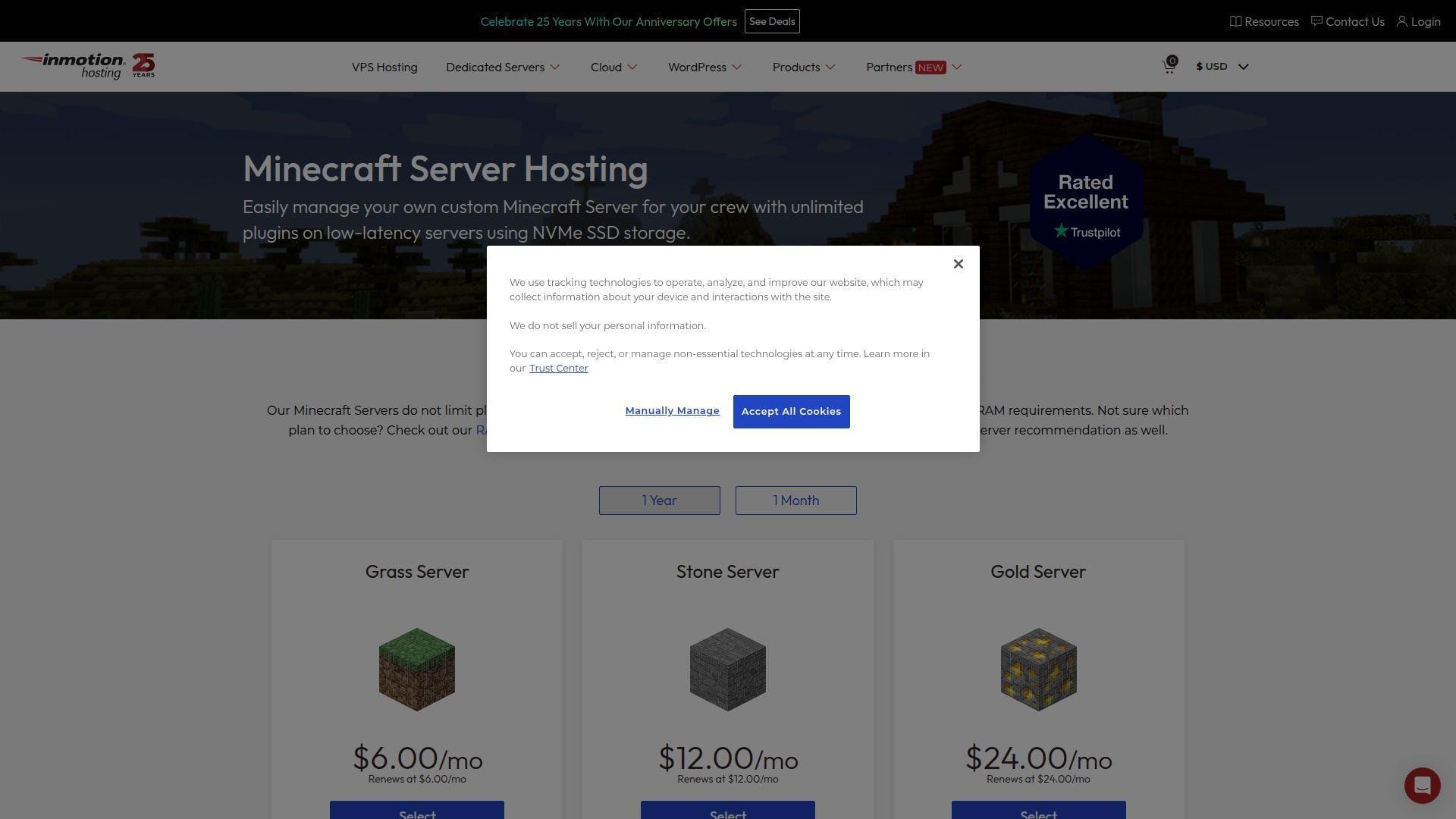
InMotion Hosting earns a place here because the product page does a good job of translating server specs into plain recommendations. That sounds simple, but it matters. Instead of making you infer what a plan can handle, the page pairs RAM tiers with suggested player counts and whether each plan is suitable for plugins or modpacks. For readers who are new to sizing a game server, that is useful and honest.
The service is also positioned on cloud-powered VPS infrastructure with dedicated RAM and CPU resources plus NVMe storage. That lands it between a generic cloud box and a pure game-hosting panel. It still feels managed, but the resource language is a bit more concrete than some rivals.
How InMotion Hosting Minecraft Server Hosting works
You choose a Minecraft plan, receive access to the server and admin panel within minutes, and either jump straight in or customize the setup with included plugins and modpacks. The page says the servers run on cloud-powered VPS plans with dedicated CPU and RAM, which is a meaningful distinction from looser shared hosting language.
The plan ladder is easy to read. Lower tiers are positioned around smaller player counts and lighter plugin usage, while upper tiers move into modpack territory and larger communities. InMotion also says it does not limit player slots, plugins, or modpack use, while noting that each modpack has different RAM needs. That is sensible guidance rather than a blanket promise.
Who is InMotion Hosting Minecraft Server Hosting for?
This is a strong fit for readers who want Minecraft only, appreciate a familiar hosting-company style buying flow, and want obvious RAM guidance before checkout. It is also a good option for schools, clubs, and private communities that want a named tier structure rather than open-ended custom configuration.
Look elsewhere if you want a broad catalog of many games under one panel or if you need deep infrastructure control beyond a managed Minecraft environment.
InMotion Hosting Minecraft Server Hosting pricing
- Grass Server: $6.00 per month on the annual billing view, 2 GB RAM, recommended for up to 10 players, supports most plugins, and not recommended for modpacks.
- Stone Server: $12.00 per month on the annual billing view, 3 GB RAM, recommended for up to 12 players, supports all plugins, and not recommended for modpacks.
- Gold Server: $24.00 per month on the annual billing view, 4 GB RAM, recommended for up to 20 players, supports all plugins, and supports some modpacks.
- Netherite Server: $185.00 per month on the annual billing view, 32 GB RAM, recommended for 100+ players, supports all plugins, and supports all modpacks.
Pros and cons
Pros
- Clear plan-to-player guidance is better than most hosting pages offer.
- Dedicated RAM and CPU language gives buyers a better sense of what they are renting.
- NVMe storage is called out on the page.
- No player-slot cap is a nice touch for community growth.
Cons
- This is a Minecraft-first product, not a true multi-game platform.
- Monthly billing is higher than the annual view shown on the page.
- Independent reviews reflect the broader InMotion brand, not just this Minecraft product line.
InMotion Hosting Minecraft Server Hosting rating and reviews
- Trustpilot: rated 4.5/5 across 3K reviews.
InMotion Hosting is a sensible pick if you want straightforward Minecraft sizing and a familiar hosting-company experience. It is not the flashiest option here, but it is one of the easier pages to buy from confidently.
8. PingPerfect

- Category: Managed game hosting
- Best for: Readers who host different games over time
- Ease of use: Moderate
- Pricing: Mid-range monthly
- Standout feature: Free trial and broad game catalog
PingPerfect makes a strong case for itself as a broad, game-first host rather than a single-title specialist. The homepage says it supports roughly 250 games, uses 4.5 GHz+ hardware, and offers a wide location footprint. The game-specific Minecraft page adds more practical detail, including plan sizes, nightly backups, DDoS mitigation, free web hosting, and a free trial flow that lets you configure a server before committing.
That puts PingPerfect in a nice middle ground. It is not as bare-metal as OVHcloud or as studio-centric as GameLift, but it offers more range than one-game hosts and more structure than a plain cloud VM.
How PingPerfect works
You pick a game, choose a plan, and the service deploys the server quickly through an automated setup flow. The homepage says most servers are ready within ten minutes. The product pages also stress game swapping, which matters if your group moves from one title to another instead of paying for a fresh host every time.
For Minecraft specifically, the plan page shows slot-focused tiers with RAM, storage, hardware class, and included features. The same page also outlines the free trial process, where you configure the server first and then decide whether to keep it. That is a practical way to reduce buyer risk, especially for readers comparing hosts for the first time.
Who is PingPerfect for?
PingPerfect is best for community admins who host a variety of games, want a proper managed host, and value trial access before paying. It is also a sensible choice for groups that need decent geographic coverage without going full enterprise.
It is less appealing for readers who want the cheapest possible entry price or a raw server they can manage completely outside a game-hosting panel.
PingPerfect pricing
- 20+ Slots: $17.62 per month, 6 GB RAM, about 100 GB NVMe SSD, DDoS mitigation, nightly backups, and free web hosting.
- 50+ Slots: $27.43 per month, 8 GB RAM, about 100 GB NVMe Pro SSD, DDoS mitigation, nightly backups, and free web hosting.
- 100+ Slots: $62.46 per month, 12 GB RAM, Extreme Hardware, about 100 GB NVMe Pro SSD, DDoS mitigation, and nightly backups.
- Custom Build: configurable hardware tier, CPU priority, RAM, storage, and player-slot choices.
You can inspect the game-specific options on the Minecraft plan page before deciding whether the broader platform fits your game mix.
Pros and cons
Pros
- Free trial is one of the more buyer-friendly offers in this list.
- Broad game catalog makes it useful beyond one title.
- Nightly backups and DDoS mitigation are included on the shown plans.
- The pages clearly highlight global locations and high-frequency hardware.
Cons
- Entry pricing is not as low as budget-focused hosts.
- Panel convenience comes with less infrastructure freedom than a self-managed server.
- Independent review data is solid, but not as strong as Apex or some other leaders here.
PingPerfect rating and reviews
- Trustpilot: rated 4.3/5 across 1,037 reviews.
PingPerfect is a good shortlist pick when your group hosts several games across the year. If you want one account that can follow the community rather than lock it to one title, it deserves a close look.
9. Shockbyte
- Category: Managed game hosting
- Best for: Very cheap entry plans
- Ease of use: Easy
- Pricing: Low monthly
- Standout feature: Broad Minecraft version support at low starter pricing
Shockbyte is the budget-first managed host in the top ten. The official Minecraft page pushes the familiar advantages hard: instant setup, DDoS protection, automatic updates, one-click installers, and a long ladder of RAM plans. The big reason it stays relevant is simple. The entry price is low enough to make it attractive for small friend-group servers, experiments, and casual communities that do not want to spend much upfront.
The tradeoff is equally simple. Low entry pricing and heavy promotion do not erase the need to watch support quality and recurring cost details. That is where Shockbyte feels less dependable than the very top picks.
How Shockbyte works
You choose a RAM tier, deploy the server, and manage it through Shockbyte’s control panel. The page says the plans support both Minecraft Java and Bedrock Edition, with automatic updates and one-click installs for server types from Paper and CraftBukkit to Forge, Vanilla, Bedrock Dedicated Server, and PocketMine-MP.
That wide compatibility matters because it saves buyers from choosing a host that only fits one flavor of Minecraft. The page also advertises instant setup, a self-serve refund window, and support around the clock. For novice admins, that is a comfortable starting point.
Who is Shockbyte for?
Shockbyte works best for small servers, casual communities, and cost-conscious buyers who want a managed service without paying premium rates. It is also useful for readers who want a simple way to try different Minecraft server types.
If your server is mission-critical, heavily modded, or likely to need fast human support under pressure, we would still lean toward Apex, BisectHosting, or OVHcloud depending on your comfort level.
Shockbyte pricing
- Dirt: $2.79 monthly on the displayed first-month promotion, 1 GB RAM, instant setup, DDoS protection, and access to the control panel.
- Sand: $5.59 monthly on the displayed first-month promotion, 2 GB RAM, instant setup, DDoS protection, and access to the control panel.
- Cobblestone: $8.39 monthly on the displayed first-month promotion, 3 GB RAM, instant setup, DDoS protection, and access to the control panel.
- Emerald: $22.39 monthly on the displayed first-month promotion, 8 GB RAM, instant setup, DDoS protection, and support for heavier setups.
Pros and cons
Pros
- Cheap entry tiers make it easy to start small.
- Java and Bedrock support is clearly documented.
- One-click installs and automatic updates lower the admin burden.
- The plan ladder scales a long way beyond tiny starter servers.
Cons
- The public prices on the page are promotional, so buyers need to read the checkout terms carefully.
- Support concerns show up more often in public review discussion than with the best-rated competitors.
- Advanced users may outgrow the managed model quickly.
Shockbyte rating and reviews
- Trustpilot: rated 4.0/5 across 10K reviews.
Shockbyte remains relevant because it keeps the barrier to entry low. That is useful. We would just treat it as a value play, not as the no-compromise answer.
10. Host Havoc Game Server Hosting
- Category: Managed game hosting
- Best for: Multi-game communities and server switching
- Ease of use: Moderate
- Pricing: Per-game monthly
- Standout feature: Strong support for Steam Workshop and plugin APIs
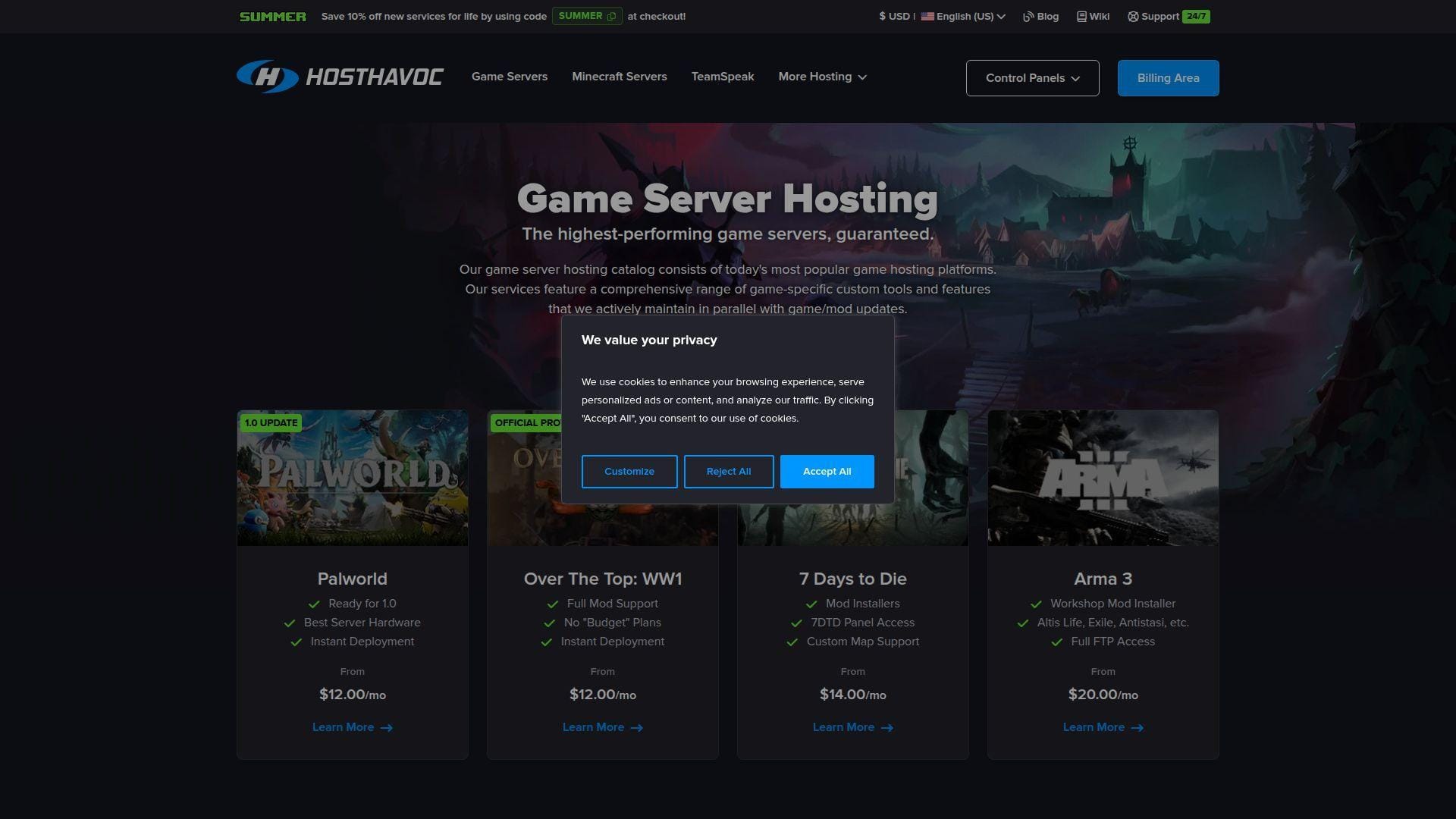
Host Havoc is one of the more practical all-rounders in this roundup. The linked games page covers a broad set of titles, while the knowledgebase pages show a product that is designed around ongoing management, not just initial sale. We especially like the evidence that you can switch games, preserve progress during upgrades, work with Steam Workshop where supported, and manage backups from the panel. That gives it a grounded, operations-friendly feel.
It also strikes a nice balance between ease and flexibility. You are still using a managed game host, but you are not boxed into a tiny one-game lane.
How Host Havoc Game Server Hosting works
You choose a game-specific product, deploy it through Host Havoc’s billing and game panel flow, and then manage it through the platform’s customized control interfaces. The official games page says supported titles can use Steam Workshop mods, and games with third-party plugin APIs like Oxide or ARK API are fully supported on the relevant Windows-based environments.
The management side looks well thought out. Host Havoc’s documentation says you can upgrade a service without losing progress, switch an existing server to a different game through the billing area, add sub-users, and create or schedule backups from the panel. For Minecraft, the docs also show Multicraft-based backup controls and scheduled tasks. That is the kind of practical operational detail we like to see.
Who is Host Havoc Game Server Hosting for?
Host Havoc is best for groups that move between games, community owners who need workshop or plugin support, and buyers who want managed hosting with more depth than a tiny Minecraft-only storefront. It is also a solid fit for survival and sandbox communities where backups and game switching matter.
Readers who should look elsewhere are buyers who want a raw cloud server with root access above all else, or bargain hunters chasing the absolute lowest entry price.
Host Havoc Game Server Hosting pricing
- Valheim: $9.99 monthly, instant setup, DDoS protection, customized TCAdmin control interface, 24/7/365 support services, and a satisfaction guarantee.
- Project Zomboid: $12.00 monthly, instant setup, DDoS protection, customized TCAdmin control interface, 24/7/365 support services, and a satisfaction guarantee.
- Rust: $16.00 monthly, instant setup, DDoS protection, customized TCAdmin control interface, 24/7/365 support services, and a satisfaction guarantee.
For a broader view of the product catalog, the company also exposes its game listing page with per-title starting prices.
Pros and cons
Pros
- Game switching is documented instead of treated like a hidden sales trick.
- Supports Steam Workshop and major plugin APIs where the game allows it.
- Backup creation and scheduling are exposed clearly in the knowledgebase.
- The refund policy on first purchase is at least spelled out in plain language.
Cons
- Hardware detail is less front-and-center than with more infrastructure-heavy hosts.
- Some regional product pages are easier to understand once you enter the billing catalog.
- It is still a managed host, so deep system-level freedom is more limited than on a cloud VM or dedicated server.
Host Havoc Game Server Hosting rating and reviews
- Trustpilot: rated 4.5/5 across 2K reviews.
Host Havoc is one of the easiest providers in this list to recommend broadly. If your group hops between games and you want one host that can keep up, it is a strong closer for the top ten.
5 More Cloud Servers for Game Hosting Worth Considering
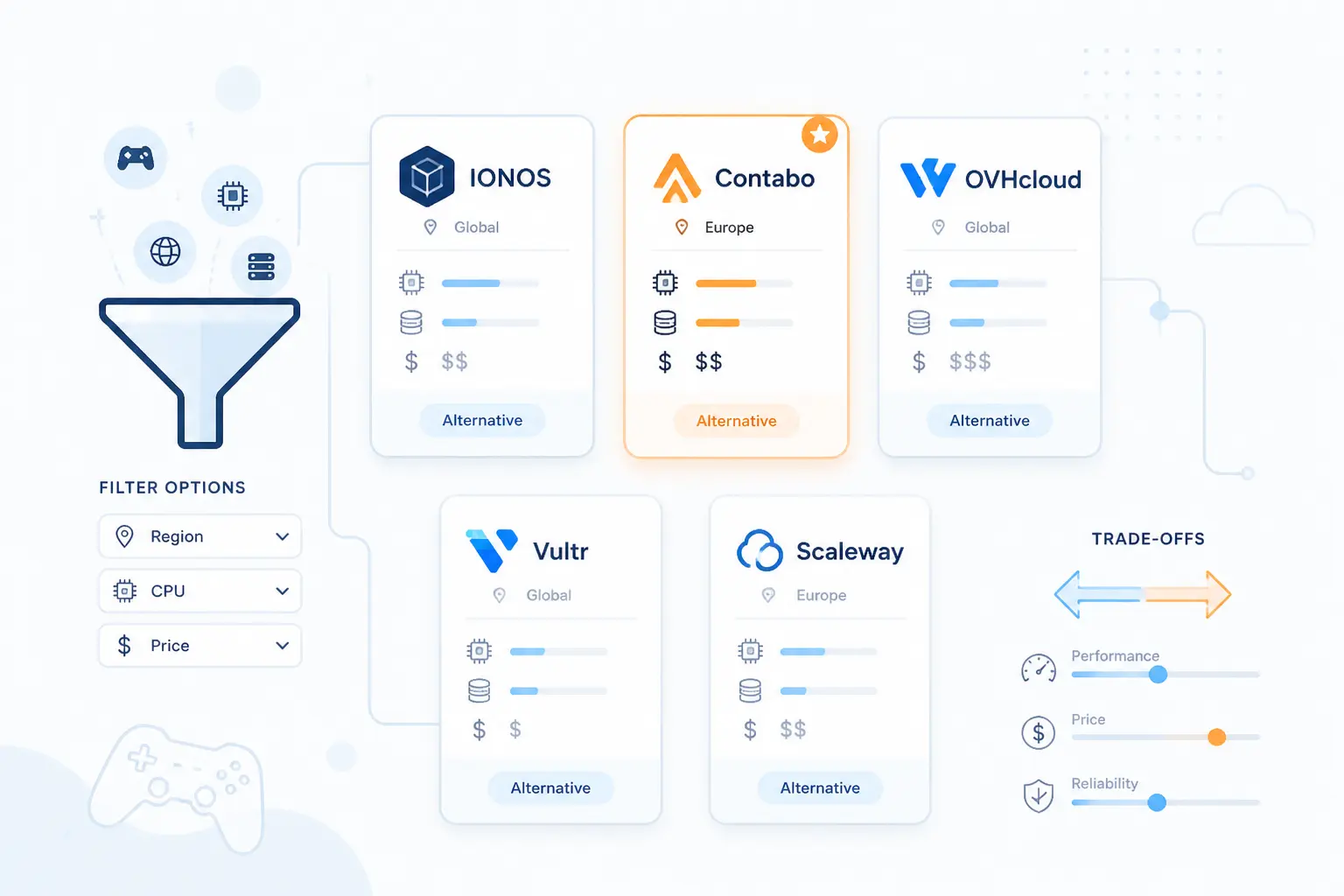
These five did not make the top tier, but each one does something better or differently enough to deserve a mention. In some cases the tradeoff is complexity. In others, it is a narrower game focus or a more infrastructure-heavy buying flow. If the top ten felt too managed, too expensive, or not customizable enough, this section is where to keep looking.
11. Leaseweb Dedicated Servers
- Category: Dedicated servers
- Best for: Custom bare metal with global network reach
- Ease of use: Moderate
- Pricing: Gaming category starts at $45.09 monthly
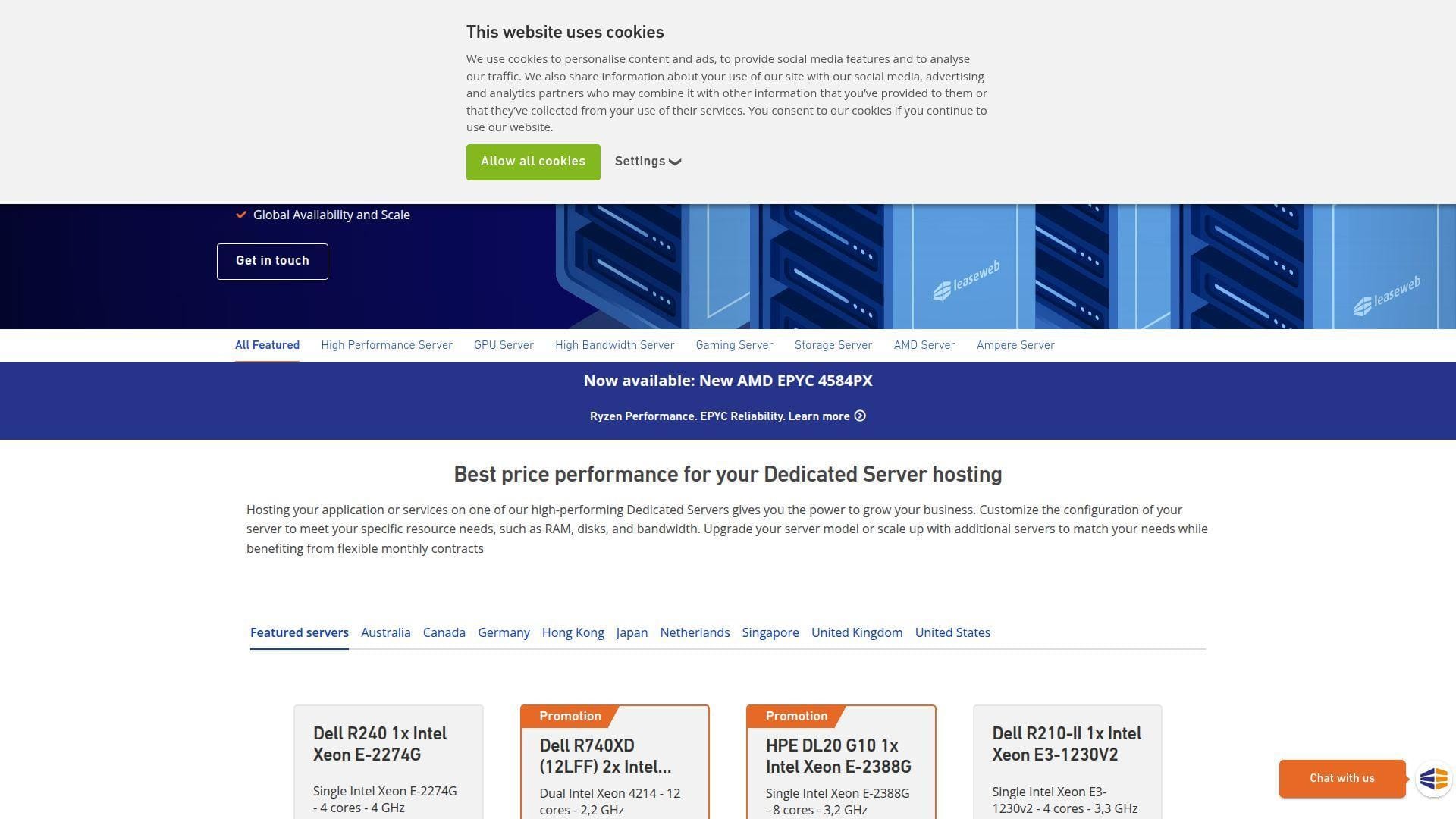
Leaseweb is a serious infrastructure option for readers who want dedicated hardware without drifting into a tiny boutique provider. The official dedicated server pages focus on customization, monthly contracts, root or IMPI access, and management through the Customer Portal or API. That makes it a credible fit for game hosting teams that care more about stable infrastructure and upgrade paths than about one-click mod installers.
What it does better than many managed game hosts is network and portal depth. The US dedicated page highlights gaming servers as a dedicated category, while also calling out traffic allowances, private networking, NVMe upgrades, and direct remote-management options. It reads like a platform built for people who know what they are deploying.
On pricing, the US page shows a gaming server category with a public starting point, along with high-bandwidth and high-performance ranges above it. That is useful if you already know you may scale out into something more specialized later. We also like that the company keeps monthly contracts in view, instead of forcing long commitments just to reveal the product line.
Who is Leaseweb Dedicated Servers for?
Leaseweb is for advanced admins, studios, and resellers that want dedicated hardware, strong network framing, and proper remote-management access. If you want a managed hobby panel, it is probably more server than you need.
12. Cherry Servers
- Category: Dedicated and virtual servers
- Best for: Hourly billing and fast bare metal deployment
- Ease of use: Moderate
- Pricing: Dedicated servers start at about $0.091 per hour
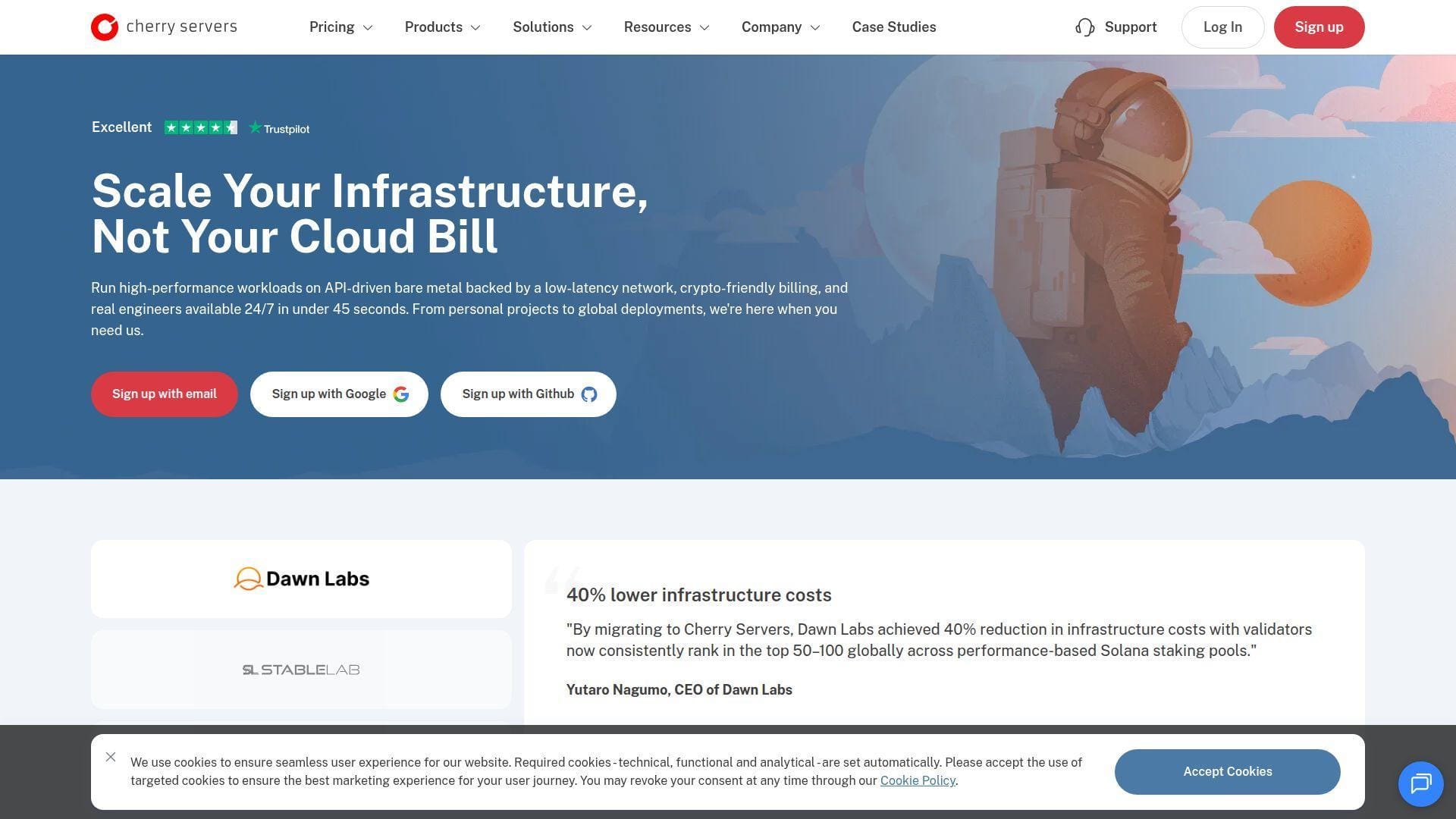
Cherry Servers stands out because it gives advanced buyers a billing model that is easier to justify for temporary events, test environments, or bursty workloads. The dedicated server pricing page says preconfigured servers deploy in about twelve minutes on average, and that custom builds usually take around a day depending on components. That speed plus hourly billing is not common enough in this niche.
It also looks good for buyers who want real hardware flexibility. The pricing FAQ says the platform supports up to 128 CPU cores, large RAM ceilings, RAID and NVMe options, GPU servers, and customizable setups. That is far closer to infrastructure rental than to consumer game hosting, which is exactly why it is here.
There is also a nice practical signal in the payment and billing language. The site says you can use fixed-term or on-demand billing and even save on longer commitments if the server becomes permanent. That makes Cherry Servers more flexible than hosts that only think in monthly game-panel packages.
Who is Cherry Servers for?
Cherry Servers is best for technical buyers who want to spin up dedicated hardware quickly, pay by the hour when needed, and manage the environment themselves. Beginners who want a game-specific control panel should skip it.
13. Hivelocity
- Category: Dedicated servers
- Best for: US-based support and heavily customizable builds
- Ease of use: Moderate
- Pricing: Entry dedicated plan listed at $65 monthly
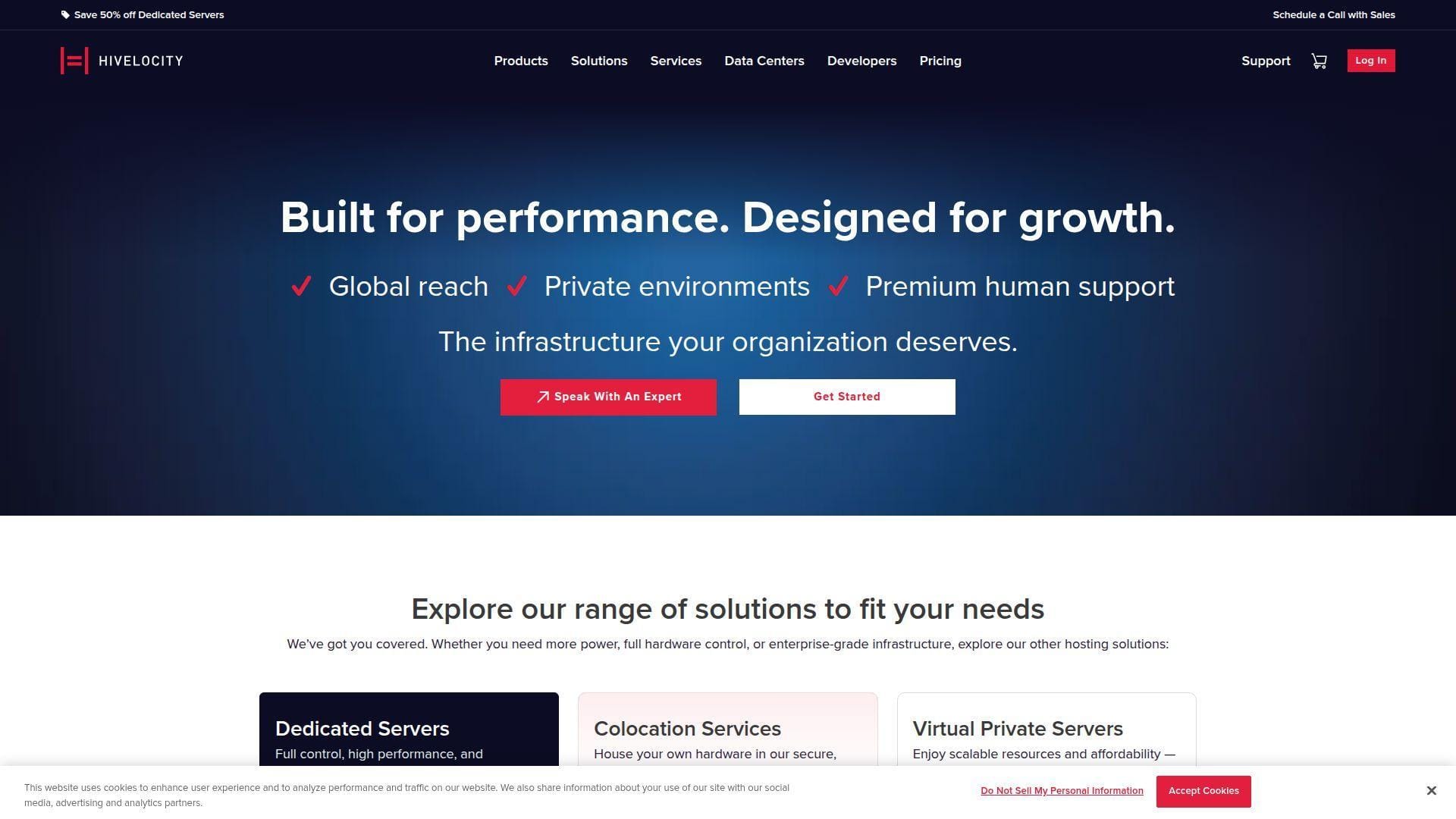
Hivelocity is worth considering if you like the idea of dedicated servers but want more hand-holding around support and customization. The dedicated server page emphasizes fully customizable builds, no setup fee on standard dedicated orders, self-service networking, and an all-in-one dashboard. It also states that support is 100% in-house and US-based, which will matter to some buyers more than another small price difference.
Where it differentiates from some rivals is networking and operational framing. The page calls out multiple usable IPv4 and IPv6 addresses, a dedicated backbone for lower-latency traffic movement, private-network automation, and optional managed services. That is a useful mix for game communities running more than one node or adding web and database sidecars around the server.
The public plan examples give a sense of the floor rather than trying to force one fixed gaming package. That works well for readers who already know that a game server may eventually turn into a broader infrastructure project.
Who is Hivelocity for?
Hivelocity fits advanced server owners who want custom hardware, strong support framing, and room to build out a more complex environment later. If you only want a one-click Minecraft rental, the list already has easier options.
14. GPORTAL
- Category: Managed game hosting
- Best for: Easy Minecraft setup with modpack variety
- Ease of use: Easy
- Pricing: Starter Minecraft tier shown at $4.61 per 30 days
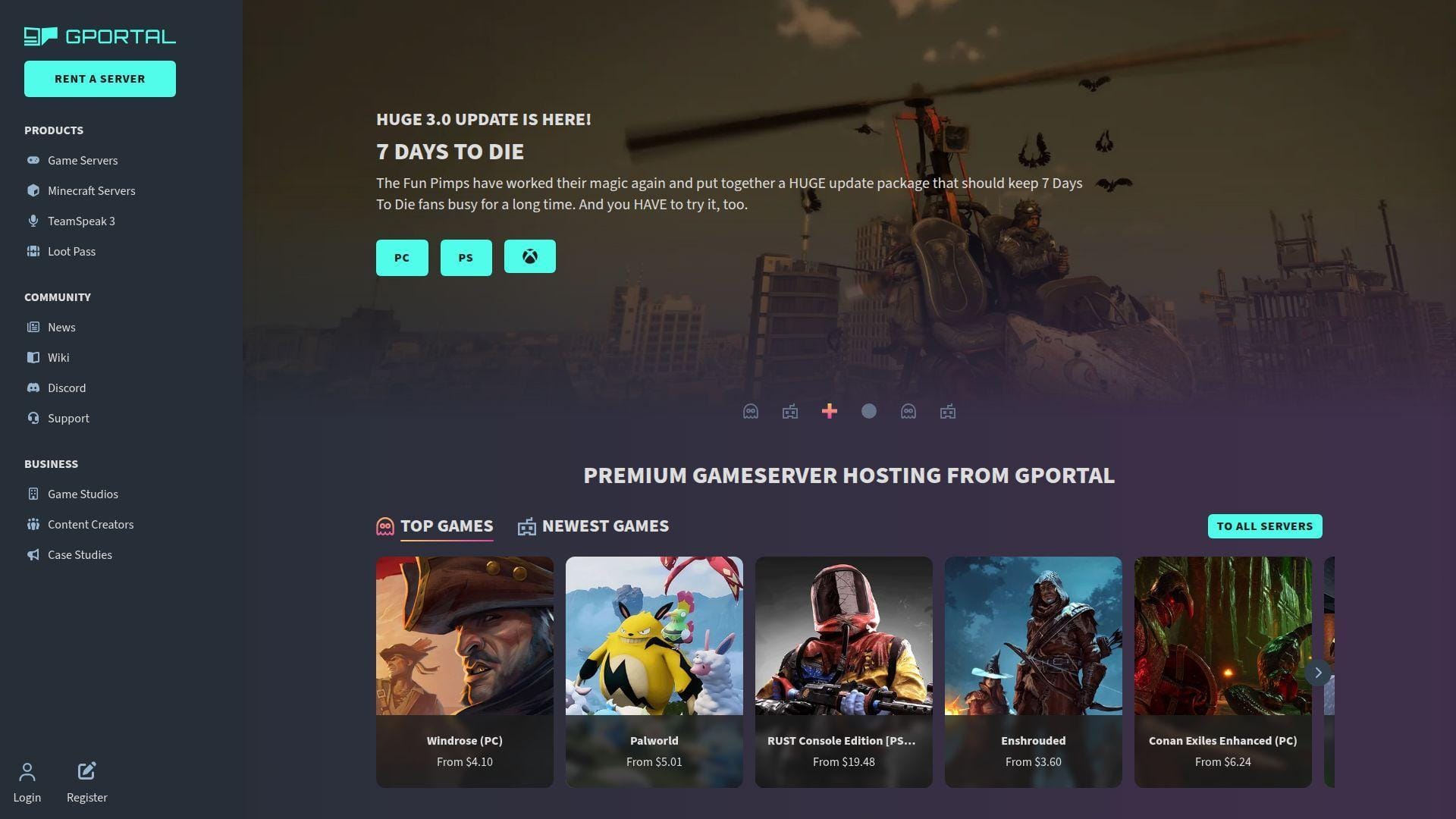
GPORTAL is one of the cleaner managed choices for readers who want an easy Minecraft buying flow and do not need to overthink the stack. The linked Minecraft page is direct about what matters: choose RAM, choose a location, pick from preinstalled modpacks, and launch. It also exposes concrete public tiers rather than making you dig through a cart before you see the shape of the service.
The best thing it does differently from some higher-ranked hosts is keep the product simple. The page shows RAM choices from two to six gigabytes, unlimited slots, and more than 250 preinstalled modpacks. That covers the needs of a lot of private servers without making the setup feel intimidating.
Its public pricing ladder is also easy to read. You can tell quickly where the starter, top-seller, and higher-RAM options sit. For readers who mostly want to host Minecraft and get on with playing, that simplicity is worth something.
Who is GPORTAL for?
GPORTAL is for buyers who want a straightforward managed Minecraft server with modpack support and a short learning curve. If you want deep infrastructure control or non-Minecraft flexibility first, stronger options sit above it.
15. GTXGaming
- Category: Managed game hosting
- Best for: Readers who want transparent Minecraft sizing
- Ease of use: Easy
- Pricing: Dirt plan starts at $2.41 monthly
GTXGaming is a very solid Minecraft-specific option, especially because the official US page is unusually transparent about hardware and plan guidance. It pairs RAM tiers with expected player counts, explains modded versus vanilla sizing, and spells out the underlying hardware story with high-frequency CPUs, DDR5 memory, NVMe Gen5 SSDs, and a fast uplink. That is the kind of detail we wish more game hosts exposed.
What it does better than several top-ten entries is expectation setting. The page does not stop at “fast server.” It explains why clock speed matters, what different RAM tiers suit, and which plans fit modded starter servers versus heavier community builds. That makes it easier for buyers to avoid under-ordering.
The pricing ladder is also tidy, with named tiers from Dirt up through Titan and clear upgrade language. For Minecraft-first buyers who want strong public plan guidance without moving to a raw server, GTXGaming is easy to like.
Who is GTXGaming for?
GTXGaming is for Minecraft admins who want transparent sizing, modern hardware language, and a plan ladder that makes sense. If you need a broader all-game platform or a self-managed cloud box, other entries are better aligned.
Key Performance Specs That Matter for Game Hosting
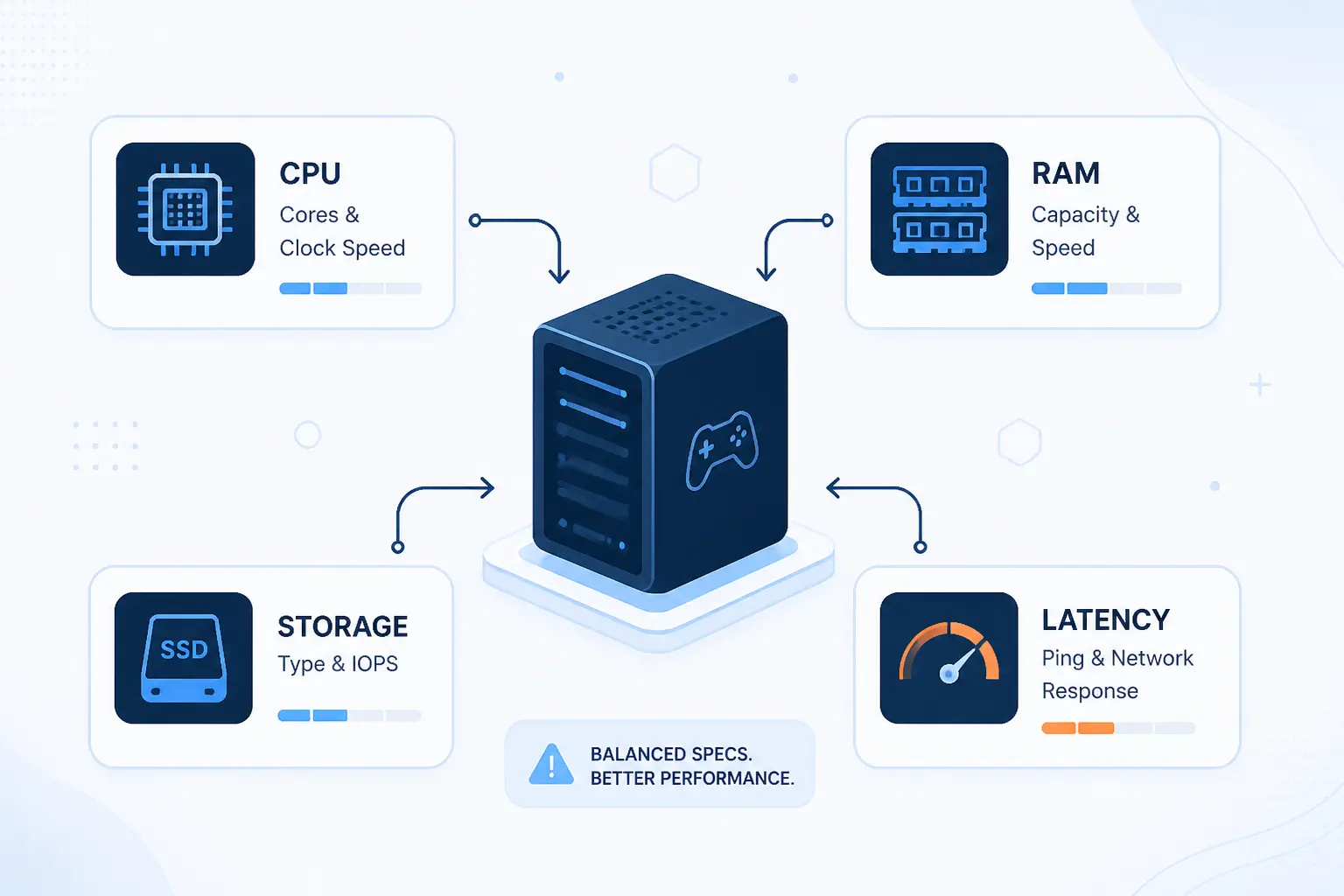
Specs matter, but not all specs matter equally. For most game hosting jobs, CPU behavior, RAM headroom, storage layout, and latency beat flashy marketing every time. The trick is matching the spec to the game’s real bottleneck. A modded Minecraft world, for example, stresses a server very differently than a session-based shooter or a survival sandbox with constant world persistence.
CPU Hierarchy and Tick Rate Headroom
The most important performance question is usually not “how many cores?” It is “how strong is the core doing the heaviest work?” Minecraft Java is the classic example. Heavy redstone, chunk loading, mob AI, and plugin logic still lean heavily on single-thread performance, so a fast modern CPU often beats an older many-core chip that looks bigger on paper.
That is why hosts that openly advertise high-frequency CPUs, such as Ryzen X3D parts or modern high-clock Intel chips, tend to look stronger for community servers that must stay smooth under load. More cores still matter for multiple instances, heavy background tasks, or broader infrastructure, but they do not rescue a weak main game thread. If you are comparing plans and the provider hides the CPU class entirely, that is a yellow flag.
RAM Tiers for Mods and Player Counts
RAM needs rise faster than many first-time buyers expect. Vanilla Minecraft can stay comfortable on small plans for a private group, while modpacks, larger view distances, extra plugins, and background services push memory use up quickly. The key is buying enough headroom so the server is not constantly flirting with memory pressure the moment a few players log in together.
The best providers help here by attaching real guidance to plan tiers. That kind of sizing advice is more useful than vague “unlimited power” claims because it keeps buyers from underbuying and then blaming the host for a plan that was never sized correctly.
NVMe Storage Layout and Backup Strategy
Fast storage matters because saves, chunk loads, world writes, modpacks, and restarts all feel worse on slower disks. NVMe is now the baseline we want to see for serious game hosting. For public communities, though, storage speed is only half the story. Backups matter just as much.
A host can be fast and still be a bad buy if restoring a world is clumsy. On the managed side, backup scheduling and restore tools are a real quality-of-life feature. On the self-managed side, you need a plan for snapshots, off-box copies, and rollback windows before something breaks, not after.
Network Choices, Port Speed, and Regional Latency
Server location still matters more than many marketing pages admit. A slightly weaker server close to your players can feel better than a stronger one an ocean away. That is especially true for shooters, action survival games, and anything where rubber-banding ruins the fun fast.
Port speed is also worth reading in context. A higher uplink sounds nice, but it matters most when the provider also has sane routing, good regional coverage, and decent protection against attacks. For many private servers, consistent latency beats an oversized bandwidth headline every day of the week.
Game Specific Resource Planning Before You Buy
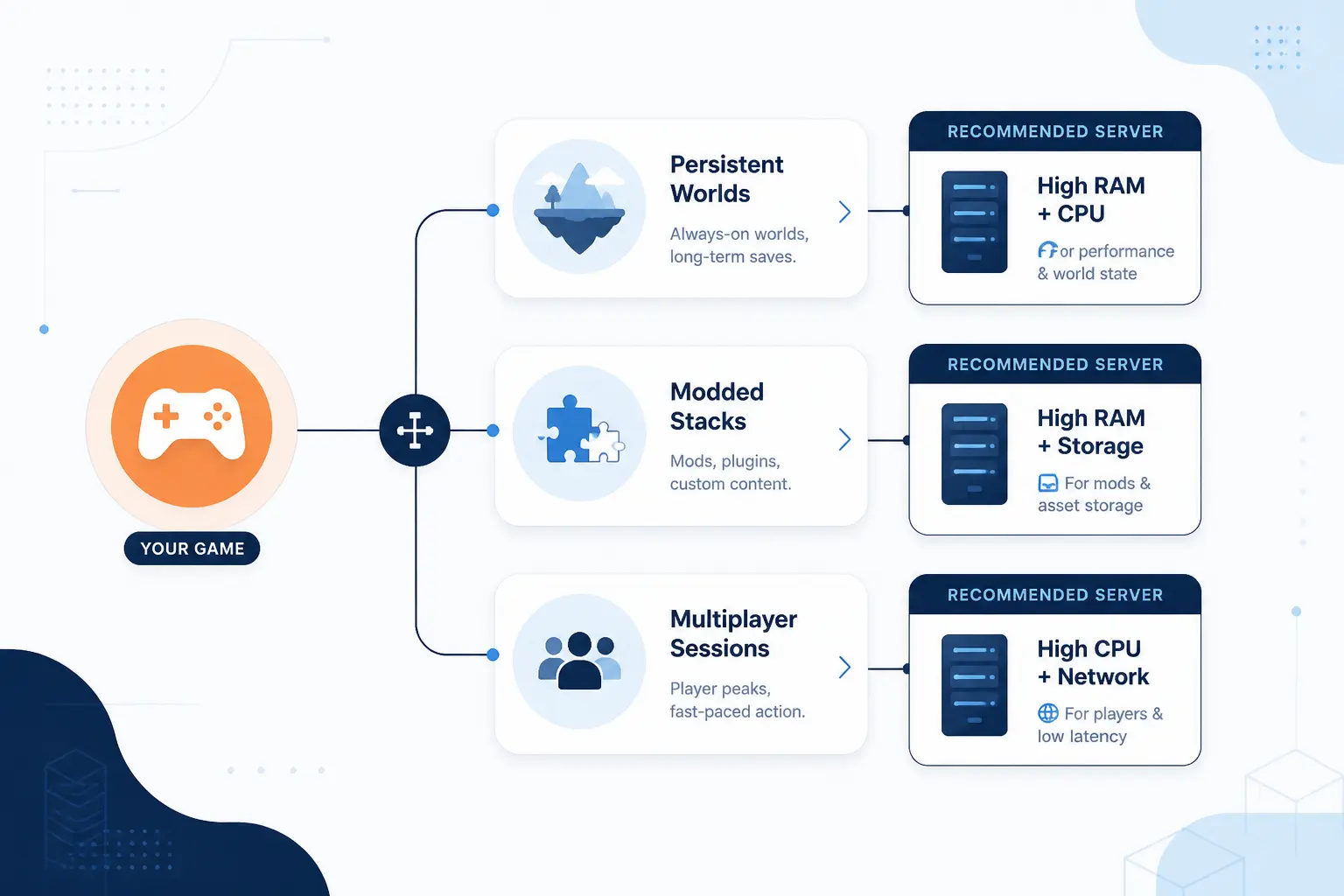
The right server size changes by game more than by brand. Buying without that context is how people end up with a “cheap” plan they replace two days later. Think about the game loop first, then the host. Persistent worlds, mod frameworks, plugin stacks, and player concurrency all change the resource picture in a hurry.
Minecraft Java Servers
Minecraft Java punishes weak single-core performance and thin RAM faster than almost any mainstream hobby-hosting workload. A small private SMP can sit happily on a modest plan, but modpacks, heavy plugin stacks, and big draw-distance choices change the math fast. If your plan is “friends plus a few quality-of-life plugins,” you can start smaller. If your plan is “public server with large mods and automation,” buy more CPU and RAM than your first instinct suggests.
The safest move is to choose a host that publishes realistic RAM guidance and makes upgrades simple. That is much better than buying the absolute floor and hoping TPS stays steady.
Rust Servers
Rust cares a lot about CPU time, world persistence, and storage behavior, especially once maps get busy and plugins pile up. For small private wipes, you can get away with less. For public servers with larger populations, frequent events, or plugin-heavy administration, you need room for spikes, not just idle-state comfort.
Rust is also one of the games where DDoS protection matters more than many first-time buyers realize. Public communities attract attention, and a host with vague network language is harder to trust here.
ARK Servers
ARK is rarely forgiving. It likes RAM, benefits from solid storage, and can take longer to install, update, or restore than lighter games. If you are planning clusters, mods, or a longer-lived community, choose a host that handles backups cleanly and does not make upgrades painful.
This is also the kind of workload where a dedicated or higher-tier managed plan often makes more sense than the cheapest cloud rental. On paper, budget plans can look fine. In practice, ARK has a way of exposing weak headroom.
CS2 and Source Servers
CS2 and other Source-family workloads reward low latency, stable tick behavior, and clean regional routing. You usually do not need the same RAM overhead as a giant modded sandbox, but you do want predictable CPU time and a nearby region. That is why infrastructure-heavy hosts and well-routed managed hosts can both work here, depending on whether you want panel convenience or direct server control.
If competitive play is the goal, do not overfocus on storage and underfocus on location. A close server with consistent routing is the smarter buy.
Valheim Servers
Valheim is usually easier to host than the heavier sandbox giants, but it still benefits from reliable storage, backup discipline, and enough RAM to absorb spikes from exploration, building, and active sessions. Small friend groups do not need an oversized machine. Larger long-term communities should still avoid scraping the bottom of the price ladder.
Valheim is a good example of why a flexible managed host can be the right answer. You may not need a dedicated server, but you do want easy restores and painless scaling if the world catches on.
Game DDoS Protection, Uptime, and Support Signals to Compare
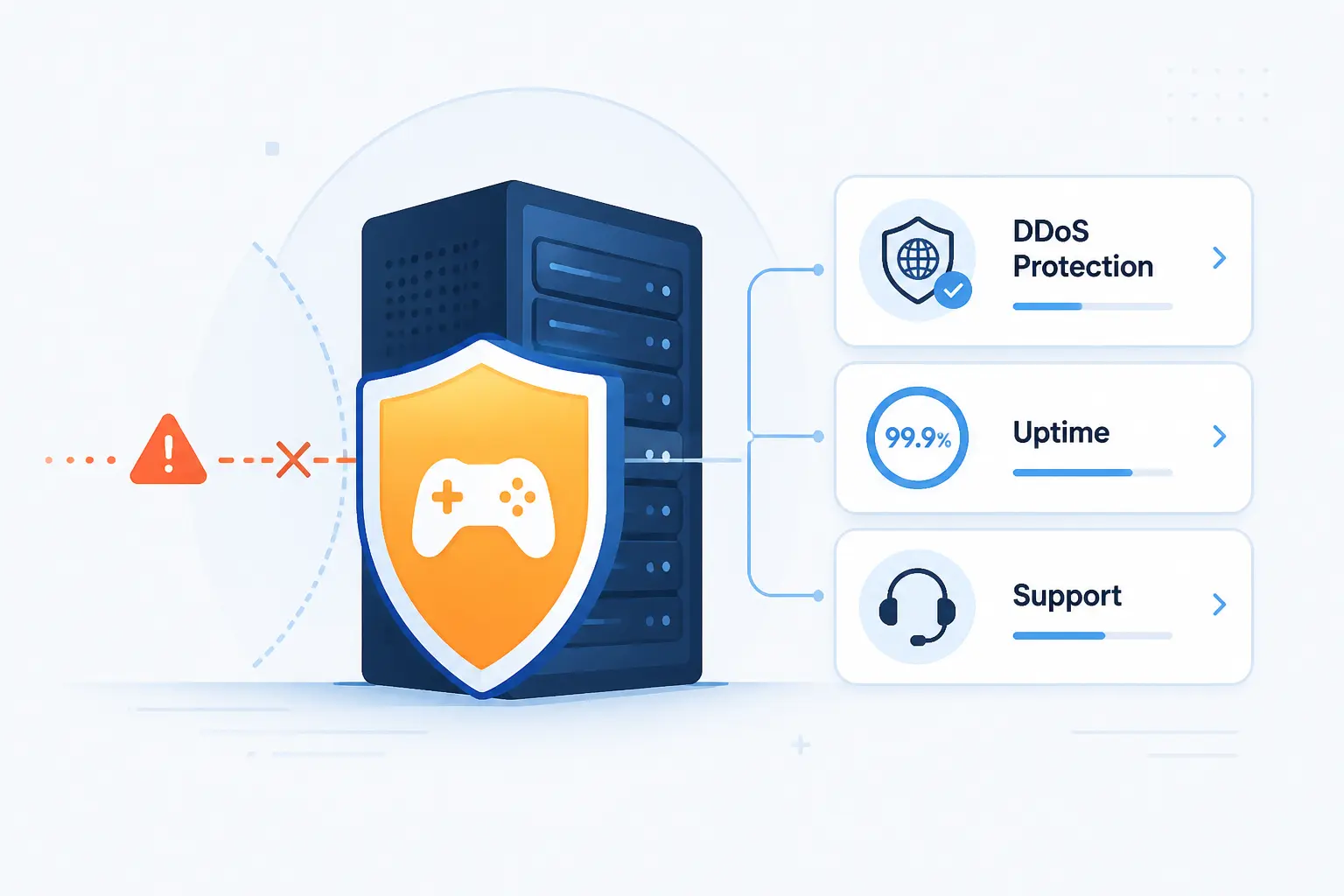
Specs sell servers, but support and protection decide whether the server stays enjoyable after launch day. For public or semi-public communities, this section matters almost as much as hardware. A host does not need the biggest marketing claim. It needs enough operational maturity that your game stays online, recoverable, and manageable when something goes wrong.
Game Aware Filtering and Attack Mitigation
DDoS protection is not just a nice extra for public servers. It is table stakes. The useful question is whether the host describes game-specific mitigation clearly enough to trust. OVHcloud, for example, documents supported gaming protocols and application-firewall behavior in its firewall guide, which is the kind of detail we like to see because it moves past empty “protected” language.
Managed hosts often handle this for you, while cloud and bare metal providers expect you to understand what layer of protection is included and what still sits on your side. If you are running a public-facing community, vague network-security wording is a reason to keep shopping.
Control Panels, Console Access, and File Management
The best panel depends on your skill level. Beginners usually do better with one-click installers, backup buttons, and built-in file tools. Experienced admins may prefer direct console access, IPMI, or a self-managed OS where nothing is hidden behind a game host’s interface.
This is also where many “similar” hosts stop looking similar. A good panel reduces routine friction. A bad one turns every world upload, config edit, or restore into a chore. If you already know you will be editing config files often, make sure the product page or documentation shows how that workflow actually works.
Support Channels, Knowledge Bases, and Response Speed
Support quality is easier to trust when the provider documents specific channels and concrete workflows. Host Havoc’s help center, for instance, exposes practical game-hosting tasks in plain steps, while Leaseweb publishes response-time bands in its SLA overview. Those are small signals, but they matter. Serious hosts document how help works.
We also pay attention to whether a knowledge base helps you solve real jobs instead of recycling sales copy. If a provider can show game switching, backup recovery, sub-user access, and billing changes clearly, that is usually a good sign that the operational side is mature enough for long-term use.
What Self Managed Game Server Setup Actually Involves
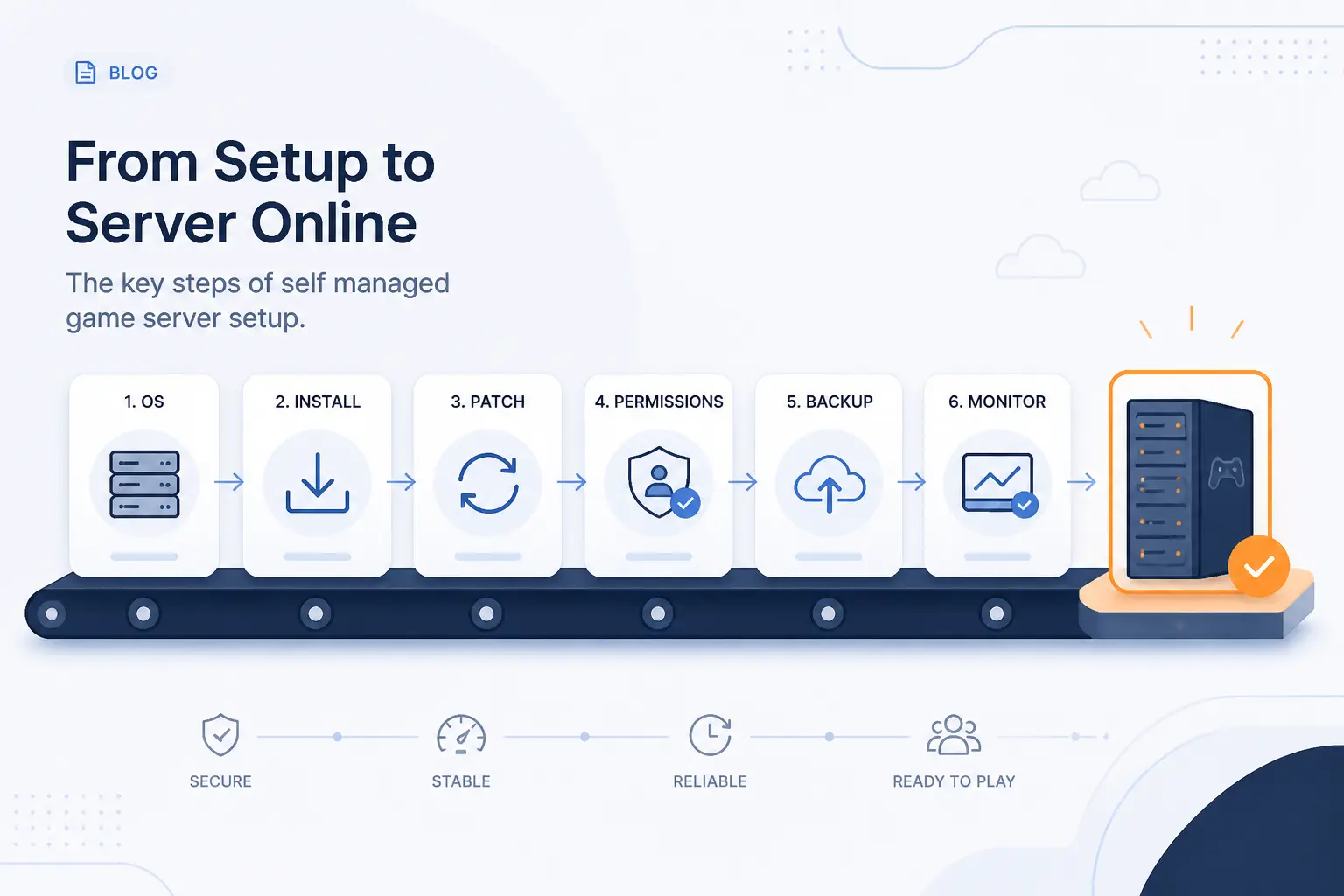
Self-managed hosting gives you the most control, but it also gives you the most chores. That is the trade. If you buy a plain cloud server or a bare metal box, you are signing up for operating-system setup, game installation, patching, file permissions, backups, monitoring, and at least some security work. None of that is impossible. It just is not free labor-wise.
SteamCMD and Steam Based Server Deployment
For many Steam-based games, the first real difference between self-managed and managed hosting is deployment method. Managed hosts hide the install workflow behind a panel. Self-managed servers usually mean pulling dedicated server files yourself, defining startup parameters, handling updates, and making sure the machine comes back cleanly after restarts.
If you are comfortable with that, self-managed hosting can be excellent value. If that sentence already sounds like homework, a managed host is probably the better buy. The point is not whether you can do it. It is whether you want to keep doing it after the novelty wears off.
Non Steam Setup for Minecraft and Similar Games
Minecraft, modded Java servers, proxies, and similar stacks are often easier to install than Steam-based titles, but they can become harder to maintain once plugins, mods, and Java versions start drifting apart. That is why managed panels remain popular in this category. They remove repeated setup tasks, not just the first one.
On self-managed infrastructure, you need to own the whole lifecycle. That includes the OS image, runtime version, startup scripts, ports, world files, scheduled restarts, and rollback plan. OVHcloud’s onboarding notes for dedicated servers in its getting-started guide give a good sense of how much more direct this path is.
Monitoring, Backups, and Future Proofing
Backups are not a bonus feature. They are part of the server. Host Havoc’s Minecraft documentation, for example, shows backup creation, restore steps, scheduling, and retention limits in its backup walkthrough. That level of clarity is exactly what you want, whether the backups live in a managed panel or in your own scripts.
Future-proofing also means watching bandwidth and scaling assumptions. If you expect growth, pick a provider that lets you add resources or move to a better fit without rebuilding the whole environment from scratch. Planning that path early is much cheaper than emergency migration on a busy weekend.
Pricing, Fair Usage, and Scaling Considerations
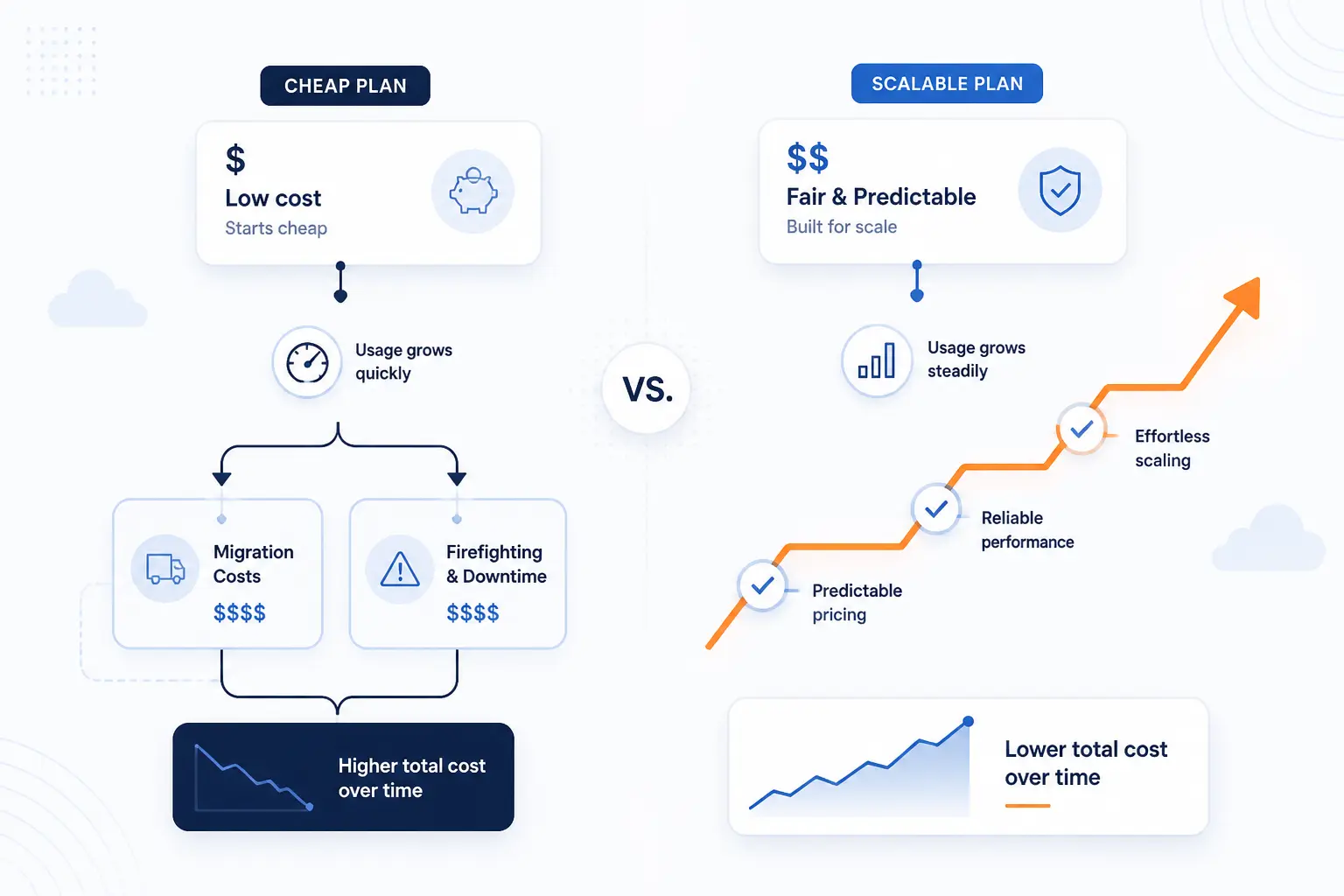
The cheapest plan is often the most expensive path if it forces an early migration or constant performance firefighting. Good pricing is not just about the monthly number. It is about billing style, upgrade friction, and whether the host is honest about what “unlimited” really means. This is where many lookalike products start separating quickly.
Hourly vs Monthly Billing and Event Based Usage
Hourly billing is a real advantage when the server is temporary, experimental, or tied to events rather than constant play. Cherry Servers makes that case well on its infrastructure pricing page, where fixed-term and on-demand options are both part of the model. That kind of flexibility is useful for test servers, launch rehearsals, or short-lived communities.
Monthly billing is still easier for most hobby communities because the cost is predictable. The key is choosing monthly plans because they fit your usage, not because the host gives you no other option.
Fair Usage Policies Behind Unlimited Claims
“Unlimited” nearly always has a context. Sometimes it means unlimited transfer within a shared-bandwidth environment. Sometimes it means unlimited player slots but not unlimited performance. Sometimes it means a traffic pool with explicit caps once you read the documentation. Cherry Servers is unusually clear about traffic accounting in its bandwidth policy notes, and that sort of detail is more trustworthy than a giant headline with no explanation.
Our rule of thumb is simple. If the host promises something unlimited, look for the document that explains what resource is actually being measured underneath the claim. If you cannot find one, treat the promise cautiously.
Scalability, Resource Tracking, and Upgrade Timing
The best time to upgrade is before players notice the server struggling, not after. That means tracking CPU load, memory pressure, world-save behavior, and peak play windows. Platform services like GameLift expose scaling as part of the product. Managed hosts often hide more of the mechanics, but the same planning logic applies.
We also like hosts that document what happens when you change products. Host Havoc, for example, explains the workflow for moving a server between games in its switching guide. That is a good sign because it shows the provider expects communities to evolve, not to stay frozen on the same setup forever.
Frequently Asked Questions
Most buyers end up asking the same few questions before they hit checkout. The short answers below should help you decide whether you need raw infrastructure, a managed panel, or something in between. If you are still torn after this section, go back to the top ten and focus on the “Who is this for?” parts first.
What Is the Best Cloud Server for Game Hosting if I Want Full Control?
If you want full control, OVHcloud Game Servers is the strongest direct recommendation in this list. It gives you a game-focused dedicated server product with OS choice, IPMI access, and room to manage the stack yourself. Leaseweb, Cherry Servers, and Hivelocity are also worth considering if you want infrastructure-first hosting rather than a managed game panel.
Should I Choose a Dedicated Server, VPS, or Managed Game Host?
You should choose a managed game host if ease matters most, a VPS if you want cheap flexibility and can self-manage, and a dedicated server if you need the most control and isolation. That is the cleanest rule. Most beginners do best with managed hosting, while advanced admins and growing communities often end up preferring VPS or dedicated infrastructure later.
How Much RAM Do I Need for a Modded Game Server?
You usually need more RAM than a vanilla server, and the right amount depends on the game, modpack, and player count. Small modded Minecraft setups can start in the mid single digits, while heavier packs and larger public communities need much more headroom. The safest move is to buy a host that publishes realistic recommendations and makes upgrades easy.
How Important Is DDoS Protection for Game Hosting?
DDoS protection is very important for any public or semi-public server. Even small communities can get targeted, and games with competitive or public listings are more exposed. If the host does not explain what protection is included clearly enough for you to understand it, that is a good reason to keep looking.
Does Server Location Matter More Than Raw Specs?
Yes, server location often matters more than raw specs once you reach a reasonable performance floor. Lower latency and steadier routing usually feel better than a slightly stronger machine far from the player base. For shooters and action-heavy games, that trade matters even more.
Can I Start Small and Upgrade Later Without Migrating?
Often, yes, but only if the host supports clean scaling or plan changes. Managed hosts with clear upgrade paths and cloud providers with vertical scaling make this much easier than fixed low-end plans that box you in. Before buying, check how upgrades work and whether worlds, saves, and settings stay intact after the change.







Conclusion
The best choice depends on how much work you want to own. OVHcloud Game Servers is our top pick for readers who want full control on serious hardware. Apex Hosting is the easiest all-around recommendation for beginners and Minecraft-heavy communities. Amazon GameLift Servers is the strongest option for studios that need real multiplayer infrastructure, while Host Havoc and BisectHosting make excellent practical picks for managed hosting.
If you are still undecided, narrow it to two questions: do you want a server to manage or a server to play on? Once you answer that honestly, your shortlist gets a lot smaller. Which side of that line are you on?