

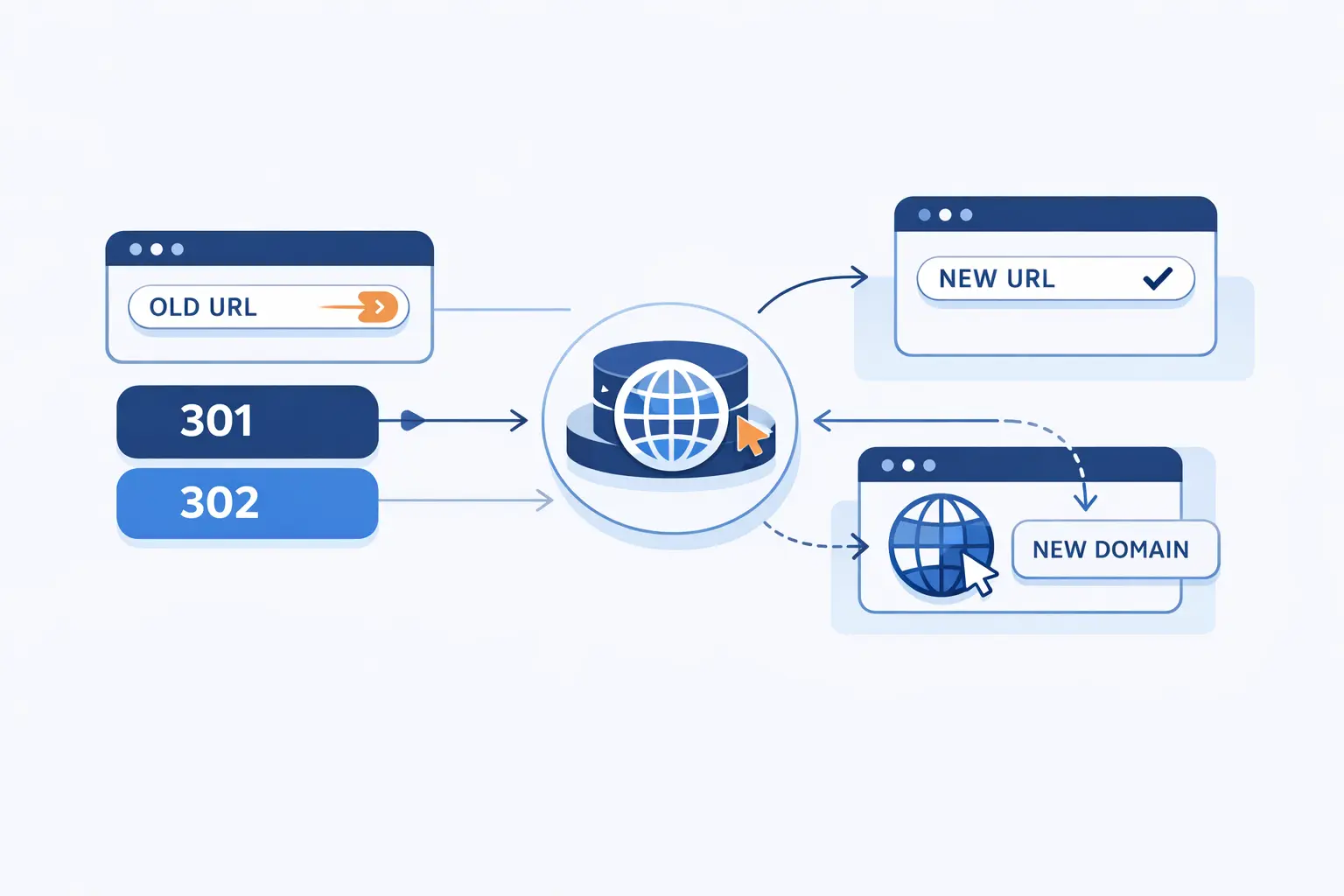
- What website redirects do and when to use them
- How to choose the right redirect type
- How redirects affect SEO and search results
- How to redirect website URLs on the server
- How to redirect website when you do not control the server
- How to redirect a domain or subdomain
- How redirect services simplify website forwarding
- Platform specific redirect setup in Microsoft Power Pages
- Common website redirect mistakes to avoid
- FAQ about how to redirect website URLs
- How 1Byte supports website redirects and hosting
- Final thoughts on how to redirect website URLs
At 1Byte, we treat the need to redirect website URLs as core infrastructure, not a tiny afterthought. A redirect decides whether users land on the right page, whether backlinks keep working, and whether search engines understand your preferred URL. That matters even more as digital footprints expand: Gartner forecasts public-cloud end-user spending will reach $723.4 billion in 2025, and we see the same complexity show up in everyday jobs like HTTPS upgrades, rebrands, and domain consolidations.
Our rule of thumb is simple: decide which URL should win, choose the status code that matches the business intent, preserve paths and parameters when they still matter, and test before and after you flip the switch. Google Search treats URL changes and site moves as deliberate operations, while Microsoft Power Pages exposes redirect records for legacy inbound URLs, which tells us the same story from two very different corners of the web: redirects are operational plumbing, not decoration.
What website redirects do and when to use them
Website redirects are instructions that send a browser or bot from one address to another. Sometimes that jump is temporary, sometimes permanent, and sometimes it happens at a page, host, protocol, or domain level. In our view, the best redirect is the one that feels invisible to the visitor and obvious to the crawler.
1. How HTTP redirects work
An HTTP redirect happens when the server replies to a request with a redirect status and a Location header, then the client immediately requests the new address. Because the browser does not need to render the old page first, server-side redirects are faster and cleaner than client-side workarounds. That is why we almost always start here when we need to redirect website URLs reliably.
2. Common reasons to redirect a website
We use redirects for maintenance windows, slug changes, protocol normalization, form workflows, seasonal campaign pages, and full rebrands. They are equally useful when a page is briefly unavailable and when a long-standing URL has truly moved for good. The key is not the move itself; the key is whether the move is expected to stick.
3. Domain aliasing, site moves, and merged websites
Domain aliasing is the classic case: example.com should resolve to the same place as www.example.com, or an old brand domain should land on the new one. Site moves and mergers raise the stakes because they affect entire URL inventories, not just one page. When we plan these projects, we aim for one old URL to map to one best new URL whenever possible.
4. Removed pages, legacy URLs, and alternate addresses
When an old page disappears, the safest move is to redirect it to the closest equivalent, not blindly dump everyone on the home page. Google explicitly warns against irrelevant redirects during site moves, and we agree because they frustrate users, weaken intent matching, and make debugging harder. For alternate addresses such as HTTP versus HTTPS or www versus non-www, pick one canonical version and send the others there consistently.
How to choose the right redirect type

Choosing a redirect type is really about matching semantics to reality. First, ask whether the move is permanent or temporary. Next, ask whether the original request method and body must survive the hop. Once those two answers are clear, the right status code usually reveals itself.
1. 301 and 308 for permanent moves
A 301 is the classic permanent redirect for normal page moves, section moves, and domain migrations. A 308 is also permanent, but it is the cleaner choice when the original method matters, such as API endpoints or non-GET form workflows. For plain content moves, we still reach for 301 first because it is familiar, widely understood, and usually exactly what the job needs.
2. 302, 303, and 307 for temporary changes
A 302 is the everyday temporary redirect for short-lived moves, maintenance detours, or reversible routing decisions. A 303 is especially handy after a form submission because it sends the user agent to a result page instead of repeating the unsafe action. A 307 is temporary too, but it is better when the client must keep the original method and request body intact.
3. When request methods matter for 307 and 308
When the original request is a form submission or API call, we care less about tradition and more about method safety. In standards terms, 303 switches the follow-up request to GET, while 307 and 308 preserve the method, so we prefer 303 for post-submit confirmation pages and 307 or 308 when the client must resend the same verb and body to the new endpoint.
How redirects affect SEO and search results
Search engines do not see redirects as a cosmetic flourish. They use them to understand which URL should rank, which variants are duplicates, and whether a migration is temporary or permanent. In our experience, sloppy redirects create mixed signals faster than almost any other technical SEO mistake.
1. Server side redirects and canonical signals
From an SEO angle, a redirect is more than navigation. Google says redirects are a strong signal that the target should become canonical, and the same guidance says HTTP redirects tend to be noticed fastest. We therefore treat server-side redirects as the default choice whenever duplicate paths, host variants, or protocol variants need to collapse into one preferred URL.
2. Permanent versus temporary redirects in search results
Google recommends permanent server-side redirects when a page has truly moved and you want search results to update to the new URL. Temporary redirects still pass users through, but Google says they do not serve as canonical signals in the same way and may help keep the old URL in search results when the change is expected to reverse. That is why using a 302 for a permanent migration is asking for mixed search behavior.
3. Old URLs as alternate versions after a site move
Even after a clean domain move, old URLs can continue to appear occasionally in search results and reports for a while. Google calls this normal and says those alternate names tend to fade as crawling, indexing, and user behavior catch up with the new destination. We tell clients not to panic when they still see old addresses for a time; the real question is whether every valuable old URL redirects correctly.
How to redirect website URLs on the server
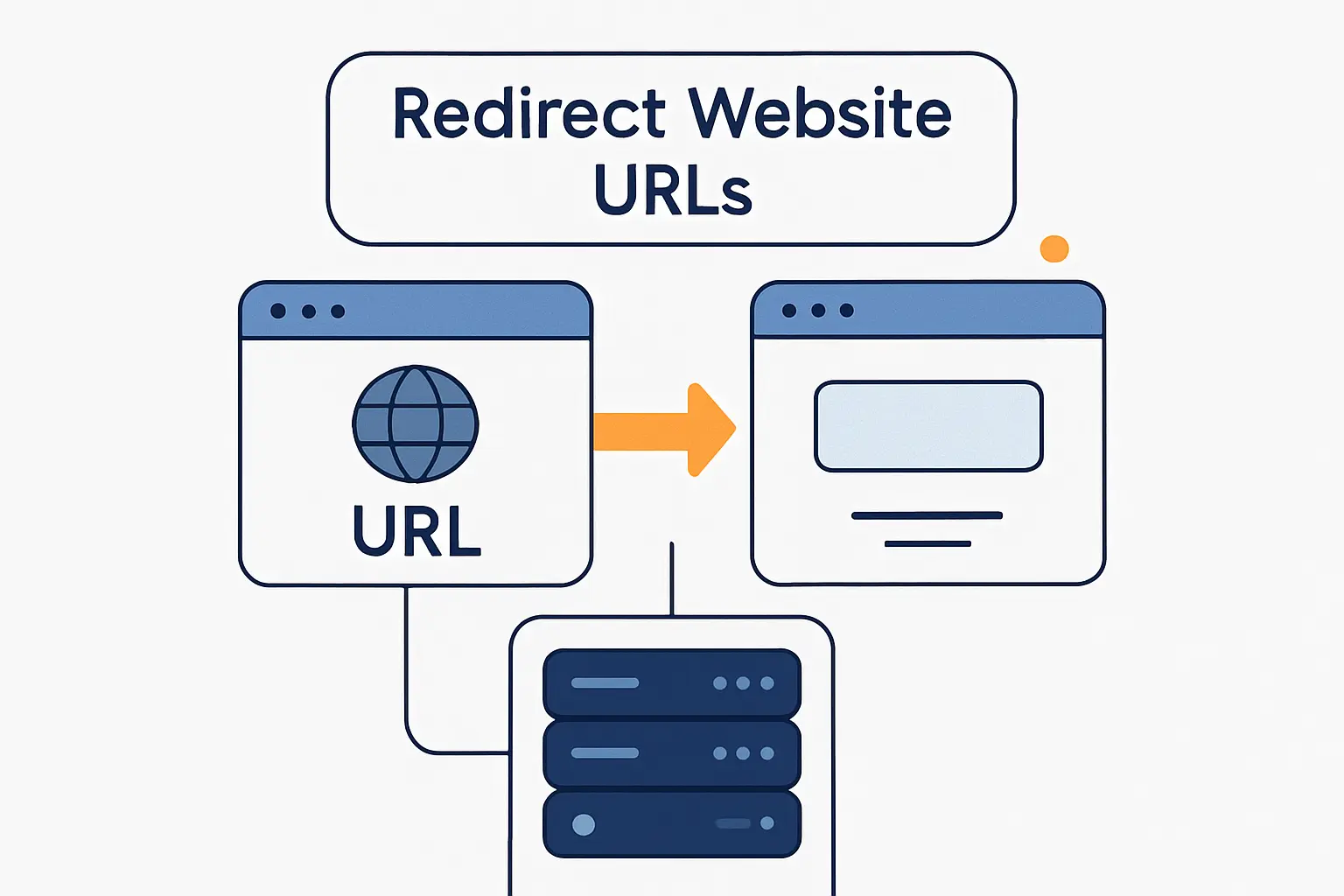
When we can control the server, we prefer to solve redirects there first. That keeps the logic close to the HTTP response, reduces ambiguity for crawlers, and avoids client-side timing issues. Different stacks use different syntax, but the underlying job is the same: send the right status code and the right destination, once and only once.
1. PHP redirects set with HTTP headers
In PHP, the rule that trips people first is timing: header() must be called before any actual output is sent. We send the Location header, set the intended status code, and exit immediately so the script does not continue rendering content behind the redirect.
<?phpheader("Location: https://www.example.com/new-page", true, 301);exit;?>2. Apache redirects with Redirect and RewriteRule
On Apache, we use Redirect for simple one-to-one moves and reserve RewriteRule for pattern-based logic. Apache’s documentation is clear that Redirect sends an external redirect to the client, while mod_rewrite gives you finer control when whole folders, file patterns, or canonical host rules are involved. In plain English, choose the simplest tool that still fits the map.
Redirect 301 /old-page https://www.example.com/new-pageRewriteEngine OnRewriteRule ^old-section/(.*)$ https://www.example.com/new-section/$1 [R=301,L]3. NGINX redirects with return and rewrite
In NGINX, we favor return for straightforward redirects because it is explicit and easy to audit. We reach for rewrite only when pattern matching is genuinely needed, and we test it hard because the rewrite module documentation warns that the wrong flag choices can loop requests and fail badly. Clean rules beat clever rules here by a country mile.
server { listen 80; server_name example.com; return 301 https://www.example.com$request_uri;}rewrite ^/old-section/(.*)$ https://www.example.com/new-section/$1 permanent;4. IIS redirect settings for Windows servers
On IIS, the built-in HTTP Redirect feature is usually enough for the common cases. Microsoft documents options for an exact destination, redirects limited to the destination root folder, and response types including 301, 302, 307, and 308. That makes IIS friendlier than many people expect for standard website forwarding jobs.
<system.webServer> <httpRedirect enabled="true" destination="https://www.example.com/" httpResponseStatus="Permanent" /></system.webServer>How to redirect website when you do not control the server
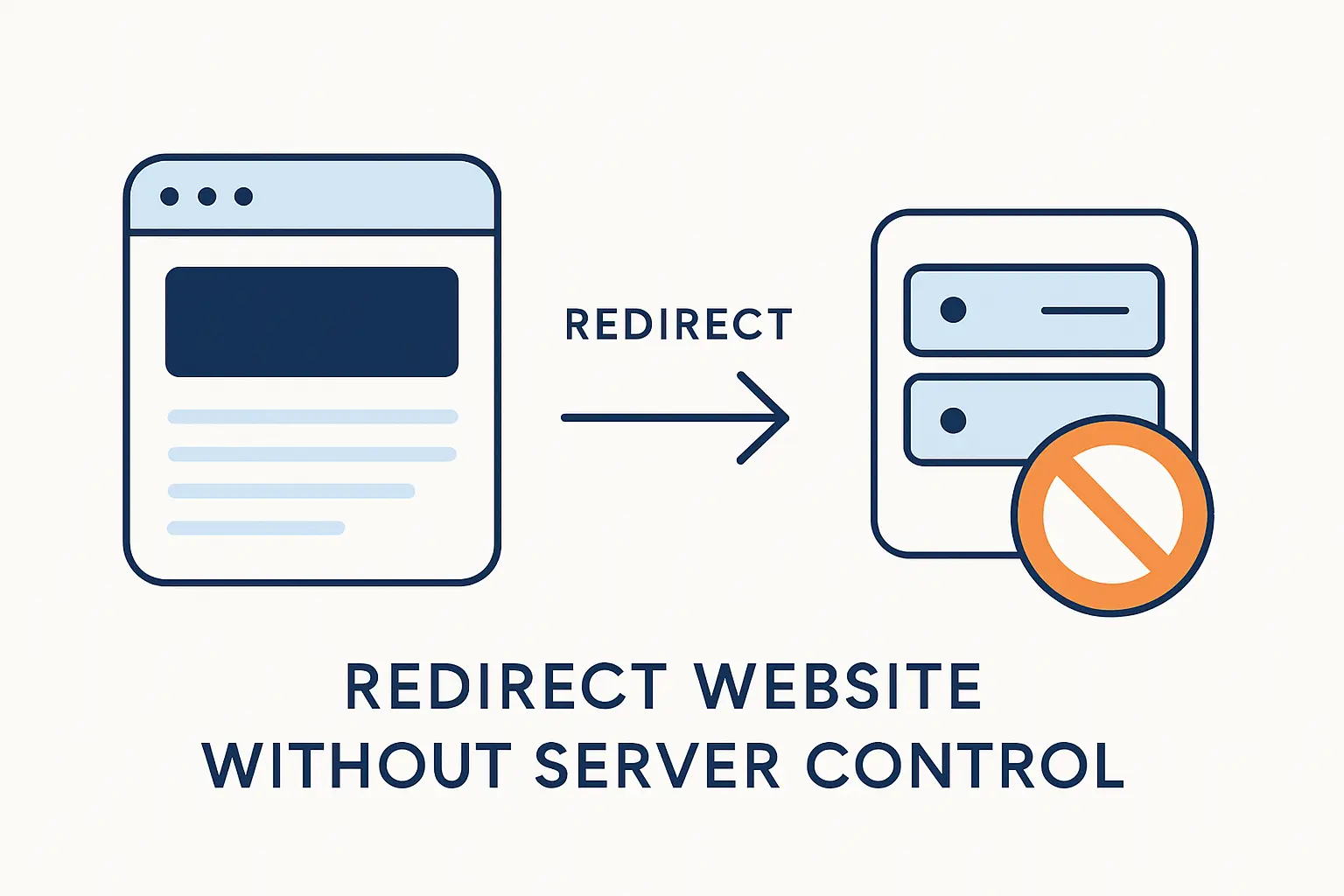
Sometimes you cannot edit Apache, NGINX, IIS, or application code at all. In that case, we move down the reliability ladder and use client-side fallbacks. They can work, but we treat them as second-best options because they depend on page rendering rather than a clean HTTP response.
1. Meta refresh redirects with zero second or delayed behavior
A meta refresh redirect lives in the HTML <head> and tells the browser to jump after a specified delay. Google says instant meta refresh is interpreted as permanent, while delayed meta refresh is interpreted as temporary, which is helpful to know but not a reason to prefer it over a real server redirect. We use it only when the platform gives us no better hook.
2. JavaScript location redirects and rendering limitations
JavaScript redirects work by setting window.location, which is perfectly valid for browsers that execute the script. The catch is that Google says rendering can fail, and if rendering fails the crawler may never see the redirect at all. That is why we view JavaScript redirects as practical, but fragile, compared with server-side responses.
3. HTTP redirects, JavaScript, and meta refresh order of precedence
MDN lays out the order cleanly: HTTP redirects happen first, JavaScript redirects happen next, and HTML meta refresh happens after that. The implication is simple but important. If multiple methods disagree, the earliest one in the chain usually wins, which is exactly how teams accidentally create confusing behavior that only appears in one browser, one bot, or one device class.
4. Moved page links as a last resort
If you truly cannot issue any kind of redirect, at least publish a prominent message and a clear link to the new location. Google treats that as a weak fallback rather than a proper redirect, but it is still better than abandoning users on a dead page with no clue where the content went. In our view, this is the emergency exit, not the plan.
How to redirect a domain or subdomain
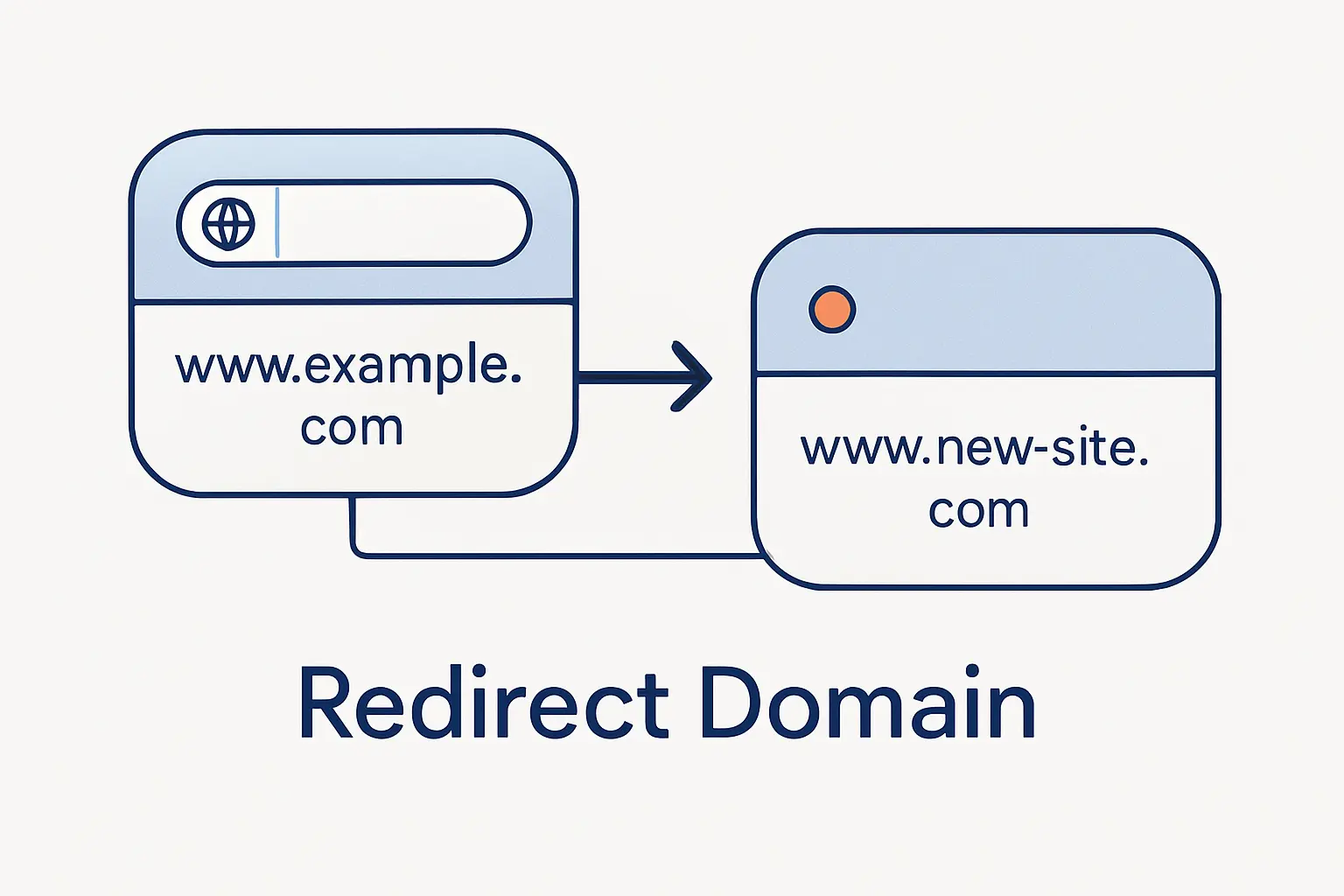
Domain forwarding lives in the gap between DNS and HTTP. DNS gets the request to a service that can answer for the domain, but the actual browser hop happens only when some web-facing layer returns a redirect response. That distinction matters because many teams change a record and assume the redirect is done, when in truth they have only pointed traffic somewhere else.
1. Forward a root domain or subdomain
Forwarding a subdomain like www is often straightforward, while forwarding the root domain usually needs a provider feature, edge rule, or forwarding server behind the scenes. We see this all the time when teams want the apex domain to bounce to www, or a parked campaign subdomain to hand off to a product page. The move looks simple in the browser, but the plumbing behind it can differ quite a bit.
2. Choose HTTP or HTTPS for the destination URL
In most business cases, the destination should be HTTPS so users land on the secure version immediately. Just do not forget the source side: if the source host accepts HTTPS before it redirects, it still needs valid certificate coverage or the visitor may hit a warning before the redirect can even help. Search systems also prefer clean HTTPS signals over messy protocol handoffs.
3. Select 301, 302, or masking based on the goal
We use 301 when a domain or subdomain move is intended to last, 302 when the destination may change back, and masking only when keeping the original address visible is the explicit goal. Provider documentation commonly exposes those three choices, but our opinion is blunt: masking is a niche tool for niche situations, not a sound migration strategy for a main website. It can muddle analytics, sharing, and user expectations in a hurry.
4. Point www with the right CNAME and allow DNS propagation
For the www host, a CNAME is often the cleanest DNS record because it can point to a forwarding service or canonical target. The root domain is trickier, because you can’t create a CNAME record at the zone apex in standard DNS practice, so providers usually rely on alias-style records, flattening, or a dedicated forwarding endpoint instead. Remove conflicting records first, then give DNS time to settle before declaring victory.
How redirect services simplify website forwarding
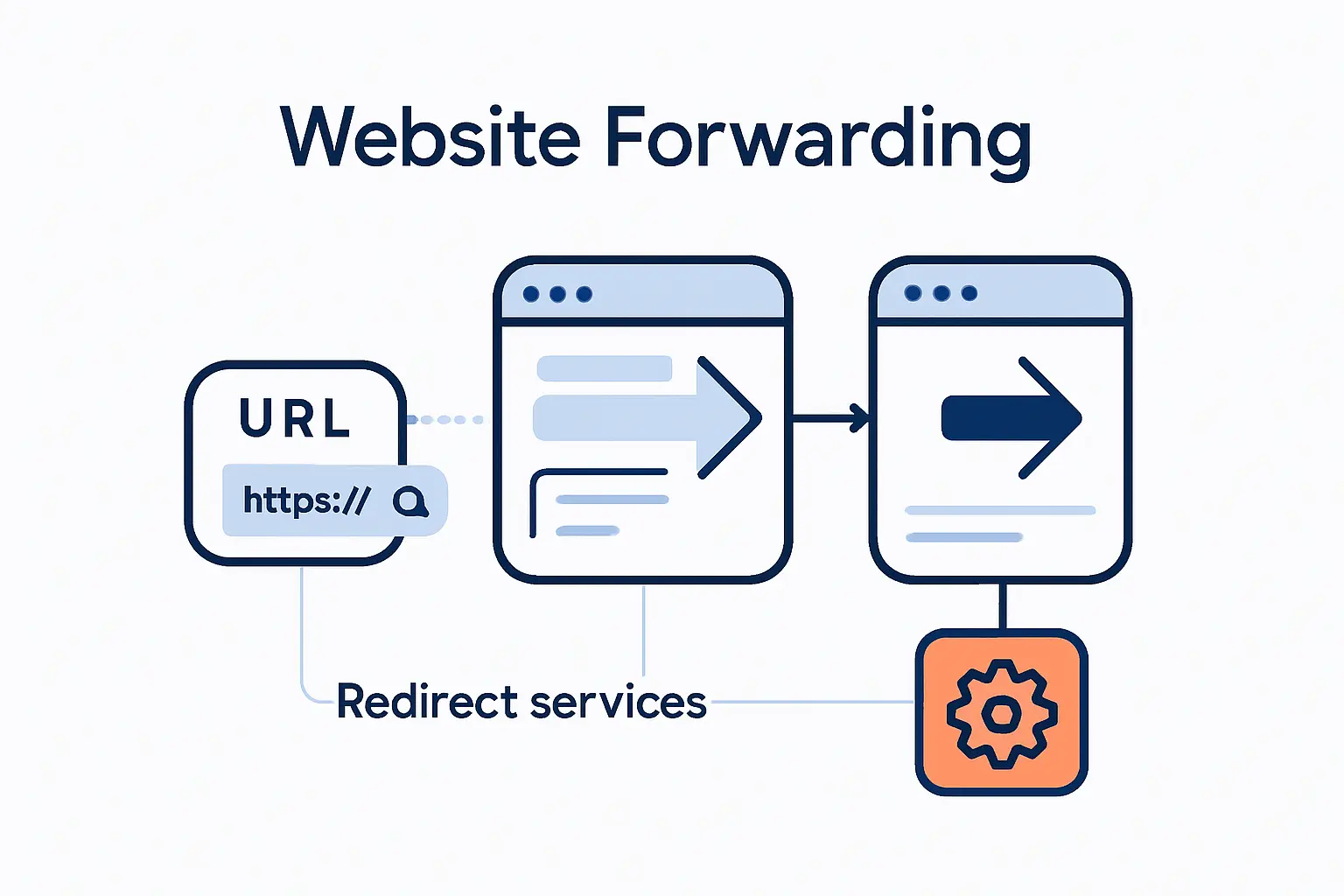
Once you manage more than a handful of rules, hand-editing server configs starts to feel like juggling knives. Redirect services move that logic to a managed edge, where SSL termination, rule storage, logging, and automation can be handled centrally. We like that model when brands, campaigns, or regional sites multiply faster than a single web server should have to.
1. Automatic HTTPS and SSL for redirected domains
A good redirect service can answer securely for the source domain before sending the visitor onward. That matters because the redirect does not excuse the source host from basic TLS hygiene; the browser still has to trust the first connection. For us, automatic certificate handling is one of the biggest practical reasons to use a managed forwarder instead of improvised rules on a forgotten box.
2. Path forwarding, query parameter forwarding, and analytics
For large fleets of redirects, path and parameter handling is where services earn their keep. Cloudflare Bulk Redirects can keep the query string of the original request and preserve the remaining path when you want subpath matching, which is precisely what campaign tracking, filtered catalog pages, and documented deep links often need. We regard that as the difference between a technically working redirect and a business-safe one.
3. API based management and global redirect delivery
Modern redirect platforms also expose APIs, which means rules can be versioned, reviewed, and rolled out like any other infrastructure change. Cloudflare documents API-based creation for redirect rules, while AWS shows CloudFront Functions returning redirects at the viewer request layer, before origin traffic even begins. That combination is powerful when you need controlled changes across many domains and regions.
4. Root domain to www and other common redirect patterns
The usual patterns are wonderfully predictable: root to www, non-www to www, HTTP to HTTPS, old domain to new domain, and short vanity path to deeper content. We also see edge-based regional and language handoffs, though those need extra care to avoid surprising users or search engines. If the rule is common, that is usually a reason to simplify it further, not to overengineer it.
Platform specific redirect setup in Microsoft Power Pages
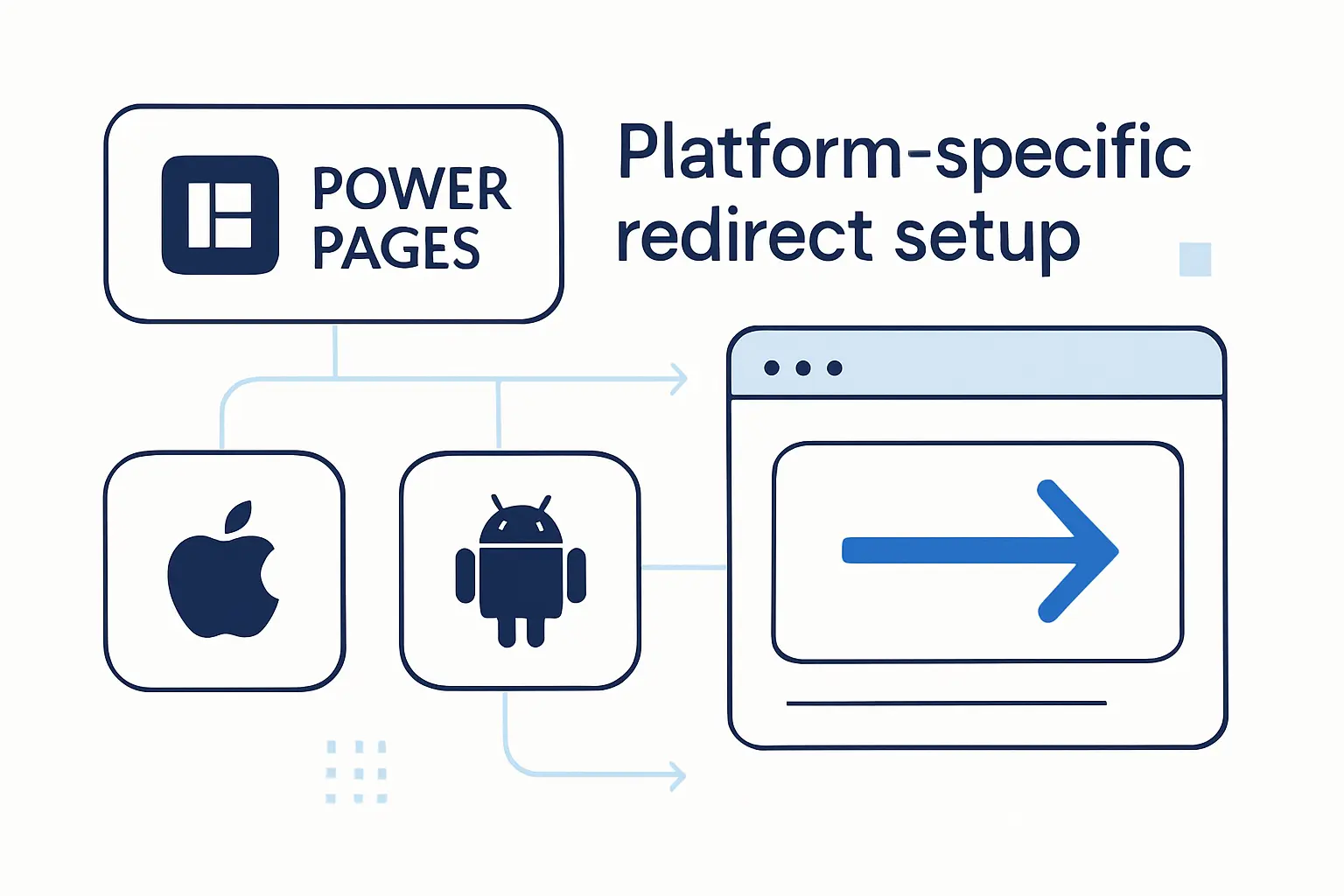
Power Pages is a useful example because it treats redirects as content objects rather than low-level server rules. That lowers the bar for business teams that need short vanity URLs, survey aliases, or legacy inbound paths without editing IIS or code directly. We appreciate that approach because it makes the intent visible.
1. Add a name, website, and inbound URL
In the Portal Management app, Microsoft says you create a redirect under the website area and then fill in the friendly name, the website, and the inbound URL to be matched. Those fields are simple, but they matter because they define the scope and entry point of the redirect. In practice, clean naming makes later audits much easier.
2. Choose 301 or 302 and set the destination type
In Power Pages, the model is pleasantly explicit. You create a redirect record with a name, website, and inbound URL, then 301 or 302 and target an external URL, web page, or site marker based on what you need that inbound address to do. That setup is especially useful for support portals, short campaign paths, and legacy aliases that should not live inside the visible site tree.
3. Redirect to an external URL, internal web page, or site marker
Those destination types cover most real portal scenarios. An external URL works for off-site handoffs, an internal web page works for simple portal navigation, and a site marker is helpful when the target is conceptually stable even if the underlying page changes later. We like this because it separates business intent from brittle hard-coded paths.
4. Trailing slash behavior in site navigation
Microsoft also documents a known quirk here: if users reach the inbound path through default site navigation, a trailing slash may be appended and the redirect may not fire as expected. Direct navigation to the inbound URL without that extra slash works. That is exactly the sort of platform-specific edge case that makes post-change testing non-negotiable.
Common website redirect mistakes to avoid
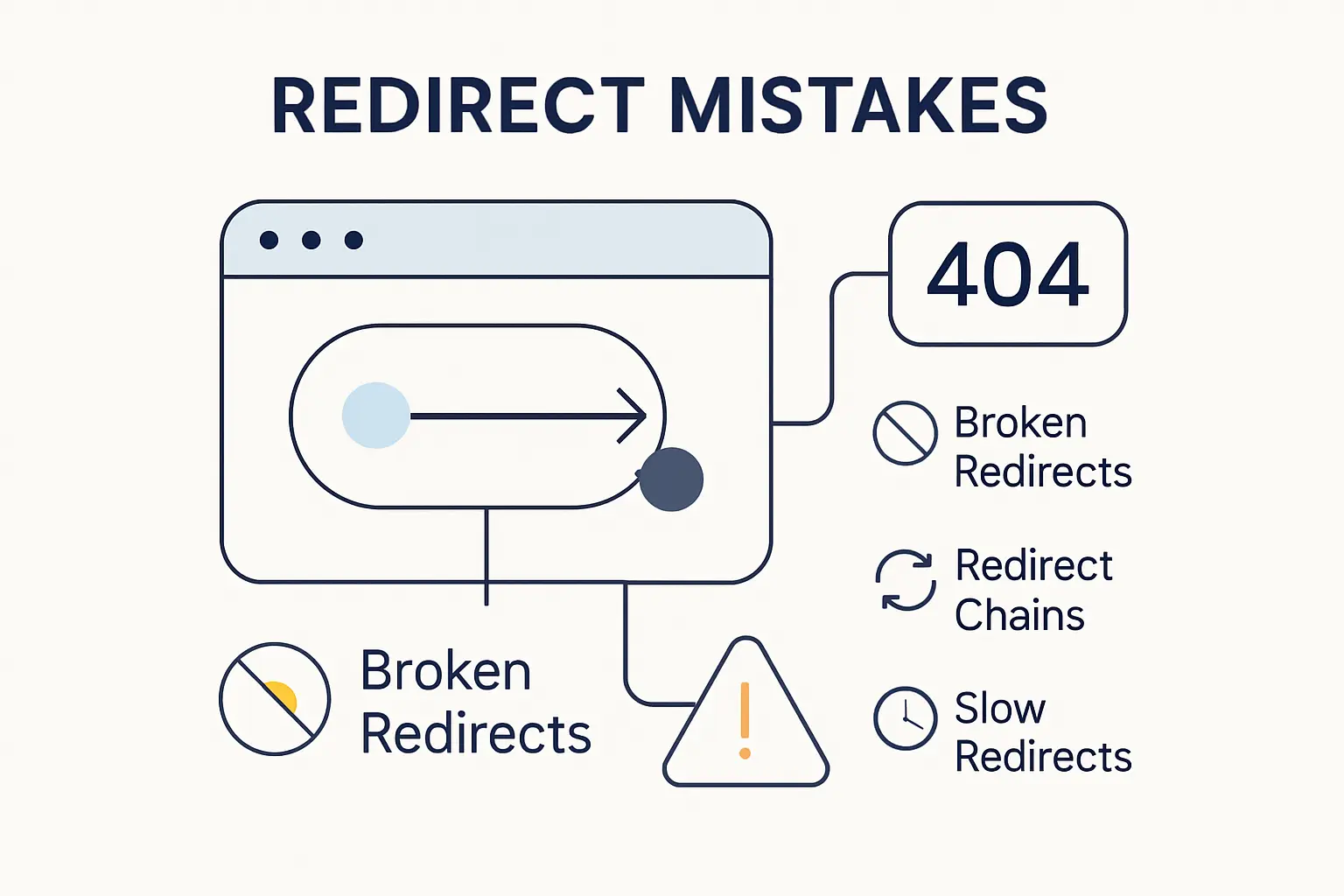
Most redirect failures are boring in the worst possible way. They come from conflicting rules, dropped query strings, irrelevant destinations, or changes that were never tested in the environment that real users hit. We have found that migrations succeed less from clever regex and more from disciplined mapping and validation.
1. Redirect loops that break the user experience
A loop happens when one rule hands the request to another rule that sends it straight back, often across host, protocol, CDN, and application layers. NGINX’s own rewrite guidance warns that a bad flag choice can keep reprocessing the request until it fails, and browsers eventually surface the result as a too-many-redirects error. Our fix is to draw the redirect chain on paper before we implement it.
2. Lost paths and query parameters during a migration
During a migration, dropping the path or query string can be just as harmful as returning the wrong status code. Product filters, campaign parameters, and document deep links disappear when every old URL lands on one generic page. Preserve path segments and parameters when they carry user intent, and avoid irrelevant catch-all redirects that hide missing mappings rather than solving them.
3. Masking and mixed redirect methods that cause display issues
Masking can keep an address visible, while JavaScript and meta refresh can also force navigation on the client, but mixing those approaches with server-side rules is where strange display bugs begin. MDN notes that HTTP fires before JavaScript, and JavaScript before meta refresh, so overlapping methods can behave differently than teams expect. In our view, one clear redirect layer beats three clever ones every time.
4. Testing redirects regularly after URL changes
After any URL change, we test with a header check such as curl -I, a browser request, a crawl sample, and search monitoring rather than trusting a single happy-path click. Google’s site-move guidance assumes your mapping is accurate and your redirects are actually live, which is why we also review logs, top landing pages, and external links after launch. Measure first, then celebrate.
FAQ about how to redirect website URLs
Below are the short answers we give most often when clients ask how to redirect website URLs without breaking traffic or losing search visibility. The short version is that the right method depends on permanence, infrastructure access, and whether paths or request methods must survive the move. Once those are clear, the implementation gets much less mysterious.
1. What does it mean to redirect a website?
It means a request for one URL is sent to another URL instead of returning the original content. That can happen for a single page, an entire host, or a whole domain, and it is usually done through an HTTP response rather than by changing the content manually on the old page.
2. What is the best way to redirect a website?
The best way is usually a server-side redirect that matches the real intent of the move. If the change is permanent, use a permanent server-side redirect; if it is temporary, use a temporary one. Google explicitly recommends permanent server-side redirects whenever possible for lasting URL changes.
3. How do I redirect a link to a different website?
You add a redirect rule at the web server, CDN, platform, or domain-forwarding service so requests for the old URL return the new absolute destination. If the target site should keep the original path or query string, make sure the rule preserves them instead of collapsing everything to one generic landing page.
4. How do I permanently redirect a URL?
Use a 301 for normal permanent page or domain moves, or a 308 when the method and body must remain unchanged. After that, update internal links, canonicals, and sitemaps so the redirect is a bridge, not a permanent crutch inside your own site.
5. What is the difference between a 301 and 302 redirect?
A 301 says the move is permanent, while a 302 says it is temporary. Browsers and search engines can still follow both, but Google treats temporary redirects differently for canonicalization and may keep the original URL in results when the change looks reversible.
6. Can I redirect a domain and keep the same address in the browser?
Not with a true external redirect, because a real redirect tells the browser to request a different URL and show it. If you need the address bar to stay the same, you are usually talking about masking, framing, proxying, or an internal rewrite on the same server, which is a different tool with different tradeoffs.
7. Do website redirects affect SEO?
Yes, absolutely. Redirects influence canonical selection, crawling, link consolidation, user experience, and the visibility of old versus new URLs. Good redirects support SEO; sloppy redirects confuse it.
How 1Byte supports website redirects and hosting
At 1Byte, we do not separate redirects from hosting, DNS, and certificates because real outages do not separate them either. Our public service footprint spans domains, SSL certificates, WordPress hosting, shared hosting, cloud hosting, cloud servers, and AWS partner support, so we approach URL changes as end-to-end rollout work rather than an isolated toggle.
1. Domain registration and SSL certificates for secure redirects
We can help register or point the domain, normalize the preferred host, and ensure the source domain can answer securely before the redirect fires. That matters because a broken certificate on the source side can damage trust long before the visitor reaches the destination. In practical terms, secure redirects start with secure domain handling.
2. WordPress hosting and shared hosting for simple site moves
On WordPress hosting and shared hosting, we usually keep the playbook simple: fix the canonical site URL, add the redirect at the server or platform level, clear caches, and test common legacy slugs before launch day. For small and midsize sites, that boring process is often the fastest path to a clean move, and boring is good when revenue and rankings are on the line.
3. Cloud hosting and cloud servers with AWS Partner support
For larger estates, our cloud hosting and cloud servers work well with CDN, load balancer, and DNS-based redirect patterns. Because 1Byte presents itself as an AWS Consulting Partner, we can extend redirect planning into services such as Route 53 and CloudFront, which is exactly where multi-domain migrations stop being a single-server job. That is where we think infrastructure discipline really pays off.
Final thoughts on how to redirect website URLs
1. Match the redirect method to the goal and time frame
Match permanence to reality. If the change is lasting, use a permanent redirect; if it is reversible, use a temporary one; if request methods matter, choose the method-safe code. We have seen more damage from mismatched intent than from exotic server syntax.
2. Use server side or domain level tools whenever possible
Whenever possible, let the server, CDN, or domain-forwarding layer do the work before the page ever renders. That gives users a cleaner experience, gives search engines stronger signals, and avoids the odd edge cases that appear when JavaScript and meta refresh are asked to do jobs they were never meant to own.







3. Review traffic, old URLs, and search visibility after the change
After the change, keep watching traffic, crawl reports, and the long tail of old URLs. Our next-step suggestion is simple: build a mapping sheet, test the most valuable paths first, and then ask one ruthless question before you launch—have you mapped every old URL to the most relevant new destination?