

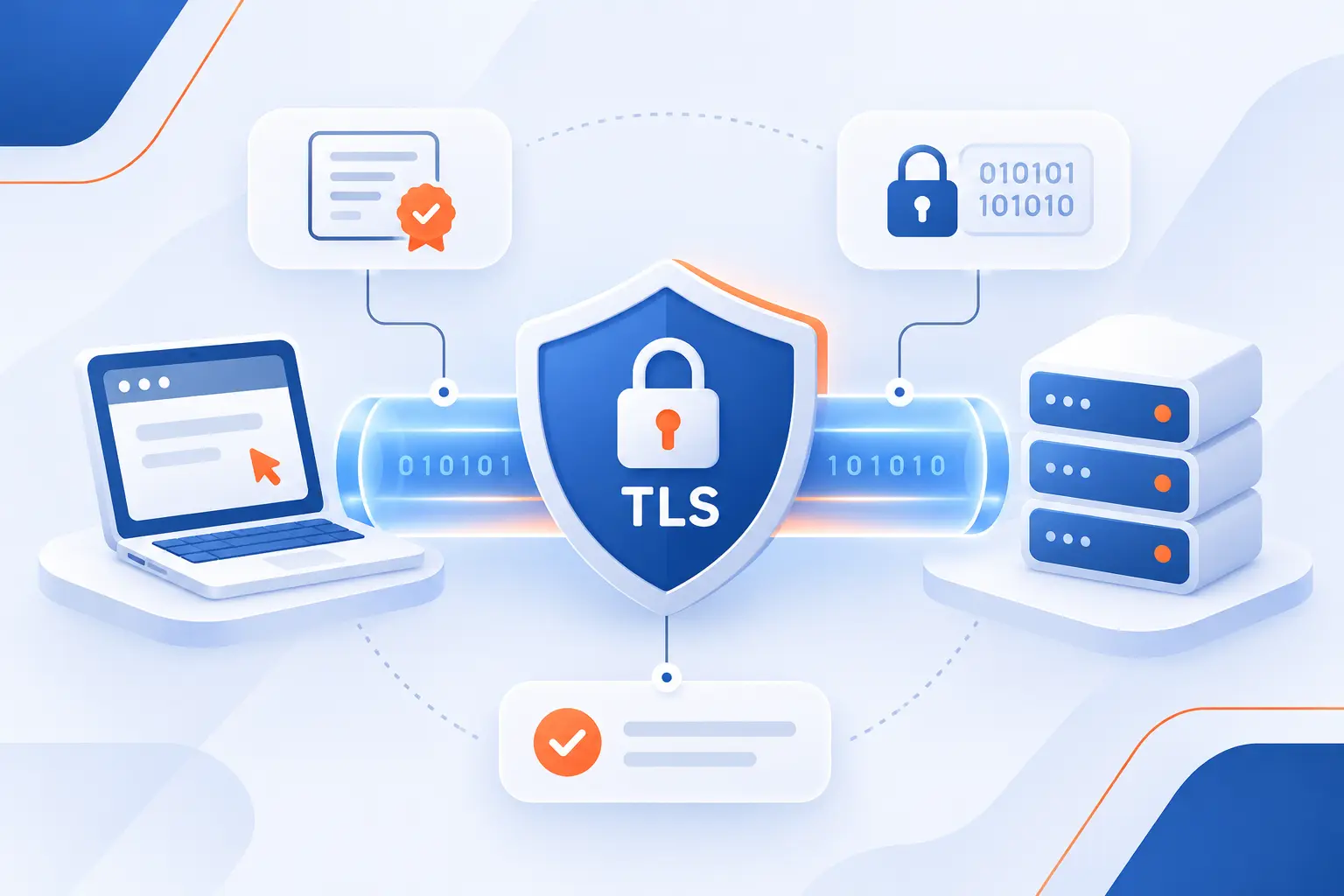
- Transport Layer Security Is a Cryptographic Protocol That Secures Network Communications
- Inside a Transport Layer Security Connection
- From SSL to Successive TLS Versions
- Where TLS Protects Everyday Internet Activity
- How SSL Certificates Support Modern TLS Connections
- What Website Owners Need to Enable TLS Reliably
- Frequently Asked Questions
- 1Byte Services for TLS-Enabled Websites and Cloud Applications
- Conclusion
Transport layer security, or TLS, is a cryptographic protocol that protects information traveling between applications over a network. It keeps transmitted data private, detects unauthorized changes, and helps verify the other party’s identity. When you visit an HTTPS website, TLS protects the connection carrying your requests and the server’s responses.
At 1Byte, we consider TLS a basic requirement for websites and cloud applications, not an optional extra. Still, its protection has boundaries. Understanding those boundaries matters just as much as knowing what encryption does.
Transport Layer Security Is a Cryptographic Protocol That Secures Network Communications
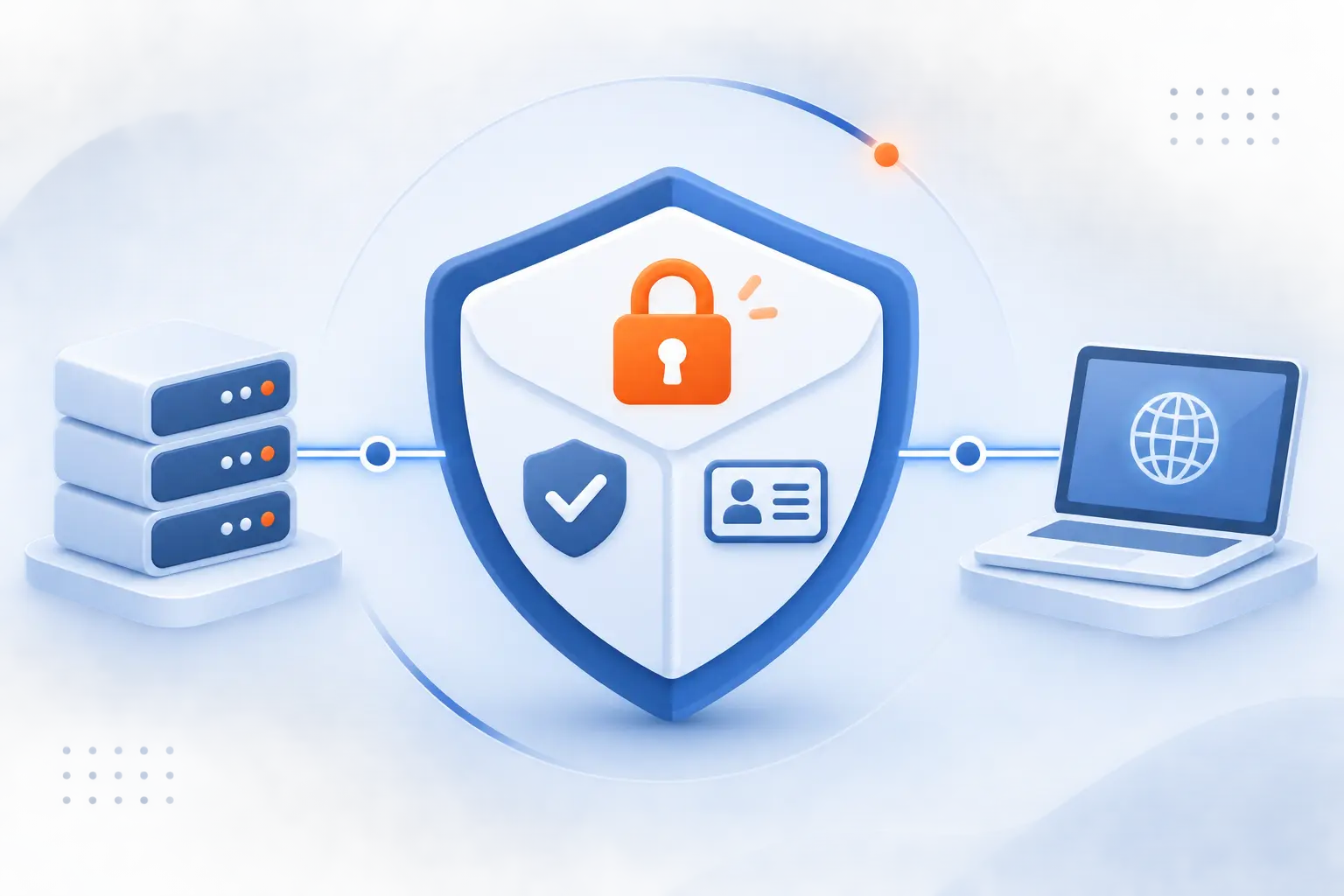
TLS secures a communication channel through encryption, integrity protection, and authentication. These protections work together, rather than acting as interchangeable features. The protocol’s three core protections address different risks, from passive eavesdropping to active impersonation.
FURTHER READING: |
| 1. File Name Extensions: Show and Identify File Types |
| 2. Social Engineering Attacks: Spot Scams and Reduce Risk |
| 3. What Is Localhost? Addresses, Tools, and WordPress |
Encryption Keeps Transmitted Information Private
Encryption turns readable application data into ciphertext that network observers cannot normally understand. Someone monitoring public Wi-Fi may see traffic moving, but not the protected password or message inside it. TLS does not hide every connection detail, and it does not encrypt information after an application stores it.
Integrity Checks Detect Changes to Messages
Integrity protection lets the receiving application detect whether protected data changed during transmission. An attacker cannot simply alter an encrypted payment amount and expect the modified message to pass verification. When verification fails, TLS rejects the affected data rather than treating it as valid.
Authentication Helps Prevent Server Impersonation
Authentication helps a client confirm that it reached the intended server instead of an impostor. Websites usually provide a certificate, then prove possession of the corresponding private key. Some systems also authenticate clients through certificates, a configuration called mutual TLS.
Inside a Transport Layer Security Connection
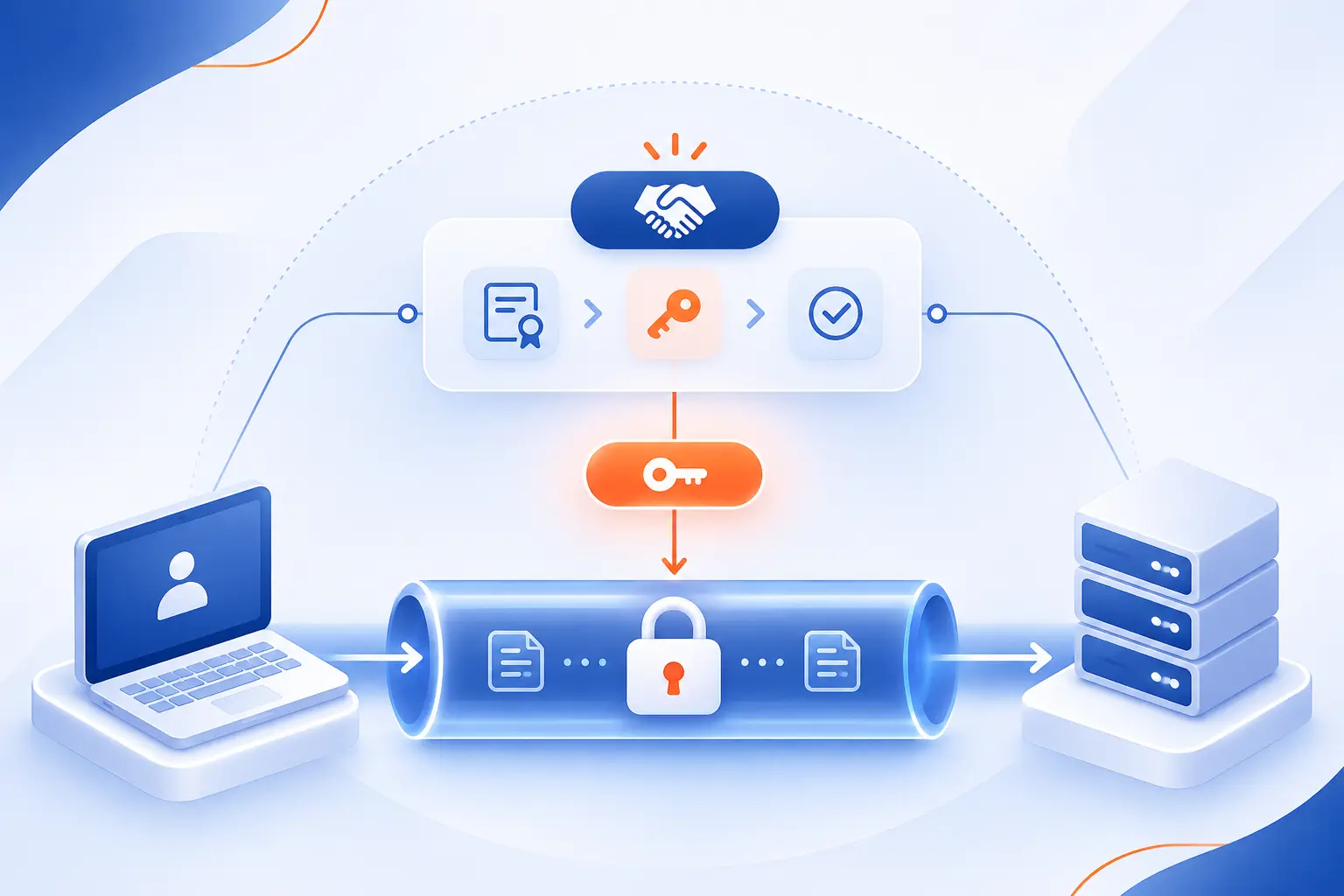
A TLS connection begins with a handshake that establishes shared security settings and cryptographic secrets. Afterward, symmetric encryption protects application traffic. The following sequence describes a typical certificate-authenticated connection, although resumed connections can follow a shorter path.
ClientHello and ServerHello Negotiate Versions and Cipher Suites
The client proposes supported settings, and the server selects compatible settings for the connection. ClientHello carries version information, cipher suites, and extensions. In TLS 1.3, cipher suites select encryption and hashing algorithms, while separate extensions negotiate key exchange and signature algorithms.
Certificate Verification Establishes Trust in the Server
The client checks whether the server’s certificate is acceptable for the requested destination. Verification includes the hostname, validity period, signatures, and certification path to a trusted authority. Receiving a certificate is not enough by itself. Those checks must succeed before the client trusts the server.
Public-Key Cryptography Supports Authentication and Key Establishment
Public-key cryptography helps authenticate the server and establish shared secrets without sending those secrets openly. In a typical TLS 1.3 handshake, signatures authenticate the exchange, while ephemeral key agreement establishes shared key material. The certificate’s public key does not encrypt every page, image, or uploaded file.
Symmetric Session Keys Protect Application Data
Symmetric traffic keys protect the application data exchanged after the handshake. Both endpoints derive the required keys from shared secrets. Separate keys protect each direction, and modern authenticated encryption combines confidentiality with tamper detection. This approach avoids using expensive public-key operations for every application message.
From SSL to Successive TLS Versions
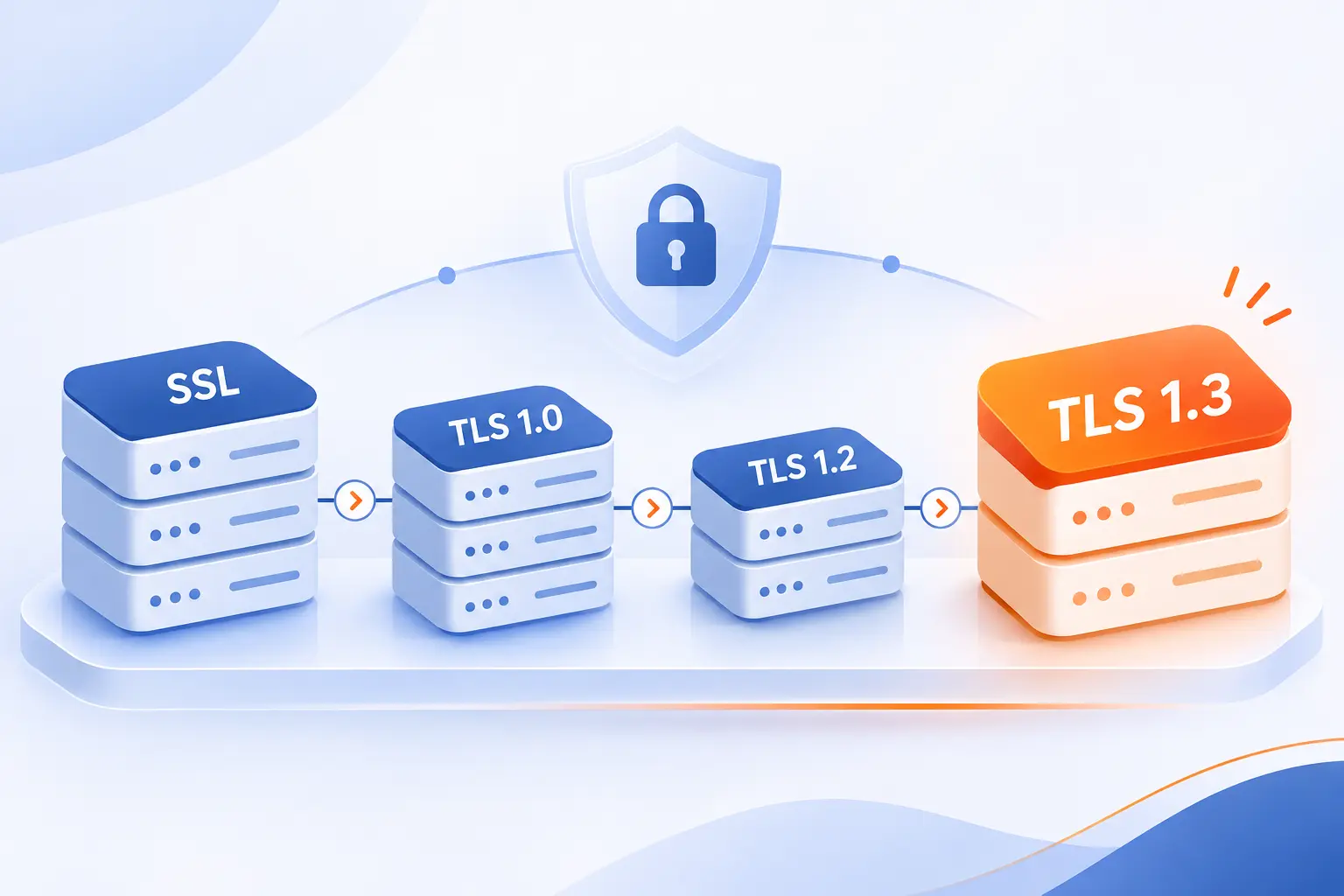
TLS evolved by improving earlier designs and retiring cryptographic choices that became unsafe. SSL and the earliest TLS versions belong to that history, not a sensible new deployment. We favor TLS 1.3 where supported, with carefully configured TLS 1.2 when compatibility requires it.
Why TLS Replaced Secure Sockets Layer
TLS succeeded SSL as the standardized protocol for protecting application connections. Its development continued beyond SSL’s design and addressed security weaknesses over successive revisions. SSL versions are obsolete, even though their name survives in certificate products and familiar administrative labels.
TLS 1.0 and 1.1 Introduced Early Protocol Improvements
TLS 1.0 and 1.1 improved earlier designs but no longer meet modern deployment requirements. TLS 1.1 addressed weaknesses affecting older block-cipher operation, yet both versions lack newer cryptographic capabilities. The standards body formally deprecated both early versions, so retaining them creates avoidable exposure.
TLS 1.2 Expanded Cryptographic Options
TLS 1.2 introduced support for stronger cryptographic options, including authenticated encryption. However, its flexibility also permits configurations that owners should avoid. Selecting the version alone does not guarantee a sound deployment. Our advice is to pair it with maintained software and the recommended deployment practices.
TLS 1.3 Streamlined Handshakes and Removed Older Cryptography
TLS 1.3 simplifies connection establishment and removes older options such as static RSA key exchange and CBC cipher suites. Its standard full handshake generally needs one network round trip before the client sends application data, excluding underlying transport setup. Optional early data requires special care because attackers may replay it.
Where TLS Protects Everyday Internet Activity
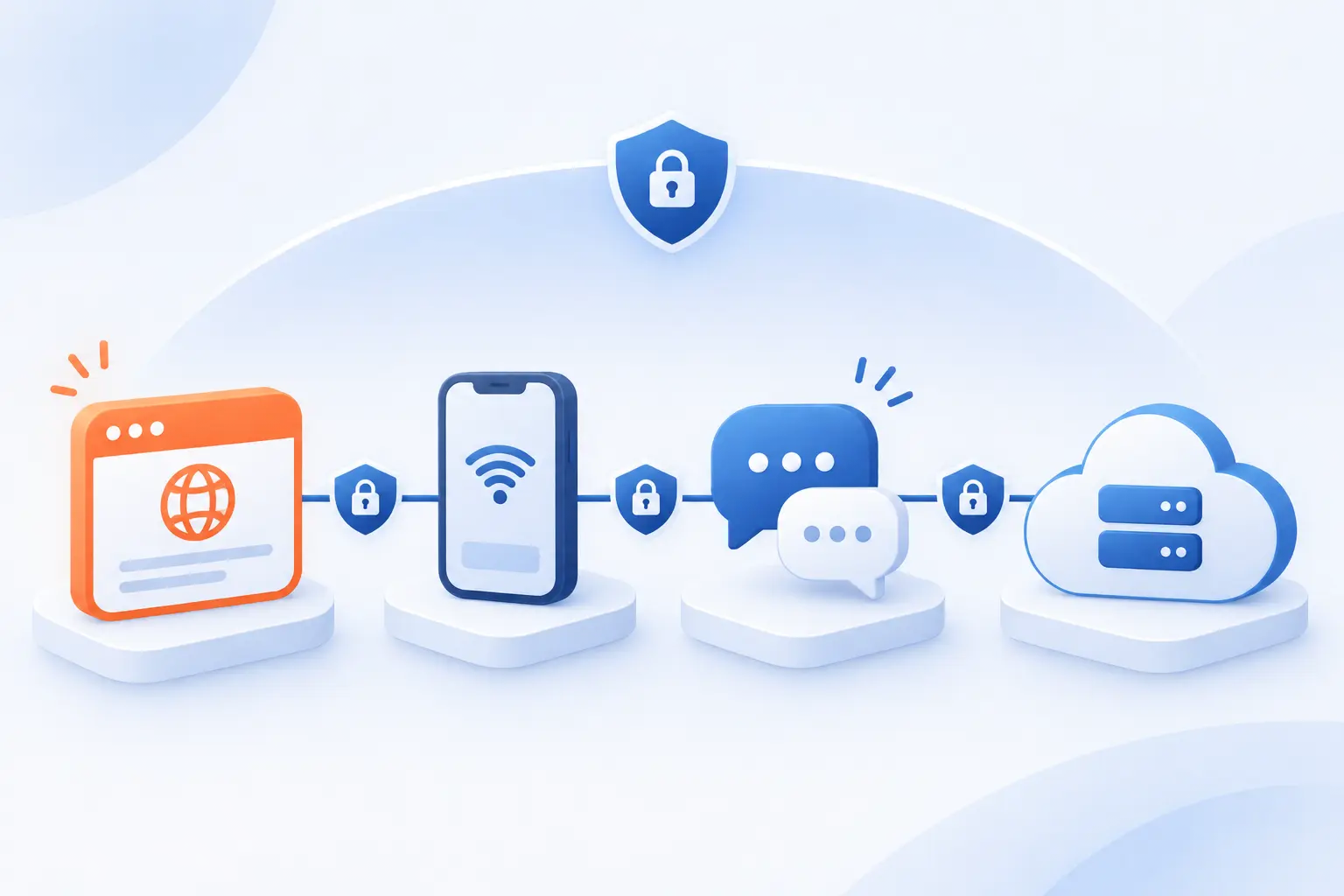
Transport layer security protects connections used by browsers, mobile applications, messaging systems, and other network services. Its reach extends well beyond websites. However, protection applies to the connections that actually enable it, not automatically to every stage of an application’s operation.
Website Browsing, Checkout Pages, and Login Forms
HTTPS uses TLS to protect requests and responses between a browser and a website endpoint. That includes submitted passwords, checkout details, and session cookies. We recommend protecting the entire website, rather than reserving HTTPS for checkout. Otherwise, unprotected pages can undermine the visitor’s journey before payment begins.
Mobile App Connections to Enterprise Servers
Mobile applications use TLS to protect API requests carrying account information, business records, and authentication tokens. Android provides a concrete example through settings that reject unencrypted traffic for selected destinations. Developers should fix certificate problems rather than disable verification to make a connection work.
Email, Instant Messaging, and Voice Over IP
TLS can secure email and messaging connections, but it does not automatically provide end-to-end encryption. Gmail, for example, identifies standard message protection separately from additional message-level protection. In voice systems, TLS may protect call signaling while a different protocol protects the audio itself.
File Transfers and TLS-Based Remote Access
TLS protects HTTPS downloads, FTPS transfers, and connections used by some remote-access systems. SFTP is different because it uses SSH rather than TLS. For any transfer tool, we suggest checking the actual protocol and certificate behavior instead of trusting a product’s general “secure” label.
How SSL Certificates Support Modern TLS Connections
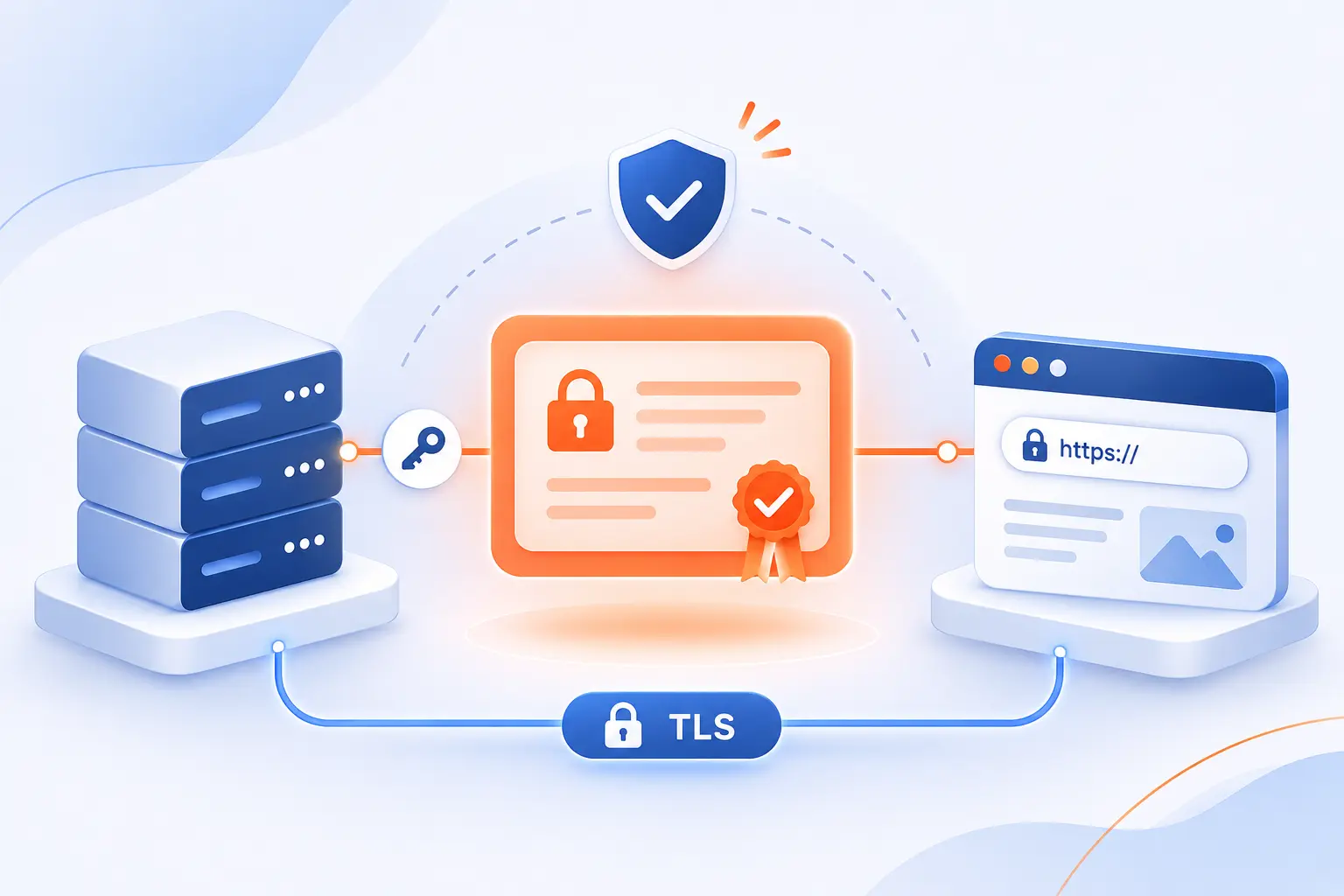
Certificates bind public keys to identified subjects and support authentication during modern TLS connections. They do not replace the protocol or perform all encryption themselves. We find it helpful to separate three questions: who was validated, which names are covered, and whether the certificate is trusted.
Why the SSL Certificate Name Still Appears
“SSL certificate” remains a familiar commercial label for certificates used with TLS. Seeing that wording does not mean a website should enable the obsolete SSL protocol. When reviewing a purchase or configuration, distinguish the certificate product’s name from the protocol versions enabled on the server.
Domain Names, Public Keys, Issuers, and Validity Periods
A server certificate identifies covered names, contains a public key, and records its issuer and validity period. Its signature lets clients detect unauthorized changes to those contents. The underlying X.509 field definitions also include extensions governing how a certificate may be used. Private keys remain separate and must stay protected.
Certificate Authorities and the Chain of Trust
A certificate authority supports trust by validating an applicant and signing the resulting certificate. A browser typically builds a path through intermediate certificates to a trusted root. Missing intermediates can therefore break an otherwise legitimate deployment. Self-signed certificates require a separate trust arrangement and are not automatically trusted by public browsers.
Domain, Organization, and Extended Validation
DV, OV, and EV describe different validation requirements, not different strengths of connection encryption. Domain validation checks control of a domain. Organization validation adds verified organization information, while extended validation applies additional identity checks. We would choose based on identity requirements, not an assumption that a higher validation category encrypts traffic more strongly.
Single-Domain, Multi-Domain, and Wildcard Coverage
Certificate coverage determines which hostnames clients can accept, independently of the validation category. A single-name certificate covers its listed name, while multi-domain certificates list several names. Under standard hostname matching rules, *.example.com can match shop.example.com, but not example.com or checkout.shop.example.com.
What Website Owners Need to Enable TLS Reliably
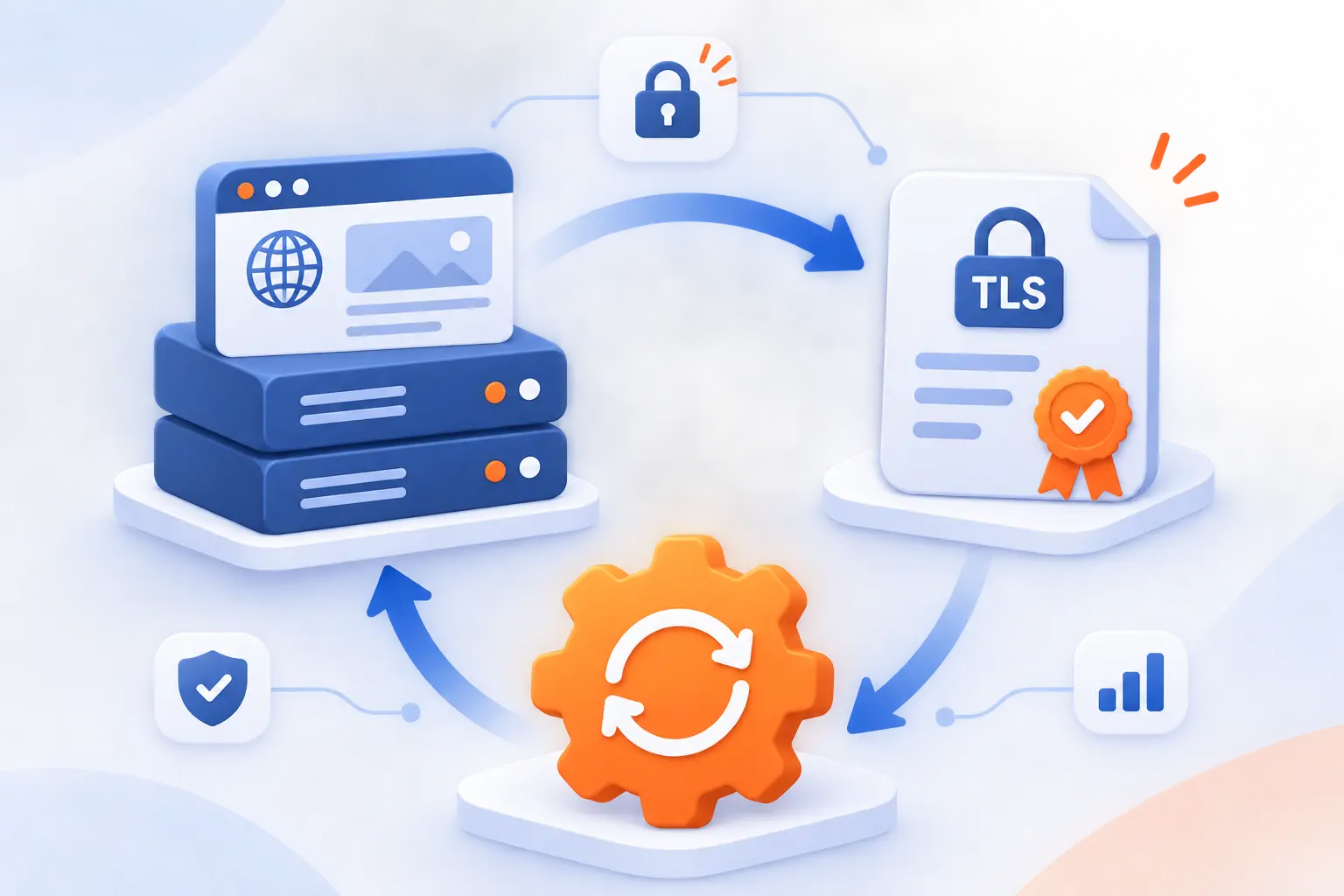
Reliable TLS requires a valid certificate, correct installation, suitable server settings, and ongoing maintenance. Buying a certificate handles only part of the job. We recommend treating deployment and renewal as one operational responsibility, with someone clearly accountable for both.
Obtain a Certificate and Install It on the Hosting Server
Install the certificate, its matching private key, and the required intermediate chain wherever the connection terminates. That endpoint might be a hosting server or another component handling incoming requests. Then enable HTTPS and verify the served certificate. Never email private keys or place them in publicly accessible files.
Check Hostname Matching, Expiration, and Revocation
Check that every public hostname has valid coverage and that certificates remain acceptable throughout their lifetime. Include alternate names visitors actually use, such as the main domain and its www address. Revocation handling varies between clients, so it should not replace monitoring or prompt replacement after private-key compromise.
Review Server Configuration and Test the Deployment
Test the public endpoint to confirm its protocol versions, cryptographic settings, and certificate chain. Disable obsolete SSL and early TLS versions. Also check redirects and page resources for unintended HTTP requests. If traffic passes through an intermediary, verify the connection onward to the application rather than assuming browser-side encryption covers that leg.
Plan Certificate Renewal and Lifecycle Management
Automate certificate renewal where available, then monitor whether replacement certificates actually reach the public endpoint. Under Baseline Requirements version 2.3.1, publicly trusted certificates issued from March 15, 2026, through March 14, 2027, have a maximum validity of 200 days. That is a ceiling, not a recommended renewal interval.
We would also assign an owner, document recovery steps, and alert on renewal failures. The recommended integration approach emphasizes automated renewal and preparing for changes in issuing infrastructure. A successful renewal job means little if the server continues presenting an older certificate.
Frequently Asked Questions
The most common TLS questions concern HTTPS, browser indicators, performance, and protection limits. Our short answer is that a protected connection is essential, but it is not a complete security assessment. These distinctions help prevent misplaced confidence.
What Does HTTPS Stand for, and How Does It Relate to TLS?
HTTPS stands for Hypertext Transfer Protocol Secure and means HTTP communication protected using TLS. HTTP defines the requests and responses, while TLS supplies connection security. They perform different jobs within the same interaction.
How Can You Check Whether a Website Connection Uses TLS?
Check for an https:// address and inspect the browser’s connection information for warnings. Browser developer tools can provide additional protocol and certificate details. Do not dismiss a certificate warning simply because the page otherwise looks familiar.
Does HTTPS Guarantee That a Website Is Trustworthy?
No, HTTPS protects the connection but does not guarantee that the website operator is honest. A fraudulent site can obtain a valid certificate for a domain it controls. Check the address carefully and evaluate the business separately before sharing sensitive information.
Does TLS Noticeably Slow Down a Website?
TLS adds connection setup and cryptographic work, but the visible effect depends on the deployment and network. TLS 1.3 reduces handshake overhead, and connection reuse avoids repeated setup. We suggest measuring actual page behavior rather than treating encryption as the likely performance bottleneck.
Is TLS Alone Enough to Protect a Web Application?
No, TLS does not replace secure application code, access controls, updates, or protection for stored information. It cannot stop an authorized server from mishandling data after decryption. Treat transport layer security as a necessary layer within a broader security plan.
1Byte Services for TLS-Enabled Websites and Cloud Applications
At 1Byte, our domain registration, SSL certificates, and hosting services address different parts of publishing an HTTPS website. We also provide cloud hosting and cloud servers, and we are an AWS Partner. We encourage customers to match these services to their application and clarify who will maintain certificates.
| Service group | Practical role | What to clarify |
|---|---|---|
| Domain registration and SSL certificates | Establish the address and certificate coverage | Required hostnames and renewal ownership |
| WordPress hosting and shared hosting | Provide a deployment environment for a website | Installation steps and HTTPS configuration |
| Cloud hosting and cloud servers | Provide infrastructure for websites and applications | Connection endpoints and configuration responsibilities |
Domain Registration and SSL Certificates for Website Identity
Our domain registration and SSL certificates address the website name and its certificate requirements. We suggest identifying every intended hostname before choosing coverage. That includes deciding whether visitors will use the main domain, a www address, or separate application subdomains.
WordPress Hosting and Shared Hosting for Website Deployment
Our WordPress hosting and shared hosting provide deployment options for website projects. When discussing a setup with us, ask how certificate installation and renewal responsibilities will be handled. For WordPress, we also suggest checking site addresses, redirects, and embedded resources during the HTTPS transition.
Cloud Hosting and Cloud Servers From an AWS Partner
Our cloud hosting and cloud servers provide infrastructure options for web applications, and 1Byte is an AWS Partner. We recommend mapping where connections begin and end before deployment. Then clarify who manages each certificate and which components require separate encrypted connections.


Conclusion
Transport layer security protects data in transit, but dependable protection requires more than a certificate purchase. At 1Byte, we favor a practical approach: understand the connection, verify the deployment, and give renewal a clear owner.
Start with one useful question: can you identify every public hostname your application uses and who maintains its certificate? If not, build that inventory before the next deployment or renewal.