

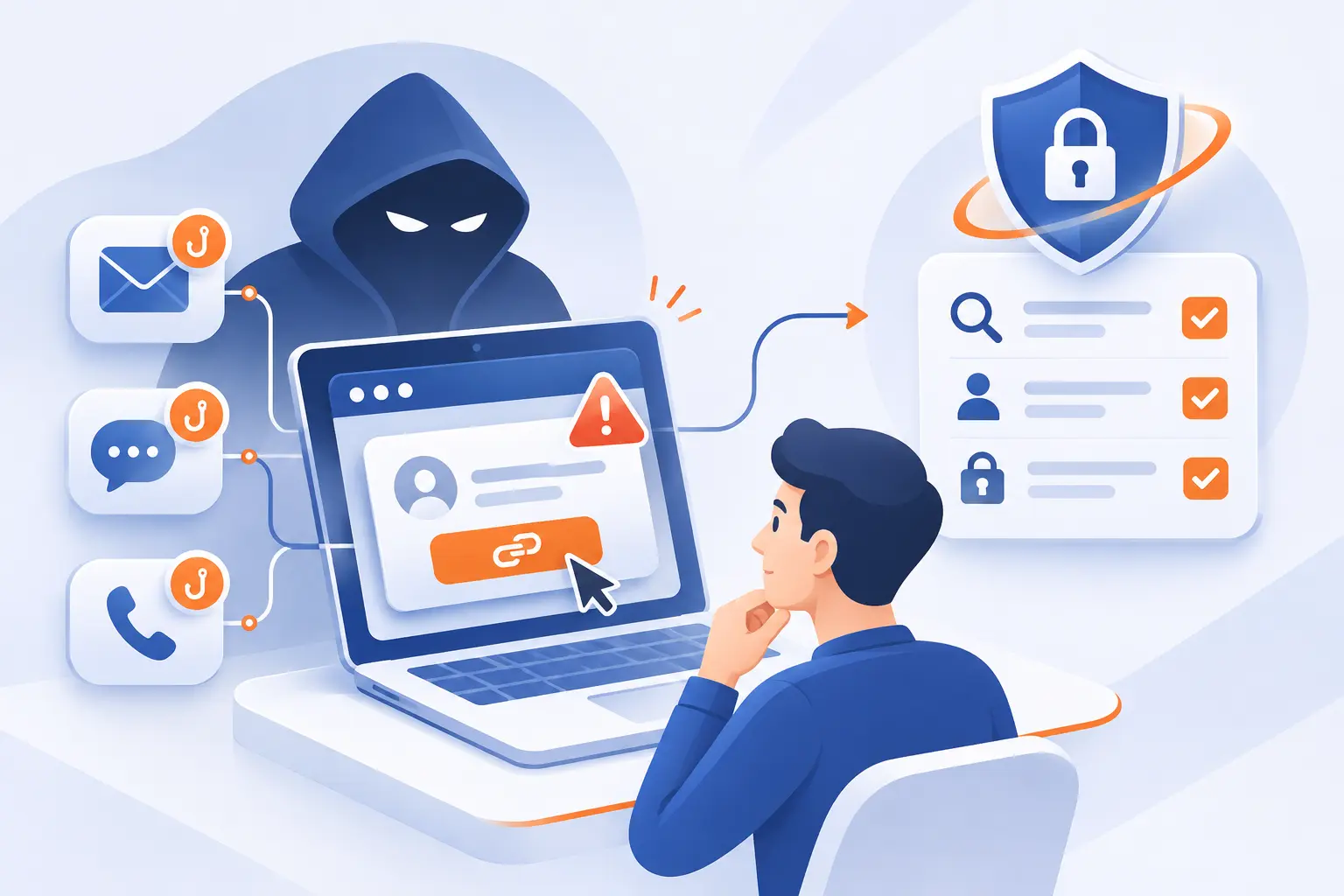
- What Are Social Engineering Attacks?
- How Attackers Move From Personal Details to Exploitation
- Recognize the Tactics Behind Messages, Offers, and Encounters
- Identify Requests That Deserve Extra Scrutiny
- Understand What One Successful Deception Can Expose
- Build Layered Defenses Against Social Engineering Attacks
- Frequently Asked Questions
- How 1Byte Supports Your Website and Cloud Infrastructure
- Conclusion
Social engineering attacks manipulate people into sharing information, transferring money, or granting access they should protect. The best defense combines independent verification, clear approval rules, and technical controls that limit damage when someone is deceived. At 1Byte, we believe security planning should start with a practical question: which requests could cause serious harm if someone followed them?
This guide turns that question into an approach you can use. We explain how deception develops, which warning signs matter, and where to place safeguards. Our view is straightforward: asking people to “be more careful” is not a security strategy. Give them a reliable way to check, refuse, and report suspicious requests.
What Are Social Engineering Attacks?
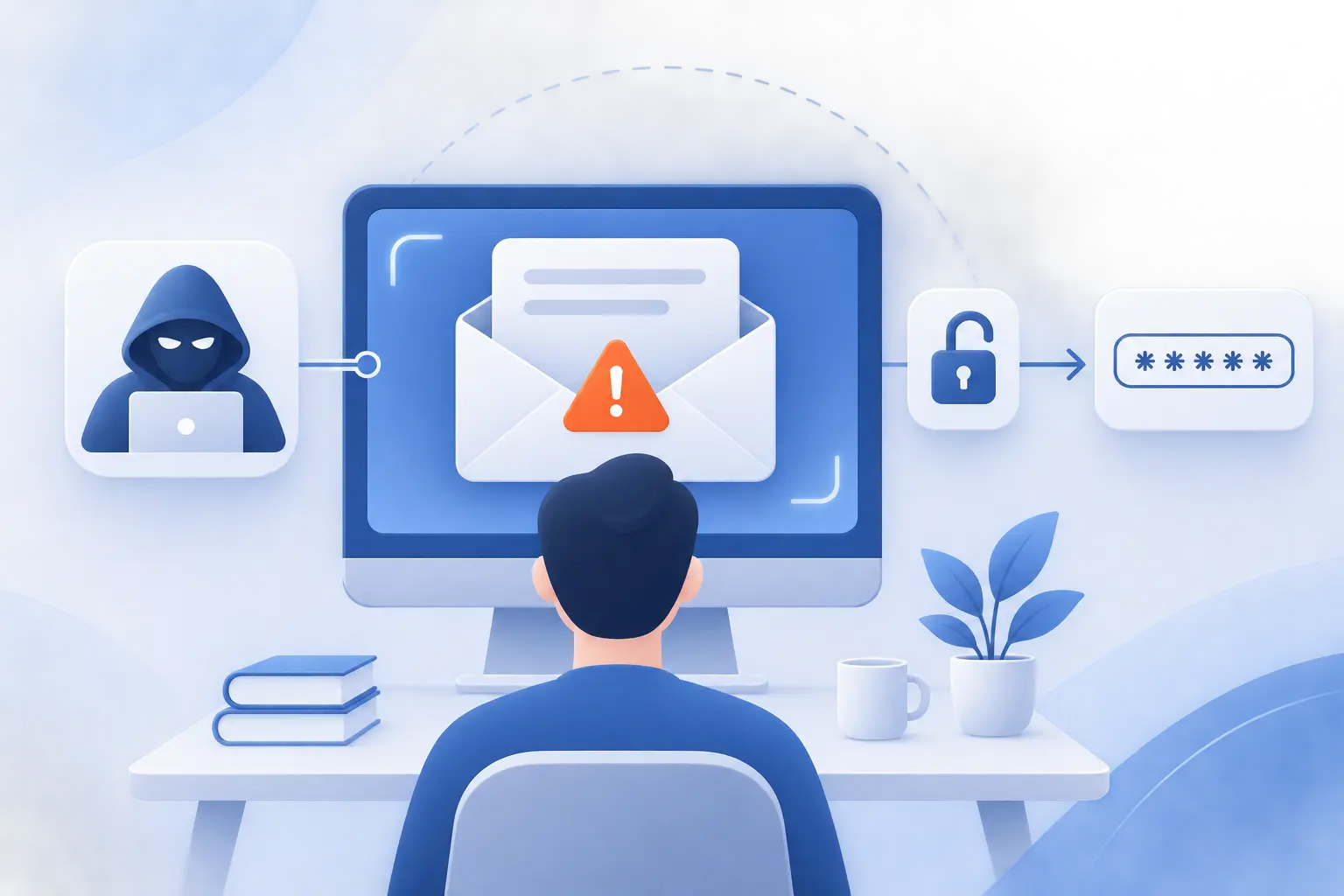
Social engineering attacks use deception and psychological pressure to influence someone’s decisions. The attacker wants an action, such as revealing a password, approving a payment, or opening a restricted door. Technology may carry the request, but persuasion supplies the push.
Consider a supposed hosting renewal notice. It claims your website will disappear unless you sign in through an attached link. The immediate risk is not the message itself. It is the decision to trust its instructions without checking your account independently.
We recommend treating this as both a people problem and a system-design problem. A cautious employee still needs sensible permissions and a safe reporting channel. NIST’s catalog of security and privacy controls brings access control, awareness, physical protection, and incident response into the same planning picture.
Start by identifying sensitive actions in your organization. Include payments, password resets, account recovery, confidential exports, and changes to website ownership. These deserve stronger checks than routine conversations.
FURTHER READING: |
| 1. What Is Localhost? Addresses, Tools, and WordPress |
| 2. 7 Types of Companies and How to Choose the Right One |
| 3. Zero Trust Network Access: How It Secures App Access |
How Attackers Move From Personal Details to Exploitation
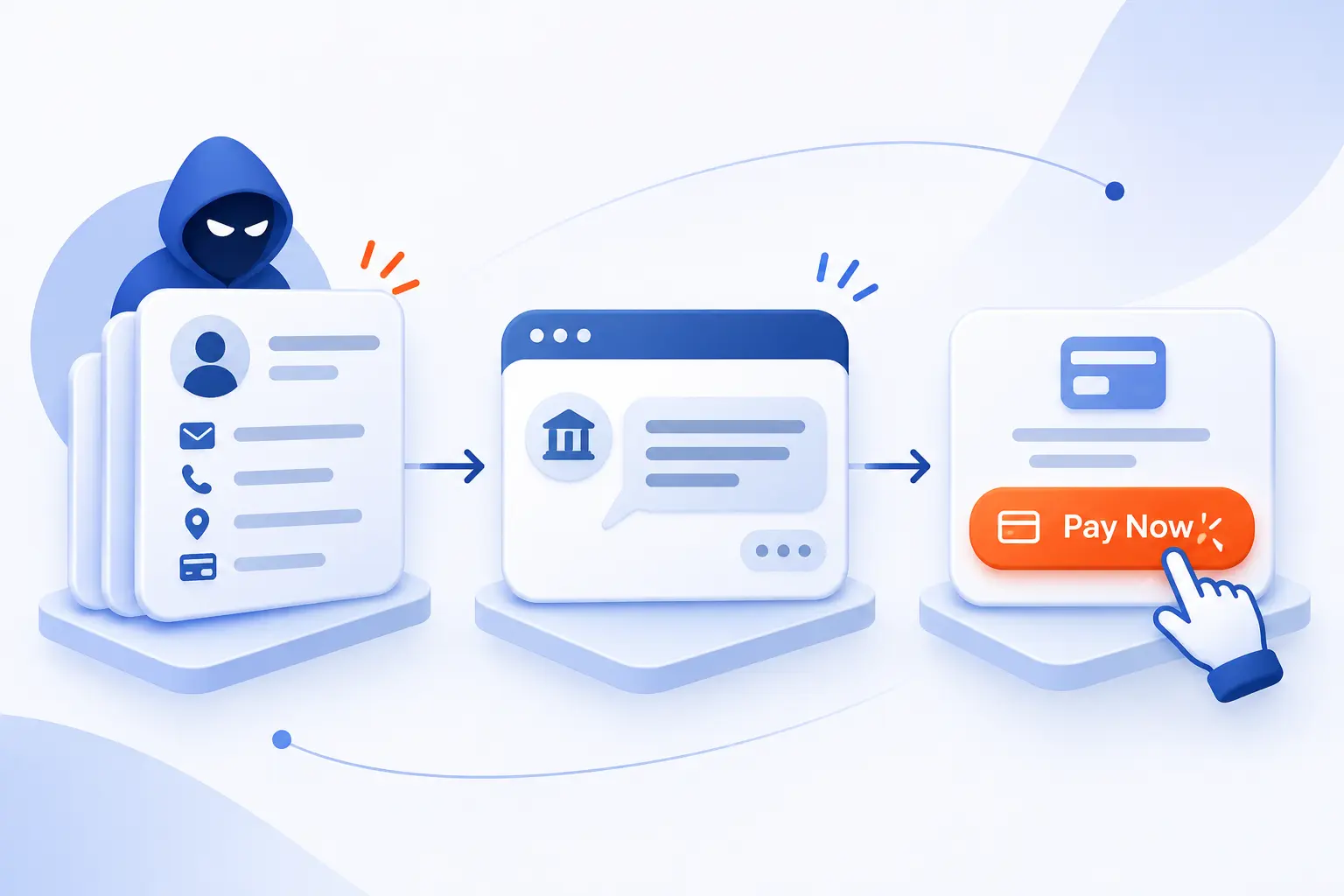
Attackers turn background information into a believable story, then use that story to request something valuable. The interaction may unfold gradually or happen in a single message. To interrupt it, examine the requested action rather than judging whether the conversation feels friendly or familiar.
Researching Targets Through Public Information and Social Media
Review what outsiders can learn about your staff, suppliers, and internal routines before deciding what to publish. Job announcements, event photos, and employee profiles can supply useful context for impersonation. A new employee’s public welcome post, for example, could inspire a fake onboarding request.
Keep necessary business information public, but remove unnecessary operational details. Avoid exposing recovery contacts, internal screenshots, badge details, or travel schedules. Review company pages alongside personal profiles, with employees’ consent.
Building Credibility With Familiar Identities and Believable Stories
Separate familiarity from authorization, because knowing someone’s name or project does not establish permission. An attacker might reference a real supplier, then request an invoice change. Another might impersonate a manager who is genuinely traveling.
For planning purposes, identify which details staff currently accept as proof. Replace weak signals with established checks. A real project name should help route a request, not authorize access to its records.
Using Fear, Urgency, Curiosity, and Reciprocity to Prompt Action
Pause whenever an emotional prompt tries to replace your normal decision process. Fear suggests consequences, urgency removes thinking time, and curiosity promises something worth opening. Reciprocity creates pressure to return a favor.
Practice recognizing these pressures in ordinary language. “Your account closes immediately” and “I already fixed this, just approve my access” deserve the same verification discipline. We prefer a simple rule: stronger pressure should trigger stronger checking, not faster compliance.
Exploiting Cooperation and Ending the Interaction Without Raising Suspicion
Verify the result of a sensitive interaction even when the other person appears helpful and satisfied. A deceptive caller might thank an employee after obtaining a verification code. A fraudulent vendor might promise that accounting records will update later.
Build confirmation into the legitimate system. Check whether the expected ticket, approval, or account change actually exists. Do not treat a polite ending as evidence that the interaction was authorized.
Recognize the Tactics Behind Messages, Offers, and Encounters
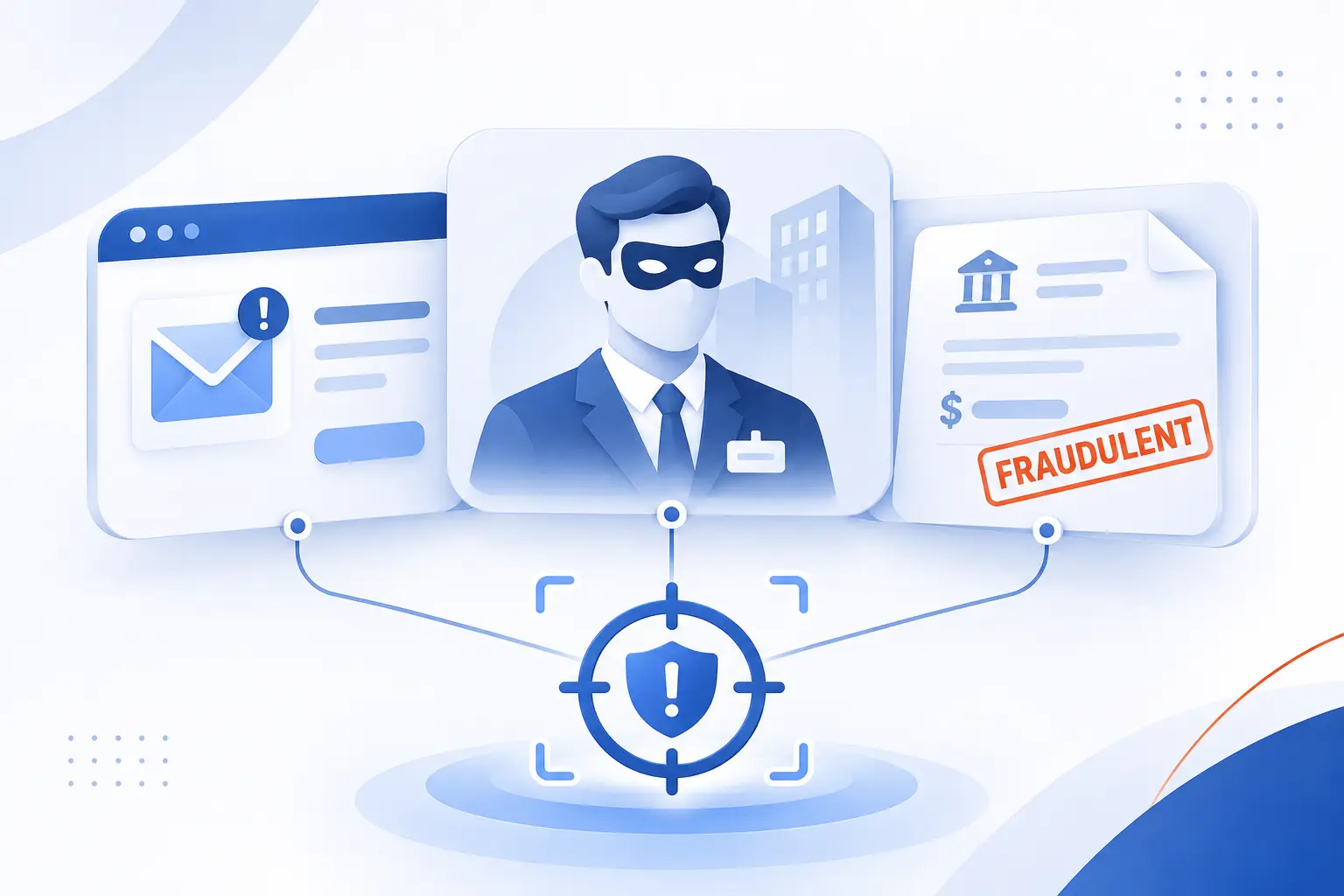
Recognize social engineering tactics by the action they seek and the trust they borrow. Names such as phishing, pretexting, and baiting describe overlapping approaches, not separate boxes. A single incident can combine a text message, an impersonated executive, and a fraudulent payment request.
Phishing Through Fake Account Alerts, Links, and Attachments
Phishing uses deceptive messages to persuade recipients to reveal information or take an unsafe action. An account alert might lead to a counterfeit login page. An attachment might instead ask you to enable risky functionality or install software.
Check unexpected alerts through a saved bookmark or your usual application. For attachments, confirm the business purpose before opening them. A familiar file format or convincing subject line is not sufficient approval.
Spear Phishing and Whaling That Personalize the Approach
Spear phishing targets a particular person or group, while whaling focuses on senior or high-value individuals. Personalization makes the request fit the recipient’s responsibilities. An executive assistant might receive a fabricated board document rather than a generic prize offer.
Match defenses to the role. Require extra verification around executive scheduling, confidential documents, and account recovery. Seniority should never create an exemption from approval rules.
Vishing and Smishing Through Phone Calls and Text Messages
Vishing uses voice communication, while smishing uses text messages to deliver deceptive requests. Both can push you toward a fake website or an unauthorized action. A caller may also keep you talking while directing changes on your computer.
End unexpected sensitive conversations and reconnect through an independently known channel. For delivery, banking, or account notices, open the established application yourself. Do not use a replacement number supplied during the suspicious interaction.
Business Email Compromise Through Executive and Vendor Impersonation
Business email compromise seeks money or sensitive information by impersonating trusted participants in business communications. The request might arrive from a forged address or an actual compromised mailbox. Familiar invoice language can make the change seem routine.
The FBI’s 2025 IC3 report recorded $3.05 billion in reported losses under this category. Treat bank-detail changes and unusual executive requests as controlled transactions. Verify them outside the email thread before approval.
Pretexting and Quid Pro Quo Through Fabricated Problems and Helpful Offers
Pretexting invents a convincing situation, while quid pro quo offers a benefit in exchange for cooperation. A supposed technician might promise to fix an invented account problem if you approve access. The offer makes the requested concession seem reasonable.
Require a verifiable work order and an authorized service channel. If nobody requested the assistance, pause before accepting it. Helpful behavior does not establish a legitimate business need.
Baiting Through Free Downloads, Prizes, and Infected USB Drives
Baiting offers something appealing to encourage an unsafe action. Examples include a free download, an unexpected prize, or a found USB drive with an intriguing label. The lure matters less than what you must do to claim it.
Use approved software sources and refuse unknown removable media. Send unfamiliar devices to the designated security or IT contact. Never connect one merely to identify its owner.
Scareware Through Fake Security Warnings and Support Requests
Scareware uses alarming warnings to push you toward unnecessary software, payment, or fraudulent support. A browser page might imitate a system alert and insist that you call immediately.
In a recorded consumer account, a retired consultant described a branded pop-up leading to remote access. He later could not access his files. Close the suspicious page and contact support through your established route. Do not follow the warning’s contact instructions.
Caller ID Spoofing, Forged Emails, and Compromised Contact Accounts
Displayed identities are clues, not proof of who controls a conversation. Caller ID and email sender information can be misleading. An attacker may also communicate through a real account they have taken over.
Evaluate the request separately from its apparent source. If a familiar contact suddenly asks for confidential files, verify through another established channel. Replying within the same compromised conversation does not provide independent confirmation.
Lookalike Domains, DNS Spoofing, and Compromised Websites
Check the destination carefully, because different techniques can place deceptive content behind a convincing web address. Lookalike domains imitate names, while DNS spoofing tampers with how a domain resolves. A compromised website involves unauthorized changes to a legitimate site.
Use bookmarks for sensitive services and stop at certificate warnings. Remember that HTTPS does not establish website trustworthiness. Encryption protects the connection, not the honesty of the party operating the page.
Tailgating Through Restricted Entrances
Tailgating occurs when someone follows an authorized person into a restricted area without completing the required entry process. The person might appear distracted, carry equipment, or ask someone to hold the door.
Keep courtesy separate from access approval. Direct visitors to reception and require the normal check-in procedure. Give employees a safe escalation route rather than expecting them to physically confront strangers.
AI-Generated Messages, Cloned Voices, and Deepfake Impersonation
Treat realistic writing, audio, and video as presentation rather than identity verification. AI-generated content can support an impersonation without changing the underlying objective: getting you to authorize something.
The FBI documented AI-generated voice messages impersonating senior U.S. officials in a campaign beginning in April 2025. Require an independent callback and established approval for sensitive requests. Do not make visual glitches or unnatural speech your primary defense.
Identify Requests That Deserve Extra Scrutiny

Requests deserve extra scrutiny when they involve sensitive information, unusual authority, changed destinations, or bypassed procedures. You do not need to prove that someone is an attacker before pausing. A request can be legitimate and still require verification.
Pressure to Act Immediately or Skip Normal Procedures
Pause any request that combines urgency with an exception to established procedure. “The director approved this verbally” should not replace the required record. Neither should a deadline erase payment checks.
Define an emergency approval route before an emergency occurs. Name who can authorize exceptions and how decisions must be documented. We would rather see a controlled delay than an irreversible action based on pressure.
Unexpected Requests for Passwords, Verification Codes, or Remote Access
Reject unexpected requests to disclose passwords, read out login codes, approve prompts, or grant remote control. These actions can hand another person the authority associated with your account or device.
If assistance is genuinely needed, initiate it through the approved support process. Use account-recovery steps inside the official service. Never approve an authentication prompt for a login you did not initiate.
Unusual Payment Instructions and Changes to Vendor Bank Details
Verify new payment destinations independently before changing supplier records or sending money. Compare the request with the contract and approved vendor information. Do not rely on an updated invoice alone.
Call a previously recorded contact and document the confirmation. Require another authorized person to approve the change. Apply the same rule when the request appears to come from a senior executive.
Misleading Sender Addresses and Branding That Looks Convincing
Inspect the full sender address and requested destination instead of trusting a display name or logo. Look for unexpected reply addresses, altered spelling, and domains that differ from your established records.
Still, do not stop after a visual inspection. A correct-looking address may belong to a compromised account. For consequential actions, independent verification remains necessary even when the branding appears flawless.
Why Polished Writing and Familiar Voices Do Not Prove Authenticity
Judge whether a request is authorized, not whether its language or voice seems convincing. Correct grammar does not validate an instruction. Familiar vocabulary does not authorize an account change.
Ask what evidence your process requires regardless of presentation. That might mean a recorded approval, an independently initiated call, or confirmation inside an established portal. Consistent checks outperform guesses about someone’s writing style.
Understand What One Successful Deception Can Expose
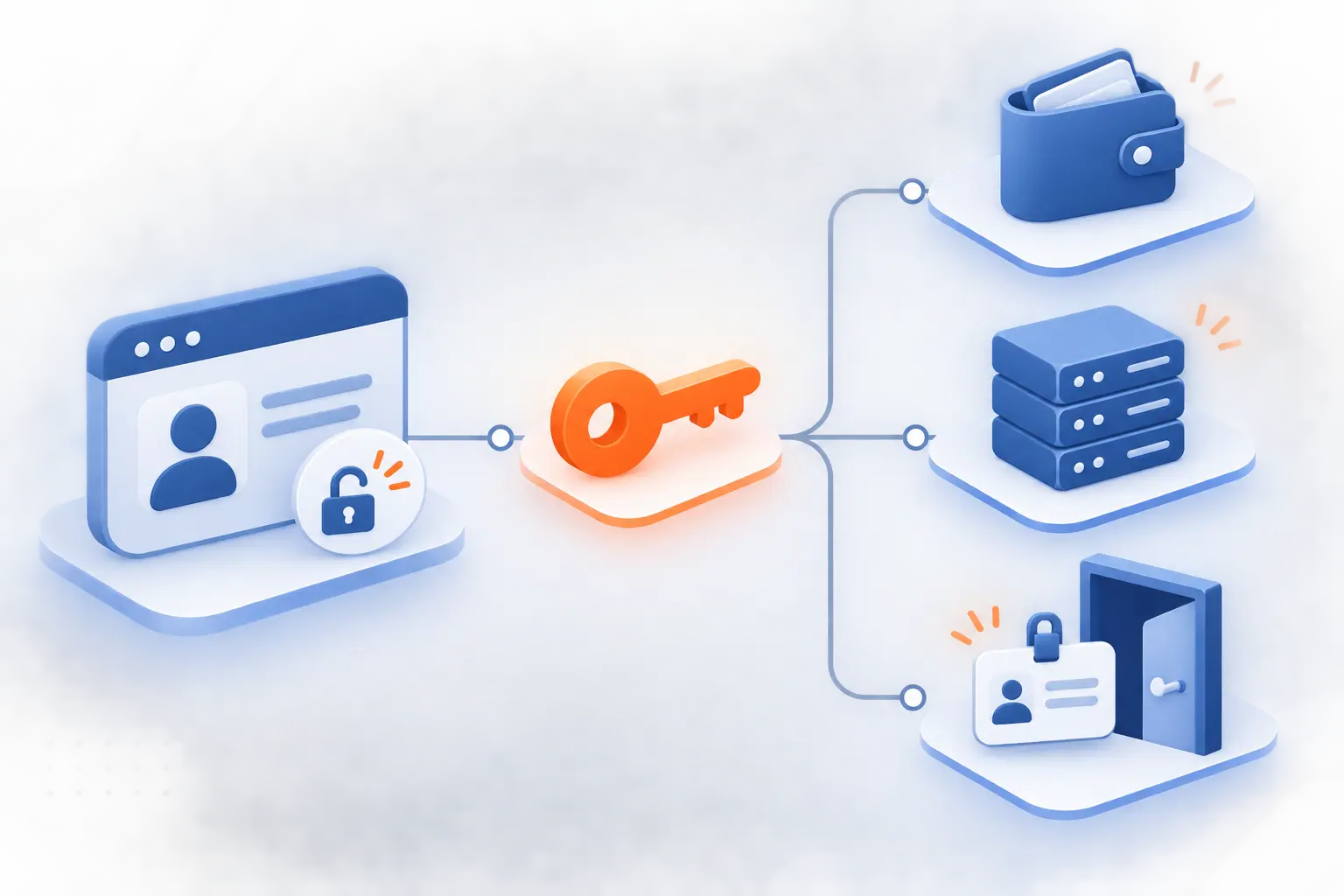
One successful deception can expose whatever the affected person or account is allowed to access. The consequences depend on permissions, payment authority, connected systems, and response speed. Assess potential damage by following those connections rather than considering the initial message alone.
Disclosure of Credentials, Banking Details, and Confidential Records
Identify which secrets and records someone could disclose during an apparently routine interaction. Include passwords, recovery information, customer exports, employee records, and banking documents. Do not limit the review to formal passwords.
Reduce unnecessary access and avoid sending sensitive material through informal channels. For each important record, specify who may release it and how the recipient must be verified. Make that rule easy to find.
Unauthorized System Access Through Stolen Credentials or Remote Support
Map where a stolen account or unauthorized remote session could lead next. A mailbox may connect to recovery workflows. A website administrator account may allow changes to published content or user access.
Review privileged accounts separately from ordinary accounts. Remove shared administrator credentials where possible and protect recovery settings. During an incident, examine active sessions and newly registered authentication methods, not just the password.
Malware and Ransomware Following a Deceptive Link or Download
Treat unexpected downloads and installation instructions as possible routes to malicious software, but do not assume every click causes infection. Risk depends on what opened, what executed, and which protections were active.
Record what happened accurately and let the response team investigate. If suspicious software ran, follow the organization’s isolation procedure. Avoid deleting evidence or attempting improvised cleanup before receiving instructions.
Financial Loss, Identity Theft, Service Disruption, and Reputational Damage
Assess business consequences alongside technical exposure so response priorities reflect real harm. Ask whether payments moved, private records left the organization, or customer-facing systems changed. Consider interrupted operations and necessary communications.
Assign owners for financial recovery, technical investigation, and customer updates. Preserve relevant messages and transaction details. Avoid public claims about the incident’s cause or scope until the evidence supports them.
Build Layered Defenses Against Social Engineering Attacks
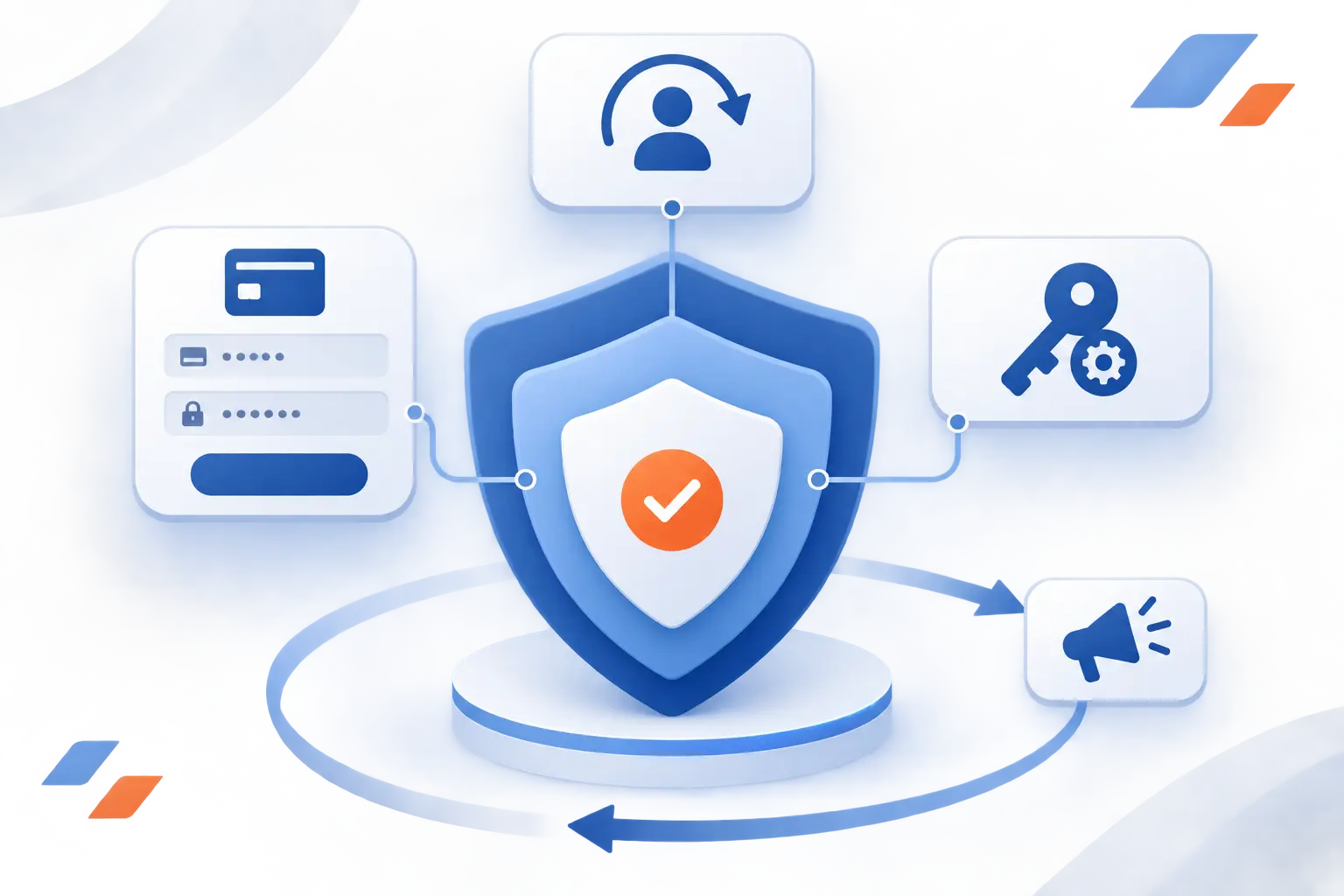
Build layered defenses by verifying sensitive actions, restricting authority, protecting accounts, and preparing for rapid reporting. Training supports these controls, but it should not carry the entire burden. We recommend starting with payments, account recovery, and administrator access, then expanding to other workflows.
Verify Sensitive Requests Through Independently Known Contact Channels
Confirm sensitive requests through contact details established before the suspicious interaction. Use a trusted directory, signed contract, or previously verified vendor record. A number inside the questionable message is not independent evidence.
State exactly what you are confirming, including the destination and requested change. Then record the result in the normal workflow. For new contacts, establish identity through your approved onboarding process before granting authority.
Require Separate Approval for Payments and Account Changes
Separate the person requesting a sensitive change from the person approving it. Apply this to vendor banking updates, privileged access, and changes to recovery contacts. Define who may approve each category.
Make the second check substantive. The approver should inspect supporting records and independent verification, not simply repeat the first person’s assumption. Document emergency exceptions and review them afterward.
Reduce Public Information That Can Personalize a Scam
Remove unnecessary operational details from public pages and social profiles. Begin with staff directories, office photos, recruitment materials, and conference posts. Look for exposed internal systems, access badges, and sensitive project references.
Do not make secrecy the goal. Keep information that customers and partners genuinely need. Instead, publish deliberately and teach staff how to share professional updates without revealing recovery details or internal procedures.
Protect Accounts With Strong Passwords and Multi-Factor Authentication
Use unique passwords stored in a password manager and prioritize phishing-resistant authentication for sensitive accounts. CISA identifies FIDO/WebAuthn as a phishing-resistant approach. Protect email, administrator access, and recovery processes first.
Cloudflare’s account of its hardware-key deployment describes blocking unauthorized access despite disclosed credentials. Our takeaway is practical: choose controls that can withstand a mistaken decision. Review fallback methods so account recovery does not undermine stronger authentication.
Limit Permissions and Monitor Unusual Login Activity
Give each account only the access required for its current work. Separate routine activity from administrative tasks and remove access when responsibilities change. Assign an owner to review privileged permissions.
Monitor unexpected sign-ins, new authentication methods, unusual exports, and changes to mailbox forwarding. Decide who receives alerts and how they investigate. An alert without an accountable responder is an unfinished control.
Filter Suspicious Messages and Authenticate Business Email
Configure message filtering and business email authentication together, while recognizing their limits. SPF identifies authorized sending infrastructure, and DKIM adds a verifiable signature. DMARC connects authentication with the visible sender domain and a handling policy.
CISA recommends reviewing reports before enforcing rejection as part of deployment. Inventory legitimate senders first. These measures do not establish that every request from an authenticated or compromised account is trustworthy.
Maintain Software Updates, Anti-Malware Tools, and Endpoint Protection
Keep operating systems, browsers, applications, and endpoint protection updated through an assigned maintenance process. Inventory devices and software so neglected systems do not disappear from view. Remove unsupported software rather than accepting indefinite exceptions.
Confirm that security alerts reach someone who can act. Restrict unnecessary installation privileges and test recovery from protected backups. These controls address technical consequences, while approval rules address fraudulent instructions that require no malware.
Control Visitor Entry, Unattended Devices, and Unknown Removable Media
Require visitors to complete the entry process and keep unattended devices locked. Establish clear rules for badges, escorts, deliveries, and lost devices. Apply them consistently to familiar faces and senior visitors.
Provide a designated place to report unknown removable media. Give employees language they can use without confrontation, such as “Reception can help you check in.” Physical access control should not depend on personal confidence.
Practice Role-Based Awareness Training and Phishing Simulations
Train people on the deceptive requests they are likely to encounter in their actual roles. Finance teams should rehearse payment changes. Help desks should practice recovery requests, while website teams should examine fake renewal and access notices.
Use simulations to identify confusing procedures and missing safeguards, not to embarrass employees. Review reporting behavior alongside mistaken clicks. After each exercise, change something concrete, such as the approval form or reporting instructions.
Make Suspicious Activity Easy to Report and Maintain a Response Plan
Provide an obvious reporting route and rehearse what happens after someone uses it. NIST SP 800-61 Rev. 3 recommends integrating incident response into risk management, rather than treating preparation as an afterthought.
Adapt this sequence to your organization and test it through an exercise:
- Stop the interaction and report the message, requested action, and actions already taken.
- Preserve relevant evidence and have responders assess affected accounts, devices, records, and transactions.
- Contain confirmed exposure, including revoking sessions or isolating affected devices when appropriate.
- Contact the financial institution immediately if money moved, then coordinate recovery and required communications.
- Review the failure and improve the control without blaming the person who reported it.
Frequently Asked Questions
Social engineering attacks can involve messages, conversations, websites, or physical encounters. The common thread is a deceptive request that takes advantage of trust or pressure. These answers clarify distinctions that matter when planning defenses.
Which Social Engineering Techniques Are Common in Cybersecurity?
Common techniques include phishing, targeted impersonation, pretexting, baiting, fraudulent support offers, and tailgating. They can overlap within the same incident. Focus on the requested action and verification process rather than memorizing labels alone.
What Is a Phishing Attack?
A phishing attack uses a deceptive message to persuade someone to disclose information or take an unsafe action. It might direct you to a counterfeit login page or an unexpected attachment. Check the claimed issue through your normal application instead of following the message’s instructions.
What Is a Physical Social Engineering Attack?
A physical social engineering attack uses deception to obtain access, information, or cooperation in a physical setting. Examples include following someone through a restricted entrance or posing as an authorized technician. Require the normal visitor process and escalate concerns through a safe channel.
What Signs Suggest Someone Is Trying to Manipulate You?
Warning signs include pressure, secrecy, unexpected sensitive requests, and instructions to bypass normal procedures. A changed payment destination or unsolicited remote-access request also deserves scrutiny. Pause and verify independently, even if the person appears familiar.
Do These Attacks Always Involve Malware?
No, these attacks can succeed without installing malicious software. A fraudulent transfer or voluntarily disclosed record may achieve the attacker’s goal. That is why technical protection must be paired with verification and approval rules.
Can an Attack Happen Without a Phone Call or Face-to-Face Conversation?
Yes, an attack can happen entirely through email, text, messaging platforms, or deceptive websites. The attacker does not need a live conversation to create pressure or impersonate authority. Apply the same verification rules across communication channels.
How 1Byte Supports Your Website and Cloud Infrastructure
At 1Byte, we provide domain registration, SSL certificates, WordPress hosting, shared hosting, cloud hosting, and cloud servers. We are also an AWS Partner. These services support your web presence and infrastructure, but none replaces independent verification or careful account management.
Use the comparison below to connect each service with the security decisions your team should document. The right choice depends on the website or application and the responsibilities you can manage.
| Service | Planning focus | Security question to resolve |
|---|---|---|
| Domain registration | Business domain ownership | Who may approve ownership and contact changes? |
| SSL certificates | Encrypted website connections | Who manages renewal and installation? |
| WordPress hosting | WordPress website needs | Who controls administrator access and updates? |
| Shared hosting | Website hosting requirements | Who may change files and account settings? |
| Cloud hosting | Application hosting requirements | How are operational responsibilities divided? |
| Cloud servers | Server-based workloads | Who owns server access, maintenance, and recovery? |
Domain Registration and SSL Certificates for Your Web Presence
Use our domain registration and SSL certificates as foundations for an identifiable, encrypted web presence. Document who controls registration details and who may approve changes. Keep renewal responsibilities clear so unexpected notices are easier to verify.
Remember the distinction discussed earlier: encryption does not prove that a request is honest. Direct staff and customers toward your established address. Check account notices through your usual login route rather than an unsolicited link.
WordPress Hosting and Shared Hosting for Website Needs
Evaluate our WordPress hosting and shared hosting against your website’s requirements and your team’s administrative responsibilities. Before choosing, identify who will manage website accounts, software, and content changes. Confirm the scope of the selected service rather than assuming every task is included.
For social engineering risk, prioritize control over administrator access and recovery contacts. Require approval for new administrators and unexpected file changes. Keep a record of authorized people and review it when staff responsibilities change.
Cloud Hosting and Cloud Servers From an AWS Partner
Consider our cloud hosting and cloud servers alongside a written division of security responsibilities. As an AWS Partner, we believe that responsibility should be explicit, not assumed. Confirm the selected service’s scope before assigning maintenance and recovery tasks.
AWS’s division of security responsibilities illustrates why this matters. Customer duties vary with the services used. For your deployment, document who approves access, reviews activity, maintains software, and responds when an account is deceived.


Conclusion
Reducing social engineering attacks requires more than recognizing suspicious wording. Protect the decisions that matter: payments, account recovery, privileged access, confidential disclosures, and physical entry. Give each one a verification method, an accountable owner, and a reporting route.
At 1Byte, we favor practical safeguards over demands for perfect vigilance. People should be able to pause without embarrassment and report mistakes without fear. Technical controls should then limit what a mistaken decision can expose.
Start with one workflow this week. Could a convincing message change a vendor’s bank details or reset an administrator account? Walk through that request with your team, then fix the weakest check before someone tests it for you.