

- A Data Center Is a Physical Facility That Houses Computing Systems to Store, Process, and Distribute Data
- The Digital Services These Facilities Make Possible
- The Hardware Behind Storage, Processing, and Connectivity
- How Facility Systems Keep Equipment Running
- Data Center Models Differ by Ownership, Service, and Scale
- What Data Center Tiers Indicate About Resilience
- Business Trade-Offs Between On-Premises and Outsourced Infrastructure
- How Expansion Affects Resources and Nearby Communities
- Frequently Asked Questions
- How 1Byte Supports Hosting and Cloud Customers as an AWS Partner
- Conclusion
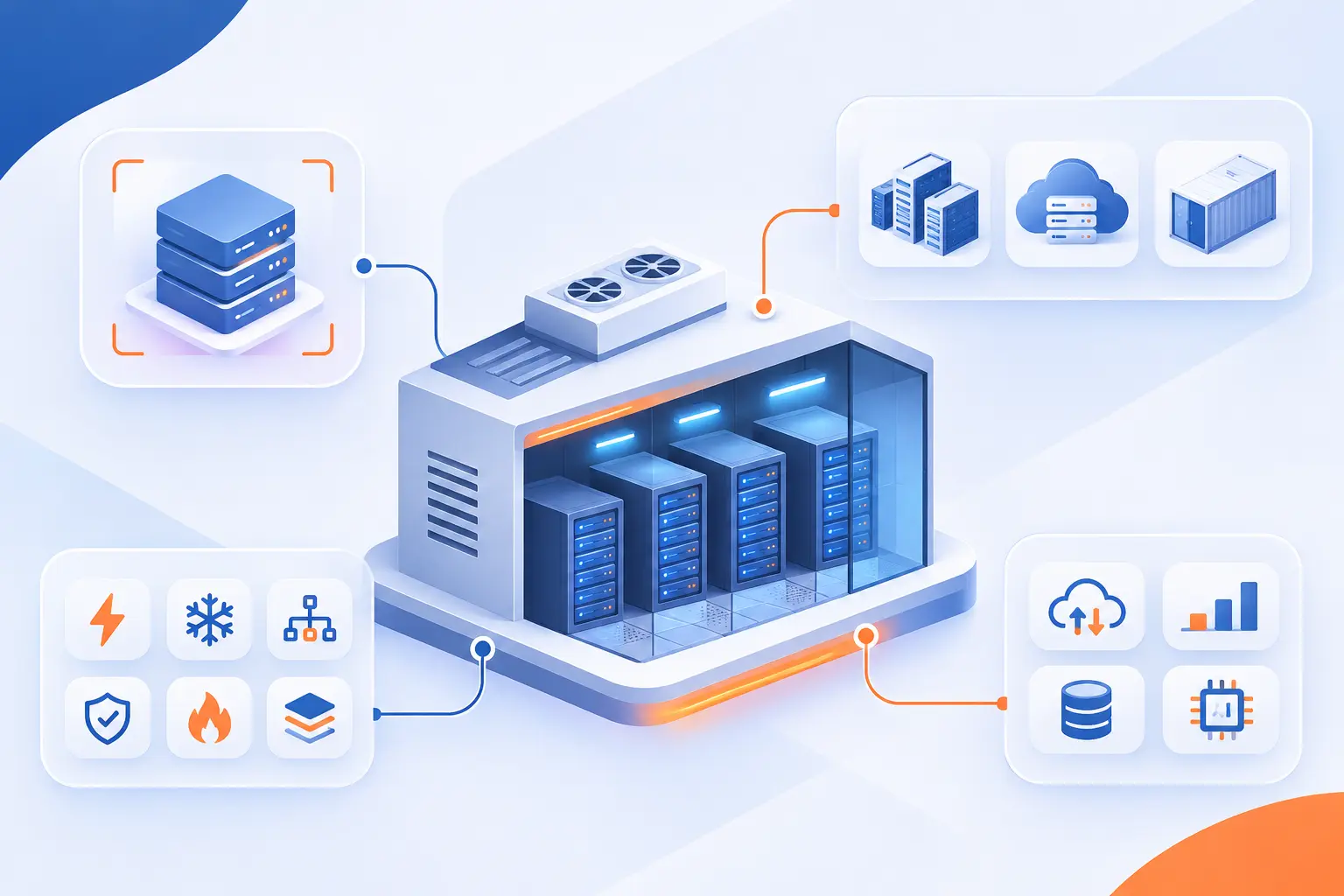
A data center is a physical facility that houses computers and supporting systems to store, process, and distribute data. Its equipment runs websites, business software, cloud services, and other digital tools. Power, cooling, networking, and security systems keep that equipment operating. At 1Byte, we believe understanding this physical foundation makes hosting and cloud decisions much less confusing.
A Data Center Is a Physical Facility That Houses Computing Systems to Store, Process, and Distribute Data
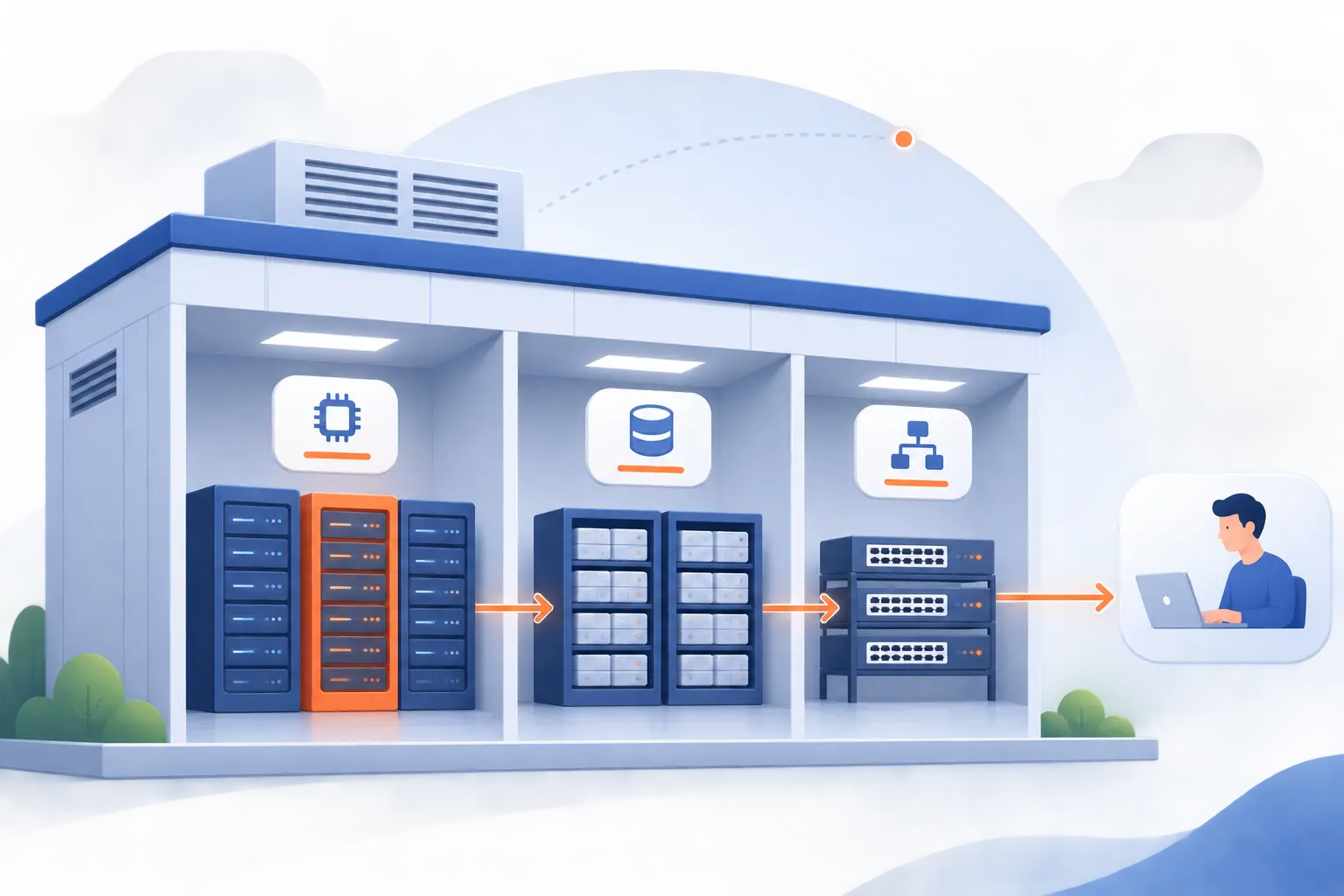
A data center brings computing equipment together in a controlled environment where it can run reliably. Servers perform calculations and run software. Storage devices retain information, while networking equipment moves it between systems and users.
The building matters because computers need more than an electrical outlet. They require stable power, heat removal, network connections, and protection against unauthorized access. Operators also monitor equipment and maintain the systems supporting it.
A useful distinction is between the facility and the services delivered from it. A website is software and content. Cloud computing is a way of supplying computing resources. Both ultimately depend on physical equipment somewhere.
FURTHER READING: |
| 1. How Does TikTok Work? Learn to Watch and Post Videos |
| 2. Transport Layer Security: How TLS Protects Your Data |
| 3. File Name Extensions: Show and Identify File Types |
The Digital Services These Facilities Make Possible
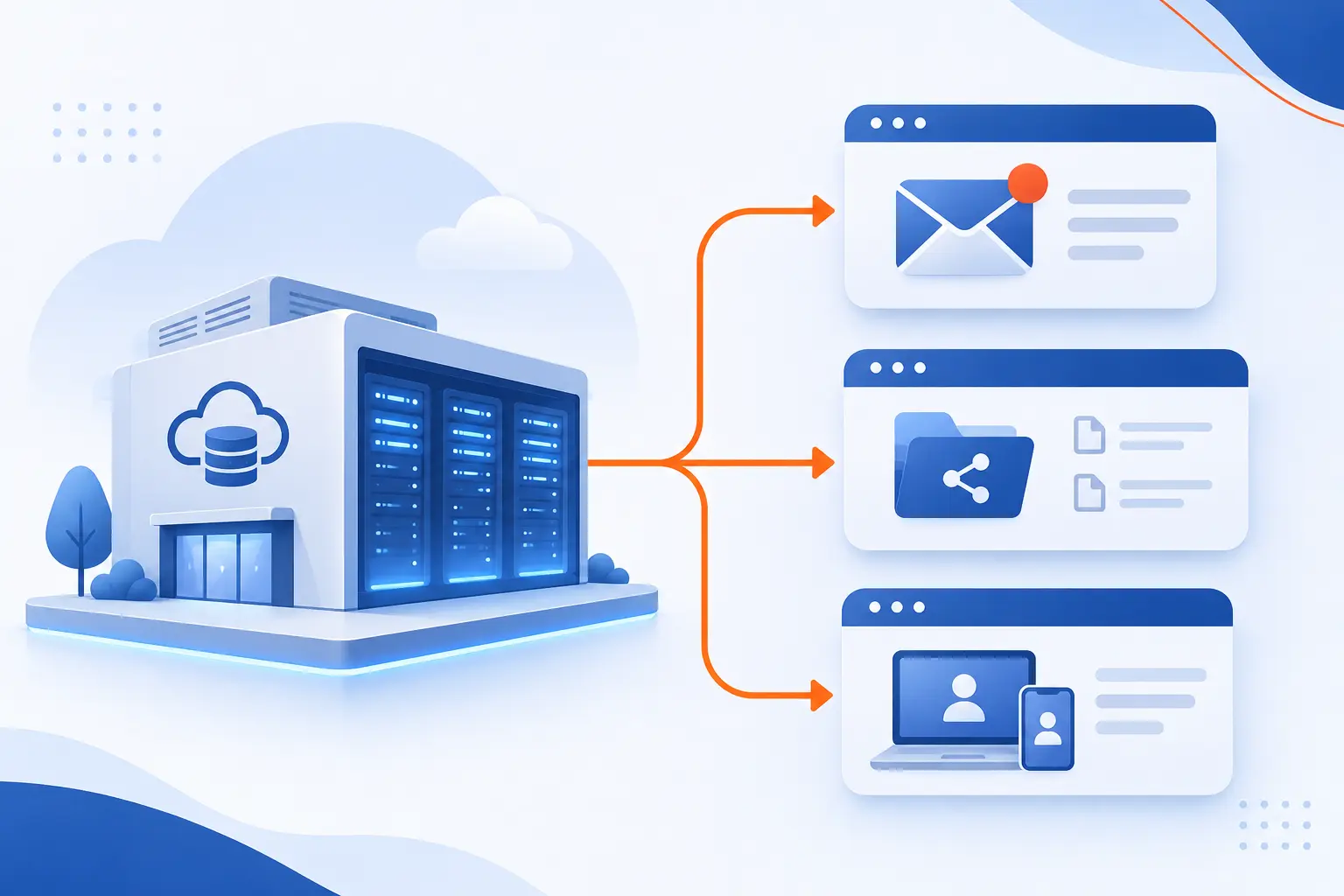
These facilities make digital services possible by running applications, retaining information, and responding to requests over networks. Some workloads serve individual users. Others coordinate entire businesses or process large datasets. The underlying equipment changes with each workload’s needs.
Email, File Sharing, and Remote Access
Email, file sharing, and remote access depend on servers that handle requests and make information available across networks. When someone opens a shared document, an application checks permissions and retrieves the requested content.
Remote access connects employees to applications or computing environments outside their immediate location. The practical challenge is keeping access available without exposing sensitive information. Authentication, permissions, and reliable connectivity all matter.
Business Applications Such as CRM and ERP
CRM and ERP applications use computing infrastructure to organize customer information and business operations. Customer relationship management software tracks activities such as sales conversations. Enterprise resource planning software coordinates functions such as inventory, purchasing, and accounting.
Consider a distributor receiving an online order. Its applications may check stock, record payment, and update shipping instructions. Those connected tasks require processing, storage, and communication between systems.
Machine Learning, AI Models, and Data Analytics
AI and analytics workloads use computing systems to find patterns, train models, and generate results from data. Training adjusts a model using examples. Inference runs the trained model to produce an answer or prediction.
Specialized hardware illustrates the difference from ordinary website hosting. NVIDIA’s DGX H100 system includes eight H100 GPUs alongside processors, memory, networking, and storage. The full system matters because accelerators still need data delivered quickly enough to remain useful.
The Hardware Behind Storage, Processing, and Connectivity
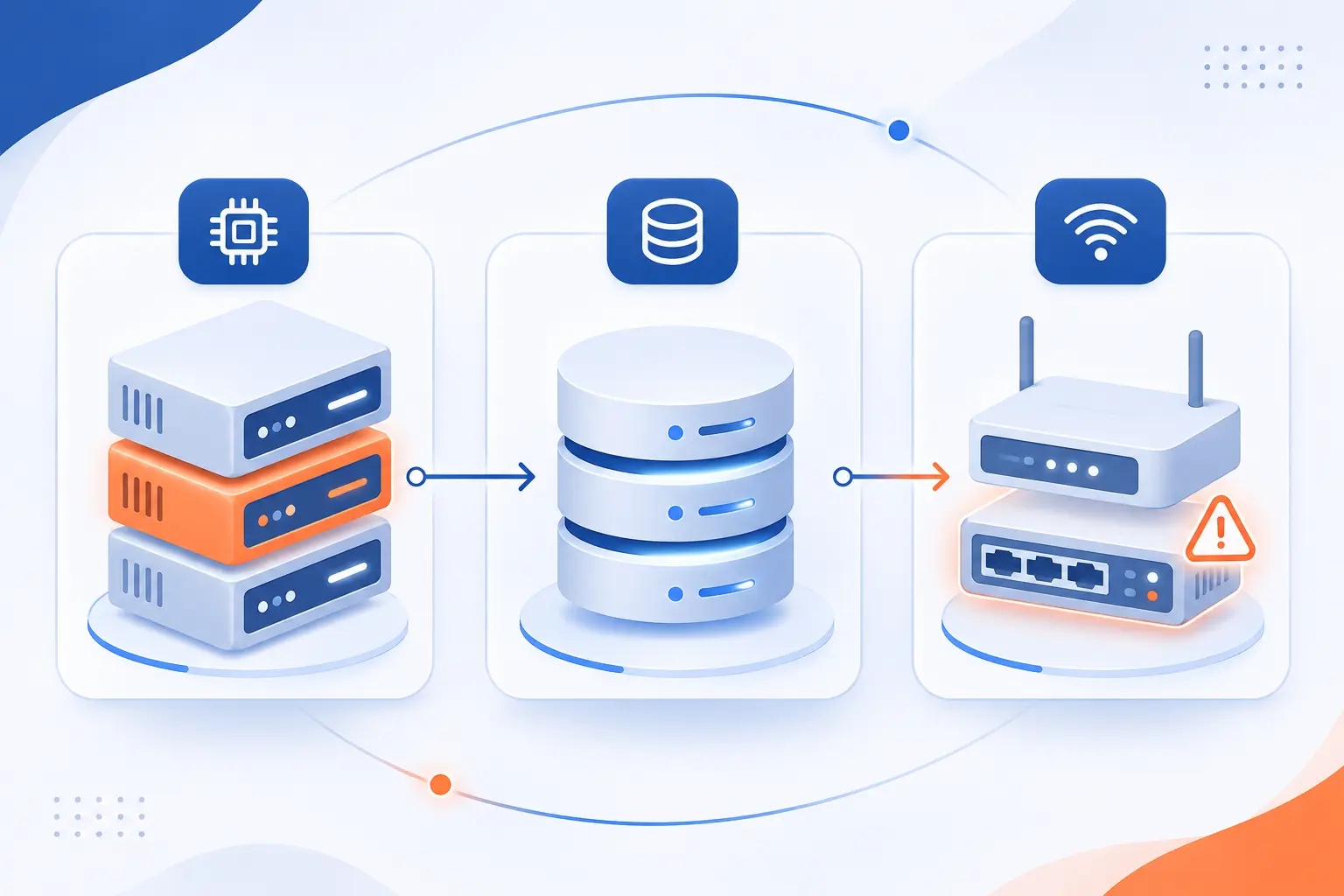
The main hardware categories are servers, storage devices, and networking equipment. Servers execute instructions. Storage preserves information, and networks carry it between devices. A weakness in any category can limit the entire application.
Servers That Run Applications and Process Information
Servers run applications by using processors and memory to execute instructions and handle active work. A web server, for example, processes browser requests and returns website content.
Physical servers can also run virtual machines, which share hardware while operating as separate computing environments. This allows different applications to use the same physical machine. Resource allocation still matters because those applications compete for finite processing capacity and memory.
Storage Devices That Retain and Retrieve Data
Storage devices preserve information beyond the life of an application’s active memory. Hard drives and solid-state drives can hold databases, documents, application files, and backups.
Storage choices depend on capacity, retrieval speed, durability, and cost. A transaction database has different needs from an archive of rarely accessed documents. We also distinguish redundancy from backup. Keeping duplicate copies available does not necessarily protect against accidental deletion or corrupted information spreading between copies.
Switches, Routers, and Cabling That Connect Systems
Switches connect devices within networks, while routers move traffic between networks. These different networking roles allow applications to communicate internally and reach users elsewhere.
Copper and fiber cabling carry the signals between equipment. Connection speed affects how much information can move at once. Latency measures delay. Both matter, especially when applications repeatedly exchange information with databases or remote services.
How Facility Systems Keep Equipment Running
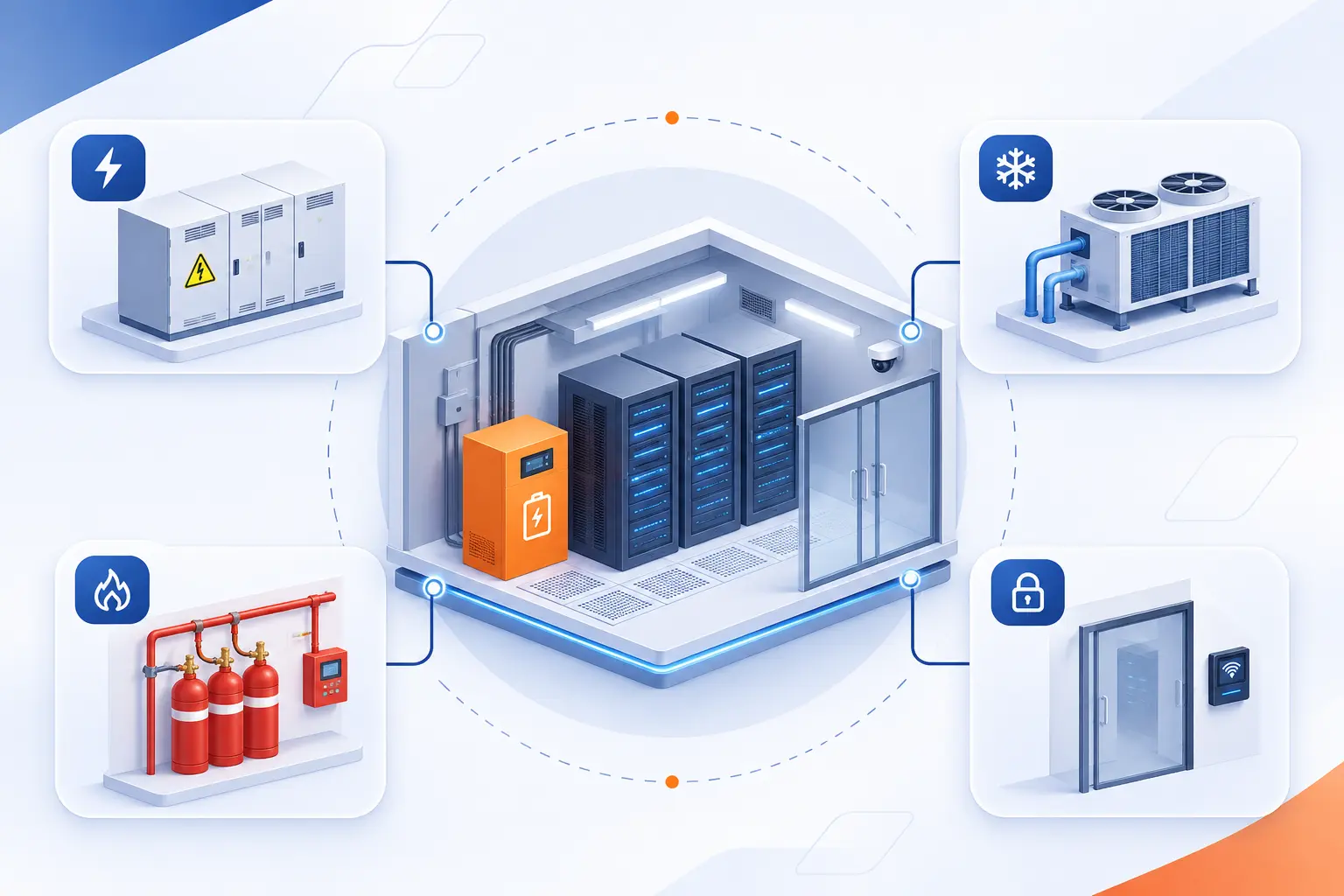
Facility systems keep computing equipment running by supplying electricity, removing heat, controlling fire risks, and restricting access. These systems work together rather than independently. Backup power, for example, must support the equipment needed to keep an application operating safely.
Electrical Demand, Power Distribution, UPS Systems, and Backup Generators
Power infrastructure delivers electricity to equipment and provides alternatives when the normal supply fails. Distribution equipment routes power through the facility to individual racks and devices.
An uninterruptible power supply, or UPS, provides immediate temporary power during an interruption. Backup generators can supply electricity for longer disruptions after startup. Their usefulness depends on maintenance, available fuel, and the design connecting them to critical equipment.
Extra components alone do not guarantee continuity. Operators must test transfers, inspect equipment, and understand which failures could interrupt the complete electrical path.
Cooling Systems and Hot vs Cold Aisle Containment
Cooling systems remove equipment heat, while aisle containment keeps hot exhaust air separate from cooled intake air. Mixing those air streams makes temperature control harder.
Cold aisle containment encloses the cooled air supplied to equipment fronts. Hot aisle containment encloses exhaust air leaving equipment backs. Schneider Electric’s airflow separation analysis explains how these arrangements affect temperature management and cooling efficiency.
Some installations also use liquid cooling to collect heat closer to processors. The appropriate approach depends on equipment heat output, building design, and available cooling infrastructure.
Fire Detection and Suppression
Fire protection combines early detection, alarms, and suppression systems selected for the equipment area and applicable requirements. The goal includes limiting damage from smoke, heat, and the response itself.
NFPA 75 addresses protection against fire and its associated effects for information technology equipment. Actual designs require qualified professionals and local approval. No single suppression method suits every building, room, or risk.
Physical Access Controls and Network Security
Physical access controls protect equipment from unauthorized entry, while network security restricts unauthorized digital access. Locked doors cannot stop stolen credentials. Likewise, a firewall cannot prevent someone from physically removing an unprotected drive.
Operators may use controlled entrances, access records, cameras, and restricted equipment areas. Digital protections include authentication, network segmentation, patching, and access permissions. We favor evaluating both layers together because either can become the weak link.
Data Center Models Differ by Ownership, Service, and Scale
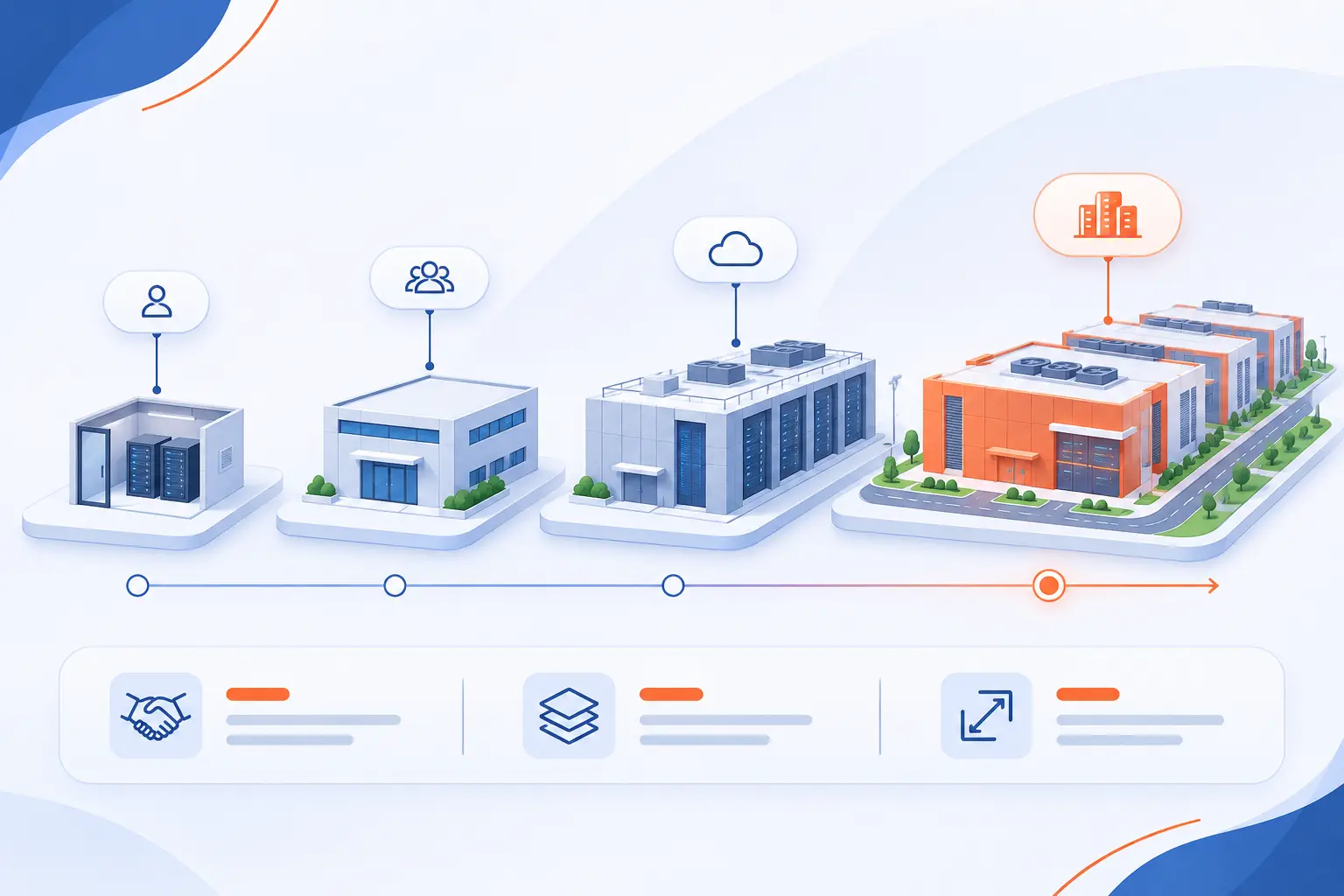
Data center models differ in who owns the equipment, who operates it, where it sits, and how much computing it supports. These labels overlap. A cloud provider can operate hyperscale facilities and smaller edge locations. The comparison below separates their main purposes.
| Model | Main distinction | Typical reason to choose it |
|---|---|---|
| Enterprise | Organization-owned infrastructure | Direct control |
| Managed | Provider-operated infrastructure | Delegated operations |
| Colocation | Customer equipment in rented space | Hardware ownership without owning the building |
| Cloud | Resources supplied as services | On-demand provisioning |
| Edge | Computing near users or devices | Lower communication delay |
| Hyperscale | Very large computing deployments | Large, distributed workloads |
Enterprise Facilities for Organization-Owned Infrastructure
Enterprise facilities support infrastructure owned by the organization using it. That organization controls equipment selection and takes responsibility for operating the environment, directly or through contractors.
This model can suit specialized applications and established internal systems. However, ownership also brings equipment replacement, capacity planning, and facility maintenance responsibilities.
Managed Facilities With Provider-Operated Infrastructure
Managed facilities place agreed infrastructure operations in a provider’s hands. The contract determines whether that includes hardware, operating systems, monitoring, or other tasks.
“Managed” is not a complete description by itself. We recommend asking who installs updates, responds to failures, and restores lost information. Equipment ownership and customer responsibilities can vary between agreements.
Colocation Facilities for Customer-Owned Equipment
Colocation lets customers install their own equipment in a provider’s facility. The provider supplies contracted space, power, cooling, and access to connectivity.
Customers generally retain responsibility for their hardware and software unless they purchase additional services. This separates building operations from equipment ownership. It does not automatically remove server maintenance work.
Cloud Facilities Offering On-Demand Computing Resources
Cloud facilities supply underlying capacity that customers access through computing services rather than individual equipment purchases. NIST identifies on-demand access to shared configurable resources as a defining cloud characteristic.
Customers provision resources through software interfaces instead of installing a physical server for each request. Resource pooling and automation make this possible. A remotely accessible server alone does not necessarily constitute cloud computing.
Edge Facilities Positioned Near Users and Applications
Edge facilities place computing closer to the people, devices, or processes using it. Shorter network paths can reduce communication delay.
For example, a factory might process equipment readings nearby instead of sending every reading to a distant location. Edge computing can complement centralized systems, which may still handle archives, coordination, or broader analysis.
Hyperscale Facilities Built for Large Workloads
Hyperscale facilities support very large computing deployments through repeatable designs and extensive automation. Operators distribute work across many systems rather than relying on one exceptionally powerful machine.
The label describes scale and operating approach, not a separate ownership category. Hyperscale infrastructure can support public cloud services, search engines, or other large digital platforms.
What Data Center Tiers Indicate About Resilience
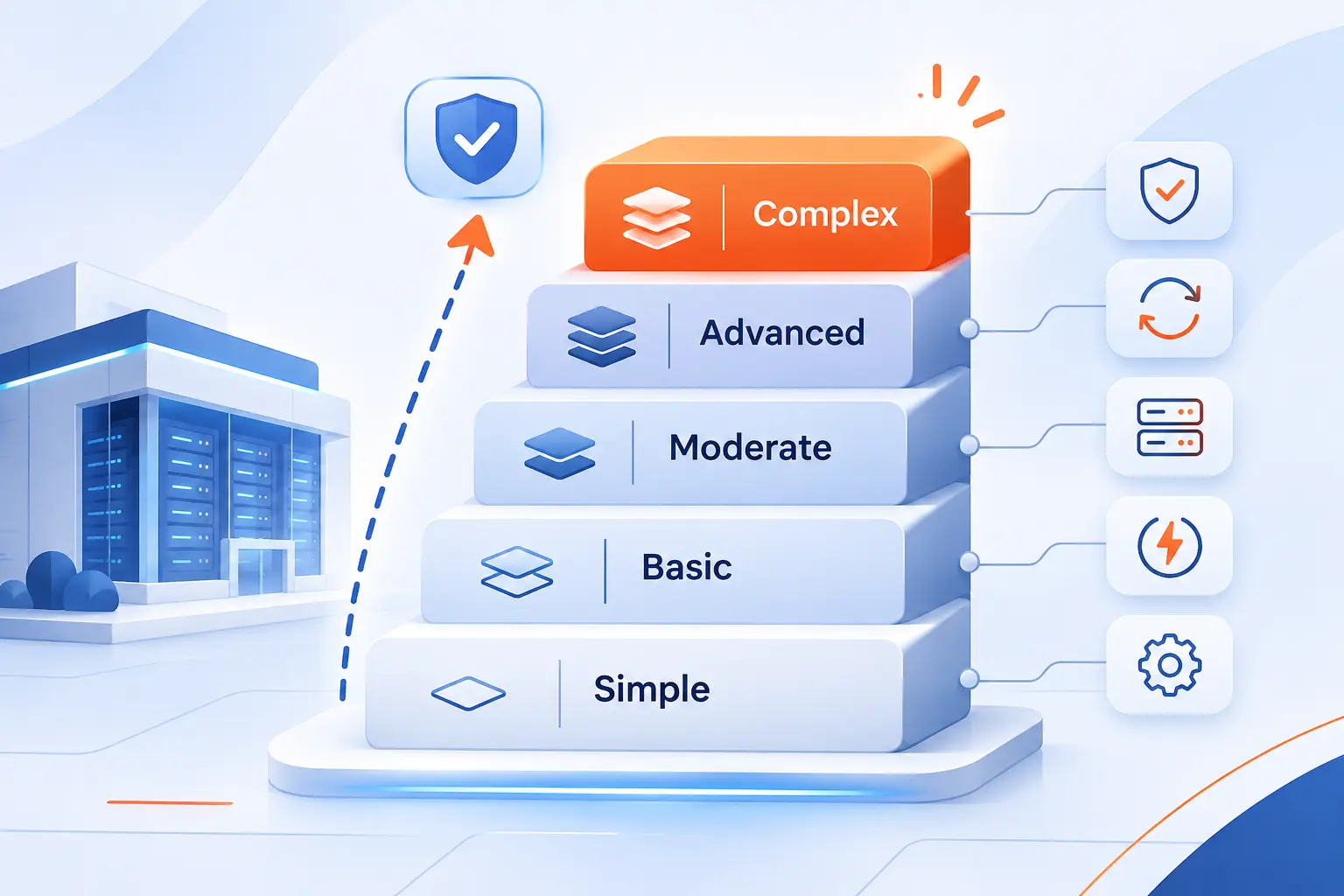
Uptime Institute tiers describe maintenance and failure-handling capabilities of facility infrastructure. They do not guarantee application availability. Software design, operations, and recovery planning still matter.
| Tier | Distinguishing capability |
|---|---|
| I | Basic capacity |
| II | Redundant capacity components |
| III | Concurrent maintainability |
| IV | Fault tolerance |
Tier I: Basic Infrastructure
Tier I provides basic infrastructure without redundant capacity components. Maintenance or equipment failures can require shutdowns.
Tier II: Redundant Components
Tier II adds redundant capacity components but remains vulnerable to distribution failures. Site-wide shutdowns are still required for some maintenance.
Tier III: Concurrent Maintainability
Tier III allows planned removal of capacity components and distribution paths without interrupting operations. It remains exposed to equipment failures or operator errors.
Tier IV: Fault Tolerance
Tier IV adds protection against an individual equipment failure or distribution-path interruption. It also supports concurrent maintenance. This does not make the applications inside immune to outages.
Business Trade-Offs Between On-Premises and Outsourced Infrastructure
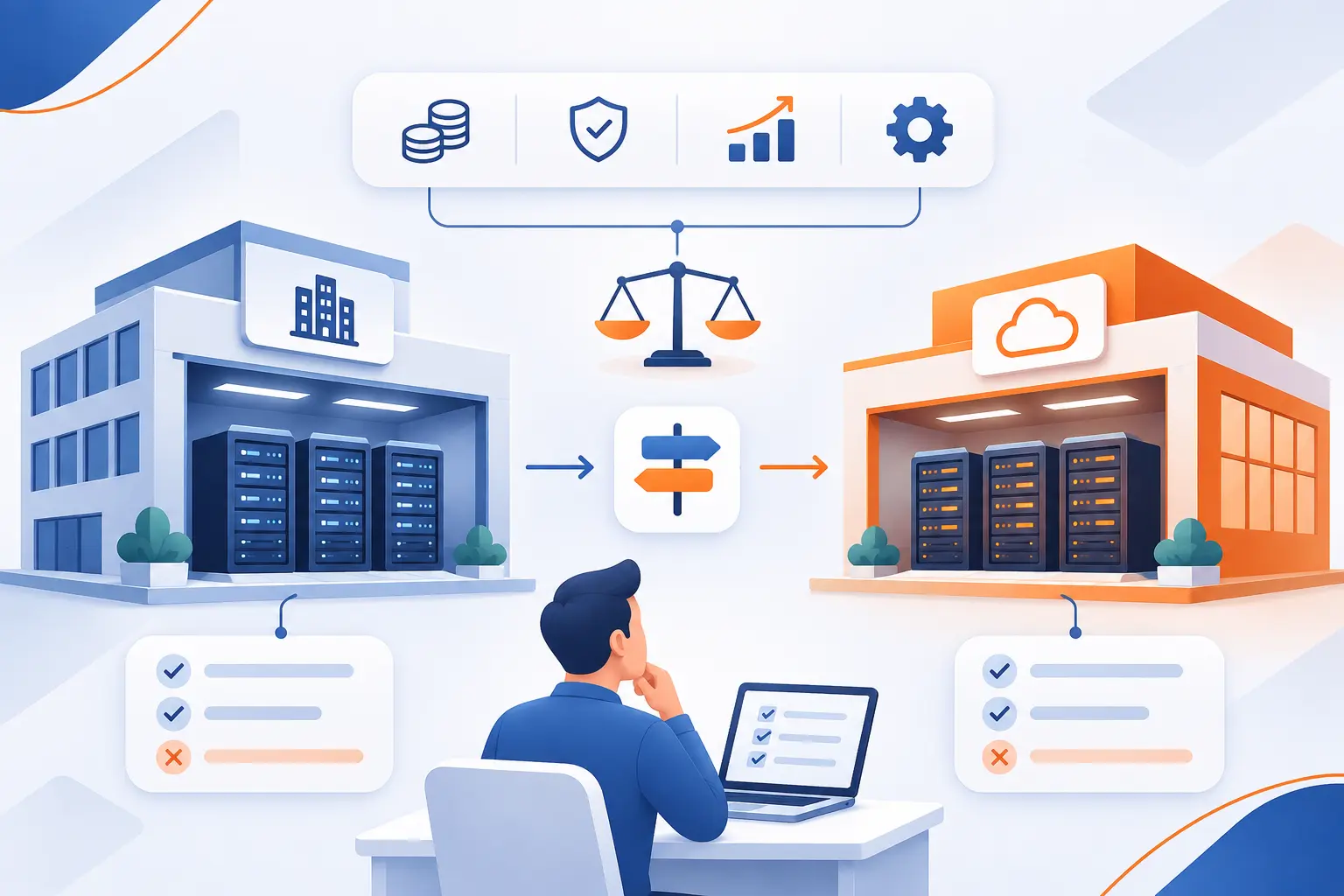
On-premises infrastructure offers direct control but requires the organization to manage more physical resources and operational work. Outsourcing transfers selected responsibilities to a provider. Neither approach automatically delivers better security, lower costs, or better performance.
| Approach | Main advantage | Main responsibility |
|---|---|---|
| On-premises | Direct equipment and environment control | Hardware, facilities, and operations |
| Outsourced | Access to contracted capacity or services | Vendor oversight and retained customer duties |
Hardware Control, Compliance Needs, and Legacy Applications
Direct hardware control can matter when applications require specialized equipment or tightly defined operating conditions. Older software may also depend on configurations that are difficult to move.
Compliance requires examining the actual obligations, not assuming one location is inherently compliant. Consider data location, access controls, audit evidence, and contractual responsibilities. We recommend identifying these requirements before choosing infrastructure.
Upfront Investment vs Ongoing Service Costs
Owned infrastructure usually requires more upfront purchasing, while outsourced services shift more spending into recurring charges. A fair comparison must include the full operating life of each option.
Hardware ownership brings electricity, cooling, staffing, repairs, and replacement costs. Outsourcing can involve capacity commitments, software charges, data transfers, and migration expenses. Predictable demand and highly variable demand may produce different cost conclusions.
Scalability, Performance, and Maintenance Responsibilities
Outsourcing can make additional capacity quicker to obtain, but performance and maintenance duties depend on the service purchased. More resources do not automatically fix inefficient software or slow database queries.
AWS provides a concrete example. Amazon EC2 customers remain responsible for guest operating system updates and application security, while AWS manages underlying infrastructure. More abstracted services divide responsibilities differently.
Before committing, test representative workloads and document who handles each maintenance task. We find that clear responsibility boundaries are more useful than broad claims about convenience.
How Expansion Affects Resources and Nearby Communities
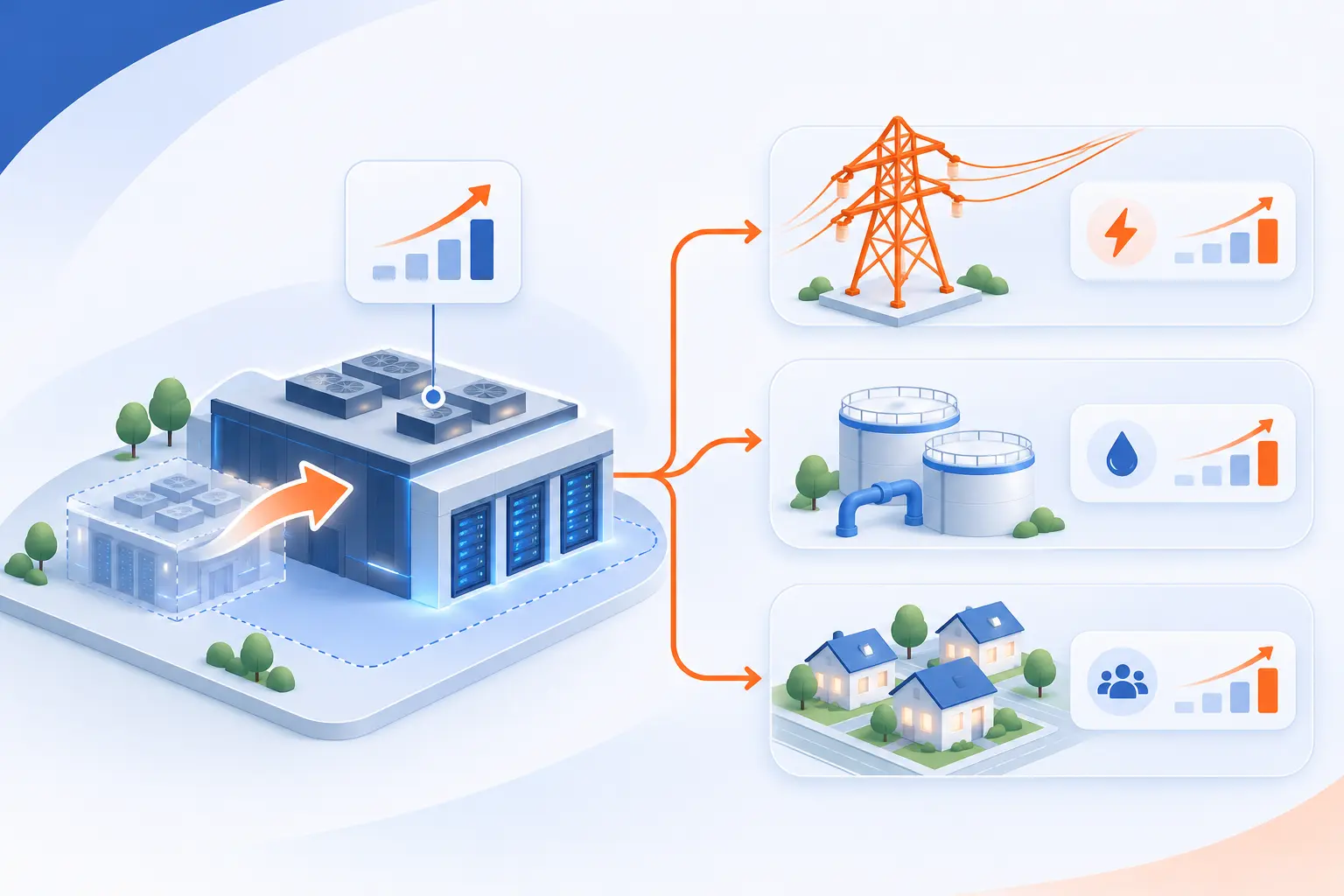
Expansion increases demand for electricity, land, and sometimes cooling water. Nearby communities may also experience construction, equipment noise, and changes to surrounding infrastructure. Economic benefits and environmental pressures need assessment at the project level.
Electricity Demand and Pressure on Power Grids
Large computing facilities can require substantial electricity supplies and new grid connections. The International Energy Agency estimated global consumption at 485 TWh in 2025.
Local effects depend on available generation, transmission capacity, and the timing of new demand. A project may need substation or transmission upgrades before it can operate. National totals alone cannot explain whether a particular location has sufficient capacity.
Cooling Water Consumption and Local Water Supplies
Cooling water consumption depends on the cooling design, climate, and equipment workload. Evaporative systems consume water as part of heat removal.
Berkeley Lab estimated direct U.S. consumption at approximately 66 billion liters in 2023. That figure does not mean every facility uses water at the same rate.
Local evaluation should distinguish water withdrawn from water consumed. It should also consider seasonal demand and drought conditions. Liquid circulating through equipment does not, by itself, reveal how much freshwater the overall cooling system consumes.
Noise, Generator Emissions, and Visual Impacts
Cooling equipment, backup generators, and large buildings can affect nearby residents through sound, exhaust, and visual changes. Location and design influence how strongly those effects reach neighboring properties.
Virginia’s legislative research commission documented resident concerns about constant equipment noise in its 2024 study. It also found that most facilities did not generate noise complaints. That distinction matters because local conditions vary.
Sound modeling, appropriate separation, equipment placement, and screening deserve attention before construction. Fixing a poorly located installation afterward can be much harder.
Potential Tax Benefits and the Need for Community Safeguards
Facilities can generate property and equipment tax revenue, but benefits depend on local tax rules and incentives. The same Virginia study found that economic benefits were concentrated largely in initial construction.
We believe project reviews should weigh expected revenue against infrastructure costs and neighborhood impacts. Useful safeguards include clear sound requirements, resource-use reporting, and documented responsibility for required infrastructure upgrades.
Frequently Asked Questions
Organizations use these facilities either to operate their own digital services or to supply infrastructure to paying customers. The distinction explains both who uses them and how different operators earn revenue.
Which Industries and Organizations Use These Facilities?
Banks, hospitals, retailers, manufacturers, universities, governments, and technology companies all use data center infrastructure. Some own equipment, while others access applications or computing services from providers. Even a small business website depends on physical infrastructure operated somewhere.
How Do Facility Operators Make Money?
Commercial operators earn money by charging for space, power, connectivity, equipment access, computing resources, or agreed management work. Billing may reflect reserved capacity, measured consumption, or contracted services. Enterprise facilities usually support their owner’s operations rather than sell infrastructure directly.
How 1Byte Supports Hosting and Cloud Customers as an AWS Partner
At 1Byte, we provide domain registration, SSL certificates, WordPress hosting, shared hosting, cloud hosting, and cloud servers. We are also an AWS Partner. These services address different parts of establishing a website or running an application, rather than requiring every customer to own physical equipment.
| Service group | Practical purpose |
|---|---|
| Domain registration and SSL certificates | Establish an address and support encrypted HTTPS connections |
| WordPress hosting and shared hosting | Provide an environment for website files and software |
| Cloud hosting and cloud servers | Provide computing resources for websites and applications |
Establish Your Web Presence With Domain Registration and SSL Certificates
Our domain registration and SSL certificates address how visitors find a website and connect to it securely. A domain gives the site a recognizable name. A properly installed certificate supports encrypted HTTPS communication between the browser and server.
Neither service replaces hosting. The website’s files and software still need a computing environment where they can run.
Host Websites With WordPress Hosting and Shared Hosting
Our WordPress hosting and shared hosting provide options for publishing websites without purchasing physical servers. WordPress hosting serves websites using WordPress. Shared hosting places multiple hosting accounts on shared infrastructure.
We recommend comparing the website’s software requirements, expected traffic, and administrative needs before choosing. The right starting point is the workload, not the most impressive-sounding infrastructure label.
Support Applications With Cloud Hosting and Cloud Servers
Our cloud hosting and cloud servers provide computing options for websites and applications with different resource and configuration needs. Choosing between them starts with understanding what the application must run.
Consider processing demand, memory, storage, and the administration you intend to handle. We encourage customers to define those requirements first. A clear workload description makes service comparisons far more useful.


Conclusion
A data center connects physical computing equipment with the power, cooling, networking, and protection that equipment needs. Ownership models explain who controls the infrastructure. Tiers describe facility resilience, while service agreements determine who performs the work.
At 1Byte, we believe the best infrastructure decision starts with practical questions. What must your application do? How much interruption can it tolerate, and which responsibilities can your team realistically manage? Write down those answers before comparing hosting or cloud options.