

- How These Restaurant Ordering Systems Made the List
- Top 10 Restaurant Ordering System Picks
- Five More Restaurant Ordering Systems Worth Considering
- How to Choose the Right Restaurant Ordering System
- Restaurant Ordering System Costs That Change the Math
- Capabilities That Separate Basic Tools From Full Platforms
- FAQ
- Conclusion
If you are shopping for a restaurant ordering system, the right choice usually comes down to one question: do you need a simple direct-ordering tool, or a fuller platform that also handles marketing, loyalty, websites, and multi-location operations? We researched the official product pages, setup documentation, pricing pages, and public review profiles for the options below so you can narrow the field fast. Our short version is simple. Square and Toast make the most sense when ordering needs to stay tightly connected to POS operations, ChowNow and Owner.com are strong for independent restaurants that want more direct sales, and Olo stands out for enterprise brands that need serious integration depth.
How These Restaurant Ordering Systems Made the List
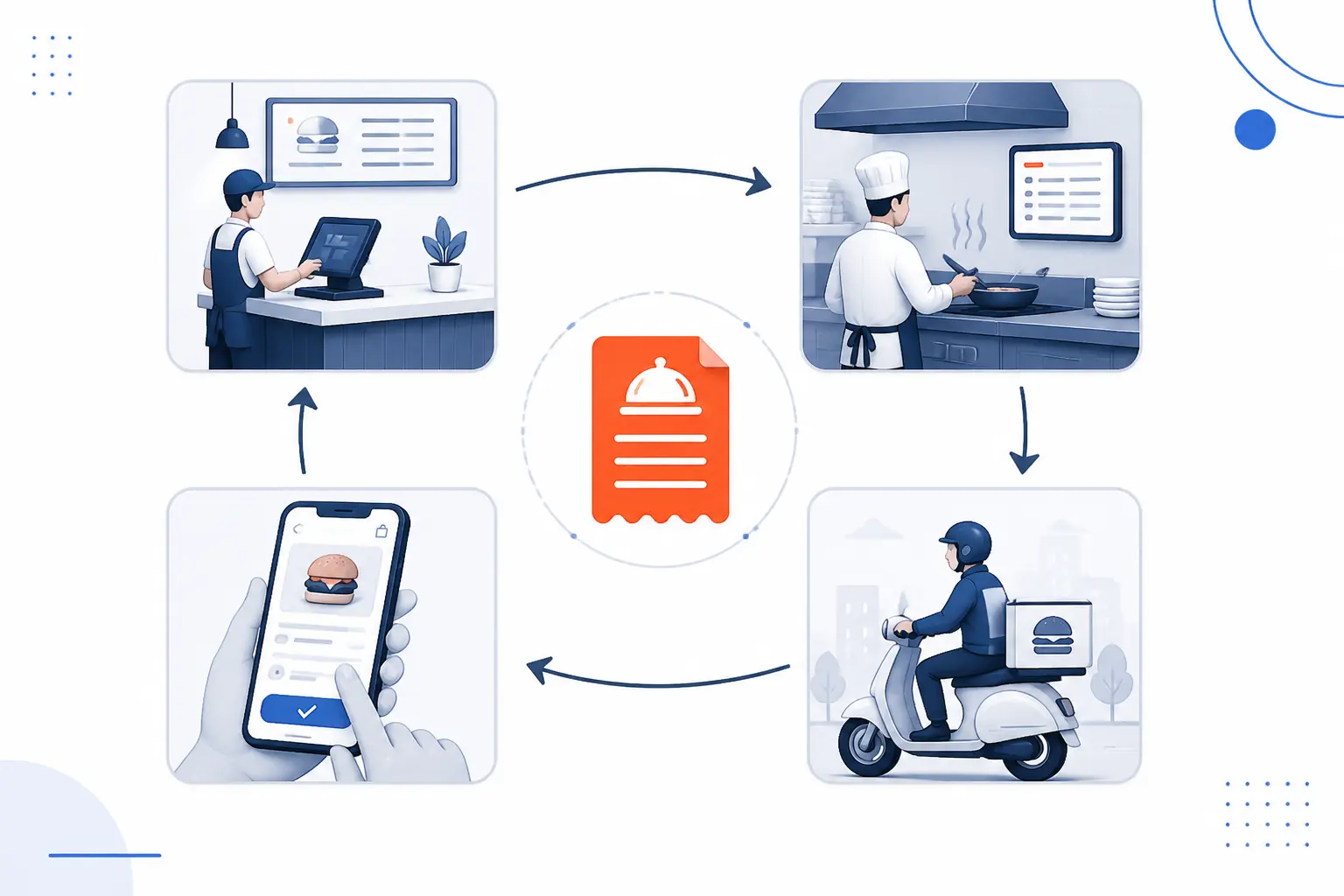
The best restaurant ordering system for most operators is the one that matches how orders actually move through your store, not the one with the longest feature list. We focused on products with clear restaurant use cases, visible product structure, and enough public documentation to judge setup, fulfillment, pricing, and review patterns with some confidence.
FURTHER READING: |
| 1. 15 Free CRM Tools Worth Using for Small Teams |
| 2. 15 Best IoT Platform Providers For Real-World Needs |
| 3. 15 Best AI for Graphic Design Tools That Deliver |
Quick Restaurant Ordering System Comparison
| System | Best For | Ease of Use | Pricing | Score |
|---|---|---|---|---|
| Square Online | Small restaurants already using Square | Very easy | Free plan available, paid tiers from low monthly cost | 4.7 |
| Toast Online Ordering | Restaurants that want ordering embedded in a restaurant-first POS | Easy once on Toast | POS plans from free to custom, ordering add-ons by package | 4.8 |
| Menufy | Independents that want ordering plus managed marketing | Easy to moderate | Flat monthly pricing | 4.2 |
| ChowNow | Independent restaurants focused on direct ordering | Easy | Flat subscription plus processing and optional delivery costs | 4.5 |
| Owner.com | Single-location restaurants that want a growth-focused all-in-one | Easy | Month-to-month subscription, flat or revenue-linked | 4.6 |
| Restolabs | Budget-conscious operators that want commission-free direct orders | Moderate | Low flat monthly tiers | 4.1 |
| DoorDash Online Ordering | Restaurants that want direct web orders with DoorDash delivery muscle | Easy | Starter included, higher packages add marketing and app tools | 4.3 |
| UpMenu | Pizzerias and small groups that want direct orders plus branded apps | Easy | Transparent per-location monthly tiers | 4.4 |
| Olo | Enterprise chains and complex multi-location brands | Moderate | Custom quote | 4.5 |
| Wix Restaurants | Restaurants that care most about site design and simple ordering | Easy | Free to install, full site cost depends on Wix plan stack | 4.0 |
How We Researched and Evaluated the Options
We did not treat all restaurant ordering tools as interchangeable, because they are not. Some are really direct-ordering layers, some are restaurant websites with ordering attached, and some are broader commerce platforms. To keep scoring consistent, we judged each pick against the same practical criteria.
- Capability fit: we looked at whether the product can realistically support pickup, delivery, curbside, dine-in, menu control, and the other ordering flows restaurants commonly need.
- Operational fit: we favored systems with clear POS, kitchen, fulfillment, or order-routing workflows instead of tools that look good on a landing page but leave the hard parts vague.
- Pricing clarity: we rewarded transparent plan structure and called out products where the real cost depends on quotes, extra modules, or layered fees.
- Growth tools: we scored higher when a platform goes beyond order intake with loyalty, CRM, websites, mobile apps, Google ordering, or repeat-order tools that can matter after launch.
- Public proof: we checked third-party review pages when they existed and used them as a credibility signal, while keeping our scores separate from those ratings.
The scores in this article are our editorial judgment from that research. They are meant to help you shortlist the right fit, not crown one universal winner.
Top 10 Restaurant Ordering System Picks
If you want the short answer, these are the ten options we would put on a real shortlist first. The top of the list favors systems with strong direct-ordering workflows, understandable pricing, and enough supporting tools to make them useful after the first week of setup.
1. Square Online
- Category: Online ordering and website builder
- Best for: Small restaurants already using Square
- Ease of use: Very easy
- Pricing: Free plan available
- Standout feature: Tight sync with Square POS and fulfillment tools
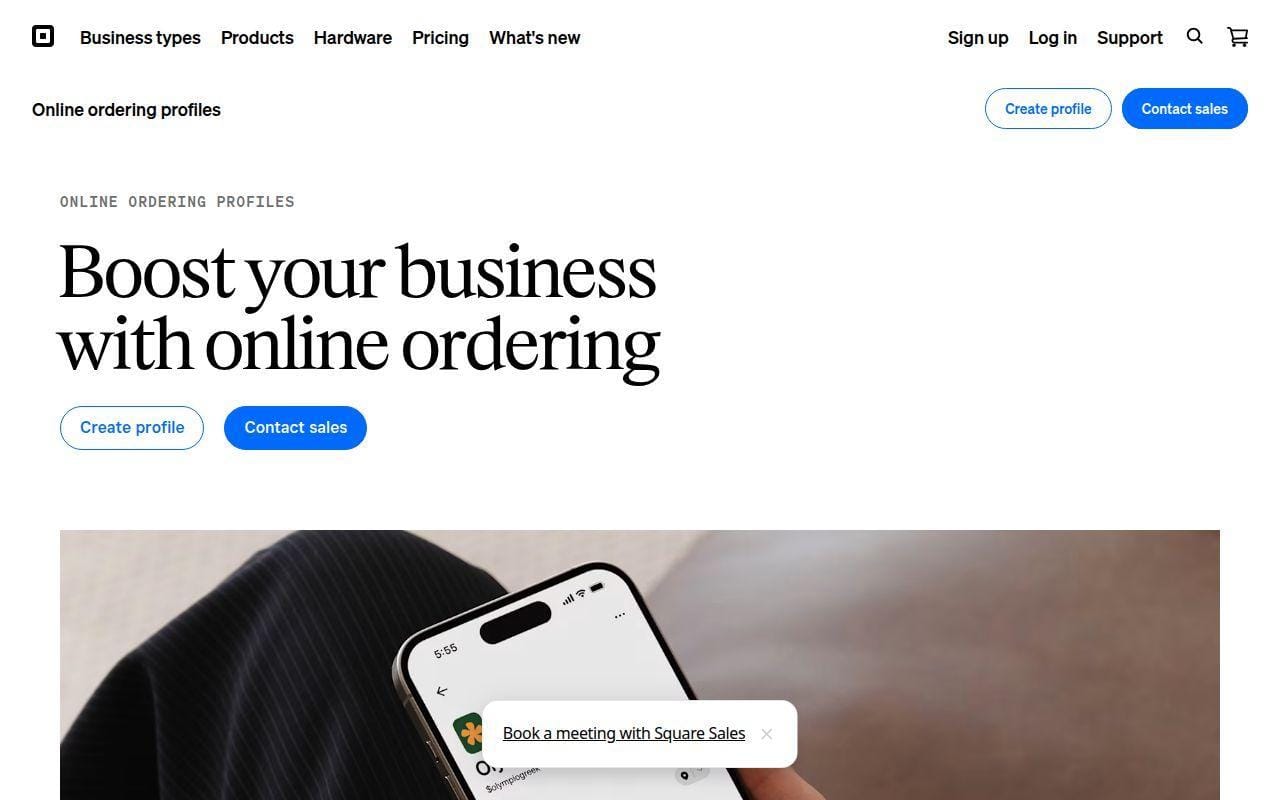
For small restaurants that want to start taking direct orders without wrestling with a complicated setup, Square Online is the easiest recommendation in this list. It stands out because the ordering layer, payments, item catalog, and Square POS can stay in one ecosystem. That makes it especially appealing for cafes, bakeries, quick-service spots, and smaller full-service operators that already live in Square.
What we like most is the balance. Square is not the most restaurant-specialized platform here, but it gives many operators exactly enough. The official plan details show pickup, local delivery, scheduled ordering, synced discounts, customer accounts, and built-in payment options without pushing you into enterprise complexity.
How Square Online works
Square’s flow is straightforward. You can create a single ordering page or a broader site, sync products from Square POS, and then choose your fulfillment methods. The public plan details show pickup and local delivery, ordering windows, delivery times, minimum and maximum order amounts, customer accounts, abandoned cart emails on paid tiers, and the ability to automatically sync discounts created in POS.
For restaurants, the real appeal is that menu and payment information do not have to live in separate silos. Square also supports online preorders and multiple digital payment types, which helps for operators that want a clean guest checkout without custom development.
Who is Square Online for?
Square Online is best for independents that want to get live fast and do not need a heavyweight enterprise ordering stack. Think coffee shops, bakeries, counter-service restaurants, and small multi-unit operators that already run Square at the register.
It is less compelling if your operation needs advanced restaurant marketing, custom loyalty flows, or deep enterprise routing. If ordering is only one part of a bigger restaurant tech overhaul, Toast or Olo will usually fit better.
Square Online pricing
- Free: $0 per month, 2.9% + 30¢ per transaction, website builder with SEO tools, sync with Square POS, pickup and local delivery, customer accounts.
- Plus: $29 per month billed annually, 2.9% + 30¢ per transaction, expanded site customization, custom domain support, removed Square branding, unlimited items.
- Premium: $79 per month billed annually, 2.6% + 30¢ per transaction, lower online processing, advanced features, premium rates for higher-volume sellers.
You can review the full plan breakdown on Square’s online store plans page.
Pros and cons
Pros
- Free entry point with no monthly fee.
- Strong fit if you already use Square POS and payments.
- Paid tiers add practical upgrades rather than padding.
- Pickup and local delivery are available even on the free plan.
Cons
- Less restaurant-specific than Toast, Olo, or ChowNow.
- Advanced marketing and loyalty depth is lighter than growth-focused rivals.
- Premium economics only become attractive once order volume is meaningful.
Square Online rating and reviews
- G2: rated 4.2/5 across 481 reviews.
Square Online lands first because it solves the direct-ordering problem without making smaller operators buy more system than they need. If you already run Square, it is the cleanest shortlist start.
2. Toast Online Ordering
- Category: Restaurant ordering tied to restaurant POS
- Best for: Restaurants that want ordering inside a restaurant-first stack
- Ease of use: Easy once on Toast
- Pricing: POS plans from free to custom
- Standout feature: Orders flow directly into Toast POS and kitchen workflows
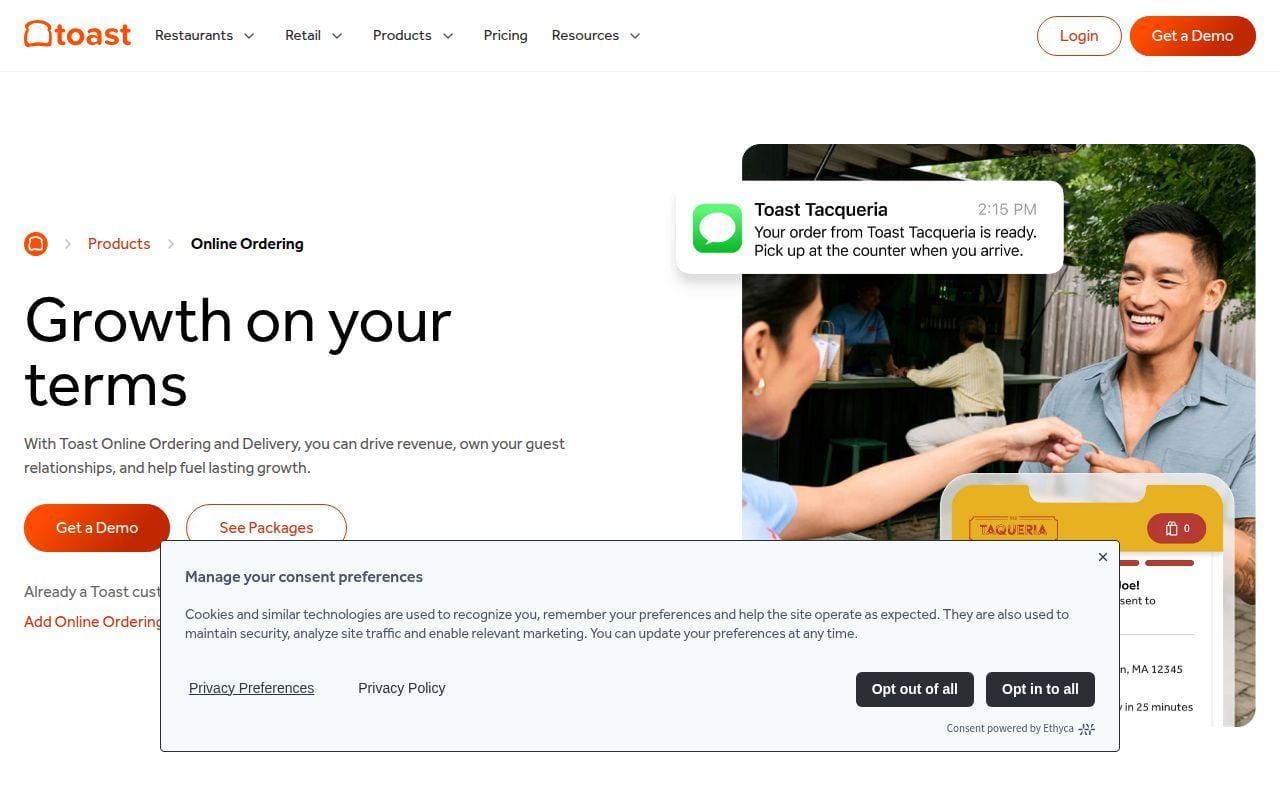
If your ordering system has to behave like part of restaurant operations, not a bolt-on storefront, Toast is one of the strongest picks available. It ranks this high because its online ordering tools are clearly built around service modes, kitchen routing, and menu management rather than around generic ecommerce logic.
The official documentation is unusually specific here, which matters. Toast shows the actual setup path, from menu visibility and approval modes to auto-firing devices, dining options, payment methods, hours, branding, and test orders. That makes it easier to judge what implementation will really look like.
How Toast Online Ordering works
Toast’s setup guide walks through a ten-step launch sequence inside Toast Web. You make menu groups and items visible online, choose approval mode, assign an auto-firing device, set dining options, map a server and revenue center, configure special requests and payment methods, add delivery if needed, set ordering hours, customize the branded page, and place a test order. Toast’s documentation also says orders flow into Toast POS the same way as in-house orders.
On the product side, Toast separates standard Online Ordering from Online Ordering Pro. The base offering includes order tracking and guest communications, multi-location picker, search-engine-optimized menus, POS and kitchen integration, order volume management, and multiple fulfillment options. Pro adds custom domain hosting, layout templates, pixel tracking, banners and popups, upsells, and time-based ordering rules.
Who is Toast Online Ordering for?
Toast is a strong fit for restaurants that want one restaurant-centric platform for front of house, back of house, payments, and online ordering. It makes the most sense for quick-service, fast casual, pizza, and full-service operators that do not want separate tools talking past each other.
Look elsewhere if you want a website-first tool with light commitment or if you do not want to buy into a Toast-led POS ecosystem. Square, Wix, and even UpMenu can feel lighter.
Toast Online Ordering pricing
- Starter Kit: starting at $0 per month, basic POS subscription, starter hardware path, pay-as-you-go option, ordering available through Toast modules.
- Point of Sale: $69 per month, full-featured POS plan, access to Toast platform modules, restaurant-focused hardware and software stack.
- Build Your Own: custom pricing, add features like online ordering, inventory, payroll, and other modules based on your setup.
You can compare the current plan structure on Toast’s pricing page.
Pros and cons
Pros
- Setup documentation is clear and restaurant-specific.
- Orders route into POS and kitchen workflows instead of sitting outside them.
- Online Ordering Pro adds serious guest-facing control, including custom domain and upsells.
- Handles pickup, curbside, delivery, and multi-location flows well.
Cons
- Best value depends on broader Toast adoption, not ordering alone.
- Add-on structure can make the total bill less obvious upfront.
- Some G2 reviewers repeatedly call out support and hardware cost concerns.
Toast Online Ordering rating and reviews
- G2: rated 4.2/5 across 367 reviews.
Toast is the best fit here when the question is bigger than a web order form. If your online ordering has to behave like part of the restaurant, Toast deserves a close look.
3. Menufy
- Category: Direct ordering and restaurant marketing platform
- Best for: Independent restaurants that want a more managed growth layer
- Ease of use: Easy to moderate
- Pricing: Flat monthly plans
- Standout feature: Dedicated Success Manager on every plan
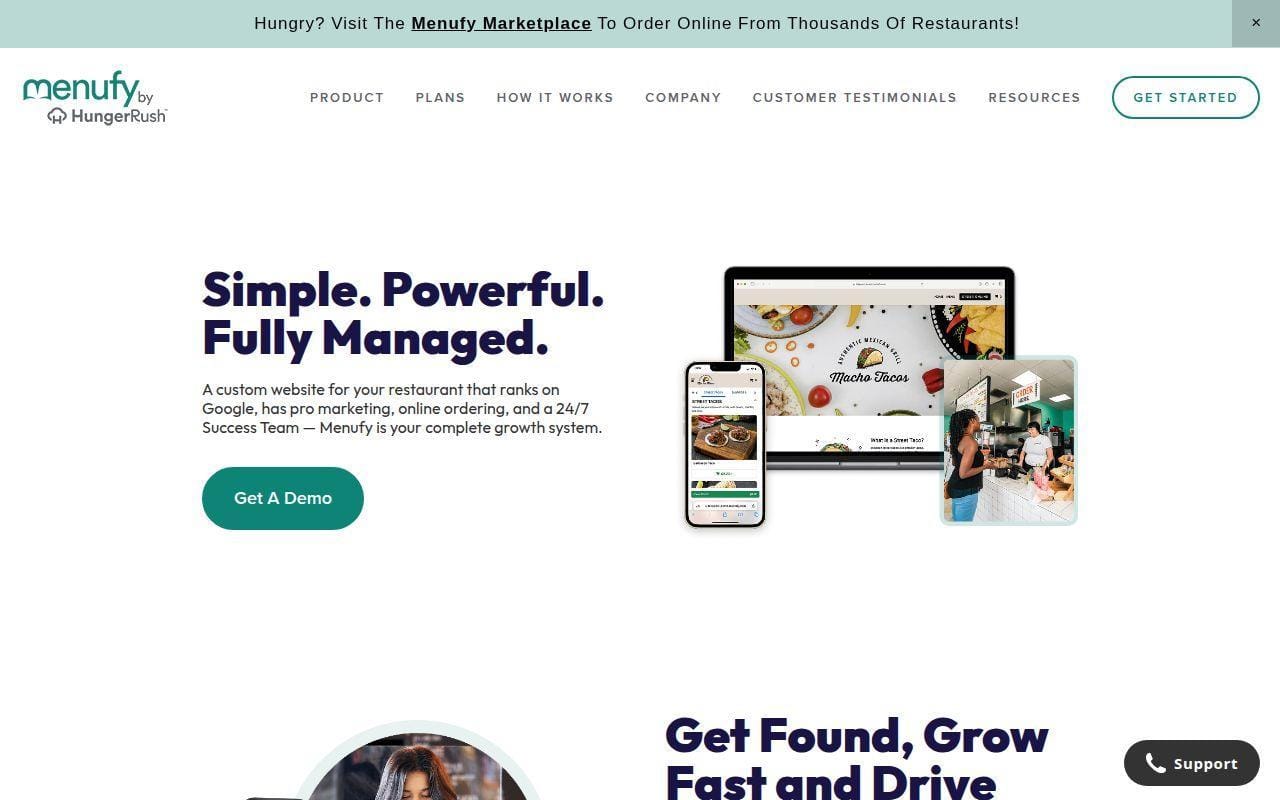
Menufy is one of the more opinionated products in this list, and that is part of its appeal. Rather than just giving restaurants an ordering page, it positions itself as a combined website, ordering, Google listing, loyalty, and follow-up marketing platform built for independents.
That makes Menufy more interesting than a plain checkout tool. The pricing page says every plan includes the full platform, with no feature tiers, and names support elements like automated email and text marketing, loyalty rewards, coupon tools, SEO, Google listing management, and AI-powered review replies.
How Menufy works
Menufy’s public workflow emphasizes setup and ongoing management more than self-serve tinkering. Its how-it-works page says restaurants create and organize their digital menu with categories, modifiers, photos, and pricing, then use the Menufy dashboard for performance checks and monthly business reviews. On the pricing page, Menufy says guest data from every direct order feeds follow-up marketing and loyalty activity.
The distinguishing piece is the named support model. Every plan includes a dedicated Success Manager, which suggests Menufy is selling a more guided relationship than lighter DIY builders do.
Who is Menufy for?
Menufy is best for independent restaurants that want direct ordering plus help turning those orders into repeat business. If you want someone else to handle more of the website, Google listing, and retention layer, the positioning is attractive.
It is a weaker match for operators that want lots of self-directed design freedom or complex enterprise integrations. In those cases, Owner.com, Olo, or Toast usually make more sense.
Menufy pricing
- Annual: $149 per month billed monthly over a 12-month agreement, full platform included, free equipment included, no per-order commissions, dedicated Success Manager.
- Month-to-Month: $179 per month, full platform included, cancel anytime, no per-order commissions, same marketing and loyalty tools.
You can verify the current flat-fee structure on Menufy’s pricing page.
Pros and cons
Pros
- Clear flat pricing with the same feature set on both plans.
- Dedicated Success Manager is unusual at this price point.
- Loyalty, text and email marketing, SEO, and Google listing management are included.
- No commission on direct orders.
Cons
- Less public operator review data than most top-tier rivals.
- The approach is more managed than highly customizable.
- Restaurants that only want a bare-bones order layer may find it more platform than they need.
Menufy rating and reviews
Menufy does not yet have much operator-facing public review depth on the mainstream software review sites we checked, so we would not lean on a third-party score here the way we would for ChowNow, Toast, or Owner.com.
Menufy earns a top-three spot because the bundle is more complete than it first looks. If you want direct orders plus built-in follow-up marketing without stacking separate tools, it is worth real consideration.
4. ChowNow
- Category: Direct restaurant ordering platform
- Best for: Independents that want commission-free direct orders
- Ease of use: Easy
- Pricing: Subscription plus processing and optional delivery fees
- Standout feature: Strong direct-ordering focus across multiple channels
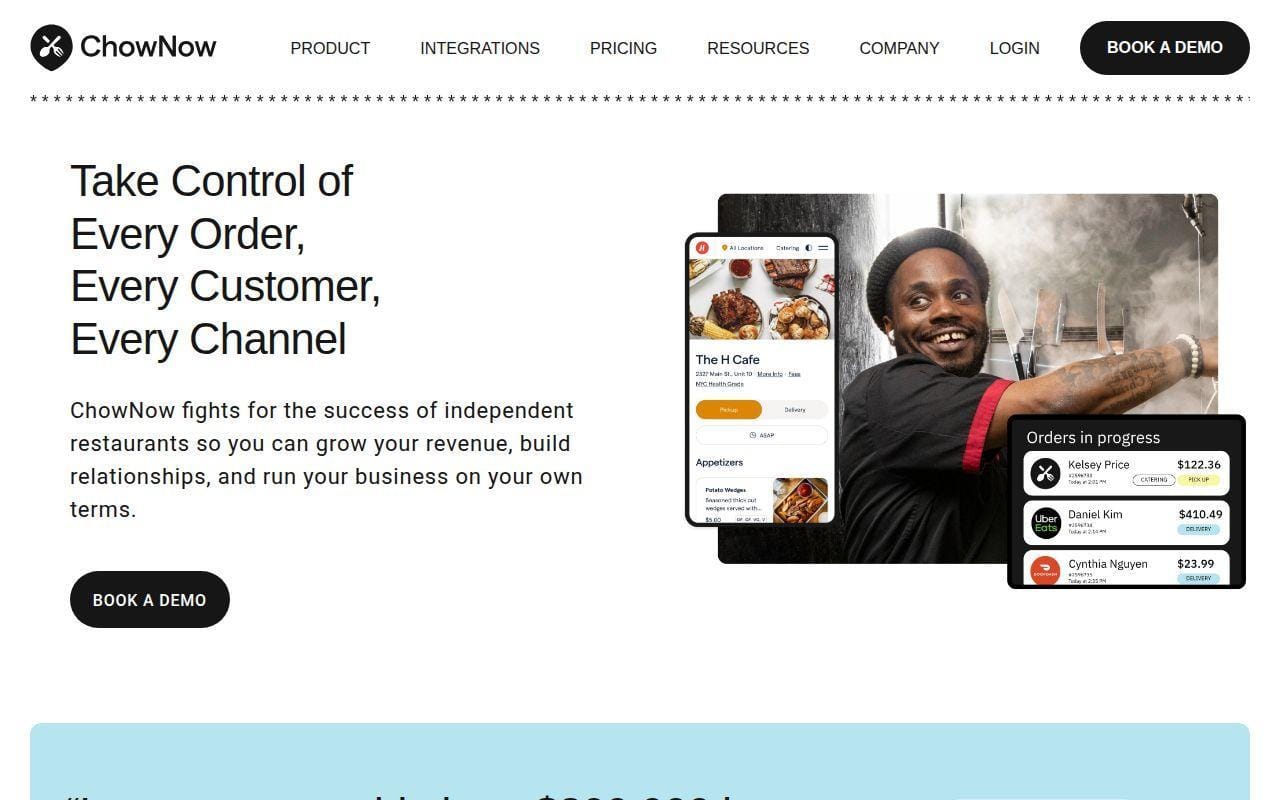
ChowNow remains one of the clearest direct-ordering plays for independent restaurants. It ranks well because its product story is simple to understand. The company is trying to help restaurants own orders, marketing, and customer relationships without leaning on marketplace commissions for direct web traffic.
The pricing page is refreshingly direct about plan structure. ChowNow says customers can take unlimited commission-free orders from their website, branded mobile app, marketplace app, and discovery channels across the web with Profit Protector enabled.
How ChowNow works
ChowNow is built around direct ordering that can appear across several touchpoints. The product pages and pricing page emphasize restaurant website orders, branded mobile app ordering, marketplace placement, and other discovery channels. It also supports Flex Delivery at a listed per-order rate, which matters if you do not want to build your own driver operation.
The system is less about building a whole restaurant tech stack than Toast, and less explicitly marketing-heavy than Owner.com. Its strongest case is for operators who want direct digital ordering with a known brand in the category and a cleaner cost model than third-party marketplaces.
Who is ChowNow for?
ChowNow is a good fit for independent restaurants that care about direct ordering economics and want a product purpose-built for that job. It also works well for operators that want branded ordering without jumping into a much larger POS migration.
It is less attractive if you want the broadest built-in growth stack or the lowest entry-level monthly bill. Square and Restolabs are cheaper entry points, while Owner.com pushes further on growth tooling.
ChowNow pricing
- Launch: starting at $229 annually or $249 monthly, direct ordering foundation, core restaurant growth tools, unlimited commission-free direct orders.
- Grow: starting at $319 annually or $349 monthly, expanded channel reach, 2,000 contacts, 2,000 credits, all-in control across channels.
- Elevate: starting at $409 annually, 5,000 contacts, 5,000 credits, highest-tier growth bundle for bigger direct-ordering programs.
ChowNow also lists additional charges, including a setup fee range, processing at 2.95% + $0.29 per transaction, an annual Apple developer fee for branded apps, printer costs, and a per-order Flex Delivery fee. You can review those details on ChowNow’s pricing page.
Pros and cons
Pros
- Unlimited commission-free direct orders are central to the product.
- Transparent subscription structure with visible extra fees.
- Restaurant-focused rather than generic ecommerce-first.
- Can extend into branded app and delivery support.
Cons
- Real cost rises once setup, processing, printer, and delivery extras are included.
- Entry price is not as friendly as Square or Restolabs.
- Reviewers on G2 praise reliability, but some mention slower feature development.
ChowNow rating and reviews
- G2: rated 4.6/5 across 73 reviews.
ChowNow is still one of the safest shortlist picks for independents that want direct digital orders without adopting a much larger operational platform. It is not the cheapest option, but it is one of the clearest.
5. Owner.com
- Category: Restaurant growth and direct-ordering platform
- Best for: Single-location restaurants that want stronger marketing help
- Ease of use: Easy
- Pricing: Flex or flat month-to-month plans
- Standout feature: Broad all-in-one growth stack with branded app
Owner.com has moved beyond being just another ordering widget. From what its pricing page shows, it is really selling a package that combines an AI-optimized website, online ordering, branded mobile app, SEO pages, loyalty, and marketing automations into one restaurant-focused growth product.
That makes it more ambitious than ChowNow and more explicitly growth-led than Square. For a restaurant that already gets some traffic and wants to convert more of it into repeat direct orders, that positioning is compelling.
How Owner.com works
Owner.com’s public pricing page says both plans include the complete platform. That means the same core feature set whether you choose the lower subscription plus restaurant fee model or the higher flat-rate model. The included stack covers AI-optimized website tools, online ordering, branded mobile app, automated SEO pages, loyalty and rewards, and AI-powered marketing.
The logic is simple. Owner wants restaurants to use one platform for discovery, conversion, repeat ordering, and retention, rather than piecing those stages together from several vendors.
Who is Owner.com for?
Owner.com is best for independent restaurants that care as much about repeat orders and direct traffic conversion as they do about basic order intake. It feels especially relevant for operators that have outgrown bare-bones online ordering and want a stronger demand-generation story.
Restaurants that only need a cheaper utility tool should probably look at Square, Restolabs, or even Wix first. Owner.com is not aiming to be the budget choice.
Owner.com pricing
- Flex: $249 per month plus a 5% restaurant fee per order, lower fixed cost, all features included, month-to-month billing.
- Flat Rate: $499 per month with no additional restaurant fees, predictable cost, all features included, aimed at restaurants doing at least $5,000 per month in online sales.
You can inspect the full plan details on Owner.com’s pricing page.
Pros and cons
Pros
- Both plans include the full feature set.
- Branded mobile app, loyalty, and SEO pages are included, not hidden in a higher tier.
- Month-to-month billing is unusually flexible for this category.
- Clear choice between lower fixed cost and predictable flat cost.
Cons
- It is expensive for low-volume restaurants.
- The Flex plan still adds a restaurant fee per order.
- Some G2 reviewers mention limited customization and integration issues.
Owner.com rating and reviews
- G2: rated 4.8/5 across 362 reviews.
Owner.com is one of the most convincing picks for restaurants that want direct ordering to function as a growth channel, not just a digital cash register. If that is your lens, it belongs near the top of your shortlist.
6. Restolabs
- Category: Commission-free direct ordering platform
- Best for: Budget-conscious operators that still want restaurant-specific features
- Ease of use: Moderate
- Pricing: Low flat monthly tiers
- Standout feature: Predictable pricing with unlimited orders
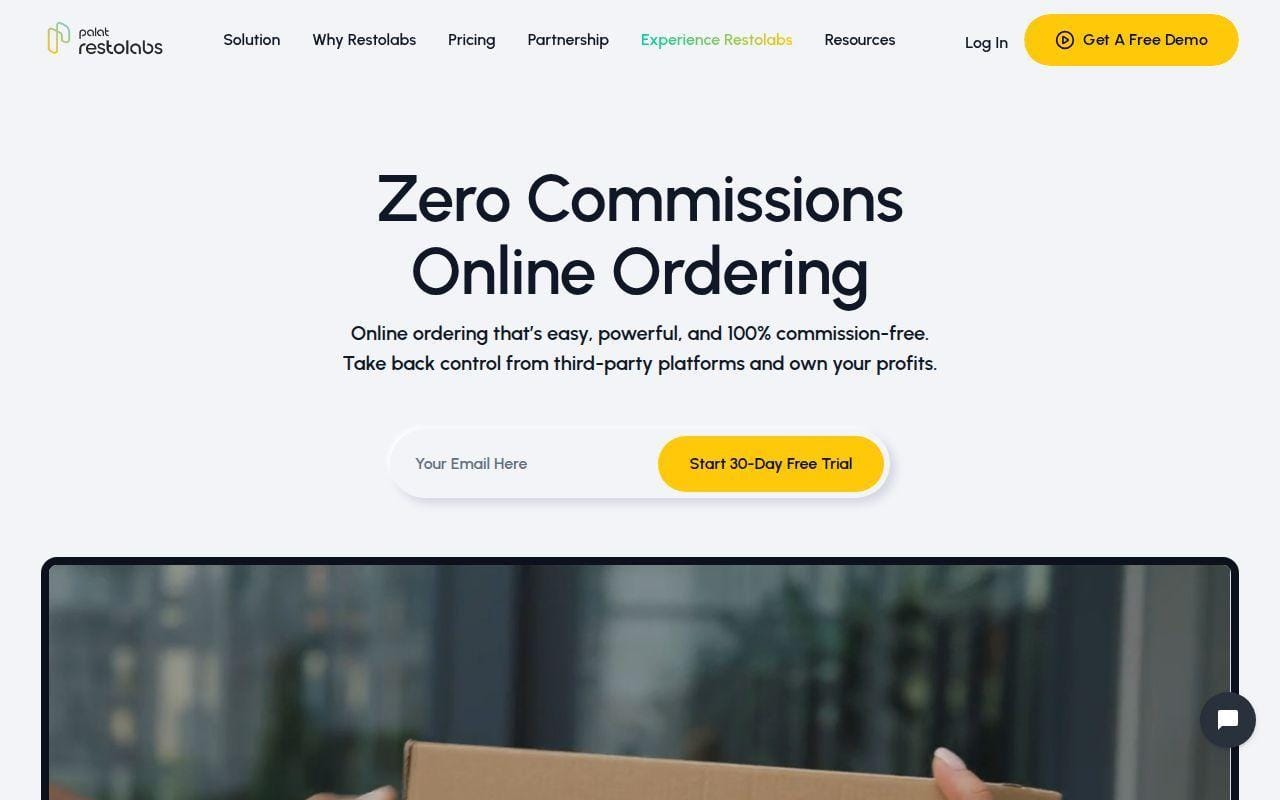
Restolabs makes its case on economics first, and for many restaurants that is enough to make it relevant. Its official materials repeatedly position it as a commission-free direct-ordering system that helps restaurants keep customer data, run their own brand, and avoid the variable bite of marketplace fees.
What lifts it into the top 10 is that it is not only cheap. The features pages and pricing materials also point to loyalty tools, QR ordering, multi-location support, delivery integrations, mobile apps, and Google Business Profile management as optional or higher-tier capabilities.
How Restolabs works
Restolabs lets restaurants launch branded direct ordering for pickup, delivery, and curbside, then manage those orders through its own app and dashboard. The features page lists pre-orders, split modifiers, add-ons, custom tipping, key POS integration, order alerts, real-time analytics, and multi-location support. The main online-ordering page also says restaurants can launch in a few days with onboarding support or set things up themselves.
In other words, Restolabs sits between a simple website order page and a fuller growth platform. It gives you more restaurant-specific structure than a generic site builder, but without enterprise pricing.
Who is Restolabs for?
Restolabs is a sensible fit for operators that want a purpose-built direct-ordering system and care deeply about keeping monthly software cost predictable. It is especially appealing if you want your own ordering flow but are not ready for Owner.com or Toast-level spend.
Restaurants that need the strongest public proof, deeper review volume, or cleaner top-tier enterprise polish should keep looking. The product story is better than the public review footprint suggests, but the footprint is still light.
Restolabs pricing
- Basic: $69 per month, online ordering for pickup and in-house delivery, order management app, loyalty suite, analytics, QR ordering.
- Growth: $99 per month, adds third-party delivery integrations and a more scalable order-routing setup.
- Pro: $199 per month, includes website, ordering, marketing tools, and mobile apps.
The public plan structure and add-ons are outlined on Restolabs’ pricing page.
Pros and cons
Pros
- Low monthly starting price compared with most restaurant-first competitors.
- Flat-fee positioning is easy to understand.
- Restaurant-friendly features like QR ordering and loyalty are part of the story, not afterthoughts.
- Good middle ground between basic and enterprise.
Cons
- Public review volume is very small.
- Pricing language across public pages is not as polished as Square or Owner.com.
- Brand recognition is weaker than the bigger names above it.
Restolabs rating and reviews
- G2: rated 4.0/5 across 3 reviews.
Restolabs is the value pick in this top tier. We would not rank it above the category leaders for proof and polish, but at its price level it does a lot right.
7. DoorDash Online Ordering
- Category: Direct ordering plus delivery infrastructure
- Best for: Restaurants that want direct orders and DoorDash fulfillment options
- Ease of use: Easy
- Pricing: Starter included, higher packages add growth tools
- Standout feature: Fast activation through Merchant Portal with broad POS coverage
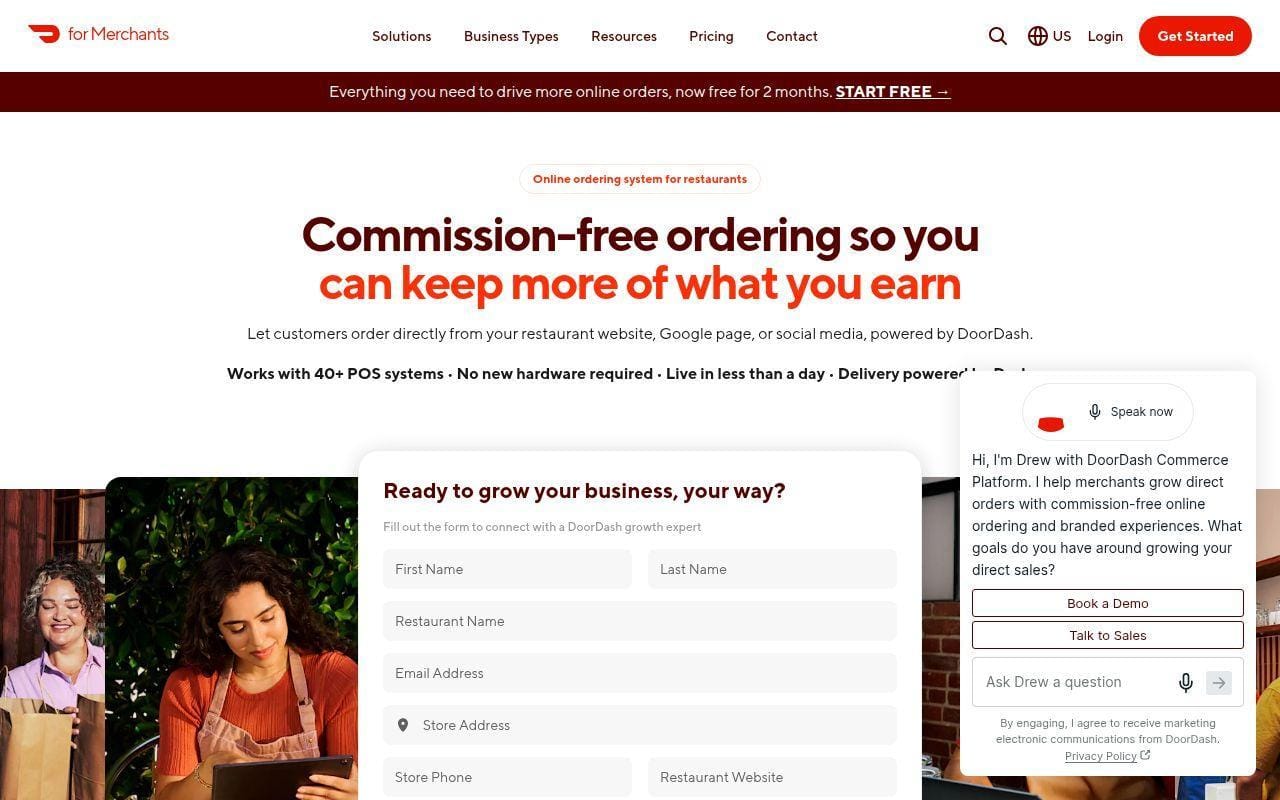
DoorDash Online Ordering is easiest to understand if you stop thinking about it as just a marketplace add-on. The official pages position it as a branded direct-ordering channel that can be activated through the Merchant Portal, integrated with existing operations, and supported by DoorDash’s delivery network when needed.
That hybrid appeal is why it makes this list. Some restaurants want to keep delivery logistics simple while also owning more of the order journey on their own site. DoorDash is one of the few large-scale providers that can credibly offer both sides.
How DoorDash Online Ordering works
The product page says active DoorDash merchants can activate Online Ordering in minutes through the Merchant Portal and that most restaurants are live in less than 24 hours. The same page says it integrates with more than 30 POS providers, keeps menu items and real-time availability synced, and allows pickup or delivery orders.
DoorDash’s documentation also separates package levels inside the broader Commerce Platform. Starter covers the basic branded ordering page. Boost adds automated email marketing, popups, customized ordering pages, and loyalty or gift card integrations. Pro goes further with a branded mobile app and cross-channel loyalty.
Who is DoorDash Online Ordering for?
DoorDash Online Ordering is a good fit for restaurants that want to drive direct web orders but still rely on outsourced delivery capacity. It is also attractive for current DoorDash merchants because activation is clearly designed to be quick.
If you want to fully separate your direct channels from the marketplace ecosystem, ChowNow, Owner.com, or Restolabs may feel cleaner. DoorDash still comes with the trade-offs of working inside a large platform brand.
DoorDash Online Ordering pricing
- Starter: included with Marketplace, 3.3% + $0.30 payment processing on online orders, branded online ordering, fast setup, commission-free direct ordering.
- Boost: quote-based package pricing, 2.9% + $0.30 payment processing, automated email marketing, customizable website pop-up, customized ordering pages, loyalty and gift card integrations.
- Pro: $249 per store per month, 2.9% + $0.30 payment processing, custom branded mobile app, cross-channel loyalty, customizable email and text marketing.
DoorDash spreads these details across product documentation, so its pricing explainer is the clearest place to confirm the current fee structure.
Pros and cons
Pros
- Strong POS coverage with 30-plus integrations.
- Fast setup for current DoorDash merchants.
- Direct ordering can pair naturally with DoorDash delivery support.
- Starter gives a low-friction path to first-party orders.
Cons
- Package pricing is less transparent than Square, UpMenu, or ChowNow.
- Direct ordering is still wrapped inside a broader DoorDash ecosystem.
- Restaurants that want full brand independence may prefer smaller specialists.
DoorDash Online Ordering rating and reviews
- G2: rated 4.3/5 across 65 reviews.
DoorDash Online Ordering is not the most independent-minded option here, but it is practical. For many restaurants, practical wins.
8. UpMenu
- Category: Restaurant website, ordering, and branded app platform
- Best for: Small restaurants and pizza shops that want lots of direct-ordering tools
- Ease of use: Easy
- Pricing: Transparent per-location monthly tiers
- Standout feature: Strong included feature stack for the money
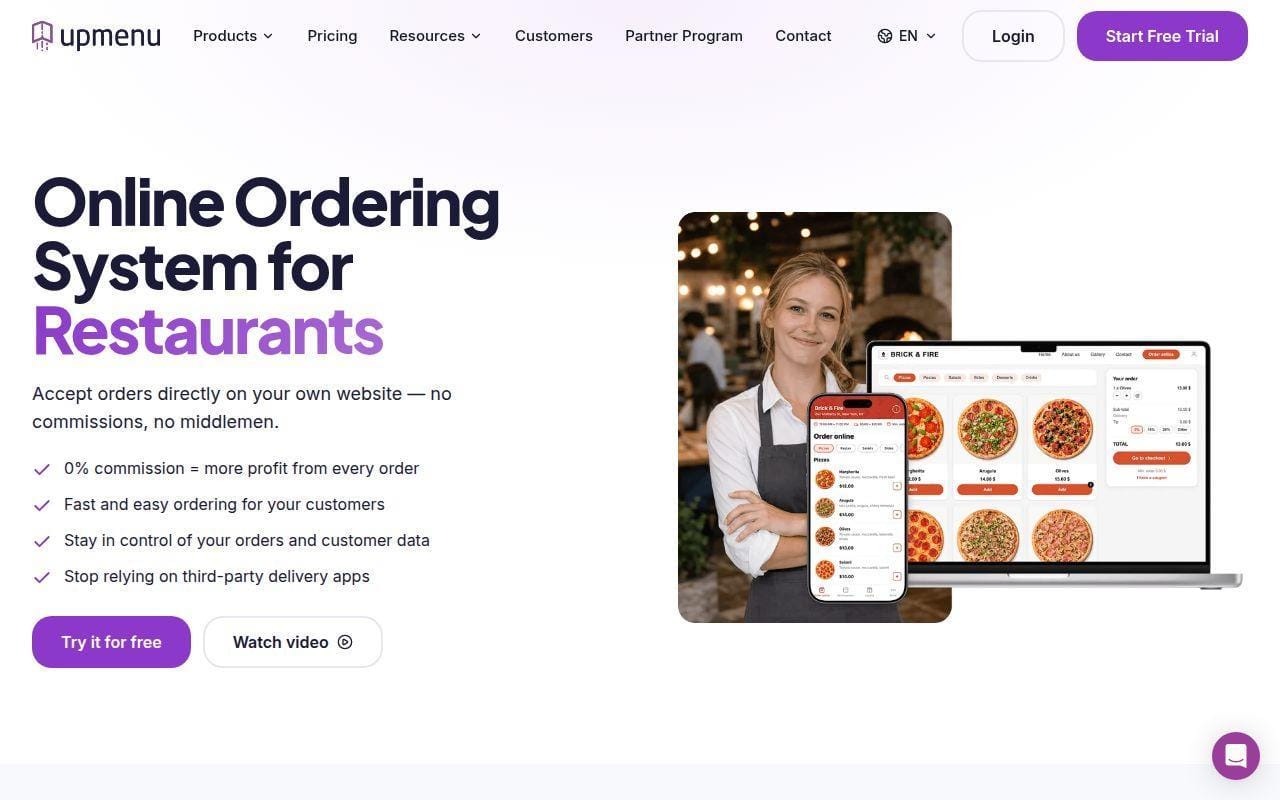
UpMenu is one of the most transparent products in this roundup, and that alone makes it easy to like. The pricing page clearly states order limits, plan names, per-location cost, included website features, branded app add-on pricing, and what happens when you hit your plan cap.
Just as important, the feature mix is unusually broad for the price. Website builder, online ordering, QR menu, tableside ordering, reservations, marketing, gift cards, inventory, and branded apps all show up in the public plan structure.
How UpMenu works
UpMenu gives restaurants their own ordering website, then layers on more features as plans rise. Basic includes online ordering, website builder, QR code menu, menu management, and multi-location support. Standard adds tableside ordering, reservations, email and SMS marketing, promo tools, pre-ordering, and integrations. Premium removes the order cap and adds automation, gift cards, inventory, item recommendations, and multiple menus.
The pricing page also says restaurants can keep accepting extra orders beyond plan limits if they enable the setting, with overage charges added later. That is a small but useful detail because it shows the platform is thinking about real operating scenarios.
Who is UpMenu for?
UpMenu works well for restaurants that want direct ordering plus a lot of adjacent tools at a published price. It feels especially suited to pizzerias, takeout-heavy stores, and smaller groups that want to control their own app, website, promos, and ordering flow.
Large enterprise brands will still want deeper integration ecosystems. UpMenu is feature-rich, but it does not carry Olo’s enterprise weight.
UpMenu pricing
- Basic: $49 per month per restaurant, 75 orders, online ordering, restaurant website, free setup service, QR code menu, menu management.
- Standard: $89 per month per restaurant, 210 orders, tableside ordering, table reservations, email and SMS marketing, coupons and promo codes, integrations.
- Premium: $169 per month per restaurant, unlimited orders, marketing automation, gift cards, inventory, item recommendations, multiple menus.
The full feature matrix is published on UpMenu’s pricing page.
Pros and cons
Pros
- Very clear published pricing.
- Broad toolset for the money.
- Premium plan removes order limits without moving into enterprise pricing.
- Branded mobile app option is easy to understand.
Cons
- Order limits on lower plans can matter fast at busy stores.
- There is a learning curve because many modules are packed into the platform.
- Brand awareness in the U.S. is lower than Square, Toast, or DoorDash.
UpMenu rating and reviews
- G2: rated 4.8/5 across 27 reviews.
UpMenu is one of the best-value picks in this roundup. If you want a lot of direct-ordering capability without enterprise pricing, it deserves a close read.
9. Olo
- Category: Enterprise restaurant ordering platform
- Best for: Multi-location and enterprise restaurant brands
- Ease of use: Moderate
- Pricing: Custom quote
- Standout feature: Enterprise ecosystem depth and partner network
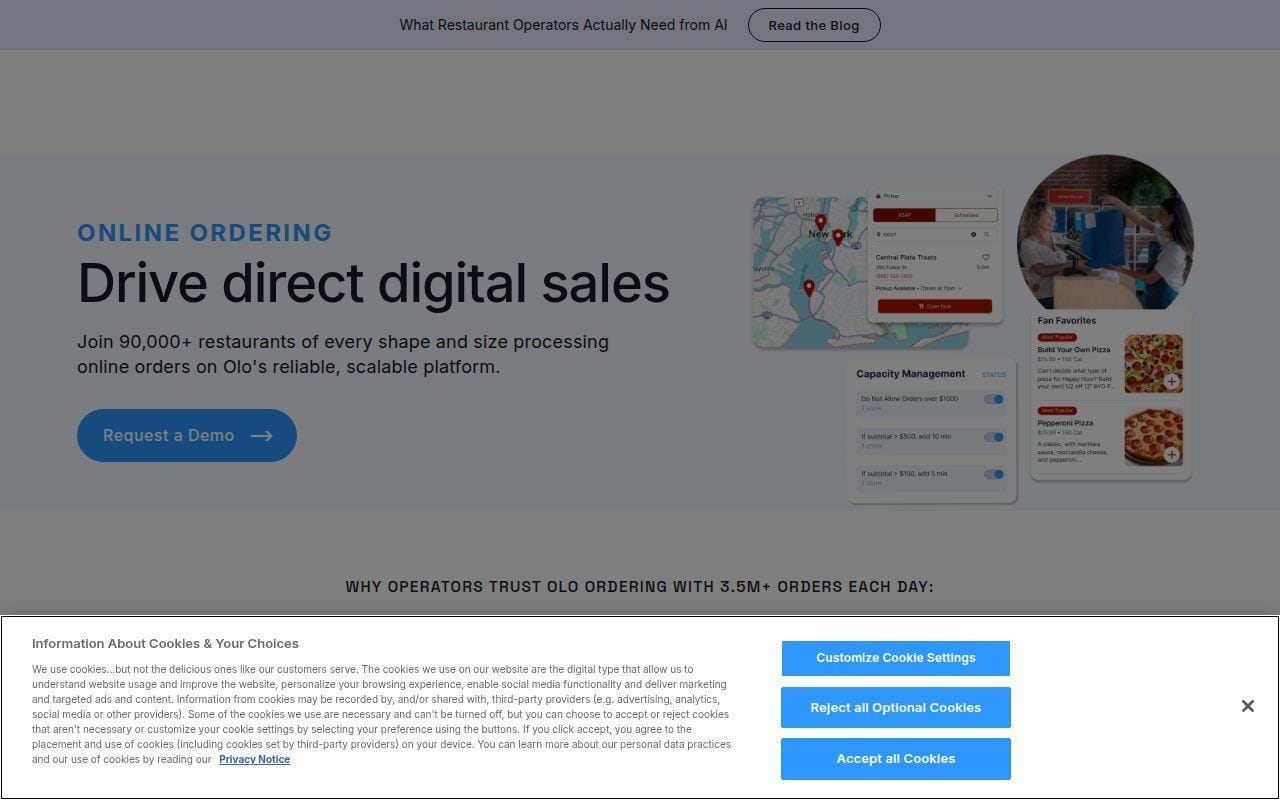
Olo is here because some restaurants do not need a scrappy direct-ordering tool. They need infrastructure. The official ordering page says Olo powers millions of orders per day and public review text highlights integrations with more than 100 technology partners, which is exactly the kind of scale signal enterprise brands look for.
This is not the tool we would send a small single-location shop toward first. It is the one we would keep for larger chains, mature multi-unit groups, and brands that need ordering to plug into a deeper commerce and operations stack.
How Olo works
Olo’s public positioning centers on capturing demand across channels and managing consumer orders inside a larger digital ecosystem. The help materials describe an ordering platform with guest-facing digital ordering and staff-facing dashboard tools. Public review material also points to integrations across delivery, loyalty, POS, and other restaurant systems.
In practical terms, Olo is about orchestration. It is less of a DIY site builder and more of a connective layer for brands that already have serious systems around them.
Who is Olo for?
Olo is for enterprise restaurant brands, franchise groups, and operators with enough scale to care about ecosystem breadth, partner integrations, and advanced digital order management. If you run many locations, that story can matter more than a low monthly sticker price.
Smaller restaurants should probably skip it. The public review profile itself includes feedback that Olo can be expensive for startup restaurants and requires higher skill to set up.
Olo pricing
- Ordering platform: custom quote, enterprise digital ordering, broad partner integrations, multi-channel commerce infrastructure.
Olo does not publish self-serve plan pricing on the ordering page, so budgeting starts with a sales conversation rather than a card checkout.
Pros and cons
Pros
- Strong enterprise positioning.
- Broad technology partner ecosystem.
- Suitable for large brands with complex digital operations.
- Better fit for orchestration than for standalone direct ordering.
Cons
- No public self-serve pricing.
- Overkill for smaller independent restaurants.
- G2 reviewers note expense and setup complexity for smaller operators.
Olo rating and reviews
- G2: rated 4.4/5 across 18 reviews.
Olo is not built to win on simplicity or entry price. It is built for scale, and if scale is your problem, that changes the equation fast.
10. Wix Restaurants
- Category: Restaurant website builder with ordering
- Best for: Design-conscious restaurants that want simple ordering on their own site
- Ease of use: Easy
- Pricing: Free to install app, total stack varies
- Standout feature: Strong site design flexibility
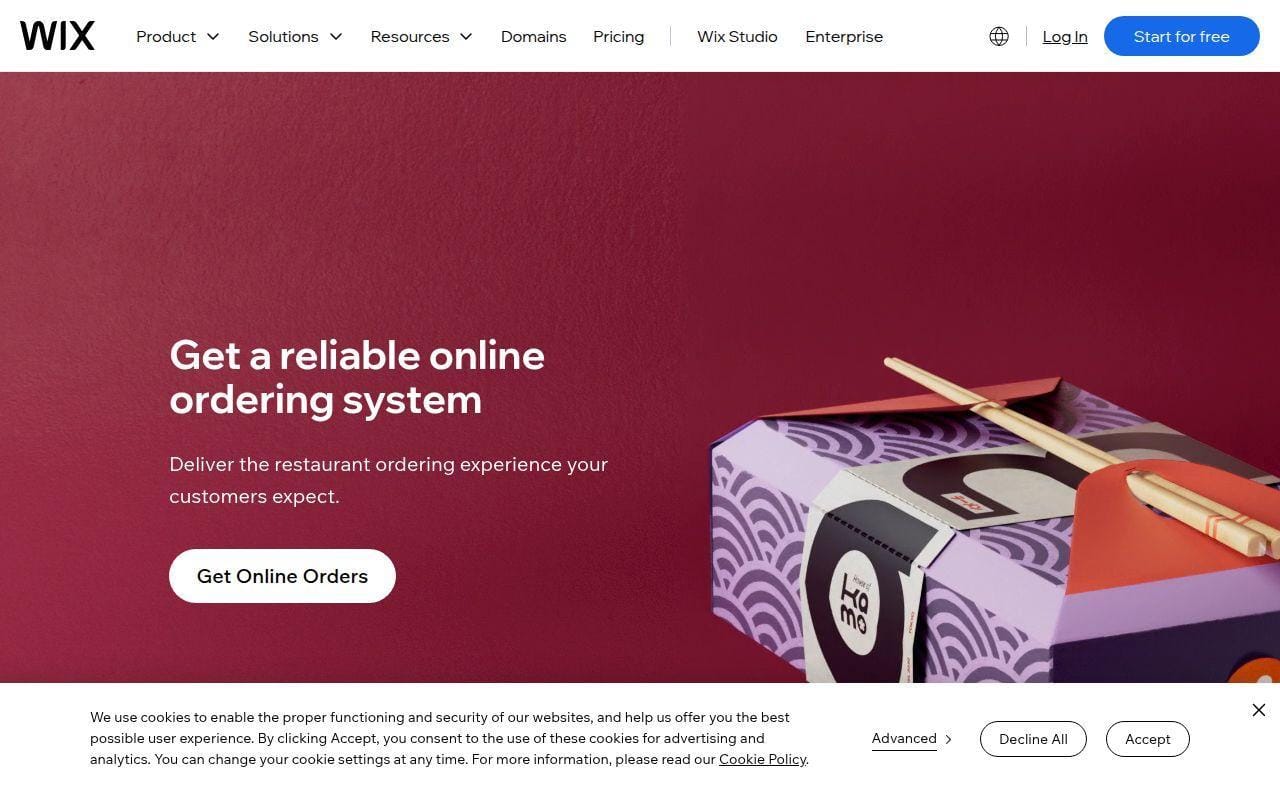
Wix Restaurants makes the list because a surprising number of restaurants care first about their website and brand presentation, then about adding straightforward online orders. In that scenario, Wix can be a reasonable match. The public product pages describe menus, online orders, table booking, pickup, delivery, dine-in orders, QR ordering, live order tracking, CRM, discounts, gift cards, and automated marketing.
We rank it tenth because the design-first approach is real, but so are the trade-offs. Wix is easier to understand as a restaurant website platform with ordering features than as a deeply operational restaurant ordering system.
How Wix Restaurants works
The help center says you can choose a restaurant website template, build menus, manage online orders, and let customers book tables from the same site. The Wix Restaurants Orders app page adds more concrete detail. It supports pickup, delivery, and dine-in orders, QR code ordering for dine-in, item options, add-ons, special requests, live order tracking, and a single back office for incoming orders.
That is enough for many small operators. It just is not the same thing as a restaurant-first POS and ordering stack.
Who is Wix Restaurants for?
Wix Restaurants is best for smaller restaurants that care about having a polished site, want direct online orders, and do not need unusually deep kitchen or integration logic. It makes sense for bakeries, cafes, and small independents that see the website as their main digital storefront.
Busy takeout-heavy operators with lots of modifiers, delivery rules, or multi-location complexity should look elsewhere. Some recent app reviews specifically ask for stronger modifier logic, pizza builder features, and inventory support.
Wix Restaurants pricing
- Wix Restaurants Orders: Free to install, pickup, delivery, and dine-in ordering, QR ordering, live order tracking, CRM and promo tools. Total live-site cost depends on the Wix plan stack and payment setup you pair it with.
Because Wix spreads the cost between the ordering app and the broader website subscription, there is no single restaurant-specific bundle price published on the ordering product page.
Pros and cons
Pros
- Strong website design flexibility.
- Ordering, booking, menus, and marketing can live on one site.
- Free-to-install app lowers the barrier to trying it.
- QR dine-in ordering is built into the app overview.
Cons
- Total cost is less transparent than some direct-ordering rivals.
- Feature requests on the app page point to real restaurant edge cases Wix still needs to improve.
- Not as operations-led as Toast, Olo, or DoorDash.
Wix Restaurants rating and reviews
- Wix App Market: rated 3.5/5 across 36 reviews.
Wix Restaurants is the right fit when your site is the priority and ordering is an important feature inside that site. If ordering complexity comes first, it slips down the list quickly.
Five More Restaurant Ordering Systems Worth Considering
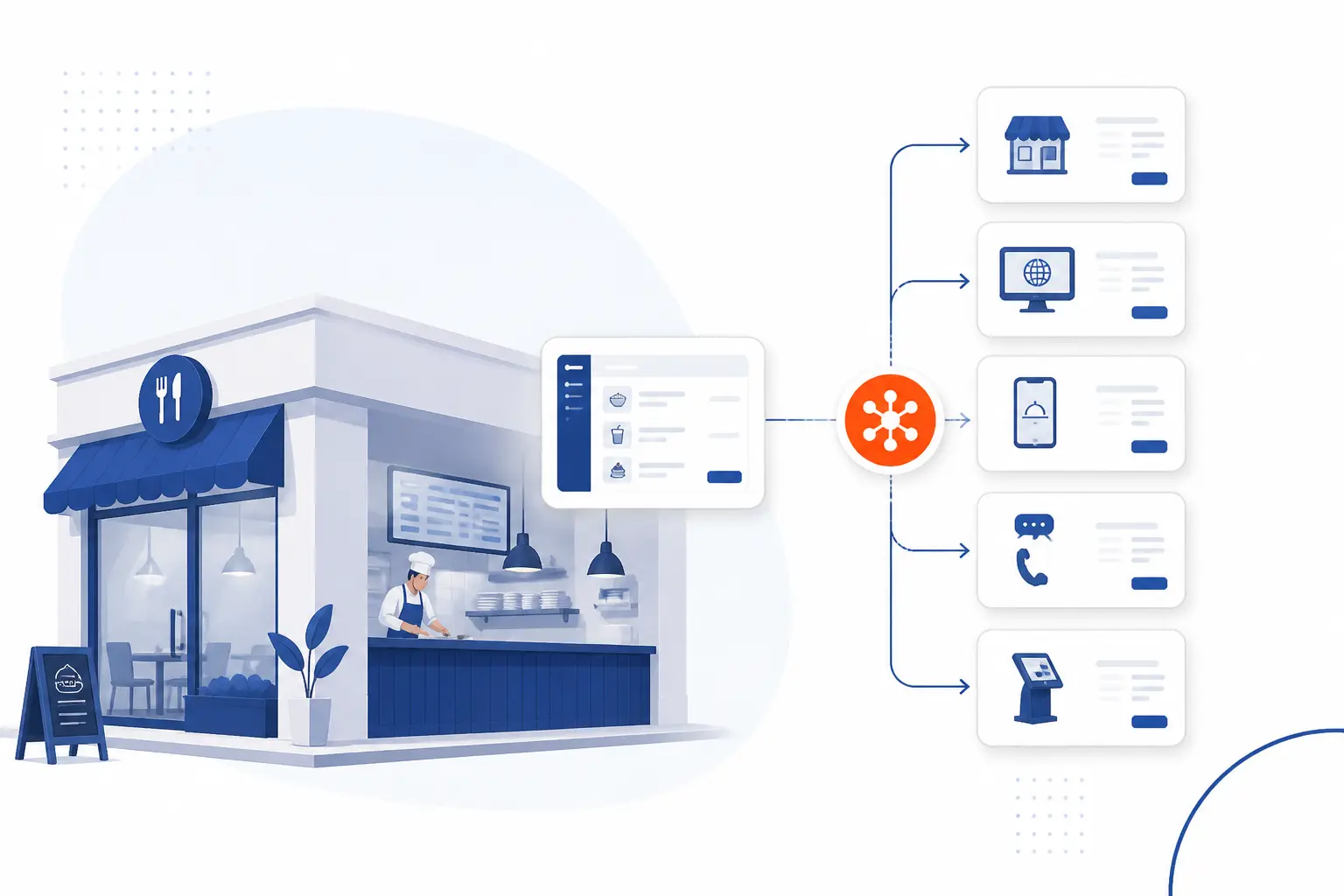
The next five are still worth a look, but each is more specialized, more enterprise-leaning, or less broadly compelling than the top ten. If one of these lines up with your operating model, though, it may beat a higher-ranked option for your specific use case.
11. Deliverect
- Category: Digital ordering and integration platform
- Best for: Brands that need direct ordering plus heavy delivery-channel integration
- Ease of use: Moderate
- Pricing: Custom quote
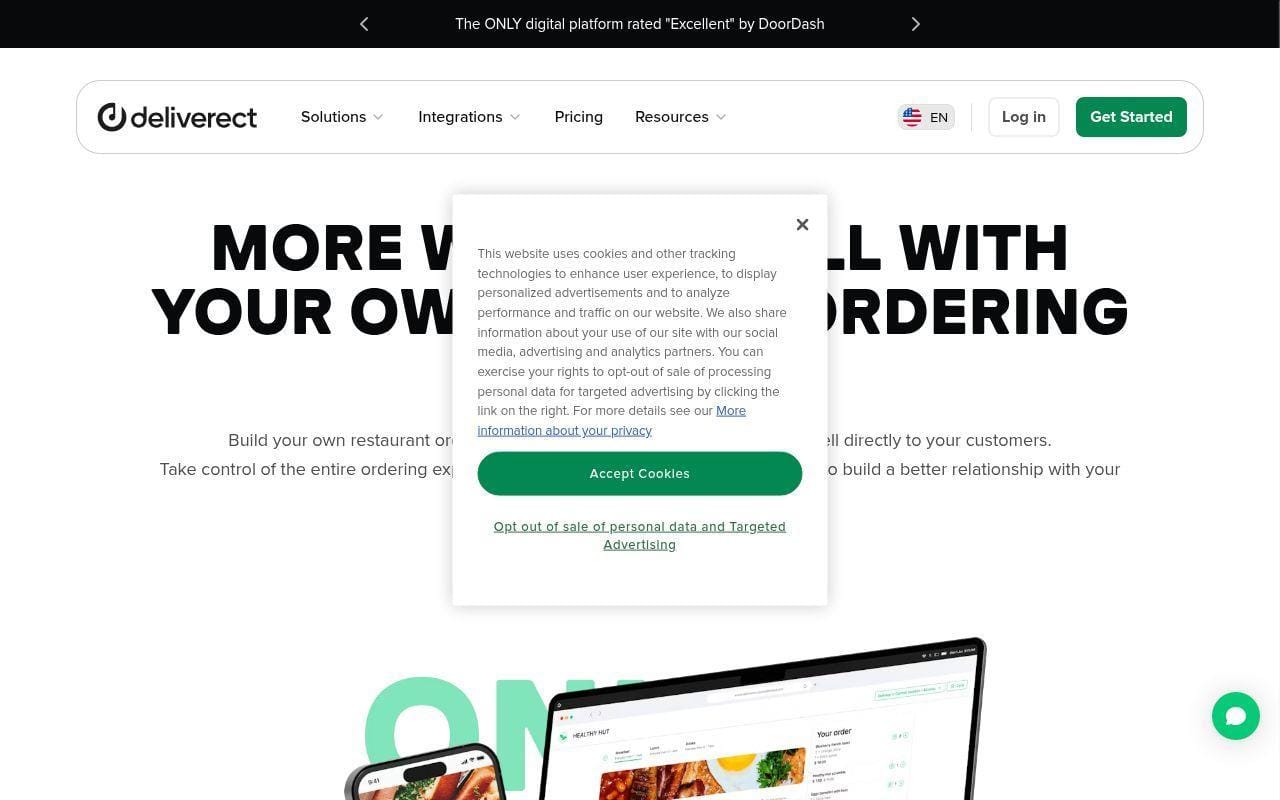
Deliverect earns its place because it is one of the clearest options for restaurants that need both first-party and third-party ordering logic under one roof. The U.S. pricing page splits the product into 1P Digital Ordering, Dispatch & Delivery, 3P Marketplace Management, and a Complete Digital Ordering Bundle, which tells you right away that this is not a lightweight website add-on.
Its help documentation also makes the workflow concrete. To launch online ordering, Deliverect says you publish a menu with delivery and pickup types to your online ordering store, then manage the guest-facing experience through the platform frontend. That is a very different buying story from Square or Wix.
The real strength here is operational breadth. The public pricing page says the platform can connect POS, loyalty, CRM, web, app, QR ordering, and more than 1,000 partner integrations. That is attractive if your problem is fragmentation more than storefront design.
Who is Deliverect for?
Deliverect is best for multi-unit brands and operators that already live across several ordering channels. If your bigger pain is syncing menus, channels, and delivery flows, it can be a stronger fit than a simpler direct-ordering tool.
12. Flipdish
- Category: Restaurant ordering, website, app, and POS platform
- Best for: Restaurants that want direct ordering plus branded app options
- Ease of use: Moderate
- Pricing: Public online ordering pricing available
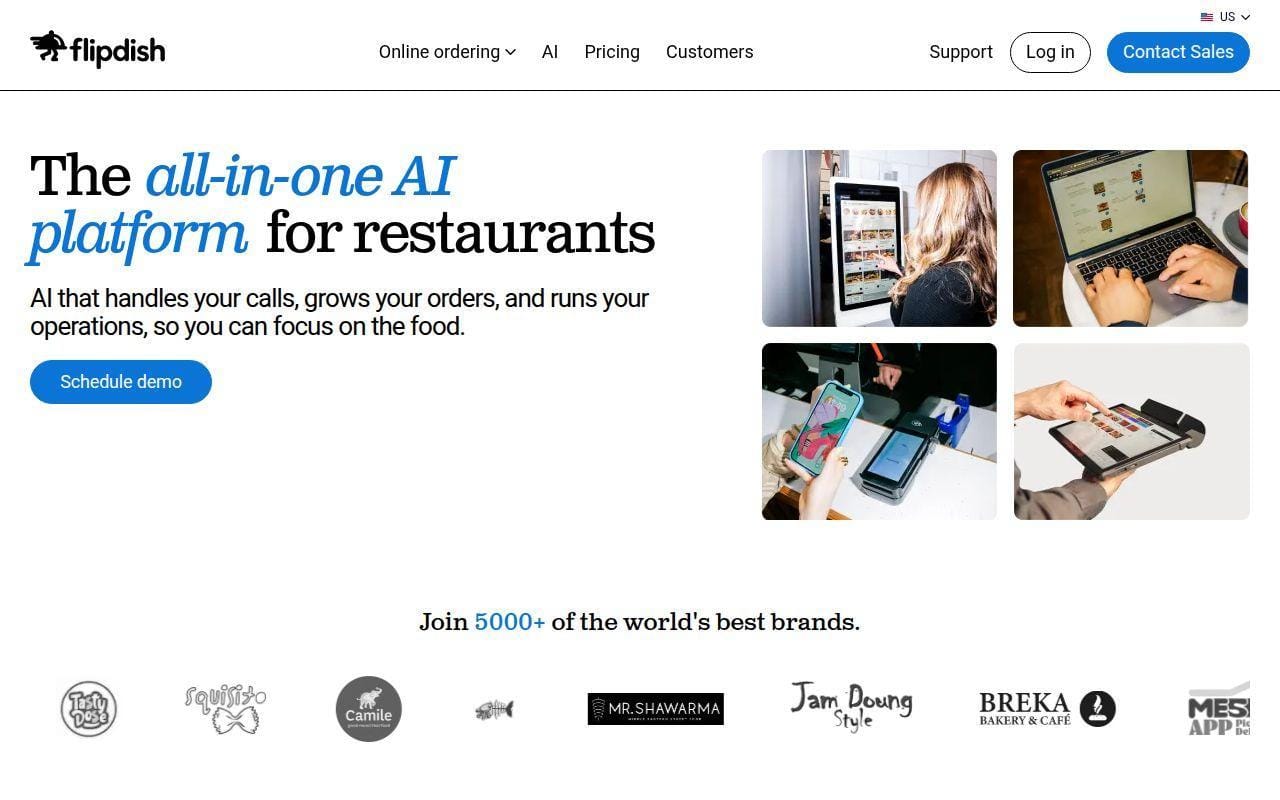
Flipdish stands out for restaurants that want a broader direct-ordering stack with consumer-facing polish. Its U.S. pricing page is public, which is helpful, and the homepage pushes an all-in-one story around synced menus, availability, and online ordering across channels.
From the public materials, Flipdish looks like a serious contender when your shortlist includes branded apps, direct ordering, and a stronger digital brand experience. It is more ambitious than a basic site plugin, and closer in spirit to Owner.com or UpMenu than to Square Online.
The main reason it stays out of the top ten is fit and focus. In the U.S. market especially, some of the higher-ranked products are easier to compare and better aligned to common restaurant buying paths. Still, Flipdish is worth a look if you want an international platform with a deeper digital ordering pitch.
Who is Flipdish for?
Flipdish is a good fit for restaurants that want their own ordering channel and are willing to evaluate a fuller digital platform instead of just a checkout layer. It makes more sense for growth-minded operators than for bargain hunters.
13. Tock
- Category: Hospitality platform with takeout and event commerce
- Best for: Restaurants that also sell experiences, reservations, and events
- Ease of use: Moderate
- Pricing: Platform from $249 per month, Essential $269 per month, Premium $399 per month
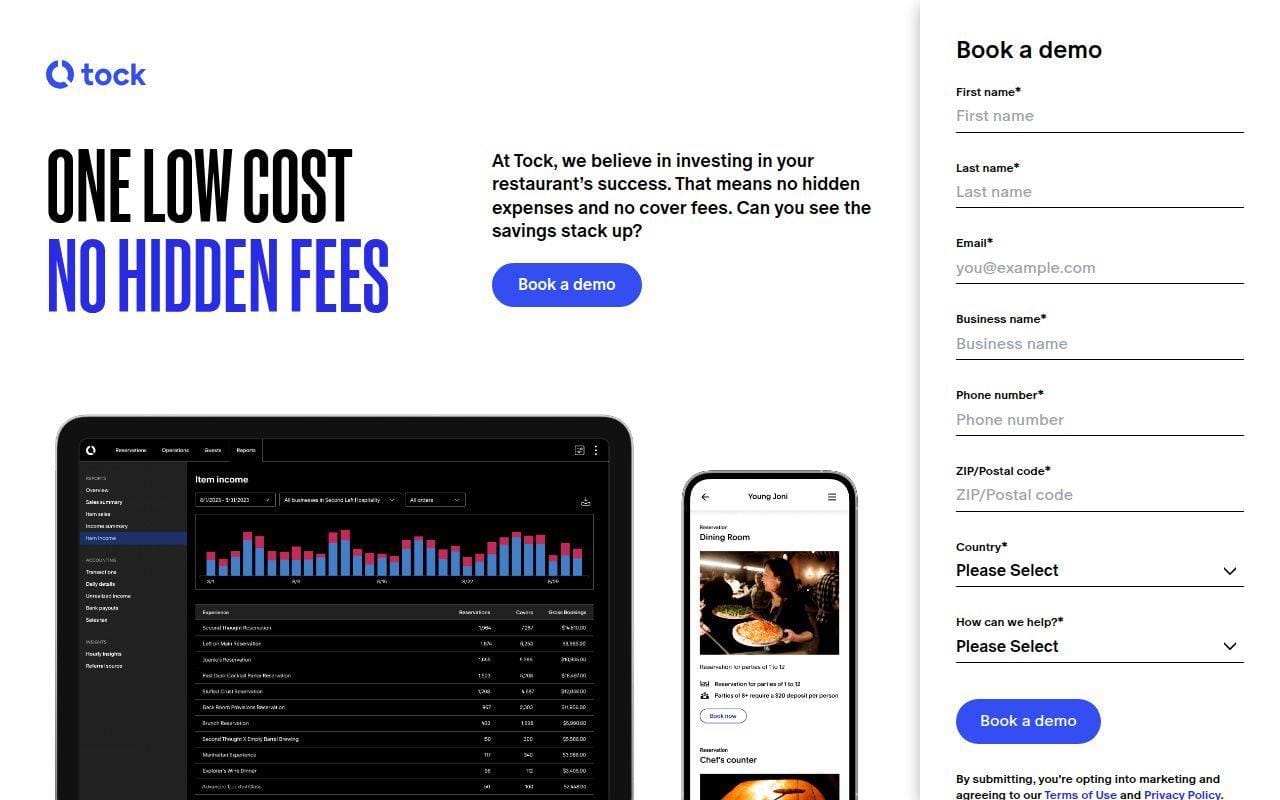
Tock is not a classic online ordering specialist, and that is exactly why it can be the right answer for some restaurants. Its plans page puts takeout next to reservations, experiences, event ticketing, table management, and guest preference capture. If your business model includes more than straightforward pickup and delivery, that matters.
The current pricing page shows Platform at $249 per month, Essential at $269 per month with a 3% fee on prepayments, and Premium at $399 per month with a 2% fee on prepayments. That is not bargain pricing, but it is clear enough to judge.
We would not put Tock above Toast or ChowNow for a pure restaurant ordering system brief. We would absolutely put it into the conversation for restaurants, wineries, chef-driven concepts, and hospitality brands that sell more than standard takeout.
Who is Tock for?
Tock is for hospitality-led operations where reservations, deposits, events, and guest management matter just as much as order intake. If your digital business is broader than food delivery and pickup, it becomes much more compelling.
14. Popmenu
- Category: Restaurant marketing and ordering platform
- Best for: Restaurants that want ordering tied closely to guest marketing
- Ease of use: Easy to moderate
- Pricing: Flat $1.00 per online order on listed pricing page
Popmenu deserves mention because it treats online ordering as part of a broader guest marketing engine. The online ordering page says there is no per-order commission, while the public pricing page explains that Popmenu charges a flat $1.00 per online order that the restaurant can absorb or pass through to the guest.
That structure makes Popmenu notably different from the fixed subscription models near the top of this list. Depending on your volume, that can either feel manageable or become the reason you rule it out.
The platform does appeal to operators that want ordering tied into AI-crafted review replies, direct marketing, and website-led guest capture. If that is your lens, Popmenu is more interesting than a bare direct-ordering tool.
Who is Popmenu for?
Popmenu is best for restaurants that think of ordering as one part of a wider marketing and guest-retention system. High-volume stores should model the per-order math carefully before committing.
15. BentoBox
- Category: Restaurant website and ordering platform
- Best for: Restaurants that want website-led direct ordering with optional dine-in QR tools
- Ease of use: Moderate
- Pricing: Public materials show diner-facing convenience fee on some ordering flows
BentoBox makes sense when your website matters a lot and you want ordering to feel native to that site. Its older contactless dine-in material shows QR-based dine-in ordering, and Bento’s public documents emphasize flat pricing and direct ordering rather than marketplace dependence.
What keeps BentoBox out of the top ten is not a lack of credibility. It is that its public pricing picture is harder to compare cleanly from the materials we found than Square, UpMenu, or ChowNow. Even so, the platform remains relevant for restaurants that want a polished branded web presence first and an ordering layer that matches it.
For some concepts, especially full-service restaurants and hospitality-heavy brands, that mix can be more important than having the cheapest monthly rate.
Who is BentoBox for?
BentoBox is a strong candidate for restaurants that already see the website as the center of their digital brand. If your main goal is a polished, restaurant-specific website with ordering attached, it is still worth shortlisting.
How to Choose the Right Restaurant Ordering System
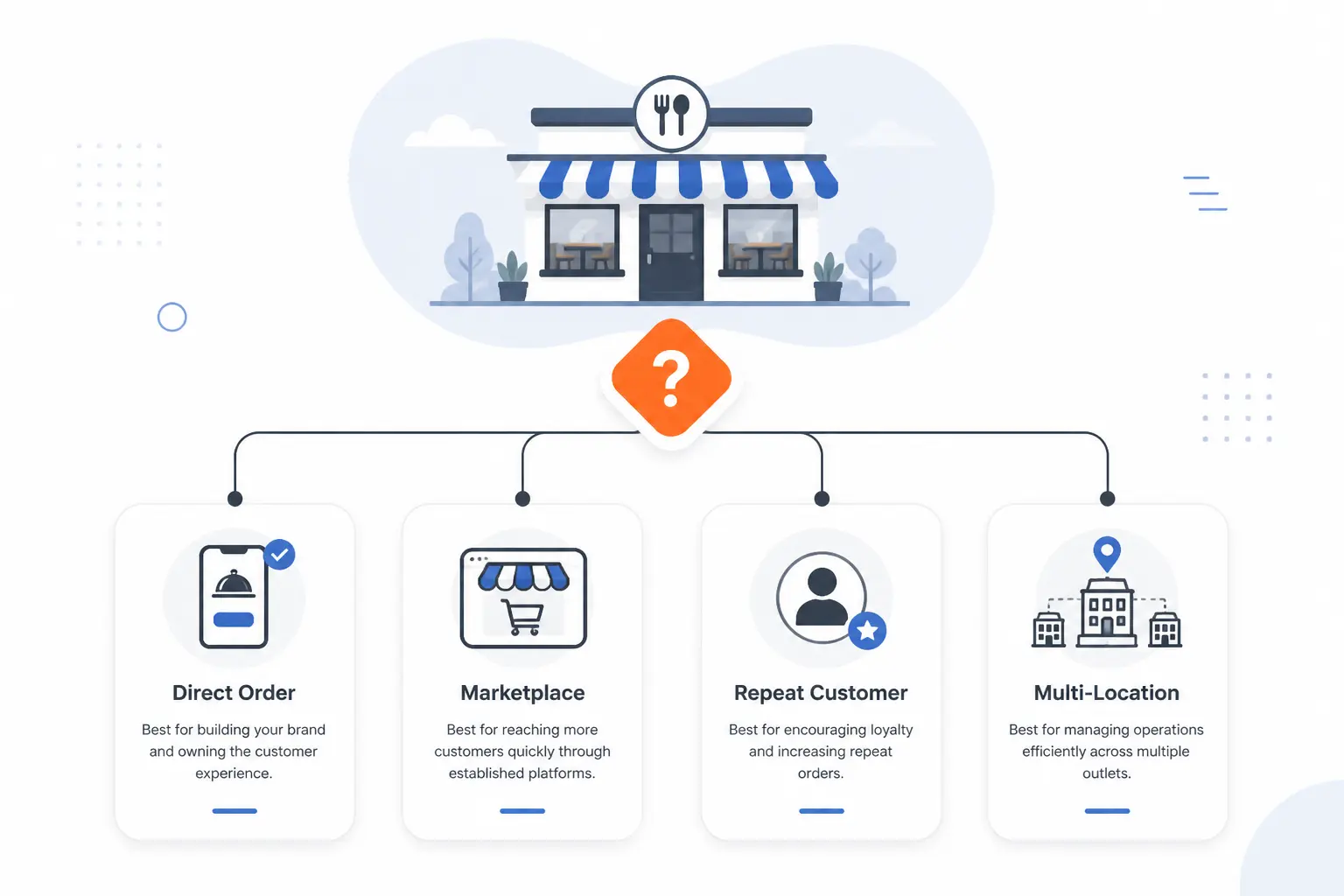
The best choice usually becomes obvious once you map the system to your actual operation. Before you sign anything, decide whether your biggest problem is getting direct orders, making fulfillment smoother, building repeat business, or keeping multi-location complexity under control.
Direct Ordering vs Marketplace Discovery
Direct ordering is usually the better long-term margin play, while marketplaces are better at discovery. That trade-off is baked into many of the tools above. For example, DoorDash’s own fee guidance separates marketplace commissions from its commission-free online ordering path, where restaurants mainly pay processing instead of marketplace commission as described in this setup guide.
If your brand already has loyal traffic, prioritize systems that keep guests on your own site. If you still depend on app-driven discovery, a hybrid approach can make more sense than an all-or-nothing switch.
True Cost Per Order
The monthly subscription is only the obvious part of the bill. Processing fees, guest-facing charges, delivery fees, app developer fees, setup fees, printers, and overage costs are what change the math. Square’s published fee guide is a good example of how plan choice affects payment cost, with different online rates by plan in its fee breakdown.
Run the numbers on your actual order volume and average ticket, not on a marketing promise. A lower monthly fee can turn expensive fast once per-order or fulfillment extras show up.
POS and Kitchen Workflow Fit
If orders do not route cleanly into service, the guest-facing checkout does not matter much. Toast’s setup documentation is a good reminder of what operational fit looks like in practice, with menu visibility, approval mode, auto-firing device setup, revenue center mapping, and test orders all treated as first-class setup steps in its launch guide.
Ask a blunt question during demos. Where does the order land, who sees it first, and how do we control timing when the kitchen is slammed?
Fulfillment Options That Match Your Operation
Not every restaurant needs the same delivery model. Deliverect’s setup materials show how some platforms now expect you to think across pickup, delivery, eat-in, and courier logic rather than treat them as one mode in its online ordering onboarding article.
If you use in-house drivers, your needs are different from a restaurant that wants outsourced last-mile support. Make sure the system you choose reflects that before you start menu setup.
Menu Complexity and Capacity Controls
The more modifiers, upsells, and schedule rules you need, the faster a simple system can feel too simple. Toast’s feature grid is useful here because it shows which version adds things like custom URL, enhanced SEO, pixel tracking, improved location picker, upsell item offering, and time-based ordering rules in the feature comparison.
Pizza shops, family meal programs, catering-heavy stores, and rotating menus should press hard on this part of the demo. It is where many otherwise decent tools start to wobble.
Marketing Support vs DIY Growth
Some platforms stop at order intake. Others want to help you drive the next order too. DoorDash’s marketing product pages are explicit that higher Commerce Platform packages add automated email, popups, customized ordering pages, loyalty, and branded-app tools on its marketing package page.
If you already use Klaviyo, Mailchimp, or another CRM well, you may not need much here. If you do not, built-in retention tools can save you from buying and stitching together more software later.
Guest Experience on Mobile
Mobile ordering friction shows up as abandoned carts, confused special requests, and repeat guests who never come back. The consumer-facing Menufy iPhone listing is a useful reminder that app and mobile UX gaps become public very quickly when ordering feels clunky or web views break the flow on its App Store page.
Always place a mock order on your own phone before you commit. Do not stop at the homepage. Try modifiers, checkout, and delivery selection while you are at it.
Restaurant Ordering System Costs That Change the Math
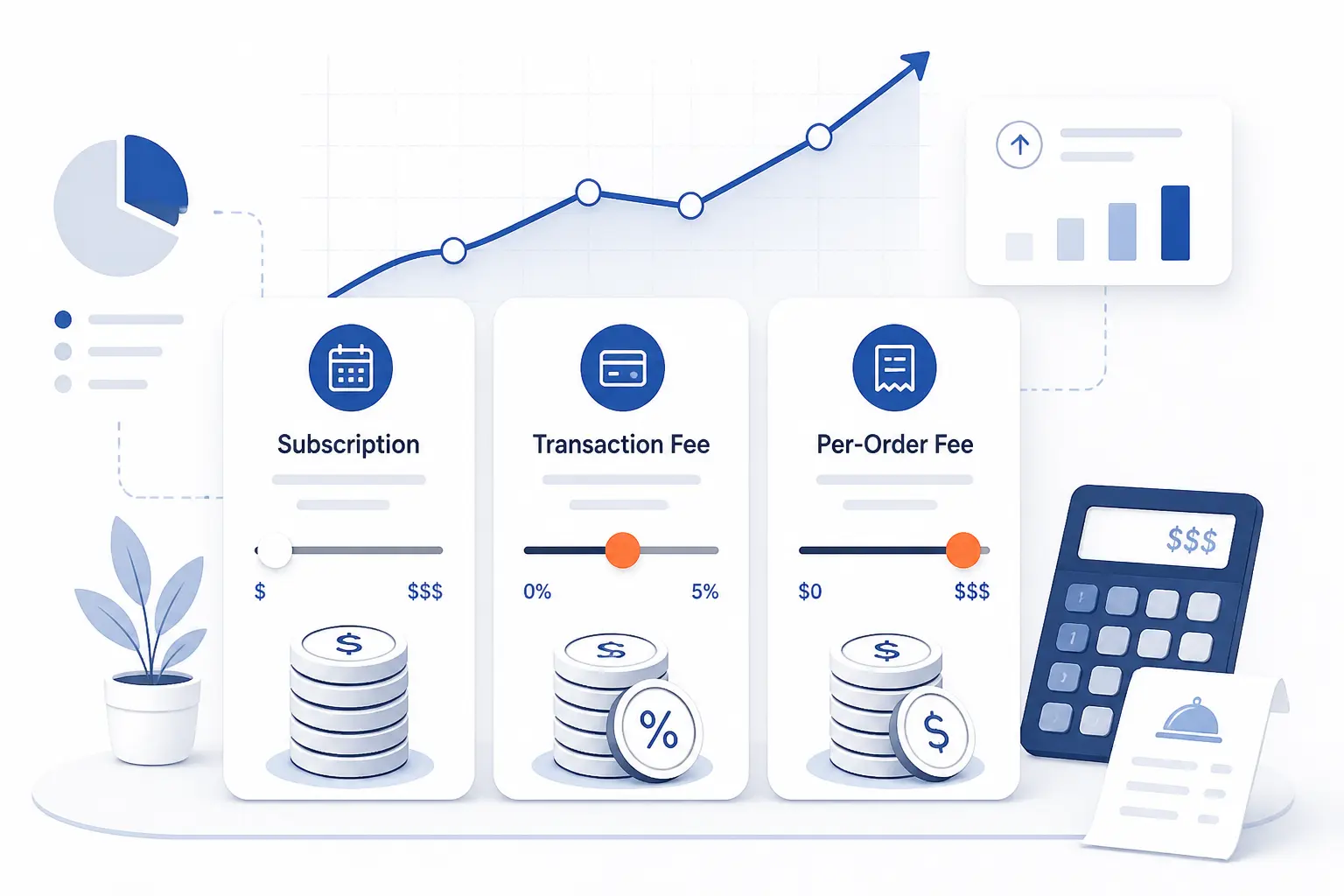
The wrong cost assumption is one of the easiest ways to choose poorly. We would rather see a restaurant buy a slightly more expensive system with predictable economics than chase a low entry price that becomes messy after the first busy month.
Subscriptions Processing and Per Order Fees
Three pricing patterns dominate this category. First, flat monthly subscriptions. Second, lower monthly fees paired with per-order or percentage-based charges. Third, quote-based enterprise contracts. Deliverect’s terms spell out how some platforms combine a subscription fee with transactional fees once order activity exceeds what a tier includes in its service terms.
That is why you should not compare only headline plan prices. Compare fee structure under your expected order mix.
Delivery Support and Guest Facing Fees
Delivery support can be useful, but it is rarely free in the broad sense. DoorDash’s consumer fee update is a reminder that guest-facing delivery costs can shift based on delivery effort and order characteristics in its fee policy note.
If your goal is to move guests to direct ordering because third-party totals feel too high, review the full checkout experience from the diner side too. Guests care about the total, not your software category labels.
When a Free Plan Stops Being Cheap
A free plan is cheapest only when its limitations still match your business. Restolabs’ public pricing, for example, highlights how quickly operators start thinking about websites, delivery integrations, mobile apps, and Google profile management once direct orders begin to grow on its pricing page.
That does not make free tiers bad. It just means you should decide in advance what event triggers an upgrade so you are not surprised later.
Capabilities That Separate Basic Tools From Full Platforms
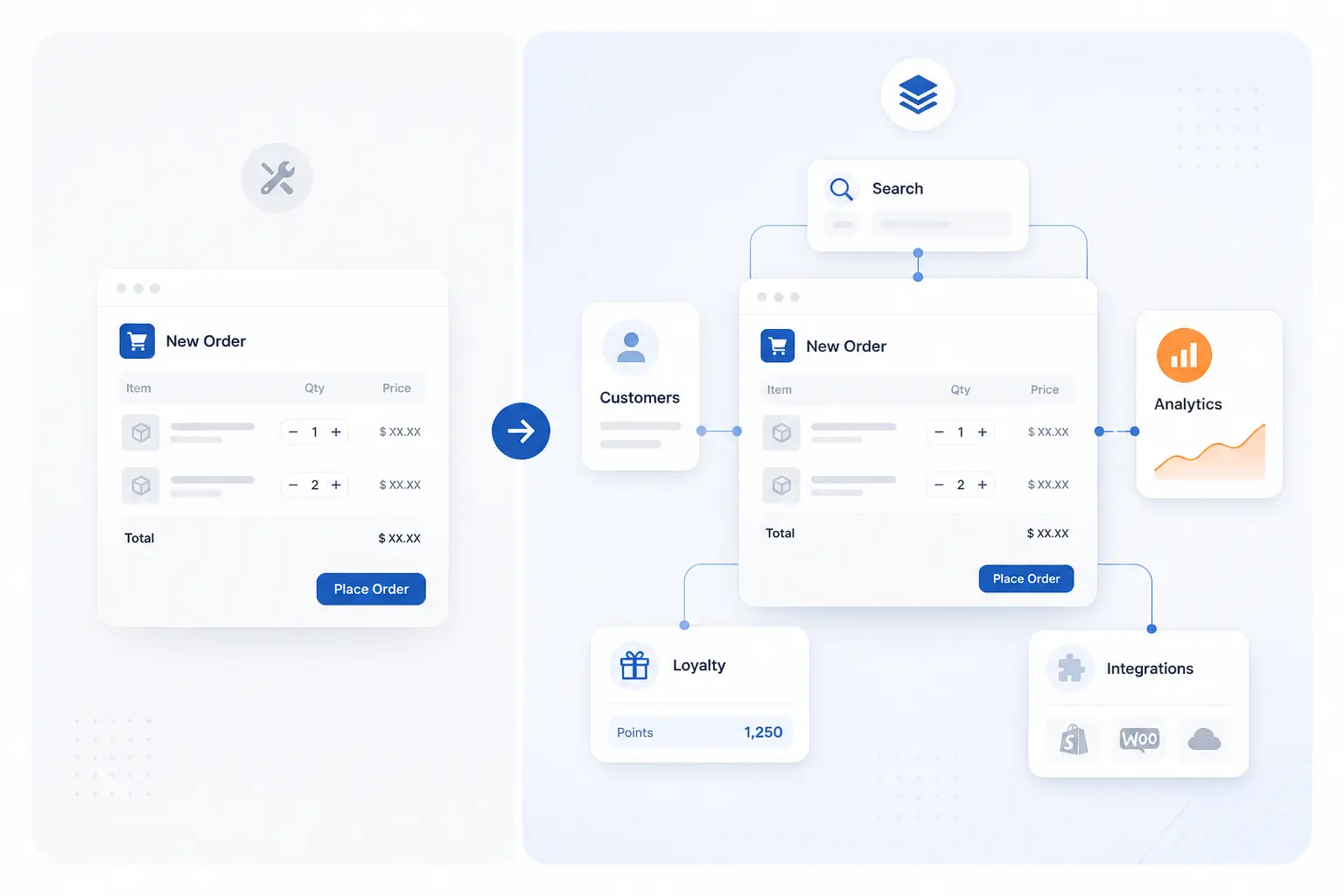
Most restaurant ordering systems can take an order. The bigger difference is what happens before and after that order. The tools below are what usually separate a basic ordering page from a platform you can keep for years.
Website SEO and Google Profile Management
Being easy to find matters just as much as being easy to order from. Deliverect’s pricing page is one example of how larger platforms now frame direct ordering as part of a broader first-party digital strategy, not just a cart on a site in its solution overview.
If your restaurant depends on search, map listings, and local intent, ask how each vendor handles menu indexing, branded pages, and direct paths from search to order.
Branded Apps QR Ordering and Kiosks
These features are not must-haves for every restaurant, but they can matter a lot for repeat-heavy concepts. Wix’s app page, for instance, explicitly includes QR dine-in ordering and a unified back office, which shows how even website-led tools are expanding beyond plain pickup checkout in the product overview.
Branded apps make more sense when you already have repeat demand. QR ordering matters more when dine-in speed and labor efficiency are pain points.
Loyalty Email SMS and Reorder Tools
The best systems make the second order easier than the first. Toast’s platform page highlights marketing, loyalty, custom websites, and branded app tools as connected parts of the same system in its platform breakdown.
If your current setup captures orders but does little to bring guests back, this is the feature family most likely to move the needle.
Multi Location Controls and Enterprise Integrations
Once you manage many locations, consistency and integration depth matter more than homepage design. Olo’s public materials emphasize orders at scale and a large partner ecosystem, while recent release material points to location-wide review and listing automation for brands managing many stores in its product release page.
That is why multi-location groups often graduate out of lighter tools. The complexity ceiling arrives sooner than many teams expect.
FAQ
The short answers below cover the questions we see most often when restaurants start comparing ordering platforms. If you are down to two or three finalists, these should help clarify what to test next.
What System Do Restaurants Use to Take Orders?
Restaurants use a mix of POS-based ordering systems, direct online ordering platforms, and marketplace-connected tools. Small independents often choose Square, Wix, ChowNow, or UpMenu, while larger operations lean toward Toast, Olo, or Deliverect. The right choice depends on whether you mainly need direct web orders, deeper kitchen integration, or a larger growth stack.
What Is the Best Food Ordering Software for Restaurants?
There is no single best option for every restaurant. For simple direct ordering, Square Online is the easiest all-around pick. For restaurant-first operations, Toast is stronger, and for growth-focused independents, Owner.com or ChowNow often make more sense.
What Is a Restaurant Ordering System Called?
It is usually called an online ordering system, restaurant ordering system, or direct ordering platform. Some vendors package it inside a restaurant POS, and others present it as part of a broader commerce or hospitality platform. The label matters less than the workflow it supports.
Can You Add Online Ordering Without Changing Your POS?
Yes, many restaurants can add online ordering without replacing their POS. ChowNow, DoorDash Online Ordering, UpMenu, Deliverect, and Restolabs all position themselves around working with existing restaurant systems in some form. You still need to verify menu sync, order injection, and fulfillment logic before launch.
Are Commission Free Restaurant Ordering Systems Really Free?
No, commission-free rarely means cost-free. It usually means the platform does not take a marketplace-style percentage of each direct order. You still need to check for subscriptions, payment processing, delivery support fees, setup charges, app fees, or guest-facing checkout fees.







Conclusion
The best restaurant ordering system is the one that fits the way your kitchen, staff, and guests already behave. If you want the safest all-around starting point, begin with Square Online or Toast. If your goal is to own more direct demand and repeat business, put ChowNow, Owner.com, Menufy, and UpMenu on your shortlist. Running many locations or a more complex digital stack? Olo, Deliverect, and DoorDash Online Ordering deserve a harder look.
Our advice is simple. Pick three finalists, map out your real order flow, and ask each vendor to show exactly how that flow works in their system. Which one makes your next busy Friday feel easier?