

- How These Cloud Based Phone Systems Compare and How We Chose Them
- The Top 10 Cloud Based Phone Systems for 2026
- 5 More Cloud Based Phone Systems Worth Considering
- What Cloud Based Phone Systems Are and How They Work
- Why Businesses Switch to Cloud Based Phone Systems
- How to Choose the Right Cloud Based Phone System
- Cloud Based Phone System Features Worth Comparing Closely
- Cloud Based Phone Systems Versus Traditional Phone Lines
- Frequently Asked Questions
- Conclusion
Cloud based phone systems are now the default short list for small businesses that want business numbers, call routing, texting, and remote-friendly calling without buying and maintaining a PBX. After reviewing official product pages, pricing pages, documentation, and third-party review listings, we think the best options split into a few clear camps. Some are broad UCaaS platforms with deep admin controls, some are lighter systems built for very small teams, and a few are best when you already live inside another workspace like Zoom, Google Workspace, or Microsoft 365. The right pick depends less on hype and more on whether you need simple business calling, a true multi-user phone system, or a communications stack with AI, analytics, and CRM hooks built in.
How These Cloud Based Phone Systems Compare and How We Chose Them
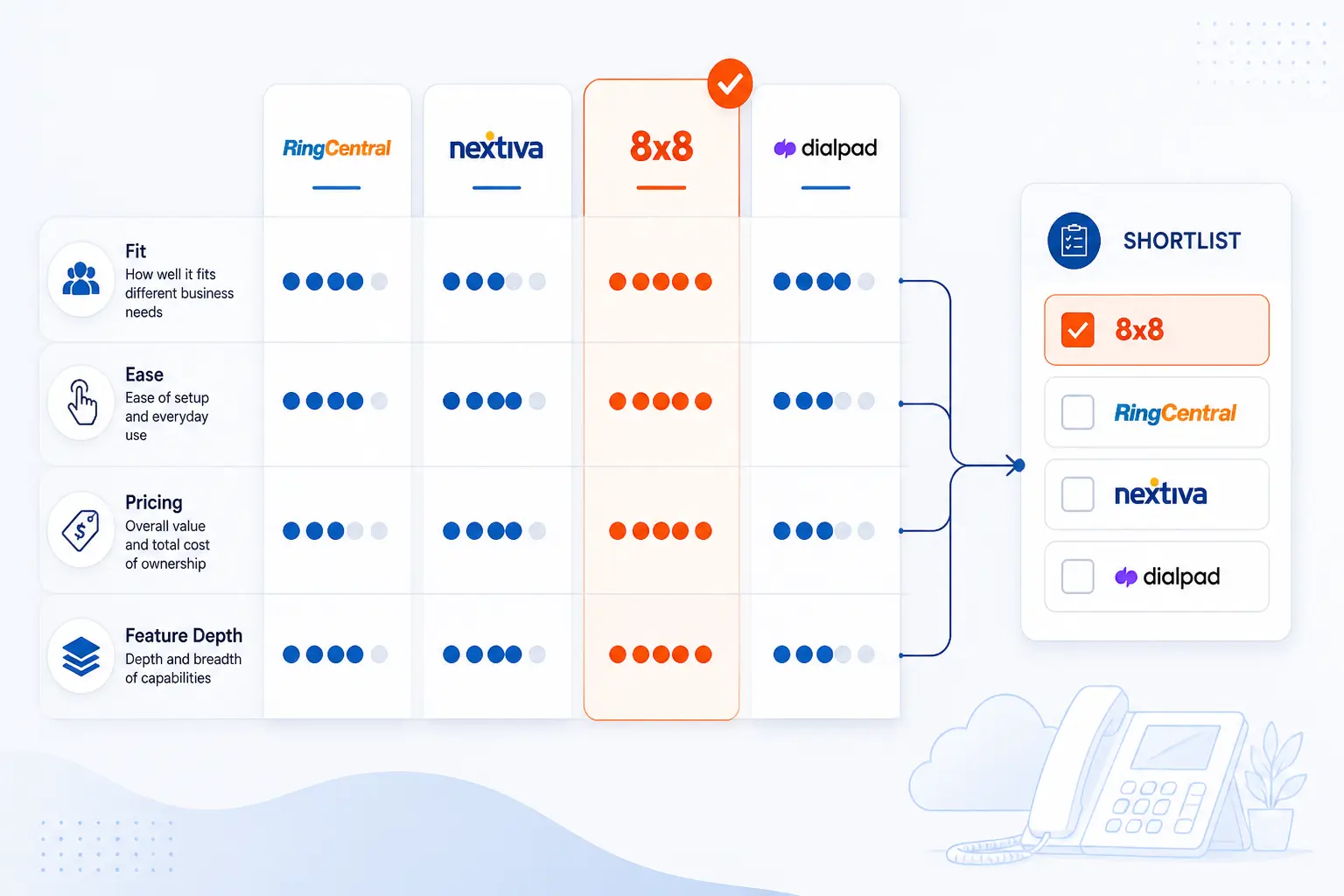
Most readers do not need fifteen open tabs to narrow this down. The fastest way to shortlist a cloud based phone system is to compare who each product fits, how hard it is to run day to day, how transparent the pricing is, and whether the feature set is basic, balanced, or admin-heavy. We built the table below to do exactly that.
FURTHER READING: |
| 1. 15 Best Free DMARC Monitoring Tools in 2026 |
| 2. Top 20 SEO Web Solutions for Better Rankings and Website Growth |
| 3. Top 20 Weird Links to Click for Strange, Funny, and Creative Web Fun |
Quick Comparison of the Reviewed Cloud Based Phone Systems
| Provider | Best For | Ease of Use | Starting Price | Notable Strength | Score |
|---|---|---|---|---|---|
| RingCentral | Growing teams that need deeper phone admin and integrations | Moderate | From $20/user/month annually | Strong balance of phone, messaging, video, and admin controls | 4.8 |
| Zoom Phone | Teams already standardized on Zoom | Easy | From $16/user/month annually | Very clean user experience inside the Zoom app | 4.7 |
| Nextiva | Small businesses that want phone plus customer communication tools | Easy | From $15/user/month | Feature ladder from basic calling to broader CX tools | 4.7 |
| Vonage | Small teams that want flexible device access and lots of calling features | Moderate | From $13.99/user/month | 50+ phone features with mobile and desktop access | 4.3 |
| GoTo Connect | Businesses that want visual dial plans and bundled CX options | Easy | Quote-based | Unlimited auto attendants and strong routing toolkit | 4.4 |
| Dialpad | Teams that care about AI notes, transcripts, and call summaries | Easy | From $15/user/month annually | AI-first calling workflow in a single app | 4.6 |
| Ooma | Small businesses that want straightforward pricing and core calling features | Easy | From $19.95/user/month | Good small-business feature depth without contract pressure | 4.5 |
| Grasshopper | Solo operators and very small teams | Very easy | From $14/month | Simple virtual phone setup without much telecom complexity | 4.1 |
| 8×8 | Businesses that want global coverage and enterprise-style PBX features | Moderate | Quote-based | Global calling footprint and strong PBX feature set | 4.2 |
| Google Voice | Small Google Workspace teams that need clean, basic business calling | Very easy | From $10/user/month | Low-friction setup with familiar Google admin experience | 4.0 |
How We Researched and Evaluated This List
We scored the top ten options on the same yardstick rather than copying vendor marketing or third-party rankings. Our criteria were simple, practical, and centered on what a small business actually has to buy, configure, and live with.
- Capability fit: we looked at whether each system can realistically cover small-business calling needs like auto attendants, routing, mobile apps, business texting, voicemail handling, and basic collaboration.
- Value for money: we weighed starting price, feature depth at lower tiers, and how much of the useful phone system shows up before expensive upgrades kick in.
- Deployment and administration: we favored platforms that clearly document onboarding, number porting, app-based calling, and admin controls without forcing needless complexity on small teams.
- Integration and expansion path: we gave credit to systems that can grow into CRM integrations, analytics, AI, multi-site management, or contact-center features when the business outgrows basic calling.
- Public feedback consistency: we treated third-party ratings as a confidence check, not the score itself, and looked for repeat themes such as call quality, support quality, ease of use, and setup friction.
Those criteria explain why the top of this list is not just the cheapest set of cloud based phone systems. For most small businesses, the better buy is the one that still works when your team adds locations, shared numbers, and customer-facing workflows.
The Top 10 Cloud Based Phone Systems for 2026
The best cloud based phone systems in 2026 are not all chasing the same buyer. Some are built for fast setup and simple calling, while others are really communications platforms with routing, analytics, CRM connections, and AI layered in. These ten are the ones we would put on a serious shortlist first.
1. RingCentral
- Category: UCaaS platform
- Best for: growing small businesses that need deeper admin controls
- Ease of use: moderate
- Pricing: from $20 per user monthly on annual billing
- Standout feature: strong mix of calling, messaging, video, and admin tooling
RingCentral earns the top spot because it is one of the few platforms here that still feels comfortable once a small business stops being small. The official pages show a broad calling stack, a real admin layer, built-in messaging and video, and a clear path from simple business calling to more advanced workflows. If you want a phone system that can start basic and then grow into multi-site admin, deeper analytics, and CRM connections, this is one of the strongest bets in the group.
What stands out most is not a flashy single feature. It is the breadth of the platform. RingCentral bundles business phone, team messaging, SMS, fax, mobile and desktop apps, and video meetings in one system, then layers more advanced controls into higher tiers. That makes it a better fit for a business that expects more complexity later.
How RingCentral works
The workflow is built around the RingCentral app and the admin portal. On the phone side, the platform supports answering rules, call forwarding, call transfer, call screening, call flip, call logs, shared lines, call park, intercom, and paging. The official feature pages also show multi-level auto attendant, mobile apps for iOS and Android, and built-in team messaging and document sharing. In plain terms, your team can use the same number across desk phones, laptops, and mobile devices, while an admin handles routing and system settings centrally.
RingCentral also documents two call recording modes. On-demand recording is available across Core, Advanced, and Ultra, while automatic call recording is standard in Advanced and Ultra. The admin workflow is concrete enough to trust. The steps on the documentation page go through Admin Portal > Phone System > Auto-Receptionist > Call Recording, then let you choose announcements, users, and call types.
Who is RingCentral for?
This is a strong fit for service firms, distributed teams, multi-location businesses, and any small company that knows it will need more than one main number plus a basic forwarding rule. It also makes sense for buyers who care about integrations early, not as an afterthought.
We would steer true microbusinesses elsewhere if the goal is the cheapest possible setup with the least admin overhead. RingCentral can be simple enough for a small team, but it is not the lightest option on this list.
RingCentral pricing
- Core: $20/user/month annually. Includes unlimited domestic calls, 100 toll-free minutes per account, 25 SMS per user, and on-demand call recording.
- Advanced: $25/user/month annually. Includes everything in Core plus automatic call recording, CRM integrations, multi-site admin, and advanced call handling.
- Ultra: $35/user/month annually. Includes everything in Advanced plus unlimited storage, device analytics and alerts, and larger meeting capacity.
You can compare the current tier breakdown on the RingEX pricing page before you decide.
Pros and cons
Pros
- Core, Advanced, and Ultra all include on-demand call recording, which is not a given at lower tiers elsewhere.
- Advanced and Ultra add genuinely useful admin features like multi-site management, whisper, barge, and real-time analytics.
- The plan terms show 100, 1,000, and 10,000 toll-free minutes by tier, which makes the upgrade path easier to understand.
- G2 reviewers consistently point to integrations and the all-in-one communications setup as strengths.
Cons
- It is more system than many one-person or two-person businesses need.
- Some advanced features sit behind higher tiers, not the entry plan.
- G2 reviews are positive overall, but the score trails a few easier, lighter rivals in this roundup.
RingCentral rating and reviews
- G2: rated 4.2/5 across 1,350 reviews.
Our editorial take is simple. RingCentral is the safest all-around pick if you want room to grow and do not want to replatform in a year. That is why it lands at number one, even though a few simpler tools are easier to start with.
2. Zoom Phone
- Category: cloud phone and collaboration platform
- Best for: teams already using Zoom for meetings and chat
- Ease of use: easy
- Pricing: from $16 per user monthly on annual billing
- Standout feature: one clean app for calling, meetings, and AI summaries
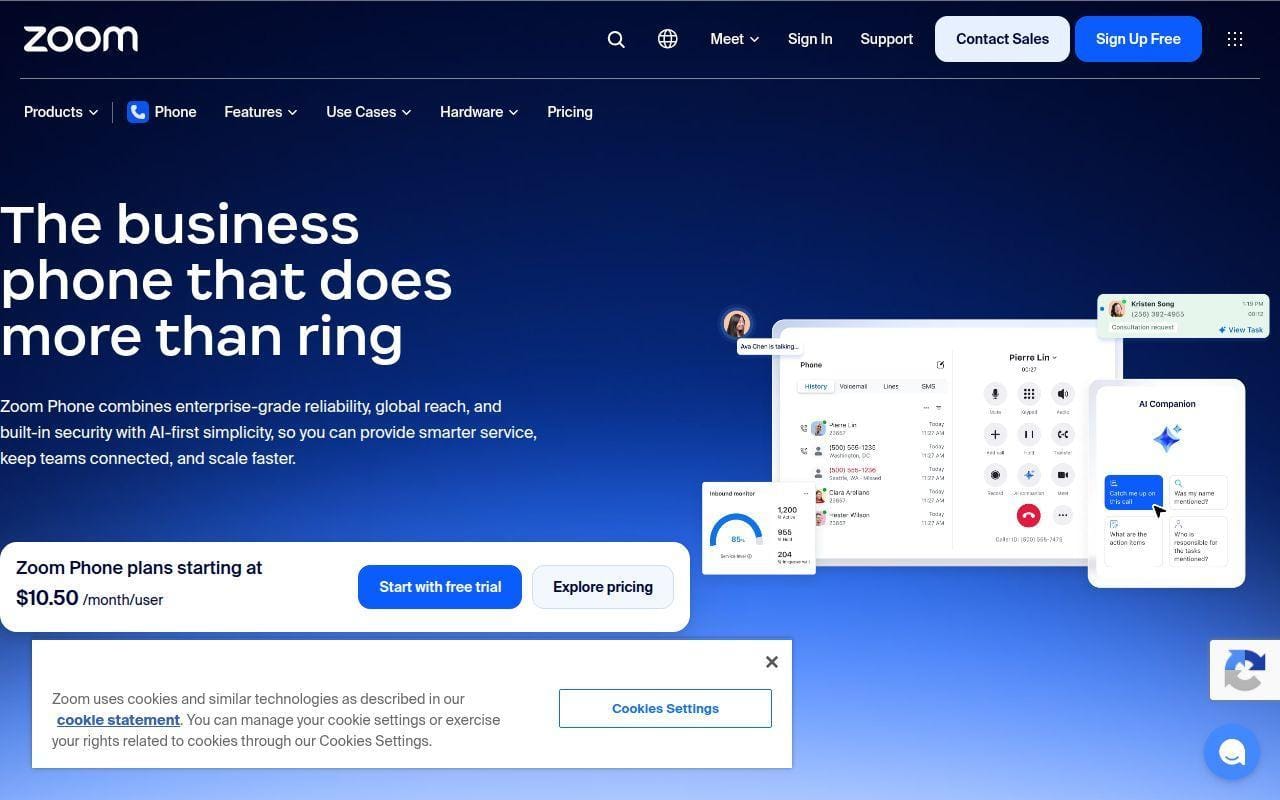
Zoom Phone is the easiest recommendation for businesses that already live inside Zoom. The official product page shows what many small teams want to hear: one management portal, desktop and mobile calling, domestic SMS and MMS, online fax, call recording, and AI features without a separate communications stack stitched together from multiple vendors.
The real appeal is familiarity. If your staff already understands Zoom meetings and chat, moving into Zoom Phone feels like an extension of the same workspace rather than a brand-new telecom system. That lowers training friction in a way many buyers underrate.
How Zoom Phone works
Zoom Phone runs through the Zoom app and admin console. The official page shows number porting, calling from multiple devices and apps, domestic SMS and MMS, call recording, and integrations with Salesforce, Slack, Microsoft, Google, and Zoom Contact Center. Zoom also supports dedicated VoIP hardware from vendors such as Mitel, Yealink, and Poly, but it does not require it. You can start with softphones on desktop and mobile, then add desk phones where they make sense.
Zoom is also leaning harder into AI. The product page lists post-call summaries, voicemail prioritization, task extraction, and an always-on AI Receptionist that can greet callers, answer questions, book appointments, and route calls automatically.
Who is Zoom Phone for?
This is best for companies already paying for Zoom Workplace, sales or support teams that want to keep voice and meetings in one app, and small businesses that do not want a steep telecom learning curve. It is also a sensible choice for hybrid teams because the app model is front and center.
Businesses that want especially detailed phone-system admin or that need a stronger standalone voice identity than the broader Zoom suite may prefer RingCentral or Nextiva instead.
Zoom Phone pricing
- US & CA Unlimited Phone + Workplace Basic: $16/user/month annually or $18 monthly. Includes domestic calling, domestic SMS and MMS, 50 pages of online fax, a domestic phone number, and call recording.
- Pro Plus Phone + Workplace Pro: higher bundle tier on the same page. Includes unlimited domestic calling, 30-hour meetings, unlimited AI note-taking, scheduler, Canvas, and whiteboard features.
- Business Plus Phone + Workplace Business: higher bundle tier on the same page. Includes unlimited domestic online fax, 300-participant meetings, unlimited booking pages, unlimited whiteboards, SSO, and device management.
Pros and cons
Pros
- The entry bundle already includes domestic SMS and MMS, a domestic number, call recording, and 50 fax pages.
- It works well for businesses that want phones, meetings, and chat in one familiar app.
- The official page makes number porting and multi-device use explicit, which removes a common migration worry.
- G2 reviewers consistently praise ease of use and the benefit of shared lines and auto attendants inside the wider Zoom environment.
Cons
- Public pricing on the higher bundles is not surfaced as clearly as the entry tier in every page view.
- Teams that do not already use Zoom may not get the same ecosystem advantage.
- The product is broader than just voice, so buyers who want a phone-first admin experience may still prefer a more traditional UCaaS platform.
Zoom Phone rating and reviews
- G2: rated 4.6/5 across 2,659 reviews.
If your company already says “let’s hop on Zoom” ten times a day, Zoom Phone is one of the shortest paths to a modern business phone setup. We would put it on almost every small-business shortlist for that reason alone.
3. Nextiva
- Category: business communications and customer experience platform
- Best for: businesses that want voice today and broader customer channels later
- Ease of use: easy
- Pricing: from $15 per user monthly
- Standout feature: clear ladder from phone system to full customer experience tooling
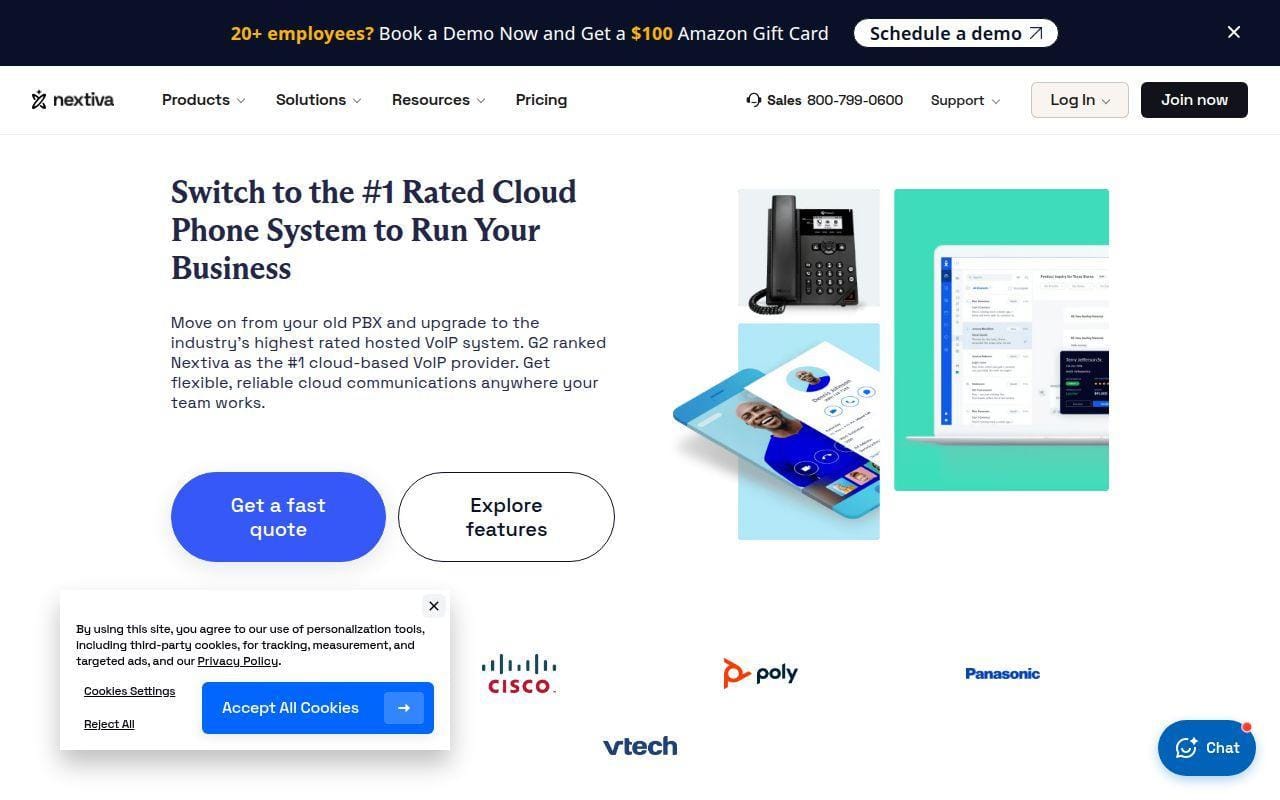
Nextiva stands out because it does a better job than most rivals of showing how a business can move from plain calling into broader customer communications without changing platforms. On the official pricing page, the jump from Core to Engage to Scale is not just cosmetic. The plans add customer-to-team SMS, toll-free minutes, advanced reporting, inbound call center features, live chat, chatbot tools, AI transcription, skills-based routing, and journey orchestration.
That matters for small businesses that expect the phone system to become part of customer support or revenue workflows. Nextiva is not just selling a dial tone. It is selling an upgrade path.
How Nextiva works
Nextiva’s pages frame the product around unified voice, video, SMS, and digital channels with instant setup. Core covers inbound and outbound voice, business SMS, video meetings, screen and file sharing, call routing, team chat, and the mobile app. Engage adds customer-to-team SMS, a toll-free number and minutes, advanced reporting, inbound call center features, and live chat plus chatbot capability. Scale pushes into AI transcription and summary, skills-based routing, blended inbound and outbound, and journey orchestration.
That structure makes deployment logic straightforward. Start with calling and messaging, then add customer-facing channels when the business actually needs them.
Who is Nextiva for?
Nextiva fits small businesses that want a polished general-purpose communications platform now, but do not want to outgrow it when customer service gets busier. It is also strong for teams that like transparent feature comparisons instead of vague “contact sales” promises.
Businesses that only need a very light virtual number setup will find cheaper, simpler options lower on this list.
Nextiva pricing
- Core: $15/user/month. Includes inbound and outbound voice, business SMS, video meetings, screen and file sharing, call routing, team chat, and the mobile app.
- Engage: $25/user/month. Includes everything in Core plus customer-to-team SMS, toll-free number and minutes, advanced reporting, inbound call center, and live chat plus chatbot.
- Scale: $75/user/month. Includes voice and web chat, blended inbound and outbound, AI transcription and summary, skills-based routing, and journey orchestration.
You can see the side-by-side plan breakdown on the current plan comparison page if you want to map features to budget.
Pros and cons
Pros
- Core is priced aggressively for a plan that already includes voice, SMS, video meetings, team chat, and mobile access.
- Engage adds 2,000 toll-free minutes and richer reporting without forcing a jump straight into enterprise territory.
- The plan matrix is unusually clear about texting allowances, toll-free minutes, and supported channels.
- G2 reviewers rate it highly overall and frequently call out reliability and feature depth.
Cons
- Scale jumps sharply in price, so budget-sensitive small teams may stop at Engage.
- Some digital features come with setup, licensing, or usage caveats noted on the pricing page.
- The platform has a lot going on, which is great for growth and less great for buyers who only want a lean phone service.
Nextiva rating and reviews
- G2: rated 4.5/5 across 3,523 reviews.
We like Nextiva most for the buyer who wants one purchase decision to cover both the present and the next phase of growth. If that sounds like your business, it deserves a close look.
4. Vonage
- Category: cloud phone and unified communications platform
- Best for: small businesses that want flexible device use and a long calling feature list
- Ease of use: moderate
- Pricing: from $13.99 per user monthly
- Standout feature: 50+ phone features with mobile and desktop apps
Vonage remains a credible pick for buyers who want a phone-first system with a respectable unified communications layer around it. The official pages position Vonage Business Communications around unlimited calls and SMS, video collaboration, team messaging, mobile and desktop apps, and a catalog of more than 50 phone features. That is a strong base for a small team that wants professional calling without jumping straight into enterprise-style complexity.
Where we are slightly more cautious is pricing clarity. The official product pages clearly show that pricing starts at $13.99 per user monthly, but the US plan pages were less transparent in our review than some competitors when it came to clearly surfacing every tier and every price in one place.
How Vonage works
Vonage Business Communications is built to let users call, message, and collaborate from most devices with an internet connection. The official materials point to mobile and desktop apps, business number portability through the Admin Portal and a Letter of Authorization, video collaboration, team messaging, visual voicemail, and call recording. For a small business, the practical workflow is simple enough: route calls through the business number, use the app from laptop or phone, and manage settings from the admin side instead of on an office PBX.
The product pages also emphasize that existing numbers can be transferred and that the service is intended to reduce the cost and upkeep tied to traditional phone infrastructure.
Who is Vonage for?
Vonage fits businesses that want a familiar business phone feel, broad device flexibility, and a respectable list of built-in calling features. It is also worth a look for teams that care about keeping the business caller ID visible when using a mobile device.
If you want the cleanest public pricing story or richer review momentum than the leaders above, there are easier comparisons to make elsewhere in this list.
Vonage pricing
- Entry plan: pricing starts at $13.99/user/month. The official materials highlight unlimited calls and SMS, video collaboration, team messaging, and mobile and desktop apps.
- Mid-tier options: additional tiers are available on the same product family. The page emphasizes 50+ phone features and broader collaboration capabilities as you move up.
- Advanced tier: the product materials call out features such as call recording, group calling, and visual voicemail on higher plans.
You can review the current business plans on the unified communications pricing page, though we found it less straightforward than the best pricing pages in this roundup.
Pros and cons
Pros
- Starting price is competitive for a recognizable business phone brand.
- The official pages point to 50+ phone features, mobile and desktop apps, video collaboration, and team messaging.
- Number porting is documented in plain terms through the Admin Portal workflow.
- G2 reviewers often praise ease of use, multi-device access, and integration support.
Cons
- Pricing transparency is weaker than what we saw from Nextiva, Ooma, and Google Voice.
- Public reviews mention occasional call drops and support responsiveness as recurring complaints.
- Some buyers may find the comparison path between tiers less obvious than it should be.
Vonage rating and reviews
- G2: rated 4.3/5 across 499 reviews.
Vonage is still a sensible shortlist candidate, especially if you want a recognizable phone-system brand with flexible device access. We just wish the public plan presentation were cleaner.
5. GoTo Connect
- Category: cloud communications and customer experience platform
- Best for: businesses that want strong call routing and visual dial-plan flexibility
- Ease of use: easy
- Pricing: quote-based
- Standout feature: unlimited auto attendants, call queues, and customizable dial plans
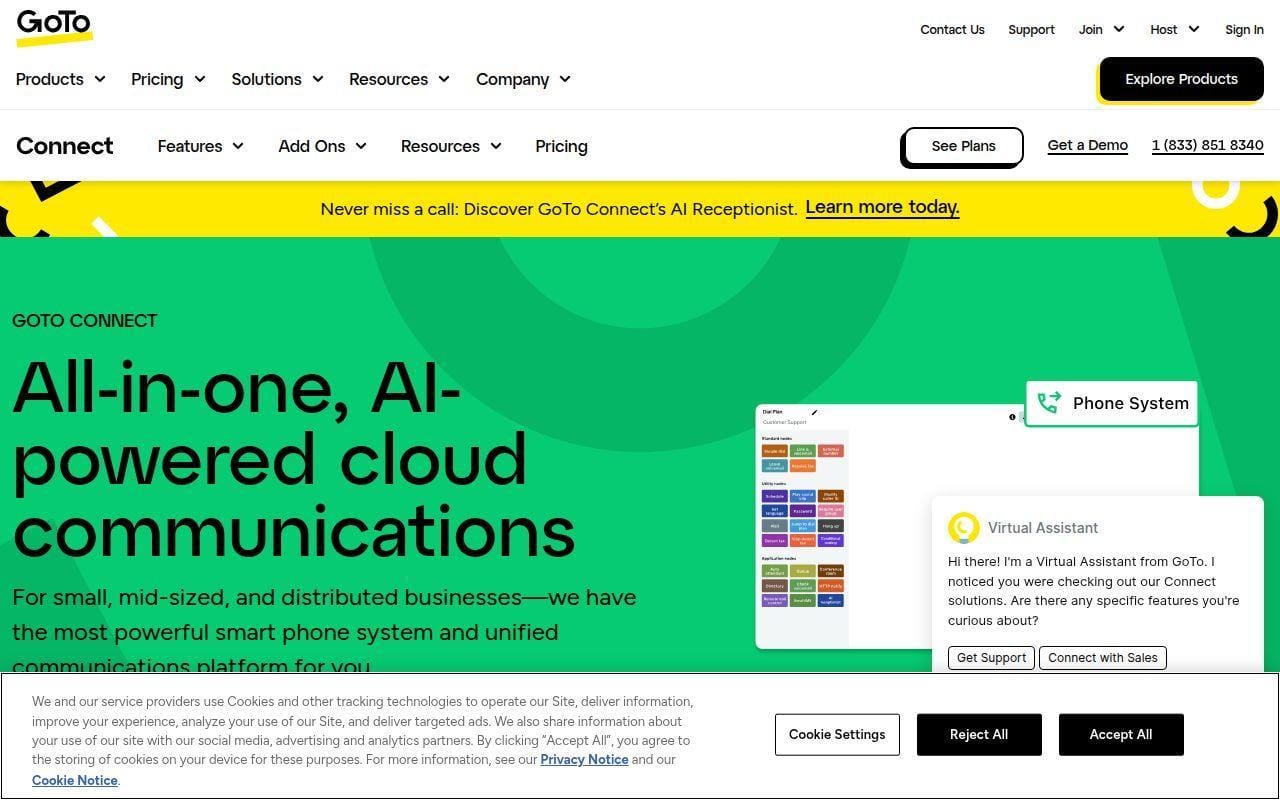
GoTo Connect is one of the strongest entries for businesses that care more about call handling than brand buzz. The current pricing page puts unlimited auto attendants, unlimited call queues, customizable dial plans, mobile and desktop apps, and free calls to 50 countries front and center. That is a serious package for a business that wants to control where calls go and how callers move through the system.
It also does a good job showing the path from phone system into customer experience tooling. Instead of forcing a hard jump to a separate contact-center product, GoTo layers in Customer Experience, CX Complete, and Contact Center bundles on the same pricing page.
How GoTo Connect works
The core setup revolves around a unified admin hub, softphone and app access, call queues, ring groups, and customizable dial plans. The pricing page highlights unlimited auto attendants and queues, 1,000 shared toll-free minutes, E911 support, virtual fax, voicemail to email, SMS and MMS, video meetings for up to 250 participants, local and cloud meeting recording, AI meeting summaries, and transcript localization.
From there, businesses can add customer experience functions such as shared inbox, surveys, web chat, social and WhatsApp channels, analytics, AI call summaries, and AI Receptionist. That makes the platform feel especially practical for businesses that want operations and customer communication to sit together.
Who is GoTo Connect for?
This is a strong fit for offices with reception-like call flows, service businesses with after-hours routing rules, and teams that need more than a simple “ring my cell phone” setup. It is also friendly to buyers who do not want to manage separate phone and CX tools too early.
If you want low-friction self-serve pricing with exact public per-user numbers, GoTo is less satisfying than Google Voice, Ooma, or Nextiva.
GoTo Connect pricing
- Phone System: quote-based. Includes free calls to 50 countries, unlimited auto attendants and call queues, customizable dial plans, video meetings up to 250 participants, and mobile plus desktop apps.
- Customer Experience (CX): quote-based. Adds shared inbox, surveys, web chat, social and WhatsApp channels, AI call summaries, and dashboards.
- CX Complete: quote-based. Adds advanced reporting, performance analytics, AI-driven call handling, webinars, and a 24/7 virtual assistant.
- Contact Center: quote-based. Adds agent dashboards, skills assignment, priority routing, callback, auto dialer, monitoring, coaching, and co-browsing.
You can compare the bundle structure on the current plan page, but expect to talk to sales for exact pricing.
Pros and cons
Pros
- The official page clearly includes unlimited auto attendants, unlimited call queues, and customizable dial plans in the phone-system stack.
- Video meetings for up to 250 participants are built in.
- The platform cleanly expands from basic telephony into CX and contact-center workflows.
- G2 reviewers frequently mention ease of use and effective call routing as core strengths.
Cons
- Current public pricing is sales-led rather than self-serve transparent.
- G2 reviews mention inconsistent support experiences and occasional dropped calls.
- Buyers who only need a lightweight solo setup may find the platform broader than necessary.
GoTo Connect rating and reviews
- G2: rated 4.4/5 across 1,404 reviews.
GoTo Connect is easy to underrate until you look closely at the routing and admin depth. For call-flow-heavy small businesses, it is one of the smartest picks in this list.
6. Dialpad
- Category: AI-powered business communications platform
- Best for: teams that want built-in AI notes and transcripts
- Ease of use: easy
- Pricing: from $15 per user monthly annually
- Standout feature: AI-first calling workflow in one app
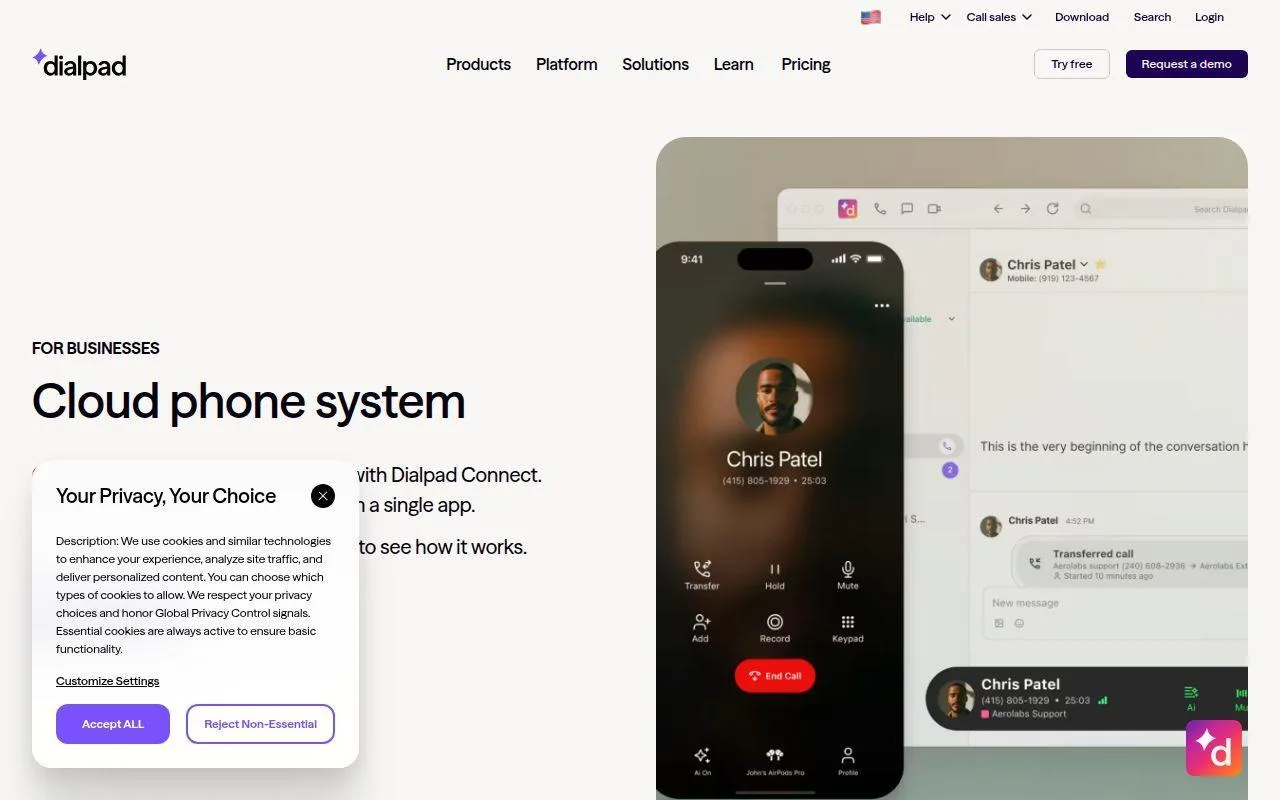
Dialpad stands out because it treats AI as part of the core calling experience instead of a bolt-on. The official product page emphasizes calling, messaging, meetings, seamless device switching, real-time call transcriptions, AI summaries, and action items. For many small businesses, that is more useful than a giant feature checklist they will never touch.
This is one of the few platforms here where the everyday user story is crystal clear. Answer the call, get the transcript, review the summary, and keep moving. No treasure hunt through admin menus.
How Dialpad works
Dialpad Connect centers on a single app for calls, messages, and meetings. The official page highlights seamless switching between devices and AI-generated transcriptions, summaries, and action items during or after conversations. That means the day-to-day workflow is less about managing hardware and more about using the app from desktop or mobile while the system captures the record of the call.
It is particularly appealing for teams that want follow-up discipline without forcing reps or admins to write every note by hand.
Who is Dialpad for?
Dialpad is a strong fit for sales teams, support teams, and owner-operators who want conversations documented automatically. It also suits businesses that prefer modern app-based calling over traditional telecom feel.
We would look elsewhere if your top priority is the deepest PBX admin layer or if you need public pricing and packaging to be perfectly transparent on the official site itself.
Dialpad pricing
- Standard: $15/user/month billed annually or $20 billed monthly. Includes calling, messaging, meetings, seamless device switching, and AI transcriptions and summaries.
- Pro: $25/user/month invoiced annually. Adds more advanced business calling options and broader integration support for growing teams.
- Enterprise: custom pricing. Built for larger deployments that need more control, governance, and tailored rollout support.
Dialpad’s broader public plan catalog is collected on its pricing hub, though the detailed Connect pricing surfaced more clearly through public product listings than through that general catalog during our research.
Pros and cons
Pros
- The official product story is simple and compelling: call, message, meet, switch devices, and get AI summaries.
- Entry pricing is competitive for a platform with AI transcription baked in.
- G2 reviewers repeatedly praise ease of use and transcription features.
- The platform feels modern and app-led rather than telecom-heavy.
Cons
- Public pricing detail is not as neatly presented on the official catalog page as some buyers will want.
- G2 reviewers do report occasional call quality and connection issues.
- Businesses that want more traditional phone-system admin controls may prefer RingCentral or GoTo Connect.
Dialpad rating and reviews
- G2: rated 4.4/5 across 4,150 reviews.
Dialpad makes the strongest case for buyers who want AI to help with the actual work after a call, not just decorate a feature list. If that is your priority, it moves way up the shortlist.
7. Ooma
- Category: small-business phone system
- Best for: small businesses that want clear plan structure and sensible core features
- Ease of use: easy
- Pricing: from $19.95 per user monthly
- Standout feature: practical feature set without contract-heavy packaging
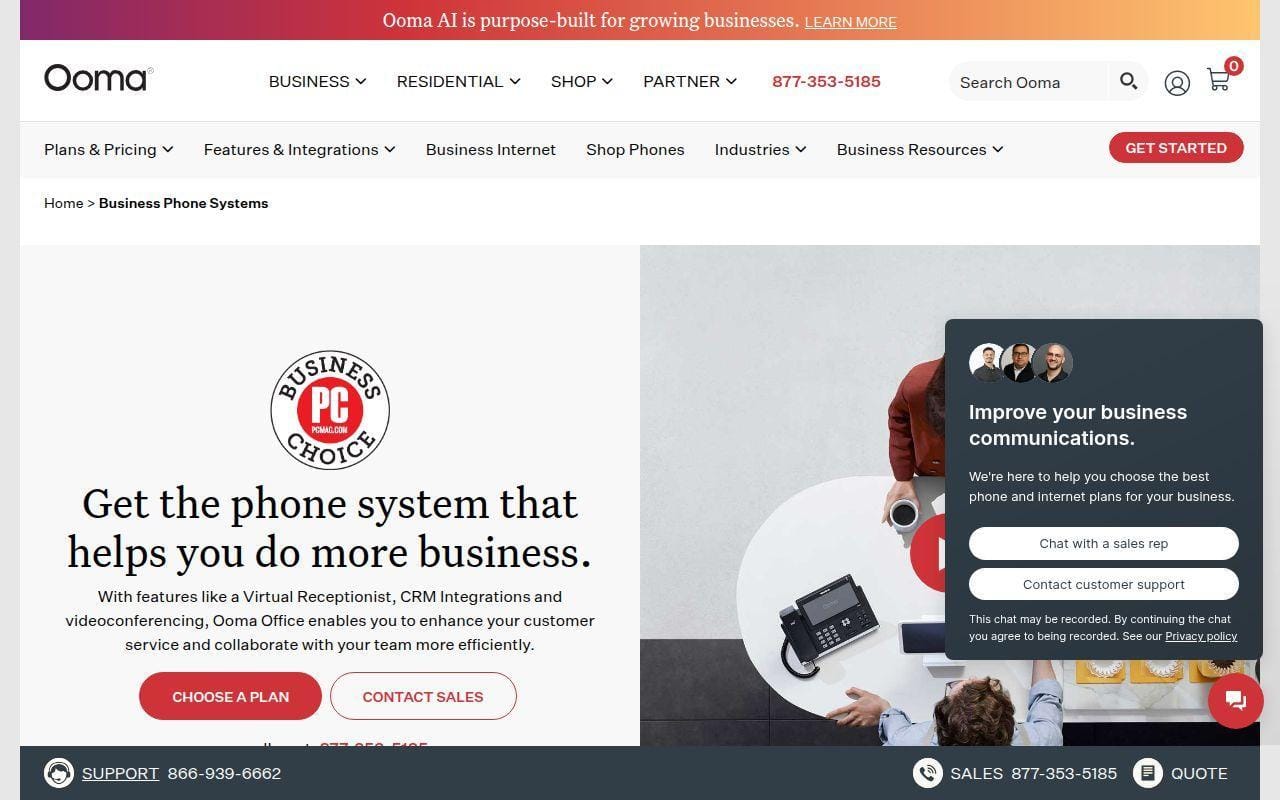
Ooma is one of the easiest platforms here to recommend to a real small business, not an imaginary fast-scaling startup. The official pricing page is refreshingly direct. Essentials, Pro, Pro Plus, and Enterprise are laid out with named prices, named limits, and enough detail to understand what you gain as you move up.
That clarity matters. Plenty of businesses just want to know whether the plan already includes a virtual receptionist, mobile app, texting, call recording, videoconferencing, and call queues. Ooma answers those questions without making you chase sales.
How Ooma works
Ooma Office centers on business calling with a virtual receptionist, mobile app, digital fax, and add-ons such as AI Answering Service and AI Receptionist. Pro adds desktop app access, texting, videoconferencing, call recording, and enhanced call blocking. Pro Plus adds AI transcriptions, AI insights, CRM integration, more texting, larger videoconferences, team chat, hot desking, and call queuing. The platform also supports multi-site administration higher up the stack.
In practice, that means a small team can start with receptionist-style call handling and mobile access, then step into richer collaboration only if it actually needs it.
Who is Ooma for?
Ooma is a good fit for local service businesses, offices with a front desk or shared main line, and small teams that want practical phone features before they want AI or contact-center complexity. It is also a nice fit for buyers who hate vague pricing pages.
Large businesses or teams that want especially deep integrations and analytics from day one may outgrow it sooner than they would RingCentral or Nextiva.
Ooma pricing
- Essentials: $19.95/user/month. Includes 100+ standard features, unlimited calling in the US, Canada, Mexico, and Puerto Rico, virtual receptionist, mobile app, one free toll-free number, and digital fax.
- Pro: $24.95/user/month. Includes everything in Essentials plus desktop app, text messaging up to 250 per month, videoconferencing up to 25 participants, call recording, and enhanced call blocking.
- Pro Plus: $29.95/user/month. Includes everything in Pro plus AI transcriptions, AI insights, CRM integration, text messaging up to 1,000 per month, videoconferencing up to 100 participants, team chat, hot desking, and call queuing.
- Enterprise: custom pricing. Includes everything in Pro Plus plus SIP trunking, Teams integration and direct routing, advanced CX features, advanced analytics, and custom implementation.
You can review the plan matrix on the business plans page if you want a very straightforward side-by-side comparison.
Pros and cons
Pros
- Essentials already includes a virtual receptionist, mobile app, digital fax, and one free toll-free number.
- Pro and Pro Plus make the upgrade path very easy to understand with explicit participant and texting limits.
- No contract is necessary on the plans shown publicly.
- The pricing page is one of the clearest in this roundup.
Cons
- Some of the richer AI and CX capabilities are reserved for higher tiers or add-ons.
- It is not positioned as aggressively as some rivals for broad CRM and enterprise workflow expansion.
- Its public third-party review footprint is lighter and harder to compare cleanly than some larger rivals during our research.
Ooma rating and reviews
Ooma has public review listings on major software review sites, but the score details were not surfaced cleanly enough in the pages we reviewed to cite a precise independent rating here without guessing. We would rather be slightly incomplete than sloppy.
For a lot of small businesses, Ooma may be the sweet spot between too basic and too elaborate. That balance is why it ranks comfortably in the top ten.
8. Grasshopper
- Category: virtual phone system
- Best for: solo operators and very small teams
- Ease of use: very easy
- Pricing: from $14 monthly
- Standout feature: simple business calling without traditional PBX baggage
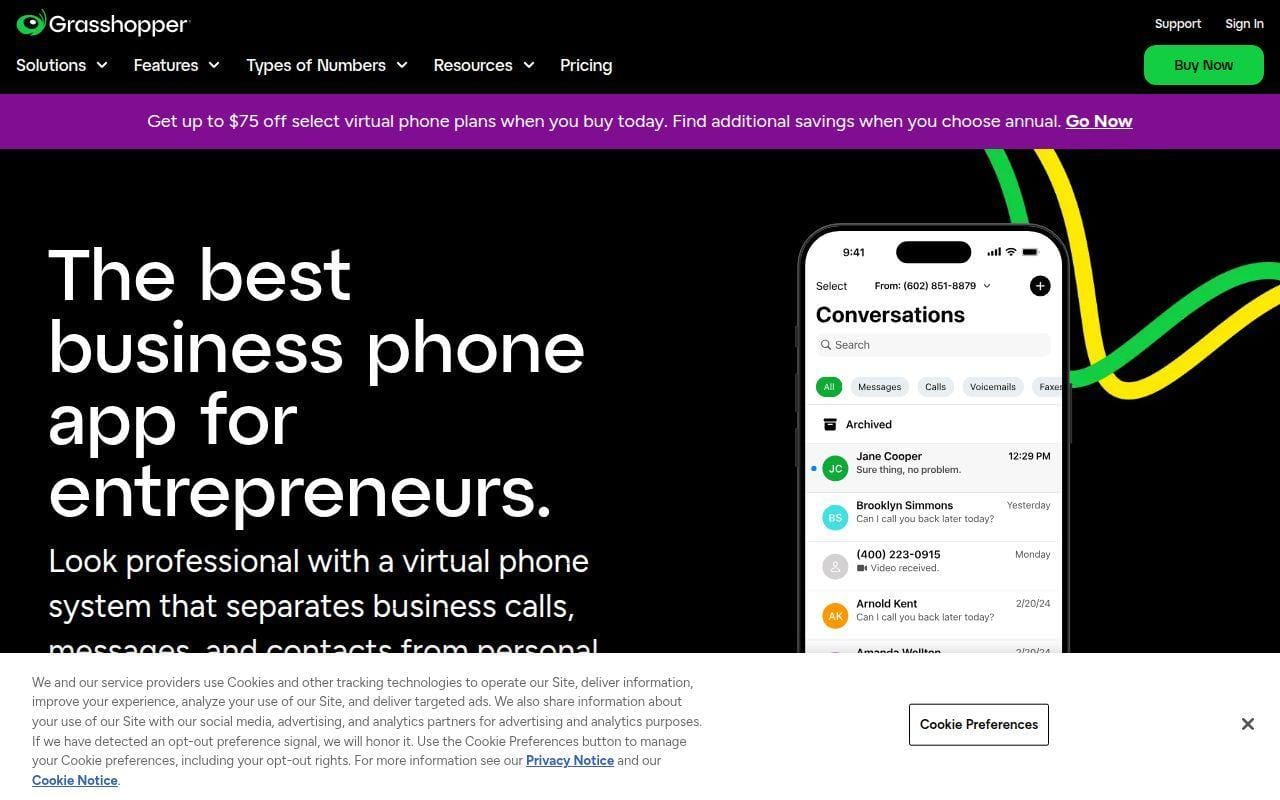
Grasshopper is the “keep it simple” choice in this list. If you are a solo founder, a freelancer, or a very small team that mainly wants a professional number, call forwarding, extensions, call recording, and custom greetings, Grasshopper is easier to justify than a heavier UCaaS platform.
That simplicity is the whole point. Grasshopper is not trying to out-RingCentral RingCentral. It is built for small businesses that want to look organized and reachable without taking on a telecom project.
How Grasshopper works
The product page focuses on virtual-phone basics such as call forwarding, call recording, custom greetings, simultaneous calls, Wi-Fi calling, and customized extensions. The workflow is deliberately light. Set up your number, route calls to your personal or team devices, configure greetings and extensions, and handle calls through the app model rather than office hardware.
That makes Grasshopper especially approachable for businesses that are graduating from a personal cell number rather than replacing a full PBX.
Who is Grasshopper for?
Grasshopper is best for one-person businesses, very small teams, and buyers who value speed and simplicity over depth. It is also a sensible fit for businesses that want to keep personal numbers private while still looking professional to callers.
If you need heavier admin control, advanced analytics, serious CRM integration, or richer team collaboration, you will outgrow Grasshopper faster than the providers above it.
Grasshopper pricing
- True Solo: $14/month. Confirmed on the public pricing flow as the lowest plan.
- Solo Plus: $25/month. Confirmed on the public pricing flow as the next step up.
- Higher team tier: Grasshopper also presents a larger-team option on the same pricing path, but the feature grid was not fully exposed in our capture, so we are not inventing plan differences here.
You can view the current self-serve options on the signup pricing page, which also advertises a seven-day free trial.
Pros and cons
Pros
- Very approachable for solo businesses and tiny teams.
- The product page clearly highlights practical features like call forwarding, custom greetings, simultaneous calls, and Wi-Fi calling.
- Entry pricing is low relative to fuller UCaaS platforms.
- G2 reviewers consistently praise the straightforward setup and small-business fit.
Cons
- It is a virtual phone system first, not a rich all-in-one communications platform.
- The public pricing capture was not as detailed on plan differences as we would like for a full buyer comparison.
- It will feel limited for teams that need deeper reporting, broader integrations, or contact-center style routing.
Grasshopper rating and reviews
- G2: rated 3.9/5 across 159 reviews.
Grasshopper is not trying to be everything for everyone. For the right buyer, that is exactly why it belongs here.
9. 8×8
- Category: business communications platform
- Best for: businesses that want global reach and deeper PBX features
- Ease of use: moderate
- Pricing: quote-based
- Standout feature: strong cloud PBX feature depth and global coverage
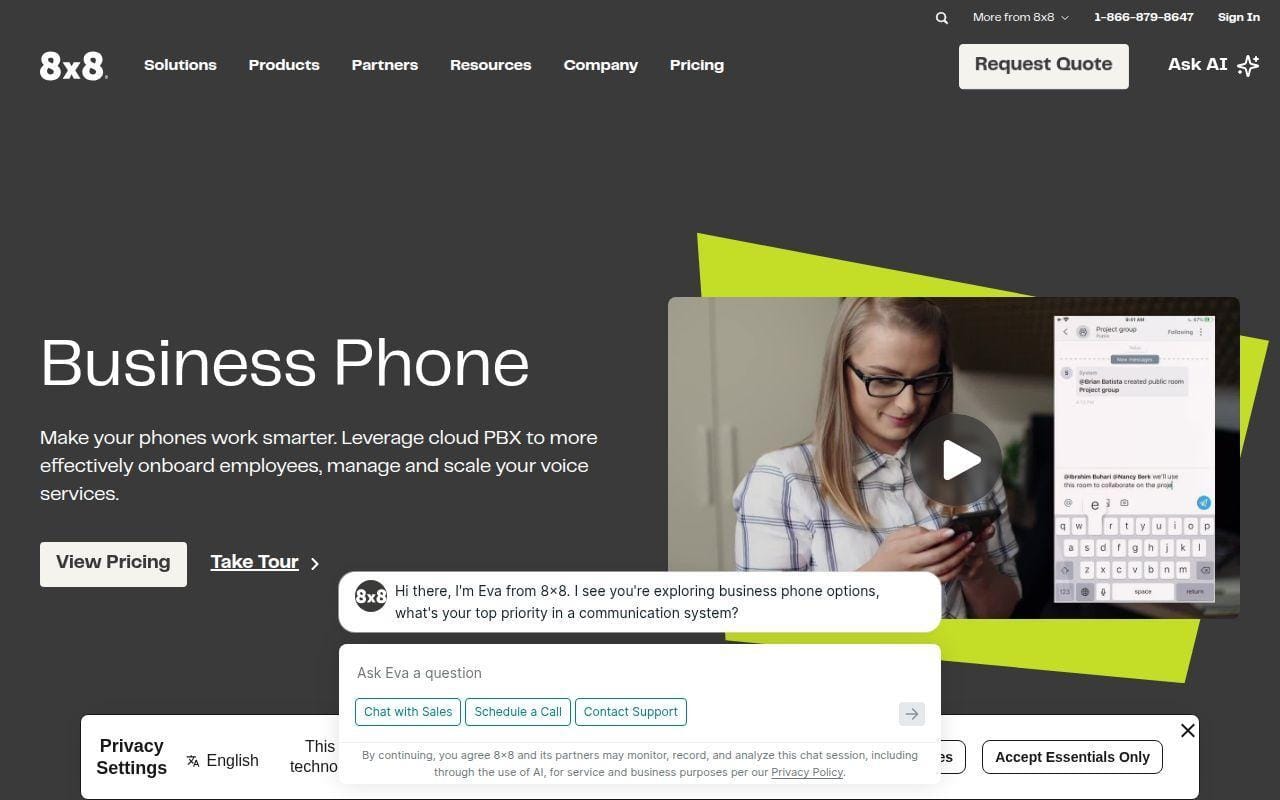
8×8 is the pick here for buyers who want a more enterprise-flavored phone system without immediately moving into contact-center software. The official business phone page calls out enterprise-grade cloud PBX features such as auto attendant, voicemail, flexible call flows, global coverage, unlimited calling, SMS and fax, multi-level auto attendant, call recordings, and visual voicemail.
That set is more serious than what many small businesses need on day one, but it becomes attractive quickly for firms with multiple offices, frequent international calling, or more demanding routing requirements.
How 8×8 works
The official materials show 8×8 Work as the core unified communications layer for calling, meetings, and messaging. On the PBX side, it emphasizes auto attendant, direct dial numbers, overhead paging, recordings, visual voicemail, and mobile plus softphone flexibility. Reviewer feedback on G2 also repeatedly points to multi-office use, smartphone access to office numbers, and analytics as practical day-to-day benefits.
So the practical model is this: deploy one cloud phone system across locations, give users desk phone or softphone access, and centralize routing and reporting in the admin experience.
Who is 8×8 for?
8×8 fits businesses with a little more complexity than the average tiny office. It is especially sensible for firms with multiple offices, globally distributed teams, or a desire for stronger PBX structure from the start.
If you want easy self-serve pricing or a very lightweight buying experience, there are friendlier options above.
8×8 pricing
- Unified Communications: quote-based on the current US pricing page. The official capability list includes call, meet, message, high-volume messaging, receptionist console, system analytics, global coverage, and integrations.
- Contact Center: quote-based. Adds omnichannel routing, agent workspace, supervisor workspace, analytics, AI-enabled self-service, and workforce engagement management.
- Microsoft Teams add-on path: quote-based. Built for organizations that want 8×8 communication capabilities layered into Teams.
You can review the current US packaging on the plans and pricing page, but expect a sales conversation rather than a simple checkout flow.
Pros and cons
Pros
- The official business phone page highlights multi-level auto attendant, call recordings, visual voicemail, and global coverage.
- Reviewer comments on G2 point to strong mobility and multi-office use cases.
- Good fit for businesses that want a more structured PBX than entry-level virtual systems provide.
- Analytics and compliance-related features show up in both vendor materials and reviewer feedback.
Cons
- Current public pricing is far less transparent than buyers may want.
- G2 reviewers mention admin complexity and setup friction more often than with easier tools like Zoom Phone or Google Voice.
- It can feel like a lot of platform for a very small team.
8×8 rating and reviews
- G2: rated 4.2/5 across 926 reviews.
8×8 is not our first pick for the smallest businesses, but it is one of the better choices if you want stronger PBX bones and wider geographic ambition.
10. Google Voice
- Category: business calling add-on for Google Workspace
- Best for: Google Workspace teams that want clean, low-friction business calling
- Ease of use: very easy
- Pricing: from $10 per user monthly
- Standout feature: simple setup with familiar Google admin model
Google Voice is the most straightforward option in the top ten, and that is both its strength and its ceiling. If your business already runs on Google Workspace and mainly needs business numbers, call forwarding, domestic calling, texting, auto attendants, and ring groups, Google Voice is refreshingly uncluttered.
We would not call it the most feature-rich product here. We would call it one of the easiest to justify.
How Google Voice works
Google Voice is sold as part of the Google Workspace ecosystem and lets users work with a single phone number across devices. The Workspace product page shows unlimited domestic calling and US texting, call forwarding, 24/7 support, and desk phone plus ATA support at the lower paid tier. Standard adds auto attendants and ring groups. Premier adds automatic call recording, transcription, AI notes, and advanced reporting of Voice activity with BigQuery.
That makes the workflow easy to grasp. Admins add Voice to the Workspace environment, assign licenses, configure routing, and let users place and receive calls from the same broader Google ecosystem they already use.
Who is Google Voice for?
This is best for very small businesses on Google Workspace, startups that want a low-overhead phone setup, and teams that value clean administration over maximum feature sprawl. It is also a good fit for organizations that do not want to teach staff a brand-new communication app.
Look elsewhere if you need richer call-center capability, heavier CRM integrations, or a more advanced phone-system admin layer.
Google Voice pricing
- Starter: $10/user/month. Includes up to 10 users, a single phone number across devices with call forwarding, unlimited domestic calling and US texting, and 24/7 support.
- Standard: $20/user/month. Includes everything in Starter plus unlimited users, unlimited regional billing locations, and call routing with auto attendants and ring groups.
- Premier: $30/user/month. Includes everything in Standard plus unlimited international billing locations, automatic call recording, transcription and AI notes, and advanced reporting with BigQuery.
Pros and cons
Pros
- Low entry price with a very easy setup story for Google Workspace shops.
- Standard adds the exact small-business feature jump many buyers need, namely auto attendants and ring groups.
- Premier adds recording, transcription, AI notes, and BigQuery reporting without a maze of packaging.
- G2 reviewers often praise ease of use, privacy, and the convenience of a separate business number.
Cons
- It is less feature-rich than the top UCaaS platforms here.
- Advanced phone-system and contact-center needs will hit its limits quickly.
- Some reviewers mention bugs and occasional call reliability issues.
Google Voice rating and reviews
- G2: rated 4.1/5 across 165 reviews.
Google Voice is easy to recommend when simplicity is the brief. If you are already a Google Workspace shop and you do not need a bigger communications platform, this could be the cleanest buy in the whole list.
5 More Cloud Based Phone Systems Worth Considering
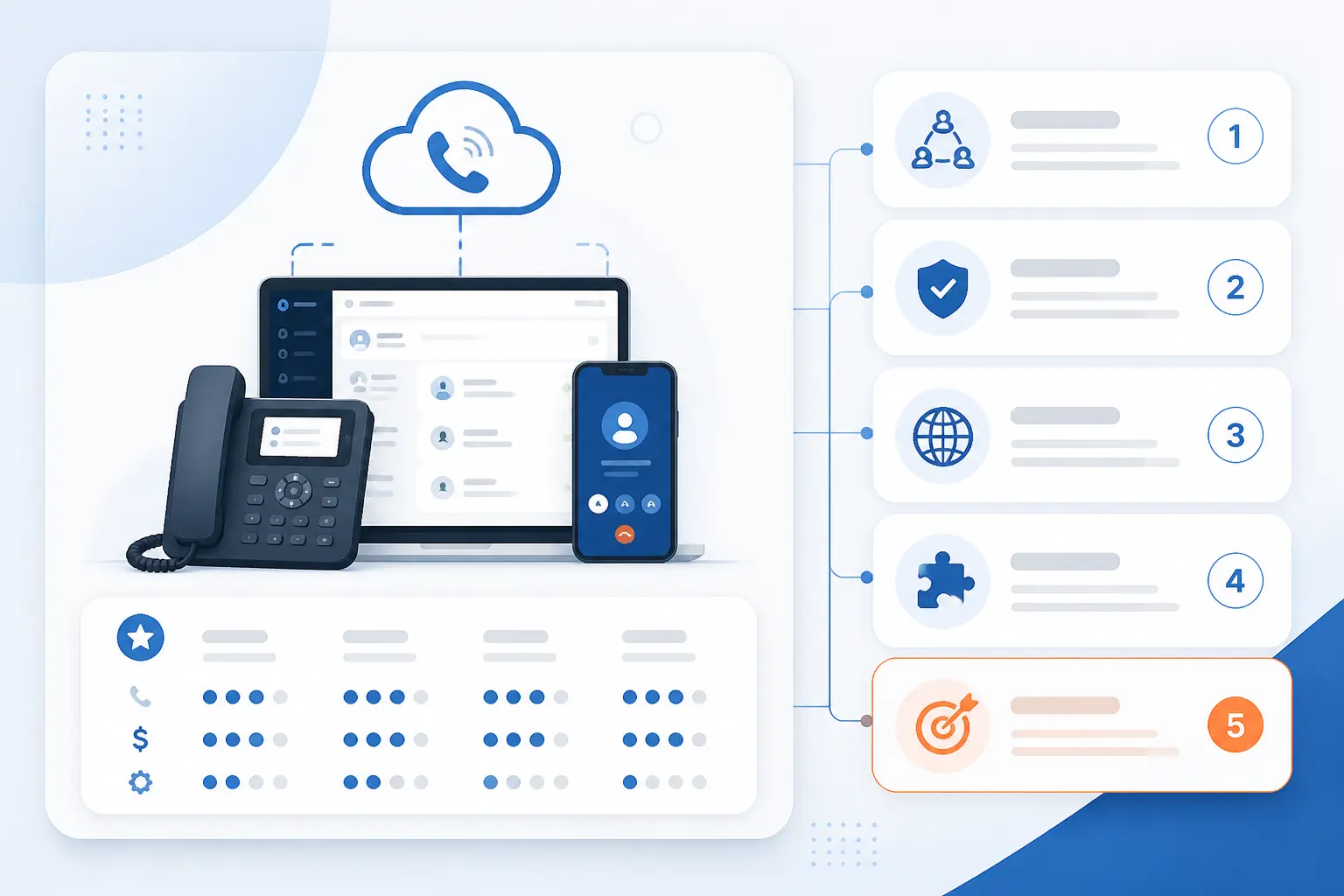
These five are worth a look when your use case is a little narrower, your stack already favors a certain ecosystem, or you want a smaller-brand alternative to the market leaders. They do not beat the top ten overall, but each one does something a bit differently.
11. Intermedia Unite
- Category: UCaaS platform
- Best for: businesses that want a stable all-in-one communications stack
- Ease of use: easy
- Pricing: call for price
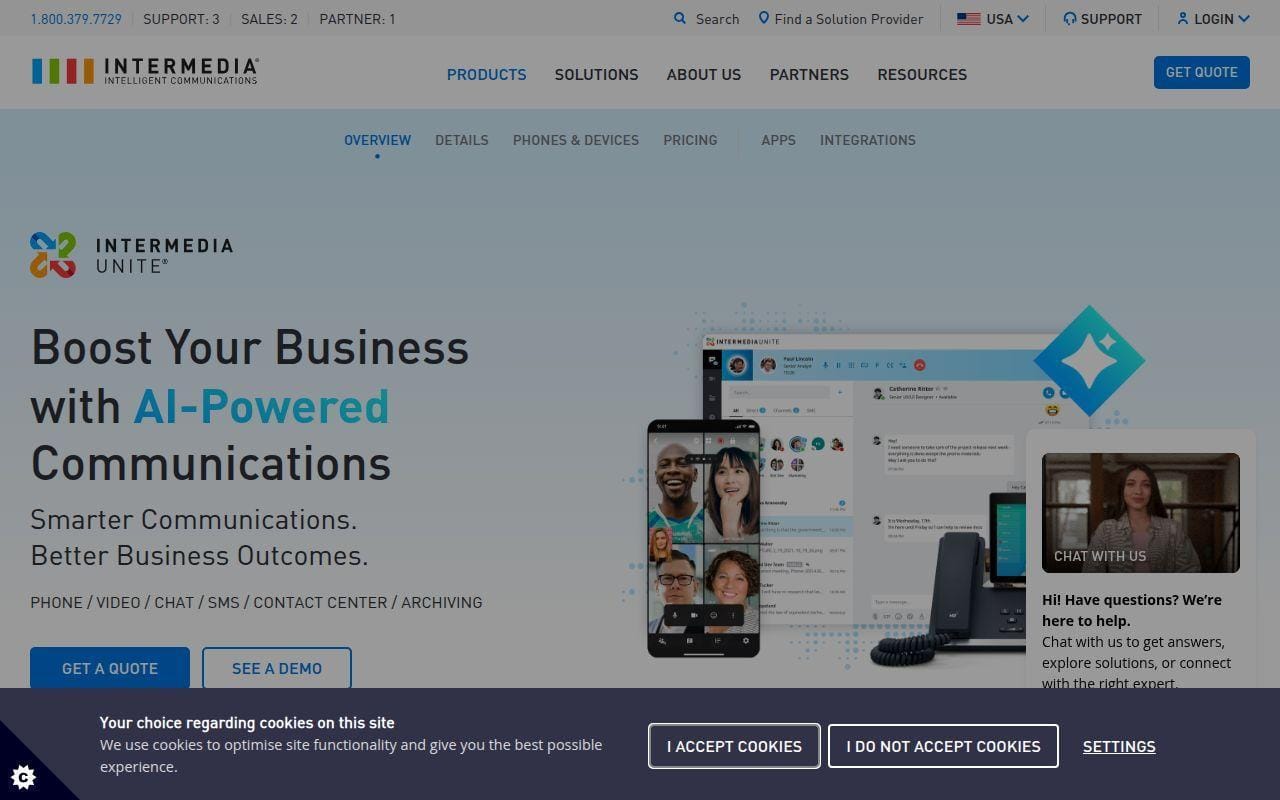
Intermedia Unite is the sort of option we would keep in the second tier for buyers who care as much about deployment stability as flashy feature packaging. The official product and pricing pages position it as unified communications software that can be paired with contact center tools but does not require them. That is a helpful middle ground for small businesses that want phone, messaging, and collaboration without being pushed immediately into a bigger CX sale.
What it does differently from several top-ten picks is its emphasis on work-from-anywhere access and security guidance in the same pricing experience. The official pricing page says users can work from virtually anywhere on PC, Mac, Chromebook, iOS, or Android, and it also points healthcare organizations to a security guide and business associate agreement path.
Public pricing is sales-led rather than fully self-serve. The clearest concrete detail on the official page is that the plans are presented as call-for-price packages rather than instant checkout tiers, so we would put this on the list for buyers who are comfortable with a consultative sales process.
Who is Intermedia Unite for?
Intermedia Unite is for small and midsize businesses that want a dependable UCaaS option with a broader deployment footprint and more formal security posture than lighter virtual phone tools. If you want easy self-serve pricing in plain sight, there are simpler options above.
12. Microsoft Teams Phone
- Category: cloud phone system
- Best for: Microsoft 365 organizations already centered on Teams
- Ease of use: moderate
- Pricing: from $13/user/month paid yearly
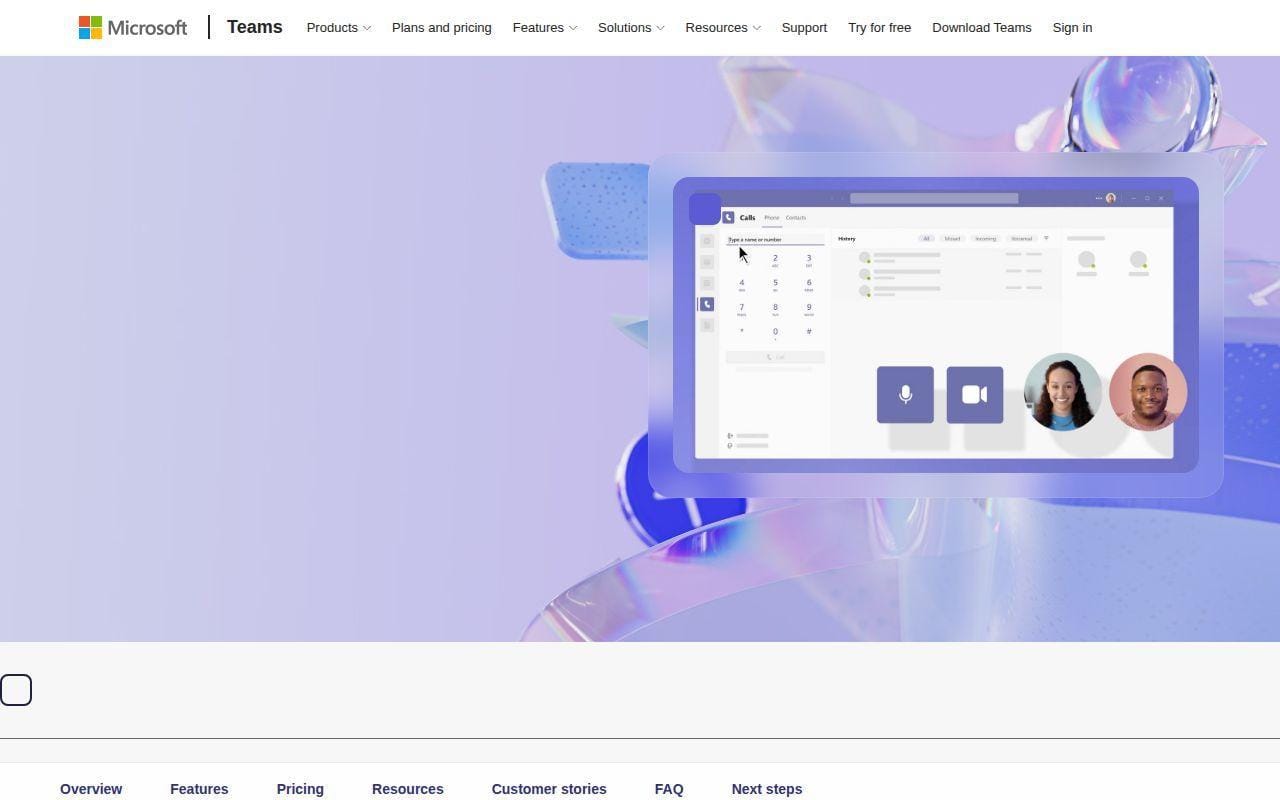
Teams Phone becomes far more attractive when your company already uses Teams all day. In that case, adding business calling to the collaboration tool your staff already knows can be smarter than rolling out a separate phone app. Microsoft’s page describes Teams Phone as a cloud-based call control system that replaces a traditional PBX and enables users to make and receive PSTN calls directly in Teams.
The product also gives buyers more than one route into calling. Microsoft lists a pay-as-you-go plan at $13 per user monthly paid yearly for US zone 1, and a domestic and international calling package at $34 per user monthly paid yearly. The page also notes that a domestic calling plan can be added to Teams Phone or Microsoft 365 E5, which is useful if you already license heavily in the Microsoft stack.
Where Teams Phone stands apart from the top-ten generalists is ecosystem gravity. If Outlook, Teams, and Microsoft admin are already home base, the switching costs fall dramatically. If they are not, the product is harder to justify against easier standalone rivals.
Who is Microsoft Teams Phone for?
Teams Phone is for Microsoft-first businesses that want calling inside the environment they already manage. If your business is not already invested in Teams, the setup and licensing logic can feel more complicated than it needs to.
13. Allo
- Category: AI phone system
- Best for: small sales and support teams that want CRM updates from calls
- Ease of use: easy
- Pricing: Solo from $214.99/year, Business from $45/user/month or $384.99/user/year
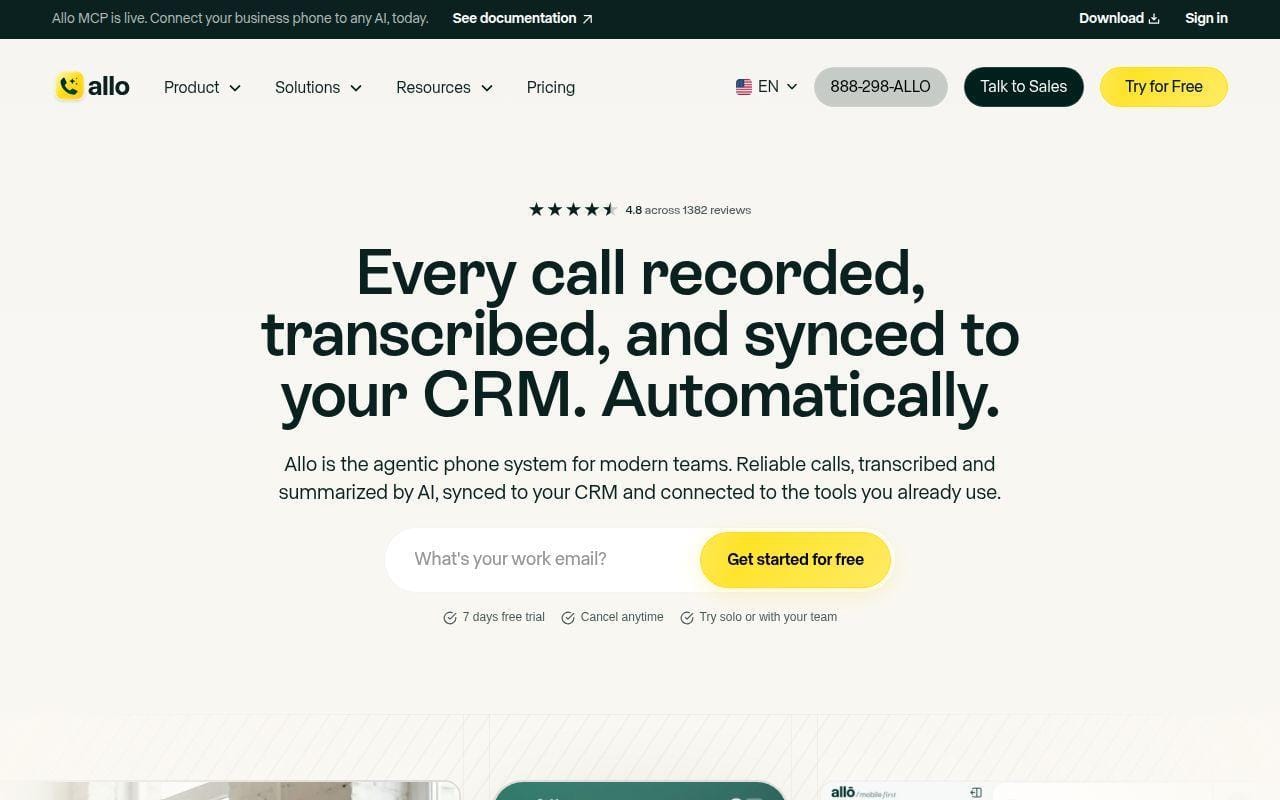
Allo is one of the more interesting newer entries because it is opinionated about what the phone system should do after the call. The pricing page positions it as an AI phone system that turns every call into insights, CRM updates, and follow-up actions automatically. That is a more specific promise than most vendors make, and for sales-led teams it is a useful one.
The Solo plan is aimed at solopreneurs and freelancers, while the Business plan targets modern sales and support teams. On the Business tier, the pricing page specifically calls out CRM sync for HubSpot, Pipedrive, Attio, and Salesforce, plus collaborative inbox, notes, power dialer, custom AI summary templates, AI call tags, and AI post-call actions. That is a different angle than a classic PBX feature race.
We would still rank it below the top tier because the broader ecosystem, review footprint, and long-term expansion story are not as proven as the leaders above. Even so, if your question is “which phone system helps us keep CRM data clean without manual work,” Allo deserves a serious look.
Who is Allo for?
Allo is for smaller revenue and support teams that care about call notes, CRM sync, and follow-up automation more than legacy phone-system conventions. Traditional offices that mainly want receptionist features and rock-solid PBX basics may prefer RingCentral, GoTo Connect, or Ooma.
14. Unitel Voice
- Category: virtual phone system
- Best for: founders and very small businesses using personal devices
- Ease of use: very easy
- Pricing: starts at $9.99/month
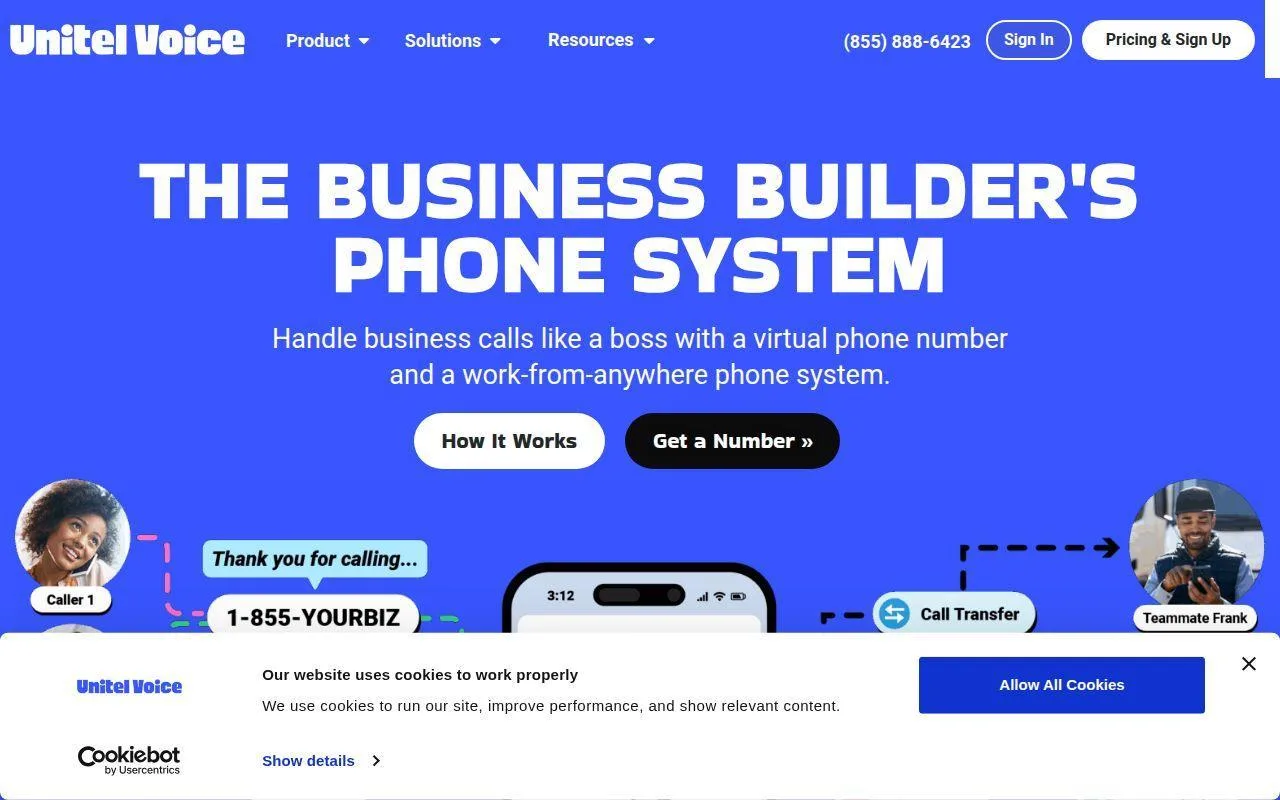
Unitel Voice sits in the “business builder” lane rather than the full UCaaS lane, and that gives it a clear identity. The homepage frames the service as a virtual phone system that lets you add a business number to your personal phone and handle calls professionally from anywhere. That pitch is narrower than many competitors, but it is also honest.
What Unitel Voice does better than most top-ten picks is keep the premise dead simple. You are not buying a bigger communications suite. You are buying a way to separate work and personal calling while adding routing, extensions, and a business number that travels with you.
A recent pricing PDF shows plans starting at $9.99 monthly and scaling to $49.99 monthly, plus a 30-day risk-free trial. For a solo or tiny business that mainly wants a professional number and better call handling on existing devices, that is appealing.
Who is Unitel Voice for?
Unitel Voice is for solo owners, side businesses, and very small teams that need a simple virtual system rather than a full collaboration platform. If you need built-in meetings, deeper analytics, or richer internal collaboration, you will likely outgrow it quickly.
15. Phone.com
- Category: business phone service
- Best for: budget-aware small businesses that want plan flexibility
- Ease of use: easy
- Pricing: from $18/user/month
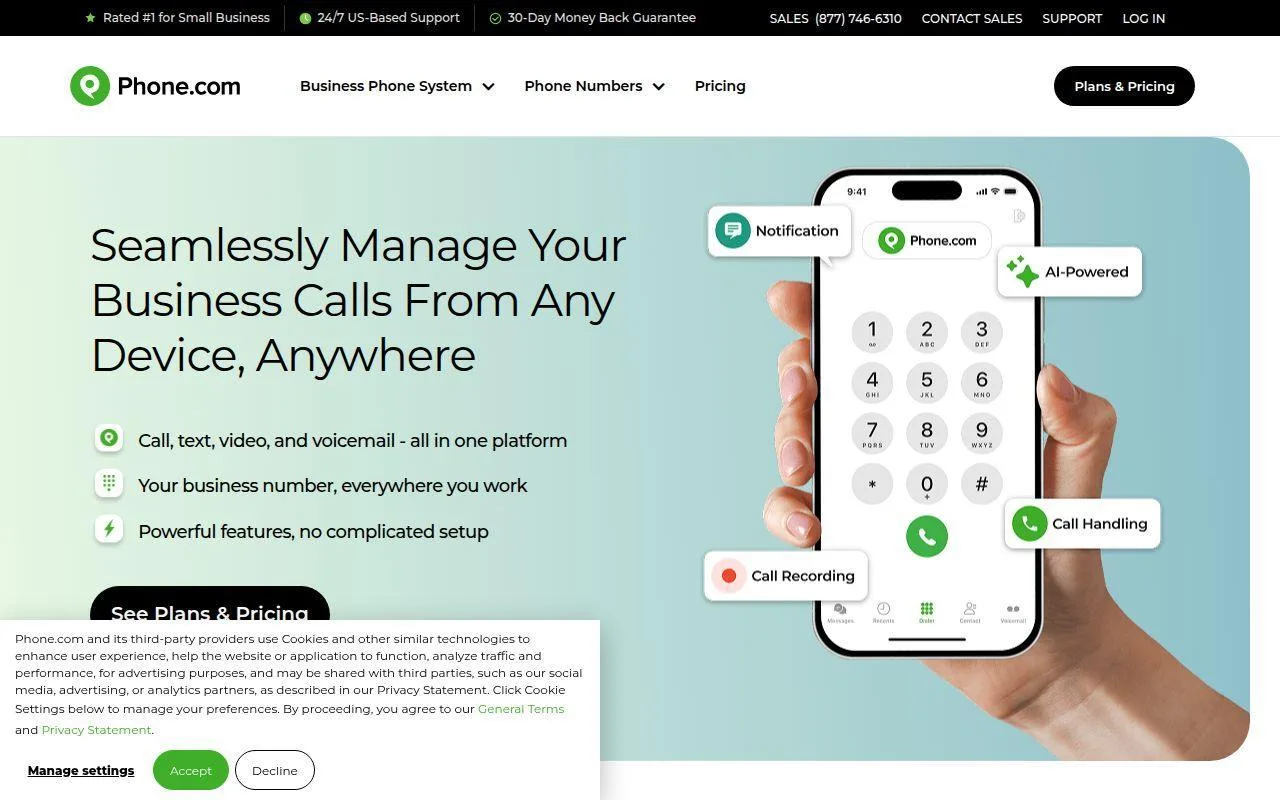
Phone.com earns the last spot because it still offers a pragmatic, small-business-friendly buying story. The public pricing FAQ says plans start at $18 per user monthly for Basic, and annual billing saves 17%. That is not the cheapest entry in the market, but it is direct and understandable.
The product also does something we wish more vendors did. It explains taxes and fees in plain language. The pricing page calls out state and local taxes, e911 service fees, and a regulatory recovery fee, which is useful because telecom pricing often looks cleaner in ads than on real invoices.
Feature-wise, the page highlights business mobility, business texting, image messaging, live receptionist service, and CRM integrations. It does not feel as modern or ambitious as the top tier, but it does feel grounded in how small businesses actually buy phone service.
Who is Phone.com for?
Phone.com is for cost-conscious small businesses that want flexible per-user planning and fewer surprises around billing details. If you want a more polished all-in-one workspace experience, Zoom Phone, Nextiva, or Google Voice are stronger fits.
What Cloud Based Phone Systems Are and How They Work
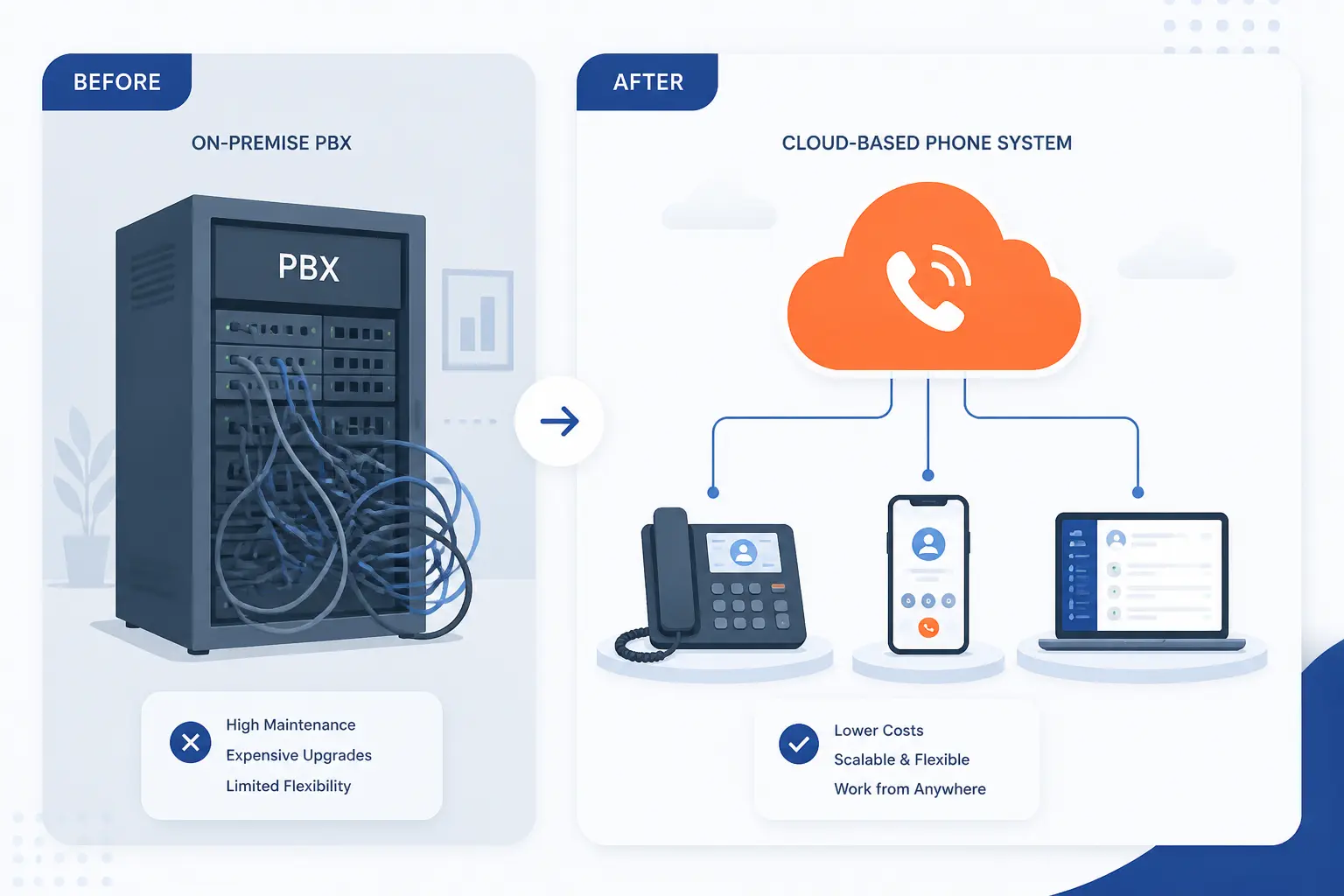
Cloud based phone systems replace the old office PBX model with software and hosted calling infrastructure. Instead of buying a box for the office and wiring every desk around it, you subscribe to a service that runs the phone system in the provider’s cloud and lets staff make and receive calls from apps, IP phones, or both. That sounds abstract at first, but the day-to-day reality is pretty simple.
How VoIP, Cloud PBX, and UCaaS Fit Together
VoIP is the transport. Cloud PBX is the hosted phone-system brain. UCaaS is the broader package that wraps calling, messaging, video, and admin tools together. In practice, the products on this list use those terms a little differently, but the pattern is consistent. Voice travels over the internet, the provider hosts the routing logic, and your team uses software or compatible devices to place and receive calls.
That is why a lighter service like Google Voice can feel enough for one business while RingCentral or Nextiva make more sense for another. The former mainly solves business calling. The latter layers in the rest of the communications stack as the business needs it.
Softphones, IP Phones, and Adapters in Real Deployments
Most small businesses should start with softphones unless there is a good reason not to. A softphone is just an app on a laptop or mobile device that handles business calls over the internet. That keeps hardware spend down and makes remote or hybrid calling far easier.
Desk phones still matter in front-desk, shared-office, warehouse, and reception-heavy environments. Zoom’s documentation explicitly notes that businesses can either use dedicated VoIP desk phones or use software calling from desktop and mobile apps, which is exactly how many real deployments mix devices over time.
Adapters and ATAs matter when a business wants to keep certain analog devices alive, but they are no longer the default starting point. For most readers comparing cloud based phone systems now, the better question is not “which desk phone should we buy first?” It is “which users truly need a desk phone at all?”
Why Businesses Switch to Cloud Based Phone Systems
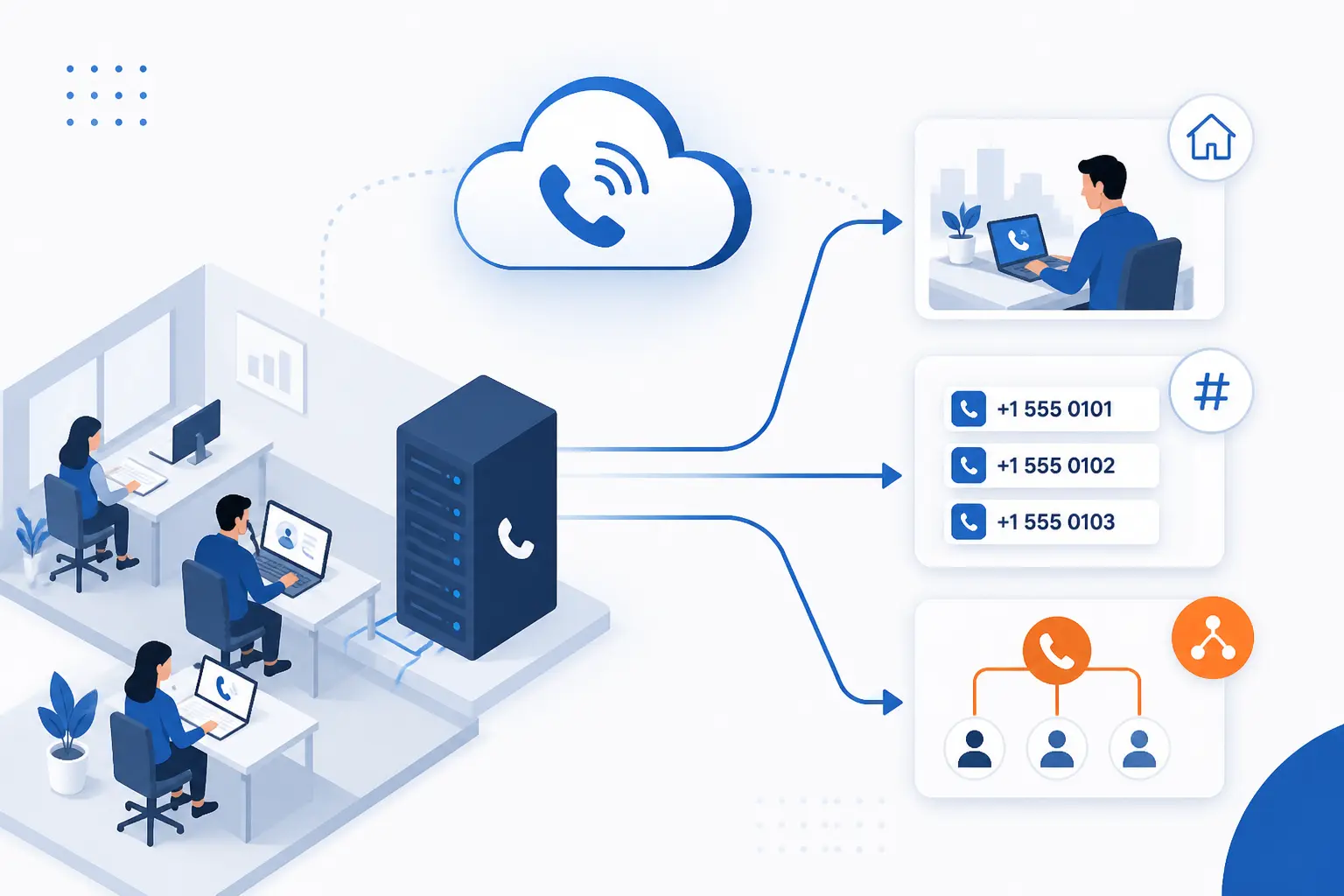
Businesses move to cloud based phone systems for practical reasons, not trendy ones. The common drivers are lower hardware burden, easier support for remote staff, simpler number management, and smarter call handling. When the switch works well, the company stops thinking about the phone system as office equipment and starts treating it like software.
Lower Costs and Less Hardware
The biggest financial win is usually not the monthly line item alone. It is avoiding PBX hardware, office-bound maintenance, and the hassle of tying every user to a physical phone. That is also why lower-entry products like Google Voice and Grasshopper stay relevant. They solve a business problem without dragging hardware complexity into the deal.
Flexibility for Remote and Hybrid Teams
Remote work is where cloud phones stop being a nice idea and start being a necessity. When the provider gives every user one business identity across laptop, mobile, and optional desk phone, the team can answer calls from anywhere without exposing personal numbers or losing the business caller ID. That device flexibility shows up again and again in the best systems on this list.
Reliability, Failover, and Business Continuity
Business continuity is one of the least glamorous reasons to switch, but it is one of the most important. If the office internet stumbles, a good cloud phone setup can still route calls to mobile devices, alternate numbers, or backup users instead of letting the main line go dark. That matters more than any AI summary ever will.
Providers also differ in how much operational guidance they surface. Intermedia’s pricing materials include its deployment and security notes, including work-from-anywhere app coverage and links to a security guide for regulated environments, which is exactly the sort of detail careful buyers should read before they sign.
Smarter Features for Better Customer Service
The best reason to upgrade is often caller experience. Auto attendants, ring groups, call queues, voicemail transcription, business texting, and call recording all help small teams sound more organized than they really are. That is not window dressing. It is operational leverage.
RingCentral’s feature documentation is a good example. In its call recording overview, the company documents both on-demand and automatic recording, custom announcements, up to 100,000 stored recordings, and a 90-day retention window. For sales, service, and compliance-minded teams, details like that are worth comparing closely.
How to Choose the Right Cloud Based Phone System
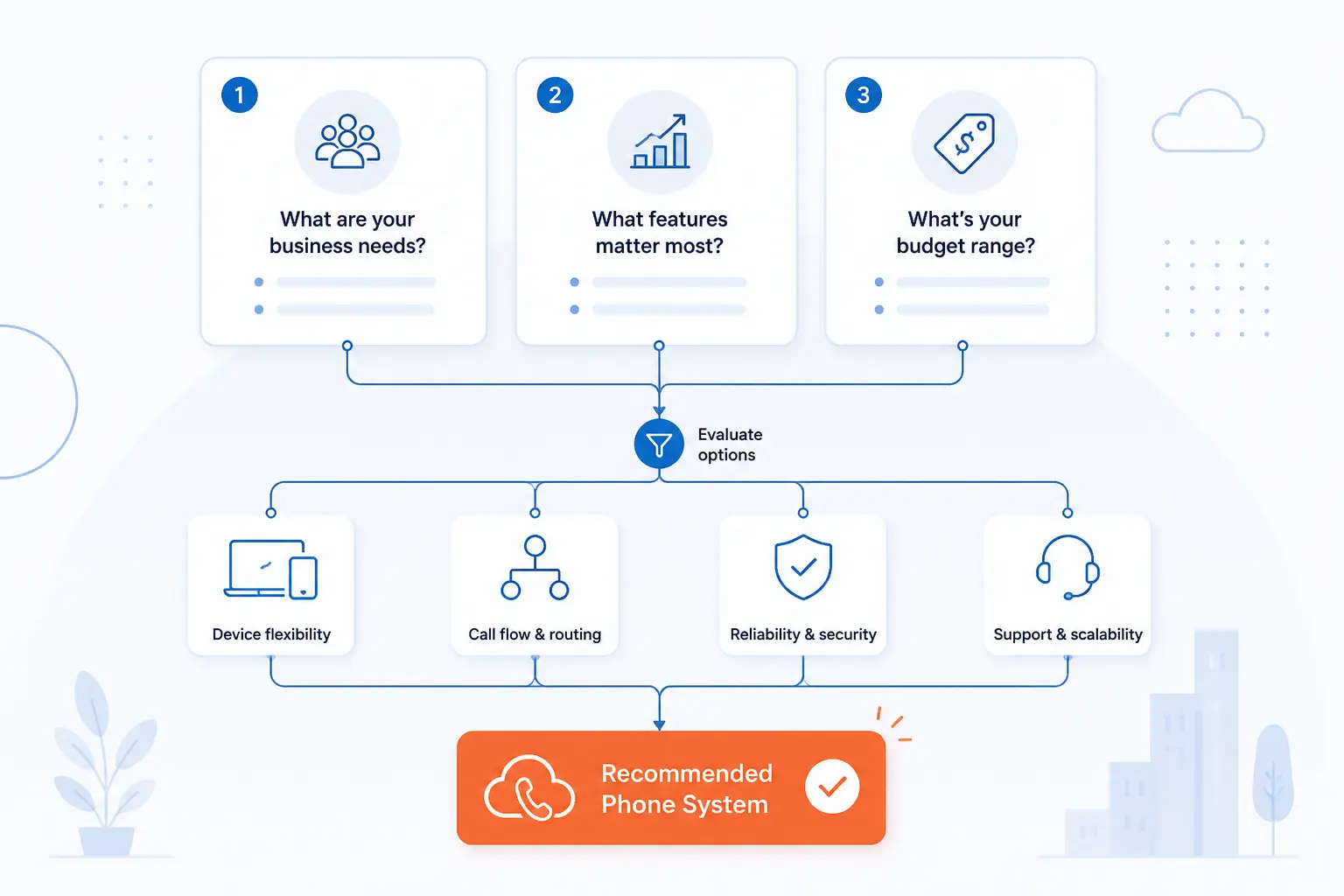
The right cloud based phone system is the one that fits your current call flow and your next likely upgrade, not the one with the longest feature sheet. A small team can waste money fast by buying too much platform or too little routing. We would start with three questions: how your calls actually move, what devices your staff will use, and how transparent the vendor is about pricing and support.
Match Features to Call Volume and Team Workflows
If one person answers almost every call, a lighter virtual system may be enough. If callers need menus, departments, after-hours routing, or queue handling, move up into a fuller phone platform. This is where GoTo Connect, RingCentral, Nextiva, and Ooma start pulling away from simpler options.
Even small differences matter. A single main number with extensions is not the same requirement as multiple departments, shared numbers, and overflow logic. Be honest about your real workflow and the shortlist usually gets much shorter.
Check Devices, Integrations, and Deployment
Most small businesses should assume a mixed device environment. Some users will work best on laptops and smartphones. Others will still need a front-desk or lobby phone. Beyond that, check which integrations you actually use now, not the ones you might use someday.
If integrations are central to the business, the AI and CRM angle deserves extra scrutiny. On the plan breakdown we reviewed, Allo ties CRM sync, AI summary templates, AI call tags, and AI post-call actions directly to its Business plan, which is a clearer AI workflow story than many larger vendors provide.
Compare Pricing Transparency, Support, and Security
Pricing transparency is not a minor detail. It tells you what the buying experience will feel like after the contract too. Some vendors show clean per-user tiers. Others ask you to talk to sales early. Neither is automatically bad, but you should know which one you are getting into.
It is also worth reading the fine print on telecom fees. Phone.com does a decent job of spelling this out in its pricing FAQ, where it explains e911, regulatory recovery, and local tax charges that can otherwise surprise first-time buyers.
Cloud Based Phone System Features Worth Comparing Closely
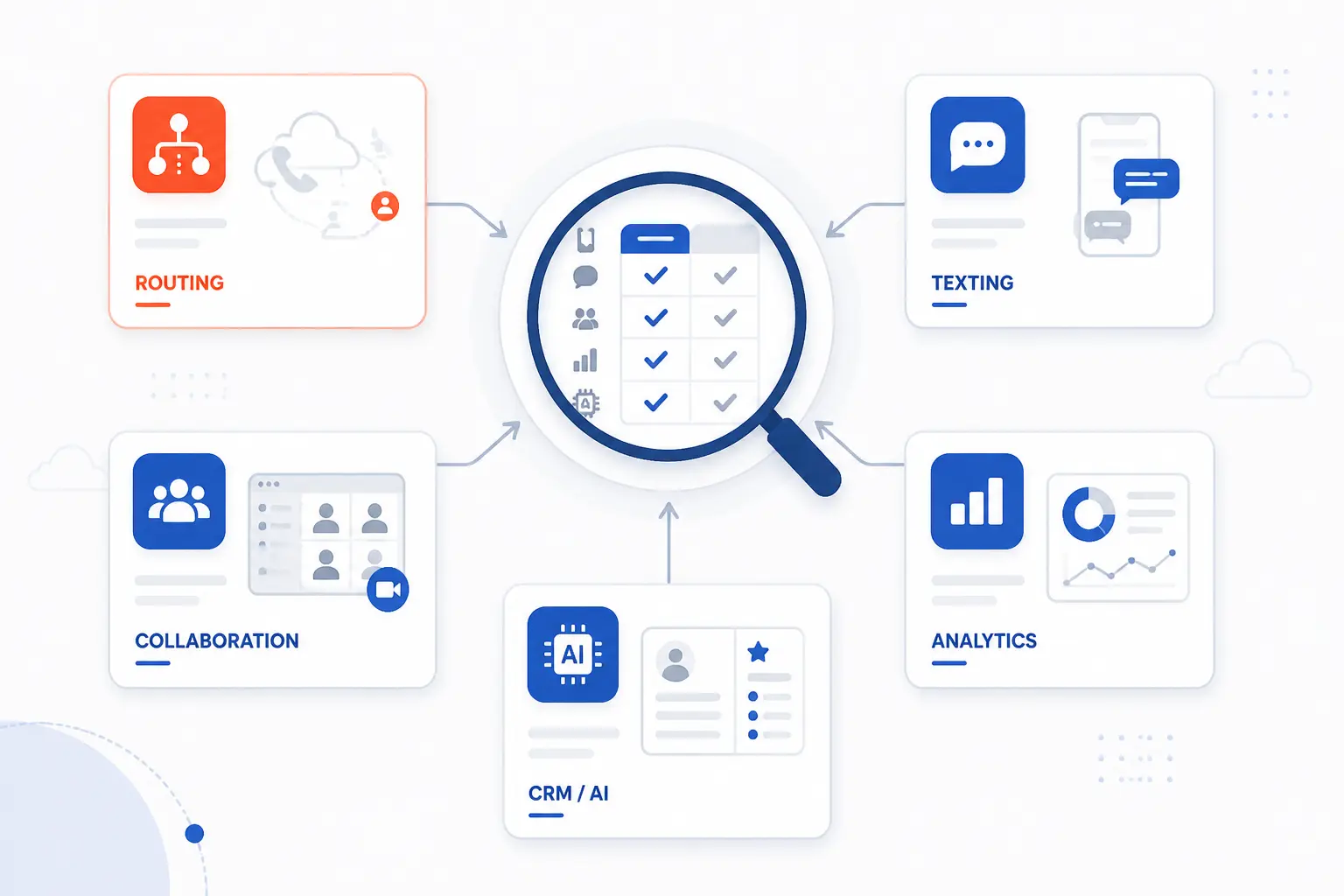
Feature lists are easy to skim and surprisingly hard to compare. Many vendors use near-identical language for very different capabilities. The smarter move is to compare the handful of features that change daily operations: routing, texting, collaboration, analytics, and CRM or AI support.
Virtual Numbers, Auto Attendants, and Call Routing
This is the heart of the buying decision for many small businesses. A professional main number, call menus, business-hour routing, extensions, ring groups, and overflow rules shape how callers experience the company. If these tools are weak, the rest of the platform barely matters.
GoTo’s product literature shows how wide the gap can be. In the product data sheet, the lower Basic package is limited to one auto attendant and one dial plan, while Standard moves to unlimited auto attendants, unlimited dial plans, unlimited ring groups, and unlimited multi-site support.
Business Texting, Video Meetings, and Team Collaboration
Many businesses no longer buy a phone system just for voice. They want texting from the business number, basic internal chat, and enough video to avoid paying for another tool. That is why Zoom Phone, RingCentral, Nextiva, and Ooma all score well. They treat messaging and meetings as part of the base value, not a detached add-on.
The question to ask is not whether a product “includes collaboration.” Almost all of them say that now. Ask how much is included at the price you would actually pay, who can use it, and whether the tool feels like one workspace or three loosely connected ones.
Analytics, AI, and CRM Integrations
This is where products start to separate sharply. Some systems give you little more than call logs and voicemail notifications. Others move into AI summaries, coaching, call tagging, CRM sync, and advanced reporting. Those differences matter most for revenue teams, support desks, and regulated businesses that need a stronger record of conversations.
The practical tip is simple. Buy this layer only if your team will use it. Plenty of small businesses do well with basic logs and voicemail transcription. Others will get real value from automatic summaries and CRM updates because that work otherwise falls through the cracks.
Cloud Based Phone Systems Versus Traditional Phone Lines
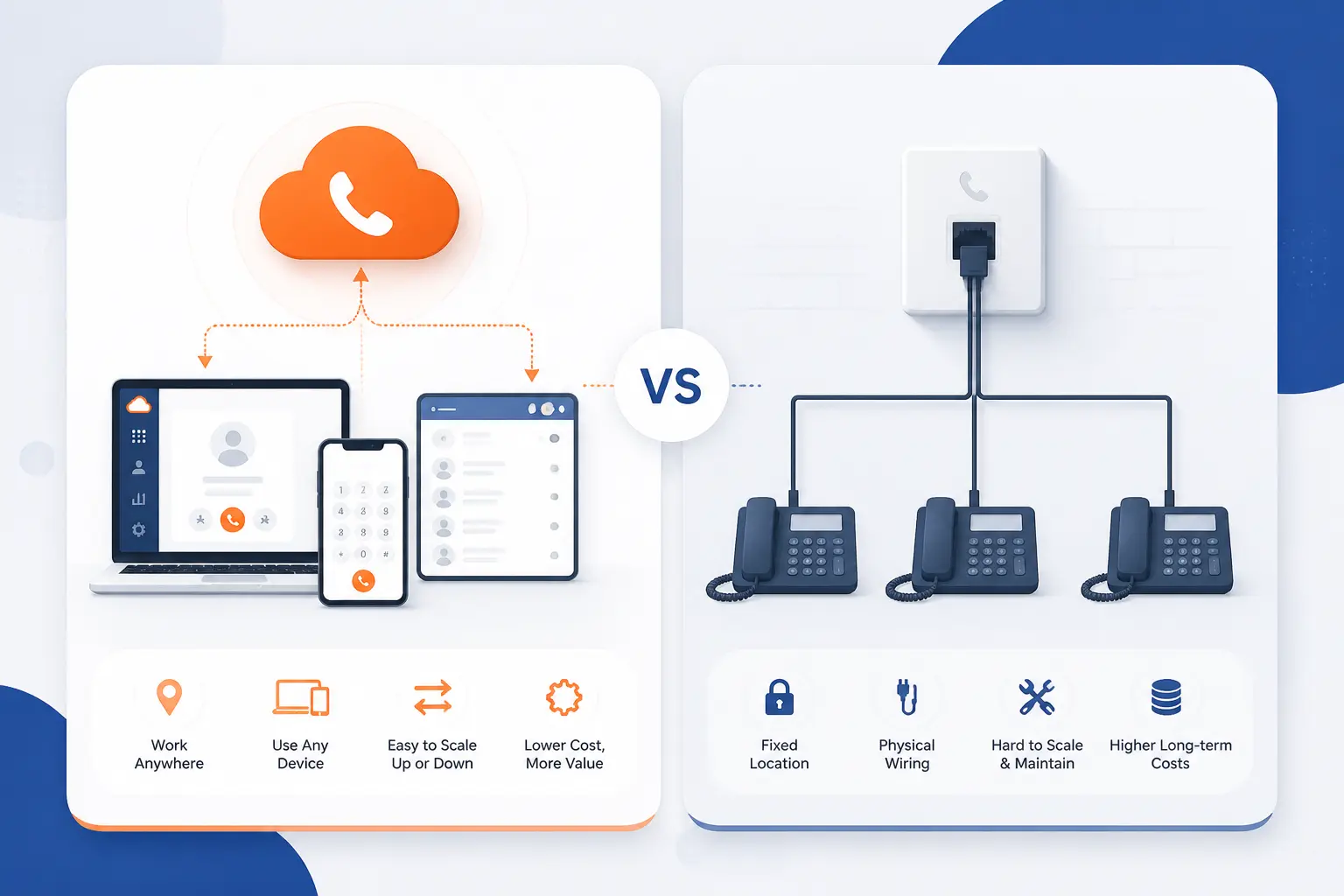
For most small businesses, the cloud model wins on flexibility and feature depth. Traditional lines still have a few niche advantages, but the mainstream small-business case now points strongly toward hosted calling and app-based access.
Where Cloud Phones Have the Edge
Cloud systems are better for remote staff, faster user setup, number portability, multi-device use, auto attendants, routing rules, texting, and built-in collaboration. They are also easier to expand as a business adds staff, locations, or shared numbers. That is why even the smaller providers on this list talk more about apps and routing than about wiring and boxes.
Where Traditional Systems Still Hold Up
Traditional systems can still make sense in a few edge cases, especially where a site has unusual connectivity constraints, legacy devices that are awkward to replace, or a highly fixed office workflow with no need for mobility. Even then, many businesses now land in a hybrid position where a hosted phone platform handles most users and a few specialty lines remain in place temporarily.
Frequently Asked Questions
Most buyers comparing cloud based phone systems end up circling the same practical questions. Here are the short answers we think matter most.
What Are Cloud Based Phone Systems?
Cloud based phone systems are business phone services that run over the internet and are hosted by a provider rather than by an office PBX box. They typically include business numbers, call routing, voicemail, mobile and desktop apps, and often texting, meetings, or team chat as well. In daily use, your staff answers business calls from software, compatible IP phones, or both.
What Is the Best Cloud Phone System for Small Business?
The best overall choice for most small businesses is RingCentral if you want the broadest long-term platform, or Zoom Phone if your team already works in Zoom every day. Nextiva is also a strong all-rounder when you want a clear path from basic calling into broader customer communication tools. If your needs are smaller and simpler, Google Voice, Ooma, or Grasshopper may be a better fit than the highest-ranked enterprise-leaning options.
What Are the Disadvantages of Cloud Phones?
The main downsides are internet dependence, sometimes confusing telecom fees, and feature sprawl on bigger platforms. A poor local network can still hurt call quality, and some vendors make pricing less transparent than buyers deserve. It is also easy to overbuy if you choose a large UCaaS platform when a simpler virtual system would do.
How Much Do Cloud Based Phone Systems Cost?
For small businesses, entry pricing usually starts around $10 to $20 per user monthly, though very simple virtual systems can start a bit lower and richer UCaaS platforms can climb fast as features stack up. In this list, Google Voice starts at $10, RingCentral starts at $20 on annual billing, and Ooma starts at $19.95, while a lighter virtual option like Unitel Voice starts lower according to a recent pricing PDF. The real bill depends on users, toll-free use, texting registration, international calling, and whether taxes and e911 fees are bundled or itemized separately.







Conclusion
If we were narrowing this list for a typical small business, we would start by matching your current workflow to one of four camps. RingCentral and Nextiva are the stronger “grow with us” platforms. Zoom Phone and Microsoft Teams Phone make the most sense when your collaboration stack is already chosen. Ooma and Google Voice are the cleaner value plays for straightforward business calling. Grasshopper, Unitel Voice, and Phone.com are best when the brief is simpler and more budget-sensitive.
The next move is straightforward. Write down how many people need a number, whether you need menus or queues, which app ecosystem your team already uses, and how much admin complexity you can tolerate. Once you have those four answers, which two or three cloud based phone systems are actually worth your time?