

- How We Compared These Free DMARC Monitoring Tools
- Top 10 Free DMARC Monitoring Tools
- Five More Free DMARC Monitoring Tools Worth Considering
- How to Match Free DMARC Monitoring Tools to Your Volume and Team
- Where Free DMARC Monitoring Tools Usually Have Limits
- How to Roll Out DMARC Safely After You Pick a Tool
- What Free DMARC Monitoring Tools Should Help You Surface
- Why 2026 Sender Requirements Make DMARC Monitoring Harder to Ignore
- FAQ
- Conclusion
Free DMARC monitoring tools are good enough to get most teams from guesswork to a real sender inventory. The best picks in this list do one of three things well: they make reports readable, they help you spot unknown senders fast, or they give you a clear path from monitoring to enforcement without wrecking legitimate mail. If you only need a simple weekly digest for one domain, you do not need an enterprise suite. If you manage many domains, need alerts, or expect to enforce DMARC across several senders, the free tier matters less than the upgrade path.
We researched each option through official product pages, documentation, pricing pages, and public review pages where they existed. Our goal here is not to crown one universal winner. It is to help you make a short, sensible shortlist based on your email volume, your team’s technical comfort, and how much visibility you need before moving beyond p=none.
How We Compared These Free DMARC Monitoring Tools
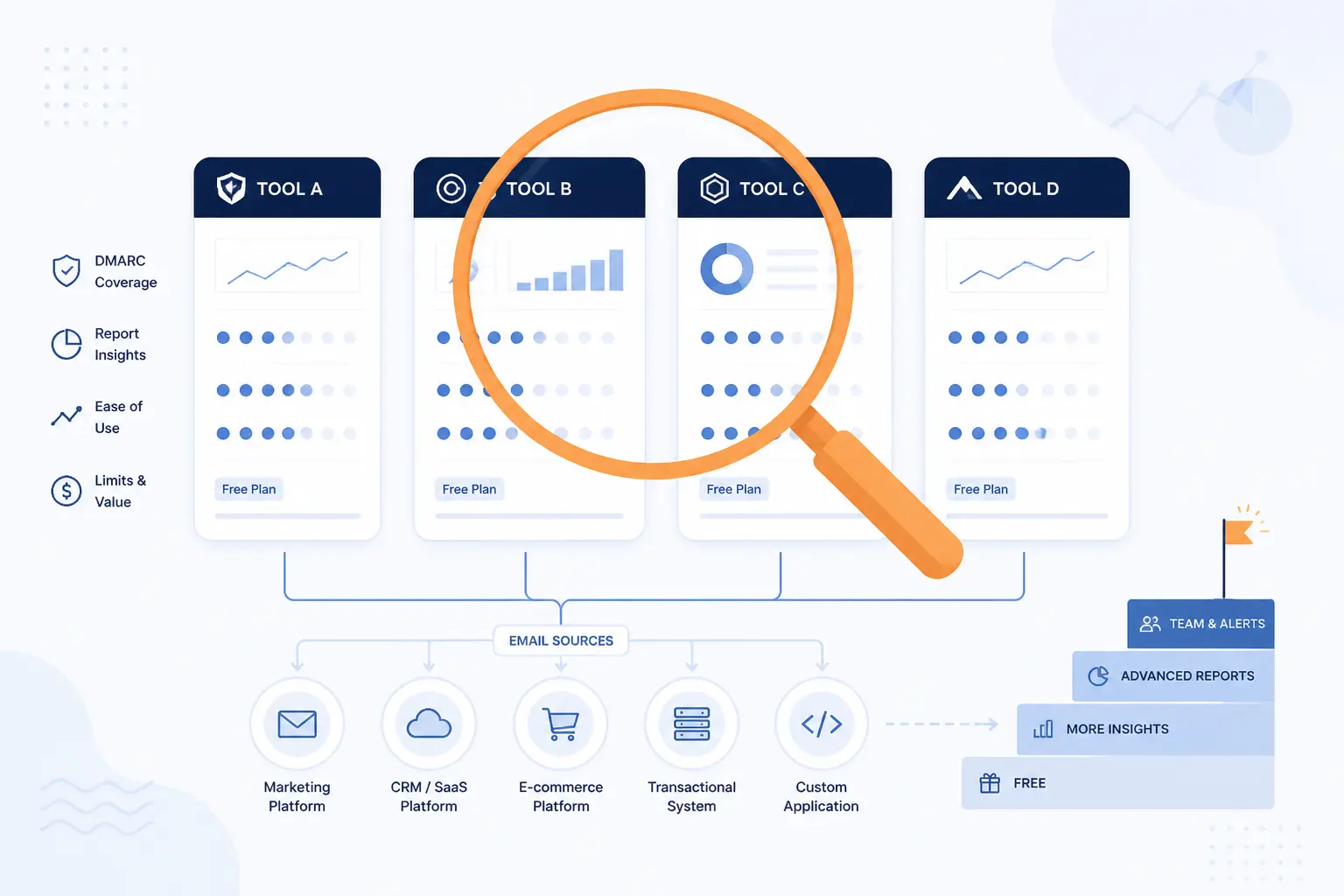
Most free DMARC monitoring tools can collect reports. The real differences show up in how clearly they explain sending sources, how quickly they help you find misaligned mail, and how painful the upgrade path becomes once one domain turns into many. We focused on what a buyer actually needs to compare, not on marketing gloss.
Quick Comparison of the Free DMARC Monitoring Tools in This List
| Tool | Best For | Free Offer | Ease of Use | Upgrade Path | Score |
|---|---|---|---|---|---|
| Postmark Free DMARC Monitor | One-domain weekly visibility | Free weekly email summaries | Very easy | Paid monitoring starts separately | 4.7 |
| EasyDMARC | Small teams that may grow fast | Free tier plus trial path | Easy | Clear SMB-to-enterprise ladder | 4.8 |
| Valimail Monitor | Free monitoring with enterprise polish | Free Monitor plan | Easy | Strong enterprise path | 4.7 |
| dmarcian | Learning-focused teams | Free personal plan | Moderate | Very clear commercial tiers | 4.5 |
| PowerDMARC | Protocol breadth and MSP use | Free plan available | Easy | Wide paid stack | 4.7 |
| Cloudflare DMARC Management | Teams already using Cloudflare DNS | Included on all Cloudflare plans | Easy | Best inside Cloudflare | 4.4 |
| Red Sift OnDMARC | Guided enforcement and bigger orgs | Free trial | Easy | Strong for complex rollouts | 4.6 |
| MXToolbox DMARC Report Analyzer | Quick parsing plus deliverability tools | Free analyzer and one free monitor | Very easy | Better as part of Delivery Center | 4.3 |
| URIports | Privacy-minded multi-domain monitoring | Free one-month trial | Moderate | Good for MSP-style accounts | 4.4 |
| parsedmarc | Self-hosting and full control | Open source | Hard | Build-your-own stack | 4.2 |
How We Researched and Evaluated Each Option
We scored the top 10 on the same editorial criteria so the rankings would reflect fit, not just feature count.
- Free-tier usefulness: we looked at whether the no-cost offer is genuinely usable for learning, one-domain monitoring, or early DMARC rollout rather than just a teaser.
- Workflow clarity: we favored tools whose documentation and product pages make the setup path, report handling, and sender identification process easy to follow.
- Operational fit: we judged how well each option suits a real team size, from solo admins to MSPs and larger security teams.
- Pricing honesty: we rewarded public pricing, clear plan boundaries, and upgrade paths that are easier to budget for.
- Review signal: where public review pages existed, we used them as a confidence check on usability, support, and recurring complaints.
That means a simpler tool can beat a more advanced one if the free offer is more practical for the kind of buyer this keyword usually attracts.
Top 10 Free DMARC Monitoring Tools
The best option depends on how much help you need after the first reports arrive. Some tools are perfect for a single domain and a cautious move to p=none. Others make more sense once you have multiple services, several domains, or a team that wants dashboards, alerts, and collaboration.
1. Postmark Free DMARC Monitor
- Category: Free monitoring service
- Best for: One domain and a very simple setup
- Ease of use: Very easy
- Pricing: Free weekly summaries, paid monitoring available separately
- Standout feature: Clean weekly digest instead of a heavy dashboard
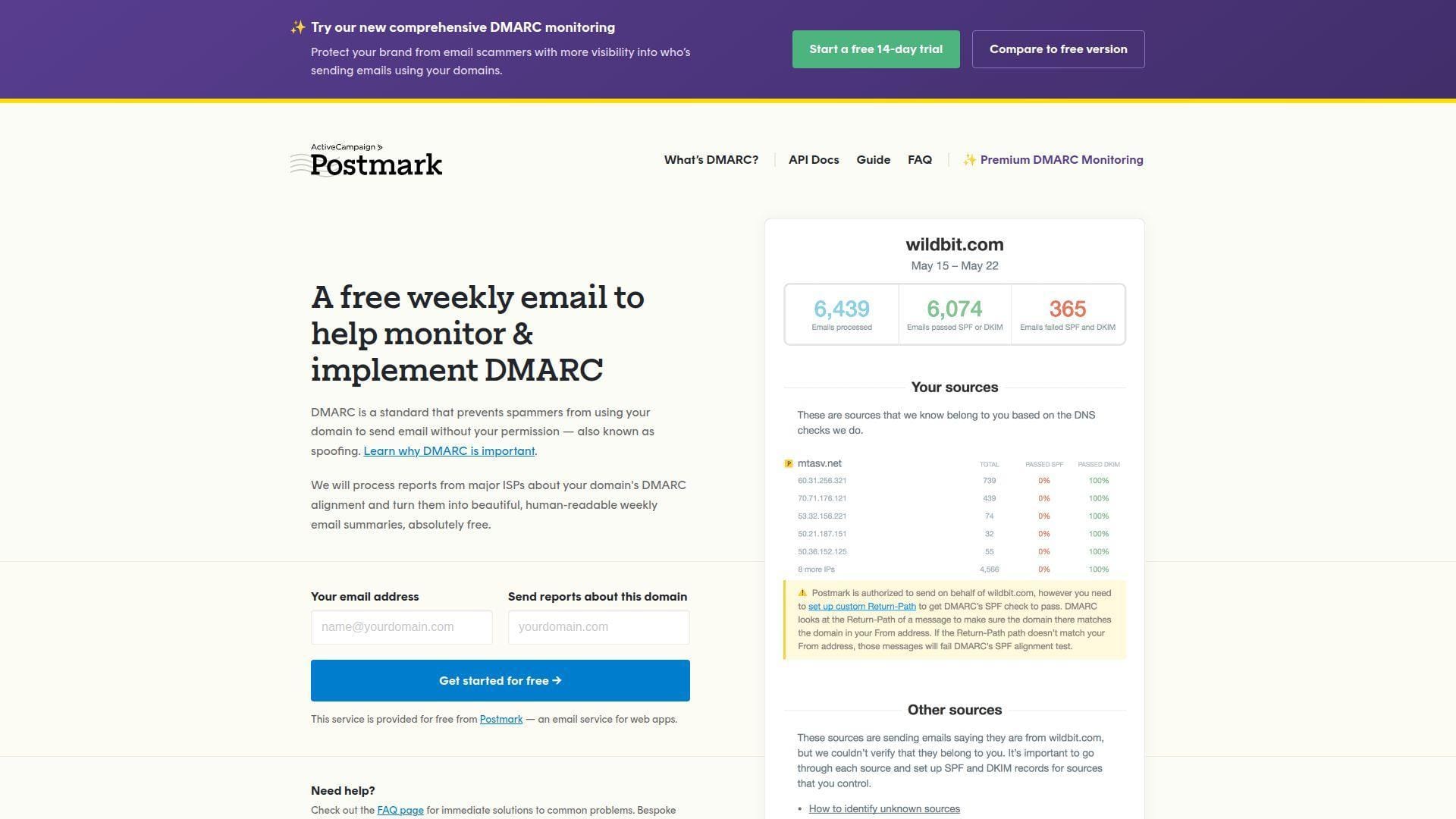
For one domain and one busy admin, this is the easiest place to start. Postmark’s free monitor stands out because it does not try to be a full control tower. It takes raw aggregate reports, turns them into human-readable weekly email summaries, and keeps the setup lightweight. In this list, it earns the top spot because many readers looking for a free DMARC monitoring tool do not need more than that on day one.
How Postmark Free DMARC Monitor works
The workflow is stripped down on purpose. You sign up with your email address, enter the domain you want to monitor, and then publish the DMARC TXT record Postmark generates on the setup screen. The record uses a Postmark reporting address in the rua tag and starts at p=none, which is exactly where most teams should begin.
After DNS propagates, Postmark verifies the record and starts processing reports from major inbox providers. The product page says verification can take up to 24 hours. Once active, it sends weekly digest emails that summarize alignment and reporting data in plain language. If you want to work programmatically, the page also notes that a Developer API is available for managing and retrieving reports.
That email-first approach is why we like it so much for beginners. There is very little to misconfigure after the first DNS change, and there is no dense dashboard demanding daily attention.
Who is Postmark Free DMARC Monitor for?
This is a strong fit for freelancers, solo founders, small nonprofits, and small IT teams managing one or a few domains where the immediate goal is visibility, not policy automation. It also suits anyone who wants a gentle introduction to DMARC reports before paying for a full platform.
Teams that should look elsewhere include MSPs, larger security teams, or anyone who wants multi-domain collaboration, fine-grained alerts, or rich reporting views. If you already know you will need source mapping, shared dashboards, or staged enforcement workflows, Postmark will feel too light.
Postmark Free DMARC Monitor pricing
- Free DMARC Monitor: $0, with human-readable weekly email summaries, DMARC record guidance, and report collection through the Postmark reporting address.
- Postmark DMARC Monitoring: starts at $14/month per domain, with API access and a paid monitoring path described in this billing guide.
Pros and cons
Pros
- Free weekly summaries are easier for beginners than raw XML.
- The setup flow shows the DMARC TXT record you need to publish.
- API access is available if you later want to automate report retrieval.
- The lightweight workflow avoids dashboard overload.
Cons
- Weekly email delivery is less flexible than live dashboards and alerting.
- Bespoke support for the free tool is reserved for Postmark customers.
- The free offer is not built for bigger multi-domain programs.
Postmark Free DMARC Monitor rating and reviews
The free monitor itself does not have a meaningful public review footprint on the software review sites we checked, so we would not lean on third-party scores here.
Our take is simple: if you want the shortest path from zero to readable DMARC reports, Postmark is hard to beat. It is not the deepest option in this roundup, but it may be the one that gets more small teams to act.
2. EasyDMARC
- Category: DMARC monitoring platform
- Best for: Small teams that may need a bigger platform later
- Ease of use: Easy
- Pricing: Free tier and paid plans from Plus upward
- Standout feature: Clear SMB-to-enterprise ladder
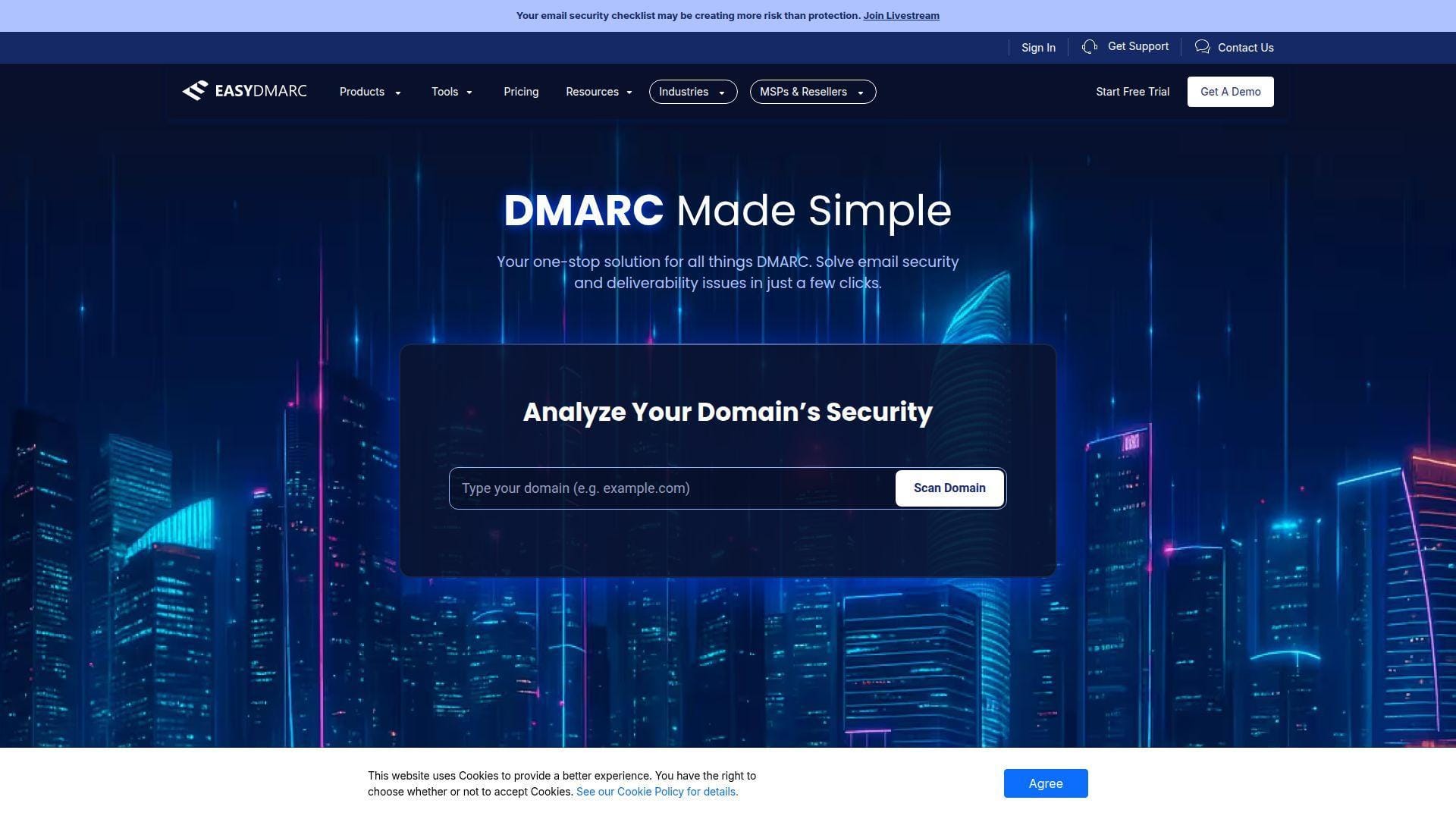
EasyDMARC earns its spot because it balances beginner-friendly messaging with a real commercial upgrade path. The platform is broader than a simple report inbox, but it is still approachable enough for smaller teams. In our research, it looked like one of the strongest options for buyers who want to start free and avoid replatforming too quickly.
How EasyDMARC works
The product pages position EasyDMARC as an all-in-one platform for DMARC, SPF, DKIM, and BIMI. The public site highlights aggregate report analysis, GeoMaps, failure reports, reputation monitoring, alert management, and managed DMARC options. On the pricing page, EasyDMARC says it automates enforcement, monitors deliverability, and connects into your existing stack.
In practice, the flow is what you would expect from a modern SaaS tool. You start a free account or trial, add the domain, publish the needed DNS records, and then let the platform collect aggregate data. As plans go up, the product adds email vendor identification, subdomain detection, TLS reports, permission management, SSO, audit logs, and managed services.
That last part matters. Some free tools are great until you have to involve other people. EasyDMARC looks more prepared for the moment when email authentication becomes a team process instead of a side task.
Who is EasyDMARC for?
We would shortlist EasyDMARC for growing SMBs, agencies with a handful of domains, and internal IT teams that want a cleaner step-up from monitoring to enforcement. It also makes sense for buyers who care about visibility now but want the option of managed help later.
Who should skip it? If you want a pure free forever one-domain tool with almost no interface to learn, Postmark or an open source parser may be simpler. On the other end, very large buyers may still end up in custom pricing territory.
EasyDMARC pricing
- Free: $0, no credit card required to start, with the free tier listed alongside aggregate reporting features and weekly email reports in the plan comparison.
- Plus: $35.99/month billed annually or $44.99 monthly, with 2 domains, 100,000 to 1,000,000 emails depending on usage level, 3 months of data history, 1 invited user, aggregate reports, and failure reports.
- Premium: $71.99/month billed annually or $89.99 monthly, with 4 domains, up to 5,000,000 emails by tier, 1 year of data history, TLS reports, Easy SPF, email support, and alert management.
- Enterprise: custom pricing, with unlimited email volume, custom domain quantity, 3 years of data history, managed services, a dedicated DMARC engineer, reputation monitoring, SSO, audit logs, and API access.
You can review the current plan breakdown on the business plans page.
Pros and cons
Pros
- Public pricing is clearer than many rivals.
- Plus and Premium spell out domain counts, data history, and email-volume bands.
- The broader platform covers DMARC, SPF, DKIM, BIMI, TLS reports, and alerts.
- G2 reviewers consistently praise usability and support.
Cons
- The free tier is less lightweight than a digest-only tool.
- Volume caps matter, and the page says dashboard access can disappear if you exceed plan quota.
- Higher-end needs push you into custom pricing.
EasyDMARC rating and reviews
- G2: rated 4.8/5 across 197 reviews.
EasyDMARC is one of the safer default picks in this roundup. It is not the cheapest serious option once you grow, but it makes the jump from free monitoring to paid management feel predictable.
3. Valimail Monitor
- Category: DMARC monitoring platform
- Best for: Free monitoring with a polished enterprise path
- Ease of use: Easy
- Pricing: Free Monitor plan, paid tiers above it
- Standout feature: Sender discovery and strong commercial path
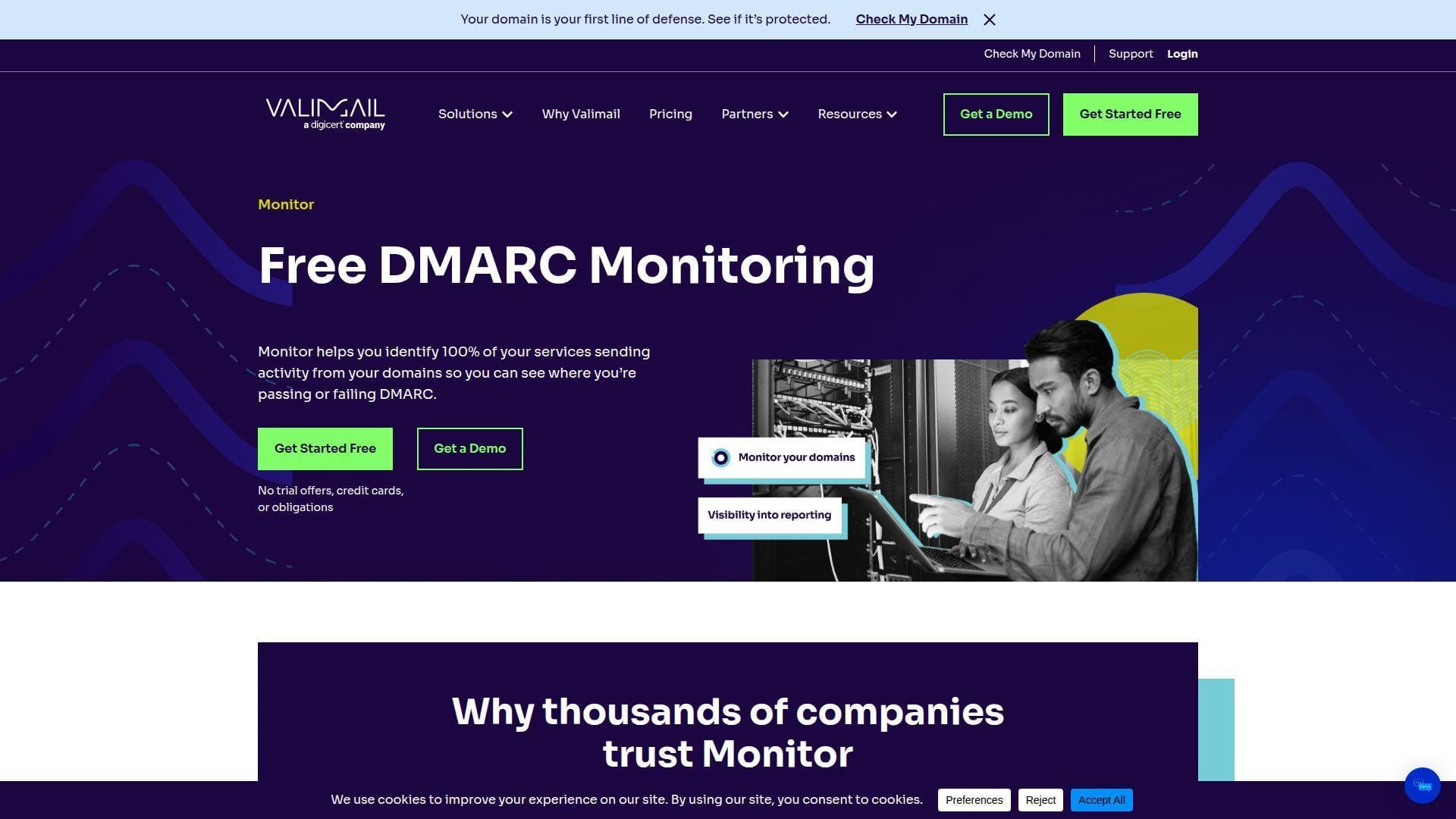
Valimail Monitor feels more polished than most free offerings. The company pitches the free tier as a way to get full visibility across your domains, and the paid ladder is clearly built for bigger organizations. That makes it a very appealing choice for readers who want a serious platform now, even if they only start with the free layer.
How Valimail Monitor works
The pricing and product pages emphasize visibility first. Valimail says Monitor identifies 100% of your services by name and helps you gain visibility and control into unauthorized email. The pricing table also highlights precision sender intelligence, an account dashboard, a domain dashboard, a notification center, and smart alerts.
That combination is what separates it from simpler tools. Instead of just showing raw IPs, Valimail aims to identify actual sending services and place them into a dashboard workflow you can act on. The pricing page also notes user-level MFA, role-based access control, and a five-user cap on the free tier, with unlimited users on paid plans.
If your next step after monitoring is enforcement, Valimail’s product family is built around that handoff. The same pricing page positions Enforce as the route to continuous DMARC protection and says it can help organizations reach enforcement in 60 days or less.
Who is Valimail Monitor for?
This is a good fit for IT teams that want a free starting point but expect to graduate to a more structured DMARC program. It also suits buyers who prefer vendor polish, dashboards, and a more enterprise-style experience from the start.
If you are a hobbyist or solo admin with one domain, Valimail can feel like more system than you need. The free plan is solid, but the overall platform is clearly designed with bigger environments in mind.
Valimail Monitor pricing
- Free (Monitor): $0, with service identification by name, visibility into unauthorized email, dashboards, notifications, BIMI availability, and 5 users.
- Starter: starting at $5,000/year, for simple ecosystems, with insightful reports, valuable notifications, onboarding assistance, and unlimited users.
- Premium: custom pricing, adding subdomain management and reporting, events log visibility, and additional notifications.
- Enterprise: custom pricing, for more complex ecosystems, with continuous protection reporting, broader notification coverage, full API access, and unlimited users.
The current commercial breakdown is on the pricing page.
Pros and cons
Pros
- Free Monitor is better developed than many free tiers.
- The pricing table makes dashboards, alerts, MFA, and access controls easy to spot.
- Clear path into enforcement-focused paid products.
- Large review footprint compared with many DMARC vendors.
Cons
- Starter begins at $5,000/year, so the jump from free can be steep.
- API access is not included on the free plan.
- For small teams, the interface can feel like more platform than they need.
Valimail Monitor rating and reviews
- G2: rated 4.5/5 across 459 reviews.
Valimail is one of the strongest “start free, grow into serious controls” options here. The free plan is useful on its own, but the real story is how little friction there is if your DMARC program gets bigger.
4. dmarcian
- Category: DMARC management platform
- Best for: Teams that want education and tooling together
- Ease of use: Moderate
- Pricing: Free personal plan plus published commercial tiers
- Standout feature: Strong educational resources and source mapping
dmarcian is still one of the most recognizable names in this space because it combines tooling with a lot of teaching. We like it most for readers who are not only choosing software but also trying to learn DMARC properly. That educational angle gives it a different feel from some more sales-led platforms.
How dmarcian works
The site highlights a DMARC Management Platform built around Domain Overview, Detail Viewer, Source Viewer, and Alert Central. The pricing FAQ explains that dmarcian uses a “sources” directory to identify sending services by name, so users see recognizable senders rather than a wall of IP addresses. That is a practical improvement, not just a cosmetic one.
The wider site also points heavily to adjacent free tools such as the Domain Checker, SPF Surveyor, DKIM Inspector, and XML to Human Converter. Put together, the workflow looks like this: audit the domain, start collecting reports, map sources, fix alignment problems, and use alerts and viewers to track progress as you move toward stronger policy.
We also like that the commercial plans spell out active domain counts, monthly DMARC-capable message allowances, and retention windows. Plenty of vendors still make buyers fight for that information.
Who is dmarcian for?
dmarcian fits technical teams that want to understand what is happening under the hood, not just click through a wizard. It also works well for SMBs that want a published pricing ladder and a reputable educational knowledge base beside the product.
If you want the most modern-looking UI or the thinnest possible learning curve, you may find other tools easier. The platform is clear, but it is still more “email authentication specialist” than “simple starter app.”
dmarcian pricing
- Personal: $0, for non-business personal use, with up to 2 active domains, 1,250 DMARC-capable messages per month, 1 user, and 1 month of data history.
- Basic: $19.99/month billed yearly, with up to 2 active domains, 100,000 DMARC-capable messages per month, commercial use, and 3 months of data history.
- Plus: $199/month billed yearly, with up to 8 active domains, 1,000,000 monthly messages, 3 users, and 1 year of data history.
- Enterprise: $499/month billed yearly, with up to 15 active domains, 5,000,000 monthly messages, unlimited users, and unlimited data history.
You can compare the current tiers on the pricing page.
Pros and cons
Pros
- The free personal plan is clearly defined.
- Commercial plans publish domain counts, message allowances, and history limits.
- Source naming and adjacent tools make troubleshooting easier.
- The educational ecosystem is stronger than most rivals.
Cons
- The free plan is explicitly non-business.
- Business buyers will need to move to paid tiers quickly.
- The public G2 footprint is thin for a vendor this well known.
dmarcian rating and reviews
- G2: rated 3.5/5 across 5 reviews.
dmarcian remains easy to recommend when learning and long-term email-authentication literacy matter. It is less compelling if you want the most generous business-ready free tier, but it is still a serious shortlist candidate.
5. PowerDMARC
- Category: Email authentication platform
- Best for: Teams that want DMARC plus adjacent protocols in one place
- Ease of use: Easy
- Pricing: Free plan plus volume-based paid tiers
- Standout feature: Broad protocol coverage for the price ladder
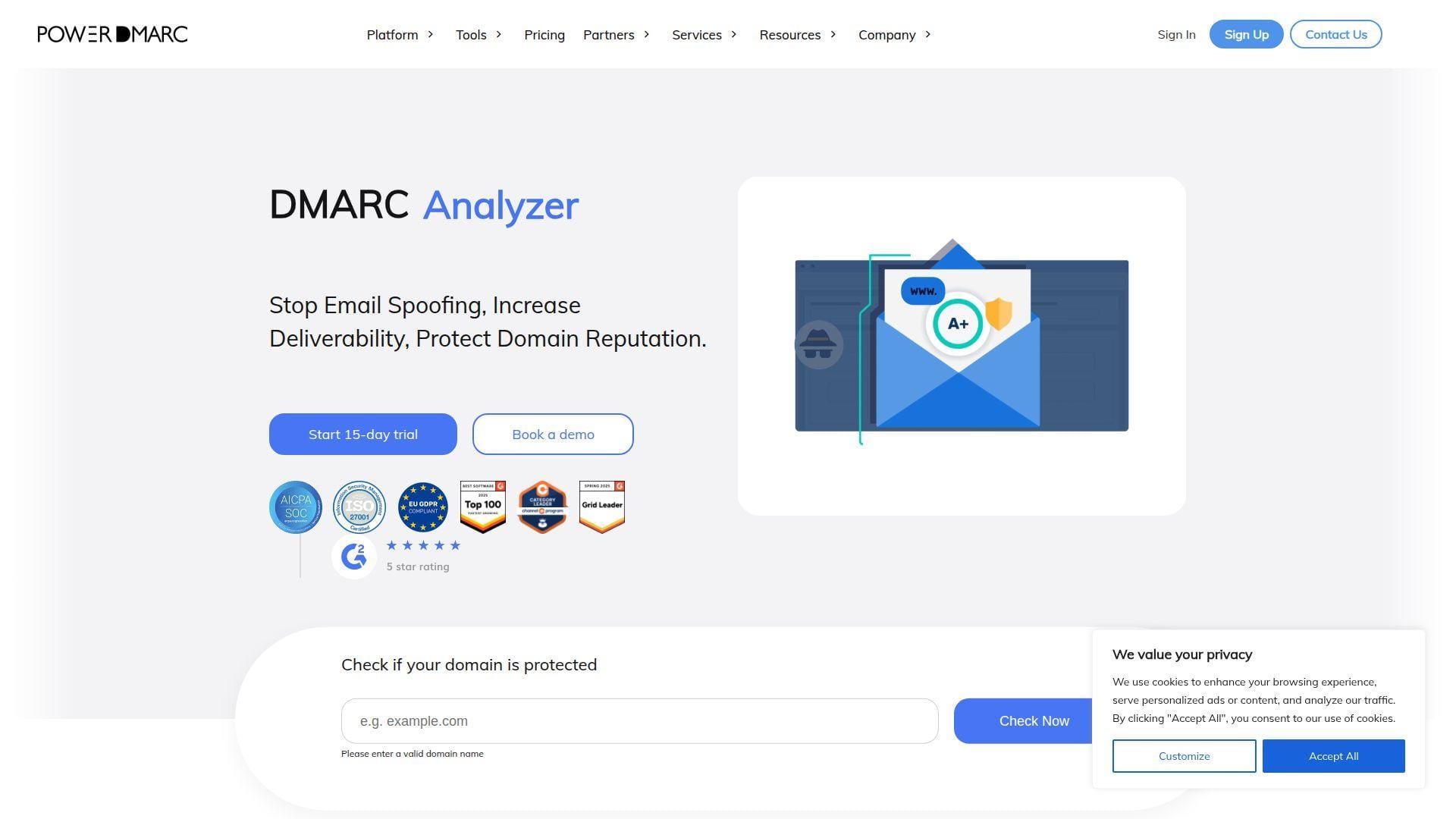
PowerDMARC makes the strongest case when you want more than DMARC monitoring alone. The platform bundles DMARC, SPF, DKIM, BIMI, MTA-STS, and TLS-RPT into one product family, which is a big reason it ranks this high. For MSPs and IT teams that would rather not juggle separate point tools, that matters.
How PowerDMARC works
The site presents PowerDMARC as a unified SaaS platform for deploying, monitoring, and managing email authentication. The home page leans hard on hosted protocols, analysis tools, and AI-powered threat intelligence. The pricing FAQ says the platform prices based on legitimate email traffic reported on the platform and does not charge for spoofed traffic.
That approach should sound familiar if you have shopped this category before, but PowerDMARC’s strength is the wider toolkit around the core DMARC work. On the product side, it pushes hosted DMARC, hosted DKIM, hosted MTA-STS, hosted TLS-RPT, and hosted BIMI. Reviewers on G2 also repeatedly mention SPF management and the reporting layer as practical benefits.
In other words, this is less of a “read your DMARC reports” utility and more of a consolidated email-authentication workbench.
Who is PowerDMARC for?
We would point MSPs, consultants, and SMBs with more complicated mail ecosystems toward PowerDMARC first. It also makes sense for buyers who know SPF lookup limits, TLS reporting, or hosted records are going to show up in the same project.
If all you need is a free digest for one simple domain, this is probably more platform than necessary. Buyers who prefer very transparent plan inclusions may also want cleaner plan pages than PowerDMARC currently offers.
PowerDMARC pricing
- Free: $0, with the plan listed on the public pricing ladder and access to the general platform and trial path.
- Basic: starts at $8/month billed annually for 10,001 to 50,000 DMARC-compliant emails, with higher published bands including $15 for 50,001 to 100,000 and $45 for 200,001 to 500,000.
- Enterprise: custom pricing, for higher-volume or more complex environments.
- Trial terms: 15-day trial, no credit card required, with pricing based on legitimate traffic rather than spoofed mail.
The current volume-based ladder is outlined on the pricing page.
Pros and cons
Pros
- Broad protocol coverage across DMARC, SPF, DKIM, BIMI, MTA-STS, and TLS-RPT.
- Volume pricing starts low for smaller senders.
- Trial does not require a credit card.
- G2 reviewers are especially positive about support and implementation help.
Cons
- The public pricing page is harder to read than the cleanest competitors.
- Some add-ons, such as PowerSPF on Basic, require separate contact.
- The platform is heavier than a pure free monitor.
PowerDMARC rating and reviews
- G2: rated 4.9/5 across 243 reviews.
PowerDMARC is one of the better “grow into it” choices if DMARC is only one part of the job. It loses a little ground on pricing clarity, but it wins back points on breadth and review strength.
6. Cloudflare DMARC Management
- Category: DNS-integrated DMARC management feature
- Best for: Teams already using Cloudflare DNS
- Ease of use: Easy
- Pricing: Included on all Cloudflare plans with Cloudflare DNS
- Standout feature: Native fit for Cloudflare users
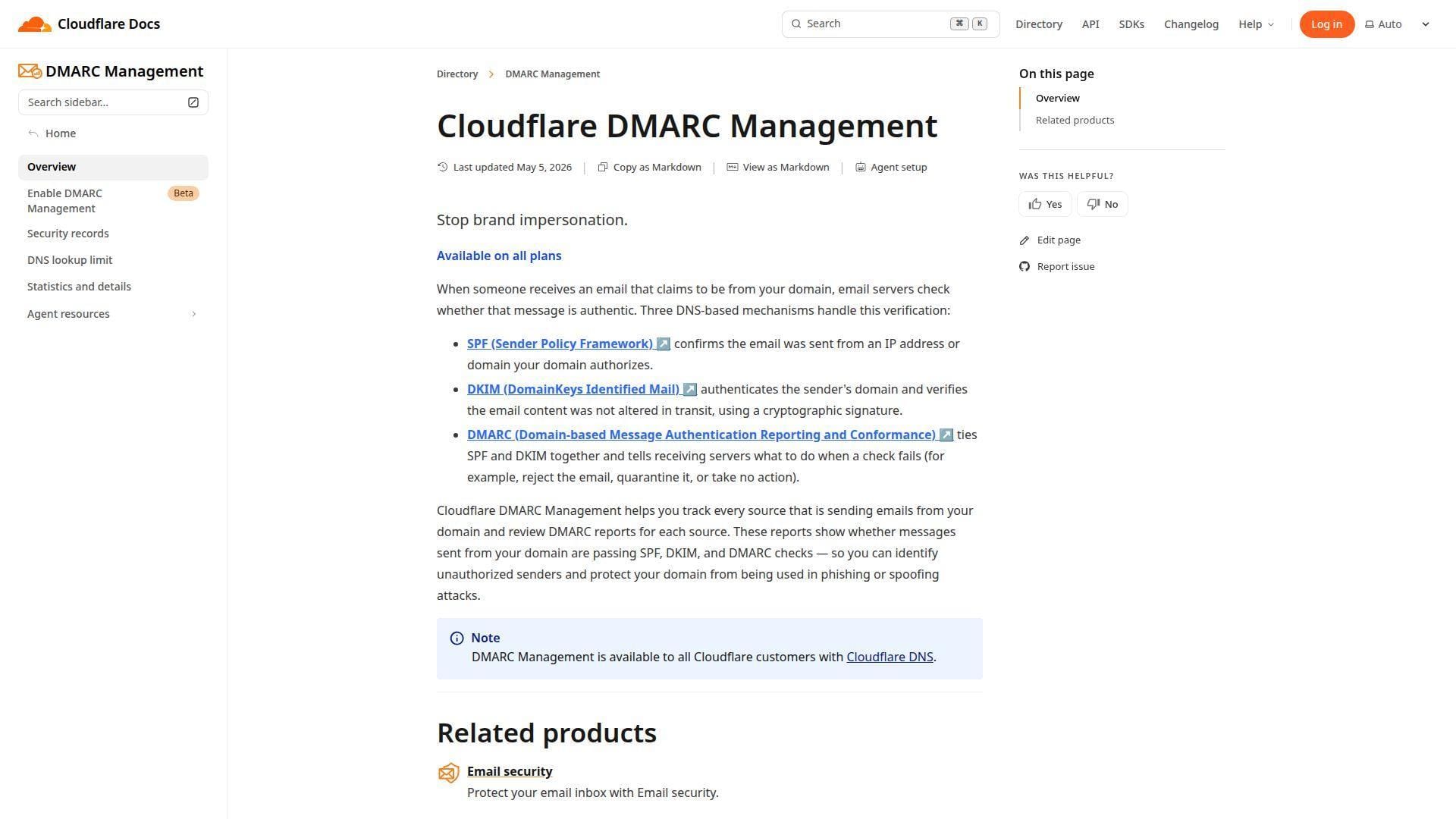
If your DNS already lives in Cloudflare, this may be the simplest “good enough” answer in the whole roundup. Cloudflare DMARC Management is not trying to be a stand-alone boutique DMARC platform. Its value is that it lives where many teams already manage DNS, which cuts setup friction in a very real way.
How Cloudflare DMARC Management works
The docs say DMARC Management is available on all plans and to all Cloudflare customers with Cloudflare DNS. To turn it on, you log in to the Cloudflare dashboard, select the domain, go to Email > DMARC Management, and choose Enable DMARC Management.
From there, Cloudflare scans the zone. If no DMARC record exists, it invites you to add one. If a DMARC record already exists, Cloudflare adds another rua reporting address so it can receive and process reports on your behalf. The overview page says the feature helps you track every source sending from your domain and review DMARC reports for each source.
There are limits worth noting. The docs say it only works with apex domains, not subdomain setups, and there is a specific warning about SPF updates when a CNAME in the zone points to an external domain. So yes, it is convenient, but it is still opinionated.
Who is Cloudflare DMARC Management for?
This fits website teams, startups, and small IT departments that already use Cloudflare as authoritative DNS and want fewer moving pieces. It is also a sensible pick for admins who prefer a single dashboard for DNS and basic DMARC visibility.
Look elsewhere if you need a dedicated DMARC vendor’s deeper workflows, multi-client management, or support for subdomain-heavy setups. This is at its best inside the Cloudflare world, not outside it.
Cloudflare DMARC Management pricing
- Free: $0/month, with Fast, Easy-to-use DNS, unmetered DDoS protection, CDN, Universal SSL certificate, and access to DMARC Management when Cloudflare DNS is used.
- Pro: $20/month billed annually or $25 monthly, with the same DNS base plus WAF and additional site features.
- Business: $200/month billed annually or $250 monthly, with 100% uptime SLA and broader business-grade site protections.
- Contract: custom annual pricing, for mission-critical applications with enterprise contracting.
The platform pricing is published on Cloudflare’s plans page.
Pros and cons
Pros
- DMARC Management is available on all Cloudflare plans.
- The enablement flow is documented clearly inside the dashboard workflow.
- Ideal when DNS already sits in Cloudflare.
- You avoid introducing another vendor just to collect reports.
Cons
- Only works with apex domains, not subdomain setups.
- The SPF warning around external CNAMEs is easy to overlook.
- Less specialized than a dedicated DMARC platform.
Cloudflare DMARC Management rating and reviews
We did not find a meaningful product-specific public review page for this DMARC feature, so there is no independent score worth quoting.
For existing Cloudflare DNS users, this is one of the strongest convenience picks in the market. For everyone else, its appeal drops quickly.
7. Red Sift OnDMARC
- Category: DMARC and email authentication platform
- Best for: Guided enforcement and more complex organizations
- Ease of use: Easy
- Pricing: Low-cost Express start, then quote-led tiers
- Standout feature: Strong automation story
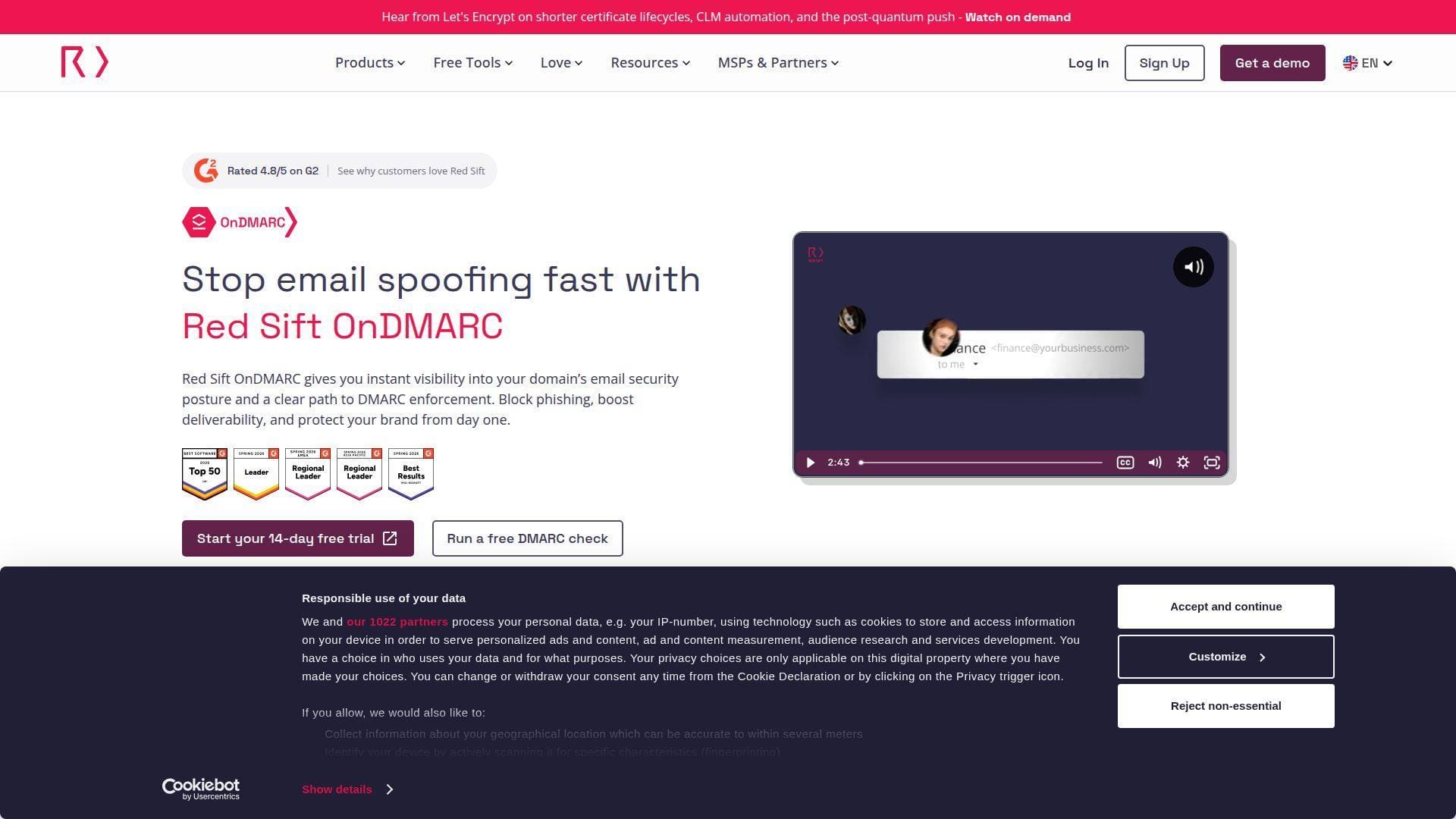
Red Sift OnDMARC makes a strong case for teams that want faster progress to enforcement, not just better report readability. Its positioning is less about free visibility and more about guided control across SPF, DKIM, DMARC, and related protocols. That is why we rank it below simpler free-first tools but still comfortably in the top 10.
How Red Sift OnDMARC works
The product page says OnDMARC helps organizations reach full DMARC enforcement in 6 to 8 weeks. It also says you can make a one-time DNS change and then manage email authentication from the UI, which is a big operational win when you have lots of legitimate services to keep aligned.
On the G2 profile and product page, Red Sift highlights Dynamic Services, investigative tooling, automation across DMARC, DKIM, SPF, MTA-STS, and BIMI, plus extras such as VMC provisioning and protection against certain forms of malicious mail that bypass ordinary DMARC expectations. Whether or not you need every advanced bell and whistle, the overall message is clear: this is built for more active management than basic free parsing.
That will be overkill for some readers, but for mature programs it is a real plus.
Who is Red Sift OnDMARC for?
We would send mid-market and enterprise buyers here first when “free” is less important than acceleration, support, and structured movement toward stricter policy. It also fits teams with many legitimate sending services and little appetite for repeated manual DNS edits.
Very small teams or one-domain owners should probably start with something cheaper and lighter. OnDMARC’s strengths show up once the environment gets messy.
Red Sift OnDMARC pricing
- Express: starting at $9/month billed annually, for small organizations, with a free trial and no credit card required.
- Essentials: quote-based, positioned as the value-maximized tier for growing organizations, with a free trial and no credit card required.
- Enterprise: custom pricing, for email security at scale, with email support, quarterly account review, chat support, dedicated account manager, phone support, and custom SLA.
- Premier: custom pricing, positioned for next-level protection against spam that bypasses DMARC.
The current commercial ladder is on the OnDMARC pricing page.
Pros and cons
Pros
- Express gives smaller organizations a public starting point.
- The platform’s automation story is stronger than many basic monitors.
- G2 reviewers consistently praise support and usability.
- The product is designed around getting to enforcement, not just watching reports forever.
Cons
- Most serious tiers are quote-led.
- The overall platform can feel heavy for one-domain use.
- Best value appears after the small-business phase, not before it.
Red Sift OnDMARC rating and reviews
- G2: rated 4.8/5 across 107 reviews.
OnDMARC is not our favorite for the smallest budgets. It is, however, one of the better researched options for teams that care more about a guided road to enforcement than a forever-free monitoring tier.
8. MXToolbox DMARC Report Analyzer
- Category: DMARC utility plus deliverability platform
- Best for: Quick parsing and broader email-deliverability work
- Ease of use: Very easy
- Pricing: Free analyzer, richer features in paid Delivery Center
- Standout feature: Good add-on choice if you already use MXToolbox
MXToolbox makes more sense as a utility hub than as a pure-play DMARC platform. That is not a criticism. In fact, it is the reason it makes this list. If you already use MXToolbox for DNS, blacklist, and mail-flow checks, the DMARC Report Analyzer is a convenient next step rather than a separate buying decision.
How MXToolbox DMARC Report Analyzer works
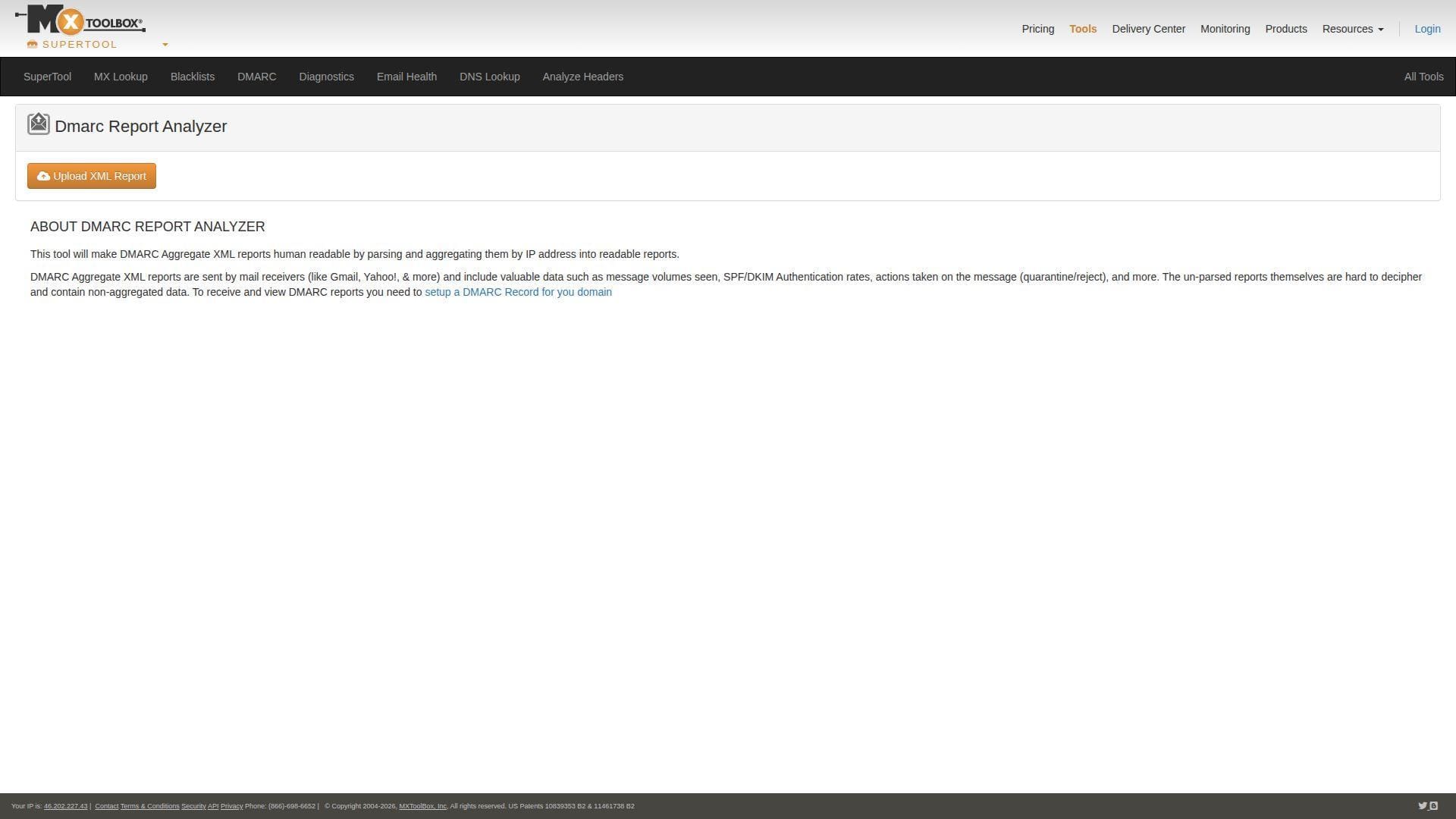
The analyzer page explains the problem well: aggregate XML reports contain useful data such as message volumes, SPF and DKIM authentication rates, and actions like quarantine or reject, but the raw files are hard to decipher. MXToolbox turns those reports into something human-readable.
The wider Delivery Center pricing page shows where the tool fits in the bigger product. MXToolbox positions paid plans around inbox placement, recipient complaints, email delivery configuration management, adaptive blacklist monitoring, outbound and inbound mailflow monitoring, onboarding support, and SPF flattening. It explicitly says paid users get DMARC management and help migrating to a 100% reject policy.
That broader context is important. On its own, the free analyzer is handy. As part of Delivery Center, it becomes one piece of a larger deliverability workflow.
Who is MXToolbox DMARC Report Analyzer for?
This suits admins who already trust MXToolbox for lookup and reputation work, or teams that want DMARC reporting alongside broader mail-delivery monitoring. It is also useful when you need to parse reports fast without committing to a specialized DMARC vendor first.
If DMARC is the center of your project and you need richer policy workflows, there are stronger purpose-built options above it in this list.
MXToolbox DMARC Report Analyzer pricing
- Free users: one free monitor with access to the top 30 blacklists, plus access to MXToolbox’s free tools.
- Paid Delivery Center: pricing is handled through the broader Delivery Center product, with multiple monitors, more blacklist coverage, DMARC management, inbox placement, complaint feedback, onboarding support, and SPF flattening.
The broader commercial package is described on the Delivery Center pricing page.
Pros and cons
Pros
- Very approachable for quick XML-to-human parsing.
- Fits naturally with MXToolbox’s wider email and DNS toolset.
- Paid plans cover more than DMARC alone.
- Reviewers on G2 often mention ease of use and the usefulness of the free tools.
Cons
- Less specialized than the best dedicated DMARC vendors.
- Public pricing is described at the platform level, not as a neat DMARC-only ladder.
- Best if you want deliverability tooling too, not just DMARC monitoring.
MXToolbox DMARC Report Analyzer rating and reviews
- G2: rated 4.1/5 across 29 reviews.
MXToolbox is easy to recommend when DMARC is part of a wider email-deliverability checklist. If DMARC alone is your mission, other tools are more focused.
9. URIports
- Category: DMARC and email reporting platform
- Best for: Privacy-minded teams and MSP-style monitoring
- Ease of use: Moderate
- Pricing: Free one-month trial, then paid subscriptions
- Standout feature: Strong privacy posture
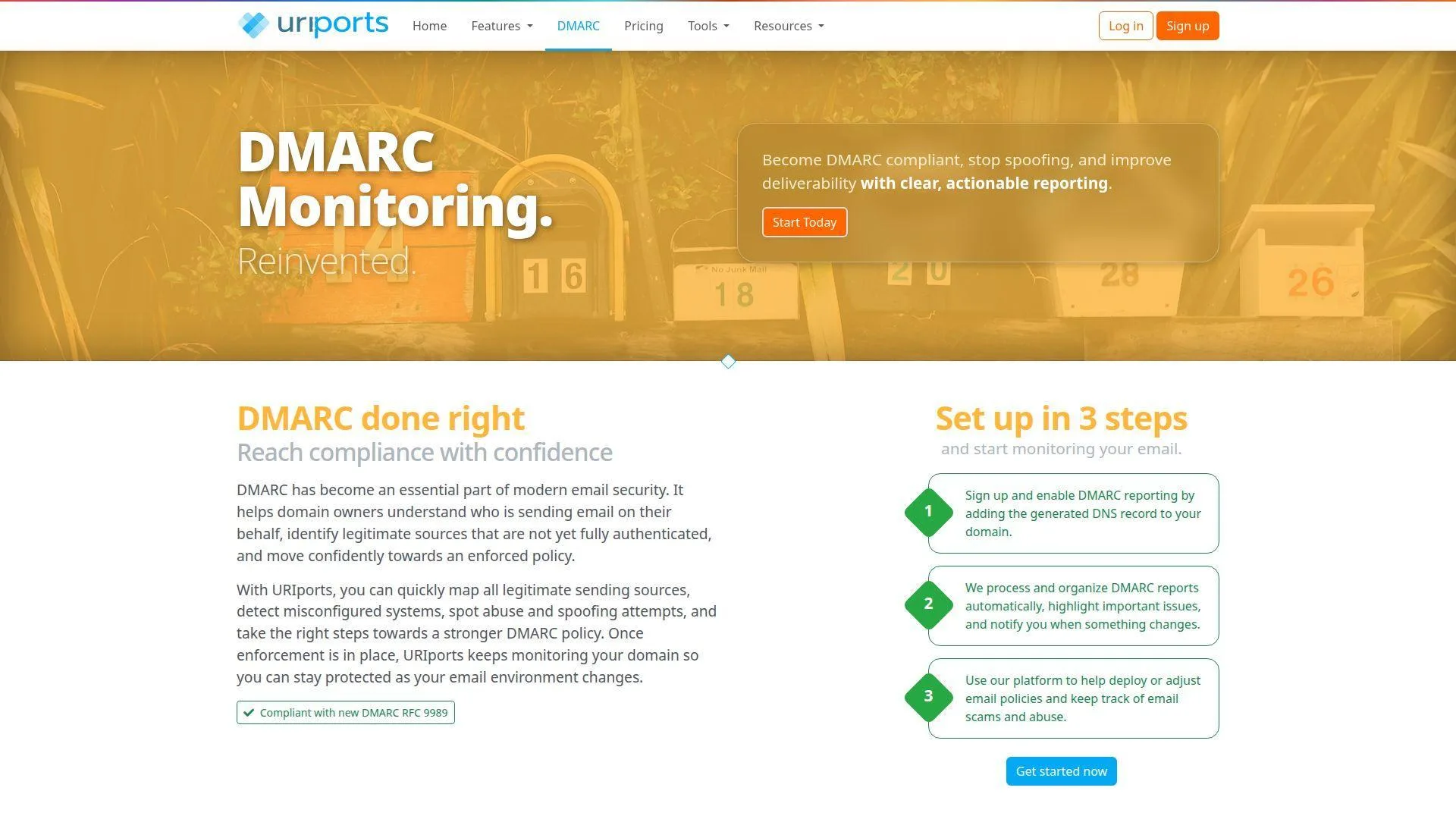
URIports stands out for two reasons: it thinks beyond DMARC alone, and it speaks more clearly than most vendors about privacy. That combination gives it a distinct place in this list. It is not the flashiest option, but it looks unusually practical for teams managing several domains or clients.
How URIports works
The DMARC feature page emphasizes actionable alerts and privacy-by-design. URIports says it can send notifications through webhooks, email, or Telegram, and it lets you choose which alerts you receive and how often. On the pricing page, the company also highlights search, filters, domain grouping, custom views, JSON and CSV exports, noise filtering, and built-in support for other report types beyond DMARC.
The privacy language is refreshingly direct. URIports says report data remains your data, that it does not sell or share it beyond providing the service, and that reports are stripped of information that might contain personal data in line with GDPR and EU law. For some buyers, that alone is reason to pay attention.
The pricing page further says the product is well suited for MSPs and security teams managing DMARC, SPF, DKIM, and MTA-STS for multiple clients from one account. We think that positioning fits the evidence.
Who is URIports for?
URIports is a strong fit for consultants, MSPs, and internal security teams that want richer alerting, domain grouping, exports, and a privacy-first posture. It is also attractive if you expect DMARC work to sit beside MTA-STS and TLS-RPT monitoring.
If you want the cheapest forever-free plan with a very light UI, other tools are easier to start with. URIports feels better once monitoring becomes a repeatable operational job.
URIports pricing
- Free trial: one month free, no credit card required.
- Paid subscriptions: the pricing page uses subscription tiers with instant upgrades and prorated changes, and all subscriptions include all report types for web and email, SPF/DKIM/DMARC/MTA-STS tools, advanced DMARC insights, exports, noise filtering, 2FA, SSO, and product support.
The subscription details live on the pricing page.
Pros and cons
Pros
- Alerting options include webhooks, email, and Telegram.
- All subscriptions include exports, grouping, 2FA, and SSO.
- Strong privacy-by-design messaging and data-minimization stance.
- Well aligned with MSP and multi-client use.
Cons
- The public pricing page is less straightforward than the clearest competitors.
- Free access is trial-based rather than a permanent free tier.
- Less beginner-friendly than the simplest email-digest tools.
URIports rating and reviews
URIports still looks underrepresented on the mainstream review sites we checked, so there is no independent public score we would rely on yet.
URIports will not be the first choice for everyone, but it is a thoughtful one. We especially like it for teams that care about privacy, exports, and managing more than one domain from the start.
10. parsedmarc
- Category: Open source DMARC report analyzer
- Best for: Self-hosting and maximum control
- Ease of use: Hard
- Pricing: Free software, self-hosted infrastructure costs apply
- Standout feature: Flexible outputs and integrations
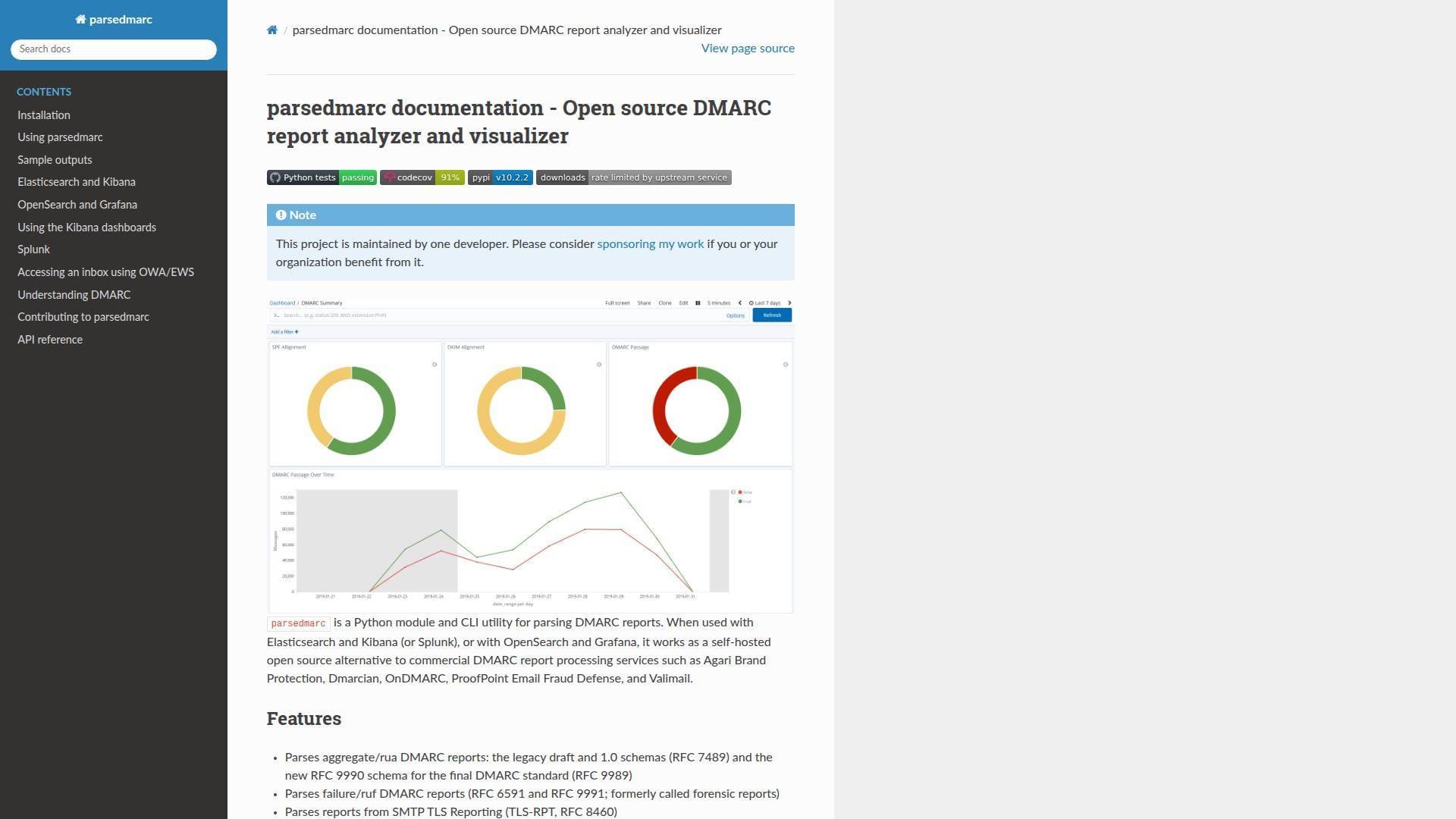
parsedmarc is the right answer when you want control, not convenience. It is a Python module and CLI utility rather than a ready-made SaaS dashboard, and that immediately narrows the audience. Still, it belongs in any serious roundup of free DMARC monitoring tools because it remains one of the strongest open source paths available.
How parsedmarc works
The docs describe parsedmarc as a self-hosted alternative to commercial DMARC report processing services. It parses aggregate RUA reports, failure RUF reports, and TLS-RPT reports. It can collect reports from an inbox over IMAP, Microsoft Graph, or the Gmail API, and it handles compressed reports automatically.
From there, you choose how to work with the output. The docs say it can emit JSON and CSV, email results, or send data into Elasticsearch and Kibana, OpenSearch and Grafana, Splunk, PostgreSQL, Kafka, Amazon S3, Azure Log Analytics, Graylog, syslog, or an HTTP webhook. That is a lot of flexibility for a free project.
The trade-off is obvious. You are building and maintaining part of the stack yourself. The docs also note that the project is maintained by one developer, which is worth keeping in mind for risk planning.
Who is parsedmarc for?
This is best for Linux-savvy admins, security engineers, and self-hosting teams that already have logging and visualization infrastructure. It also makes sense for shops that want DMARC data in their own environment instead of a vendor dashboard.
If you want a no-code UI, managed onboarding, or a clean support channel, look elsewhere. parsedmarc is powerful, but it is not hand-holding software.
parsedmarc pricing
- Software: $0, open source, with support for DMARC aggregate and failure reports, TLS-RPT parsing, and multiple collection methods.
- Infrastructure: your actual cost depends on what you pair it with, such as Elasticsearch and Kibana, OpenSearch and Grafana, Splunk, or PostgreSQL.
Pros and cons
Pros
- Free and open source.
- Supports RUA, RUF, and TLS-RPT parsing.
- Flexible input methods including IMAP, Microsoft Graph, and Gmail API.
- Many export and integration targets for advanced workflows.
Cons
- Harder to set up than any SaaS tool in this list.
- You own the hosting, storage, dashboards, and maintenance burden.
- The project is maintained by one developer.
parsedmarc rating and reviews
Open source tools like parsedmarc rarely build a conventional public review footprint, and we did not find a solid software-review listing we would quote.
parsedmarc is not the best starting point for beginners. It may be the best ending point for teams that already know they want to self-host and customize everything.
Five More Free DMARC Monitoring Tools Worth Considering
The next five picks are all credible, but they are either more specialized, more managed, or less proven in the broader review market than our top 10. That does not make them weak. It just means their best use cases are narrower.
11. ShieldMarc
- Category: Domain security monitoring platform
- Best for: MSPs and IT teams that want more than DMARC
- Ease of use: Easy
- Pricing: Free starter plan, then £50/month and up
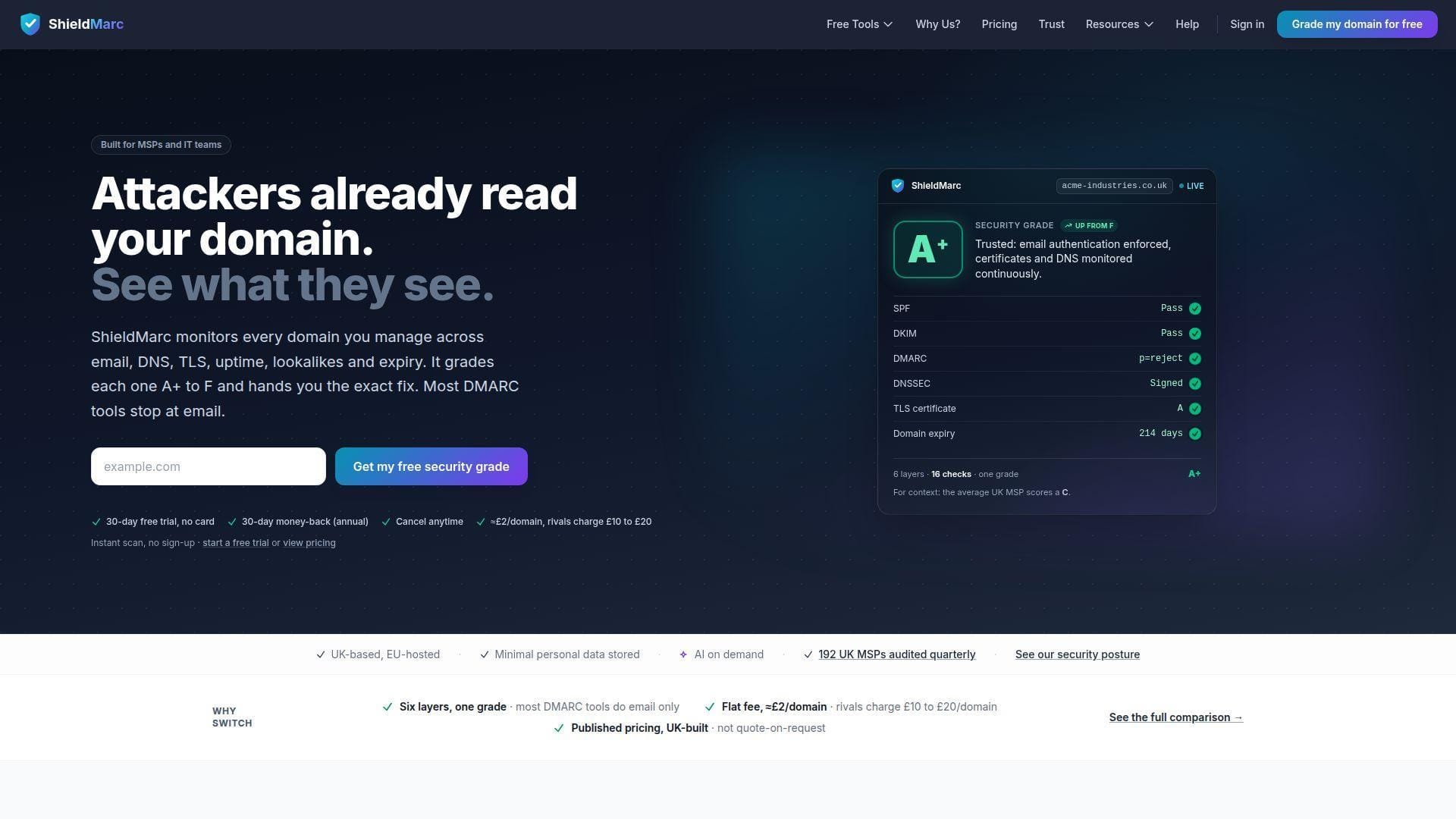
ShieldMarc feels different from most tools in this roundup because it does not stop at DMARC. The home page bundles DMARC, SSL, DNS, uptime, lookalike-domain exposure, and domain expiry monitoring into one service. That wider scope is its main selling point.
The setup story is appealingly simple. ShieldMarc says you add a domain, change one DNS record, and reports start landing in the dashboard within 24 to 48 hours. It also says SSL, DNS, uptime, and lookalike monitoring start immediately, which gives buyers more value before DMARC reports have even accumulated.
Pricing is more transparent than many competitors. The Starter plan is £0/month and includes 1 monitored domain, 10,000 messages per month, 1 year of data retention, 1 SSL monitor, and 20 free tools. The Professional plan is £50/month with 25 domains and 1,000,000 messages per month, while the MSP plan is £100/month with 100 domains, 5,000,000 messages, unlimited team members, and brand TLD grouping.
We would not rank ShieldMarc higher than the top tier yet, largely because its market footprint still looks smaller. Still, for UK-centric MSPs and teams that want domain-security monitoring wrapped around DMARC, it is one of the more interesting under-the-radar options.
Who is ShieldMarc for?
ShieldMarc is best for MSPs, IT teams, and public-sector style buyers who want DMARC plus SSL, DNS, uptime, and lookalike-domain visibility in one subscription. Buyers who only want bare-bones DMARC parsing may find it broader than necessary.
12. Sendmarc
- Category: Managed DMARC platform
- Best for: Buyers who want guidance, not just dashboards
- Ease of use: Easy
- Pricing: Free trial, then quote-led managed plans
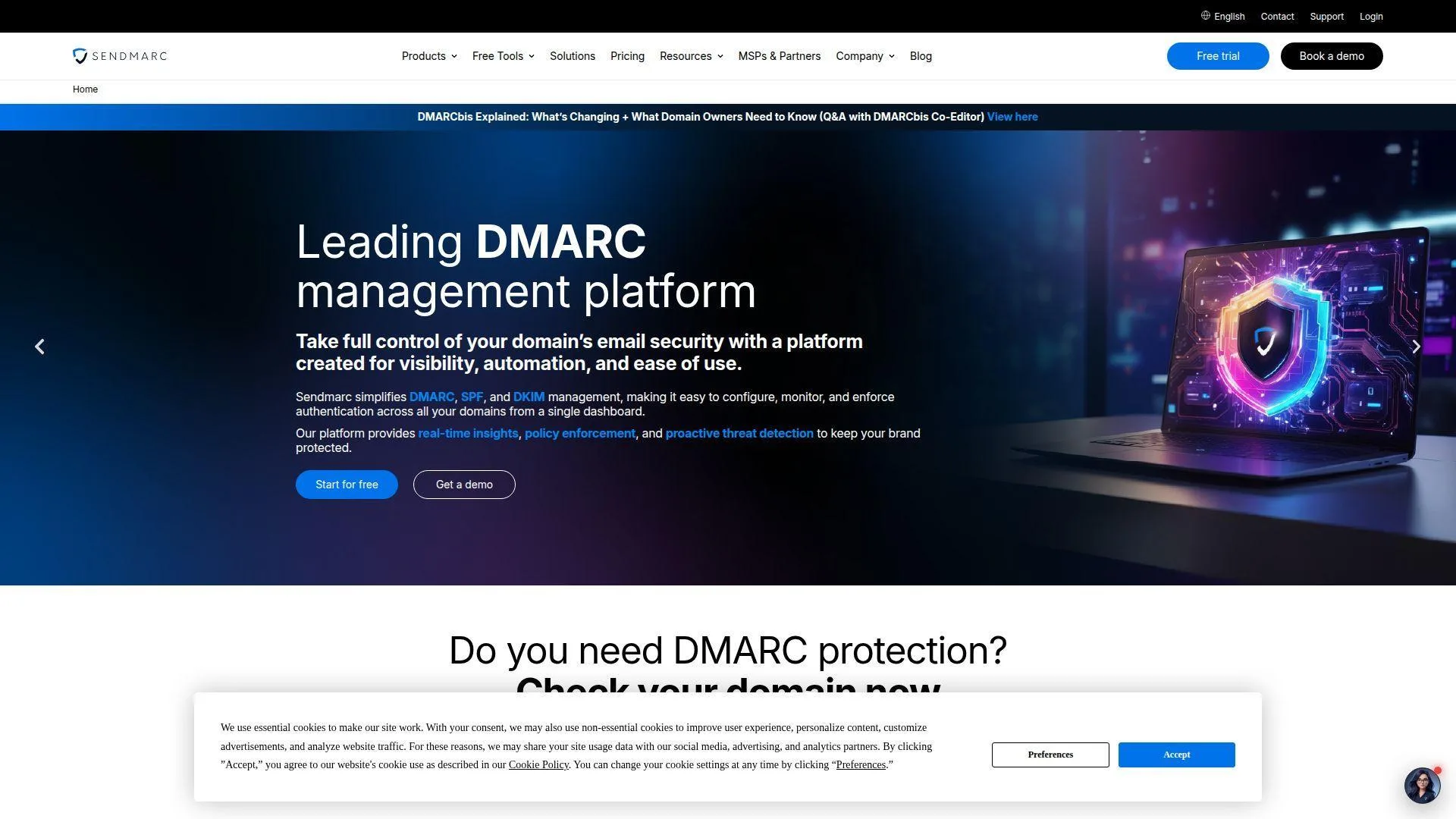
Sendmarc is one of the more managed options in this entire roundup. Rather than leading with a free forever utility, it leads with implementation help, training, and a partner-first model. That makes it especially relevant if you are less interested in parsing reports yourself and more interested in getting to a controlled outcome.
The pricing page gives a useful snapshot. The Free Trial includes up to 5k emails, 1 domain, 21 days of data history, 1 portal user, email and DNS analysis tools, aggregate reports, and 2FA. Above that, the Premium plan is quote-based and includes unlimited emails, unlimited domains, unlimited data history, unlimited portal users, DMARC/SPF/DKIM/BIMI management, forensic reports, blocklist and threat reporting, MTA-STS and TLS reporting, audit logs, SSO, and managed service offerings.
Sendmarc also looks unusually strong for MSP and reseller use. The site highlights a multi-tenant platform, on-demand billing, sales and implementation enablement, PSA integration, automation, scalability, and co-branded notifications. That is a very different buying proposition from a light free monitor.
We kept it out of the top tier because the pricing above the free trial is quote-led and clearly more managed. For buyers who want that hands-on model, though, Sendmarc could leap several spots in a private shortlist.
Who is Sendmarc for?
Sendmarc is a good fit for organizations that want guided rollout, partner support, and managed implementation. If you mainly want a free one-domain dashboard and do not need that service layer, the top-10 picks are usually a better place to start.
13. DMARCTrust
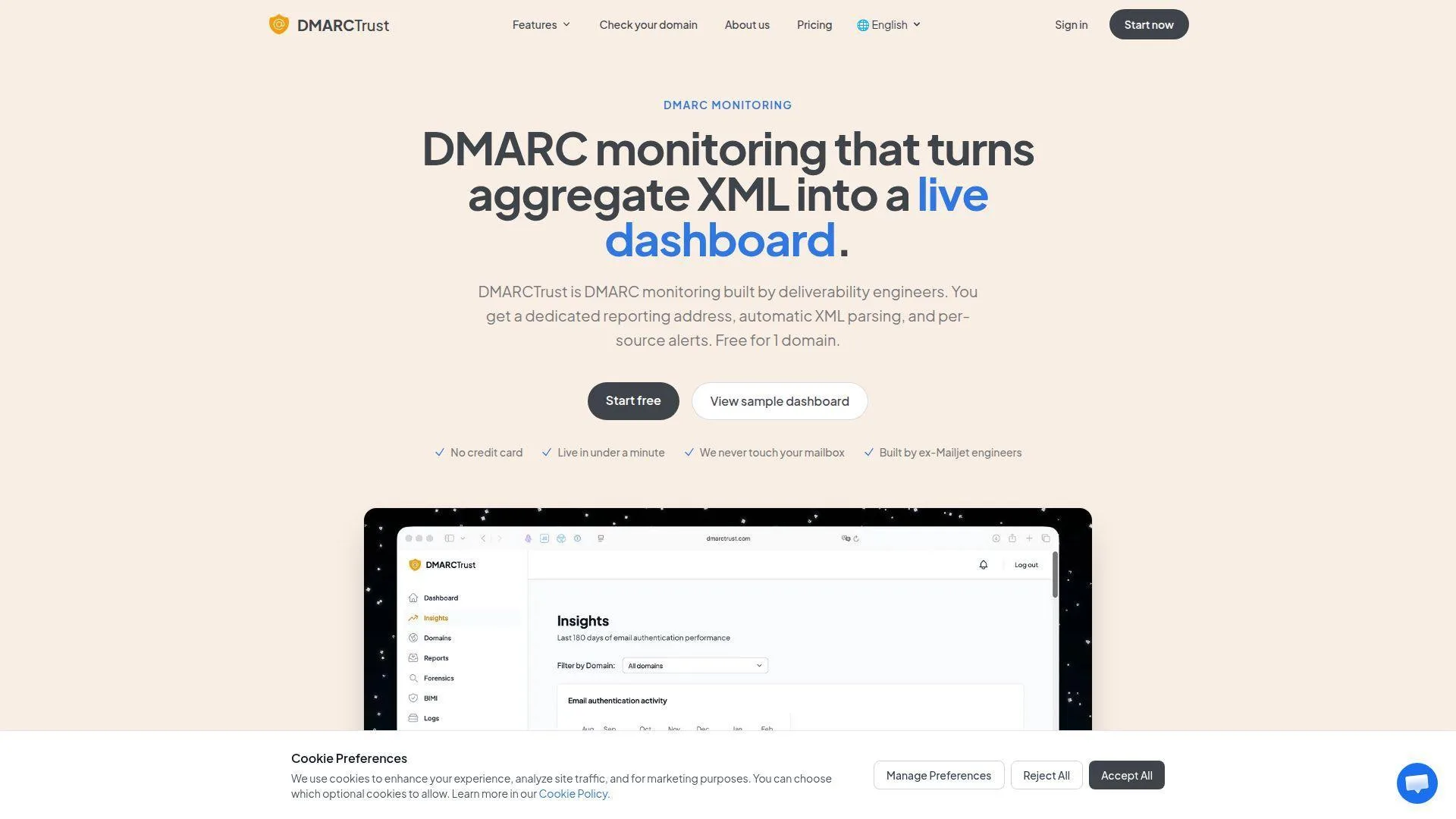
- Category: DMARC monitoring service
- Best for: Predictable per-domain pricing
- Ease of use: Easy
- Pricing: Free for 1 domain, then $19/month and up
DMARCTrust wins points for straightforward positioning. The product page says it gives you a dedicated reporting address, automatic XML parsing, and per-source alerts, free for 1 domain. That is clear, useful, and refreshingly free of fluff.
The service also leans into operational practicality. The page says it is live in under a minute, never touches your mailbox, and was built by ex-Mailjet engineers. For buyers who care about a clean monitoring model more than a big brand name, that is a credible pitch.
Its public pricing is also one of the cleanest in the space. The Free plan covers 1 domain, 50 reports per month, 7-day retention, pass/fail compliance charts, and DNS status checks. Starter is $19/month with 2 domains, 90-day retention, DNS change alerts, and two teammate invites. Pro is $49/month with 5 domains, unlimited sources per domain, SPF Optimizer, 180-day retention, hosted MTA-STS, TLS-RPT analytics, and five teammates.
We like DMARCTrust more than its market profile currently suggests. The main reason it stays out of the top 10 is that it is still building a wider public footprint compared with more established vendors.
Who is DMARCTrust for?
DMARCTrust suits small businesses, consultants, and multi-domain teams that want clear domain-based pricing and no per-message metering on paid plans. Buyers chasing the largest review footprint or the broadest protocol suite may prefer bigger vendors.
14. DDMARC
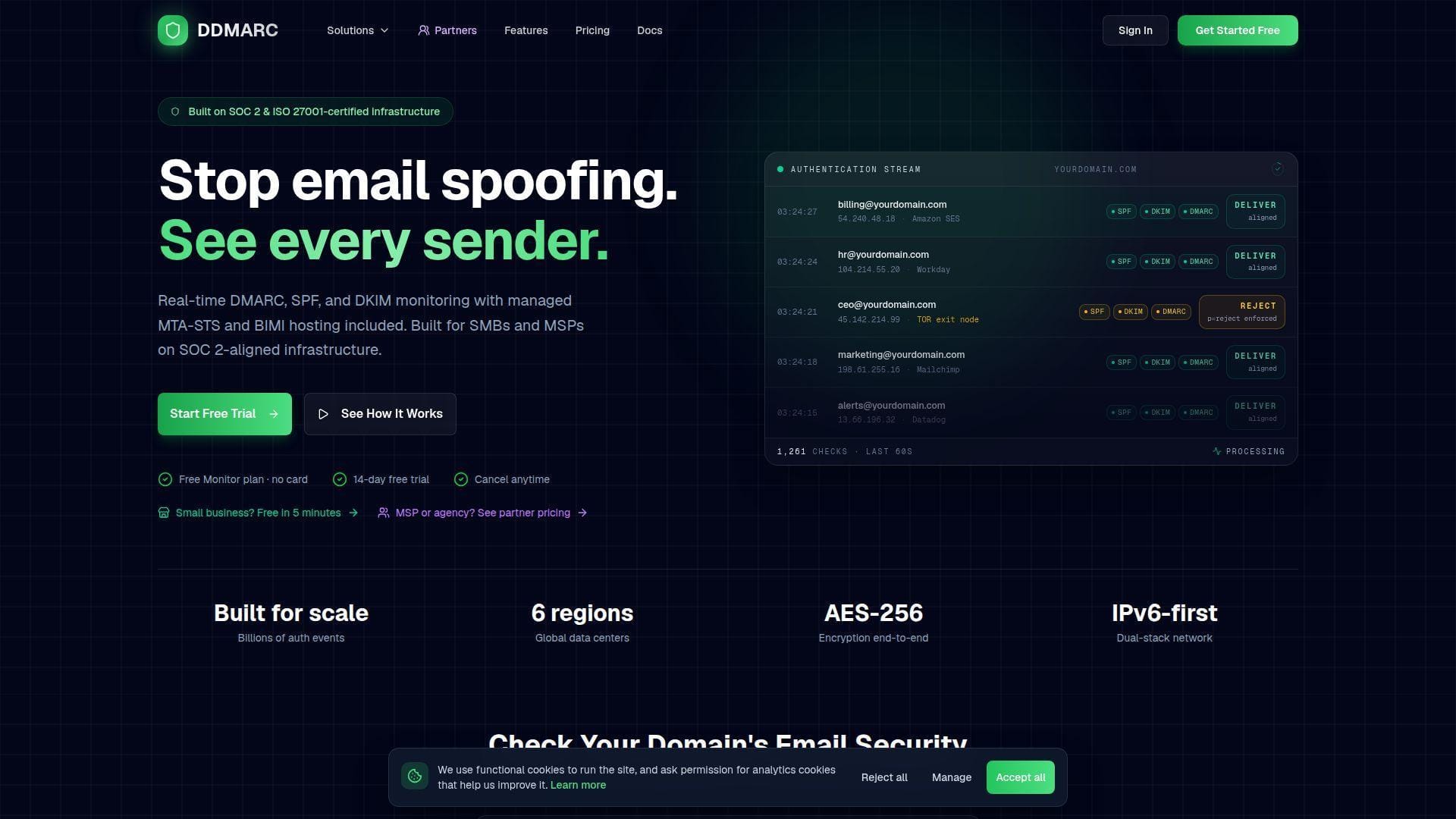
- Category: DMARC and mail-security monitoring platform
- Best for: Buyers who hate volume-based pricing
- Ease of use: Easy
- Pricing: Free Monitor plan, then $29/month and up
DDMARC’s clearest differentiator is pricing philosophy. The pricing page says every listed price is the whole price, with no email volume limits, no overage fees, and no surprises. That is a sharp contrast to vendors that meter by compliant email volume.
The free Monitor plan is more generous than many readers will expect. It includes 2 domains, 30 days of data retention, basic SPF/DKIM/DMARC monitoring, manual DNS checks, email notifications, and community support. Protect at $29/month adds 5 domains, 90-day retention, TLS-RPT, MTA-STS, BIMI monitoring, daily scheduled DNS monitoring, trend charts, CSV exports, forensic reports, Slack and Discord webhooks, and API access.
There is also a clearly stated MSP angle. DDMARC publishes partner pricing from $299/month for 100 active domains, plus $2.99 for each extra active domain, which is unusually direct for this category. That alone makes it worth a look for service providers.
We did not rank it higher because it has a smaller market presence than the leaders, but if transparent pricing is your top filter, DDMARC becomes much more compelling.
Who is DDMARC for?
DDMARC is for buyers who want published pricing, API access, and multi-domain monitoring without message-volume math. If you want the deepest review history or the safest big-name pick, the higher-ranked tools still have the edge.
15. MyDMARC
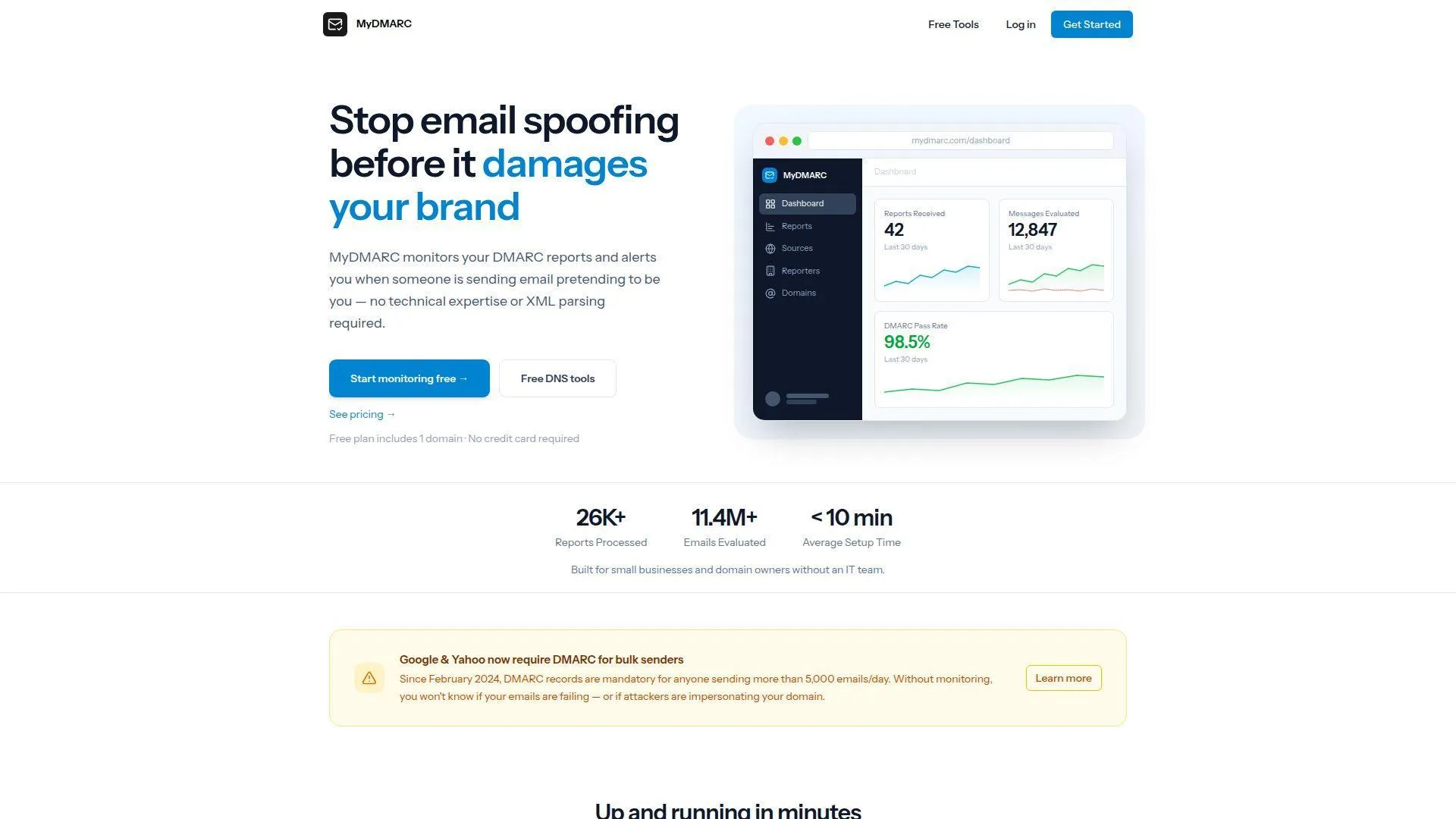
- Category: Lightweight DMARC monitoring service
- Best for: Very small teams that want simple pricing
- Ease of use: Very easy
- Pricing: Free plan, then $10/month and up
MyDMARC looks small, simple, and refreshingly easy to parse. Sometimes that is exactly what a buyer needs. The home page presents a short pricing table instead of a sprawling enterprise catalog, which immediately tells you what kind of product this is.
The Free plan is $0/month for 1 monitored domain with 7 days of data retention. Basic is $10/month for 5 monitored domains, 30 days of data retention, and team members. Pro is $30/month for 20 monitored domains, 90 days of data retention, team members, and priority email support.
That simplicity is the point. MyDMARC is not trying to win on giant feature matrices. It is trying to give smaller buyers a cheap, understandable place to monitor reports without the usual sales detour.
We kept it at the end of the list because the product still looks early and lean compared with bigger vendors. But for tiny teams that value clear pricing above all else, it may be more attractive than several heavier tools above it.
Who is MyDMARC for?
MyDMARC is best for freelancers, very small businesses, and agencies with a modest domain count that want a low-friction pricing ladder. Larger teams that need stronger automation, broader protocol management, or richer public review history should aim higher up this list.
How to Match Free DMARC Monitoring Tools to Your Volume and Team
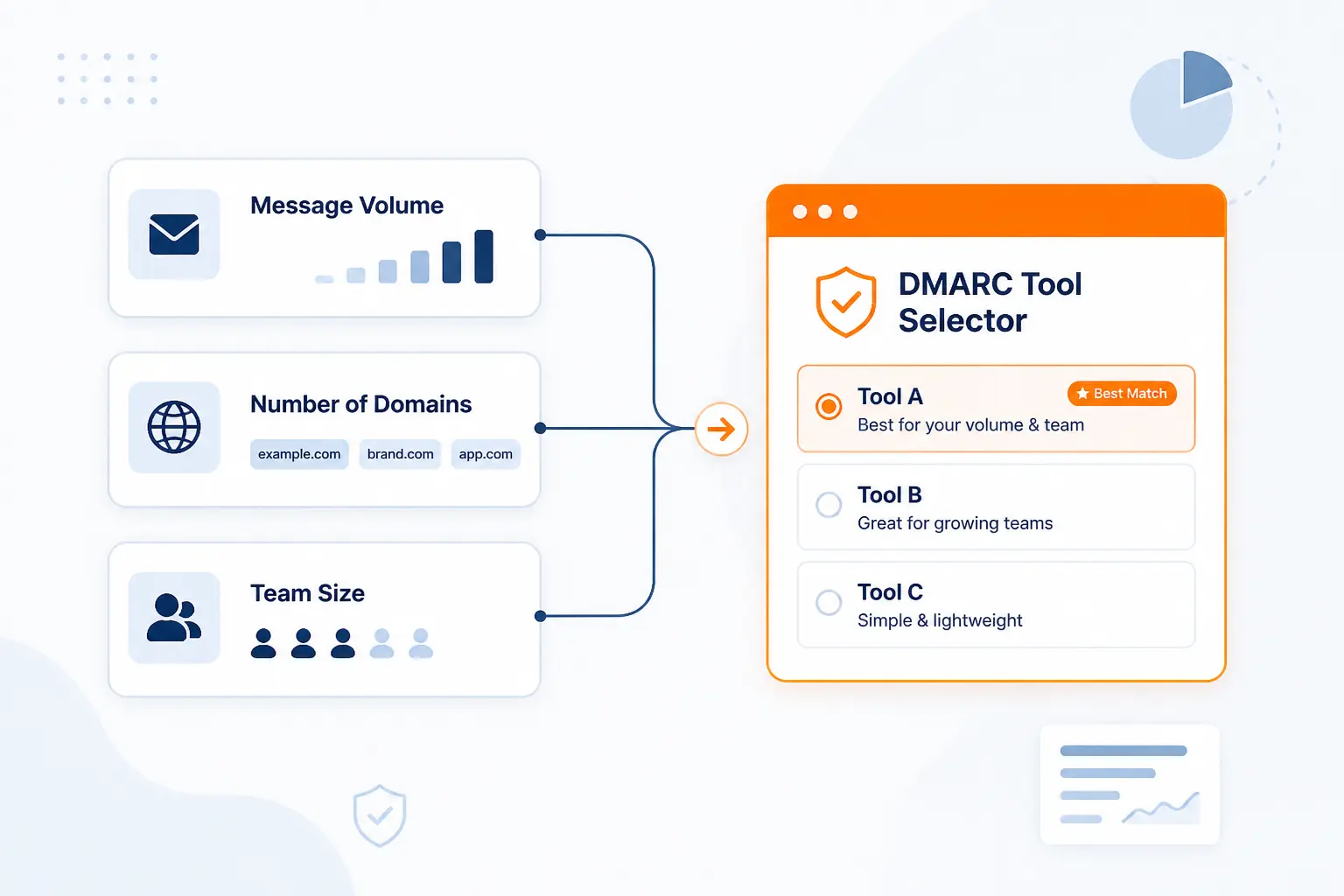
The easiest way to narrow this list is to stop thinking in vendor names and start thinking in operating model. How many messages and domains are you dealing with? Who is actually going to watch the reports? A good fit at one domain can become a nuisance at 20.
Choose Based on Monthly Email Volume
Volume is the first filter because it decides how quickly a free tier stops being useful. Some tools are clearly built for low-volume learning. Others start to make sense only when you have enough mail flow to justify dashboards, alerting, or paid history.
| Option | Published starting allowance | Best use |
|---|---|---|
| dmarcian Personal | 1,250 messages/month | Personal and non-business learning |
| Sendmarc Free Trial | Up to 5k emails | Short managed evaluation |
| ShieldMarc Starter | 10,000 messages/month | One domain plus extra monitoring |
| EasyDMARC Plus | 100,000+ emails by tier | SMB production use |
If your domain sends very little mail and you mainly want to identify legitimate senders, pick the simplest tool that gets you readable reports. If your environment includes newsletters, ticketing tools, CRMs, billing systems, and third-party senders, assume your reporting volume and troubleshooting needs will rise faster than you think.
Choose Based on Technical Comfort and Support Needs
Technical comfort is the second filter, and it is just as important. A small team with weak DNS confidence should not choose the same tool as a security engineer who already runs logging infrastructure.
| Team style | Better-fit options | Why |
|---|---|---|
| Beginner, one domain | Postmark, MyDMARC | Low-friction setup and simple reporting |
| Already on Cloudflare | Cloudflare DMARC Management | DMARC sits where DNS already lives |
| Growing IT team | EasyDMARC, Valimail, dmarcian | Clear upgrade paths and richer views |
| Self-hosting team | parsedmarc | Maximum control and flexible integrations |
If you know your team will want guided rollout, partner help, or managed services, shortlist Sendmarc, Red Sift, or PowerDMARC early. If nobody wants another platform to administer, keep your shortlist short and boring. That is often the smarter move.
Where Free DMARC Monitoring Tools Usually Have Limits
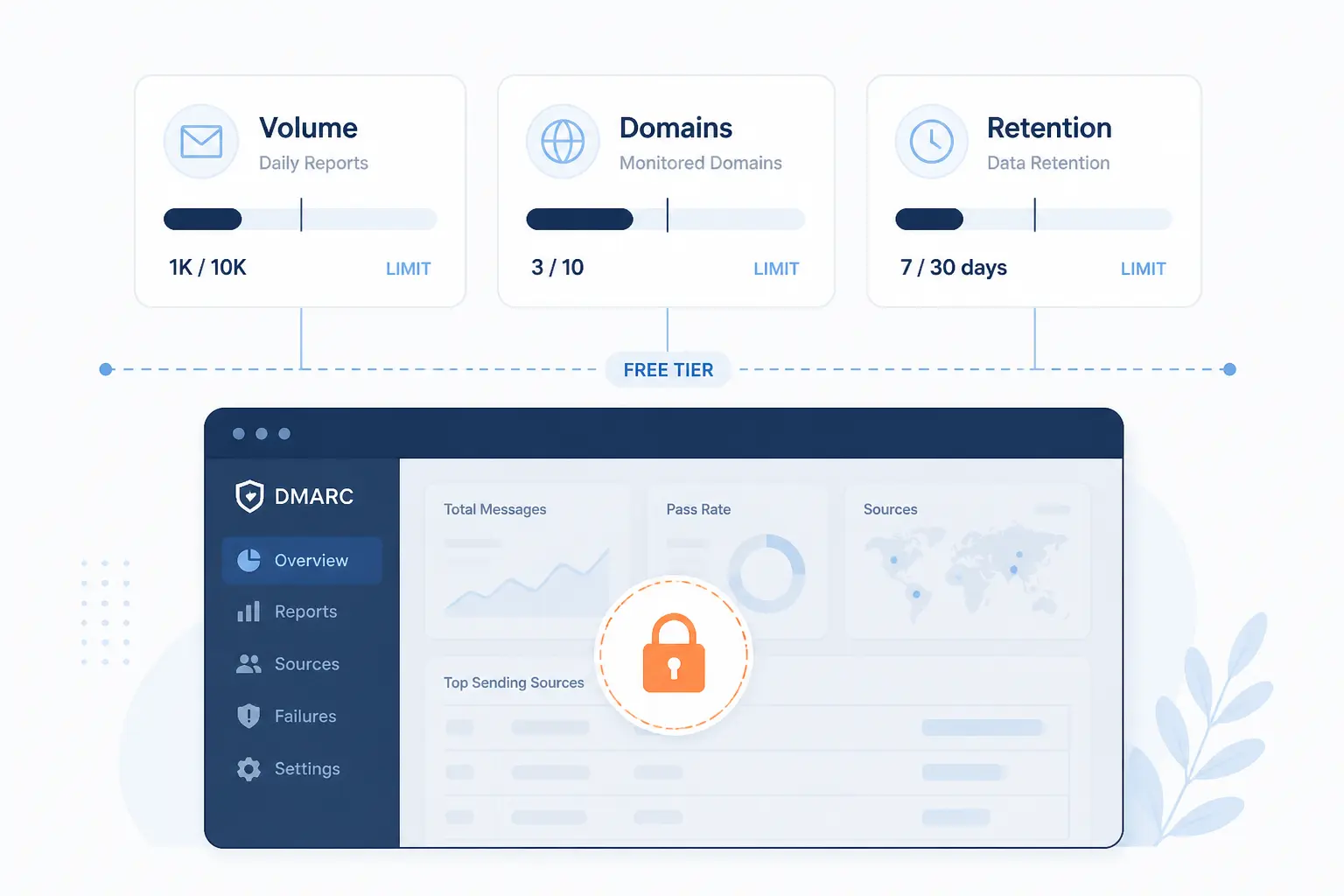
Free is useful, but it is rarely unlimited in the ways that matter. Most tools draw the line on message volume, domain count, retention, collaboration, or the deeper workflow that gets you from monitoring to enforcement. Those limits are not deal-breakers. They just need to be visible before you commit.
Email Volume, Domain, and Retention Caps
The first constraint is almost always scale. dmarcian’s Personal plan is capped at 2 active domains and 1,250 monthly DMARC-capable messages. ShieldMarc Starter includes 1 monitored domain and 10,000 messages per month. Sendmarc’s free trial covers 1 domain with 21 days of history. MyDMARC’s free plan gives 1 monitored domain and 7 days of retention.
Retention is the sneaky one. Seven days is enough to confirm reports are flowing, but it is not enough for a good audit trail, a month-over-month comparison, or a slow-burn sender issue. Once you start using DMARC monitoring for real operations, not just initial setup, short history windows become annoying fast.
Dashboards, Alerts, and Business Use Restrictions
The second constraint is workflow depth. Some free offers keep the dashboard basic, limit alerts, or skip collaboration features. Others, such as dmarcian’s Personal plan, are explicitly for non-business use. That matters if you are trying to protect a commercial domain and not just learn the protocol.
You should also watch for limits around API access, SSO, audit logs, and managed help. Those are the features that tend to disappear from free plans first. If your eventual goal is team-based operation, a generous free plan can still be the wrong fit if the upgrade path gets murky the moment you need shared access or deeper alerts.
How to Roll Out DMARC Safely After You Pick a Tool
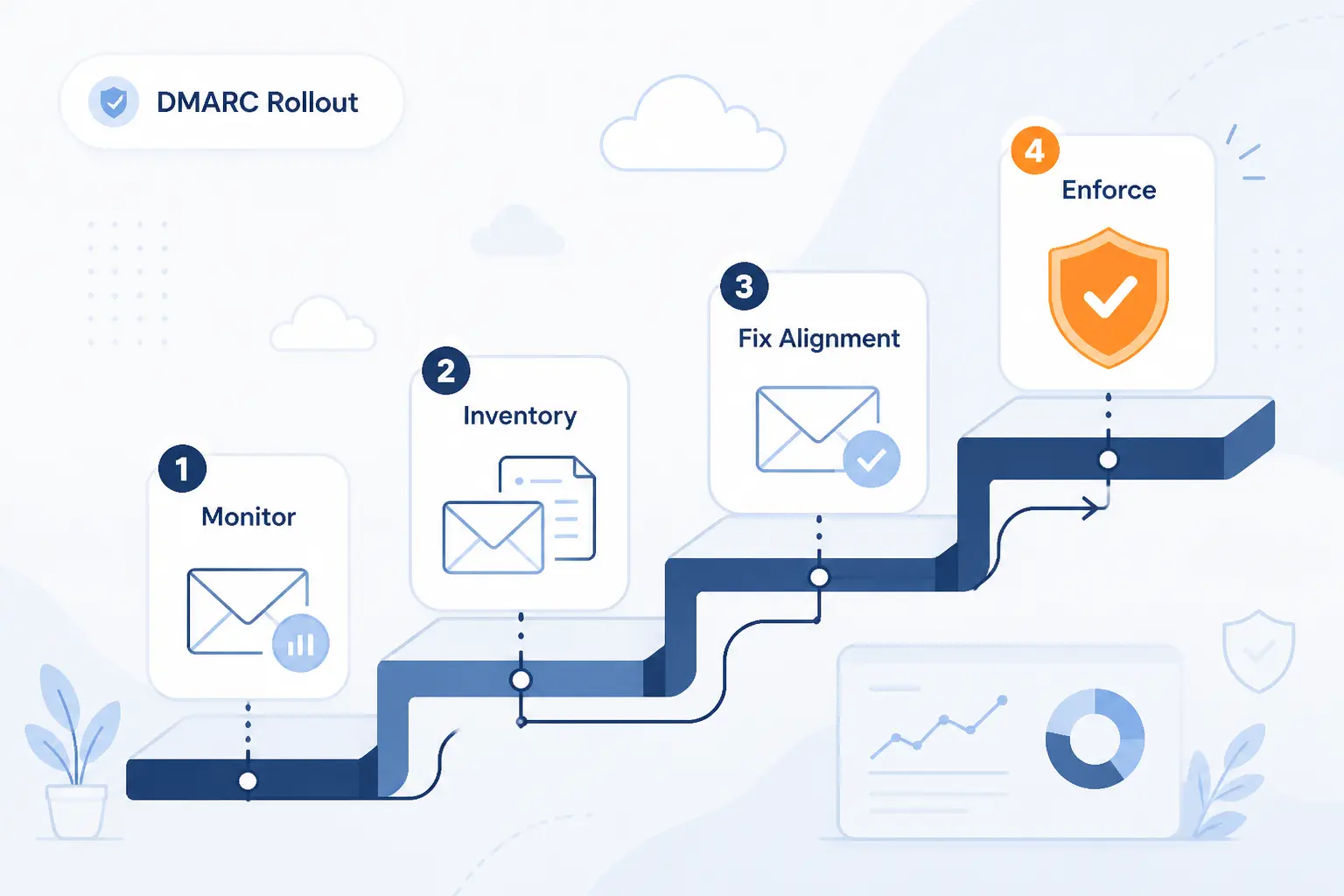
The safest DMARC rollout is boring on purpose. You monitor first, map every sender, fix alignment, and only then tighten policy. Most email breakage comes from rushing past the inventory stage or assuming SPF and DKIM are cleaner than they really are.
Start in Monitoring Mode and Inventory Every Sender
Start with p=none and use the monitoring period to build a sender inventory. Google’s sender guidance tells bulk senders to set up DMARC, but that does not mean you should jump straight to quarantine or reject on day one.
Use your chosen tool to answer a simple question: which systems are actually sending mail that claims to be from your domain? That should include obvious services like Microsoft 365 or Google Workspace, but also the forgotten ones, such as marketing tools, invoicing systems, HR apps, CRM automations, and support platforms.
If you cannot name every sender yet, you are still in inventory mode. Stay there until the picture is clean.
Fix SPF and DKIM Before Tightening Policy
DMARC enforcement only works when SPF or DKIM alignment is reliable, and ideally both are in good shape. Microsoft’s email-authentication guidance explains how alignment failures can cause trouble when the visible From domain does not match the authenticated domain.
This is the stage where free monitoring tools earn their keep. They should help you spot misaligned marketing mail, bad forwarding assumptions, missing DKIM on third-party platforms, and SPF setups that are close to or over the 10-lookup limit. Fix those before you even talk about stricter policy.
Move to Quarantine and Reject in Stages
Once legitimate senders are passing consistently, tighten policy in stages. DMARC itself is now defined as RFC 9989, and the discipline around staged rollout remains the sensible way to apply it in practice.
A common path is to move from p=none to quarantine for a subset of traffic, then widen coverage, and only after that move to reject. This is also where a better tool starts to matter. You want clear trends, failure spikes, and source-level visibility, not guesswork from raw XML.
What Free DMARC Monitoring Tools Should Help You Surface
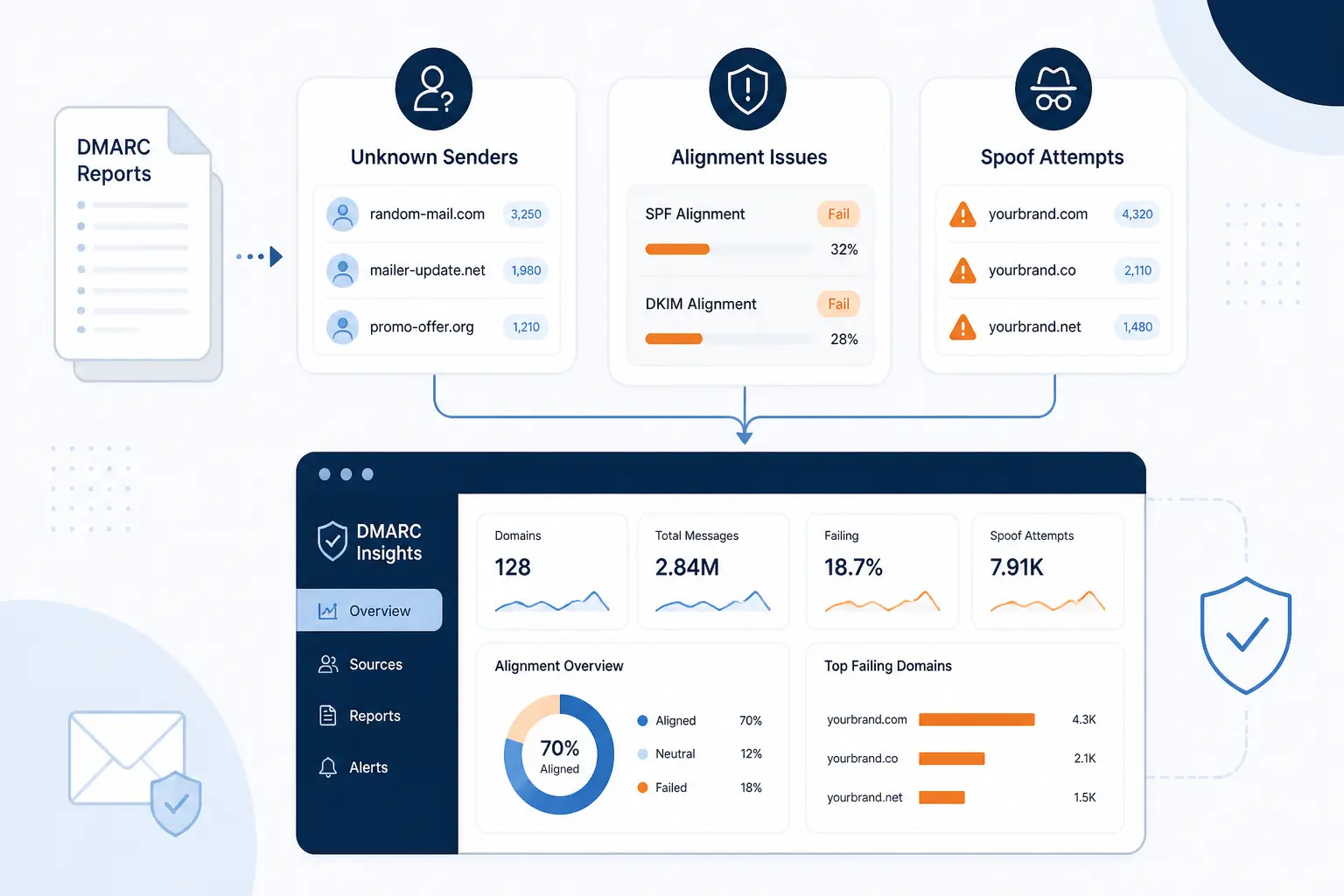
A useful DMARC monitor does more than show pass and fail counts. It should help you spot the senders nobody documented, the alignment issues that quietly hurt delivery, and the repeat patterns that show someone is trying to spoof your domain. That is the difference between “reports are arriving” and “the tool is actually helping.”
Unknown Sending Sources and Shadow IT
The first job is discovering shadow IT. If a tool cannot help you separate legitimate but undocumented services from outright unauthorized ones, it is not doing enough. This is why sender naming and source mapping matter so much in tools like Valimail and dmarcian.
Unknown sources often turn out to be old marketing accounts, dormant SaaS tools, regional subsidiaries, or vendor systems that were added without central review. Free monitoring should surface them before they become either a delivery problem or a policy-enforcement mistake.
Alignment Failures, Spoofing Attempts, and SPF Lookup Problems
The second job is context. A tool should help you distinguish between a legitimate sender that fails alignment and an obvious spoofing attempt. It should also make SPF trouble visible, especially when your record starts to bloat and edge toward the lookup limit.
The structure of aggregate reporting is now formalized in RFC 9990, which matters because better standardization should gradually improve how consistently tools interpret report data. For the buyer, the practical takeaway is simpler: pick a monitor that turns standards data into clear action, not one that leaves you decoding XML by hand.
Why 2026 Sender Requirements Make DMARC Monitoring Harder to Ignore
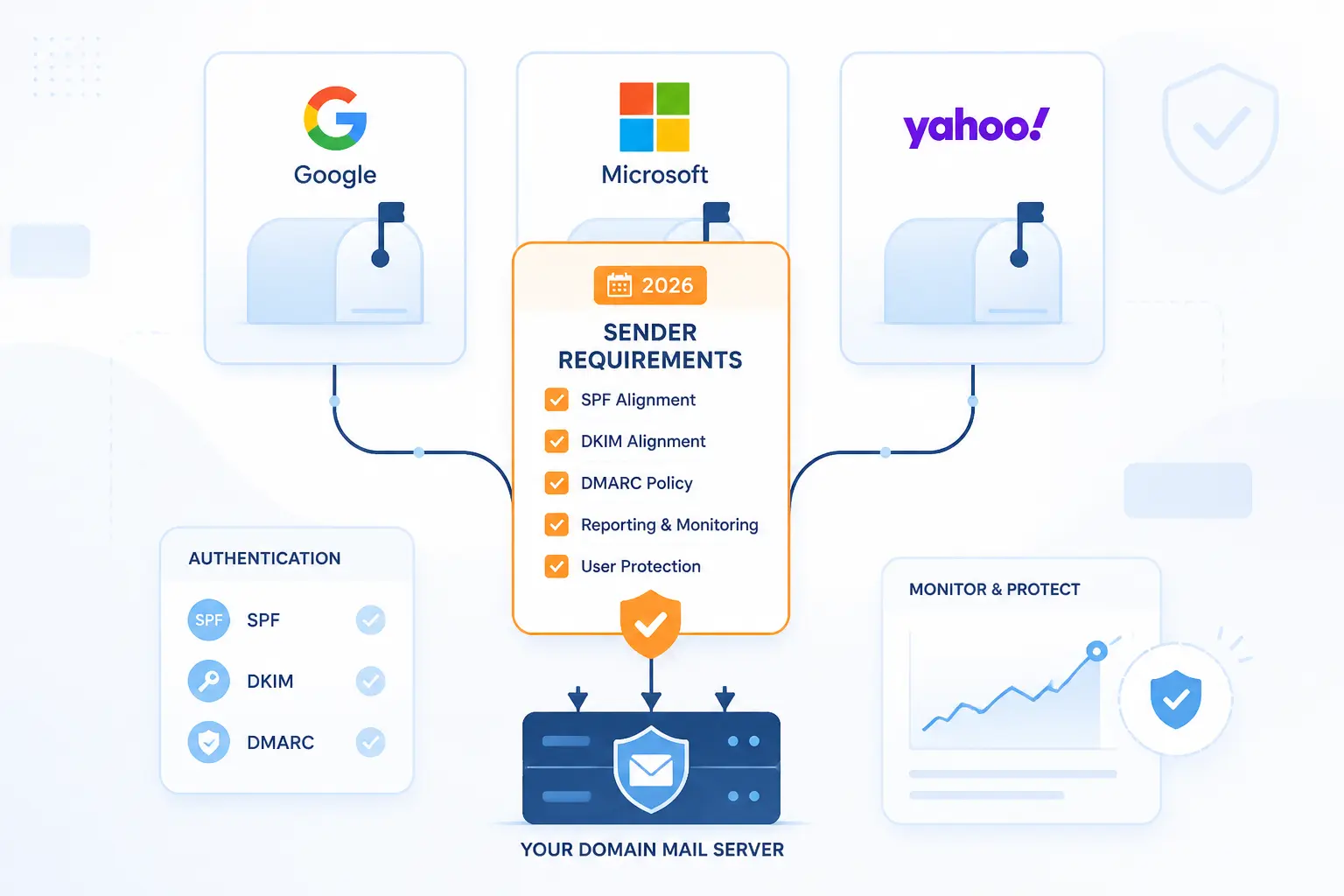
DMARC monitoring used to feel optional for many small senders. That is much less true now. If you send enough mail to major consumer inboxes, the large mailbox providers have made authentication, alignment, and sender hygiene much harder to shrug off.
When Gmail Yahoo and Outlook Rules Matter Most
The rules matter most once you send at scale or depend heavily on consumer inboxes for business mail. Google’s help pages say failing DMARC authentication is one factor that can influence whether mail is rejected, sent to spam, or delivered as expected.
Yahoo’s sender hub says bulk senders should publish a valid DMARC policy with at least p=none and ensure the From domain aligns with either SPF or DKIM. Microsoft is now just as relevant for many senders. Its Outlook.com support documentation ties the 550 5.7.515 error to higher-volume mail and DMARC-related authentication expectations.
If you send newsletters, account alerts, receipts, or any meaningful amount of outbound mail, these requirements are not just for giant senders anymore.
What to Verify Before You Enforce a Policy
Before enforcement, verify four things. First, every legitimate sender is accounted for. Second, SPF and DKIM are passing with proper alignment. Third, your free or paid monitor gives you enough history to trust what you are seeing. Fourth, your team knows who owns the fixes when a source fails.
Yahoo’s public guidance, Google’s sender documentation, and Microsoft’s deliverability support all point in the same direction: authentication is now an operational requirement, not a nice extra. Monitoring is the bridge between publishing a DMARC record and enforcing one safely.
FAQ
These are the questions we hear most often from buyers comparing free DMARC monitoring tools for the first time.
What Is the Best Free DMARC Monitoring Tool for One Domain?
Postmark Free DMARC Monitor is our top pick for one domain. It is the easiest way to get readable weekly summaries without adopting a heavy platform. If you want a dashboard instead of a digest, Valimail Monitor and MyDMARC are also sensible one-domain options.
Are Free DMARC Monitoring Tools Good Enough for Business Use?
Yes, some are good enough for early business use. They are especially useful for inventory, alignment cleanup, and proving reports are flowing before you tighten policy. Where they usually fall short is long retention, collaboration, alerting depth, API access, or multi-domain management.
Can You Use More Than One DMARC Monitoring Tool at the Same Time?
Yes, you can use more than one at the same time by sending aggregate reports to multiple rua addresses. Teams sometimes do this when they want a simple backup view or are trialing a new platform. The only real downside is added clutter if you do not have a clear reason for running both.
Do You Need a Dashboard or Are Email Digests Enough?
Email digests are enough when you have one domain and a small, stable sender list. A dashboard becomes much more useful once you need source-level investigation, longer history, alerts, or shared team access. That is why digest-style tools are fine for starting, but not always fine for staying.
When Should You Move From Monitoring to Quarantine or Reject?
You should move only after legitimate mail is passing consistently and every sender is accounted for. In practice, that means no unexplained sources, no recurring alignment failures, and no important third-party mail still riding on hope. If your monitor still surfaces surprises every week, you are not ready yet.







Conclusion
If you want the simplest place to begin, start with Postmark. If you want room to grow, EasyDMARC and Valimail are easier to recommend. If your DNS already lives in Cloudflare, keep the shortlist short and look there first. And if you want full control, parsedmarc is still the open source option we would take seriously.
The next step is straightforward. Pick two tools that match your domain count and your team style, publish a monitoring record, and let the reports tell you what your email ecosystem really looks like. Which side of that trade-off matters more for you right now, simplicity or depth?