

- Low-Code Creates Applications Visually With Minimal Hand Coding
- How Low-Code Applications Take Shape
- Choosing Between Low-Code, No-Code, and Custom Development
- Where Visual App Building Fits Business Needs
- What Teams Gain From Reducing Repetitive Coding
- Trade-Offs to Evaluate Before Committing to a Platform
- Platform Examples and the Different Needs They Serve
- Frequently Asked Questions
- How 1Byte Supports Your Web and Cloud Infrastructure
- Conclusion
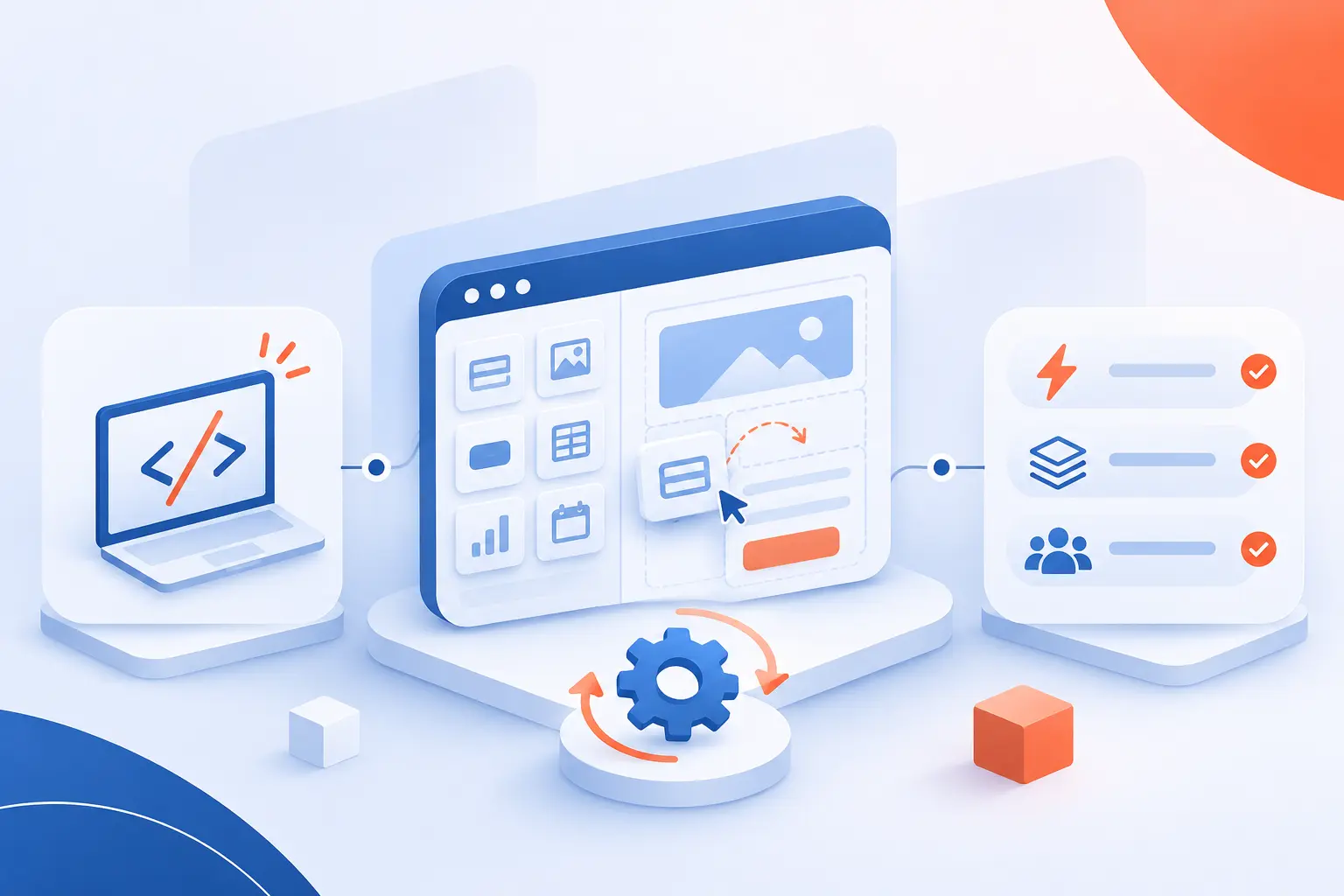
Low-code is a software development approach that uses visual tools and reusable components to reduce hand-written programming. Teams build screens, define business rules, and connect data through a development platform. Developers add code when built-in features cannot meet a requirement. At 1Byte, we see its value in replacing repetitive coding, not removing engineering judgment. The right choice depends on your application’s requirements, operating environment, and long-term ownership needs.
Low-Code Creates Applications Visually With Minimal Hand Coding
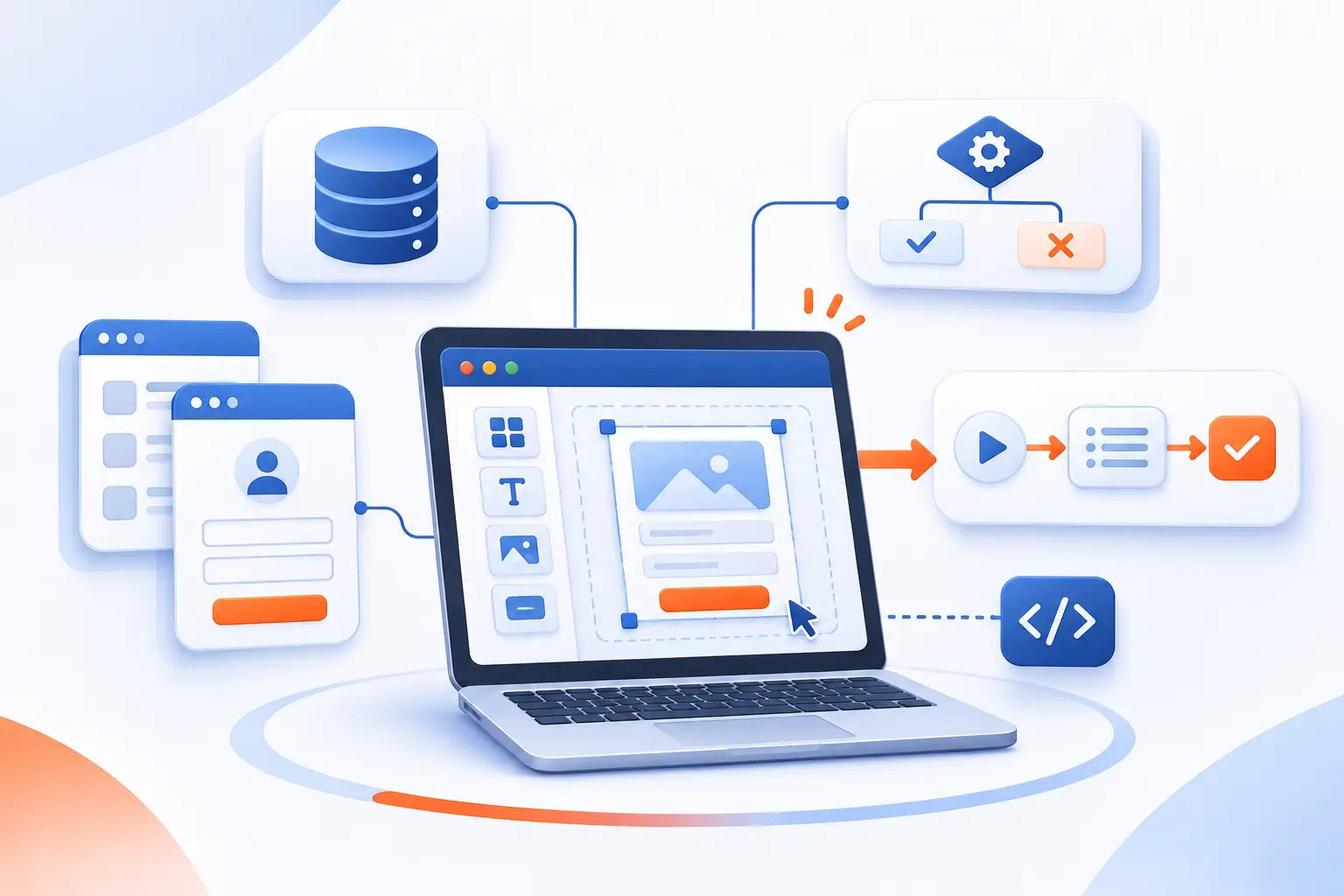
Low-code lets teams create applications by configuring visual models instead of writing every instruction themselves. Those models describe screens, data, rules, and workflows. “Minimal” coding is relative, though. A simple request tracker might need little custom code, while a complex business system may need substantial extensions.
FURTHER READING: |
| 1. What Is a Data Center? Types, Systems, and Uses |
| 2. How Does TikTok Work? Learn to Watch and Post Videos |
| 3. Transport Layer Security: How TLS Protects Your Data |
A Development Approach Rather Than a Programming Language
Low-code describes how software is built, not a particular language used to build it. A platform might combine visual editors, formulas, database queries, and conventional programming languages. The mix depends on its architecture and extension tools.
Think of a purchase-request application. You might configure its form visually, express approval conditions through rules, and write an integration separately. These pieces still form one application. We would judge the approach by how clearly it expresses requirements, not by how little code appears onscreen.
How Platforms Turn Application Models Into Working Software
Platforms make visual models executable through code generation, runtime interpretation, or a combination of both. Code generation produces implementation code from models. Interpretation uses a platform engine to execute the models directly.
For example, the Mendix runtime interprets application models and serves pages. Its server handles application logic and connections to databases and external services. This distinction matters because a visual project does not necessarily become an independent source-code package you can run anywhere.
How Low-Code Applications Take Shape
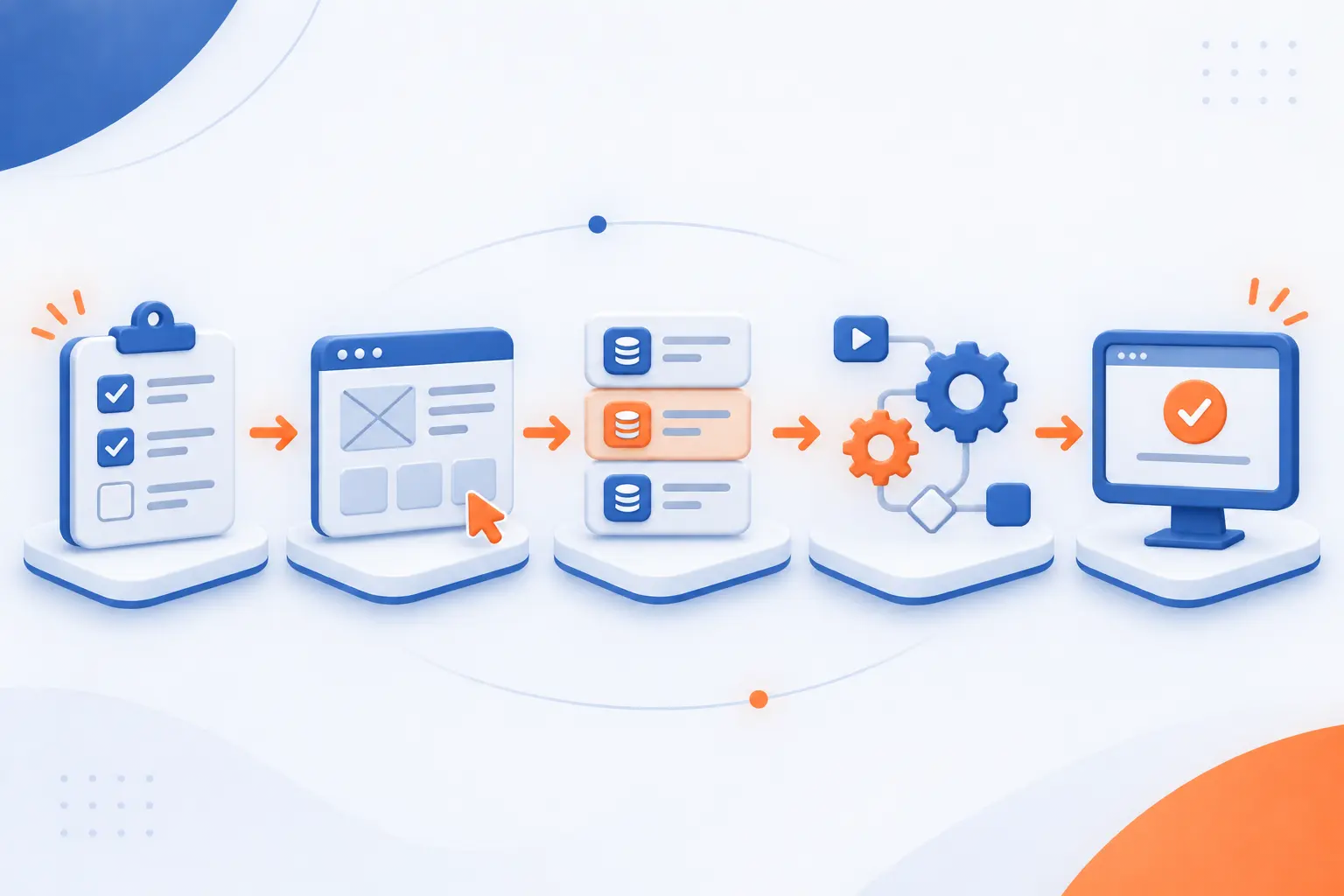
Building a low-code application involves translating requirements into screens, data structures, rules, and integrations, then testing the result. Visual tools change how teams implement these pieces. They do not remove the need to decide what the application should do. Consider an equipment-request app as a running example.
Define Business Requirements and Application Behavior
Start by specifying who uses the application, what information it handles, and which rules govern each action. For equipment requests, identify employees, managers, and purchasing staff. Define required fields and approval responsibilities.
Then describe exceptions. What happens when a manager is unavailable? Can someone cancel an approved request? We recommend writing acceptance criteria before designing screens. A visually complete form can still support an incomplete process.
Assemble Screens and Workflows With Drag-and-Drop Tools
Use visual editors to arrange interface elements and connect the steps users must complete. An equipment-request form might include a product selector, justification field, and submission button. Its workflow routes the request to the appropriate manager.
Placement is only part of the work. Configure validation, navigation, accessibility, and error messages. A button that looks correct must also behave correctly when someone submits missing or conflicting information.
Reuse Components Instead of Building Everything From Scratch
Reuse existing components for repeated interface patterns and business behavior whenever they fit your requirements. A shared employee selector can appear in request forms, approval screens, and reporting views. A reusable validation rule can check required information consistently.
Before adopting a component, inspect its permissions, dependencies, and maintenance status. We prefer a well-understood component over an impressive-looking addition nobody can troubleshoot.
Connect Databases, APIs, and Existing Systems
Connect the application to approved data sources through built-in connectors, APIs, or custom integrations. An API is an interface that lets software exchange information. Our example app might retrieve employee details and send approved requests to purchasing software.
Microsoft documents how custom connectors wrap existing API operations for use in its application and automation tools. Still, a connection needs more than credentials. Define field mappings, access permissions, failure handling, and responsibility for conflicting updates.
Add Custom Code for Requirements Beyond Built-In Features
Add custom code when supported visual features cannot express the required behavior clearly or correctly. Examples include specialized calculations, unusual authentication requirements, or connections to proprietary systems.
Check supported extension languages and execution restrictions first. Sometimes the better design is a separate service called through an API. We recommend keeping custom logic focused and documented. Otherwise, visual development can become a complicated wrapper around hidden code.
Test, Deploy, and Refine the Application
Test the application’s behavior, permissions, and integrations before releasing it to users. Include rejected requests, duplicate submissions, unavailable services, and unauthorized access attempts. A successful demonstration is not sufficient evidence of production readiness.
Use separate development, testing, and production environments where supported. Microsoft’s application lifecycle guidance covers solutions, deployment pipelines, and team development. After release, review errors and user feedback, then test changes before publishing them.
Choosing Between Low-Code, No-Code, and Custom Development
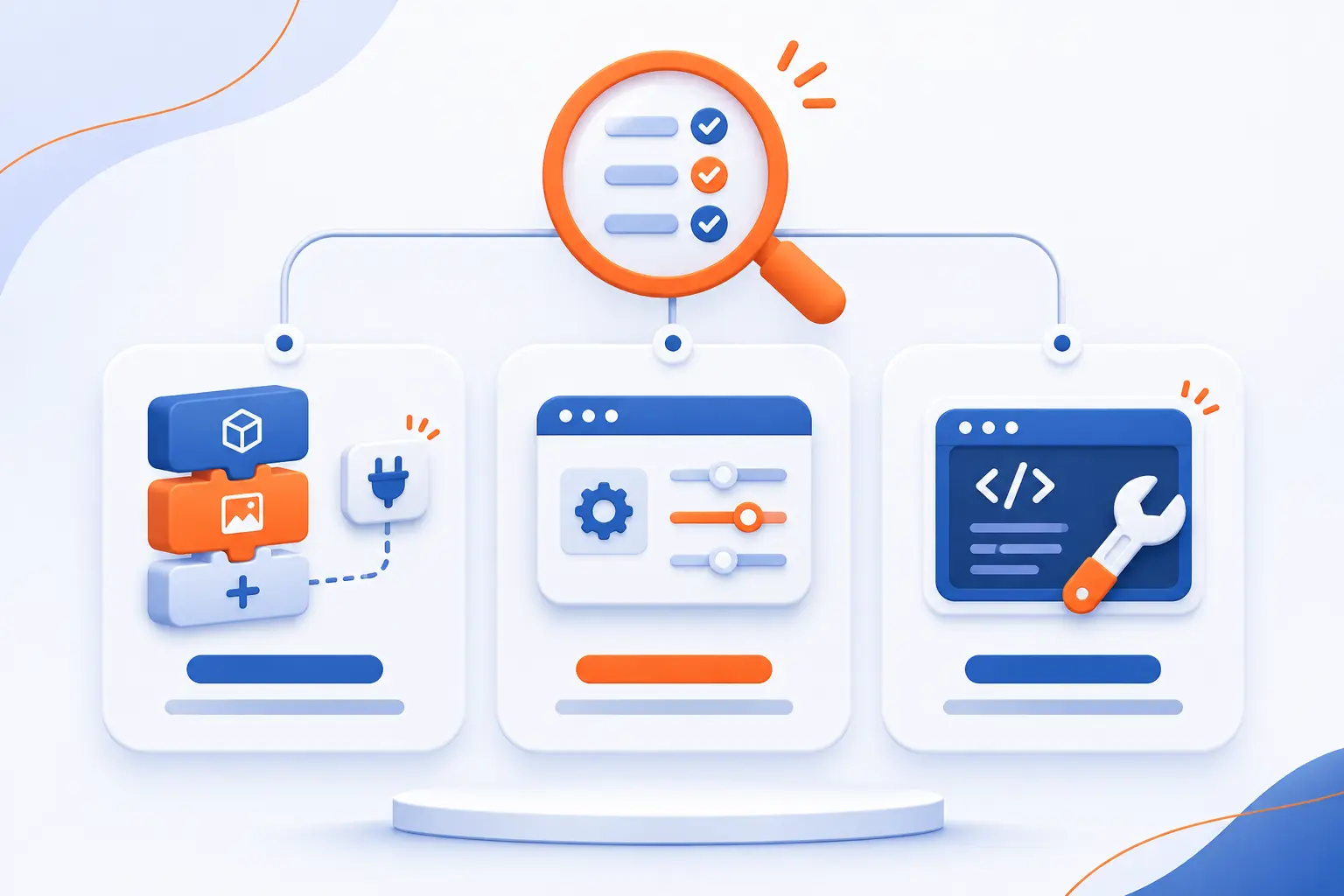
Choose low-code for visual development with supported programming extensions, no-code for configuration-led projects, and custom development for greater implementation control. These categories overlap, and vendor labels are imperfect. Compare actual capabilities against your requirements rather than treating the label as a guarantee.
| Approach | Typical fit | Main constraint |
|---|---|---|
| Low-code | Business applications with reusable patterns and custom extensions | Platform architecture and extension limits |
| No-code | Well-defined forms, trackers, and straightforward automation | Available configuration options |
| Custom development | Distinctive behavior or specialized technical requirements | Greater implementation and maintenance responsibility |
Programming Skills and the Roles of Business Users and Developers
Low-code usually combines business knowledge with technical implementation rather than making programming skills unnecessary. Business users can clarify rules, review screens, and sometimes build bounded applications. Developers address integrations, architecture, extensions, and difficult failures.
No-code generally places more functionality behind configuration. Custom development relies more heavily on programming expertise. In every approach, someone must understand data access and own the application after launch.
Customization Freedom and Access to Application Logic
Customization depends on what the platform exposes, not simply whether it accepts custom code. Check whether you can modify server behavior, inspect generated artifacts, automate tests, and access application data.
A platform may allow custom interface components while restricting server execution. Another may expose extensive business rules but require its own runtime. Custom development offers broader implementation choices, although frameworks and cloud services still introduce dependencies.
Project Complexity and Long-Term Maintenance Needs
Choose an approach that can support the application’s expected complexity throughout its useful life. A simple intake form and a transaction-heavy inventory system create different demands. The second needs deeper evaluation of data consistency, recovery, and operational ownership.
We recommend estimating maintenance alongside initial development. Ask who will update integrations, review permissions, test platform upgrades, and explain business rules when the original builder leaves.
Where Visual App Building Fits Business Needs
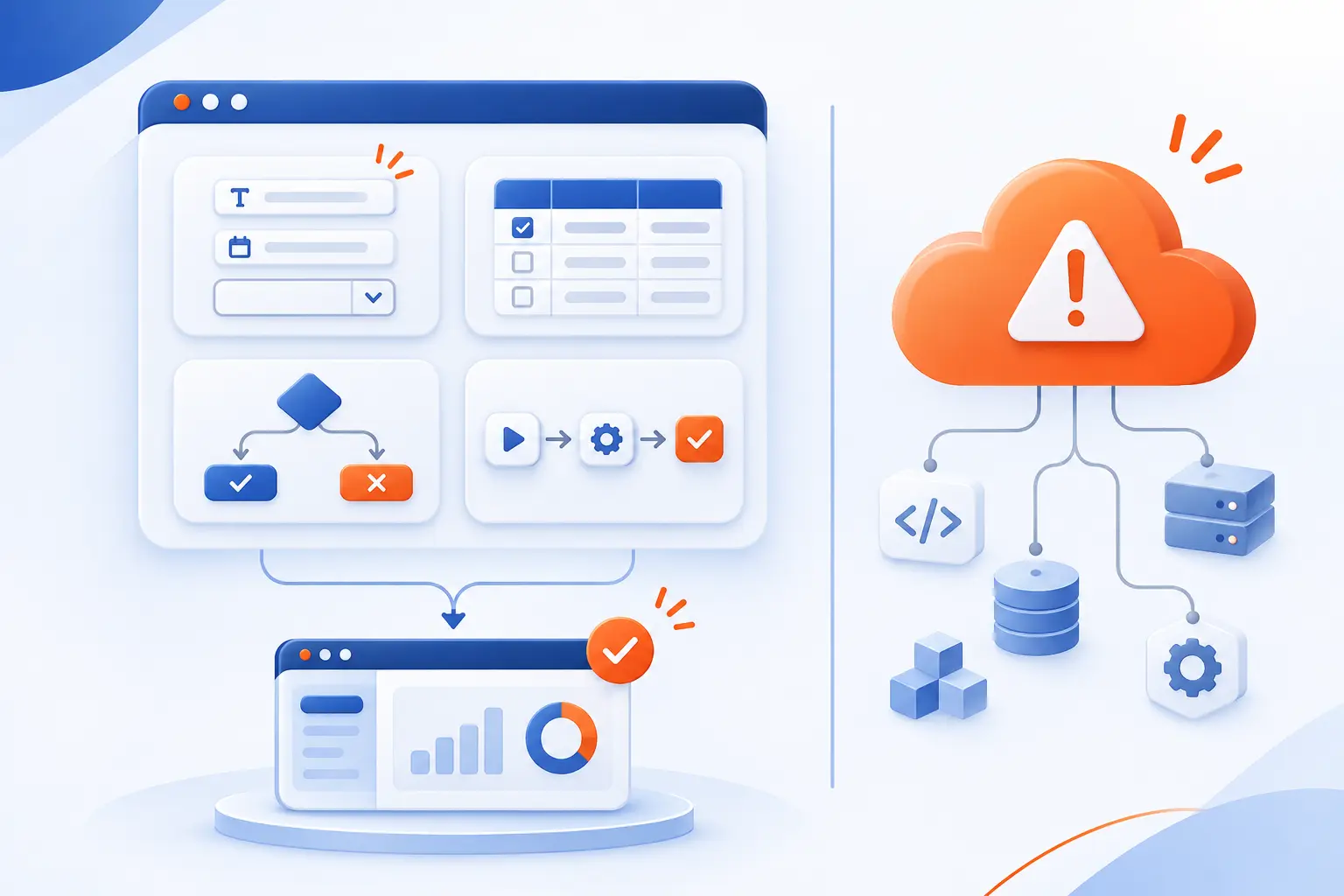
Visual app building fits projects where forms, structured data, business rules, and workflows represent much of the work. It can support internal tools and customer applications, depending on the platform. Suitability becomes less certain when unusual technical requirements dominate.
| Application type | Useful starting point | Key evaluation |
|---|---|---|
| Prototype | One complete user journey | Whether assumptions hold |
| Internal tool | A defined operational task | Data accuracy and permissions |
| Approval process | Rules, routing, and documents | Exceptions and accountability |
| Customer application | A bounded self-service task | Experience, security, and load |
| System extension | An approved integration boundary | Ownership of shared data |
Prototypes and Proof-of-Concept Applications
Use a prototype to test an uncertain requirement before committing to a full implementation. For example, build the equipment-request journey and observe whether employees understand its categories and approval status.
A proof of concept can also test technical feasibility, such as accessing a required database. Keep those goals separate. An attractive prototype does not prove that security, integrations, or production capacity are adequate.
Internal Dashboards and Operational Tools
Internal dashboards and operational tools are useful candidates when teams need controlled access to existing business information. Examples include maintenance queues, inventory exception lists, and service-request trackers.
Start with a specific decision or action. A purchasing dashboard should explain which requests need attention and why. Also define refresh behavior and editing rights. A polished screen is not useful if its information is stale or misleading.
Approval Workflows and Document Processes
Approval applications fit visual development when their routing rules and document requirements can be expressed explicitly. An invoice process might collect a document, identify its owner, request approval, and record the outcome.
Spend time on exceptions rather than drawing only the happy path. Reassignment, rejection, missing attachments, and overdue tasks all need defined behavior. Preserve enough history to explain who made each decision.
Customer-Facing Web and Mobile Applications
Customer-facing applications can fit low-code when the platform meets the required experience, security, and delivery constraints. Appointment booking and service-status portals are examples worth evaluating.
Test accessibility, mobile behavior, account recovery, and public-user licensing early. Confirm whether the platform delivers browser-based pages, native mobile applications, or both. These are different delivery models, with different requirements for deployment and maintenance.
Apps That Extend Existing Systems vs Core-System Replacement
Extending an existing system usually creates a narrower project than replacing the system that owns essential business records. An approval interface can leave accounting transactions in the established accounting application.
Replacement requires broader planning for migration, reconciliation, reporting, and recovery. Some platforms target that work, but capability must be demonstrated. We would not approve a core-system replacement based solely on a successful departmental prototype.
What Teams Gain From Reducing Repetitive Coding
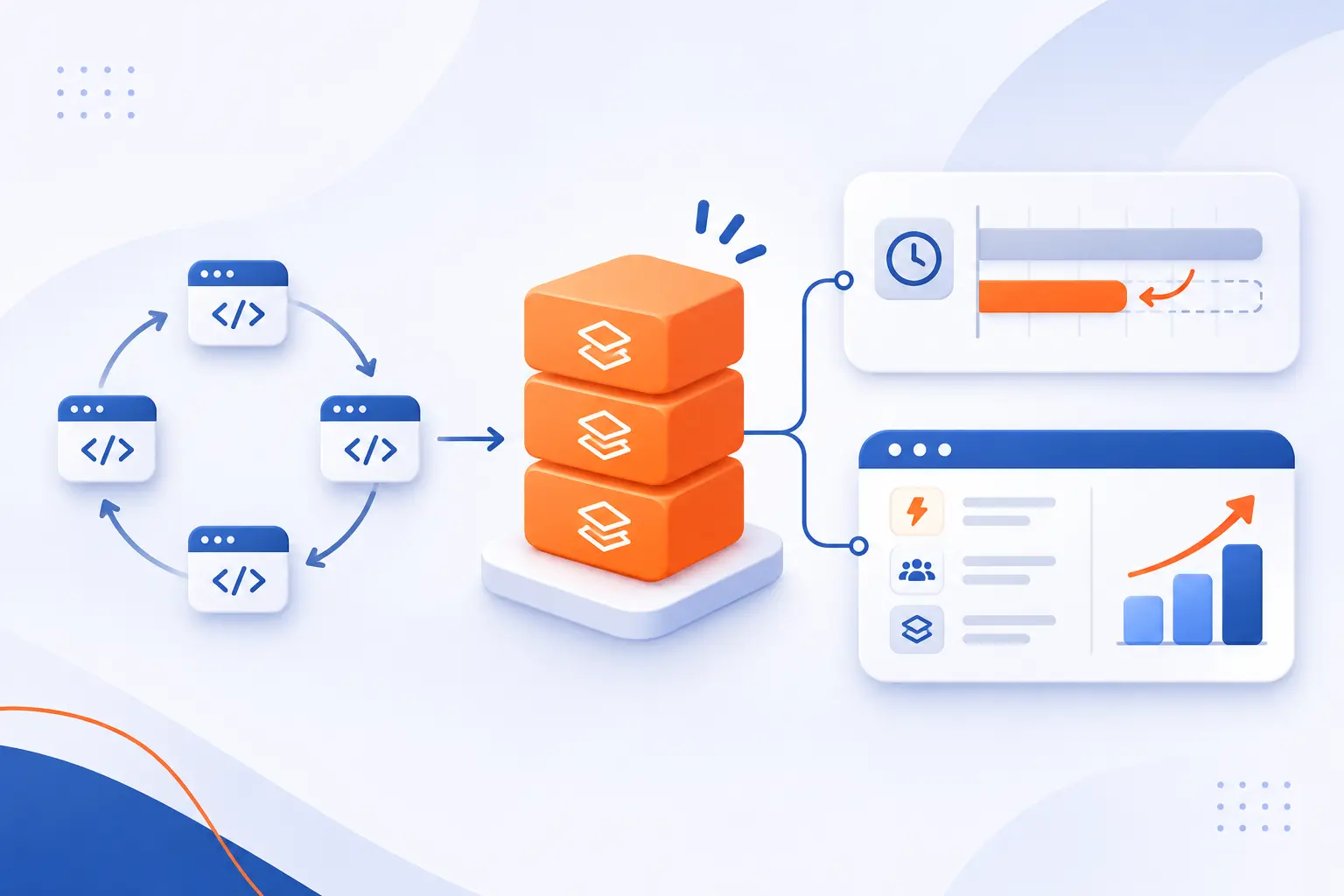
Reducing repetitive coding can shorten implementation work and make common application behavior easier to reuse. The benefit comes from replacing repeated tasks with supported components and models. It does not guarantee faster delivery when requirements, integrations, or ownership remain unclear.
Shorter Delivery Cycles and Faster Responses to Change
Visual tools can reduce implementation work when a change fits an existing component or configuration option. Adding a request field may require configuration instead of separate interface and validation implementations.
Measure the complete delivery cycle, though. Include review, testing, integration changes, and release approval. We distrust speed claims that count only screen assembly while ignoring everything required to operate the result.
Closer Collaboration Between Business Teams and IT
Visible screens and workflow diagrams give business teams and developers concrete behavior to review together. A manager can identify a missing rejection path more readily in a working flow than in abstract requirements.
Collaboration still needs decisions and ownership. Record why rules exist, who approves changes, and which exceptions are intentional. Otherwise, quick configuration changes can produce conflicting expectations.
More Developer Time for Specialized Functionality
Reusable platform features let developers concentrate on requirements that cannot be handled through standard configuration. Those requirements might include a proprietary pricing calculation or a difficult legacy integration.
The practical gain is a different allocation of engineering effort. Developers spend less effort recreating ordinary forms and more effort reviewing architecture, protecting data, and implementing distinctive behavior. That is more credible than promising to eliminate technical work.
Reusable Logic and Simpler Application Updates
Shared rules and components can make updates more consistent across applications that use them. A centralized approval rule avoids maintaining separate copies in unrelated screens.
Reuse also increases the reach of mistakes. Before updating a shared component, identify its consumers and test affected behavior. We favor reuse with dependency tracking, not reuse that leaves teams guessing what a change might break.
Trade-Offs to Evaluate Before Committing to a Platform
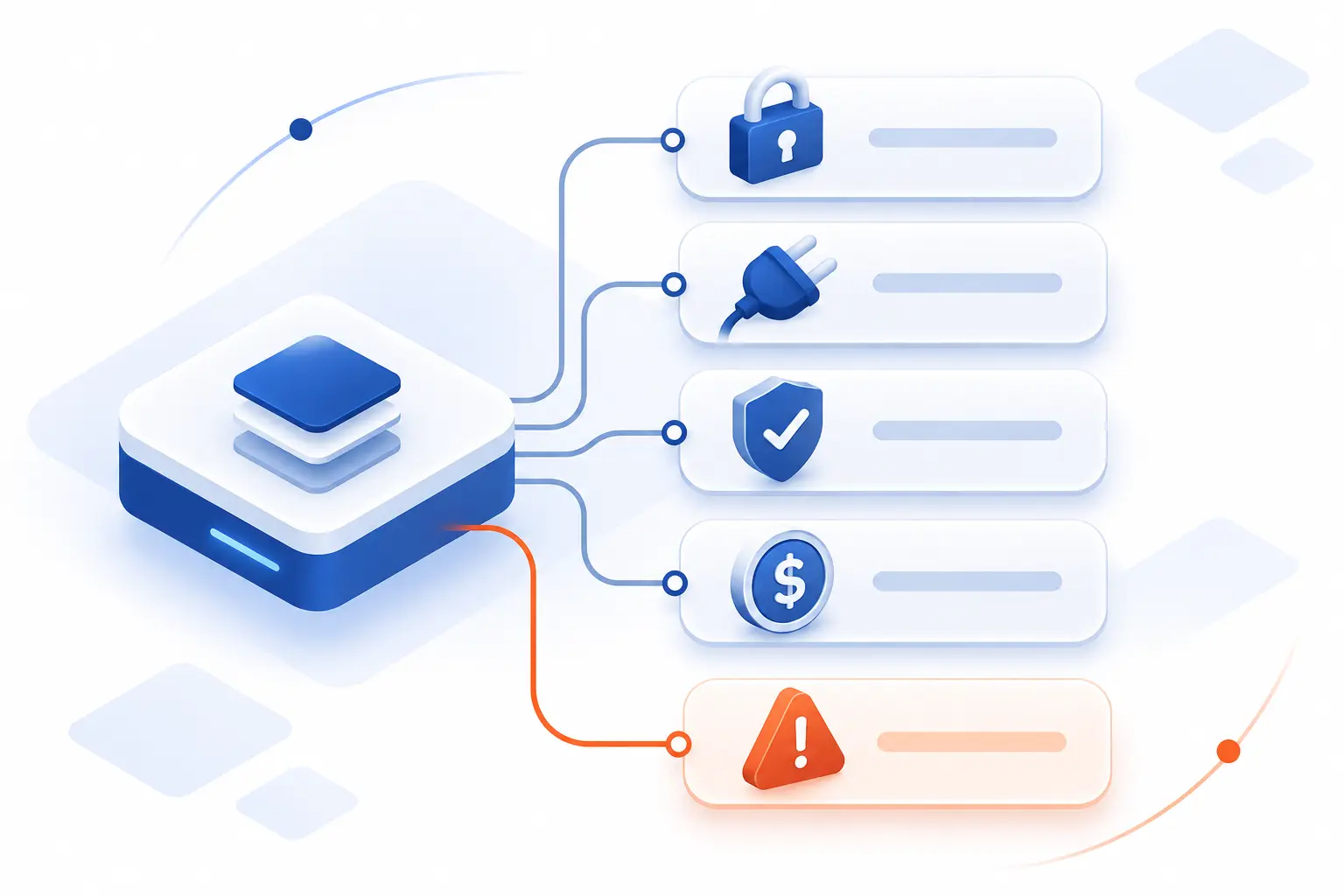
The main trade-offs are platform restrictions, workload suitability, security responsibility, portability, and total cost. Evaluate them through a representative pilot rather than a vendor demonstration alone. Include the difficult integration and the awkward exception, not just the easiest screen.
Customization Boundaries and Integration Gaps
Test the least conventional requirement first because it is most likely to expose a platform boundary. That might be an unusual authentication flow, document format, or transaction requirement.
A connector’s existence does not prove it supports every required operation. Verify supported actions, error details, authentication methods, and update behavior. If a workaround introduces substantial custom infrastructure, reconsider whether the platform still simplifies the project.
Performance and Scalability for the Intended Workload
Evaluate performance using representative data, concurrent activity, and realistic integration delays. Test searches, reports, file handling, and background jobs separately. A responsive demonstration with a small dataset proves little about production behavior.
Correctness matters alongside speed. Microsoft warns that nondelegable queries can return incomplete results when data exceeds the configured processing limit. This Power Apps example shows why database behavior deserves technical review, even when screens require little programming.
Security Controls, Compliance Needs, and IT Governance
Visual development does not remove responsibility for permissions, sensitive data, or application governance. Define who can build, publish, connect services, and access production information. Assign an owner to every application.
Power Platform data policies can restrict which connectors work together. Such controls require deliberate configuration. Review authentication, authorization, audit records, secrets, retention, and recovery against your actual requirements. A vendor’s certifications do not establish your application’s compliance by themselves.
Vendor Lock-In, Open Standards, and Application Portability
Portability depends on whether you can move application behavior, not merely export its data. Ask what happens to screens, workflows, permissions, and custom extensions after leaving the platform.
Standard APIs can make integrations easier to replace, but they do not make proprietary models portable. Request an exit demonstration. We would rather discover migration limits during evaluation than during a contract dispute or platform retirement.
Licensing, Training, and Ongoing Maintenance Costs
Compare total ownership costs rather than subscription prices alone. Depending on the vendor, charges may depend on users, applications, environments, transactions, or additional capabilities. Verify the applicable contract terms.
Include training, integration development, administration, testing, and eventual migration. Model expected growth and a less favorable scenario. A platform that suits a small internal team may have different economics for a public customer application.
Platform Examples and the Different Needs They Serve
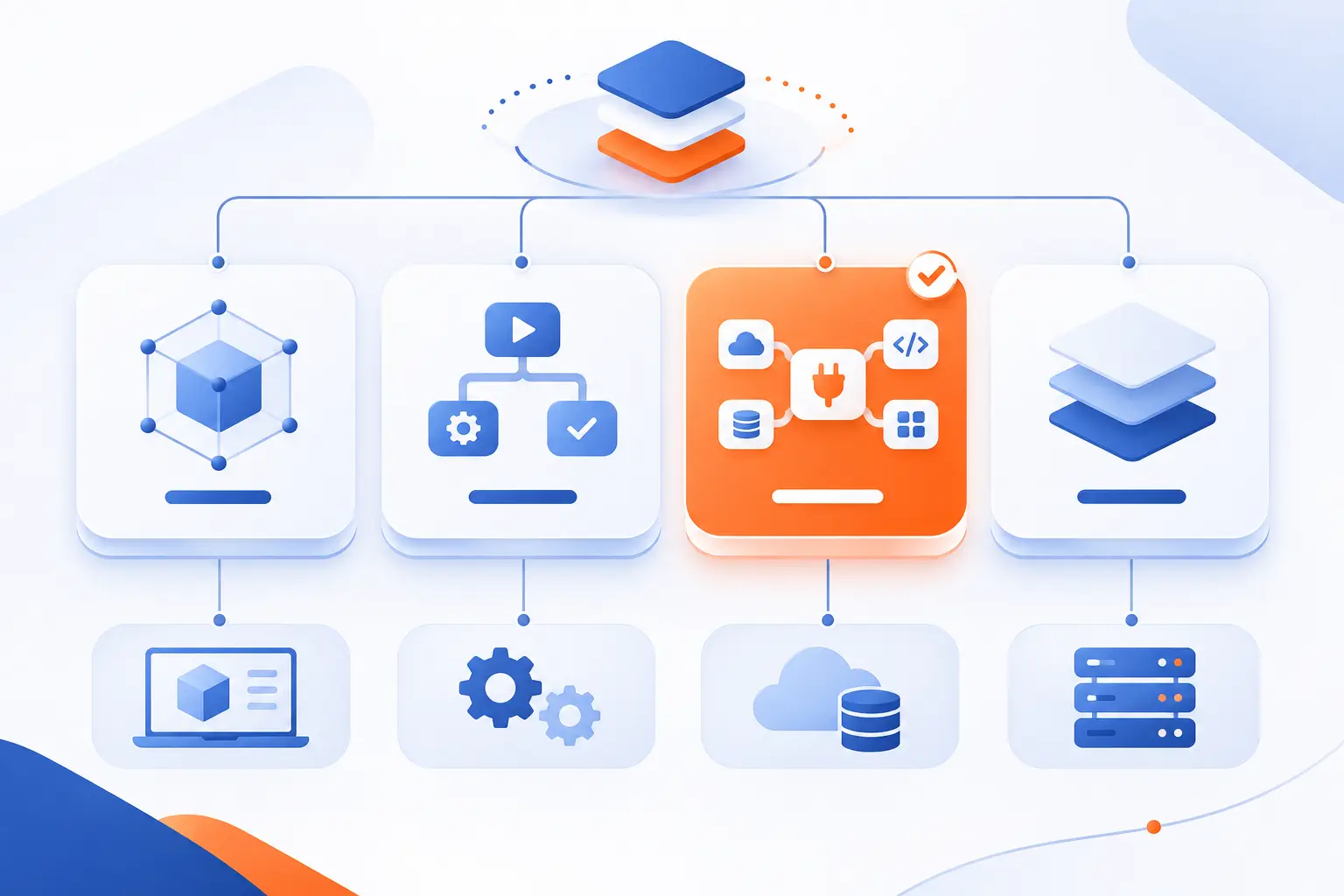
Thinkwise, Actian OpenROAD, JobRouter, and Appian illustrate different priorities within visual and reduced-code development. Their capabilities overlap, but their design centers differ. We would shortlist them by workload and architecture, not treat them as interchangeable products.
| Platform | Primary emphasis | Evaluation focus |
|---|---|---|
| Thinkwise | Model-driven enterprise applications | Core business requirements and modernization |
| Actian OpenROAD | Database-centric application development | Existing data systems and business logic |
| JobRouter | Processes, documents, and data | Routing and document lifecycle |
| Appian | Business process management and automation | Coordination across tasks and systems |
Thinkwise for Core Business Systems
Thinkwise targets model-driven enterprise applications and the modernization of business-critical legacy software. Its documentation describes how interfaces and services interpret a central model. Standard data operations are available without implementing each operation separately.
That makes it relevant to evaluating substantial business systems, rather than just isolated forms. We would still test complex rules, migration requirements, transaction behavior, and operational recovery before committing to a core-system project.
Actian OpenROAD for Data-Centric Applications
Actian OpenROAD emphasizes database-centric application development and reuse of existing business logic. Actian describes it as a database-centric, object-oriented 4GL development tool with visual development capabilities. A 4GL is a fourth-generation programming language.
OpenROAD is therefore not simply a no-code form builder. Its modernization tools address existing applications and their logic. For teams with established database applications, we would examine compatibility and reuse opportunities before considering a complete rewrite.
JobRouter for Process and Document Automation
JobRouter centers on workflows that connect people, documents, and business data. Its documented capabilities include document handling within business workflows, alongside routing, deadlines, and escalations.
An invoice approval process illustrates the fit. Documents enter a process, responsible employees review them, and rules determine subsequent actions. We would evaluate exception handling, document access, retention requirements, and connections to the system that records the final transaction.
Appian for Business Process Management and Enterprise Automation
Appian emphasizes executable business processes that coordinate rules, data, integrations, and user tasks. In Appian 26.10, process models define executable workflows rather than serving only as documentation.
That approach fits processes crossing departmental or system boundaries. An order-change request, for example, may require user input, validation, and record updates. We would assess process complexity, integration ownership, and monitoring needs alongside interface-building capabilities.
Frequently Asked Questions
Visual development changes how applications are implemented, but it does not standardize every platform’s staffing, deployment, or code-generation model. These details must be checked individually. The following answers address the distinctions that most often affect project planning.
Will Visual App Builders Replace Professional Developers?
No, visual app builders do not eliminate the need for professional developers across software projects. Developers still handle architecture, complex integrations, custom behavior, and technical reviews. Some bounded applications need little programming, but they still need accountable ownership.
Can Applications Run in the Cloud or On-Premises?
Yes, some platforms support cloud and on-premises deployment, while others restrict where applications run. For example, Mendix documents multiple deployment environments, including cloud and traditional server options. Confirm runtime support, licensing, network access, and operating responsibilities before selecting infrastructure.
Can Platforms Generate Code in Different Programming Languages?
Some platforms generate code in different languages, but this is not a universal low-code capability. Others primarily execute models through a proprietary runtime. Check generation targets, extension languages, and export rights separately because they describe different capabilities.
How 1Byte Supports Your Web and Cloud Infrastructure
At 1Byte, we provide domain registration, SSL certificates, WordPress hosting, shared hosting, cloud hosting, and cloud servers. We are also an AWS Partner. These services support the web and infrastructure side of a project. They do not establish whether a particular application platform can run in a chosen environment.
| Service group | Practical project role | Check first |
|---|---|---|
| Domain registration and SSL certificates | Online address and HTTPS setup | Platform domain and certificate requirements |
| WordPress hosting and shared hosting | Website projects accompanying an application | Website software compatibility |
| Cloud hosting and cloud servers | Infrastructure for compatible workloads | Runtime and deployment requirements |
Domain Registration and SSL Certificates for Your Online Presence
Our domain registration and SSL certificates address the naming and HTTPS requirements of an online presence. A customer portal may use a dedicated subdomain while the main website keeps its existing address.
Check the application platform’s custom-domain process before making changes. Some managed platforms control certificate provisioning themselves. An SSL certificate protects traffic in transit, but it does not replace application permissions or secure programming.
WordPress Hosting and Shared Hosting for Website Projects
Our WordPress hosting and shared hosting serve website projects that may accompany a separate business application. For example, a company website can introduce a service and direct visitors to an application hosted elsewhere.
We would not assume that website hosting can run an enterprise application platform. Confirm software requirements first. Keeping the website and application separate can also clarify which environment owns each part of the project.
Cloud Hosting and Cloud Servers With 1Byte as an AWS Partner
Our cloud hosting and cloud servers are infrastructure options to assess against a platform’s supported deployment requirements. We are an AWS Partner, but that status does not imply compatibility with every application platform.
Begin with the required operating system, runtime, database, and deployment model. If the platform requires its vendor’s managed environment, independent hosting cannot substitute for that requirement. We believe infrastructure selection should follow verified compatibility, not precede it.


Conclusion
Low-code replaces portions of repetitive programming with visual models, reusable components, and platform-managed behavior. It works best when those capabilities match the application you need to build. Customization, security, testing, and ownership still require careful decisions.
At 1Byte, we favor a practical test over a sweeping promise. Choose one representative workflow, include its hardest integration, and test its exceptions. Can your team explain how it works, operate it safely, and maintain it after launch? Start there before making a larger commitment.