

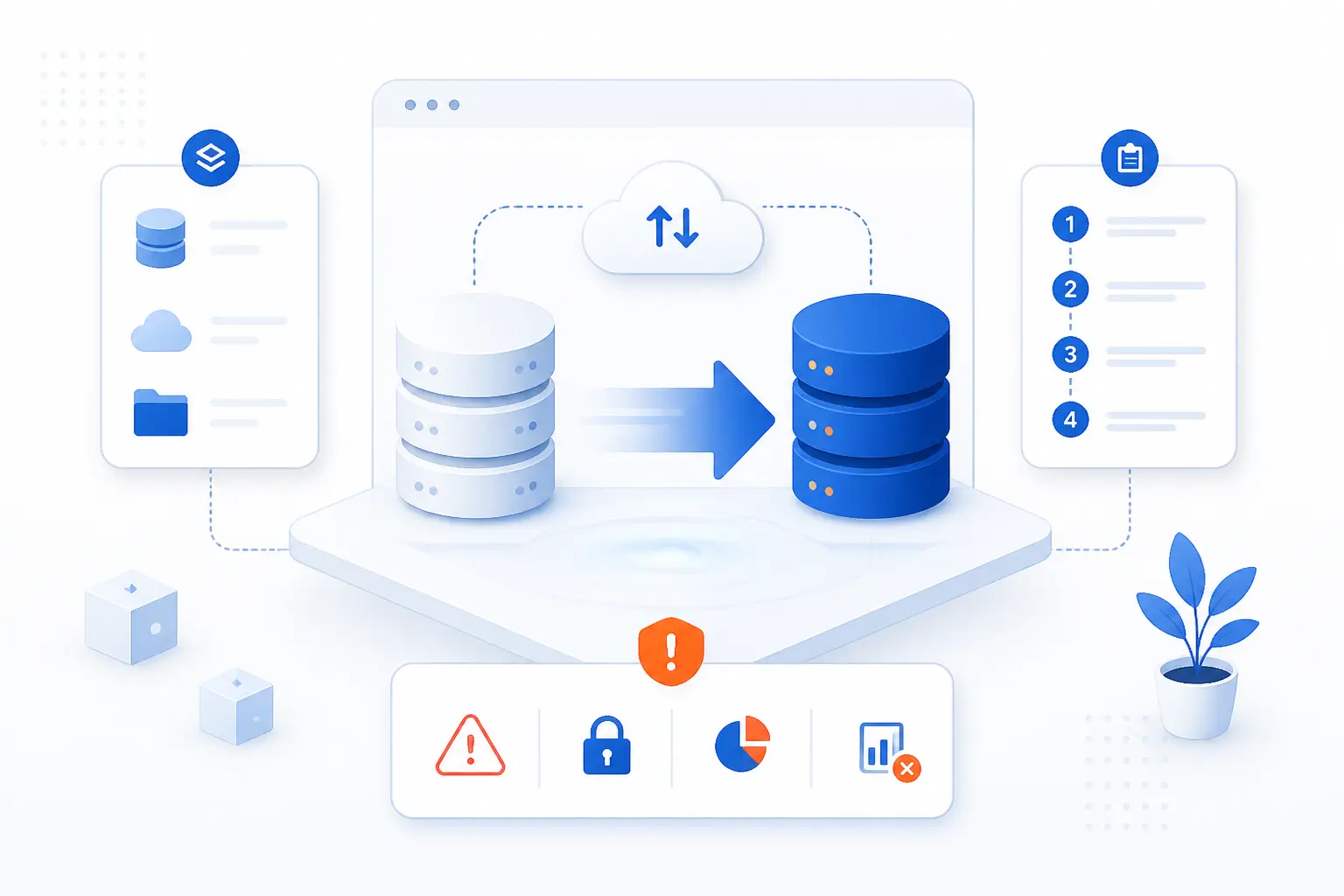
- Migrating Data Means Moving Information Between Systems
- Why Organizations Migrate Data
- How It Differs From Conversion and Integration
- The Main Types of Data Migration
- How a Migration Project Usually Works
- How Teams Choose the Right Strategy
- Tools and Outside Help That Can Reduce Risk
- The Biggest Risks in Migrating Data
- FAQ
- How 1Byte Supports Safer Platform and Hosting Moves
- Conclusion
At 1Byte, we use migrating data to mean moving information from one system to another without breaking its meaning, quality, or availability. The move can be small, like shifting files to a new server, or large, like replacing a database platform or moving an application into the cloud. The copy itself is rarely the hard part. The real job is preserving structure, permissions, relationships, and business continuity while the new system takes over.
Migrating Data Means Moving Information Between Systems
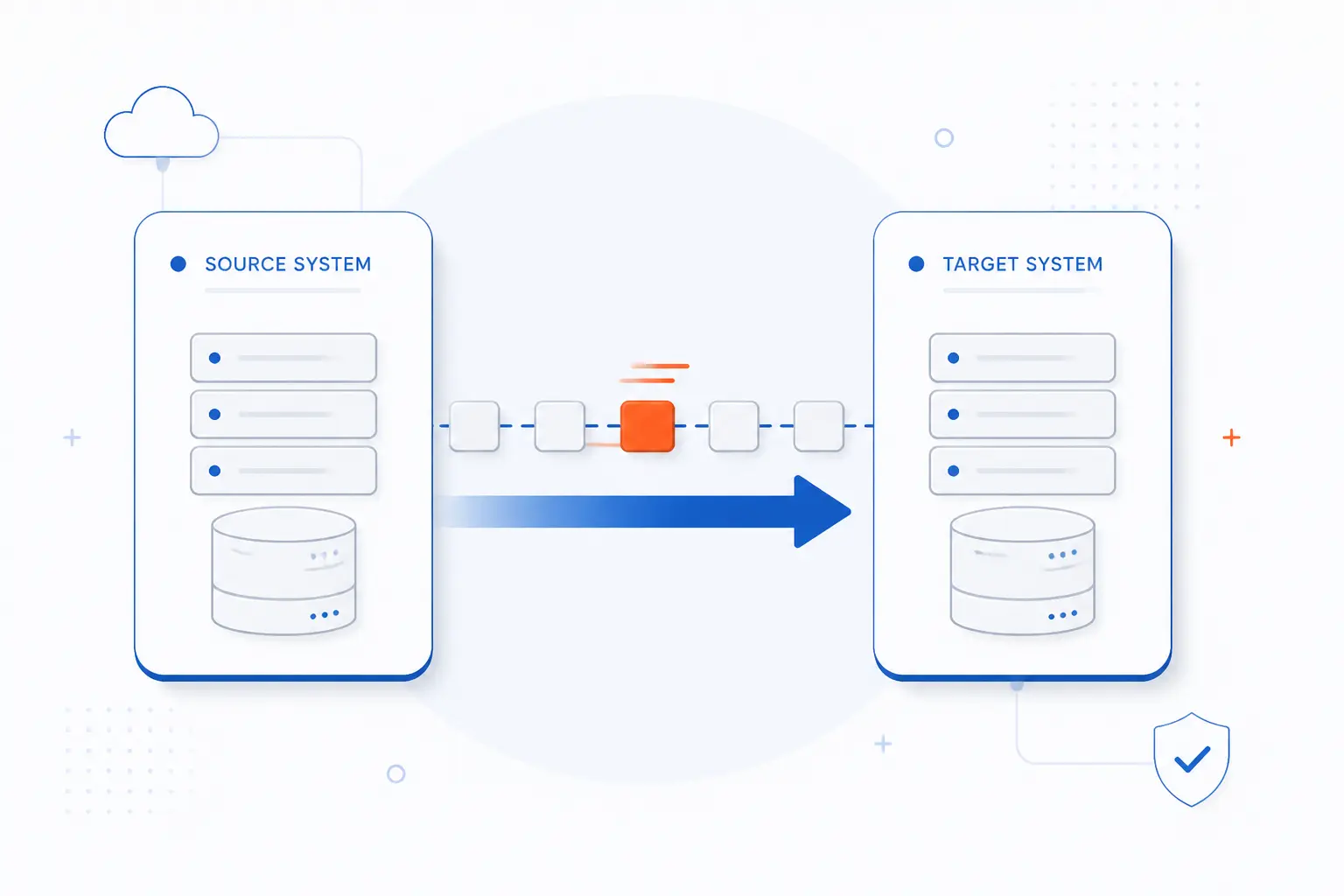
Migrating data means moving information from a source system to a target system so people and software can keep using it correctly. That source might be a storage device, database, application, or on-premises environment. The target might be a newer server, a managed database, a SaaS product, or a cloud platform. We think of it as a controlled move, not a simple file copy.
A good migration keeps records complete, formats usable, and dependencies intact. A weak one creates duplicates, broken references, missing permissions, or downtime that nobody planned for. That is why teams usually treat migrating data as a project with mapping, testing, and cutover steps, not a one-click task.
FURTHER READING: |
| 1. What Is Hybrid Cloud Management and Why It Matters |
| 2. What Is SMTP Server? How Email Delivery Works |
| 3. HTML Fonts Guide to Web-Safe Fonts, Google Fonts, and CSS Styling |
Why Organizations Migrate Data
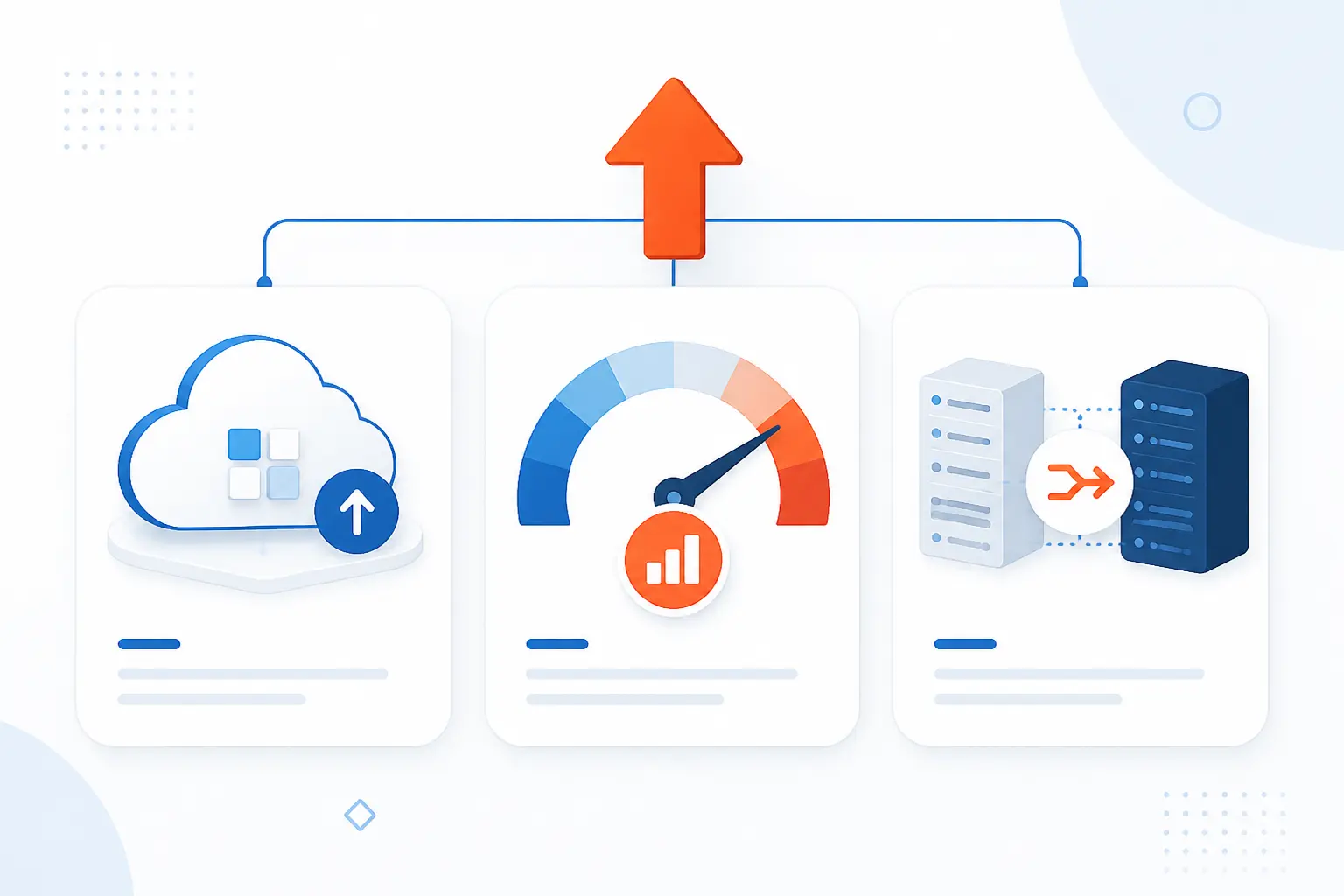
Organizations migrate data to support a business change, not because moving bytes is exciting. The most common reasons are cloud adoption, cost and performance goals, and system consolidation after growth or mergers. In Flexera’s 2026 survey, 54% of enterprise workloads were already running in public cloud, which helps explain why migration work has become routine rather than exceptional.
Cloud Adoption and Infrastructure Modernization
Teams migrate when the old platform no longer fits where the business is headed. We see this when a company wants managed backups, global regions, faster provisioning, or better integration with cloud-native services. In that case, the migration is part of infrastructure modernization, not just a hardware refresh. The destination changes how the organization operates, deploys, and recovers.
Cost, Performance, and Scalability Goals
Many migrations start because the current setup is too expensive, too slow, or too rigid. A team may want to leave overprovisioned hardware, reduce database licensing, or move from one giant storage pool to a design that matches real usage. We usually caution people here. A new platform can lower waste, but only if the workload is mapped carefully and sized honestly.
Consolidation, Legacy Replacement, and Mergers
Some migrations happen because two systems are doing the same job and one has to go. That is common after mergers, ERP replacements, CRM changes, or the retirement of a legacy application nobody wants to maintain anymore. In those projects, data is only half the story. Field definitions, ownership rules, and reporting logic often need to be reconciled before the move can succeed.
How It Differs From Conversion and Integration
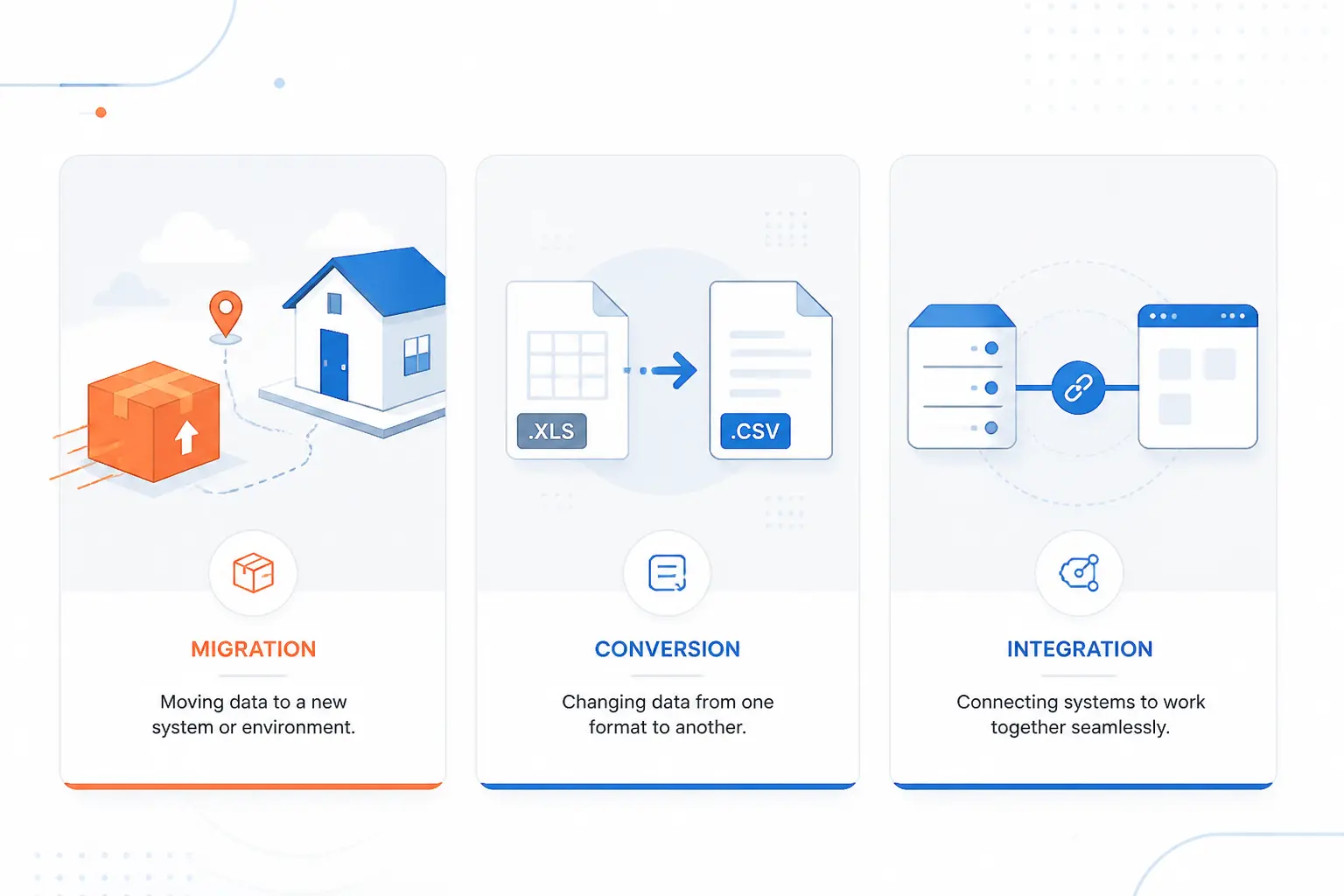
Migration, conversion, and integration are related, but they are not the same thing. Migration moves data to a new home. Conversion changes its format or structure so the destination can read it. Integration keeps two or more systems connected so data can continue to flow between them.
We like a simple picture here. If you move your household to a new address, that is migration. If you repack old items into new containers, that is conversion. If you keep your old and new homes sharing the same mailbox for a while, that is integration. Real projects often involve all three, but mixing the terms too early leads to bad planning.
The Main Types of Data Migration
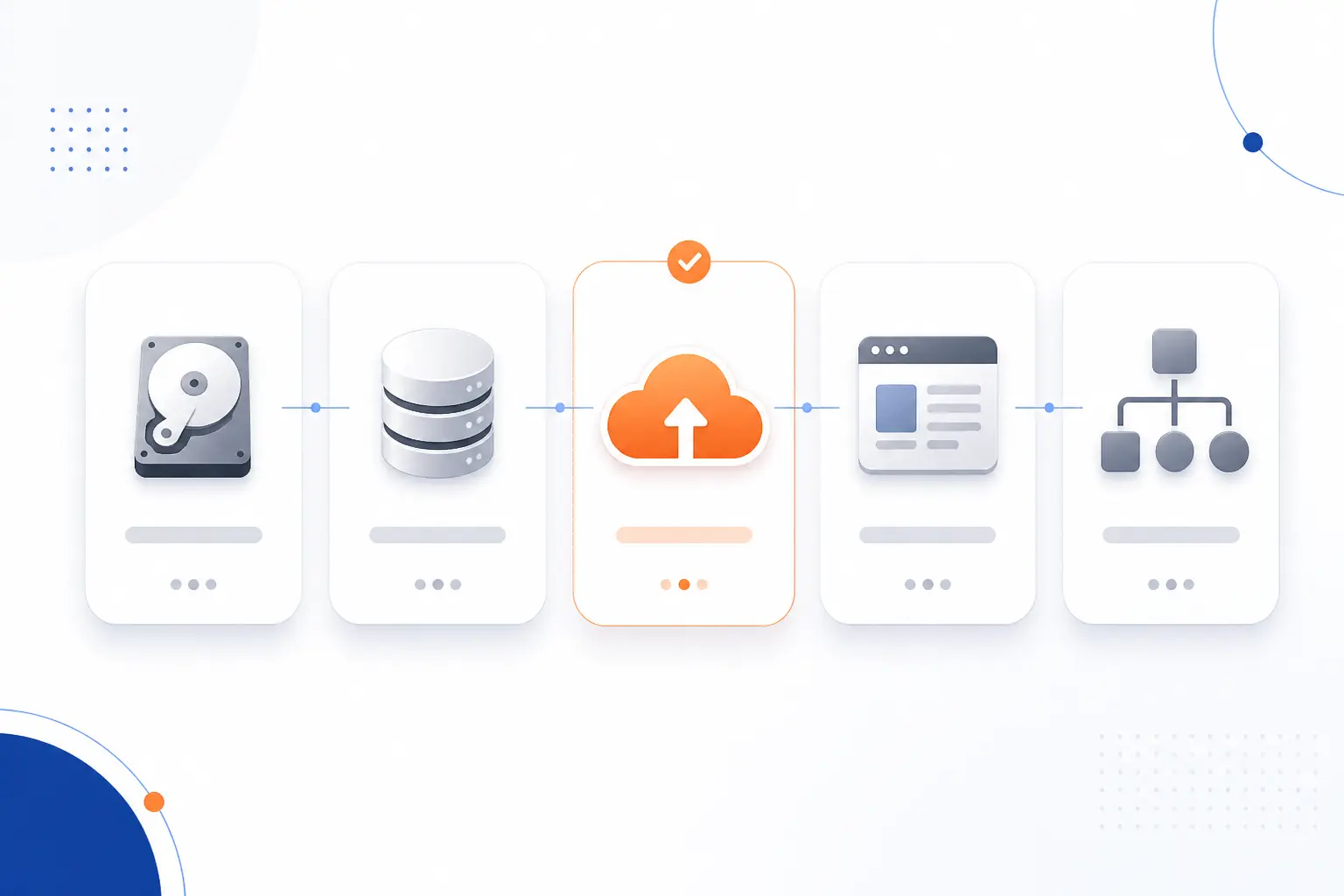
The main types of migrating data are storage, database, cloud, application, and business process migration. Each type moves information, but it changes a different layer of the stack. That difference matters because the risks, tools, and testing methods are not the same. We recommend naming the type first, because it tells you what can break.
| Type | What moves | Typical example | Main challenge |
|---|---|---|---|
| Storage | Files and shares | Old file server to new file server | Permissions and paths |
| Database | Tables, schema, records | SQL Server to managed database | Schema compatibility |
| Cloud | Workloads and supporting data | On-prem app to cloud platform | Networking and dependencies |
| Application | App state and related content | CMS or ERP replacement | Behavior changes |
| Business process | Operational records and workflows | Old CRM to new CRM | Rule and process mapping |
Storage Migration
Storage migration moves files from one storage system to another while preserving access and organization. That might mean replacing an aging file server, moving shares to newer hardware, or shifting data from local storage into a cloud-backed setup. Microsoft documents moves that include Windows servers, failover cluster file resources, Samba servers, and NetApp FAS arrays in one Windows Server file move workflow, which is a good real-world example of how broad this category can be.
Database Migration
Database migration moves structured records and usually some combination of schema, indexes, procedures, and permissions. This type gets tricky when the source and target engines behave differently. Google’s service, for example, supports targets such as Cloud SQL and AlloyDB and manages both the initial snapshot and ongoing replication in supported scenarios, which shows why database moves are often more than export and import. See the supported Cloud SQL and AlloyDB targets for a concrete example.
Cloud Migration
Cloud migration moves data and often the surrounding workload into a cloud environment. Sometimes it is a lift-and-shift move with minimal redesign. Other times it includes refactoring, managed services, and new security controls. We usually tell readers not to assume “cloud” is a single type. It can include storage, databases, applications, or all of them at once.
Application Migration
Application migration moves an application and the information it depends on into a new runtime, platform, or service. That might be a legacy CMS moving into WordPress, a monolith moving into containers, or an on-prem app moving into a managed hosting environment. Data issues surface fast here because the application often expects certain field names, file paths, and user states. When those assumptions change, the app may appear healthy while users quietly hit broken features.
Business Process Migration
Business process migration moves the records behind a workflow, not just the records themselves. Think of cases, invoices, tickets, approvals, customer histories, or product catalogs moving into a new system that runs the business differently. We view this as the most political kind of migration. Technical mapping matters, but agreement on definitions and process ownership matters just as much.
How a Migration Project Usually Works
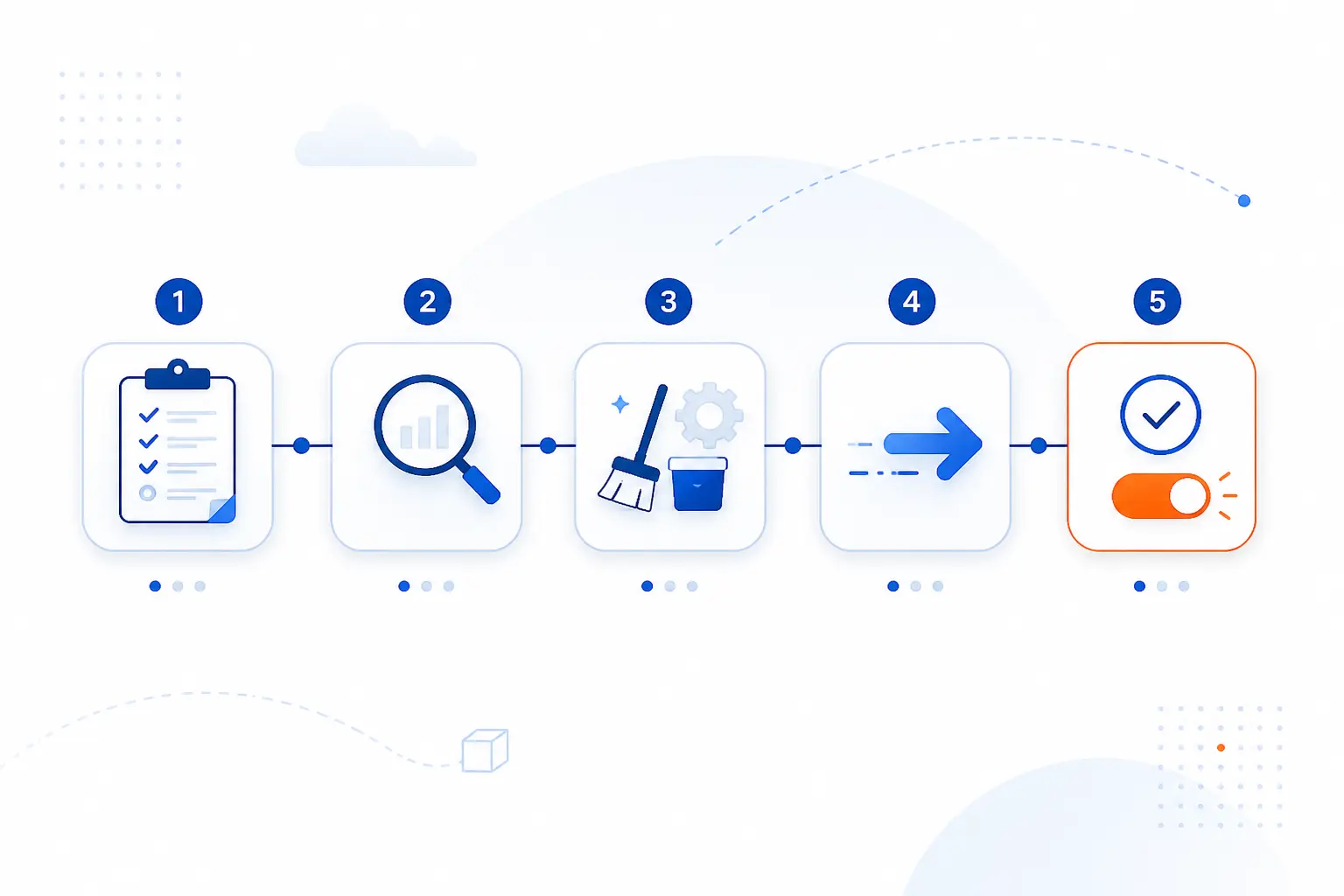
A migration project usually works in five broad stages: plan, assess, clean and map, transfer, then validate and cut over. The sequence is simple on paper, but each stage reduces a different kind of risk. AWS frames large moves around assess, mobilize, and implement phases, and we think that framing is useful because it forces readiness work before the actual switch.
Migration Planning and Scoping
Planning defines what will move, why it will move, and what success looks like. We start with system boundaries, business owners, acceptable downtime, rollback rules, and a list of systems of record. If those answers stay fuzzy, the project will drift. A migration with vague scope almost always turns into a cleanup project wearing a migration costume.
Source and Target Assessment
Assessment checks whether the source and target can actually meet each other in the middle. Teams review schema compatibility, network paths, authentication, storage needs, application dependencies, and compliance rules before moving production data. The same AWS guidance stresses completing readiness work in sequence because it builds the foundation for the move.
Data Cleansing and Mapping
Data cleansing and mapping decide what deserves to move and where it belongs in the target. This is where duplicates are removed, obsolete records are archived, and each source field is mapped to a destination field or rule. We think this stage is underestimated. Clean bad data after the move, and you are paying to reproduce old mistakes in a new system.
Transfer and Transformation
Transfer and transformation perform the move itself. Sometimes that means a one-time bulk load. Sometimes it means an initial copy followed by change replication while users keep working. When the target structure differs, the pipeline may also rename fields, split values, normalize formats, or convert types on the way over.
Testing, Validation, and Cutover
Testing and validation prove that the target is correct before it becomes official. We look for row counts, sampled record checks, permission checks, application behavior, and, where appropriate, checksum or hash verification. NIST specifically recommends strong cryptographic checksums for integrity checking, which is a useful reminder that “looks fine” is not a validation method.
How Teams Choose the Right Strategy
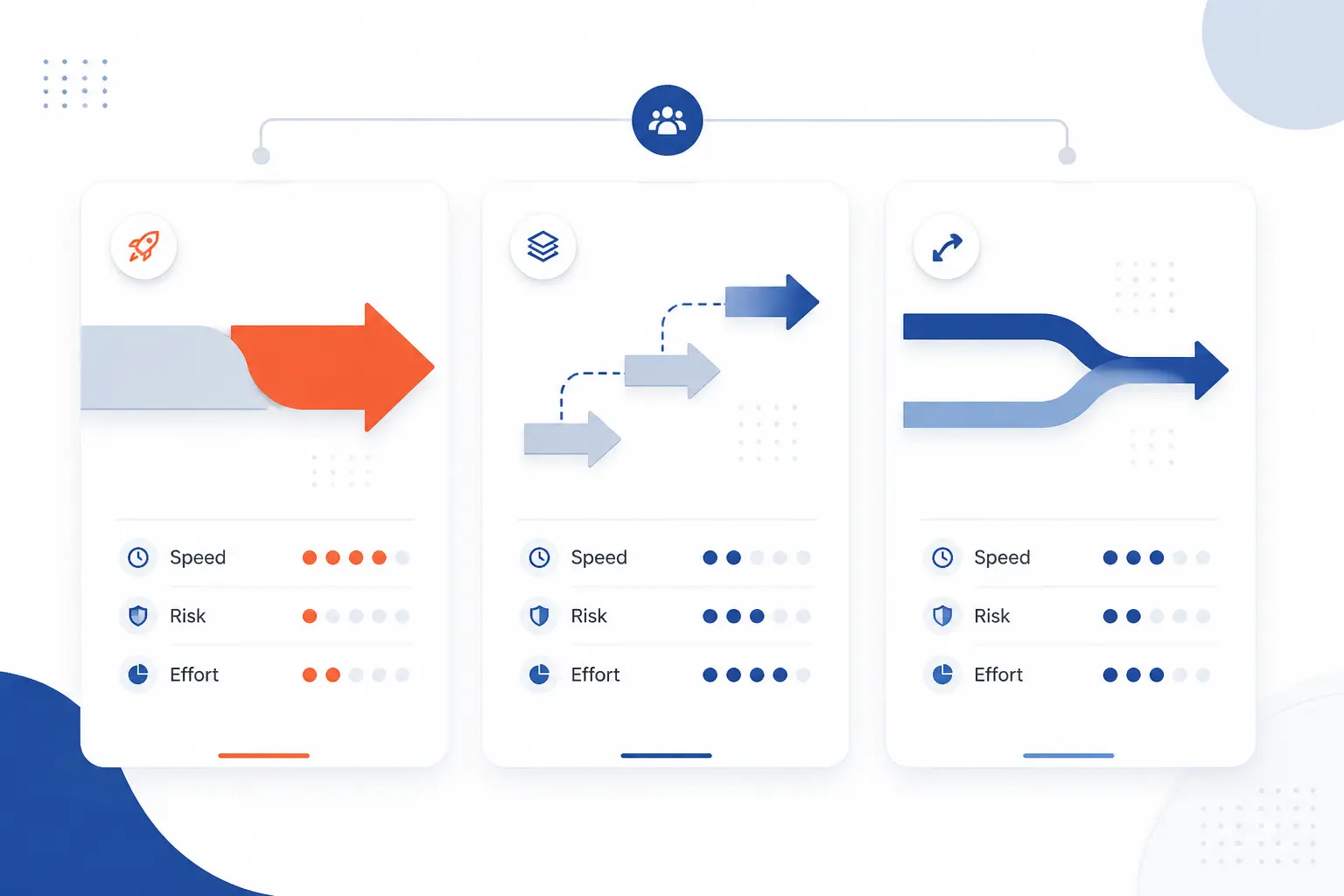
Teams choose a migration strategy by balancing risk, downtime tolerance, complexity, and rollback options. There is no universal winner. AWS groups common patterns into three common approaches, and that is a good mental model because each one trades simplicity against control.
| Strategy | Best when | Main trade-off |
|---|---|---|
| Big bang | You can tolerate a single cutover window | Higher blast radius |
| Phased | You want gradual rollout and rollback options | More coordination |
| Online | Downtime must be very short | More setup and replication logic |
| Offline | Short outage is acceptable | Users wait during the move |
Big Bang Migrations
A big bang migration moves everything in one coordinated switch. The upside is a shorter project timeline and fewer parallel systems to manage. The downside is obvious. If something fails, many users feel it at once. We reserve this strategy for smaller environments, well-rehearsed cutovers, or systems with a clean rollback path.
Trickle and Phased Rollouts
Trickle and phased rollouts move slices of users, services, or datasets over time. That makes them slower to organize, but safer to observe. AWS notes that phased cutovers can route traffic to both old and new environments so only a subset of users is affected while the team adjusts percentages or rolls back if needed.
Online vs Offline Transfer
Online transfer keeps the source active during most of the move, while offline transfer accepts a larger outage window. Azure’s guidance states that with offline and online modes, offline downtime begins when the move starts, whereas online downtime is usually limited to final cutover. For large bulk transfers, network copy is not always the right answer either. AWS provides a planning workflow for datasets larger than 500 TB when physical transfer is the better fit.
Tools and Outside Help That Can Reduce Risk
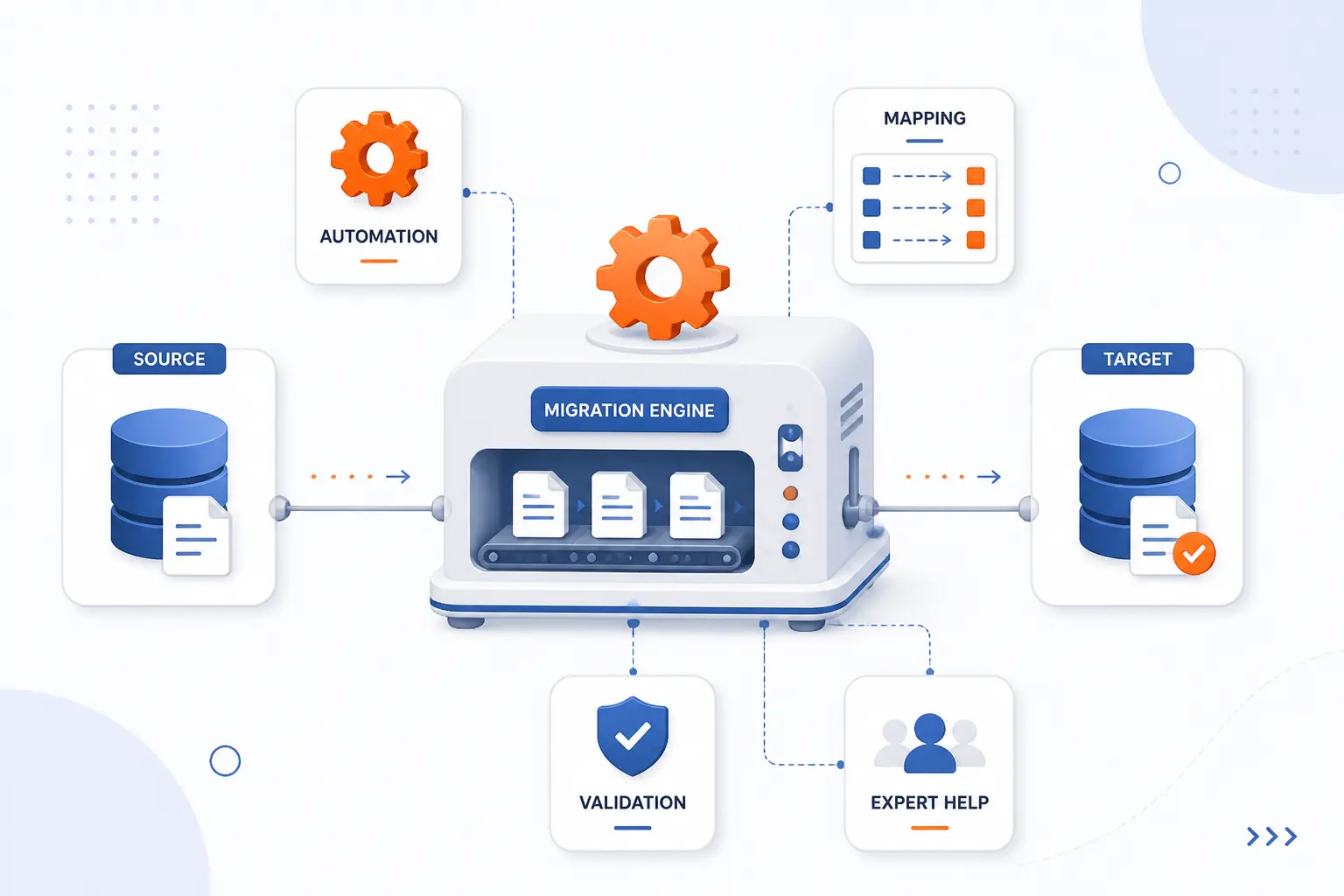
The right tool can reduce manual work, but no tool can rescue a bad plan. Good migration tools automate discovery, mapping, replication, validation, and cutover coordination for a defined type of move. We usually choose tools based on the source and target first, then on downtime needs and compliance limits.
Cloud and Vendor Migration Tools
Vendor tools make the most sense when the destination platform already knows how to receive the source cleanly. AWS Database Migration Service, for example, is designed so the source stays operational while changes replicate to the target, which is exactly what teams want when business hours cannot stop. Microsoft and Google offer similar platform-native services for supported database scenarios.
Open-Source, On-Premises, and Custom Options
Open-source and custom options work well when you need control, portability, or a process the vendor does not support. PostgreSQL’s pg_restore, for instance, can rebuild a database from an archive created by pg_dump and can selectively restore or reorder items, which is handy for controlled rehearsals and partial restores. Scripts, ETL jobs, and file-copy tools also belong here, but they demand stronger testing discipline from the team.
When a Managed Service or Specialist Makes Sense
A managed service or specialist makes sense when the cutover window is tiny, the environment is regulated, or the mapping rules span too many systems. We also recommend outside help when the migration touches customer-facing DNS, certificates, databases, and application logic at the same time. That combination can get messy fast. Fresh eyes and a runbook are often cheaper than a weekend rollback.
The Biggest Risks in Migrating Data
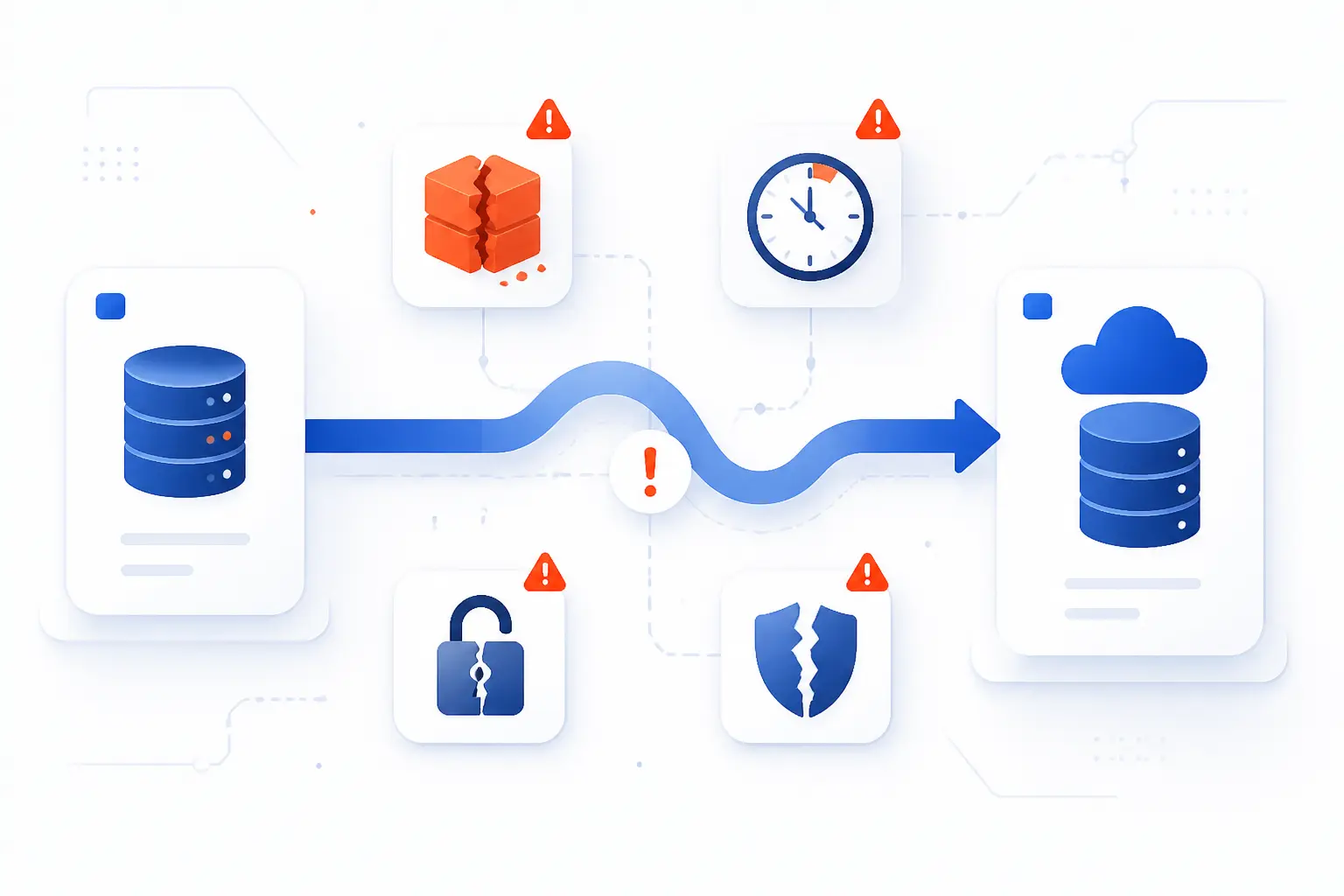
The biggest risks in migrating data are loss, corruption, downtime, security gaps, and bad decision-making around scope and ownership. Most failures are not mysterious. They usually come from untested assumptions, poor mappings, or pressure to cut corners near the end. We prefer boring migrations, because boring usually means controlled.
Data Loss and Integrity Problems
Data loss happens when records, relationships, or updates fail to arrive intact. Integrity problems show up as missing rows, broken foreign keys, duplicate records, or values that change meaning after transformation. That is why we compare counts, sample transactions, and hashes before sign-off. NIST’s guidance on strong cryptographic checksums supports that habit, especially when teams need objective proof that files or outputs have not changed unexpectedly.
Downtime, Performance, and Business Continuity
Downtime risk is really a continuity risk. Even when the target comes online, latency spikes, replication lag, cache warm-up, or DNS timing can still affect users. Microsoft’s Azure guidance makes the trade-off plain: offline methods accept a larger outage up front, while online methods push most of the interruption into final cutover.
Security, Compliance, and Governance Gaps
Security gaps appear when teams copy data faster than they copy controls. Temporary credentials, broad admin roles, unencrypted transfers, or forgotten staging datasets can create new exposure during the project. AWS documents protections such as SSL/TLS, IAM controls, credential management, monitoring, and data masking in its service design, which is a good reminder that security has to be part of the workflow, not a patch applied after cutover.
Costs, Timelines, and Stakeholder Alignment
Budget and schedule problems usually start long before the go-live window. They grow when business owners disagree on what “done” means, when old records are never cleaned up, or when exceptions pile up without ownership. We push teams to define acceptance criteria early. If finance, operations, and engineering are grading the migration on different rules, the project is already wobbling.
FAQ
Most practical questions about migrating data come down to examples, tooling, timing, and downtime control. The short answers are below. We have kept them brief on purpose so you can get the gist quickly.
Can You Give Me an Example of Data Migration?
Yes. A common example is moving a company’s file shares from an old Windows file server to a newer server while keeping folder structure and permissions intact. Another is moving a production SQL database from on-premises infrastructure to a managed cloud database with a final cutover window.
What Is the Best Tool for Data Migration?
There is no single best tool for every migration. The best choice depends on the source, the target, data size, downtime tolerance, and how much transformation is required. Vendor-native tools are often the safest starting point when both ends are officially supported.
How Long Does a Data Migration Usually Take?
A data migration can take anywhere from hours to months. Small file or database moves may finish quickly, while complex application or business process migrations need assessment, cleanup, test runs, and staged cutovers. In our experience, mapping and validation often take longer than the transfer itself.
How Can You Reduce Downtime During a Migration?
You reduce downtime by copying most data before cutover and syncing the remaining changes later. Online replication, phased rollouts, read-only windows, DNS planning, and rehearsed rollback steps all help. The key is to treat downtime as a design constraint from day one, not a late-stage surprise.
How 1Byte Supports Safer Platform and Hosting Moves
We support safer platform and hosting moves by helping customers line up the pieces that usually fail at the edges of a migration. In practice, that means coordinating naming, certificates, hosting environments, and infrastructure choices so the new platform is reachable and trusted when traffic moves. We keep this practical because a migration is only successful when users can actually connect and work.
Coordinate Domain Registration and SSL Certificates
Domain registration and SSL certificates matter because cutover is not only about servers and databases. If DNS points to the wrong place, or if certificates do not match the new environment, users see errors even when the data is fine. We help customers think through those dependencies so the public-facing switch is orderly rather than chaotic.
Migrate WordPress Hosting and Shared Hosting Accounts
WordPress hosting and shared hosting moves need careful handling of files, databases, email assumptions, and URL behavior. We treat these as application moves with hosting details attached, not as simple copy jobs. That mindset helps prevent broken media, login issues, mixed-content warnings, and plugin surprises after launch.
Scale With Cloud Hosting and Cloud Servers
Cloud hosting and cloud servers are the right fit when the destination needs more flexibility than a traditional single-host setup can offer. As an AWS Partner, we can align hosting choices with the kind of move underway, whether the goal is a cleaner rehost, a fresh environment for WordPress, or a platform step-up from shared hosting. We think the best infrastructure decision is the one that matches the application’s real behavior, not the loudest buzzword.







Conclusion
Migrating data is the disciplined move of information from one system to another while keeping it usable, accurate, secure, and available. Once you separate the move into type, strategy, and risk, the concept becomes much less slippery.
If you are planning a migration, start with three answers: what is moving, what downtime is acceptable, and how you will prove the target is correct. If one of those answers is still fuzzy, that is the next place to dig, isn’t it?