

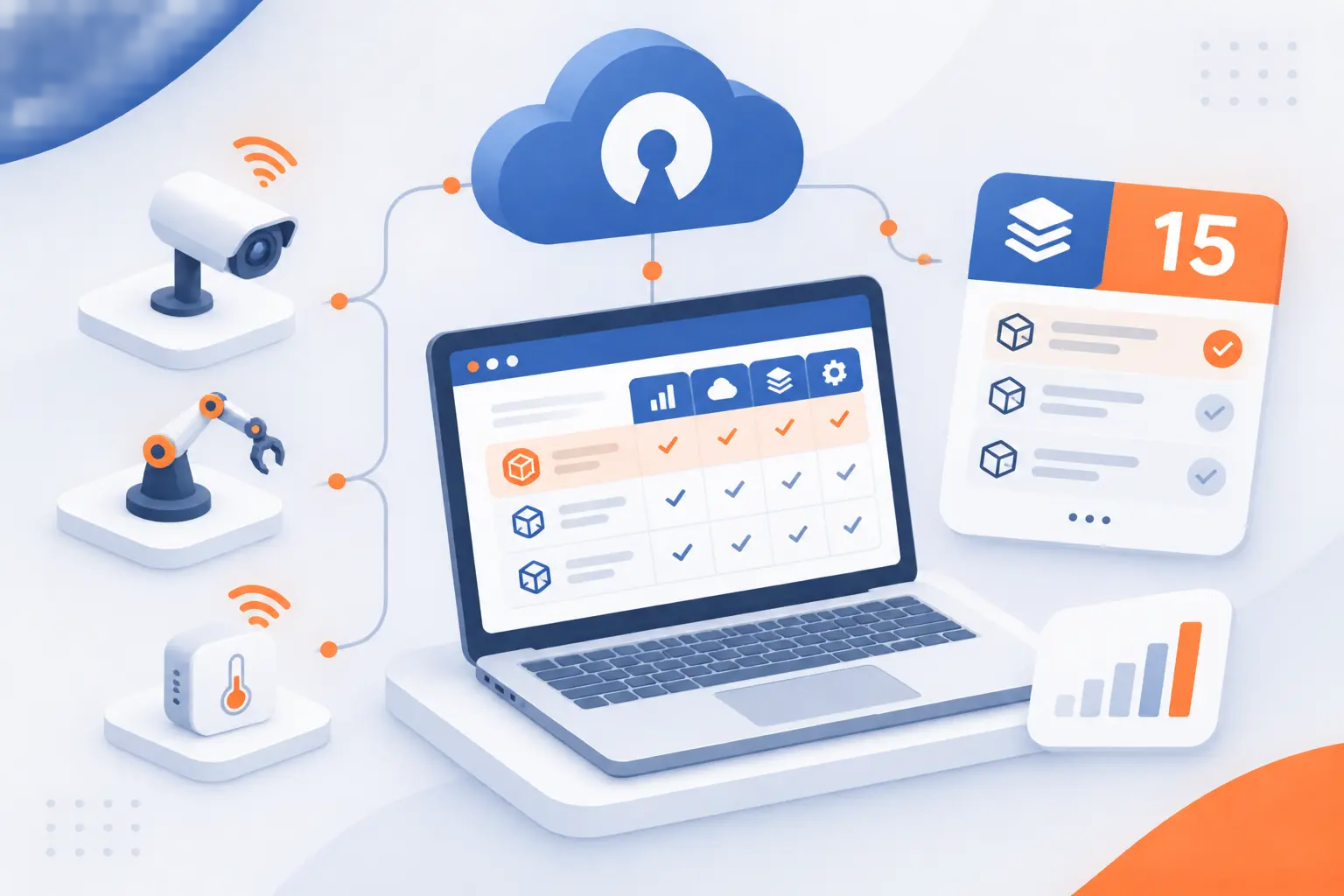
- Compare the Options and Understand Our Selection Process
- Top 10 Best Open Source IoT Platform Options
- Five More Open Source IoT Tools Worth Considering
- Match the IoT Software Category to the Job
- Understand What Is Actually Open Source
- Choose the Best Open Source IoT Platform for Your Deployment
- Decide Where the Platform Should Run
- Budget Beyond the Software License
- Protect Devices, Data, and Operator Access
- Prove the Workflow Before Expanding the Fleet
- Frequently Asked Questions
- Conclusion
The best open source IoT platform depends on whether you need a complete application, an industrial gateway, or local home automation. Our first shortlist is ThingsBoard Community Edition for device dashboards, OpenRemote for asset management, and Home Assistant for homes. Node-RED and InfluxDB belong on a different shortlist. They help you build a system rather than replace every part of one.
We researched official product pages, documentation, licenses, pricing, repositories, and public reviews. Below, we separate genuinely open-source components from paid services and source-available editions. We also flag a significant ThingsBoard licensing change that makes the version in your deployment especially important.
Compare the Options and Understand Our Selection Process
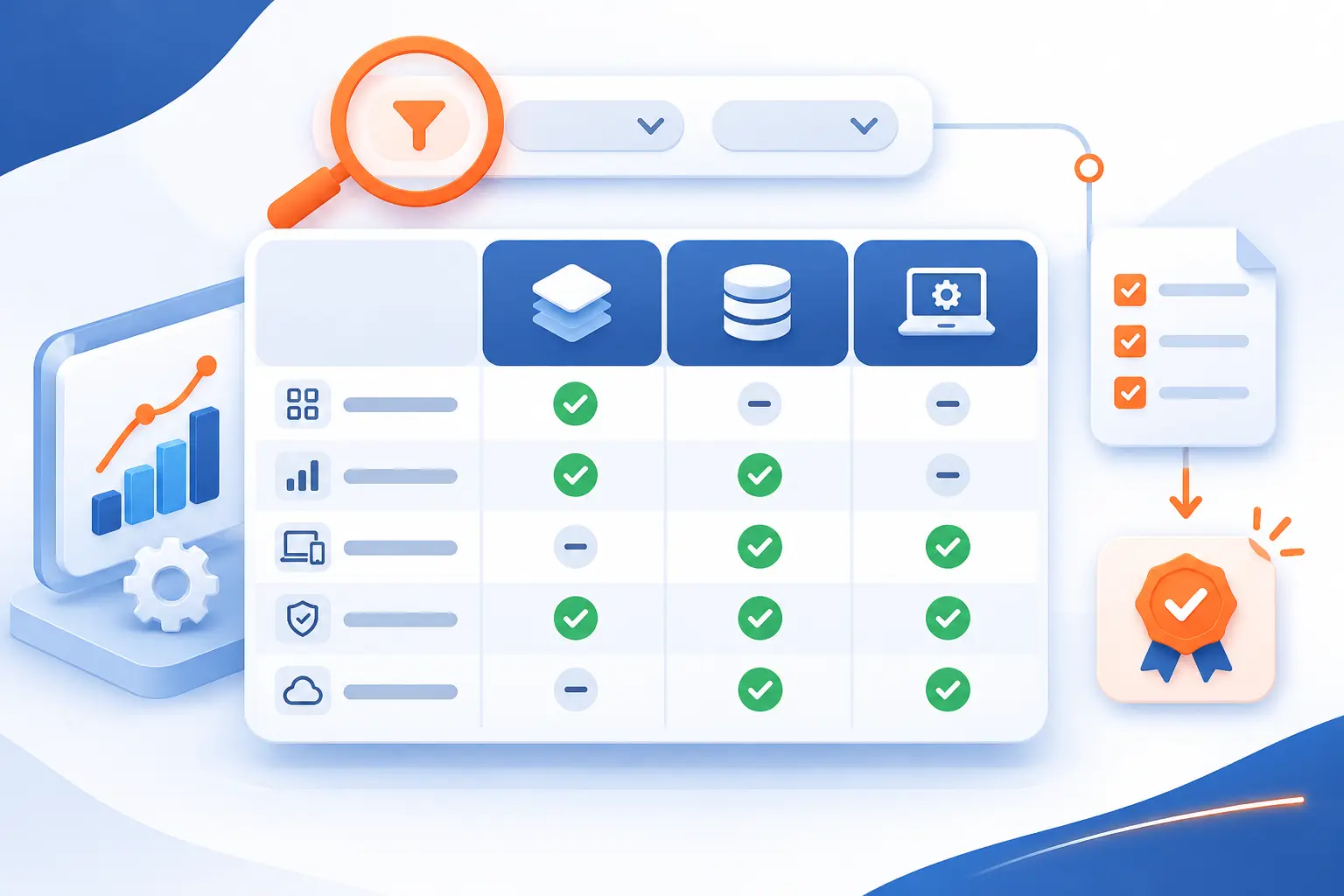
Choose the software category first, then compare licensing, deployment, and operating costs within that category. A polished home dashboard does not replace industrial device provisioning. Likewise, a telemetry database does not automatically provide customer accounts or firmware management. Our comparison makes those differences visible before the detailed reviews.
FURTHER READING: |
| 1. 15 Best Professional SEO Services for Your Business |
| 2. 15 Simple SEO Platforms to Make DIY SEO Easier |
| 3. Best AI Email Writer: 15 Tools for Better Emails |
Best Open Source IoT Platforms Compared by Use Case, License, and Deployment
ThingsBoard and OpenRemote provide the broadest application-platform starting points in this selection. The remaining entries address more specific jobs. Scores reflect our editorial assessment, not third-party ratings or measured performance.
| Software | Best For | Core License | Deployment | Score |
|---|---|---|---|---|
| ThingsBoard Community Edition 4.3 LTS | Device telemetry, dashboards, and alarms | Apache-2.0 for this release line | Self-hosted server or cloud infrastructure | 4.6/5 |
| OpenRemote | Asset-centered commercial projects | AGPLv3 | Self-hosted or managed service | 4.5/5 |
| Node-RED | Visual integration and custom automation | Apache-2.0, additional nodes vary | Local computer, edge device, or cloud | 4.4/5 |
| Home Assistant | Local home automation | Apache-2.0 for Core | Local appliance, server, container, or VM | 4.4/5 |
| EdgeX Foundry | Industrial edge interoperability | Apache-2.0 | Edge infrastructure, containers, or native services | 4.2/5 |
| InfluxDB 3 Core | Telemetry storage and short-range analysis | MIT and Apache-2.0 | Self-managed single-node deployment | 4.1/5 |
| openHAB | Vendor-neutral home and building automation | EPL-2.0 for Core | Local server, container, or supported appliance | 4.1/5 |
| ioBroker | Adapter-based automation and JavaScript logic | MIT for controller, adapters vary | Node.js host, container, or multihost installation | 4.0/5 |
| Gladys Assistant | Local household dashboards and scenes | Apache-2.0 for the main project | Local computer, Raspberry Pi, NAS, or container | 3.9/5 |
| Magistrala | Programmable device messaging and access control | Apache-2.0 backend, UI terms differ | Self-hosted or dedicated managed deployment | 3.8/5 |
How We Researched Recommendations, Official Documentation, and Project Health
We judged these projects through published evidence, not hands-on testing. We opened installation guides, product descriptions, repositories, licensing statements, and available commercial offers. We also checked public reviews where the product had a relevant listing.
Our scores use the same criteria across the shortlist:
- Capability fit: We assessed how clearly the documented features solve the specific IoT job for which we recommend each project.
- Openness and portability: We checked server licensing, component boundaries, self-hosting options, and restrictions surrounding commercial editions.
- Deployment and maintenance: We considered installation choices, documented administration, security configuration, and the work required to operate the system.
- Project evidence and support: We reviewed repositories, release information, documentation, community channels, and independent feedback where available.
- Cost clarity: We examined what remains free, which capabilities require payment, and whether commercial pricing is publicly understandable.
These are judgment-based scores, not laboratory measurements. We did not benchmark throughput, verify every integration, or infer adoption from repository stars. Review-site scores are identified separately and may cover a broader product family.
Top 10 Best Open Source IoT Platform Options
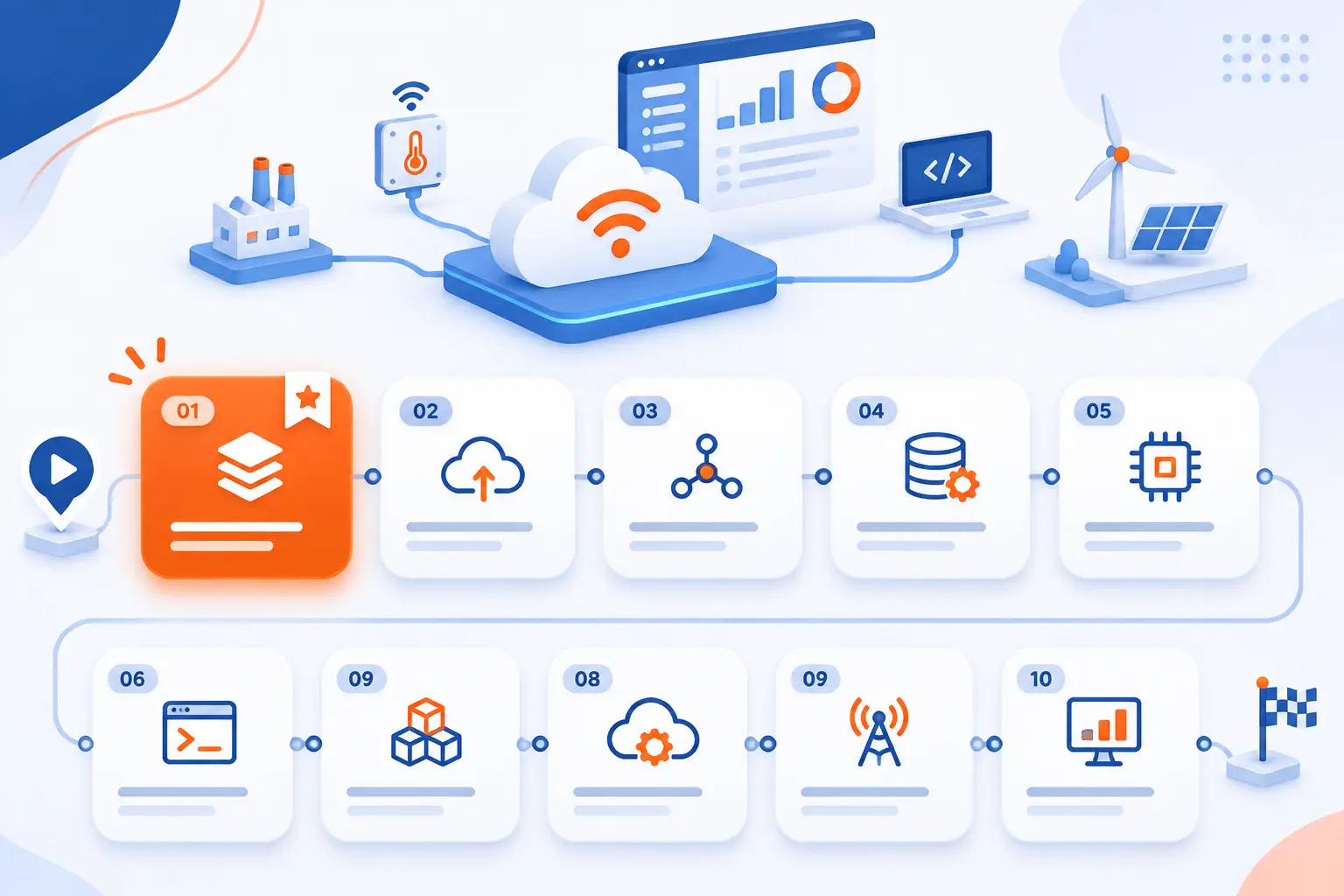
Start with ThingsBoard or OpenRemote when you want an application platform, and Home Assistant when the project is a home. Choose EdgeX for edge integration, Node-RED for visual logic, or InfluxDB for telemetry storage. Each review below explains the actual starting workflow and the costs that sit outside the free software.
1. ThingsBoard Community Edition 4.3 LTS

- Category: Device-management and telemetry application platform
- Best for: Technical teams building dashboards, alarms, and customer-facing monitoring
- Ease of use: Guided onboarding, followed by a meaningful configuration learning curve
- Pricing: Free self-hosted release line, infrastructure and support separate
- Standout feature: Device telemetry, visual dashboards, and rule processing in one system
For a conventional sensor-to-dashboard project, this is our strongest starting point, provided you accept its version-specific support horizon. The Community Edition combines device connectivity with visualization and automation. That reduces the number of separate components a small technical team must assemble.
The version qualification is essential. The official licensing announcement confirms that CE retains its existing open-source license, while the succeeding unified product moves to a source-available model. We are recommending the named Community Edition release, not presenting every newer ThingsBoard release as equivalent.
How ThingsBoard Community Edition 4.3 LTS works
The documented starting workflow connects a device, publishes telemetry, builds a dashboard, and configures alarms. It then introduces customer data sharing and customer-user access. The guided onboarding sequence is useful because it follows an application’s actual path from incoming readings to an operator’s screen.
After onboarding, the work becomes more specific. You define device attributes, decide which readings become time-series data, and organize dashboard widgets. Rule chains process incoming messages and connect conditions with actions. That flexibility is valuable, but it also means somebody must own the data model.
We would begin with a single device profile and a dashboard that answers a real operational question. Avoid building a large widget collection before deciding what an operator should do when a reading changes. The platform supplies building blocks, not your operating procedure.
Who is ThingsBoard Community Edition 4.3 LTS for?
It suits integrators, internal engineering teams, and businesses developing monitoring applications. The combination of device records, telemetry, alarms, and customer access is particularly relevant when readings must become an ongoing service.
We also like it for teams that want more application structure than Node-RED alone provides. You still need technical ownership, but you are not beginning with an empty backend.
Look elsewhere if you need a permanently current, permissively licensed release track without migration planning. Household users should also consider Home Assistant before taking on a general-purpose application platform.
ThingsBoard Community Edition 4.3 LTS pricing
- Community Edition: Free to self-host under its existing license, with device management, telemetry visualization, and rule processing. You supply hosting, backups, and administration.
- Commercial support and development: Scope-based services cover assistance, implementation, and related engineering. Request terms for the specific Community Edition deployment rather than assuming a hosted subscription includes it.
The published subscription catalog concerns current commercial and hosted offerings, so do not mistake those plans for license fees on this Community Edition release.
Pros and cons
Pros
- Dashboards, device records, alarms, and rule chains sit within the same application.
- The onboarding guide includes customer sharing rather than stopping at telemetry ingestion.
- The recommended Community Edition remains available under its original permissive license.
Cons
- Moving to the succeeding unified release changes the licensing decision.
- G2 reviewers describe a learning curve around attributes, dashboards, device configuration, and rule chains.
- Self-hosting leaves database operation, upgrades, and recovery with your team.
ThingsBoard Community Edition 4.3 LTS rating and reviews
- G2: rated 4.5/5 across 8 reviews.
That listing covers ThingsBoard broadly, not only this Community Edition. Reviewers praise its flexibility and dashboard capabilities, while some describe adoption complexity. We would use that feedback to plan onboarding, not to assume edition-specific features.
Our verdict: shortlist it for complete monitoring applications, but make support longevity and the next upgrade part of the purchase decision.
2. OpenRemote
- Category: Asset-management and IoT application platform
- Best for: Buildings, energy systems, municipalities, and professional integrators
- Ease of use: Visual tools supported by developer-oriented configuration
- Pricing: Free community software, paid assistance and hosting by quote
- Standout feature: An asset model shared across dashboards, rules, APIs, and access controls
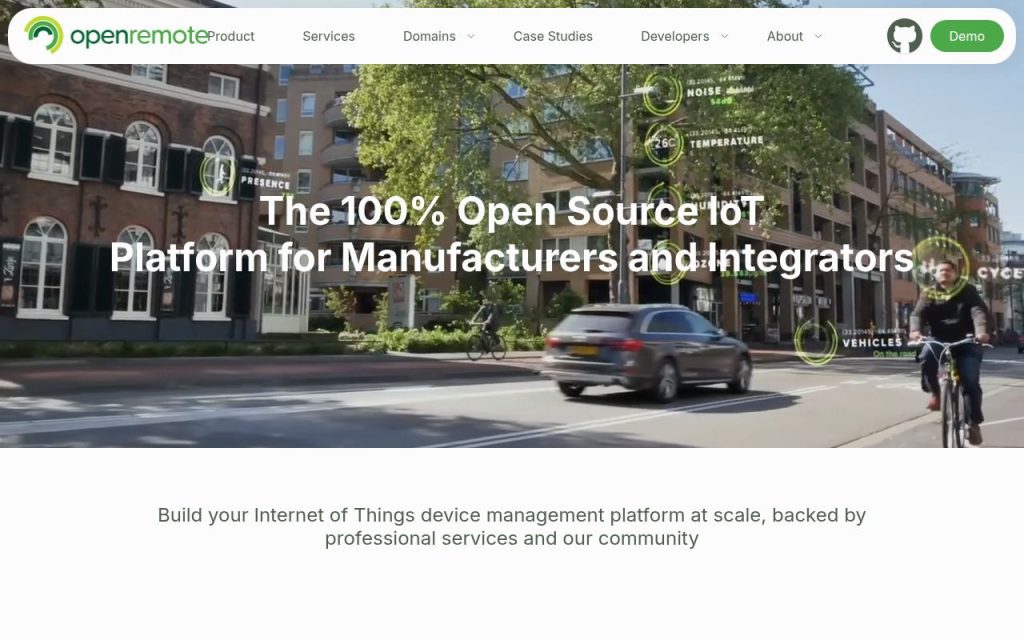
Asset-centered projects are where this option earns its place near the top. Rather than treating every incoming message as an isolated sensor value, its product model organizes devices and systems as assets. Buildings, chargers, and public infrastructure can therefore share a consistent application structure.
The documented feature set includes asset types, protocol agents, dashboards, maps, realms, and identity management. We consider that a strong combination for integrators who must connect technical systems with human workflows.
Its appeal is less about avoiding engineering altogether. Instead, it offers a coherent foundation for engineering the same project without assembling unrelated administration tools.
How OpenRemote works
You define asset types and the attributes each asset needs. Protocol agents connect those attributes to equipment or external services. The platform lists connections including MQTT, HTTP, Modbus, KNX, and LoRaWAN.
Next, you add behavior. When-Then rules address straightforward conditions, the Flow Editor handles visual processing, and Groovy supports more involved logic. Dashboards display current readings and historical trends. Maps and geofencing add location-based context where relevant.
Realms separate clients or projects within shared infrastructure. Keycloak supplies identity management, while REST and WebSocket interfaces expose assets and attributes to other applications. The public implementation repository also provides a starting point for deployment and extensions.
We would model a small but representative asset hierarchy before connecting everything. A useful hierarchy should match how operators find equipment, not merely how a manufacturer names its products. That is an architectural choice worth settling early.
Who is OpenRemote for?
It fits organizations managing connected assets across sites, customers, or departments. Energy management and building projects are particularly natural matches because equipment relationships matter alongside individual measurements.
Professional integrators should also appreciate the combination of open software and optional vendor services. You can retain implementation control while buying help for specific gaps.
Look elsewhere if you only want a few household automations. A local home hub usually provides a more direct route. We would also compare license obligations before embedding substantial proprietary modifications.
OpenRemote pricing
- Professional Community: Free, with the full platform, self-hosting, and community support.
- Support Voucher: Price on request, including email assistance, training, and consultancy within a defined support allowance.
- Managed Service: Price on request, including managed hosting, an SLA, development assistance, and optional commercial licensing.
The service packages and engagement details distinguish software access from paid implementation and operations.
That distinction makes budgeting easier. You do not need to buy a hosted plan just to explore the platform. However, custom applications and production support remain real project costs.
Pros and cons
Pros
- Assets and attributes connect dashboards, rules, APIs, and location features.
- Realms provide a documented mechanism for separating customer or project data.
- When-Then rules, Flow Editor, and Groovy accommodate different technical skill levels.
Cons
- Commercial hosting and support require a quote rather than a public fixed subscription.
- Its asset model and identity stack require more planning than a basic home hub.
- The AGPL license deserves review before closely integrating proprietary modifications.
OpenRemote rating and reviews
The directory listing we checked contains no customer reviews, so we have no independent aggregate score to report.
Our verdict: choose it when asset structure, multiple stakeholders, and integration flexibility matter more than the quickest household setup.
3. Node-RED

- Category: Visual programming and integration tool
- Best for: Connecting devices, APIs, databases, and notification services
- Ease of use: Accessible visual editor, with coding available when needed
- Pricing: Free software, hosting and third-party services separate
- Standout feature: Browser-based flows with reusable nodes
When the missing piece is logic between existing systems, we would start here rather than replace the whole stack. Its visual editor connects inputs, processing steps, and outputs. That makes it useful beside a device platform, database, or home hub.
The official site describes a Node.js-based runtime that can operate locally, at the edge, or in cloud infrastructure. We regard that deployment flexibility as a major advantage for integration work. The same style of flow can serve a small local project or a larger application component.
However, visual programming is not the same as a complete fleet-management application. You must still decide where device identities, historical data, customer access, and operational dashboards belong.
How Node-RED works
You open the editor, drag nodes from the palette, configure them, and connect their ports. Changes become active when you select Deploy. The introductory flow tutorial demonstrates Inject, Debug, and Function nodes.
Inject supplies a message manually or on a schedule. Debug shows what reaches that point in the flow. Function lets you transform messages with JavaScript. This is a practical learning sequence because it makes data movement visible before adding real equipment.
For an IoT application, replace the demonstration input with the relevant device or messaging connection. Then validate the payload, transform it, and send it toward storage or an action. We recommend keeping debug output available during development, especially around external services.
The administration and editor guides cover context, error handling, environment variables, and additional nodes. These subjects become important once a flow must survive beyond a demonstration.
Who is Node-RED for?
It suits integrators, developers, technically confident makers, and teams exploring an unfamiliar device workflow. The visual representation is helpful when the main problem is understanding which data should reach which service.
We also like it for extending another platform without rebuilding that platform. For example, it can sit between incoming messages and an existing business system.
Look elsewhere if you expect ready-made customer portals, fleet enrollment, and full device lifecycle management. Node-RED can participate in those workflows, but the surrounding application remains your responsibility.
Node-RED pricing
- Open-source runtime: Free, including the browser editor, core nodes, and custom JavaScript functions. You provide the execution environment.
- Additional nodes and connected services: Licensing and service charges vary by component. A free runtime does not make every external API or commercial deployment service free.
There is no first-party paid runtime tier to compare on the main project site. The core licensing statement also warns that third-party nodes can carry different terms.
For budgeting, separate software access from operational responsibility. Hosting, authentication, dependency maintenance, and external services are the more relevant costs.
Pros and cons
Pros
- Inject and Debug make message inspection part of the documented beginner workflow.
- Function nodes allow custom JavaScript when prebuilt nodes do not cover the logic.
- The runtime supports both edge hardware and cloud deployment.
Cons
- Large visual flows can become difficult to interpret, a concern raised in G2 reviews.
- Installed community nodes add their own maintenance and licensing considerations.
- Device inventory, historical storage, and customer applications require additional design.
Node-RED rating and reviews
- G2: rated 4.5/5 across 25 reviews.
Reviewers repeatedly praise visual development and integration flexibility. Some mention documentation gaps, resource usage, and complexity as flows grow. Those comments support using small, clearly named flows rather than one sprawling canvas.
Our verdict: an excellent integration choice, but not a substitute for every other layer in an IoT system.
4. Home Assistant

- Category: Local home automation hub
- Best for: Households combining devices from different manufacturers
- Ease of use: Guided options for beginners, deeper configuration for advanced projects
- Pricing: Free local software, optional remote-access subscription
- Standout feature: Local automation with a broad integration directory
Households should usually shortlist this before considering a general-purpose commercial IoT backend. Its priorities are local control, privacy, dashboards, and automation. That is a better match for lighting, household sensors, and connected appliances than managing customer fleets.
The distinction matters because local software does not automatically mean every connected device works locally. An integration may still depend on a manufacturer’s online service. We recommend checking each device’s integration rather than assuming the hub removes every cloud dependency.
Our view is straightforward: it offers a compelling home-centered starting point, provided somebody accepts responsibility for updates and configuration.
How Home Assistant works
You install Home Assistant, add integrations, and organize the resulting devices and entities. Entities represent readings or controllable functions. Dashboards expose those entities to household members, while automations respond to changes.
The installation comparison recommends Home Assistant Operating System for most users. Home Assistant Container is available for people managing their own container environment. Container installations do not include the same integrated app-management experience.
After connecting equipment, you build logic through the automation editor. Triggers start an automation, conditions determine whether it should continue, and actions perform the work. The automation documentation also explains scripts, scenes, and reusable blueprints.
We would organize devices by the way people use the home. Clear room names and understandable dashboards matter more than exposing every diagnostic entity. An administrator may want technical detail, but other household members usually want a reliable control.
Who is Home Assistant for?
It fits homeowners, renters with compatible devices, and technically curious households seeking more control over mixed-brand equipment. A dedicated local installation is especially appealing when everyday automation should not require a remote application server.
It also suits developers who want to extend an existing household platform instead of creating their own interface and automation engine.
Look elsewhere for a commercial multi-customer service with formal fleet-management workflows. We would not choose a household hub merely because its dashboard looks suitable for a business application.
Home Assistant pricing
- Home Assistant: Free local software, including integrations, dashboards, and automation. Hardware and administration remain separate.
- Nabu Casa monthly subscription: $6.50 USD per month before tax in the United States, including remote access, offsite backups, and supported voice integrations.
- Nabu Casa annual subscription: $65 USD per year before tax in the United States, with the subscription benefits billed annually.
The regional subscription details distinguish these connectivity services from the locally installed software.
Crucially, the subscription connects to a home installation. It does not replace that installation with a fully hosted automation server. Subscription support also focuses on the subscription’s features, not every possible local configuration.
Pros and cons
Pros
- Home Assistant Operating System provides the recommended installation and maintenance path.
- The automation editor supports device and entity selection without requiring code for basic rules.
- Remote access is optional rather than a prerequisite for local automation.
Cons
- Home Assistant Container requires more manual administration and separate handling of supporting services.
- Cloud-dependent device integrations can still lose functionality during internet outages.
- The household-focused model is not a ready-made commercial tenant-management system.
Home Assistant rating and reviews
- US App Store: rated 4.7/5 across approximately 4,000 ratings.
This score belongs to the companion application, not a controlled assessment of the server. We treat it as feedback on the mobile experience. The public Core repository is more useful for examining the server’s code and license.
Our verdict: the most natural shortlist entry for a mixed-device home, not an automatic answer for commercial fleets.
5. EdgeX Foundry

- Category: Edge interoperability framework
- Best for: Engineering teams connecting industrial equipment to applications
- Ease of use: Developer-oriented, with multiple services to configure
- Pricing: Free framework, infrastructure and commercial assistance separate
- Standout feature: Separation between device-facing services and application-facing services
Industrial gateway projects need interoperability before they need another attractive dashboard, and this framework addresses that lower layer. Its job is to connect equipment with applications at the edge. We would evaluate it when different device protocols must feed a common processing or export path.
The framework overview describes a vendor-neutral architecture with device services and application services. That is a different proposition from a ready-made customer portal. The separation can be useful, but it brings engineering work.
We rank it highly for its intended role, not because it replaces the complete application platforms above. A realistic shortlist may include EdgeX and one of those platforms together.
How EdgeX Foundry works
Device services communicate with equipment they understand. They register with core metadata, obtain configuration, and onboard physical devices. The device-service requirements make those responsibilities explicit.
Core services provide common functions around data, metadata, and commands. Application services then process or export information to external destinations. This lets the device-facing implementation remain separate from the application that consumes readings.
A practical project begins by identifying the relevant device service. You then describe and provision the equipment, inspect incoming readings, and configure an application service for the destination. If the required equipment lacks a suitable service, custom development becomes part of the project.
We would establish that compatibility before committing to gateway hardware. A framework can standardize how integrations fit together. It cannot guarantee that every proprietary device protocol already has a maintained implementation.
Who is EdgeX Foundry for?
It suits industrial integrators, equipment manufacturers, and teams building gateways or edge applications. The architecture is particularly relevant when several applications need a consistent way to consume equipment data.
It also fits organizations that want control over the edge integration layer rather than tying that layer to a single remote application.
Look elsewhere if you want a simple household setup or a complete monitoring application immediately after installation. A team must understand the service architecture and decide which components the deployment needs.
EdgeX Foundry pricing
- Community framework: Free to download and deploy, including the open framework, reference services, and development resources. Gateway hardware and ongoing operation are your responsibility.
- Commercial products and assistance: Offered separately within the ecosystem. Their prices, support terms, and added features depend on the selected supplier.
The project does not publish a first-party subscription ladder on its main page. Its architecture and licensing explanation describes the permissive foundation, not a bundled managed service.
We would budget engineering time separately from the software license. Device onboarding, service configuration, export behavior, and recovery testing are substantial parts of an edge project.
Pros and cons
Pros
- Device services and application services separate equipment communication from downstream integration.
- The documentation includes Docker and native deployment paths.
- Core Command provides a named command layer rather than leaving all control inside a dashboard.
Cons
- The service architecture requires more operational understanding than a single home automation application.
- Missing device support can require a custom device service.
- A customer portal, business dashboard, and full fleet application remain separate design decisions.
EdgeX Foundry rating and reviews
Our G2-focused search did not reveal a relevant customer-review aggregate for the framework, so we are not assigning it an independent star rating.
That gap is worth recognizing, but it is not evidence of poor software. For this category, architecture documents and a representative integration pilot are more useful than unrelated product-directory scores.
Our verdict: shortlist it for industrial edge integration, with a named engineering owner and a clearly defined downstream application.
6. InfluxDB 3 Core

- Category: Time-series database and processing engine
- Best for: Collecting telemetry and analyzing bounded time windows
- Ease of use: Developer-oriented, with SQL and command-line workflows
- Pricing: Free Core edition, separate commercial database and cloud offerings
- Standout feature: SQL querying with embedded Python processing
Telemetry storage is this entry’s job, so compare it with a database requirement rather than a device-management checklist. It collects and queries time-stamped data. It does not supply the complete device lifecycle and customer application offered by the broader platforms.
The product page identifies Core as a single-node engine. The technical overview adds object-storage support, local-disk operation, Parquet persistence, and an embedded Python runtime for plugins.
We would consider it when the surrounding application already exists or when a team deliberately wants to assemble its own stack. That choice brings flexibility, but somebody must own the connections between the database and everything else.
How InfluxDB 3 Core works
You install the server, configure access, write time-series data, and query it through supported interfaces. The getting-started workflow separates setup, data writes, queries, and processing.
SQL and InfluxQL provide query options. Python plugins can transform or process incoming information. Visualization remains a separate part of the application, so decide which interface operators will use before assuming the database completes the project.
A major qualification concerns query scope. The query documentation describes an approximately 72-hour range for individual queries. This is not the same as saying older data automatically disappears. The vendor explains that historical timestamps are supported, while broad time-range queries remain a different requirement.
We would validate the exact reports before choosing Core. A live status screen and a long-term comparative report can place very different demands on storage. “Stores time-series data” is not a sufficient acceptance test.
Who is InfluxDB 3 Core for?
It fits developers building telemetry pipelines, edge data collection, and applications centered on recent or bounded historical windows. Teams comfortable with SQL should find the query model more familiar than an entirely custom application interface.
It is also relevant when a project needs database functionality without adopting a full device-management application.
Look elsewhere if your first requirement is broad historical analysis, built-in high availability, or a complete fleet portal. Compare the commercial offerings carefully rather than assuming Core contains every feature associated with the InfluxDB name.
InfluxDB 3 Core pricing
- InfluxDB 3 Core: Free forever, self-managed, community-supported, and single-node. High availability and enterprise security are excluded.
- InfluxDB 3 Enterprise: Custom CPU-based pricing, with high availability, read replicas, enterprise access features, and support.
- Cloud Dedicated: Custom pricing based on compute and storage, with dedicated infrastructure, managed operation, and support.
- Cloud Serverless: Usage-based billing, with a free starting option, shared infrastructure, and service quotas.
- Amazon Timestream for InfluxDB: AWS consumption pricing, with managed infrastructure, AWS account billing, and native cloud integration.
The edition and billing comparison is the right place to distinguish database features from operating models.
Pros and cons
Pros
- Native SQL and InfluxQL provide documented query paths.
- Python plugins allow processing within the database environment.
- Core can use local disk without requiring an external object-storage service.
Cons
- Core is single-node and does not include high availability.
- Wide historical query ranges are a significant edition-selection issue.
- Flux, associated with the preceding database generation, is not supported in this generation.
InfluxDB 3 Core rating and reviews
- G2: rated 4.5/5 across 102 reviews.
Those reviews cover the InfluxDB family and include older editions. We would not transfer comments about historical querying, dashboards, or clustering directly to Core without checking its documentation.
Our verdict: a useful telemetry component, but inspect the query workload and edition boundaries before committing.
7. openHAB

- Category: Vendor-neutral home automation software
- Best for: Technically involved households and mixed-system buildings
- Ease of use: Structured configuration with a substantial learning commitment
- Pricing: Free local software and optional free cloud connector service
- Standout feature: A common automation model across different device technologies
A consistent model across unrelated household systems is the main reason we would shortlist this project. Its emphasis is vendor and technology neutrality. Instead of accepting a separate automation interface for every manufacturer, you bring supported systems into one environment.
The official site describes local operation, rules, scripts, notifications, and several installation choices. We particularly appreciate that its documentation does not pretend sophisticated automation is effortless. The introduction explicitly asks beginners to proceed gradually.
That honesty helps frame the decision. This is a configurable home automation system, not a promise that every device will work immediately. The payoff depends on the exact bindings and the time available to learn the model.
How openHAB works
You install the runtime and add the bindings needed for your equipment. The system separates connected equipment from the application-facing representation used in interfaces and automation. Its documentation organizes configuration around concepts including Things, channels, Items, rules, and persistence.
In practice, a device connection must expose the relevant state or control channel. You then connect that information to the Items used by rules and user interfaces. Persistence handles recorded state where configured, while rules respond to time or events.
For a straightforward installation, the official site points beginners toward openHABian. Other documented options include conventional operating systems and containers. We would choose the deployment you can maintain, not merely the smallest computer that can start it.
Remote connectivity is optional. The Cloud Connector documentation explains how a local runtime connects to an external cloud service. This keeps local automation conceptually separate from access while away.
Who is openHAB for?
It suits households and integrators willing to build a deliberate model for mixed technologies. We would pay special attention when a required binding is well documented and matches the installed equipment.
It can also appeal to users who prefer a stable separation between physical connections and the automation logic above them. That structure can be useful when a device changes but the household workflow should remain understandable.
Look elsewhere if you want the least technical introduction to automation. The project’s own guidance acknowledges a meaningful learning investment. A focused pilot is a better starting point than attempting the whole building.
openHAB pricing
- openHAB: Free local software, including the runtime, automation framework, and available community integrations. Hardware and maintenance remain separate.
- myopenHAB: Free optional service providing remote access, push notifications, and connections to supported external services.
- Self-hosted cloud service: An alternative for users who want to operate the connecting service themselves, with infrastructure and administration costs under their control.
The remote-service feature description explains the connector-based approach rather than selling a replacement for the local runtime.
The Core repository’s license information is worth checking separately from any additional component. Free access does not eliminate the need to understand distribution and integration terms.
Pros and cons
Pros
- Local operation does not require a cloud account.
- Bindings, Items, rules, and persistence provide a structured configuration model.
- openHABian offers a documented appliance-style starting path.
Cons
- The documentation explicitly warns that successful automation requires learning and time.
- Hardware compatibility depends on the relevant binding and device details.
- Remote push and external-service features introduce dependencies beyond local rules.
openHAB rating and reviews
The legacy companion-app listing is not an appropriate measure of the current server, and we did not verify a relevant server-wide review aggregate.
Our verdict: a thoughtful choice for users who value a consistent automation model and can invest in configuration.
8. ioBroker

- Category: Adapter-based home and building automation platform
- Best for: Users combining diverse equipment with visual or JavaScript logic
- Ease of use: Technical setup, with several automation and visualization choices
- Pricing: Free core, separately licensed services and selected adapters
- Standout feature: Adapters sharing device information through a common structure
JavaScript-oriented automation builders should give this project a close look, especially when its adapters match their equipment. The official site describes a workflow of connecting, normalizing information, automating, and visualizing. That makes integration coverage the most useful place to begin.
Its flexibility is attractive, but the component boundaries deserve attention. The controller is open source, while selected visualization, remote-access, and integration features have separate commercial terms. We would not treat the entire ecosystem as one uniformly licensed package.
For the right project, those choices are manageable. The key is to identify the exact adapters and services before estimating either cost or offline behavior.
How ioBroker works
You install the host software, add adapters, and configure instances for the required connections. Adapters bring device and service data into the shared system. Rules then use that information to connect triggers, conditions, and actions.
The documentation structure covers adapters, instances, objects, states, users, logs, visualization, and several automation approaches. Blockly, JavaScript, and TypeScript are among the documented logic options.
The first automation guide provides a more focused starting point than browsing the whole adapter directory. We would first prove a simple state change and resulting action. Add visualization once the underlying values behave as expected.
Installation can use a conventional Node.js environment or Docker. The supported installation paths also describe prepared images and multihost considerations. Those choices are useful, but they create different maintenance responsibilities.
Who is ioBroker for?
It suits technical household users, building-automation enthusiasts, and developers comfortable examining adapter behavior. We would especially consider it when a required adapter provides a clear fit that competing hubs do not.
It also appeals to people who want a choice between visual logic and code. That flexibility can accommodate different contributors within the same project.
Look elsewhere if you expect every visualization and external-access capability to be unrestricted and free. We would also favor a simpler starting point for users unwilling to manage adapters and their dependencies.
ioBroker pricing
- Core platform: Free, including the controller and basic automation functions. Adapter terms must be checked individually.
- Free remote access: Available with limits on functionality and data volume.
- ioBroker.pro: Paid remote access with extended editor access, smart-assistant functions, and services. The opened overview does not display a fixed public amount.
- vis-2 and selected adapters: Separate licenses apply for particular uses, including commercial or offline visualization. Exact checkout terms depend on the product.
The adapter and access-license overview is more useful than assuming the free controller defines every component’s cost.
One practical detail deserves emphasis: the free vis-2 license requires an online check when the adapter starts. Projects requiring disconnected dashboard operation should examine the offline license rather than relying on a general “local platform” description.
Pros and cons
Pros
- Blockly, JavaScript, and TypeScript offer different ways to build automation.
- The documentation separates adapters, instances, objects, and states.
- Local automations continue when a paid remote-access license expires.
Cons
- Selected adapters and visualization functions have separate licensing requirements.
- Free vis-2 startup depends on an internet-based license check.
- The commercial overview does not provide a simple public price for every service.
ioBroker rating and reviews
The US companion-app page reports insufficient ratings for an overview, so it does not provide a useful aggregate score.
The controller repository confirms the core license, but that should not be extended to every adapter.
Our verdict: a flexible shortlist entry for adapter-driven projects, provided component-level licensing is part of the initial assessment.
9. Gladys Assistant

- Category: Local smart home assistant
- Best for: Households prioritizing dashboards, scenes, and optional remote access
- Ease of use: Guided household setup with visual day-to-day controls
- Pricing: Free local software, optional Lite and Plus subscriptions
- Standout feature: A home-centered interface with no mandatory cloud subscription
For a home project that should remain approachable after installation, this is a worthwhile alternative to the larger automation hubs. Its main site emphasizes local operation, dashboards, scenes, and guided installation. We see the clearest fit in households that want a focused interface rather than a general commercial backend.
We would still inspect exact integration requirements before choosing it. A clear interface cannot resolve unsupported hardware or a vendor’s cloud dependency. The right question is whether the devices and automations you need are documented, not whether the homepage lists familiar brands.
The main project’s public code and license support the open-source claim. Optional subscription services should be evaluated separately.
How Gladys Assistant works
You choose an installation method, start the local instance, and open it from a browser on the same network. The setup wizard creates an administrator account, selects preferences, and names the house and rooms.
The getting-started documentation covers mini-PC, Raspberry Pi, Docker, virtualization, and NAS paths. It then moves through device connections and household automation rather than ending at software installation.
Within Integrations, you select the relevant brand or connection and follow its instructions. Devices appear on dashboards. Scenes combine a trigger, conditions, and actions to produce household behavior.
The scene documentation is the important next stop. We recommend defining a small action that can be observed safely before connecting anything consequential. A notification is a better first result than an unattended heating or access-control change.
For optional paid connectivity, the subscription connects through Settings, then Gladys Plus. Existing local configuration remains in place. That is a service addition, not a requirement to move the home’s automation server elsewhere.
Who is Gladys Assistant for?
It fits households wanting locally hosted controls with optional assistance for remote connectivity and backups. Users who prefer a guided household structure may find its room-based setup more relevant than a general-purpose device platform.
We would also consider it for a contained project where the necessary integrations and scenes are already documented. That is a stronger reason to choose it than hoping future compatibility will arrive.
Look elsewhere for industrial gateways, customer tenancy, or broad commercial fleet operations. We would also compare exact integrations against Home Assistant and openHAB before changing an established household system.
Gladys Assistant pricing
- Local installation: Free, with local dashboards, integrations, and scenes. Hardware and local maintenance are separate.
- Lite: €6.99 per month or €69.99 annually, including encrypted remote access, offline email alerts, supported voice assistants, and family accounts.
- Plus: €9.99 per month or €99.99 annually, adding daily encrypted backups, remote camera streaming, AI features, and additional integrations.
The subscription comparison and activation instructions explain which conveniences sit outside the free local installation.
For US readers, the published euro amounts should not be treated as a fixed dollar cost. We would check checkout availability and the final charge before subscribing.
Pros and cons
Pros
- The setup wizard organizes accounts, preferences, rooms, and devices.
- Scenes provide a documented trigger-condition-action workflow.
- The local installation does not require a paid cloud subscription.
Cons
- Automatic encrypted cloud backups belong to Plus rather than the local free installation.
- Remote camera streaming is also a paid subscription feature.
- The product’s household focus does not address commercial customer-fleet requirements.
Gladys Assistant rating and reviews
The public feedback listing has only a small review sample, including a disclosed contributor, so we would not treat its aggregate as strong independent evidence.
Our verdict: shortlist it for a focused local home system, then verify the exact integrations and subscription conveniences you need.
10. Magistrala

- Category: Device connectivity and access-control platform framework
- Best for: Developers building programmable, multi-tenant connected applications
- Ease of use: Developer-led deployment with a documented management interface
- Pricing: Free Community Edition, paid hosted and Enterprise options
- Standout feature: Explicit devices, channels, workspaces, and access policies
Developers who want control over device messaging and authorization should examine this framework, but its edition boundaries matter. The official product page separates the open-source foundation from Enterprise dashboards, rules, alarms, reporting, and audit capabilities. We would not assume all illustrated application features belong to the free edition.
Its architecture combines identity through Atom with multiprotocol messaging through FluxMQ. That makes it more relevant to teams constructing a connected application than to households seeking an immediately familiar control panel.
The strongest reason to shortlist it is a good match with that programmable model. The weakest reason would be expecting a free copy of every Enterprise workflow.
How Magistrala works
The repository’s quick-start instructions bring the stack up through Docker Compose. The documented components include messaging, identity, and core services.
Within the management workflow, you create a workspace, organize groups, register devices, and create channels. Devices connect to channels to publish or receive messages. Roles and policies determine who can reach the relevant resources.
The user onboarding guide explains device keys, group membership, channel connections, and bulk uploads. It also makes clear that identifiers and routes require planning. Some route choices are made at creation rather than edited later.
We would begin with an access-control example, not merely a successful message. Register a device, connect it to the intended channel, and verify that an unrelated user cannot read that channel. That better reflects the platform’s strengths.
For application features, check the edition matrix before following a general guide. The documentation and product pages describe a broader ecosystem than the open backend alone.
Who is Magistrala for?
It suits engineering teams building a custom IoT service with explicit device identities, message channels, and customer boundaries. The model is attractive when authorization is part of the application design rather than an afterthought.
It can also fit organizations willing to buy a dedicated managed deployment while retaining a path toward self-hosting.
Look elsewhere if you need free dashboards, rules, and reporting with minimal edition checking. Teams without container and application-development skills should include implementation assistance in the budget.
Magistrala pricing
- Community Edition: Free self-hosting, open-source backend, free-to-use UI container, and community support. The UI’s terms are distinct from the backend license.
- Prototype: €150 per month, including dedicated hosting, dashboards, a commercial UI, and basic maintenance.
- Business: €500 per month, adding rules, alarms, reports, priority assistance, and scheduled backups.
- Enterprise: €1,000 per month, with higher-priority support, a larger resource allocation, and more frequent backups.
- Custom: Quote-based, with tailored availability commitments, clustering, deployment location, and engineering support.
- License only: €300 per cluster monthly for self-managed Enterprise, including application features and security updates. Support is purchased separately.
- Managed by us: Quote-based operation of Enterprise on your infrastructure, aligned with agreed operational and data policies.
The edition matrix and commercial terms should be read before treating the Community interface as equivalent to Enterprise.
Pros and cons
Pros
- Devices, channels, groups, and workspaces provide explicit application objects.
- MQTT, HTTP, CoAP, and WebSocket connectivity are documented.
- Self-hosted, dedicated hosted, and managed-on-your-infrastructure paths are available.
Cons
- Enterprise contains dashboards, rules, alarms, reports, and audit features beyond the open foundation.
- The free-to-use UI should not be described as sharing the backend’s license without verification.
- The self-managed commercial license does not include support automatically.
Magistrala rating and reviews
We did not verify a relevant G2 customer-review listing for this platform, so there is no independent aggregate to add.
Our verdict: a considered choice for a custom connected application, provided the backend, UI, and Enterprise boundaries are acceptable.
Five More Open Source IoT Tools Worth Considering
These alternatives deserve attention when their narrower scope matches your project better than the main shortlist. Some emphasize backend integration, while others focus on local controls or irrigation. We would choose them for a specific documented advantage, not assume they offer interchangeable platform features.
11. DeviceHive

- Category: Device-data integration platform
- Best for: Developers assembling custom device-data applications
- Deployment: Docker Compose or Kubernetes across private, public, or hybrid infrastructure
- Starting price: Free software, engineering and infrastructure separate
Custom integration requirements are the main reason to keep this option on the shortlist. Its official page emphasizes REST, WebSocket, and MQTT connections rather than a single prescribed device interface. That makes it relevant when your application must bring together equipment, external services, and a separately chosen visualization layer.
Compared with the more application-complete picks, its distinguishing angle is the emphasis on integration and analytics building blocks. The homepage describes plugin services, custom JavaScript behavior, and connections with analytics technologies. We would treat those as architectural options to investigate, not proof that a particular analytics workload will perform well. The published documentation repository is the appropriate next stop for confirming the components your project actually requires.
The software is distributed under a permissive open-source license, and the official site identifies commercial engineering support through DataArt’s IoT practice. It does not publish a simple hosted subscription ladder on the page we opened. Your practical budget therefore needs hosting, deployment work, application development, and any separately agreed support. We would request a scoped proposal rather than estimate commercial services from the free software download.
Our caution is to verify the deployment recipe and dependency versions before committing. The homepage’s range of integrations is a reason to investigate, not a substitute for checking the exact maintained path. If you only need ready-made dashboards and alarms, ThingsBoard or OpenRemote offers a clearer initial comparison. If your own application is the centerpiece, a more integration-oriented foundation may make sense.
Who is DeviceHive for?
It fits developers and integrators willing to assemble the application around device connectivity and data services. We would shortlist it only after confirming the current deployment instructions and the support arrangement for the intended stack.
12. WebThings Gateway

- Category: Private smart home gateway
- Best for: Browser-based local controls, simple rules, and floorplan views
- Deployment: Docker, Snap, or source installation
- Starting price: Free software, host hardware separate
A browser-centered home gateway with an interactive floorplan is the appeal here. Its official page describes unified controls, drag-and-drop rules, logging, and adapter add-ons. That gives it a more specific household purpose than the general backend frameworks in this roundup.
The floorplan feature is the clearest differentiator from the developer-heavy picks. You can position devices spatially rather than rely only on a list of readings. For a household project, that may make status easier to interpret. We would still confirm the required add-ons first. A convenient interface matters only after the gateway can communicate with the actual equipment.
The official download page presents Docker and Snap packages alongside source distribution. The linked published release package provides the concrete release information to inspect before installation. Importantly, the gateway page marks the older Raspberry Pi image path as deprecated. We would not follow an old appliance-image tutorial merely because it still appears in search results.
The software download is free, but the page does not provide a paid hosted-service plan comparison. Expect to provide and maintain the local host yourself. This is a useful compact option when its add-on coverage and web interface fit the home. It is less convincing when the project needs business tenancy, industrial device lifecycle controls, or a formal managed-service commitment. Those requirements belong in a different category, not on a wish list for a household gateway.
Who is WebThings Gateway for?
It suits technically comfortable home users who value a unified browser interface and floorplan controls. Choose a maintained installation path and verify add-on compatibility before purchasing gateway accessories.
13. FHEM

- Category: Scriptable home automation server
- Best for: Technical users integrating established household protocols
- Deployment: An always-on server with Perl and appropriate interfaces
- Starting price: Free GPL-licensed software
Existing household equipment and a willingness to work with commands can make this an unusually practical choice. Its official site describes a Perl server for automation, event logging, and device control. It supports web frontends and direct interfaces rather than prescribing one polished application experience.
Its distinguishing strength is the combination of modular protocol support and scriptable behavior. The homepage names systems including HomeMatic, KNX, Z-Wave, EnOcean, and MQTT. We would investigate it when those connections match equipment already installed. Replacing working hardware to suit a more fashionable interface can be a poor trade, especially when the objective is a contained automation task.
The software is free, with no subscription ladder presented on its homepage. You still need an always-on machine, a Perl environment, and the appropriate radio or wired interfaces. The command and module reference is central to evaluating the real setup. It is also a useful indicator of the learning style involved. This is a system for people willing to understand definitions, events, and module behavior.
We would not choose it solely to avoid paying a software license. Configuration time, hardware interfaces, and future maintenance can outweigh that saving. Its value is a good technical fit with established equipment and a preferred scripting approach. Compared with Home Assistant or Gladys, it is a more command-oriented proposition. That can be an advantage for the right operator and unnecessary friction for a beginner seeking guided household controls.
Who is FHEM for?
It fits experienced home-automation users who are comfortable reading module documentation and maintaining a server. Beginners wanting an appliance-like introduction should start elsewhere unless a required device makes FHEM the clear match.
14. Kuzzle Backend

- Category: Extensible application backend
- Best for: Developers creating custom connected applications
- Deployment: Cloud infrastructure, Kubernetes, or a chosen Linux environment
- Starting price: Free open-source backend, commercial assistance separately scoped
Application development, rather than ready-made fleet management, is the reason to consider this backend. The official product page describes storage, a multiprotocol API, authentication, an administration console, and real-time messaging. That gives a development team reusable application foundations without dictating the finished product.
Its clearest difference from the main application platforms is the focus on extending backend behavior. The documented framework lets developers add Node.js business logic. The product page also describes JSON document operations, access roles, and the Koncorde real-time engine. We would consider that useful when the customer-facing application is custom and device data is one part of a broader service.
The backend repository confirms the open-source license and provides a concrete implementation to inspect. Commercial consulting and project support are offered separately, with no fixed backend subscription price shown on the product page we opened. Budget your hosting and application development independently. Also distinguish Kuzzle Backend from the vendor’s separate IoT and business solutions, because a shared brand does not establish identical features or pricing.
Our caution is straightforward: a capable backend is not a completed IoT operation. You must define device enrollment, model the application’s data, build the user experience, and decide how commands reach equipment. For a team already planning that work, the extensible foundation may be the right fit. For a small project wanting dashboards and alarms immediately, a fuller application platform is easier to shortlist.
Who is Kuzzle Backend for?
It suits developers building custom web, mobile, or connected applications around shared backend services. We would not recommend it as the shortest route for someone who needs a finished device-management interface.
15. SIP

- Category: DIY irrigation-control software
- Best for: Raspberry Pi irrigation projects with custom hardware requirements
- Deployment: Linux on Raspberry Pi
- Starting price: Free software, controller hardware and installation separate
Irrigation is a good example of when a narrow tool can be more sensible than a general platform. SIP, the Sustainable Irrigation Platform, is designed around a DIY controller rather than a universal fleet-management application. Its official page describes a Python core and a browser interface usable on mobile devices.
The distinguishing feature is the direct focus on irrigation hardware and extensibility. The project discusses relay-board connections and alternative interface boards. It also supports plugins so developers can add behavior without changing the core program. We would evaluate that focused approach before building an irrigation controller from unrelated dashboards, message flows, and custom scripts.
The software is free, and the page does not present paid software tiers. That does not make the finished controller free. You need a suitable computer, power supply, interface hardware, enclosure, and installation appropriate for the environment. The setup and hardware documentation covers installation, relay-board connections, and related administration topics. Those are more useful starting points than assuming a general Raspberry Pi tutorial covers the entire project.
We would be cautious about automatic physical actions from the beginning. A controller can run the intended schedule while the actual valve or water supply behaves differently. Plan how to observe the result and stop the system when necessary. SIP is compelling because its scope is specific, not because it offers every feature in this article. If you need commercial customer accounts, remote fleet provisioning, or an industrial support contract, choose a platform built around those requirements.
Who is SIP for?
It fits capable DIY users building a local irrigation controller and developers comfortable adapting plugins. Treat wiring, enclosure suitability, valve behavior, and manual shutdown as part of the project rather than software details.
Match the IoT Software Category to the Job
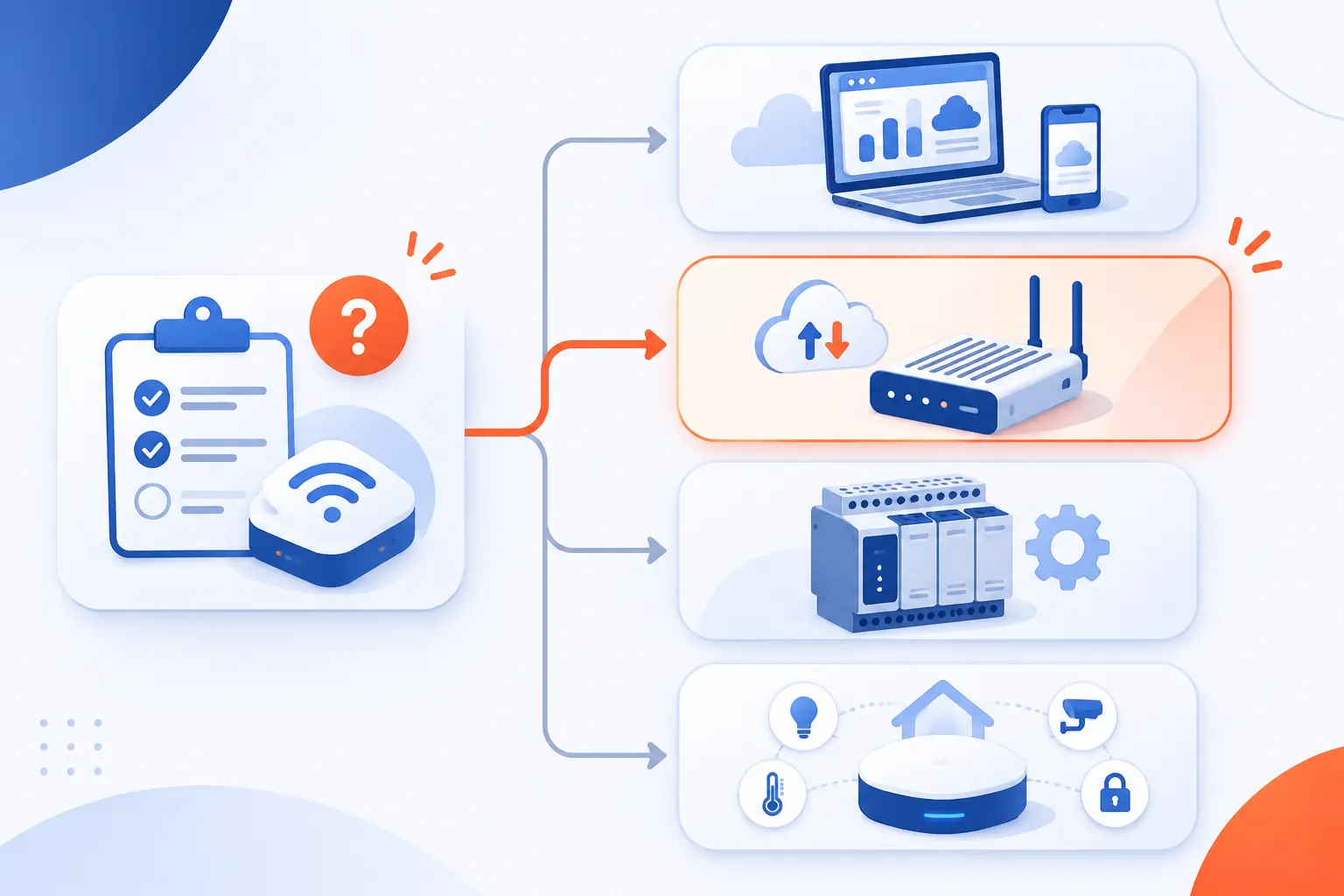
The right category removes more unsuitable options than a long feature checklist. Decide whether you need an application, an edge integration layer, a programmable component, or a household hub. The W3C’s interoperability architecture reinforces this distinction by describing separate building blocks rather than one universal implementation.
Complete Application Platforms for Device Management, Dashboards, and Automation
Choose an application platform when operators need device records, dashboards, alerts, and access controls in one environment. ThingsBoard and OpenRemote are the clearest examples in this selection.
Start with the operator’s task. Do they need to identify an offline sensor, acknowledge an alarm, or share a customer’s readings? A platform should make that workflow understandable without requiring staff to visit several unrelated tools.
We would favor completeness when the team is small and the application is conventional. Custom development remains useful, but it should solve a real gap.
Connectivity and Edge Frameworks for Moving Device Data
Choose an edge framework when the hard problem is connecting equipment and delivering its data to other applications. EdgeX is the main example here.
Its value sits between equipment protocols and downstream services. That layer can be valuable without providing the final dashboard. Evaluate device-service coverage, command behavior, and export requirements before comparing interface appearance.
Magistrala and DeviceHive also deserve attention when programmable connectivity is central, although their application models differ from EdgeX’s edge architecture.
Flow Editors and Analytics Tools for Building a Custom Stack
Choose separate components when you already know how the surrounding application will be built. Node-RED supplies visual integration logic, while InfluxDB supplies telemetry storage and querying.
| Component | Primary Job | You Still Need to Decide |
|---|---|---|
| Node-RED | Route and transform messages through flows | Device records, storage, and application access |
| InfluxDB Core | Store and query time-stamped information | Connectivity, operator interface, and device lifecycle |
| Kuzzle Backend | Provide extensible application services | IoT-specific workflows and the finished application |
We like this approach when flexibility is necessary. We would avoid it when it merely turns a straightforward monitoring project into a software-integration exercise.
Local Automation Hubs for Homes and Buildings
Choose a local hub when household devices and everyday controls are the center of the project. Home Assistant, openHAB, ioBroker, Gladys, WebThings, and FHEM belong in this conversation.
Compare exact device support before debating interface preferences. Then check who will maintain the installation and how other household members will use it. An understandable control panel is part of the requirement, not a finishing touch.
Understand What Is Actually Open Source
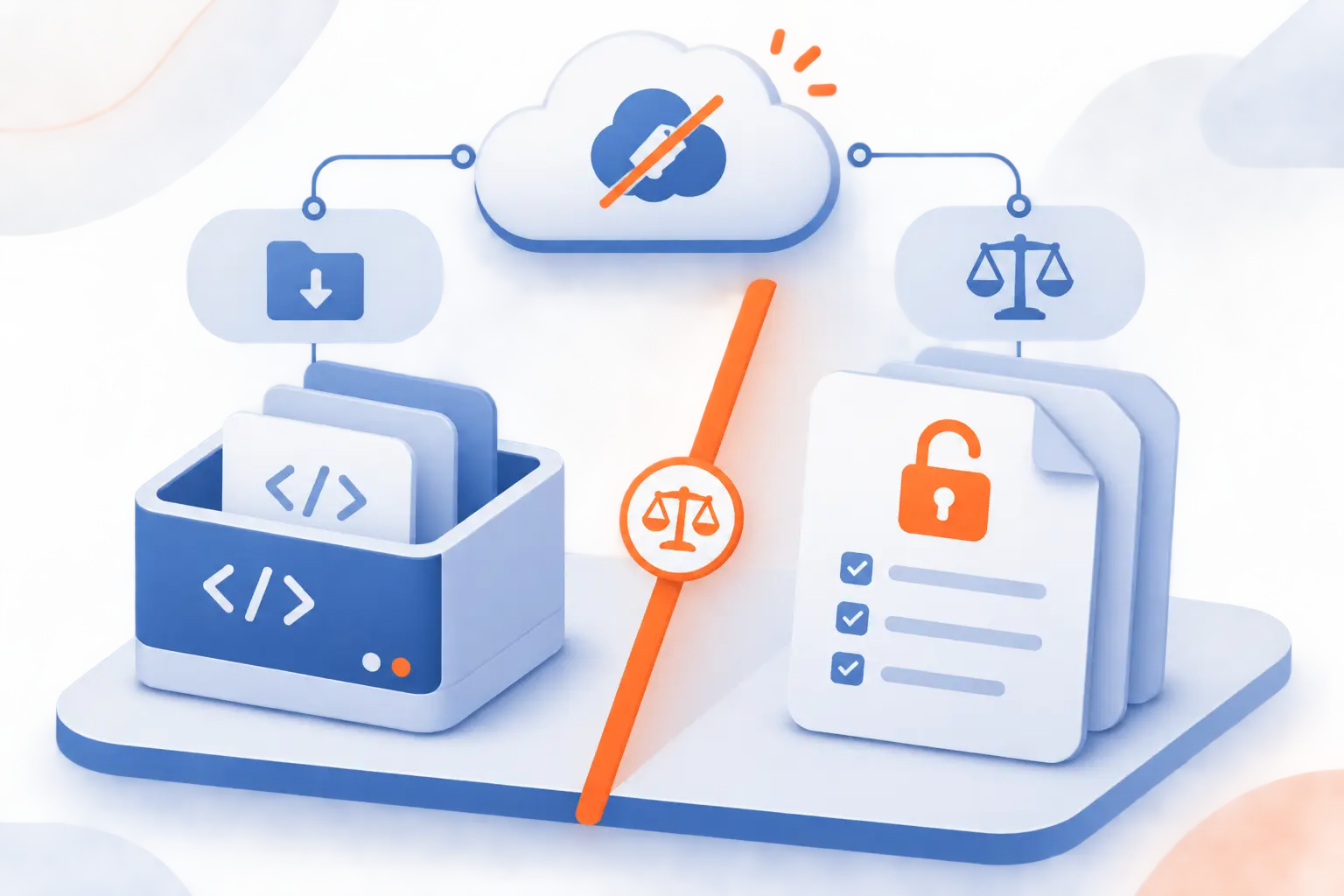
Open source describes license rights, not simply free access or a visible repository. The formal distribution requirements include modification and redistribution rights. A free hosted account or downloadable container does not establish those rights by itself.
Check Server Licenses Separately From Client Libraries and SDKs
The server’s license matters most when you intend to operate or modify the platform. An open client library only establishes rights for that library.
Our research found several component boundaries worth examining. Magistrala distinguishes its backend license from its free-to-use UI. ioBroker warns that adapters can carry different terms. Node-RED makes the same qualification for additional nodes.
We recommend recording the license for every deployed component. Include dashboards, plugins, gateways, and modified code rather than stopping at the main repository.
Distinguish Open Source From Source-Available Software and Free Cloud Plans
Source-available software and free cloud plans can be useful without being open source. The distinction affects what you can run, modify, distribute, or offer commercially.
| Offer | What It Establishes | What to Check |
|---|---|---|
| Open-source release | Rights granted by its open-source license | Component licenses and distribution obligations |
| Source-available release | Access to code under stated restrictions | Production, hosting, and commercial-use terms |
| Free cloud account | Service access within the provider’s terms | Quotas, exports, and self-hosting rights |
We would choose based on the rights the project needs, not the label that sounds most appealing.
Verify Version-Specific Licenses and Security Support Before Upgrading
An upgrade can change the licensing decision as well as the software features. ThingsBoard is the clearest example in this article.
Its Community Edition release table lists security support through July 20, 2027. That gives the named release a defined support horizon, not an indefinite promise.
Before upgrading, record the target version’s license, support status, migration instructions, and extension compatibility. We would keep a tested recovery path rather than assume a newer image is a drop-in replacement.
Choose the Best Open Source IoT Platform for Your Deployment
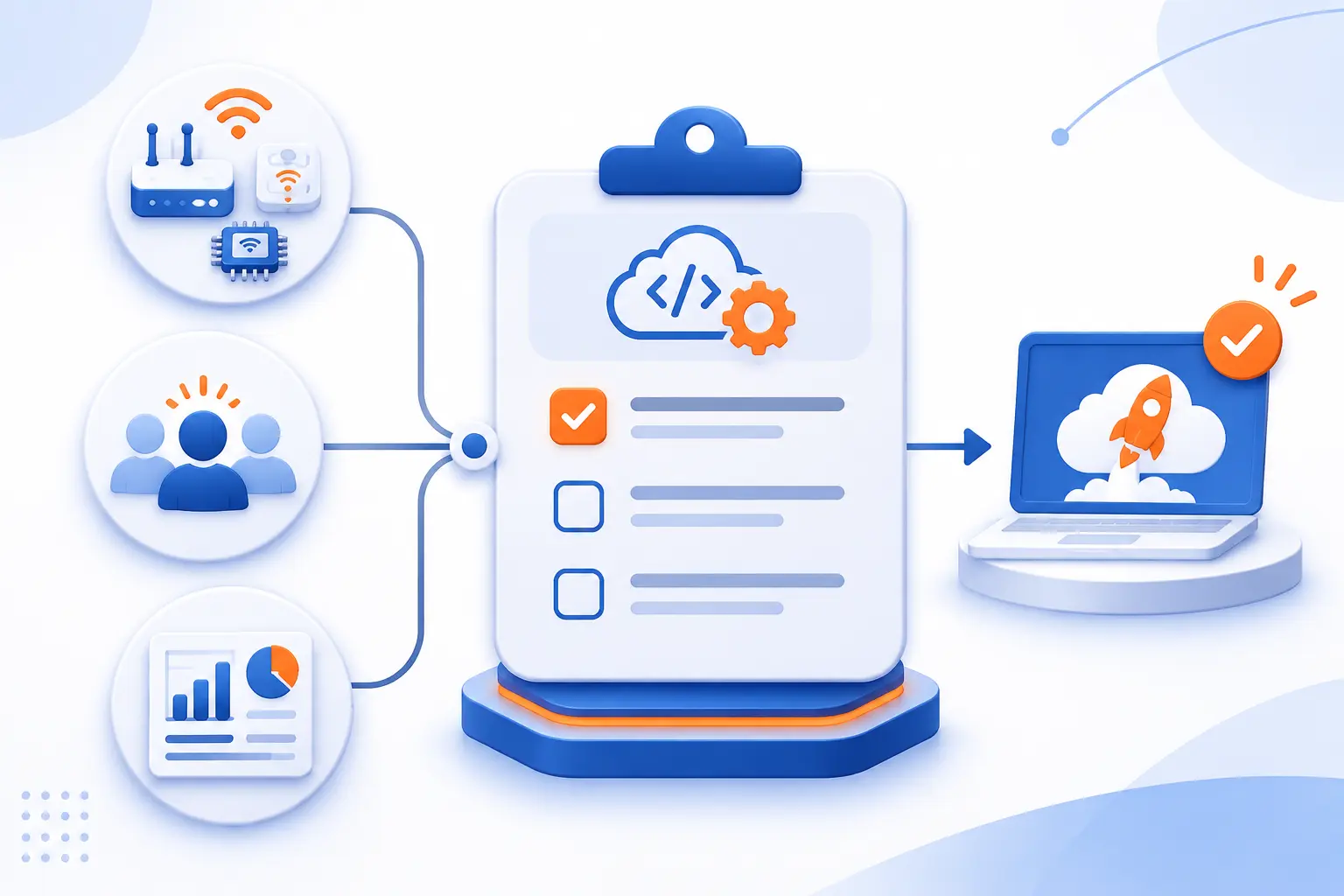
The best open source IoT platform is the one that supports your complete operating workflow, not merely a successful connection. Define the equipment, user actions, historical reports, and recovery requirements before comparing plans. We recommend turning those requirements into a small acceptance checklist.
Validate Exact Device Models, Firmware, Protocols, and Regional Compatibility
Confirm the exact device model and connection method before buying hardware. A familiar brand name in an integration directory is only the beginning.
Ask whether the documented connection uses a local interface, a gateway, or a vendor account. Record the installed firmware and any required adapter or binding. For radio equipment, confirm regional compatibility with the hardware supplier rather than inferring it from platform support.
We would make a representative device available during evaluation. That prevents a promising software choice from depending on an unverified hardware assumption.
Map Provisioning, Remote Commands, and Firmware Update Requirements
Separate enrollment, commands, and firmware updates because they are different workflows. Publishing a reading proves none of the others.
For example, ThingsBoard’s package-assignment workflow uploads firmware or software, assigns it to devices or profiles, and tracks progress. Device-side implementation still needs to match that process.
Write down who creates identities, how credentials reach equipment, and how a failed update is handled. We would reject a deployment plan that cannot explain the recovery path.
Specify Dashboard Workflows, Historical Analysis, and Alert Routing
Define the question each dashboard must answer before selecting widgets. Current status, historical investigation, and alarm response are separate tasks.
Specify the history window and the comparisons users need. InfluxDB Core’s query scope illustrates why “historical data supported” is not detailed enough.
For alerts, identify the recipient and the expected response. We recommend distinguishing a visible alarm from a delivered notification and an acknowledged incident.
Plan for Device Growth, Message Volume, Retention, and Multiple Customers
Describe workload growth in more than device counts. Message frequency, payload size, stored history, and concurrent users also matter.
Keep the assumptions explicit. A mostly idle device and a continuously reporting gateway create different demands. Customer separation adds another requirement beyond raw message handling.
We would ask for a workload-based proposal or run a representative evaluation. None of the research in this article establishes a benchmark for your application.
Check APIs, Enterprise Integrations, Documentation, and Support Availability
Confirm the integrations your business needs before accepting a broad “API available” claim. Authentication, permissions, data format, and failure behavior all affect the work.
Ask who supports the connection when either side changes. Community documentation may be sufficient for a prototype, while a production dependency may justify a paid agreement.
We recommend naming an owner for every external integration. Otherwise, responsibility tends to disappear between the platform team and the business application team.
Decide Where the Platform Should Run
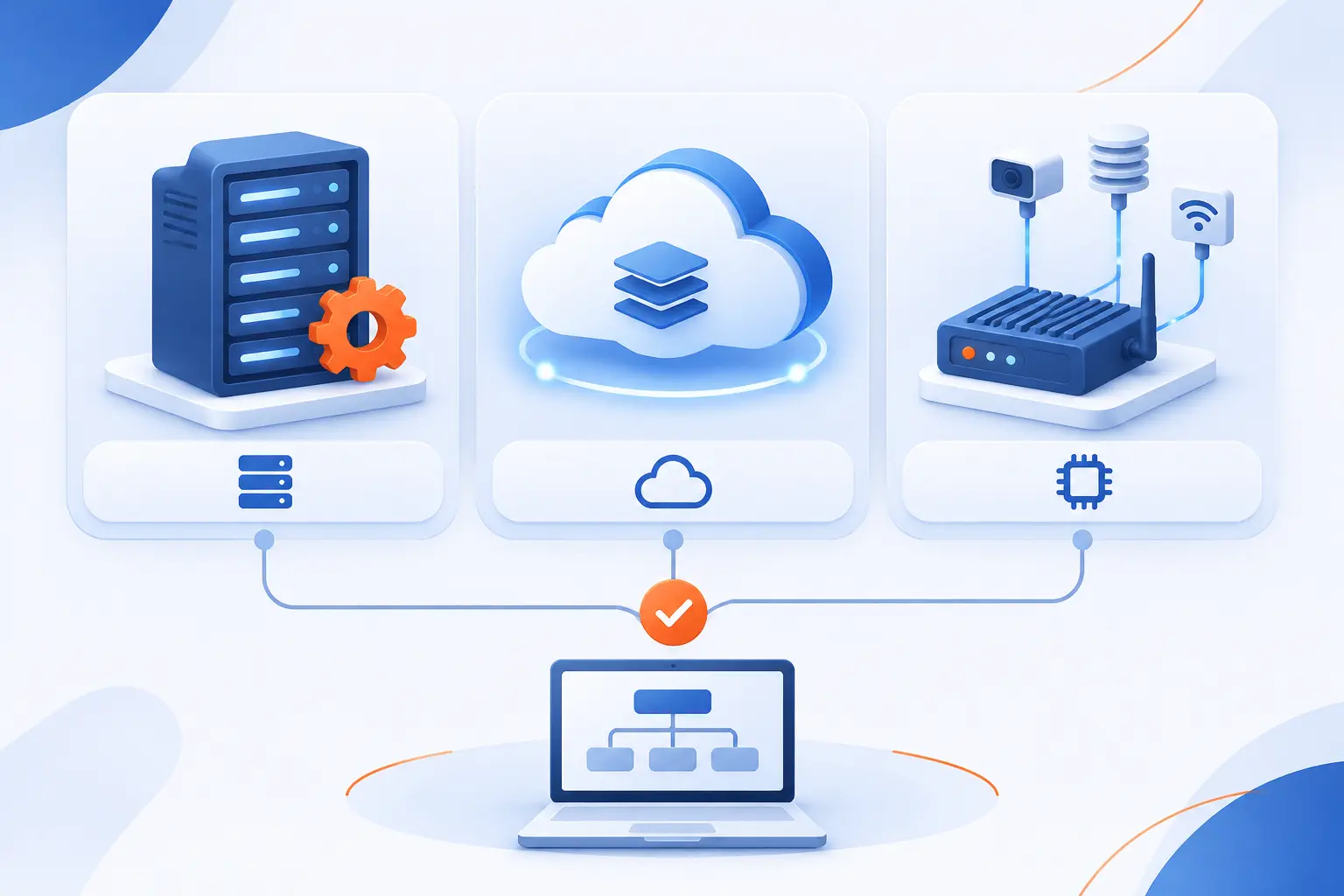
Choose deployment location according to operational responsibility and outage behavior. Self-hosting provides infrastructure control, managed services reduce server administration, and edge processing keeps selected work near devices. Those approaches can coexist.
Self-Hosting for Infrastructure Control and Customization
Self-host when control over the environment justifies owning its maintenance. Most entries here provide a self-managed path, but their operating complexity varies substantially.
A local home appliance, a single database process, and a collection of edge microservices are not equivalent commitments. We would choose the model your team can patch, monitor, back up, and restore.
Before deployment, assign responsibility for application updates, databases, certificates, and host security. “The software is free” does not answer who handles a failed upgrade.
Managed Cloud for Reduced Operational Work
Choose managed service when operating the server is not a useful part of your team’s work. OpenRemote and Magistrala offer arrangements that move some operational responsibility to the supplier.
Read the scope carefully. Managed infrastructure does not automatically include your device firmware, custom integration, or on-site network.
Home automation subscriptions require a different interpretation. Optional remote access and cloud backups may still depend on a locally maintained installation.
Edge and Hybrid Deployments for Local Processing and Connectivity Outages
Use edge processing when selected functions must continue without the remote application. Document exactly which functions those are.
EdgeX’s store-and-forward behavior can persist failed exports and retry them later. Its documentation warns that replay order is not guaranteed.
We would therefore evaluate more than whether data eventually arrives. Check timestamps, duplicate handling, replay behavior, and the application’s response to stale readings. Local execution is only part of outage readiness.
Budget Beyond the Software License
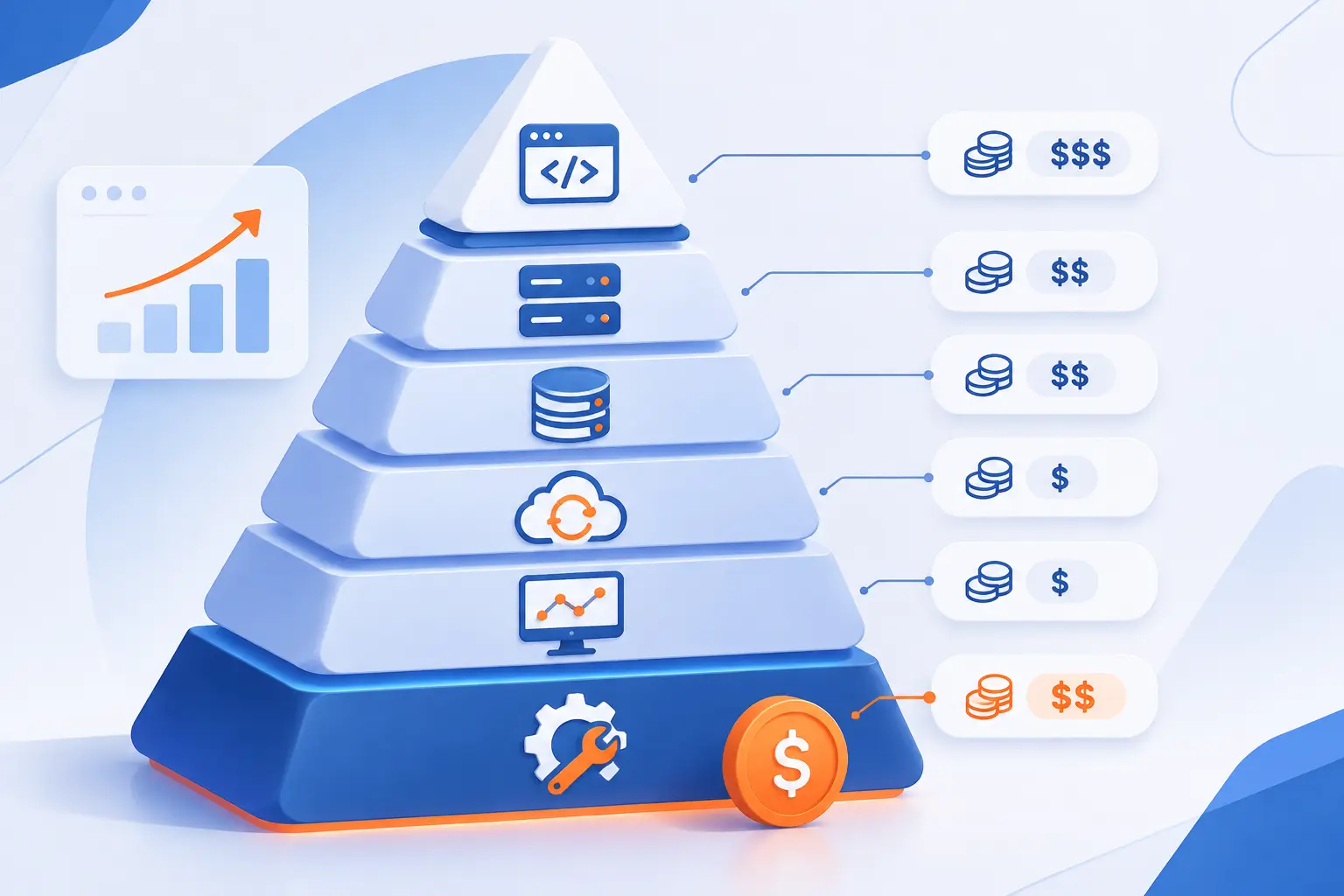
The practical cost is the complete operating system around the software, including people and hardware. Free licensing can remove a charge without removing hosting, maintenance, or integration work. We recommend comparing a realistic project budget rather than a list of download prices.
Servers, Storage, Backups, Monitoring, and Maintenance
Include both routine operation and recovery in the infrastructure budget. Storage, database maintenance, monitoring, and backups belong beside the server cost.
The documented backup and restore options illustrate why recovery needs its own configuration. Creating a backup is not the same as proving that you can restore it.
We would budget time for a recovery exercise before production. Keep credentials and recovery instructions accessible to the people expected to perform it.
Sensors, Gateways, Installation, and Network Connectivity
Hardware and installation can dominate a project even when every software component is free. List the sensors, interfaces, gateways, power supplies, enclosures, and connectivity required.
FHEM and SIP make this especially visible because their usefulness depends on suitable connected hardware. Home hubs may also require separate radio interfaces.
We recommend pricing the representative installation before ordering the fleet. It is easier to adjust the architecture before equipment is installed throughout a building.
Paid Support, Hosted Services, Branding, and Feature Restrictions
Price the features you intend to deploy, not the free edition’s headline. Support, hosting, branding, and selected application capabilities can be separate purchases.
Magistrala places important application features in Enterprise. ioBroker distinguishes selected adapter and visualization licenses. Gladys separates local software from subscription conveniences.
Ask suppliers to identify exclusions in writing. We would rather see a clear commercial boundary than discover it during deployment.
Device, Message, User, and Retention Limits That Change Costs
Understand the billing unit before comparing monthly amounts. Device allowances, message traffic, storage, and retained history measure different things.
Also distinguish a contractual quota from a hardware capacity limit. A plan described as unrestricted still runs on finite infrastructure.
We recommend documenting the assumptions behind every estimate. If message frequency or retention changes, the budget should show where that change appears.
Protect Devices, Data, and Operator Access
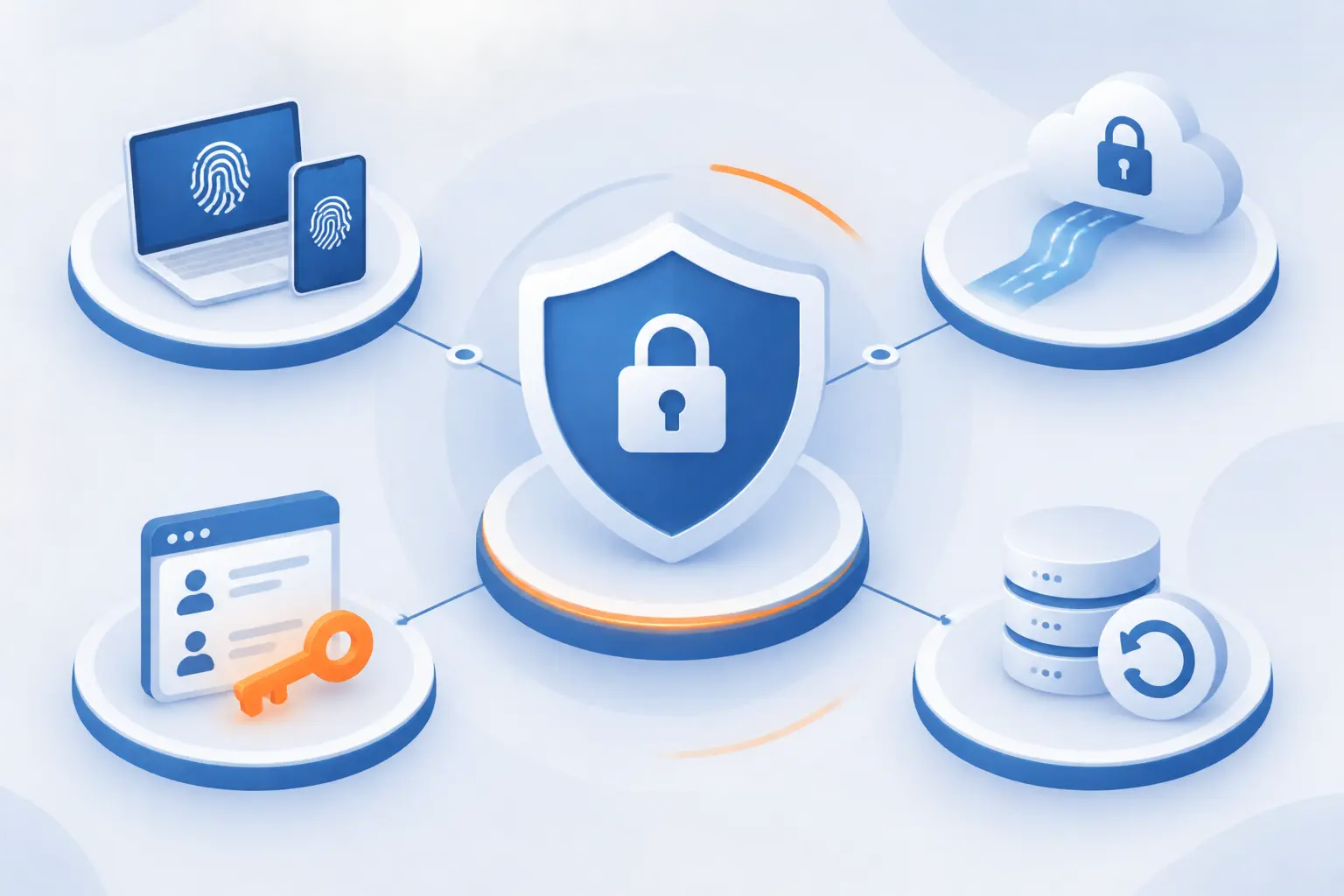
Security must cover equipment, transport, user permissions, and recovery together. NIST’s device capability baseline is a useful foundation for identifying required protections. We would apply those requirements to the complete deployment rather than assume the platform name guarantees them.
Use Per-Device Identity, Encrypted Connections, and Credential Rotation
Give each device a distinguishable identity and use encrypted connections where the equipment supports them. Plan how credentials are replaced and revoked.
We would avoid a design in which a compromised device requires changing a shared secret across the whole installation. Also document what happens when a device is retired, lost, or replaced.
Check configuration defaults carefully. Node-RED’s security configuration guide warns that its editor is not secured by default and explains authentication and HTTPS controls.
Separate User Roles and Customer Access
Test permissions with a restricted account, not only an administrator. A successful administrator demonstration says little about customer isolation.
OpenRemote documents realms, while Magistrala provides workspace and resource-access concepts. Those mechanisms still need correct configuration.
We recommend checking read access, commands, exports, and administration separately. A user who can view a dashboard should not automatically receive device-control rights.
Plan Security Patches, Firmware Rollbacks, and Recovery Procedures
Assign ownership for patches and recovery before the installation becomes important. Include the server, dependencies, gateways, and device firmware.
NIST’s authorized-update guidance emphasizes controlled updates and verification of valid sources. We would use that as a requirement, not assume every connected device already provides it.
Confirm whether rollback exists for the exact device and update mechanism. Where it does not, document the alternative recovery process and the physical access it requires.
Verify Data Residency and Compliance Requirements
Confirm where each category of data travels and who operates the receiving service. A local server does not prove that notifications, voice services, or backups remain local.
We recommend documenting storage locations, remote-access relays, support access, and third-party integrations. Ask the appropriate compliance owner to review those arrangements.
Open-source licensing alone does not establish regulatory compliance. The deployment, contracts, data handling, and operating procedures need their own assessment.
Prove the Workflow Before Expanding the Fleet
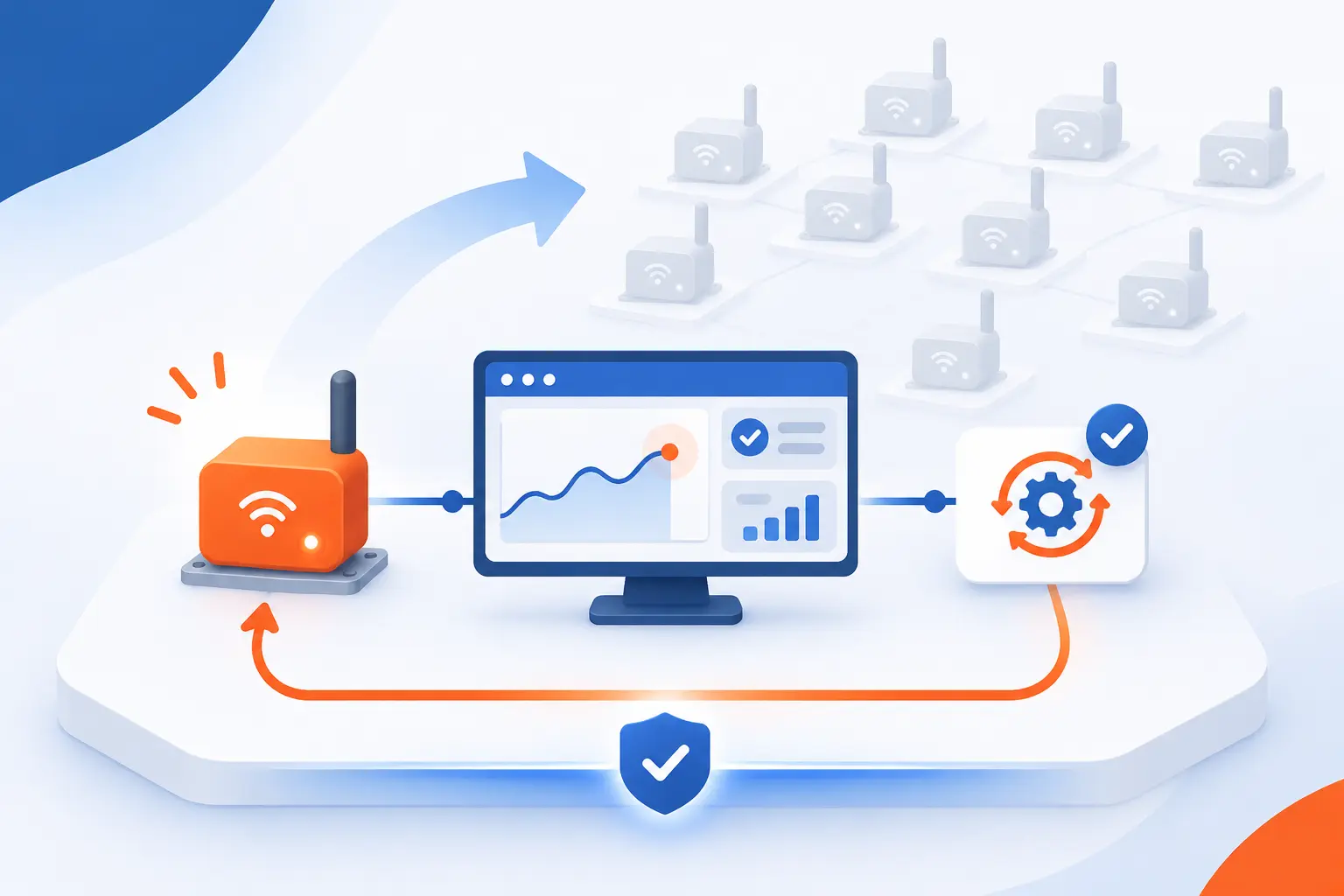
A representative pilot should prove the complete workflow, including failure and recovery. We recommend a small acceptance sequence before buying or enrolling more equipment. Keep physical actions disconnected until the logic behaves as intended.
Connect One Representative Sensor and Record Current and Historical Readings
Start with a device that represents the real deployment, not merely the easiest demonstration. Confirm its identity, units, timestamps, current value, and recorded history.
Then restart the relevant software and check what remains available. We would also document how the system distinguishes a fresh reading from an old value that simply remains visible.
Create an Alert and Confirm It Reaches the Right Person
Prove delivery to the intended recipient rather than stopping at an alarm icon. Confirm the message content explains what happened and which device needs attention.
Check clearing behavior too. We recommend deciding whether recovery generates another notification and whether somebody must acknowledge the incident.
Test Matching and Nonmatching Rules Without Triggering Physical Actions
Test both sides of each condition before attaching an actuator. Replace the physical action with logging or a harmless notification.
Home Assistant’s automation-testing instructions distinguish running actions from exercising conditions and simulated triggers. That distinction matters because a manual action run may bypass parts of the normal decision path.
We would also check boundary values and missing inputs. A rule that works only for the ideal message is not ready for unattended control.
Verify Command Results Through Device Feedback
Treat a sent command and a completed physical action as different events. Use available device feedback to confirm the result.
For example, inspect the reported state after issuing a command rather than relying only on a successful API response. Where feedback is unavailable, record that limitation and decide whether the workflow remains acceptable.
Practice Rule Versioning, Deployment, and Recovery
Keep a recoverable version of working logic before deploying changes. Node-RED’s Git-backed Projects feature provides a documented approach for managing flow files.
We recommend the following acceptance sequence:
- Save the known-working configuration and required dependencies.
- Deploy a controlled change in the evaluation environment.
- Confirm the intended behavior and inspect failures.
- Restore the previous version and verify the workflow again.
Do not expand the fleet until the people maintaining it can perform that recovery confidently.
Frequently Asked Questions
These answers address the licensing, compatibility, and deployment questions most likely to change your shortlist. We separate verified product capabilities from popularity claims that the available evidence cannot establish.
What Are the Most Popular Open Source IoT Platforms?
ThingsBoard, Node-RED, Home Assistant, and openHAB are sensible projects to investigate, but our research does not establish a comparable popularity ranking. They also serve different purposes, so a single adoption league table would be misleading. We recommend choosing the category first and comparing project evidence within it.
Is ThingsBoard Still Open Source?
The Community Edition release reviewed here remains open source, while the succeeding unified product uses source-available terms. The license depends on the release, not merely the ThingsBoard name. Check the target version’s license and support status before upgrading.
Is Thinger.io Fully Open Source?
We would not describe the currently documented server offering as fully open source. Its deployment documentation says a fully open-source server is forthcoming and describes restricted on-premises licensing for research and educational institutions. Do not treat an announced future server as an available open-source release.
Which Free Open Source IoT Platform Works With ESP32?
Home Assistant is a clear option when the ESP32 uses a supported ESPHome configuration. The native integration documentation explains direct connections to ESPHome devices. Verify the exact board, connected components, and firmware configuration before purchasing hardware.
Can an Open Source IoT Platform Run Without an Internet Connection?
Yes, a locally deployed system can operate without internet access when its required devices and functions are also local. Home Assistant and openHAB support local automation, but individual integrations may still require online services. Test the intended workflow with the internet connection unavailable rather than relying on a general offline claim.
Is Python Used With Open Source IoT Platforms?
Yes, Python appears in several projects in this selection. SIP uses a Python core, and InfluxDB Core includes Python processing plugins. That does not mean every platform uses Python or exposes the same extension model.


Conclusion
The best open source IoT platform starts with a clear definition of the job. Shortlist ThingsBoard Community Edition or OpenRemote for an application platform. Consider Home Assistant for household automation, EdgeX for industrial edge integration, and Node-RED or InfluxDB when assembling a custom stack.
Then check the exact license, required integrations, operating responsibility, and paid-feature boundaries. Version-specific support is particularly important for the ThingsBoard release reviewed here.
Our next-step suggestion: select the closest category match and prove a complete sensor-to-alert workflow. Can your team connect it, explain it, secure it, and recover it before the deployment grows?