

- Compare the Options and Understand Our Selection Process
- Top 10 CRM for Small Businesses to Consider
- Five More CRM Options Worth Considering
- When a Small Business Should Move Beyond Spreadsheets
- Match CRM Features to Your Daily Workflow
- Understand the Full Cost of CRM for Small Businesses
- Hosted CRM vs. Open-Source Software
- Roll Out Your CRM Without Disrupting the Team
- AI Features Worth Testing Before Paying Extra
- Frequently Asked Questions
- Conclusion
Capsule CRM is our best starting point for small teams that want organized contacts, clear follow-ups, and manageable setup. Zoho CRM offers more customization, while Pipedrive puts daily sales activity first. The best CRM for small businesses depends on which work needs fixing, not which vendor has the longest feature list.
We reviewed official product pages, pricing information, documentation, and independent review listings. Below, we explain what each option does well, where its plans become restrictive, and who should shortlist it. Our recommendations reflect that research, not hands-on testing.
Compare the Options and Understand Our Selection Process
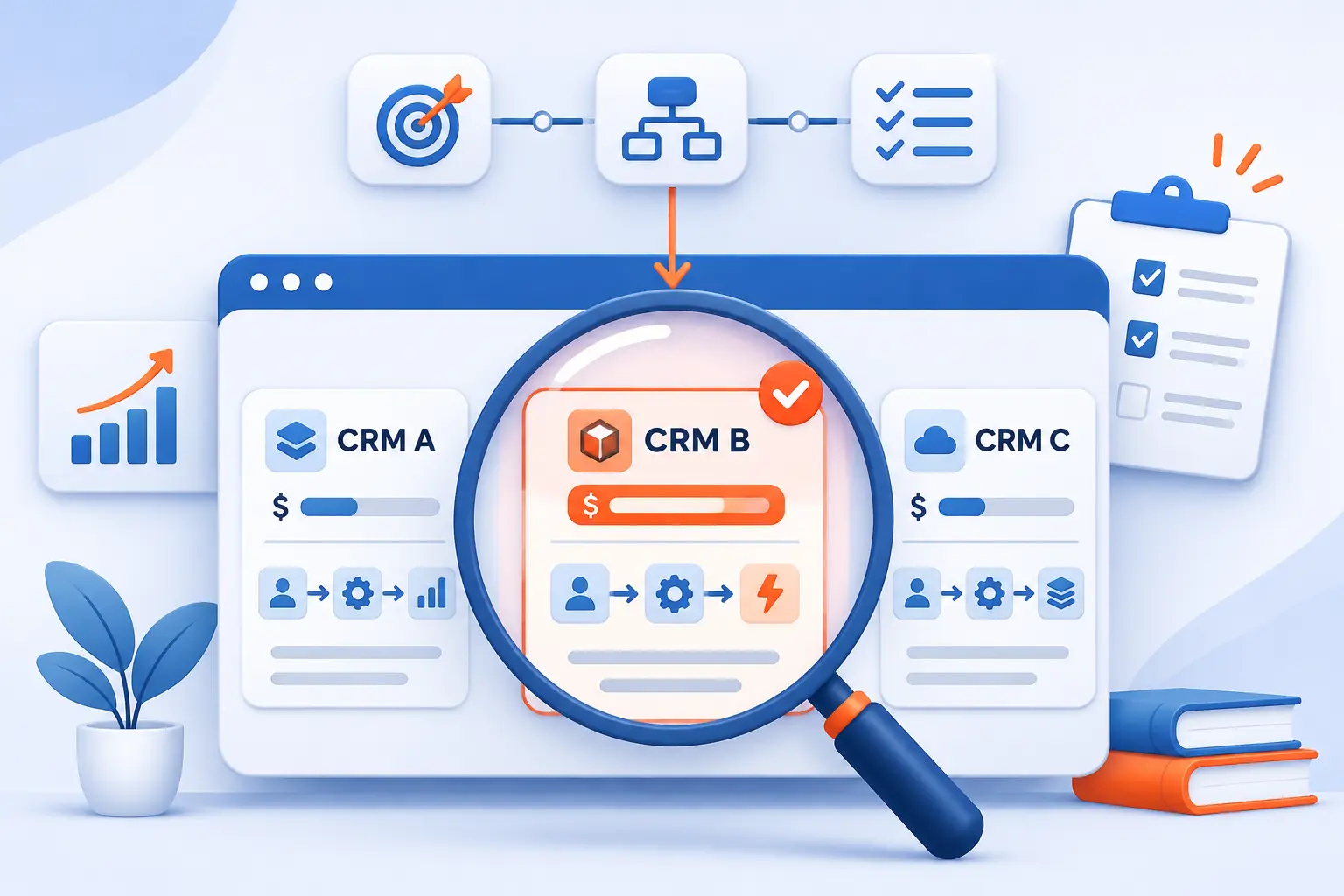
Start with your main workflow, then compare the plan that actually supports it. A low entry price means little if email synchronization, permissions, or automation requires an upgrade. We separate our editorial scores from customer ratings and flag pricing details that need extra care.
FURTHER READING: |
| 1. Best ERP for Small Businesses: 15 Tools Compared |
| 2. 15 Best Customer Data Platforms for Your Stack |
| 3. Best Freelance Websites for Better Paying Work |
CRM for Small Businesses at a Glance by Best Fit, Price, and Plan Limits
Capsule offers the most approachable balance for our target reader, but the alternatives serve distinctly different needs. The pricing column describes the billing model rather than repeating prices from the detailed reviews. Plan restrictions come from the official pages we reviewed.
| Tool | Best For | Pricing Model | Important Plan Boundary | Score |
|---|---|---|---|---|
| Capsule CRM | Contact management and straightforward sales tracking | Free plan, paid per user | Workflow automation starts with Growth | 4.7 |
| Zoho CRM | Customizable sales processes | Free edition, paid per user | Advanced process and AI capabilities vary by edition | 4.6 |
| Pipedrive | Activity-led sales teams | Paid per seat, free trial | Full email synchronization starts with Growth | 4.6 |
| HubSpot CRM | Connecting sales with a wider customer platform | Free tools, paid seats and products | Professional introduces a substantial pricing step | 4.5 |
| BIGContacts | Shared contacts and email campaigns | Free plan, contact-based Business pricing | Business has a minimum contact purchase | 4.2 |
| Insightly CRM | Sales-to-project handoffs | Paid per user, annual billing | Workflow automation starts with Professional | 4.3 |
| Nimble | Relationship-led outreach | Paid per seat, optional upgrades | Contact capacity and marketing upgrades cost extra | 4.3 |
| monday CRM | Visual, configurable workflows | Paid seats, plan-dependent allowances | Boards, contacts, and automation have tier limits | 4.3 |
| Freshsales | Sales conversations and progressive automation | Paid per user, optional add-ons | Contact scoring and sequences start with Pro | 4.4 |
| Bitrix24 | Combining sales, tasks, and collaboration | Free plan, organization-level paid packages | Essentials and Vibe+ have different inclusions | 4.0 |
These scores measure suitability for a small business buying and maintaining its own system. They are not vendor rankings, customer-review averages, or measured performance results. Our list order also preserves different buying priorities rather than pretending every business needs the same product.
How We Weighed Source Recommendations, Checked Official Pages, and Accounted for Vendor Bias
We gave official plan details more weight than promotional recommendations and used customer reviews to identify practical concerns. Product pages establish available capabilities, but they do not prove ease of adoption or business results. Review listings offer another perspective, though their audiences and collection methods differ.
- Everyday capability: We judged whether documented contact records, deal tracking, reminders, and communication tools address common small-team needs.
- Adoption burden: We considered workflow complexity, configuration requirements, and specific usability themes visible in independent reviews.
- Value and pricing clarity: We examined billing units, feature gates, contact allowances, optional charges, and the size of upgrade steps.
- Connected workflows and control: We assessed documented integrations, project handoffs, permissions, reporting, and data portability.
We applied these criteria consistently, without treating vendor claims about revenue gains as verified outcomes. Where official pages disagreed, we favored the dedicated pricing page and explained the conflict. Regional currencies and promotional offers remain labeled rather than silently converted.
Top 10 CRM for Small Businesses to Consider
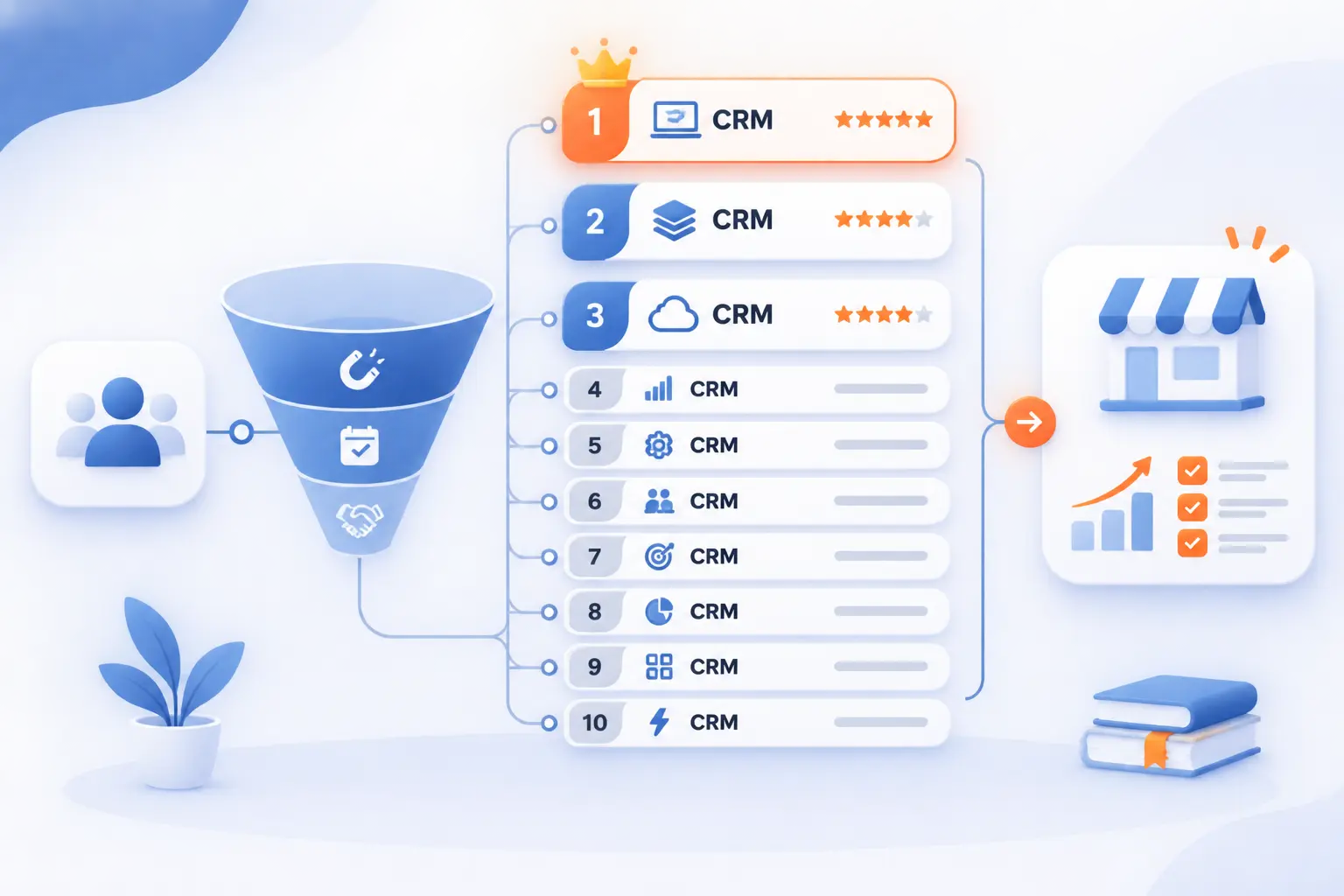
These ten products cover the strongest starting points for contact organization, sales management, and broader customer workflows. Our first picks favor practical adoption, while later entries address more specialized needs. Compare the relevant paid tier, not just the free account or headline offer.
1. Capsule CRM

- Category: Contact, sales, and project management
- Best for: Small teams replacing scattered customer records
- Ease of use: Approachable, according to recurring review themes
- Pricing: Free plan and per-user subscriptions
- Standout feature: Connected sales and project boards
For a team that needs better organization before elaborate automation, this is our strongest starting point. Contacts, sales opportunities, tasks, and project tracking sit within a comparatively focused product. That combination suits businesses where the same people win work and help deliver it.
We place it first because its documented workflow addresses the basics without requiring an enterprise-style implementation. However, the attractive simplicity has boundaries. Teams seeking complex reporting or conditional automation should examine the higher tiers carefully.
How Capsule CRM works
Start by importing contacts and opportunities from a spreadsheet. Create your sales stages, then move opportunity cards through a Kanban-style pipeline. Opening a deal brings together its emails, notes, and tasks, reducing the need to reconstruct the conversation elsewhere.
The practical workflow is straightforward: record the customer, create the opportunity, and assign the next task. Project boards then support work beyond the sale. This makes Capsule worth considering when a won opportunity should become an organized client engagement, rather than disappear from the sales team’s view.
Growth adds workflow automation, Outlook and Gmail email synchronization, and team access controls. Those are meaningful operational upgrades, not merely larger storage allowances. We would evaluate that tier early if several employees need coordinated communication and different access rights.
Who is Capsule CRM for?
We would shortlist Capsule for consultants, agencies, and other small service teams with ongoing client relationships. Its combination of contact history, opportunities, and project tracking matches that work well. Owner-led businesses should also appreciate having fewer separate systems to configure.
Look elsewhere if advanced analytics or highly branching automation is central to your purchase. The review evidence raises those areas as limitations. A company with complicated departmental processes may find Zoho’s customization more appropriate.
Capsule CRM pricing
The following paid rates are per user, per month, billed annually.
- Free: $0, with two users, 250 contacts, and a single sales pipeline.
- Starter: $18, including 30,000 contacts, email templates, a shared mailbox, and premium integrations.
- Growth: $36, including 60,000 contacts, workflow automation, advanced reporting, and email synchronization.
- Advanced: $54, including 120,000 contacts, 50 sales pipelines, and 50 project boards.
- Ultimate: $72, adding an account manager, custom training, and expert support.
The official plan comparison and billing details also lists monthly alternatives and explains downgrade requirements.
Pros and cons
Pros
- Sales opportunities connect emails, notes, and tasks within the same record.
- Project boards extend customer tracking beyond the initial sale.
- Growth includes both workflow automation and team access controls.
Cons
- Automatic Gmail and Outlook email synchronization requires Growth rather than Starter.
- G2 feedback requests deeper reporting and more flexible automation rules.
- Some reviewers want stronger mobile functionality and better project file organization.
Capsule CRM rating and reviews
- G2: rated 4.7/5 across 529 reviews.
The reviewed feedback repeatedly praises simplicity and clear organization. The more useful caution concerns reporting depth and mobile work, not whether the product can store contacts. We would use the trial to reproduce your actual handoff from an open opportunity to a client project.
Our verdict: shortlist Capsule first when adoption and dependable follow-up matter more than extensive customization. Move to the next option if your process needs stronger rules and a broader configuration toolkit.
2. Zoho CRM

- Category: Customizable sales CRM
- Best for: Growing teams with defined sales processes
- Ease of use: More configuration-intensive
- Pricing: Free edition and per-user paid editions
- Standout feature: Blueprint process management
Customization is the main reason to choose this option over a simpler contact manager. Its official pages describe sales automation, lead management, forecasting, territory management, and process controls. That breadth gives a growing business room to formalize how work moves between people.
We rank it highly for capability and value, but not as the easiest default. A flexible system still needs someone to decide which fields, rules, and reports matter. Without that owner, the configuration choices can become a distraction.
How Zoho CRM works
Organize prospective customers as leads, then manage ongoing relationships through contacts, accounts, and deals. Configure pipelines around your sales stages. Tasks, calls, and meetings provide the activity record around those opportunities.
Workflow rules automate defined actions, while Cadences organize follow-up sequences. Blueprint addresses a different problem: guiding employees through an established sales process. For a team with required qualification or approval steps, that distinction is useful.
The CRM for Everyone interface also introduces team modules and team-user licensing. These users can work within their own modules but have restricted access to organization-wide records. We would map those restrictions before assuming every employee needs, or can use, the same license.
Who is Zoho CRM for?
Zoho fits businesses that already understand their sales process and want software to enforce it. We would consider it for teams managing several pipelines, structured qualification, or territory assignments. Existing users of other Zoho products should also investigate the relevant connections.
A solo operator needing only contact notes and reminders should look elsewhere first. The additional configuration may offer little immediate benefit. Capsule or Less Annoying CRM presents a more focused starting point for that situation.
Zoho CRM pricing
The USD edition comparison lists these per-user monthly rates with annual billing. We cross-checked edition capabilities against the live pricing page.
- Free: $0 for three users, including leads, contacts, accounts, and deals.
- Standard: $14, including forecasting, reports and dashboards, and workflow capabilities.
- Professional: $23, adding Blueprint process automation, inventory management, and quoting capabilities.
- Enterprise: $40, adding Zia assistance, territory management, customer portals, and custom functions.
- Ultimate: $52, adding enhanced limits, consulting, migration assistance, and custom AI/ML capabilities.
Review the official edition features and purchase options before committing, particularly where regional availability or newer capabilities affect your requirements.
Pros and cons
Pros
- Blueprint supports structured sales processes rather than relying solely on reminders.
- The product includes forecasting, pipeline management, and territory-management options.
- Team modules offer a way to involve supporting departments without identical CRM access.
Cons
- G2 reviewers describe a learning curve around advanced customization and nested settings.
- Team users cannot own organization-module records or manage organization-wide automation.
- Advanced AI, territory controls, and custom functions depend on edition selection.
Zoho CRM rating and reviews
- G2: rated 4.1/5 across 2,957 reviews.
Reviews praise lead management, automation, and integrations. Several also explain that custom workflows require real setup effort. We regard that as a buying consideration, not an automatic reason to reject the product.
Our verdict: Zoho is a strong choice when your business needs configurable processes and can assign an internal owner. Buy the edition that solves a documented requirement, rather than upgrading for features you might someday use.
3. Pipedrive

- Category: Sales pipeline CRM
- Best for: Teams managing active opportunities
- Ease of use: Focused, visual sales workflow
- Pricing: Paid per seat with a free trial
- Standout feature: Activities linked directly to deals
Keeping the next sales action visible is this product’s clearest advantage. Its pipeline and activity model gives representatives a practical answer to a daily question: which deal needs attention next? We would choose that focus over a broader platform when selling is the primary problem.
The official plan structure also makes an important distinction between basic pipeline tracking and connected communication. Lite organizes opportunities. Growth introduces the email synchronization and automation that many teams will actually want.
How Pipedrive works
Create people and organization records, then connect them to leads or deals. Customize pipeline stages to match your selling process. Add activities for calls, meetings, deadlines, or other next steps.
The documentation shows several ways to schedule work. From the pipeline, click the activity icon on a deal card. In a record’s detail view, use the Activity tab. The calendar and activities list also provide a “+ Activity” action.
Activities can link to contacts, organizations, leads, deals, or projects. This matters because a reminder without customer context is only half useful. The record should explain both what needs doing and why.
Growth connects Gmail, Outlook, or company email and supports nurturing sequences. Premium adds lead generation, custom scoring, and contract tools. We would evaluate those upgrades against your actual prospecting and closing steps, rather than treating them as mandatory.
Who is Pipedrive for?
We would shortlist Pipedrive for sales teams managing a steady flow of proposals, appointments, and follow-ups. It suits managers who want consistent deal stages and visible next actions. Businesses with a clear sales process should find the positioning easy to understand.
Look elsewhere if your central requirement is a shared customer-support operation or extensive project delivery. Pipedrive offers related products and integrations, but its core proposition remains sales. A wider suite may be easier to justify when several departments need the same platform.
Pipedrive pricing
The opened pricing page displayed euros. These are per-seat monthly rates billed annually, not converted USD estimates. US buyers should select their billing region before comparing checkout totals.
- Lite: €14, including lead and pipeline management, report creation, and meeting intelligence.
- Growth: €39, adding full email synchronization, nurturing sequences, and forecast reports.
- Premium: €59, adding LeadBooster, custom scoring, company enrichment, and contracts with e-signatures.
- Ultimate: €79, adding security rules and alerts, phone and email enrichment, and a sandbox account.
The official regional plan and billing selector is the appropriate place to confirm your currency and subscription terms.
Pros and cons
Pros
- Activities attach directly to deals and customer records.
- Customizable pipelines keep deal stages visible to representatives and managers.
- Premium includes contracts and e-signatures alongside lead and deal tools.
Cons
- Lite does not include the full email synchronization listed under Growth.
- Sandbox testing and advanced security controls sit in Ultimate.
- The pricing page offers a trial rather than an ongoing free edition.
Pipedrive rating and reviews
- G2: rated 4.3/5 across 5,114 reviews.
The reviewed listing shows substantial small-business representation. Its discussion of support also includes mixed experiences, with helpful onboarding alongside slower resolution reports. We would confirm the support channel included with your chosen subscription.
Our verdict: choose Pipedrive when consistent follow-up and pipeline visibility are the buying priorities. Start your comparison at Growth if connected email is essential, since Lite is not an equivalent substitute.
4. HubSpot CRM

- Category: CRM within a broader customer platform
- Best for: Businesses connecting sales and customer-facing teams
- Ease of use: Accessible core, more complex purchasing
- Pricing: Free tools, paid seats, and product subscriptions
- Standout feature: Shared foundation across multiple business functions
A shared customer platform is the strongest reason to put this option on your shortlist. The underlying CRM connects with sales, marketing, service, and other products. That can reduce fragmentation when your business needs more than a stand-alone deal tracker.
We like the accessible starting point, but the upgrade economics deserve close attention. Free tools, Starter, and Professional are materially different buying decisions. A small business should model the next tier before building its entire workflow around the entry offer.
How HubSpot CRM works
Store customer and company information in the CRM, then associate deals and activities with those records. Sales tools add email tracking, meeting scheduling, templates, and other selling functions. Additional products extend that foundation into other departments.
Importing requires a correctly structured file, and record relationships matter. A contact list alone will not recreate your full customer history. We would define the relationships between contacts, companies, and opportunities before migration.
Paid access also depends on seat type. Starter uses Core Seats, while full Professional and Enterprise sales capabilities require Sales Seats. View-only access is a separate option for people who need visibility without editing.
This model can suit a business with mixed responsibilities. However, “everyone can access the system” does not mean everyone receives identical functionality. Map each person’s work to the correct seat before requesting a quote.
Who is HubSpot CRM for?
We would shortlist HubSpot for businesses planning to connect sales with marketing or service. It also suits teams that want to begin with core records and expand within the same platform. The broader product structure is a genuine advantage when those functions need shared context.
Cost-sensitive teams requiring advanced sales automation immediately should compare alternatives carefully. The Professional step includes both a higher subscription and required onboarding. A focused sales product may be easier to budget.
HubSpot CRM pricing
These are the Sales Hub options shown on the opened pricing page. Other HubSpot products have separate pricing.
- Free: $0, with access for up to two users, basic sales tools, and branded one-to-one email.
- Starter: Promotional pricing from $7 per seat monthly, with branding removal, expanded snippets, and pipeline allowances. The page also displays a $20 rate and restricts discounts to new customers.
- Professional: From $90 per seat monthly with annual payment, including advanced sales tools, custom reporting, and a larger credit allowance.
- Enterprise: From $150 per seat monthly, with expanded reporting, pipeline allowances, and additional platform capacity.
Required onboarding is $1,500 for Professional and $3,500 for Enterprise. Check the official seat, billing, and onboarding details before treating the advertised subscription as your complete cost.
Pros and cons
Pros
- Sales, marketing, and service products use the same CRM foundation.
- View-only seats provide visibility without requiring editing access.
- The core product includes contact, deal, task, and communication tools.
Cons
- Professional and Enterprise require paid onboarding.
- Core Seats do not provide every specialized Sales Seat capability.
- AI usage can involve credit allowances and additional purchases.
HubSpot CRM rating and reviews
- G2: Sales Hub is rated 4.4/5 across 14,386 reviews.
This listing covers Sales Hub, not only the free CRM. Review summaries praise centralized contacts and usability, while highlighting advanced-feature costs and setup requirements. We would treat that distinction as essential when reading customer feedback.
Our verdict: HubSpot belongs on the shortlist when a connected customer platform justifies the buying complexity. It is less compelling when you only need affordable follow-up management.
5. BIGContacts

- Category: Contact management and email marketing CRM
- Best for: Teams sharing contacts and running follow-up campaigns
- Ease of use: Familiar contact and list-based workflow
- Pricing: Free account and contact-based Business subscription
- Standout feature: Unlimited users on the paid Business offering
Contact-based pricing makes this a useful alternative to products that charge for every employee. Its Business offering combines a shared customer database with email campaigns, tasks, and deal tracking. That structure deserves attention when many people need access to a relatively modest contact list.
We would not choose it on price alone. The opened page mixes a promotional unit rate with a minimum contact purchase and an annual total. Buyers should obtain the complete checkout amount before comparing it with per-user competitors.
How BIGContacts works
Import contacts through a formatted CSV file or the supported Excel workflow. Custom fields hold business-specific information, while lists and tags divide contacts into relevant groups. Contact profiles bring together notes, meetings, tasks, files, sales, and email history.
From there, add opportunities to a customizable pipeline and schedule follow-ups. Email templates and drip campaigns support ongoing outreach. This is useful when the same business needs both individual sales conversations and repeat communication with selected customer groups.
The feature pages also describe AI campaign drafting, import summaries, follow-up alerts, and pipeline tracking. We would regard these as capabilities to verify during evaluation, not evidence that campaigns will perform better automatically. The practical question is whether the proposed message and next action match your customer history.
Mobile access uses a responsive web application. That distinction matters for field teams expecting a native phone app. Reproduce the actual mobile task before deciding whether browser access is enough.
Who is BIGContacts for?
We would consider BIGContacts for businesses that organize their work around shared contacts and segmented email outreach. Its paid user model could suit teams where several employees need occasional access. A simpler database-and-follow-up workflow is its clearest fit.
Look elsewhere if you require sophisticated process enforcement or specialized enterprise reporting. We would also compare mobile workflows carefully if representatives work mainly from phones. A broad feature checklist does not settle those questions.
BIGContacts pricing
- Free: $0 for a single user, with 100 contacts and the page’s advertised premium-feature access.
- Business: The page displays a promotional annual-billing rate of $9.99 monthly per 1,000 contacts, with a minimum purchase of 2,000 contacts. It includes unlimited users, lists, storage, and teams.
- Enterprise: Quote-based pricing for larger contact requirements, with the page directing buyers above 20,000 contacts to sales.
The displayed annual total does not clearly reconcile with the stated contact minimum. Confirm the minimum payable amount through the official contact-volume and checkout details before subscribing.
Pros and cons
Pros
- Business includes unlimited users rather than a separate license charge for each employee.
- Contact profiles combine tasks, files, sales information, and communication history.
- Email drip campaigns and list segmentation are part of the documented workflow.
Cons
- The paid contact minimum complicates the attractive advertised unit price.
- Mobile access is described as a responsive web app.
- An older G2 review reports difficulty finding saved templates because template search was missing.
BIGContacts rating and reviews
- G2: rated 4.5/5 across 78 reviews.
The reviews we opened praise contact organization, recurring tasks, and visual deal tracking. Several visible comments are older, so we would not apply every historical complaint to the present product. In particular, older requests for lead scoring should be checked against the newer AI feature descriptions.
Our verdict: shortlist BIGContacts when shared access and email follow-up fit your business. Insist on a clear total price and a demonstration of the features your team will use daily.
6. Insightly CRM

- Category: Sales and project CRM
- Best for: Businesses handing won deals to delivery teams
- Ease of use: Moderate setup for connected processes
- Pricing: Per-user subscriptions billed annually
- Standout feature: Converting opportunities into projects
The handoff after a sale is the strongest reason to consider this product. Its documented opportunity-to-project conversion carries customer context into delivery work. That is more relevant to a service business than another isolated sales dashboard.
We place it below the simpler options because its value depends on using that connected workflow. If your CRM stops being useful when the contract is signed, the project features may be unnecessary. If delivery repeatedly loses sales context, they become much more compelling.
How Insightly CRM works
Capture leads, assign ownership, and create opportunities within customizable pipelines. Contact records and linked activities preserve the customer relationship around each deal. Reports and dashboards then show progress across the sales process.
Once work is won, convert the opportunity into a project. The product page says corresponding details, records, tasks, and other information can carry into that project. Pipelines and milestones help the delivery team organize what happens next.
Professional adds lead routing and workflow automation. Enterprise introduces products, pricebooks, quotes, and sandbox capabilities. Those features suit a more structured operation, but they also increase the importance of careful configuration.
Insightly sells marketing automation, AppConnect, and support products separately as well. We would map those products to your requirements before assuming the CRM subscription includes the entire customer lifecycle. “Available in the platform” and “included in this plan” are different claims.
Who is Insightly CRM for?
We would shortlist Insightly for agencies, consultancies, and other service businesses with a clear sales-to-delivery handoff. It fits teams that need project visibility alongside customer and opportunity records. The same logic applies when sales promises must remain visible after closing.
Businesses seeking only lightweight reminders should look at simpler tools first. We would also investigate the mobile interface closely for phone-first work. The reviewed feedback includes concerns about crowded screens and limited mobile convenience.
Insightly CRM pricing
These prices are per user, per month, billed annually in USD.
- Plus: $29, including lead and contact management, project management, advanced reports, and prebuilt dashboards.
- Professional: $49, adding lead assignment and routing, workflow automation, and AI Copilot.
- Enterprise: $99, adding sandboxes, products and pricebooks, quotes, and comprehensive audit logging.
Marketing, AppConnect, and support have separate packages on the official product-specific subscription comparison.
Pros and cons
Pros
- Won opportunities can become projects with linked information carried forward.
- Plus includes project management rather than reserving it for the highest CRM tier.
- Enterprise offers comprehensive audit logging and sandbox environments.
Cons
- Workflow automation requires Professional.
- Marketing automation and support are separate product purchases.
- G2 feedback includes crowded mobile screens and requests for more customizable reporting.
Insightly CRM rating and reviews
- G2: rated 4.2/5 across 947 reviews.
Reviewers describe useful organization of contacts, opportunities, and pending activities. The concerns are more specific than a blanket complaint about complexity. Some discuss reporting flexibility, changing interface behavior, or integration limitations.
We would therefore build your evaluation around a complete customer engagement. Create an opportunity, attach the relevant requirements, close it, and inspect the resulting project. That reveals whether the connection solves your actual handoff problem.
Our verdict: Insightly makes the most sense when customer delivery matters as much as sales tracking. Avoid paying for that breadth if nobody will maintain the project side.
7. Nimble

- Category: Relationship-focused CRM
- Best for: Inbox-led networking and client development
- Ease of use: Familiar email-centered approach
- Pricing: Per-seat subscription with optional upgrades
- Standout feature: Nimble Prospector
Relationship-building takes priority over sales administration here. The product brings contacts, email, calendars, prospect research, and outreach into a connected workflow. We would consider it when business development begins in an inbox or professional network rather than a formal lead queue.
Its focused positioning is appealing, but the base subscription is not the whole purchasing story. Marketing, enrichment, web forms, and expanded capacity can involve additional charges. That does not make the product poor value, but it changes the comparison.
How Nimble works
Connect Microsoft 365 or Google Workspace to bring together contacts, emails, and calendar information. Nimble Prospector supports creating or updating contact records while working in an inbox, on LinkedIn, or elsewhere on the web. This reduces the need to begin every relationship with a separate manual record.
Use tags and contact groups to organize the network around meaningful categories. Workflows support relationship processes, while customizable deal pipelines track revenue opportunities. Email sequences and group messaging support follow-up with selected contacts.
The distinction between a workflow and a deal pipeline is useful. Not every relationship is ready to become a sales opportunity. A partnership conversation or referral relationship may need regular attention without a projected close date.
We would evaluate the product around your existing communication habits. Check whether the email connection captures the right history and whether teammates can understand the next action. An enrichment tool is helpful only when the resulting record remains accurate and relevant.
Who is Nimble for?
Nimble fits consultants, business-development professionals, and relationship-led service teams. We would shortlist it when contacts develop through ongoing conversations across email and professional networks. Its documented Microsoft and Google connections support that positioning.
Look elsewhere if your main need is strict process enforcement or deeply customized automation. G2 feedback asks for more flexibility in those areas. A company primarily managing structured opportunity stages may prefer Pipedrive or Zoho.
Nimble pricing
- Business Plan: $24.90 per seat monthly with annual billing, or $29.90 with monthly billing. It includes 25,000 account-level contact records, 2 GB of storage per seat, Microsoft and Google connections, and Prospector.
- Email Marketing upgrade: $15 per company monthly, adding campaign creation and a drag-and-drop editor.
- Web Chat & Web Forms upgrade: $12 per team monthly after its trial, adding website conversations and lead capture.
Enrichment credits, additional contacts, and storage can also increase the bill. Review the official subscription allowances and optional upgrades using your expected contact and outreach volumes.
Pros and cons
Pros
- Prospector supports capturing contacts within existing research and communication workflows.
- Google Workspace and Microsoft 365 connections are included in the base subscription.
- Workflows and deal pipelines support relationships before and after a sales opportunity exists.
Cons
- The contact allowance is account-level rather than a separate allocation for every seat.
- Email marketing and website capture involve optional upgrades.
- G2 reviewers request more advanced customization and automation flexibility.
Nimble rating and reviews
- G2: rated 4.5/5 across 1,114 reviews.
The reviewed comments praise relationship management, Prospector, and approachable navigation. Other feedback raises automation limits and the cumulative cost of additional features. We would translate those concerns into an itemized quote rather than assume every add-on is necessary.
Our verdict: Nimble deserves a place on an inbox-led team’s shortlist. Its strongest case is better relationship context, not being the cheapest way to manage a basic sales pipeline.
8. monday CRM

- Category: Visual, configurable CRM
- Best for: Teams that organize work through boards
- Ease of use: Visual interface with configuration choices
- Pricing: Paid seat packages and tier-based allowances
- Standout feature: Custom boards connected to customer workflows
Visual configuration is the attraction for teams that dislike rigid record layouts. Boards, columns, dashboards, and automations let a business shape how customer work appears. We would consider it when the team already thinks in stages, owners, and status changes.
That flexibility does not remove the need for design. Someone still has to define the boards and prevent unnecessary fields from multiplying. The plan limits also matter because contacts, deals, columns, and automations have explicit allowances.
How monday CRM works
Set up boards for customer records and revenue work, then configure the columns that capture relevant information. Assign ownership and use status changes to represent progress. Dashboards bring selected data into a shared management view.
Standard adds a centralized communication timeline for emails, calls, meetings, and notes. It also introduces custom automation capacity. Pro expands those allowances and includes mass email and email sequences.
The product pages describe AI-supported lead sourcing, enrichment, meeting notes, and field updates. We would separate those capabilities from ordinary board automation during evaluation. A rule that assigns an owner is different from an agent that researches a prospect or contacts someone.
Marketing campaigns are also presented as a related product. Before buying, distinguish monday CRM from monday work management and monday campaigns. Familiar branding does not mean the subscriptions or feature allowances are interchangeable.
Who is monday CRM for?
We would shortlist monday CRM for teams that want visible, configurable customer workflows. It is particularly worth considering when sales activity needs to connect with operational boards. Teams comfortable maintaining their own structure may appreciate the flexibility.
Look elsewhere if nobody wants responsibility for configuration. A focused contact manager may be easier to maintain. We would also question a higher tier if your workflow does not need its extra automation or communication capacity.
monday CRM pricing
The opened official page displayed euros with annual billing selected. These rates are per seat monthly, and buyers should confirm the required seat package at checkout.
- Basic: €12, including a workspace, a custom dashboard, 1,000 active contacts and deals, and limited board columns.
- Standard: €17, including a centralized communication hub, mobile apps, 10,000 active contacts and deals, and 250 monthly custom automations.
- Pro: €28, including mass email, email sequences, 100,000 active contacts and deals, and 25,000 monthly custom automations.
- Ultimate: Custom pricing, with enterprise controls, advanced logging rules, migration support, and expanded AI capabilities.
Ultimate is identified as the renamed Enterprise tier on the official allowance and package comparison.
Pros and cons
Pros
- Boards, columns, and dashboards provide a configurable view of customer work.
- Standard centralizes customer emails, calls, meetings, and notes.
- Pro includes both mass email and sequenced follow-up.
Cons
- Basic restricts board columns and active customer records.
- Automation allowances differ sharply between Standard and Pro.
- CRM, work management, and campaigns are distinct product purchases to evaluate.
monday CRM rating and reviews
- G2: rated 4.5/5 across 1,939 reviews.
We used the CRM-specific listing rather than applying a general monday.com score. That distinction matters because the company’s products address different workflows. The review count alone does not establish that your preferred board design will be easy to maintain.
Our verdict: monday CRM suits teams that want to shape their own workspace and will actively maintain it. During the trial, build the actual board structure and verify the selected tier’s limits before importing everything.
9. Freshsales

- Category: Sales CRM with communication and AI features
- Best for: Teams coordinating sales conversations and follow-ups
- Ease of use: Visual pipeline with progressive feature depth
- Pricing: Per-user plans and optional usage-based add-ons
- Standout feature: Built-in chat, email, and phone capabilities
Bringing customer conversations into the sales record is this option’s strongest small-business argument. Chat, email, phone capabilities, contact history, and a visual pipeline appear within the documented offering. That can be more useful than purchasing a separate tool for every communication channel.
We also like the progression from basic workflows to scoring and sequences. The main caution is avoiding assumptions about AI or communication costs. Available functionality does not mean every session, document, or usage allowance is included.
How Freshsales works
Organize contacts and accounts, then track opportunities through a Kanban-style sales view. Contact lifecycle stages help distinguish where a relationship stands. Custom fields hold details that matter to your sales process.
Growth includes basic workflows and communication capabilities. Pro adds contact scoring, deal insights, territory management, and sales sequences. Enterprise adds stronger controls, including field-level permissions, audit logs, custom modules, and a sandbox.
Freddy AI supports activities such as email drafting, contact prioritization, and deal recommendations. Its official description also discusses duplicate-contact resolution. We would inspect the inputs behind those suggestions rather than accept a score without understanding the customer record.
The product also distinguishes Freshsales from Freshsales Suite. That matters when comparing sales functions with a broader marketing requirement. Before purchasing, ask which product, plan, and add-ons reproduce your entire intended workflow.
Who is Freshsales for?
We would shortlist Freshsales for small sales teams that want communication and opportunity tracking together. Growth suits a more basic sales operation, while Pro is relevant when representatives need organized sequences and prioritization. The documented tier progression makes that distinction reasonably clear.
Look elsewhere if a project-delivery workflow is the main reason for buying. Insightly or Capsule may align more directly with that requirement. We would also investigate the full Freshworks product structure before assuming customer-support operations are covered by a sales subscription.
Freshsales pricing
The following USD prices are per user, per month, billed annually. The opened pricing page lists these paid plans rather than establishing a permanent free edition.
- Growth: $9, including Kanban views, contact lifecycle stages, chat/email/phone capabilities, and basic workflows.
- Pro: $39, adding contact scoring, deal insights, territory management, and sales sequences.
- Enterprise: $59, adding forecasting insights, field-level permissions, custom modules, and audit logs.
The page also lists Branded Documents at $19 per user monthly and Freddy AI Agent at $49 per 100 sessions. Review the official plan inclusions and add-on charges before setting a complete budget.
Pros and cons
Pros
- Growth includes chat, email, and phone capabilities alongside pipeline tracking.
- Pro combines scoring, sales sequences, and territory management.
- Enterprise provides field-level permissions, a sandbox, and audit logs.
Cons
- Contact scoring and sequences require Pro.
- Audit logs and field-level permissions require Enterprise.
- AI Agent sessions and branded document features can add separate charges.
Freshsales rating and reviews
- G2: rated 4.5/5 across 1,243 reviews.
The listing covers the sales product, which is the relevant comparison here. We would not transfer that rating to every Freshworks service. During evaluation, prioritize whether communication history, activity ownership, and follow-up sequences behave as your team expects.
Our verdict: Freshsales offers an appealing path from straightforward sales tracking to more structured outreach. Compare Growth and Pro around your actual follow-up process, then price optional usage separately.
10. Bitrix24

- Category: CRM and business collaboration suite
- Best for: Businesses combining sales, tasks, and internal communication
- Ease of use: Broad feature set requires careful setup
- Pricing: Organization-level packages with included users
- Standout feature: Shared workspace beyond the sales team
Replacing several business tools is the attraction here, not simply obtaining a deal tracker. CRM, tasks, projects, calendars, chat, calls, and other operational functions sit within the wider suite. We would consider it when those connected functions solve several existing problems.
Its breadth also creates the clearest trade-off in this list. A team needing only contact notes may face unnecessary navigation and administration. Independent feedback adds reasons to examine support, usability, and renewal terms carefully.
How Bitrix24 works
Start with contacts and deals, then connect the sales pipeline to tasks and team communication. The platform describes a contact center covering channels such as website chat, email, telephony, and messaging integrations. Projects and workgroups organize delivery work beyond the deal.
Different plans add invoicing, forms, sales automation, reporting, and operational controls. CoPilot features include call transcription, summaries, and automatic deal-field completion. These capabilities should be evaluated against the specific package rather than assumed across the entire suite.
The pricing page now separates Essentials and Vibe+ packages. Vibe+ adds capabilities such as its app builder, expanded AI, and Market Apps/REST API access. That split means an apparently similar plan name may describe a materially different purchase.
We found a further inconsistency: promotional CRM material still refers to unlimited free users, while the dedicated pricing page shows a small free-user allowance. We would budget from the pricing page and request written confirmation of account-specific limits.
Who is Bitrix24 for?
We would shortlist Bitrix24 for businesses that genuinely want sales, projects, tasks, and team communication in a shared workspace. Organization-level pricing may be attractive when the included user package closely matches your team. Its value depends on replacing useful functions, not collecting unused ones.
Look elsewhere if you want a minimal contact manager or cannot assign someone to maintain the system. We would also hesitate to prepay before checking support responsiveness and renewal rules. The reviewed customer feedback makes those checks especially relevant.
Bitrix24 pricing
These are organization-level monthly prices with annual billing. Enterprise pricing starts at its smallest displayed package.
- Free: $0, for one or two users, including basic deals, contacts, tasks, and shared calendars.
- Basic Essentials: $49, including five users, sales pipelines, email integration, and recurring deals.
- Standard Essentials: $99, including 50 users, invoices, web forms, and unlimited projects.
- Professional Essentials: $199, including 100 users, sales automation, reporting, and time tracking.
- Enterprise Essentials: From $399, including 250 users and enterprise-level capacity and controls.
- Basic Vibe+: $59, adding the app builder, expanded AI, and Market Apps/REST API access.
- Standard Vibe+: $120, adding AI voice-to-task and meeting follow-up capabilities.
- Professional Vibe+: $240, adding AI automation agents and repeated-sales capabilities.
- Enterprise Vibe+: From $480, combining the expanded platform features with enterprise packages.
Confirm the package family through the official Essentials and Vibe+ comparison.
Pros and cons
Pros
- CRM connects with tasks, projects, chat, and calendars.
- Paid packages include groups of users rather than charging only per individual seat.
- CoPilot supports call summaries and deal-field completion.
Cons
- Official promotional and pricing pages disagree about free-user access.
- Essentials and Vibe+ create another purchasing distinction to evaluate.
- Trustpilot feedback includes complaints about renewal charges, support, and interface usability.
Bitrix24 rating and reviews
- Trustpilot: rated 1.9/5 across 116 reviews.
This is a company-level review profile, not a controlled assessment of CRM capability. Trustpilot also warns that the company’s review collection may not be representative. Still, the complaints justify checking cancellation procedures and support before prepaying.
Our verdict: Bitrix24 can make sense as a broader workspace purchase. We would not choose it solely because a promotional page calls the CRM free.
Five More CRM Options Worth Considering
These additional tools deserve attention when a specific working style matters more than a broad feature checklist. They include a simpler contact manager, inbox-centered products, and a larger platform’s entry suite. Treat them as alternatives for a defined situation, not automatic runners-up.
11. Salesforce Starter Suite

- Category: Entry-level customer platform
- Best for: Businesses connecting sales, service, and marketing
- Ease of use: Guided onboarding with a broader platform structure
- Starting price: $25 per user monthly, billed monthly or annually
Businesses seeking several customer-facing functions in the same starting package should examine this suite. The official page covers sales, service, marketing, commerce, and a connected Slack workspace. That breadth distinguishes it from the more focused contact and pipeline tools above.
Starter includes guided onboarding, built-in sales flows, lead routing, email nurture campaigns, and lead scoring. The important comparison is not whether Salesforce has more features somewhere in its catalog. It is whether Starter itself supports the work your team needs without an immediate upgrade. We would map a complete customer journey through the included functions before buying.
The next step, Pro Suite, starts at $100 per user monthly with annual billing and a required contract. Its listed additions include quoting, forecasting, greater customization, automation, and AppExchange access. That is a substantial change in commitment. Buyers should not assume Starter includes the same flexibility simply because both packages share the Salesforce name. Transaction fees also apply where indicated, so payment-related workflows need their own cost check.
Our editorial view is that Starter is most attractive as a deliberate platform choice. It is less persuasive as a casual purchase based on brand recognition. Ask the vendor to reproduce your lead capture, sales handoff, and service follow-up using Starter alone. If that demonstration depends on Pro capabilities, compare the higher-tier total with the other suites in this article before proceeding.
Who is Salesforce Starter Suite for?
We would shortlist it for businesses that want connected sales, marketing, and service from the outset. A team needing only shared contacts and reminders should choose a narrower starting point. The best reason to buy is a verified cross-functional workflow, not the expectation that a larger brand must fit every small business.
12. Less Annoying CRM

- Category: Lightweight contact and lead CRM
- Best for: Owners and small teams leaving spreadsheets
- Ease of use: Deliberately limited configuration
- Starting price: $15 per user monthly, with a single pricing tier
Removing purchasing complexity is the clearest appeal of this option. The official page presents one subscription rather than a ladder of feature-locked editions. That makes it easier to compare with a straightforward need: shared contacts, notes, leads, and reminders.
The documented workflow includes follow-ups linked to contacts, timestamped notes, synchronized emails, and shared team information. Google and Outlook calendar connections bring meetings into contact profiles. A daily email agenda highlights who needs attention. These are practical improvements over a customer spreadsheet without requiring an elaborate automation project. We would consider that focus an advantage for a business still establishing basic data habits.
The vendor offers a 30-day trial without a credit card and says the subscription has no long-term contract. Its pricing page includes support and does not divide core functionality across upgrades. The independent G2 page we opened also reflects a strongly small-business audience and emphasizes the same lightweight positioning. We would still verify each required integration rather than infer broad compatibility from the product’s simplicity.
The trade-off is intentional. This is not the option we would choose to design complex departmental processes or pursue an extensive AI strategy. Its stronger use case is giving a small team a shared memory and a reliable list of next actions. Before evaluating advanced alternatives, ask whether that would already solve the problem. If so, adding more features could create administration without adding much value.
Who is Less Annoying CRM for?
We would shortlist it for independent professionals and small teams that want a predictable subscription and modest setup. Businesses needing sophisticated process enforcement should examine Zoho or another configurable platform. For a team avoiding CRM because every purchase looks complicated, this is a particularly sensible place to begin.
13. Salesflare

- Category: B2B sales CRM
- Best for: Email-led teams avoiding repetitive data entry
- Ease of use: Automatic capture reduces manual record upkeep
- Starting price: Growth at $29 per user monthly with annual billing
Automatic data capture provides the strongest reason to consider this B2B-focused alternative. Its official pages describe collecting contact and company information from email, signatures, calendars, and other sources. Customer timelines then reflect the team’s existing conversations rather than relying entirely on manual updates.
Growth includes email and link tracking, website-visit tracking, personalized email campaigns, and inbox and LinkedIn sidebars. Mobile apps are also included. This makes the product relevant when representatives already conduct most relationship work through email. We would compare it directly with Nimble and Copper around the quality of captured context, rather than choosing from interface screenshots alone.
Pro costs $49 per user monthly with annual billing and adds multi-email workflows, permissions, and custom dashboards. The pricing distinction matters for teams that need both automatic capture and controlled access. Growth is not an equivalent substitute if those administrative features are essential. Additional lead-search credits can also increase the bill, so prospecting volume belongs in the purchasing conversation.
G2 feedback on the opened listing praises automatic data entry and email integration, while noting limits in advanced customization. That aligns with our editorial positioning: this is a focused solution for keeping B2B relationship records current. It is less compelling when the central requirement is an elaborate project workflow or highly customized enterprise data model. During evaluation, inspect whether captured information is relevant, correctly linked, and understandable to another teammate.
Who is Salesflare for?
We would shortlist Salesflare for agencies, consultancies, and other B2B teams whose customer history largely lives in email. Businesses that rarely communicate through connected inboxes may gain less from its defining feature. The buying question is whether automatic capture removes meaningful upkeep without creating inaccurate records.
14. folk

- Category: Relationship and outreach CRM
- Best for: Prospecting across professional networks and messaging
- Ease of use: Contact-centered with plan-dependent sales depth
- Starting price: Standard at $24 per member monthly, billed annually
Prospecting across email, LinkedIn, and messaging is the clearest reason to investigate this alternative. Its official pages combine contact organization, enrichment, outreach, and AI-assisted fields. The folkX extension supports bringing professional-network contacts into that process.
Standard includes pipeline management, email campaigns, contact enrichment, AI Assistants, Magic fields, and email/calendar/WhatsApp synchronization. That combination differs from tools organized mainly around an established opportunity pipeline. We would consider it when creating and developing relationships is the central job, especially before every contact becomes a formal deal.
Premium costs $48 per member monthly with annual billing. Its additions include custom objects and Deals, email sequences, workspace roles, dashboards, and API access. The pricing page distinguishes Standard’s pipeline management from Premium’s Deals capability. Buyers should ask the vendor to demonstrate that difference using their own sales process. A familiar word such as “pipeline” does not guarantee the record structure or reporting you expect.
Our editorial caution concerns capacity and plan boundaries. The pricing page refers to different allowances for enrichment, messages, synchronized accounts, and AI fields. We would estimate those activities before selecting a tier. During evaluation, trace a prospect from capture through enrichment and follow-up, then check what another teammate can see. That is more useful than judging the product solely by the convenience of adding a contact from LinkedIn.
Who is folk for?
We would shortlist folk for relationship-led sales, partnerships, and agency prospecting. Teams needing formal deal reporting, detailed access rules, or custom objects should compare Premium rather than assuming Standard covers everything. A business with limited outbound prospecting may find a simpler contact manager sufficient.
15. Copper

- Category: Google Workspace-centered CRM
- Best for: Service teams working mainly in Gmail and Calendar
- Ease of use: Familiar Google-centered workflow
- Starting price: Basic at $23 per seat monthly, paid annually
Working inside Google Workspace is the defining reason to put this product on your shortlist. Contacts, leads, deals, projects, and client emails connect with Gmail and Google Calendar. That is a more specific proposition than simply offering a Google integration.
The official description says Copper captures contact details and logs emails and meetings during existing work. A Chrome extension surfaces CRM information in familiar Google interfaces. Won deals can move into projects, making the product relevant to service businesses that need continuity after closing. We would evaluate that handoff alongside Insightly and Capsule rather than viewing Copper only as an inbox sidebar.
Basic includes a 2,500-contact allowance, task automation, pipelines, project management, and enrichment. Professional costs $59 per seat monthly with annual payment and adds workflow automation, bulk email, reporting, and integrations. Business costs $99 on the same billing basis and adds unlimited contacts, email series, custom reports, and multi-currency support. These boundaries matter because attractive Google integration does not eliminate the need for the appropriate paid tier.
The G2 listing we opened supports the same general positioning, with recurring praise for Google Workspace connections. Its review summary also mentions occasional glitches and customization concerns. Our recommendation is therefore conditional: the more firmly your daily work lives in Gmail and Calendar, the stronger Copper’s case becomes. If your business mainly uses Microsoft tools, its defining advantage is less relevant.
Who is Copper for?
We would shortlist Copper for agencies, consultants, and other service businesses committed to Google Workspace. Teams using mixed email platforms should compare alternatives before adopting a Google-centered workflow. Check the required reporting tier and contact allowance as carefully as the inbox experience.
When a Small Business Should Move Beyond Spreadsheets
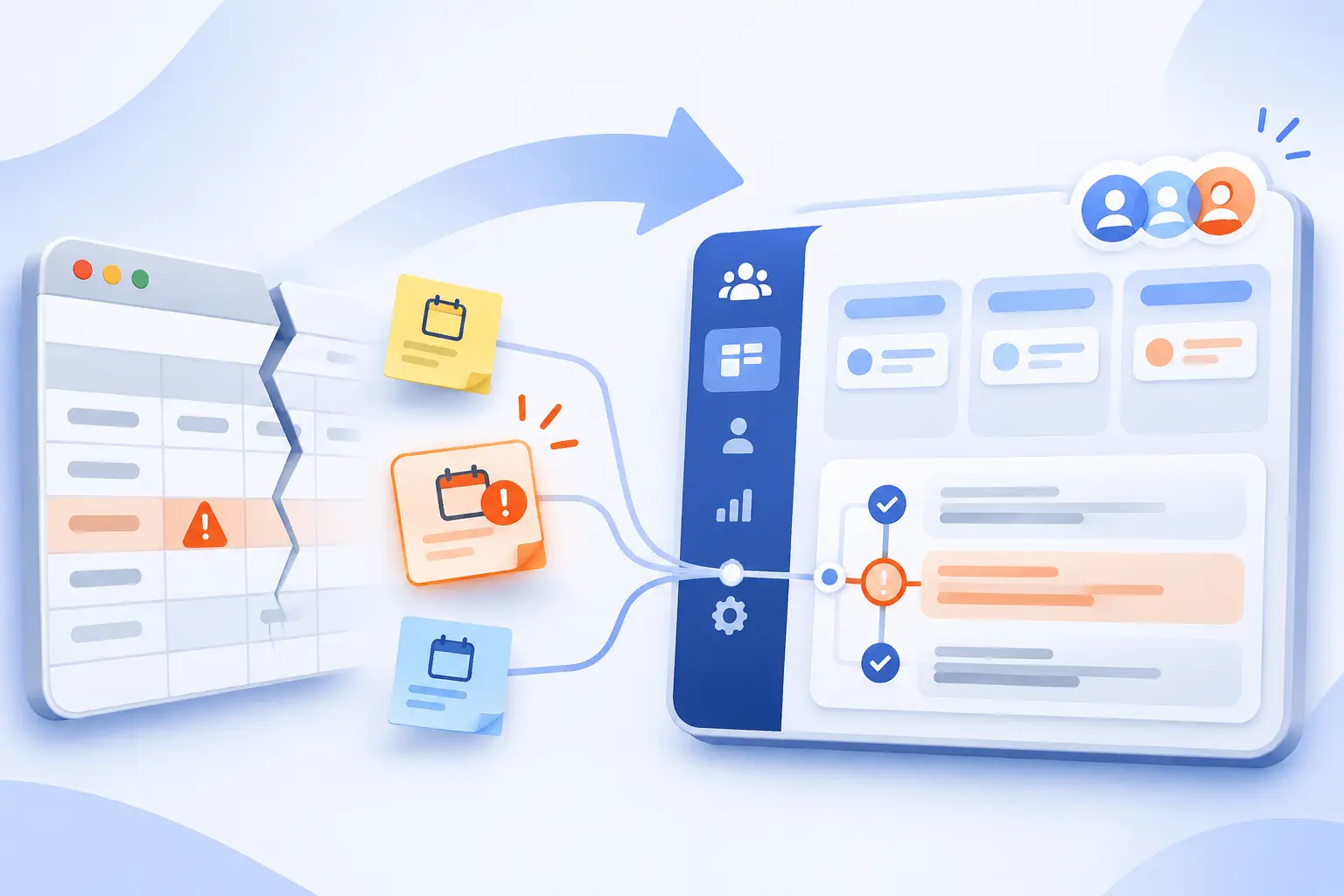
Move beyond spreadsheets when customer work needs shared ownership, dated follow-ups, and a dependable conversation history. The trigger is an operational problem, not a particular company size. We would first identify what repeatedly gets missed and then choose software that addresses it.
Missed Follow-Ups and Scattered Customer Conversations
Repeatedly missed next steps are a stronger buying signal than a large contact list. If employees must search inboxes to learn who promised what, the customer record is incomplete. Pipedrive’s documentation illustrates the useful alternative: linking next actions to customer records, including calls, meetings, tasks, and emails.
Before subscribing, write down the missed action you want to prevent. “Remind the owner after sending a proposal” is more useful than “improve sales.” It gives the team a clear evaluation task.
Shared Customer History for Better Service and Repeat Business
A shared history becomes valuable when more than one employee serves the same customer. Notes, decisions, open opportunities, and delivery requirements should remain understandable without the original salesperson present. We would prioritize that continuity over collecting every possible data field.
The project connections documented by Capsule, Insightly, and Copper address this handoff from different angles. Compare how your actual sales promises become delivery tasks. The right choice should preserve relevant context without requiring the team to rewrite it.
When Setup and Ongoing Maintenance May Outweigh the Benefits
A CRM may be premature if your current process is reliable and nobody can maintain the replacement. New software still requires ownership, cleanup, and agreed working habits. We would postpone a broad implementation rather than create an expensive, neglected address book.
Start by improving your existing customer sheet and follow-up routine. If the remaining problem is shared activity history or ownership, evaluate a focused product. Complexity should earn its place.
Match CRM Features to Your Daily Workflow

Choose features by following a customer through your actual work, from initial inquiry to repeat business. Each handoff should have an owner, useful context, and a clear next action. Everything else belongs on a secondary list until the essential workflow works.
Contact History, Lead Capture, and Customer Segmentation
Prioritize accurate, searchable records before advanced automation. Capture the source, relevant customer details, relationship status, and owner. Use segments that change an action, such as existing customers awaiting renewal, rather than categories nobody uses.
During evaluation, submit a real inquiry through the intended form. Check which record appears, who owns it, and whether an existing customer becomes a duplicate. That reveals more than a long integration list.
Visual Pipelines, Deal Ownership, and Follow-Up Reminders
A useful pipeline explains both deal progress and the next responsible person. Define stages using observable events, such as a completed qualification call or a proposal sent. Avoid vague stages that employees interpret differently.
We would require a dated next action on every active opportunity. The board should make stalled work visible, not merely display attractive columns. Ask representatives to explain a deal without opening their personal inbox.
Email Campaigns and Automation Without Unnecessary Complexity
Start with a reminder or simple follow-up rule before building a long automated campaign. Specify the trigger, recipient, message, and stop condition. A reply or unsubscribe should not leave an inappropriate sequence running.
For US commercial email, the FTC’s guidance addresses accurate headers and working opt-out mechanisms, among other requirements. Use the CRM to support compliance, not as a substitute for understanding your obligations.
Reporting for Conversion Rates, Sales Forecasts, and Bottlenecks
Choose reports that answer decisions your team actually makes. Stage conversion, stalled opportunities, and upcoming closes are useful only when records use consistent definitions. We would establish those definitions before paying for advanced dashboards.
Forecasting also has plan boundaries. HubSpot documents its stage-based forecasting workflow for eligible Professional and Enterprise subscriptions with the required seats. A basic dashboard is not the same entitlement.
Email, Calendar, Accounting, and Help Desk Integrations
Verify what an integration synchronizes, in which direction, and under which subscription. A connection might display an invoice without creating one, or copy contacts without preserving every field. We would document those differences before migration.
Test a new record, an update, a deletion, and a disconnected account. Also establish who resolves duplicates and synchronization errors. An integration is part of your operating process, not a box to check.
Mobile Access for Field Sales and Remote Teams
Evaluate mobile access using the tasks employees complete away from a desk. Opening a contact is different from logging a call, attaching a file, or updating a deal. A responsive website and a native app may support different working habits.
Ask a field representative to complete the intended workflow on their normal device. Check the required connection, notifications, and access permissions. Do not assume offline support unless the selected product and plan document it.
Security, Access Permissions, and Audit Trails
Give employees the access their work requires, then verify that restricted records remain restricted. Separate record visibility, editing rights, export permissions, and administrative controls. Audit logs answer a different question: what changed and who changed it.
We would also enable strong account protection. NIST’s small-business guidance explains why adding another authentication factor provides protection beyond a password alone. Confirm that the selected subscription supports your required controls.
Sales-Only Tools vs. Platforms With Projects and Customer Support
Choose the narrowest platform that covers the handoffs your team genuinely needs. A sales-led product may be easier to maintain, while a wider suite can preserve context across departments. The important distinction is where responsibility moves after a deal closes.
| Documented Approach | Example | What to Verify |
|---|---|---|
| Sales activities and opportunities | Pipedrive | How delivery or support receives closed-deal context |
| Opportunities converted into projects | Insightly | Which records and tasks carry into delivery |
| Connected sales and service products | HubSpot | Separate product subscriptions and seat requirements |
We would not buy a suite merely to avoid future migration. Buy it when the documented connection solves a current, recurring handoff problem.
Understand the Full Cost of CRM for Small Businesses
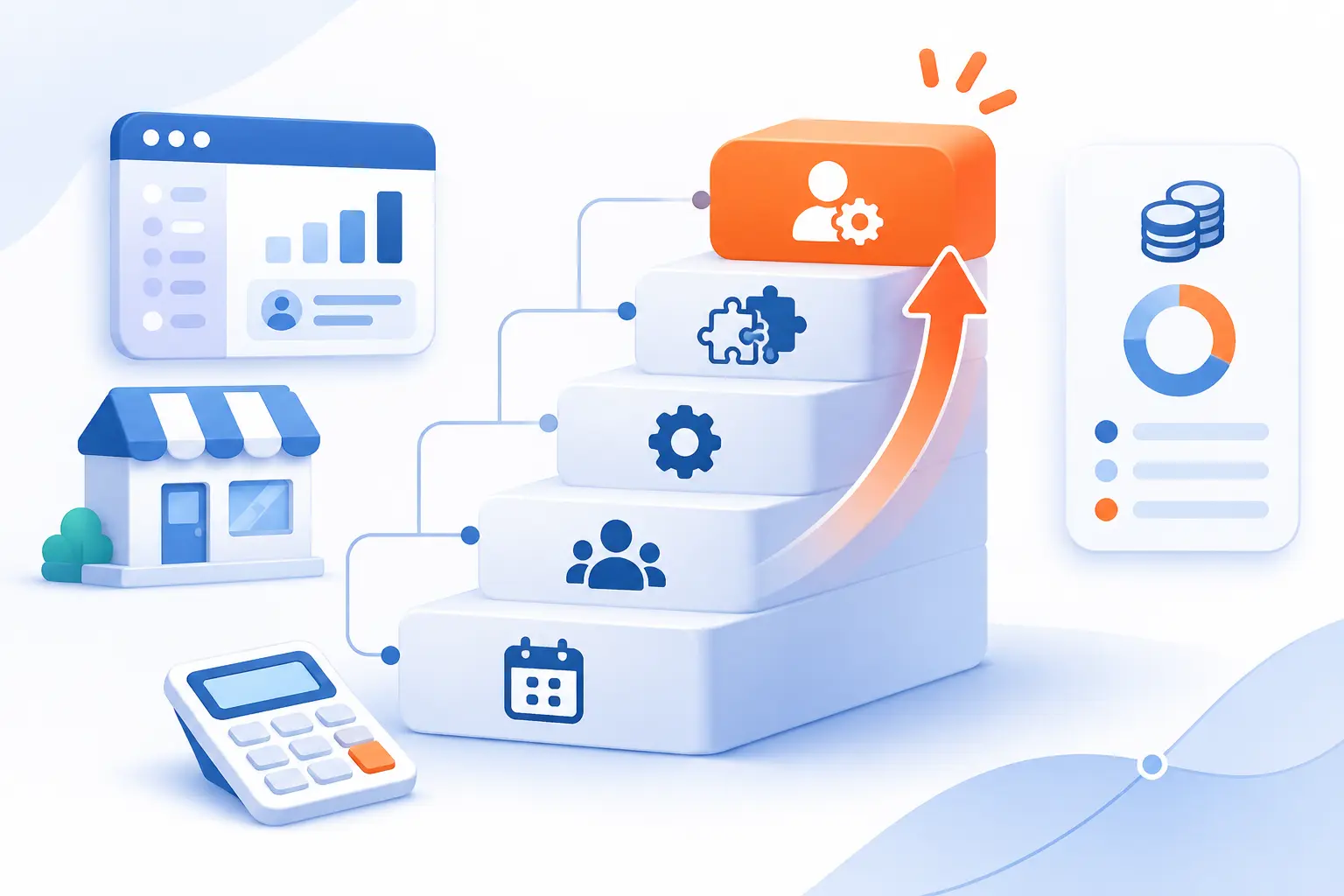
The full cost includes the required plan, users, capacity, setup, integrations, and ongoing administration. Headline prices describe only part of that purchase. We would compare the first-year commitment and the next likely upgrade before choosing a provider.
Free Plans vs. Free Trials and the Limits That Trigger Upgrades
A free plan is an ongoing restricted subscription, while a trial provides temporary access. Those are different ways to evaluate software. The reviewed products use both approaches, so check what remains available when the evaluation period ends.
| Offer Type | Purpose | Buying Check |
|---|---|---|
| Permanent free edition | Operate within published limits | User access, contacts, branding, and automation restrictions |
| Time-limited trial | Evaluate paid functionality | Expiry behavior, retained data, and required payment details |
We would identify the first feature that forces payment before importing the full customer database. That is your realistic starting plan.
Per-User Pricing, Contact Tiers, and Minimum Seat Requirements
Calculate the chargeable unit before comparing subscription totals. Most products here charge per user or seat, while BIGContacts emphasizes contacts and Bitrix24 sells organization-level packages. Each model favors a different combination of team size and database size.
Ask whether occasional collaborators, administrators, and read-only employees require paid access. Then confirm minimum purchases. Buying a seat package is different from paying only for the people currently logging in.
Monthly vs. Annual Billing and Contract Commitments
A monthly payment does not necessarily mean a month-to-month contract. The HubSpot pricing page, for example, distinguishes payment frequency from commitment terms for Professional. We would read both fields before approving a subscription.
Annual billing can reduce the advertised monthly equivalent, but it increases the prepaid commitment. Confirm renewal timing, cancellation procedures, and downgrade rules in writing. Do not assume unused capacity produces a refund.
Onboarding, Training, Integrations, and Paid Add-Ons
Request an itemized quote that separates subscriptions from implementation and optional usage. Migration, training, premium connections, telephony, marketing, and AI can change the total. Some products bundle these differently, so compare the required workflow rather than the base license.
Seat types and credits can also interact. The official catalog explains specialized seats and credit-based capacity, including how purchased products affect access. Use that level of detail when your quote combines departments.
Growth Costs Compared With Time Saved and Business Won
Judge value against measurable operating changes, not a vendor’s promised revenue increase. Track missed follow-ups, record completeness, duplicate entry, and the effort needed to prepare a sales review. Those measures can show whether the purchase addresses the original problem.
We would also price the next growth step. Add the expected users, contacts, and required features to a second scenario. A cheap starting tier is less attractive if your normal workload immediately pushes you beyond it.
Hosted CRM vs. Open-Source Software
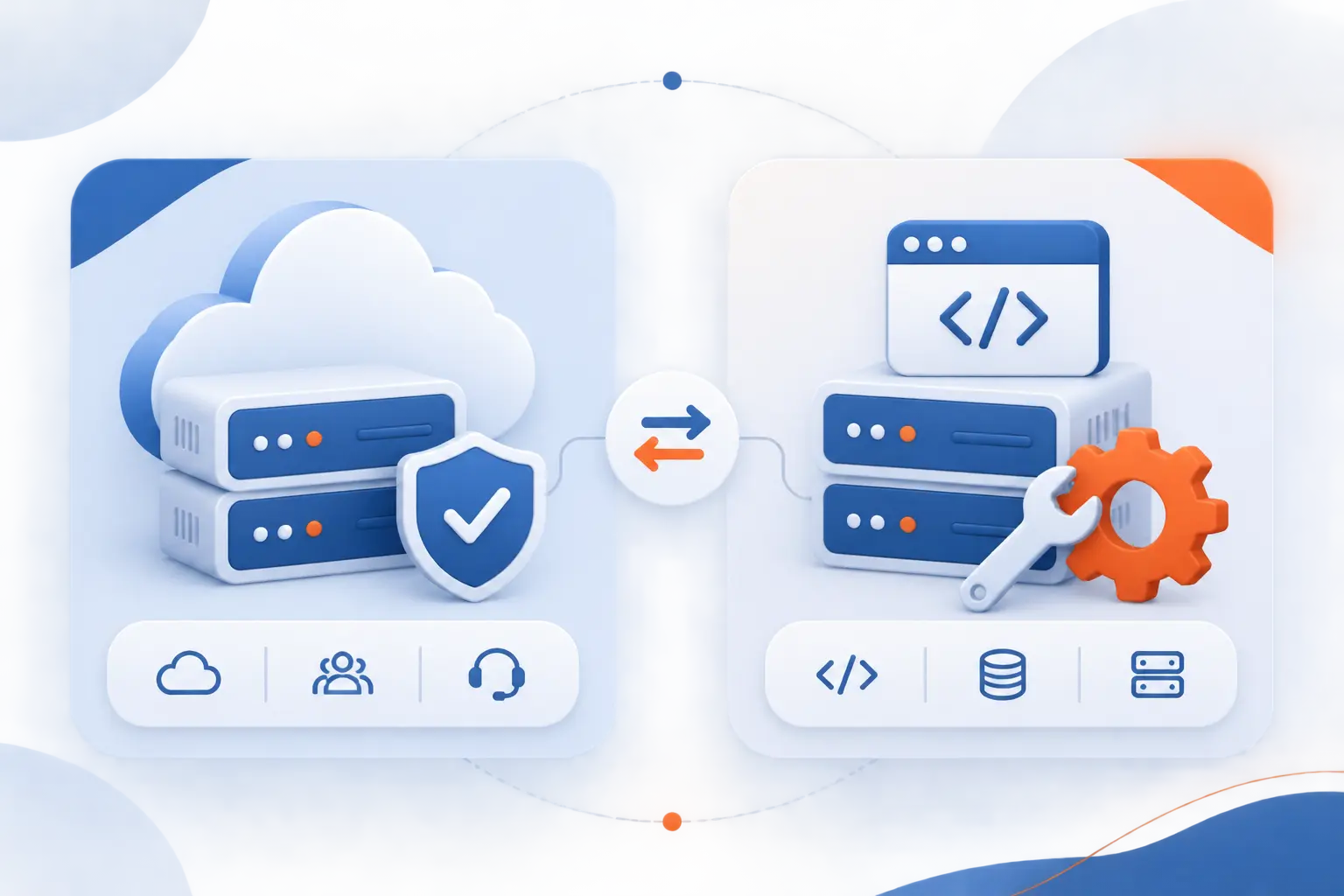
Hosted software generally transfers infrastructure management to the provider, while self-hosted open-source software gives your team more technical responsibility. The choice is about operating capacity as much as licensing. We would not treat “no subscription license” as equivalent to “no cost.”
Managed Setup and Support With Subscription Software
A hosted subscription is usually the more practical starting point when your team has no system administrator. The provider runs the application infrastructure, while your business still manages users, permissions, records, and configuration. You remain responsible for adopting the system properly.
| Model | Main Advantage | Your Main Responsibility |
|---|---|---|
| Hosted subscription | Provider-operated application environment | Configuration, access, data quality, and vendor oversight |
| Self-hosted open source | Control over the deployment and code | Installation, updates, infrastructure, and technical support |
Support scope still varies. Ask who handles configuration problems and integrations, not just whether support exists.
Customization Freedom vs. Technical Maintenance With Open Source
Open-source deployment makes sense when technical control solves a real requirement and qualified staff can maintain it. SuiteCRM’s installation and environment requirements illustrate the practical work behind a self-managed application. That work belongs in the budget.
We would include patching, backups, recovery testing, monitoring, and specialist help in the comparison. Customization is valuable only if the business can keep the resulting system dependable.
Roll Out Your CRM Without Disrupting the Team

Launch with a small, complete workflow before moving every record and enabling automation. A controlled rollout makes errors easier to identify and gives employees a clear routine. We would expand only after the first group can reliably manage real customer work.
Define Business Goals and Assign a CRM Owner
Assign a named owner and define the operating problem before configuring anything. The owner should resolve field definitions, permissions, and workflow changes. They do not need to perform every administrative task themselves.
Choose an observable goal, such as ensuring every active proposal has a responsible person and next action. That is easier to evaluate than a broad promise to improve customer relationships.
Clean Duplicates and Map Essential Fields Before Importing
Clean the source data before moving it into the new system. Decide how people, companies, and opportunities relate, then map the fields you actually need. Preserve a copy of the original export before making changes.
Official import instructions show why preparation matters. HubSpot requires headers that correspond to record properties and specifies supported file formats and encoding. Follow your chosen vendor’s equivalent requirements rather than assuming every spreadsheet imports unchanged.
Import a Small Contact Batch and Validate the Results
Import a representative sample before committing the entire database. Include ordinary records and awkward cases, such as missing email addresses or customers with several contacts. This should be a validation exercise, not a race to populate the system.
- Import the sample using the intended field mapping.
- Inspect ownership, relationships, dates, and custom fields.
- Check whether existing records become duplicates.
- Correct the mapping and repeat before the full import.
Set Pipeline Stages, Record Owners, and Dated Next Steps
Every active opportunity should have an understandable stage, an owner, and a dated next step. Define what must happen before a deal changes stage. Otherwise, pipeline reporting reflects personal interpretation rather than a shared process.
We would keep the first version simple. Add fields when they support an actual decision or required handoff, not because the software permits them.
Test Integrations, Mobile Workflows, and Regional Requirements
Validate the complete workflow across the tools and locations your team actually uses. Check email history, calendar changes, mobile updates, invoice connections, and permission boundaries. Include the person who handles exceptions, not only the person requesting the integration.
For regulated or cross-border work, request written confirmation of relevant hosting, contractual, and data-handling requirements. A general security badge does not establish that your particular use is covered.
Train the Team on Everyday Tasks Before Adding Automation
Train employees to complete their ordinary customer work before teaching advanced features. Begin with finding a record, logging a conversation, updating an opportunity, and assigning the next action. Use examples drawn from your actual process.
Automate only after employees agree on the manual version. Otherwise, the system repeats an unclear process faster and makes the errors harder to notice.
Review Adoption, Data Quality, and Results After Launch
Review whether the CRM is improving customer work, not merely whether employees log in. Inspect active records for useful notes, correct ownership, and credible next steps. Ask users where they still maintain a separate spreadsheet.
Remove unused fields and fix recurring confusion before expanding the configuration. We would treat the first setup as a working draft rather than a permanent design.
AI Features Worth Testing Before Paying Extra
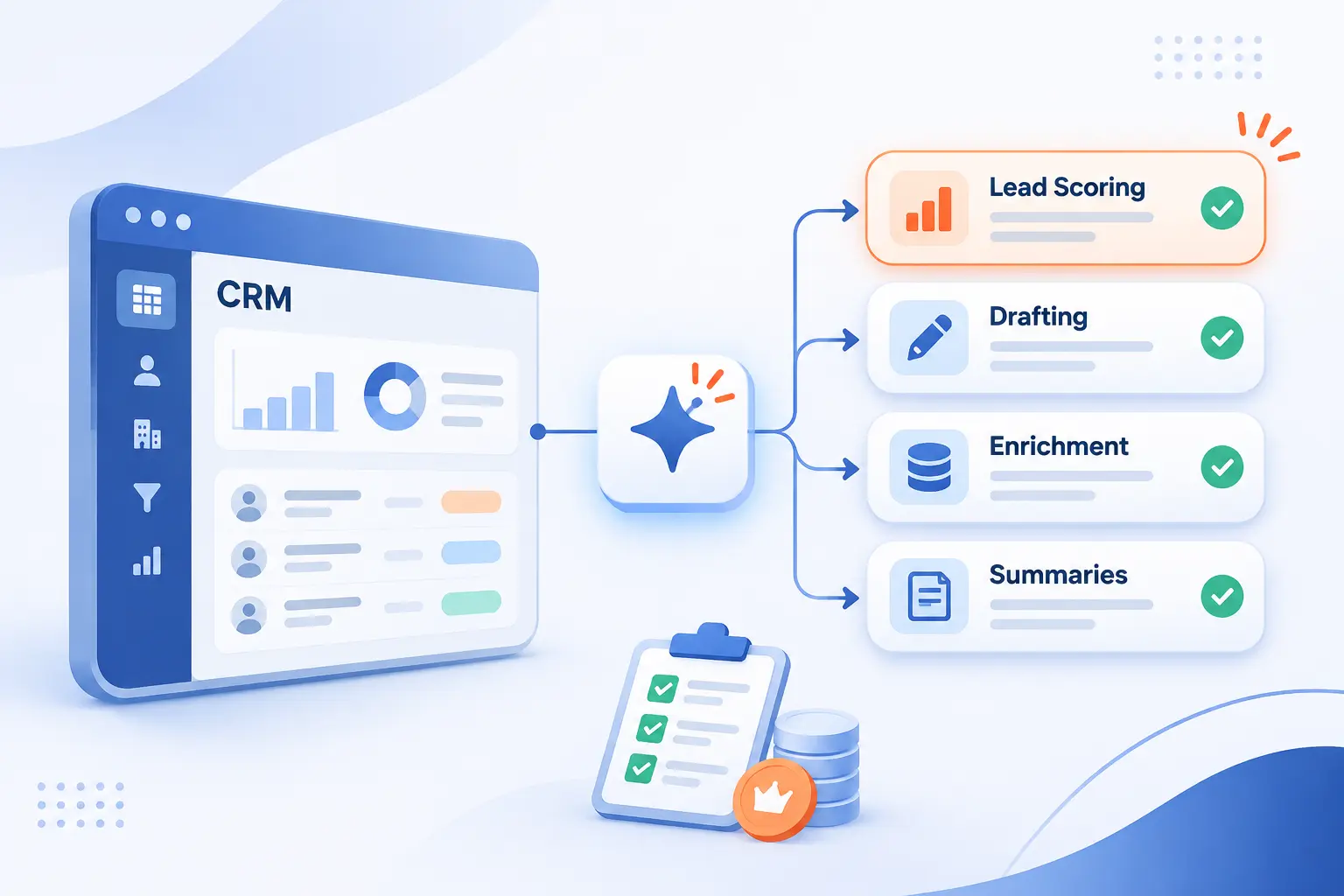
Pay for AI only when it improves a specific task and its output can be checked. The reviewed vendors describe scoring, drafting, enrichment, summaries, and automated actions. Those capabilities differ in risk, required data, and billing, so evaluate them separately.
Lead Scoring and Recommendations for Prioritizing Follow-Ups
Lead scoring is useful only when the ranking reflects your actual customers and buying process. Ask which data contributes to the score and what happens when information is missing. Compare suggestions with the team’s existing qualification decisions.
Freshworks describes behavior-based contact scoring and deal insights within its Freddy AI offering. We would inspect suggested priorities before letting those recommendations determine outreach automatically.
Contact Enrichment, Email Assistance, and Automated Activity Logging
Enrichment, drafting, and logging deserve separate evaluations because they solve different problems. The product pages reviewed above describe each in different combinations. Decide whether your main bottleneck is missing information, writing effort, or incomplete activity history.
| Capability | Useful Outcome | Validation Check |
|---|---|---|
| Contact enrichment | Additional company or role information | Accuracy, source relevance, and overwrite behavior |
| Email assistance | A draft based on customer context | Correct facts, tone, and approval before sending |
| Activity logging | More complete communication history | Correct record association and excluded private content |
We would begin with reviewable assistance rather than unattended action. A polished draft can still contain an incorrect claim.
Chatbots and Voice Tools for Customer Service and Mobile Work
Chatbots and voice tools should handle a bounded task with a clear human handoff. Before buying, define what the tool may answer, record, or change. Then test an unclear request and an unhappy customer, not only a simple demonstration.
Confirm session or credit charges, transcript retention, and the selected plan’s permissions. The reviewed pricing pages show that AI availability and included usage are separate questions. We would not pay extra until the handoff and billing are understandable.
Frequently Asked Questions
The right purchase comes down to your daily workflow, realistic budget, and ability to maintain useful records. These answers address the questions most likely to affect an initial shortlist.
What Is CRM?
CRM means customer relationship management, covering the processes and software used to organize customer relationships. The products reviewed here store contact information and connect it with activities, opportunities, or related work. The practical goal is a shared, usable record of what happened and what should happen next.
Which CRM Software Is Best for a Small Business?
Capsule is our best general starting point, while Zoho suits customization and Pipedrive suits activity-led selling. HubSpot deserves consideration when several customer-facing functions need the same platform. We would shortlist tools by workflow first, then compare the paid tier required to reproduce that workflow.
Is Excel a CRM System?
Excel can support a basic customer-tracking process, but it is not a dedicated CRM application. A carefully maintained sheet may be enough while ownership and follow-ups remain manageable. Consider a dedicated product when the documented capabilities reviewed here, such as linked activities and shared conversation histories, solve recurring problems.
Will CRM Be Replaced by AI?
AI is currently being incorporated into the CRM products reviewed here rather than eliminating their customer records and workflows. The vendors describe assistance with drafting, scoring, enrichment, summaries, and automated actions. We would still require accountable ownership, accurate records, and human review for consequential decisions.
Can You Export Your Customer Data When Switching CRM Providers?
Many providers support exports, but you should verify exactly which records, relationships, files, and activities are included. HubSpot’s instructions distinguish record properties from activity exports, illustrating why a contact download may not preserve everything. Request a sample export before purchasing, then confirm that another system can reconstruct the information you need.


Conclusion
The best CRM for small businesses is the one your team can keep accurate and use to complete real customer work. We would begin with Capsule for balanced simplicity, Zoho for configurable processes, or Pipedrive for consistent sales follow-up. Choose a broader platform only when its connected functions solve a clear requirement.
Next, shortlist the options that fit your workflow and reproduce the same customer journey in each. Check the complete price, required permissions, and export process before committing. Which recurring customer task would you most like your new system to handle reliably?