

- Quick Comparison and How We Selected the Options
- Top 10 ERP for Small Businesses to Evaluate
- Five More Options, Including Focused ERP Alternatives
- When ERP Makes Sense and When Simpler Tools Are Enough
- Which ERP Capabilities Your Business Actually Needs
- How to Budget for ERP for Small Businesses
- Cloud, On-Premises, and Hybrid ERP Trade-Offs
- How to Plan an ERP Rollout Without Overwhelming Your Team
- Close Integration Gaps Without Creating New Data Silos
- Frequently Asked Questions
- Conclusion
Microsoft Dynamics 365 Business Central is our strongest general-purpose starting point when comparing ERP for small businesses. ERPNext deserves a close look for open-source flexibility, while Acumatica stands out for companies that need broad employee access. Manufacturers should also consider industry-focused options such as Epicor and Infor. However, a full ERP system is not always the right purchase. We also include accounting, inventory, and scheduling alternatives for businesses with narrower needs.
Our review compares documented capabilities, licensing models, deployment choices, and independent review evidence. We did not test these products. We also distinguish approachable small-business options from larger platforms that make sense only when operational complexity justifies them.
Quick Comparison and How We Selected the Options
The best shortlist starts with industry fit and implementation requirements, not the longest feature list. Our comparison separates broad business-management platforms from specialized industrial systems. Prices appear within each review, where we can explain billing terms and exclusions properly.
FURTHER READING: |
| 1. 15 Best Customer Data Platforms for Your Stack |
| 2. Best Freelance Websites for Better Paying Work |
| 3. Top 20 WordPress Security Experts for Safer Sites in 2026 |
ERP for Small Businesses Compared by Industry Fit, Pricing Model, Deployment, and Limitations
Use this table to eliminate poor fits before comparing detailed proposals. Scores reflect our editorial assessment of small-business suitability, not third-party customer ratings. The list order balances general-purpose options, open-source choices, regional products, and industry specialists rather than strictly sorting by score.
| Tool | Industry fit | Pricing model | Deployment | Main limitation | Score |
|---|---|---|---|---|---|
| Microsoft Dynamics 365 Business Central | Distribution, services, light manufacturing | Per-user subscriptions | Cloud or on-premises | Manufacturing requires Premium | 4.6 |
| NetSuite ERP | Multi-entity businesses, distribution, services | Quoted platform, modules, and users | Cloud | Implementation charged separately | 4.3 |
| SAP Business One | Wholesale, retail, light manufacturing | Custom quote | Cloud or on-premises | Customization can require specialist support | 4.2 |
| ERPNext | Manufacturing, distribution, services | Free software plus hosting and services | Managed cloud or self-hosted | Technical ownership remains necessary | 4.5 |
| Sage X3 | Process manufacturing and distribution | Custom quote | Cloud, partner-hosted, or on-premises | More operational depth than basic firms need | 3.9 |
| Zoho ERP | India-focused finance and operations | User and employee subscriptions | Cloud, with tailored deployment inquiries | U.S. suitability needs direct confirmation | 3.6 |
| Acumatica | Distribution, construction, manufacturing | Applications, consumption, and deployment | Cloud, with deployment-dependent licensing | Unlimited users does not mean fixed consumption | 4.5 |
| Epicor | Discrete manufacturing, distribution | Product-specific custom quote | Cloud-first, product-dependent | Must select the correct product family | 3.9 |
| Infor | Industrial manufacturing and distribution | Product-specific custom quote | Cloud for the suites reviewed | Different CloudSuites serve different needs | 4.0 |
| IFS Cloud | Asset-intensive manufacturing and field service | Custom proposal | Cloud platform | Substantial setup complexity for simpler businesses | 3.6 |
How We Weighted Source Recommendations and Verified Product Details Without Hands-On Testing
We gave official documentation priority for capabilities and official pricing pages priority for commercial terms. Independent reviews informed our assessment of learning curves, customization burdens, and support concerns. We did not treat vendor testimonials or review-site summaries as proof of guaranteed outcomes.
Our scores use the following weighted criteria:
- Capability fit, 35%: We judged whether documented finance and operational features address realistic small-business requirements without unnecessary enterprise complexity.
- Cost clarity and value, 25%: We assessed published licensing terms, visible restrictions, implementation exclusions, and the ability to buy only relevant functionality.
- Implementation and usability, 20%: We considered documented setup resources, workflow complexity, partner requirements, and identifiable concerns in independent reviews.
- Integration and ownership, 20%: We examined available connectors, APIs, customization options, deployment flexibility, and ongoing administrative responsibilities.
These are research-based judgments, not measured performance results. Missing public prices reduce cost confidence, but they do not automatically make a product poor value. Likewise, a powerful industrial platform can score below a simpler alternative because our focus is small-business suitability.
Top 10 ERP for Small Businesses to Evaluate
Start with the products that match your operating model, then compare the cost of implementing your essential workflows. Business Central, ERPNext, and Acumatica offer useful starting points for different ownership preferences. The remaining choices become more compelling when multi-entity reporting, manufacturing, regional requirements, or asset service dominates the decision.
1. Microsoft Dynamics 365 Business Central
- Category: General-purpose ERP
- Best for: Growing companies using Microsoft business applications
- Ease of use: Guided setup, with meaningful configuration work
- Pricing: Published subscriptions plus partner services
- Standout feature: Connected finance, operations, and Microsoft workflows
For a business that wants finance and operations together, this is our most balanced starting point. The official product pages cover accounting, sales, purchasing, inventory, projects, and supply-chain management. Manufacturing and service management sit in the higher subscription tier.
Its appeal is practical rather than flashy. A finance team can evaluate operational controls without immediately committing to a highly specialized industrial suite. Microsoft also provides a clearer public subscription structure than many quote-only competitors.
We would still distinguish familiarity from simplicity. Working with Microsoft applications does not remove the need to configure accounts, permissions, inventory rules, and approval responsibilities.
How Microsoft Dynamics 365 Business Central works
Setup begins with company information and the records your team needs, including customers, vendors, and items. Microsoft documents an Assisted Setup workflow available through Settings or search. Named guides cover company setup, data migration, approval workflows, email, and cash-flow forecasting.
After migration, users create sales quotes, orders, purchase invoices, and payment registrations from their home-page actions. Role-specific home pages expose relevant documents and activity information. That structure supports different responsibilities without making every employee navigate the same starting screen.
For evaluation, we would ask a partner to demonstrate a complete purchase-to-payment workflow. Include an approval exception and a correction. Those details reveal more than a dashboard tour.
Who is Microsoft Dynamics 365 Business Central for?
We would shortlist it for distributors, service firms, and businesses combining financial management with inventory or projects. Manufacturers should assess Premium rather than assuming the entry subscription includes production functionality.
It also makes sense when Microsoft-related workflows matter to daily operations. However, a freelancer who mainly needs invoicing and bank reconciliation should look at the focused alternatives below. This is a business-system implementation, not simply an accounting subscription upgrade.
Microsoft Dynamics 365 Business Central pricing
- Dynamics 365 Business Central Essentials: $80 per user monthly, paid yearly. Includes financial management, sales, operations, and Microsoft Copilot.
- Dynamics 365 Business Central Premium: $110 per user monthly, paid yearly. Adds manufacturing and enhanced service management to Essentials.
- Dynamics 365 Business Central Team Members: $8 per user monthly, paid yearly. Provides limited reading, workflow approval, and selected record updates.
Microsoft also lists a free trial. Assessments, consulting, implementation, and additional requirements need partner discussion. Agent-related consumption can introduce separate commercial considerations, so ask for a proposal that separates core licenses from optional automation.
Verify the subscription scope and exclusions against the published licensing breakdown.
Pros and cons
Pros
- Assisted Setup includes named guides for migration, approvals, and forecasting.
- Team Members licensing offers restricted access without assigning every employee a full operational license.
- Premium combines manufacturing and service management with the financial core.
Cons
- Essentials excludes the manufacturing capabilities included in Premium.
- Published subscription prices do not settle partner implementation costs.
- Restricted Team Members permissions require careful role planning.
Microsoft Dynamics 365 Business Central rating and reviews
- G2: rated 4.0/5 across 918 reviews.
That review footprint provides useful independent context, but it does not validate a specific partner proposal. We would prioritize feedback from businesses with comparable inventory, reporting, and localization requirements.
Our verdict: Put Business Central on the shortlist when you need broad operational coverage and understandable licensing. Make the partner demonstrate your exceptions before signing.
2. NetSuite ERP

- Category: Cloud ERP suite
- Best for: Businesses with growing financial and organizational complexity
- Ease of use: Configurable, with a substantial implementation scope
- Pricing: Annual license and separate implementation fee
- Standout feature: OneWorld for international and subsidiary management
When subsidiaries, currencies, and consolidated reporting drive the purchase, this deserves an early conversation. The suite connects financial management with inventory, procurement, order management, and other business applications. Its strongest case is organizational complexity, not simply replacing a spreadsheet.
We place it near the top because businesses can evaluate a broad operational platform alongside multi-entity requirements. However, that breadth also makes a carefully scoped proposal essential. A product demonstration can show far more functionality than the initial contract includes.
For a small domestic company with straightforward books, we would need a clear operational reason to choose it over lighter options.
How NetSuite ERP works
The workflow connects transactional activity to a shared business system. Purchasing, stock movements, customer orders, billing, and financial reporting sit within the same broader platform. Available applications include warehouse management, professional services automation, CRM, and ecommerce.
For international operations, subsidiary and consolidation capabilities are associated with NetSuite OneWorld. That matters when local transactions must roll into group reporting without a separate spreadsheet consolidation process.
NetSuite describes SuiteSuccess as an implementation approach built around industry-specific solutions and ongoing guidance. We would use that as a discussion framework, not a promise of a particular launch date. Ask which workflows are preconfigured and which still require design.
A useful demonstration should follow a customer order through fulfillment, invoicing, and financial reporting. If subsidiaries are involved, request the intercompany and consolidation steps too.
Who is NetSuite ERP for?
We would consider it for expanding distributors, service organizations, product companies, and businesses adding subsidiaries. It is particularly relevant when management needs a common financial view across organizational boundaries.
Companies that expect new entities or international activity should assess those requirements before choosing a simpler accounting platform. Moving again later may be less attractive than implementing the needed structure now.
Look elsewhere if your requirements stop at invoicing, expense capture, and basic reporting. We would also pause if nobody can own configuration decisions after the implementation partner leaves.
NetSuite ERP pricing
- NetSuite annual license: Custom quote covering the core platform, optional modules, and the number of users.
- Initial implementation: A separate, one-time fee for setup, with scope determined through the commercial engagement.
The official page does not publish a universal starting subscription. We would not rely on an advertised reseller minimum without checking the included modules, user types, contract term, and renewal conditions.
Ask for a bill of materials that names every application in the demonstration. Separate implementation deliverables from recurring subscription charges. Include integrations, reporting work, training, and post-launch support in the proposal discussion.
The pricing explanation appears on the product page linked in this heading, so we have not repeated that URL.
Pros and cons
Pros
- OneWorld addresses subsidiary management and consolidated reporting.
- The application range includes inventory, warehouse management, procurement, and professional services automation.
- SuiteSuccess provides an identifiable industry-oriented implementation approach.
Cons
- No universal public price makes early budget comparison harder.
- Implementation is charged separately from the annual license.
- Optional applications and additional users change the subscription scope.
NetSuite ERP rating and reviews
- G2: rated 4.1/5 across 5,237 reviews.
The extensive review base is useful for investigating specific departments and workflows. We would filter for comparable business models rather than treating a broad aggregate score as a buying recommendation.
Our verdict: NetSuite earns its place when financial structure and connected operations justify the implementation. Demand a tightly defined proposal before comparing its cost with simpler systems.
3. SAP Business One

- Category: Small and midsize business ERP
- Best for: Wholesale, retail, and light manufacturing
- Ease of use: Structured workflows with a learning curve
- Pricing: Custom quote
- Standout feature: Connected sales, purchasing, inventory, and accounting documents
A distributor seeking more disciplined transaction handling should give this a serious look. SAP positions the product specifically for smaller businesses and subsidiaries. Its documented scope connects financials, purchasing, inventory, sales, customer relationships, and analytics.
Deployment choice is another reason to shortlist it. The official page presents cloud and on-premises options, which matters when infrastructure ownership is a genuine requirement.
Our reservation is less about missing breadth than implementation fit. The product can support structured business processes, but your team still needs to learn those processes. Independent reviews also highlight customization and technical-support considerations.
How SAP Business One works
Transactions progress through related business documents rather than disconnected records. SAP’s document-flow training explains how quotations and sales orders connect to deliveries and accounts-receivable invoices.
For example, a user can open an order or quotation and select Delivery through the Copy To menu. The invoice then records the customer’s debt and the revenue from the sale. SAP also documents creating purchase orders directly from sales orders.
That workflow is worth examining closely for an inventory business. Ask the implementation partner to show partial delivery, an unavailable item, a return, and a customer credit. We would not approve the purchase based only on a clean, single-order demonstration.
SAP’s training materials also cover warehouses, units of measure, serial numbers, batches, production, and material requirements planning. Treat each relevant area as a demonstration requirement, not an assumed fit.
Who is SAP Business One for?
We would shortlist it for wholesalers, retailers, and light manufacturers that want accounting and transaction control together. It is also relevant for subsidiaries needing a dedicated operating system.
The cloud-or-on-premises choice may appeal to organizations with specific infrastructure constraints. However, those constraints should be documented before they dictate deployment.
Businesses seeking a nearly self-service setup should look elsewhere. We would also be cautious if a proposal depends heavily on add-ons that nobody has demonstrated together.
SAP Business One pricing
- SAP Business One: Custom quote based on the proposed solution. The official page provides a quote request rather than a public subscription menu.
There is no defensible universal price to publish from the official product page we reviewed. Instead, ask for an itemized proposal covering software rights, deployment, implementation, reporting, support, and any industry extensions.
We would also request separate assumptions for data migration and customization. A lower software quote is not necessarily a lower project cost if essential workflows depend on additional development.
Pricing inquiries are available through the product page already linked above. Confirm which company is responsible for each component and which charges recur after launch.
Pros and cons
Pros
- Cloud and on-premises deployment options are explicitly documented.
- Copy To connects sales documents without rebuilding each transaction manually.
- The official training covers batch tracking, serial numbers, warehouses, production, and material planning.
Cons
- No public plan pricing supports an immediate subscription comparison.
- G2 reviewers describe an interface learning curve for new users.
- Reviewers report that advanced reporting and customization can need specialist assistance.
SAP Business One rating and reviews
- G2: rated 4.3/5 across 542 reviews.
Visible reviews praise connected financial and inventory information. Critical comments focus on navigation, customization costs, and dependence on technical knowledge. Those are useful topics for partner-reference calls.
Our verdict: Choose the implementation partner as carefully as the software. Business One is credible for structured inventory operations, provided the proposed configuration matches your real transaction exceptions.
4. ERPNext
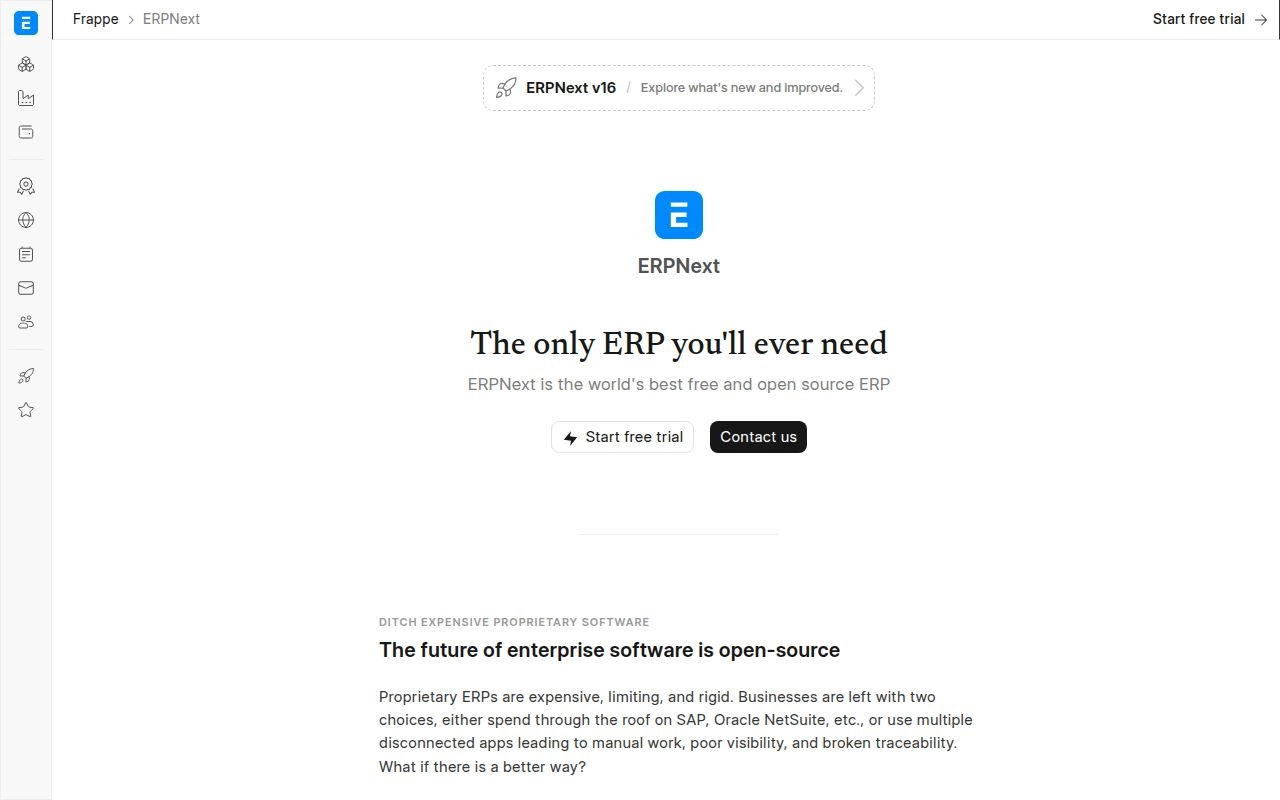
- Category: Open-source ERP
- Best for: Businesses seeking broad capabilities and deployment control
- Ease of use: Configuration-friendly, but not maintenance-free
- Pricing: Free software, paid hosting and optional services
- Standout feature: No per-user software licensing
Open-source control is the strongest reason to put this on your shortlist. Its official materials cover accounting, procurement, stock, manufacturing, projects, assets, and other connected functions. Businesses can use managed hosting or take responsibility for their own deployment.
We consider it a strong value candidate because the software is not divided into paid feature editions. That does not make implementation free. Hosting, migration, configuration, training, and ongoing technical work still need owners and budgets.
The right comparison is therefore total ownership cost, not free versus paid. A capable internal team or a suitable implementation partner makes a considerable difference to the decision.
How ERPNext works
Users configure their company, records, permissions, and operational workflows before processing transactions. The modules connect purchasing, stock, sales, and accounting rather than requiring separate spreadsheets for each function.
Manufacturing provides a concrete example. The official production-order instructions direct users to Home, Manufacturing, Production, and Work Order. A planner selects the item, its bill of materials, and the quantity to produce.
The work order connects material requirements with production activity. Production Plans can generate work orders from sales demand, while Job Cards record operational work. This is a genuine production workflow, not simply a list of materials attached to an invoice.
We would ask a prospective partner to demonstrate purchasing shortages, issuing materials, completing production, and reviewing costs. If your business needs special accounting or local reporting, include those requirements in the same evaluation.
Who is ERPNext for?
We would consider it for manufacturers, distributors, retailers, and service businesses that value open-source access. It is particularly attractive when widespread employee participation would make per-seat software licensing uncomfortable.
Self-hosting fits companies with a technical team that accepts responsibility for operations. Managed hosting is more practical when the business wants the application without building its own hosting procedures.
Look elsewhere if you expect a free download to arrive fully configured, supported, and compliant with every local requirement. We would also avoid substantial custom development before verifying the standard workflows.
ERPNext pricing
- Self-host: No software license charge. Includes the open-source application and installation route, while your organization handles infrastructure and administration.
- Sites: Advertised from $5 monthly for shared hosting of a single site. The page lists managed upgrades and backups, with entitlements dependent on the selected hosting level.
- Servers: Advertised from $20 monthly for hosting multiple sites and benches, with shared or dedicated infrastructure choices.
- Enterprise: Custom consultation for hosting and support requirements beyond the standard offerings.
These hosting minimums are not complete implementation quotes or capacity recommendations. Confirm application eligibility, workload sizing, warranty coverage, and support before selecting the cheapest option.
The official hosting and implementation breakdown separates infrastructure from self-implementation, starter assistance, and partner-led projects.
Pros and cons
Pros
- No per-user software license fee restricts employee participation.
- Work Orders, Production Plans, and Job Cards support connected manufacturing workflows.
- Self-hosting and managed hosting provide different ownership choices.
Cons
- Free software does not include implementation or infrastructure operations.
- Product Warranty covers bug fixing rather than general functional consulting.
- Local compliance gaps may require configuration or partner development.
ERPNext rating and reviews
- G2: rated 4.3/5 across 51 reviews.
The independent sample is smaller than several commercial rivals. We would supplement it with references for the specific partner and industry configuration under consideration.
Our verdict: ERPNext offers a compelling ownership model when you can fund implementation and technical stewardship. Treat hosting as one budget line, not the whole project.
5. Sage X3
- Category: Product-centric ERP
- Best for: Process manufacturing and distribution
- Ease of use: Role-based, with specialist operational configuration
- Pricing: Custom quote
- Standout feature: Production traceability and quality controls
For product businesses with demanding production controls, this offers a more relevant conversation than a generic accounting upgrade. Sage emphasizes manufacturing, distribution, supply chain, and multi-entity financial management. Its production materials describe batch tracking, expiry management, quality status, and upstream and downstream traceability.
Those details explain its place in this roundup. A business can be small in employee count yet still have serious traceability requirements. In that situation, operational depth may matter more than a low subscription minimum.
We would not recommend it as the default choice for a simple service company. The documentation describes a system designed for product-heavy operations.
How Sage X3 works
The workflow connects product definitions, production planning, shop-floor activity, quality, and financial results. Sage documents single-level and multilevel bills of materials, version management, and different BOM types for commercial, production, and subcontracting needs.
The production-management specification also describes recording operation time, production quantities, and machine availability. Work orders can be viewed by status as production progresses.
For traceability, the documented controls include batches, sub-batches, serial numbers, use-by dates, expiry dates, and stock statuses. Accepted, rejected, and inspected stock are distinguished rather than treated as interchangeable inventory.
We would ask for a demonstration that traces a material receipt into production and then into a finished-goods shipment. Include a rejected batch and a product change. That is a better evaluation than checking whether a feature named “quality” exists.
Who is Sage X3 for?
We would shortlist it for food, beverage, chemical, manufacturing, and distribution businesses with substantial product-control requirements. Multi-site or multi-entity operations add another reason to investigate it.
The documented production controls may justify a more involved project when mistakes affect inventory status, traceability, or customer commitments. However, we would require the partner to distinguish standard functionality from marketplace extensions.
A business needing only customer invoices and financial reports should look elsewhere. We would also hesitate if the implementation team cannot explain how product records and quality rules will be governed.
Sage X3 pricing
- Sage X3: Custom quote. The official page directs buyers to request pricing rather than select a public small-business subscription.
The product page does not provide enough detail to publish a universal license amount or module bundle. We would request separate costs for the financial core, manufacturing, distribution, deployment, implementation, and ongoing support.
Ask which production and reporting requirements need additional products. Sage’s production page identifies extensions for areas such as formula management, analytics, and CAD connectivity. A proposal should make those boundaries visible.
Pricing requests live on the product page already linked above. Compare proposals using the same workflow scope and deployment assumptions.
Pros and cons
Pros
- Documented traceability covers batches, serial numbers, expiry dates, and quality statuses.
- BOM version management supports controlled product changes.
- Shop-floor functions record operation time, production quantities, and machine usage.
Cons
- No public plan menu provides a straightforward initial budget.
- Some specialized requirements are addressed through named marketplace extensions.
- G2 feedback includes reporting limitations and time-consuming processes.
Sage X3 rating and reviews
- G2: rated 3.8/5 across 57 reviews.
Review feedback recognizes customization and connected functionality, while also raising reporting and complexity concerns. We would turn those themes into demonstration questions about routine reports and exception handling.
Our verdict: Sage X3 is worth evaluating when product control drives the business. Its suitability depends on operational requirements, not whether your company happens to be growing.
6. Zoho ERP

- Category: Integrated ERP with India-focused commercial information
- Best for: Businesses evaluating Indian finance and operational workflows
- Ease of use: Requires workflow and permission evaluation
- Pricing: Published rupee-denominated plans
- Standout feature: Finance, spend, supply chain, and people operations together
Regional suitability is the first question to settle here, especially for U.S. readers. The supplied official page targets India, and the pricing page lists Indian currency and GST-related functionality. We would not assume that its commercial terms or local requirements transfer directly to an American business.
This is also a distinct product, not another name for Zoho One. The pricing FAQ explicitly says it is sold separately. That distinction matters if your business already pays for other Zoho applications.
Within the appropriate market, the documented scope is broad enough to deserve attention. Finance, procurement, inventory, manufacturing, expenses, commerce, and people operations appear within the product materials.
How Zoho ERP works
The platform connects operational transactions with financial records and approval processes. Its financial-management overview describes the accounting side, while the broader product materials connect supply chain and spending activity.
A practical evaluation should follow a purchase request through approval, order creation, receipt, supplier billing, and reconciliation. The published feature comparison names purchasing approvals, receipt capture, bank reconciliation, inventory tracking, and manufacturing orders.
Access also has a commercial dimension. The pricing FAQ distinguishes full users from employees using self-service and assigned operational functions. We would map those categories to actual jobs before estimating a subscription.
Ask the vendor to demonstrate both an administrator’s workflow and an employee’s workflow. A broad feature list does not establish that the lower-access role can perform every task your organization assigns it.
Who is Zoho ERP for?
We would consider it for businesses evaluating India-focused accounting and operations within the Zoho ecosystem. It may also interest companies that want finance, spending, and employee activity connected more closely.
Manufacturers and distributors should validate the exact operational depth of their proposed plan. We would request examples involving real item structures, approval rules, and warehouse processes.
U.S.-only businesses should seek written confirmation of availability, localization, support, and contractual terms before shortlisting it. Companies expecting their Zoho One subscription to include this product should also reassess the budget.
Zoho ERP pricing
- Standard: ₹999 per full user monthly, billed annually. Positioned for finance, operations, and compliance, with an annual organizational transaction allowance of 100,000.
- Premium: ₹2,499 per full user monthly, billed annually. Positioned for deeper capabilities and extended modules, with an annual organizational transaction allowance of 300,000.
- Custom: Quoted pricing for tailored deployment, implementation assistance, and advanced customization.
Standard lists a five-user minimum. The annual-billing employee rate is ₹249 monthly, and the page also offers monthly-billing alternatives. Published amounts exclude GST.
We would verify individual feature entitlements directly because the comparison contains many module-level distinctions. Separate employee access, locations, scanning, and API add-ons from the full-user estimate.
Confirm those boundaries through the plan and access-role comparison.
Pros and cons
Pros
- Published full-user and employee-access categories support role-based budgeting.
- The documented scope connects financials, spend management, supply chain, and people operations.
- GST-related workflows are explicitly identified in the feature comparison.
Cons
- The reviewed commercial pages do not establish U.S. localization suitability.
- Zoho ERP is not included in Zoho One.
- Transaction allowances and separately priced add-ons require additional budget checks.
Zoho ERP rating and reviews
We could not verify a readable, product-specific G2 or Capterra review listing during this research, so we are not publishing an independent score.
Our verdict: Consider Zoho ERP within the market and workflow scope its official materials support. For U.S. buyers, availability confirmation belongs before the demonstration, not after it.
7. Acumatica
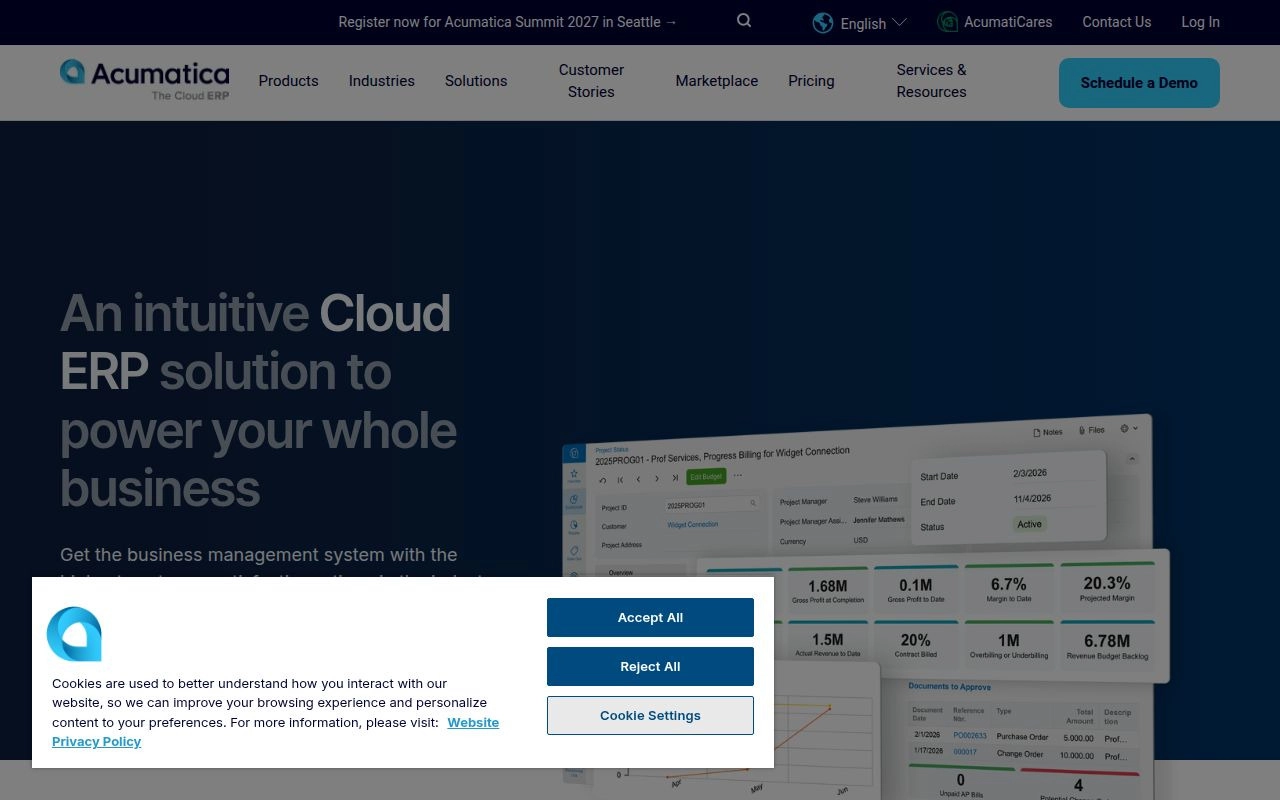
- Category: Cloud ERP
- Best for: Operational businesses needing broad employee participation
- Ease of use: Configurable, with role and process setup required
- Pricing: Application and consumption-based proposals
- Standout feature: Unlimited-user licensing approach
Broad employee access is the clearest reason to compare this with per-seat rivals. Acumatica bases pricing on applications, expected usage, resource requirements, and deployment preferences rather than individual user seats. That can suit businesses where warehouse, field, finance, and management teams all need access.
We would not translate unlimited users into unlimited capacity. Transaction volume, storage, applications, and infrastructure requirements still influence the proposal. The ownership model changes how you budget, not whether you need a budget.
Its official materials also cover distribution, construction, manufacturing, professional services, and retail. That gives different operational businesses a more relevant starting configuration than a purely financial product.
How Acumatica works
Applications share operational and financial information across departments. For distribution, the documented workflow connects demand, inventory availability, purchasing, warehouse work, sales orders, and fulfillment.
The distribution workflow specification names purchase orders, requisitions, inventory management, warehouse execution, CRM, and commerce connectors. It also describes Available-to-Promise information during order entry.
That makes a useful demonstration concrete. Ask sales to enter an order, purchasing to resolve a shortage, and warehouse staff to receive and ship stock. Finance should then show the resulting transaction trail.
Acumatica also offers APEX packages with bundled software, implementation, and support. We would distinguish that scoped package route from a broader partner-led project. The best commercial model depends on whether your requirements fit the package boundaries.
Who is Acumatica for?
We would shortlist it for distributors, manufacturers, construction businesses, and service organizations with many participating employees. Its licensing structure is particularly worth investigating when occasional operational users would otherwise need individual paid seats.
Companies replacing disconnected warehouse and accounting systems should evaluate the industry application set rather than only the financial core. We would also compare a standard implementation proposal with any suitable APEX offer.
A very small firm with basic accounting needs should look elsewhere. Businesses with unpredictable transaction growth should ask how resource changes affect future charges before committing.
Acumatica pricing
- Acumatica Cloud ERP: Custom quote based on applications, expected consumption and resources, and deployment preferences. User seats are not the main pricing unit.
- APEX for Distribution: The distribution materials advertise a starting package around USD 1,495 monthly. The bundle includes software, implementation, and support, subject to requirements fitting its scope.
The package calculator uses slightly different wording around its advertised starting point, so obtain a written quote rather than treating that figure as a guaranteed invoice. APEX is offered as SaaS and does not allow implementation and software pricing to be unbundled.
We would request explicit assumptions for transaction volumes, storage, integrations, customizations, and features outside the agreed package. Those details determine whether the initial proposal remains suitable as activity grows.
The general commercial-model explanation describes the factors behind tailored pricing.
Pros and cons
Pros
- Unlimited-user licensing supports participation across operational departments.
- Distribution functions connect availability, purchasing, warehouse execution, and finance.
- APEX offers a defined route bundling software, implementation, and support.
Cons
- Resource consumption still affects cost despite unlimited-user access.
- APEX scope restrictions may require a different commercial proposal.
- G2 reviewers describe extra costs from customizations and add-ons.
Acumatica rating and reviews
- G2: rated 4.4/5 across 2,055 reviews.
Visible feedback praises customization and accessible navigation. Other comments warn that change management and additions can make the project more demanding than expected.
Our verdict: Acumatica is a strong candidate when operational access matters across the company. Compare complete consumption assumptions, not just its absence of per-user fees.
8. Epicor

- Category: Industry-specific ERP portfolio
- Best for: Discrete manufacturers and specialized distributors
- Ease of use: Product-dependent, with specialist configuration
- Pricing: Product-specific custom proposal
- Standout feature: Manufacturing depth through Kinetic
Manufacturing requirements should determine which product you evaluate under this brand. Epicor is a software vendor with multiple systems, not a single interchangeable ERP application. For this entry, we focus primarily on Kinetic, its manufacturing-oriented platform.
The broader portfolio includes Prophet 21, Eclipse, BisTrack, and other industry products. That matters because a demonstration, review score, or quote for one does not automatically describe another.
We would shortlist Kinetic when production planning and shop-floor coordination are central requirements. A distributor should first confirm whether another Epicor product is the more appropriate route.
How Epicor works
The first step is product selection based on industry and operating model. For manufacturers, the official Kinetic capability overview connects financial management, supply chain, production, and shop-floor activity.
Its materials name material requirements planning, Advanced Planning and Scheduling, sourcing, configurable quoting, and manufacturing execution capabilities. These address the relationship between customer demand, production capacity, materials, and delivery commitments.
We would ask for a workflow beginning with a customer specification and ending with a shipped, costed order. Include a material shortage, an engineering change, and a delayed operation. The implementation team should show how those changes affect planning and financial reporting.
Epicor also describes low-code customization and connected-worker options across its portfolio. Ask which capabilities are included in the proposed product and which require separate applications or services. Portfolio breadth is useful only when the proposed components work together for your requirements.
Who is Epicor for?
We would consider Kinetic for make-to-order, discrete, and mixed-mode manufacturers. Its documented industries include fabricated metals, industrial machinery, electronics, and other product-intensive operations.
The case becomes stronger when production scheduling needs more than a basic work-order list. We would also investigate the relevant Epicor distribution product when industry requirements outweigh the appeal of a general-purpose suite.
Simple service businesses should look elsewhere. Manufacturers without an internal process owner should also resolve that gap before beginning a configuration-heavy project.
Epicor pricing
- Epicor Kinetic: Custom proposal. The official product page does not publish a universal small-business subscription or complete implementation price.
- Other Epicor products: Separate product-specific proposals. Do not assume Kinetic terms apply to Prophet 21, Eclipse, or another portfolio application.
Because the commercial menu is not public, we would request a proposal organized by actual workflows. Separate the ERP core from planning, manufacturing execution, quoting, analytics, integrations, and implementation services.
Ask which environments, support arrangements, and customization tools are included. Also require written renewal and upgrade responsibilities for any connected applications.
The official Kinetic page provides the product inquiry route rather than a public pricing grid. No separate numeric starting price could be verified from the official materials reviewed.
Pros and cons
Pros
- Kinetic explicitly addresses material planning and Advanced Planning and Scheduling.
- Manufacturing execution connects shop-floor information with broader operations.
- Separate product families address manufacturing, distribution, and building-supply requirements.
Cons
- The Epicor brand alone is insufficient for comparing features or prices.
- No public Kinetic plan grid establishes an initial project budget.
- G2 feedback includes navigation difficulty and learning-curve concerns.
Epicor rating and reviews
- G2, Kinetic specifically: rated 3.9/5 across 740 reviews.
Review themes include customization flexibility alongside usability concerns. We would ask production planners and operators to assess the proposed screens, rather than relying only on management’s reaction to the demonstration.
Our verdict: Evaluate the right Epicor product, not the brand in the abstract. Kinetic becomes compelling when genuine manufacturing depth is worth a more involved rollout.
9. Infor

- Category: Industry-specific cloud software portfolio
- Best for: Industrial manufacturers and specialist distributors
- Ease of use: Depends on suite selection and configuration
- Pricing: Product-specific custom quote
- Standout feature: Separate industry suites for different operating models
An industrial business should narrow this portfolio to a named CloudSuite before comparing anything else. Infor offers different applications for manufacturing, distribution, and other industries. Here, our main reference point is CloudSuite Industrial, including its SyteLine review listing.
Infor explicitly distinguishes its small and midsize manufacturing offering from its enterprise manufacturing suite. That is useful because a small company should not assume the most expansive product is automatically the best fit.
Our interest lies in the operational detail. Planning, quality, production, service, and inventory requirements can be more decisive than a familiar accounting interface.
How Infor works
The buying process begins with industry and complexity rather than a generic plan ladder. The official small and midsize business overview separates CloudSuite Industrial from CloudSuite Distribution and related applications.
For manufacturing, Infor describes service, quality, advanced planning, and scheduling within the cloud ERP offering. Its industrial materials also cover project-based manufacturing, multi-site coordination, inventory, and supplier visibility.
A useful demonstration should connect customer demand to capacity planning, material availability, production activity, and delivery. Ask the vendor to show how an order change affects the schedule. Include quality holds and purchasing exceptions where they matter to your business.
Infor also offers applications such as Factory Track, warehouse management, CPQ, and Birst analytics. We would require the proposal to distinguish included CloudSuite functions from additional components. Otherwise, a polished portfolio presentation can hide the real project boundary.
Who is Infor for?
We would shortlist CloudSuite Industrial for manufacturers whose planning and production requirements exceed basic inventory management. The documented SMB scope makes it more relevant than assuming every Infor product targets only large enterprises.
Distributors should evaluate CloudSuite Distribution separately. Product selection should follow the dominant workflow, whether that means making goods, moving stock, or providing related services.
Businesses needing only basic financial records should look elsewhere. We would also avoid a purchase if the proposal uses “Infor” broadly without naming the exact suite, applications, deployment, and implementation responsibilities.
Infor pricing
- Infor CloudSuite Industrial: Custom quote for the proposed manufacturing solution. The official pages reviewed do not publish a universal small-business plan price.
- Infor CloudSuite Distribution: Separate custom proposal for distribution requirements, rather than an interchangeable version of the manufacturing offer.
Request application-level pricing and a clear implementation scope. We would ask specifically about planning, shop-floor data collection, warehouse functions, reporting, integrations, and support.
The proposal should also identify which party maintains each extension. A specialized application may be worthwhile, but its ownership and upgrade requirements should not emerge after launch.
Official inquiries run through the relevant product and SMB pages. We found no public rate card that would justify publishing a standard monthly total.
Pros and cons
Pros
- Infor explicitly offers CloudSuite Industrial for small and midsize manufacturers.
- Documented scope includes advanced planning, scheduling, quality, and service.
- A separate distribution suite avoids forcing every business into a manufacturing configuration.
Cons
- Portfolio-level descriptions can obscure the exact included applications.
- Public pricing does not support an immediate like-for-like budget comparison.
- G2 reviewers describe learning demands and potentially costly customization.
Infor rating and reviews
- G2, CloudSuite Industrial specifically: rated 3.9/5 across 74 reviews.
Visible reviews discuss useful connected information and configurable forms. Other comments raise setup, documentation, and process-complexity concerns. These findings apply to this product listing, not every Infor application.
Our verdict: Infor is a credible industrial shortlist option when a named suite matches your production model. Insist on a component-by-component proposal and demonstrations of your difficult workflows.
10. IFS Cloud
- Category: Industrial ERP and service platform
- Best for: Asset-intensive manufacturers and service organizations
- Ease of use: Substantial process and permission setup
- Pricing: Custom commercial proposal
- Standout feature: ERP, asset management, and field service within one platform
Asset maintenance and field service provide the strongest justification for considering this heavier platform. Its official materials connect ERP, enterprise asset management, supply chain, and field service management. That combination is more relevant to an equipment-intensive operation than a business that only needs accounting.
We include it as a specialist option, not a default recommendation for every small company. A modest workforce can still manage complex assets, service contracts, and industrial operations. Even then, the implementation needs a clear business case.
Our lower small-business suitability score reflects that threshold. Breadth is valuable only when enough of it addresses work you actually perform.
How IFS Cloud works
The platform connects industrial operations with financial and service activity. The official ERP materials describe manufacturing, procurement, supply chain, and finance, while the wider platform adds asset and field-service functions.
The field-service capability overview covers service operations and workforce coordination. For an equipment business, that makes the evaluation broader than producing and shipping a product. You should also examine the work performed after delivery.
We would ask the vendor to demonstrate an equipment-related workflow spanning an operational requirement, spare parts, technician activity, and the resulting financial records. If manufacturing is central, include engineering changes and production costs.
Independent reviews mention Page Designer, configurable workflows, and role-specific presentation. We would inspect the proposed configuration rather than assume the standard interface fits each employee. The project should also define responsibility for permissions, integrations, and ongoing changes.
Who is IFS Cloud for?
We would consider it for industrial businesses where assets, production, and service are closely connected. An organization maintaining equipment or coordinating complex field work may have a stronger case than a similarly sized office-based company.
It belongs on the shortlist when consolidating those processes has measurable value. We would ask management to identify the operational handoffs that a simpler system cannot address adequately.
Most basic accounting buyers should look elsewhere. Companies without a capable implementation sponsor and ongoing system owner should also resolve those gaps before pursuing this level of platform.
IFS Cloud pricing
- IFS Cloud: Custom proposal. The official page does not publish a universal entry subscription or a standard small-business package.
The reviewed pages do not disclose enough commercial detail to provide a reliable starting figure. Ask the vendor to identify the applications, users or access rights, environments, implementation work, integrations, and support included in its proposal.
We would also request separate pricing for later phases. A project that begins with finance and manufacturing may eventually add asset or service functions, but those additions should have a visible commercial path.
The product page linked in this heading is the starting point for an inquiry. Do not substitute a third-party estimate for a scoped vendor proposal.
Pros and cons
Pros
- The platform explicitly spans ERP, asset management, supply chain, and field service.
- Manufacturing and procurement can be evaluated alongside finance and service requirements.
- Reviewers identify useful configuration tools and connected operational information.
Cons
- No public entry plan establishes a small-business budget.
- G2 reviews include complex setup and permission-configuration concerns.
- Visible feedback raises navigation, support-resource, and customization-related migration issues.
IFS Cloud rating and reviews
- G2, IFS Cloud ERP: rated 4.0/5 across 183 reviews.
Reviewers describe connected manufacturing information and useful flexibility. Critical feedback reinforces the need to validate support arrangements and the effort required to maintain a tailored environment.
Our verdict: Consider IFS Cloud when industrial service and asset requirements rule out lighter systems. Otherwise, its additional breadth may create more project than your business needs.
Five More Options, Including Focused ERP Alternatives

A narrower tool can be the better purchase when your main problem is accounting, inventory, or scheduling. QuickBooks Enterprise, Xero, and Ganttic should not be treated as interchangeable full ERP suites. Dolibarr provides another open-source route, while Katana focuses on inventory and production workflows.
11. QuickBooks Desktop Enterprise

- Category: Accounting-led business management
- Best for: Businesses prioritizing finance and inventory
- Deployment: Desktop, with optional cloud hosting
- Pricing: Plan-dependent subscription, with no readable starting amount verified
Accounting-led operations may not need the wider scope of a full ERP implementation. Intuit positions this product around financial management, inventory and order management, reporting, permissions, and connected applications. That makes it a legitimate alternative when the finance department’s requirements dominate the decision.
The main distinction from the broader suites is its accounting-centered approach. The official page presents connected payroll, payments, time tracking, and other products as ways to build out the workspace. We would evaluate those connections individually rather than assuming a single subscription covers the complete operational stack. Optional hosting also needs a separate discussion about remote access and responsibility.
The official terms identify Silver, Gold, Platinum, and Diamond subscriptions, with monthly or annual arrangements. However, the purchase page and subscription terms did not expose a dependable starting amount in the readable page we opened. We therefore would request a written quote naming the edition, users, hosting, payroll, and required inventory capabilities. Avoid treating promotional figures found elsewhere as the complete renewal cost.
For comparison, ask Intuit or its representative to demonstrate the financial and inventory processes you need to retain. Then list the work still handled outside the product. If production planning, advanced service management, or cross-department workflows remain substantial, compare that combined setup with a broader ERP proposal. We would favor the narrower option only when those boundaries remain manageable.
Who is QuickBooks Desktop Enterprise for?
We would shortlist it for businesses seeking stronger accounting and inventory management without immediately adopting a wider ERP platform. Look elsewhere when manufacturing execution, complex scheduling, or extensive operational integration is the central requirement.
12. Xero

- Category: Cloud accounting alternative
- Best for: Smaller businesses with straightforward financial operations
- Ease of use: Focused accounting scope
- Pricing: Published monthly U.S. plans
If the real problem is bookkeeping rather than operations, choose a focused accounting tool first. Xero’s official U.S. materials cover invoicing, bills, bank reconciliation, reporting, expenses, and related financial tasks. We include it to help readers avoid buying an ERP system merely because their spreadsheets have become untidy.
Its advantage over the broader platforms is a narrower implementation target. You can evaluate financial workflows without simultaneously designing production, warehouse, and asset-management processes. That is not proof that every setup will be simple. It does mean the purchasing decision can stay focused on the financial work your business actually needs.
The regular U.S. subscription comparison lists Early at $27 monthly, Growing at $59 monthly, and Established at $97 monthly, before applicable taxes and extras. Early limits monthly activity to 20 invoices and five bills. Established includes multiple currencies, project time and cost tracking, and employee expense claims. We have used regular prices rather than introductory discounts because the ongoing bill matters more for comparison.
The boundary is operational depth. We would not choose Xero alone to solve complex manufacturing, warehouse execution, or group-wide ERP requirements. Instead, identify whether a connected specialist application fills a specific gap without producing duplicate records and reconciliation work. A focused accounting system can be the sensible foundation, but a collection of poorly coordinated add-ons may recreate the problem you wanted to solve.
Who is Xero for?
We would consider it for service firms, freelancers, and smaller organizations whose essential needs are financial. Businesses needing integrated production or extensive operational control should assess a broader suite or a clearly defined specialist combination.
13. Ganttic
- Category: Resource planning and scheduling alternative
- Best for: Coordinating people, equipment, and project capacity
- Ease of use: Visual scheduling focus
- Pricing: Free small-resource tier, then resource-based pricing
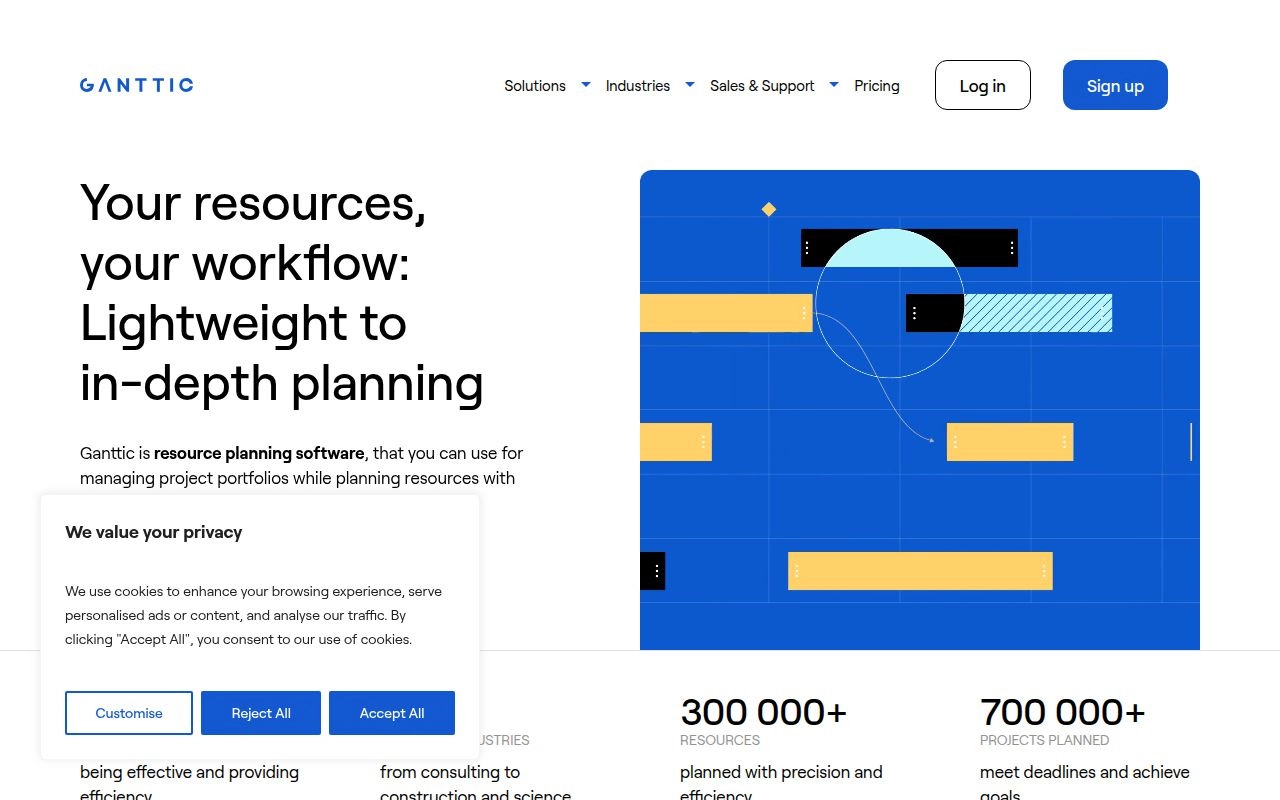
Scheduling conflicts call for a scheduling tool, not automatically a finance-system replacement. Ganttic focuses on planning people and physical resources across projects. Its official materials describe resource management, capacity planning, equipment scheduling, and project portfolio views.
What makes it different from the main ERP picks is the unit of planning. A resource can be a person, room, machine, vehicle, or other equipment. Users are the people who interact with the plan, and those groups need not be identical. That distinction is useful when managers, customers, and stakeholders need visibility without becoming additional scheduled resources.
The resource-based subscription explanation provides a free option for up to 10 resources. That tier excludes API access. Paid plans include API access, and the pricing model permits unlimited users. We would verify the applicable paid resource bracket directly because the readable page did not expose a complete fixed-price ladder. It also describes custom resource packages and arrangements for organizations managing separate accounts.
We would evaluate it with a realistic scheduling conflict. Put the same employee or machine against competing project requirements, then ask the planner to revise the schedule. The goal is to assess whether the visual plan gives decision-makers enough information to resolve capacity problems. Do not expect it to replace the general ledger, purchasing controls, or manufacturing costing provided by an ERP suite. Those financial and transactional responsibilities still need a separate system.
Who is Ganttic for?
We would shortlist it for consultancies, engineering teams, equipment-based businesses, and project organizations with capacity problems. Choose something broader when your main issue is accounting, procurement, inventory valuation, or connected transaction control.
14. Dolibarr
- Category: Open-source ERP and CRM
- Best for: Smaller organizations wanting modular business functions
- Deployment: Local installation, self-hosting, or hosted service
- Pricing: Free software, with hosting and services priced separately
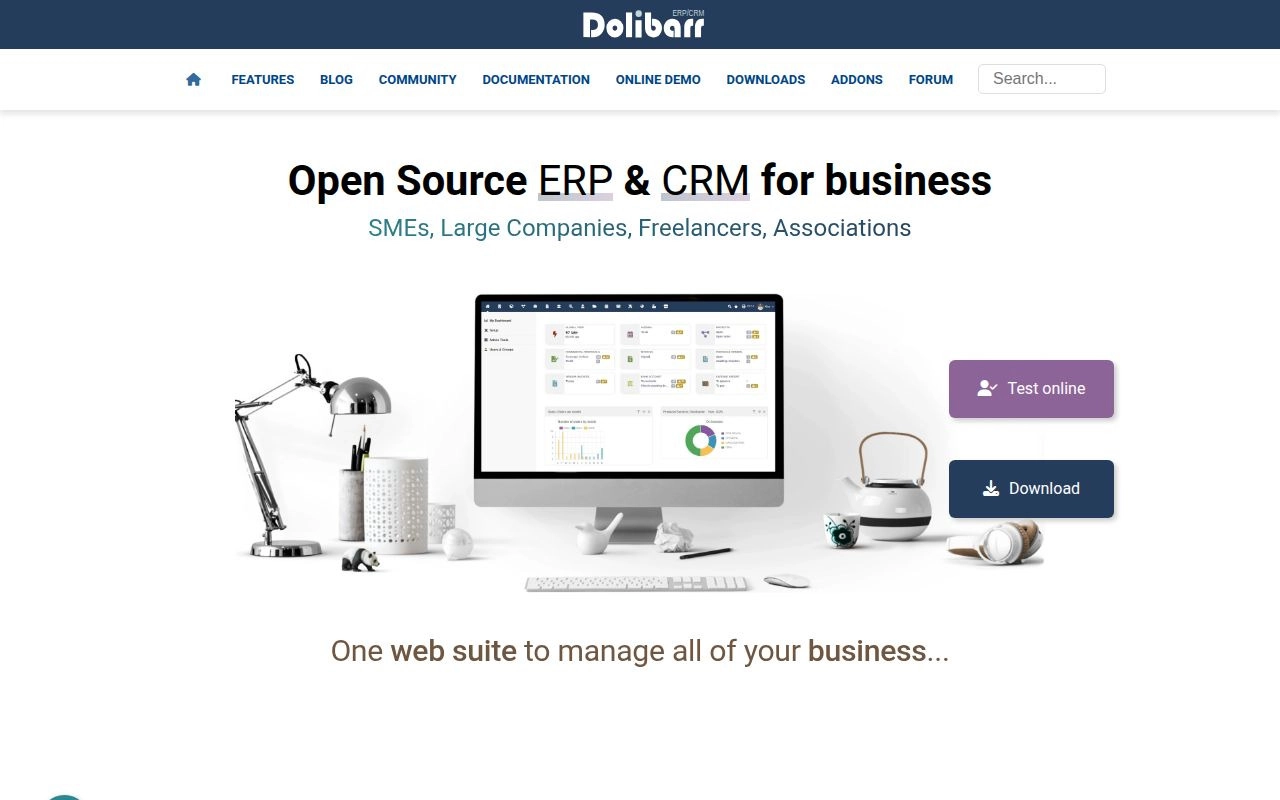
Modular adoption makes this a useful alternative for organizations that do not want every function switched on immediately. The official site describes an integrated suite where businesses enable the features they need. Its scope includes customer records, proposals, sales orders, stock, purchasing, billing, bank reconciliation, projects, and other functions.
Compared with the larger commercial suites, the distinguishing choice is control over deployment and extension. Dolibarr can run locally, on a server, or through a hosted offering. The official materials also describe a Module Builder and an add-on ecosystem. We see that as a practical route for organizations willing to own configuration decisions, rather than proof that every specialized requirement will be effortless.
The core software is free and open source. There is no universal official hosted subscription price because hosting is available through different offers. Budget separately for the environment, backups, maintenance, migration, assistance, and any paid extensions. We would request the same ownership details from a hosted supplier that we would request from a commercial ERP vendor. Free licensing does not remove the need for a responsible administrator.
For evaluation, start with the smallest complete workflow you need. A customer proposal, sales order, invoice, and payment is a useful example. Then add the operational functions your business actually uses. We would verify local accounting requirements and the compatibility of extensions before treating the configuration as production-ready. Keep the initial setup restrained, because switching on every available module can complicate training without improving the business case.
Who is Dolibarr for?
We would consider it for smaller firms, freelancers, associations, and organizations that value modular open-source ownership. Businesses needing extensive industrial functionality should validate that scope carefully rather than assuming add-ons cover every gap.
15. Katana

- Category: Inventory and manufacturing-focused alternative
- Best for: Product businesses connecting sales, stock, and production
- Deployment: Cloud
- Pricing: Free exploratory tier or custom Advantage contract
Product operations can need better inventory and production control without replacing their accounting system. Katana focuses on that middle ground. Its official materials cover stock, purchasing, production, orders, warehousing, and connections to accounting and ecommerce applications.
The difference from a general-purpose ERP is the operational focus. The published integrations include Shopify, QuickBooks Online, and Xero. We would assess it when those existing applications remain appropriate and the missing piece is coordinating materials, orders, and production. The trade-off is that the integration becomes part of the operating model, so responsibility for accounting synchronization needs to be explicit.
The Free and Advantage comparison lists a no-cost plan supporting a catalog of up to 30 SKUs, with API access and unlimited users and inventory locations. Advantage uses a custom annual contract covering an agreed setup, implementation, integrations, and ongoing assistance. The pricing FAQ adds an important restriction: Shopify is the ecommerce connection currently supported on Free. Do not assume the broader integration list applies identically to every tier.
We would use the free route to examine a representative slice of the catalog, not simply explore empty screens. Follow a sales requirement through material availability, purchasing, and production. For Advantage, ask the team to define exactly which connectors, dashboards, and automations it will build and maintain. That scope matters more than older plan names or historical prices, especially because the published page now centers on the Advantage model.
Who is Katana for?
We would shortlist it for product businesses that want focused inventory and production coordination while retaining suitable accounting tools. Choose a broader ERP when financial consolidation and company-wide transaction control are the main requirements.
When ERP Makes Sense and When Simpler Tools Are Enough
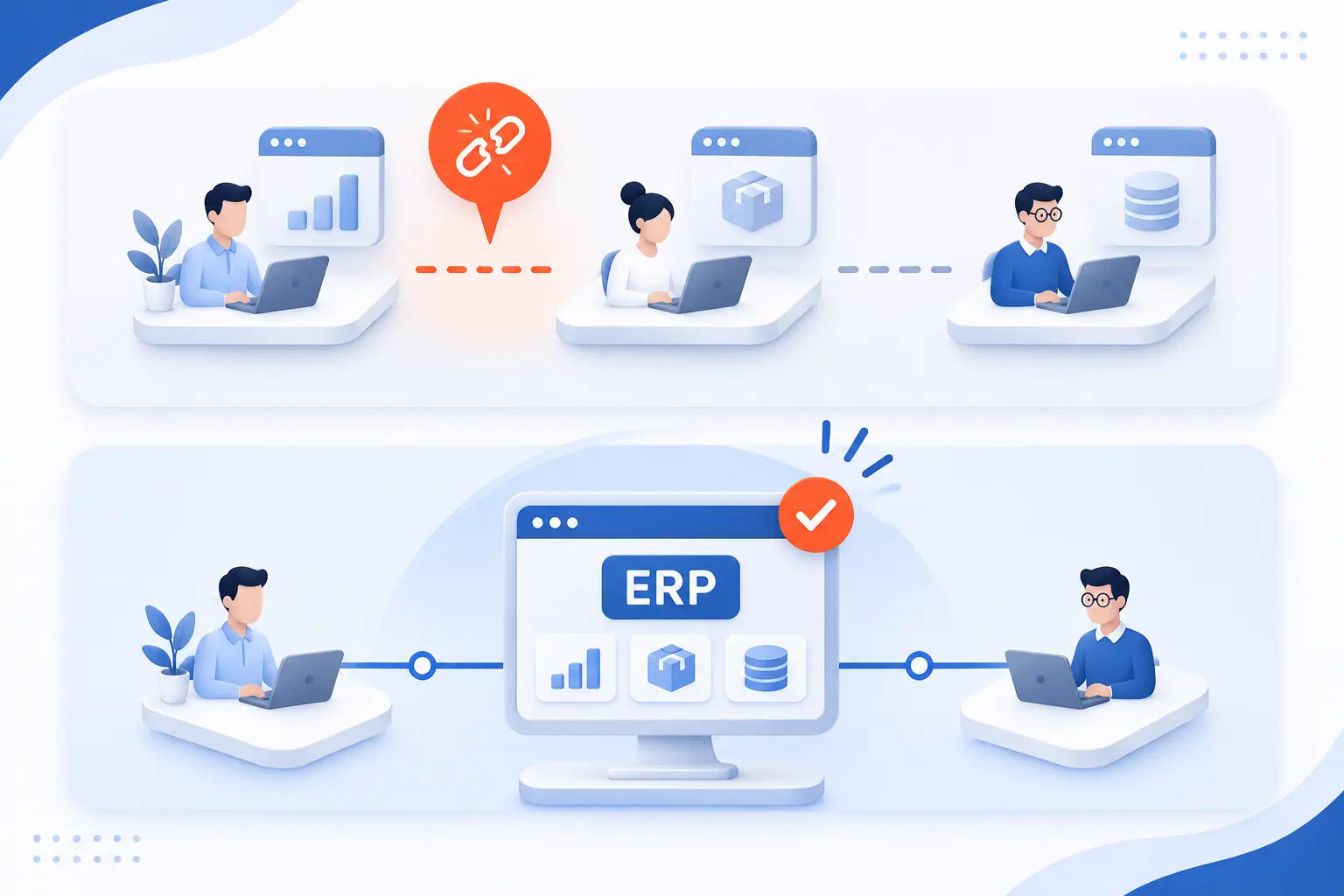
ERP makes sense when disconnected records prevent departments from completing reliable, coordinated work. It is less compelling when the problem stays within one function. We would define the broken workflow before deciding whether the answer is a full suite or a focused application.
Warning Signs You Have Outgrown Spreadsheets and Disconnected Accounting Tools
Repeated reconciliation between departments is a stronger warning sign than spreadsheet use alone. Look for different stock totals, repeated order entry, unclear approval status, and reports that depend on manual corrections.
The official explanation of connected business records frames ERP around coordinating information across business functions. We would turn that principle into a short requirements list: which records disagree, who corrects them, and what happens when a correction arrives late?
Where Shared Data and Automation Can Improve Financial Control and Customer Service
Shared records are most useful when they connect operational events to the people responsible for the next action. A purchase approval should reach the approver, and a shipment should inform the invoice workflow.
We would prioritize those handoffs over ambitious automation claims. Ask vendors to show how staff identify an exception, correct it, and preserve the transaction history. Customer-service improvements should come from reliable availability and order information, not merely a new dashboard.
Operational Complexity, Transaction Volume, and Growth Matter More Than Headcount Alone
A small workforce can still require sophisticated operational controls. Manufacturing steps, legal entities, inventory locations, service obligations, and transaction volume should drive the requirements discussion.
We would compare the work involved rather than ask which platform is “for companies our size.” A consultancy and a manufacturer can have similar staffing but very different system needs. Choose software for the processes you must control.
When Accounting Software or Resource Scheduling Is the More Practical Choice
A focused application is more practical when the problem has a clear functional boundary. Use this distinction before committing to an ERP project.
| Dominant need | Practical category | Boundary to check |
|---|---|---|
| Invoices, bills, reconciliation | Cloud accounting | Operational applications remain separate |
| People and equipment allocation | Resource scheduling | No replacement for financial records |
| Materials, orders, and production | Inventory and manufacturing application | Accounting integration needs ownership |
We would buy a wider suite only when connecting those responsibilities produces enough value to justify the project.
Which ERP Capabilities Your Business Actually Needs
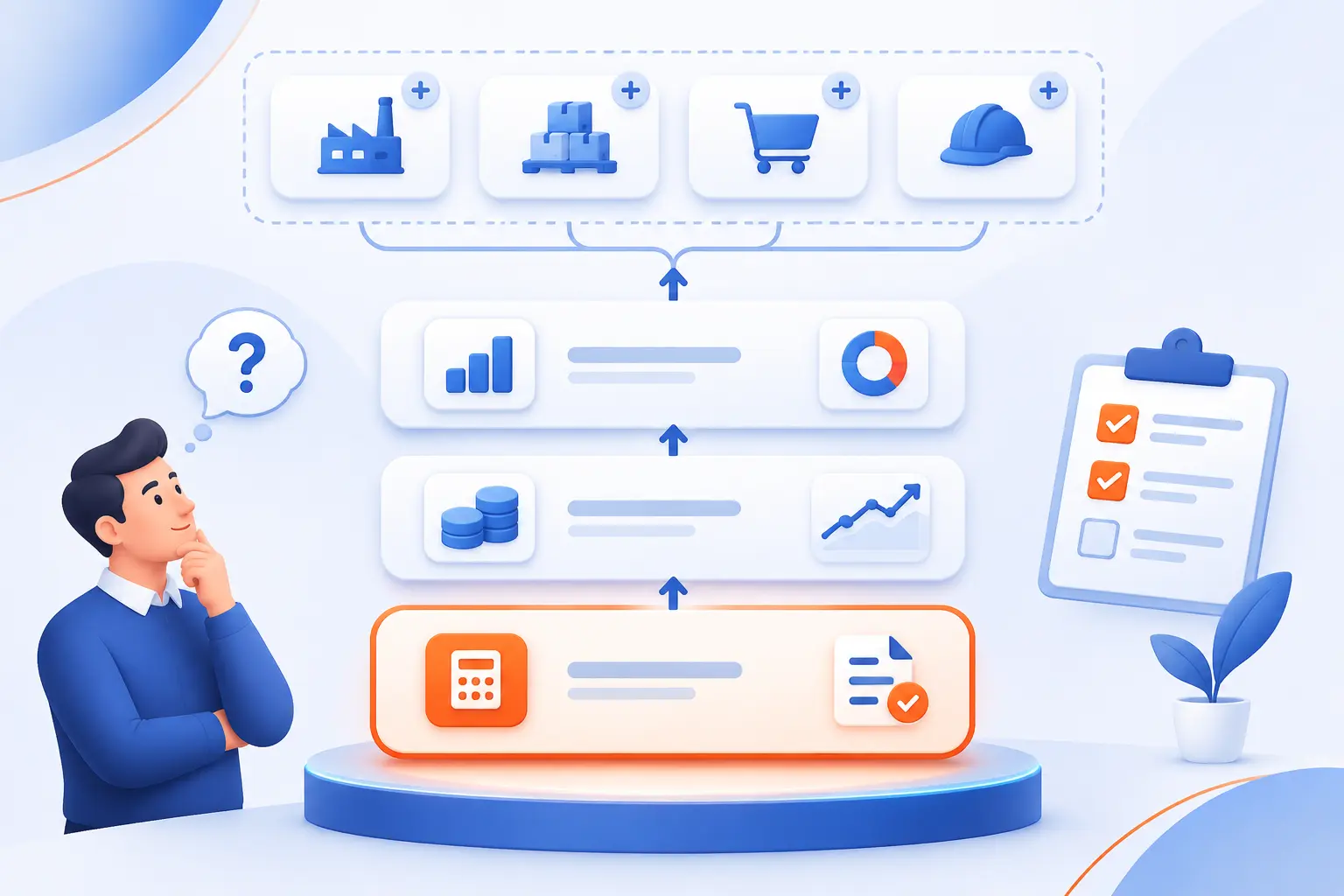
Required capabilities should follow complete workflows, not department wish lists. Start with accounting accuracy and the operational records feeding it. Then add the industry functions and local requirements your business cannot operate without.
Accounting, Cash Flow, Financial Reporting, and Multi-Entity Management
Your financial requirements should specify the reports and controls you need, not simply demand an accounting module. Ask for a demonstration of receivables, payables, cash visibility, approvals, and period-end reporting.
If several legal entities are involved, include consolidation and intercompany requirements. We would also ask who maintains account structures and reporting definitions after launch.
Inventory, Purchasing, Order Fulfillment, and Supply Chain Visibility
Inventory functionality must reflect how your stock actually moves. Demonstrate receiving, location transfers, reservations, picking, shipping, returns, and corrections where relevant.
We would distinguish warehouse execution from a basic stock balance. A product may show available quantities without supporting the scanning, location control, or fulfillment process your team requires.
Manufacturing, Production Scheduling, and Product Traceability
Manufacturers need to validate material structures and production steps together. The official bill-of-materials documentation explains how material quantities and operations support work orders and job activity.
We would also test scheduling constraints, scrap, substitutions, quality holds, and traceability. A system that handles basic assembly may still need additional configuration for your production model.
CRM, Sales, E-Commerce, and Customer Service Workflows
Sales integration should preserve the information needed to fulfill and support an order. Request a demonstration covering customer records, pricing, payment status, availability, shipment updates, and returns.
We would keep an existing CRM or storefront when it still performs its role well. Replacement is justified only when the proposed workflow is better than a maintainable connection.
Project Profitability, People and Equipment Capacity, and Delivery Schedules
Project reporting and resource scheduling answer different questions. Profitability shows whether work earns money, while capacity planning shows whether people and equipment can complete it.
We would require both views when delivery depends on scarce resources. Ask how approved time, expenses, purchases, and schedule changes appear in the project’s financial picture.
HR, Payroll, Country Availability, and Local Compliance Requirements
Country support must be verified for the exact product and configuration. Microsoft’s localization and language matrix distinguishes vendor-provided functionality from partner-provided localization.
Apply the same discipline elsewhere. Ask who supplies local payroll, tax-related functionality, updates, and support. A global vendor’s presence does not establish that every module fits your jurisdiction.
How to Budget for ERP for Small Businesses
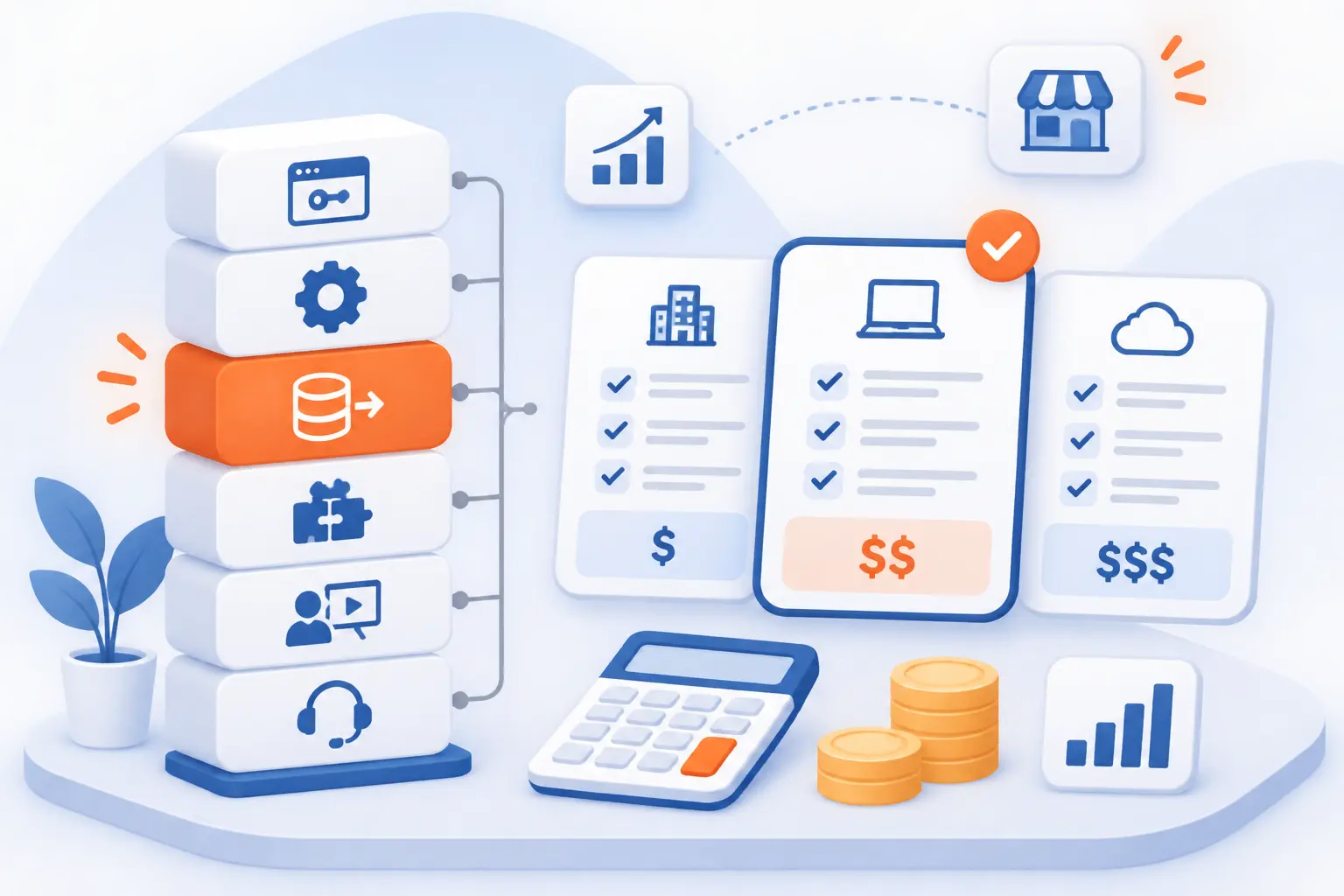
Budget for a working operating system, not just software access. Licensing, implementation, data migration, integrations, training, and ongoing ownership all belong in the comparison. We would request the same scope from each supplier before deciding which quote represents better value.
Per-User, Module-Based, and Usage-Based Licensing
The pricing unit determines which business changes can increase your bill. Compare the licensing mechanism before comparing advertised minimums.
| Model | Primary cost driver | Question to ask |
|---|---|---|
| Per-user | Licensed access and user roles | Which staff need full access? |
| Module-based | Applications and included functionality | Which demonstrated features cost extra? |
| Usage-based | Transactions, storage, or computing resources | What triggers a higher resource tier? |
A proposal can combine these models. We would ask suppliers to explain how a change in users, transaction activity, or scope affects renewal costs.
Implementation, Data Migration, Integrations, Training, and Support Costs
Implementation proposals should name deliverables and responsibilities rather than promise an undefined setup service. Require clear scope for configuration, record cleanup, imports, reports, interfaces, employee training, and launch support.
Microsoft’s migration-planning guidance identifies mapping, transformation, loading, testing, and validation as distinct activities. We would make those activities visible in the budget instead of hiding them within a vague migration allowance.
Free Software Versus the Cost of Hosting, Maintenance, and Technical Expertise
Free licensing removes a software charge, not the work required to operate the system. Open-source deployments still need hosting, access management, backups, updates, and troubleshooting.
For example, the documented backup command options distinguish database information from public and private files. We would require an administrator to explain what gets protected and how recovery is verified.
Estimating Payback From Less Rework, Better Inventory Control, and Faster Reporting
Estimate payback using your own operational baseline rather than a vendor’s composite case study. Record the work involved in correcting orders, reconciling inventory, preparing reports, and managing exceptions.
Then estimate which activities the proposed workflow would remove or reduce. Keep staffing benefits separate from cash savings, and include recurring administration. We would reject a business case that counts the same improvement in several departments.
Cloud, On-Premises, and Hybrid ERP Trade-Offs
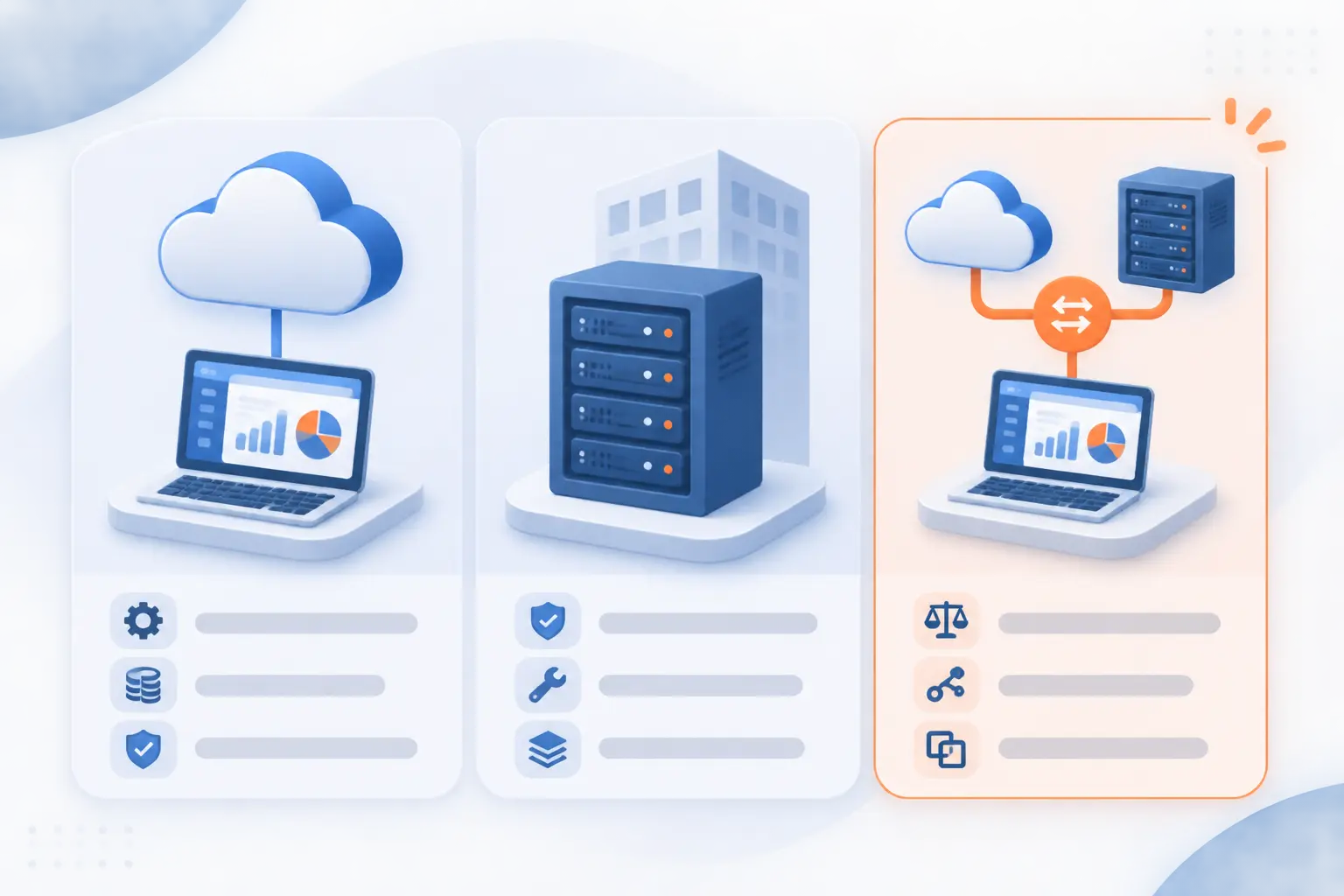
Deployment choice determines who operates the infrastructure and how your team accesses the application. It does not remove the need for business ownership. Compare documented responsibilities rather than assuming cloud means no administration or on-premises means complete independence.
Cloud Deployment, Remote Access, Updates, and Internet Dependency
Cloud deployment shifts infrastructure operations toward the provider, but you still need clear recovery and access procedures. Microsoft documents administrator-controlled environment restoration for Business Central online.
We would ask every cloud supplier about backup coverage, recovery permissions, update responsibilities, and access during a connectivity problem. Request the answers for the proposed service, not the vendor’s platform in general.
On-Premises Control, Infrastructure Costs, and Internal IT Responsibilities
On-premises deployment is appropriate only when your organization can own the supporting environment. Include server management, application updates, security, backups, monitoring, and recovery in the decision.
We would ask who performs each task and who covers absences. Greater control is useful only when somebody has the expertise and authority to exercise it.
Hybrid Setups, Data Ownership, and Vendor Exit Options
A mixed setup needs clearly documented boundaries between systems and suppliers. List where records reside, how applications exchange updates, and which party investigates failures.
Before signing, request a practical export demonstration. We would check master records, transactions, attachments, and configuration documentation rather than accept a general statement that the data belongs to you.
How to Plan an ERP Rollout Without Overwhelming Your Team
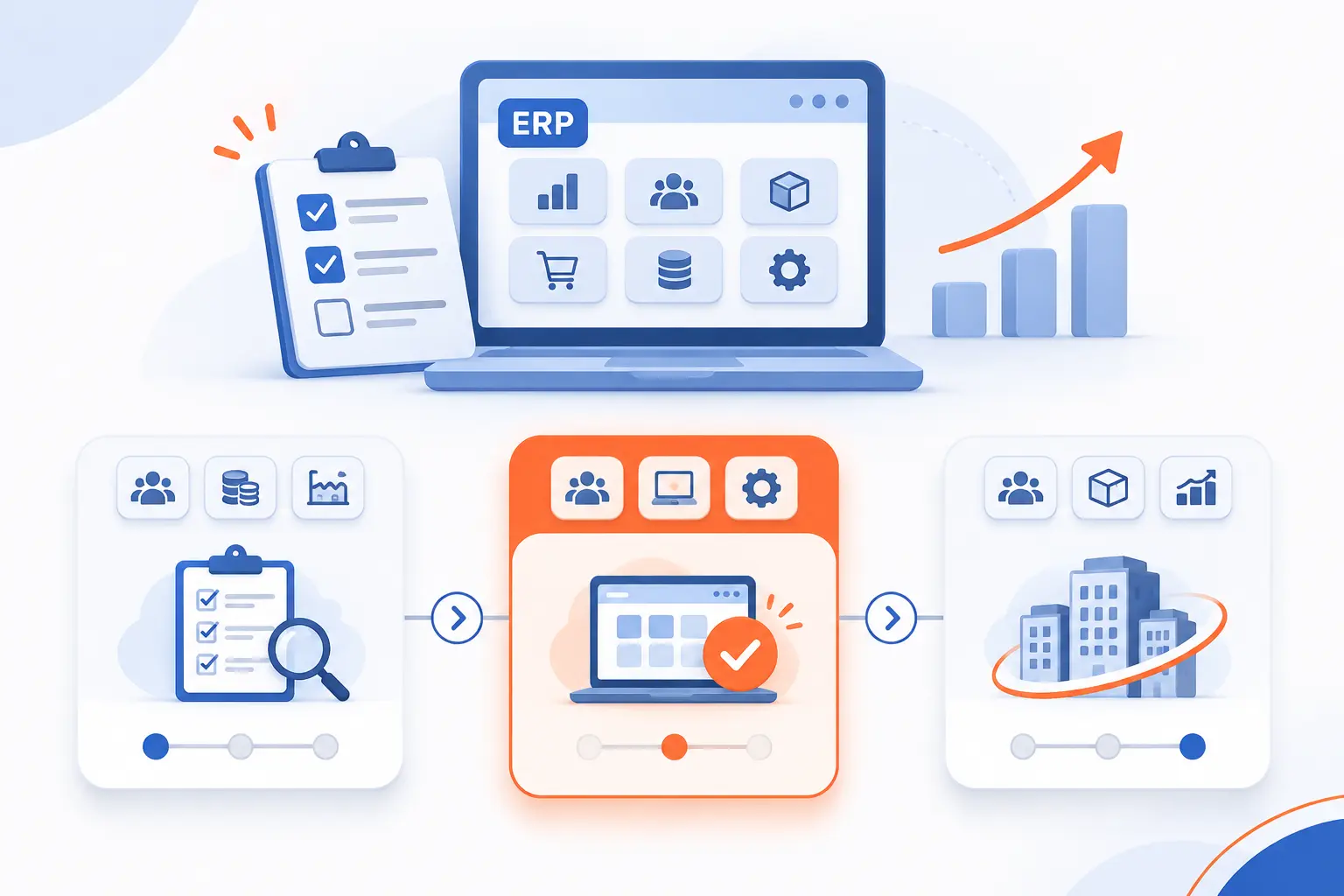
A manageable rollout starts with accountable owners and a restrained initial scope. Prove essential workflows before adding optional applications or custom development. We would organize the project around business readiness, not a launch date selected before requirements are understood.
Gather Requirements Across Departments and Assign Process Owners
Assign an internal decision-maker who can resolve cross-department conflicts. The official project-champion guidance emphasizes internal ownership during implementation.
We would also name owners for finance, inventory, purchasing, sales, and other relevant processes. Ask each owner to provide actual documents and examples of difficult exceptions.
Validate Essential Workflows and Partner Expertise Before Signing
Require demonstrations based on your requirements rather than a standard sales script. Ask the proposed implementation team to handle incomplete information, corrections, approvals, and operational delays.
Check references for comparable projects. We would ask what the partner delivered, what remained outside scope, and who supported the business after launch.
Define Scope, Clean Migration Data, and Set Realistic Milestones
Agree on what the initial release includes before configuration expands. Separate essential workflows from improvements that can wait.
Clean duplicate records, inconsistent item definitions, and outdated customer information before import. We would attach each milestone to an accepted deliverable rather than a percentage-complete estimate.
Pilot Core Modules and Test Integrations Before Expanding
Run a representative pilot before extending the rollout. Include normal transactions and the exceptions that create work in your existing system.
Test both sides of every integration. We would specifically check corrections, failed transfers, duplicate prevention, and the process for reconciling mismatched records.
Train Employees by Role and Prepare for Temporary Disruption
Train people on the work they perform, not the full application menu. Purchasing staff, warehouse operators, approvers, and accountants need different exercises.
Prepare practical instructions for common exceptions and identify accessible support contacts. We would reduce optional process changes during launch so employees can focus on essential tasks.
Track Adoption, Reporting Accuracy, and Support Needs After Go-Live
Judge the launch by reliable work completion, not simply successful login. Review unresolved transactions, recurring support requests, reporting differences, and work happening outside the system.
Assign owners to those issues and distinguish training problems from configuration defects. We would defer expansion until the core workflow operates consistently.
Close Integration Gaps Without Creating New Data Silos
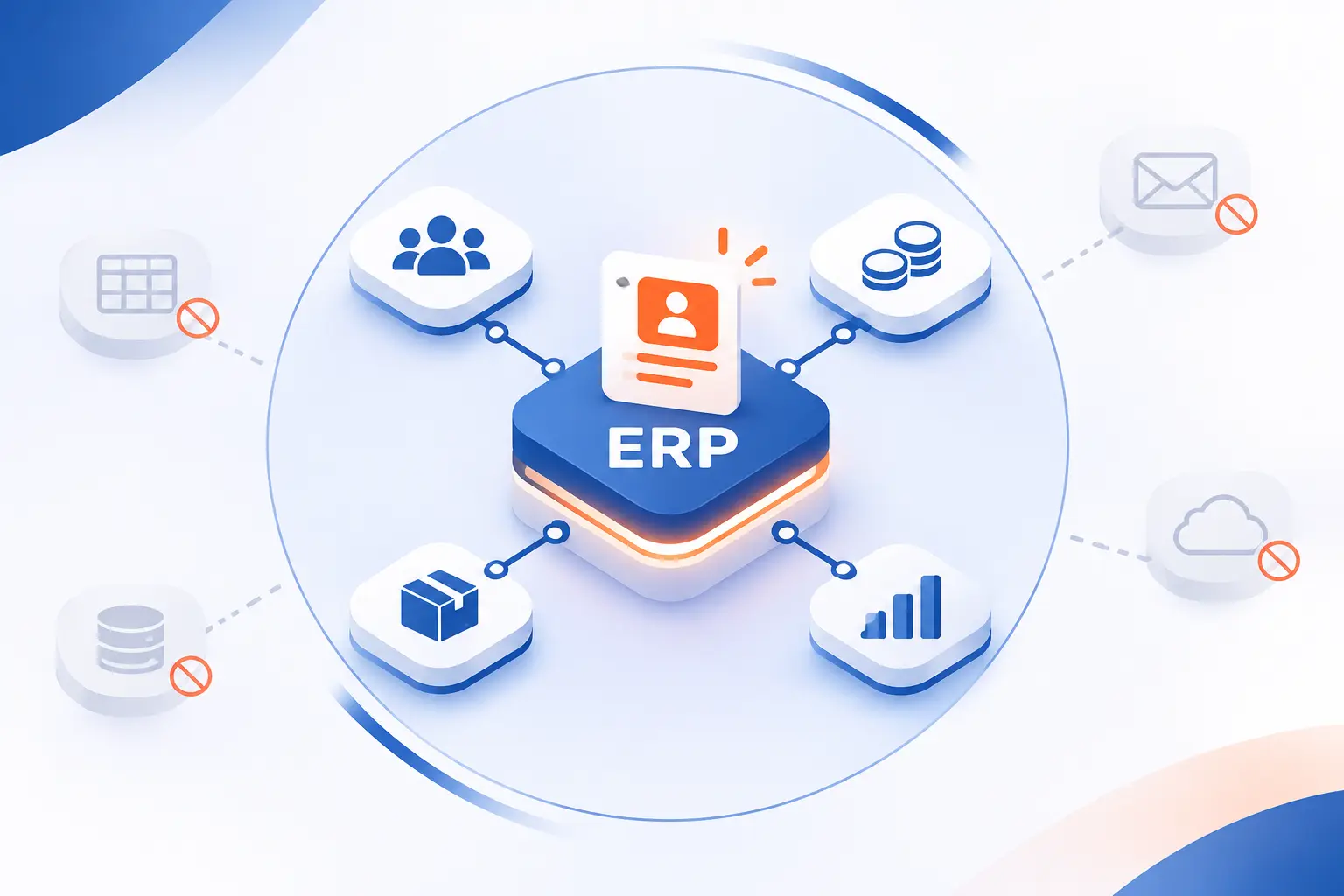
Keep specialist applications only when their role and connection to the ERP are clear. Every shared record needs an agreed owner. We would favor fewer well-maintained connections over a long connector list with unclear responsibilities.
Decide Which CRM, Payroll, E-Commerce, and Scheduling Tools to Keep
Retain an application when it performs a necessary job better than the proposed replacement. Then identify which system owns customer details, product information, prices, schedules, and financial records.
We would document the direction of updates and the process for correcting disagreements. A connection is not complete merely because information can move between applications.
Connect Expense Approvals, Receipts, and Reconciliation to Finance
Expense integration should preserve approvals and supporting records, not just transfer totals. Demonstrate the route from employee submission to authorization, reimbursement, and financial reconciliation.
Include rejected claims and corrected submissions. We would verify that finance can identify the original evidence without searching a separate mailbox or spreadsheet.
Check API Access, Connector Maintenance, and Upgrade Compatibility
Verify the supported integration method and the party responsible for maintaining it. Microsoft’s REST interface documentation identifies built-in APIs and custom API development as integration routes.
For any product, ask about access rights, limits, version changes, monitoring, and failed requests. We would also require a named owner for connector testing after upgrades.
Balance Configuration and Custom Development Against Cost and Vendor Dependency
Use standard configuration when it meets the requirement without making daily work harder. Commission custom development only when the business benefit justifies ownership and maintenance.
Request documentation, source-access terms where applicable, and an upgrade-testing plan. We would avoid recreating an old workaround simply because employees recognize it.
Frequently Asked Questions
The right purchase depends on the work your business needs to coordinate. These answers address the distinctions most likely to change a shortlist.
What Are Examples of ERP Systems for Small Businesses?
Examples include Business Central, SAP Business One, ERPNext, NetSuite, and Acumatica. Their suitability differs by industry, financial complexity, ownership preferences, and implementation capacity. We would shortlist based on essential workflows rather than brand recognition.
Is QuickBooks Enterprise an ERP?
QuickBooks Enterprise is best treated here as an accounting-led business-management alternative, not an automatic substitute for every ERP capability. Its official scope includes financial and inventory functions, with connected products extending the workspace. Validate manufacturing, scheduling, consolidation, and other operational requirements separately.
Is There Free ERP Software for Small Businesses?
Yes, ERPNext and Dolibarr offer free open-source software. Hosting, implementation, maintenance, and specialist assistance can still cost money. We would compare the complete ownership arrangement rather than select a system solely because it has no license fee.
How Long Does a Small Business ERP Implementation Take?
There is no reliable universal implementation timeline for a small business. Scope, data condition, integrations, customization, and employee availability determine the work involved. Ask for milestones tied to tested workflows and validated migration rather than accept a generic launch promise.
Does a Small Business Need Dedicated IT Staff to Manage ERP?
No, a dedicated internal IT position is not always necessary, but technical responsibilities still need an owner. A managed provider or partner can handle infrastructure while your business owns processes, permissions, and acceptance decisions. If custom integrations are involved, documentation such as the authenticated interface reference illustrates why specialist support may still be needed.


Conclusion
The best ERP for small businesses is the one that connects essential work without creating an oversized implementation. We would start with Business Central for broad coverage, ERPNext for open-source ownership, and Acumatica for access across operational teams. Add industry specialists when production, traceability, assets, or service requirements demand them.
Keep the focused alternatives in contention. Accounting software, resource scheduling, or an inventory application may solve the actual problem with a narrower project.
Your next step is straightforward: document your essential workflows, identify their difficult exceptions, and request matching demonstrations from a small shortlist. Which supplier can show your team completing that work clearly, within a proposal you can understand?