

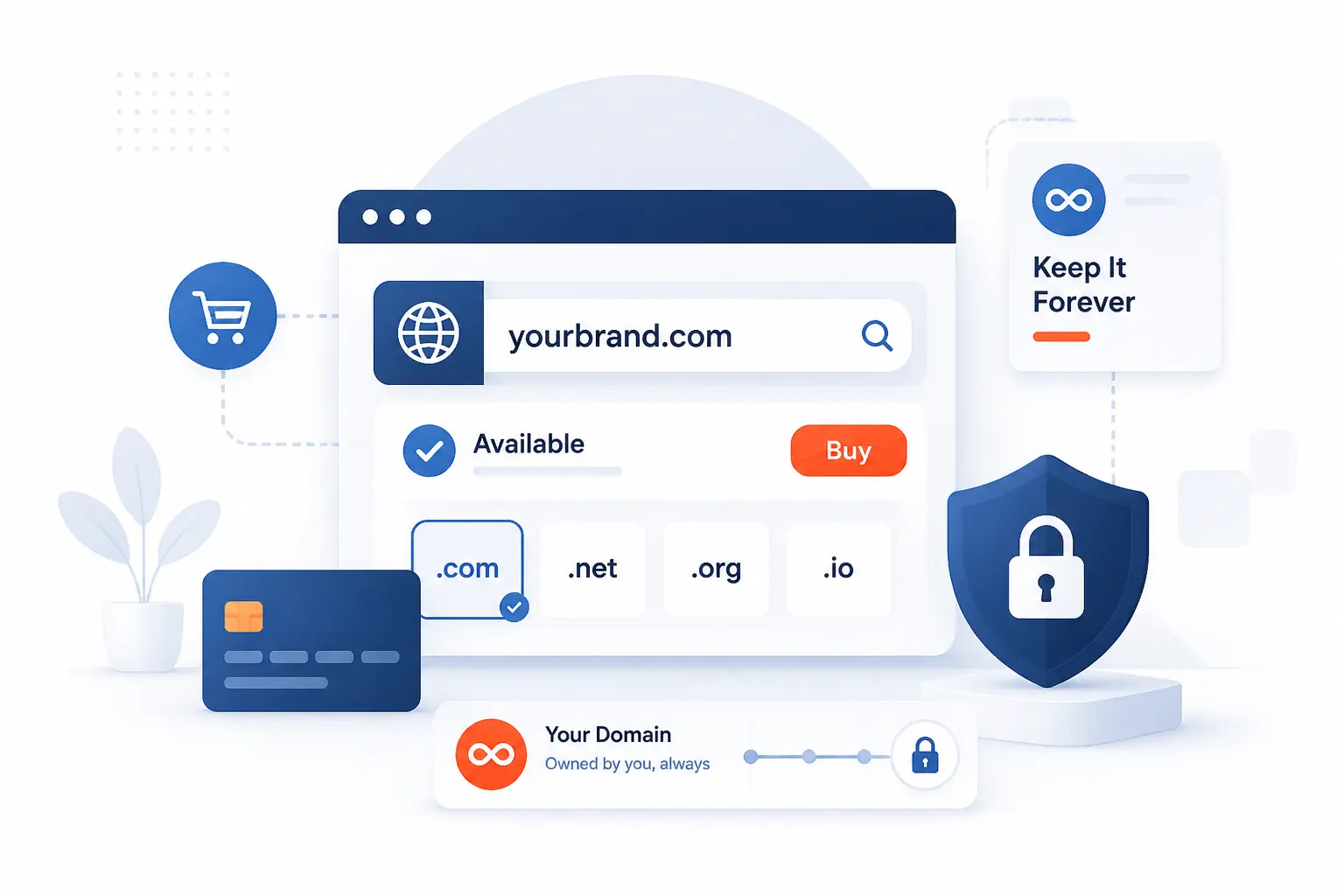
If you are wondering how to buy a domain name permanently, the honest answer is simple: you cannot buy it forever in one payment. You keep a domain for as long as you keep the registration active, the billing current, and the account under your control. In practice, that means choosing a reliable registrar, registering the name in your own details, turning on auto-renew, and extending the term before it expires. We will walk through the exact actions so a beginner can do this without guesswork.
How to Buy a Domain Name Permanently by Keeping It Renewed
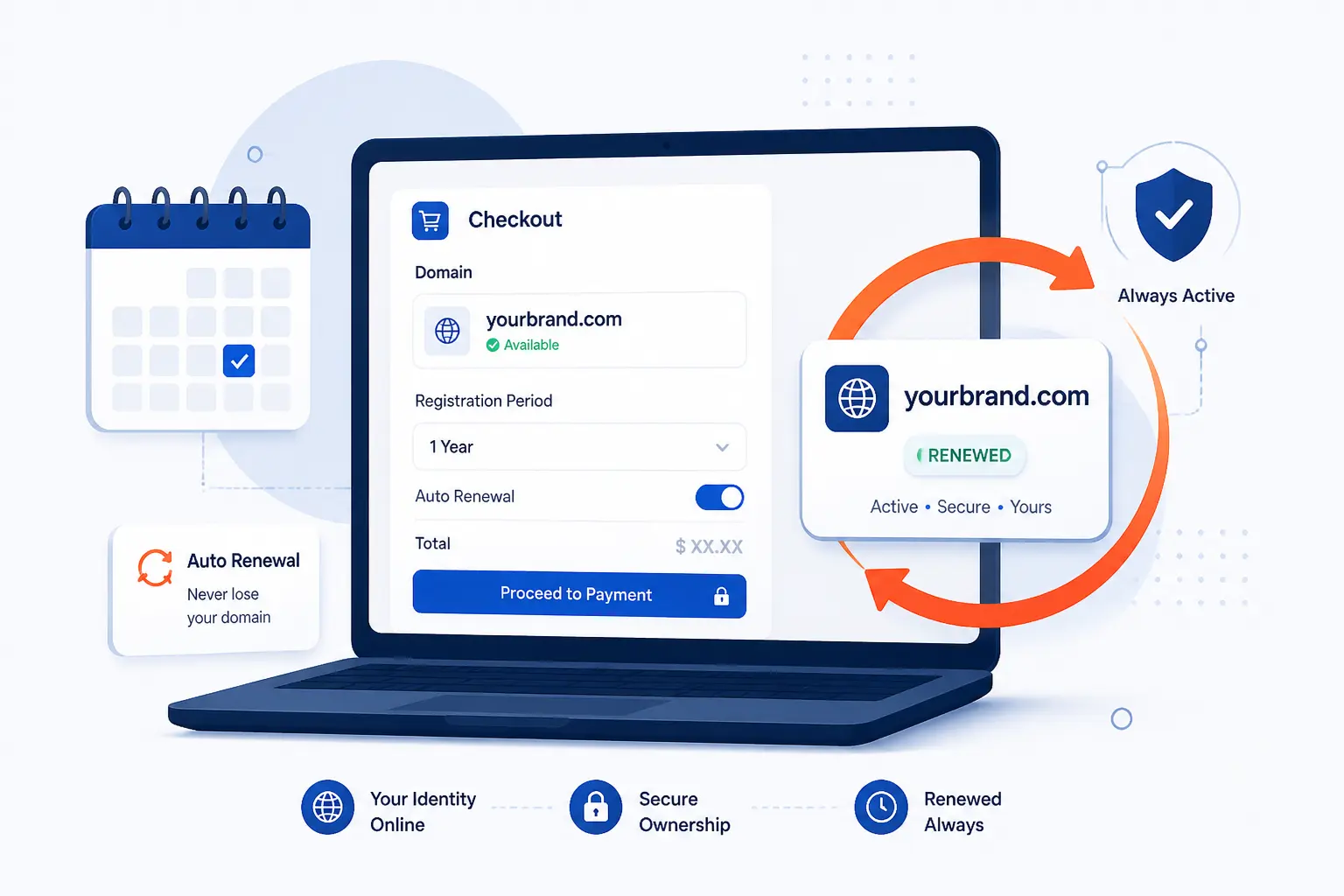
The practical way to buy a domain name permanently is to treat it like a long-term subscription that you never let lapse. You are not chasing a magic “forever” button. You are building a repeatable system that keeps the domain registered, reachable, and recoverable. We will use common registrar labels from public checkout flows so you know what to click when you do this yourself.
FURTHER READING: |
| 1. DNS Zones: Types, Records, Delegation, and Best Practices |
| 2. SQL Server Backup: Types, Methods, Best Practices, and Restore Planning |
| 3. What Is Domain Privacy and Do You Need It? |
1. Choose a Trustworthy Domain Registrar
Open the accredited registrar directory and shortlist two or three providers before you search any name. We recommend looking for clear renewal pricing, easy domain management, and a checkout flow that lets you control the registrant details yourself. If you plan to use Cloudflare later, the buying path starts at Register domains. If you plan to use Porkbun, the path starts at Domains. You have done this step right when you can name the registrar, log in to your own account, and confirm that the domain will sit under your email, not a developer’s or agency’s account.
2. Search Available Names Across Relevant TLDs
Type your preferred name into the search box and check the exact match first. In the checkout guide, Cloudflare uses Register domains and a plain Search box, while Porkbun uses SEARCH FOR YOUR NEW DOMAIN NAME on its Domains page. Enter a concrete example such as greenoakstudio.com, then compare nearby options like greenoak.studio or getgreenoak.com if the first choice is taken. The step worked when you see one clear result marked available and can add it to cart or select Purchase. A common snag is typing accented or non-ASCII characters, which some registrars do not accept in this flow.
3. Pick a Short, Brand-Fit Domain
Choose the shortest name that still sounds like your brand when spoken out loud. We like to say the name aloud twice before buying it, because if someone cannot spell it after hearing it, they will mistype it later. A practical test is this: would you feel comfortable saying “email us at [email protected]” on a phone call? You have the right name when it is easy to pronounce, easy to type, and still broad enough to fit your business a few years from now.
4. Compare First-Year Prices and Renewal Costs
Compare the first-year price and the renewal price side by side before you add anything to cart. We strongly prefer boring pricing over flashy discount banners, because a cheap first year can hide a renewal bill you will hate later. Look for labels such as Registration, Renewal, Extend, or a pricing page that lists annual costs by TLD. You have finished this step when you can answer one blunt question without guessing: “What will this exact domain cost me next year if I keep it?”
5. Select the Longest Registration Term Allowed
Select the longest registration term the checkout allows. In Cloudflare’s flow, this appears in the Payment option drop-down during registration, and many registrars use a similar Registration term selector. For a realistic example, if you know you want greenoakstudio.com for the long haul, choose the full term available instead of stopping at one year. The step worked when the expiration date moves forward and the total price updates on screen. The most common surprise is that some extensions, especially certain country-code endings, do not offer the same maximum term as common gTLDs.
6. Enter Accurate Registrant, Contact, and Billing Details
Enter your real legal name or business name, a working email address, a phone number you answer, and a billing address you control. The registration data rules require accurate, current contact information, and registrars may suspend or cancel a name if the data stays inaccurate or you ignore accuracy checks. Use concrete values such as Jordan Lee, [email protected], and your actual company address, not placeholder details. You have completed this step when the form validates cleanly and no field is left uncertain. In our experience, this is where beginners cause the biggest long-term mess by using an old email, a freelancer’s phone number, or a card they rarely check.
7. Complete the Purchase and Registration
Finish checkout using the registrar’s final purchase button and then confirm every email the registrar sends. In Porkbun’s cart and billing flow, you add the domain with the + icon, click Checkout, review extras, and continue through billing. In Cloudflare, the final button is Complete purchase. The step worked when you land on the domain management page and receive a confirmation email for the new registration. A real failure point here is skipping the required email verification, because some registrars can place the domain on hold until that verification is completed.
8. Enable Auto-Renewal and Add Protection Features
Turn on auto-renew and keep privacy or redaction enabled if your extension allows it. In Cloudflare, this setting lives under Manage domains and the Auto-renew toggle should stay On. At registrars that expose privacy settings, keep WHOIS Privacy or equivalent redaction enabled so your personal details are not needlessly exposed. You have done this step right when the domain dashboard shows auto-renew active and the contact record is protected where the registry permits it. A common gotcha is assuming every extension supports privacy, because some do not.
9. Keep Payment, Contact, and WHOIS Information Current
Update your card, account email, billing profile, and domain contact record every time they change. We tell clients to treat this like changing the locks on a building you care about, because outdated account access is how good domains get lost. A simple routine works well: every quarter, open the domain dashboard, confirm the card is valid, confirm the login email still reaches you, and confirm the registrant contact is still correct. You know this step is under control when renewal notices arrive in the inbox you actually monitor and the renewal charge would succeed if it ran today.
10. Renew or Extend the Registration Before It Expires
Renew or extend the registration from your domain management screen well before the expiration date. In the manual renewal path, Cloudflare uses Manage domains → Manage → Registration → Renew/Extend Domain → Renew → Purchase, and it returns the status to Active after renewal finishes. Renewing early is safe, because additional years are added to the current expiration date rather than replacing it. You have completed this step when the new expiration date is visible in the dashboard. The most common failure point is waiting for the final week and discovering that billing failed or the reminder email went to an inbox nobody checks.
What Long-Term Domain Control Actually Looks Like
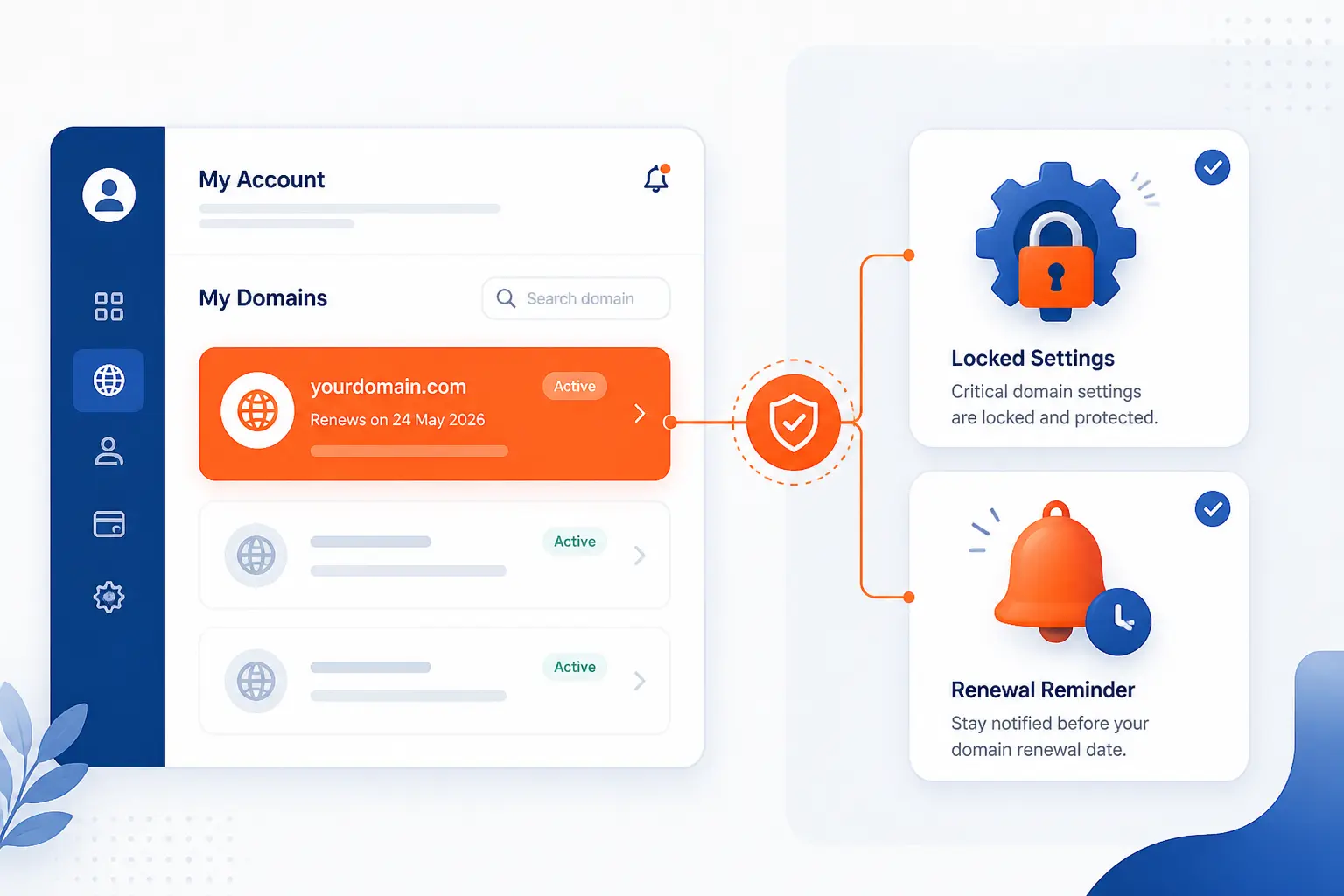
Long-term domain control is not permanent ownership in the legal sense. It is continuous control over an active registration, with your name on the record, your account access intact, and your renewal system working. That distinction matters because it changes how you protect the asset. If you understand that one point, the whole process gets much easier.
You Lease the Name Instead of Owning It Forever
You lease the registration instead of owning the name forever. The ownership FAQ is blunt on this point: paying for a domain is not the same as buying it outright, and you cannot buy a domain forever. We think this is the healthiest way to look at it, because it pushes you to focus on renewals, account access, and records instead of chasing a mythical permanent purchase.
Your Rights Last Only While the Registration Stays Active
Your rights last only while the registration stays active. The renewal FAQ explains that you keep using the domain for the term you registered and must renew it before expiration if you want to keep the related website and email running. In plain practice, the domain is yours to control only as long as the term does not lapse.
Control Depends on Renewals, Accurate Records, and Account Access
Control depends on renewals, accurate records, and account access more than anything else. If a developer registered the domain in their own name, if the contact email belongs to an ex-employee, or if the renewal card expired, your practical control is weaker than you think. We have seen businesses spend days untangling that kind of problem, and it is always easier to prevent than to repair.
What Can Change the Total Cost of a Domain
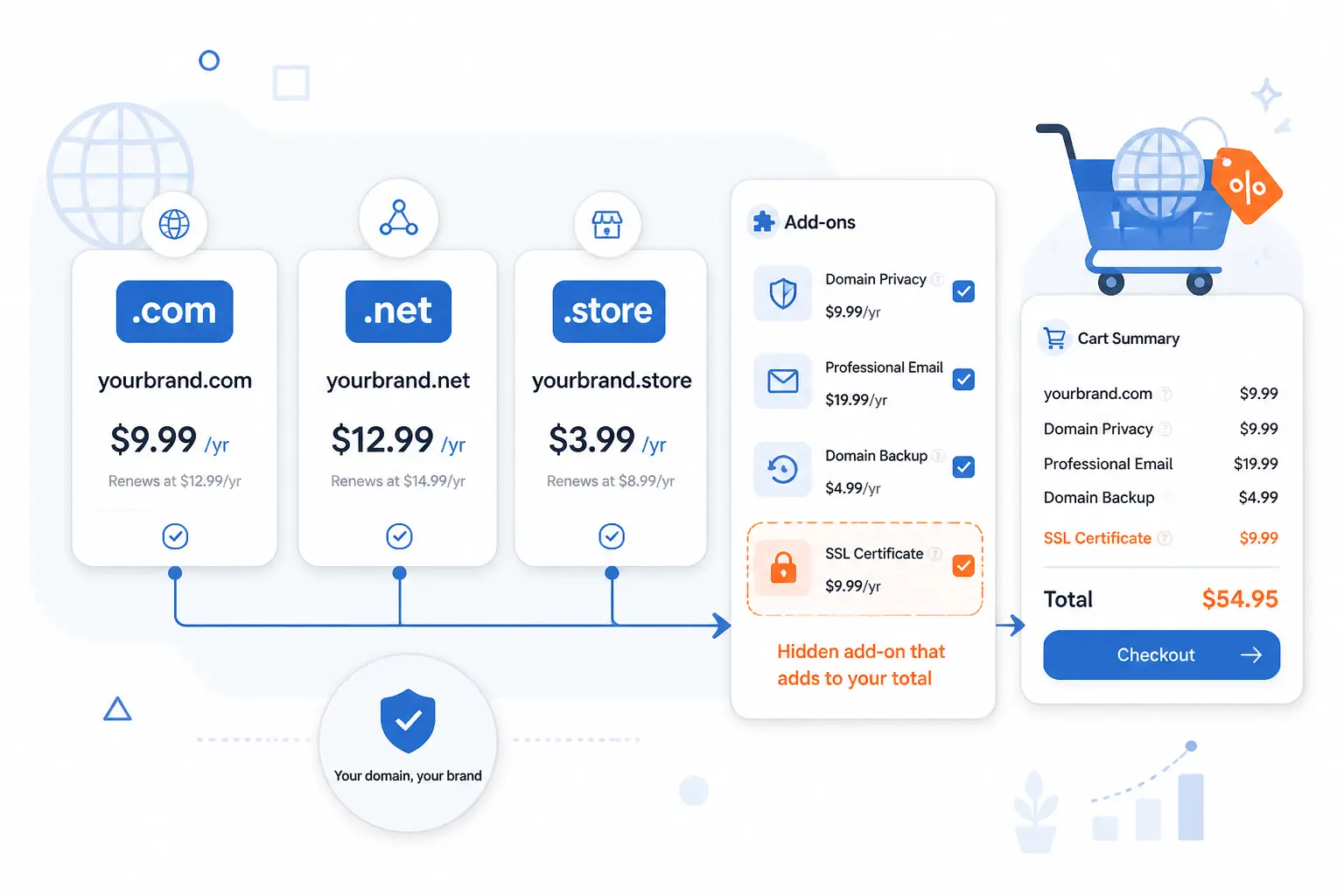
The total cost of a domain changes based on the extension, the registrar’s markup, and whatever you bundle at checkout. This is why two names that look similar can cost very different amounts over time. The beginner mistake is focusing only on the first checkout screen. The smarter move is to price the full life of the domain, not just day one.
TLD Choice Affects Annual Pricing
TLD choice affects annual pricing immediately. On one official pricing table, standard yearly prices differ sharply, with $12 for .com, $14 for .app, and $30 for .charity. That is why we usually start with fit and trust first, then sanity-check cost second. A clever name on an expensive extension can still be worth it, but you should make that decision with open eyes.
Registrars Can Add Markups and Renewal Fees
Registrars can add retail markups and mandatory fees on top of registry pricing. One registrar’s pricing explainer shows that the base price may include wholesale cost, card processing, and $0.20 per domain per year in ICANN fees for affected domains. We are skeptical of first-year teaser pricing for exactly this reason. If the renewal line is hard to find, we treat that as a warning sign.
Bundled Website Plans Can Change the First-Year Cost
Bundled website plans can change the first-year cost by adding hosting, email, privacy, or SSL-related items during checkout. Sometimes that lowers the first bill through a package discount. Other times it muddies the picture and makes a cheap domain look cheaper than it really is. We prefer buying only what we need on day one unless the bundle clearly solves an immediate launch problem.
Included Privacy or Security Features Can Shift the Value
Included privacy or security features can shift the value even when the headline domain price looks the same. A registrar that includes privacy redaction, simple domain management, and clean renewal controls may be the better buy than one with a lower sticker price and more paid extras. We would rather pay a little more for predictable control than a little less for a messy dashboard.
What Happens If You Miss Domain Renewal
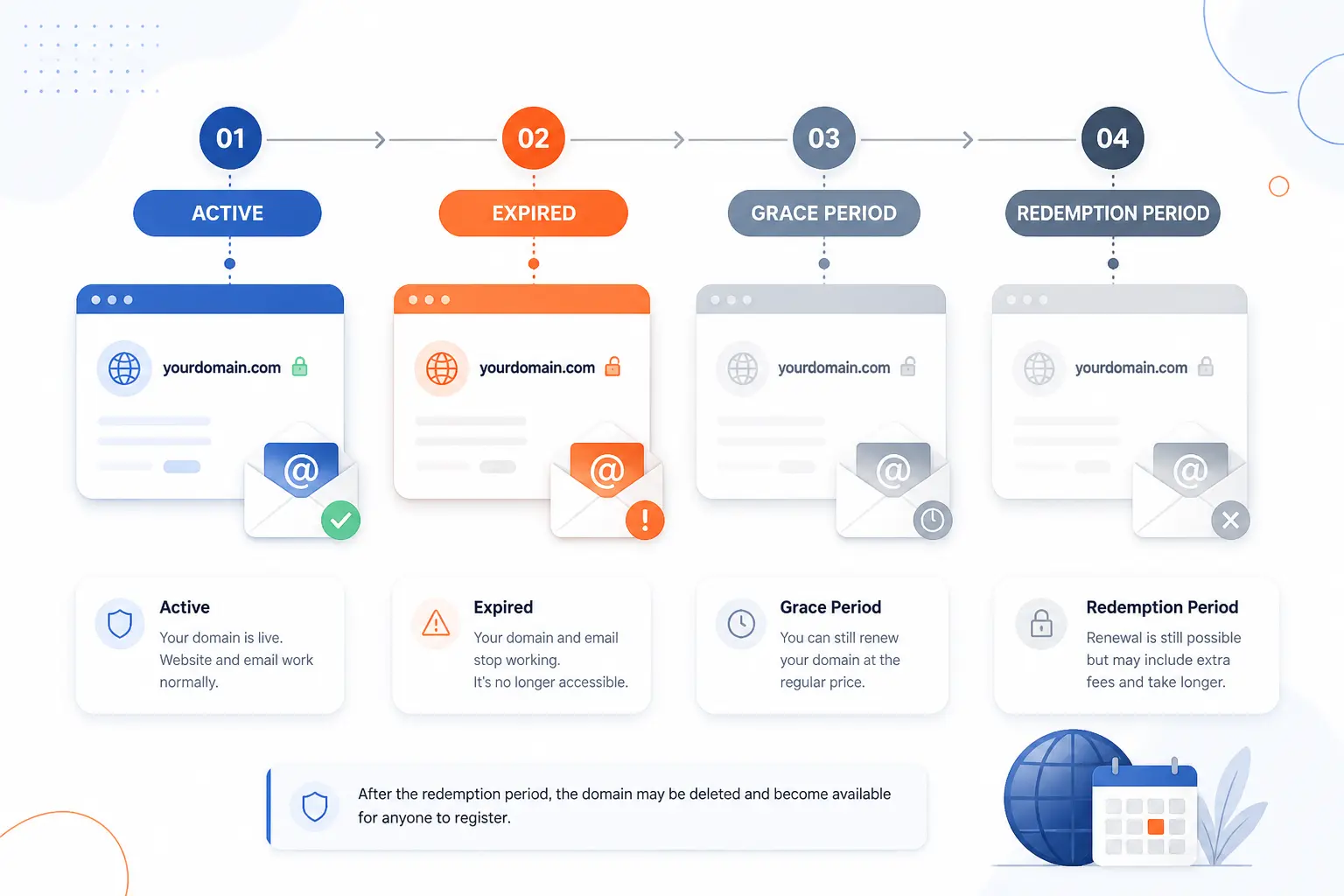
If you miss domain renewal, the damage can start fast and the recovery can get expensive. The domain may stop resolving, your website and business email may fail, and the registrar may move the name into grace or redemption stages. After that, the path back is still possible in some cases, but it gets less pleasant with each step. This is exactly why we treat renewals as operational work, not paperwork.
Your Website and Business Email Can Go Offline
Your website and business email can go offline after expiration. The expired registration policy explains that DNS disruption can cause any services tied to the domain, including a website or email service, to stop working. For a small business, that can mean missed leads, bounced mail, and a lot of confusion in a single afternoon.
You May Get a Grace Period Before the Domain Is Released
You may get a grace period before the domain is released, but you should never count on that as your plan. Many registrars offer an auto-renew grace window, and generic TLDs also move through a redemption stage after deletion. The timing and fees can vary by registrar, so late renewal is never as clean as on-time renewal.
Recovery Can Become More Expensive After Redemption Starts
Recovery can become more expensive after redemption starts. Once the easy renewal window closes, restoring the name may require extra restore or redemption fees on top of the normal renewal cost. We have always viewed this as the internet equivalent of airport food: technically available, but far pricier than planning ahead.
The Domain Can Return to the Public Market
The domain can return to the public market if you do not recover it in time. At that point, somebody else may register it, backorder it, or buy it through an auction path, depending on the registrar’s process. Once that happens, getting it back may be difficult, expensive, or impossible without negotiation or a legal dispute.
Why a Longer Registration Term Can Help
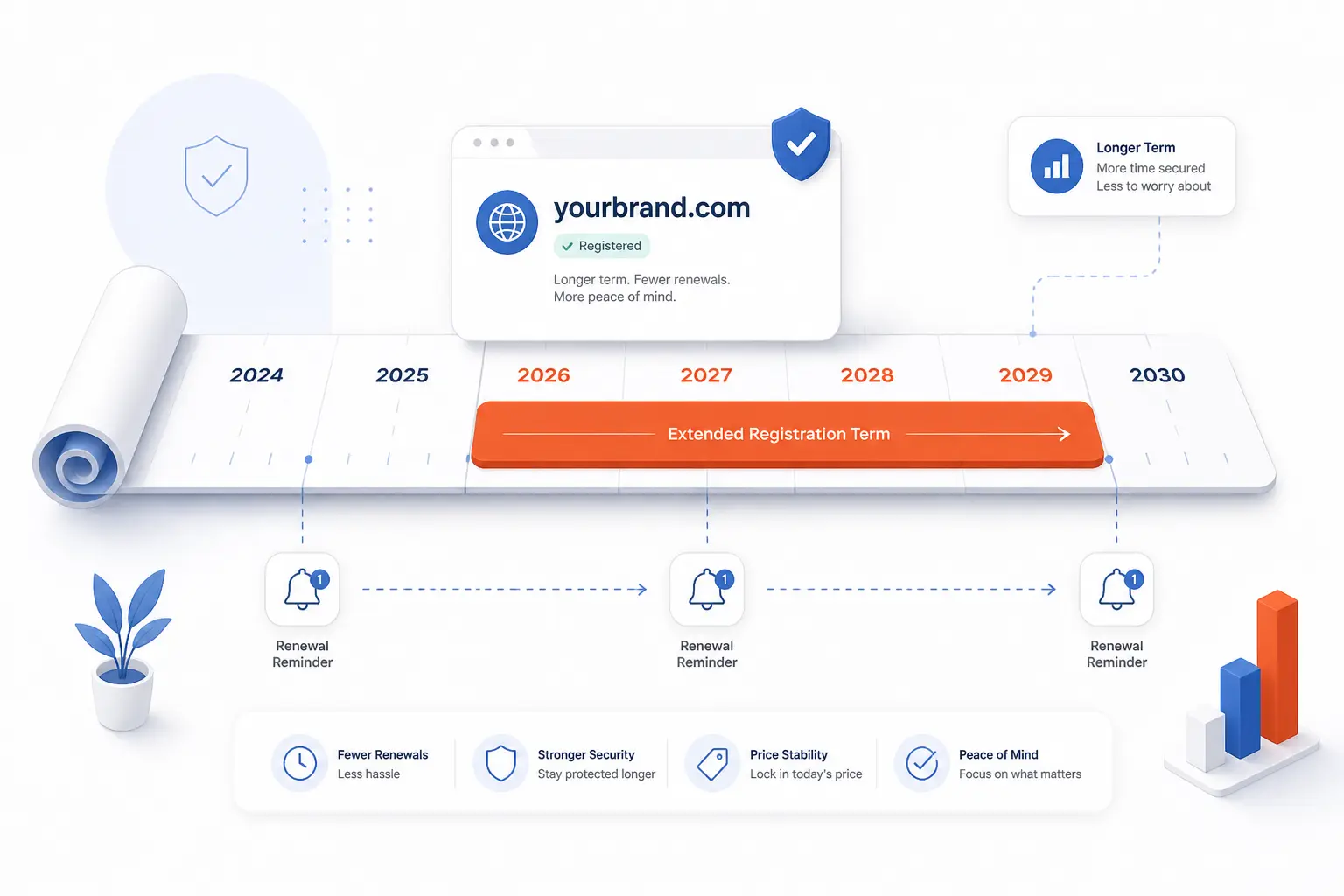
A longer registration term helps because it adds time, slack, and predictability to something most owners forget until the last minute. It does not remove the need to renew forever. It simply reduces the number of times you can make a costly mistake. For most serious projects, that is a very good trade.
Reduce the Chances of Accidental Expiration
Reduce the chances of accidental expiration by cutting the number of renewal events you must survive. Fewer renewal dates mean fewer chances for an expired card, lost reminder, or staff change to catch you off guard. We see this as simple risk reduction, and simple usually wins.
Make Costs More Predictable Over Time
Make costs more predictable over time by paying for a longer term upfront when the budget allows it. You will still face future renewals eventually, but you remove a yearly administrative surprise for a while. That makes planning cleaner, especially if the domain is tied to a public brand or revenue channel.
Support Brand Stability and Search Visibility
Support brand stability and search visibility by avoiding avoidable outages. Search engines, visitors, and email senders all expect your site and domain-based inboxes to keep working. A longer term does not create a ranking boost by itself, in our view, but it does reduce the risk of the kind of interruption that nobody wants.
Cut Down on Ongoing Admin Work
Cut down on ongoing admin work by giving yourself fewer domain tasks each year. That matters more than people think. When something is business-critical and easy to forget, reducing the maintenance burden is often the smartest move.
FAQ
These are the short answers most readers need before they register. The key point is consistent across all of them: you keep a domain by controlling the account and never letting the registration lapse. Once you see domains as renewable rights instead of permanent property, the rest falls into place.
Can We Permanently Buy a Domain?
No, we cannot permanently buy a domain in one final transaction. We register it for a term and keep renewing it before it expires. The practical version of permanence is disciplined renewal, not lifetime ownership.
What Should You Avoid in a Domain Name?
You should avoid names that are long, hard to spell, easy to confuse, or too narrow for your future brand. Hyphen-heavy names, awkward abbreviations, and trendy spellings usually create friction. If someone cannot type it after hearing it once, we would keep looking.
Who Gets the Money When You Buy a Domain Name?
The money usually flows through the registrar you pay at checkout. Part of that amount may go to the registry that runs the extension, plus any required fees and the registrar’s markup. That is why different registrars can charge different retail prices for the same extension.
How Much Does It Cost to Buy a Domain Name for 10 Years?
It varies widely, and the cleanest estimate is the annual renewal price multiplied across the full term. A standard extension may remain fairly modest, while a specialty extension can cost much more over the same period. We recommend pricing the exact domain at checkout instead of assuming all extensions behave like .com.
Can You Register a Domain for 10 Years at a Time?
Usually yes for many common gTLDs, though some country-code extensions follow different limits. The safest move is to check the term drop-down during checkout for the exact extension you want. If the full term is available and you know you will keep the name, taking it is often sensible.
Can Someone Else Buy Your Domain If You Forget to Renew?
Yes, someone else can eventually buy your domain if you forget to renew and miss the recovery windows. You may get a grace or redemption period first, but that is not guaranteed to be painless or cheap. If the name matters, assume late renewal is a risk, not a strategy.
How 1Byte Supports Your Domain and Website
At 1Byte, we support this process by helping you keep the domain, secure the site, and publish on the right hosting path once the registration is complete. That means starting with domain registration in your own account, adding SSL certificates when the site goes live, and choosing the hosting model that matches your project. Because we are an AWS Partner, we also think carefully about when a simple hosting setup is enough and when a cloud route makes more sense.
| Service | Best when | Practical use after registration |
|---|---|---|
| Domain registration | You need the name under your control | Register, renew, and manage the domain from one place |
| SSL certificates | You are ready to launch on HTTPS | Secure browser traffic once the domain points to the site |
| Hosting options | You are ready to publish and grow | Choose WordPress hosting, shared hosting, cloud hosting, or cloud servers |
Register and Renew Domains With Ongoing Support
Register and renew domains in the same account you control from day one. We believe this is the safest setup for long-term ownership in practice, because it keeps the registrant record, billing, and renewal flow tied to the people who actually run the business. If your goal is to keep a name for years, this is the foundation.
Protect Your Site With SSL Certificates and Secure Setup
Add SSL certificates as soon as the domain points to a live website. That gives visitors HTTPS, protects login and form traffic in transit, and removes one of the most obvious trust issues a new site can create. From our side, the domain is only half the job if the launched site still feels unfinished or insecure.
Scale on WordPress Hosting, Shared Hosting, AWS-Partner Cloud Hosting, and Cloud Servers
Choose WordPress hosting for a straightforward content site, shared hosting for simpler small projects, and cloud hosting or cloud servers when the workload needs more flexibility. We keep that choice practical rather than philosophical. If you are just launching a brochure site, do not overbuild it. If the site is part of a larger application roadmap, our AWS Partner perspective can help you choose a path that still makes sense later.







Conclusion
You cannot buy a domain forever, but you can keep it for as long as you stay organized. Pick a trustworthy registrar, register the name in your own details, choose the longest sensible term, turn on auto-renew, and renew early. That is the real answer to how to buy a domain name permanently.
If you are ready to act, shortlist two names, price both today, and register the one you would still be happy to renew years from now.