

- How We Compared Search Engine Optimization for Small Business Tools
- Top Search Engine Optimization for Small Business Tools
- More Search Engine Optimization Tools Worth Considering
- Local SEO Priorities That Matter First
- On Page SEO Foundations Small Businesses Cannot Skip
- Helpful Content and EEAT Signals That Build Trust
- How to Build Authority Beyond Your Own Site
- How to Measure SEO Progress Without Guessing
- How AI Search Is Changing Small Business SEO
- Search Engine Optimization for Small Business FAQ
- Conclusion
Search engine optimization for small business works best when you build around a few dependable tools, not a bloated stack. Our short answer is simple: most small businesses should start with Google Search Console, then add one paid platform based on the job that matters most right now. If you need broad research and reporting, Semrush or SE Ranking make the clearest case. If local visibility is the whole game, BrightLocal deserves a spot near the top of your shortlist.
We researched every option in this roundup through official product pages, documentation, pricing materials, and independent review pages. That gave us a more useful question than “which tool is best?” The better question is “which tool fits the stage your business is in, the kind of search traffic you want, and the amount of time you can realistically spend each week?”
How We Compared Search Engine Optimization for Small Business Tools
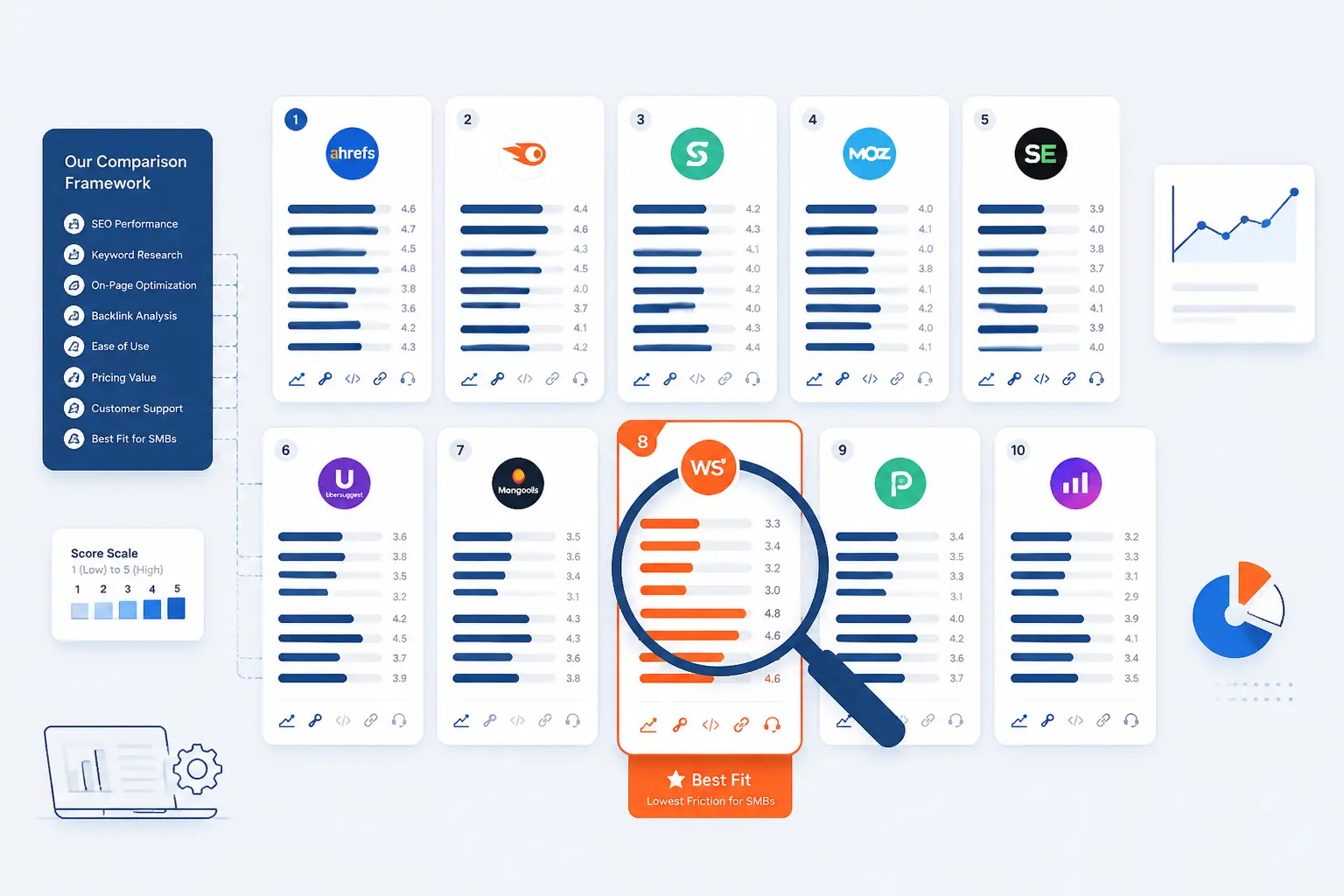
The fastest way to shortlist a tool is to compare the ten strongest options side by side, then look at the tradeoffs behind the scores. Our view is that small businesses rarely need the most features on paper. They need the clearest path from problem to action, a price they can live with, and reports they will actually check.
FURTHER READING: |
| 1. 15 Best Dedicated Gaming Server Providers to Rent |
| 2. 15 Best Linux Dedicated Server Options Compared |
| 3. 15 Best Cloud Server for Game Hosting in 2026 |
Quick Comparison of Search Engine Optimization for Small Business Tools
| Tool | Best For | Ease of Use | Pricing | Score |
|---|---|---|---|---|
| Google Search Console | Baseline SEO monitoring for every business site | Easy | Free | 4.9 |
| Semrush | All-in-one research, tracking, and reporting | Medium | Premium suite | 4.8 |
| Ahrefs | Backlink analysis and competitor research | Medium | Premium suite | 4.7 |
| BrightLocal | Local search visibility and citation work | Easy to medium | Location-based plans | 4.7 |
| Finding real customer language and pain points | Easy | Free for standard use | 4.4 | |
| Screaming Frog SEO Spider | Technical audits and crawl diagnostics | Medium to hard | Annual per-user license | 4.6 |
| SE Ranking | Balanced all-in-one value for smaller teams | Easy to medium | Mid-market suite | 4.7 |
| Mangools | Beginners who want clean keyword tools | Easy | Budget-friendly suite | 4.5 |
| Surfer | On-page optimization and content workflows | Medium | Content optimization plans | 4.3 |
| AnswerThePublic | Question mining and content ideation | Easy | Idea research plans | 4.2 |
How We Researched and Evaluated Each Option
We scored the top ten tools on a five-point scale using the same small-business lens across the board.
- Capability fit: we looked at whether the tool solves the jobs small businesses actually face, such as finding keywords, fixing indexing problems, improving local visibility, or publishing better pages.
- Usability: we favored products that explain what to do next, keep navigation reasonably clear, and do not bury the first useful insight under too many menus.
- Value for money: we judged pricing against what a small team can realistically use, not against enterprise wish lists.
- Coverage depth: we gave extra credit to tools that meaningfully cover technical SEO, content work, local search, or AI-search visibility without obvious gaps for their stated use case.
- Public feedback: we used independent review pages to check whether recurring praise or complaints matched what the product pages promise.
The scores below are our editorial judgment from that research. They are meant to help you shortlist, not to replace a trial or a sanity check against your own workflow.
Top Search Engine Optimization for Small Business Tools
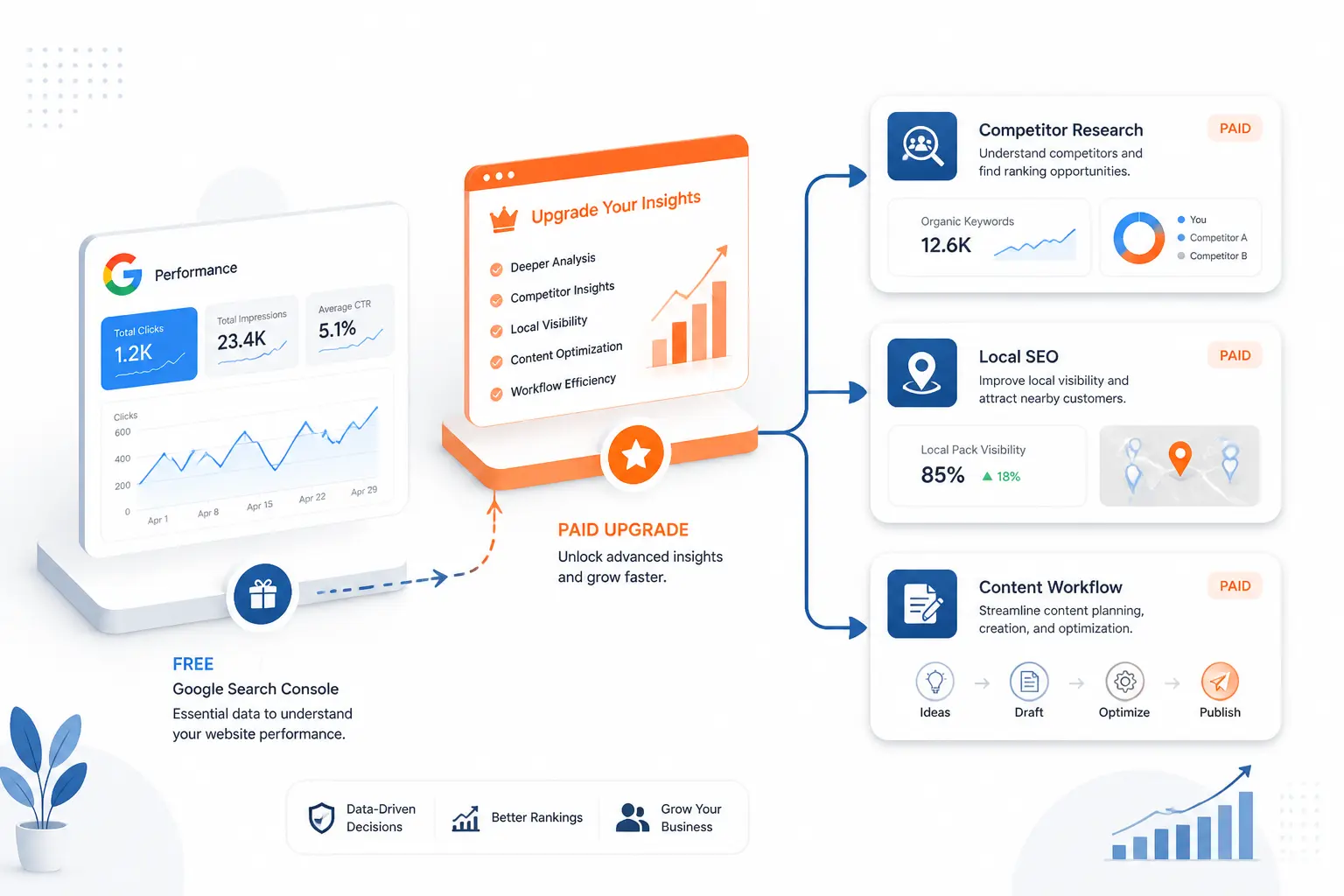
If we had to narrow this list to one practical takeaway, it would be this: start with the free data Google gives you, then pay for the one layer of visibility you cannot get any other way. That usually means either deeper competitor research, stronger local SEO management, or a cleaner content workflow. The ten picks below cover those paths better than the rest.
1. Google Search Console
- Category: Webmaster and SEO monitoring tool
- Best for: Every small business website
- Ease of use: Easy once your site is verified
- Pricing: Free
- Standout feature: Direct performance and indexing data from Google
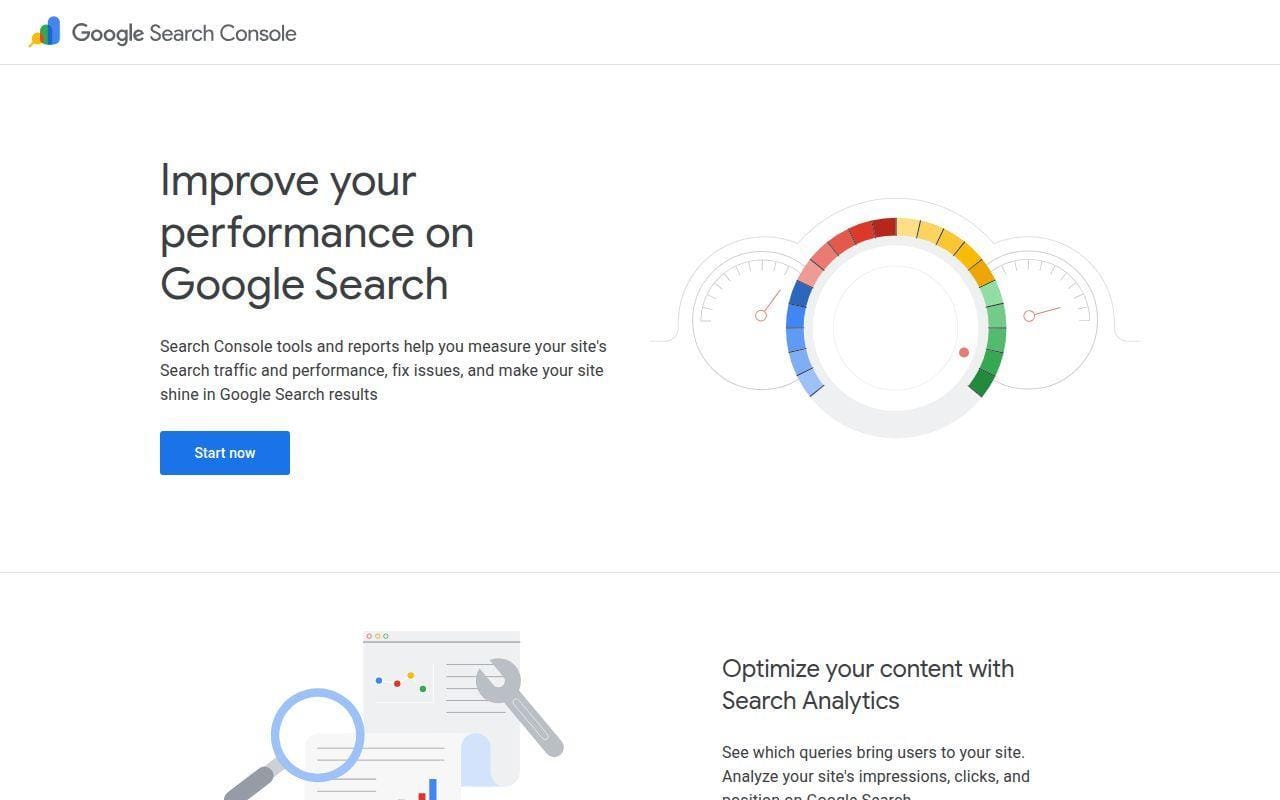
This is the tool we would put in front of every small business owner before any paid suite enters the picture. It does not replace an all-in-one SEO platform, but it gives you the most important first-party signals about search performance, indexing, and page issues. That alone earns it the top spot in this list. If your budget is tight, Search Console is the difference between flying blind and making real decisions.
How Google Search Console works
The setup starts with adding your site and verifying ownership, which Google explains in its getting-started guide. From there, the core workflow is straightforward: check Performance to see impressions, clicks, and average position, review indexing and coverage issues, submit sitemaps or individual URLs for crawling, and use URL Inspection when a page is missing or stale. The official overview also shows recommendations, search performance, and index coverage in one dashboard, which is exactly where many small teams should begin.
What makes Search Console practical is that its reports tie directly to the problems most owners notice first. The product page shows Search Analytics for query and click data, sitemap submission for discovery, issue alerts by email, URL Inspection for page-level crawl and serving details, plus reports for Core Web Vitals and rich results. In other words, it tells you whether Google can find the page, understands the page, and actually shows the page.
Who is Google Search Console for?
It is for every small business with a site they care about, full stop. Owners, marketers, freelancers, and developers all get something useful from it because it speaks to traffic, indexing, and basic technical health in plain enough terms. It is especially good for businesses that want to know which pages are already close to ranking before they spend on content or link building.
Look elsewhere if you want competitor intelligence, keyword gap research, or polished client reporting in the same interface. Search Console tells you a lot about your own site. It tells you almost nothing about the wider market.
Google Search Console pricing
- Google Search Console: free, with search performance reporting, sitemap submission, URL Inspection, and issue alerts.
Pros and cons
Pros
- Free access to impressions, clicks, and average position directly from Google.
- URL Inspection shows crawl, index, and serving details for a specific page.
- Supports sitemap submission and recrawl requests for updated pages.
- Includes Core Web Vitals and rich-result reporting for site quality checks.
Cons
- No competitor keyword or backlink research.
- Reviewers on G2 commonly mention data lag, so it is not ideal for real-time analysis.
- The interface is practical, but some reports still assume you know basic SEO terms.
Google Search Console rating and reviews
- G2: rated 4.7/5 across 497 reviews.
For search engine optimization for small business, this is the non-negotiable starting point. Add it first, learn what it is already telling you, and only then decide whether you need a paid platform.
2. Semrush
- Category: All-in-one SEO and visibility platform
- Best for: Small teams that want one broad toolkit
- Ease of use: Medium
- Pricing: Paid subscription
- Standout feature: Strong mix of keyword research, site auditing, and tracking
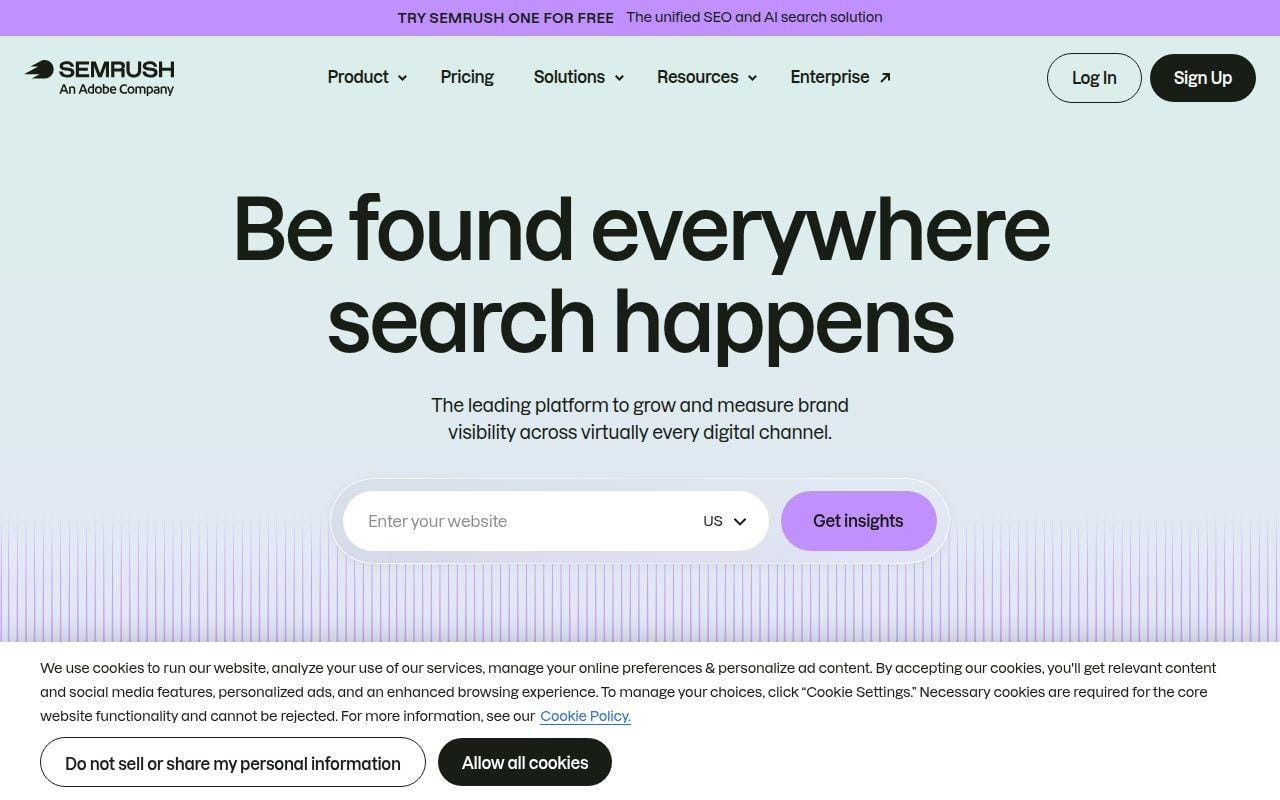
When a small business wants one paid platform instead of three separate ones, Semrush is usually the first serious contender. Its current plans bundle traditional SEO with AI-search visibility features, which makes the platform broader than it used to be. We would still describe its real strength the old-fashioned way, though. It is a big toolbox for research, audits, rank tracking, and reporting that can grow with a team.
How Semrush works
The current SEO and AI Search plans center around website monitoring, keyword tracking, site auditing, and AI visibility tracking. On the pricing page, the Starter plan includes website monitoring, daily keyword tracking, keyword research and optimization tools, competitor insights, an AI-ready Site Audit, prompt tracking, and domain-level AI visibility reports. Higher plans add historical SEO data, content optimization, keyword cannibalization analysis, multi-location and device tracking, Share of Voice, and API integration.
In practice, that means a small business can use one account to build a keyword list, audit the site, track rankings, compare competitors, and assemble reports. The G2 listing also highlights well-known modules such as Keyword Magic Tool, Site Health, Backlink Gap, and Marketing Report. There is a learning curve, sure, but the path from “what do we target?” to “what should we fix?” is refreshingly direct once the account is configured.
Who is Semrush for?
It fits in-house marketers, growth-minded owners, small agencies, and consultants who want a single subscription to cover most day-to-day SEO work. It also makes sense when reporting matters, because the plan structure clearly expands website limits, tracked keywords, and reporting flexibility as you move up.
Small teams that only need one narrow job, like citation cleanup or technical crawling, should look elsewhere. Semrush is broad, and broad tools can feel expensive when you only use a slice of them.
Semrush pricing
- Starter: $165.17/mo billed annually, with 5 websites to monitor, 500 keywords tracked daily, keyword research tools, and 50 prompts tracked daily.
- Pro+: $248.17/mo billed annually, with 15 websites to monitor, 1,500 daily tracked keywords, historical SEO data, and content optimization.
- Advanced: $455.67/mo billed annually, with 40 websites to monitor, 5,000 daily tracked keywords, Share of Voice, and API data integration.
The current plan breakdown is laid out on the official plan page.
Pros and cons
Pros
- Combines keyword research, site audits, competitor analysis, and position tracking in one product.
- Starter already includes 500 tracked keywords and 5 monitored websites.
- Higher plans add historical data, cannibalization checks, and Share of Voice.
- Reviewers on G2 regularly praise the depth of features and the convenience of an all-in-one workflow.
Cons
- Entry pricing is higher than what many smaller businesses expect.
- Reviewers on G2 frequently call out pricing pressure for advanced features.
- The breadth is a plus, but it can feel crowded for beginners.
Semrush rating and reviews
- G2: rated 4.5/5 across 3,367 reviews.
Semrush is the strongest all-rounder in this roundup if you can justify the spend. For a small business that wants one platform and plans to use it every week, that price starts to look a lot more reasonable.
3. Ahrefs
- Category: SEO research and backlink intelligence platform
- Best for: Competitor analysis and link-focused SEO
- Ease of use: Medium
- Pricing: Paid subscription
- Standout feature: Deep backlink and search data
If Semrush wins on breadth, Ahrefs wins on sharpness. It remains one of the clearest choices for small businesses that need serious competitor research, keyword discovery, and backlink analysis without wandering through too many side modules. We also like that the official help center now frames the product around a small set of core tools, because that is easier to understand than a vague “all-in-one” label.
How Ahrefs works
Ahrefs’ own FAQ breaks the platform into its core tools: Site Explorer, Keywords Explorer, Site Audit, Rank Tracker, and Content Explorer, with newer AI-search features like Brand Radar and AI Content Helper also included. That breakdown matters because it mirrors how most small teams actually work. You start in Keywords Explorer or Site Explorer to find opportunities, move into Site Audit to catch technical issues, then watch target terms in Rank Tracker over time.
The product documentation also makes the distinction between tracked keywords and discovered keywords nicely clear. Rank Tracker is for the phrases you choose to monitor, while Site Explorer’s organic keyword reports surface the keywords Ahrefs already sees a page ranking for. For small businesses, that is useful because it helps separate your priority list from the long tail you are already brushing up against.
Who is Ahrefs for?
It is a strong fit for consultants, content-led businesses, and marketing teams that care a lot about search demand, SERP difficulty, competitor pages, and backlink gaps. If you are trying to understand why another site outranks you, Ahrefs often gets you there fast.
Businesses whose main need is local listings or review management should look elsewhere. G2 reviewers also note that local SEO coverage is not its main selling point, and that is fair.
Ahrefs pricing
- Lite: entry paid plan for small businesses and personal projects, with access to core research tools and project-based workflow.
- Standard: built for freelance SEOs and consultants, with deeper website analysis and broader historical data access.
- Advanced: aimed at larger teams, adding higher limits and more control for reporting and analysis.
Ahrefs presents its current tiers on the pricing page.
Pros and cons
Pros
- Core tools are clearly defined, which makes onboarding easier than some rivals.
- Site Audit checks for more than 170 predefined technical and on-page issues.
- Rank Tracker supports desktop and mobile tracking across many locations.
- G2 reviewers repeatedly praise backlink data quality and keyword research depth.
Cons
- Pricing remains a common complaint in public reviews.
- Local SEO is not as central here as it is in BrightLocal or SE Ranking.
- The amount of data can still overwhelm first-time users.
Ahrefs rating and reviews
- G2: rated 4.5/5 across 689 reviews.
Ahrefs is rarely the cheapest shortlist item, but it is often one of the easiest to justify when backlinks and competitor intelligence are central to your plan. If those are side jobs, you can likely spend less.
4. BrightLocal
- Category: Local SEO platform
- Best for: Local businesses and agencies managing local visibility
- Ease of use: Easy to medium
- Pricing: Location-based subscription
- Standout feature: A purpose-built local SEO workflow
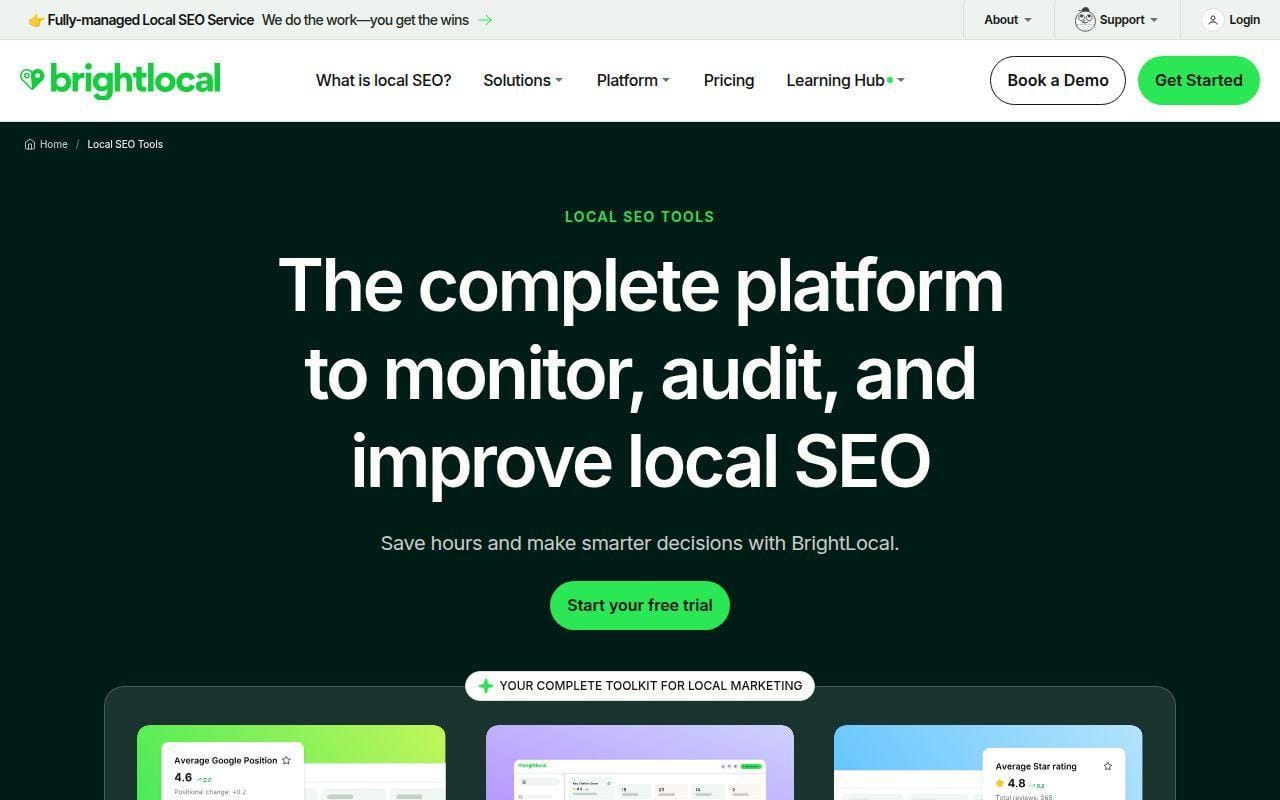
For bricks-and-mortar businesses, service areas, and multi-location brands, BrightLocal is one of the cleanest fits in this whole roundup. It is not trying to be everything for everyone. That focus is exactly why it ranks this high. If your SEO success depends on map visibility, directory consistency, reviews, and local rank tracking, BrightLocal feels much closer to the job.
How BrightLocal works
The official tools page describes the platform around three broad jobs: track local visibility, manage listings, and grow online reputation. It also calls out named features such as Citation Builder, Local Search Grid, Google Business Profile integrations, white-label reports, multi-location reporting, and review monitoring across 80-plus review sites. That makes the workflow easy to picture. You add a location, track rankings, check listings, manage reviews, and report on the result.
The plan structure mirrors that progression. The Track plan focuses on rankings and audits. The Manage plan adds listing control and Citation Builder. The Grow plan adds reputation-focused work, including review generation and monitoring. We like that because it gives smaller local businesses an obvious starting point instead of forcing them into a large generic suite.
Who is BrightLocal for?
It is a natural fit for local service companies, clinics, restaurants, hospitality businesses, and agencies with local clients. It also makes sense for any team that needs to show location-by-location performance without building a reporting stack from scratch.
If your business is entirely national or content-led with no local intent, a broader SEO suite may be the better first subscription. BrightLocal is strongest when place matters.
BrightLocal pricing
- Track: starts at $41 monthly for 1 location, with local rank tracking, local SEO auditing, competitor benchmarking, and opportunity spotting.
- Manage: starts at $54 monthly for 1 location, with everything in Track plus Citation Builder and listing management.
- Grow: starts at $65 monthly for 1 location, with everything in Manage plus review generation, review monitoring across 80+ sites, and review showcase features.
BrightLocal lists location-based pricing in its pricing details.
Pros and cons
Pros
- Purpose-built for local SEO rather than forcing local work into a general suite.
- Clear progression from ranking audits to listings and review management.
- Review monitoring spans more than 80 review sites on the Grow plan.
- G2 reviewers often highlight ease of use and responsive support.
Cons
- Less useful if local search is not a major acquisition channel.
- Pricing scales with location count, which matters fast for larger rollouts.
- Some reviewers on G2 mention interface clutter in places.
BrightLocal rating and reviews
- G2: rated 4.6/5 across 229 reviews.
BrightLocal is one of the easiest tools here to match to a clear business scenario. If your customers search “near me,” this deserves a hard look.
5. Reddit
- Category: Community platform and audience research source
- Best for: Real customer language, objections, and content ideas
- Ease of use: Easy
- Pricing: Free for standard use
- Standout feature: Raw, unfiltered questions from real people
This is the oddball in the list, and we left it in on purpose. Reddit is not a conventional SEO suite, but small businesses that ignore it miss one of the best free sources of audience language on the web. When people say they “need keyword research,” what they often really need is better phrasing, sharper questions, and fewer marketing clichés. Reddit gives you that in plain sight.
How Reddit works for SEO research
The useful workflow is not complicated. Search relevant communities, sort for recurring questions, collect the exact wording people use, and build pages that answer those questions more clearly than the current search results do. It works well for FAQ sections, comparison pages, problem-solution blog posts, and category pages that sound more human.
We would not use Reddit as a volume tool. We would use it as a language tool. It is especially handy when a business owner keeps saying “our customers don’t search that way” and the formal keyword platform keeps insisting they do. Reddit gives you live phrasing, objections, frustrations, and weird edge cases that standard keyword reports often smooth over.
Who is Reddit for?
It is best for founders, marketers, and content writers who want to understand how customers talk before they optimize a page. It is also handy for local businesses with specialized services, because niche communities often reveal the exact terms buyers use when they are confused or skeptical.
Look elsewhere if you need rankings, audits, backlinks, or reporting. Reddit is a research input, not a measurement system.
Reddit pricing
- Standard use: free, with access to public communities, search, posting, commenting, and saved threads for research.
Pros and cons
Pros
- Excellent for uncovering customer wording, objections, and topic angles.
- Free to use for research.
- Helpful for FAQ sections, comparison content, and long-tail topic ideas.
- Can reveal intent that keyword tools flatten into one label.
Cons
- No ranking, auditing, or reporting features.
- Signal quality depends heavily on the communities you search.
- Trustpilot feedback on Reddit as a platform is broadly poor, so this is not a reputation endorsement of the company itself.
Reddit rating and reviews
- Trustpilot: rated 1/5 across 502 reviews.
Reddit is not here because it is polished. It is here because small businesses need to hear how people actually talk, and few places do that better.
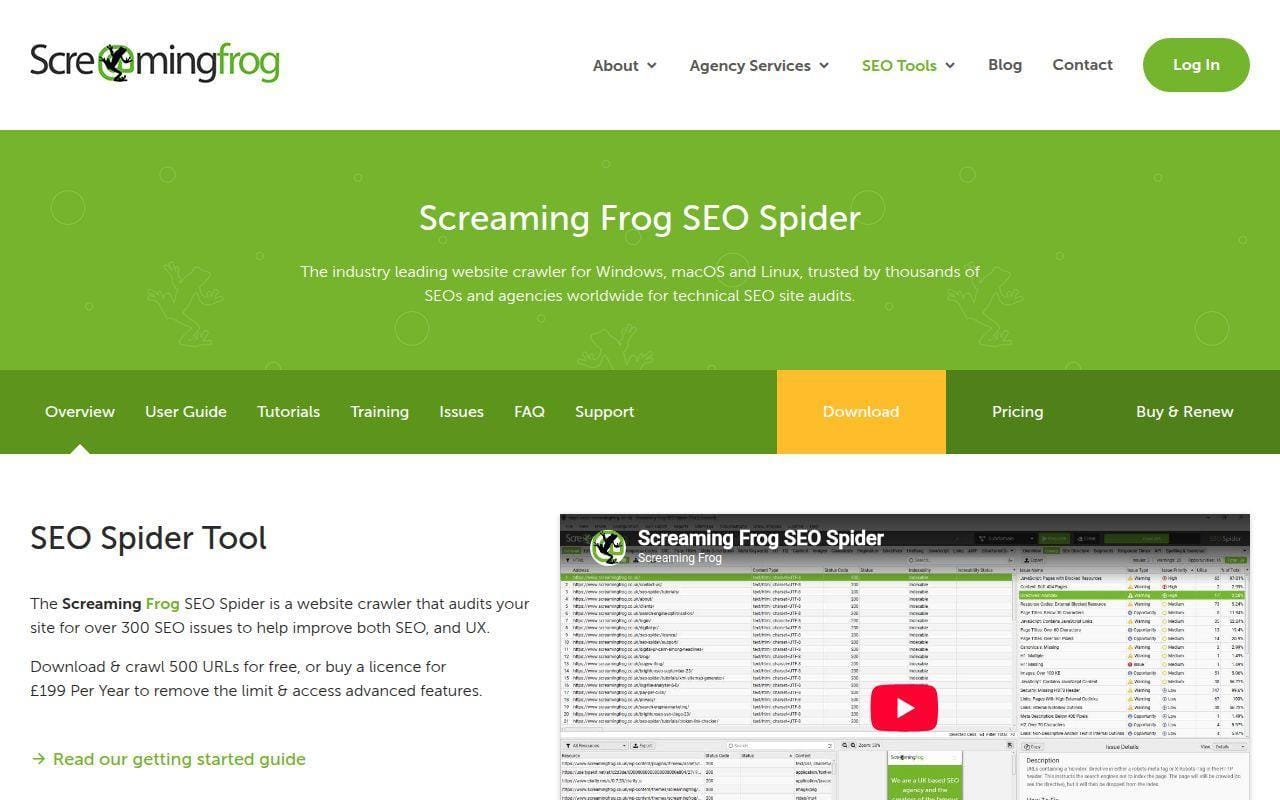
6. Screaming Frog SEO Spider
- Category: Desktop technical SEO crawler
- Best for: Site audits and page-level troubleshooting
- Ease of use: Medium to hard
- Pricing: Per-user annual license
- Standout feature: Serious crawl depth at a fair license cost
Small businesses do not always need a heavy technical crawler, but when they do, Screaming Frog is usually the name that comes up first for good reason. It is focused, respected, and much less expensive than many cloud platforms if you mainly need crawl data and issue discovery. We would not hand it to every owner on day one. We would absolutely hand it to the freelancer, consultant, or in-house marketer who needs to find what is broken.
How Screaming Frog SEO Spider works
The product works in two main modes. The default Spider mode crawls a site by following links, while List mode lets you upload a set of URLs and audit them directly. Official documentation also points to JavaScript rendering, Google Analytics integration, Google Search Console integration, custom extraction, crawl comparison, and change detection as paid-license features. That makes the workflow practical for real audits. Crawl the site, filter by issue, export the findings, then fix the pages that matter most.
The free version is intentionally limited, which is still enough for a small site spot check. Once licensed, the tool removes the 500-URL crawl limit and unlocks saved crawls, configuration options, JavaScript rendering, and integrations. That is where it becomes a real workhorse.
Who is Screaming Frog SEO Spider for?
It suits consultants, developers, SEO freelancers, and in-house marketers who need to diagnose technical problems page by page. It is especially useful for site migrations, large blog cleanups, internal-link audits, duplicate-title checks, and redirect reviews.
Owners who want a simple dashboard with plain-English recommendations should look elsewhere. This is a technician’s tool first.
Screaming Frog SEO Spider pricing
- Free version: free, with a 500-URL crawl limit for smaller checks.
- SEO Spider Licence: £199 per user per year, with no 500-URL limit, saved crawls, configuration access, Google Analytics integration, and Google Search Console integration.
- Bulk licenses: lower per-license pricing begins at five users, with reduced rates for larger teams.
License details are published on the license page.
Pros and cons
Pros
- Free version is genuinely useful for smaller sites.
- Licensed version unlocks JavaScript rendering, saved crawls, and key integrations.
- Good value for technical work compared with many cloud alternatives.
- G2 reviewers consistently praise crawl speed and depth.
Cons
- Desktop software is not as friendly for non-technical owners.
- It can be resource-intensive on large crawls.
- No built-in competitor keyword workflow like Semrush or Ahrefs.
Screaming Frog SEO Spider rating and reviews
- G2: rated 4.7/5 across 84 reviews.
If technical issues are holding your site back, this can pay for itself quickly. If technical SEO sounds like homework you never want to do, pick a more guided tool.
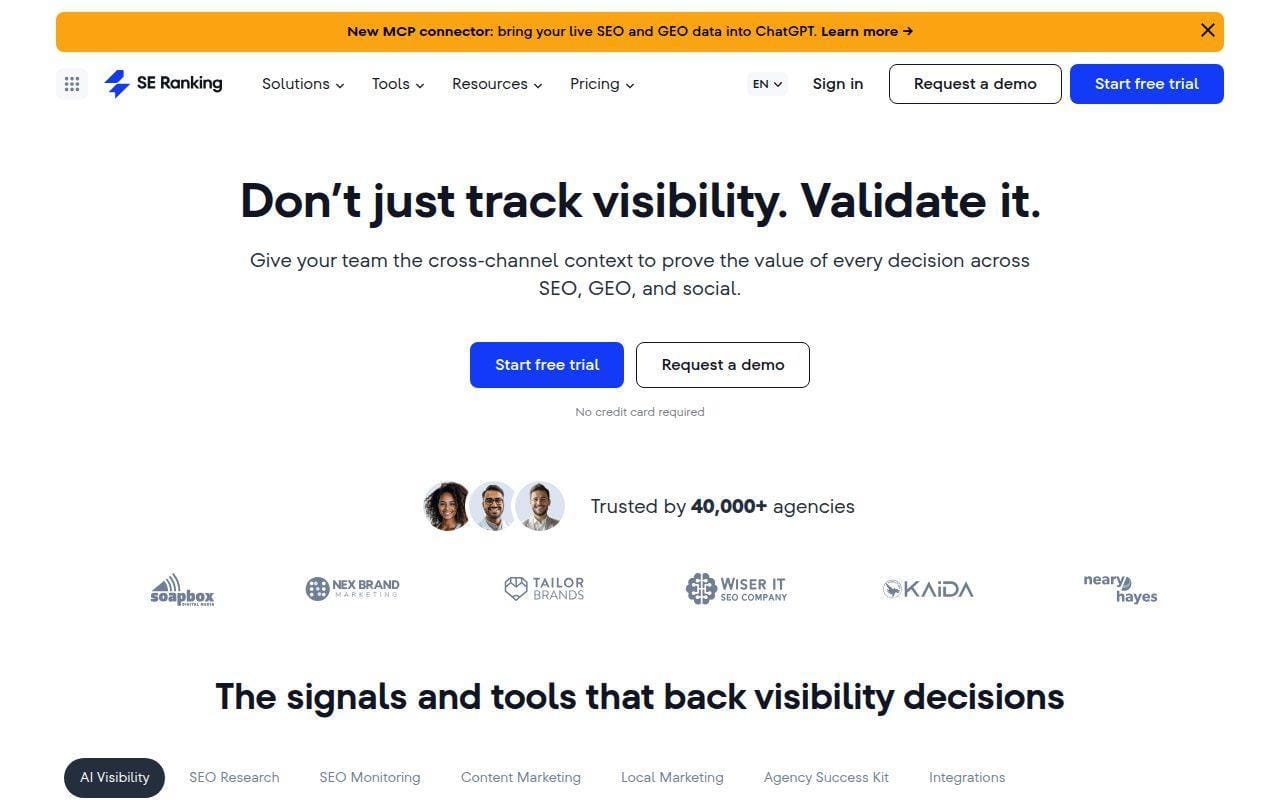
7. SE Ranking
- Category: All-in-one SEO platform
- Best for: Small teams that want breadth without Semrush pricing
- Ease of use: Easy to medium
- Pricing: Paid subscription
- Standout feature: Strong balance between coverage and approachability
SE Ranking is one of the clearest value picks in this roundup. It covers much of what a small business wants from a mainstream SEO suite, but presents it in a more manageable way than some larger rivals. We would not call it a budget toy. We would call it a practical platform that hits a useful middle ground between price, scope, and usability.
How SE Ranking works
The current subscription page frames the product around Core, Growth, and Enterprise plans, with both traditional SEO and GEO features included. Even the Core plan includes rank tracking, unlimited keyword, competitor, and backlink research, website and on-page auditing, integrations with Data Studio, Matomo, GA, and GSC, plus API credits and MCP access. Growth adds more projects, more tracked keywords and prompts, historical data, guest links for collaboration, page change monitoring, and dedicated support.
SE Ranking also has a clear local SEO layer. Its documentation for Local Marketing Audit explains checks across Google Business Profile, listings, and customer reviews, while the Local Rankings documentation shows point-based local tracking and grid-based tracking. That makes it more versatile for small businesses that are not purely national.
Who is SE Ranking for?
It works well for freelancers, agencies with smaller client loads, and in-house marketers who want one home for rankings, audits, keyword work, and some local tracking. The interface feels less intimidating than enterprise-leaning suites, which matters more than vendors like to admit.
Teams that need the deepest backlink index or the broadest ecosystem of adjacent marketing tools may still prefer Ahrefs or Semrush. SE Ranking wins more often on balance than on absolute depth.
SE Ranking pricing
- Core: $103.20/mo billed annually, with 10 projects, 1 manager seat, 2,000 tracked keywords, 100 prompts tracked daily, and 250,000 audit pages each month.
- Growth: $223.20/mo billed annually, with 30 projects, 3 manager seats, 5,000 tracked keywords, 250 prompts tracked daily, and 2 million audit pages each month.
- Enterprise: custom pricing, with flexible terms, custom limits, and full API plus advanced integrations.
The current plan limits are shown on the subscription page.
Pros and cons
Pros
- Core plan already includes keyword, competitor, and backlink research plus audits.
- Local tracking and local audit features add flexibility for location-based businesses.
- Growth adds historical data, collaboration tools, and page change monitoring.
- G2 reviewers frequently praise the balance of usability and feature coverage.
Cons
- Not as dominant in backlinks as Ahrefs.
- Scaling projects and seats can still push costs up for agencies.
- It covers a lot, but some specialists will still want niche add-ons.
SE Ranking rating and reviews
- G2: rated 4.8/5 across 1,526 reviews.
SE Ranking is one of the easiest tools here to recommend with a straight face to a cost-conscious small team. If Semrush feels too big and Ahrefs feels too link-heavy, this is the obvious next stop.
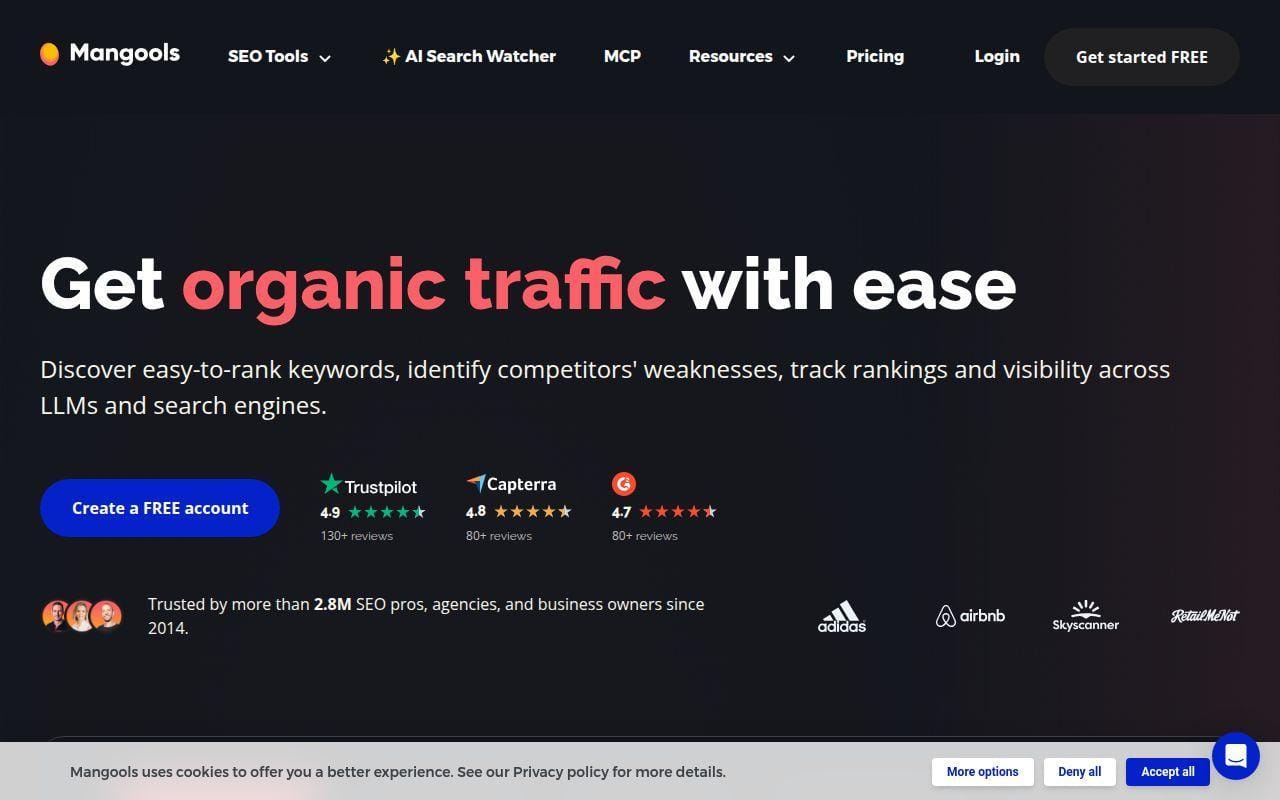
8. Mangools
- Category: SEO tool suite
- Best for: Beginners and lean teams
- Ease of use: Easy
- Pricing: Paid subscription
- Standout feature: Clean interface with the core tools most smaller teams need
Some SEO suites try to impress you by showing everything at once. Mangools goes the other way, and that is why it belongs on this list. It packages keyword research, rank tracking, backlink checks, SERP analysis, and site analysis in a much friendlier interface than many competitors. For owners and newer marketers, that simplicity is not a nice extra. It is the whole point.
How Mangools works
The official plans page centers on the same bundle across all tiers: keyword research, keyword suggestions, SERP analysis, rank tracking, backlinks, and site analysis. The product pages and related plan materials also show how limits expand as you move up. That means the workflow is easy to grasp. Research terms, inspect the SERP, track target keywords, and review backlink or authority context without leaving the suite.
What we like here is restraint. Mangools does not pretend to be every marketing platform under the sun. It aims to make core SEO tasks easier to start and faster to repeat. For small businesses doing their own content planning or a consultant who needs a lighter stack for a smaller client, that is appealing.
Who is Mangools for?
It is best for beginners, bloggers, affiliate sites, and smaller businesses that want to do keyword research and basic SEO tracking without drowning in dashboards. It also suits agencies that need a lighter secondary toolset for simpler accounts.
Look elsewhere if you need advanced technical auditing depth, local SEO workflows, or a broad reporting and collaboration system. Mangools is intentionally lighter.
Mangools pricing
- Basic: $49 monthly, for solopreneurs, freelance SEOs, and marketers, with the full core toolset included.
- Premium: $69 monthly, for marketing teams and specialists, with higher usage limits and extra seats available.
- Agency: $129 monthly, for professional SEOs and agencies, with the highest limits in the bundle and more seats.
Mangools outlines its tier structure on the plans page.
Pros and cons
Pros
- Very approachable interface compared with heavier suites.
- All plans include the same core categories of tools.
- Lower entry pricing than several top-tier competitors.
- G2 reviewers often call out design clarity and ease of use.
Cons
- Less depth for large-scale technical work or enterprise reporting.
- Advanced local SEO features are not a core focus.
- Power users may outgrow the lighter workflow.
Mangools rating and reviews
- G2: rated 4.7/5 across 96 reviews.
Mangools is a strong reminder that “easier” is often “better” for small business SEO. If you want a suite you will actually keep opening, this one earns its place.
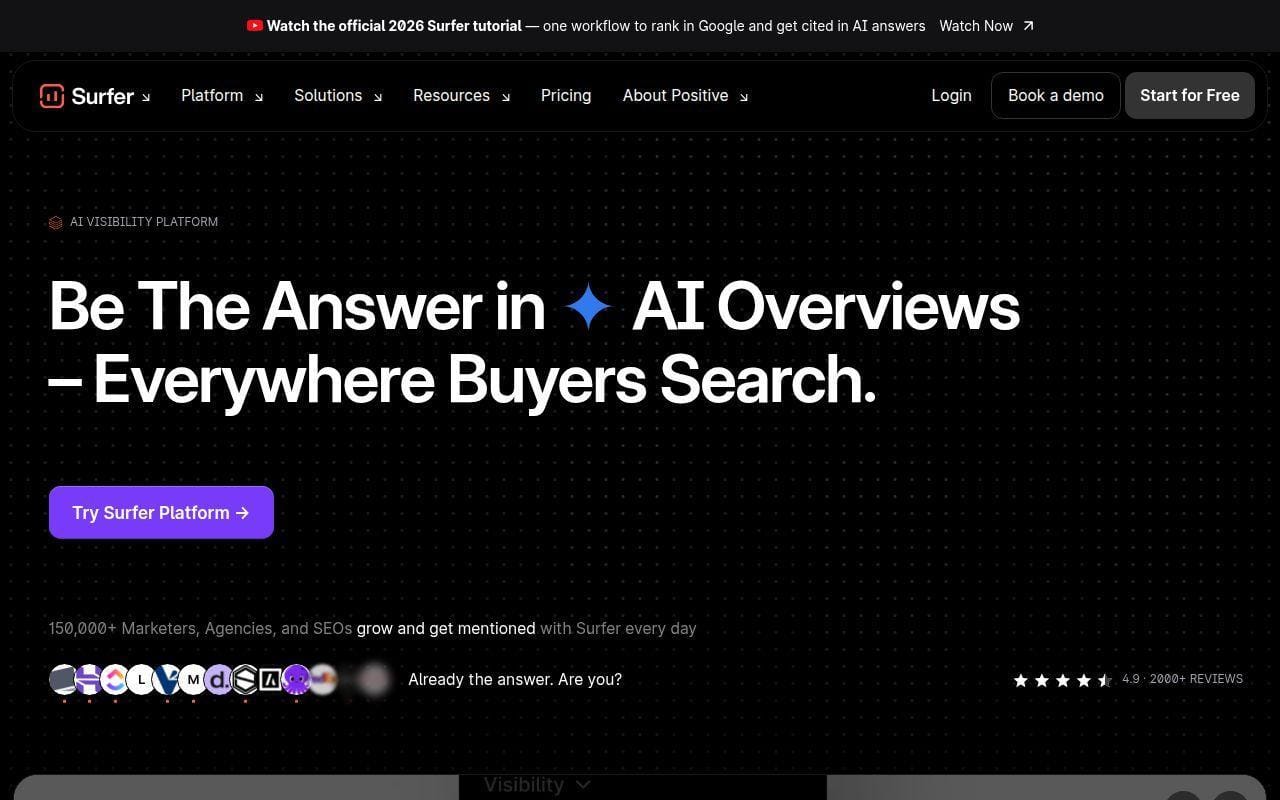
9. Surfer
- Category: Content optimization and AI-search platform
- Best for: On-page optimization and editorial workflows
- Ease of use: Medium
- Pricing: Paid subscription
- Standout feature: Strong content editing and AI visibility workflow
Surfer is the most specialized tool in our top ten, and that specialization is both its strength and its limit. If your small business SEO plan depends on publishing and updating content regularly, Surfer becomes much easier to justify. If you mostly need technical fixes or local listings, it quickly becomes the wrong first purchase.
How Surfer works
The current pricing page positions the platform around AI SEO optimization, AI visibility tracking, content optimization, integrations, internal linking, content ideas, coverage gap analysis, and cannibalization reporting. Discovery is the smaller entry point. Standard and Pro then expand document capacity, AI prompt tracking, brand workspaces, internal linking, templates, and collaboration features. Peace of Mind adds uncapped optimization, API access, and VIP support.
The workflow is content-first. You choose the page or topic, build or optimize a draft, measure topical coverage, and use the platform’s guidance to close obvious gaps. Recent plan copy also shows how Surfer is leaning into AI-search visibility, especially prompt tracking and brand mention monitoring, which makes it more than a classic content editor now.
Who is Surfer for?
It is for content teams, agencies producing lots of articles, and in-house marketers who want a repeatable optimization workflow. Businesses that live on landing pages, service pages, or blogs can get real mileage from that focus.
Skip it if you need a broader SEO home base. Surfer works best as a content engine, not as your only SEO brain.
Surfer pricing
- Discovery: $49 per month billed yearly, with 120 documents to create or optimize, 10 tracked pages, and AI SEO optimization guidelines.
- Standard: $99 per month billed yearly, with 360 documents, AI visibility tracking, and 25 AI prompts refreshed weekly.
- Pro: $182 per month billed yearly, with everything in Standard plus 50 AI prompts refreshed daily, 5 brand workspaces, internal linking, and cannibalization reporting.
Surfer lays out its plan ladder on the pricing page.
Pros and cons
Pros
- Focused workflow for content production and on-page improvement.
- Standard and Pro include AI visibility tracking, not just content scoring.
- Pro adds brand workspaces, internal linking, and cannibalization reporting.
- Public reviews often praise the content editor and usability.
Cons
- Not broad enough to replace a full research or local SEO suite.
- Content-heavy pricing can feel steep if you publish infrequently.
- Review feedback on third-party sites includes recurring complaints about cost and credit expectations.
Surfer rating and reviews
- G2: rated 4.6/5 across 126 reviews.
Surfer belongs on a shortlist when content output is the bottleneck. If that is not your bottleneck, do not overbuy.
10. AnswerThePublic
- Category: Search listening and content ideation tool
- Best for: Turning questions into topics and FAQs
- Ease of use: Easy
- Pricing: Paid subscription
- Standout feature: Visual question discovery across search contexts
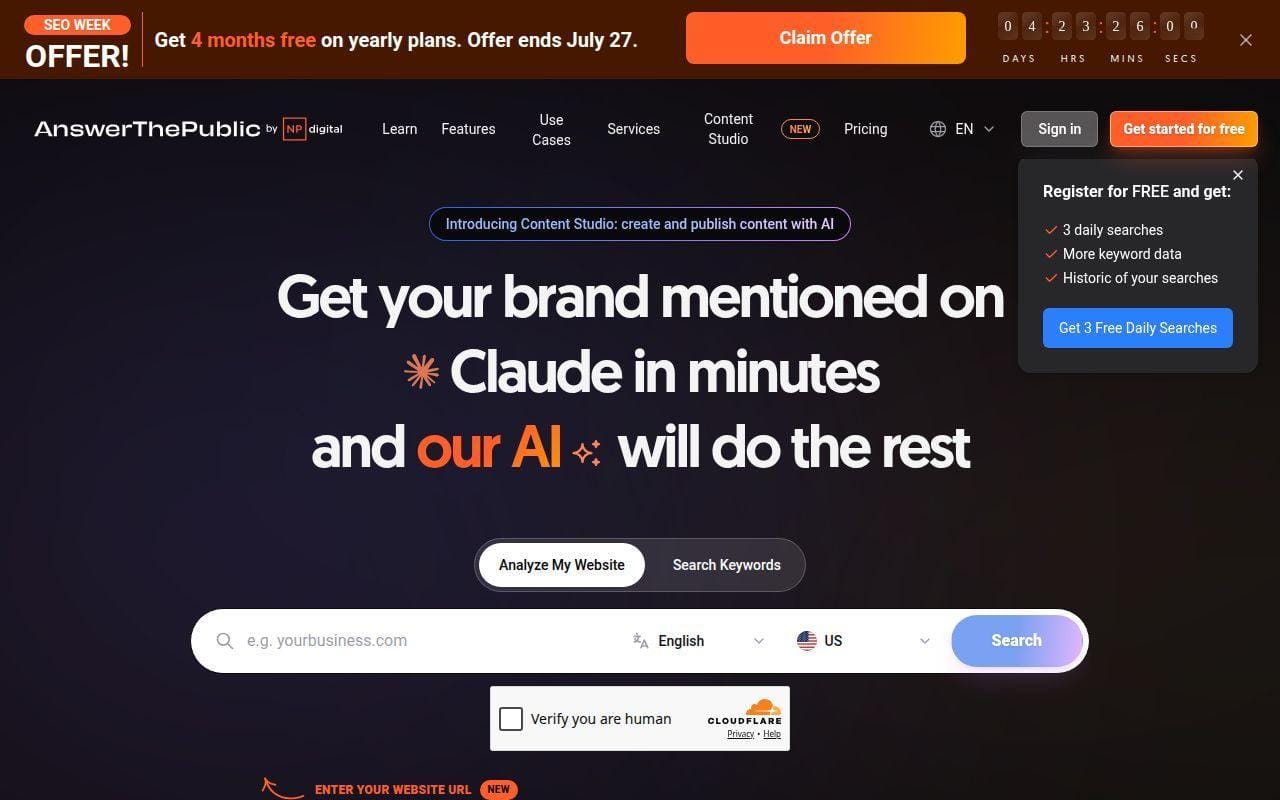
AnswerThePublic makes this list because small business SEO often starts with a simple problem: “What should we even write about?” That is the niche it still fills well. It is not your all-in-one tool. It is a question-mining and topic-discovery product that now stretches into AI prompts, content planning, and a newer Content Studio workflow.
How AnswerThePublic works
The official help documentation explains the current product around three main areas: Search and Keyword Insights, AI Results and Prompt Analysis, and Content Studio. Paid plans differ by monthly search limits, prompt suggestions, AI response credits, content credits, project limits, and team access. The same guide also notes that searches can draw on sources and formats like questions, prepositions, comparisons, People Also Ask, social platforms, shopping searches, and AI-model prompts.
That matters because it broadens the tool from “keyword wheel generator” into a fuller topic research workflow. A small business can use it to collect customer questions, spot prompt patterns, organize keyword lists by topic, and move ideas into content projects without leaving the product. We still think its strongest role is ideation, not complete SEO management.
Who is AnswerThePublic for?
It suits solo creators, smaller marketing teams, and service businesses that need fresh FAQ ideas, blog topics, and sales-page question angles. It is also handy for businesses trying to sound more like the customer and less like a brochure.
Look elsewhere if you want rank tracking, audits, backlinks, or a serious reporting layer. This is an input tool, not an all-round SEO operating system.
AnswerThePublic pricing
- Starter: includes 100 monthly searches, 1,000 prompt suggestions, 30 AI responses, 30 monthly content credits, and 2 projects.
- Growth: includes 200 monthly searches, 2,000 prompt suggestions, 60 AI responses, 110 monthly content credits, and 4 projects.
- Business: includes 300 monthly searches, 3,000 prompt suggestions, 100 AI responses, 300 monthly content credits, and 8 projects.
Current plan limits are described in the public pricing area.
Pros and cons
Pros
- Very strong for question discovery, FAQ planning, and early-stage topic research.
- The current product adds AI prompts, team access, and Content Studio projects.
- Easy for non-specialists to understand quickly.
- G2 reviewers often praise the speed of content idea generation.
Cons
- Not a replacement for rank tracking or technical SEO tools.
- Best used alongside Search Console or a broader suite.
- Its value drops if you already have a strong topic pipeline.
AnswerThePublic rating and reviews
- G2: rated 4.5/5 across 38 reviews.
AnswerThePublic rounds out this top tier because many small businesses do not need more dashboards. They need better questions, better language, and clearer content ideas. That is still where it earns its keep.
More Search Engine Optimization Tools Worth Considering
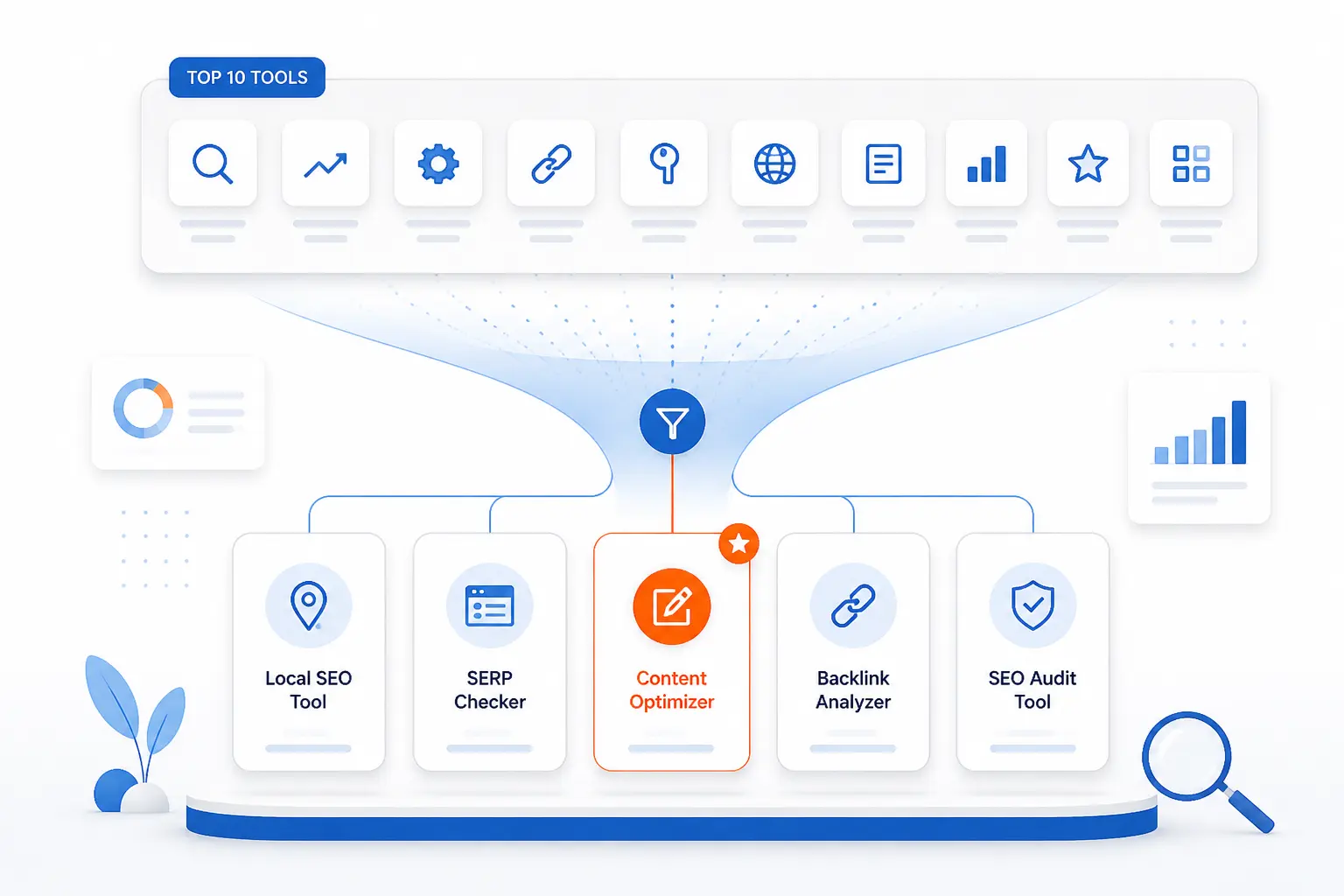
The next five tools are more specialized, and that is exactly why they are worth a look. They may not beat the top ten as all-round picks, but each one does something a bit differently. If your shortlist is already getting more focused, this is where the niche options start to make sense.
11. BuzzSumo
- Category: Content research platform
- Best for: Topic validation and trend-led content planning
- Ease of use: Medium
- Pricing: Mid to high
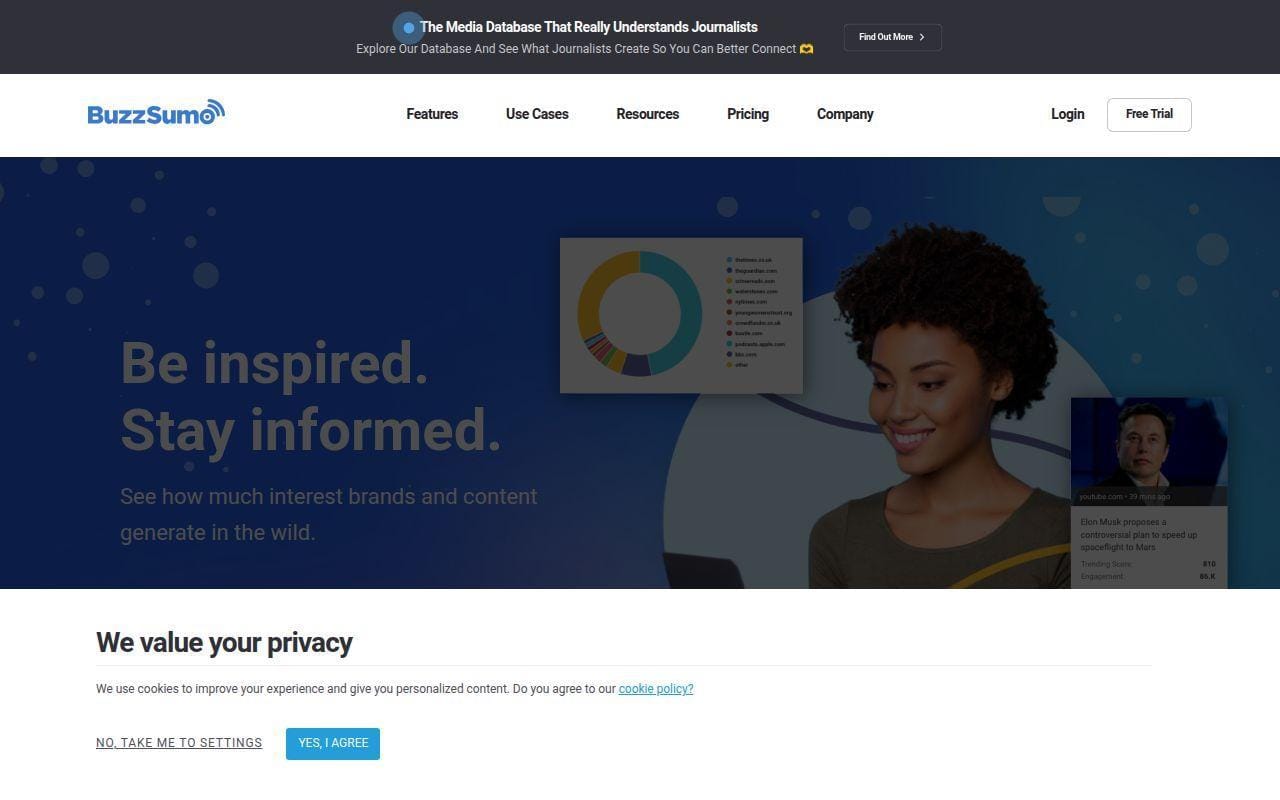
BuzzSumo earns a mention when content ideation needs more social and trend context than a standard keyword tool can provide. It is less about technical SEO and more about figuring out what is gaining attention, which voices are moving it, and where a topic has enough life to justify writing about it.
Its official help center lays out five plans, from Basic through Enterprise, and also notes that new-user trials are limited by searches. That gives it a more content-research flavor than the broader SEO suites above. We would use it after a business already has baseline keyword data and wants to prioritize ideas with clearer attention signals.
The public pricing FAQ lists Basic at $119 monthly, then Content Creation and PR & Comms at $249 monthly, Suite at $499 monthly, and Enterprise at $999 monthly. That is not cheap. The question is whether those content and monitoring workflows matter enough to justify a second subscription.
Who is BuzzSumo for?
It fits content-led businesses, digital PR teams, and agencies that need topic research beyond search volume alone. If your SEO strategy depends on content angles that travel across search, social, and media, BuzzSumo becomes more interesting.
12. SpyFu
- Category: SEO and PPC competitor research tool
- Best for: Competitor keyword and ad history research
- Ease of use: Easy to medium
- Pricing: Budget-friendly entry
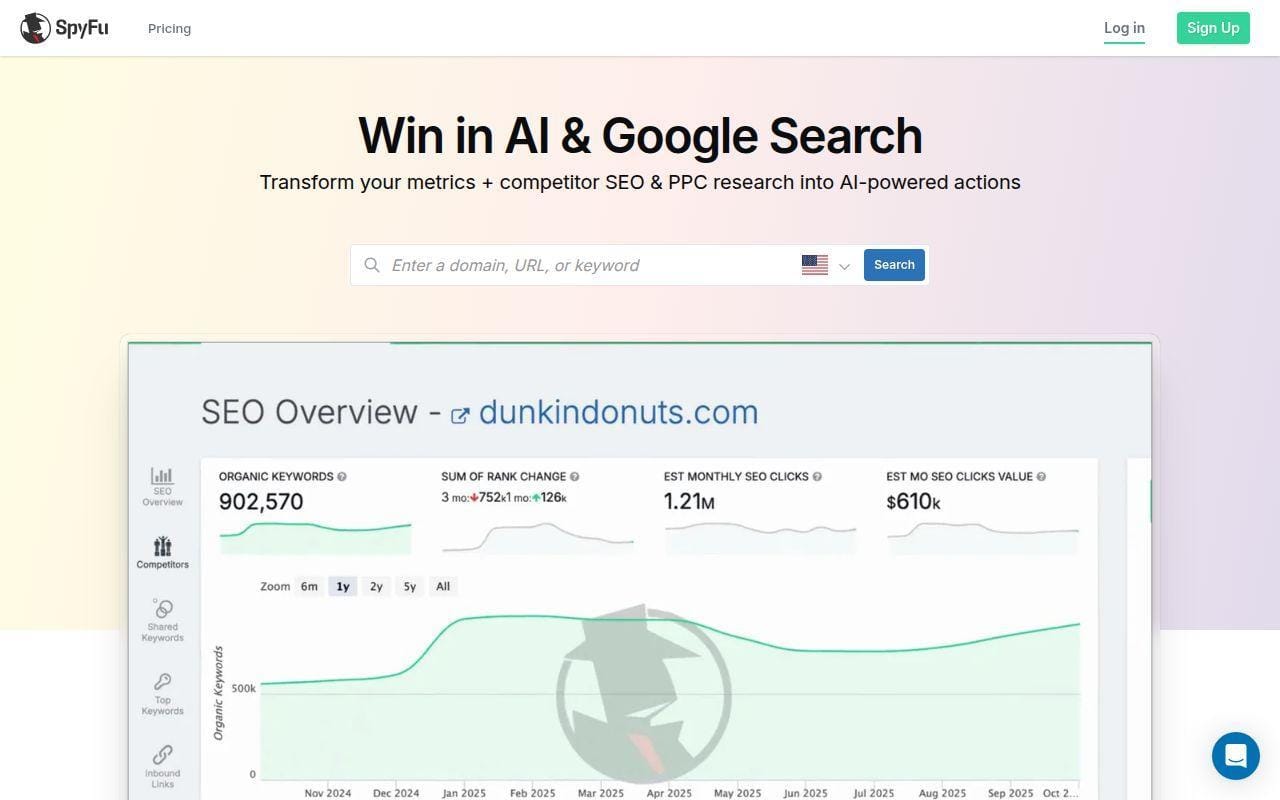
SpyFu is one of the clearest “research-first” alternatives to the larger suites. Its pricing page leads with unlimited access to its data across all plans, which is a smart pitch for smaller teams that hate credit anxiety. That alone makes it stand out from platforms where every deep report feels like it costs something extra.
The tradeoff is scope. SpyFu is strongest when you want to know what competitors rank for, what they bid on, and how their search strategy has evolved over time. It is not trying to be a local SEO platform or a content editor. In a way, that focus helps it.
The official pricing page shows a Basic plan, a Professional plan, and a Team plan, with yearly billing lowering the cost sharply. We also like the plainly stated refund policy and cancel-anytime language. That kind of billing clarity matters for smaller buyers.
Who is SpyFu for?
It suits small businesses and consultants who care most about competitor keywords, PPC overlap, and historical visibility trends. If rival analysis is the main job, SpyFu can be a smart lower-cost angle.
13. Majestic
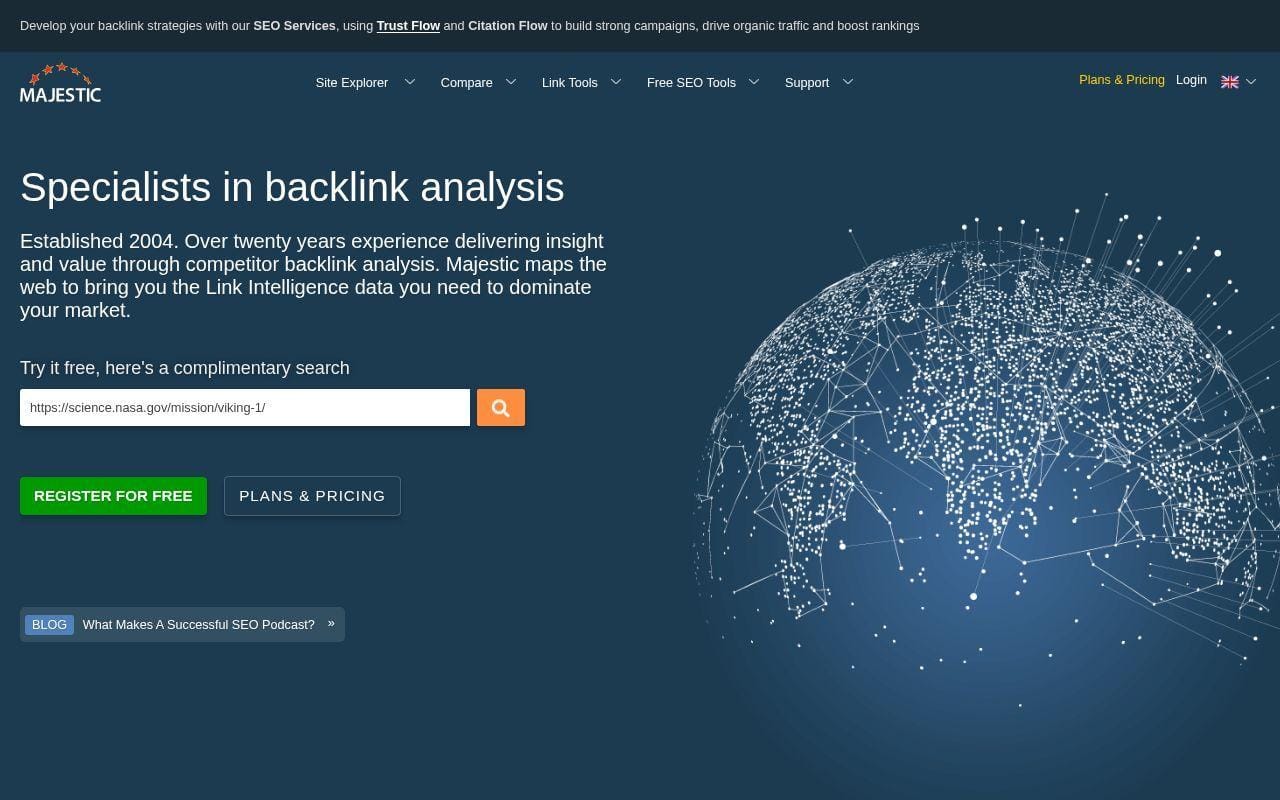
- Category: Backlink intelligence platform
- Best for: Link profile analysis and link prospecting
- Ease of use: Medium
- Pricing: Specialist pricing
Majestic remains a specialist pick, and we mean that in a good way. If your small business SEO strategy genuinely depends on backlink analysis, trust metrics, and prospecting a handful of sites deeply, Majestic is still relevant. It does not try to win the whole SEO stack conversation.
The official plans page describes Lite for audit and prospecting on a small group of sites, Pro for agencies and consultants who need Fresh and Historic Index access at higher volume, and API plans for businesses that need direct data access. That kind of role-based plan language is helpful because it makes the intended buyer clearer than a generic feature wall.
Pricing starts at $49.99 monthly for Lite, then moves to $99.99 monthly for Pro, with API access starting much higher. That is reasonable for a specialist backlink tool, but it is still only a fit when links are central to the work.
Who is Majestic for?
It is for consultants, agencies, and more advanced in-house users who specifically want backlink depth. If your biggest SEO problem is titles, local reviews, or weak service pages, this is probably not the right first subscription.
14. RankIQ
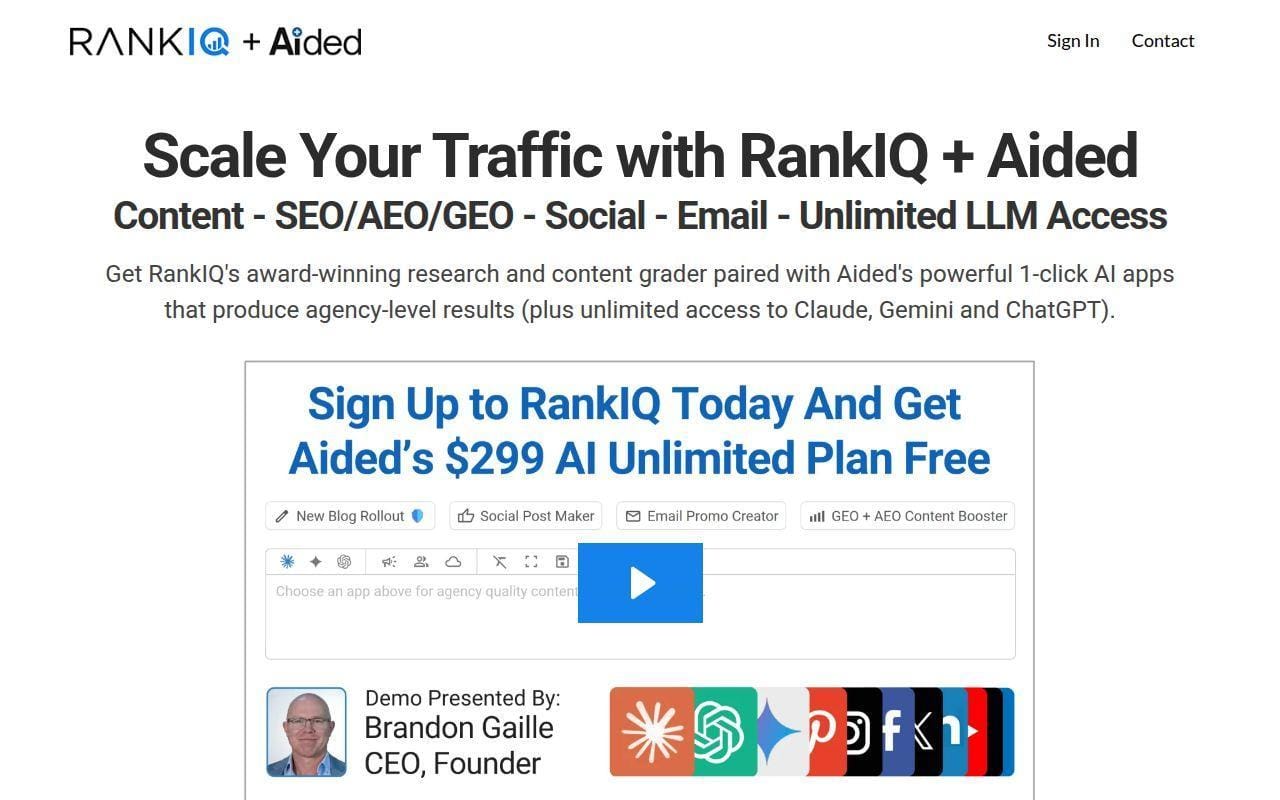
- Category: Content optimization tool
- Best for: Bloggers and niche publishers
- Ease of use: Easy
- Pricing: Lower than enterprise content tools
RankIQ is one of the clearest content-first tools for solo publishers and blog-heavy small businesses. Its homepage pitches the product as a toolset tailored for bloggers, and that focus is obvious in how people describe it publicly. It is built to guide topic selection, post optimization, and title planning rather than to run the whole SEO operation.
That narrower mission is why it misses the top ten but still makes this page. If your site lives or dies on steady informational content, RankIQ can be easier to adopt than a larger suite with ten unrelated tabs. It does one job with more intention.
Public product listing information shows a Blogger plan at $49 and a Pro plan at $99, both based around monthly report allowances. That structure will appeal to smaller publishers, though it may feel restrictive if you publish at a high clip.
Who is RankIQ for?
It fits solo site owners, bloggers, and content businesses that want focused writing guidance more than technical depth. If your business needs local SEO, audits, and reporting too, pair it with something broader.
15. Clearscope

- Category: Content optimization platform
- Best for: Serious editorial teams
- Ease of use: Easy to medium
- Pricing: Premium content platform
Clearscope is the more premium editorial pick in this secondary tier. Its pricing page is refreshingly direct, with Essentials, Business, and Enterprise levels laid out openly. That alone is helpful in a market where many content tools still hide the real limits until late in the sales process.
What it does better than many broader SEO platforms is focus the conversation on content quality and optimization workflow. The pricing page emphasizes tracked prompts, pages, topic explorations, drafts, unlimited sharing, and exporting. It feels built for teams that publish often and need a shared process more than a pile of side tools.
Essentials starts at $129 monthly, while Business climbs to $399 monthly and adds a dedicated account manager. That makes Clearscope harder to recommend to the average small business than Surfer or Mangools. Still, for a content-heavy team that wants a polished editorial workflow, it is worth considering.
Who is Clearscope for?
It is best for editorial teams, agencies, and in-house marketers with a real publishing engine. If you only optimize a few pages each quarter, it is likely more tool than you need.
Local SEO Priorities That Matter First
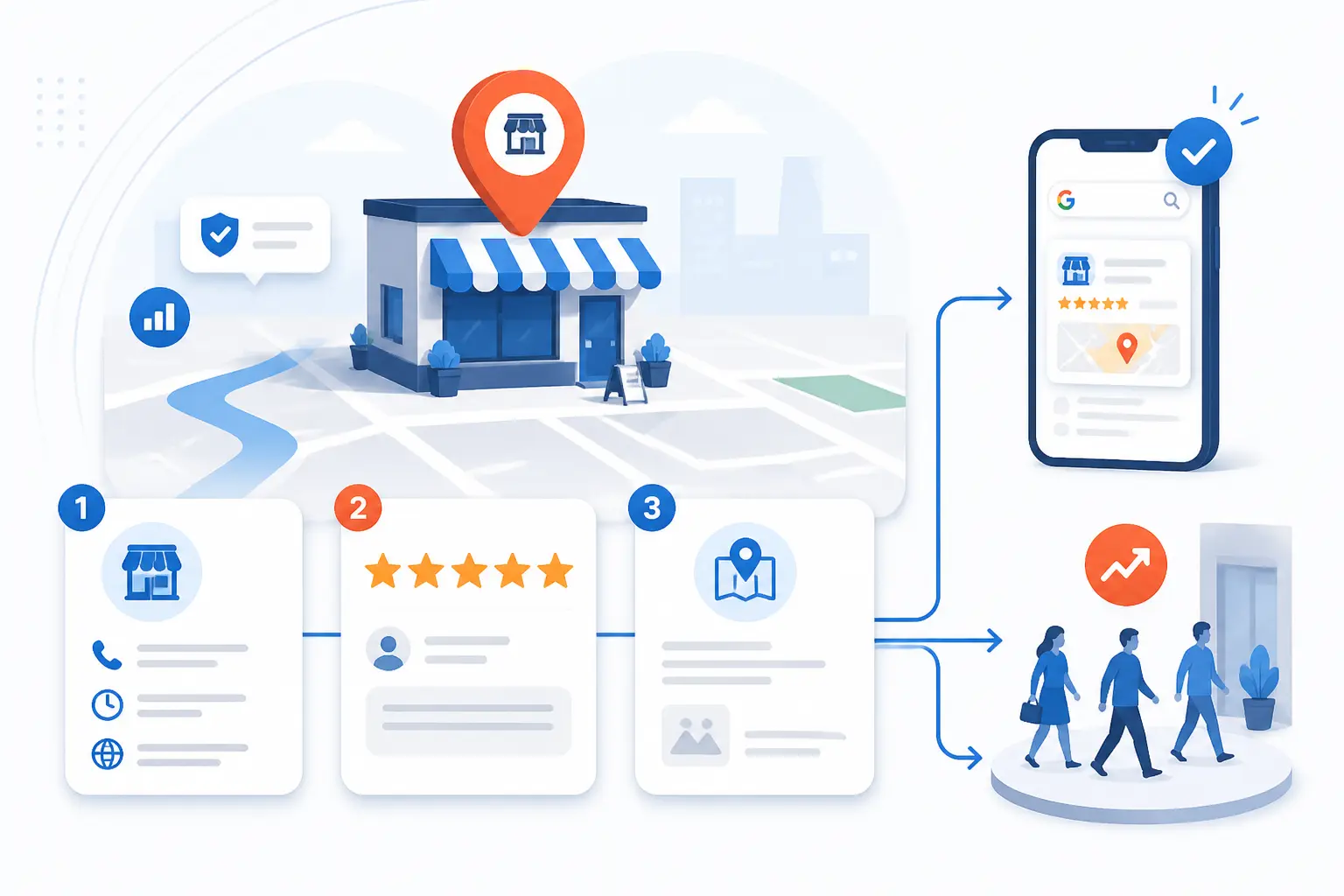
Local SEO is often where small-business SEO turns from theory into phone calls, bookings, and foot traffic. The first priority is not “do everything.” It is to make sure your business information is accurate, your reviews look alive, and your location pages answer the local searcher’s intent. Get those right before you obsess over advanced tactics.
Google Business Profile Reviews and Directory Consistency
If your business serves a place, review freshness and listing accuracy should be near the top of your weekly checklist. BrightLocal’s latest consumer survey says reviews still play a huge role in local decision-making, and it also shows that review recency and stronger star expectations matter more than they used to.
That lines up with what tools like BrightLocal and SE Ranking emphasize in their local workflows. Keep your name, address, phone, hours, and categories consistent across major directories. Then make review management a habit, not a campaign. A business with old reviews and mismatched listings looks abandoned, even when the service is excellent.
We would keep this simple. Claim the key profiles, clean up the core citations, respond to reviews with enough specificity to sound human, and make sure your service pages point clearly to your locations. Fancy local SEO tactics do not rescue weak basics.
Location Pages Mobile Experience and Nearby Intent
Local pages need to work well on phones because that is where a lot of “near me” intent actually happens. Google’s guidance on page experience is still the right sanity check here. It asks whether pages display well on mobile, avoid intrusive interruptions, and clearly separate the main content from distracting extras.
For small businesses, a good location page usually means clear services, a real address or service area explanation, visible contact details, and proof that the business is active in that market. That proof can be review snippets, local project examples, service-area notes, or practical FAQs. What it should not be is one thin paragraph with the city name copied into it ten times.
Nearby intent is usually practical, not literary. A searcher wants to know whether you serve their area, what you actually do there, and how to contact you quickly. Build the page to answer those questions first.
On Page SEO Foundations Small Businesses Cannot Skip
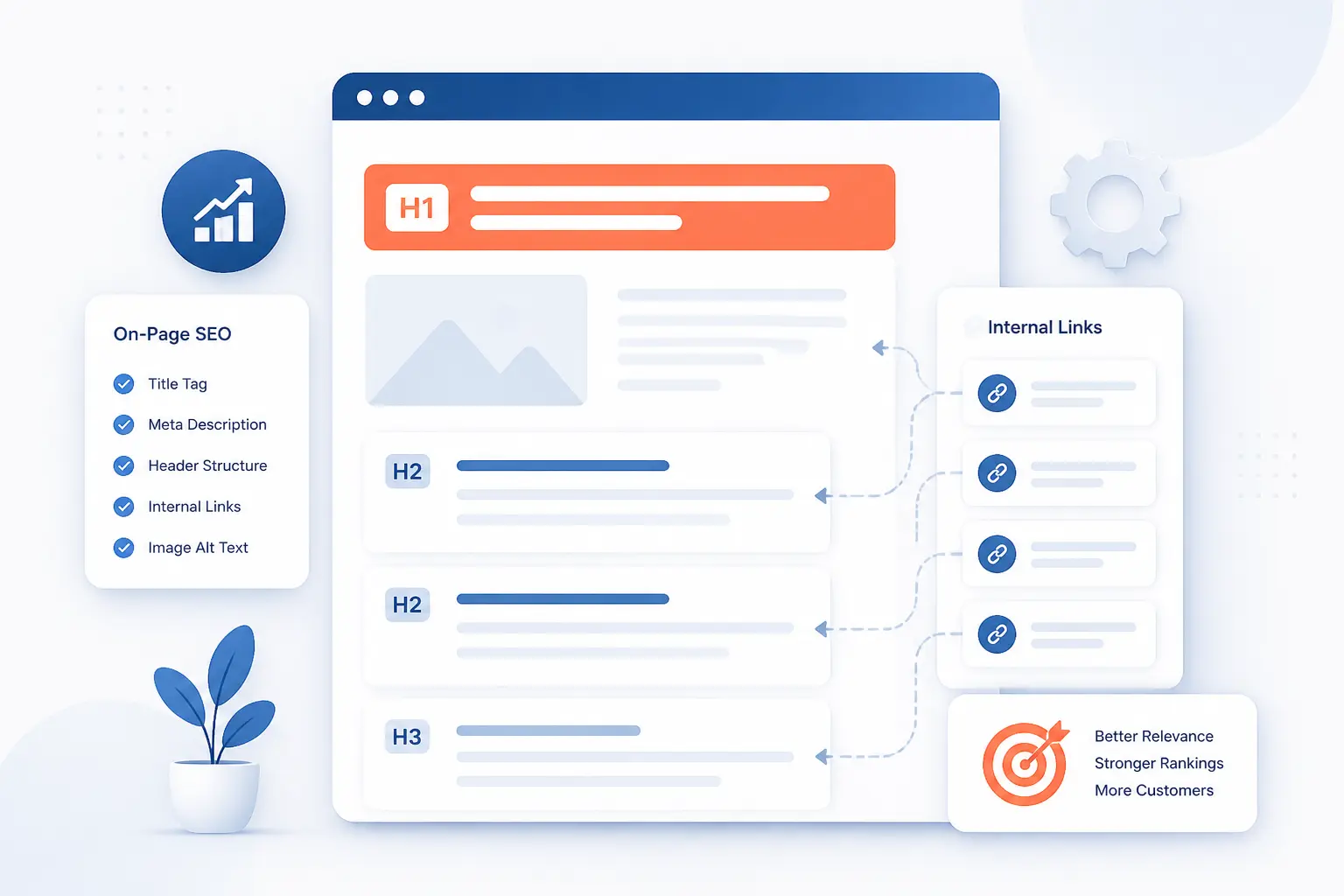
On-page SEO still carries more weight than many small businesses think, mostly because weak pages never make their case clearly enough. If your titles are vague, your headings drift, and your internal links do no guiding, even a great service can look average in search. The fix is usually not glamorous, but it is very often worth doing.
Page Titles URLs Headers and Meta Descriptions
Titles and headers do more work than most page builders make obvious. Google explains in its documentation on title links that title generation can draw from the page title, the main visible title, headings, anchor text, and other prominent page text. In plain terms, that means you should not treat the title tag and the page heading like throwaway fields.
For small businesses, the clean formula is usually enough: say what the page is, who it is for, and where it applies if location matters. Keep URLs readable and stable. Use one clear main heading. Write meta descriptions for humans, not as a place to dump terms. Even when Google rewrites snippets, a clear summary still helps your page make sense.
The bigger point is consistency. When the title, heading, and visible content all point in the same direction, Google has less guesswork to do and users have less friction to push through.
Images Alt Text and Internal Linking
Images matter more than decoration, especially for service pages, product pages, and local proof. Google’s image guidance says it uses alt text, the surrounding page content, and even filenames to understand image subject matter. That makes alt text both an accessibility task and a search task.
Good alt text is specific and useful. “Dental hygienist cleaning patient’s teeth” is better than “image” and better than stuffing a city plus service keyword awkwardly into every photo. Keep images near relevant copy so they support the page topic instead of floating as filler.
Internal linking is the other overlooked win. Link related services to each other, connect blog posts back to service pages, and make location pages easy to reach. Search engines use those paths to understand page relationships, and users use them to keep moving instead of bouncing.
Helpful Content and EEAT Signals That Build Trust
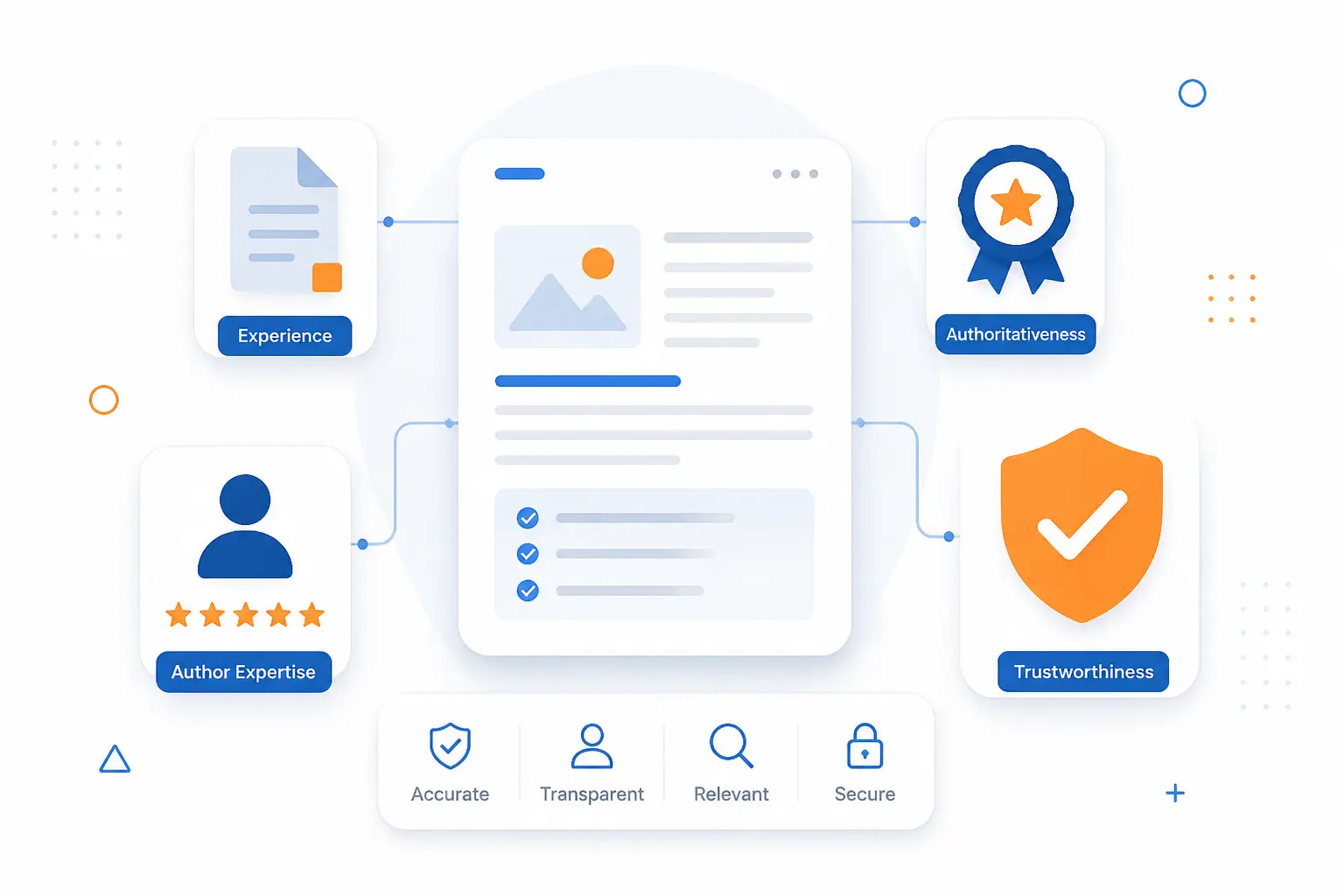
Small business sites do not need to sound bigger than they are. They need to sound credible, clear, and close to the customer’s actual problem. Helpful content and trust signals matter because search engines reward pages that answer real needs, and buyers do too. That is the heart of this section.
Experience Expertise Authoritativeness and Trustworthiness
E-E-A-T is best understood as a trust frame, not a checklist plugin. For a small business, that usually shows up through author or business credibility, clear contact information, real service details, policies, and proof that the business actually does the work it claims. Thin pages without context or accountability feel weak because, well, they are weak.
Google’s guidance on helpful, reliable, people-first content is the right north star here. The aim is content created to benefit people, not pages built mainly to manipulate rankings. That tends to reward businesses that explain their process, show who they are, and write with enough precision to help someone make a decision.
We would prioritize trust pages many owners treat as secondary. About, contact, service-detail, returns, warranty, booking, and privacy pages all help fill in the picture. They are not glamorous, but they help a site look real.
People First Content That Answers Real Customer Questions
The shortest path to better content is often better questions. That is why tools like Reddit and AnswerThePublic sit in this article. They help small businesses stop writing generic “what is” content and start answering the questions customers actually ask before buying, booking, or calling.
People-first content usually means practical pages. Think pricing explainer pages, service comparisons, timeline questions, maintenance tips, local process guides, eligibility questions, and “what happens next” content. Those are not flashy, but they move buyers forward because they reduce uncertainty.
A helpful page should leave the visitor less confused than when they arrived. If it only repeats high-level marketing phrases, it is not doing the job.
How to Build Authority Beyond Your Own Site
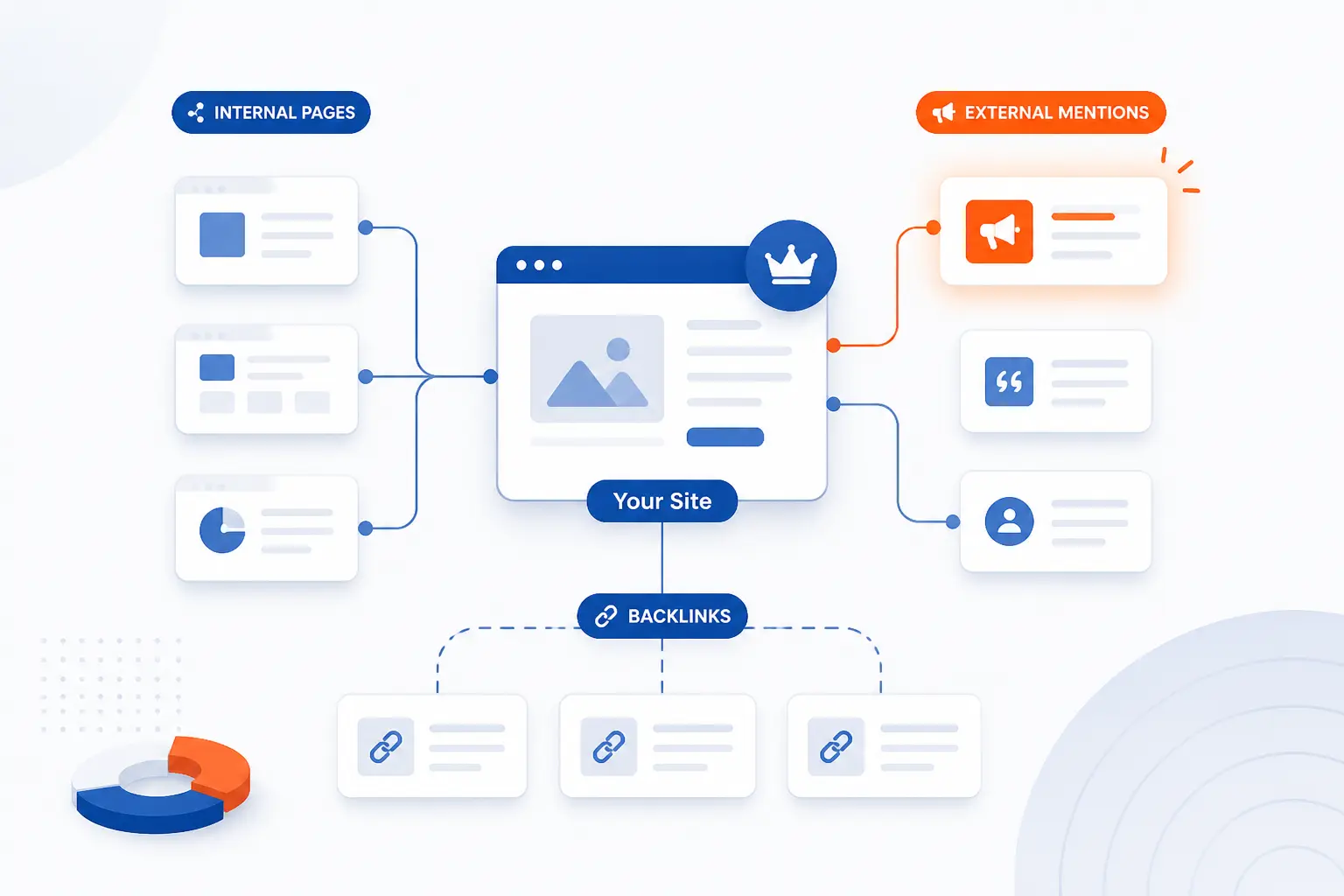
Authority does not come only from what you publish on your own site. It also comes from how clearly your pages connect together, who mentions you, and where your expertise shows up off-site. Small businesses do not need a massive link-building machine to benefit from this. They do need a plan.
Internal Links Backlinks and Trusted Mentions
Start with internal authority before chasing external authority. Link your best service pages, strongest guides, and most useful local pages together so both users and search engines can follow the topic map. That gives weaker pages a fair shot and makes the site easier to navigate.
Backlinks still matter, but small businesses should think quality first. Local news mentions, supplier links, partner pages, chambers, trade associations, industry directories, and niche resource pages are often more realistic and more valuable than vague link quotas. This is where Ahrefs, Majestic, and Semrush can help if link work is a real priority.
Trusted mentions also matter when they do not arrive as perfect followed links. A brand that shows up in the right places starts to look more established, and that helps both referral trust and search visibility.
Forums Video Platforms and Off Site Visibility
Authority is spreading across more surfaces than classic web links alone. Google’s recent AI search guidance points out that generative search features can pull in images and video as well as web pages. For small businesses, that means off-site visibility is no longer a nice bonus. It is part of the discovery picture.
Forums, YouTube, short video platforms, and industry communities can all feed search demand and branded searches. That does not mean posting everywhere at once. It means choosing the one or two channels where your customers already look for proof, examples, and recommendations.
Even a simple workflow helps. Turn common service questions into short videos, reuse those answers on your site, and make sure the language is consistent across platforms. Repetition builds recognition when it is done well.
How to Measure SEO Progress Without Guessing
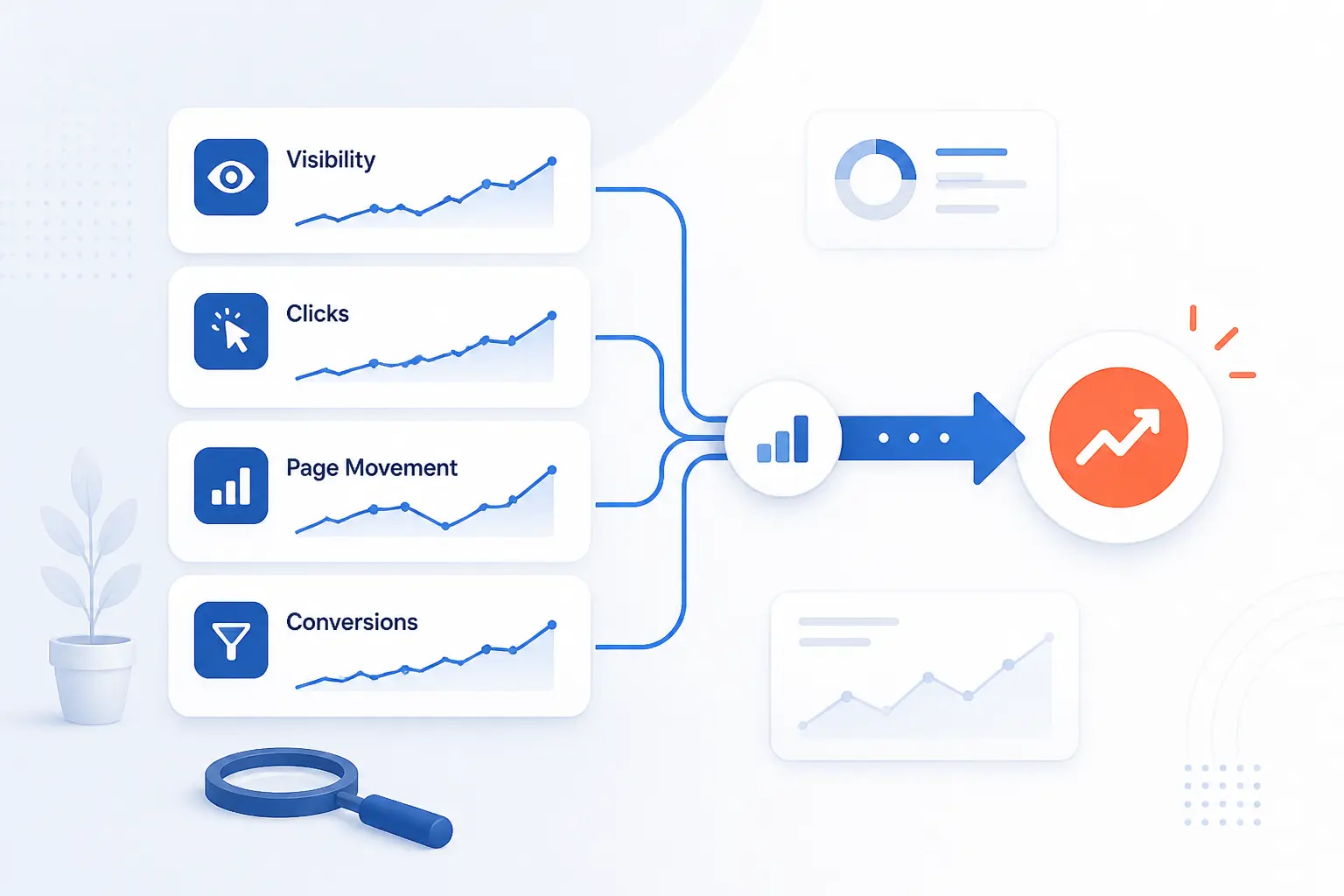
Small businesses get frustrated with SEO measurement because they often watch the wrong numbers too early. A ranking screenshot feels exciting, but it does not prove business impact. The smarter approach is to track visibility, clicks, page-level movement, and conversions together. That is how you tell whether progress is real or just noise.
Impressions Clicks Rankings and Conversions
Start with impressions and clicks in Search Console because they tell you whether Google is showing your pages and whether searchers choose them. The overview and performance reporting in Google’s help materials make those metrics easy to monitor once the property is set up. When impressions rise first, that is often a sign pages are getting closer even before traffic jumps.
Rank tracking helps, but only when it is paired with purpose. Watch the pages and queries tied to revenue, not every phrase you have ever brainstormed. Then connect that to conversions in analytics, whether that means form fills, calls, bookings, purchases, or quote requests.
We would keep a simple scorecard. Track your top pages, top non-brand queries, key local pages if relevant, and one business outcome column. That is enough to stay honest without drowning in charts.
How Long Small Business SEO Usually Takes
SEO usually takes months, not days, and that is the answer most small businesses need to hear early. Search Console itself notes that after verifying a site it can take some time before data becomes available, and Google also notes in its title-link documentation that recrawling and reprocessing updates may take from days to weeks. That is before you even account for competition and content quality.
In practical terms, technical cleanups and title improvements can show movement faster than new authority building. Local fixes can also move sooner when the baseline is poor. Broader content and link gains typically take longer because you are competing for trust, not just fixing errors.
The better mindset is consistency over drama. If you are publishing stronger pages, tightening local signals, and fixing crawl issues month after month, you are usually on the right track even when the graph is not exciting yet.
How AI Search Is Changing Small Business SEO
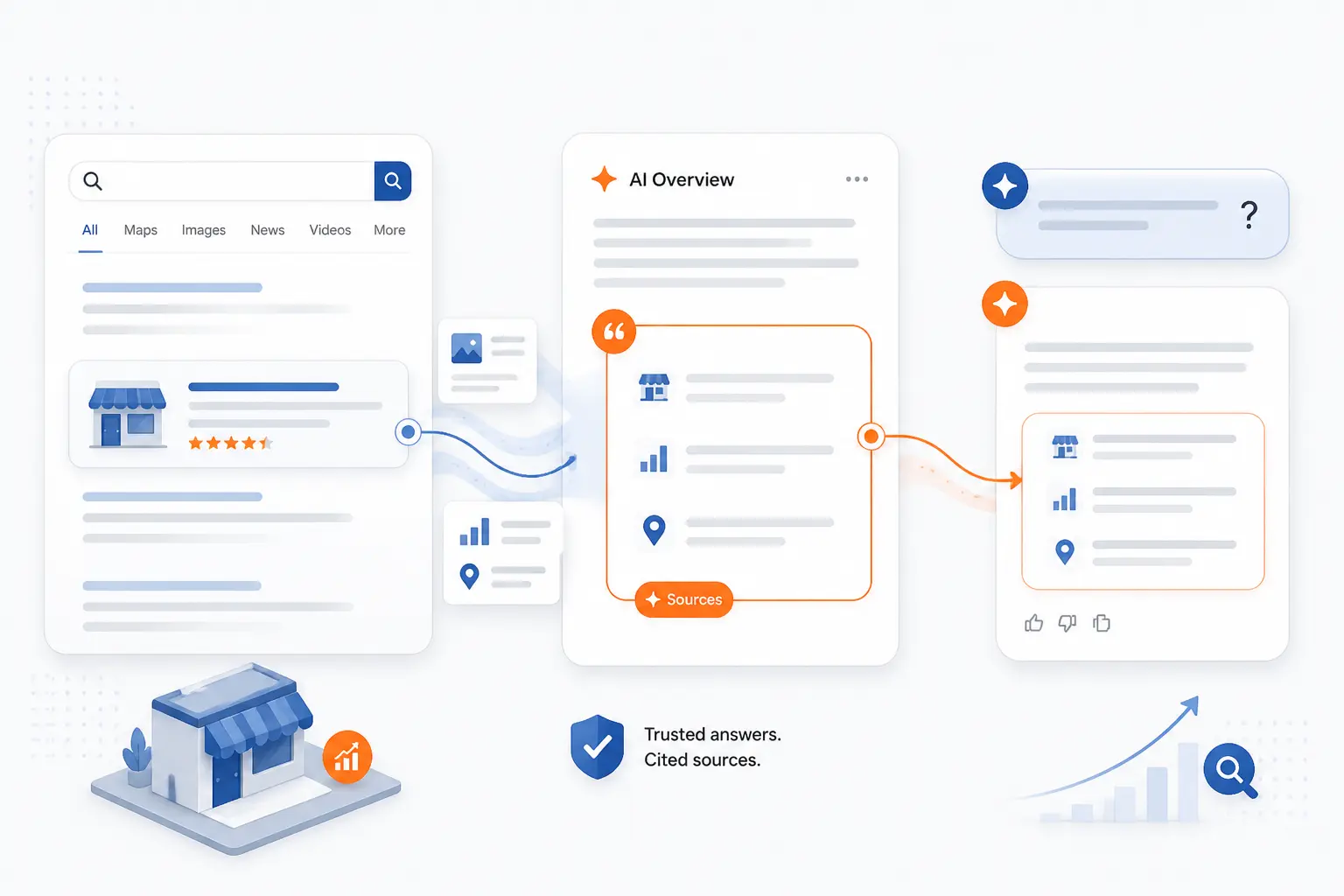
AI search is changing the interfaces people use, but it is not erasing the basics that make a business worth citing. Clear pages, consistent facts, helpful answers, and visible trust signals still do the heavy lifting. What is changing is where those answers may appear and how often a user gets them without clicking first.
GEO AEO and AIO in Plain English
The labels can get silly fast, so we prefer a plain-English version. GEO, AEO, and similar terms mostly point to the same shift: search is expanding beyond ten blue links into generative answers, assistant-style results, and answer boxes. The practical takeaway for small businesses is simpler than the acronyms suggest.
You still need pages that answer questions clearly, use consistent entities and service details, and provide proof that the business is credible. Google’s documentation on optimizing for generative features reinforces familiar guidance, including reducing duplicate content and making your information easier to understand and reuse.
If that sounds suspiciously like good SEO, that is because it is. AI search is changing the distribution layer faster than the quality layer.
How to Earn Mentions in AI Answers
The best way to earn mentions is still to become easy to trust and easy to quote. Publish specific answers, keep business facts consistent, add useful comparisons, show expertise where it matters, and avoid burying the clearest answer under fluff. Pages that explain, compare, and guide tend to give AI systems something cleaner to work with.
This is also where structured, well-organized writing helps. Strong headings, concise answer blocks, and connected supporting details make a page easier to parse. You do not need to write for robots. You need to make the human answer obvious enough that a machine can also understand it.
For a small business, that usually means fewer thin pages and more pages that genuinely solve the customer’s next question. That is still the best long game.
Search Engine Optimization for Small Business FAQ
This FAQ section is here to answer the practical questions owners ask once they have looked at the tools and the tactics. The short version is that SEO is still worth doing, but it works best when you match the tool stack to the job. Start smaller than you think, measure better than you probably are, and give the work enough time to compound.
Is SEO Worth It for Small Business?
Yes, SEO is worth it for many small businesses because it can keep bringing in qualified visits after the page is published. It is especially valuable when your customers actively search for the service, problem, or location you cover. The catch is that it works best when you focus on the pages that can actually lead to calls, leads, or sales.
Is SEO Dead or Evolving in 2026?
SEO is evolving, not dead. Search interfaces now include more AI answers, richer result types, and more off-site discovery signals, but businesses still need crawlable pages, clear answers, and trustworthy information. The winning play is to keep the fundamentals strong while making your content easier to cite and easier to understand.
How Do You Do SEO for a Small Business?
You start with Search Console, clean up your core pages, and align your content with the questions customers already ask. Then you improve local signals if location matters, fix technical issues that block discovery, and build a sensible internal linking structure. After that, pick one paid tool based on your biggest gap, whether that is competitor research, local SEO management, or content optimization.
How Much Should a Small Business Pay for SEO?
There is no single right number because the answer depends on whether you are buying software, hiring help, or both. On the software side alone, this list spans from free tools like Google Search Console to paid entry points such as Surfer Discovery, Mangools Basic, BrightLocal Track, and larger suites that cost much more. A good next step is to decide whether your bigger constraint is time or information, then budget for the tool or service that removes that bottleneck first.
What Are the Best Free SEO Tools for Small Business?
Google Search Console is the best free SEO tool for almost every small business site. Beyond that, Reddit can help with audience language, and the free tiers or limited versions from paid vendors can help with light research. Free tools are enough to start learning and fixing basics, but most businesses eventually want a paid layer for deeper research or better local management.







Conclusion
Most small businesses do not need more SEO tools. They need the right first two. We would start with Google Search Console, then choose BrightLocal for local visibility, SE Ranking or Semrush for broad coverage, Ahrefs for competitor and link work, or Surfer if content production is the real growth lever.
That is the whole game here: match the tool to the bottleneck, not to the hype. So which problem is actually holding your site back right now, visibility, content, local presence, or technical cleanup?