


If you are comparing SMTP servers, the short answer is this: the best choice depends less on raw sending power and more on how you send, who manages the setup, and whether you need only transactional email or a broader marketing stack too. We found that a few tools clearly stand out for distinct jobs. Mailtrap is the best all-around pick for teams that want testing and sending in one place, Postmark is one of the sharpest pure transactional options, and Amazon SES is the price-first choice for technical teams that do not mind a more hands-on setup.
That is the real pattern across this market. Some tools are built for developers, some for marketers, and some for businesses that just want reliable relay without babysitting DNS, templates, or reputation. Below, we break down 15 real options so you can shortlist the right SMTP server for your budget, team, and email volume without opening ten more tabs.
How These SMTP Servers Compare and Made the List

The best SMTP servers are not all trying to do the same job, so we compared them on fit, setup friction, pricing shape, and how well the public review record matches the vendor story. Our shortlist leans toward services that are transparent about plans, clear about setup, and credible for real production sending. If you only read one section before jumping to a shortlist, start with the table and the scoring notes below.
FURTHER READING: |
| 1. 15 Best Free DMARC Monitoring Tools in 2026 |
| 2. Top 20 SEO Web Solutions for Better Rankings and Website Growth |
| 3. Top 20 Weird Links to Click for Strange, Funny, and Creative Web Fun |
Quick Comparison of the Best SMTP Servers
| SMTP Server | Best For | Ease of Use | Entry Pricing | Standout Feature | Score |
|---|---|---|---|---|---|
| Mailtrap | Teams that want email testing and production sending together | Easy | Free sending plan available | Sandbox plus API/SMTP in one platform | 4.8 |
| Brevo | Small businesses that want SMTP inside a broader customer platform | Easy | Free plan available, paid from $9/month | Transactional email plus CRM, SMS, and automation | 4.6 |
| MailerSend | Developer-led teams that still want a polished interface | Easy | Free plan available | Clean SMTP/API workflow with trial domain | 4.5 |
| Postmark | Pure transactional email with clear message separation | Easy | Free test plan, paid from $15/month | Message Streams for reputation protection | 4.7 |
| Amazon SES | High-volume senders chasing the lowest cost per message | Technical | Pay-as-you-go, from $0.10 per 1,000 emails | Very low-cost sending with AWS scale | 4.4 |
| SMTP2GO | Website owners, agencies, and devices that need easy relay | Easy | Free plan available, paid from $15/month | Managed DKIM/SPF and clear reporting | 4.5 |
| Mailgun | API-heavy teams that want analytics and webhooks | Moderate | Free plan available, paid from $15/month | Developer-focused APIs with tracking and routes | 4.4 |
| SendGrid | Larger teams that want a mature email platform | Moderate | Free trial, paid from $19.95/month | Templates, subusers, and large ecosystem | 4.2 |
| Gmail | Google Workspace organizations sending low to moderate business mail | Easy | From $7/user/month on annual billing | SMTP relay inside Google Workspace | 4.1 |
| Mailchimp Transactional Email | Mailchimp users adding app and notification email | Moderate | Add-on pricing | Transactional sending inside the Mailchimp stack | 4.0 |
How We Researched and Evaluated Each Option
We scored the top 10 options on the same practical criteria rather than on hype, brand size, or whichever provider shouts the loudest.
- Capability fit: we judged whether the service clearly supports reliable transactional or application email through SMTP, API, or both, and whether the product scope matches what buyers usually need from this category.
- Setup clarity: we looked for straightforward onboarding, clear authentication steps, usable docs, and whether the product exposes the right controls without making simple jobs feel harder than they should.
- Pricing value: we weighed entry cost, how pricing scales, and whether a plan structure is transparent enough for a buyer to estimate real spend without guesswork.
- Operational depth: we favored features that matter after launch, including logs, analytics, domain controls, streams or routing, support options, and deliverability-related tools.
- Public review signal: we used third-party review pages to sanity-check the official story, paying attention to recurring praise and recurring complaints rather than any single score.
Those criteria matter because a cheap SMTP server that is hard to verify, hard to monitor, or easy to get suspended often stops being cheap the moment email becomes business-critical.
Top 10 SMTP Servers for Reliable Sending

If you want the shortest shortlist, these are the 10 SMTP servers we would put in front of most buyers first. The order reflects editorial judgment from the research, not whoever has the biggest free tier or the most marketing pages. Each pick below explains where it shines, where it falls short, and who should move on quickly.
1. Mailtrap
- Category: Email delivery platform
- Best for: Teams that want testing and sending in one place
- Ease of use: Easy
- Pricing: Free plan available, paid sending from $15/month
- Standout feature: Email Sandbox alongside production SMTP/API
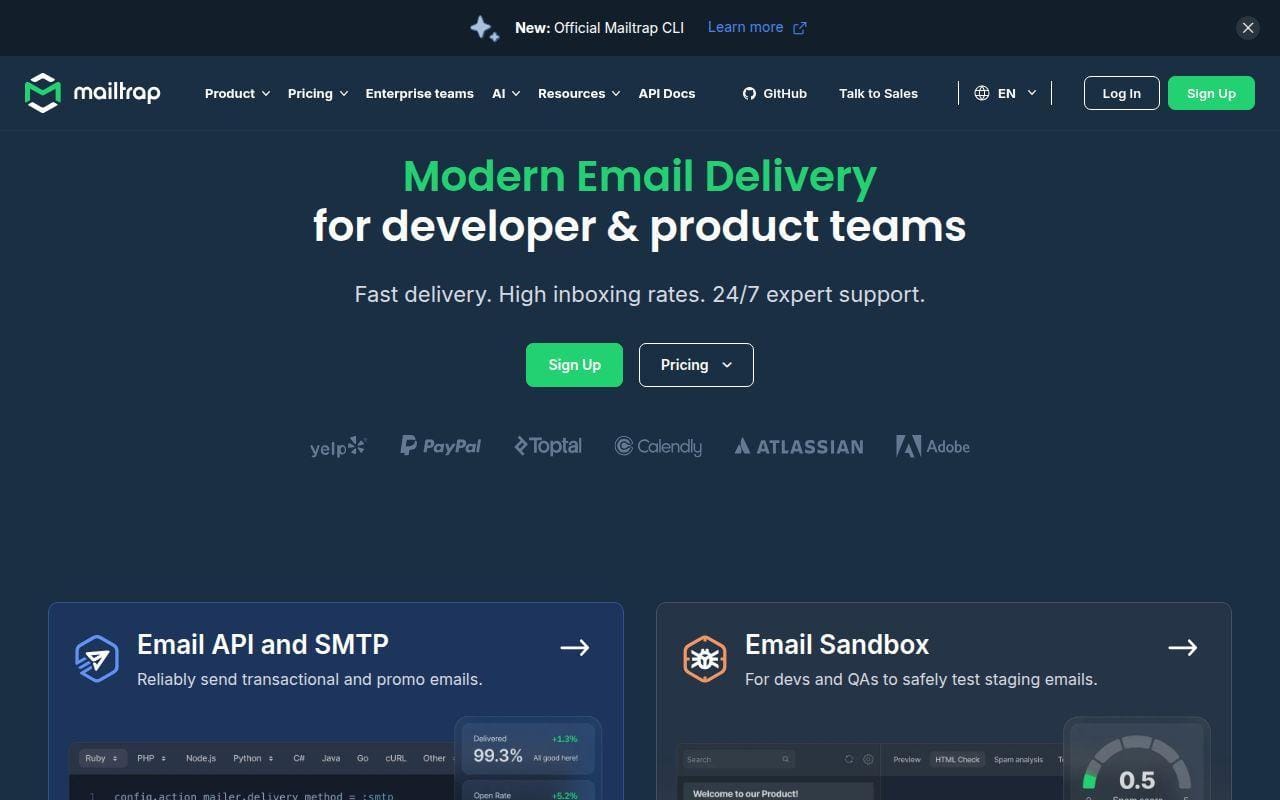
For teams that want one place to test emails before launch and send them after launch, Mailtrap is the most complete option in this list. The product is unusual in a good way because it does not stop at SMTP delivery. The platform combines Email Sandbox for dev and QA work with Email API/SMTP for live sending, which makes it easier to keep staging mistakes and production traffic in separate lanes. That matters more than it sounds, especially for lean teams that do not want two vendors for what is really one email workflow.
How Mailtrap works
The docs and product pages show a fairly direct flow. You add a sending domain, verify it, open the domain’s Integrations tab, choose either the Transactional Stream or Bulk Stream, and then pull the SMTP credentials you need. Mailtrap’s own setup guide says the credentials live under Sending Domains and then the selected stream, which is a practical touch because you are not hunting around the account for host, port, username, and password.
Beyond basic relay, the platform exposes Actionable Analytics, open and click tracking, email logs, templates, and a separate Email Sandbox with Fake SMTP, HTML Checker, Spam Checker, and QA Automation. That split is a real advantage for product teams. You can inspect and debug email safely during development, then move to actual sending without switching systems or retraining everyone on a second dashboard.
Who is Mailtrap for?
Mailtrap fits startups, SaaS teams, product teams, and agencies that want developers and non-developers working from the same email platform. It is also a strong pick if staging, QA, and production are all part of the same release process and you want fewer moving parts. If you only need the absolute cheapest high-volume sender and you are comfortable inside AWS, you should still look at Amazon SES first.
Mailtrap pricing
- Free: $0/month, 4,000 emails, 1 user, 3 days of email logs, 1 domain, 150 emails/day.
- Basic: starts at $15/month, 10,000 emails, 3 users, 5 days of email logs, 5 domains.
- Business: starts at $85/month, 100,000 emails, 100 users, 15 days of email logs, 100 domains, dedicated IP.
- Enterprise: starts at $750/month, 1,500,000 emails, 30 days of email logs, priority support, custom contracts, enterprise billing.
Mailtrap lays out its live sending tiers on the Email API/SMTP pricing page, while the same page also breaks out separate Sandbox and marketing plans.
Pros and cons
Pros
- Email Sandbox and live SMTP/API sit in the same platform, which very few rivals match this cleanly.
- The sending workflow is concrete and well documented, including separate Transactional and Bulk Streams.
- Business plans add a dedicated IP without forcing you straight into quote-only pricing.
- G2 reviewers repeatedly praise the sandbox workflow and the clean interface.
Cons
- The free sending plan is fine for low volume, but 150 emails per day is not much for a live product.
- Dedicated IP starts at the Business tier, not the lower paid tiers.
- Mailtrap is broader than a bare relay, which is a plus for many teams but unnecessary for very simple deployments.
Mailtrap rating and reviews
- G2: rated 4.8/5 across 73 reviews.
Our verdict is simple. If you want a modern SMTP server that also respects the testing side of email, Mailtrap is the easiest first pick to shortlist.
2. Brevo
- Category: Customer platform with transactional email
- Best for: Small businesses that want SMTP plus marketing and CRM tools
- Ease of use: Easy
- Pricing: Free plan available, paid from $9/month
- Standout feature: Transactional email inside a broader multichannel stack
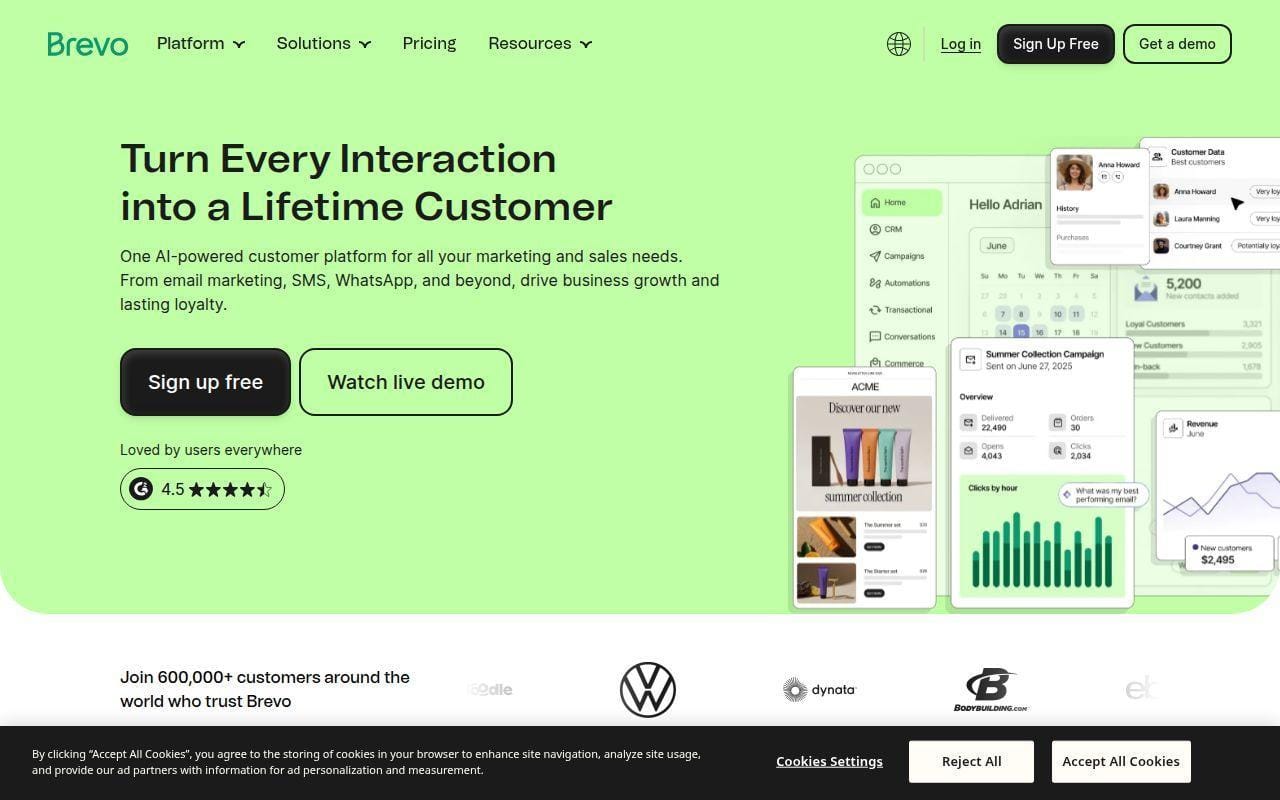
Small businesses that want SMTP plus CRM and marketing tools get the broadest value from Brevo. The reason it ranks this high is not that it is the deepest pure SMTP product here. It is that Brevo gives buyers a credible transactional email option without forcing them into a developer-only environment, and it sits inside a larger platform that also covers email marketing, SMS, chat, and customer management.
How Brevo works
Brevo’s help center says transactional messages can be sent through plugins, through manual SMTP configuration, through a web app, or through automations triggered by user actions. If a plugin exists for your CMS or website stack, that is usually the easiest path. If not, Brevo says you can manually enter your SMTP credentials into the website or application and send through its SMTP server.
That setup flexibility is the point. You can treat Brevo as a classic SMTP relay, or you can pull it into a broader customer communication workflow that also includes email campaigns, SMS, WhatsApp, and automation. For many smaller teams, that makes Brevo easier to justify than paying one vendor for transactional email and another for campaign work.
Who is Brevo for?
Brevo is for smaller companies, ecommerce shops, and lean marketing teams that want transactional email to live close to customer messaging rather than inside a separate engineering tool. It is also a sensible fit for WordPress and no-code users who prefer plugins over raw SMTP setup. If your priority is a highly specialized transactional product with cleaner reputation separation and fewer unrelated features, Postmark or Mailtrap will likely feel tighter.
Brevo pricing
- Free: $0/month, entry-level access for getting started inside the Brevo platform.
- Starter: from $9/month, paid plan tier based on the monthly email volume you choose.
- Standard: from $18/month, higher tier with larger usage allowances based on selected email volume.
Brevo explains its plan structure on the pricing plans help page, including the fact that email volume determines your pricing tier and also affects total contact storage.
Pros and cons
Pros
- SMTP relay, campaigns, CRM, chat, and SMS live in one platform.
- The setup path is friendly to plugin users as well as manual SMTP users.
- Entry pricing is low compared with many business email platforms.
- G2 reviewers consistently call out breadth and usability as strengths.
Cons
- The platform is broader than many SMTP-only buyers need.
- Pricing depends on selected volume tiers rather than one flat simple SMTP ladder.
- Public reviews on G2 and Trustpilot include recurring complaints about account checks and support delays.
Brevo rating and reviews
- G2: rated 4.5/5 across 2,560 reviews.
Brevo is not the most specialized pick here, but for budget-conscious businesses that want SMTP to plug into a wider customer stack, it is hard to ignore.
3. MailerSend
- Category: Transactional email and SMS platform
- Best for: Developer-led teams that still want a clean UI
- Ease of use: Easy
- Pricing: Free plan available
- Standout feature: Trial domain and polished onboarding for SMTP or API
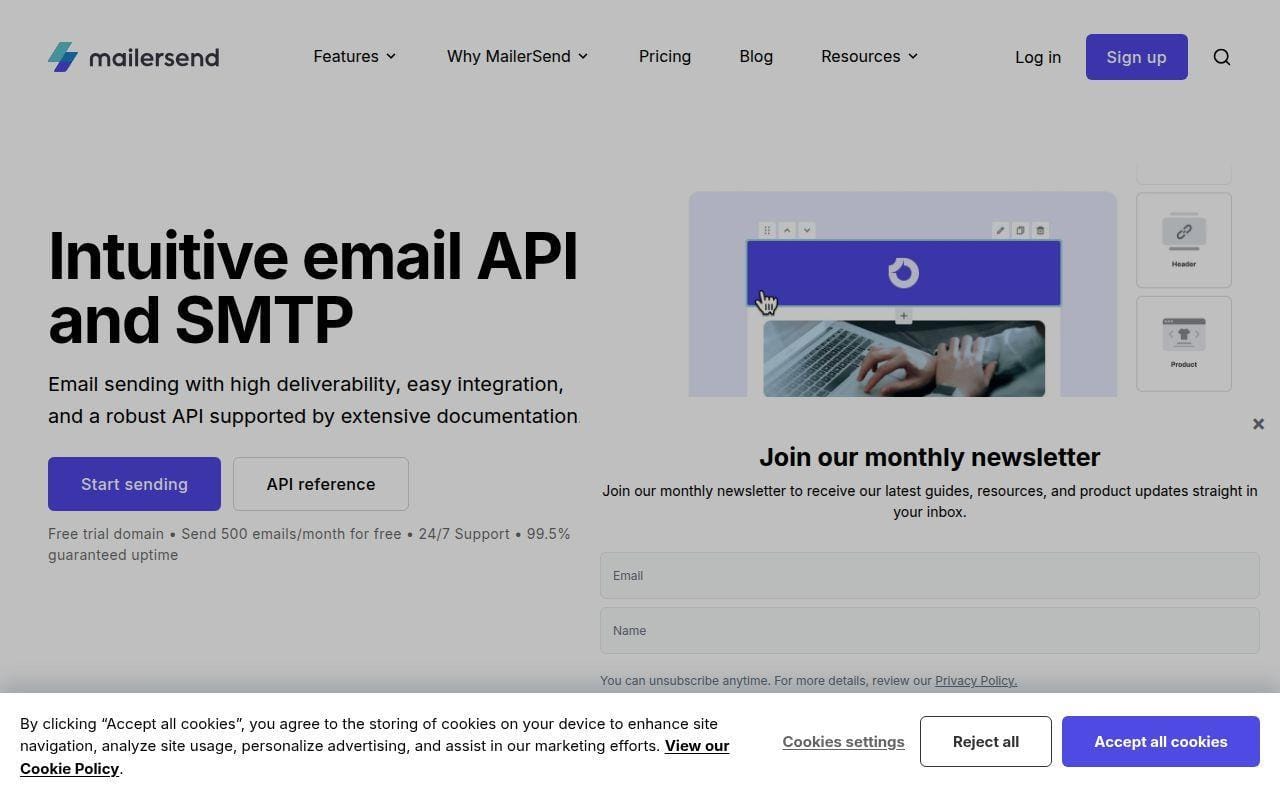
MailerSend is the cleanest developer-first option in this list without feeling hostile to non-developers. That balance is why it lands near the top. The product keeps the technical pieces front and center, but the docs and UI do a good job of making first setup less intimidating than older developer-centric SMTP tools.
How MailerSend works
The getting-started guide is unusually direct. You sign up, verify your email, choose whether to create an API token or SMTP user, and then send with either the API or SMTP relay. MailerSend also gives new accounts a trial domain, so you can test before fully authenticating your own domain. Once you are ready to go live, the guide says to add a domain from the dashboard, authenticate it, and then use the Activity page to track message status from queued to delivered, bounced, or clicked.
That matters because many SMTP tools explain features but not the actual order of operations. MailerSend does. The home page also highlights drag-and-drop email building, bulk emailing, analytics, and email verification, so the product is broader than just raw relay credentials.
Who is MailerSend for?
MailerSend fits SaaS products, startups, and small engineering teams that want API and SMTP options without wrestling through an enterprise dashboard. It also suits teams where marketing or operations may occasionally touch templates or reporting. If you need the cheapest possible volume pricing above all else, Amazon SES still has the edge.
MailerSend pricing
- Free: $0/month, 500 emails/month, 10 email verification credits, email threads support, drag-and-drop builder.
- Hobby: from $7/month, 5,000 emails/month, 100 verification credits, SMTP relay, Email API, bulk emailing.
- Starter and Professional: volume-based tiers that begin at 50,000 emails/month, with more domains, more templates, more webhooks and API tokens, and 30 days of log retention on Professional.
MailerSend breaks out the current tiers on its pricing page, and the page is clear about which limits increase as you move up.
Pros and cons
Pros
- The setup guide walks through SMTP user creation, API token creation, domain auth, and activity tracking in plain steps.
- A free plan and trial domain make it easy to validate the workflow before production.
- Hobby and higher plans add both SMTP relay and API access.
- G2 reviewers frequently mention easy integration and responsive support.
Cons
- The free plan is tightly limited to 1 template, 1 domain, 1 user, 1 API token, 1 webhook, and 100 daily requests.
- Account approval and verification are recurring pain points in public reviews.
- Exact pricing gets less simple as you move into higher volume calculators.
MailerSend rating and reviews
- G2: rated 4.1/5 across 46 reviews.
MailerSend feels like one of the easiest SMTP servers to recommend to teams that want a modern UI without giving up developer controls.
4. Postmark
- Category: Transactional email service
- Best for: Pure transactional email and clean reputation separation
- Ease of use: Easy
- Pricing: Free test plan, paid from $15/month
- Standout feature: Message Streams
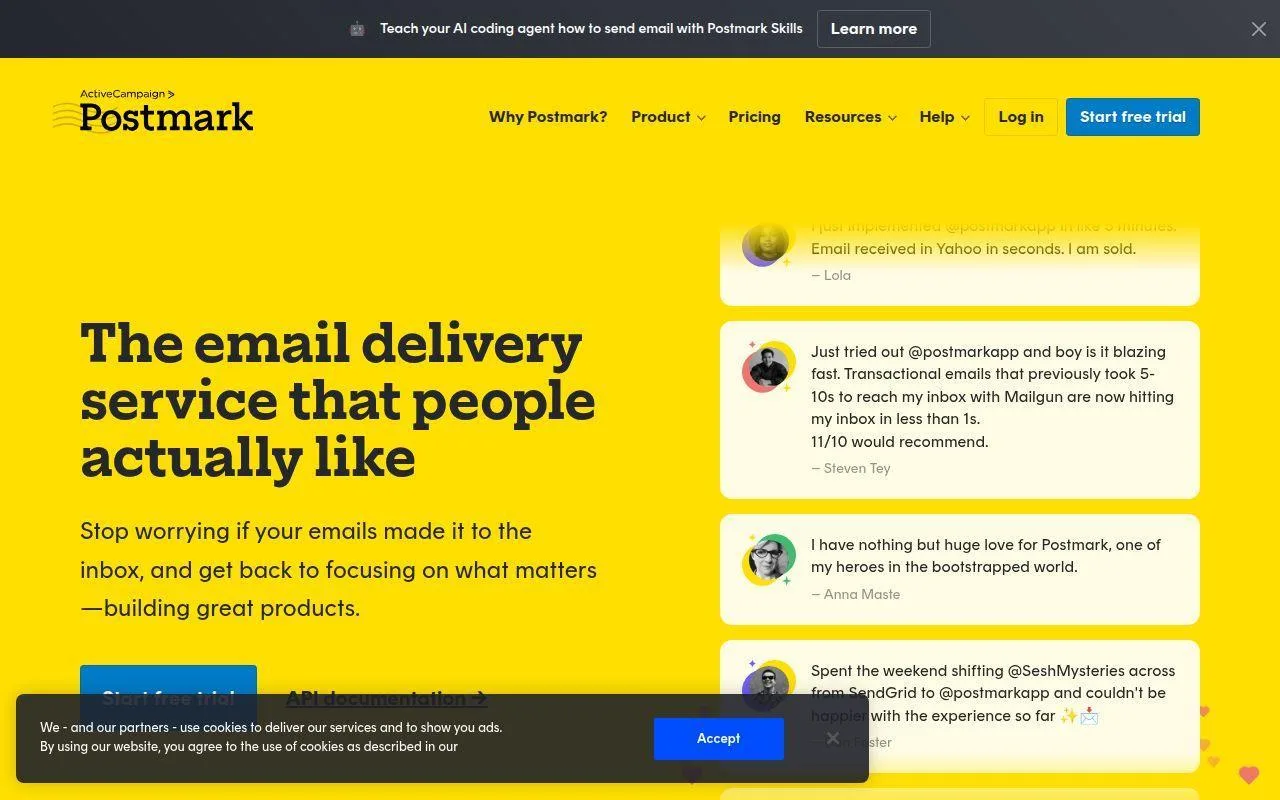
If pure transactional delivery matters more than marketing extras, Postmark stays one of the easiest picks to justify. Its appeal is focus. The product is built around fast transactional sending, sender verification, message streams, analytics, inbound email, and template support rather than trying to be your full marketing suite too.
How Postmark works
Postmark’s support docs say you start by creating a Server, then verifying a Sender Signature or domain, and then sending your first test email. The sender-signature docs also explain the real fork in the road. If you only need to send from one address, a Sender Signature works. If you send from several addresses on a domain, Postmark strongly recommends domain verification instead.
The other important piece is Message Streams. Postmark’s onboarding materials explicitly frame streams as a way to separate traffic types, which is a smart operational default. Password resets and receipt emails should not live in the same reputation bucket as bulk product announcements. Postmark is one of the clearest vendors here on that point.
Who is Postmark for?
Postmark is for SaaS apps, product teams, and businesses where transactional email is mission-critical and marketing email is a separate concern. It is also a strong fit if you want a cleaner operational model with less product sprawl. If you want one tool for campaigns, CRM, automation, and transactional mail, Brevo will be the more natural fit.
Postmark pricing
- Free: $0/month, 100 emails/month, no overages, built for testing and evaluation.
- Basic: $15/month, starts at 10,000 emails/month, 45-day data retention, 5 custom sending domains, unlimited emails/day.
- Pro: $16.50/month, starts at 10,000 emails/month, up to 365-day retention, 10 custom sending domains, inbound email processing.
- Platform: $18/month, starts at 10,000 emails/month, unlimited custom sending domains, up to 365-day retention, inbound email processing.
Postmark publishes all of that on its pricing page, including the overage rates for each tier.
Pros and cons
Pros
- Very clear transactional focus, which keeps the product easier to reason about.
- Message Streams are one of the best built-in arguments for separating critical traffic.
- Even the lower paid tiers include analytics and generous sending-day limits.
- G2 reviewers regularly highlight deliverability and ease of use.
Cons
- It is not trying to be an all-in-one marketing platform.
- Custom sending domains are capped on Basic and Pro.
- At high volume, some rivals will cost less on a pure per-message basis.
Postmark rating and reviews
- G2: rated 4.6/5 across 31 reviews.
For buyers who care more about dependable transactional infrastructure than broad campaign tooling, Postmark remains one of the strongest specialist picks here.
5. Amazon SES
- Category: Cloud email service
- Best for: High-volume sending at the lowest practical cost
- Ease of use: Technical
- Pricing: Pay-as-you-go
- Standout feature: Very low per-email pricing
For raw cost at scale, few services touch Amazon SES. AWS positions it as a cloud email service for transactional, marketing, and newsletter email, and the pricing page makes the big selling point obvious right away. You pay for usage rather than for a polished all-in-one email workspace, which is great for experienced teams and less great for beginners.
How Amazon SES works
The sending flow is more technical than most rivals here. AWS requires you to create or verify identities, generate region-specific SMTP credentials, and then connect your application to the SES SMTP interface or API in the region you plan to use. The AWS docs also note that SMTP credentials are unique to each region, which is a detail that catches new users off guard.
On the feature side, SES supports dedicated, shared, or owned IP deployments, inbound email options, sender statistics, deliverability tools, and add-ons like Mail Manager and Email Validation. That is powerful. It is just not beginner-first. In plain terms, SES is usually best when somebody on your team is already comfortable with AWS identity, DNS, and region-specific service setup.
Who is Amazon SES for?
Amazon SES is for technical teams, infrastructure-minded startups, and companies sending large volumes where per-message cost really matters. It also fits teams that already live inside AWS and do not want another vendor layer. If you want the simplest onboarding and the least operational friction, look elsewhere.
Amazon SES pricing
- AWS Free Tier: up to 3,000 message charges per month for the first 12 months after you start using SES.
- Outbound email: $0.10 per 1,000 emails, plus $0.12 per GB of attachment data sent.
- Inbound email: $0.10 per 1,000 emails, plus chunk-processing charges for incoming mail.
- Add-ons: optional charges for Global Endpoints, Email Validation, Mail Manager, tenants, and dedicated features.
AWS breaks out those usage charges on the SES pricing page, and it is one of the more transparent pay-as-you-go models in this market.
Pros and cons
Pros
- The base outbound price is among the lowest in this roundup.
- Works for transactional and marketing sending, with large-scale AWS infrastructure behind it.
- Supports dedicated, shared, and owned IP choices.
- Strong fit for teams already managing cloud infrastructure.
Cons
- Setup is more technical than most rivals, especially around identities, DNS, and credentials.
- SMTP credentials are region-specific.
- G2 reviewers regularly note that the AWS interface can feel harder to navigate than purpose-built email platforms.
Amazon SES rating and reviews
- G2: rated 4.3/5 across 201 reviews.
If price per message is your north star and your team can handle the setup, SES deserves a spot on the shortlist every single time.
6. SMTP2GO
- Category: SMTP relay and email delivery service
- Best for: Agencies, websites, and devices that need easy relay
- Ease of use: Easy
- Pricing: Free plan available, paid from $15/month
- Standout feature: Managed deliverability basics with minimal fuss
SMTP2GO earns its place by making classic SMTP relay simpler than most rivals. Some buyers do not want a giant customer platform, a deep AWS build, or a product built mainly for API developers. They want authenticated relay, reporting, and solid deliverability controls that can be wired into websites, scanners, applications, or client accounts without drama. That is the lane SMTP2GO plays well.
How SMTP2GO works
The pricing page doubles as a feature overview. SMTP2GO supports SMTP Relay and Email API, and the page emphasizes automatic DKIM/SPF handling, blacklist monitoring, feedback loops, spamtrap detection, real-time analytics, bounce and spam tracking, and global routing. In other words, the service is trying to hide some of the messy reputation work that less managed SMTP setups leave on your plate.
That makes it especially useful for agencies and website operators. You can connect apps to the relay without standing up your own mail infrastructure, and you still get visibility into bounces, complaints, and deliverability patterns.
Who is SMTP2GO for?
SMTP2GO is for agencies, WordPress operators, MSPs, and teams that need dependable SMTP relay more than they need a big marketing suite. It is also a natural fit for devices and apps that still speak SMTP more comfortably than modern APIs. If you want advanced email-building, segmentation, or full CRM-style messaging, Brevo or Mailchimp will offer more.
SMTP2GO pricing
- Free: $0/month, up to 1,000 emails per month, with SMTP relay and core reporting features.
- Starter: from $15/month, paid tier for higher sending volume with the same core relay model.
- Professional and Premier: higher-volume tiers that add scale while keeping the same managed deliverability, analytics, and routing features.
SMTP2GO publishes the ladder and volume selector on its pricing page, though the slider-based layout is not quite as instantly readable as the cleanest competitors.
Pros and cons
Pros
- Strong fit for traditional SMTP relay use cases, including websites and devices.
- Automatic DKIM/SPF, feedback loops, blacklist monitoring, and spamtrap detection are all called out clearly.
- Reporting is front and center rather than buried.
- G2 reviewers repeatedly praise ease of setup and reliability.
Cons
- The pricing page is less straightforward than flat plan tables from rivals.
- The free plan’s live chat and phone support are limited.
- At very high scale, Amazon SES will usually win on bare cost.
SMTP2GO rating and reviews
- G2: rated 4.7/5 across 226 reviews.
SMTP2GO is one of the safest choices here for buyers who want an email relay service that does the basics very well and keeps the setup sane.
7. Mailgun
- Category: Email API and SMTP platform
- Best for: API-heavy teams and developer workflows
- Ease of use: Moderate
- Pricing: Free plan available, paid from $15/month
- Standout feature: Developer tooling with tracking, routes, and analytics
Mailgun fits teams that think in APIs, webhooks, and deliverability tooling more than drag-and-drop builders. It has been a staple name in developer email for a reason. The official pricing page stays focused on the things engineers care about, including SMTP relay, RESTful APIs, tracking, analytics, webhooks, log retention, inbound routes, and support levels.
How Mailgun works
Mailgun can be used through SMTP relay or its APIs, and the pricing page makes that plain even on the free tier. The platform’s core sending product centers on programmatic email delivery, custom sending domains, tracking, analytics, and inbound routing. That combination is useful when email is part of the application workflow rather than just a business communication channel.
The bigger story, though, is ecosystem depth. Mailgun also sells adjacent tools under separate product families for optimization and inspection, so it can grow with teams that want more than just send-and-forget relay.
Who is Mailgun for?
Mailgun is for engineering teams, SaaS products, and developers who want a mature API-led email service with SMTP as an option rather than the whole story. It is less ideal for tiny businesses that want the easiest dashboard and the least jargon.
Mailgun pricing
- Free: $0/month, 100 emails/day, ticket support, RESTful email APIs and SMTP relay, 1 custom sending domain, 1 day log retention.
- Basic: starts at $15/month, 10,000 emails/month, no daily email limit, monthly overage options, SMTP relay, tracking, analytics, webhooks, 5 inbound routes.
- Enterprise: custom pricing for higher-volume senders and tailored service.
Mailgun lays out those core sending tiers on its pricing page, while also separating related products for optimization and inspection.
Pros and cons
Pros
- Free and paid tiers both include SMTP relay and RESTful APIs.
- Tracking, analytics, webhooks, and inbound routes are core parts of the product.
- Strong fit for application-level email workflows.
- G2 reviews frequently praise integration quality and scalability.
Cons
- The platform leans technical, especially for non-developers.
- Free and lower tiers keep log retention short.
- G2 reviewers regularly mention that pricing becomes harder to love as usage grows.
Mailgun rating and reviews
- G2: rated 4.2/5 across 319 reviews.
Mailgun is still one of the better developer-first SMTP server options, especially when APIs and tracking matter as much as the relay itself.
8. SendGrid
- Category: Email API and marketing platform
- Best for: Mature teams that want a broad email platform
- Ease of use: Moderate
- Pricing: Free trial, paid from $19.95/month
- Standout feature: Subusers, templates, and a large platform footprint
SendGrid still makes sense when you want a very mature email platform and can live with a busier product surface. Twilio positions it as both an Email API and email marketing product, which means it can fit mixed teams better than narrowly focused SMTP relays. The tradeoff is that the product can feel more sprawling than a buyer with simple transactional needs actually wants.
How SendGrid works
The pricing page highlights the core collaboration and support layers. Even the entry plans include Dynamic Templates, API key permissions, and teammate support, while higher plans add large teammate counts and subuser management. That tells you what SendGrid is optimized for. It is not just one mailbox relay credential. It is a platform meant to support teams, internal separation, and larger operational setups.
For everyday sending, you can use SMTP or the Email API. If you need more structured access control, template management, or subaccounts for different brands or customers, SendGrid starts to make more sense.
Who is SendGrid for?
SendGrid is for growing companies, agencies, and larger teams that want a mature vendor with both technical and collaborative features. It can also work well when email responsibilities are shared across engineering, operations, and marketing. If you want the cleanest entry experience for pure transactional sending, Postmark and Mailtrap feel leaner.
SendGrid pricing
- Free Trial: $0/month for 60 days, 100 contacts and 100 emails per day.
- Essentials: starting at $19.95/month, entry paid tier with Dynamic Templates, API key permissions, and 1 teammate.
- Pro: starting at $89.95/month, higher-volume tier with the same collaboration framework and more scale.
- Premier: custom pricing, intended for larger teams and enterprise email programs.
Twilio publishes the full ladder on the Email API pricing page, including plan overages and collaboration features.
Pros and cons
Pros
- Supports both technical sending and broader team workflows.
- Templates, subusers, and permissions help with multi-team or multi-brand operations.
- The pricing page is unusually detailed about overages and support structure.
- Large review footprint gives buyers plenty of outside signal.
Cons
- It is more platform than some SMTP buyers need.
- The public review score trails several rivals in this list.
- G2 reviews include recurring complaints about support speed and account issues.
SendGrid rating and reviews
- G2: rated 4.0/5 across 366 reviews.
SendGrid stays relevant because it covers a lot of ground, but it is not the sharpest fit for every buyer. Shortlist it when maturity and team controls matter more than minimalism.
9. Gmail
- Category: Business email and SMTP relay inside Google Workspace
- Best for: Google Workspace organizations with modest sending needs
- Ease of use: Easy
- Pricing: From $7/user/month on annual billing
- Standout feature: Built into a familiar business email suite
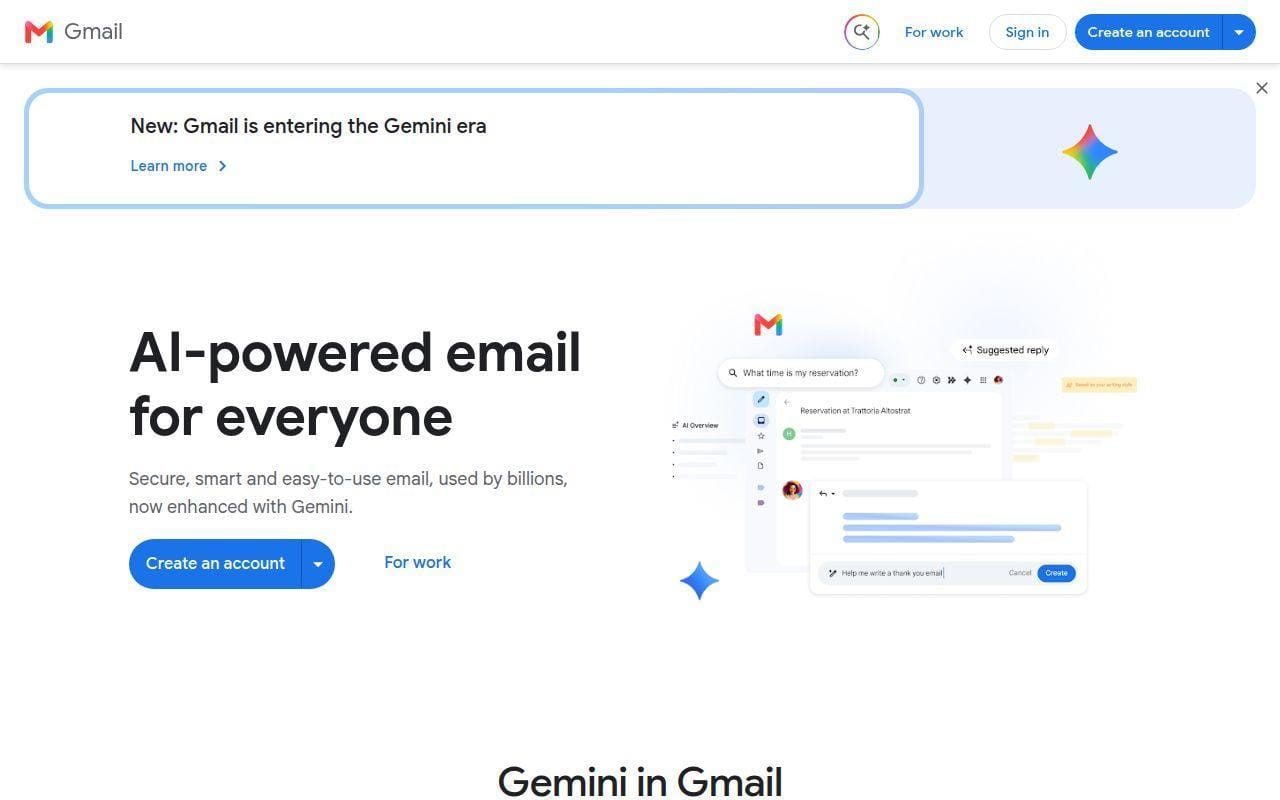
Gmail is best treated as a practical business relay for Google Workspace shops, not a specialist transactional ESP. That distinction matters. Google gives you several ways to send mail from apps, devices, and business accounts, but the product itself is still a business email suite first and a dedicated transactional platform second.
How Gmail works
Google documents three sending paths for devices and apps: SMTP relay through smtp-relay.gmail.com, direct sending through smtp.gmail.com, and a restricted server for Gmail or Workspace recipients only. Google specifically recommends the SMTP relay option for devices and apps, and the help docs list ports 25, 465, and 587 for relay. For direct Gmail SMTP, Google says you authenticate with the Workspace or Gmail account and can use SSL or TLS on the same common ports.
That makes Gmail perfectly workable for internal business systems, scanners, contact forms, and moderate application sending. It does not, however, give you the same SMTP-native product depth as a tool built entirely around transactional email streams, logs, and reputation controls.
Who is Gmail for?
Gmail is for organizations already paying for Google Workspace that want one less vendor and do not need a specialized email infrastructure stack. It is especially practical for internal business workflows and smaller applications. If email is central to your product and you need rich event handling, deeper deliverability tools, or cleaner traffic separation, pick a dedicated provider.
Gmail pricing
- Business Starter: from $7/user/month on annual billing, or $8.40 billed monthly, with custom business email, 30 GB pooled storage per user, Gemini in Gmail, and 100-participant meetings.
- Business Standard: from $14/user/month on annual billing, or $16.80 billed monthly, with 2 TB pooled storage, mail merge and custom layouts, Gemini across more apps, and 150-participant meetings with recording.
- Business Plus: from $22/user/month on annual billing, or $26.40 billed monthly, with 5 TB pooled storage, Vault, eDiscovery, advanced endpoint management, and 500-participant meetings.
- Enterprise: custom pricing, with S/MIME encryption, DLP, context-aware access, enterprise data regions, and enhanced support.
The Gmail for business page already contains the plan details, so there is no separate pricing link to add here.
Pros and cons
Pros
- Very convenient if your company already runs on Google Workspace.
- Google documents multiple sending options for devices and applications.
- Business email, chat, meetings, storage, and admin controls sit in one subscription.
- Familiar admin and user environment reduces training overhead.
Cons
- Not a purpose-built transactional email platform.
- Sending options and limits are tied to Google Workspace rules rather than SMTP-first product logic.
- Buyers looking for dedicated streams, advanced event tooling, or specialized deliverability controls will outgrow it.
Gmail rating and reviews
We did not find a clean third-party review page for Gmail as an SMTP server by itself. Public scores exist for Google Workspace as a full suite, but that is broader than the SMTP use case this roundup is focused on.
Gmail belongs on this list because it is practical, not because it is the deepest SMTP product. If you are already in Workspace, it is worth comparing before you pay another vendor.
10. Mailchimp Transactional Email
- Category: Transactional email add-on
- Best for: Businesses already using Mailchimp
- Ease of use: Moderate
- Pricing: Add-on pricing, not a standalone SMTP plan
- Standout feature: Transactional sending inside the Mailchimp ecosystem
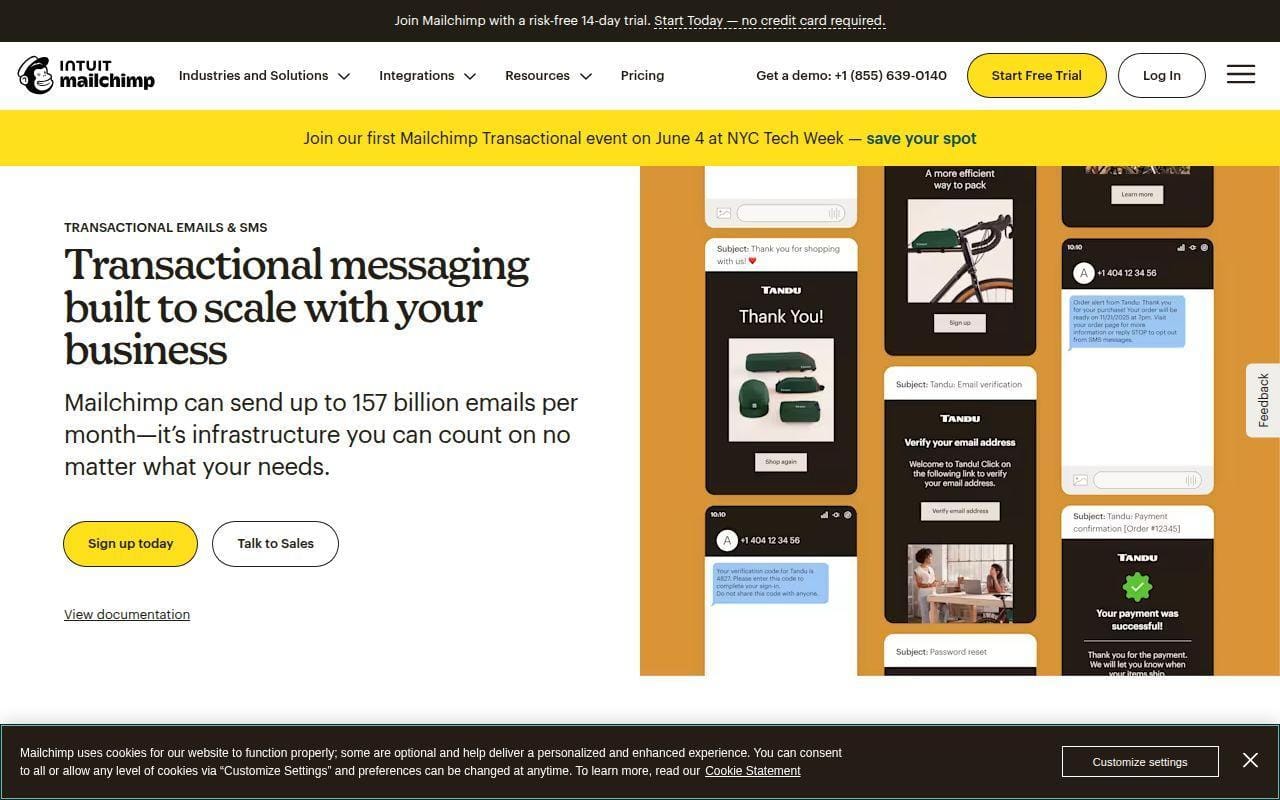
Mailchimp Transactional is easiest to justify when your marketing stack already lives inside Mailchimp. In that situation, adding app notifications, receipts, confirmations, and other triggered messages to the same broader ecosystem can be cleaner than bolting on a separate SMTP vendor. Outside that scenario, it is a less obvious buy than the top nine picks above.
How Mailchimp Transactional Email works
Mailchimp describes the product as transactional email and transactional SMS for customer notifications, and the help docs explain it as the part of the platform used for one-to-one, triggered messages rather than marketing campaigns. It supports API and SMTP sending, which is important because some buyers will plug it into applications while others just want relay compatibility.
The key structural detail is that Mailchimp Transactional is an add-on rather than a standalone SMTP subscription. That changes the buying math. If you already use Mailchimp, it can simplify the stack. If you do not, it can feel like paying your way into an ecosystem just to get a transactional sender.
Who is Mailchimp Transactional Email for?
This is for current Mailchimp users that want marketing and triggered email under one roof. It is also a sensible fit for teams that want Mailchimp’s broader audience and campaign tools but need app-generated email too. If you only need SMTP relay for a product or website, dedicated transactional providers are usually simpler and better value.
Mailchimp Transactional Email pricing
- Add-on model: Mailchimp Transactional is sold as an add-on rather than as a standalone SMTP plan.
- Availability: the pricing page says it is available for Mailchimp Standard and Premium plans, or the legacy Monthly Plan.
- Usage model: pricing is structured around email blocks on the transactional pricing grid instead of a flat SMTP subscription tier.
Mailchimp explains that structure on the transactional pricing page, which is the main thing buyers need to know before shortlisting it.
Pros and cons
Pros
- Convenient for businesses already committed to Mailchimp.
- Supports both SMTP and API-based sending.
- Lets teams keep marketing and triggered customer email in one ecosystem.
Cons
- Not sold as a clean standalone SMTP product.
- The add-on structure makes it less appealing for buyers who do not already use Mailchimp.
- There is no distinct public review footprint for the transactional product on its own.
Mailchimp Transactional Email rating and reviews
Mailchimp has a large public review footprint as a marketing platform, but we did not find a distinct review listing for the transactional add-on alone. For buyers comparing SMTP servers specifically, that means the independent review signal is blurrier than it is for most tools above.
If Mailchimp is already in your stack, this can be a tidy addition. If it is not, there are easier standalone SMTP servers to start with.
5 More SMTP Servers Worth Considering

The top 10 will cover most buyers, but these five are still worth a look if your needs are narrower. In most cases, they stand out on pricing shape, simplicity, or a specific deployment style rather than on broad all-around value. Think of this tier as the shortlist behind the shortlist.
11. Zoho ZeptoMail
- Category: SMTP relay and email API
- Best for: Pay-as-you-go transactional sending
- Ease of use: Easy
- Pricing: No monthly payment, credits-based
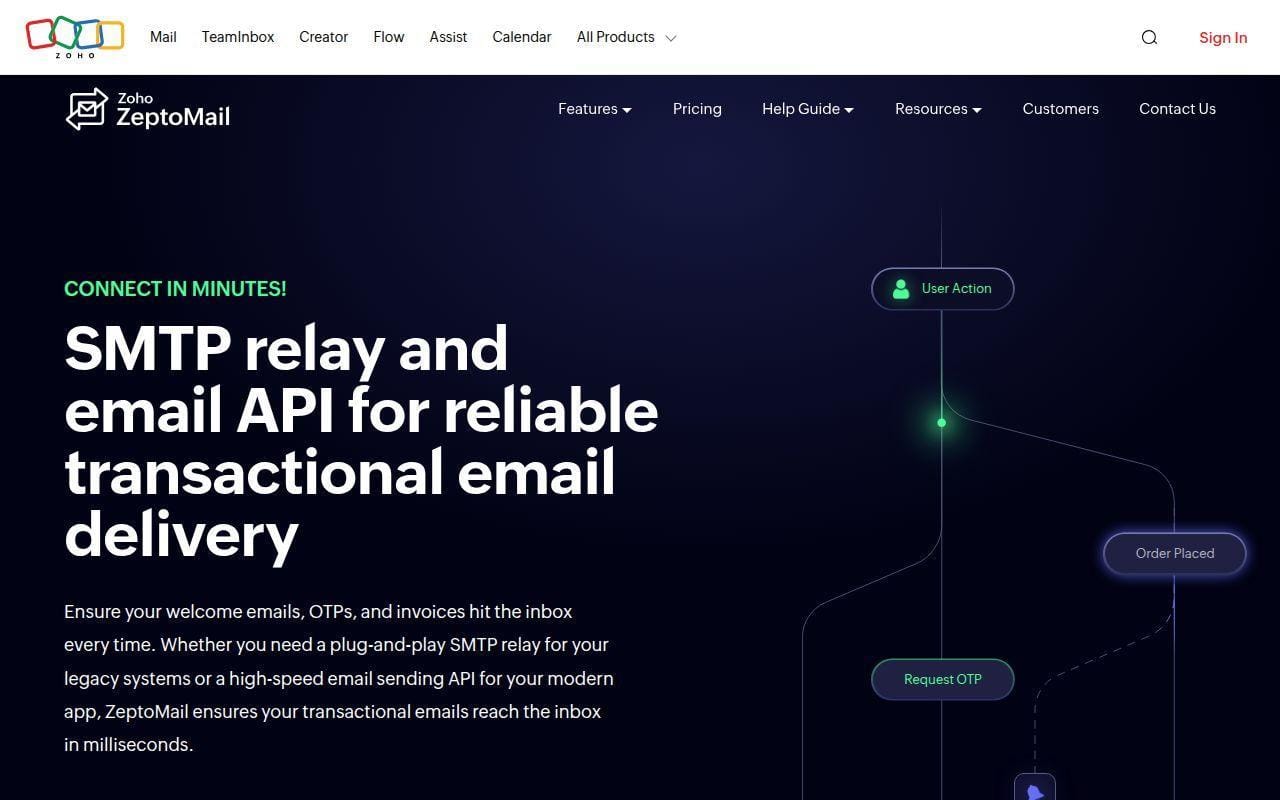
Zoho ZeptoMail stands out because it does not force you into a monthly SMTP subscription if that is not how your sending volume behaves. The product page is explicit about the two main integration paths: SMTP relay for existing applications and a REST-based sending API for backend services. That alone makes it attractive for teams with one old system and one modern app living side by side.
The most distinctive part is pricing. ZeptoMail’s pricing page says it uses pay-as-you-go credits, no monthly payment, and purchases valid for six months. It also says your first credit is free for one month, which gives you 10,000 free transactional emails before you start paying. That is a strong entry point for small apps, temporary projects, or businesses with uneven sending patterns.
We also like that the home page plainly shows code examples and separates SMTP relay from API use rather than pretending they are the same buyer. This is still a more narrowly focused tool than Brevo or Gmail, but that is the appeal.
Who is Zoho ZeptoMail for?
ZeptoMail is for budget-conscious teams that want transactional email only, especially if they prefer credits over a recurring plan. If you want a big review footprint or a richer multichannel product, a higher-ranked option will feel safer.
12. SendPulse
- Category: Multichannel marketing platform with SMTP
- Best for: Businesses that want SMTP plus wider automation tools
- Ease of use: Easy
- Pricing: Free tier shown, paid plans scale by volume
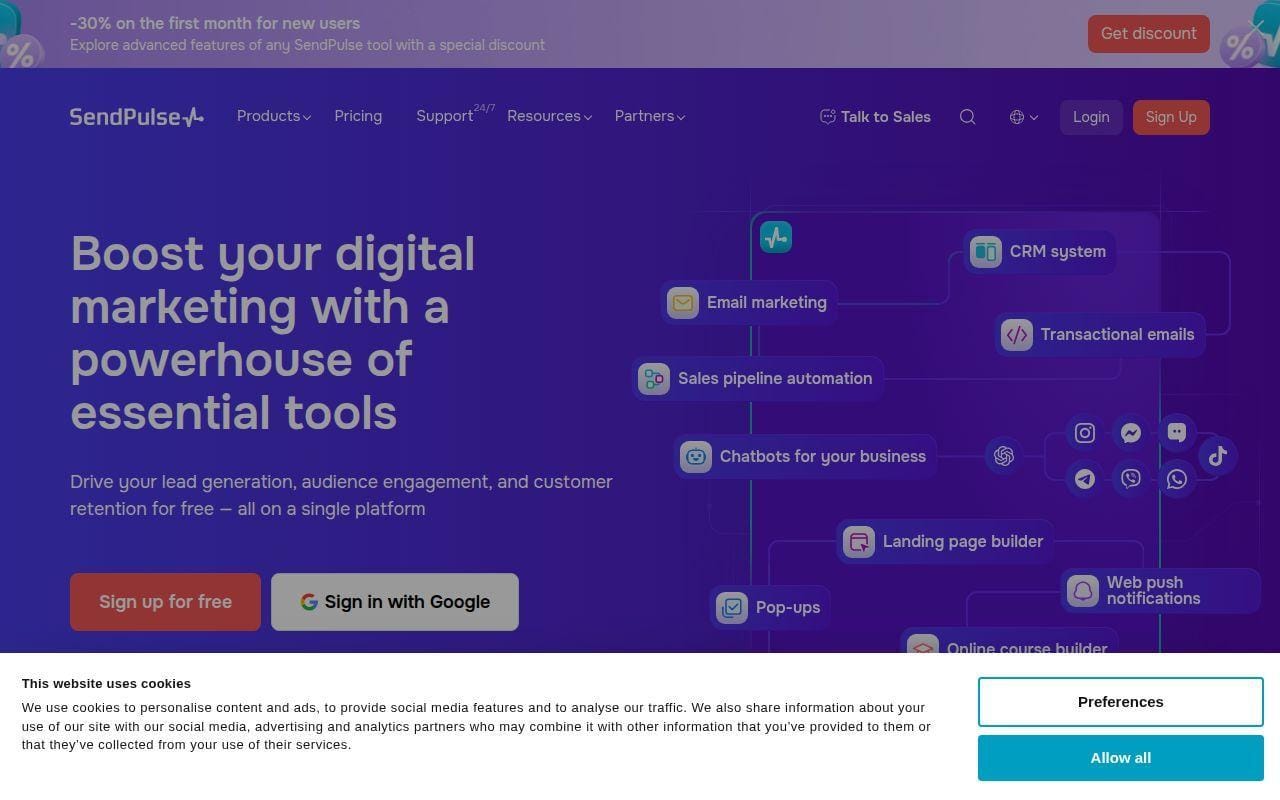
SendPulse is worth considering if you want SMTP to be one channel inside a larger automation stack. Its transactional email pages sit alongside email marketing, automation, CRM, chatbots, pop-ups, and more, so the buying case is similar to Brevo in spirit even if the product shape is different.
The pricing page shows a Basic tier at 12,000 emails and a free entry option, with features such as 50 messages per hour, DKIM, SPF and DMARC records, 2 sending domains, a custom tracking domain, SMTP relay sending, and API sending. It also lists a Pro tier at 100,000 emails with higher paid pricing, which tells us SendPulse is really targeting businesses that may want to grow from basic transactional sending into broader customer automation.
That said, the product is less cleanly focused than the best dedicated SMTP tools. Buyers who only need relay may find the wider platform distracting. Buyers who want one vendor for more than email may find the extra scope useful.
Who is SendPulse for?
SendPulse fits small businesses and marketers who want SMTP in the same account as automation and multichannel messaging. If you want the clearest transactional-email-first product, Postmark or Mailtrap remain easier bets.
13. Maileroo
- Category: SMTP relay and email API
- Best for: Small projects that want straightforward sending
- Ease of use: Easy
- Pricing: Free plan up to 3,000 emails/month, paid from $15/month
Maileroo is a smaller name, but it earns a mention because the pricing and feature pitch are pleasantly straightforward. The site positions it as an email delivery service for apps and websites, with official libraries for common languages and a clear focus on SMTP relay plus API sending.
The pricing page says you can start on a free plan with up to 3,000 emails per month, then move to a Starter plan at $15 per month or a Custom plan. It also highlights practical deliverability features such as DKIM, SPF, DMARC, automatic IP warmup, blacklist monitoring, real-time analytics, custom tracking domains, and email lifecycle tracking. That is a respectable checklist for smaller teams.
The main reason Maileroo stays outside the top 10 is not feature poverty. It is market footprint. Bigger providers simply have deeper public review signals, broader docs ecosystems, and more enterprise confidence. Still, for a small project, this is more serious than it first looks.
Who is Maileroo for?
Maileroo suits startups, side projects, and small businesses that want a simple sending tool with useful deliverability features. Large organizations that need the comfort of a bigger vendor name should keep looking.
14. AhaSend
- Category: Transactional email API and SMTP relay
- Best for: Buyers who want a lean, pay-as-you-go transactional service
- Ease of use: Moderate
- Pricing: Free tier plus usage-based plans
AhaSend makes a very focused pitch. It calls transactional email delightfully boring, which is exactly the sort of promise many SMTP buyers want to hear. The pricing page describes the service as EU-hosted, GDPR-ready, geo-redundant, and pay-as-you-go, with no long-term contracts.
The plan table shows a free tier with 1,000 monthly emails included, a Pro tier with 25,000 included, and a Max tier with 100,000 included. It also lists features such as SMTP relay, RESTful APIs, sandbox mode, official SDKs, scheduled emails, open tracking, click tracking, and recipient variables. That is a good operational base for a lean transactional tool.
The catch is maturity and market visibility. AhaSend may fit buyers who specifically want a smaller, narrower, more European-hosted service, but most mainstream buyers will still prefer the larger review and documentation footprint of the top 10 picks.
Who is AhaSend for?
AhaSend is for developers and privacy-conscious teams that want a focused transactional product with a pay-as-you-go shape. If vendor maturity and big public review signals matter heavily in your purchase, shortlist a larger rival first.
15. Elastic Email
- Category: Email API and marketing platform
- Best for: Budget-focused senders that want cheap entry pricing
- Ease of use: Moderate
- Pricing: Free plan, Starter $19/month, Pro $49/month
Elastic Email is still relevant because the pricing is easy to notice and hard to ignore. Its Email API pricing page offers a free plan with up to 3,000 emails per month, a Starter plan at $19 per month for up to 50,000 emails, and a Pro plan at $49 per month for the same starting volume.
The Pro tier is where the product gets more interesting. The page says Pro adds inbound email processing, webhooks, reseller features, user management, subaccounts, and custom rDNS. That gives it a wider operational scope than the cheapest relays. If you need subaccounts or reseller-style structure, Elastic Email becomes more competitive.
Still, we would not move it into the top 10 without a second thought. The product can make sense on price, but the higher-ranked tools do a better job of balancing clarity, reputation, and buyer confidence.
Who is Elastic Email for?
Elastic Email is for cost-conscious teams that want meaningful volume at a modest starting price. If you want the safest all-around recommendation rather than a price-led one, stay with the main top 10.
How SMTP Servers Work and What Setup Requires
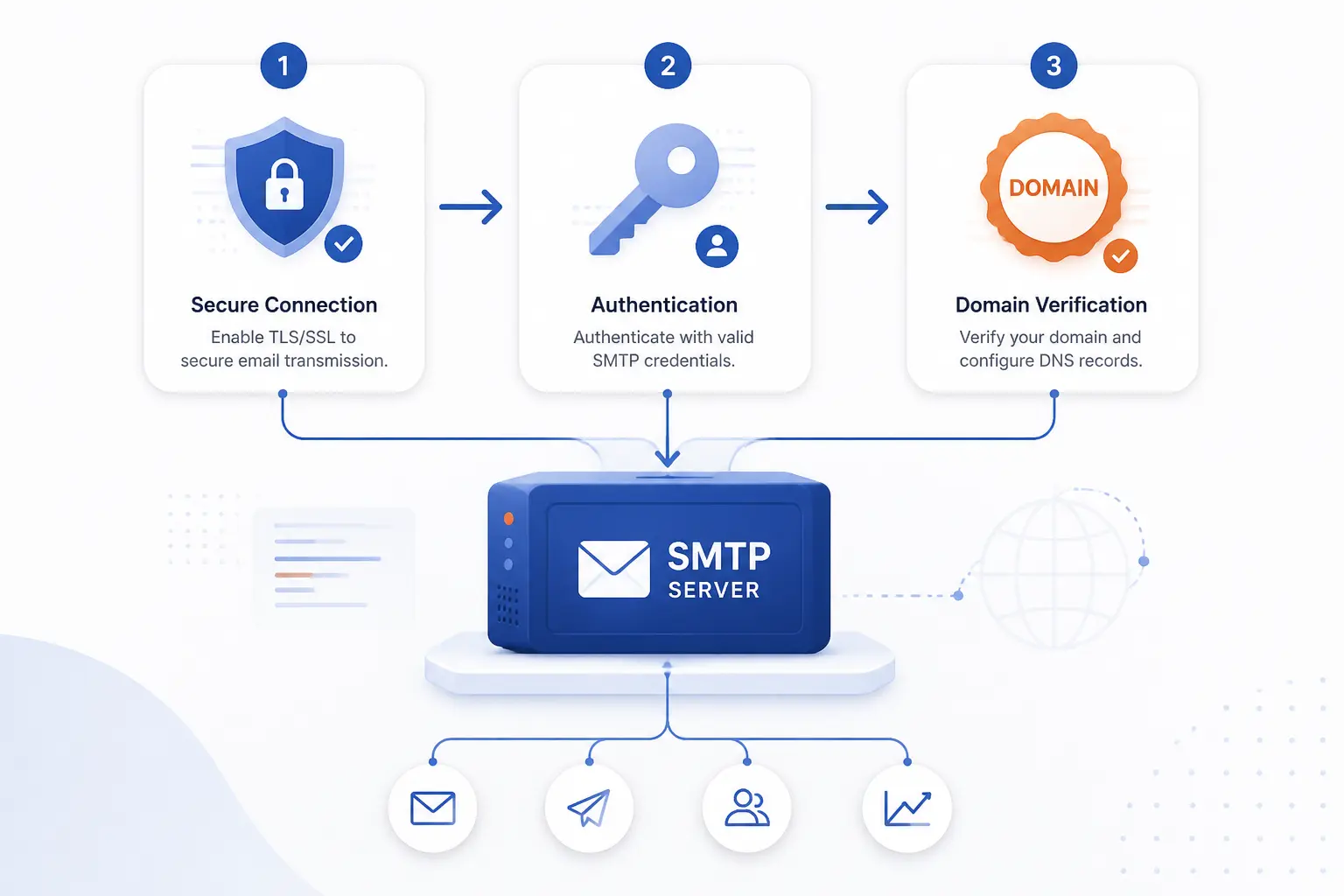
SMTP servers are not hard to understand once you break them into the pieces that actually affect setup. In practice, you need to know how the connection is secured, how the app authenticates, and how your domain proves it is allowed to send. Get those three parts right and most SMTP platforms feel far less mysterious.
SMTP Versus SMTPS
SMTP is the protocol for sending mail, while SMTPS is shorthand people use for SMTP over an encrypted connection. The standards guidance in RFC 8314 pushes modern email submission toward TLS rather than plain-text transport, which is why most providers advertise SSL or TLS ports in their setup guides.
In plain buying terms, this is not a feature war. It is table stakes. If a provider makes secure submission feel unclear, that is already a warning sign. The better products in this list are explicit about supported ports and encryption methods.
Ports Authentication and DNS Verification
The setup steps usually come down to host, port, username, password or token, and domain authentication. Google’s admin help page for devices and apps lays this out cleanly with relay options, common ports 25, 465, and 587, plus the difference between relay sending and direct authenticated SMTP via the Workspace help guide.
DNS is the second half of the job. Before most providers let you send at scale, they want proof you own the domain and that the domain’s email records line up with the service you picked. The plain-English DMARC overview is useful here because it explains how DMARC builds on SPF and DKIM rather than replacing them.
Vendor docs reflect that same pattern. For example, Mailtrap’s sending setup guide walks you through adding a domain, verifying it, and then choosing the correct stream before you copy SMTP credentials from the domain setup instructions.
SMTP Versus API
SMTP is still the safer choice when your app, CMS, device, or plugin already expects SMTP credentials. API sending is often better when you want richer application logic, cleaner event handling, or tighter control over templates and message data. MailerSend’s onboarding guide shows both paths side by side in its getting-started walkthrough, which is exactly how buyers should think about the choice.
We would not treat this as a religion. If your stack already supports SMTP well, use SMTP. If engineering wants better programmatic control, use the API. The best providers give you both without making you feel like one route is second class.
When To Separate Transactional and Marketing Email

You should separate transactional and marketing email whenever inbox reliability for critical messages matters more than convenience. Password resets, receipts, account alerts, and order confirmations should not be competing for reputation with bulk promotions. That is why services like Postmark make message separation a first-class idea, and why its onboarding docs explicitly recommend streams in the new-customer setup guide.
In practice, the need for separation shows up fast. If your company sends both newsletters and app notifications from the same domain and the same reputation pool, one bad campaign can make the important messages harder to place. Small businesses can sometimes get away with one provider and careful stream separation. Growing products often benefit from using one setup for transactional email and another for marketing.
If you are unsure, ask a simple question: would a dip in campaign reputation hurt users trying to log in, reset a password, or receive an invoice? If the answer is yes, separation is worth serious thought.
What To Compare Beyond Free SMTP Server Limits

Free limits are the easiest thing to compare and one of the worst things to base the whole decision on. Once you move past tiny volumes, deliverability controls, setup quality, analytics, and support matter more than a flashy no-cost entry tier. This is where the real differences between SMTP servers start to show.
Deliverability and Sender Reputation
Deliverability should sit near the top of your checklist because the cheapest plan in the world is useless if password resets and receipts land in spam. Google’s published sender guidelines are a good reminder that modern mailbox providers care about authentication, DNS hygiene, and sending behavior, not just whether the message leaves your app successfully.
That is also why we rate specialist tools like Postmark, Mailtrap, and SMTP2GO highly. Their products are built to help buyers manage the sending side of reputation with logs, streams, tracking, or managed authentication rather than leaving everything to guesswork.
Documentation Support and Ease of Setup
Good docs save real time, and bad docs usually turn a two-hour setup into a two-day cleanup. Amazon’s own guide for creating SES SMTP credentials is a good example of why this matters. The steps are clear, but they also show exactly why SES is better suited to technical teams than to casual buyers.
When we rank setup quality, we are looking for products that expose credentials clearly, document domain verification well, and make post-setup monitoring obvious. MailerSend and Mailtrap do this especially well. Gmail is also strong if you already know the Workspace admin world.
Email Design Analytics and Automation
If you are only sending password resets, design tools may not matter much. If you are sending receipts, lifecycle messages, onboarding flows, or branded account email, they matter more than many buyers expect. Tools like Brevo, Mailtrap, MailerSend, and SendGrid all stretch beyond bare SMTP with templates, tracking, or broader automation features.
The right level of depth depends on who touches email after launch. If only engineers will ever manage it, raw relay plus logs may be enough. If operations, support, or marketing need visibility, pick a platform with stronger templates and analytics from the start.
Pricing Scalability and Support
The key pricing question is not just what the first tier costs. It is what happens when volume grows, domains multiply, logs matter longer, or you need a dedicated IP. Pay-as-you-go systems like Amazon SES and ZeptoMail can be excellent for certain patterns. Flat tiers like Mailtrap, Postmark, and Gmail are easier for many buyers to budget. Slider-based pricing is not bad, but it does make comparing vendors slower.
Support also changes the value equation. A cheaper plan becomes expensive fast if account reviews, DNS issues, or blocked sending turn into multi-day delays. That is why we put real weight on public review themes here instead of treating pricing in isolation.
FAQ
The best SMTP server questions are usually simpler than the vendor pages make them seem. Here are the short answers most buyers actually need before they pick a provider.
What Is the Best SMTP Server?
The best SMTP server for most buyers in this list is Mailtrap. We put it first because it combines production SMTP/API sending with an Email Sandbox for testing, which covers more real-world email work than a basic relay alone. If you want the cheapest high-volume option, Amazon SES is a better specialist choice.
What Is My SMTP Server?
Your SMTP server is the outgoing mail service your app, device, or email client uses to send messages. If you use Google Workspace, for example, Google documents relay and direct SMTP options such as smtp-relay.gmail.com and smtp.gmail.com. If you use a dedicated provider like Postmark or Mailgun, your SMTP host comes from that provider’s account setup page.
Do I Need an SMTP Server To Send Email?
Yes, in one form or another, you do need an SMTP-capable sending service to send email from an app, website, or device. That does not always mean running your own server, though. Most businesses are better off using a hosted provider rather than trying to maintain email infrastructure themselves.
Is SMTP Still Used?
Yes, SMTP is still widely used. Even when a provider pushes its API, SMTP remains the compatibility layer that keeps websites, plugins, scanners, and older applications working. The modern shift is less about replacing SMTP and more about securing it properly and pairing it with better authentication and tracking.
Should I Use SMTP or an API?
You should use SMTP when your software already supports SMTP cleanly and you want broad compatibility. You should use an API when you want more application-level control, better event handling, or tighter integration into your codebase. Many of the best services here, including Mailtrap, MailerSend, Mailgun, and SendGrid, support both.
Can I Use Gmail as an SMTP Server?
Yes, you can use Gmail or Google Workspace as an SMTP server. Google supports relay sending, direct authenticated SMTP, and a restricted server for limited cases. It works well for many business workflows, but it is usually not the best long-term choice for product-grade transactional sending at scale.







Conclusion
If we were narrowing this list to a few smart first looks, we would start with Mailtrap, Postmark, Amazon SES, Brevo, and SMTP2GO. Those five cover the biggest real buyer scenarios: all-around balance, pure transactional focus, lowest-cost scale, all-in-one business messaging, and easy managed relay.
The next step is simple. Decide whether you need only transactional sending or a broader email stack, then shortlist two or three providers whose setup style actually matches your team. Do you want the lowest price, the easiest launch, or the cleanest long-term email operations?