

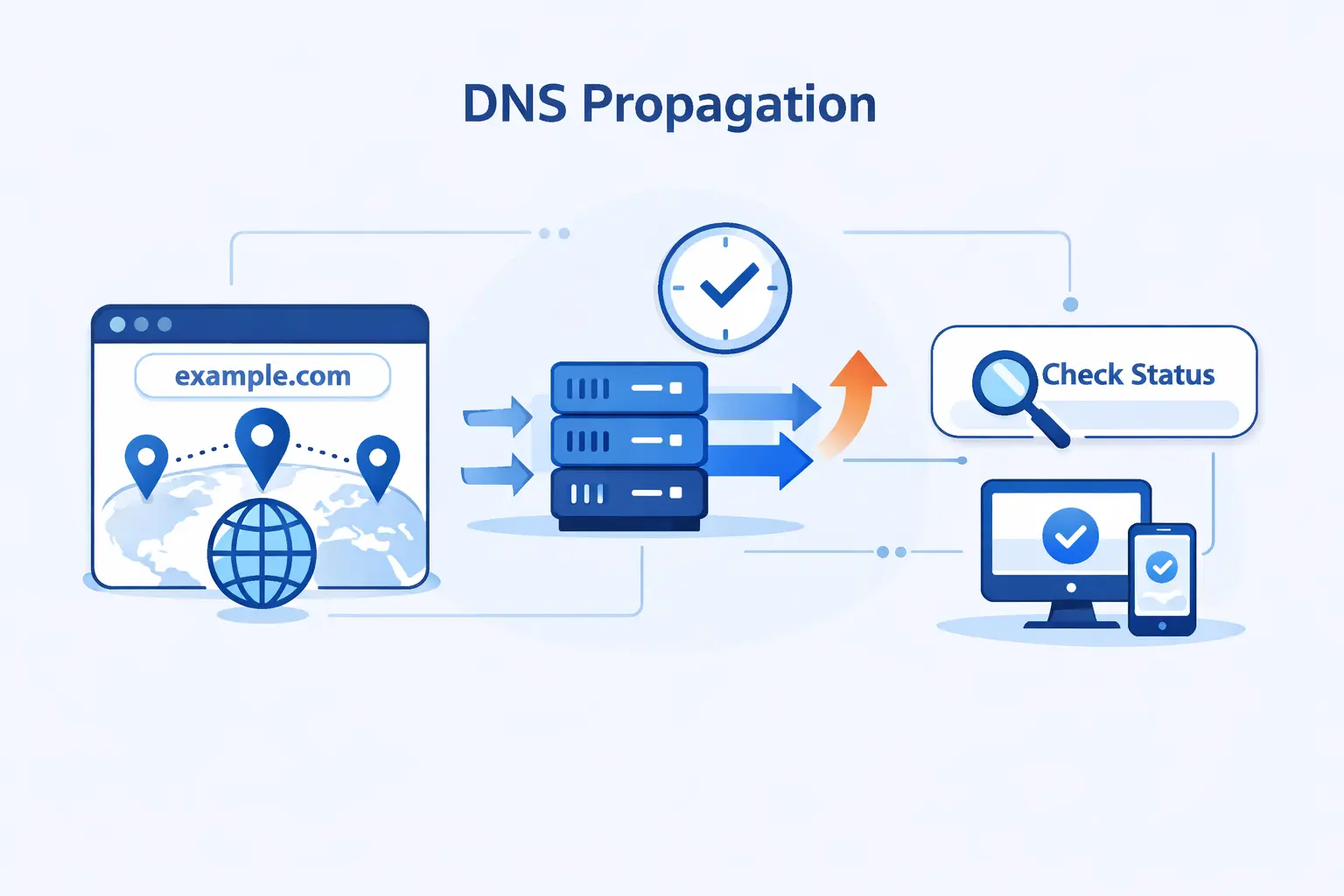
- What Is DNS Propagation and Why Does It Matter?
- How DNS Propagation Works Behind the Scenes
- How Long Does DNS Propagation Take?
- What Affects DNS Propagation Time?
- Which DNS Records Should You Check During Propagation?
- How to Check DNS Propagation Correctly
- How to Speed Up DNS Propagation and Limit Downtime
- How to Troubleshoot Common DNS Propagation Problems
- Does DNS Propagation Affect SEO and User Experience?
- FAQ About DNS Propagation
- How 1Byte Supports DNS Changes as a Cloud Computing and Web Hosting Provider
- Final Thoughts on DNS Propagation
At 1Byte, we see DNS propagation confuse more site owners than almost any other domain task. You point a domain to a new server, refresh your browser, and the old site still appears. That feels broken, but it is usually normal. DNS propagation is mostly the story of old answers living in caches until each resolver asks for fresh data. That question matters in a market that could reach $320.62 billion by 2030, because every hosting move, mail setup, and SSL cutover still depends on DNS behaving exactly the way we expect
What Is DNS Propagation and Why Does It Matter?
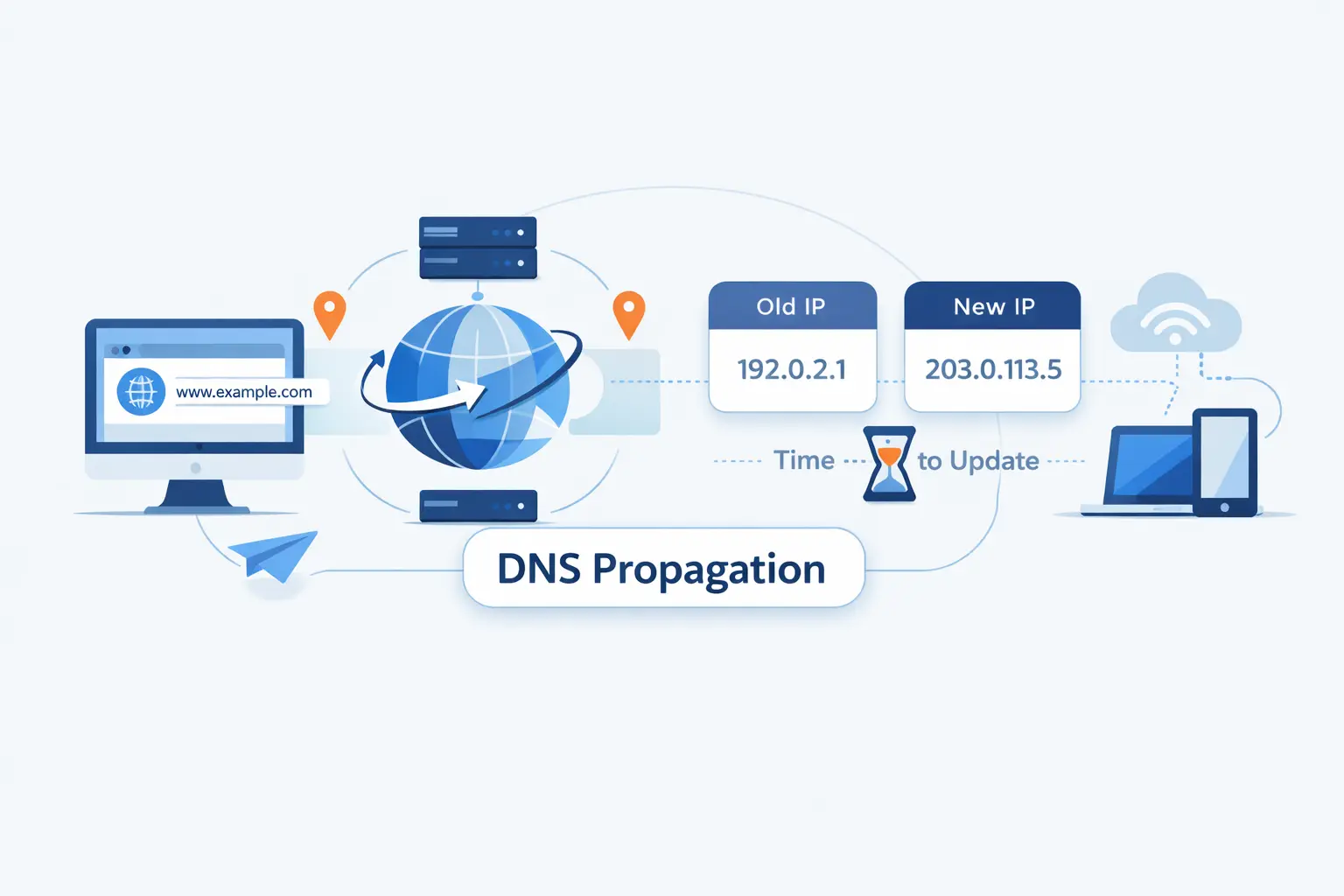
We like to start with a simple point. DNS propagation is real in the sense that users can see mixed results for a while, but the label can mislead beginners. The change is usually already saved on the authoritative DNS side. The waiting happens because the rest of the internet has not asked for the new answer yet.
1. Why DNS Changes Are Not Visible Instantly
DNS changes are not broadcast to every resolver on earth at once. Recursive resolvers, browsers, operating systems, and even home routers may keep the old answer for a while. Until that cached answer expires, some visitors keep using it and land on the old IP address, old mail route, or old verification state.
2. Why DNS Propagation Is Really About Cache Refreshing
We think the phrase DNS propagation is slightly misleading. In practice, the new record is already present on the authoritative nameserver. What changes over time is who has refreshed their cache. That sounds less dramatic, but it is closer to the truth and it makes troubleshooting much easier.
3. Why DNS Propagation Matters for Websites, Email, and Domain Moves
For websites, stale DNS can send traffic to the wrong server. For email, it can send mail to the wrong provider or leave authentication half-finished. For domain moves, it can split users between old and new infrastructure. That is why we never treat DNS propagation as a tiny checkbox on a migration plan. It is part of the cutover itself.
How DNS Propagation Works Behind the Scenes
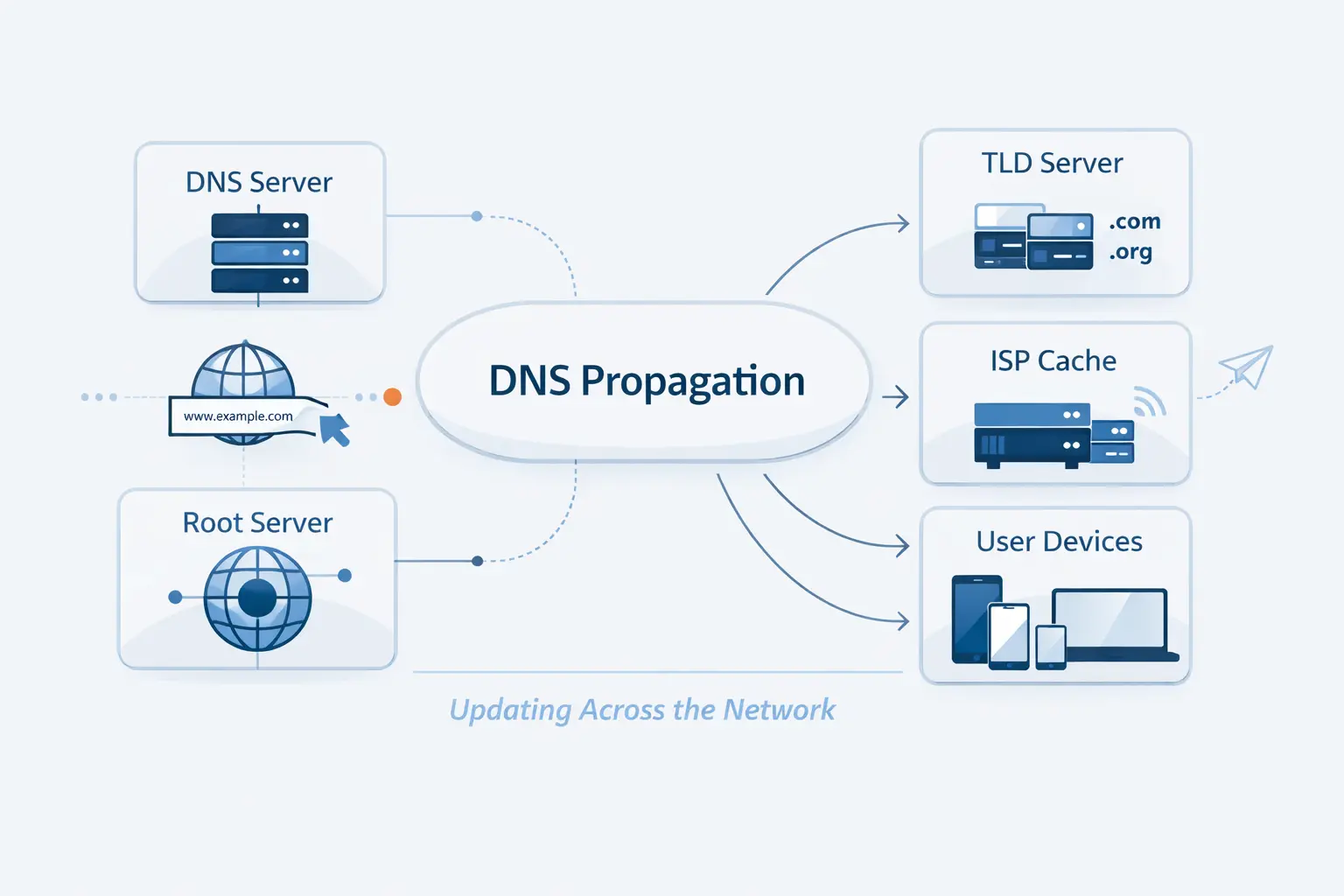
Once we look under the hood, the mystery fades fast. DNS has a chain of helpers, and each one has a narrow job. If we know which layer answered a query, we usually know whether we are dealing with a cache issue, a delegation issue, or a bad record.
1. What Recursive Resolvers, Root Servers, TLD Servers, and Authoritative Name Servers Do
DNS resolution passes through four categories of DNS servers. The recursive resolver does the asking on the user’s behalf. Root servers point it toward the right top-level domain, the TLD server points it toward the right authoritative server, and the authoritative server returns the record that should be trusted
At the top of that chain, the root zone holds referral information for top-level domains. That matters when we change nameservers, because delegation data above our zone can affect which authoritative server a resolver reaches first
2. How TTL Controls When Resolvers Ask for New Data
TTL is the timer that decides how long a resolver may keep an answer before asking again. In plain terms, TTL controls how long each record is cached. A shorter TTL gives fresh answers sooner. A longer TTL cuts query volume, but it slows visible change.
There is one catch many beginners miss. Negative answers can be cached too. If someone asked for a hostname before you created it, a resolver may remember that miss and continue serving it until the negative cache expires.
3. How a DNS Lookup Moves From Browser to Final IP Address
In a normal lookup, the browser or device asks a resolver. The resolver then walks the chain until it reaches the final nameserver in the lookup, which returns the IP address or alias data the client needs. Only after that does the browser connect to the web server itself.
4. Why Different Users Can See Different Results at the Same Time
Different users often rely on different recursive resolvers. One ISP may have refreshed its cache, while another still serves the old record. One laptop may still trust its local cache, while another device asks again right away. That is why DNS propagation can feel random from the outside even when the authoritative data is already correct.
How Long Does DNS Propagation Take?
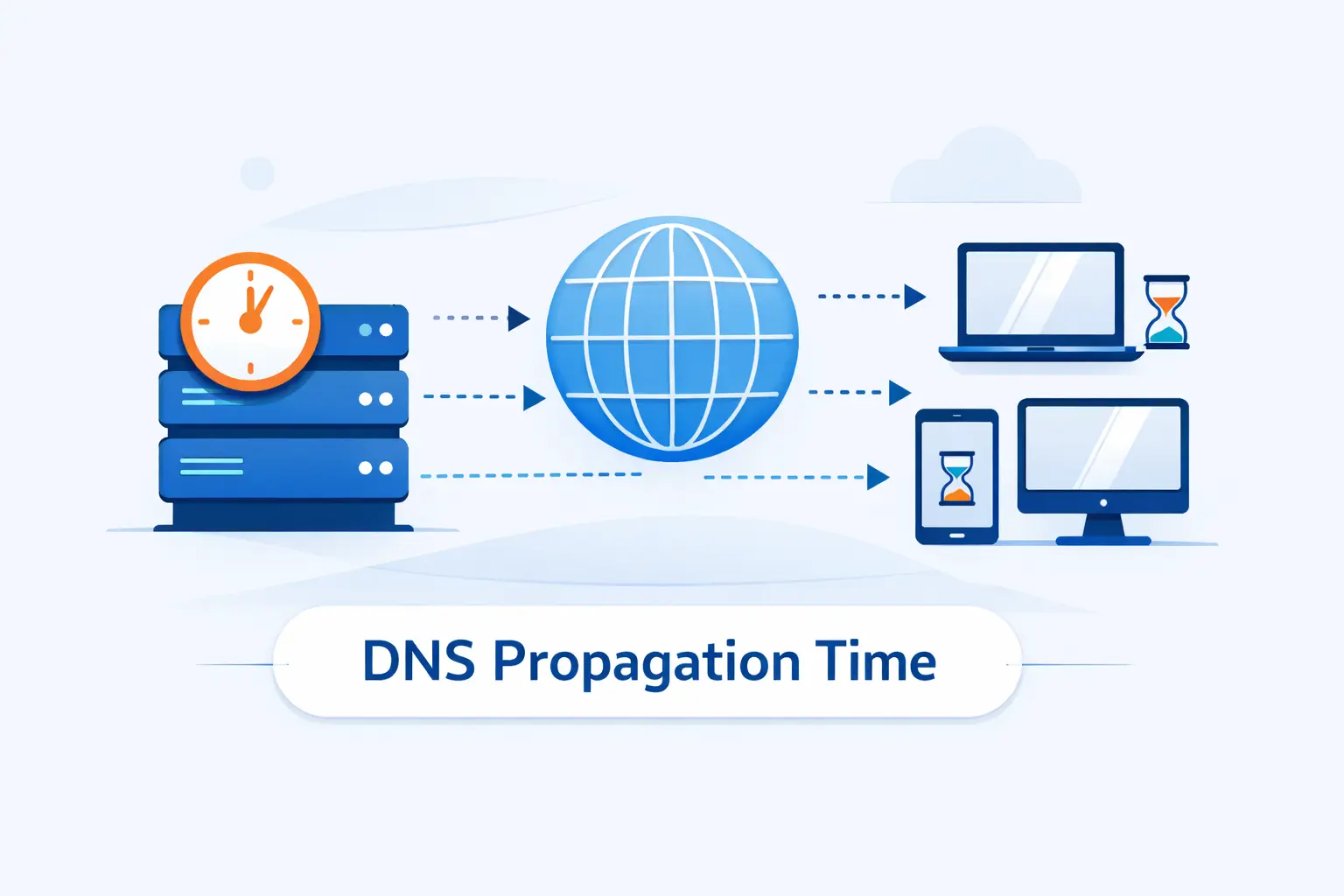
This is the question everyone asks first, and fair enough. Still, there is no single timer. The right answer depends on which record changed, what the previous TTL was, whether the hostname was queried recently, and whether the change touched delegation or only record content.
1. What Typical DNS Propagation Timelines Look Like
We usually tell customers to expect a range, not a promise. Simple record edits may settle quickly, especially with a short TTL. Delegation changes can take longer. The old internet cliché says to wait forever, but in real work we watch specific caches, not the clock.
2. How A, AAAA, CNAME, MX, TXT, and NS Changes Differ
A, AAAA, and CNAME changes affect where web traffic goes, so you often notice them first in a browser. MX and TXT changes can feel trickier because you may also be waiting on remote mail systems, verification checks, and anti-spam logic. NS changes are different again because they change who is authoritative, not just what the answer is.
3. Why Name Server Changes Usually Take Longer Than Simple Record Updates
When you switch DNS providers, the change is larger than editing an A record. AWS notes that resolvers typically cache the names of name servers for two days, which is why an NS cutover often lingers after the new zone itself is ready
What Affects DNS Propagation Time?
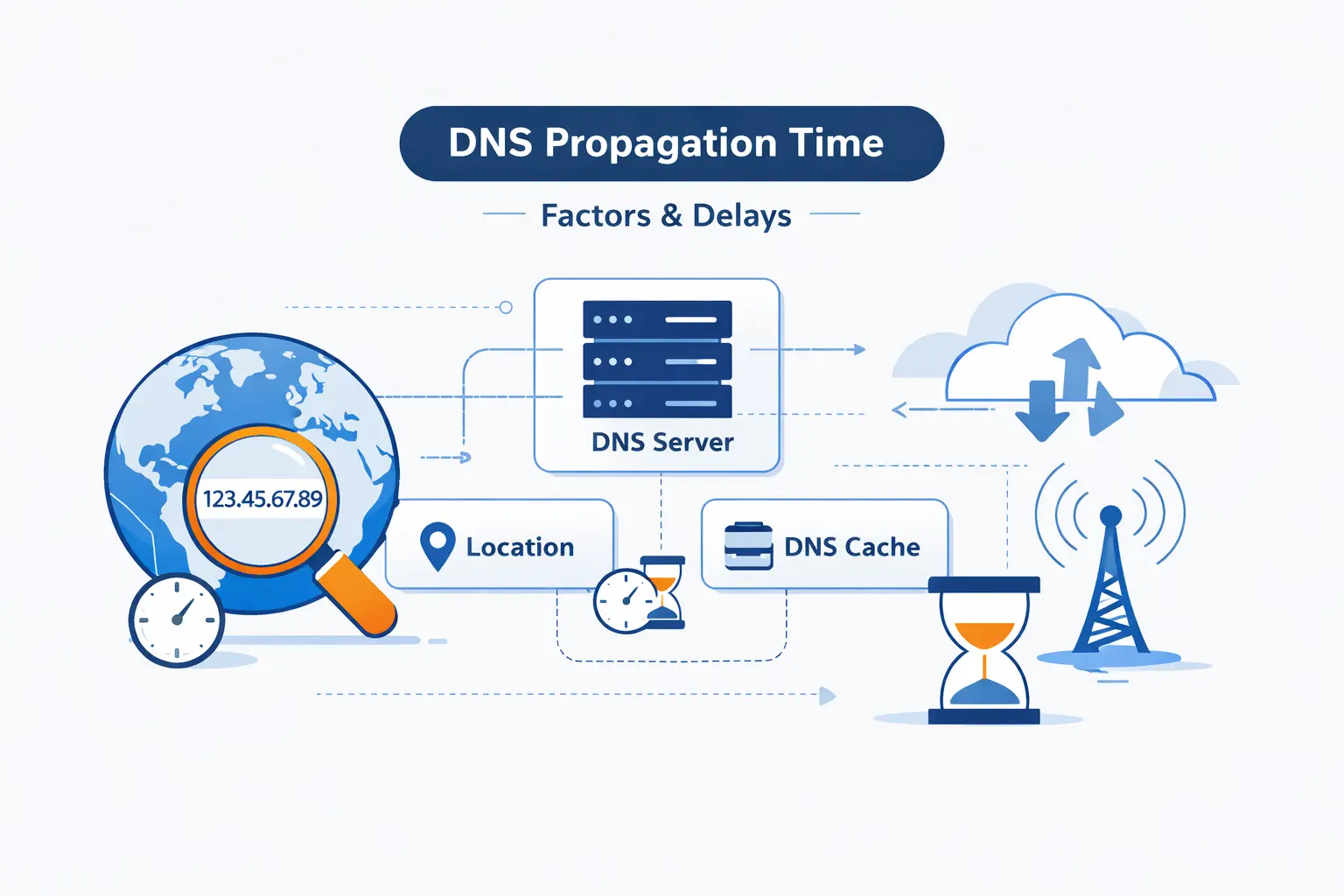
If two domains change at the same moment, they can still finish at very different times. We see that all the time. The record type matters, but so do cache rules, resolver habits, parent-zone delegation, and the simple fact that users do not all hit the same DNS path.
1. TTL Settings and Cache Expiration
TTL is still the first lever we check. If the old TTL was long before the edit, many resolvers will hold the old answer until that timer runs out. Lowering TTL after the change helps less than people hope, because the old timer may already be in force on remote caches.
2. ISP Policies and Public Resolver Behavior
Resolvers do not all behave in exactly the same way. Some refresh quickly. Some keep stale or negative answers longer. Some users point their devices at public resolvers, while others inherit their ISP defaults. That is why two people in different cities can get different results from the same hostname at the same moment.
3. Domain Registry, TLD, and Name Server Updates
Changes at the delegation layer add extra moving parts. If the registrar, registry, or parent zone still refers resolvers to the old nameservers, the new zone cannot win yet. That is also why checking registrar nameservers and parent delegation is one of our first steps when propagation looks stuck.
4. Provider Infrastructure, Geographic Location, and Local Device Caches
Local caches matter more than many people expect. A single laptop can cling to old answers after the authoritative zone is perfect. Geographic spread matters too, because users may reach different resolver clusters. We have seen a migration look finished in one office and unfinished on a phone using mobile data five minutes later.
Which DNS Records Should You Check During Propagation?
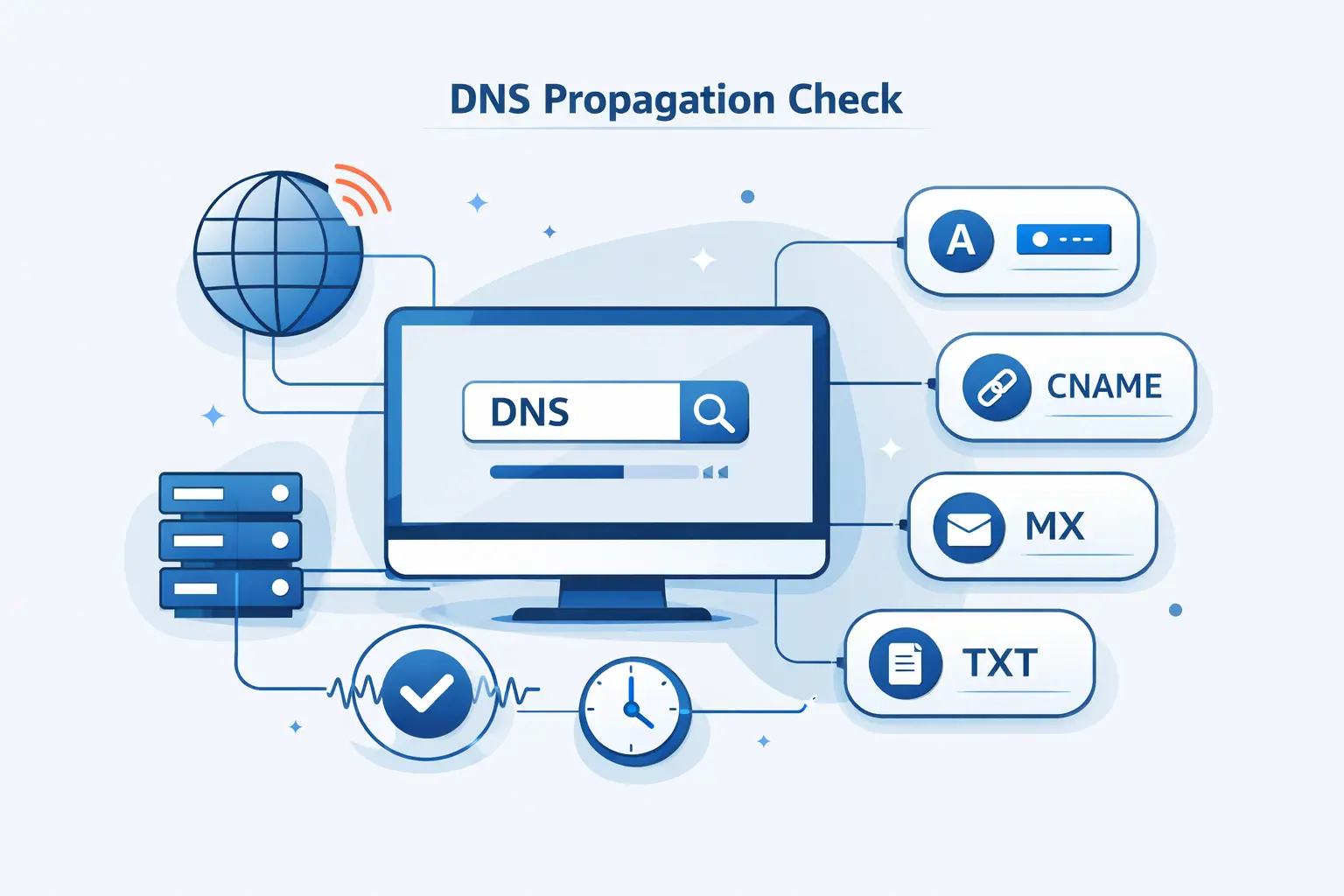
When a DNS change is in flight, we do not check everything at random. We start with the records that control user-facing traffic, then we move to email, validation, and delegation. That order saves time and keeps us from chasing noise.
1. Website Records Such as A, AAAA, and CNAME
For website cutovers, we begin with A, AAAA, and CNAME record roles. Those records decide whether your root domain, your www host, and your aliases resolve to the right destination. If the site is wrong, these are usually the first answers worth proving.
2. Email and Verification Records Such as MX, TXT, SPF, DKIM, and CAA
For Google Workspace, the MX record value is smtp.google.com. If that value is wrong, mail delivery fails even if the website loads perfectly. We always verify the host, priority, and destination line by line during a mail migration
Sender authentication deserves the same care. In Google’s setup guide, SPF uses a TXT record that authorizes sending systems. Old providers often leave extra SPF pieces behind, and that can confuse receiving servers after a move
DKIM is another common stumbling block because it relies on the right selector and the right TXT content. Google’s guide shows the DKIM TXT record name and value as separate fields, and we think that distinction is worth checking twice during propagation
Certificates can fail for DNS reasons too. Let’s Encrypt checks CAA records before every certificate, so a stale or broken CAA response can block issuance right when you are trying to finish a launch
3. Name Server and Advanced Records Such as NS, SOA, PTR, and SRV
We also check NS when authority is changing, SOA when we want to inspect zone behavior, PTR for reverse lookups, and SRV for service-specific routing. These are less glamorous than A records, but they often explain why mail, voice apps, or reverse DNS checks still fail after the main site looks healthy.
4. Why You Should Check the Root Domain, WWW, and Other Critical Subdomains
Many outages hide in plain sight because only one hostname was tested. We always compare the apex domain, the www host, and any business-critical subdomains such as mail, api, shop, portal, or autodiscover. One record can be perfect while another is still stale, mispointed, or missing.
How to Check DNS Propagation Correctly
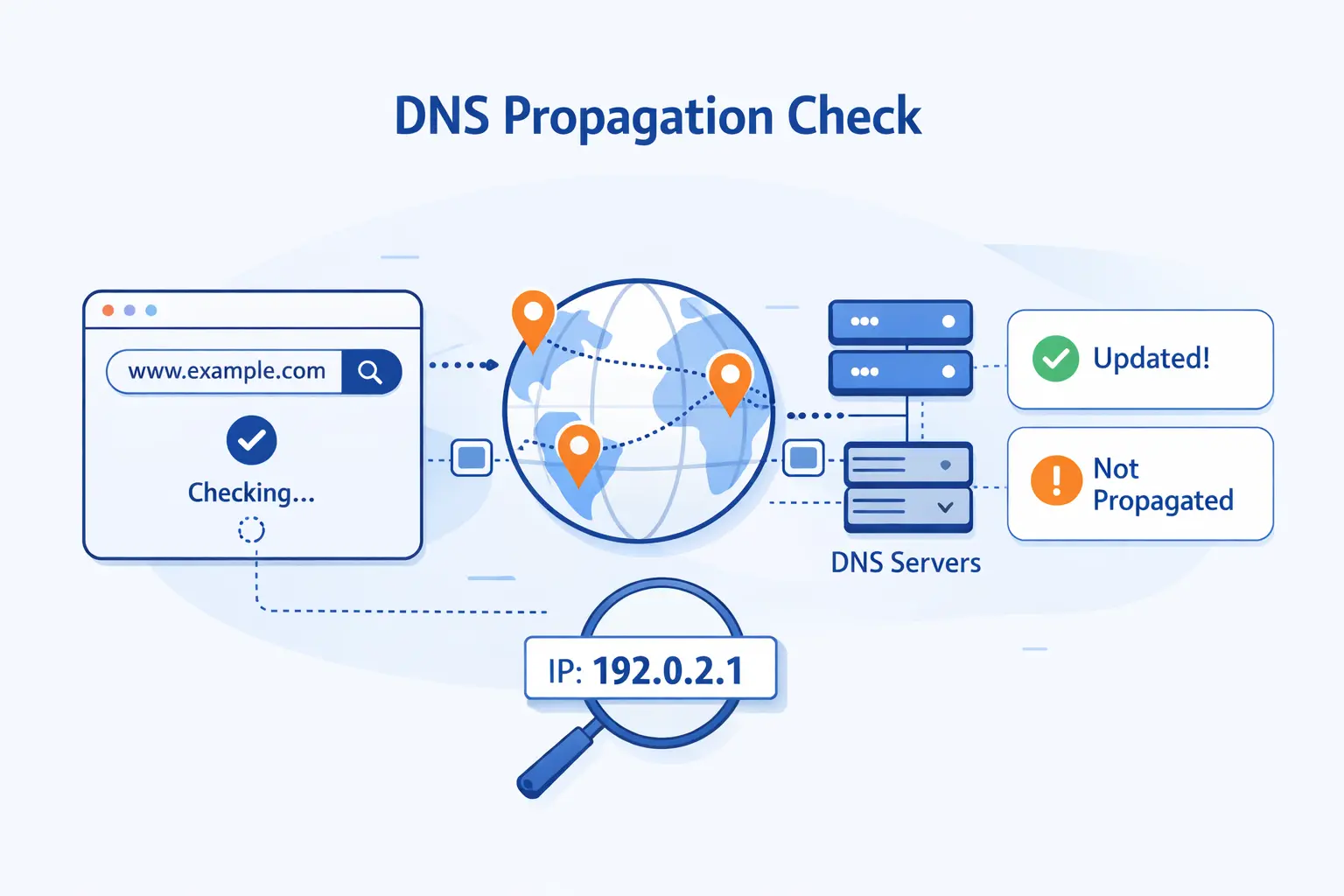
Checking propagation is easy to do badly. A single browser refresh proves almost nothing. We want to compare multiple layers, confirm the expected value, and ask the authoritative source directly before we assume the internet is at fault.
1. Use Global DNS Checker Tools Across Multiple Locations
Google explicitly says to use different public DNS checking tools, and we agree. A global checker helps us spot mixed resolver behavior quickly, especially during a hosting move. It is a fast first pass, not the final verdict.
2. Match Results Against the Record Value You Expect
Do not stop at “it resolves.” Compare the answer with the exact value you meant to publish. That means the right IP address for A or AAAA, the right target host for CNAME, the right mail exchanger for MX, and the right string for TXT-based verification. A resolver can return an answer and still return the wrong one.
3. Query Authoritative Name Servers for the Source of Truth
When we need certainty, we query the authoritative nameserver directly. A command like dig @ns1.example.com example.com A tells us what the zone is truly serving. If that answer is right, the remaining problem is usually cache, delegation, or local testing. If that answer is wrong, propagation is not the issue at all.
4. Compare Public Resolvers and Flush Local DNS Caches
Local cache can muddy the picture, so we compare results from more than one public resolver and then clear the device cache if needed. On Windows, ipconfig /flushdns is the standard first step when we want a cleaner local test.
5. Why Global Checker Results Are Helpful but Not Perfect
Global checker tools are snapshots, not universal truth. They may not query the same resolver your customer uses. They also do not account for the browser cache, the operating system cache, or a negative cache entry on the customer’s upstream resolver. Useful, yes. Final proof, no.
How to Speed Up DNS Propagation and Limit Downtime
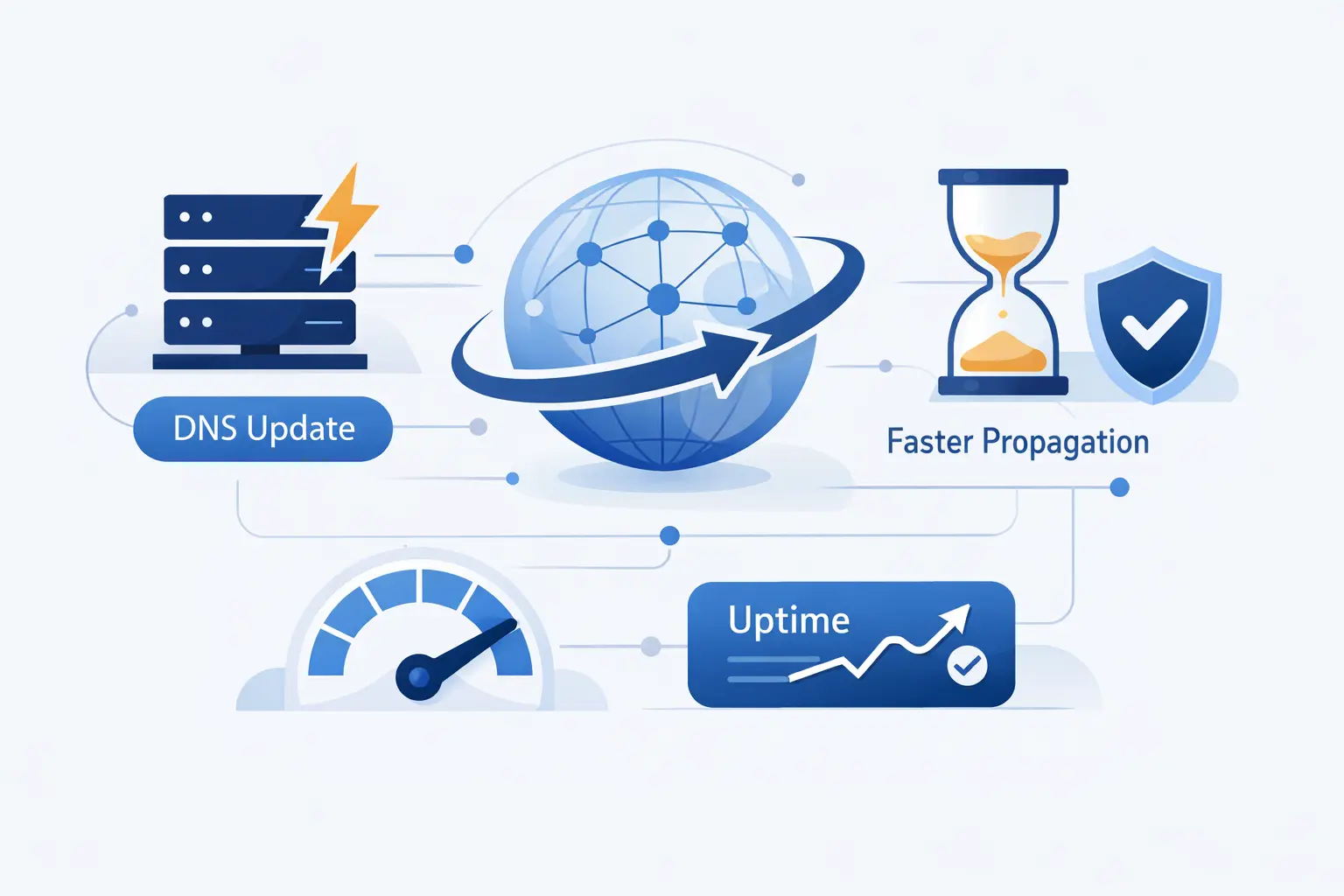
We cannot force every resolver to forget immediately, but we can make the cutover less painful. Good DNS work is mostly about preparation. If we plan the move well, propagation becomes a controlled overlap instead of a blind jump.
1. Lower TTL Before Planned Changes
Before a planned migration, we lower TTL in advance so resolvers will come back for fresh answers sooner. Google’s hosting guide recommends you lower your site DNS records’ TTL value before the move, and that is still one of the cleanest ways to shorten the awkward middle period
2. Keep Previous Records or Providers Active During the Transition
We are cautious here by habit. If you are changing nameservers or moving a site, keep the old service alive until you are confident traffic has shifted. Shutting down the old target too early is one of the simplest ways to turn propagation into downtime.
3. Test Changes Before They Go Live
We prefer staging over hope. Test the new server, the TLS setup, the redirects, the forms, and the mail flow before the DNS edit goes public. If the destination is broken, propagation only spreads the problem faster.
4. Use Public DNS Resolvers or a Hosts File for Temporary Testing
For quick validation, we sometimes test with a hosts file entry or with a resolver that has already refreshed. That is useful for confirming the new site without waiting on every cache layer. We just keep the limitation in mind. A hosts file proves the destination works, not that global DNS propagation is finished.
5. Schedule Low-Traffic Windows and Notify Affected Users
For bigger moves, Google advises site owners to move your site during traffic dips. We think that is practical advice. Fewer live users are exposed, support gets less noisy, and your team has more room to verify the change carefully.
How to Troubleshoot Common DNS Propagation Problems
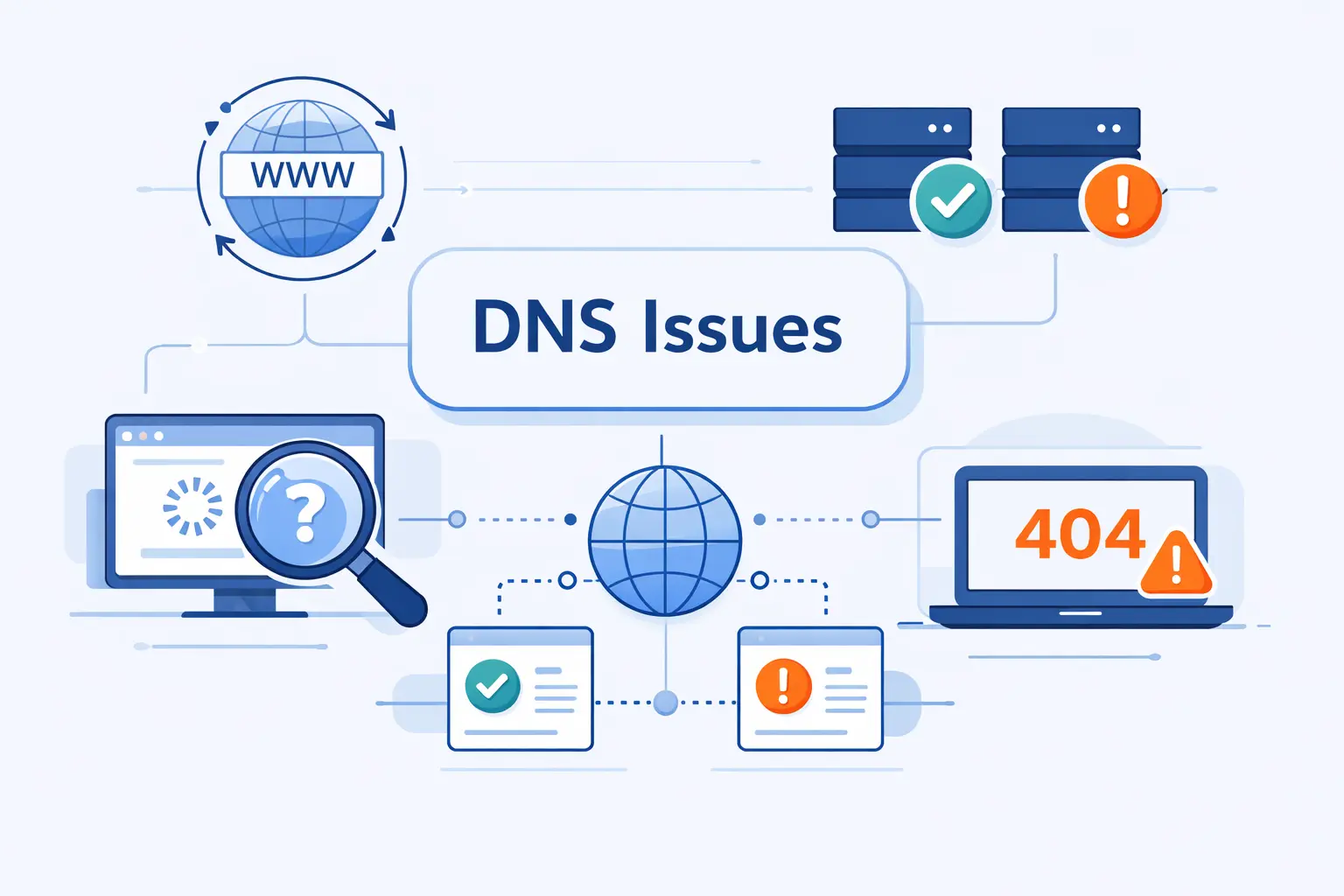
Most propagation problems are not mysterious once we separate authoritative answers from cached ones. In our experience, the best troubleshooting flow is simple. Confirm the zone, confirm delegation, confirm the expected value, and only then blame the cache.
1. What to Check When the Site Is Still Unreachable
Start with the obvious. Is the authoritative answer correct. Do the registrar nameservers match the zone you edited. Does the target server answer on the right IP. Is the SSL certificate valid. A DNS change can be perfect while the destination server is still down, blocked, or misconfigured.
2. Why Some Visitors Still See the Old Version
One stubborn reason is that a negative cache entry can outlive your change, especially if the hostname was queried before the new record existed. We see this a lot with fresh subdomains and verification records. In those cases, lowering the new record’s TTL does not rescue the old miss.
3. How to Fix Email Issues After MX, TXT, or SPF Changes
For email, we verify the published MX target, compare SPF and DKIM values against the provider’s current instructions, and remove stale records that conflict with the new service. Then we test with real message headers, not just a dashboard badge. Mail problems often look like propagation when they are really formatting, duplication, or policy issues.
4. What to Audit When Propagation Seems Stuck
If propagation appears frozen, we audit the whole chain. We check registrar delegation, parent-zone NS data, DNSSEC status, CAA responses, and whether the record was added in the right zone at all. More than once, we have seen the right record added to the wrong DNS provider after a nameserver change. That one still catches people.
Does DNS Propagation Affect SEO and User Experience?
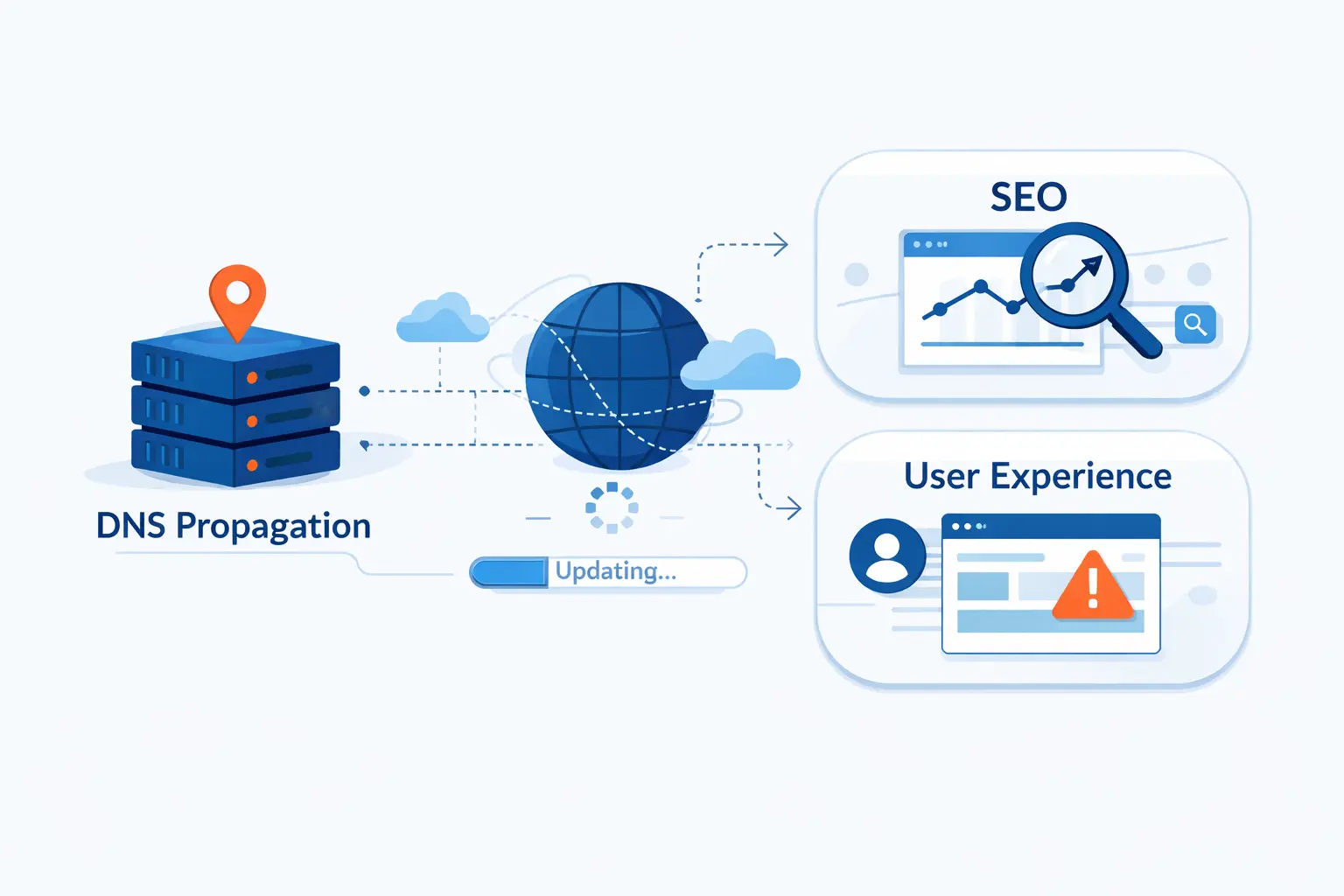
Short answer, DNS propagation does not directly change rankings on its own. The indirect effects are the real risk. If users and crawlers hit errors, the migration gets messy. If the site stays reachable and consistent, DNS is mostly a transport detail, not an SEO event.
1. Why DNS Propagation Does Not Directly Change Rankings
Search engines do not rank a page lower just because a DNS cache is refreshing somewhere. What matters is whether the content remains accessible, stable, and correctly routed. We tell customers not to panic about DNS itself. Panic about broken pages, wrong destinations, and crawling errors instead.
2. How Downtime, Misrouting, and Crawl Errors Create Indirect SEO Risk
Google says hosting changes can trigger a temporary drop in crawl activity after launch, and that makes sense. If Googlebot reaches timeouts, mismatched hosts, or a half-working migration, discovery and recrawling slow down. From an SEO angle, the indirect harm comes from instability, not from the label DNS propagation.
3. How to Protect Search Visibility During Domain or Hosting Moves
We protect visibility by preparing the new environment first, keeping the old one alive during the overlap, checking global DNS behavior, and avoiding large surprises at launch. If URLs change, redirects and sitemap updates matter too. If URLs do not change, clean uptime and consistent content matter more than anything clever.
FAQ About DNS Propagation
Below are the short answers we give most often. They are brief by design. If you are in the middle of a change window, you usually want a fast answer first and the full explanation second.
1. What Is DNS Propagation?
DNS propagation is the period during which different resolvers refresh cached DNS data and begin returning your new records instead of the old ones.
2. How Long Does DNS Propagation Really Take?
It depends on the record type, the old TTL, and whether you changed records or nameservers. Some updates appear quickly. Others linger because caches and delegation data are still in play.
3. What Are the Four Types of DNS Servers?
The standard four are recursive resolvers, root nameservers, TLD nameservers, and authoritative nameservers. Each one answers a different part of the lookup chain.
4. Can I Speed Up DNS Propagation?
You can improve it by lowering TTL before planned changes and by avoiding premature shutdown of the old service. You cannot force every resolver to refresh on your schedule.
5. How Do I Know When DNS Propagation Is Complete?
We consider it effectively complete when authoritative answers are correct, major public resolvers agree, and users no longer report mixed behavior from meaningful locations.
6. Why Do Some Users Still See the Old Version of My Site?
Usually because a browser, device, router, or recursive resolver still has cached data. In some cases, the resolver may be holding a negative cache result from before the record existed.
7. Does DNS Propagation Affect SEO?
Not directly. The SEO risk comes from downtime, crawl problems, broken redirects, and sending users or bots to the wrong place during a move.
How 1Byte Supports DNS Changes as a Cloud Computing and Web Hosting Provider
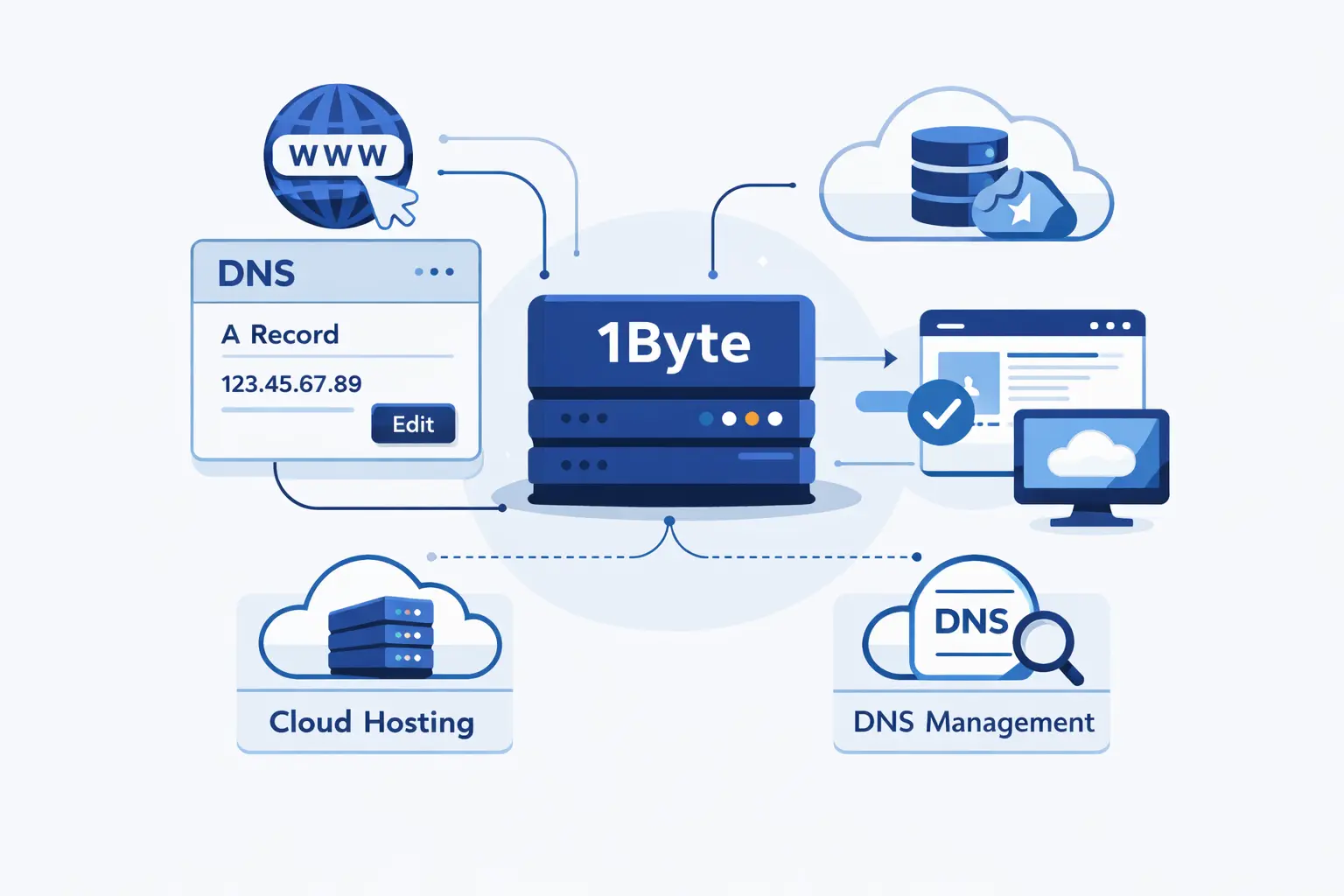
At 1Byte, we treat DNS work as part of operational planning, not as an afterthought. When customers move a site, switch mail providers, or point a domain at new infrastructure, we focus on the details that usually cause stress, record accuracy, timing, rollback safety, and clear verification.
1. Domain Registration and SSL Certificates for Secure Website Changes
We help customers keep domain registration, DNS control, and SSL planning aligned. That matters because domain edits, validation records, and certificate issuance often collide during launch windows. Our view is simple. If the domain, DNS zone, and certificate steps are planned together, the move gets calmer fast.
2. WordPress Hosting and Shared Hosting for Simpler Site Management
For WordPress hosting and shared hosting, we aim to keep the routine pieces straightforward. That means clear record guidance, practical migration sequencing, and less guesswork around which hostname should point where. Beginners do not need jargon. They need a clean checklist and someone to confirm they are editing the right zone.
3. Cloud Hosting, Cloud Servers, and AWS Partner Support for Scalable Growth
For cloud hosting and cloud servers, the stakes are usually higher because there are more moving parts. In those cases, we lean on staged cutovers, TTL planning, service checks, and careful overlap between old and new infrastructure. When AWS is part of the picture, that same discipline matters even more because nameserver, routing, and application layers all need to agree.







Final Thoughts on DNS Propagation
We have a simple opinion on DNS propagation. It feels mysterious only until you separate authority from cache. Once you do that, most problems become readable. You stop asking “Has it propagated?” in the abstract and start asking better questions. Which resolver answered. What is the authoritative value. What is still cached. What exactly changed.
If there is one habit we would leave you with, it is this. Check the authoritative nameserver first, then compare public resolvers, then clear local cache, then look for delegation mistakes. That order saves hours. DNS propagation is rarely magic. Most of the time, it is just DNS doing exactly what it was designed to do.