

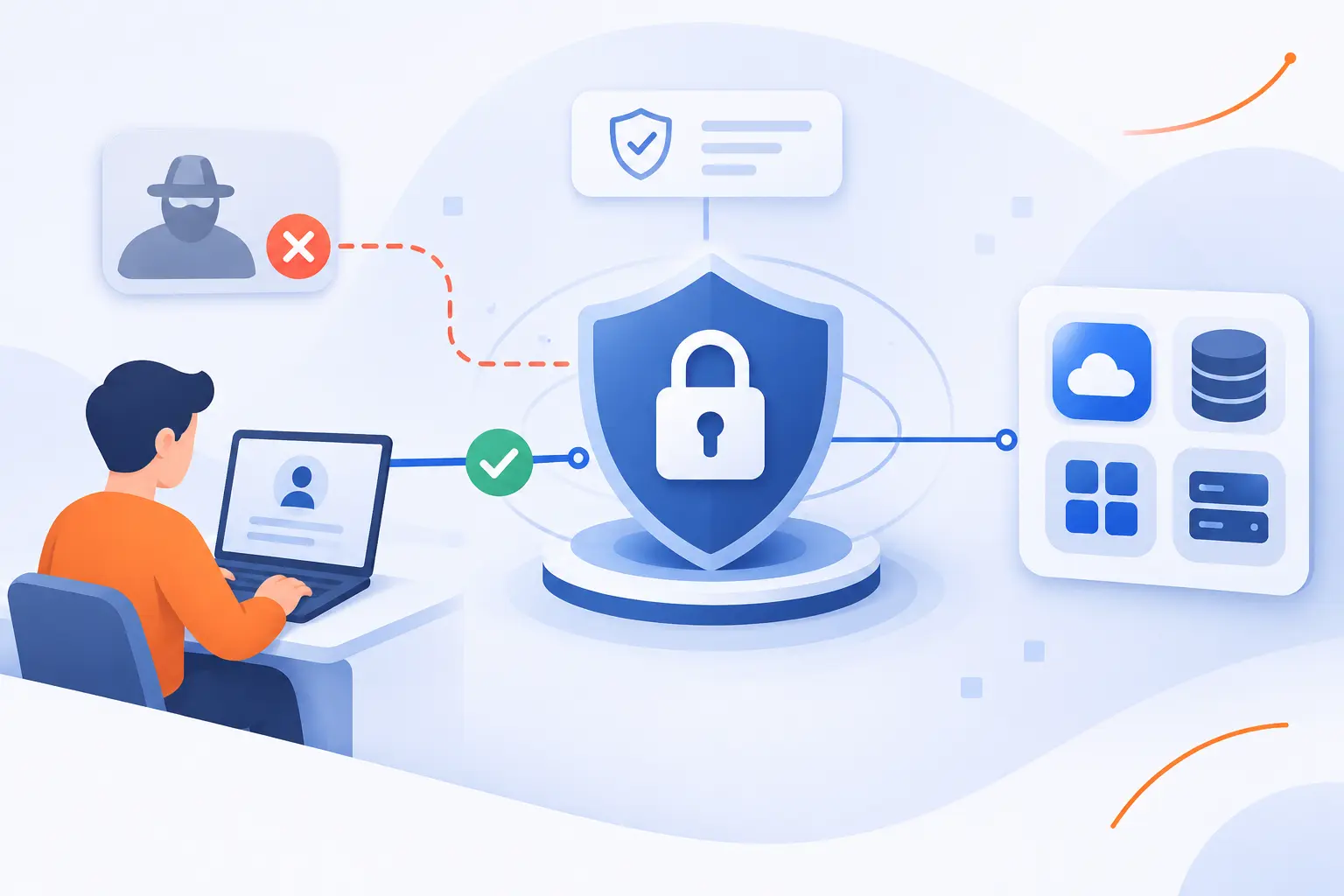
- Zero Trust Network Access Verifies Identity and Context to Restrict Access to Authorized Resources
- What Happens Between an Access Request and an Approved Connection?
- How Do ZTNA and Traditional VPNs Differ in Practice?
- Which Security and Operational Problems Can ZTNA Address?
- What Does Application-Specific Access Look Like at Work?
- What Should Organizations Prepare Before Introducing ZTNA?
- Which Capabilities Matter When Evaluating a ZTNA Solution?
- FAQ
- 1Byte Services for Website and Cloud Infrastructure
- Conclusion
Zero trust network access, or ZTNA, controls access to specific applications by checking identity, device security, and other relevant signals. It grants approved connections instead of treating network membership as permission to reach everything nearby. Those checks can continue during a session, depending on the implementation. At 1Byte, we see its value in a practical distinction: reaching an application should not mean entering an entire corporate network.
This guide explains how those decisions work, where ZTNA differs from a traditional VPN, and what organizations should prepare before adoption.
Zero Trust Network Access Verifies Identity and Context to Restrict Access to Authorized Resources
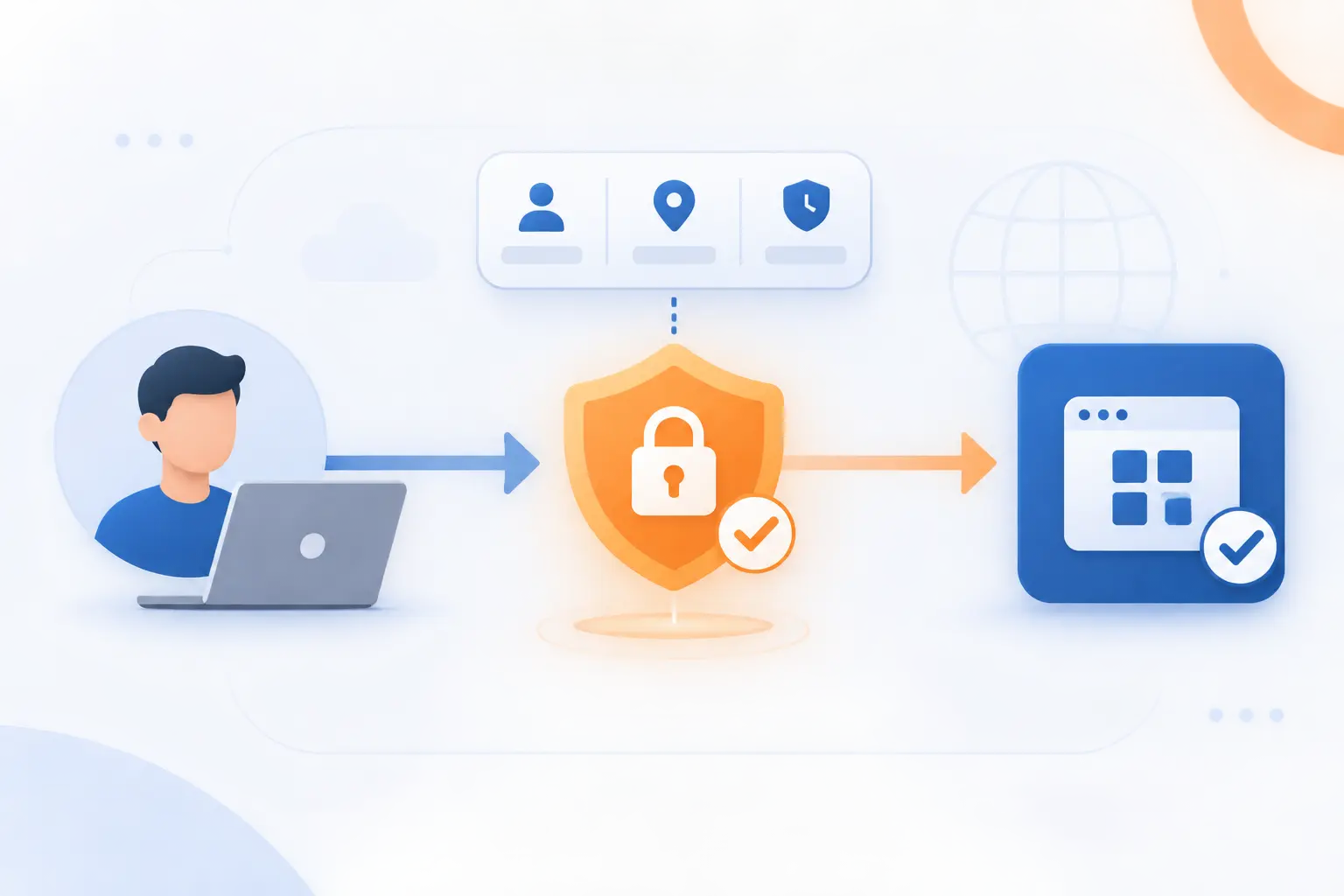
ZTNA allows a user or device to connect only to resources permitted by an access policy. The decision can consider who is requesting access, which device they use, and whether the request meets security requirements. A successful login establishes identity, but it does not automatically authorize every application.
ZTNA Meaning and Its Role Within a Broader Zero Trust Strategy
ZTNA applies zero trust principles to connections between users and protected applications. It addresses an access problem, not every security problem an organization faces.
A broader strategy also covers data protection, workload identities, endpoint security, and governance. NIST’s architecture separates access decisions from connection enforcement. A policy engine decides whether access is appropriate. An enforcement point allows, monitors, or terminates the connection.
We would not treat a ZTNA purchase as a completed security transformation. Its effectiveness depends on the policies and systems surrounding it.
Why Being Inside the Corporate Network Does Not Establish Trust
An internal network address does not prove that a person or device is safe. A compromised laptop can sit inside an office just as easily as a legitimate employee.
Google’s BeyondCorp research provides a real-world example. Its approach removed reliance on a privileged intranet for corporate application access. The useful lesson is not to abandon network defenses. It is to stop using network location as a substitute for verification.
What Happens Between an Access Request and an Approved Connection?
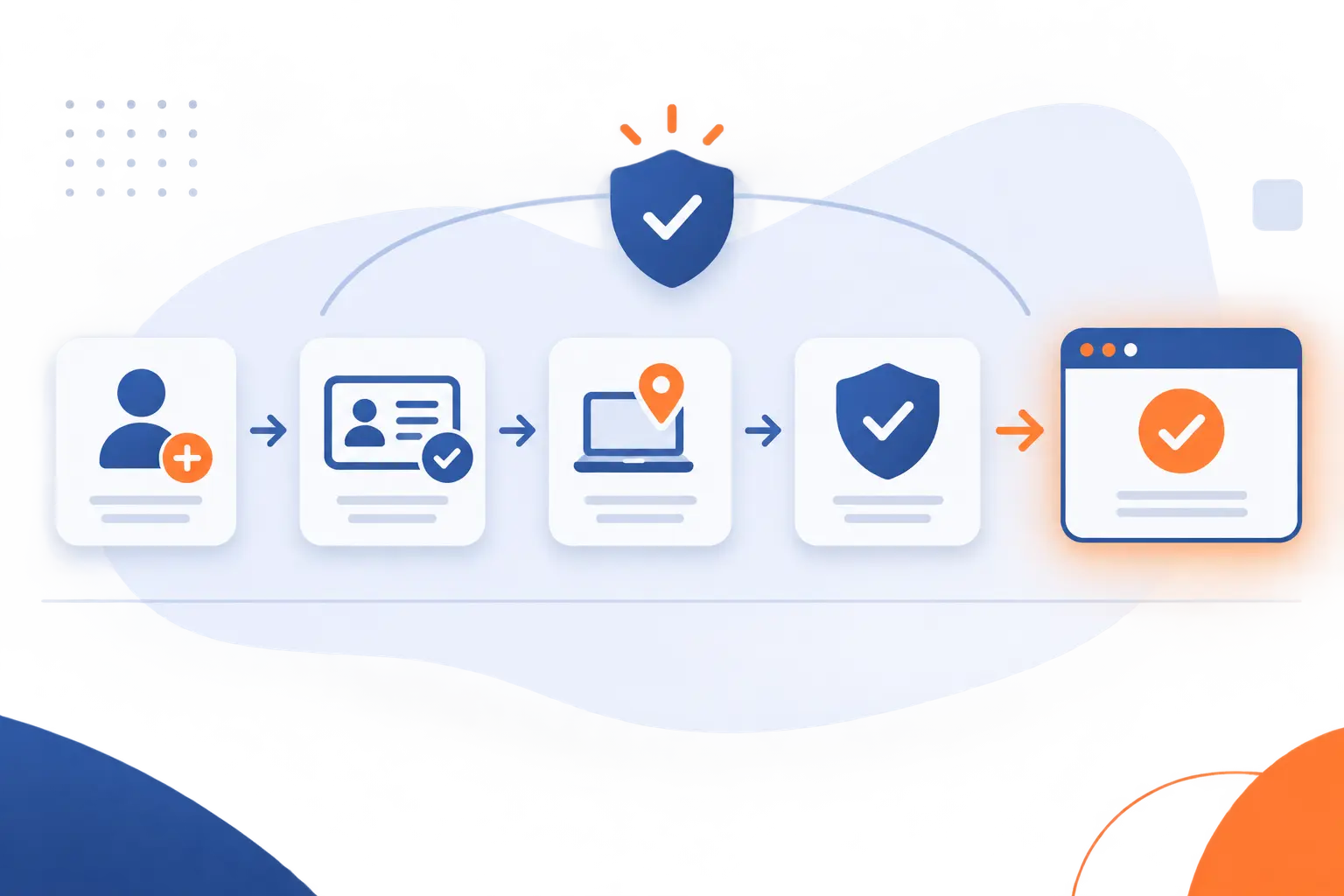
An access request passes through identity verification, contextual checks, policy evaluation, and connection enforcement. If the request meets the rules, the system establishes access to the approved resource. Later events can trigger another decision. The exact sequence and available signals vary across products.
Confirm the User Through an Identity Provider and Multi-Factor Authentication
Verify the user through an identity provider, then require authentication appropriate to the resource’s sensitivity. The identity provider maintains accounts and supplies authentication results to connected applications.
Multi-factor authentication adds verification beyond a password. However, its strength depends on the method. CISA identifies FIDO/WebAuthn authentication as phishing-resistant, unlike methods that attackers can intercept or persuade users to approve.
We favor stronger authentication for administrative access. Account recovery procedures deserve equal attention because they can become a way around stronger login controls.
Evaluate Device Security Alongside Location, Timing, and Behavior
Check whether the device and request satisfy the application’s security requirements. Relevant signals may include device management status, operating system updates, endpoint alerts, and sign-in risk.
For example, Microsoft Entra policies can combine risk, location, and device information when evaluating access. Not every ZTNA service collects every signal itself. Some depend on identity or endpoint integrations.
We would use location as supporting evidence, not proof of legitimacy. A familiar IP address cannot establish who controls a device.
Match Permissions to the Requested Application and Business Need
Authorize the requested application only when the user’s responsibilities justify access. A finance employee might need accounting software without needing development systems.
Separate connection permission from permissions inside the application. ZTNA may authorize entry to a customer database interface. The application must still control which records someone can view, edit, or export.
We recommend assigning a named owner to each permission group. Otherwise, access rules can accumulate without anyone reviewing their business purpose.
Establish an Encrypted Connection to the Approved Resource
Establish a protected connection only after the request passes the required checks. Depending on the design, traffic may pass through a proxy or use a client and application connector.
Encryption protects information while it travels. The TLS specification describes protection against eavesdropping, tampering, and message forgery. However, encryption does not decide whether an authenticated person deserves access.
Check every connection segment, including the path between an intermediary and the application. Do not assume one encrypted segment protects the entire route.
Reassess the Session and Restrict Access When Risk Changes
Reevaluate access when relevant events indicate that an approved session may no longer be safe. Possible responses include another authentication challenge, restricted access, or termination.
Microsoft Entra provides a concrete example through services that respond to account and risk events. Support depends on participating applications and clients. Continuous evaluation should not be interpreted as an instantaneous check of every action.
During testing, we would disable an account and measure when its active session actually loses access.
How Do ZTNA and Traditional VPNs Differ in Practice?
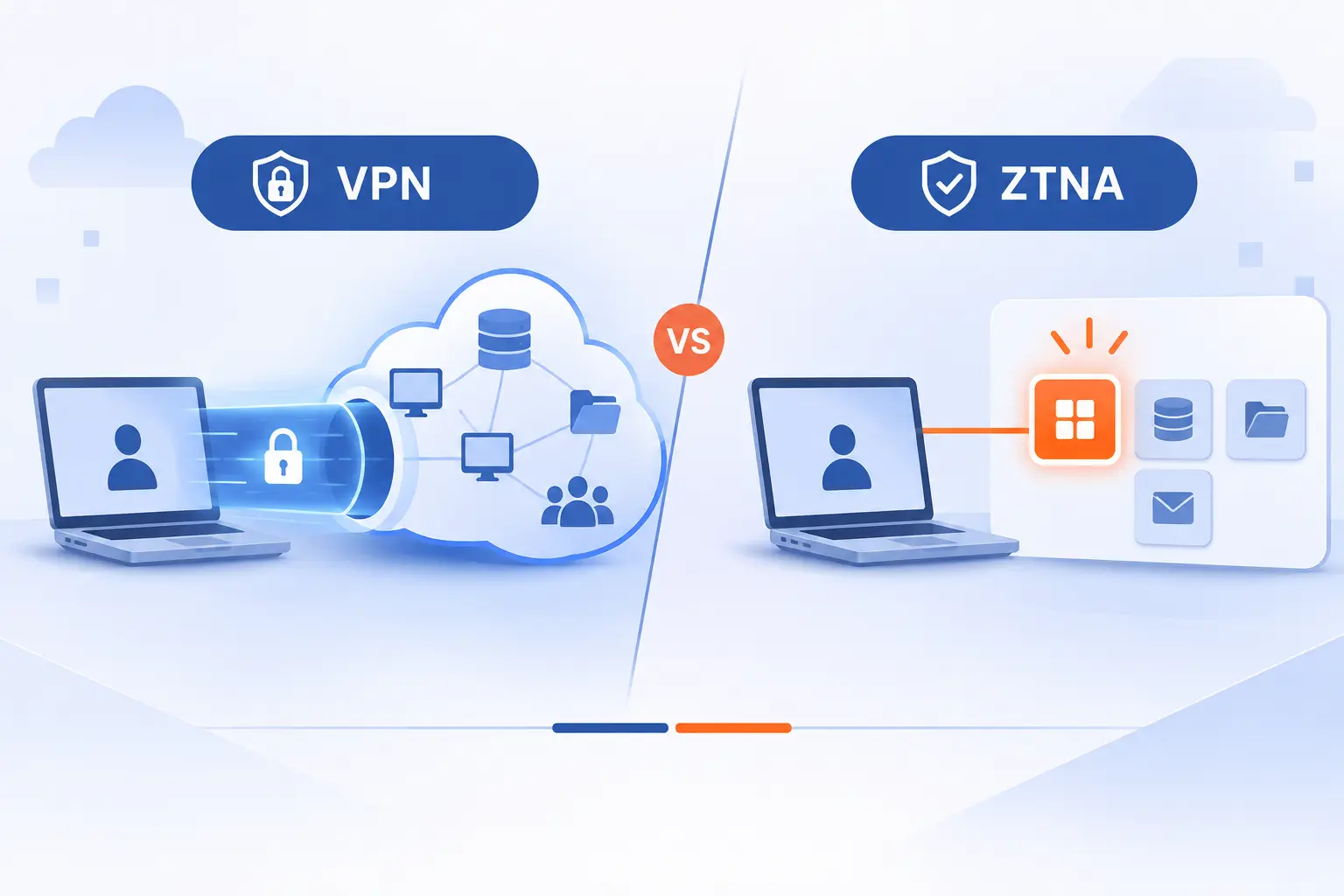
ZTNA generally authorizes access to specific applications, while a traditional VPN establishes connectivity to a network. That distinction affects what becomes reachable after authentication. However, well-configured VPNs can enforce narrow access rules, and poorly configured ZTNA can still grant excessive permissions.
| Approach | Typical access scope | Key evaluation question |
|---|---|---|
| ZTNA | Selected applications or resources | Can users reach only approved destinations? |
| Traditional VPN | Network connectivity constrained by routing and security rules | How much of the network becomes reachable? |
Resource-Specific Permissions vs Broader Network Connectivity
ZTNA aims to make an approved application reachable without granting general network access. A traditional remote-access VPN commonly gives the device a route into a private network.
The practical question is what happens next. Can an employee reach only the inventory application, or also unrelated servers? We would test actual reachability rather than trust a product category. VPN access lists and segmentation can narrow connectivity substantially.
Context-Aware Decisions vs Primarily Perimeter-Based Controls
ZTNA emphasizes identity and context, while traditional VPN deployments often center on admission through a network gateway. This is a typical architectural difference, not an absolute product boundary.
Modern VPN deployments can also require MFA and device checks. Compare which signals influence decisions, when those decisions occur, and how quickly changed conditions affect active access.
Application Visibility, Activity Logging, and Lateral Movement
Application-specific access can reduce opportunities to move from a compromised account into unrelated systems. That movement between systems is commonly called lateral movement.
Logging depth still varies. An access service may record the user, destination, and policy outcome without seeing individual database queries. We would combine connection records with application logs rather than assume the access layer records everything.
Scaling Access Across On-Premises and Multi-Cloud Environments
ZTNA can apply access policies across distributed applications when the required connectors and integrations are available. This can reduce dependence on routing every connection through an office gateway.
Central policy management does not eliminate infrastructure planning. Connector capacity, application location, identity availability, and traffic paths still matter. We recommend testing from the places employees actually work, including locations with slower connections.
Where Encryption and Access Controls Overlap
Both VPNs and ZTNA can encrypt traffic and authenticate users. Encryption alone therefore does not distinguish them.
The more useful comparison concerns authorization scope and enforcement. Which destinations become reachable? What ends access after a device becomes unsafe? Some organizations will retain a VPN for particular workloads while moving suitable applications behind ZTNA.
Which Security and Operational Problems Can ZTNA Address?
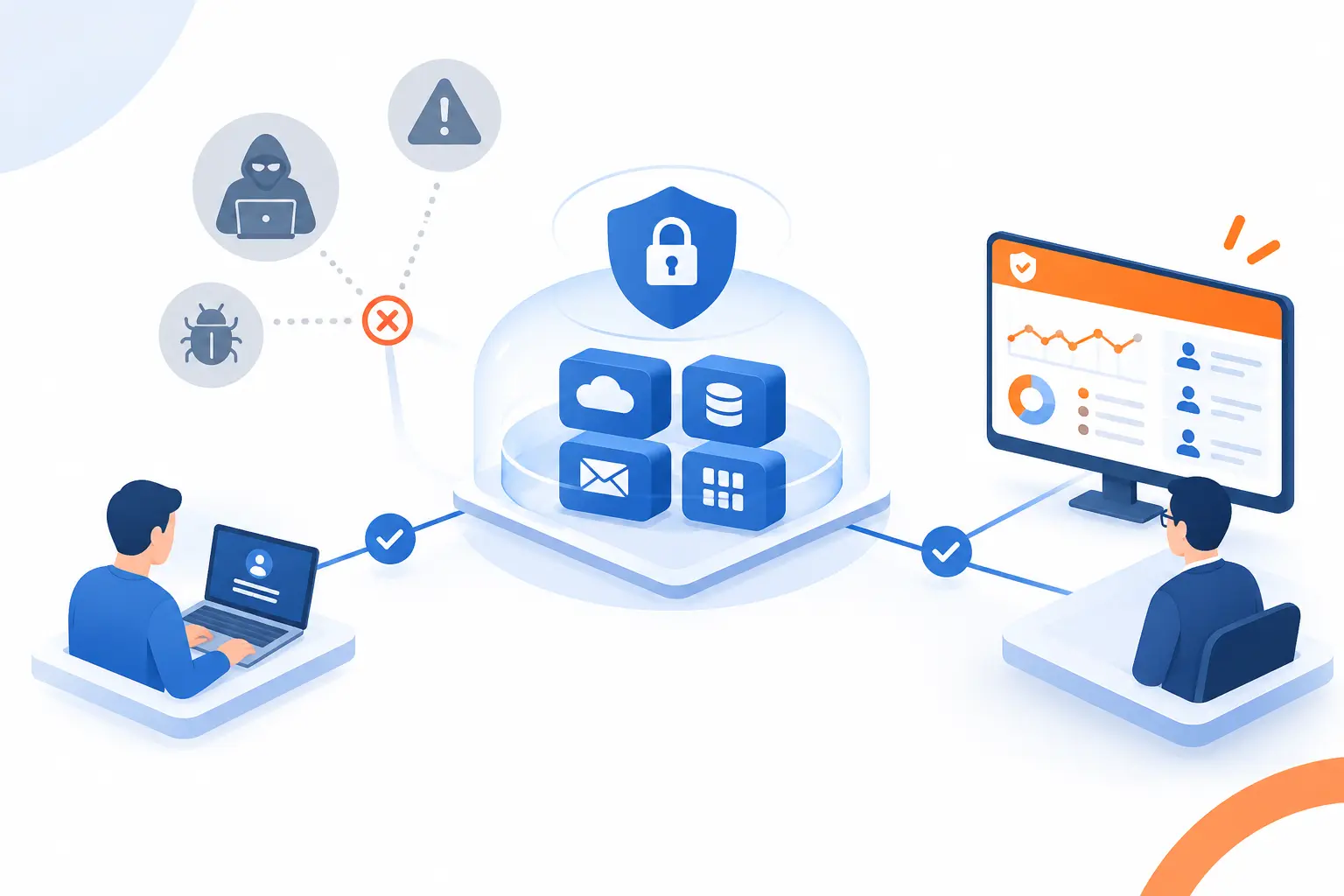
ZTNA can reduce excessive connectivity, narrow access privileges, and improve visibility into application access. It can also support remote workers without granting unnecessary network reach. These benefits depend on correct configuration and coverage. ZTNA does not replace patching, application security, backups, or incident response.
Limit the Damage From Stolen Credentials and Compromised Accounts
Additional authentication and device requirements can prevent a stolen password from being sufficient for access. Narrow permissions can also limit what a compromised account reaches.
Neither protection is absolute. Attackers may steal session tokens, compromise approved devices, or exploit excessive permissions. We would test compromised-account scenarios instead of treating a successful MFA rollout as the finish line.
Reduce Public Exposure of Private Applications and Infrastructure
Some ZTNA designs keep application origins from accepting direct connections from the public internet. An outbound connector can provide a controlled route through an access service.
This requires blocking bypass routes to the origin. Leaving the application’s original public address accessible can undermine the policy gateway. Public-facing access infrastructure still needs protection, and reduced exposure does not remove software vulnerabilities.
Protect Applications and Data Through Role-Specific Permissions
Role-specific policies restrict application access according to work responsibilities. That makes broad access less likely to become the default.
We would separate ordinary employee access from privileged administration. Inside each application, use additional permissions for sensitive records and actions. Reaching a payroll portal should not automatically authorize changing salary details or exporting the full database.
Support Remote and Hybrid Work Without Unnecessary Network Access
ZTNA can connect remote employees to approved applications without admitting their devices to an entire private network. The policy can follow the user across working locations.
For example, a remote employee may need a scheduling portal but no access to office file servers. We see this narrower connection as the practical benefit. Working from home should not require broader permissions than working at a desk.
Improve Oversight of Who Accesses Resources and From Where
Access records can show which identities requested applications, what policies applied, and whether the requests succeeded. Useful records also identify the device and relevant contextual signals.
We recommend deciding who reviews those records before collecting them. Define retention periods, protect sensitive log data, and investigate unexpected access patterns. A dashboard nobody checks is not meaningful oversight.
What Does Application-Specific Access Look Like at Work?
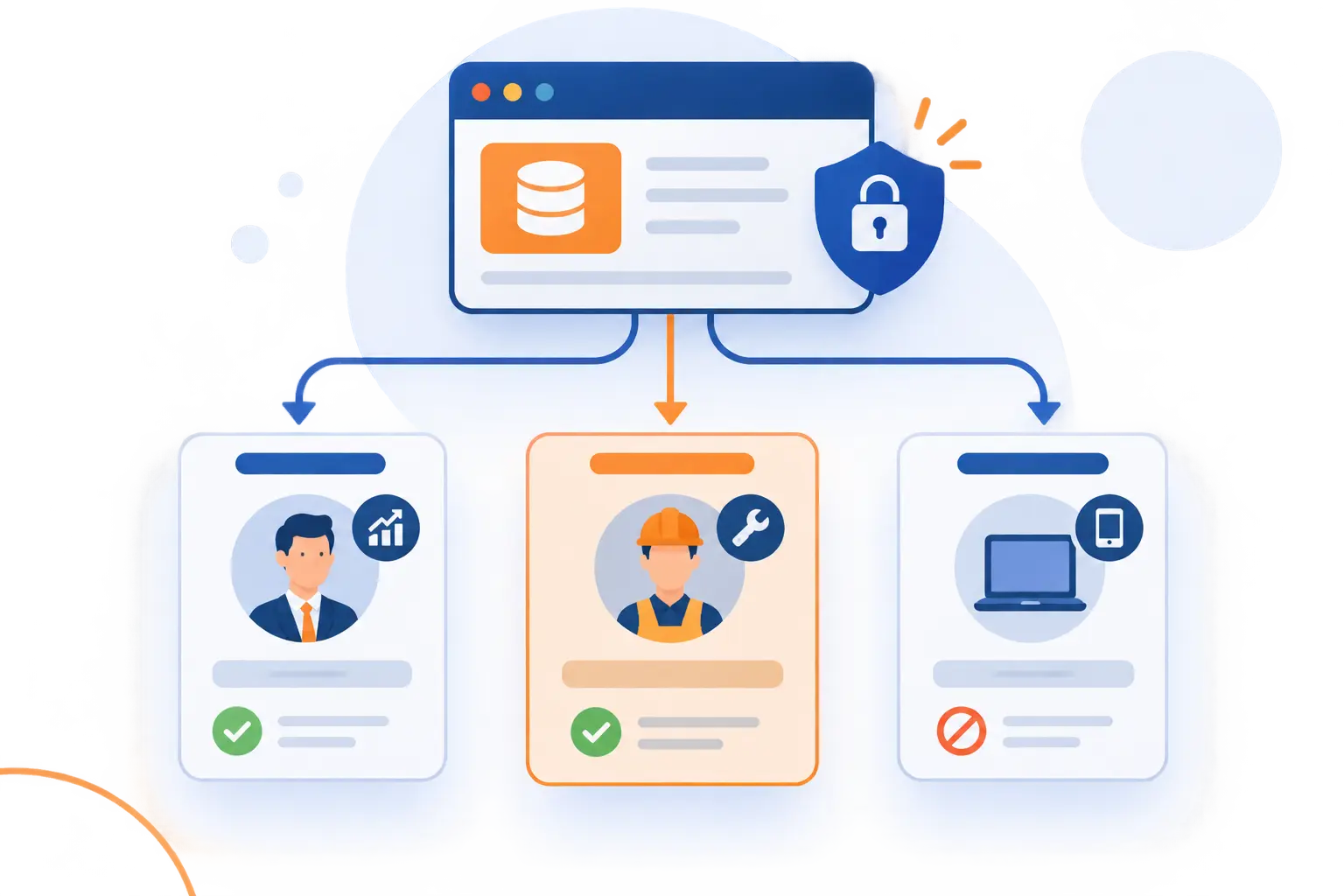
Application-specific access gives each person a controlled route to the resources their work requires. Different roles and devices can receive different outcomes for the same application. The following examples are illustrative policy designs, not claims about named customer deployments.
Give Sales Staff Customer Data Access Without Opening Development Repositories
Allow sales employees into the customer management application while denying unrelated development resources. Their approved connection should not create a route to source-code systems.
Inside the customer application, limit records and exports according to responsibility. We would also test a direct attempt to reach a development repository. That confirms the intended restriction exists beyond the application launcher.
Verify Contractors and Partners Before Authorizing Business Resources
Give contractors individual identities, a defined sponsor, and access limited to the relevant project. Require suitable authentication before authorizing the resource.
For example, an external accountant might receive temporary access to a reporting portal. That permission should not include the entire finance network. We recommend an expiration date and a review process whenever the engagement changes.
Restrict a Personal Laptop That Fails Device Security Checks
Deny sensitive access when a personal laptop cannot satisfy the required device checks. Where supported, a less sensitive application might permit a restricted browser session instead.
Missing device evidence should not silently count as a passing result. Explain what failed and provide an approved alternative. We would avoid blocking employees without telling them how to continue working safely.
What Should Organizations Prepare Before Introducing ZTNA?
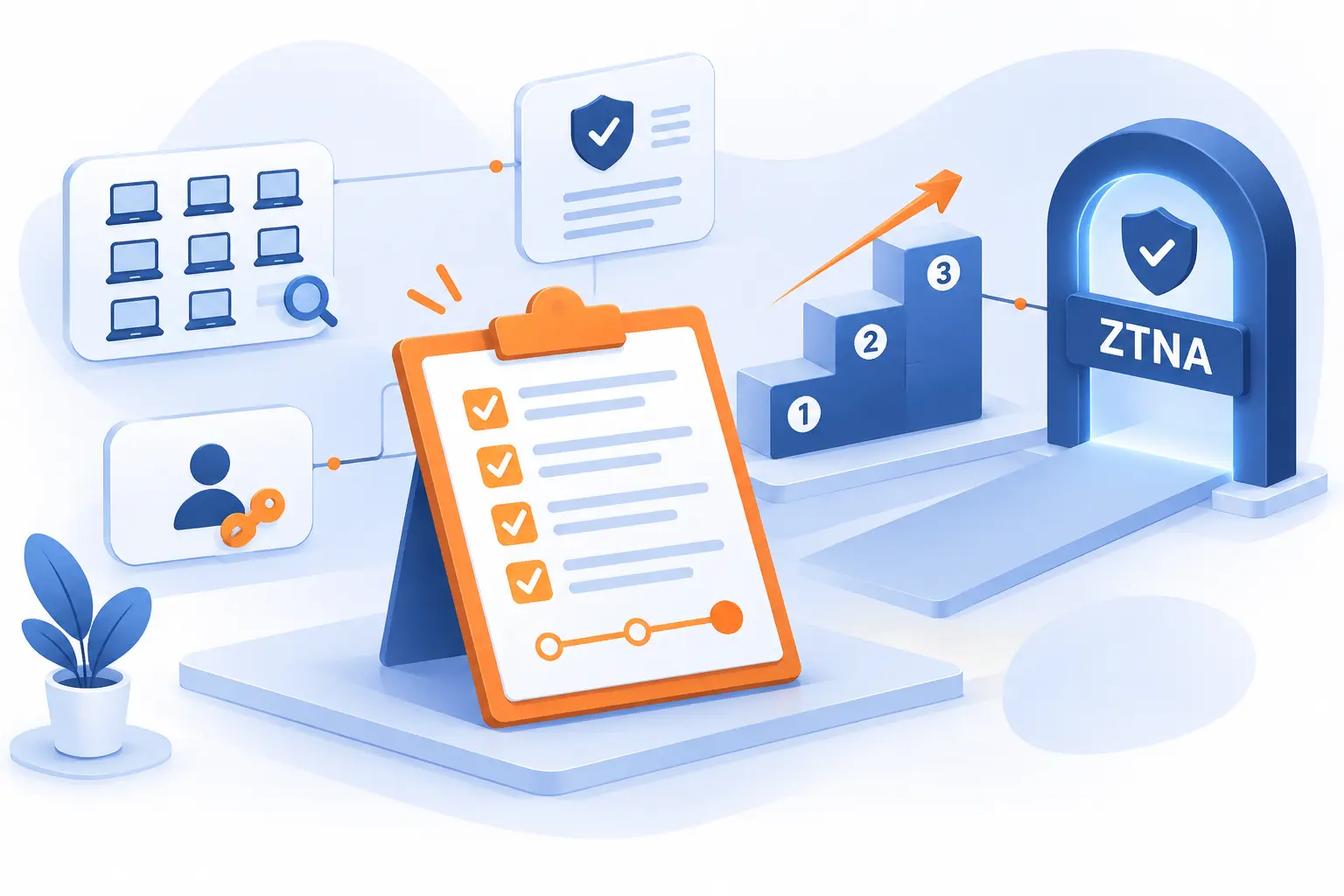
Organizations should prepare accurate inventories, clear access rules, dependable identity systems, and a phased migration plan. Buying an access platform cannot resolve uncertainty about who needs which resources. CISA’s maturity guidance recognizes different starting points and incremental progress. We favor measurable improvements over a rushed replacement project.
Inventory Users, Devices, Workloads, and Sensitive Resources
Identify the people, devices, applications, and service accounts involved in existing access paths. Record application owners, supported protocols, sensitive data, and dependencies.
Include less visible connections such as scheduled jobs and administrative tools. We would ask what breaks if the existing network route disappears. Those answers often reveal dependencies missing from application lists.
Map Job Responsibilities to Minimum Required Permissions
Translate job responsibilities into the smallest practical set of application permissions. Use business tasks as the starting point, not existing broad access groups.
Have application owners validate those rules. Document temporary exceptions and their expiration conditions. We recommend checking both what a role may access and what it must never reach.
Connect Identity Systems With Access Enforcement and Security Controls
Connect identity, device management, and access enforcement so policies receive dependable signals. Verify that account changes and security events reach the systems that act on them.
Plan how joiners, role changes, and departures affect permissions. We would also test identity-service outages and emergency access. Emergency procedures should be narrow, monitored, and rehearsed rather than improvised during an incident.
Prioritize Critical Applications and Introduce Changes in Phases
Rank applications by business risk, then pilot a manageable application before expanding coverage. The most critical system may deserve early planning without being the safest first migration.
Agree on success criteria, test representative users, and retain a controlled rollback path. Before removing the old route, verify application dependencies and access restrictions. Otherwise, parallel access paths can leave the original exposure intact.
Train Employees and Refine Policies Through Access Logs
Teach employees what access prompts mean, why requests may fail, and how to report problems. Explain the approved response to unexpected authentication requests.
Use pilot logs to identify mistaken denials and unintended permissions. We would distinguish a bad rule from a genuinely unsafe device. Quietly bypassing every inconvenient policy defeats the purpose of the rollout.
Which Capabilities Matter When Evaluating a ZTNA Solution?
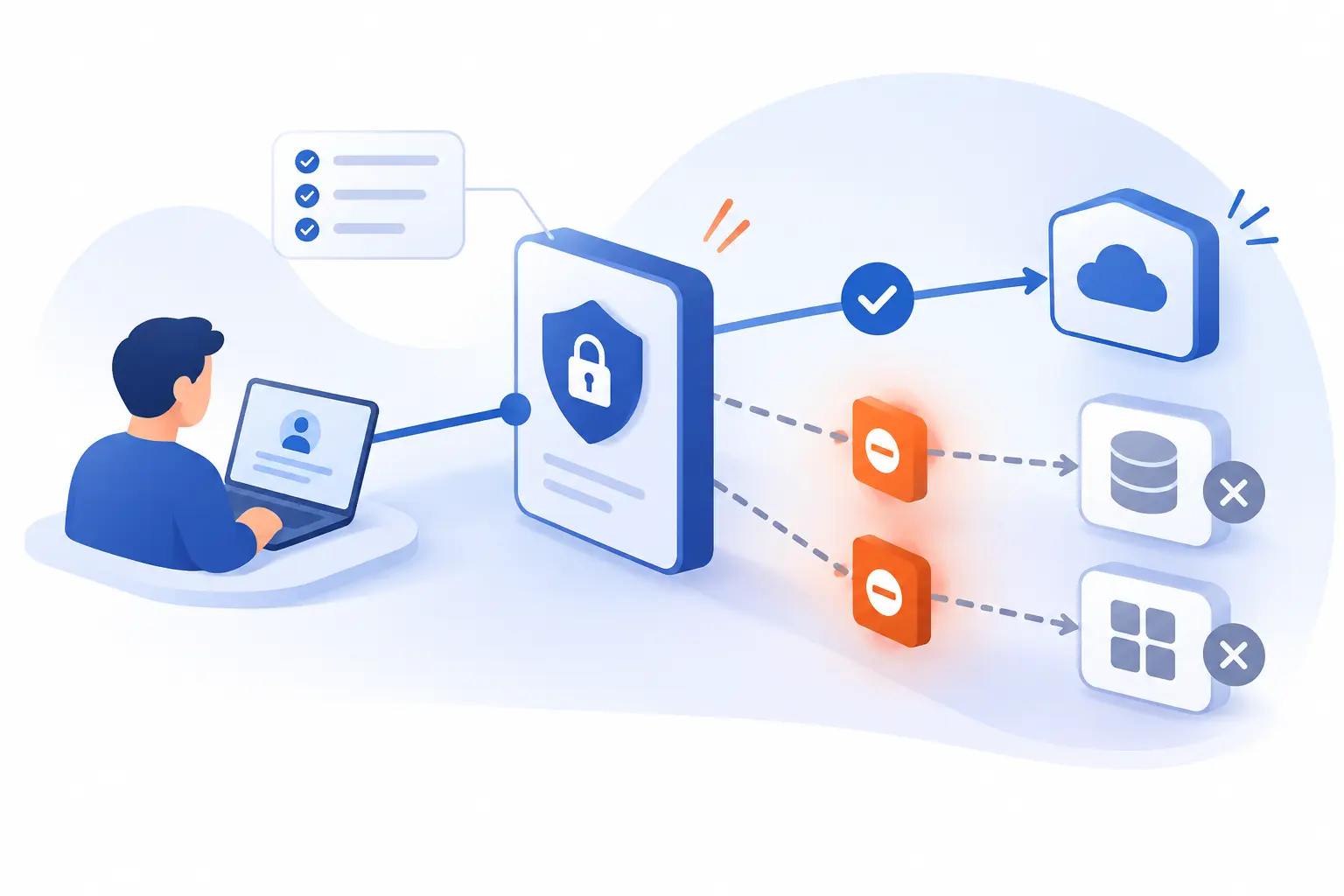
A suitable solution must support your applications, identity systems, device types, and enforcement requirements. Evaluate those capabilities through a pilot, not a feature checklist alone. We would require evidence that unauthorized routes are blocked and legitimate work still functions.
Compatibility With Existing Applications and Identity Infrastructure
Confirm support for the actual authentication methods and protocols your applications use. Browser applications, remote desktops, database clients, and older software may need different connection methods.
Test sign-in, logout, account removal, and application dependencies. Also check whether unsupported workflows require exceptions. A long compatibility list matters less than reliable support for your essential workloads.
Managed Device and Agentless BYOD Access Options
Choose device access methods according to the applications and security evidence each method supports. Managed clients may provide device information that browser-only access cannot supply.
Agentless does not mean unrestricted protocol support or complete activity visibility. For example, Cloudflare documents browser-rendered SSH and remote desktop sessions for particular connection methods. Test the specific mode offered, including its logging limitations.
Coverage Across SaaS, Private Applications, and Cloud Environments
Verify how the solution enforces policy for each application category rather than assuming one method covers everything. A private application connector does not automatically control a public SaaS login.
Check direct sign-in paths, native clients, mobile access, and administrative endpoints. We would ask vendors to demonstrate how users are prevented from bypassing the intended enforcement point.
Threat Protection and Data Loss Prevention Integrations
Determine which threat and data controls are included, integrated, or unavailable. ZTNA access approval alone does not inspect every file or prevent every sensitive export.
Microsoft Defender for Cloud Apps illustrates an adjacent capability through download restrictions and activity controls in supported sessions. Such protections depend on application support and configuration. We recommend testing the exact action you need to stop.
Granular Reporting, Scalability, and Interoperability
Require useful policy explanations, exportable logs, and acceptable performance under realistic demand. Administrators should be able to explain why a request was approved or denied.
Test concurrent sessions, connector failures, identity outages, and integration with existing monitoring tools. We would also review configuration export and migration options. Access infrastructure becomes difficult to replace when policies and records cannot move with you.
FAQ
These answers clarify how zero trust principles affect scope, cost, and existing infrastructure. We distinguish the broader security approach from the narrower task of controlling application connections.
What Does Zero Trust Mean in Cybersecurity?
Zero trust means access is not automatically trusted because of network location or device ownership. Requests must satisfy explicit authentication and authorization policies. The approach uses limited permissions and reassessment rather than permanent trust after login.
What Are the Disadvantages of Zero Trust Security?
Zero trust can introduce integration work, policy complexity, additional costs, and user friction. Incorrect rules may block legitimate work, while weak rules may preserve excessive access. We recommend phased deployment and clear responsibility for reviewing exceptions.
Is Zero Trust Suitable for Small Businesses?
Yes, small businesses can apply zero trust principles without building an enterprise-sized security program. Start with individual accounts, strong authentication, limited permissions, and prompt removal of departed users. Consider ZTNA when private application access creates a clear business need.
Does Adopting Zero Trust Require Replacing All Existing Infrastructure?
No, adopting zero trust does not require replacing all existing infrastructure. Organizations can introduce identity checks and narrower access controls around suitable existing applications. Some older systems may need adapters, isolation, or eventual replacement when their limitations prevent effective enforcement.
1Byte Services for Website and Cloud Infrastructure
At 1Byte, our domain, certificate, and hosting services address the website and infrastructure side of your environment. Zero trust network access addresses a different question: who may connect to protected applications. We recommend evaluating both needs separately rather than assuming hosting automatically includes application-specific access enforcement.
| Service group | Practical role | Access-planning consideration |
|---|---|---|
| Domain registration and SSL certificates | Website naming and HTTPS | Encryption does not establish user permissions. |
| WordPress hosting and shared hosting | Website workloads | Keep public viewing separate from administrative access. |
| Cloud hosting and cloud servers | Application and infrastructure workloads | Assess workload requirements and connection controls separately. |
Domain Registration and SSL Certificates for Your Web Presence
Our domain registration and SSL certificates support website naming and encrypted browser connections. These are useful foundations, but neither determines which employee should reach a private application.
We recommend treating HTTPS and access authorization as separate requirements. A protected connection still needs appropriate permissions at its destination.
WordPress Hosting and Shared Hosting for Website Workloads
Our WordPress hosting and shared hosting serve website workloads whose public and administrative access needs differ. Visitors may need unrestricted access to published pages, while editors need controlled access to management functions.
If you plan to add an external access layer, verify compatibility with the application and hosting arrangement. We would never assume that a hosting category alone guarantees a particular ZTNA integration.
Cloud Hosting and Cloud Servers From an AWS Partner
Our cloud hosting and cloud servers address application infrastructure needs, and we are an AWS Partner. That partnership should not be confused with a claim that every hosting service includes ZTNA.
For a private business application, assess hosting requirements alongside your chosen access architecture. We recommend confirming supported connection methods and administrative responsibilities before deployment.


Conclusion
Zero trust network access changes the access decision from “Can this device enter our network?” to “Should this identity reach this resource?” Its value comes from narrower permissions, relevant security checks, and enforceable decisions.
We see the strongest starting point as a small, testable policy. Choose an application, identify who needs it, and verify that everyone else remains blocked. Which application in your environment would benefit most from that boundary?