


How to speed up ecommerce website performance usually comes down to a short list of technical fixes, not a full rebuild. We start with hosting, delivery, page weight, images, caching, code cleanup, and checkout stability because those are the places where stores lose time first. In our experience, the fastest stores make each page cheaper to serve and easier for the browser to render. That means product grids load sooner, category pages stay responsive, and cart and checkout do not crumble when traffic rises.
How to Speed Up Ecommerce Website in 10 Steps
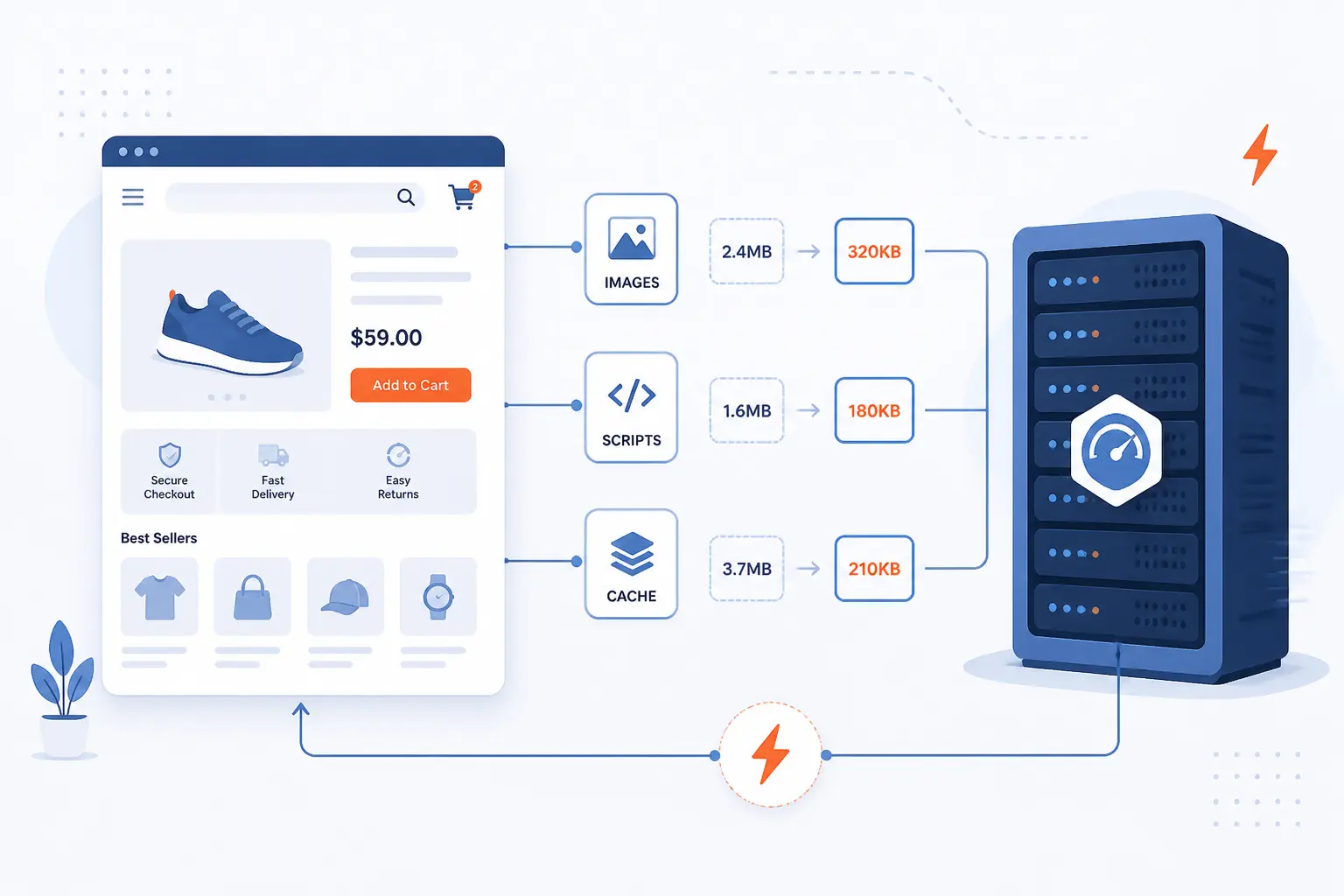
If we had to answer how to speed up ecommerce website work in one line, we would say this: make the server respond faster, send fewer bytes, and stop blocking the first render. Most online shops feel slow for familiar reasons, like bulky product images, too many scripts, weak hosting, and cache rules that are either too timid or too aggressive. That matters because 53% of visits are likely to be abandoned when mobile pages take longer than three seconds to load. The ten fixes below are the ones we would test first on nearly any store.
FURTHER READING: |
| 1. How to Build a WordPress Website Step by Step |
| 2. What Is a Content Delivery Network and How Does It Work? |
| 3. Cheapest Way to Host a Website on a Small Budget |
1. Choose Hosting That Can Handle Ecommerce Traffic
Move the store onto infrastructure that stays quick when search, filters, account sessions, cart updates, and checkout all happen at once. A brochure site can survive on thin resources, but ecommerce pages hit the database and session layer constantly. We usually tell store owners to judge hosting by how stable category, product, and checkout pages feel during busy periods, not by how fast the homepage loads at midnight. If traffic bursts or plugin-heavy pages already cause lag, hosting is often the first bottleneck to remove.
2. Use a CDN to Serve Shoppers From Nearby Servers
Put a CDN in front of static assets and cacheable pages so shoppers fetch files from a nearby edge instead of your origin every time. That one change cuts round trips, protects the origin, and usually improves image, CSS, and JavaScript delivery first. The practical upside is simple: a shopper in another region should not wait on the same path as a shopper near your server, and a distributed network of servers is built for exactly that.
3. Keep Page Weight Low and Limit Oversized Listings
Trim category pages until they show only the products, filters, badges, and widgets that help someone choose. Large product grids, endless recommendations, and stacked promotional modules push more HTML, more images, and more script into one request. We prefer shorter listing pages with clearer pagination or lighter infinite scroll because they ask less from phones and cheaper networks. When a shopper lands on a category page, they need products and price signals, not a carnival.
4. Optimize Product Images and Lazy Load Offscreen Media
Compress product images, serve responsive sizes, and lazy load media that starts below the fold. This matters more than almost any visual tweak because product photos often dominate what a shopper downloads. We usually recommend modern formats where possible, since WebP or AVIF can reduce bytes without forcing a visible quality drop on most catalog images. Keep the first visible image eager, though, because lazy loading the main hero or primary product image can backfire.
5. Use Caching and Prerendering to Improve Speed and SEO
Cache product, category, and content pages aggressively, then prerender the next likely page only when navigation paths are predictable. Done well, this lowers origin work for repeat views and makes common shopper journeys feel almost instant. We like prerendering for likely next clicks such as menu categories or high-intent product pages, especially since Chrome now supports prerendering full-page navigations through speculation rules. Just keep session-driven pages out of broad shared page caching, which we cover again in the FAQ.
6. Minify and Defer CSS, JavaScript, and HTML
Strip dead weight from front-end files and defer anything the first screen does not need. Browsers cannot paint quickly when render-blocking CSS and bulky JavaScript sit in the critical path, so we aim to keep early assets small and intentional. The browser performance guidance around render-blocking resources is worth following here because storefront speed often improves simply by delaying code that powers sliders, reviews, or tracking rather than the first visible content.
7. Remove Unused Plugins, Extensions, and Third-Party Scripts
Audit every plugin, app embed, pixel, chat widget, review badge, and A/B testing tag, then remove the ones that no longer earn their keep. Third-party features are sneaky because each one looks harmless in isolation, yet the combined cost can hammer network setup, parsing, and main-thread work. We have seen stores carry years of forgotten marketing tags, and guidance on third-party JavaScript shows why that turns into a real performance problem fast.
8. Reduce HTTP Requests, Redirects, and Intrusive Pop-Ups
Cut duplicate requests, fix internal redirect chains, and stop showing pop-ups before the page proves its value. Every extra request adds negotiation and waiting, while redirects make the browser ask for the same destination twice or more. We also have a low opinion of early pop-ups on slow stores because they add script, delay interaction, and irritate people before they even see the product. If an element does not help someone buy, it should fight for its place.
9. Tune Fonts, Videos, and Hero Banners for Faster Rendering
Limit custom font families, replace autoplay hero video where possible, and make the first banner visually simple enough to render fast. Above-the-fold design mistakes hurt twice, once in bytes and once in perceived delay. We usually preload only the one font that shapes the first screen, use a poster image instead of instant video playback, and keep hero banners from becoming layered art projects. The homepage is not a motion demo, and stores that remember that tend to feel quicker.
10. Prepare for Traffic Spikes Without Breaking Cart and Checkout
Load test the store before sales, product drops, or paid campaigns so you know where it bends and where it breaks. This is the step many teams skip until a promotion goes live and the slowest pages turn out to be add-to-cart, shipping estimates, or payment steps. That is expensive, since Google says a 1-second delay can impact mobile conversions by up to 20 percent in retail. We would rather find those limits in a test window than in front of customers.
How to Measure Performance Gains After Each Fix
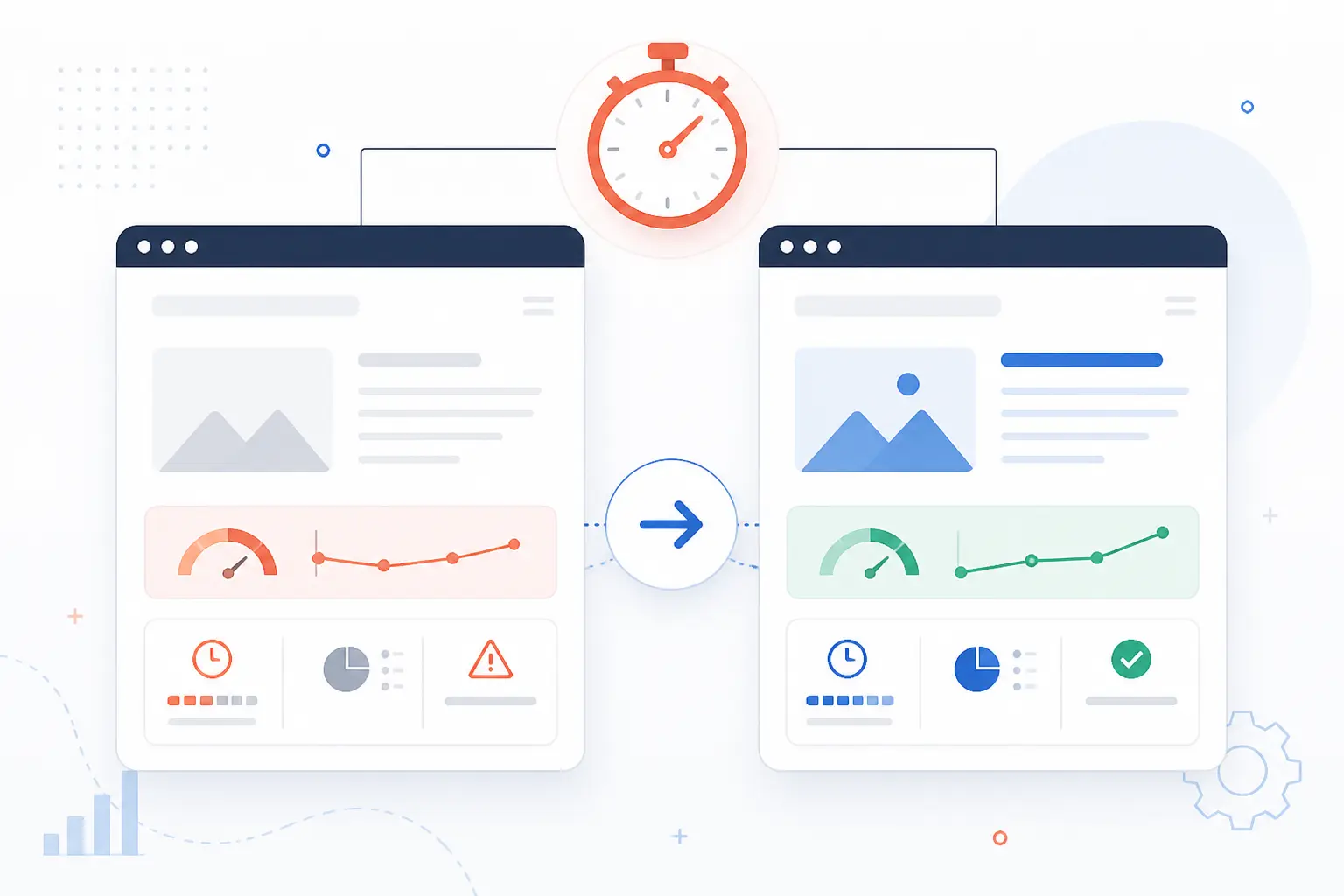
The right way to measure improvements is to test before and after each change, not after a month of bundled edits. That gives you a clean cause-and-effect record and keeps one fix from masking another problem. We usually compare the same URLs in the same templates, then review both lab data and real-user data. If a change helps the homepage but hurts product pages, it is not a win.
Test With PageSpeed Insights Before and After Changes
Use the same product, category, and homepage URLs in PageSpeed Insights before you touch anything, then test them again after each fix. That matters because real-world data over a 28-day collection period and Lighthouse lab results answer different questions, and both are useful. Lab data helps you debug a fresh change right away. Field data tells you whether actual shoppers on actual devices are feeling the improvement.
Compare Mobile, Desktop, and Core Web Vitals
Judge the store on mobile first, then confirm desktop, and read the Core Web Vitals as thresholds rather than vanity scores. Google defines good targets as LCP within 2.5 seconds, INP below 200 milliseconds, and CLS below 0.1. We care most about mobile because that is where weak devices, crowded pages, and bad networks expose the truth. A store that feels decent on desktop can still feel sticky and frustrating on a phone.
Watch Bounce Rate, Organic Traffic, and Conversion Paths
Track what people do after the page loads, because technical gains only matter when shopper behavior improves too. We usually watch bounce rate on landing pages, organic entry performance on product and category templates, and funnel drop-offs from product page to cart to checkout. If the site scores better but more people abandon after choosing a size or shipping option, you have not solved the real problem. Speed should make shopping simpler, not just prettier in a report.
FAQ
Yes, most store speed questions come back to a few repeat decisions. We see the same pain points across WooCommerce stores, custom storefronts, and larger hosted stacks. The answers below are the ones we would give first before anyone starts rewriting themes or replacing platforms.
How Do You Make an Ecommerce Website Faster?
Start by improving hosting, adding a CDN, compressing images, enabling safe caching, and cutting scripts that block rendering. That gives you the biggest wins first and avoids wasting time on tiny tweaks. We would measure every change on product, category, cart, and checkout pages, because those templates usually reveal the real bottleneck.
Why Are Ecommerce Websites So Slow?
Ecommerce websites are slow because they combine heavy media, dynamic pricing, search, filters, user sessions, and too many third-party scripts on the same pages. Each of those pieces adds database work, JavaScript, network requests, or layout complexity. In our view, stores rarely have one giant problem. They usually have ten medium-sized ones stacked together.
Can You Speed Up an Ecommerce Site for Free?
Yes, you can often get meaningful gains for free by resizing images, removing unused apps, limiting pop-ups, and deferring noncritical code. Those changes cost time, not necessarily money. Still, if the server is undersized or checkout logic is overloaded, free fixes eventually hit a ceiling and infrastructure changes become the next move.
Should You Cache Cart and Checkout Pages?
Usually no, at least not with shared full-page caching. Cart and checkout pages depend on session-specific data, and WooCommerce excludes Cart, Checkout, and My Account from caching by default for that reason. We still like browser and object caching around those flows, but the page HTML itself should stay personalized and fresh.
How 1Byte Supports Faster Ecommerce Websites
We support faster stores by helping merchants make better choices at each layer, from launch basics to scalable infrastructure. As an AWS Partner, we think about store performance as a stack decision, not a single plugin decision. Some shops need a clean WordPress launch path, while others need more room for traffic spikes and heavier catalog activity. The table below gives the quickest way to match the service to the job.
| Service | Best fit | Practical speed role |
|---|---|---|
| Domain registration | New store launches | Creates a clean foundation for routing and setup |
| SSL certificates | Any live store | Supports secure HTTPS without making security an afterthought |
| WordPress hosting | WordPress and WooCommerce stores | Fits merchants who want a CMS-led storefront |
| Shared hosting | Small shops and early validation | Keeps launch simple while traffic is still modest |
| Cloud hosting | Growing stores | Adds more flexibility as traffic and resource demand rise |
| Cloud servers | High-control workloads | Gives room for custom tuning and heavier traffic events |
Domain Registration, SSL Certificates, and WordPress Hosting for Store Launches
Start with a clean launch stack so you do not build avoidable friction into the store from day one. Domain registration gives the shop a proper home, SSL certificates keep HTTPS in place, and WordPress hosting makes sense when the storefront will run on WordPress. We see this combination as the practical starting point for merchants who want to launch quickly without treating security and performance as separate projects.
Shared Hosting and Cloud Hosting Options for Growing Online Shops
Choose shared hosting when the store is small and predictable, then move to cloud hosting when product count, traffic, or plugin complexity starts to push harder. Shared hosting can be enough for early-stage catalogs and early revenue testing. Cloud hosting becomes the better fit when the store needs more breathing room for heavier templates, seasonal campaigns, or broader geographic traffic. We think that shift should happen before performance complaints pile up.
Cloud Servers That Support Better Speed, Scaling, and Traffic Spikes
Use cloud servers when the store needs tighter control over resources, software choices, and scaling behavior. That matters most for shops with larger catalogs, more custom code, or sales events that can create sudden load. In our view, cloud servers are less about bragging rights and more about reducing guesswork. If performance depends on careful tuning and reliable headroom, this is usually the direction to consider next.







Conclusion
If we strip the whole topic down, learning how to speed up ecommerce website performance is really about removing friction from three places: the server, the payload, and the browser. Fix those in order, and most stores become noticeably faster without changing their brand, catalog, or business model.
We would start with the biggest bottleneck you can already see, test the gain, then move to the next fix. If your store still feels slow after these ten steps, the next question is simple: which template is actually wasting the most time for shoppers right now?