

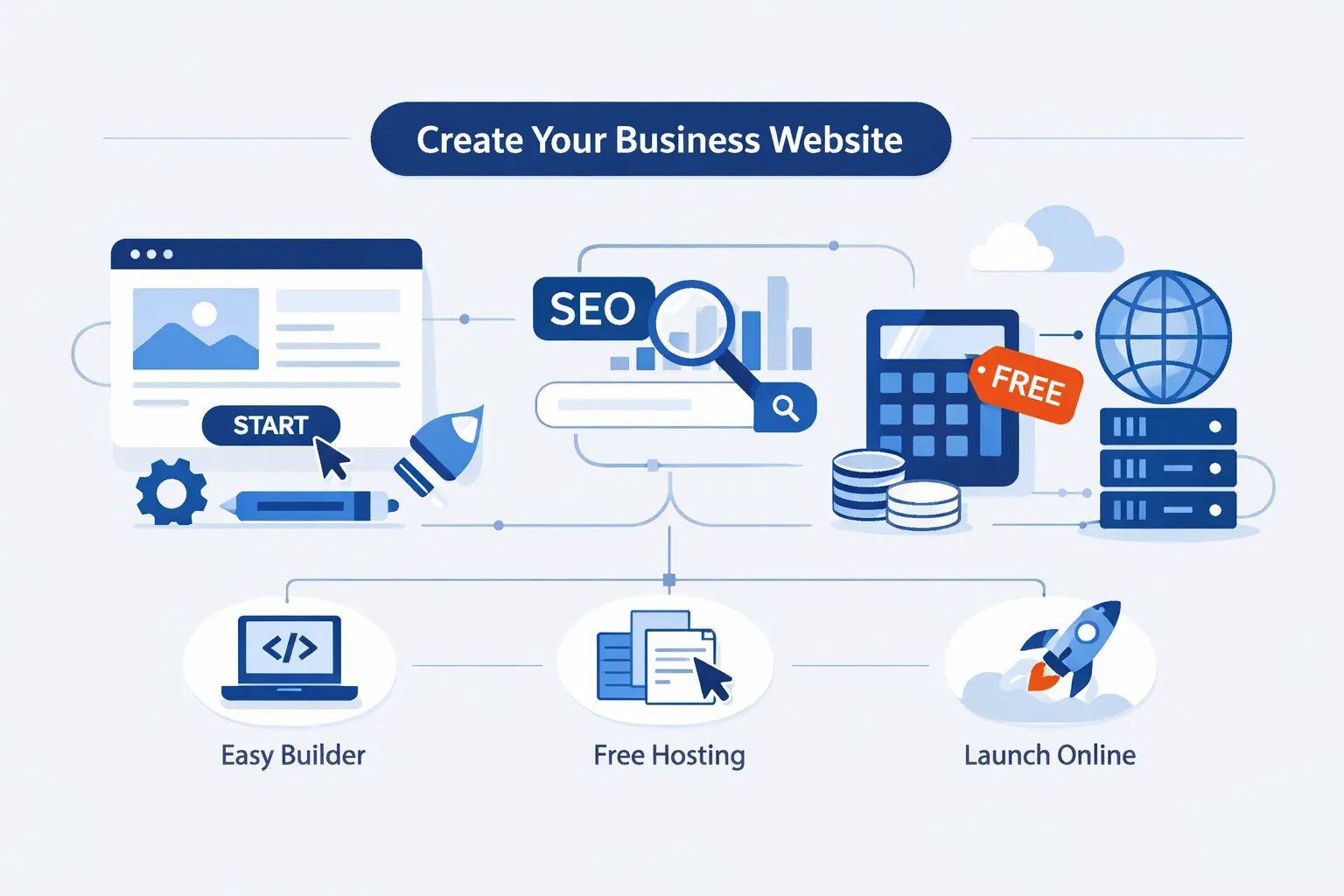
- What Free Really Means for a Business Website
- How to Choose the Right Free Website Builder for Your Business
- How to Create a Website for Business for Free Step by Step
- What Every Free Business Website Should Include
- How to Make a Free Business Website Look Professional and Search Ready
- Best Free and Trial-Based Website Builders for Small Businesses
- Free Website Limitations and When to Upgrade
- Frequently Asked Questions
- How 1Byte Helps After You Build Your Free Business Website
- Final Takeaways on How to Create a Website for Business for Free
At 1Byte, when we explain how to create a website for business for free, we start with the honest version. Yes, you can get a real site online without paying on day one. No, that does not mean every useful part stays free forever. Free is a launch pad, not a magic trick.
We like free tools for early testing. They let a bakery post its menu, a consultant collect leads, or a local salon publish hours and booking details in one afternoon. We have seen that simple move create real momentum. A live site with the basics often beats a perfect site that never gets published.
What Free Really Means for a Business Website
We do not see this as a tiny side topic. The broader web content management segment reached US$ 6,616.3 million in 2025, which tells us businesses still want easier ways to publish and manage their online presence.
At the same time, phones shape first impressions. Mobile devices generated 52.27% of global website traffic in Q1 2026, so even a free business site has to look clean and work well on a small screen.
1. Free Plans, Free Trials, and Branded Subdomains
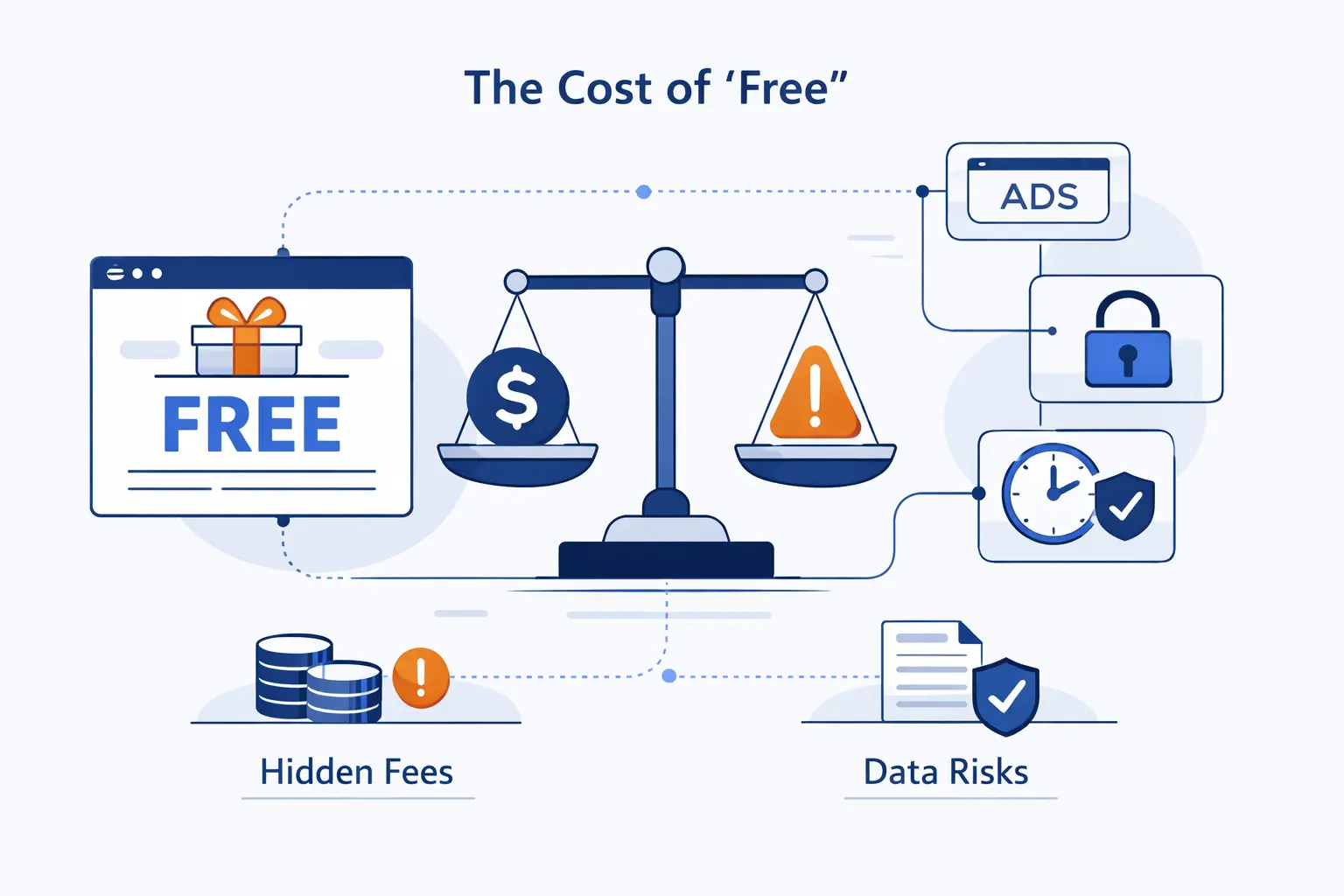
When we say “free,” we usually mean one of three things. First, there is a real free plan that can stay live for as long as you want. Second, there is a free trial that lets you build before paying. Third, there is a free site that lives on a branded subdomain, such as yourbrand.buildername.com. That last option is useful for testing, but it rarely looks polished enough for the long haul.
2. What You Usually Get With Hosting, Templates, AI Tools, and No-Code Editing
Most free builders include the basics you need to get off the ground. That usually means hosting, a template library, drag and drop editing, image blocks, contact forms, and a guided setup flow. Many now add AI tools that draft a homepage, suggest copy, or build a rough layout after a few prompts. We think that is helpful for speed, but the first draft still needs a human hand.
3. What Often Requires an Upgrade for Better Branding, Domain Control, and Growth
The upgrade points are predictable. You often need to pay for a custom domain, remove platform branding, unlock better storage, connect a business email, or gain stronger selling and analytics features. More control over page titles, redirects, contributor access, and advanced design options also tends to sit behind the paid wall. In our view, that is fair. The free version proves the idea, then the paid version helps you own it.
How to Choose the Right Free Website Builder for Your Business
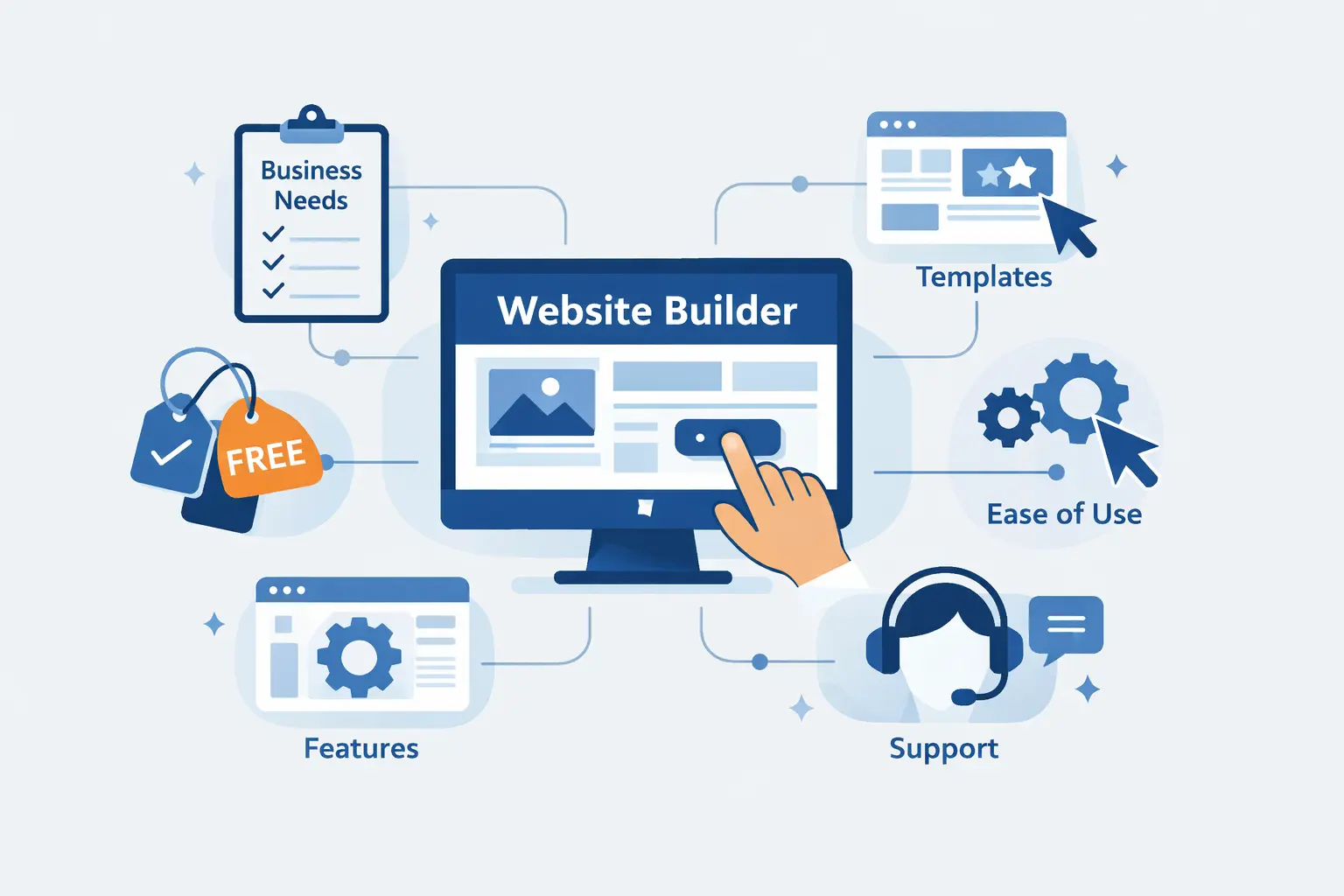
We would not choose a platform by brand name alone. We would choose it by the job the site needs to do. A florist, an accountant, and a yoga studio may all want a “business website,” but their real needs are very different once you get past the homepage.
1. Compare Templates, Drag and Drop Editing, and AI Assistance
Start with the design starting point. Good templates save hours because they already solve spacing, hierarchy, and mobile layout. Drag and drop editing matters if you want control without code. AI setup helps if you feel stuck at the blank page stage. We like AI for structure, not for final copy. If the tool writes generic text, rewrite it in your own voice before you publish.
2. Check SEO, Mobile Design, Security, Hosting, and Reliability
A free plan should still let you edit page titles, meta descriptions, image alt text, and URLs where possible. It should also offer secure hosting and a decent mobile experience. We always tell beginners to preview every page on a phone before launch. If the buttons are hard to tap or the text feels cramped, visitors will leave fast. Free is fine. Friction is not.
3. Match the Platform to Selling, Booking, Blogging, and Lead Generation Needs
This is where smart choices happen. If you only need a landing page and contact form, a simple builder is enough. If you want appointments, choose a platform with booking tools. If content marketing matters, pick one that handles blogging cleanly. If you plan to sell ten products next month and fifty later, think ahead now. Moving platforms is possible, but it is easier to choose well the first time.
How to Create a Website for Business for Free Step by Step
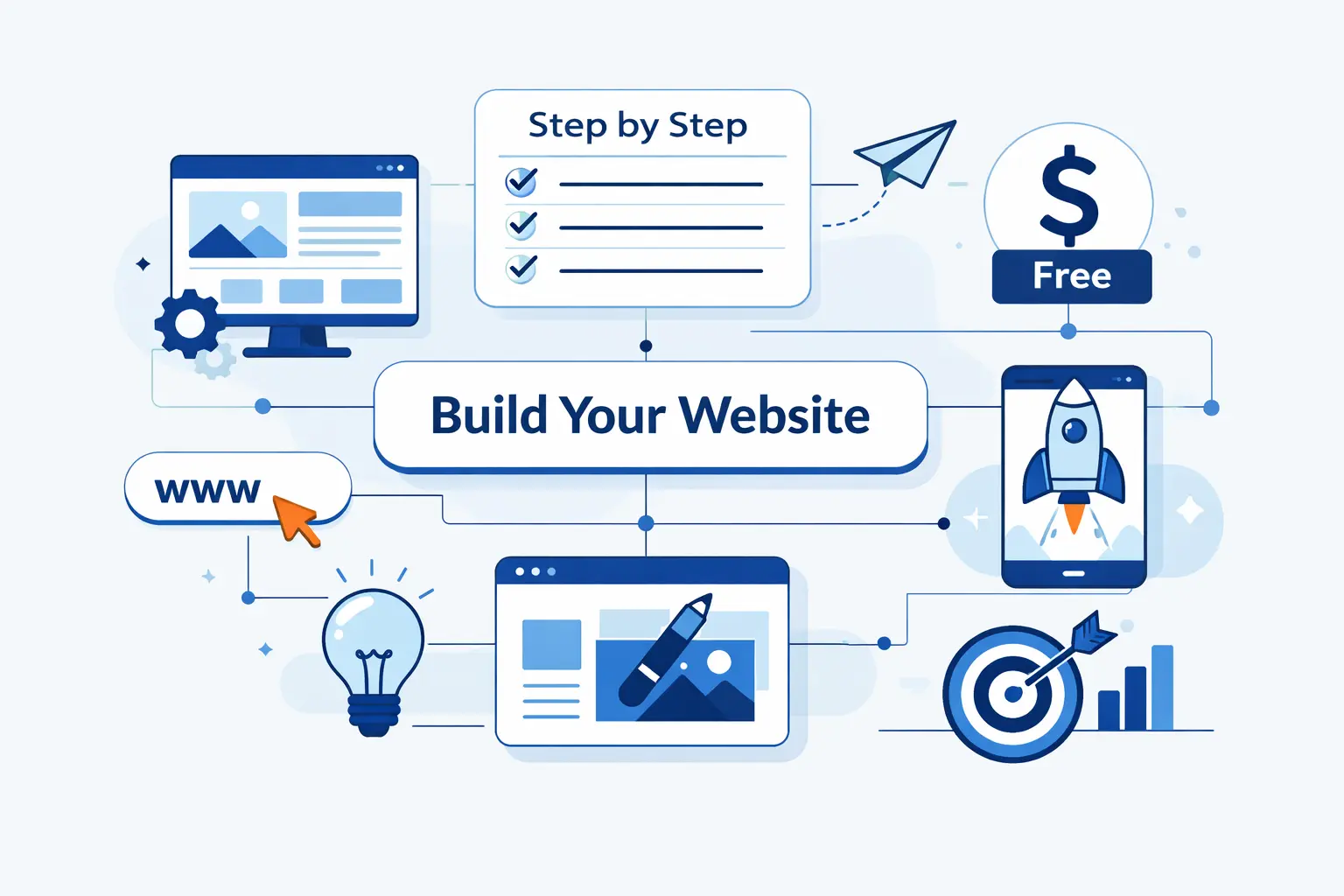
If you want to know how to create a website for business for free without getting lost in the weeds, this is the path we recommend. Keep the first version small, useful, and easy to update. That mindset saves time and keeps you from building pages nobody needs.
1. Define Your Goals, Audience, and Core Pages
Before touching a template, decide what the site must accomplish. Do you want phone calls, quote requests, bookings, store sales, or newsletter signups? Then define who the site is for. A neighborhood plumber needs trust and contact speed. A freelance designer needs proof of taste. For most small businesses, the core pages are Home, About, Services or Products, Contact, and one proof page such as testimonials, portfolio work, or FAQs.
2. Start With a Template or an AI-Generated Draft
Pick the closest fit, not the prettiest demo. If you run a law office, start with a service template, not a restaurant layout that just happens to look stylish. AI-generated drafts are useful when you need momentum. They can suggest sections, headings, and a first pass at structure. We still prefer to edit heavily. Visitors can spot generic copy from a mile away, and it weakens trust.
3. Customize Your Branding, Content, Images, and Layout
Now make it yours. Add your logo, brand colors, fonts, short headlines, and plain-English service descriptions. Use real photos if you can. A contractor’s actual team beats a stock photo handshake almost every time. Keep paragraphs short. Put your most important message near the top. If you help people solve a problem, say that clearly in the first screen, not halfway down the page.
4. Use a Free Subdomain First, Then Upgrade to a Custom Domain
We think this is a practical order for new businesses. Launch on the free subdomain if budget is tight or the offer is still being tested. Once you know the site reflects the business and starts getting visits, move to a custom domain. That single step improves memorability and trust. It also helps you look established when someone compares you with local competitors.
5. Optimize for SEO, Accessibility, and Mobile Users
Basic optimization goes a long way. Give each page a clear title. Write a short meta description that matches the page. Add alt text to important images. Use strong contrast between text and background. Make buttons easy to tap. Check that headings are in the right order and forms are easy to complete. We treat accessibility as part of professionalism, not as an optional extra.
6. Publish, Promote, and Manage Your Website
Publishing is the start, not the finish line. Add your website to your social profiles, email signature, printed materials, and business listings. Ask a few real people to test it on their phones. Then keep it alive. Update hours, pricing, offers, and contact details as they change. A basic site that stays current is more valuable than a fancy site that goes stale.
What Every Free Business Website Should Include
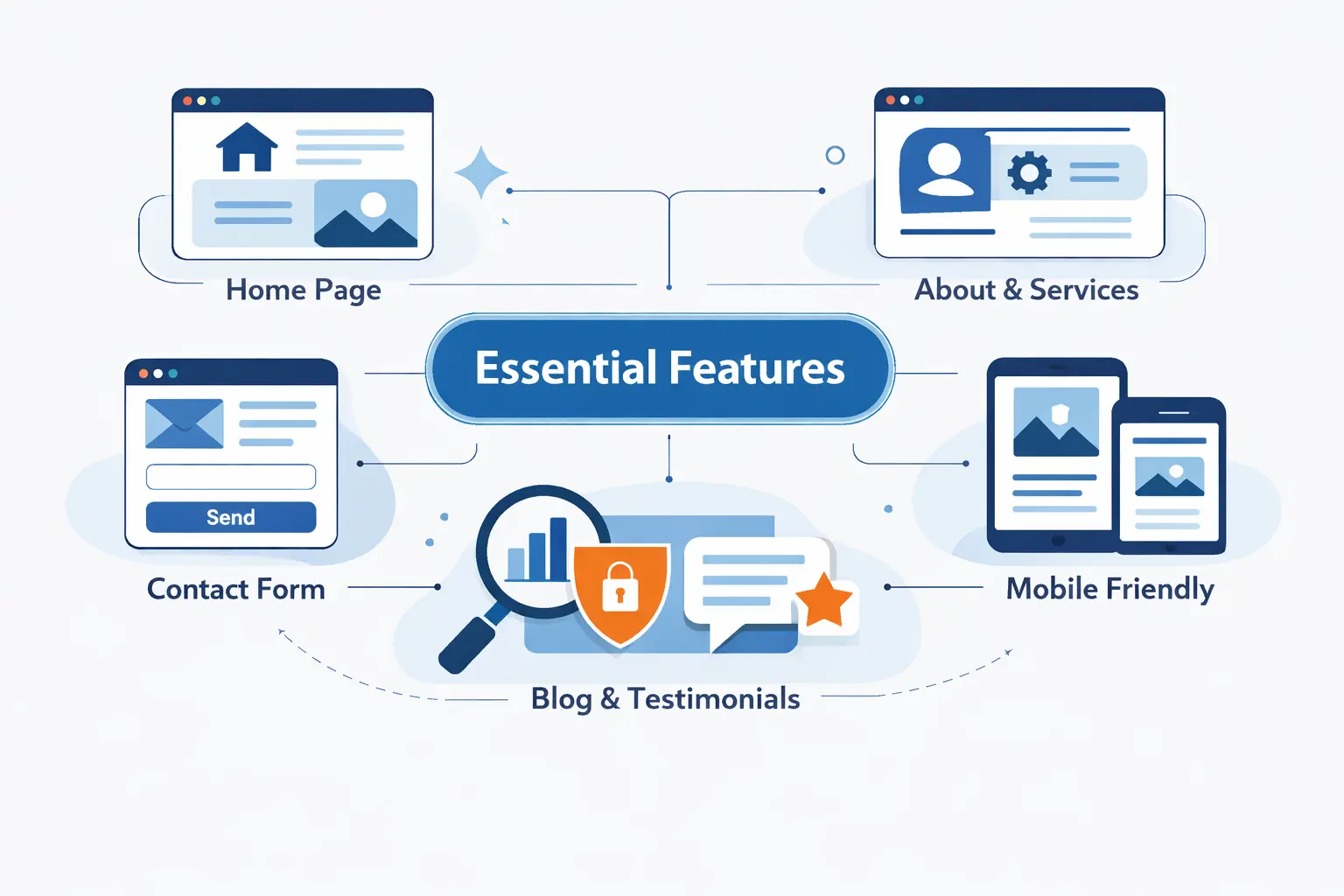
We have reviewed many early-stage business sites, and the same missing pieces show up again and again. The good news is that fixing them does not require a bigger budget. It usually requires clearer thinking and a tighter structure.
1. A Clear Value Proposition and Strong Calls to Action
Your homepage should answer three questions fast. What do you offer? Who is it for? What should the visitor do next? We like simple calls to action such as “Book a consultation,” “Request a quote,” or “Call now.” Vague buttons like “Learn more” have their place, but they should not carry the whole site. Tell people what step to take.
2. About, Contact, Business Hours, and Essential Company Details
Trust grows through details. Your About page should explain who you are and why you do the work. Your Contact page should include a form, email, phone number, and location details if relevant. If you have business hours, list them clearly. If you serve a specific area, say so. Local customers do not want to guess whether you can help them.
3. Product, Service, Blog, Store, Booking, or Portfolio Pages
You do not need every page type. You need the right ones. A coach may need Services, Testimonials, and Booking. A bakery may need Menu, Ordering Info, and Contact. A photographer needs Portfolio, Packages, and Inquiry Form. A small shop may need product pages first and a blog later. We prefer fewer pages that do one job well over a bloated menu that confuses visitors.
How to Make a Free Business Website Look Professional and Search Ready
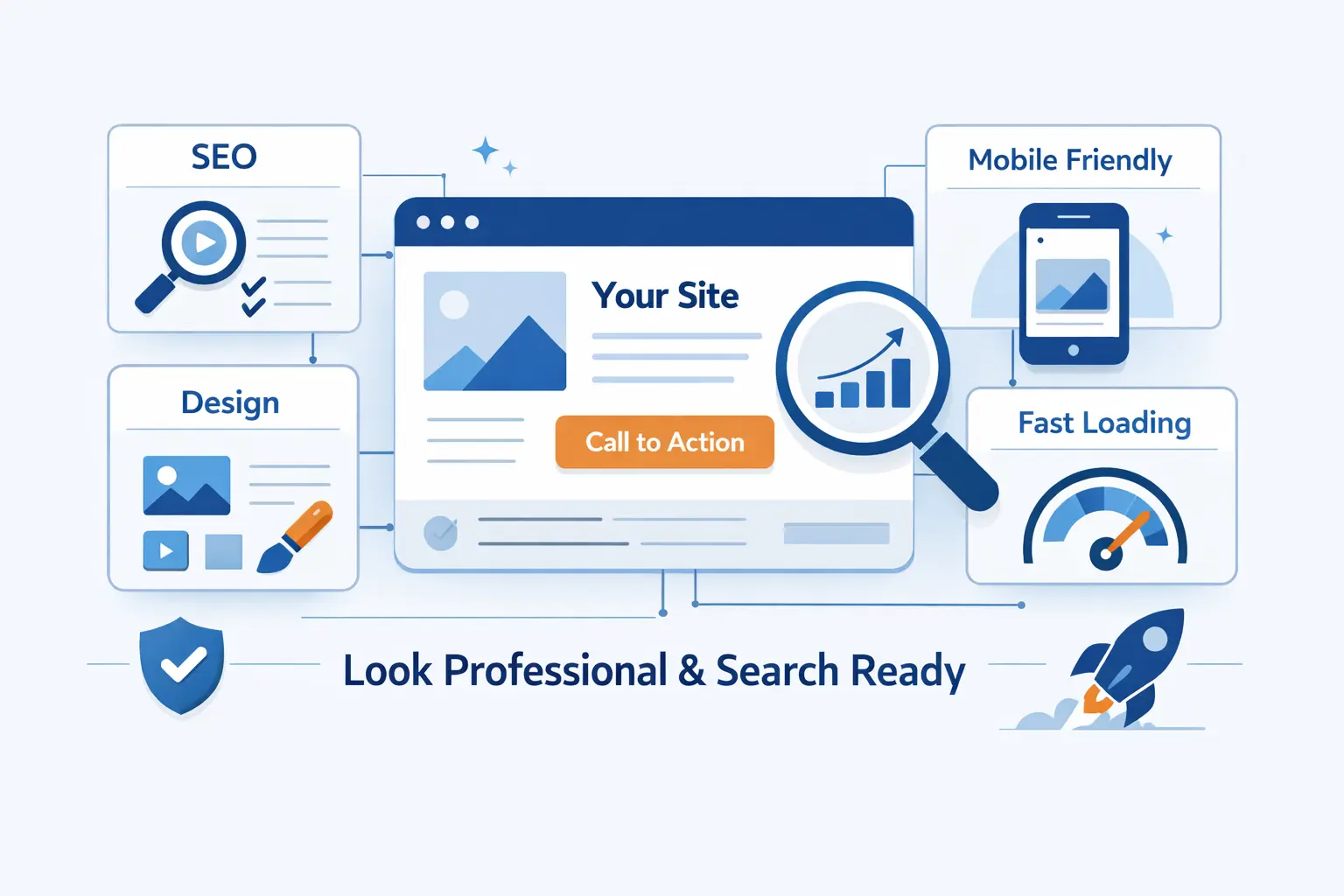
Free does not have to look cheap. In our experience, most unprofessional websites fail for simple reasons. They have cluttered layouts, weak copy, poor spacing, or no visual discipline. Those are fixable problems, even on a zero-dollar setup.
1. Clean Layouts, White Space, and Consistent Branding
Resist the urge to use every block a builder gives you. Leave room between sections. Keep the color palette tight. Use one headline style and one body text style. Repeat the same button treatment across the site. White space helps visitors focus, and focus is what converts. If everything shouts, nothing stands out.
2. High-Quality Visuals, Easy Navigation, and Responsive Design
Use sharp visuals that support the business, not distract from it. One strong hero image is better than five weak ones. Keep navigation simple. If your site has five pages, let people reach each one in a single tap. We also preview on multiple screen sizes because a layout that looks tidy on desktop can collapse into chaos on mobile if you ignore spacing and image crops.
3. Page Titles, Meta Descriptions, Alt Text, and Search Visibility
These small fields matter more than beginners expect. A clear page title helps search engines and users understand the page. A thoughtful meta description improves how the page appears in results. Alt text helps both accessibility and image context. We also name images sensibly and avoid uploading giant files. Search visibility is often built from these quiet details, not from flashy tricks.
Best Free and Trial-Based Website Builders for Small Businesses
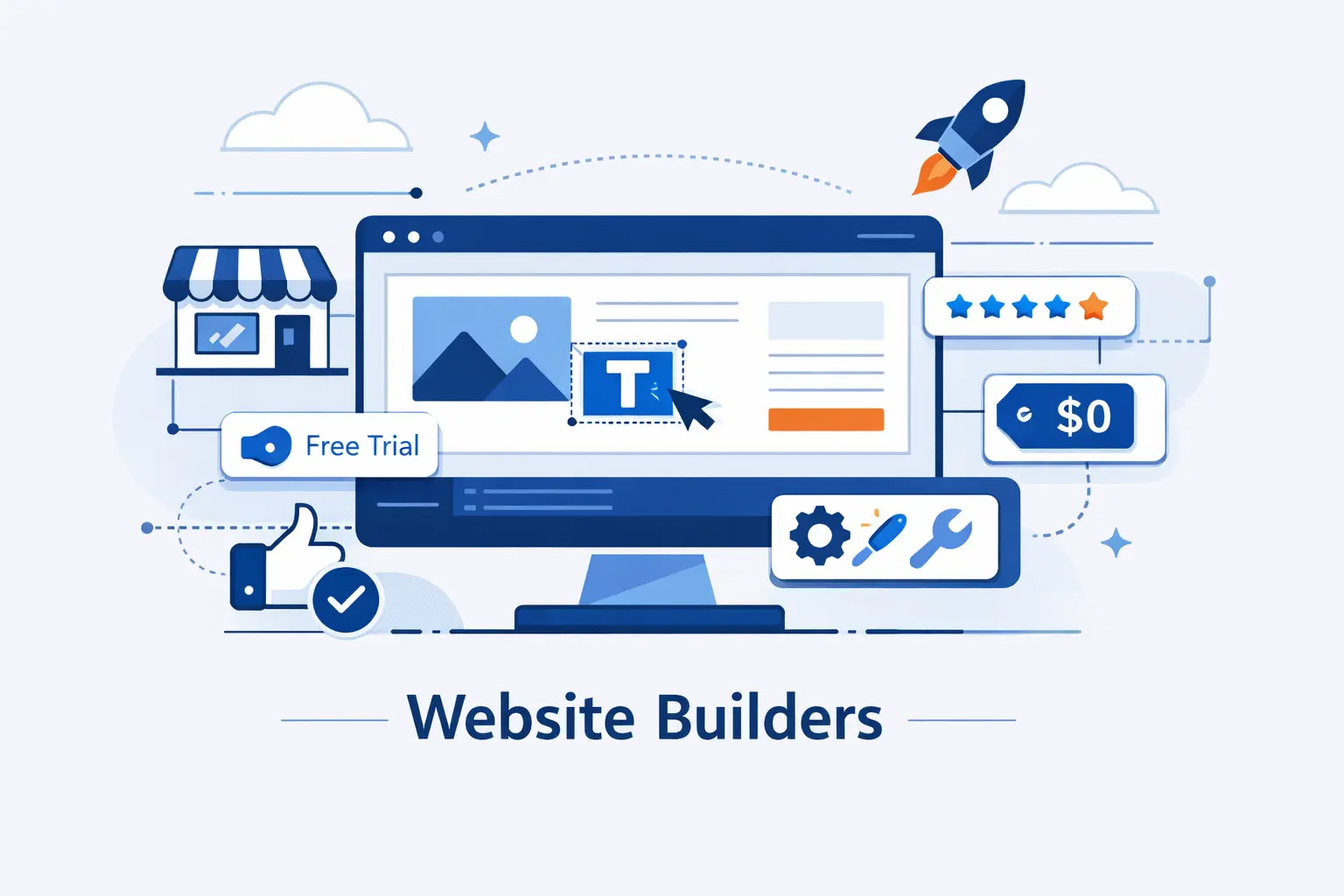
We do not believe there is one perfect builder for every company. The right pick depends on whether you value speed, design polish, selling tools, or flexibility. Here is how we think about the most useful options for small businesses getting started.
1. Canva for One-Page Business Websites and Visual Branding
Canva shines when the goal is speed and clarity. We think of it as a strong choice for a digital brochure, event page, menu, mini portfolio, or simple lead capture page. It is especially useful for visually driven brands that already design social posts or flyers in Canva. We would not make it our first pick for a content-heavy site, but for a one-page launch, it can do the job cleanly.
2. Wix for AI Building, Deep Customization, and Marketing Tools
Wix is the most flexible free-first option in this group. Its help center explains you can personalize your free Wix URL before moving to a custom domain, which makes it easy to test a business name and get live quickly. We like Wix for owners who want room to grow, more layout freedom, and a broader toolset without learning code.
3. Squarespace for Premium Design and a Trial-Based Start
Squarespace is less about “forever free” and more about starting smart. It gives you a 14-day free trial, and we like it for photographers, studios, consultants, and premium service brands that care deeply about design. If visual polish is part of your offer, Squarespace often feels more refined right out of the box.
4. GoDaddy for Fast Setup, AI Help, and Built-In Business Tools
GoDaddy is the fast lane. Its features page includes a one-month trial, which gives new owners time to build a basic presence without much friction. We like it for local service businesses that want a straightforward site, basic promotion features, and a shorter path from signup to publish.
5. Weebly for Simplicity, Selling, and Square Integration
Weebly remains a practical choice for simple sites and light ecommerce. Its company page describes the platform as eCommerce by Square, which is useful if you already take payments through Square in person. We think that makes Weebly a natural fit for small shops, makers, and sellers who want website and point-of-sale habits to feel connected.
Free Website Limitations and When to Upgrade
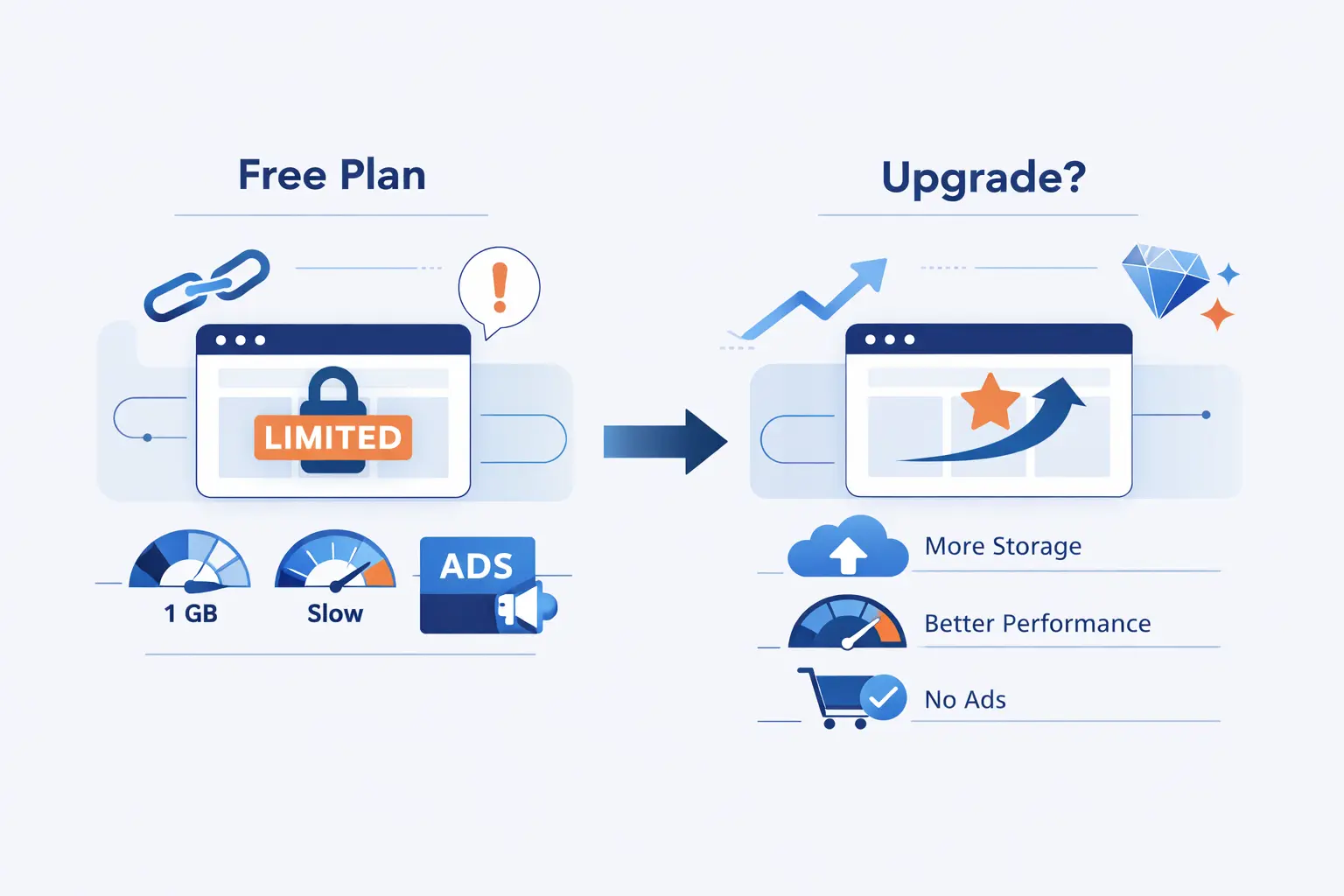
We are big believers in starting lean. We are not believers in staying small for the wrong reasons. Free plans are great when they support the stage you are in. They become a problem when they start hiding your brand, limiting your growth, or making the business look less trustworthy than it really is.
1. Stay Free for Testing Ideas and a Simple Online Presence
If you are validating an idea, a free site is often enough. It can show your offer, collect inquiries, and prove whether people care. This is perfect for side projects, pre-launch services, local pilots, or very simple brochure sites. We have seen founders waste money too early on complex setups when a free page would have answered the real question faster.
2. Upgrade for a Custom Domain, Professional Email, and Better SEO Control
The first meaningful upgrade is usually branding. A custom domain makes your business easier to remember and easier to trust. A matching email address helps even more. You may also want better control over metadata, redirects, forms, and analytics. When the site becomes part of real sales activity, these details stop being “nice to have” and start being basic business infrastructure.
3. Move Beyond a Free Plan for Better Security, Scalability, and Credibility
As traffic grows, your needs change. You may want stronger performance, more storage, cleaner backups, better plugin or app flexibility, or tighter control over how the site is built. That is often the moment to move from a free builder to paid hosting or a content management system like WordPress. We see that shift as healthy. It means the website has graduated from experiment to asset.
Frequently Asked Questions
These are the questions we hear most from first-time founders and small business owners. The answers are simple, but the context matters. Free tools are useful when you know exactly what they can and cannot do.
1. Is It Possible to Make a 100 Percent Free Website
Yes, it is possible. You can build and publish a site on a free plan without paying anything upfront. The tradeoff is that you will usually accept a branded subdomain, limited features, and less control over design, selling, or SEO settings. For testing an idea, that can be enough. For a long-term brand, it usually is not.
2. Where Can I Host a Small Business Website for Free
You can usually start on builders such as Wix, Canva, or Weebly, and you can test on trial-based platforms like Squarespace or GoDaddy. We suggest matching the platform to the job. A one-page site needs less than a store or booking system. Pick the smallest tool that still supports the next step you want the business to take.
3. Can I Create a Business Website Without Knowing How to Code
Absolutely. Most modern builders are made for non-developers. You can use templates, drag and drop sections, swap colors and fonts, upload images, and publish pages without touching code. We still recommend learning a few basics about copy, layout, and mobile design, because those skills matter more than code for a first business site.
4. Can I Use a Custom Domain on a Free Business Website
Sometimes, but usually not on the true free tier. Many platforms require an upgrade before you can connect your own domain or remove the platform branding from the URL. That is one reason we treat the free version as a proving ground. Once the site starts working, the custom domain is usually the first upgrade we make.
5. Do Free Website Builders Include Hosting and SSL
Many major builders do include hosting and basic SSL, even on free plans or trials. Still, we always advise checking the current feature page before launch because limits change. Look at storage, forms, ads, backups, and domain rules as closely as you look at design. The hidden limits are often more important than the homepage promise.
6. Do I Need an LLC to Run a Business Website
Not always. In the United States, the SBA explains that if you do business without registering as another entity, you are generally treated as a sole proprietorship. That said, liability, taxes, licenses, and state rules can be very different from an LLC. We see this as a business structure decision, not a website decision, so it is wise to check your state requirements and talk to an accountant when the business becomes real.
How 1Byte Helps After You Build Your Free Business Website
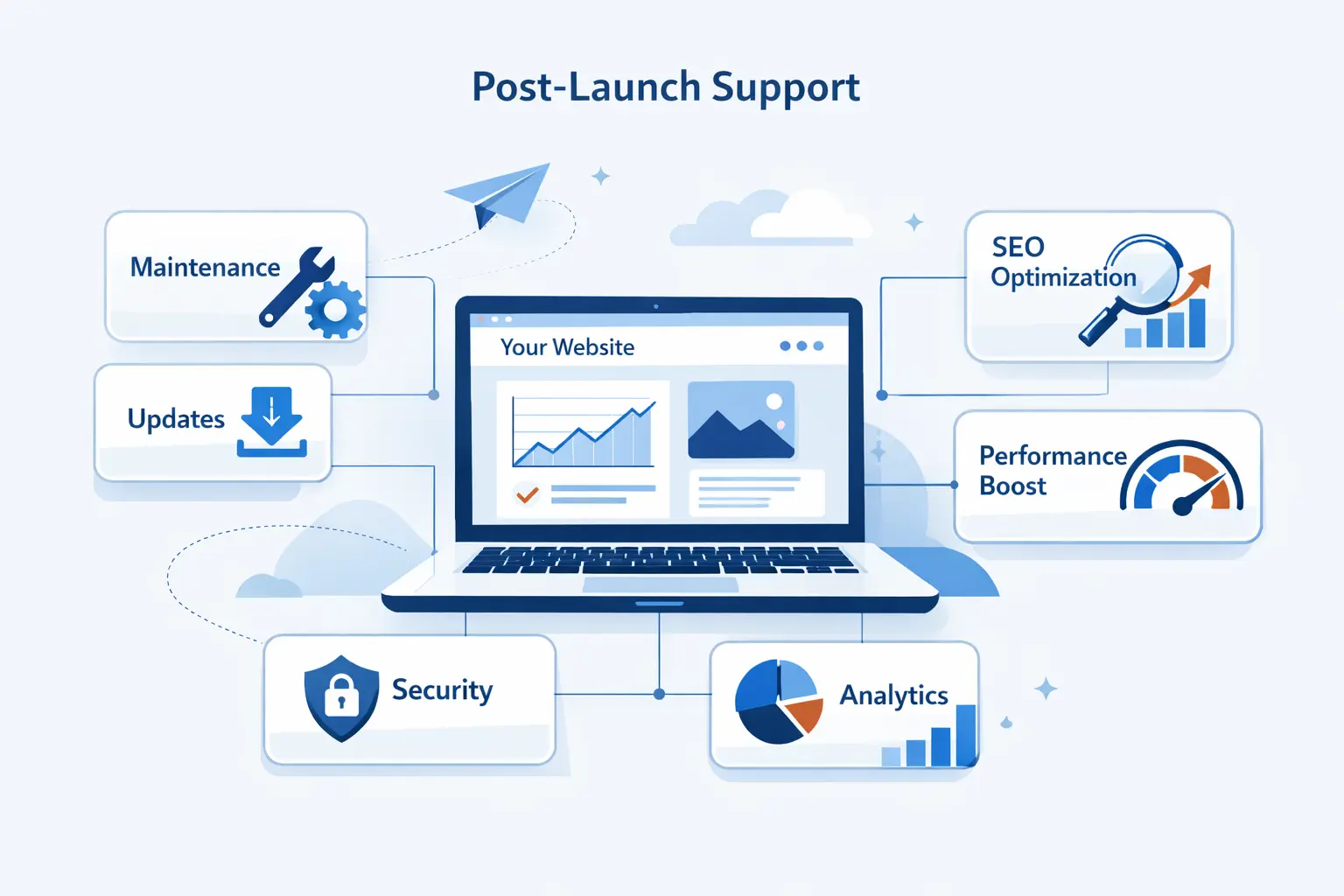
At 1Byte, we like the free-first path because it removes hesitation. But we also know what happens next. Once a site starts bringing in leads, orders, or bookings, the owner usually wants more control, stronger branding, and a setup that can grow without breaking.
1. Domain Registration, SSL Certificates, and Launch Essentials
Our first recommendation is simple. Own your domain. Secure it with SSL. Make sure the site looks legitimate the moment someone visits it. Those two steps sound small, but they change how professional the business feels. We often see them become the bridge between “side project” and “serious operation.”
2. WordPress Hosting, Shared Hosting, and Cloud Hosting for Growing Sites
When a free builder starts to feel tight, we help businesses move to a setup with more control. Sometimes that means WordPress hosting for easier content management. Sometimes shared hosting is enough for a straightforward company site. Sometimes cloud hosting makes more sense because the business wants more flexibility, more room, and a cleaner path to growth.
3. Cloud Servers and AWS Partner Support for Performance and Scale
Some sites outgrow beginner tools fast. That is common with stores, regional service brands, custom apps, and businesses with traffic spikes. In those cases, we help plan cloud servers and the next infrastructure step with a steady hand. As 1Byte, we think scale should be intentional. You do not need enterprise complexity on day one, but you do want a path that will not box you in later.







Final Takeaways on How to Create a Website for Business for Free
How to create a website for business for free comes down to one clear strategy. Start small, publish fast, and keep the first version focused on one business goal. Use the free plan to validate demand, gather feedback, and learn what visitors actually need. Then upgrade only when the next improvement has a clear purpose.
At 1Byte, we believe the best business websites are not the most expensive ones at the start. They are the ones that begin with clarity and grow with intent. If your free site can explain your value, earn trust, and guide visitors to act, it is already doing meaningful work. From there, every upgrade becomes easier to justify and easier to use well.