

- What WordPress SEO Setup Means and Why It Matters
- Start Your WordPress SEO Setup With the Right Foundation
- Set Up URLs, Permalinks, and Core Site Structure
- Install One SEO Plugin and Configure the Essentials
- Connect WordPress to Search Engines and Measurement Tools
- Plan Content Around Keywords, Topics, and Search Intent
- Optimize Every Page and Post in Your WordPress SEO Setup
- Create Content That Search Engines and Readers Trust
- Use Internal Links, Categories, Tags, and Schema Strategically
- Optimize Images, Media, and Archive Pages for SEO
- Improve Performance, Security, and Technical SEO
- Prepare Your WordPress SEO Setup for AI Search
- Add Local SEO if Your Business Serves a Specific Area
- Common WordPress SEO Setup Mistakes to Avoid
- Frequently Asked Questions About WordPress SEO Setup
- How 1Byte Supports Your WordPress SEO Setup
- Final WordPress SEO Setup Checklist
WordPress SEO setup sounds technical, but most of it is careful housekeeping. At 1Byte, we think the job starts with clarity, trust, and structure, not gimmicks. WordPress powers 42.2% of all websites, which is exactly why getting the basics right still matters so much for beginners.
We would rather see a small site with HTTPS, clean URLs, Search Console, and useful pages than a plugin stack full of half-used settings. The boring parts pay rent. This guide follows that logic. We start with the foundation, then move into content, technical SEO, local SEO, and the newer AI search realities that are reshaping discovery.
What WordPress SEO Setup Means and Why It Matters
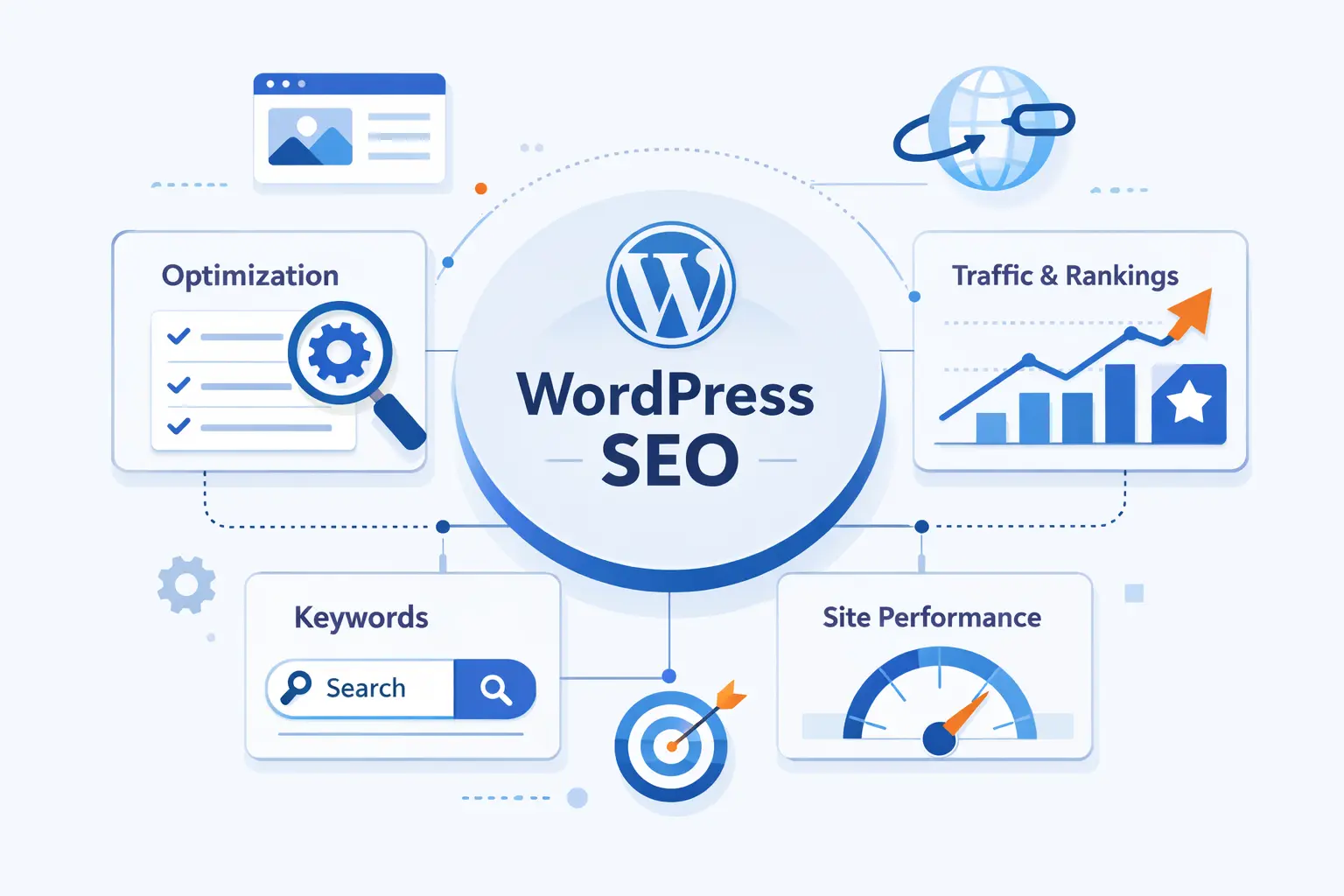
A WordPress SEO setup is the full set of choices that help search engines crawl your site, understand each page, and decide whether your result deserves a click. We think of it as infrastructure for visibility. If that infrastructure is weak, even strong content struggles to do its job.
FURTHER READING: |
| 1. What Is an MX Record and How Does It Work for Email Delivery |
| 2. How to Check If a Website Is Legit in 2026 |
| 3. How to Get Backlinks in 2026 With Tactics That Actually Work |
1. How WordPress Supports SEO Out of the Box
WordPress gives beginners a solid starting point. Out of the box, it already supports crawlable content, editable page titles, taxonomies, media fields, and customizable permalinks. WordPress itself has long described the platform as SEO-friendly from the start, and that is still broadly true. What it does not do is rank your site by magic. You still have to publish useful pages, organize them well, and avoid technical mistakes.
2. Why Indexing, Rankings, and Click-Through Rate All Matter
A page has to clear three gates. First, it must be crawlable and indexable. Next, it has to rank for the right query. After that, the search result has to earn a click. Google still holds 90.02% of worldwide search market share, so this sequence is not theory. It is the daily reality for most site owners.
That is why we tell beginners to watch impressions, clicks, and click-through rate together, not in isolation. Search Console is especially useful here because it shows whether a page is invisible, underperforming, or simply poorly packaged in the search results.
3. How Search Has Expanded Beyond Traditional Blue Links
Search is no longer just ten blue links and a prayer. Pages now compete inside AI Overviews, image results, product listings, local packs, videos, and other rich search appearances. The practical lesson is simple. Your WordPress SEO setup has to help search engines understand text, media, structure, and business details, because discovery can happen in several different formats now.
Start Your WordPress SEO Setup With the Right Foundation
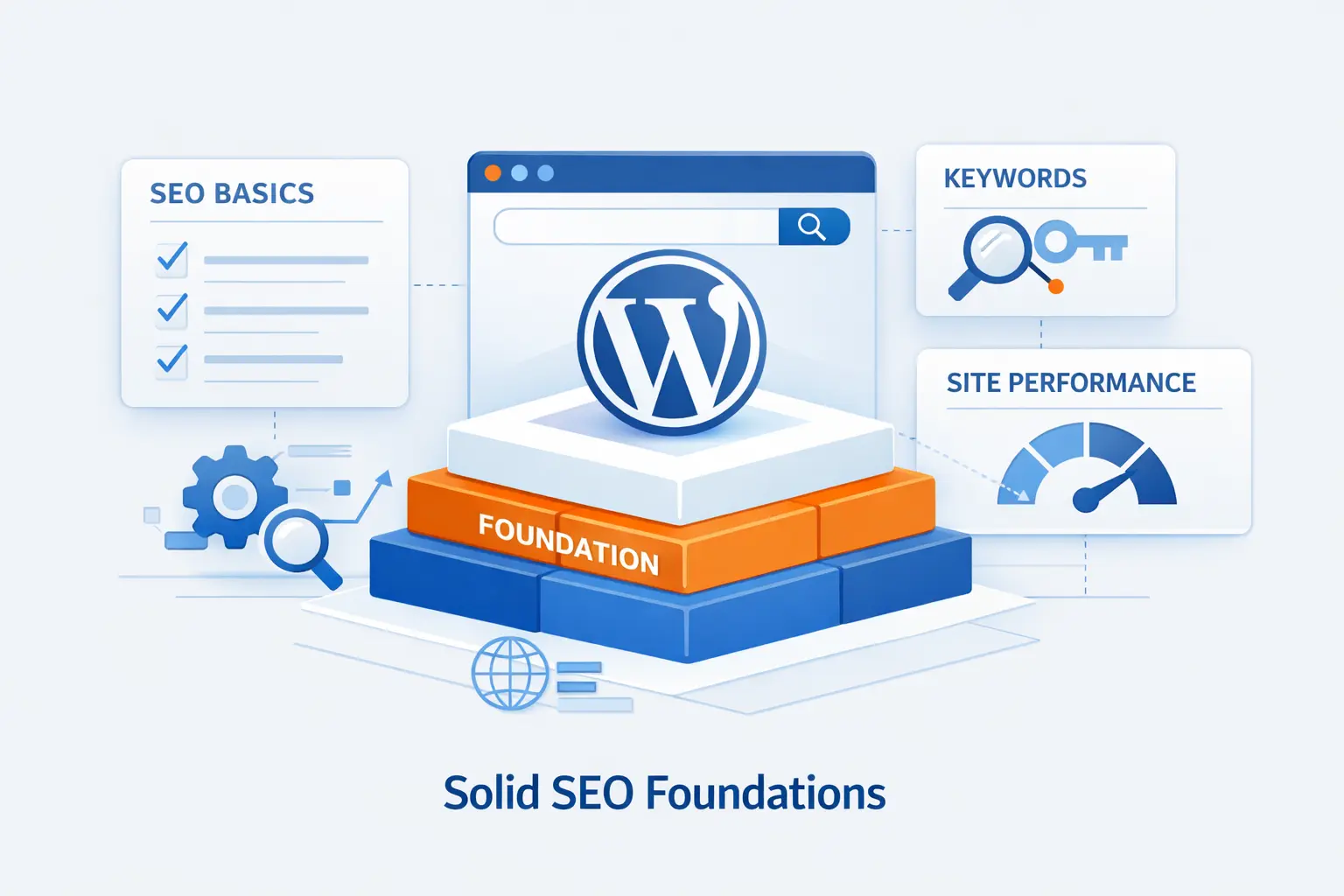
This is the unglamorous part, and it saves the most pain later. We have seen beginners spend days tweaking keywords when the real problem was an indexing block, an HTTP version still floating around, or weak hosting that made the site slow and unstable.
1. Choose Reliable Hosting, an SSL Certificate, and HTTPS
Reliable hosting affects far more than uptime. It shapes speed, crawl stability, and the way users experience your pages. Google prefers to index the HTTPS version, so we treat SSL and HTTPS as day-one tasks, not cleanup work for later. If the server is flaky, pages time out, or SSL is misconfigured, your SEO setup starts on the back foot.
2. Pick One Preferred Domain Format and Keep It Consistent
Pick a single canonical version of your domain and stick to it. That means choosing HTTPS, then choosing whether you want the www version or the non-www version as your main address. After that, redirect every alternate version to the preferred one, update the WordPress Address and Site Address, and keep that same version in your sitemap, canonicals, and menu links. Mixed signals make a mess fast.
3. Make Sure Search Engines Can Index Your Site
Before you touch titles or keywords, confirm that your live site is actually open to search engines. In WordPress, the classic trap is the Reading setting that discourages indexing. That checkbox is useful on a staging site and disastrous on a production site. We also recommend checking robots instructions, page-level noindex settings, and a live URL inspection in Search Console when something looks off.
Set Up URLs, Permalinks, and Core Site Structure
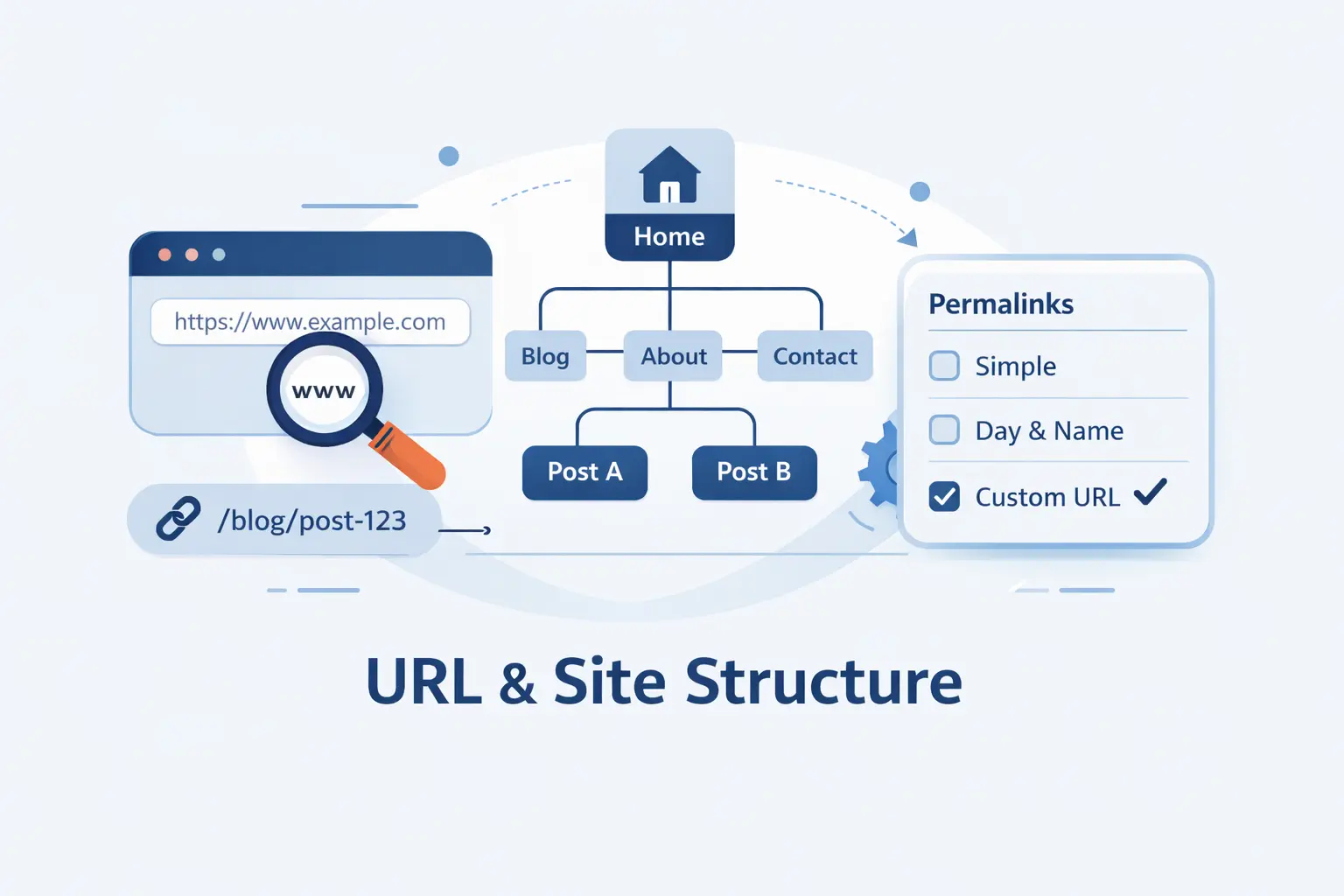
Search engines read structure the way experienced editors do. A clean path tells them what a page is, how it relates to the rest of the site, and where authority should flow. That is why URL planning is worth doing before you publish heavily.
1. Use the Post Name Permalink Structure on New Sites
On a new site, we usually start with the Post name permalink structure because it is cleaner for humans and search engines. It keeps URLs readable and easier to share. On an established site, however, changing permalinks without a redirect plan is asking for trouble, because old URLs may already have links, rankings, and crawl history attached to them.
2. Keep URL Slugs Short, Descriptive, and Keyword Focused
A good slug says what the page is about and little else. We favor short, descriptive slugs that reflect the main topic without sounding robotic. If your draft slug reads like a stuffed grocery list, trim it. Keep the page intent clear. Do not chase perfection by over-editing every stop word. Clarity beats cleverness here.
3. Build a Clear Hierarchy With Menus, Breadcrumbs, and Core Pages
Your site should feel easy to navigate without a search box. Build around core pages such as Home, About, Services, Contact, and key category or resource pages. Breadcrumbs help visitors understand where they are, and they also help search engines interpret hierarchy. We like simple structures because they age well. They also make internal linking much easier later.
Install One SEO Plugin and Configure the Essentials
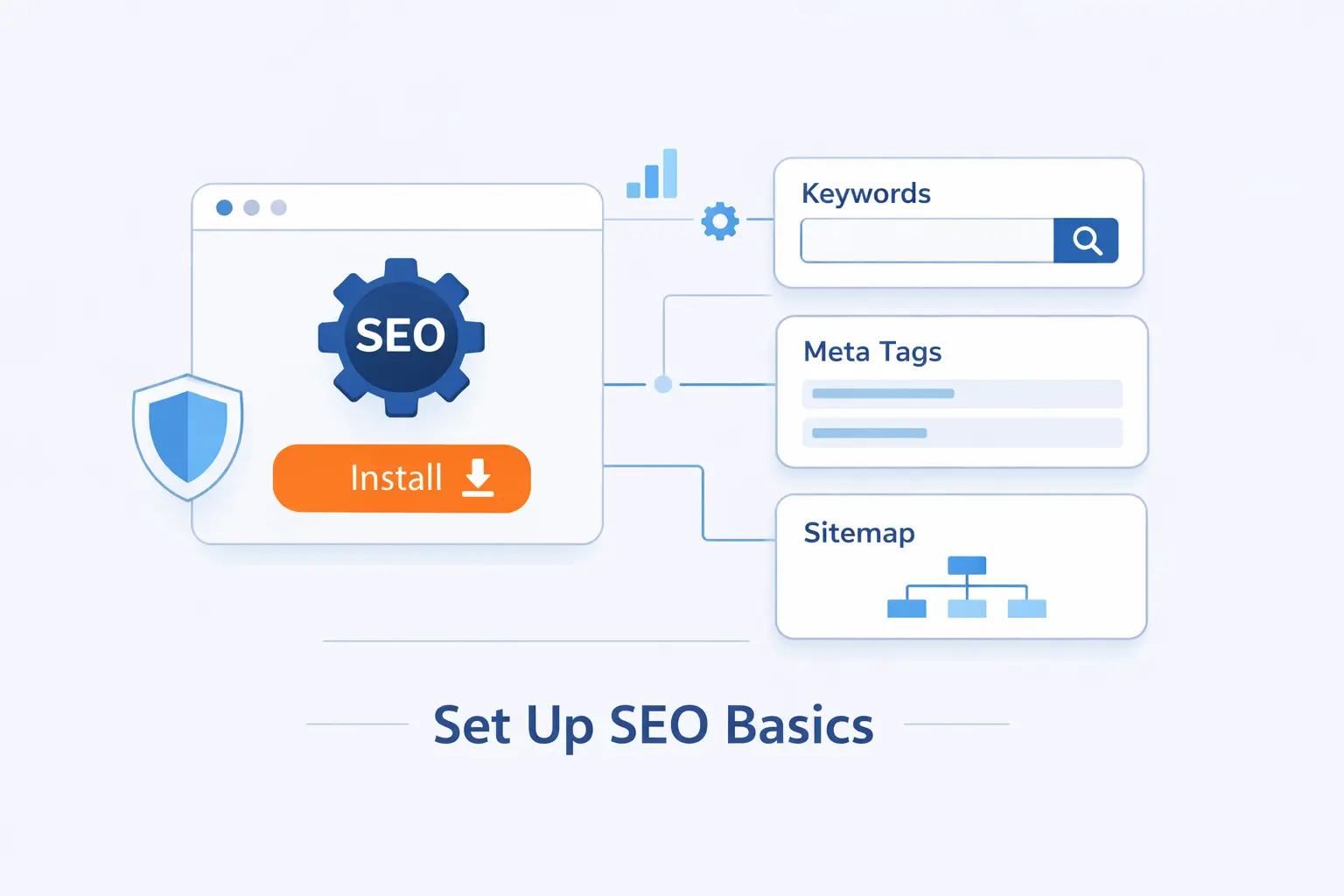
This is where many beginners turn a neat setup into a tangle. We have little patience for plugin clutter. A single well-configured SEO plugin can handle the essentials. Several overlapping plugins usually create duplicate tags, duplicate sitemaps, and needless confusion.
1. Choose a Single WordPress SEO Plugin and Avoid Overlap
Pick one well-maintained SEO plugin and let it be the source of truth for metadata, schema defaults, and sitemap features. We care less about plugin brand wars than we do about clean output. If two plugins both try to control titles, canonicals, or schema, you can end up sending mixed signals without realizing it.
2. Run the Setup Wizard for Homepage SEO and Site Identity
The setup wizard is worth your time because it handles the basics beginners often skip. Set your site name, logo, homepage title, homepage description, and whether the site represents a person or an organization. These fields are not glamorous, but they shape how your brand appears in search and how structured data is interpreted.
3. Enable Search Appearance, Schema, and Sitemap Features
Use the plugin to control title templates, default meta behavior, schema settings, and archive visibility. At the same time, know which system is creating your sitemap. WordPress now has native sitemap support, and many SEO plugins extend or replace it. We recommend deciding that upfront so you do not leave duplicate sitemap behavior running in the background.
Connect WordPress to Search Engines and Measurement Tools
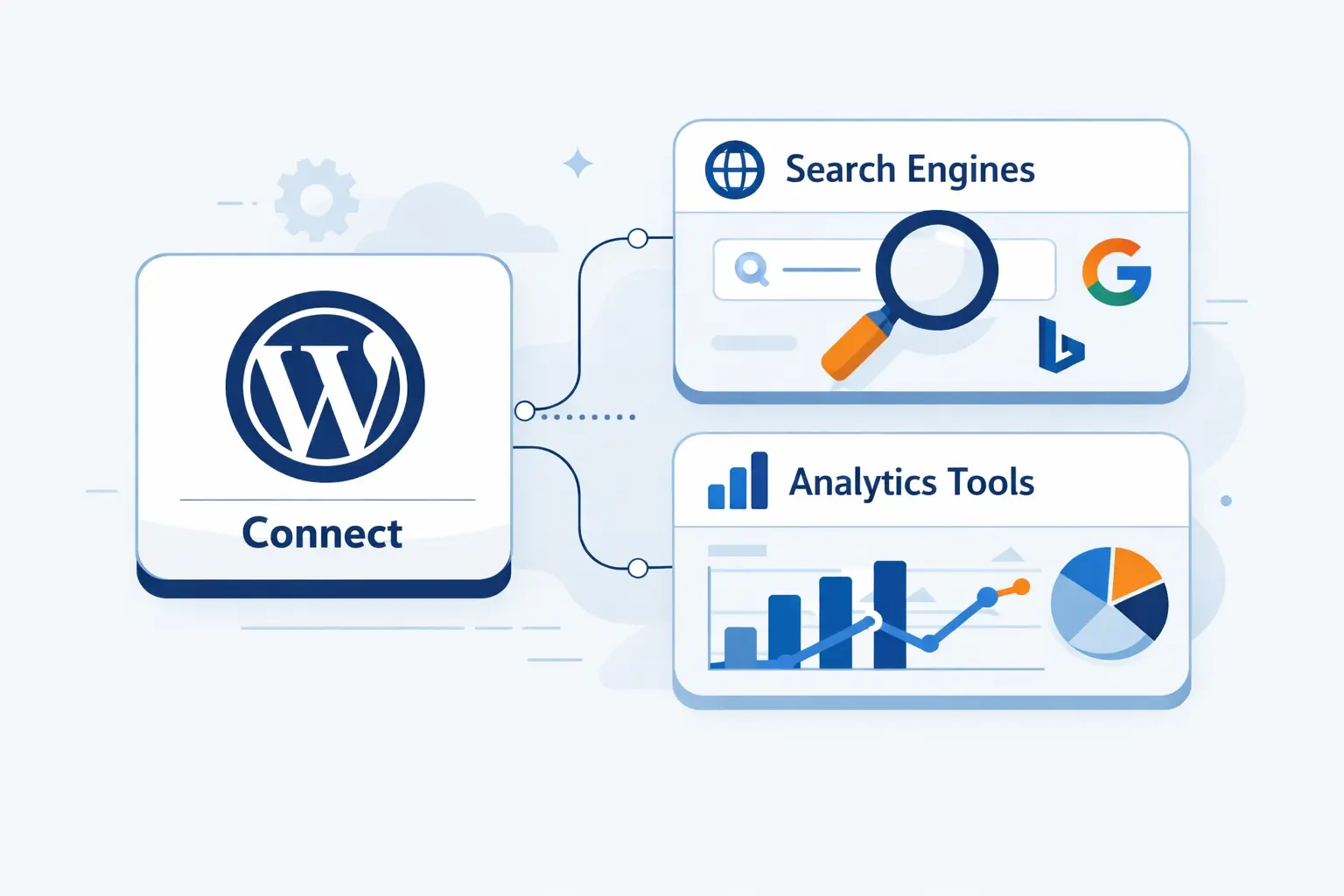
Guesswork is expensive. Search data tells you whether a page is getting discovered, whether it is indexed, and whether your snippet is strong enough to earn visits. If we could only keep a small handful of SEO tools for beginners, Search Console would stay on the list.
1. Verify Google Search Console and Bing Webmaster Tools
Verify ownership in Google Search Console first, then do the same in Bing Webmaster Tools. DNS verification is often the cleanest route, though HTML tag and file upload methods work well too. We like getting this done before a site grows, because it lets you catch crawl and indexing issues early instead of finding them months later.
2. Submit XML Sitemaps and Any Image, Video, or News Sitemaps
A sitemap tells search engines where to find pages, images, videos, and more, so submit it early and recheck it after major site changes. This is especially useful when you publish new sections, prune thin content, or launch custom post types that need to be discoverable.
For very large or fast-moving sites, Bing also offers submission tools that can go beyond standard sitemap discovery. Its API can accept up to 10,000 URLs per day, but we would not make that the first move on a simple brochure site. For most beginners, a healthy sitemap and regular publishing rhythm are enough.
3. Track Performance, Coverage, and Core Web Vitals
Check three reports regularly. First, the Performance report shows queries, pages, impressions, clicks, and CTR. Second, the Page Indexing report shows what is excluded and why. Third, the Core Web Vitals report highlights page groups that are slow or unstable. Those reports tell you whether your next job is content, indexing, or speed.
Plan Content Around Keywords, Topics, and Search Intent
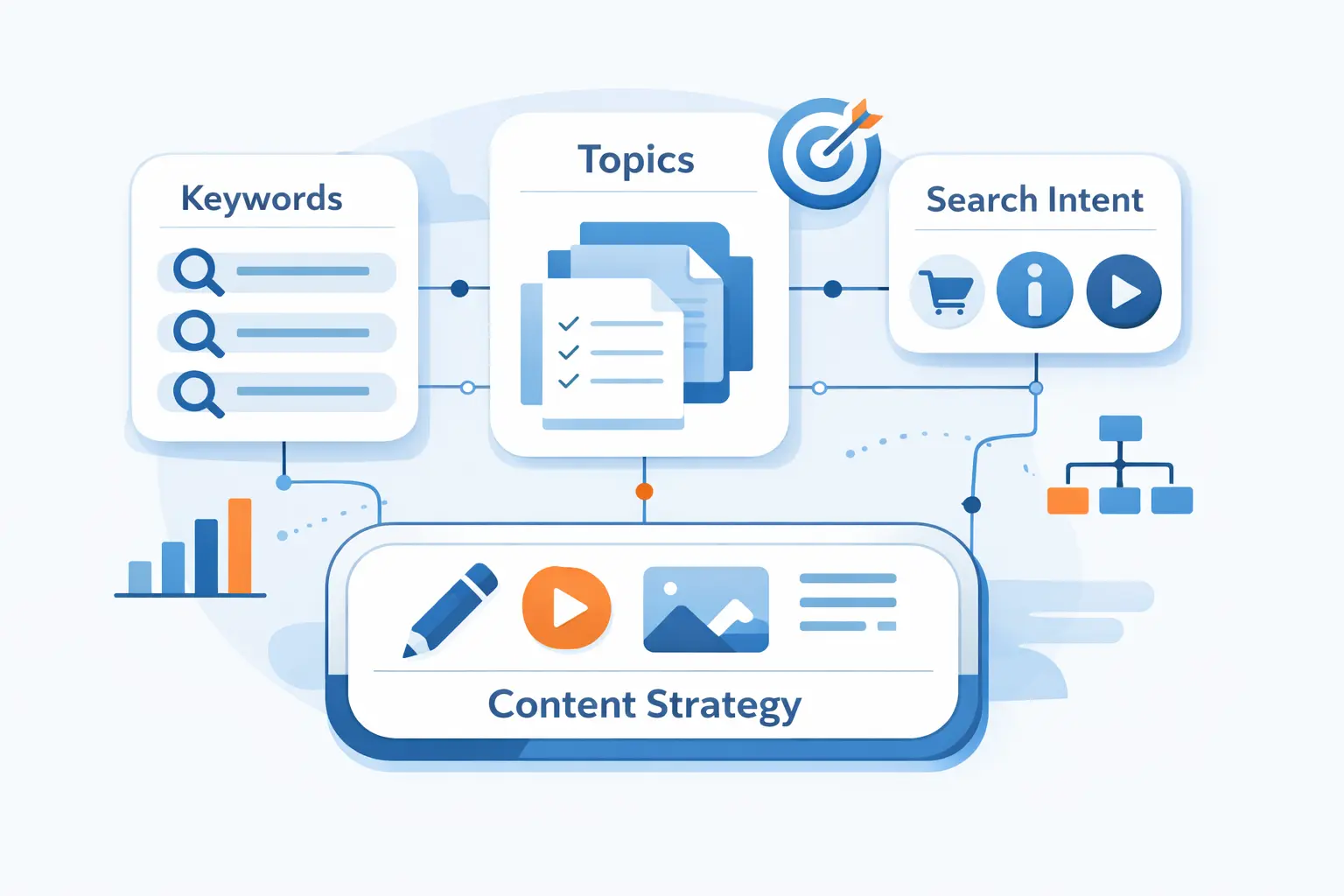
A clean WordPress SEO setup gives you the stage. Content planning gives you something worth performing. We do not think beginners need a giant spreadsheet before they publish. They do need a clear sense of who they want to reach and what that person is actually trying to do.
1. Find Keywords With Realistic Difficulty and Clear Intent
Start with topics you can genuinely help with, then narrow them into queries with clear intent. Early on, realistic long-tail queries are usually better targets than broad vanity terms. We like using actual search results, autosuggest, competitor pages, and Search Console data together. That mix tells you not just what people search, but what format they expect to see.
2. Use Pillar Pages and Topic Clusters to Build Authority
A pillar page is a broad guide on a central topic. Supporting pages go deeper on the subtopics and link back to that main resource. The idea is simple and practical. If your core topic is WordPress SEO setup, then supporting pages might cover schema, permalinks, image SEO, local SEO, and technical fixes. This structure keeps authority from scattering.
3. Map Informational, Commercial, and Transactional Queries
Not every searcher wants the same thing. Some want an explanation. Some want comparisons. Some are ready to buy. We recommend mapping content types to that intent. Tutorials fit informational searches. Service pages and comparison pages fit commercial searches. Product, plan, or contact pages fit transactional searches. If you mix those intents carelessly, rankings tend to wobble.
Optimize Every Page and Post in Your WordPress SEO Setup
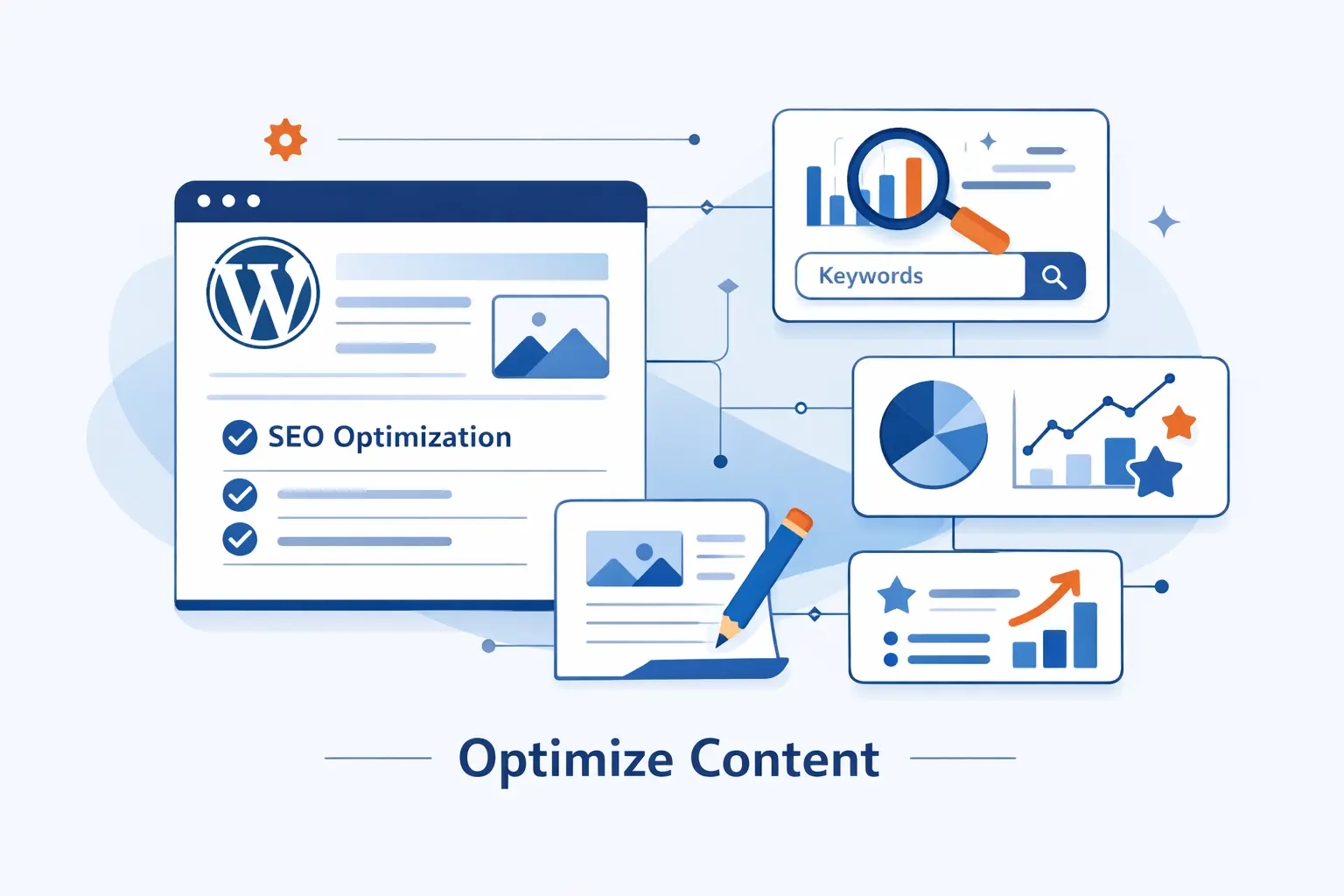
On-page SEO is where the setup becomes visible. It is the layer users actually meet in the search results and on the page itself. We like to keep this part disciplined, because a repeatable workflow is easier to scale than a hundred ad hoc fixes.
1. Write Strong SEO Titles, Meta Descriptions, and Excerpts
Your title should make the topic obvious and the payoff clear. Your meta description should support the click with a plain, specific summary. We do not recommend writing titles like a clickbait machine. Say what the page solves, who it helps, and why it is worth opening. Excerpts matter too, especially on archive pages and theme layouts that surface them.
2. Use One H1 Plus Clear H2 and H3 Headings
Every page should have a single main heading, then a logical outline underneath it. Headings help readers scan, help writers stay organized, and give search engines clearer topic signals. We advise beginners not to skip heading levels just to make text look bigger. Let headings describe structure, and let design settings handle appearance.
3. Use One Primary Keyword per Page and Place It Naturally
Pick a primary keyword for each page, then use it where it belongs. That usually includes the title, the introduction, the slug, and a few relevant subheads. After that, write like a human being. We would rather see clean language with natural variations than a page that repeats the same phrase until it sounds broken.
Create Content That Search Engines and Readers Trust
Search engines are getting better at pattern recognition, but readers still know fluff when they see it. Trust is built when a page solves the problem it claims to solve and shows some evidence that the writer knows the ground they are walking on.
1. Match Search Intent Before You Start Writing
We check search intent before writing, not after. If the results page is full of tutorials, a thin product pitch is unlikely to compete. If the results page is full of product pages, a blog post may not be the right format. This is one of the most common beginner misses, and it wastes more time than people think.
2. Use Readable Formatting With Lists, Tables, and White Space
Readable formatting is not decoration. It is part of comprehension. Short paragraphs, useful subheads, comparison tables, checklists, and screenshots make content easier to scan and revisit. We often tell new site owners that dense walls of text do not look authoritative. They look exhausting.
3. Show Experience With Examples, Expert Input, and Updated Facts
Pages feel stronger when they show receipts. That can mean screenshots, process notes, field examples, expert comments, test results, or direct experience. Google frames this through experience, expertise, authoritativeness, and trustworthiness, and we think beginners should take the first word seriously. If you have done the work, show it.
Updated facts matter for trust too. A guide that was solid last year can drift quietly out of date, especially when it covers plugins, search features, or platform settings. We recommend revisiting important pages on a schedule and tightening them before they start to sag.
Use Internal Links, Categories, Tags, and Schema Strategically
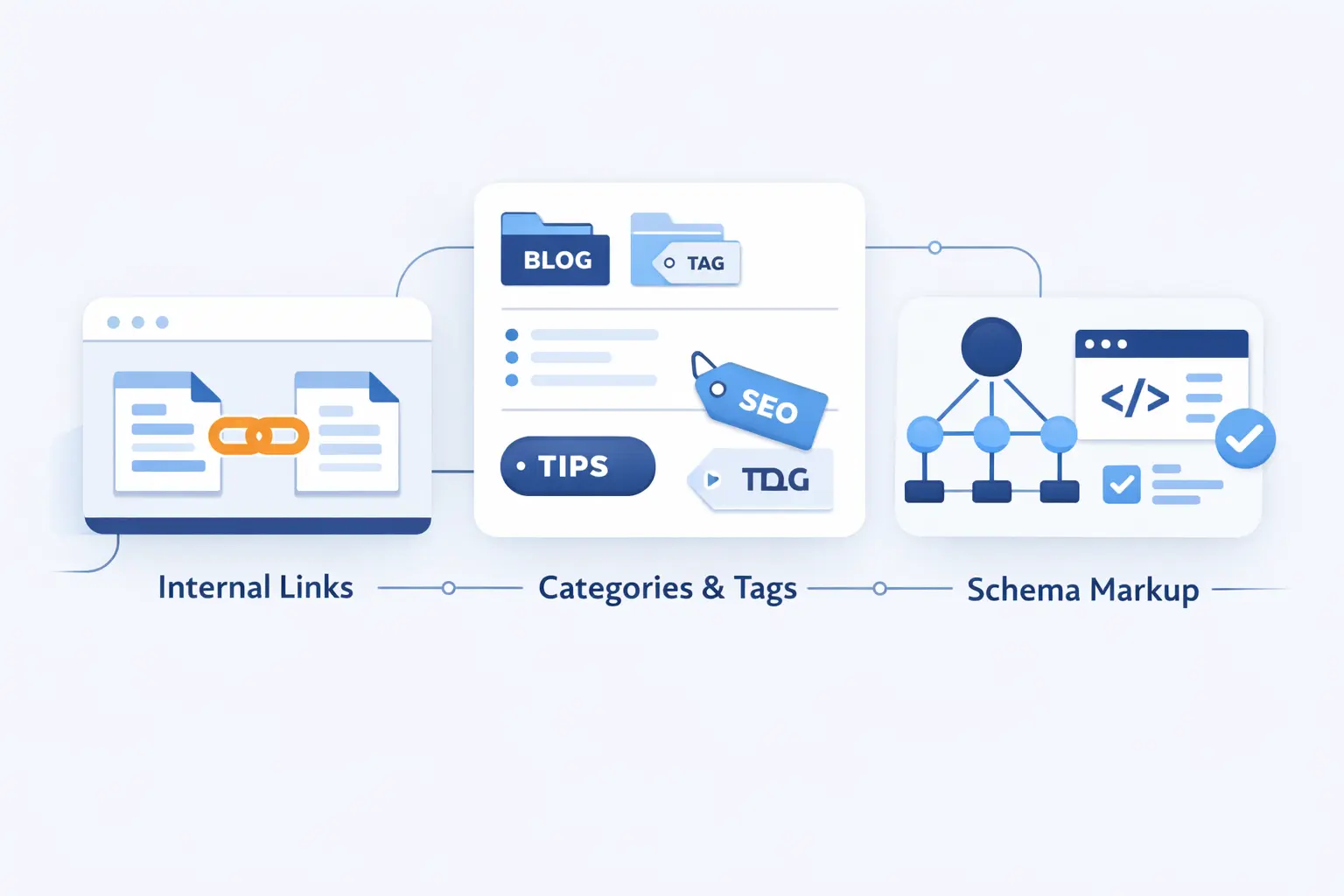
Internal linking and site organization are where many WordPress sites either gain momentum or bleed it away. Good structure turns your content into a system. Weak structure leaves pages isolated and easy to miss.
1. Link to Cornerstone Content and Important Commercial Pages
Use internal links to point readers toward the pages that matter most. That includes cornerstone guides, service pages, product pages, and key category hubs. We like descriptive anchor text because it sets expectations well. A vague “click here” does not help users much, and it tells search engines very little.
2. Organize Posts With Focused Categories and Purposeful Tags
Categories should reflect broad topics your readers can actually navigate. Tags should be used with restraint, not sprayed onto every post. We prefer a few meaningful categories over a taxonomic jungle. If tag archives or date archives are thin and unhelpful, consider keeping them out of the index. A smaller, cleaner site often performs better than a bloated one.
3. Add Schema for Articles, FAQs, Products, Events, and Local Businesses
Schema should match the real page type. Use Article schema for articles, Product schema for product pages, Event schema for event pages, and LocalBusiness schema for location pages. We do not recommend adding markup just because a plugin offers a toggle. It has to reflect what users actually see on the page, or it becomes noise.
Be careful with FAQ markup. Google’s FAQ rich results are only available for health and government sites, so most business blogs should use FAQs for clarity, not because they expect a guaranteed rich result.
Real examples matter here. Google cites Eventbrite seeing a 100% increase in typical year-over-year traffic growth from Search after adding event structured data. That is a useful reminder to mark up event pages as events, not as generic blog posts.
Optimize Images, Media, and Archive Pages for SEO
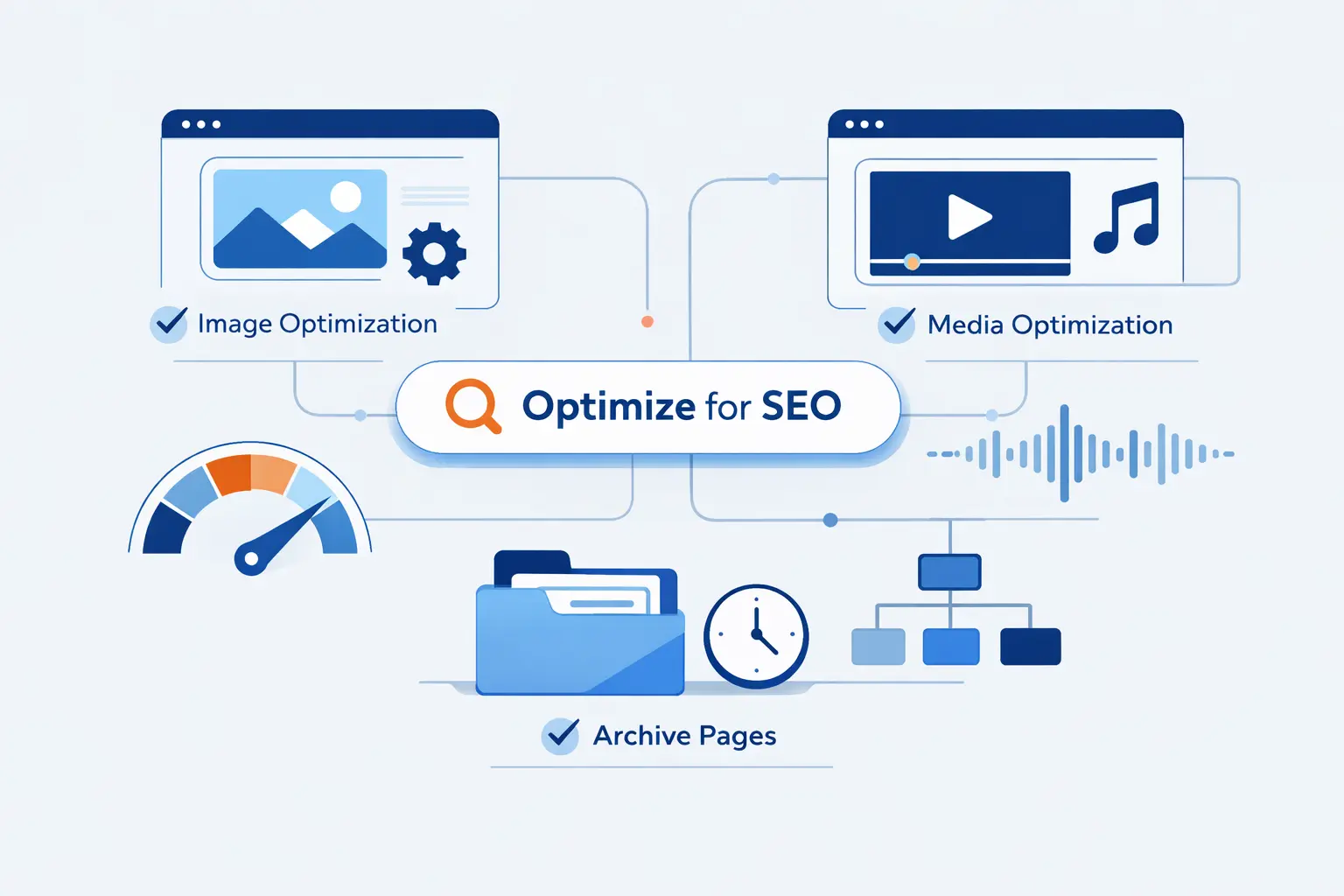
Image SEO is one of those areas beginners often postpone, then regret later. A heavy media library can slow the site, weaken accessibility, and create sloppy archive pages. The good news is that the fixes are straightforward if you build the habit early.
1. Use Descriptive File Names, Alt Text, and Modern Formats
Name files clearly before upload, and write alt text based on what the image actually adds to the page. If the image is purely decorative, keep the alt text empty. If it explains a process or shows a product detail, describe that clearly. WordPress gives you dedicated fields for this, so there is no reason to leave important images vague by default.
Modern formats are worth the effort when your workflow supports them. WordPress notes that AVIF images can be 50% smaller than JPEGs at similar quality, which is why we now favor AVIF or WebP for many sites that care about performance.
2. Compress Images and Enable Lazy Loading
Compress images before or during upload, resize them to match the page layout, and avoid dropping giant originals straight from a phone into a post. WordPress has native lazy loading behavior, which helps defer offscreen images. That is useful, but it does not excuse oversized files. If the image is too heavy, lazy loading only hides the problem for a moment.
3. Show Excerpts Instead of Full Posts on Archive and Feed Pages
Archive and feed pages should help users choose what to read next, not dump full articles repeatedly across the site. Excerpts usually create cleaner archives, lighter pages, and fewer duplication headaches. We also like them because they force a better summary mindset. If you cannot summarize the post clearly, the post may not be focused enough yet.
Improve Performance, Security, and Technical SEO
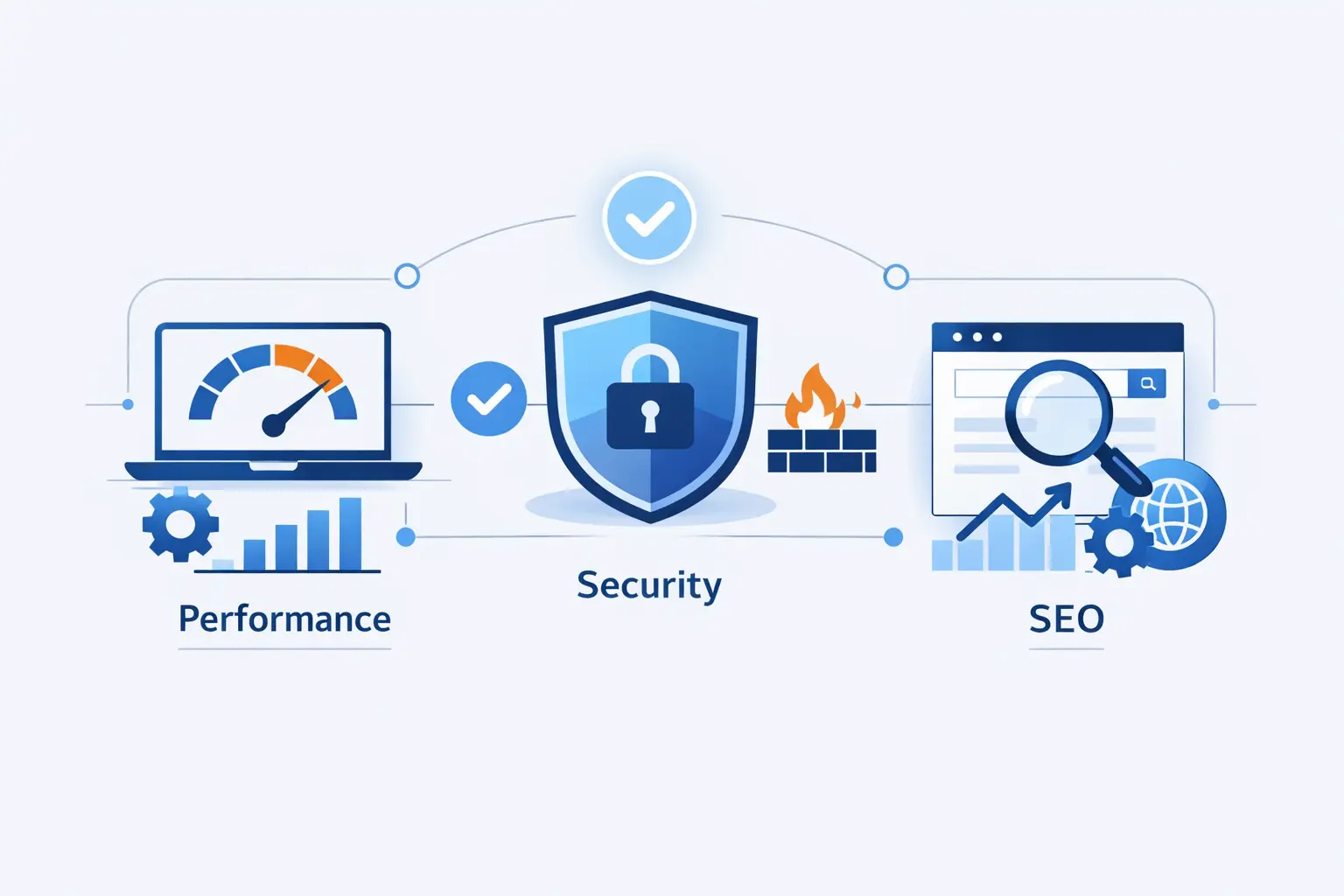
This is where a lot of WordPress SEO setups quietly win or lose. A fast, stable, secure site is easier to crawl, nicer to use, and simpler to trust. We think technical SEO should feel boring in the best possible way. When it is done well, it simply stops getting in the way.
1. Boost Core Web Vitals With Caching, CDN, and Fast Hosting
Google defines good Core Web Vitals around 2.5 seconds, 200 milliseconds, and 0.1. Those thresholds are not the whole story, but they are practical targets when you choose hosting, caching, and a CDN. They give you a clear line in the sand.
In practice, we start with server performance, page caching, image optimization, and a CDN before we start chasing exotic tweaks. A fast host and good cache policy usually move the needle more than a dozen tiny front-end hacks. That is not glamorous advice, but it is the advice that tends to stick.
2. Secure WordPress With Updates, Backups, and Trusted Plugins
Security problems often become SEO problems. A hacked site can create spam pages, inject bad links, trigger browser warnings, or go offline when you least need it to. Keep WordPress core, themes, and plugins updated. Remove what you do not use. Keep backups current. We also suggest being choosy about plugins. Fewer, better tools usually mean fewer surprises.
3. Avoid Duplicate Content With Canonicals, Redirects, and Consistent URLs
Duplicate content is often less dramatic than people fear, but it still creates unnecessary ambiguity. Canonical tags, clean redirects, and consistent linking help search engines understand which version of a page should be treated as primary. Be especially careful with HTTP and HTTPS variants, www and non-www variants, trailing slash differences, and URL changes after publishing.
Prepare Your WordPress SEO Setup for AI Search
AI search has changed the stage, but it has not replaced the script. Pages still need to be crawlable, understandable, useful, and worth citing. In our view, the strongest response to AI search is not panic. It is better structure, clearer answers, and more original value.
1. Format Answers for AI Overviews, Featured Snippets, and Voice Search
Use direct definitions, short answer blocks, step lists, comparison tables, and well-labeled sections. Those formats help traditional search and newer AI-driven surfaces alike. Google says AI features have no additional technical requirements, so we would not chase mystical AI SEO settings before fixing crawlability, headings, and content quality.
2. Use E-E-A-T Signals, Structured Data, and Original Insights
Clear bylines, author pages, organization details, product testing notes, screenshots, and original examples all help a page feel more citable. Structured data helps machines classify the content, but original insight helps humans trust it. We think that pairing matters more now because AI systems are good at summarizing. They are less interested in repeating pages that say nothing new.
3. Refresh Content and Consider llms.txt for Emerging AI Discovery
Content refreshes still matter more than novelty files. Even so, we think llms.txt is a reasonable optional experiment for documentation-heavy sites, especially because the proposal was published on September 3, 2024. We would treat it as supplemental, not foundational. Google’s own guidance says you do not need special AI text files for its AI search features, so keep your priorities straight.
Add Local SEO if Your Business Serves a Specific Area
Local SEO deserves its own layer when your customers come from a defined city, region, or service area. In those cases, your WordPress SEO setup should support both your website and your local business presence. If those two sides drift apart, rankings and trust often drift with them.
1. Claim and Optimize Your Google Business Profile
For local businesses, this is non-negotiable. Google says you must add or claim your business then verify it if you want it to appear properly across Search, Maps, and related Google surfaces. Fill out the category, hours, services, contact details, photos, and any location-specific information that helps users choose you.
2. Keep Your Name, Address, and Phone Number Consistent
Your site, business profile, and major directory mentions should use the same business name, address, and phone number format. Even small variations can create needless confusion. If you serve multiple locations, give each location a dedicated page with matching visible business details. If you are a service-area business, be careful about when your address should or should not be shown.
3. Use Local Schema for Single or Multiple Locations
LocalBusiness schema belongs on pages that actually describe a business location. That page should also show the same visible details a user would expect, such as name, address, opening hours, and contact methods. We like one strong page per location because it makes both schema and local intent much cleaner.
Common WordPress SEO Setup Mistakes to Avoid
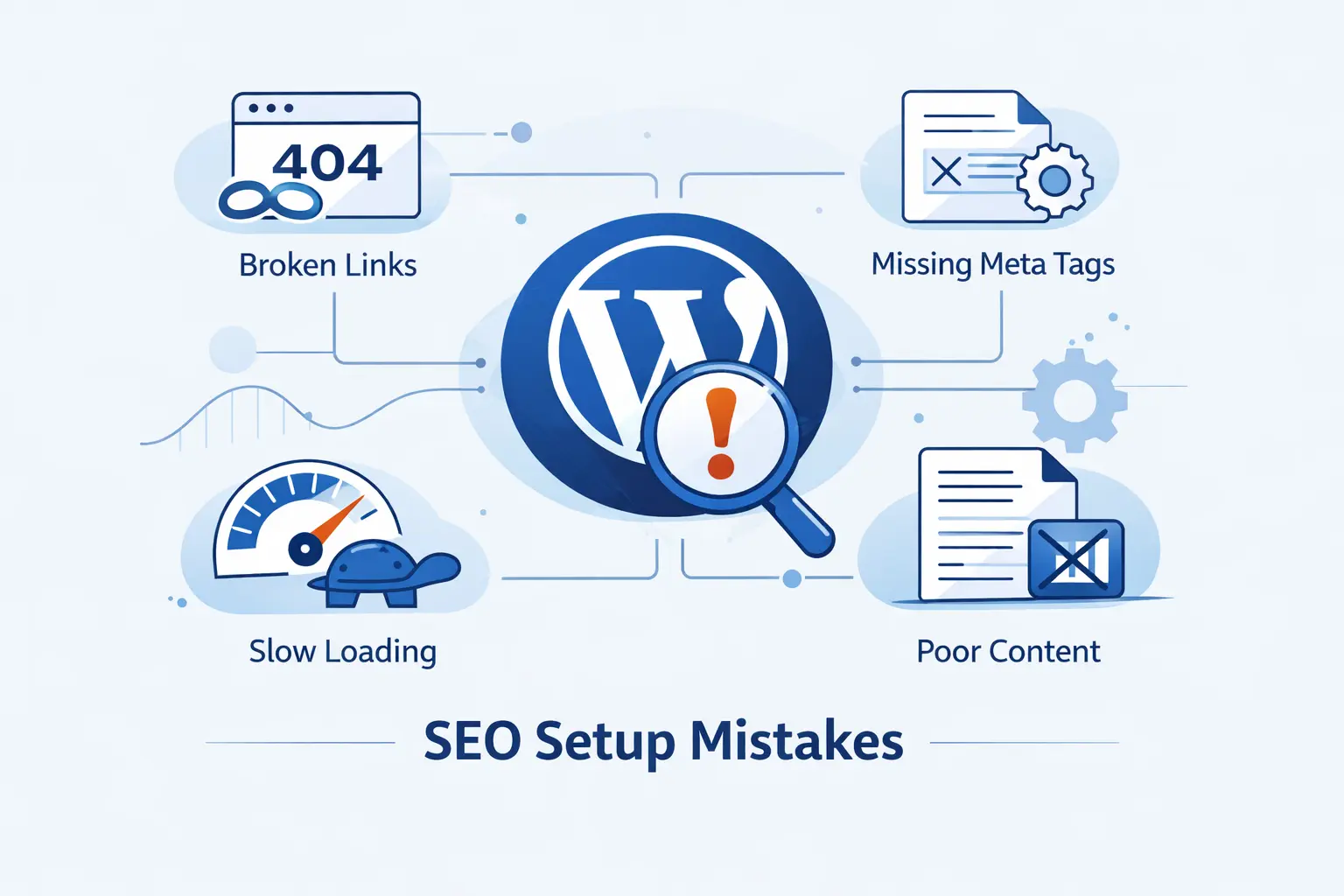
Most SEO damage on WordPress is self-inflicted. The good news is that beginner mistakes are usually fixable. The bad news is that they often compound quietly, especially after redesigns, migrations, or plugin changes.
1. Changing URLs on Established Sites Without Redirects
If you change URLs on a live site, map the old URLs to the new ones and redirect them properly. Otherwise, you can lose links, rankings, and user trust in one stroke. We have seen this happen after permalink tweaks, category cleanup, HTTPS migrations, and page builder redesigns. A neat-looking new URL is not worth a trail of broken ones.
2. Installing Multiple SEO Plugins or Skipping Site Audits
Running multiple SEO plugins is usually a sign that nobody is sure which tool is responsible for what. That is not a strategy. It is a warning light. We recommend a regular audit rhythm instead. Check indexing, broken links, titles, schema output, redirects, and page speed before small issues pile into a large one.
3. Publishing Thin Content That Misses Search Intent
Thin content is not just short content. It is content that says very little, answers the wrong question, or borrows too heavily from what is already on the results page. We would rather publish fewer strong pages than a stream of weak ones. Search engines are getting better at spotting the difference, and readers always could.
Frequently Asked Questions About WordPress SEO Setup
Beginners usually ask the same small set of questions, and for good reason. WordPress SEO setup has many moving parts, and a few misunderstandings can make the whole process feel harder than it really is. Here is how we answer the questions we hear most often.
1. Can I Do SEO With WordPress
Yes, absolutely. WordPress is a strong platform for SEO when the site is indexable, well-structured, fast enough, and filled with useful content. The CMS gives you the tools. Your setup and publishing choices do the rest.
2. Is SEO Dead or Evolving in 2026
It is evolving, not dying. Traditional rankings still matter, but they now sit alongside AI Overviews, richer search appearances, local results, image discovery, and other formats. The fundamentals remain sturdy. Clear structure, strong pages, trustworthy content, and sound technical setup still carry the weight.
3. Do I Need a Plugin for WordPress SEO Setup
Not strictly, but for most beginners it is practical. A good plugin makes it easier to control titles, meta descriptions, canonicals, schema defaults, and sitemap settings without editing templates manually. We just recommend using a single plugin, not several competing ones.
4. How Long Does WordPress SEO Take to Show Results
There is no fixed timeline. New sites usually need patience because they still have to earn crawling, indexing, trust, and links. Established sites can see technical fixes reflected more quickly, especially when you correct major blocking issues. We tell beginners to think in terms of steady progress, not instant payoff.
5. What Is the Best First Step in a WordPress SEO Setup
The best first step is making sure the live site is on HTTPS, uses a single preferred domain version, and is open to indexing. If those basics are wrong, almost every other SEO task becomes less reliable. Fix the foundation first. Then start optimizing pages.
How 1Byte Supports Your WordPress SEO Setup
At 1Byte, we support the parts of the stack that beginners usually need first and businesses rely on later. We provide domain services, SSL certificates, hosting options for different stages of growth, and cloud support when a site outgrows the basics. We like practical setups that can start simple and mature cleanly.
1. Register Domains and Protect Every Site With SSL Certificates
A WordPress SEO setup starts with the address people find and the trust signal they expect. We help customers register domains and secure sites with SSL certificates so the preferred HTTPS version is in place from the start. That keeps the technical foundation cleaner and avoids needless migration headaches later.
2. Choose WordPress Hosting, Shared Hosting, Cloud Hosting, or Cloud Servers
Different sites need different homes. Shared hosting can fit small starter sites. WordPress hosting makes sense when you want a more WordPress-focused environment. Cloud hosting is useful when you need more resilience and room to grow. Cloud servers give you more control when the workload gets more demanding. We prefer matching the hosting choice to the real job, not overselling complexity.
3. Scale on Reliable Infrastructure With an AWS Partner
When a site moves beyond standard hosting needs, we can support more advanced cloud work as an AWS consulting partner. That can include migrations, larger application environments, or infrastructure planning for teams that need more flexibility. We are careful here, though. Not every beginner site needs enterprise cloud from day one, and we think honesty about that matters.
Final WordPress SEO Setup Checklist
1. Complete the Technical Setup Before Publishing
- Use HTTPS and choose a single preferred domain format.
- Confirm that search engines can index the live site.
- Set clean permalinks and a clear site structure.
- Install a single SEO plugin and configure the essentials.
- Generate and submit your sitemap.
- Verify Search Console and Bing Webmaster Tools.
- Set up caching, backups, and basic security hygiene.
2. Follow a Consistent On-Page Workflow for Every New Post
- Choose the keyword and confirm the search intent first.
- Write a clear title, description, and introduction.
- Use a logical heading structure with a single main heading.
- Place the primary keyword naturally in key locations.
- Add internal links to relevant cornerstone and commercial pages.
- Optimize images with clear filenames, alt text, and compression.
- Apply the right schema type only when it matches the page.







3. Review Search Data, Run Site Audits, and Refresh Content Regularly
- Watch impressions, clicks, CTR, and indexed page coverage.
- Fix crawl, redirect, canonical, and duplicate URL issues quickly.
- Check Core Web Vitals and improve slow page groups.
- Refresh important pages when facts, features, or search intent change.
- Prune thin content and strengthen pages that deserve to rank.
- Keep local business details current if you serve a specific area.