

- What SEO for Small Business Really Means
- Why SEO Matters for Small Businesses
- Build the Right Website Foundation First
- Find the Right Keywords for Your Small Business SEO Strategy
- Create the Pages That Small Business SEO Needs
- Optimize Every On-Page Element That Influences Rankings
- Create Helpful Content That Builds Authority
- Strengthen Local SEO for Small Business Growth
- Build Authority With Backlinks and Mentions
- Fix Technical SEO Issues Before They Cost You Traffic
- Adapt SEO for AI Search and Other Platforms
- Measure What Matters and Keep Improving
- Budget, Timeline, and Resourcing for Small Business SEO
- Common SEO Mistakes Small Businesses Should Avoid
- A Simple Small Business SEO Action Plan
- FAQ About SEO for Small Business
- How 1Byte Supports SEO for Small Business Growth
- Final Thoughts on SEO for Small Business
SEO for small business is not a bag of tricks. It is the disciplined work of making your website easier to find, easier to understand, and easier to trust. At 1Byte, we see this every day from the infrastructure side. A fast website, a clear domain, secure hosting, and useful pages give search engines and customers fewer reasons to hesitate.
Our view is practical. Small businesses should not chase every algorithm rumor. Build a strong website. Answer real customer questions. Make local information accurate. Measure what turns into calls, forms, bookings, visits, and sales. That is how SEO becomes an asset instead of a monthly guessing game.
What SEO for Small Business Really Means
Market overview: IAB/PwC reports that U.S. search ad revenue reached $114.2 billion in 2025, which tells us something simple. Businesses still fight hard for attention when people search.
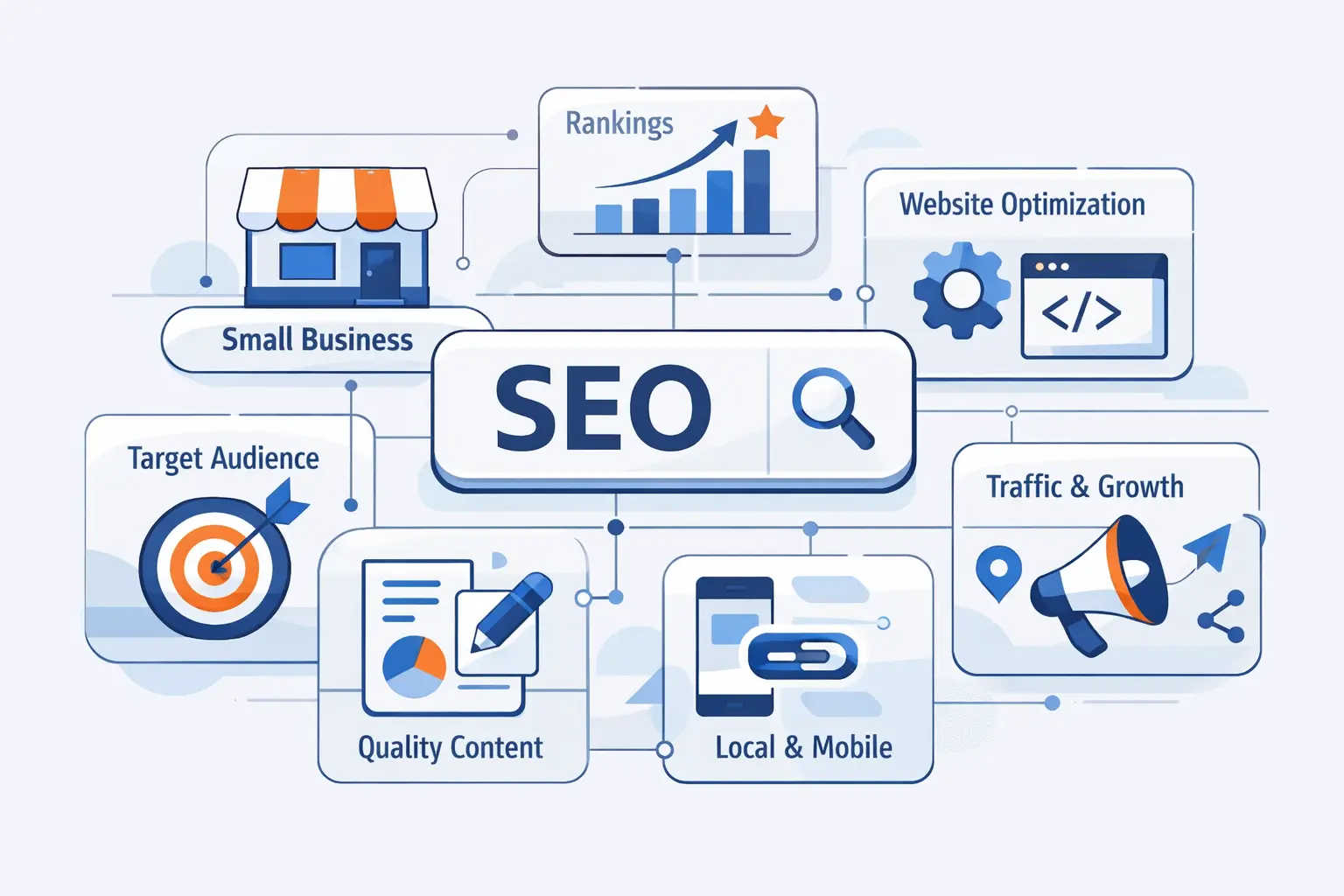
Before tactics, we need a clean definition. SEO is the work of helping search engines understand your business and helping people choose you when they find you. For small businesses, that means visibility, trust, and conversion working together.
FURTHER READING: |
| 1. Benefits of SEO for Business Growth |
| 2. WordPress SEO Setup: A Step-by-Step Guide for Beginners |
| 3. What Is an MX Record and How Does It Work for Email Delivery |
1. SEO vs. Local SEO
SEO focuses on your visibility in general search results. Local SEO focuses on visibility for people searching in a specific area. A tax advisor may want educational pages to rank nationally, while a plumber wants nearby homeowners to find a phone number fast. Many small businesses need both. The mix depends on how customers buy.
2. How Search Engines Find, Index, and Rank Pages
Search starts with discovery. Google explains the process through crawling and indexing, where systems find pages, understand content, and store information before showing results. Ranking then compares pages against the searcher’s intent. Your job is to make every important page clear, accessible, and useful.
3. Why SEO Is a Long-Term Marketing Asset
Ads stop when spending stops. A useful page can keep earning visits long after it is published. That does not mean SEO is free. It takes writing, technical care, updates, and patience. Still, a strong page can serve customers every day, even while your office is closed.
Why SEO Matters for Small Businesses
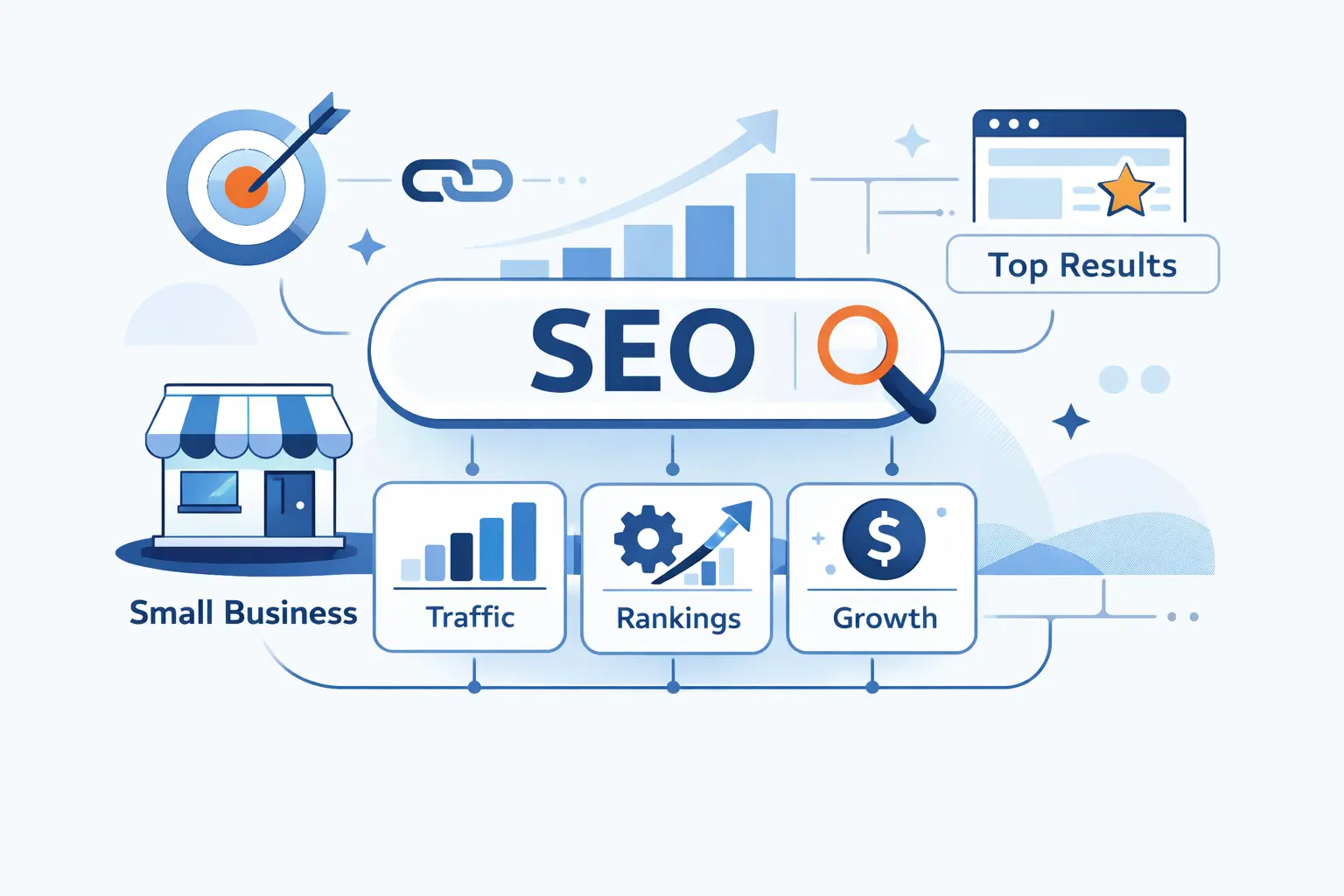
Small businesses often compete against bigger brands with deeper pockets. SEO gives them a fairer path. It rewards clear answers, local relevance, good site experience, and real trust signals. That is not easy, but it is achievable.
1. More Visibility and Leads Without Constant Ad Spend
BrightEdge Research reported organic channels at 53.3% of trackable website traffic. We do not treat that as a magic promise for every industry. We treat it as a reminder that useful, findable pages can carry serious weight in the customer journey.
2. Higher Trust, Better User Experience, and Better Conversions
Ranking is only half the fight. People also judge what they see. A clear headline, visible phone number, fast page, real photos, and helpful service details reduce doubt. When a visitor can understand your offer quickly, they are more likely to call, book, request a quote, or visit.
3. SEO vs. Paid Search for Sustainable Growth
Paid search is useful when you need traffic quickly. SEO is better for building a base that does not depend on every click being bought. We like using both when budgets allow. Use ads for urgent campaigns. Use SEO to build pages that answer repeat customer needs.
Build the Right Website Foundation First
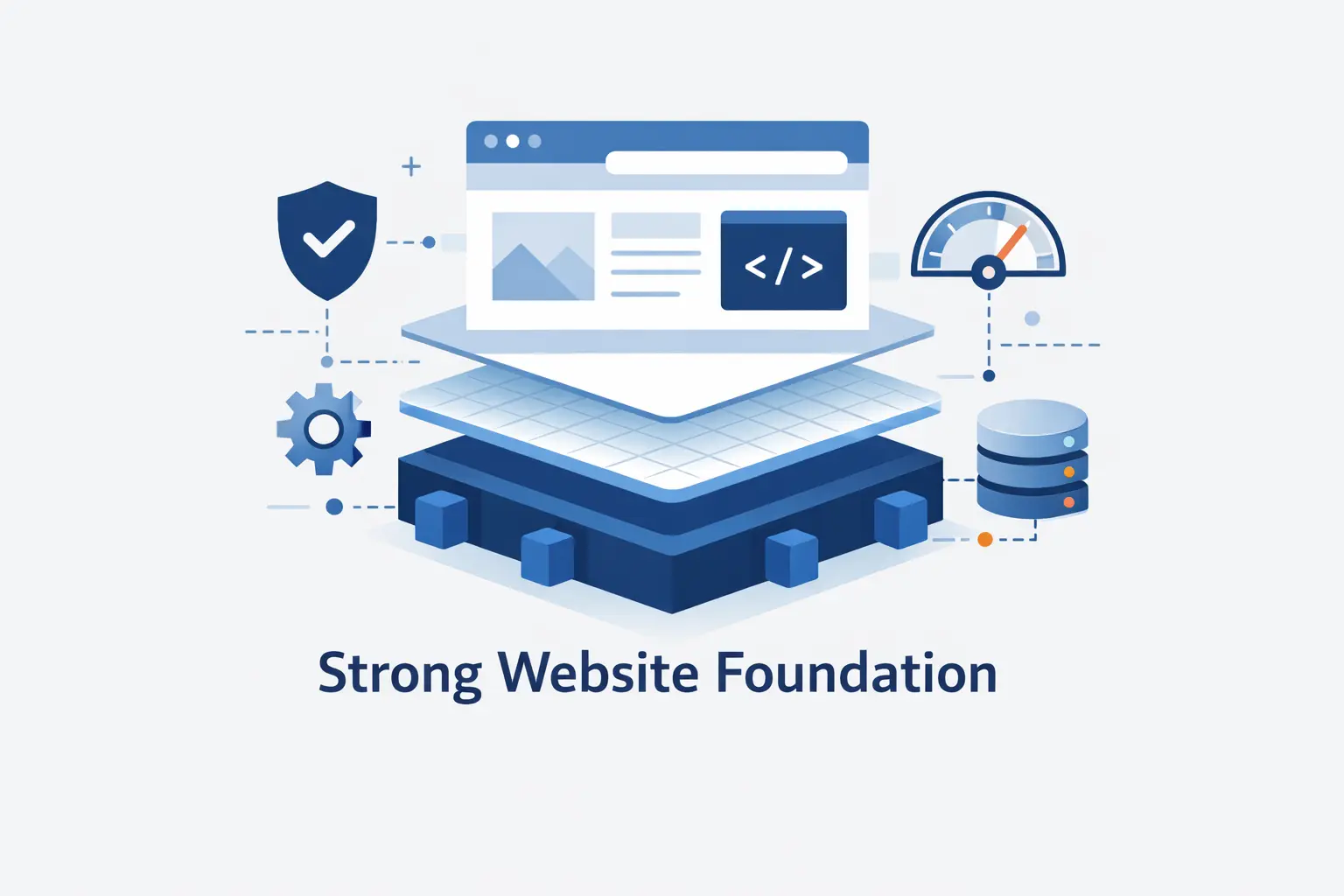
A weak website makes SEO harder than it needs to be. Before publishing piles of content, make sure your site is secure, mobile-friendly, crawlable, and organized. Good infrastructure will not guarantee rankings. Bad infrastructure can quietly hold you back.
1. Create a Professional, Mobile-Friendly Website
Most customers will judge your business on a phone. Your site should resize cleanly, load quickly, show readable text, and make contact actions obvious. A restaurant needs menus and hours. A clinic needs location details and appointment options. A contractor needs services, proof, and a fast quote path.
2. Make Sure Search Engines Can Crawl and Index Your Pages
Check that important pages are not blocked by robots.txt, noindex tags, login walls, or broken navigation. Submit a sitemap. Keep your main content in normal HTML when possible. If search engines cannot access a page, they cannot rank it, no matter how good the copy is.
3. Use a Clear Site Structure That Can Grow With You
Start with a simple structure: home, services, locations, about, contact, and resources. As the business grows, add pages only when they serve a real purpose. A messy site creates confusion for visitors and search engines. A tidy site makes every new page easier to place.
Find the Right Keywords for Your Small Business SEO Strategy
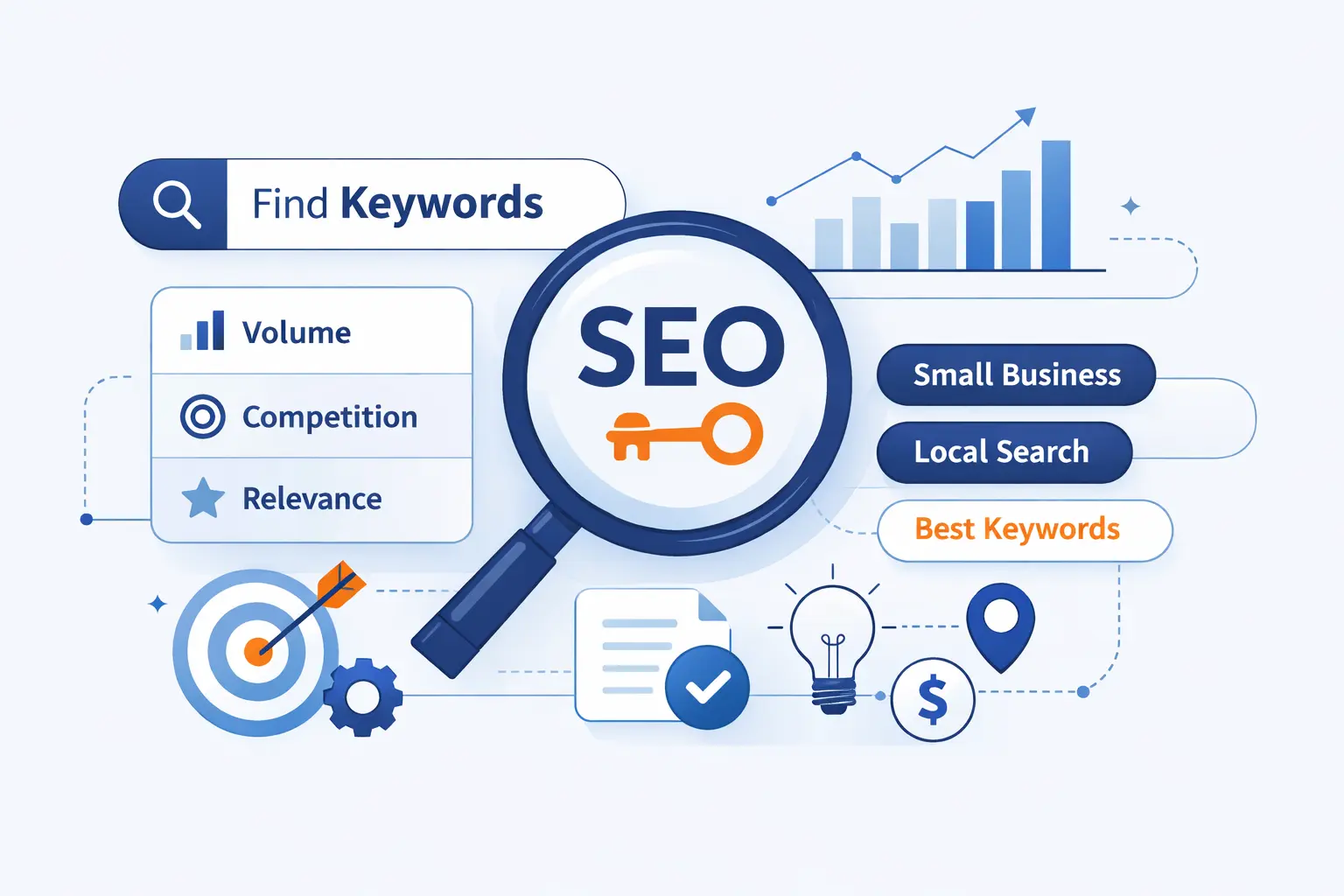
Keyword research is not about collecting phrases like baseball cards. It is about learning how customers describe their problems. The best small business keywords usually sit close to money, urgency, location, or trust.
1. Start With Customer Problems, Services, and Questions
Write down what customers ask before buying. “Do I need emergency repair?” “How much does installation cost?” “Can you come to my area?” These questions often reveal better page ideas than generic industry terms. Real language beats boardroom language almost every time.
2. Use Keyword Tools to Validate Search Volume, Difficulty, and Intent
Tools can help you compare demand, competition, and search intent. Use them to confirm patterns, not to replace judgment. A phrase with low volume can still be valuable if the searcher is ready to buy. A huge keyword can be useless if the intent is vague.
3. Prioritize Relevant Long-Tail and Lower-Competition Terms
Long-tail searches are more specific. They often include a service type, problem, product, price concern, or location. A small business can usually compete faster on these terms than on broad national phrases. Specific pages also convert better because the message matches the need.
4. Add Local Modifiers, Synonyms, and Related Terms
Customers do not all use the same words. One person searches for “AC repair.” Another searches for “air conditioner not cooling.” Add natural variations where they fit. For local work, include city names, neighborhoods, landmarks, and service areas without turning the page into a repetitive mess.
Create the Pages That Small Business SEO Needs
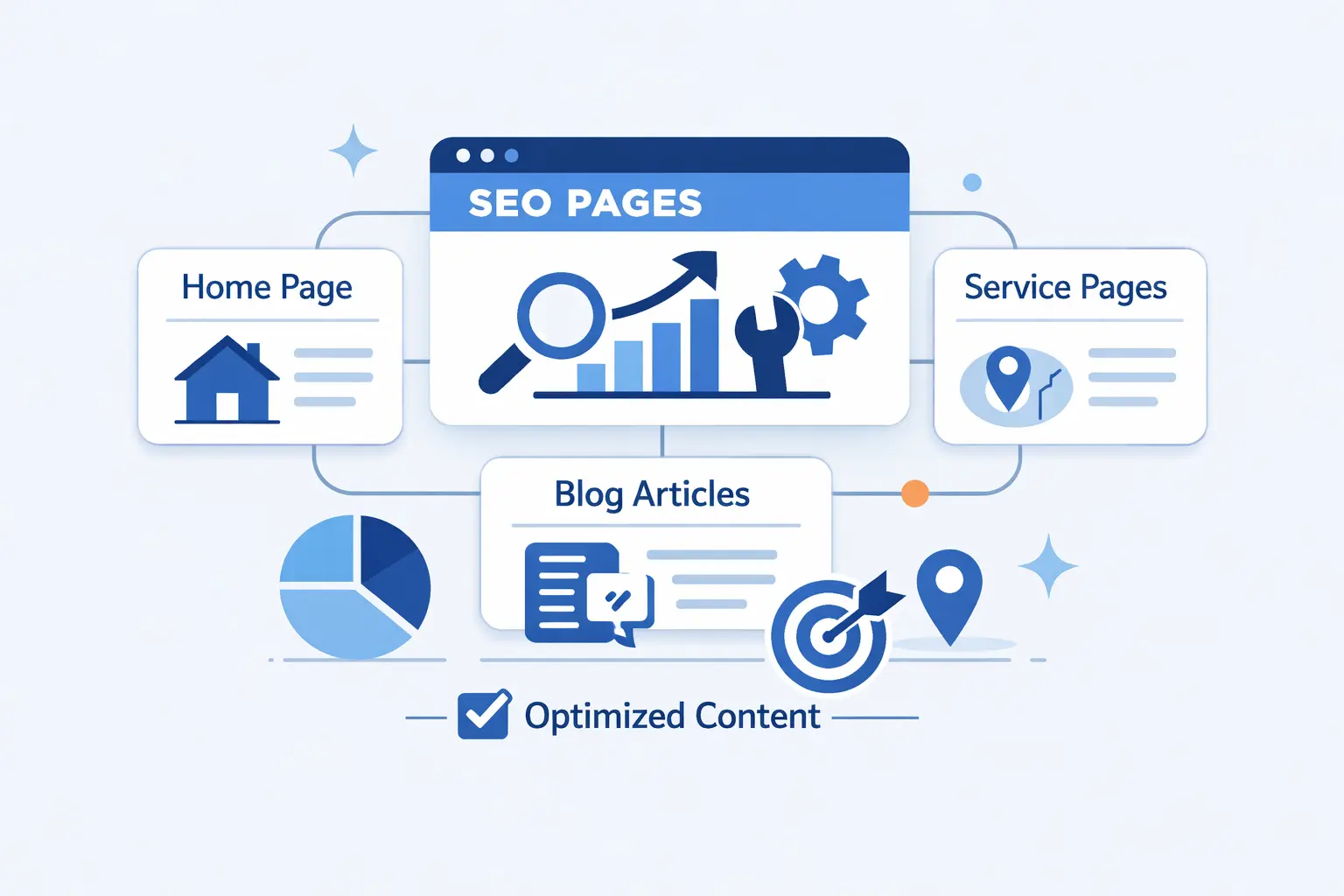
Content strategy begins with the pages customers expect to find. A small business does not need a giant publishing calendar before it has useful core pages. Build the commercial base first, then support it with educational content.
1. Service or Product Pages for Every Core Offer
Each major offer deserves its own page. Do not hide all services inside a vague paragraph on the homepage. A good service page explains who the service is for, what is included, common problems, pricing factors, proof, and the next step. Make the offer concrete.
2. Location Pages for Every Area You Serve
Location pages work when they are genuinely useful. Include the services available in that area, directions or service notes, local proof, reviews, photos, and clear contact details. Avoid copying the same page and swapping city names. That feels thin because it is thin.
3. FAQ, Resource, and Blog Pages That Support the Buyer Journey
Support pages help customers move from confusion to confidence. FAQs handle objections. Resource pages explain choices. Blog posts can answer seasonal, technical, or comparison questions. Every support page should connect back to a relevant service or product page, so the reader has a clear path forward.
Optimize Every On-Page Element That Influences Rankings
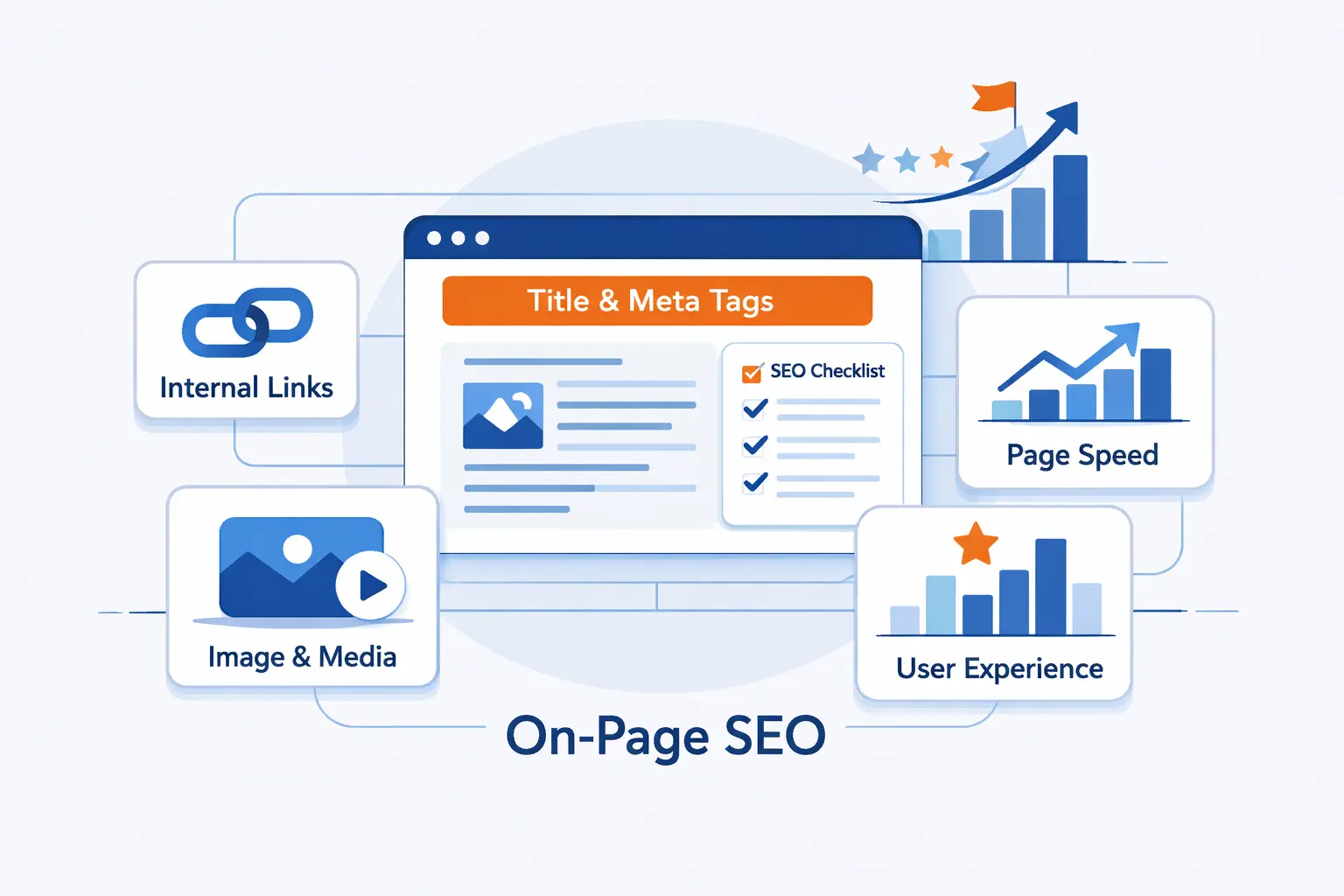
On-page work is where many small businesses can win quickly. You are not trying to stuff keywords everywhere. You are making the page easier to understand, easier to scan, and easier to act on.
1. Titles, Meta Descriptions, URLs, Headers, and Alt Text
Write a unique title for each page. Keep URLs short and readable. Use headers to organize the page, not to decorate it. Add alt text when an image carries meaning. Meta descriptions should invite the right click by explaining the value of the page.
2. Body Copy, Internal Links, and Clear Calls to Action
Your body copy should answer the searcher’s next question before they ask it. Link related pages together where it helps. A service page might link to pricing guidance, reviews, and a contact form. Calls to action should be direct: call, book, request a quote, or ask a question.
3. Easy-to-Scan Layouts With Short Sections and Lists
People skim before they read. Use short paragraphs, bullets, tables, and clear labels. Put key details near the top. A visitor should quickly see what you offer, where you work, why you are credible, and how to contact you. Do not make them dig.
Create Helpful Content That Builds Authority
Helpful content is the difference between a website that merely exists and a website that earns attention. We prefer practical, specific content over fluffy posting. If a page does not help a customer make a better decision, it probably does not deserve to exist.
1. Answer Real Questions With Clear, Useful Content
Start with questions from sales calls, support tickets, emails, and reviews. Then answer them honestly. If there are tradeoffs, explain them. If pricing varies, explain why. Customers can smell evasive copy from across the street. Useful content builds trust because it respects the reader.
2. Use Blogs, FAQs, Videos, and Step-by-Step Guides
Different questions need different formats. A quick objection may fit an FAQ. A repair process may need a guide. A visual task may work better as video. REI’s outdoor advice library is a useful real-world example of organizing educational content by customer need.
3. Show Experience, Expertise, Authority, and Trust
E-E-A-T is not a badge you paste onto a page. It is the evidence behind your claims. Show who wrote or reviewed the content. Add real project photos, credentials, warranties, customer stories, and clear policies. A small business can look trustworthy without sounding corporate.
4. Refresh, Expand, and Repurpose Older Content
Old content can decay. Prices change. Services change. Customer questions change. Review older pages, remove stale claims, add better examples, and improve internal links. Then repurpose strong content into email answers, sales materials, short videos, or social posts. Good research should not gather dust.
Strengthen Local SEO for Small Business Growth
Local visibility depends on clear business data, strong profiles, reviews, and pages that prove where you operate. Google says local results are mainly based on relevance, distance, and prominence. That is a useful frame for every local action you take.
1. Claim and Optimize Your Google Business Profile
Your Google Business Profile should be complete and accurate. Add the right categories, services, hours, photos, description, website link, and contact details. Keep it current. If holiday hours change or a service is added, update the profile. Stale information creates friction before the customer even reaches your site.
2. Keep Your Name, Address, and Phone Number Consistent Everywhere
Your business name, address, and phone number should match across major directories, maps, social profiles, and your website. Small differences can confuse customers. Consistency also makes your business look more established. We like boring accuracy here. Boring is good when customers need directions.
3. Earn, Manage, and Respond to Customer Reviews
Ask happy customers for reviews at natural moments, such as after a completed job or successful visit. Respond with care. Thank positive reviewers. Handle negative reviews calmly and professionally. Do not argue in public. Future customers are watching how you treat past customers.
4. Create Location Pages and Add Local Signals
Use location pages to show real local relevance. Add service area details, neighborhood references, local testimonials, staff notes, and photos from real work when possible. The goal is not to trick a map. The goal is to prove you belong in the area you claim to serve.
Build Authority With Backlinks and Mentions
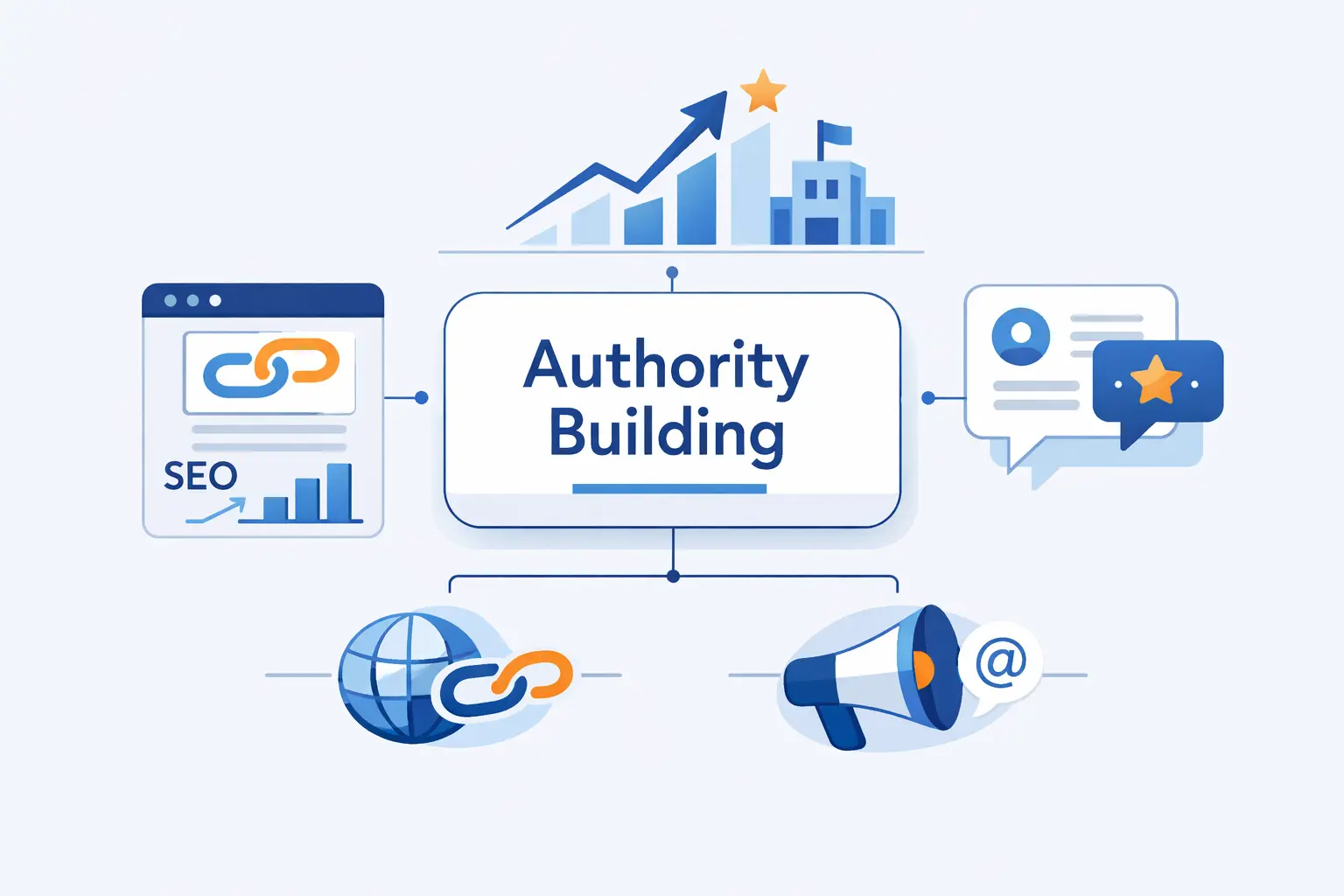
Links still matter because they help search engines and people discover trusted businesses. But link building is where small businesses can waste money fast. We would rather see a few earned, relevant mentions than a pile of cheap placements.
1. Focus on Quality, Not Quantity
A useful link comes from a place that makes sense: a local chamber, supplier, trade group, sponsor page, school event, news outlet, or partner. If a site exists only to sell links, walk away. Bad links are not a shortcut. They are a liability.
2. Get Listed in Trusted Directories, Associations, and Supplier Pages
Start with legitimate listings. Industry associations, licensing bodies, local business groups, vendor partner pages, and niche directories can help customers verify you. Keep profiles accurate and complete. The best directory listing is one a real customer might actually use.
3. Earn Links Through PR, Partnerships, and Community Involvement
Small businesses have stories. Sponsor a local event. Publish useful data from your work. Partner with a nonprofit. Offer expert comments to local media. Host a workshop. These efforts can earn mentions because they create real value outside the search results page.
Fix Technical SEO Issues Before They Cost You Traffic
Technical problems are often invisible to business owners until traffic drops. At 1Byte, we care about this because hosting, uptime, speed, redirects, SSL, and server behavior shape the experience beneath the content.
1. Run Technical and Content Audits
Audit your site for crawl issues, missing titles, duplicate pages, weak content, redirect chains, broken links, and pages with no clear purpose. Do not treat audits as paperwork. Treat them as triage. Fix the issues that block discovery, trust, or conversion first.
2. Improve Site Speed and Mobile Performance
Speed is a user issue before it is an algorithm issue. Compress images, use caching, reduce unnecessary scripts, and choose reliable hosting. For Largest Contentful Paint, web.dev gives a good threshold of 2.5 seconds. Faster pages make impatient visitors less likely to leave.
3. Fix Broken Links, Duplicate Metadata, and Crawl Errors
Broken links frustrate users and waste crawl paths. Duplicate titles make pages harder to distinguish. Crawl errors can hide important content. Review these issues regularly, especially after redesigns, migrations, plugin changes, or content cleanups. Many traffic losses begin with tiny technical mistakes.
4. Use Clean URLs, Simple Architecture, and Relevant Schema
Clean URLs help people and search engines understand page topics. Simple architecture helps important pages stay close to the homepage. Schema can clarify business details, reviews, products, FAQs, events, and local information. Use it honestly. Mark up what is visible and true.
Adapt SEO for AI Search and Other Platforms
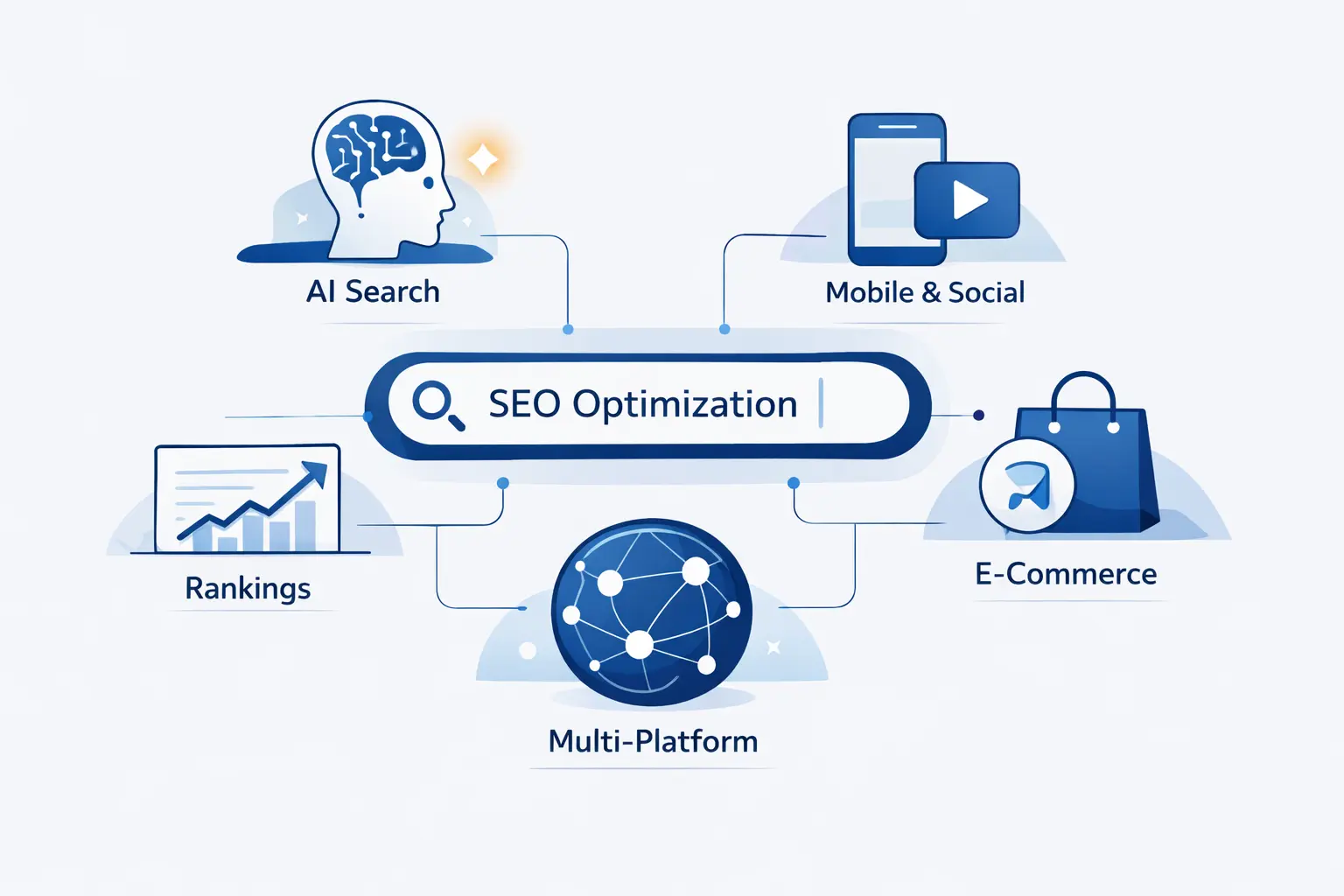
Search is changing, but the fundamentals have not vanished. AI summaries, maps, social platforms, video results, and forums all reward clear answers and trusted sources. Pew found that AI summaries appeared for roughly one-in-five recorded Google queries in March 2025, so small businesses should write for both humans and answer systems.
1. Write Clear Answers for FAQs, Snippets, and AI Summaries
Answer direct questions near the top of relevant pages. Use plain wording. Add supporting details below the short answer. A strong FAQ should not sound like a keyword trap. It should sound like a helpful employee who knows the question and respects the customer’s time.
2. Publish Original Expert Content That Shows Real Experience
AI systems can summarize common information. They struggle to replace firsthand experience. Share job photos, before-and-after notes, field observations, customer patterns, lessons learned, and expert judgment. This is where small businesses have an edge. Big brands often sound polished. Local experts can sound real.
3. Optimize Beyond Google With Maps, YouTube, Reddit, and Other Platforms
Customers do not search in one place. They check maps, watch videos, read forums, scan reviews, and ask communities. Put useful answers where your customers already look. A repair shop can publish quick diagnostic videos. A clinic can answer common appointment questions. A restaurant can keep menus accurate everywhere.
Measure What Matters and Keep Improving

SEO without measurement becomes folklore. We need data, but not vanity data alone. The question is not “Did traffic go up?” The better question is “Did the right people find us and take useful action?”
1. Track Organic Traffic, Impressions, and Keyword Rankings
Track visibility trends in Search Console and analytics tools. Watch which pages earn impressions, which queries bring clicks, and which rankings are moving. Do not panic over every daily swing. Look for patterns. Good measurement keeps you calm when search results get noisy.
2. Measure Calls, Form Fills, Leads, and Sales
Traffic is not the finish line. Track calls, forms, bookings, purchases, newsletter signups, and quote requests. If possible, connect leads to actual revenue. A page with fewer visits may be more valuable than a popular post if it brings better customers.
3. Use Search Console, Analytics, and Competitive Benchmarks
Use Search Console for queries and indexing. Use analytics for behavior and conversions. Use competitive tools to see content gaps and authority gaps. Benchmarks are useful, but they are not commandments. Your best metric is progress against your own business goals.
Budget, Timeline, and Resourcing for Small Business SEO
Budgeting for SEO is hard because the work is not one task. It includes technical fixes, content, local profiles, links, analytics, and maintenance. The right plan depends on your market, current website, competition, and internal capacity.
1. How Long Small Business SEO Usually Takes
SEO usually moves in months, not days. A new website often needs more patience. An established website with technical issues may improve after focused fixes. Competitive markets take longer. The best mindset is steady improvement, not overnight rescue.
2. What Small Businesses Should Budget for SEO
Start with the work that blocks revenue. If the site is slow, fix hosting and performance. If services are unclear, build better pages. If local data is wrong, clean it up. If content is thin, invest in expertise. Budget should follow bottlenecks, not trends.
3. When to Do It Yourself and When to Hire Help
Do it yourself if you have time, patience, and a simple site. Hire help when technical issues are risky, competition is strong, or content needs expert planning. Many owners can handle profile updates and basic content. Migrations, audits, and strategy often deserve a specialist.
4. What to Look for in an SEO Partner
A good partner explains the work clearly. They ask about revenue, customers, margins, and service areas. They do not promise guaranteed rankings. They show what they will fix, publish, measure, and report. If the pitch sounds mysterious, keep your wallet closed.
Common SEO Mistakes Small Businesses Should Avoid
Most SEO failures are not dramatic. They are ordinary mistakes repeated for too long. The good news is that many are fixable once you know what to look for.
1. Chasing Keywords That Are Too Competitive
Broad keywords can drain energy. A small law firm, salon, or repair company may not win against national directories right away. Start where intent is sharper and competition is more realistic. Win specific searches first. Then build outward.
2. Publishing Thin Content or Letting Pages Go Stale
Thin pages do not answer enough questions. Stale pages make your business look neglected. Review your most important pages often. Add useful details, remove outdated claims, and improve examples. If a page cannot help a customer, either improve it or remove it.
3. Ignoring Google Business Profile and Review Management
For local businesses, ignoring your profile is like leaving the front door half closed. Customers may see your profile before your website. Keep it accurate. Add photos. Ask for reviews. Respond with care. Local trust often starts there.
4. Overlooking Mobile Experience, Site Speed, and Broken Links
A customer who cannot load your page or tap your phone number will leave. Slow pages, broken links, tiny buttons, and confusing forms cost real business. Technical polish is not vanity. It is hospitality for people using small screens and limited patience.
A Simple Small Business SEO Action Plan
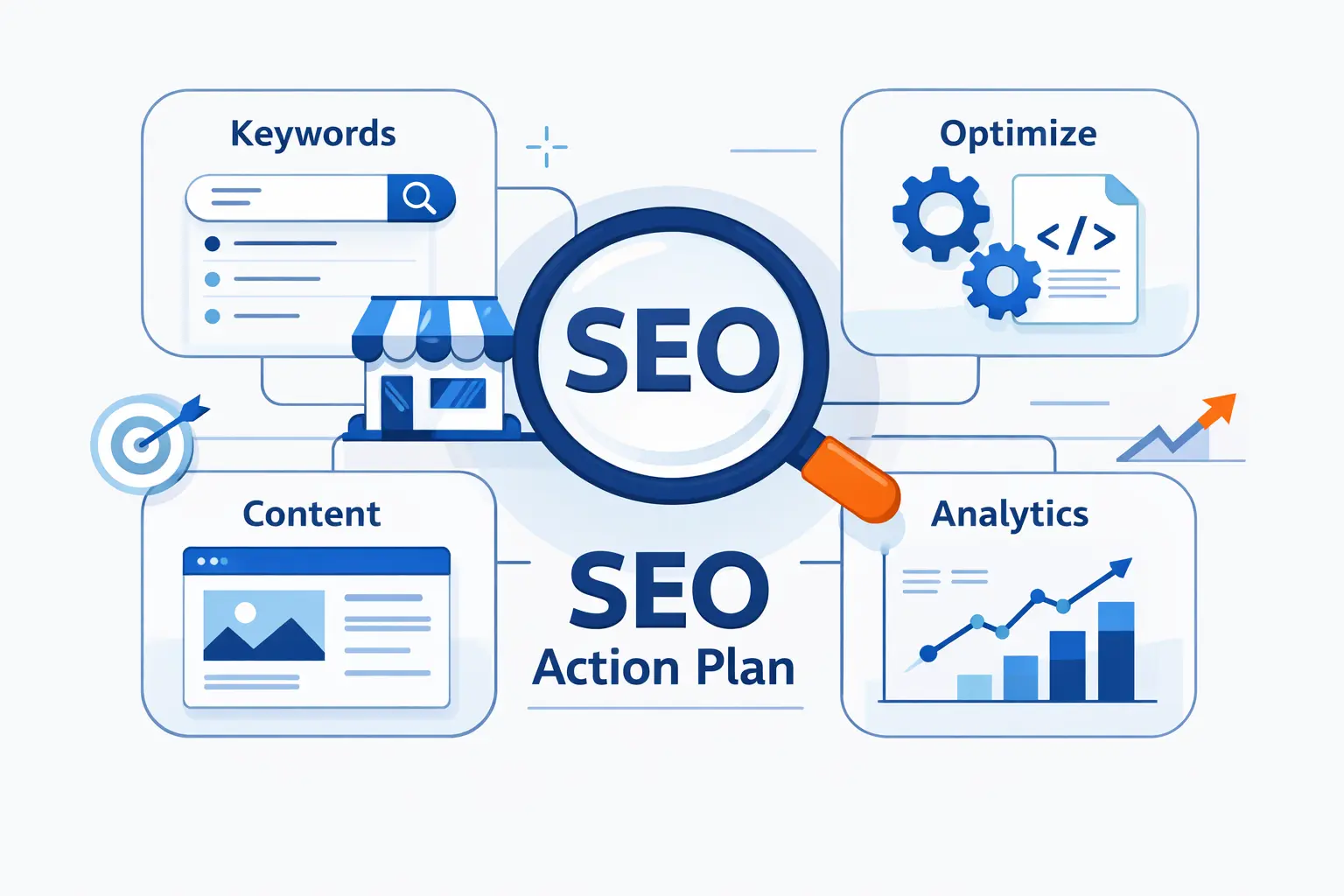
If SEO feels overwhelming, narrow the work. We like a simple, practical sequence. Build the base, publish the essentials, fix the obvious issues, then measure and repeat. Momentum beats perfection.
1. Week 1: Set Up the Foundations
Set up analytics, Search Console, your sitemap, and conversion tracking. Check that important pages are indexable. Confirm your domain, SSL certificate, hosting, backups, and contact forms are working. Claim or review your business profile. Write down your main services and target locations.
2. Week 2: Build Core Pages and Content
Create or improve your homepage, service pages, location pages, about page, and contact page. Add clear calls to action. Write FAQs based on real customer questions. Do not chase fancy design before the basics are clear. Customers need answers before animation.
3. Week 3: Fix Issues and Build Authority
Run a crawl. Fix broken links, missing titles, weak metadata, and slow images. Clean up local listings. Ask recent happy customers for reviews. Look for legitimate local partners, directories, associations, and supplier pages where your business should be listed.
4. Week 4: Measure, Refine, and Keep Publishing
Review search impressions, clicks, calls, forms, and page behavior. Improve pages that get impressions but few clicks. Add content for questions your sales team keeps answering. Set a publishing rhythm you can sustain. SEO rewards consistency more than bursts of enthusiasm.
FAQ About SEO for Small Business
Small business owners ask sharp questions because budgets are real. We respect that. Here are the answers we would give in a practical planning conversation.
1. Is SEO Worth It for Small Business?
Yes, if customers search before they buy. SEO for small business is worth it when your website can turn visibility into calls, bookings, visits, or sales. It is less useful when the offer is unclear, the site is broken, or nobody has time to maintain it.
2. How Do I Start SEO for a Small Business?
Start with the basics. Build a secure, mobile-friendly website. Create pages for your core services. Claim your business profile. Add clear contact options. Answer customer questions. Set up measurement. Then improve based on what people search, click, and do.
3. What Is the Difference Between SEO and Local SEO?
SEO improves visibility in search results broadly. Local SEO improves visibility for searches tied to a place. Local work includes your business profile, reviews, local pages, directories, and map signals. A local service business usually needs local SEO before national content ambitions.
4. How Long Does Small Business SEO Take?
It depends on your website, competition, market, and effort. Expect gradual movement. Technical fixes can help sooner, while authority and content take longer. We tell owners to look for steady signs: more impressions, better pages, more qualified leads, and cleaner conversion paths.
5. Can I Do Small Business SEO Myself?
Yes, especially at the beginning. Many owners can update profiles, write FAQs, improve service pages, and ask for reviews. Hire help when technical issues, migrations, content planning, or competitive markets create risk. DIY is fine. Guesswork is not.
6. How Is AI Changing SEO for Small Businesses?
AI search rewards clear, well-structured answers and strong source material. It also raises the bar for originality. Generic content is easier to ignore. Real experience, local proof, expert explanations, and clean page structure matter more because machines and people both need trustworthy signals.
7. What Should Small Businesses Track to Measure SEO Success?
Track impressions, clicks, rankings, calls, forms, bookings, sales, and revenue where possible. Also track which pages create leads. Rankings are useful, but they are not the whole story. A quiet page that brings profitable customers deserves attention.
How 1Byte Supports SEO for Small Business Growth
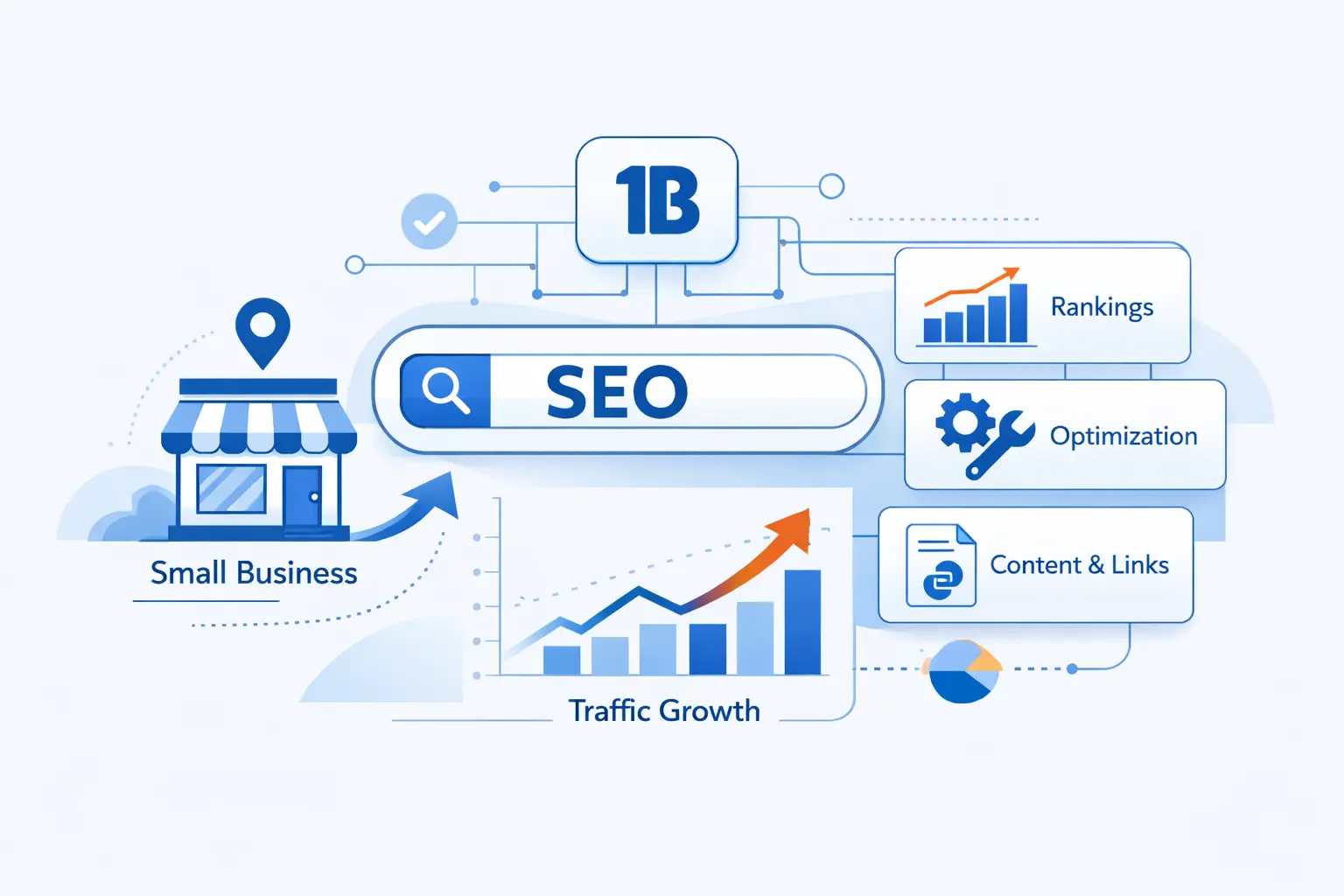
We do not pretend hosting alone will rank a website. That would be lazy advice. But we know the technical base matters. A secure domain, reliable hosting, fast delivery, and room to grow give your SEO work a better stage.
1. Build Trust With Domain Registration and SSL Certificates
Your domain is often the first brand signal customers see. Choose one that is easy to remember and hard to mistype. SSL protects data and gives visitors confidence that the site is legitimate. Trust begins before a visitor reads your best page.
2. Launch Faster With WordPress Hosting and Shared Hosting
Many small businesses need a practical launch path. WordPress hosting and shared hosting can work well for brochure sites, service pages, blogs, and local lead generation. The key is keeping the setup clean: updated software, caching, backups, security, and sensible plugins.
3. Scale With Cloud Hosting, Cloud Servers, and AWS Partner Support
As traffic, content, and campaigns grow, infrastructure needs can change. Cloud hosting and cloud servers help businesses handle heavier demand, custom applications, and stricter performance needs. With AWS Partner support, we can help teams plan hosting that fits the workload instead of forcing every site into the same box.







Final Thoughts on SEO for Small Business
SEO for small business works best when it is grounded in reality. Know your customer. Build the pages they need. Keep your local data accurate. Fix technical barriers. Publish useful answers. Measure leads, not ego.
At 1Byte, our bias is toward durable foundations. A good domain, secure hosting, fast pages, clear structure, and honest content will not make search simple. Nothing will. But they give your business a stronger chance to be found, trusted, and chosen.
The real secret is not a secret at all. Help people make a confident decision, then make it easy for them to act. Do that consistently, and SEO becomes less mysterious. It becomes good business carried onto the web.