


- What Is an MX Record in DNS
- How MX Records Work Behind the Scenes
- MX Record Format, Fields, and Example
- Why MX Records Matter for Reliability, Deliverability, and Security
- MX Record vs A Record, AAAA Record, and CNAME
- How to Set Up an MX Record Correctly
- How to Check and Validate MX Records
- Common MX Record Problems and How to Fix Them
- MX Record Security and Maintenance Best Practices
- MX Record FAQ
- How 1Byte Supports Domain, Hosting, and Cloud Needs
- Conclusion
When customers ask us what an MX record is, we start with the practical answer. An MX record tells the internet which mail server should receive email for your domain. If that record is wrong, your website can stay online while your email quietly fails. That is why a tiny DNS line deserves more respect than it usually gets. Email still carries too much business value to treat casually. Radicati’s latest market brochure forecasts 4,730 million email users in 2026, so we see MX records as core infrastructure, not background trivia.
What Is an MX Record in DNS
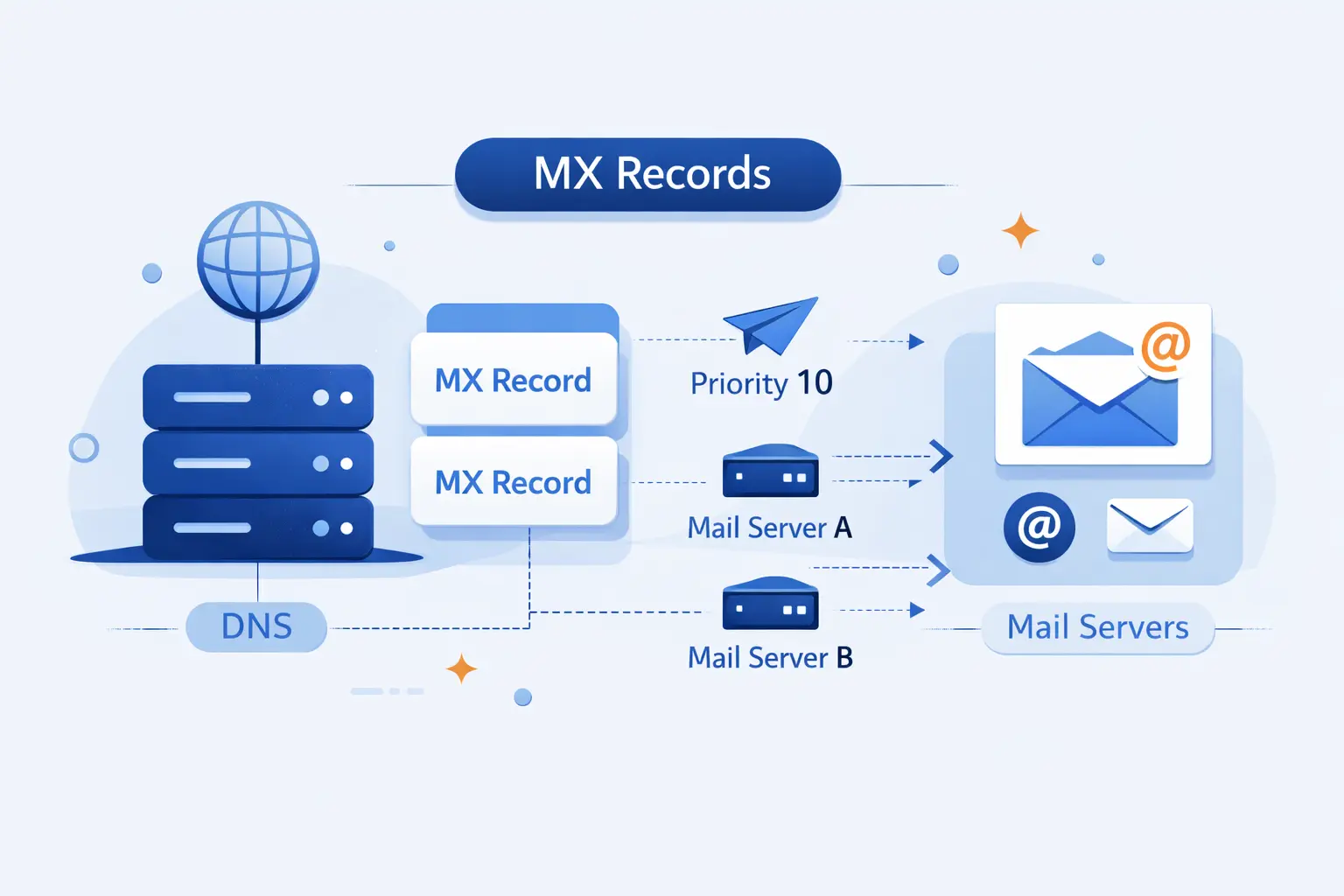
Before we talk about mail flow, we need the basic idea clear. MX records live in DNS, but their job is different from website records. They answer one simple question, which mail system should receive email for this domain.
FURTHER READING: |
| 1. How to Check If a Website Is Legit in 2026 |
| 2. How to Get Backlinks in 2026 With Tactics That Actually Work |
| 3. SEO URL Structure Best Practices for Better Rankings and User Experience |
1. MX Record Definition and Core Purpose
An MX record is a DNS record for incoming email. The letters stand for mail exchange. In plain operation, it tells other mail systems where to hand off messages sent to addresses like [email protected]. We usually describe it as the postal sorting rule for a domain. It does not write, store, or read email. It only points the traffic in the right direction.
2. How MX Records Tell Mail Servers Where to Deliver Email
When someone sends mail to your domain, the sender’s mail system does not guess. It looks up the recipient domain in DNS and asks for MX records. DNS answers with one or more mail hostnames and their preference values. The sending server then follows that list. If the first choice answers, delivery continues. If it does not, the sender can try the next one.
3. Why a Domain Needs MX Records to Receive Email
For production email, a domain should publish MX records clearly and deliberately. Without them, you leave too much to fallback behavior and provider quirks. The SMTP standard does define an edge case where a domain with no MX record can be treated as an implicit mail target, but we never recommend relying on that for business mail. Clean MX records remove guesswork and make migrations, failover, and troubleshooting much easier.
How MX Records Work Behind the Scenes
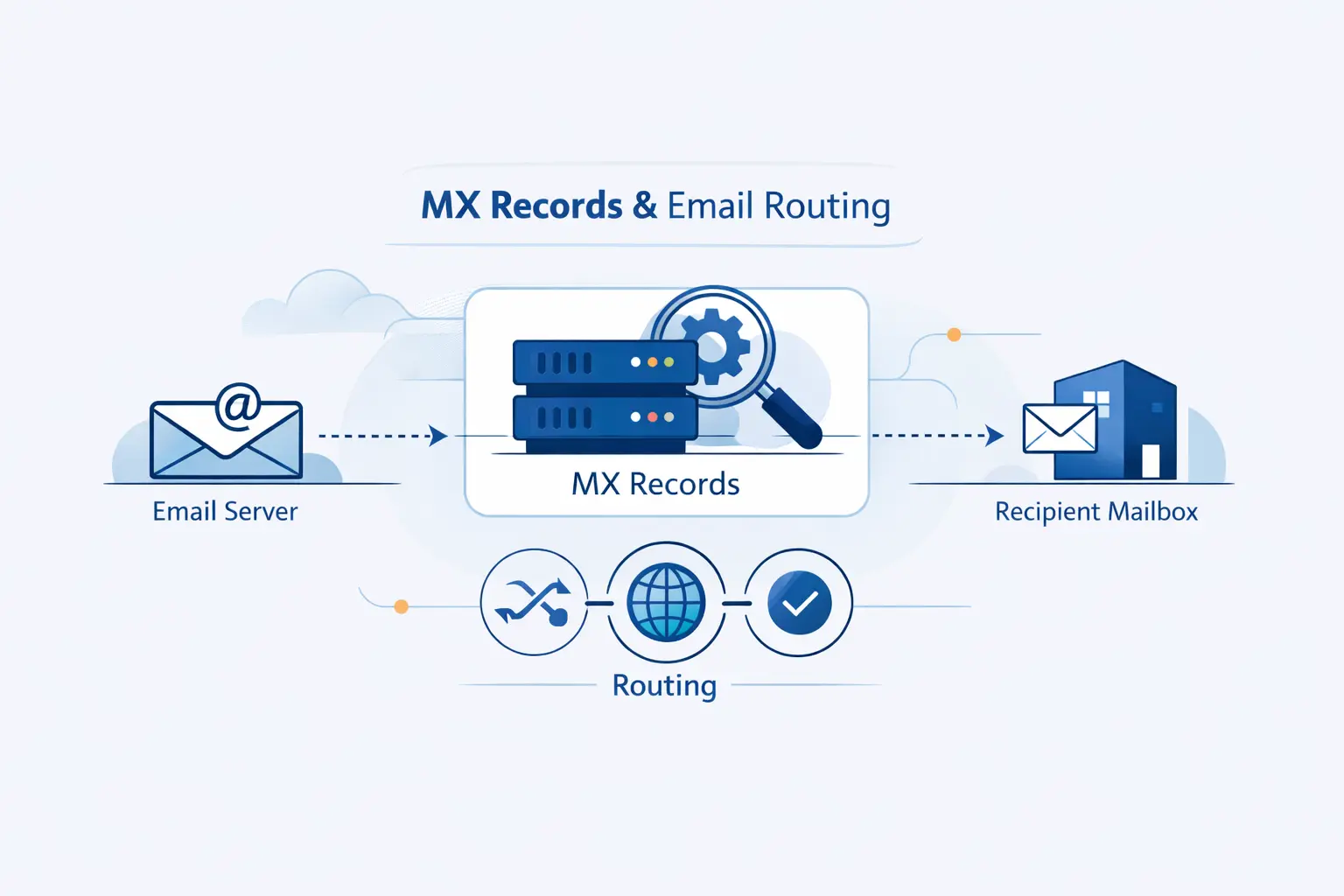
Behind the curtain, email delivery is mostly disciplined DNS lookups and ordered retries. The SMTP standard says a sender first attempts to locate an MX record for the recipient domain, then works through the results in preference order.
1. How Message Transfer Agents Query DNS for MX Records
A sending mail server is usually called a mail transfer agent, or MTA. When that MTA needs to deliver a message to [email protected], it asks DNS for the MX records of example.com. The reply is not usually an IP address. It is a list of hostnames, each with a priority value. The MTA uses that list as its route map.
2. How SMTP Uses MX Results to Reach the Right Mail Server
Once the MTA gets the MX answer, it still has one more step. It resolves the chosen mail hostname to an address record, usually an A record for IPv4 or an AAAA record for IPv6. Then it opens an SMTP connection to that server. This is why an MX record points to a hostname instead of an IP address. The hostname can stay stable even if the provider changes the server addresses behind it.
3. What Happens When the Preferred Mail Server Is Unavailable
If the best-ranked server is down or unreachable, the sender tries the next valid option. If every option fails because of a temporary problem, the message is usually queued and retried later. That behavior is one reason multiple MX records matter. They give the sender another door to knock on instead of forcing an immediate failure. In our experience, this is where good DNS design starts paying rent.
MX Record Format, Fields, and Example
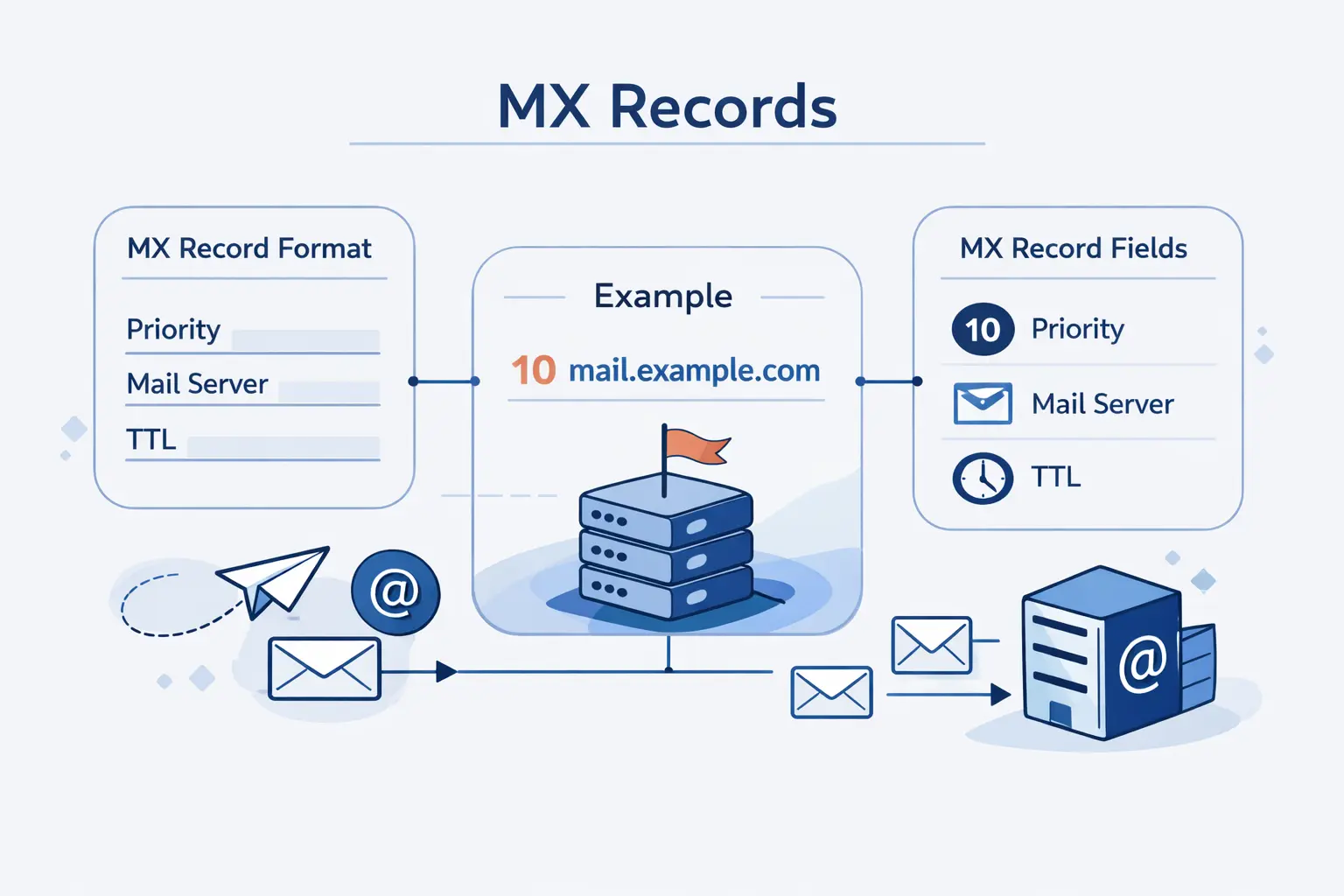
This is the part that looks intimidating in a DNS panel, but it is simpler than it appears. Once we break the record into fields, the pattern becomes easy to read and even easier to troubleshoot.
1. Host, Priority, Target Hostname, and TTL
A standard MX record has a few fields that always mean the same thing:
- Host tells you which name the record applies to, often
@for the root domain. - Priority tells senders which server to try first. Lower numbers are preferred.
- Target hostname names the mail server, such as
mail.example.com. - TTL tells DNS resolvers how long they may cache the answer.
That is the whole shape of it. Once you know those fields, most DNS panels stop feeling mysterious.
2. What an MX Record Example Looks Like
Here is a simple example that we often use when explaining MX records to beginners:
@ IN MX 10 mail1.example.com.@ IN MX 20 mail2.example.com.This means the domain accepts email through two mail hosts. The trailing dot in the hostname is common in zone-file format. Some DNS panels hide it, and that is fine. What matters is the intent. Mail should go to mail1.example.com first, then mail2.example.com if needed.
3. How Priority 10 and 20 Affect Routing
In that example, the lower value wins, so the first server is preferred and the second acts as backup. If both values were equal, sending systems could spread traffic across them. We like this approach because it is readable. Fancy numbering schemes rarely help. Clear values are better than clever ones, especially when a future admin has to fix mail at 2 a.m.
Why MX Records Matter for Reliability, Deliverability, and Security
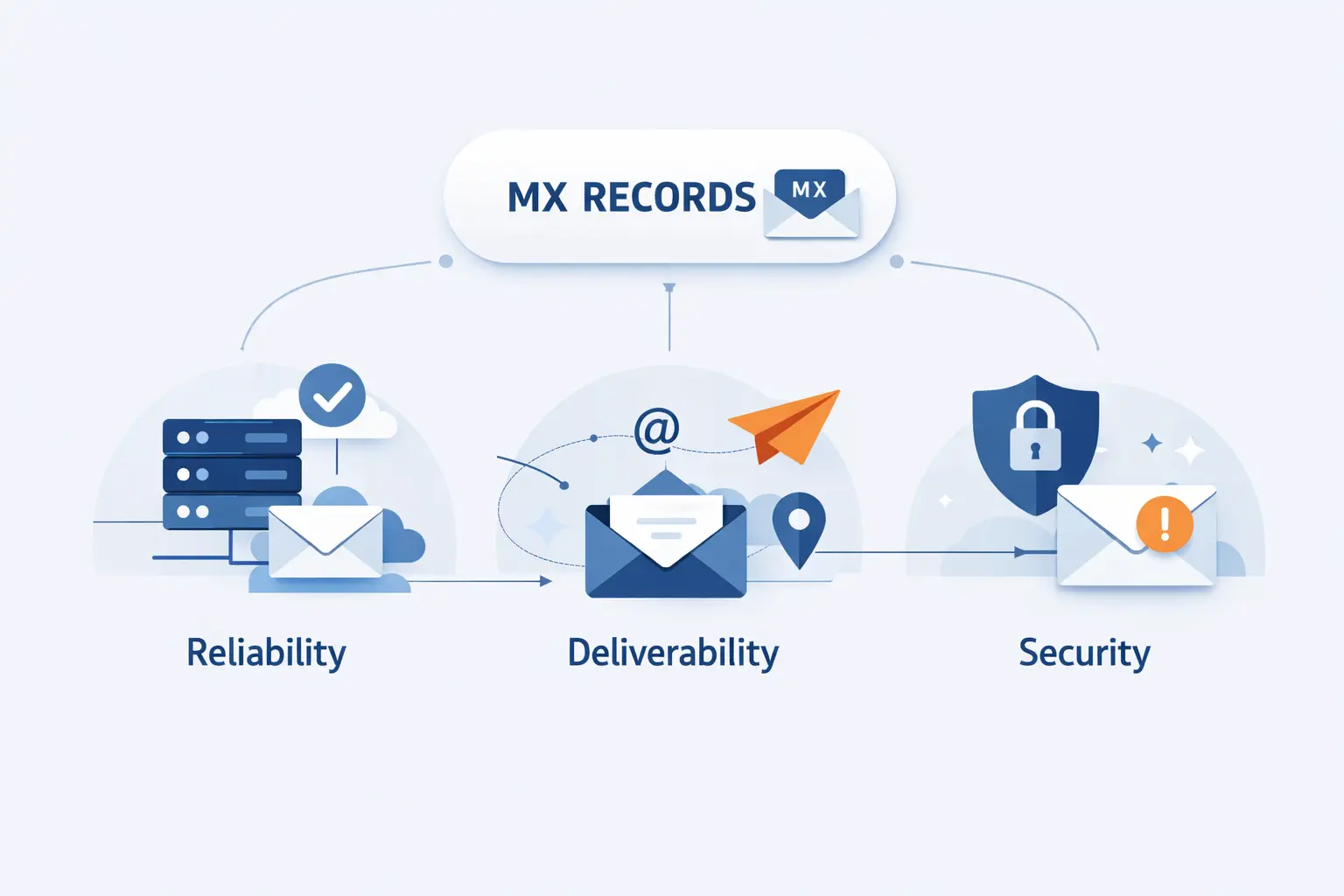
Routing is only half the story. Deliverability also depends on trust signals, server health, and policy. Google’s sender rules tighten once you send more than 5,000 messages per day to Gmail accounts, which tells us how seriously the ecosystem treats mail hygiene.
1. Reliable Email Delivery and Business Continuity
A valid MX record is one of the first conditions for stable email delivery. If it points to the wrong place, messages can bounce, loop, or vanish into the old provider during a migration. We have seen teams blame the mail app, the firewall, or the ISP, when the real problem was one stale MX line left behind in DNS. Password resets, order confirmations, invoices, and support replies all depend on getting this right.
2. Redundancy, Backup Servers, and Load Distribution
Multiple MX records can improve continuity. One lower-numbered record can point to the main service and another higher-numbered record can act as backup. In some designs, equal preference values can distribute traffic between active servers. That does not replace a sound mail platform, but it gives sending systems options when one path fails. We strongly prefer options over single points of failure.
3. Deliverability, Spam Prevention, and Ongoing Monitoring
MX records help mail reach the right service, but inbox placement depends on more than routing. Modern sender rules also care about authentication, valid forward and reverse DNS, TLS, reputation, and complaint levels. We treat MX as the foundation, then we monitor the rest of the stack around it. That is the honest view. A correct MX record is necessary, but by itself it will not rescue a sloppy mail setup.
MX Record vs A Record, AAAA Record, and CNAME
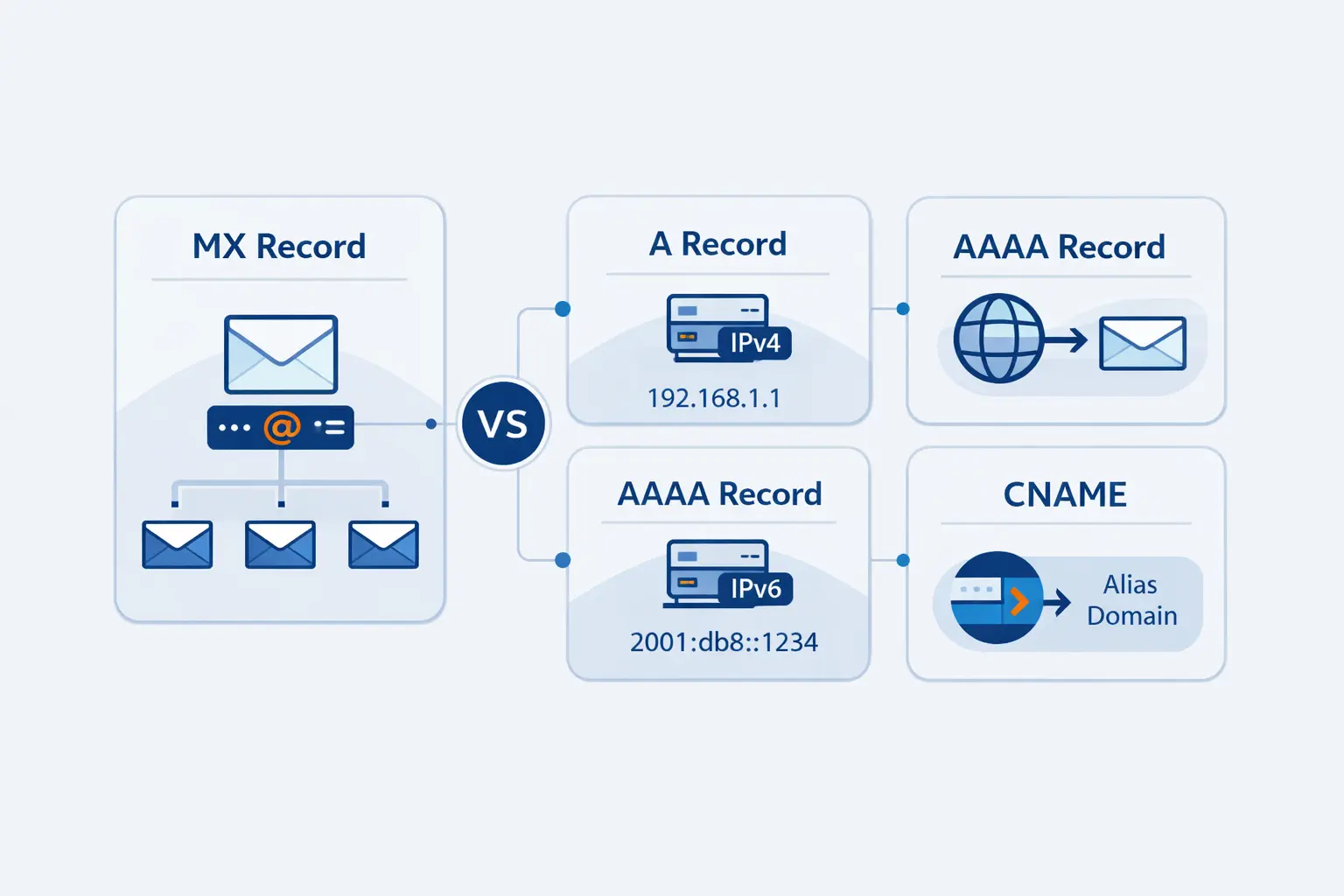
This comparison clears up a mistake we see often. The DNS standard says an MX target must not be an alias, which is why the target has to end at a real hostname with address records behind it.
1. The Difference Between an A Record and an MX Record
An A record maps a hostname to an IPv4 address. An AAAA record does the same for IPv6. An MX record does something different. It says which hostname handles mail for the domain. That is why your website and your email can live on separate systems. Your A record can point to a web server while your MX record points to a mail provider.
2. Why MX Records Point to Hostnames With A or AAAA Records
MX records point to hostnames because providers need flexibility. A provider can keep the same mail hostname while changing the underlying IP addresses over time. That is cleaner for operations and safer during maintenance. The sender first learns the mail hostname from the MX record, then learns the IP from the A or AAAA record for that hostname.
3. Why an MX Record Cannot Point to a CNAME
An MX target cannot be a CNAME because the standards forbid it and mail software expects a direct, final hostname. If you point MX to an alias, you add ambiguity where mail systems want certainty. In practical terms, that means more failed lookups, more edge cases, and more confusing diagnostics. The safe rule is simple, point MX to a real hostname that resolves directly to address records.
How to Set Up an MX Record Correctly
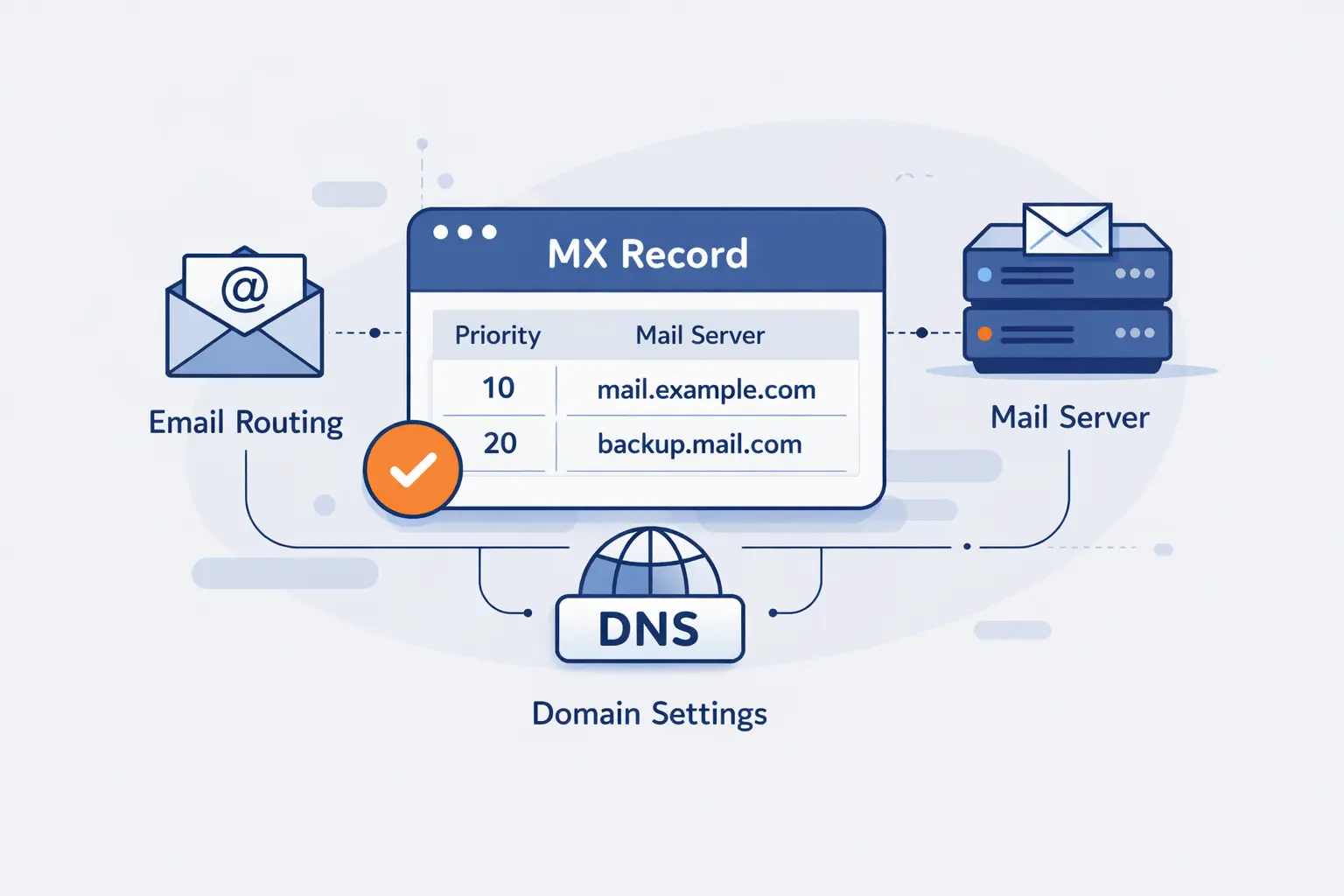
Setting up an MX record is usually less about typing and more about following the provider’s instructions exactly. Most mistakes happen in the DNS panel, not in the mail server itself.
1. Where to Add MX Records in Your DNS Settings
You add MX records wherever your domain’s authoritative DNS is managed. That might be your registrar, your hosting control panel, a DNS provider, or a cloud DNS service. The important point is this, change the zone where your nameservers are actually authoritative. We see beginners update DNS in one dashboard while the live domain is using another. That never ends well.
2. How to Choose Priority Values and TTL Settings
Start with the values your email provider gives you. Do not improvise unless you know why you are changing them. Lower priority numbers are tried first. TTL controls how long resolvers cache the answer. During a migration, a shorter TTL can help changes settle faster. After the move is stable, many teams raise TTL again so DNS is not chattering more than necessary.
3. How Email Providers Supply MX Records for Your Domain
Email providers usually publish the exact values for you. Google’s current Workspace guide lists smtp.google.com as the MX target for new setups, while older aspmx values can remain in place on working legacy deployments.
Another common example comes from Microsoft 365. Its setup flow shows a tenant-specific MX value in the admin center, and that is the hostname you publish for the domain.
How to Check and Validate MX Records

Validation is where we save most time. We check the raw DNS answer first, then we confirm server health, propagation, and reputation. That order keeps us from chasing ghosts.
1. Using Command-Line Tools to Check MX Records
The fastest first check is usually the terminal. These commands are enough for most cases:
dig MX example.com +shortnslookup -type=mx example.comIf the answer is blank, malformed, or points to an old provider, you already have a strong clue. We also look for spelling errors, missing dots in zone-file formats, and records published on the wrong subdomain.
If you prefer a browser, Google’s official Dig tool shows the same DNS answer without opening a terminal window.
2. Using Online MX Lookup Tools to Verify Priority Order
For a quick visual check, online tools that show records in priority order help you confirm preference, hostnames, and whether the published answer matches your provider’s instructions.
3. How to Confirm Propagation, Mail Server Health, and Blacklist Status
When a change looks correct in your DNS panel but mail still routes to the old service, give caching time to clear. Google notes that DNS updates can take up to 72 hours to propagate through its systems.
If delivery still fails after propagation, run a reputation lookup for the sending IP or domain and make sure the mail server itself is reachable on SMTP.
Common MX Record Problems and How to Fix Them
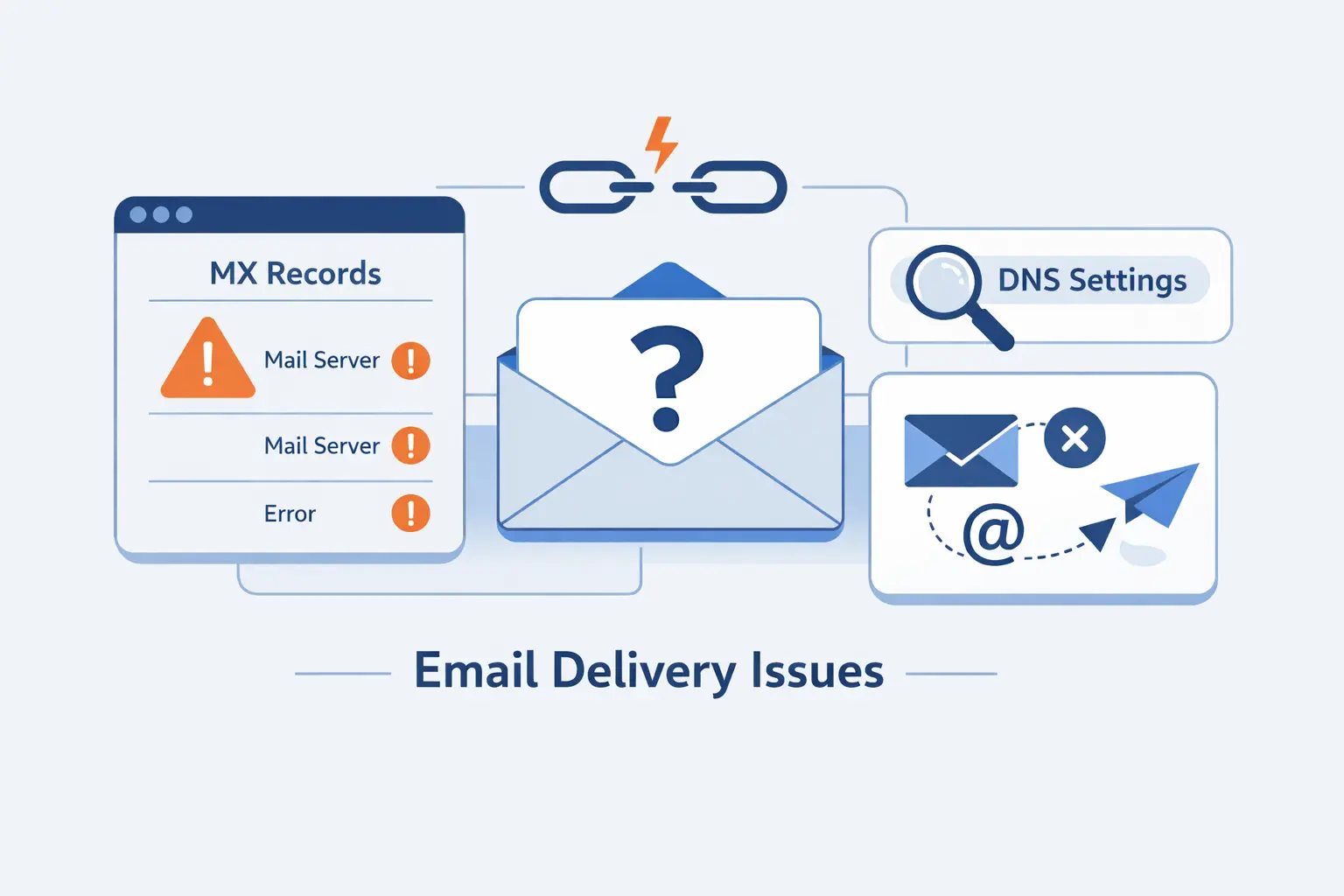
Most MX record issues are mundane. That is good news, because mundane problems are usually quick to fix once we look in the right place.
1. Missing or Incorrect MX Records
If a domain has no MX record, or the record points to the wrong service, incoming mail will fail or head somewhere unexpected. This is common after migrations. The usual fix is boring but effective, remove stale values, publish the provider’s exact MX targets, and then test again from live DNS instead of trusting the control panel screenshot.
2. Priority Errors, Hostname Mistakes, and CNAME Conflicts
Another common problem is bad syntax. A hostname can be misspelled. A backup server can accidentally get the better priority. An admin can point MX to a CNAME because it feels tidy. It is not tidy. It is broken. Our fix list here is short, verify the hostname, verify the preference order, and make sure the target resolves directly to A or AAAA records.
3. Propagation Delays, Spam Filters, and Firewall Issues
Sometimes the MX record is correct and mail still misbehaves. That is when we check time, filtering, and network access. Cached DNS can delay the switch. Spam systems can reject or quarantine mail for reputation reasons. Firewalls can block SMTP traffic. The clue is usually in the bounce message or the receiving logs. Read those first. They often save an hour of guessing.
MX Record Security and Maintenance Best Practices
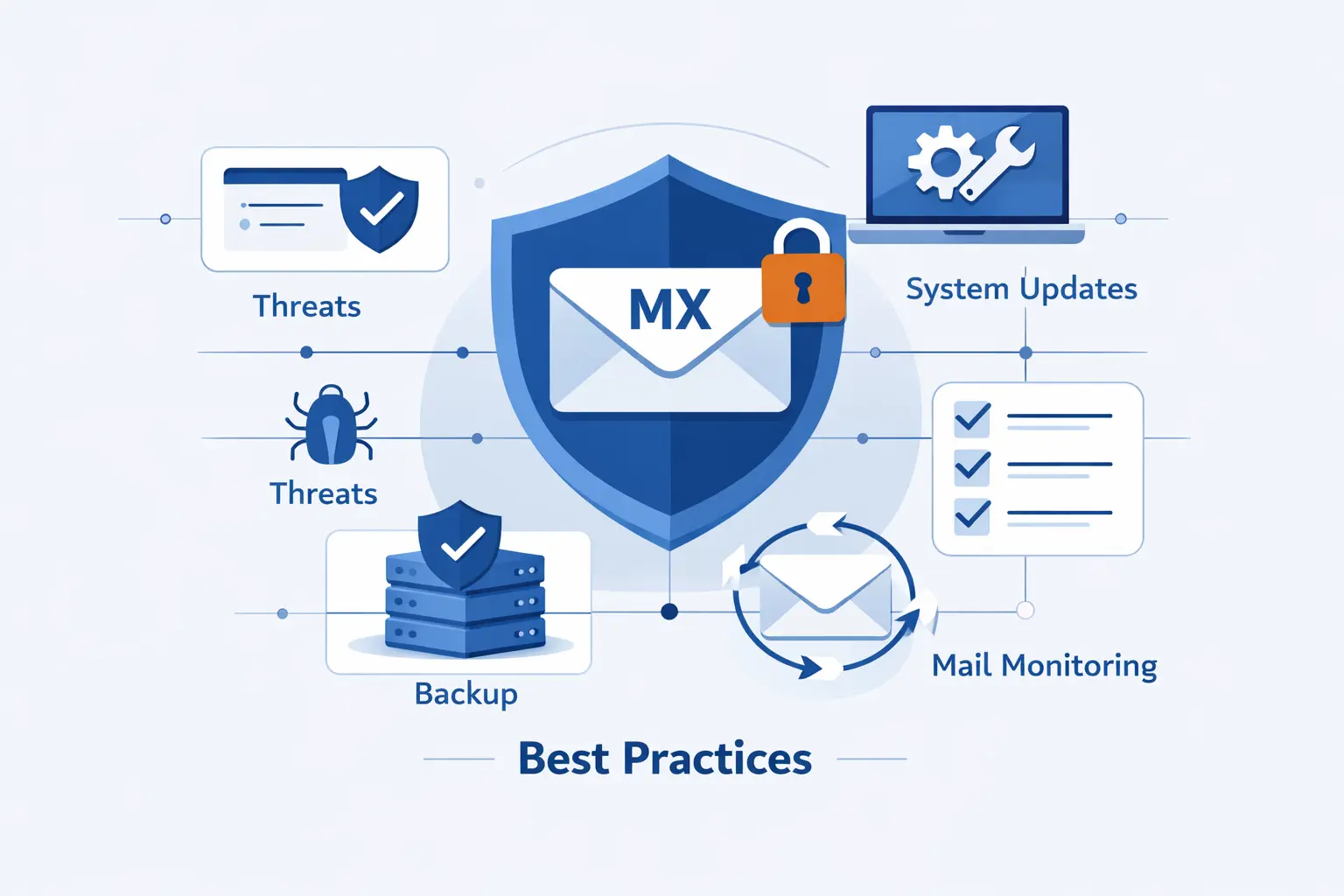
We tell customers this often. An MX record routes inbound mail, but it does not prove who may send mail for your domain. Google recommends you set up both DKIM and SPF and then use DMARC to decide what happens when checks fail.
1. How MX Records Support SPF, DKIM, and DMARC
MX records and authentication records solve different problems. MX tells other systems where your domain receives mail. SPF is a TXT record that lists approved sending systems. DKIM signs outbound mail. DMARC sets policy for messages that fail SPF or DKIM alignment. We like to explain it this way, MX is the receiving address, while SPF, DKIM, and DMARC are the identity checks around sending and trust.
2. How Valid MX Records Help Prevent Spoofing and Misrouting
Valid MX records help most with routing clarity. They make legitimate replies, forwards, and server-to-server mail land where they should. That reduces operational confusion and makes odd behavior easier to spot. Still, we want to be precise here. MX records do not stop spoofing on their own. Authentication records do the real identity work. MX simply makes sure legitimate mail has a clean destination.
3. How to Secure and Monitor Primary and Backup Mail Servers
Primary and backup servers deserve the same discipline. Keep them patched. Require TLS where appropriate. Restrict open relay behavior. Watch queue depth, connection failures, and bounce patterns. Recheck DNS after provider-side changes. Test backup routes before an outage forces the issue. In our view, a backup server that has not been tested is just a polite rumor.
MX Record FAQ
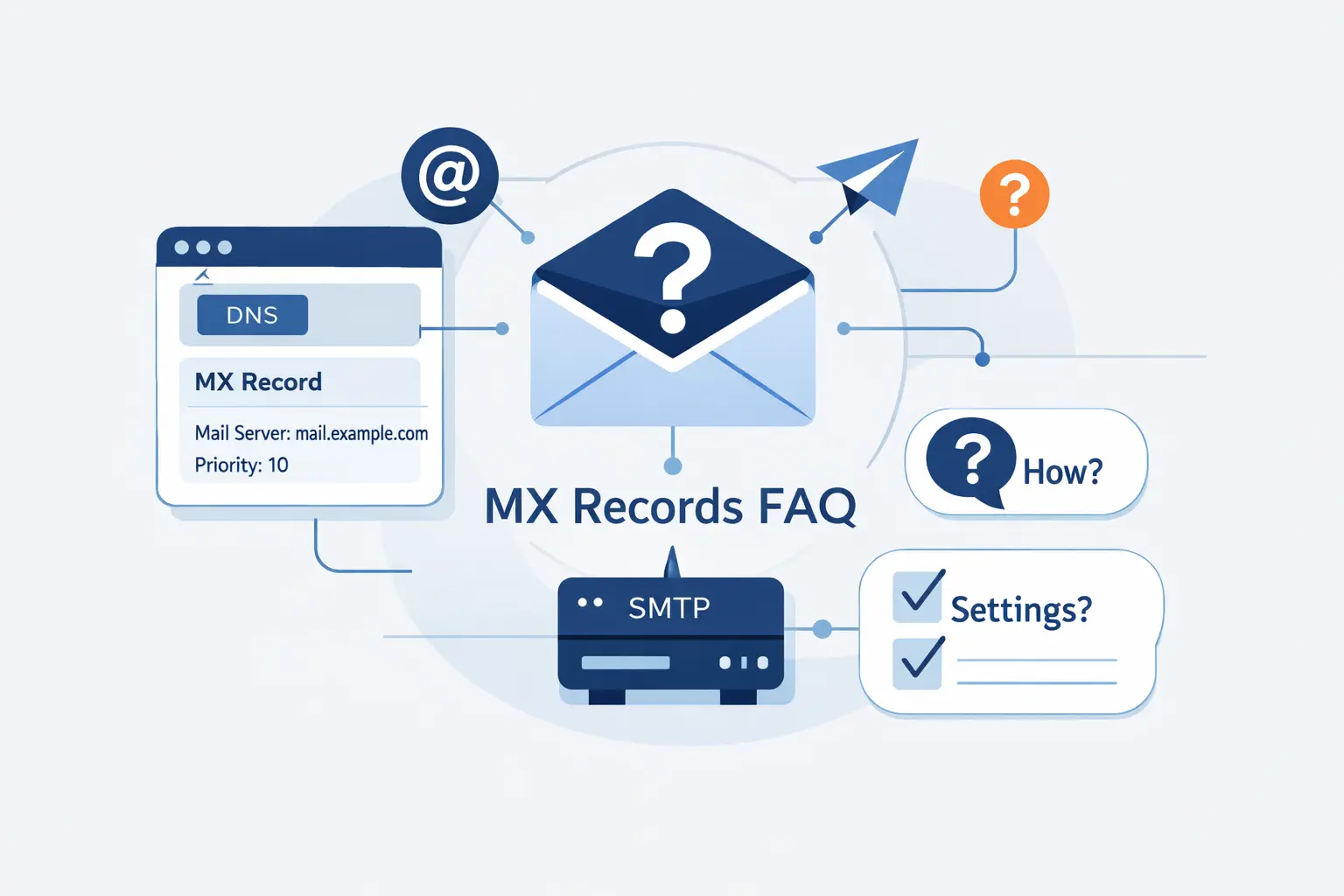
These are the questions we hear most when customers are setting up business email, moving providers, or cleaning up old DNS. We will keep the answers short and practical.
1. What Is an Example of an MX Record?
A simple example looks like this, @ IN MX 10 mail1.example.com. It tells senders that the domain accepts mail through mail1.example.com, and that lower preference number makes it the first choice.
2. What Is the MX Record for Gmail?
If by Gmail you mean Google Workspace on your own domain, the current setup guide uses smtp.google.com for new configurations, while older aspmx values are still supported on legacy setups. If you mean a personal @gmail.com address, Google manages that mail system for you and you do not publish its MX records yourself.
3. What Is the Difference Between an A Record and an MX Record?
An A record points a hostname to an IPv4 address. An MX record points a domain’s mail flow to a mail hostname. One is for addressing a host directly. The other is for routing email to the right host first.
4. Do I Need More Than One MX Record?
No, one MX record can work perfectly well if your provider gives you only one target. More than one is helpful when you want redundancy or when your provider publishes multiple targets for resilience.
5. Can an MX Record Point to a CNAME?
No. It should point to a real hostname that resolves directly to A or AAAA records. That is one of the most common DNS mistakes we see during rushed mail migrations.
6. How Do I Check My MX Record?
Use dig, nslookup, Google Admin Toolbox, or an online MX lookup tool. Check the published hostnames, the priority order, and whether the answer matches your provider’s documentation.
7. How Long Does MX Record Propagation Take?
Sometimes it happens quickly. Sometimes it takes hours. Providers note that DNS changes can take up to 72 hours to be recognized across systems, so we advise patience before declaring the update broken.
How 1Byte Supports Domain, Hosting, and Cloud Needs

At 1Byte, we do not treat DNS, hosting, and cloud as separate chores. They are parts of the same operating surface. A domain, a mail route, a web server, and a certificate all have to agree if a business wants a calm week.
1. Domain Registration for a Strong Website and Email Foundation
Domain registration is where the story starts. If the domain is managed cleanly, DNS changes are easier, renewals are easier, and email setup is easier. We help customers keep that foundation tidy so website records, MX records, and verification records are not fighting each other from day one.
2. SSL Certificates, WordPress Hosting, and Shared Hosting for Secure Online Operations
Most businesses need more than mail. They need a secure site, a working admin area, and stable hosting for daily operations. Our SSL certificates, WordPress hosting, and shared hosting services support that broader picture. While SSL does not replace mail authentication, it does protect the web side of the business that often shares the same domain and DNS zone.
3. Cloud Hosting, Cloud Servers, and AWS Partner Support for Scalable Infrastructure
When a business grows beyond a simple mailbox and website, cloud design starts to matter. Our cloud hosting, cloud servers, and AWS partner support help teams place apps, databases, websites, and email-related services on infrastructure that is easier to manage and easier to evolve. We like predictable systems, and that includes predictable DNS and mail routing.
Conclusion
1. Key Takeaways About What an MX Record Is
An MX record is the DNS instruction that tells other mail systems where to deliver email for your domain. It does not host email by itself. It does not authenticate mail by itself. It simply points inbound mail to the right server, in the right order, using the rules published in DNS. Get that line right, and the rest of your mail stack has a fair chance to work well.







2. Next Steps to Verify and Maintain MX Records
If we were checking a domain today, we would do five things in order. Confirm the live MX answer. Confirm the target hostnames resolve correctly. Confirm the provider values match the published DNS. Confirm authentication records are in place. Confirm the servers and sending IPs have a healthy reputation. Do that once during setup, then repeat it whenever you migrate providers or touch DNS. That is how we keep email boring, and boring email is usually excellent email.