

- Website Design Cost at a Glance
- Website Design Cost Breakdown: Upfront and Ongoing Expenses
- How Platform Choice Affects Website Design Cost
- What Drives Website Design Cost Up or Down
- Website Design Cost by Website Type
- How to Compare Website Design Quotes
- How to Reduce Website Design Cost and Protect Quality
- When a Higher Website Design Cost Makes Sense
- Website Design Cost FAQs
- How 1Byte Helps Businesses with Cloud Computing and Web Hosting
- Final Thoughts on Website Design Cost
At 1Byte, we treat website design cost as a real operating decision, not a cosmetic line item. A business site now sits inside a wider digital budget. Gartner reports that digital channels already account for 61.1% of total marketing spend. That is why a website often works like a sales tool, support desk, and storefront at once.
We see two budgeting mistakes all the time. Some owners underbuy and pay again in a rebuild. Others overbuy before the business case is clear. Our rule is simple. Budget by goal, by platform, and by the work you must still pay for after launch.
Website Design Cost at a Glance
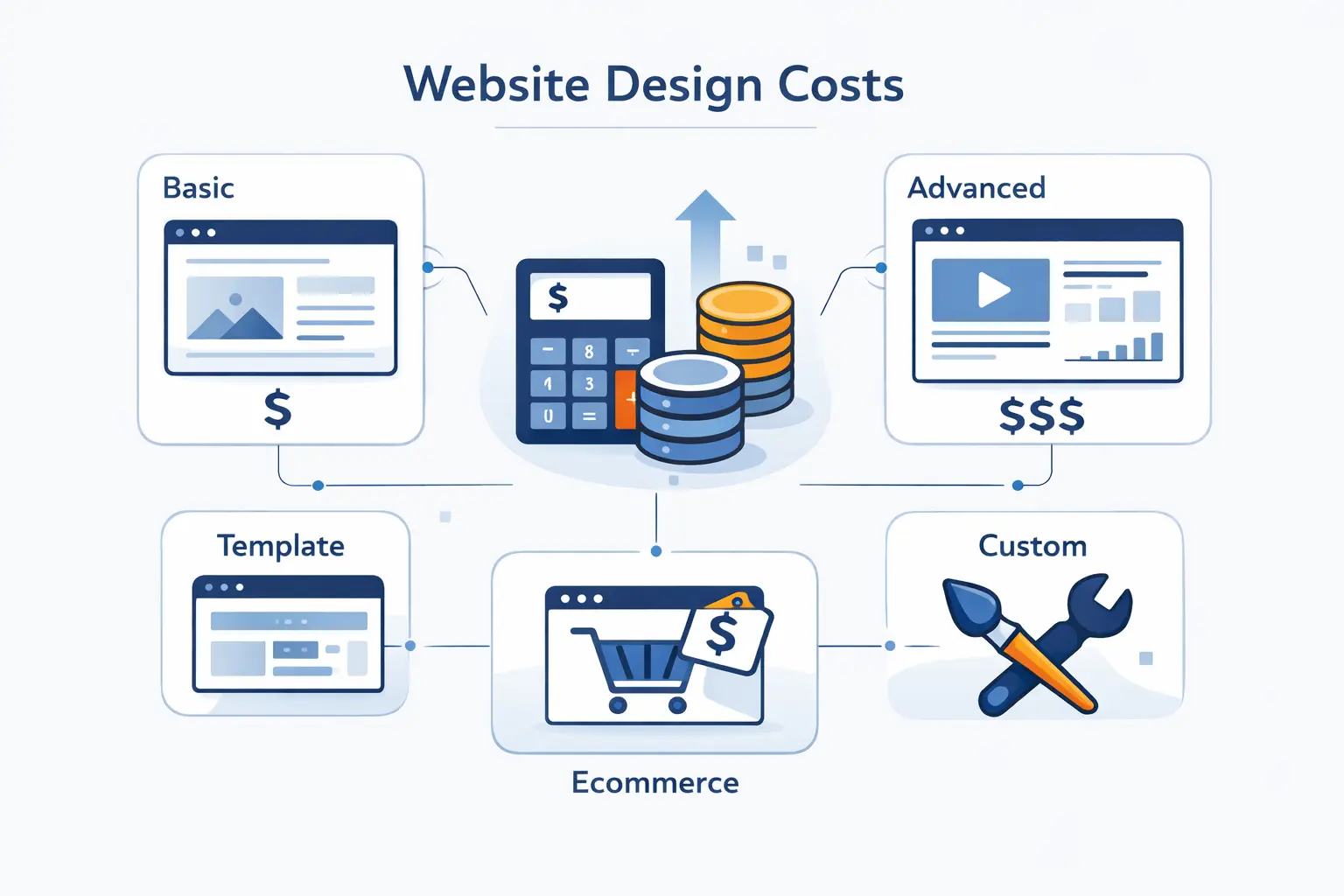
We usually group website design cost into a few practical bands. The right band depends on what the site must do. A site that informs is cheaper than a site that sells, routes leads, or runs custom workflows.
1. DIY and Template-Based Website Costs
DIY sites can stay in the hundreds or low thousands if we choose a template, write our own copy, and keep add-ons light. This is the cheapest path in cash. It is rarely the cheapest path in time. We trade dollars for setup work, content entry, and support headaches.
2. Professional Small Business Website Costs
A professionally built small business site usually lives in the low four figures. We expect cleaner branding, better mobile polish, and fewer launch mistakes. This is where many accountants, clinics, contractors, and local firms should begin. It is enough to look credible and capture inquiries without paying for custom software.
3. Custom Business and Lead Generation Website Costs
Lead generation sites cost more because every page has a job. We are building landing pages, forms, tracking, calls to action, and sometimes CRM routing. Strategy and copy matter more here. Once those pieces enter the scope, budgets often move into mid four figures or higher.
4. Ecommerce Website Costs
Ecommerce raises the bill fast. Product setup, collections, shipping, taxes, payment rules, and order emails all need careful work. A small store is one thing. A store with variants, filters, subscriptions, or migrations is another. That is why store budgets jump past brochure-site budgets so quickly.
5. Enterprise and Custom Platform Website Costs
Enterprise and portal projects follow different math. Roles, permissions, integrations, testing, and infrastructure shape the budget more than visual design. We treat them as product work, not brochure work. Once a website becomes part of operations, five-figure planning feels normal and six-figure planning is no longer unusual.
Website Design Cost Breakdown: Upfront and Ongoing Expenses
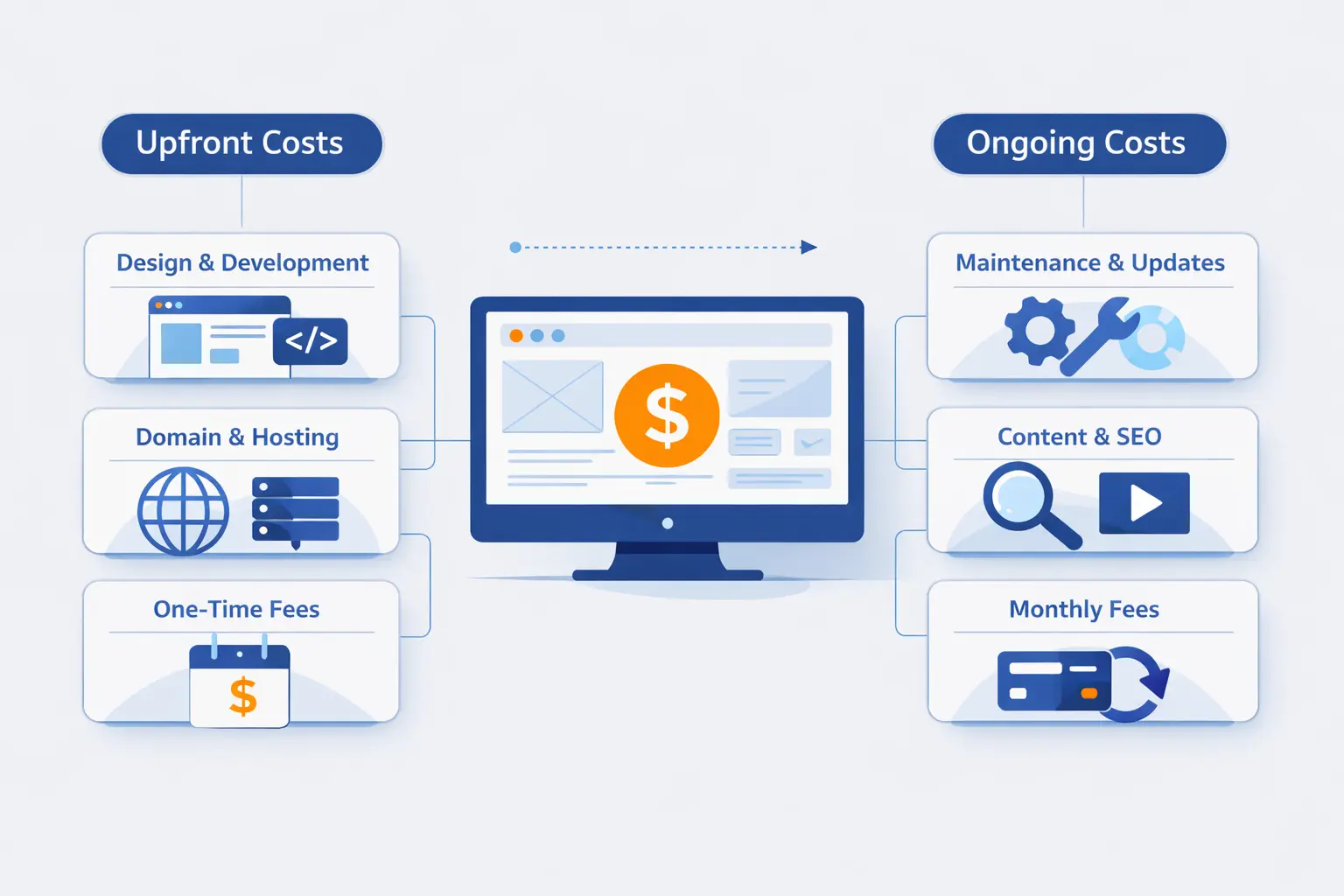
The clearest way to budget website design cost is to split it into upfront work and ongoing expenses. What breaks budgets? Usually the quiet stuff. The launch invoice gets attention, but the recurring costs decide whether the site stays healthy.
1. Domain Registration and Domain Privacy
Domain costs look small, but they stay with us for years. We tell businesses to check renewal pricing, ownership, and privacy before checkout, not after. At 1Byte, we include privacy protection with domain registration, and our catalog makes it clear how sharply extensions and renewals can vary. The cheapest first year is not always the cheapest long-term choice.
2. Web Hosting, Platform Fees, and Business Email
Hosting can be bundled or separate, depending on the platform. Then business email shows up and keeps returning every month. Google Workspace lists Business Starter at $7 per user a month after the current promotional period. We usually budget hosting, platform fees, and email as one recurring line item because owners feel them together.
3. SSL Certificates, Security, and Backups
Many hosts include a basic certificate, and Let's Encrypt provides free TLS certificates for websites that need HTTPS. That solves the lock icon. It does not solve the whole security story. Backups, malware cleanup, firewall tools, uptime checks, and recovery help can still cost extra. We budget for the incident, not just the certificate.
4. Website Design, Development, Launch, and Mobile Optimization
This is the core build fee. It covers planning, page layouts, front-end work, forms, testing, launch setup, and mobile checks. Mobile work is where cheap quotes often crack. A site that looks good in a desktop mockup is not ready for business.
5. Content Writing, Photography, Graphics, and Brand Assets
Copy, photos, icons, and brand files are easy to forget and hard to fake well. If we do not provide them early, projects stall. If we buy them late, budgets rise. In our view, good writing and real photography often do more for trust than one more fancy animation.
6. Plugins, Apps, Ecommerce Tools, and Custom Integrations
Apps look cheap one by one. Together, they can become a second subscription stack. Booking tools, CRM connectors, ecommerce add-ons, search tools, and automation services all carry setup work and renewal risk. We always ask which tool is mission-critical and which one is just nice to have.
7. Maintenance, Updates, and Post-Launch Support
Websites age quietly. Plugins change. Forms break. Pages need edits. Redirects need watching. We budget some post-launch care from day one, even for simple sites. It is cheaper to keep a site healthy than to repair a neglected one under pressure.
How Platform Choice Affects Website Design Cost
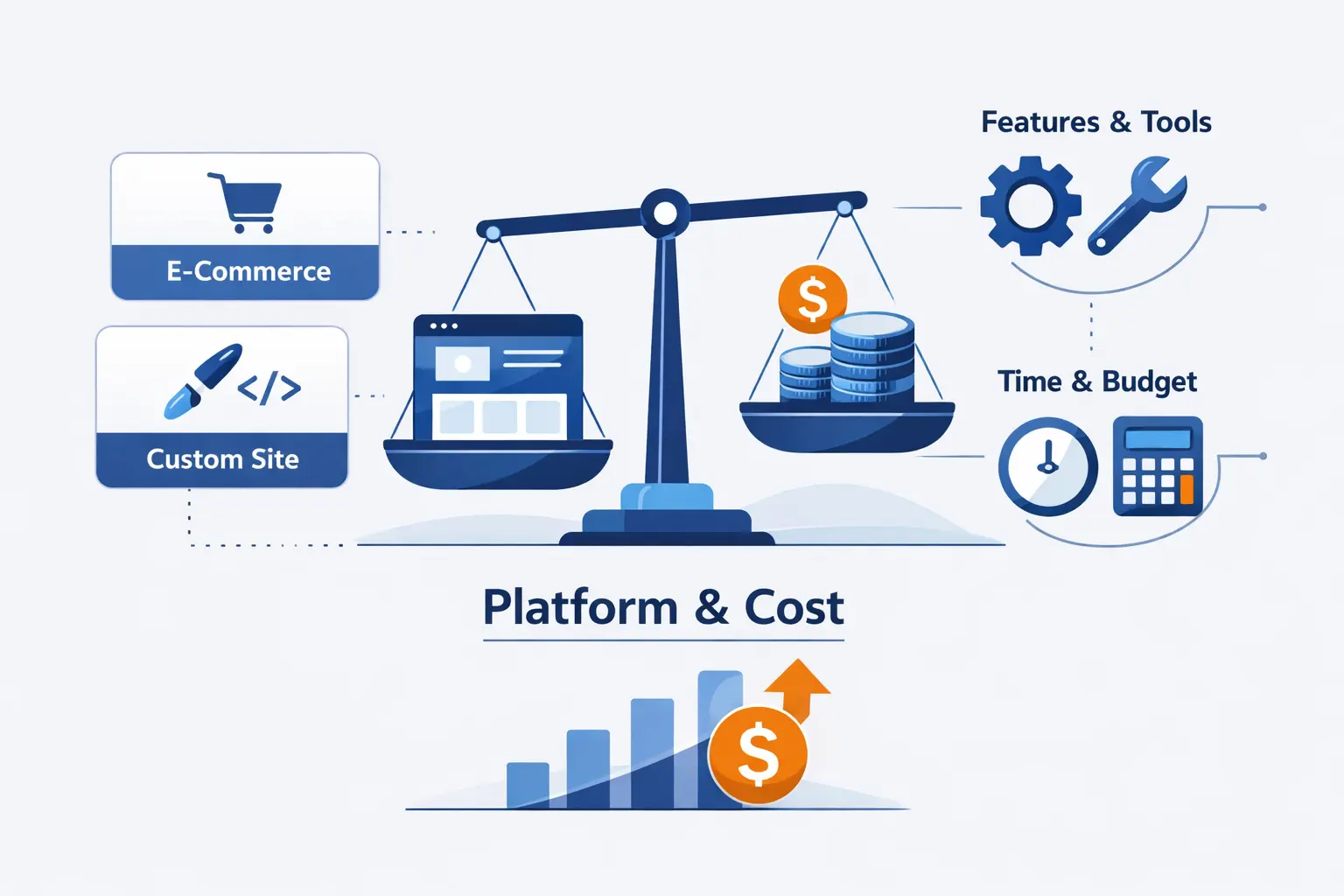
Platform choice shapes almost every line item. It affects build speed, editing experience, security work, app costs, and future flexibility. Pick the wrong platform and the site can feel expensive before it even launches.
1. Website Builders for Faster Launches and Simpler Management
Website builders and managed platforms are the fastest route for simple business sites. WordPress.com says its paid plans start at $2.75 a month on the longest billing cycle, with hosting, plugin installation, malware protection, and a content delivery network included. We like this route when the goal is speed, simple editing, and fewer technical chores.
2. Self-Hosted Platforms for Greater Flexibility and Control
Self-hosted platforms give us more say over hosting, themes, plugins, and performance. WordPress is the usual example, and the software itself is free and open-source. That does not make the project free. It moves the cost into hosting, premium tools, developer time, security, and maintenance.
3. Hosted Ecommerce Platforms for Online Stores
Hosted store platforms cut technical work because checkout, payments, and core commerce features come ready-made. Shopify currently lists plans from $29 to $2,300 a month on annual billing. We still budget for apps, product data, theme work, and payment costs. Even so, hosted commerce is often cheaper than custom store engineering at the start.
4. Custom-Coded Websites for Advanced Functionality and Scale
Custom-coded sites make sense when we need unusual workflows, strict data handling, or heavy integration logic. They also make maintenance more specialized. There is no app-store shortcut for many of these jobs. We pay for freedom with engineering time, documentation, and deeper testing.
What Drives Website Design Cost Up or Down
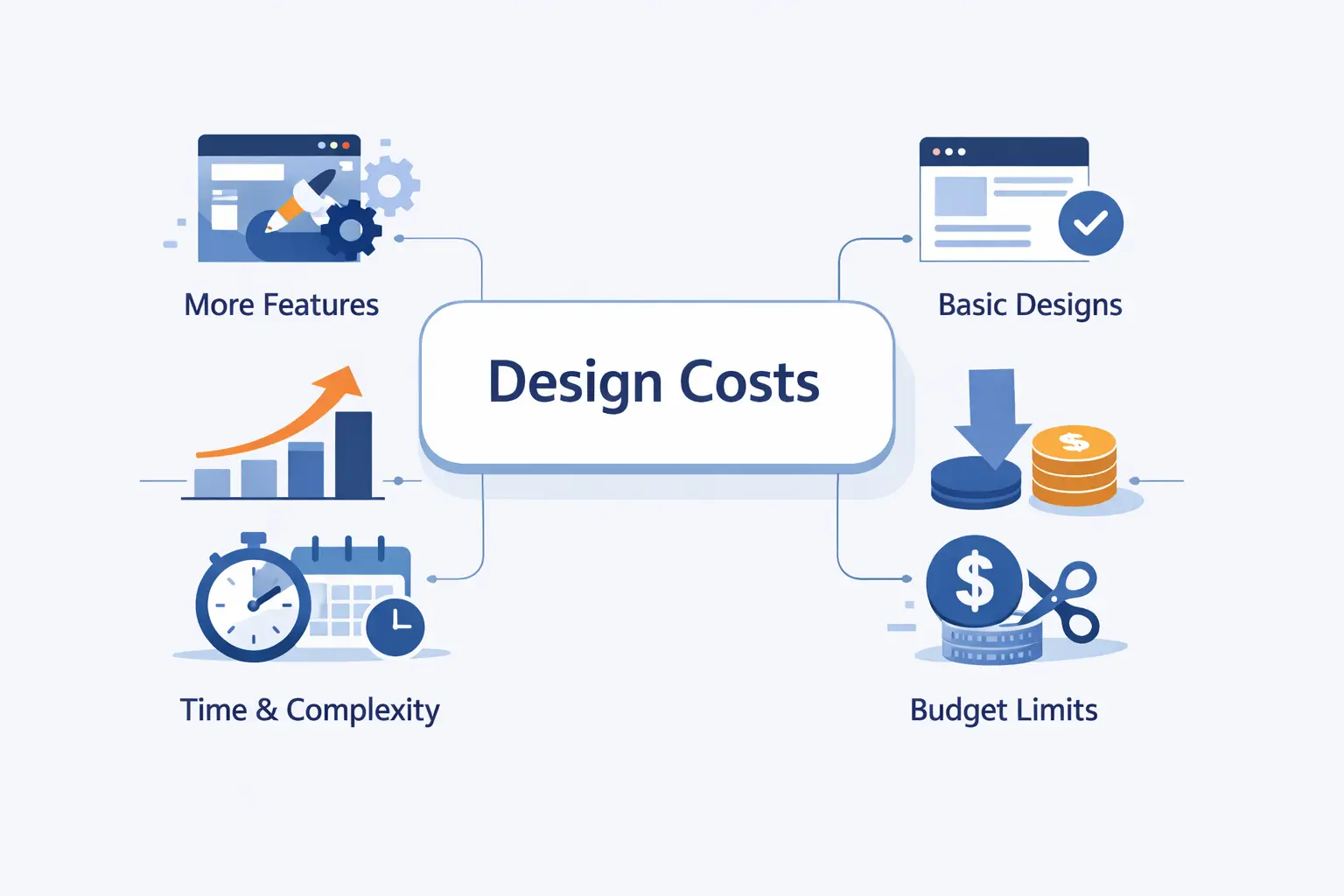
What actually pushes website design cost up or down? Usually it is not one dramatic feature. It is a stack of small decisions that keep multiplying across design, development, testing, and support.
1. Number of Pages, Templates, and Content Types
The true cost driver is not page count alone. It is the number of unique templates and content types. Ten pages built from two reusable layouts are cheaper than five pages that all behave differently. Reuse saves money. One-off creativity spends it.
2. Design Complexity, Custom Layouts, and Responsive Breakpoints
Design gets expensive when each section is custom, animated, or content-heavy. Extra breakpoints and special mobile behavior add testing time. We are not against polish. We are against polish without a business reason. The best budget move is to customize the pages that drive revenue and simplify the rest.
3. SEO, Analytics, Redirects, and Conversion Tracking
Basic on-page SEO is expected. The bill grows when we add redirect maps, search console setup, event tracking, call tracking, schema, and reporting dashboards. These tasks are worth it when traffic already matters. They are wasteful when nobody has defined the main conversion goal.
4. Custom Features, Integrations, and Data Migration
This is where projects surprise people. Migrations sound simple until old files, broken fields, and duplicate records appear. Integrations sound easy until two systems disagree on formats and permissions. If the site must talk to a CRM, ERP, booking tool, or inventory system, we budget extra room.
5. Revision Rounds, Project Scope, and Timeline Pressure
Unlimited revisions are a myth. Every round has a cost, even when it is not billed separately. Slow feedback stretches timelines. Rush timelines compress testing. Both affect price. Projects stay healthier when one decision maker gives clear comments in organized batches.
6. DIY, Freelancer, Overseas Developer, or Agency Support
There is no universal winner here. DIY is cheapest in cash and heaviest in time. Freelancers can offer sharp value for focused work. Agencies usually cost more, but they can handle strategy, design, development, and quality checks under one roof. Overseas teams can lower rates, but only if communication stays strong.
Website Design Cost by Website Type
Website design cost also changes by website type. Two sites with the same page count can have very different budgets because their jobs are different. We care less about labels and more about what the site must handle every day.
1. Informational and Brochure Websites
Informational sites are usually the most affordable. They explain who we are, what we do, and how to get in touch. The work is mostly structure, copy, visuals, and trust signals. If the site does not need deep integrations, the budget can stay controlled.
2. Portfolio and Image-Heavy Showcase Websites
Portfolio sites can fool buyers. Fewer words do not always mean less work. Strong galleries, image compression, art direction, and fast loading still take care. When the visuals carry the sale, we spend more on presentation and performance, and less on heavy feature work.
3. Service Business and Appointment Websites
Appointment sites sit in the middle. They need service pages, local trust cues, booking or inquiry tools, and clean mobile behavior. If calendar sync, reminders, deposits, or intake forms are included, the scope rises. For salons, clinics, and home services, this type of site can pay back quickly.
4. Lead Generation Websites with Forms and CRM Routing
Lead generation sites deserve a sharper budget because they sit closer to revenue. Multi-step forms, campaign landing pages, tracking, routing, and thank-you flows make the site more useful. We like spending here when paid traffic or sales teams depend on clean handoff. Sloppy lead handling wastes marketing money.
5. Online Stores with Small, Medium, and Large Catalogs
Store budgets swing with catalog size and operations. A small catalog with simple shipping is manageable. A medium catalog needs better filters, stronger merchandising, and clearer product rules. A large catalog adds imports, variants, search quality, and returns logic. We budget the store around product data first, not just page design.
6. Custom Portals, Membership Sites, and Enterprise Platforms
Once users log in, the site stops behaving like a normal website. Membership rules, dashboards, billing logic, permissions, and support tools all add depth. That is why these builds cost more. We are designing software behavior, not just public pages.
How to Compare Website Design Quotes
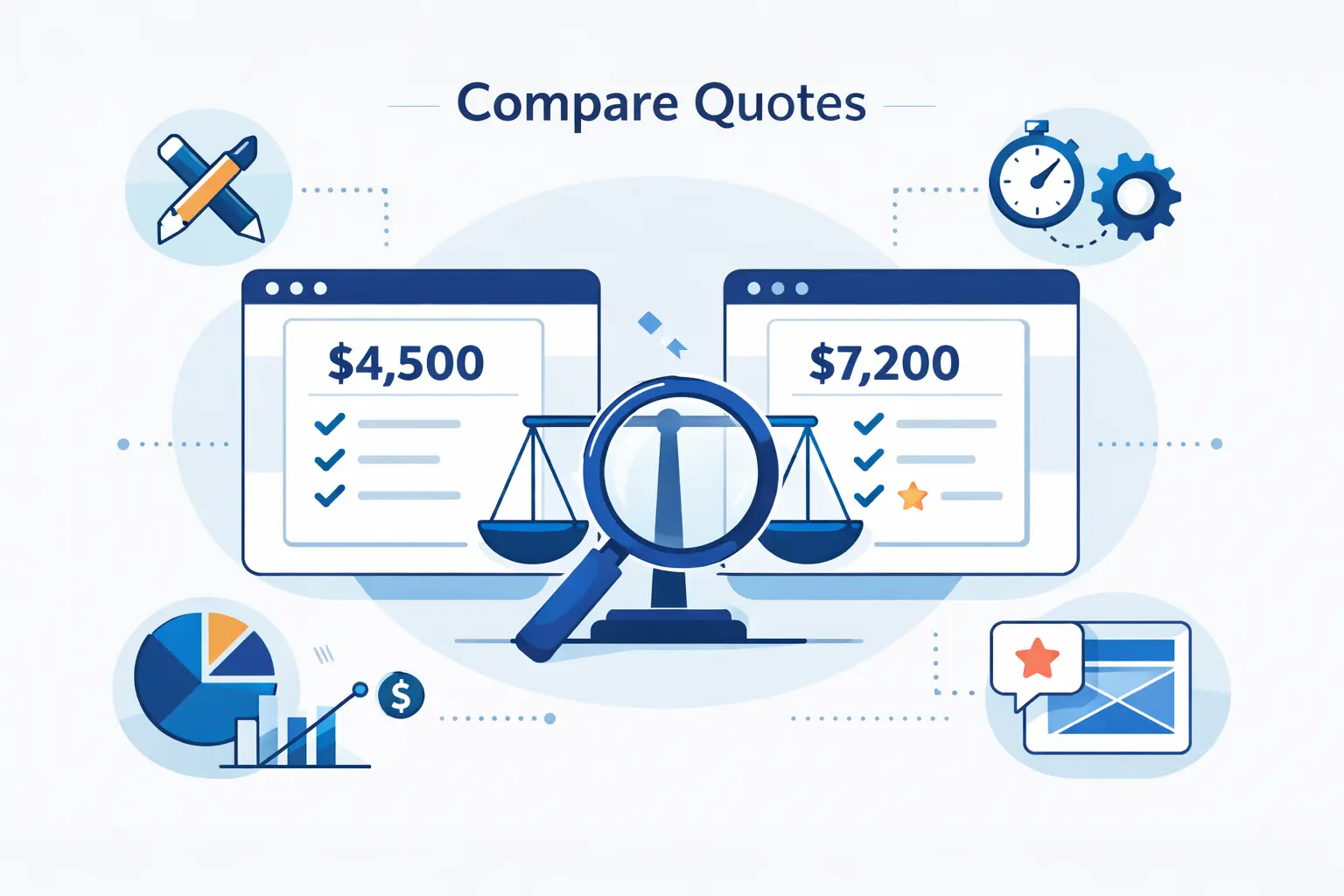
Quotes can look similar while hiding very different scopes. We always tell buyers to compare deliverables line by line, not totals side by side. A cheap quote can become an expensive project once the missing pieces show up.
1. Clarify Strategy, Deliverables, and Unique Page Templates
A quote should tell us what is being built, why, and how many unique layouts it includes. If one proposal lists strategy, wireframes, and custom templates while another does not, the totals are not comparable. We always ask what is included before asking what it costs.
2. Check Content Entry, Technical SEO, Analytics, and Quality Assurance
Some teams design pages and expect us to load the content. Others handle entry, technical SEO basics, analytics, redirects, and quality assurance. That difference matters. A low quote can become expensive if all the setup work quietly lands back on our desk.
3. Confirm Ownership of Domains, Hosting, Code, and Licenses
Ownership is one of the most important questions in any website deal. We want to know who controls the domain, hosting account, design files, code, plugins, and paid licenses. If the relationship ends, can we move the site cleanly? If the answer is fuzzy, the quote is weak.
4. Review Training, Maintenance, and Post-Launch Support
A launch is not the end of the bill. We ask what training is included, how edits are handled, and what support looks like after go-live. Even a short handoff session can save hours later. Good post-launch support is not fluff. It keeps small issues from becoming outages.
How to Reduce Website Design Cost and Protect Quality
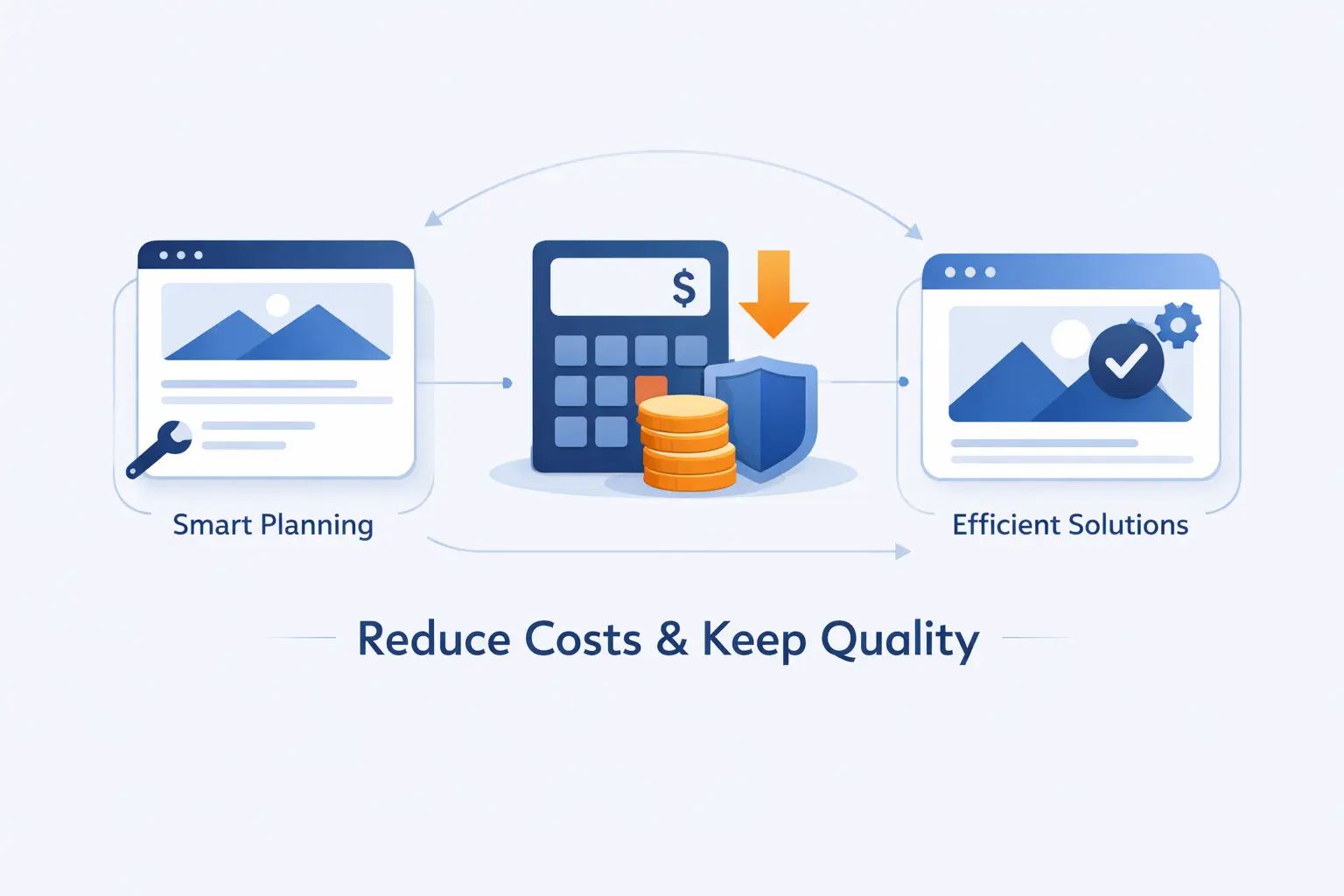
Reducing website design cost is smart when we cut waste. It is reckless when we cut foundations. The trick is knowing which is which, and being honest about what the business truly needs in phase one.
1. Start With Essential Pages and Must-Have Features
The cheapest quality move is to shrink phase one. Start with the pages that explain the offer, build trust, and capture the next step. Add the clever extras later. A smaller site that is clear wins more often than a bigger site that confuses everyone.
2. Use Templates, Bundled Tools, and Free Resources Wisely
Templates are useful when we respect their limits. Bundled tools are useful when they replace several paid add-ons. Free resources are useful when they come from reliable sources. We save real money when we reduce moving parts, not when we pile on weak tools.
3. Provide Clear Content and Organized Feedback
Nothing burns budget like missing content and scattered comments. When copy arrives late, designers guess. When feedback comes from six people, revisions spin. We protect quality by naming one reviewer, using one document, and approving content before visual tweaks take over.
4. Bundle Design and Development When It Reduces Handoffs
Sometimes separate design and development teams are perfect. Sometimes they create handoff friction that costs more than it saves. We prefer bundling when the site is small to mid-sized and the build depends on practical execution. Fewer handoffs usually mean fewer misunderstandings.
5. Plan for Maintenance and Scale as the Website Grows
Short-term savings can create long-term rebuilds. We would rather choose a platform that can absorb new pages, stronger hosting, and extra forms without drama. Planning for reasonable growth is cheaper than starting over after a few months of success.
When a Higher Website Design Cost Makes Sense

Sometimes paying more is the cheaper move. We say that carefully, because overspending is real. Still, there are cases where the higher number earns its keep and then some.
1. Better User Experience and Stronger Conversion Paths
A higher budget makes sense when people are already visiting the site and not converting. Better structure, cleaner forms, stronger calls to action, and smarter page flow can change that. We spend here because it affects revenue, not because it looks good in a design review.
2. SEO Foundations for Launches and Redesigns
Launches and redesigns are risky moments for search visibility. Redirect planning, metadata, index control, internal linking, and technical cleanup deserve real attention. If we skip the basics, traffic can vanish after launch. Paying for solid foundations is often cheaper than recovering lost rankings later.
3. Scalable Infrastructure for Traffic, Products, and Integrations
Heavier traffic, bigger catalogs, and more integrations put pressure on the stack. At that point, a higher spend on hosting architecture, caching, deployment, and monitoring can be justified. We do not buy bigger infrastructure for ego. We buy it when uptime and response time affect sales or operations.
Website Design Cost FAQs
A few questions show up in almost every sales call. Here is how we answer them when clients ask us about website design cost. We prefer honest ranges and trade-offs over one magic number.
1. How Much Should a Full Website Design Cost?
There is no single honest number. A simple template site can live in the hundreds or low thousands. A polished small business site often sits in the low four figures. Custom lead generation, ecommerce, and portal work climb from there. We budget by business goal first, then by platform and content load.
2. How Much Does It Cost to Get Someone to Design a Website for You?
Hiring a person can mean a freelancer, studio, or agency. The price changes with skill, scope ownership, and support. If we only need a clean visual pass, a freelancer may be enough. If we need strategy, copy, design, development, quality checks, and launch help, the price rises for good reason.
3. What Does Website Design Cost Usually Include?
Usually, the fee covers discovery, page design, build work, responsive setup, forms, and launch tasks. It may or may not include copywriting, content entry, SEO setup, analytics, hosting, domain, stock images, training, or maintenance. That is why line-item clarity matters more than a catchy package name.
4. Is It Cheaper to Use a Website Builder or Hire a Designer?
A builder is cheaper when we can work within templates and handle content ourselves. Hiring a designer is cheaper when bad decisions, weak copy, or rework would cost us more later. We do not judge by sticker price alone. We judge by total effort and business risk.
5. How Much Does a One-Page Website Cost?
A one-page site can be affordable, but only if the scope stays truly small. Once it needs custom visuals, sales copy, advanced forms, animation, or multiple language sections, the budget grows quickly. Page count is not the only lever. Complexity still wins.
6. How Much Does It Cost to Maintain a Website Each Year?
At minimum, yearly maintenance includes domain renewal, hosting, software updates, backups, and support for occasional fixes. For a very small site, that may stay modest. For revenue-driving sites, the annual care budget often grows into a real operating expense. We would never leave an important site unfunded after launch.
How 1Byte Helps Businesses with Cloud Computing and Web Hosting
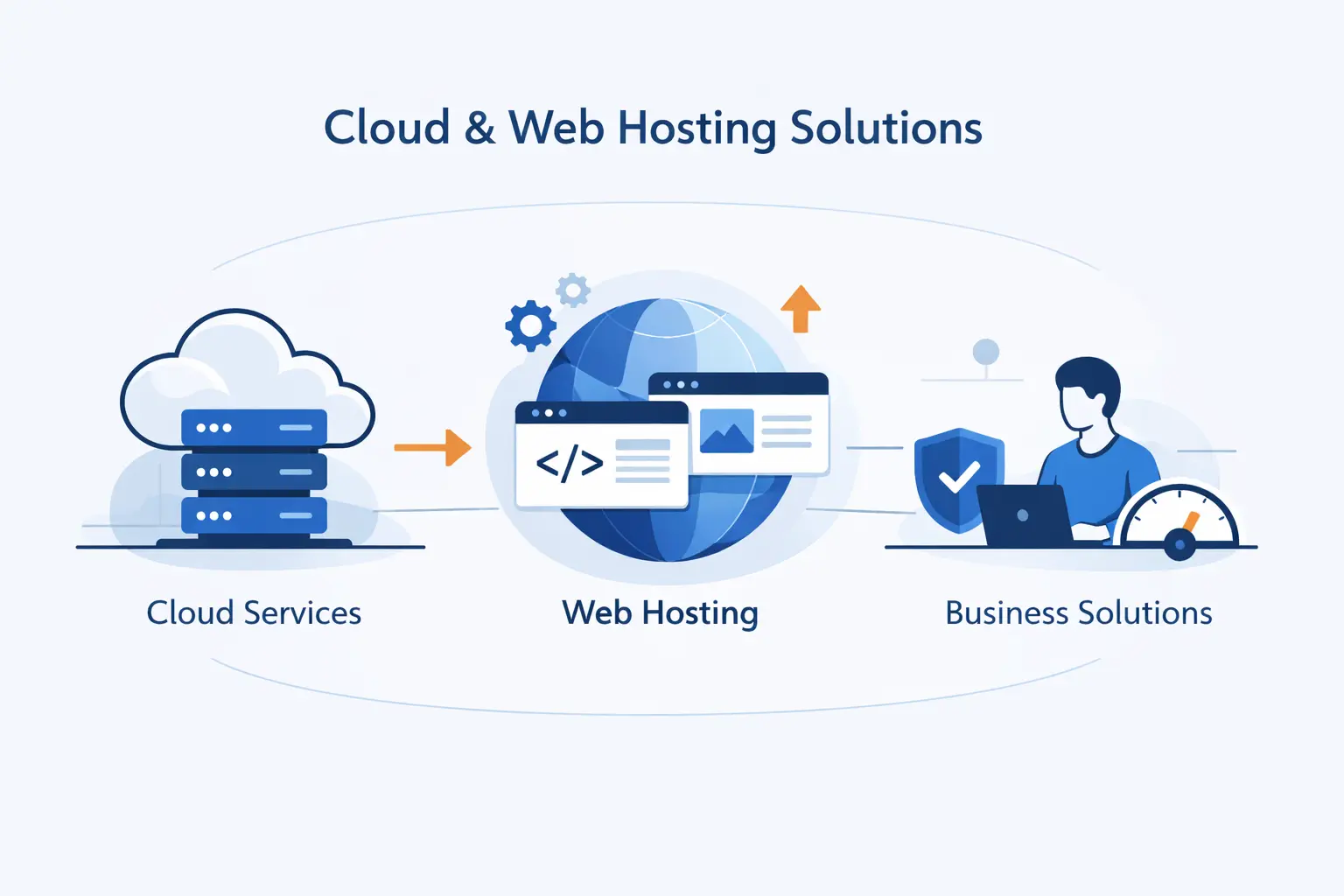
Because we work as a cloud computing and web hosting provider, we see the cost conversation from both sides. Build quality matters. So does the infrastructure that keeps the site online, secure, and easy to manage after launch.
1. Handle Domain Registration and Protect Websites with SSL Certificates
At 1Byte, we help businesses handle the quiet essentials that keep a site live and trusted. That includes domain registration, privacy options, and SSL choices that fit simple sites and more demanding business needs. We like keeping ownership clear from day one, because domain confusion is one of the most avoidable website problems.
2. Choose WordPress Hosting, Shared Hosting, and Cloud Hosting for Your Needs
We offer different hosting paths because not every site deserves the same stack. Shared hosting suits lean sites with simpler traffic. WordPress hosting fits teams that want easier site management. Cloud hosting makes more sense when performance needs, control, or growth expectations rise.
3. Scale with Cloud Servers Backed by an AWS Partner
We also help businesses move beyond basic hosting when the project outgrows it. 1Byte is an AWS Consulting Partner, and we use that experience when clients need stronger cloud planning, migration help, or room to expand without rebuilding the whole foundation. For us, infrastructure should support the website, not steal attention from it.







Final Thoughts on Website Design Cost
Website design cost gets easier to manage when we stop asking for one magic number. The smarter question is what job the site must do, what platform matches that job, and what we can afford to maintain. If we get those three answers right, the budget usually becomes much clearer.
From the 1Byte side, we would rather see a business launch a smaller, clearer, well-hosted site than an oversized project with no upkeep plan. Spend with intention. Keep ownership clear. Build for the next stage, not the fantasy stage.