

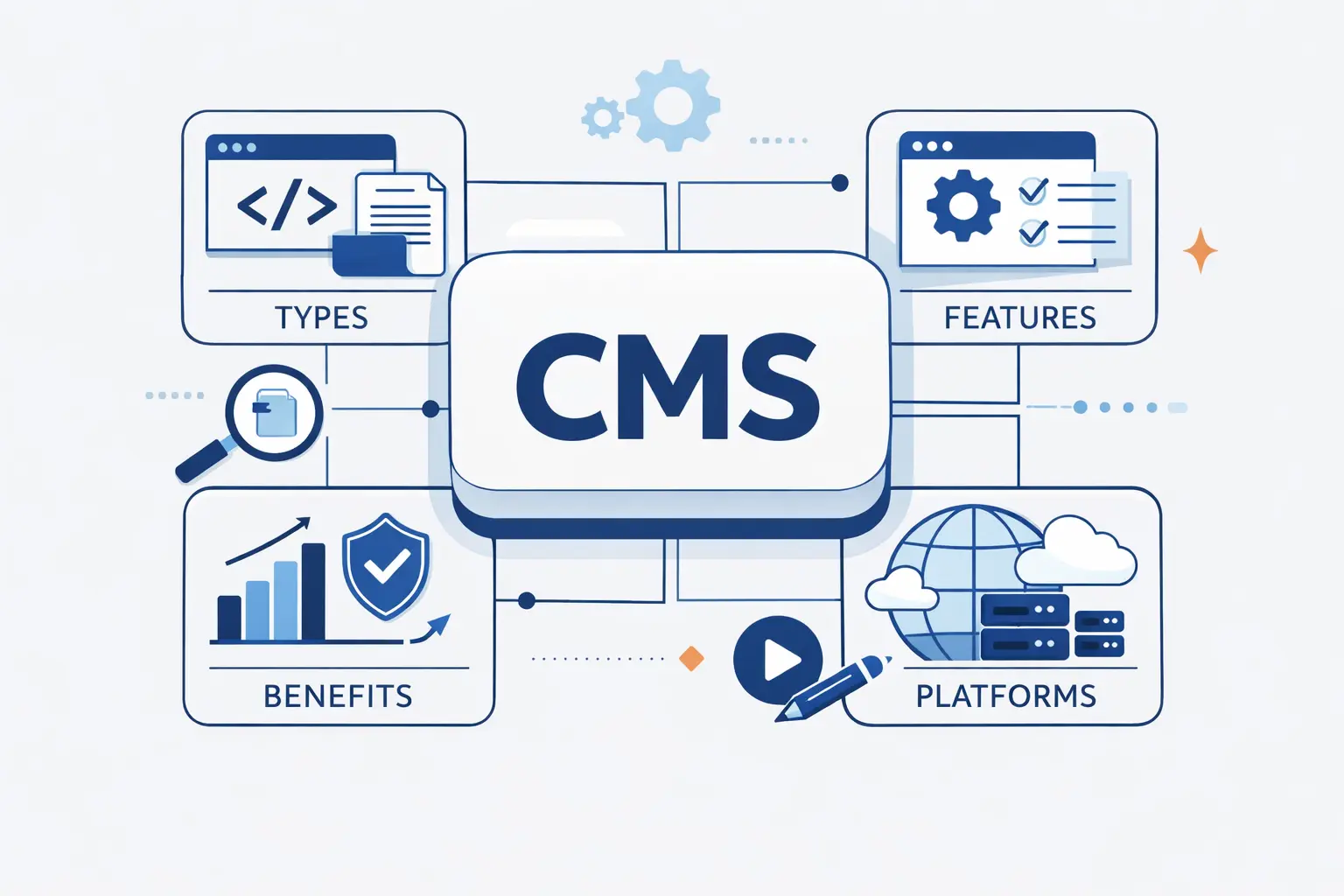
- What Is a Content Management System
- How a Content Management System Works
- Benefits of a Content Management System
- Key Features to Look for in a Content Management System
- Content Management System Architectures and Deployment Models
- Specialized Content Management System Types
- Popular Content Management System Platforms and Use Cases
- How to Choose the Right Content Management System
- How Modern Content Management Systems Are Evolving
- Frequently Asked Questions About Content Management Systems
- How 1Byte, a Cloud Computing and Web Hosting Provider, Supports Content Management System Websites
- Conclusion: Choosing the Best Content Management System for Your Goals
A content management system can look simple from the outside. You log in, write a page, upload an image, and hit publish. At 1Byte, we know the real story is bigger. A content management system is the engine behind the publishing process, the place where content is stored, shaped, reviewed, and delivered to real people on real screens.
That is why choosing a platform takes more than comparing templates. A local business site, a university portal, and a fast-moving online store do not need the same setup. In this guide, we explain the core types, features, benefits, and platform options in plain English, then share how we support CMS websites as they grow from simple hosting to cloud infrastructure.
What Is a Content Management System
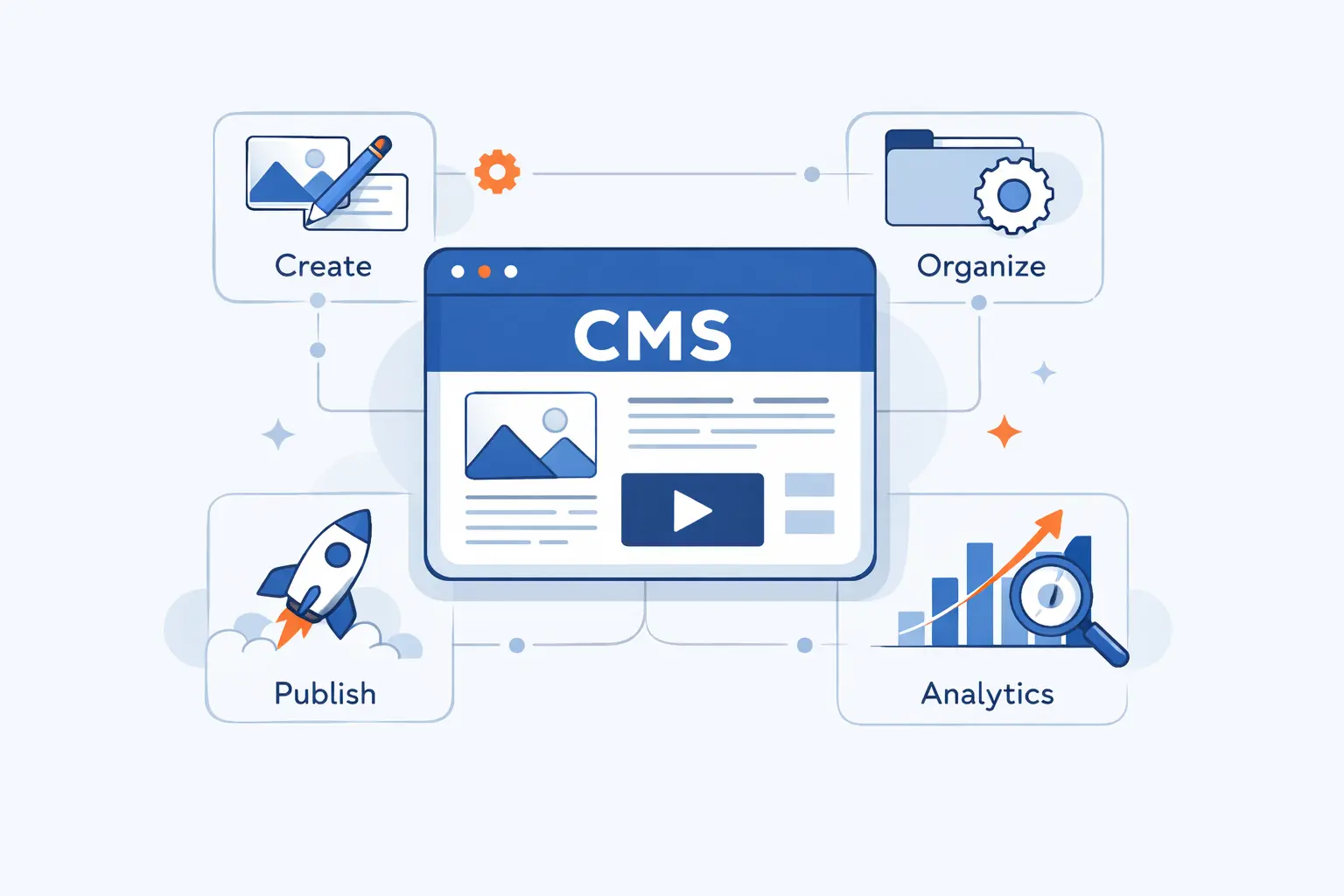
We see a CMS as part publishing tool, part content warehouse, and part control panel. It is also no longer a small category tucked inside website building. Gartner says the broader digital experience platform market crossed $4 billion in 2024, which fits what we see as content now flows across websites, apps, commerce systems, and search surfaces.
1. How a Content Management System Creates, Manages, Publishes, and Optimizes Content
A content management system lets teams create content without hand-coding every page. Editors can write copy, upload media, assign categories, set metadata, and schedule releases from an admin area. The system then stores that material in a structured way and renders it through templates or APIs. In practice, that means one post can be edited, approved, published, updated, and measured without rebuilding the whole site. To us, that is the real value. The content becomes reusable, not trapped inside a one-off page.
2. Content Management System Versus Web Content Management System
The two terms overlap, but they are not always identical. A CMS is the broader label. It can describe software used to manage many kinds of digital content. A WCMS, or web content management system, is narrower. It focuses on website content and front-end publishing. We usually explain it this way. If the main job is running a public site, a WCMS is the precise term. If the platform also feeds apps, internal systems, or product experiences, the broader CMS label often fits better.
3. Content Management System Versus DAM and ECM
A CMS is not the same as a DAM or an ECM platform. A DAM, or digital asset management system, is built to organize files like images, videos, logos, and brand assets. An ECM, or enterprise content management system, usually covers internal documents, records, workflows, and compliance-heavy content. A CMS may connect to both, but it does a different job. It manages published content experiences. We often tell beginners to think of it this way. A DAM stores the media, an ECM governs the documents, and a CMS turns selected content into something the audience can read and use.
How a Content Management System Works
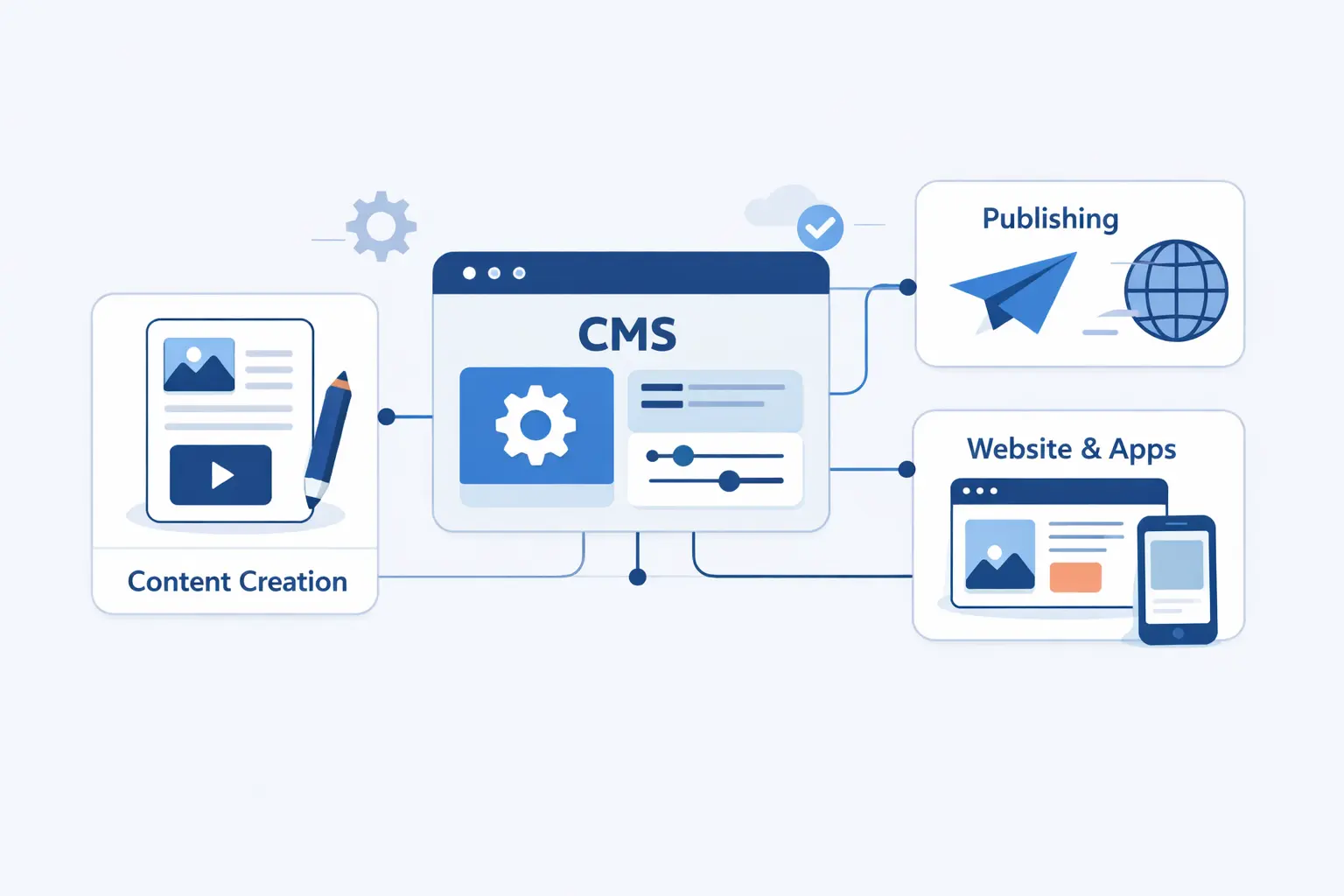
Under the hood, a CMS is less mysterious than vendors make it sound. It is a combination of editing tools, storage, templates, permissions, and delivery rules that turn raw content into web pages or API responses.
1. From Manual HTML and CSS to Visual Editing
Before CMS tools became normal, updating a website often meant opening HTML files, editing code, and pushing changes by hand. That worked for small sites, but it created a bottleneck fast. A modern CMS replaces much of that with visual editing, reusable blocks, rich text fields, and template-driven layouts. Editors can change text or swap images without touching markup. Developers still matter, especially for theme work and custom features, but everyday publishing no longer depends on them for every headline change.
2. The Front End, Back End, and Database Layers
Most CMS platforms have three basic layers. The back end is where admins and editors work. The database stores entries, media references, settings, and user roles. The front end is what visitors actually see. In a traditional setup, the CMS controls all three pieces. In a more modern setup, the back end and database may stay in one platform while the front end is built separately. We like this simple mental model because it helps buyers understand what they are really paying for and where changes become expensive.
3. The Role of CMA and CDA in Content Delivery
You may see two older but still useful terms, CMA and CDA. The Content Management Application is the part authors use to create and manage content. The Content Delivery Application is the part that takes stored content and serves it to visitors. In a basic website CMS, those parts often live in one product. In a headless or decoupled setup, they may feel more separate. We still find these labels helpful because they split the editorial experience from the delivery experience, which is often where platform trade-offs begin.
4. From Draft and Approval to Scheduled Publishing
A good CMS handles more than writing and publishing. It manages the path between them. Content usually starts as a draft, moves through review, gets approved, and then publishes immediately or on a schedule. Better systems add notifications, version history, preview links, and rollback options. That matters when more than one person touches the same page. We have seen this save teams from the classic mess of overwritten changes, accidental publishing, and forgotten event pages that should have gone live last week.
Benefits of a Content Management System
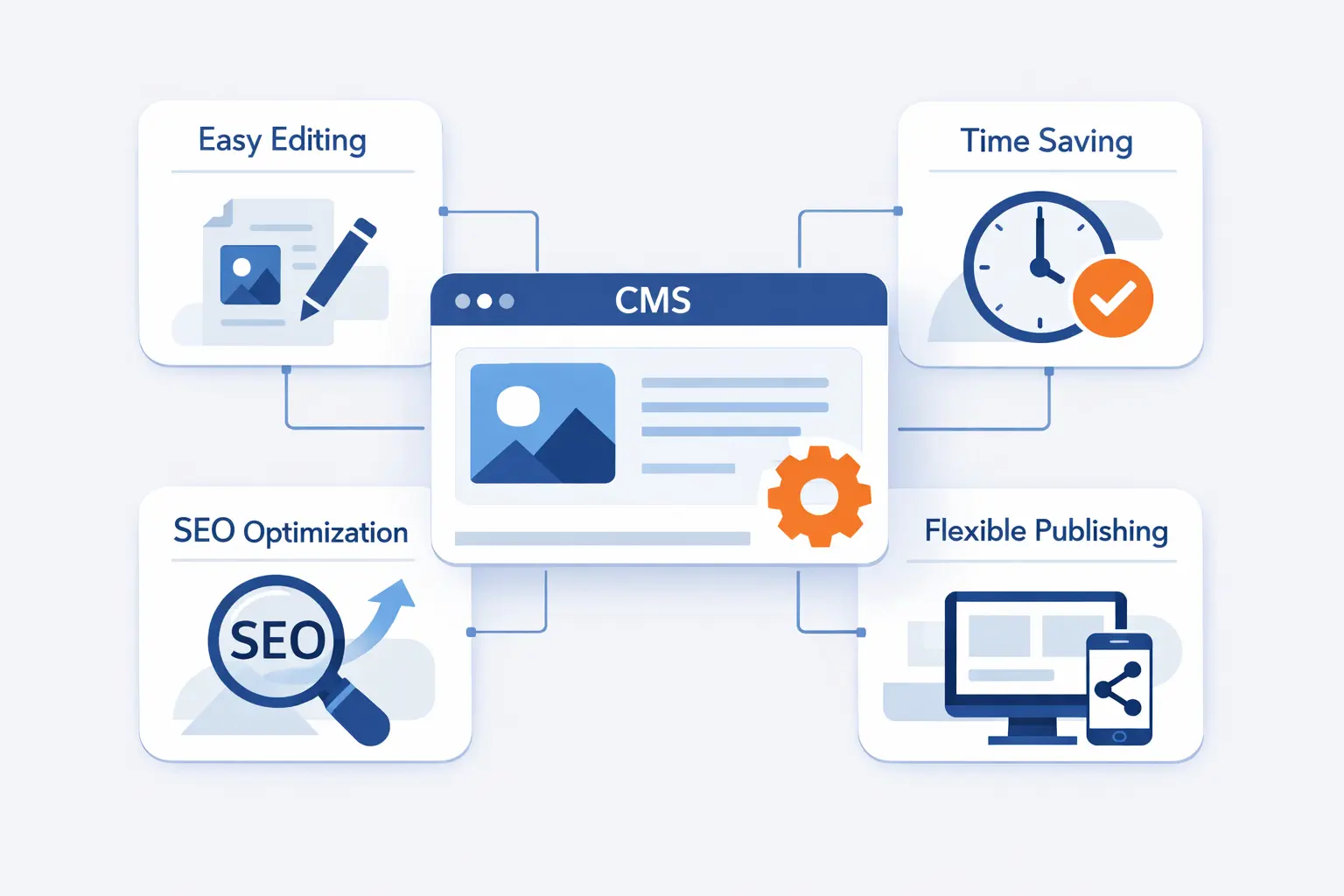
The reason teams adopt a CMS is simple. Manual publishing breaks as soon as content volume, approval steps, and channel count start climbing. A good platform removes friction in places that quietly waste time and create risk.
1. Faster Content Creation and Fewer Technical Bottlenecks
A CMS lets editors publish routine updates without waiting for a developer to edit files or deploy code. That shortens the path from idea to live page. It also helps small teams move faster when news, promotions, or product changes need same-day updates. We like tools that give nontechnical users real control while still protecting templates and layout rules. That balance is what keeps speed from turning into chaos.
2. Better Collaboration, Governance, and Organization
As content grows, organization matters as much as creation. A CMS can centralize drafts, approvals, media references, categories, tags, permissions, and revision history in one place. That makes teamwork less fragile. Marketing, product, support, and leadership can work from the same source instead of emailing files back and forth. Governance also improves because teams know who changed what, when it changed, and whether it was approved.
3. Stronger SEO, Branding, and Multichannel Scalability
Most CMS platforms help with basics like page titles, descriptions, clean URLs, redirects, image alt text, and internal linking. More advanced setups also help teams keep brand language, design patterns, and reusable content blocks consistent across many pages. The bigger payoff comes later. When content is structured well, it can be reused across websites, apps, help centers, email modules, and commerce experiences without starting over each time.
Key Features to Look for in a Content Management System
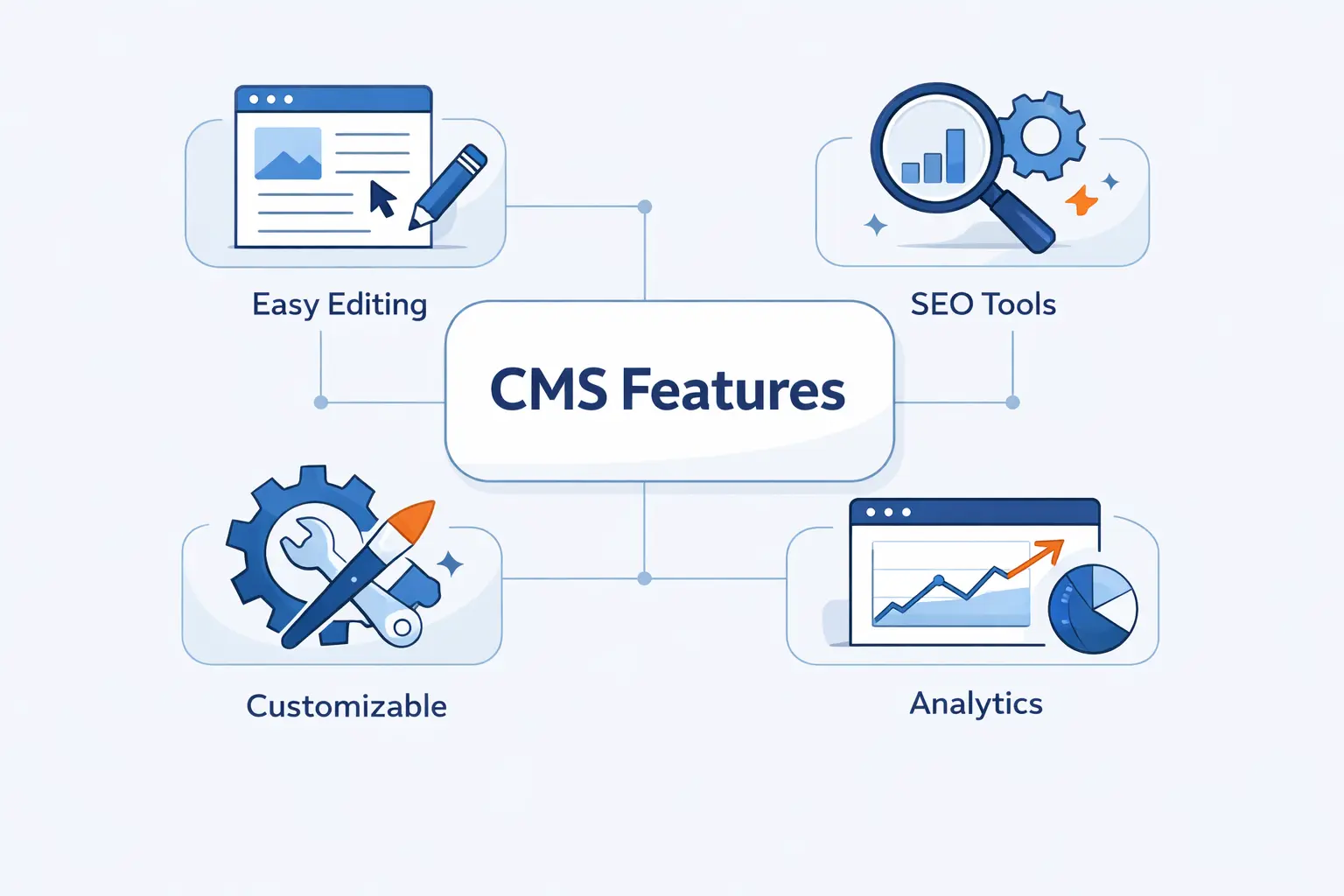
Feature lists can get noisy fast, so we prefer to ask practical questions. Can editors work comfortably? Can developers extend the system cleanly? Can site owners review content safely before it goes live?
1. Editing Tools, Templates, and Staging Environments
Editors need a usable writing experience first. That means clean text editing, media handling, previews, and reusable page patterns. Templates matter because they keep pages consistent without forcing every editor to become a designer. Staging matters because it gives teams a safe place to test changes before the public sees them. We consider staging essential once a website starts carrying business-critical pages.
2. Roles, Permissions, Workflows, and Version Control
Permissions are often underestimated until something goes wrong. A strong CMS lets you define who can draft, edit, approve, publish, delete, or manage settings. Workflows should match how your team actually works, not how a demo video imagines you work. Version control is equally important. If someone breaks a page or removes key copy, you should be able to restore a previous version without panic.
3. SEO, Analytics, Personalization, and Accessibility
These features are where content quality and business outcomes start to meet. SEO tools help teams manage metadata, canonicals, structured headings, and redirects. Analytics integrations show what content performs and what gets ignored. Personalization can tailor blocks or recommendations for specific audiences. Accessibility support helps teams write alt text, keep heading order logical, and avoid publishing pages that are hard to navigate. We think accessibility belongs in the publishing workflow, not in a last-minute audit.
4. Multilingual, Multisite, and Security Capabilities
If you manage more than one audience, multilingual support matters fast. Good systems handle language variants, localization workflows, and shared content that can be adapted by region. Multisite features help organizations run several websites from one core setup. Security should include patching, access controls, backups, SSL support, and clean plugin or extension management. In our experience, buyers often focus on editing features first and regret it later if security and site structure were treated as side issues.
Content Management System Architectures and Deployment Models
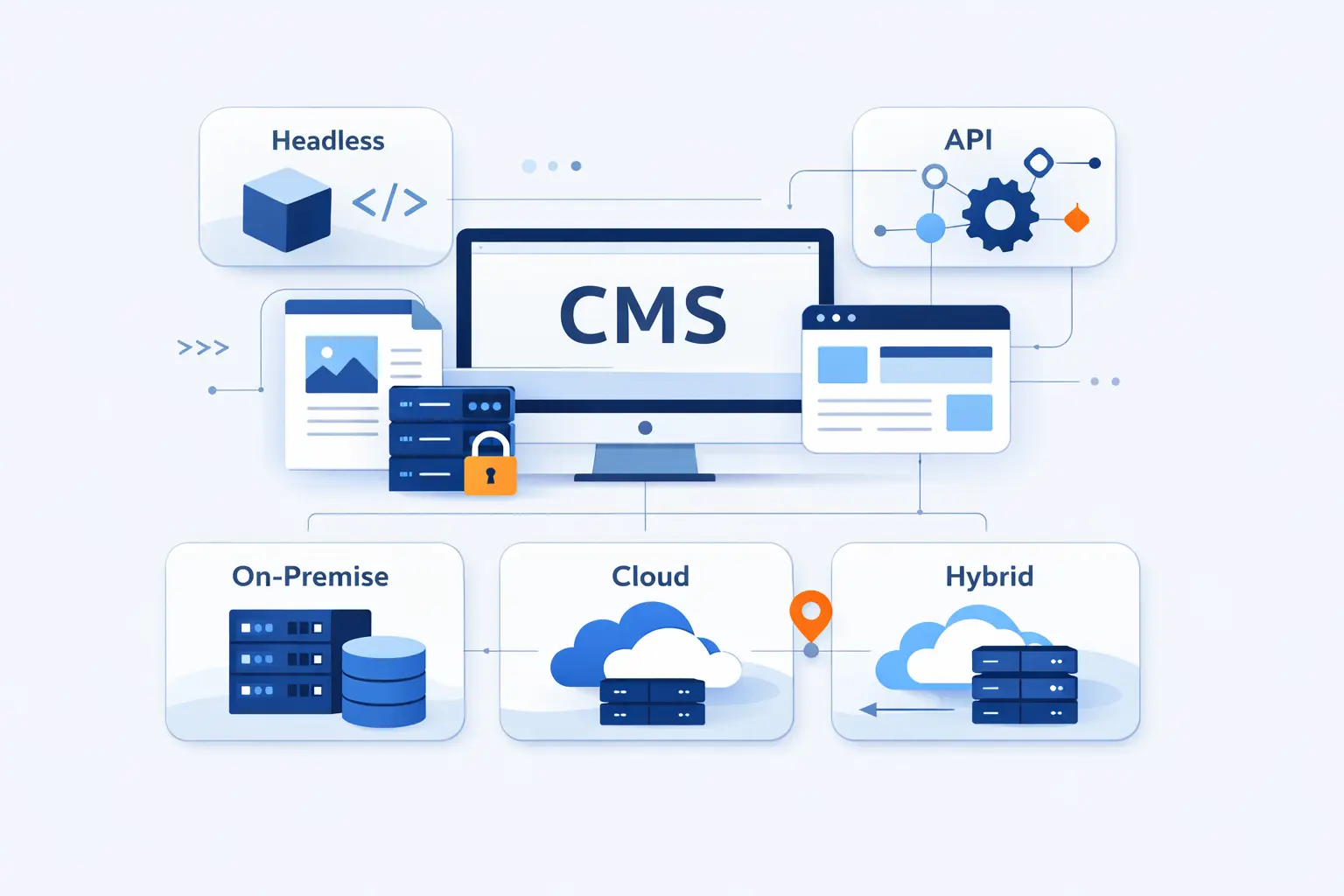
Architecture decisions shape much more than developer preference. They affect publishing speed, front-end freedom, hosting needs, and how painful future channel expansion will be.
1. Traditional, Coupled, and Decoupled CMS Platforms
A traditional or coupled CMS stores content and renders pages inside the same system. WordPress in its classic form is the familiar example. This model is easy to understand and fast to launch. A decoupled CMS separates content management from the front end more clearly, but still may include a default way to render pages. We usually recommend traditional setups for straightforward marketing sites and decoupled setups when teams need more control over front-end frameworks or delivery patterns.
2. Headless, Hybrid, and API-First Content Management Systems
A headless CMS focuses on content storage and delivery through APIs. It does not assume one website is the final destination. That makes sense when content must feed mobile apps, kiosks, product displays, or several web front ends. Hybrid systems try to blend visual editing with API delivery. API-first platforms are designed around structured access from the start. Our view is blunt here. Headless is powerful, but it is worth the extra complexity only when multiple channels or custom front ends truly justify it.
3. Cloud-Based, SaaS, and On-Premises Options
Deployment models bring a different set of trade-offs. SaaS CMS platforms are vendor-hosted and usually easier to maintain. Cloud-based self-managed setups give more control over the stack while still using hosted infrastructure. On-premises systems can make sense when strict internal control, data handling rules, or legacy integration demands it. We usually find SaaS attractive for speed, self-managed cloud attractive for flexibility, and on-premises attractive only when the organization has a strong reason to carry the operational burden.
Specialized Content Management System Types
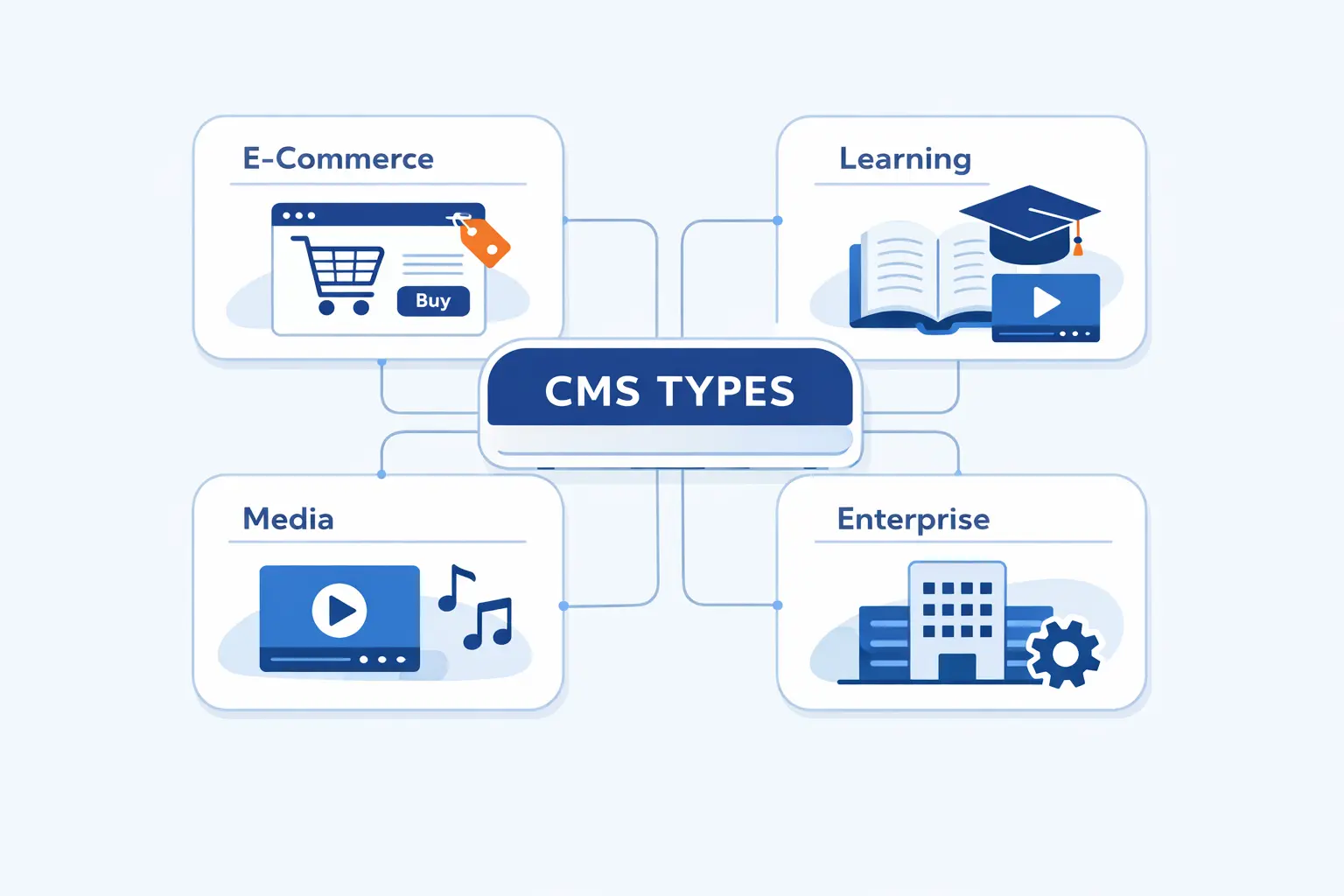
Not every content problem is a website problem. Once teams understand that, the CMS market becomes much easier to navigate.
1. WCMS, ECM, and DMS for Website and Enterprise Content
A WCMS is built for publishing web pages and managing public-facing site content. An ECM platform is broader and often serves internal records, document governance, and regulated content processes. A DMS, or document management system, focuses on storing, organizing, retrieving, and controlling documents. These categories overlap, but they are not interchangeable. We usually tell buyers to start with the primary use case. Public publishing, internal control, and document storage are different jobs.
2. CCMS and DAM for Reusable and Media-Rich Content
A CCMS, or component content management system, breaks content into reusable chunks. That is especially useful for product manuals, technical documentation, and support libraries where the same approved paragraph may appear in many places. A DAM, by contrast, is strongest when images, videos, design assets, and usage rights need tight control. If your business depends on product media or repeated documentation, these systems can do work a general website CMS handles poorly.
3. LCMS for Training and Educational Content
An LCMS, or learning content management system, is designed for training materials, lessons, assessments, and learner tracking. It suits educational programs, internal onboarding, and certification content better than a general website CMS. The key difference is intent. A standard CMS helps you publish information. An LCMS helps you organize learning experiences and maintain course material over time.
Popular Content Management System Platforms and Use Cases
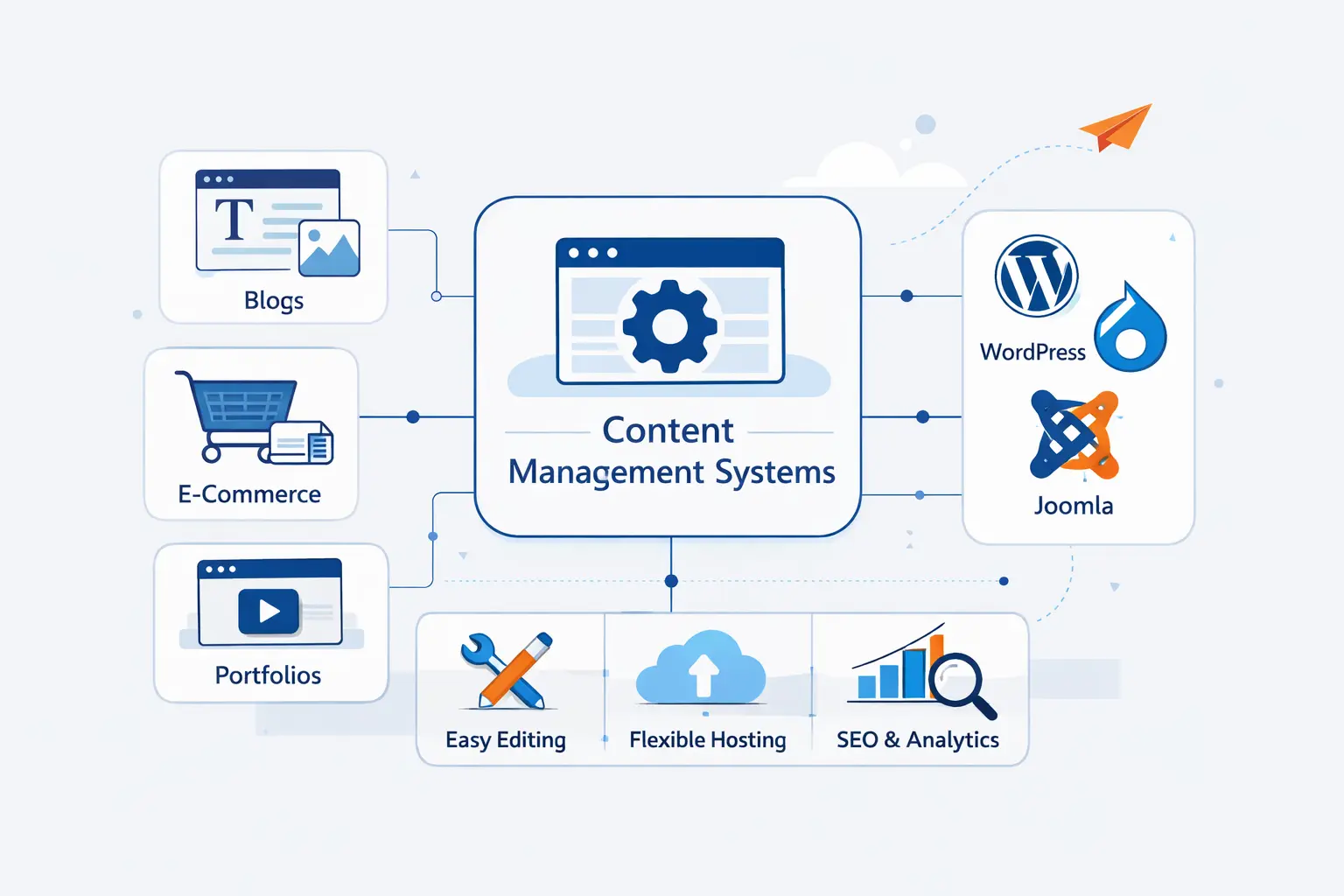
When people ask us for the best platform, we usually narrow the answer by use case first. Open source, builders, and enterprise systems all solve different problems, and mixing them up leads to expensive mistakes.
1. Open Source Platforms Such as WordPress, Drupal, and Joomla
Open source CMS platforms remain central because they give teams a lot of freedom. WordPress still dominates mainstream publishing. W3Techs reports it powers 41.5% of all websites, which tells us that familiar editing, broad plugin choice, and a huge support ecosystem still matter. Drupal is a strong fit for complex permissions, structured content, and large institutional sites. Joomla still has its place, though its ecosystem is smaller and its market mindshare is weaker than it once was.
2. Website Builder and E-Commerce Platforms Such as Shopify, Squarespace, Wix, and BigCommerce
These platforms trade some flexibility for speed and convenience. Shopify is the standout example for commerce. Its platform facilitated $292.3 billion in 2024, which helps explain why merchants accept its opinionated setup in exchange for integrated catalog, checkout, payments, and operations. Squarespace and Wix suit smaller teams that want polished design and simple site management. BigCommerce often appeals to businesses that need strong commerce features with more room to shape the front end.
3. Enterprise Platforms Such as Adobe Experience Manager, Contentful, Sitecore, and Salesforce CMS
Enterprise platforms usually earn their keep when content is large, structured, multilingual, and tied to many systems. Adobe Experience Manager is a common choice for big brand ecosystems. Contentful is popular with teams that want structured content and API-led delivery. Sitecore has long been associated with personalization-heavy digital experiences. Salesforce CMS makes more sense when an organization already lives inside the Salesforce stack. We tend to recommend these tools only when the business problem is large enough to justify their cost and operational weight.
How to Choose the Right Content Management System
Good platform selection is less about hype and more about fit. We have seen small sites drown inside enterprise software, and we have seen growing brands outgrow simple builders far sooner than they expected.
1. Match the Platform to Content Complexity and Publishing Channels
Start with the content model. Are you publishing basic pages and posts, or do you manage product data, landing pages, help articles, regional variants, and app content from one system? If content is simple and the web is your only channel, a traditional CMS may be enough. If content is highly structured and must travel across many front ends, a headless or hybrid approach becomes more reasonable.
2. Balance Ease of Use With Developer Flexibility
Some platforms make editors happy but frustrate developers. Others do the reverse. We think the sweet spot is a system that lets editors publish safely without turning every change into a support ticket, while still giving developers clean ways to extend templates, data models, and integrations. If the platform feels friendly in a demo but painful in real governance, it is not actually easy to use.
3. Review Hosting, Integrations, Security, and Compliance
Do not treat infrastructure as an afterthought. The right CMS still needs dependable hosting, backups, SSL, user access controls, and a sensible patching process. Integrations matter too. Email tools, analytics, search, CRM, commerce, and support systems often shape the project more than the editor does. If your business has compliance needs, check them early instead of hoping the platform can adapt later.
4. Compare Total Cost, Scalability, and AI Readiness
Total cost includes far more than license fees. It includes implementation, hosting, theme or front-end work, plugin or app costs, maintenance, and training. Scalability is about more than traffic. It includes site count, language count, workflow complexity, and integration load. AI readiness should also be judged soberly. We want clear permissions, review controls, and useful editorial assistance, not flashy buttons that create more cleanup work than value.
How Modern Content Management Systems Are Evolving
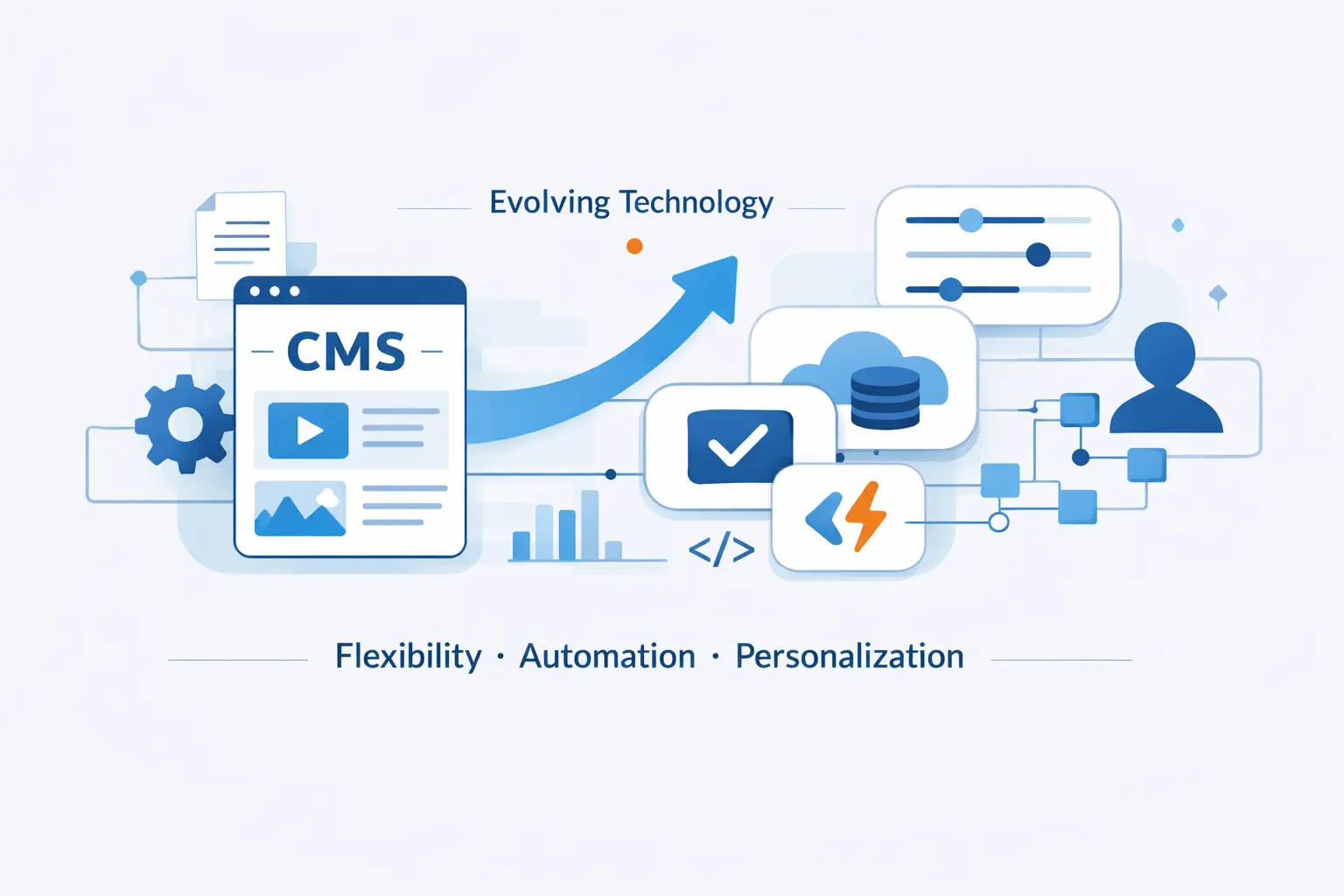
The core job of a CMS still looks familiar, but the edges are changing fast. The best platforms now help teams manage structured content for search, commerce, support, and emerging AI-driven interfaces without rebuilding everything from scratch.
1. AI-Powered Content Operations and Personalization
We now see vendors building AI actions into editorial workflows, which is useful when teams need help with translation, tone checks, briefs, or content QA before publishing. Our view is practical. AI is valuable when it reduces repetitive review work and stays inside human approval steps. It becomes a problem when teams let it generate large volumes of weak content with no governance.
2. Answer Engine Optimization, Structured Data, and Search Visibility
Search visibility is shifting toward direct answers, rich results, and machine-readable context. Google still documents many search features that use structured data markup, so a CMS that makes schema, clean headings, and reusable entity fields easy is worth more than a fancy editor alone. We think what some teams call answer engine optimization is really a structure problem first. If your content is vague, duplicated, or badly modeled, no amount of polish will rescue it.
3. Composable Architecture and Multichannel Delivery
Composable thinking is pushing CMS design toward smaller connected services instead of one giant platform that tries to do everything. That can mean separate tools for content, commerce, search, media, and analytics, tied together through APIs. The upside is flexibility. The downside is more moving parts. We generally like composable architecture when organizations have serious channel complexity and strong technical ownership. For simpler teams, a more integrated platform often wins because it keeps operations sane.
Frequently Asked Questions About Content Management Systems
These are the questions we hear most from business owners, editors, and first-time buyers trying to sort through vendor language that often makes simple ideas sound harder than they are.
1. What Is a Content Management System?
A content management system is software that helps you create, store, organize, and publish digital content. It usually includes an editor, media handling, templates, permissions, and publishing controls.
2. What Is an Example of a CMS?
WordPress is the clearest example for most people. It is widely used, easy to recognize, and flexible enough for blogs, company websites, news sections, and even online stores.
3. What Are the Top Five CMS Platforms?
In our practical shortlist for general use, we would usually name WordPress, Shopify, Drupal, Wix, and Squarespace. For larger enterprises, Contentful or Adobe Experience Manager often enters that conversation quickly.
4. Which CMS Is Best for Beginners?
For the easiest start, Wix or Squarespace is often the least intimidating. For beginners who want more room to customize and grow, WordPress with managed hosting is usually the better long-term choice.
5. What Is the Difference Between a CMS and a WCMS?
A WCMS focuses specifically on website content and web publishing. A CMS can be a broader label that includes systems used across websites, apps, documentation, and other digital channels.
6. Do You Need Coding Skills to Use a Content Management System?
No, not for basic publishing in most platforms. You usually need coding skills only when you want deeper theme changes, custom integrations, advanced layouts, or performance-focused development work.
7. What Is the Difference Between a Traditional CMS and a Headless CMS?
A traditional CMS stores content and renders the website in one system. A headless CMS stores content and delivers it through APIs so separate front ends can use it across websites, apps, and other channels.
How 1Byte, a Cloud Computing and Web Hosting Provider, Supports Content Management System Websites
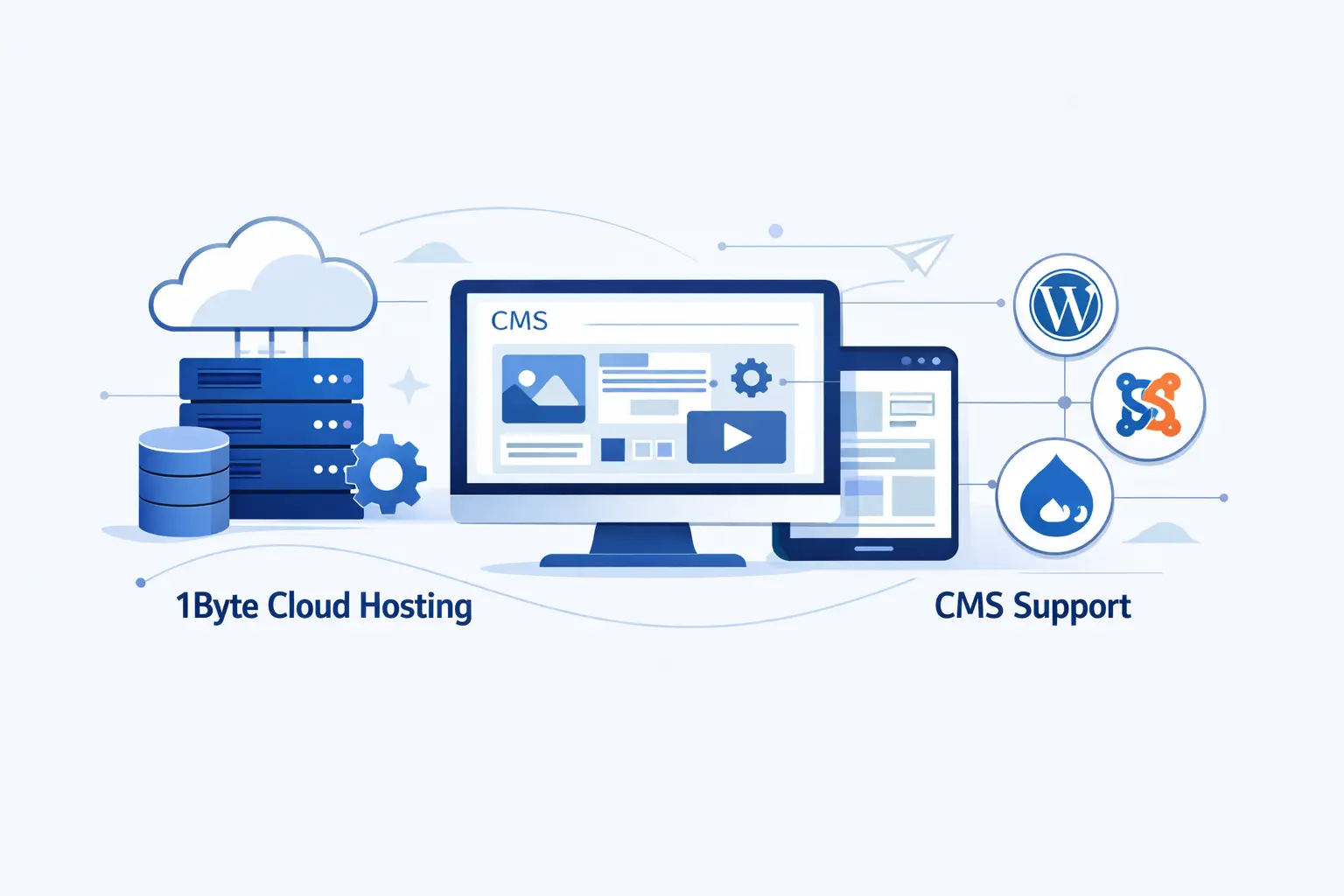
At 1Byte, we work on the layer many teams ignore until something breaks. Hosting, DNS, SSL, backups, performance, and growth planning may sound less glamorous than design, but they shape whether a CMS site feels dependable or fragile.
1. Get Started With Domain Registration, SSL Certificates, and Shared Hosting
For smaller CMS websites, we help customers start with the basics done properly. That means registering the right domain, securing traffic with SSL, and placing the site on shared hosting when the workload is still simple. This is often the right starting point for brochure sites, blogs, and early business websites that need reliability without heavy infrastructure cost.
2. Choose WordPress Hosting, Cloud Hosting, and Cloud Servers as You Grow
As a CMS site grows, the needs change. Plugin-heavy WordPress builds, staging requirements, traffic spikes, larger media libraries, and custom integrations often push teams beyond entry-level hosting. That is where managed WordPress hosting, cloud hosting, or dedicated cloud servers start to make more sense. We like to move customers step by step, not force enterprise architecture before the site has earned it.
3. Build on Trusted Infrastructure With 1Byte as an AWS Partner
AWS recognized 1Byte in its regional 2023 partner awards, and that matters because serious CMS workloads eventually become infrastructure decisions. When a website needs better isolation, migration planning, stronger backup strategy, or room for custom cloud architecture, we can support that shift. We do not think every CMS project needs cloud complexity on day one. We do think every serious project should have a clear path there.
Conclusion: Choosing the Best Content Management System for Your Goals
1. Focus on Fit, Flexibility, and Long-Term Growth
The best content management system is rarely the one with the loudest marketing. It is the one that fits your content model, your team, your channels, and your budget. We would rather see a company run a well-chosen simple platform than overspend on a giant system it will never use properly.







2. Build a Content Management System Strategy That Supports Future Channels
At 1Byte, we think a CMS decision should solve today’s publishing work without blocking tomorrow’s channels. If your content may later feed apps, commerce, support, or AI-driven discovery, structure and architecture matter early. Choose with that future in mind, and the platform becomes more than a website tool. It becomes a durable publishing foundation.