

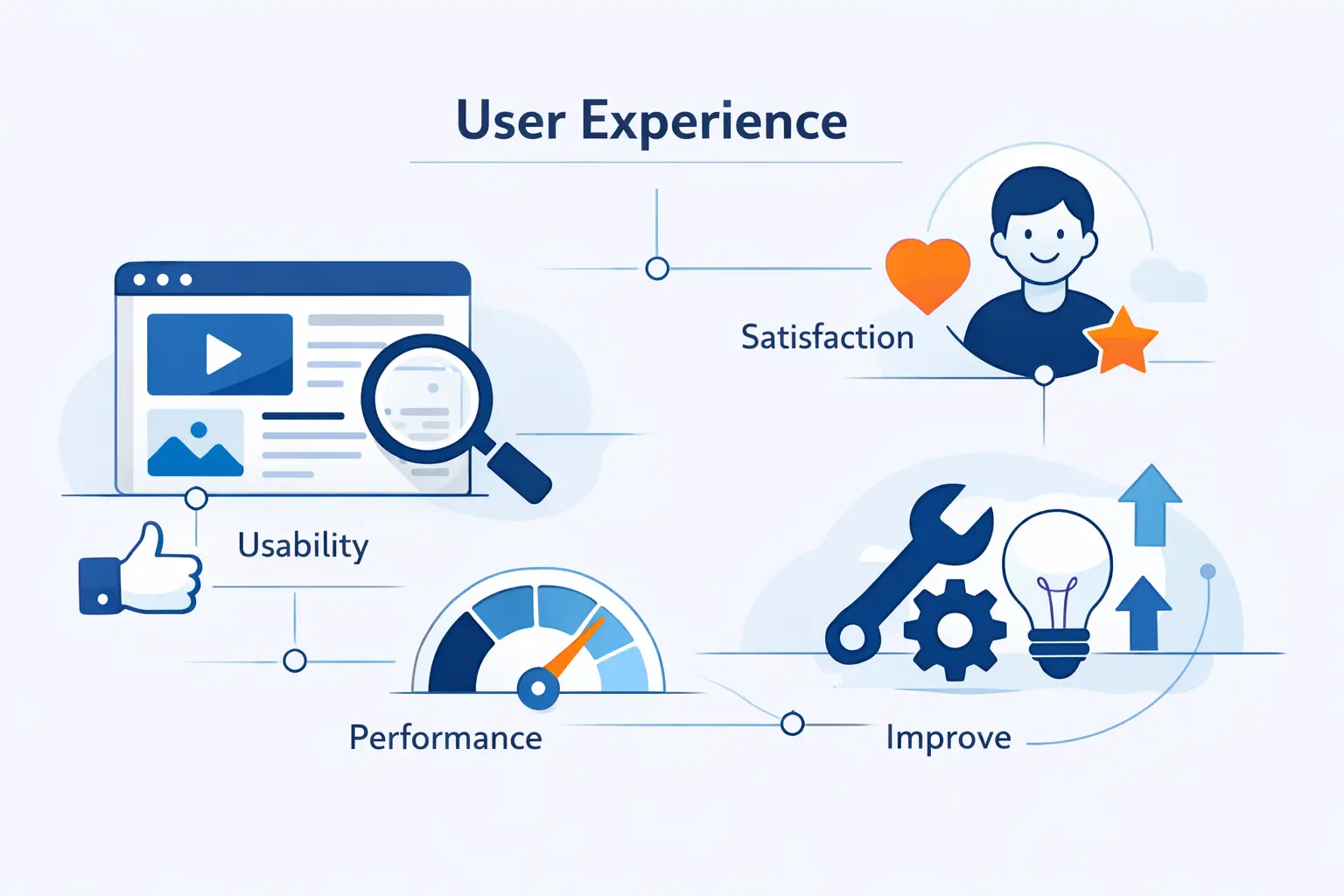
- What Website User Experience Means
- Why Website User Experience Matters for Growth
- The Core Elements of Strong Website User Experience
- How People Actually Use the Web
- What Good Website User Experience Looks Like in Practice
- How to Design a Better Website User Experience
- Website User Experience Best Practices That Deliver Quick Wins
- Common Website User Experience Mistakes to Avoid
- How to Measure Website User Experience
- How to Turn Website User Experience Data Into Better Decisions
- Website User Experience FAQ
- How 1Byte Supports Better Website User Experience
- Conclusion: Great Website User Experience Comes From Research, Clarity, and Iteration
At 1Byte, we treat website user experience as the front door to every digital business. People feel speed, clarity, trust, and friction in seconds. Forrester found that customer-obsessed organizations reported 41% faster revenue growth. We see the website as the place where that obsession becomes real.
In practice, website user experience is the sum of many small choices. Can people understand the page? Can they find the next step? Does the site work on a phone, on a keyboard, and on a slow connection? We wrote this guide to explain what matters, what to fix first, and how we at 1Byte think teams should improve with evidence instead of guesswork.
What Website User Experience Means
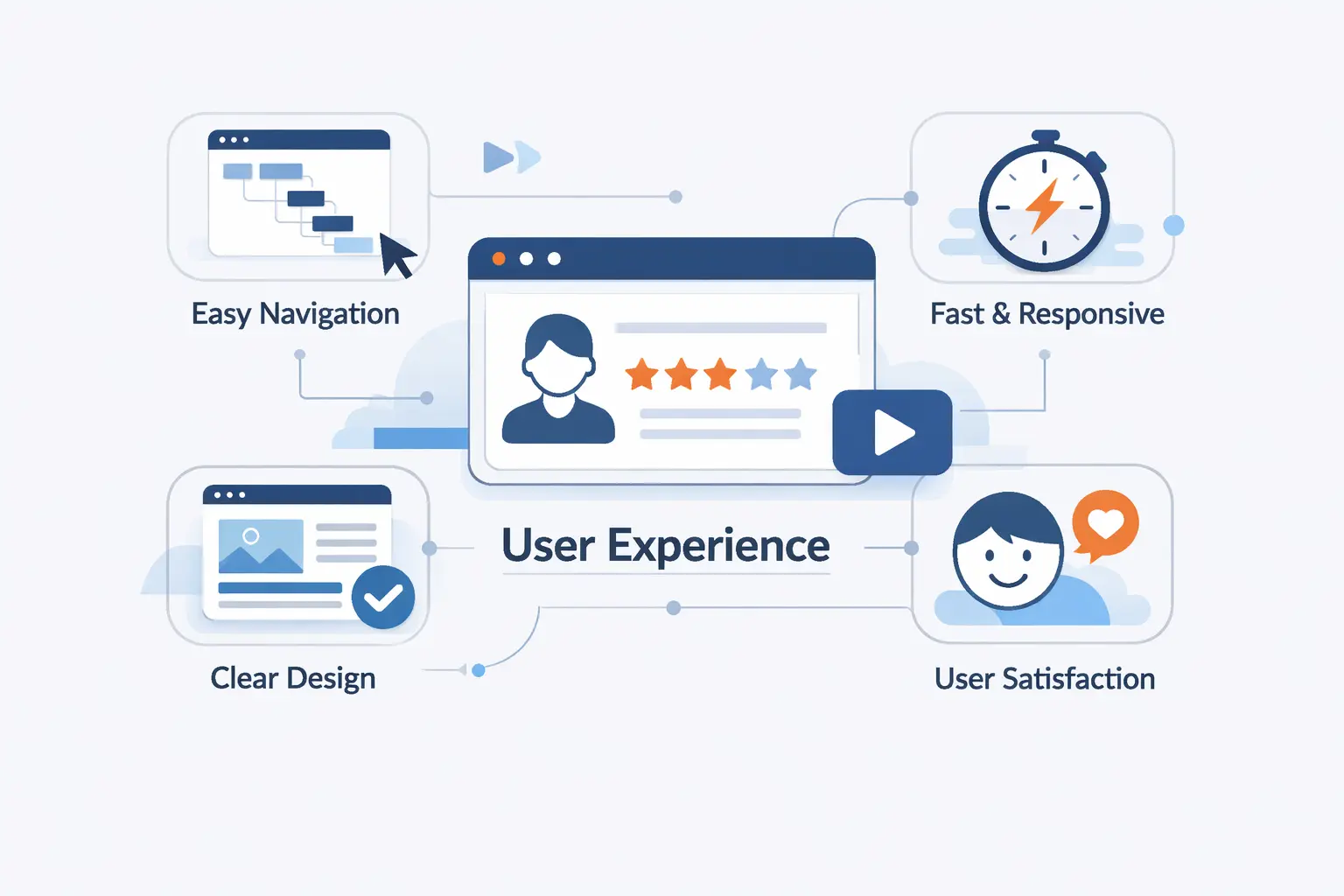
Before we improve anything, we need a shared definition. We prefer a practical one. Website user experience is how a site feels and functions while a person tries to get something done. That includes the page, the path, the copy, the speed, and the confidence the site creates.
FURTHER READING: |
| 1. What Is Cached Data and How Caching Works |
| 2. Best Cloud Automation Tools in 2026: 10 Platforms for Faster, Smarter DevOps |
| 3. Cloud Ecommerce: The Future of Online Retail in 2026 |
1. How Website User Experience Shapes the Full Visitor Journey
A visitor does not judge a site one screen at a time. They judge the whole trip. Search result, landing page, form error, checkout, password reset, and thank-you page all belong to the same experience. If any step breaks trust or momentum, the whole journey feels worse.
2. How Website User Experience Differs From UI and CX
UI is the visual and interactive layer, like buttons, spacing, icons, color, and form fields. CX is the broader relationship across channels, including sales, delivery, billing, and support. Website user experience sits between them. It uses interface choices to shape one important part of the wider customer relationship.
3. Why Website User Experience Is About People, Not Just Design
We resist treating UX as decoration. Good design helps real people in real situations, rushed buyers, first-time visitors, older users, people on phones, and people using assistive technology. If a page looks polished but makes people think too hard, it has missed the point.
Why Website User Experience Matters for Growth
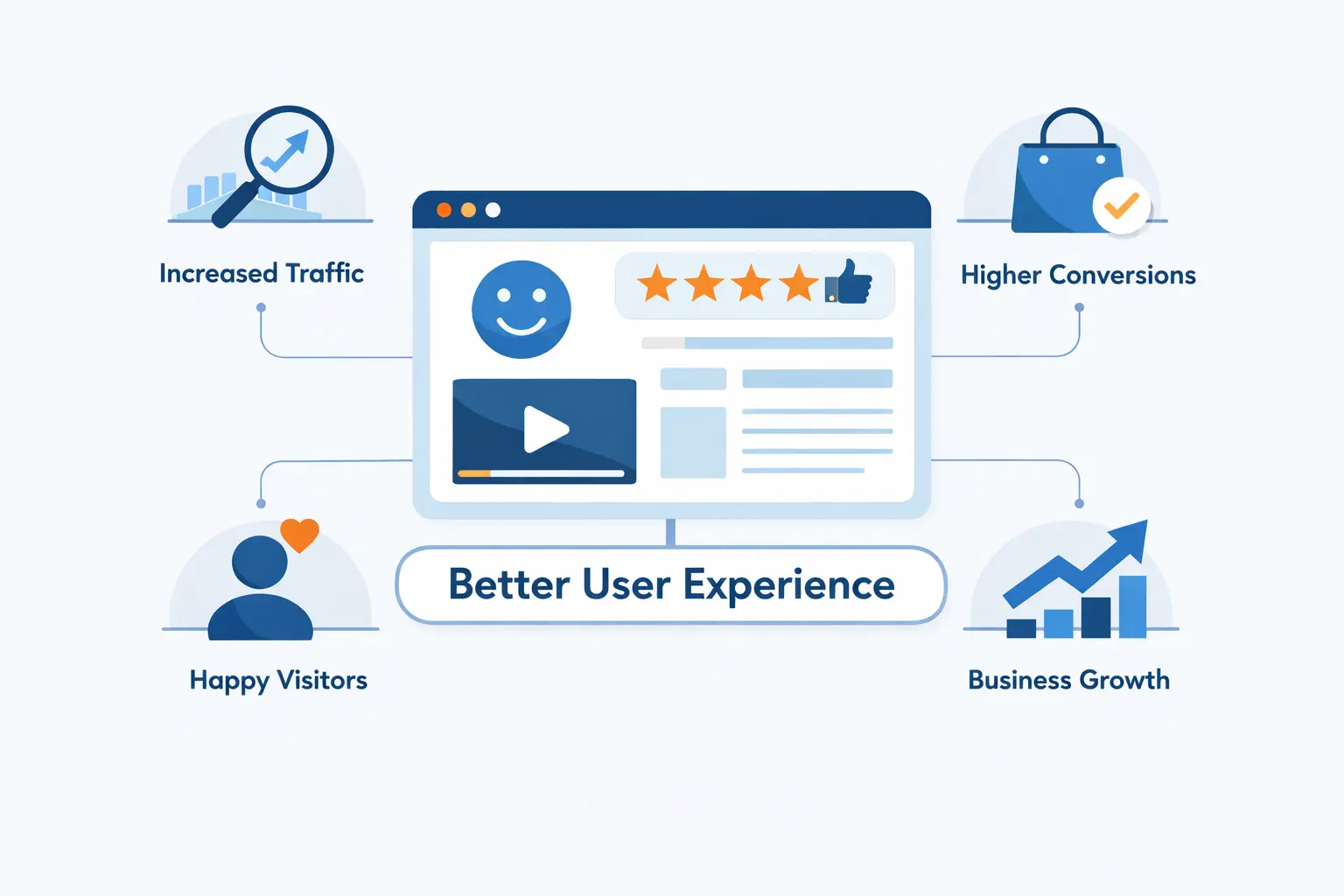
Teams often ask whether better website user experience really drives growth. We think the answer is yes, but with a catch. It works when improvements reduce effort, increase clarity, and help people reach value faster. A visual refresh without real task improvement rarely moves much.
1. How Better Experiences Increase Satisfaction, Loyalty, and Retention
Better experiences make people feel capable. They find what they need, finish faster, and leave with less frustration. That increases the odds they return. In many industries, loyalty starts with ordinary things done well, account access, pricing clarity, renewal flows, and support content that answers the question the first time.
2. How Website User Experience Improves Conversions and Reduces Support Costs
There is also a direct operating effect. McKinsey says customer-experience transformations have delivered 20 to 50 percent declines in service costs. On the web, that usually means clearer self-service, fewer failed forms, fewer abandoned applications, and fewer tickets created by avoidable confusion.
We see this most clearly in support and checkout flows. When account recovery is obvious, people do not contact support. When shipping, taxes, and return policies are easy to understand before payment, fewer carts stall and fewer angry emails arrive later.
3. How Trust, Credibility, and Brand Value Grow Through Better User Experience
Trust compounds. Fast pages feel competent. Clear language feels honest. Stable layouts feel safe. A site that behaves predictably strengthens the brand, while broken pages, surprise popups, and vague pricing quietly erode it. Many companies spend heavily on awareness and then lose the sale in the final steps.
The Core Elements of Strong Website User Experience
Strong website user experience is not mysterious. It rests on qualities that teams can review, test, and improve. We like blunt questions. Is this useful? Is it easy? Can people find it? Can they trust it?
1. Useful, Usable, Findable, and Valuable Experiences
A site has to solve a real problem before anything else matters. Useful means the content or feature actually helps. Usable means people can act without confusion. Findable means the path is clear. Valuable means the experience supports both the visitor’s goal and the business goal, instead of forcing them to compete.
2. Accessible, Responsive, and High-Performing Design
Accessibility, responsiveness, and performance are not edge concerns. They decide whether the site works at all. WebAIM’s 2025 audit found that 94.8% of home pages had detected WCAG 2 failures. That is why we treat inclusive markup, flexible layouts, keyboard access, and fast delivery as basics, not extras.
3. Desirable, Credible, and Visually Clear Interfaces
Desirable does not mean flashy. It means the interface is pleasant enough that people want to keep going. Credible means the page looks maintained, the language is specific, and the visuals support the message. Visual clarity helps people notice what matters first and ignore what does not.
How People Actually Use the Web
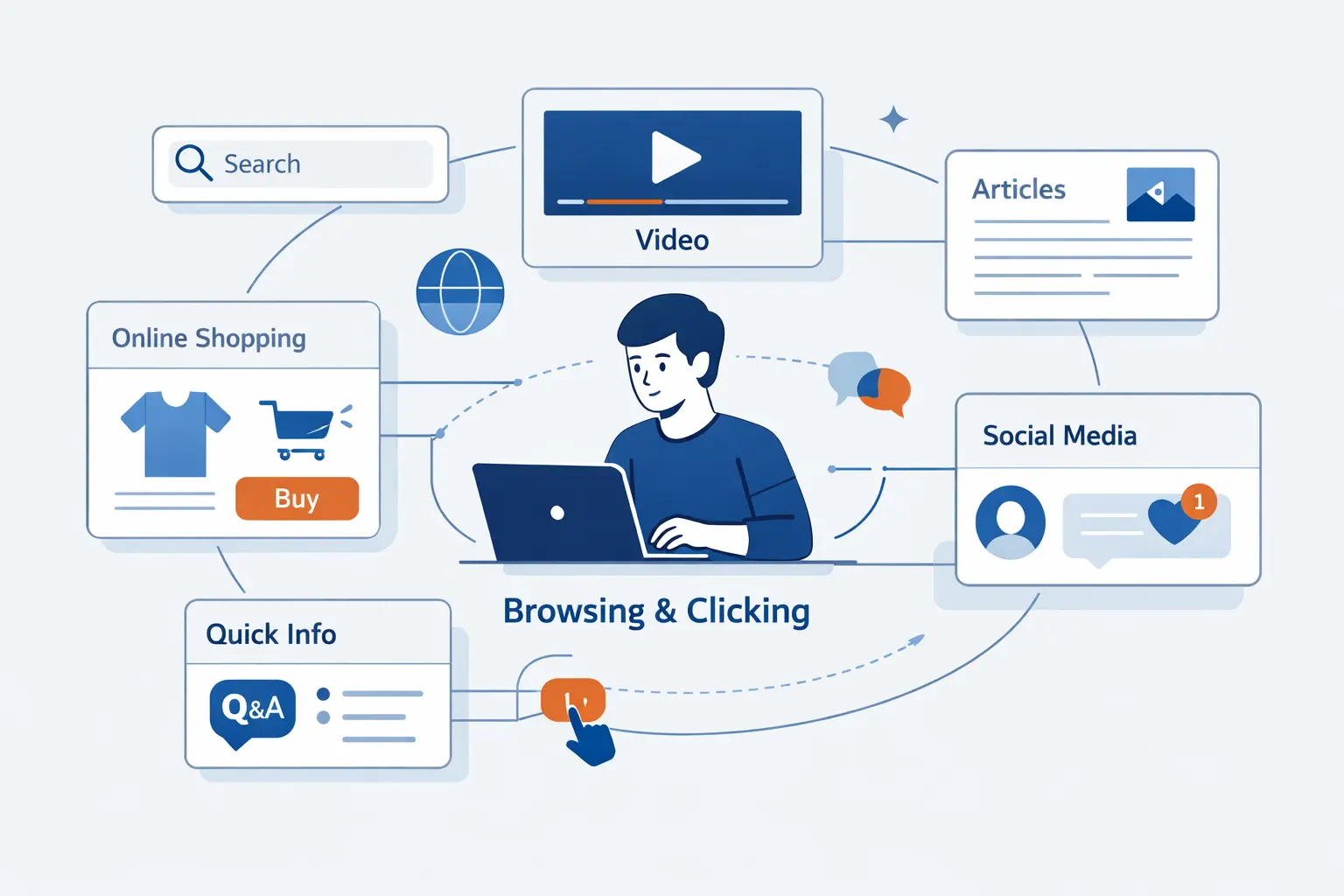
A lot of UX problems come from a false assumption. Teams think people will study a page the way the team studied it in a design review. Real visitors do not. They arrive with a goal, limited time, and very little patience.
1. Why Users Scan Instead of Reading Every Word
That is why scanning matters. Eye-tracking research confirmed the familiar F-shaped pattern on text-heavy pages, where people take quick passes instead of reading line by line. We write for that reality by front-loading meaning, using strong headings, and keeping paragraphs short.
2. How Information Scent and Familiar Patterns Guide Decisions
We use the term information scent for the clues that tell a visitor the next click is promising. The idea is simple. People choose based on hints. A label like “Pricing” beats a vague phrase when urgency is high. Familiar patterns help too. Search belongs where people expect it. Buttons should look clickable. Logos should take people home.
3. Why the Fold, Scrolling Behavior, and Banner Blindness Still Matter
The top of the page still matters because it sets direction. The same eye-tracking study found more fixations above the fold, and banner blindness still teaches a hard lesson. If something looks like an ad, a promo strip, or filler, many people will skip it even when the message matters.
4. How Visual Hierarchy, White Space, and Descriptive Links Reduce Friction
Visual hierarchy lowers effort. So does white space. So do descriptive links. W3C guidance stresses clear link text and logical headings because they help people scan and navigate, especially with assistive technology. The WebAIM report also shows that ambiguous links remain common, which is one more reason to retire “click here” as a default.
What Good Website User Experience Looks Like in Practice
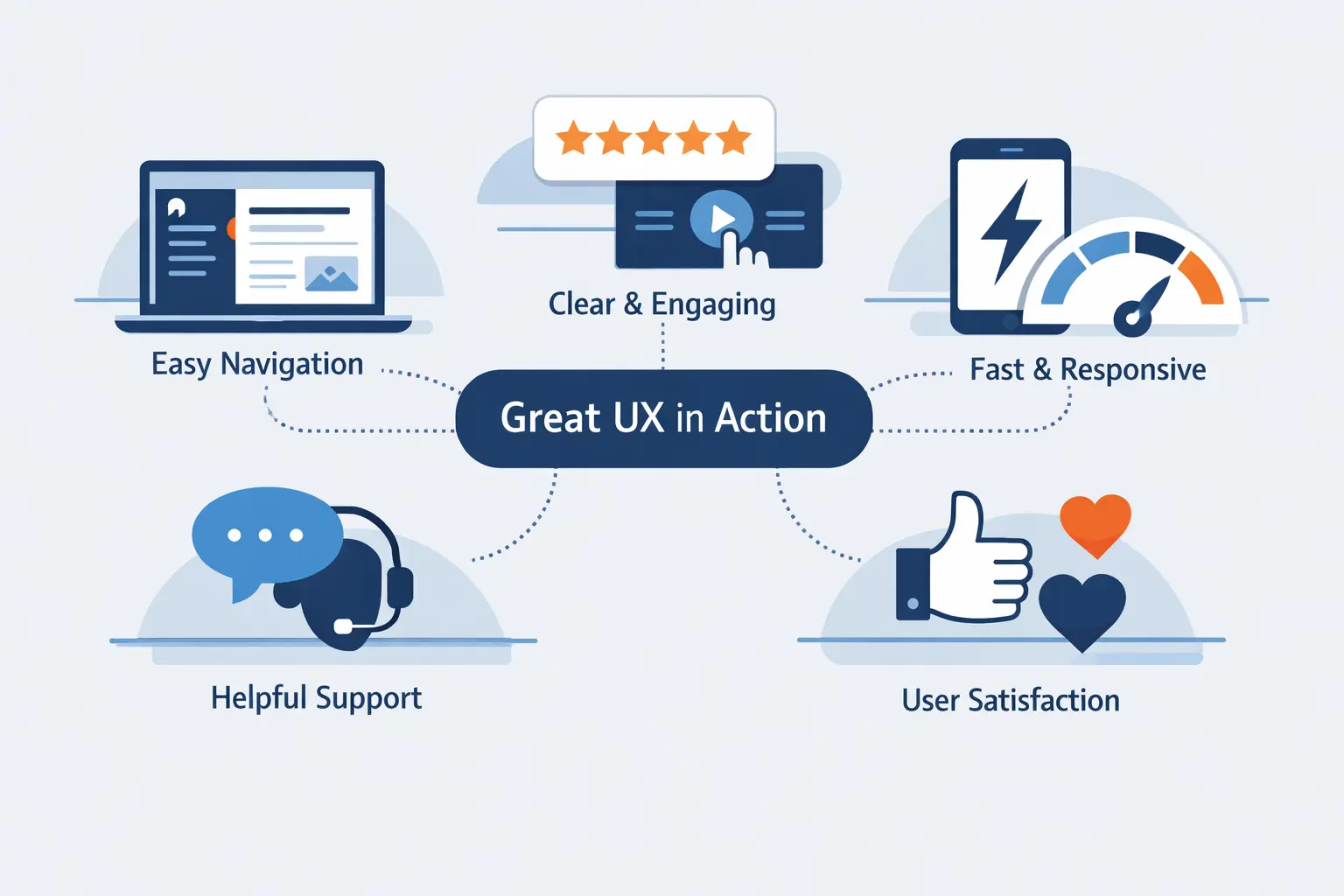
It helps to picture good website user experience in concrete terms. We are not chasing a vague feeling. We are looking for interfaces that keep attention on the job, explain just enough, and remove unnecessary work.
1. Minimal Interfaces That Keep Attention on the Main Task
Minimal interfaces do not mean empty interfaces. They mean each element earns its place. A login screen with a clear primary action beats a wall of promotions. A pricing page with a simple comparison beats several competing banners. Good minimalism sharpens the task.
2. Interactive Pages That Inform Without Overwhelming Users
Interactive pages work best when they reveal detail on demand. Think filters that update instantly, calculators that change the result without a reload, or FAQ sections that answer real questions in plain language. The trick is restraint. Interaction should clarify the choice, not turn the page into a puzzle.
3. Frictionless Flows That Make Common Actions Feel Effortless
Frictionless flows feel obvious. Forms explain errors next to the field. Booking steps show progress. Confirmation pages say what happens next. Users should not have to wonder whether the form sent, whether payment worked, or whether an email is on the way.
How to Design a Better Website User Experience
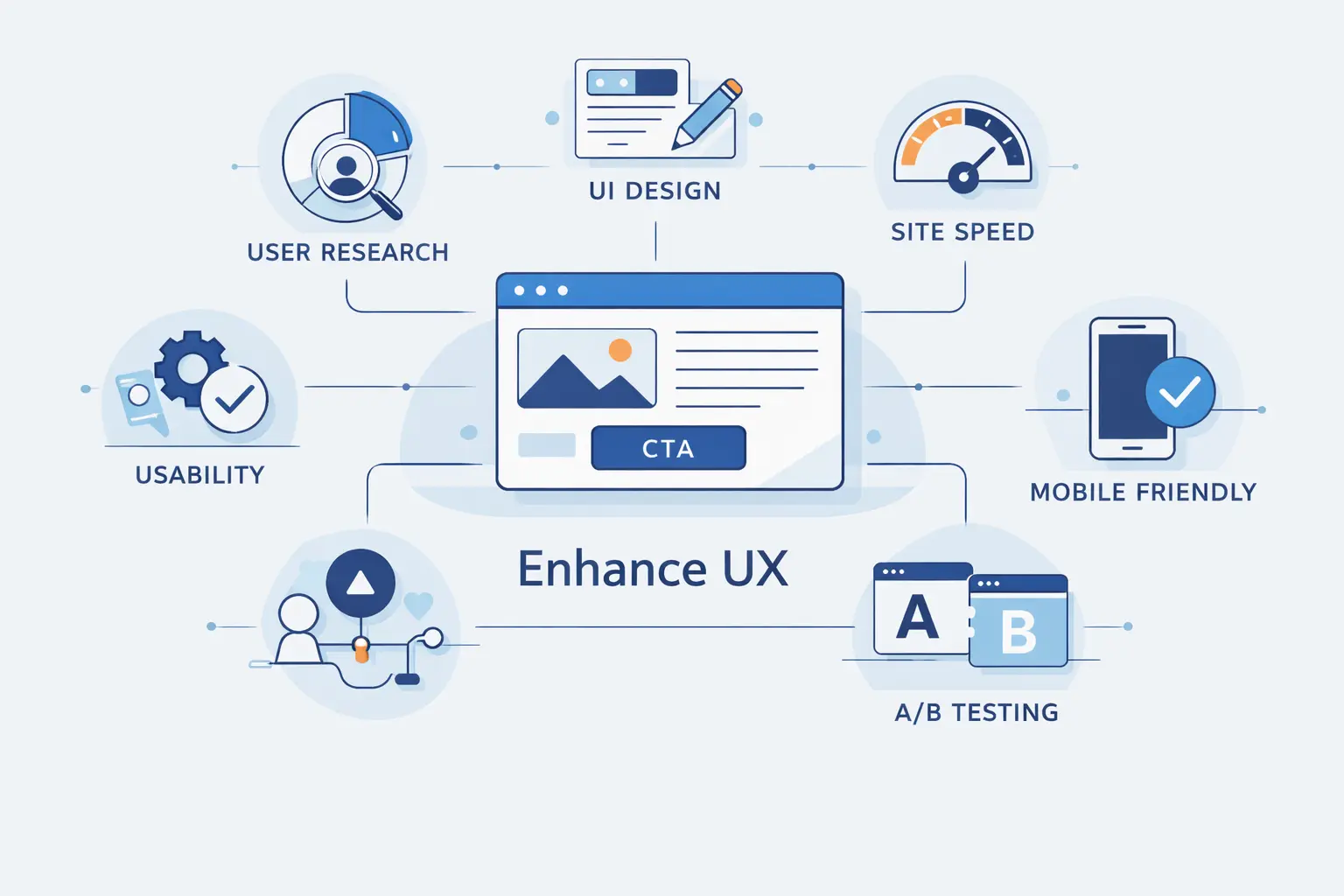
Design improves faster when the team stops guessing. We have seen too many projects start with a homepage mockup before anyone can name the real user problem. That usually leads to attractive pages and confused visitors.
1. Define User Problems and Align Them With Business Goals
We agree with the GOV.UK rule to Start with user needs. The business goal matters, but it works best when mapped to a clear user job. If visitors need a quote, do not bury it under brand storytelling. If they need documentation, do not force them through a sales funnel first.
2. Use Research, Personas, and Information Architecture to Guide Decisions
Research does not need to be fancy. A small round of interviews can expose language problems. A simple card sort can improve labels. A lightweight persona can keep the team honest about context, device, urgency, and knowledge. Information architecture matters because people cannot use what they cannot find.
3. Prototype, Test, and Refine Before and After Launch
Prototype early. Test with real tasks. Then keep testing after launch. We prefer a simple loop: observe behavior, fix the biggest blockers, measure again. Launch is not the finish line. It is the point where real evidence finally arrives.
Website User Experience Best Practices That Deliver Quick Wins

If a site needs improvement fast, we usually start with the basics. Quick wins are rarely glamorous. Boring basics win more often than clever tricks. In our experience, teams often know the right fixes. They just delay them.
1. Improve Speed, Reliability, and Page Load Performance
Speed and reliability come first. We treat Core Web Vitals as a practical scorecard because they focus on loading, responsiveness, and visual stability. When a page jumps, stalls, or waits too long to react, people notice right away.
There is a business case for speed too. Ray-Ban showed what faster journeys can do when it doubled conversion rate after improving critical navigations on its ecommerce site. That example is a good reminder that performance work is user experience work.
2. Design Responsive, Mobile-First Layouts for Every Device
Responsive, mobile-first layouts matter because screens are small, thumbs are imprecise, and attention is split. Put the main action where people can find it quickly. Use tap targets that feel safe to hit. Keep forms short. Test menus, tables, and checkout steps on actual phones, not just resized desktop browsers.
3. Use Clear Navigation, Landing Pages, and Site Search
Navigation should answer a few questions fast: where am I, what can I do here, and where do I go next? Good landing pages carry one promise from ad or search result to the next step. Good site search helps when navigation fails. We like search that tolerates typos and shows useful results, not empty screens.
4. Write Helpful Microcopy for Forms, Links, and Calls to Action
Microcopy is the small text that saves big moments. A form hint can explain password rules before the error. A button label can say what opens next. A link can describe the destination instead of hiding behind generic language. This is one of the cheapest UX upgrades a team can make, and one of the most neglected.
Common Website User Experience Mistakes to Avoid
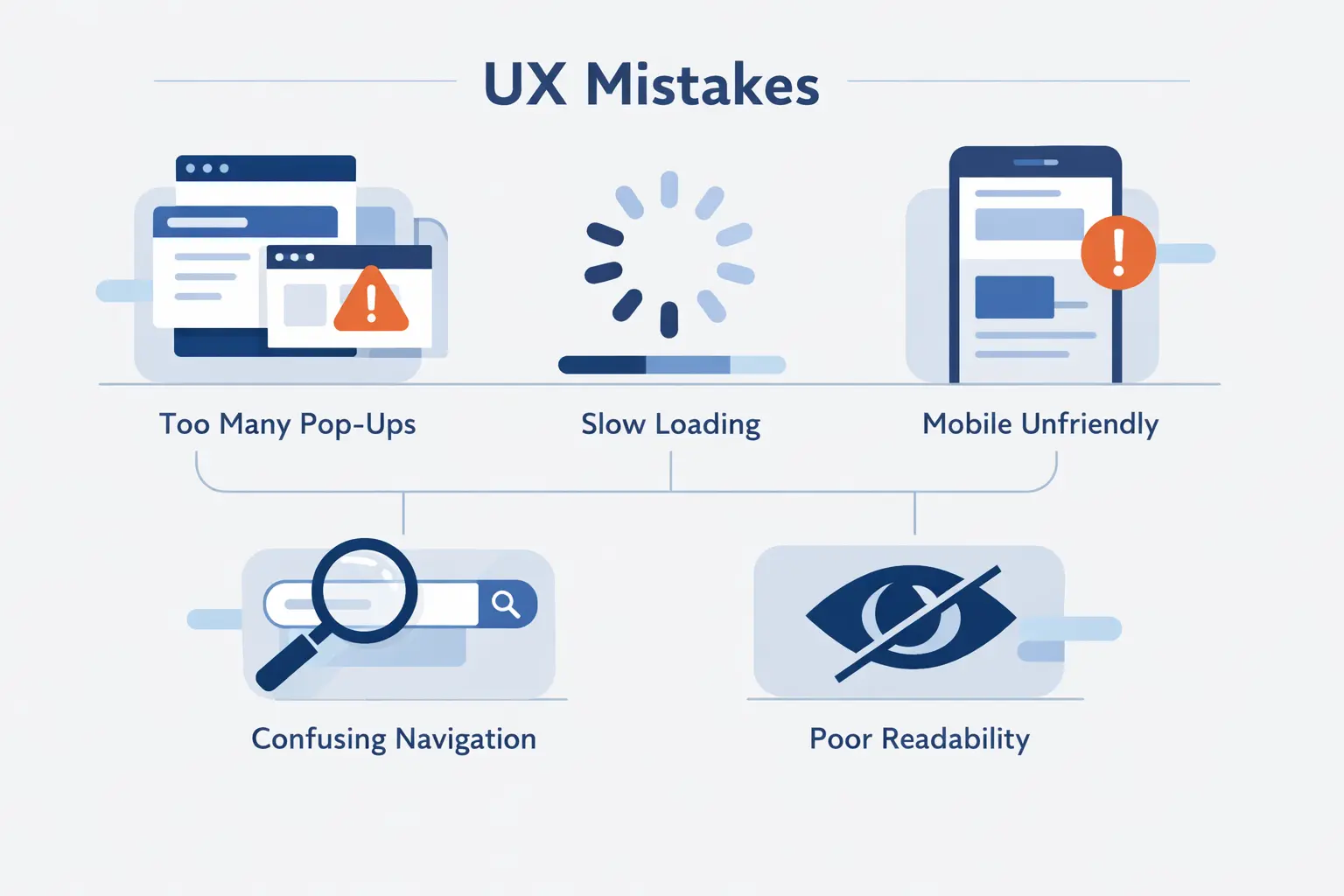
Bad website user experience often comes from habits that seem harmless inside the team. A little more animation. A few more cards. A clever nav label. Enough of those choices stacked together, and the site starts fighting the user.
1. Cluttered Layouts and Content That Is Hard to Scan
Clutter makes people work for the page’s meaning. Dense copy, inconsistent card layouts, and too many competing calls to action slow down scanning. If everything shouts, nothing stands out. We would rather remove a weak section than polish several mediocre ones.
2. Generic Links, Weak Signifiers, and Confusing Navigation
Generic links and weak signifiers create hesitation. The same WebAIM report found ambiguous link text on many pages, and that lines up with what we see in audits. People should know what a link or control does before they click. If a button looks like a label or a label looks like a button, confusion is guaranteed.
3. Auto-Forwarding Carousels, Distracting Animations, and Unclear Click Targets
Auto-forwarding carousels, decorative motion, and tiny click targets are classic offenders. They move content before people can read it, steal attention from the task, and create trouble on touch devices. Motion should support orientation. It should never compete with reading or form completion.
4. Low Contrast, Slow Pages, and Features That Add Friction
Low contrast, slow pages, and feature-heavy templates are another common trap. The same WebAIM audit shows how often contrast still fails, and performance guidance from Google keeps pointing back to the same lesson. Every extra script, widget, and visual effect needs to justify its cost to the user.
How to Measure Website User Experience
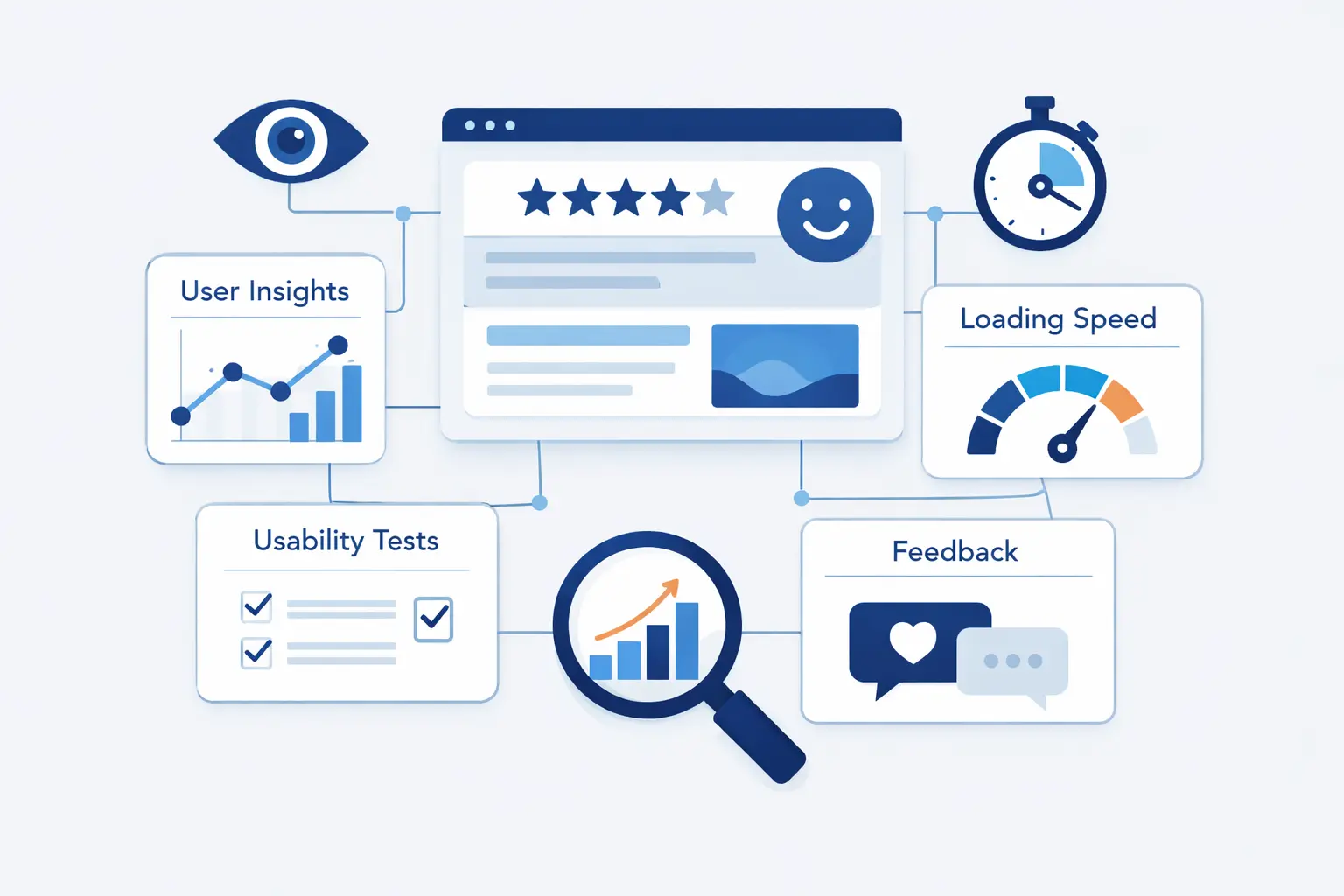
We cannot improve what we do not measure, but we also do not want to drown in dashboards. Good measurement ties user outcomes to business outcomes. It tells us where people struggle, where they succeed, and which changes actually helped.
1. Set Goals for Satisfaction, Engagement, Conversion, and Task Success
Start with goals. Are we trying to help people complete signup, find support content, request a quote, or purchase faster? From there, define success in simple terms: satisfaction, engagement, conversion, retention, and task completion. A metric without a goal is just trivia.
2. Combine Surveys, Interviews, Usability Testing, and A/B Testing
Use mixed methods. Surveys tell us what people say. Interviews tell us why. Usability tests show where they hesitate. A/B tests tell us whether a change improved the outcome at scale. We trust decisions more when these methods point in the same direction.
3. Track Bounce Rate, User Flow, Time on Task, and Error Rate
Behavioral measures matter because they reveal hidden friction. Bounce rate can hint at a mismatch between expectation and page content. User flow shows where sessions break. Time on task tells us whether an action is smooth or painful. Error rate exposes where the interface is asking too much.
4. Use Performance, Accessibility, NPS, CSAT, and HEART Metrics
We also like a balanced set of health metrics. Performance and accessibility show whether the site works. NPS and CSAT show how people feel. The HEART framework gives teams a useful structure around happiness, engagement, adoption, retention, and task success, which keeps measurement from collapsing into vanity metrics alone.
How to Turn Website User Experience Data Into Better Decisions
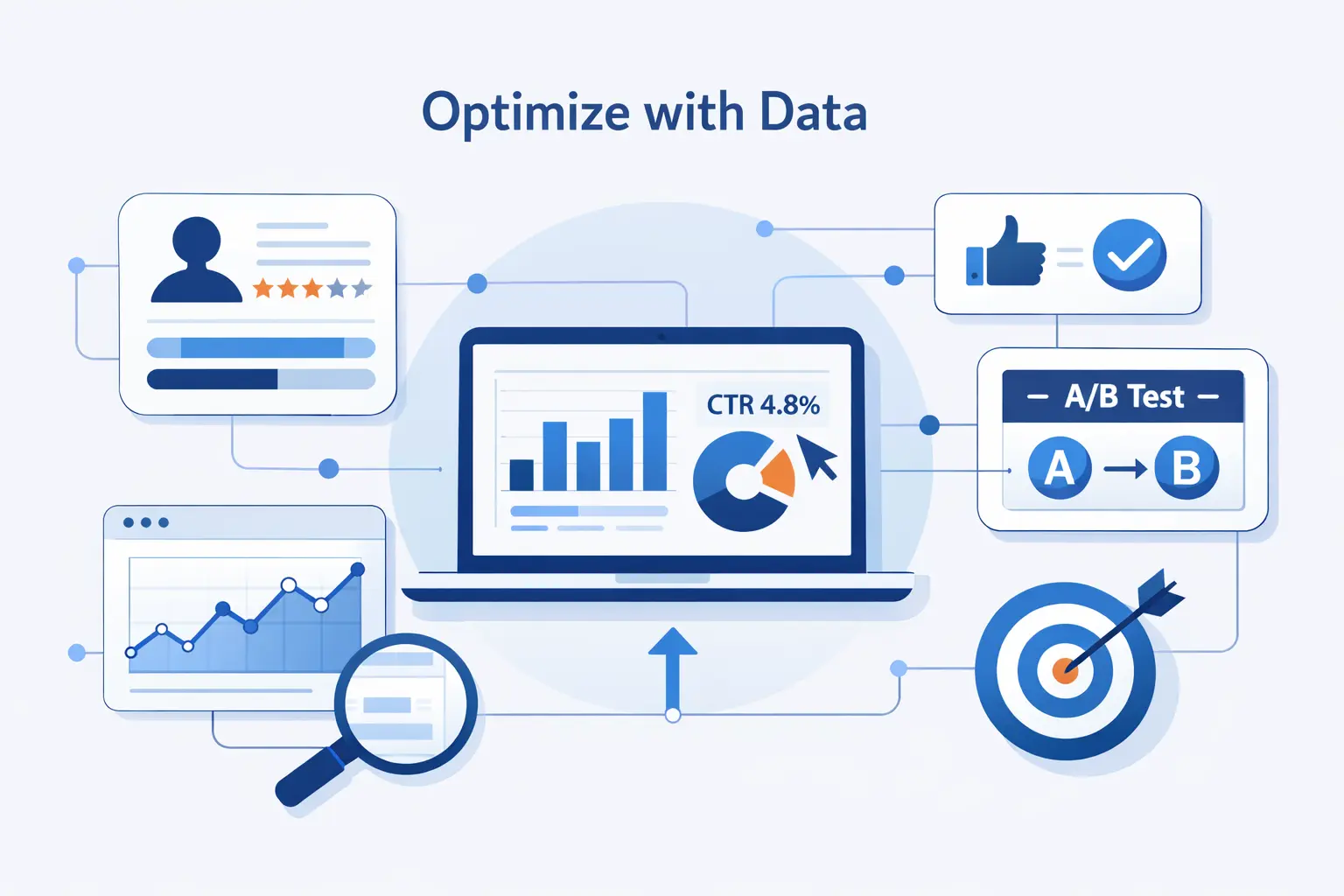
Data is only useful if it leads to action. Many teams collect more dashboards than decisions. We prefer a tighter loop where evidence points to a problem, the team tests a fix, and the result goes back into the backlog.
1. Use Behavioral Analytics to Find Drop-Off Points and Pain Points
Behavioral analytics help us find the leaks in the funnel. Heatmaps can show ignored calls to action. Session replays can reveal rage clicks. Funnel reports can show where people abandon checkout or signup. These tools do not replace research, but they are excellent at showing where to look next.
2. Prioritize Changes Based on Impact, Feasibility, and User Needs
Once the problems are visible, prioritize them by impact, feasibility, and user need. A broken checkout field matters more than a slightly dated icon. A slow product page matters more than a homepage animation debate. We like ranking changes by how many people they affect and how much friction they remove.
3. Build an Ongoing Cycle of Monitoring, Iteration, and Continuous Improvement
The healthiest teams treat website user experience as a living system. They monitor changes, run small improvements often, and protect the gains they make. That steady rhythm beats the big redesign mentality. Iteration can look slower on paper, but it is usually faster in real life.
Website User Experience FAQ
Some questions come up in almost every project. Here is how we answer them when clients, founders, and product teams ask us to cut through the jargon.
1. What Is the User Experience of a Website?
The user experience of a website is the overall quality of using it. It includes speed, clarity, accessibility, navigation, content, and whether people can finish their tasks without confusion.
2. Why Is Website User Experience Important?
It matters because it shapes trust, conversion, retention, and support load. Research from firms like Forrester and McKinsey keeps pointing in the same direction. Better experiences help growth and cut waste.
3. What Is the Difference Between Website User Experience and UI?
UI is the visual and interactive layer, such as buttons, colors, inputs, and layouts. Website user experience is broader. It includes how those choices affect understanding, effort, and outcomes.
4. How Do You Measure Website User Experience?
We measure it with a mix of qualitative and quantitative signals, including surveys, interviews, usability tests, task success, error rate, user flow, performance data, accessibility checks, and frameworks like HEART.
5. How Can You Improve Website User Experience?
Improve it by fixing the biggest friction first. Clarify navigation, simplify forms, write better microcopy, speed up pages, test with real users, and keep iterating after launch.
How 1Byte Supports Better Website User Experience
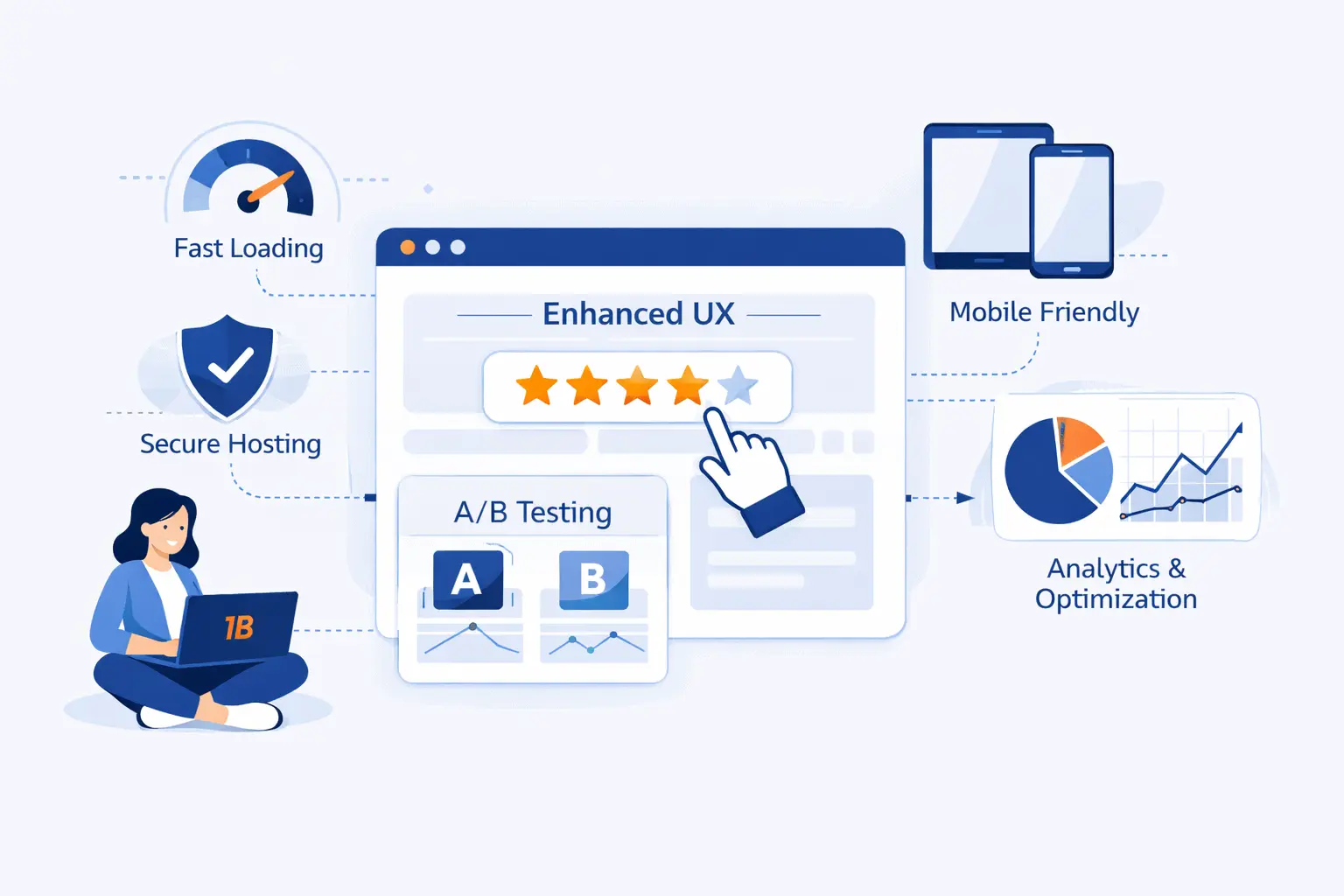
At 1Byte, we work on the layer beneath the interface, but that layer shapes the experience more than many teams expect. Hosting, domains, SSL, and cloud architecture do not replace design. They make good design dependable.
1. Build Trust With Domain Registration and SSL Certificates
Trust starts before a user clicks a button. Clean domain registration helps people reach the right address, and SSL certificates protect data in transit and reinforce the browser signals people look for before logging in, paying, or sharing contact details. We treat those basics as part of experience, not as separate infrastructure chores.
2. Launch Reliable Websites With WordPress Hosting and Shared Hosting
Reliable WordPress Hosting and Shared Hosting give teams a stable base for content, themes, plugins, and everyday traffic. From our side, the goal is simple: fewer preventable slowdowns, fewer avoidable outages, and a setup that lets teams focus on content and journeys instead of server maintenance.
3. Scale Performance With Cloud Hosting, Cloud Servers, and AWS Partner Support
When traffic grows or workloads get heavier, Cloud Hosting, Cloud Servers, and AWS Partner support give more room to tune performance and architecture for the paths that matter most. We have learned that website user experience often breaks first at the infrastructure layer. Slow server responses and weak scaling plans show up to users long before they show up in a board meeting.







Conclusion: Great Website User Experience Comes From Research, Clarity, and Iteration
Great website user experience does not come from taste alone. It comes from research, clear structure, inclusive design, fast pages, and steady iteration. The teams that win are rarely the teams with the flashiest mockups. They are the teams that respect the user’s time.
At 1Byte, we think the best websites feel calm. They answer the question in front of the visitor, remove needless friction, and stay reliable under load. When teams build that way, growth becomes a side effect of usefulness. That is the kind of website user experience worth aiming for.