

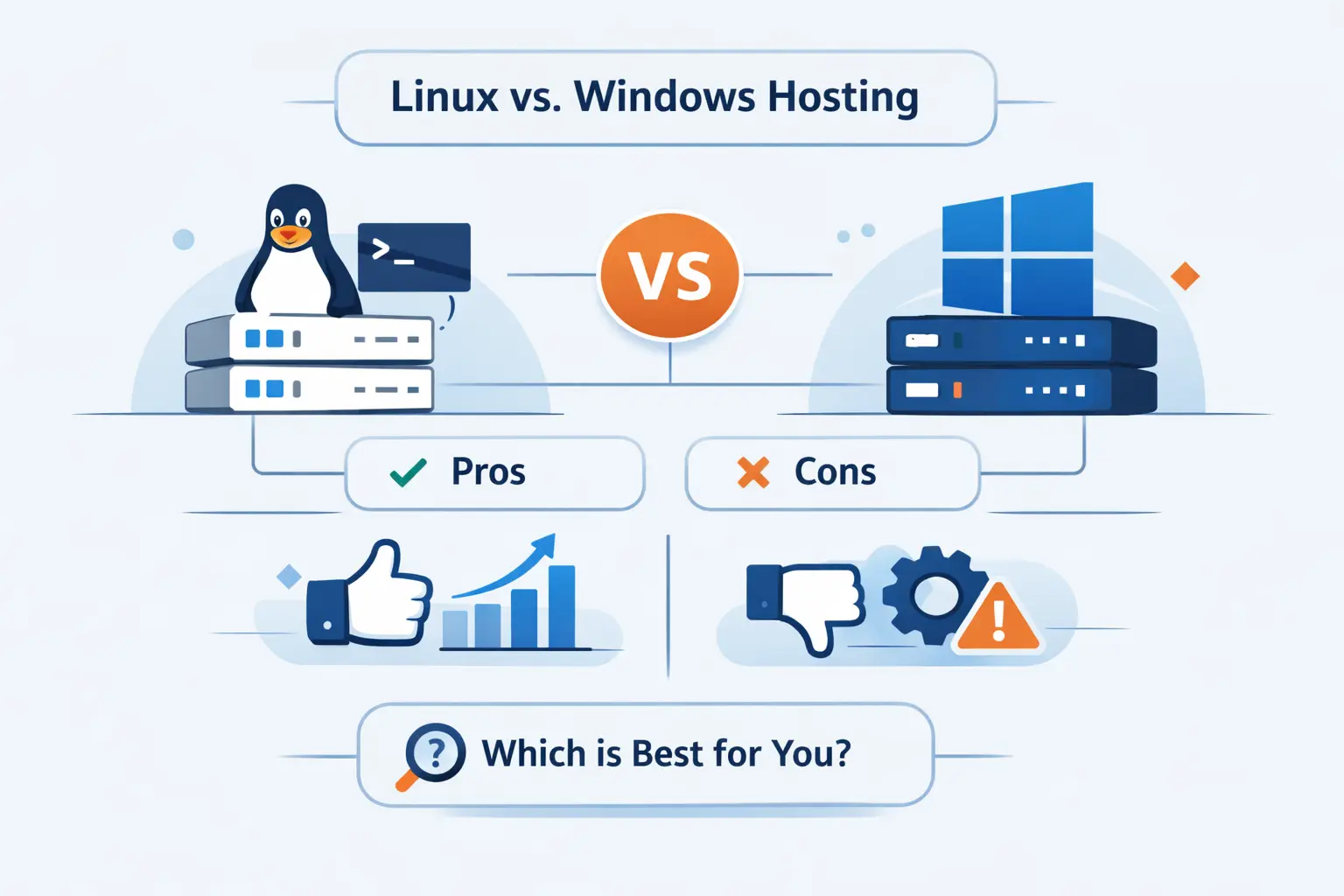
- Linux vs Windows Hosting at a Glance
- Key Differences Between Linux and Windows Hosting
- Supported Technologies and Server Software
- Linux Hosting Strengths and Tradeoffs
- Windows Hosting Strengths and Tradeoffs
- Cost, Performance, and Security Comparison
- How to Choose Between Linux and Windows Hosting
- Best Use Cases for Linux and Windows Hosting
- Common Misconceptions About Linux vs Windows Hosting
- FAQ About Linux vs Windows Hosting
- How 1Byte, a Cloud Computing and Web Hosting Provider, Supports Your Hosting Journey
- Final Verdict on Linux vs Windows Hosting
When customers ask us about linux vs windows hosting, we usually start with one plain truth. This is not a debate about which brand feels nicer. It is a decision about software fit, maintenance style, and long-term cost.
At 1Byte, we think many buyers make this harder than it needs to be. Most websites do perfectly well on Linux. Some genuinely need Windows. The smart move is to match the server to the stack you actually run, not the stack you assume you run.
Linux vs Windows Hosting at a Glance
The market is not split down the middle. As of June 13, 2026, Unix-like systems appear on 91.7% of websites with an identifiable operating system, while Windows keeps a smaller but durable place where teams depend on IIS or Windows-native software. That tells us something useful right away. Linux is the default for most public web projects, and Windows is the specialist choice for certain workloads.
1. What Linux Hosting Means
Linux hosting means your website runs on a server using a Linux distribution rather than Windows Server. In real life, this usually points to open-source web stacks, SSH access, Apache or NGINX, and databases such as MySQL, MariaDB, or PostgreSQL. If your site is WordPress, the project currently recommends PHP 8.3 or greater, plus MariaDB or MySQL, with Apache or NGINX as the usual web server layer.
2. What Windows Hosting Means
Windows hosting means the server runs Windows Server and commonly uses IIS as the web server. We usually see it chosen for Microsoft-centered setups, especially legacy ASP.NET Web Forms, classic ASP, SharePoint environments, Exchange-adjacent systems, or older applications that expect Windows permissions and services. In other words, Windows hosting is less about your browser and more about the application’s dependencies.
3. Why This Choice Affects Compatibility, Control Panels, and Site Management
This choice reaches into daily operations. It affects which control panel you get, how file names behave, which modules can be installed, and how your team deploys updates. We have seen small details, like a mixed-case file path, break a site only after a move from Windows to Linux. That is why we treat hosting as an application decision first and an operating system preference second.
Key Differences Between Linux and Windows Hosting
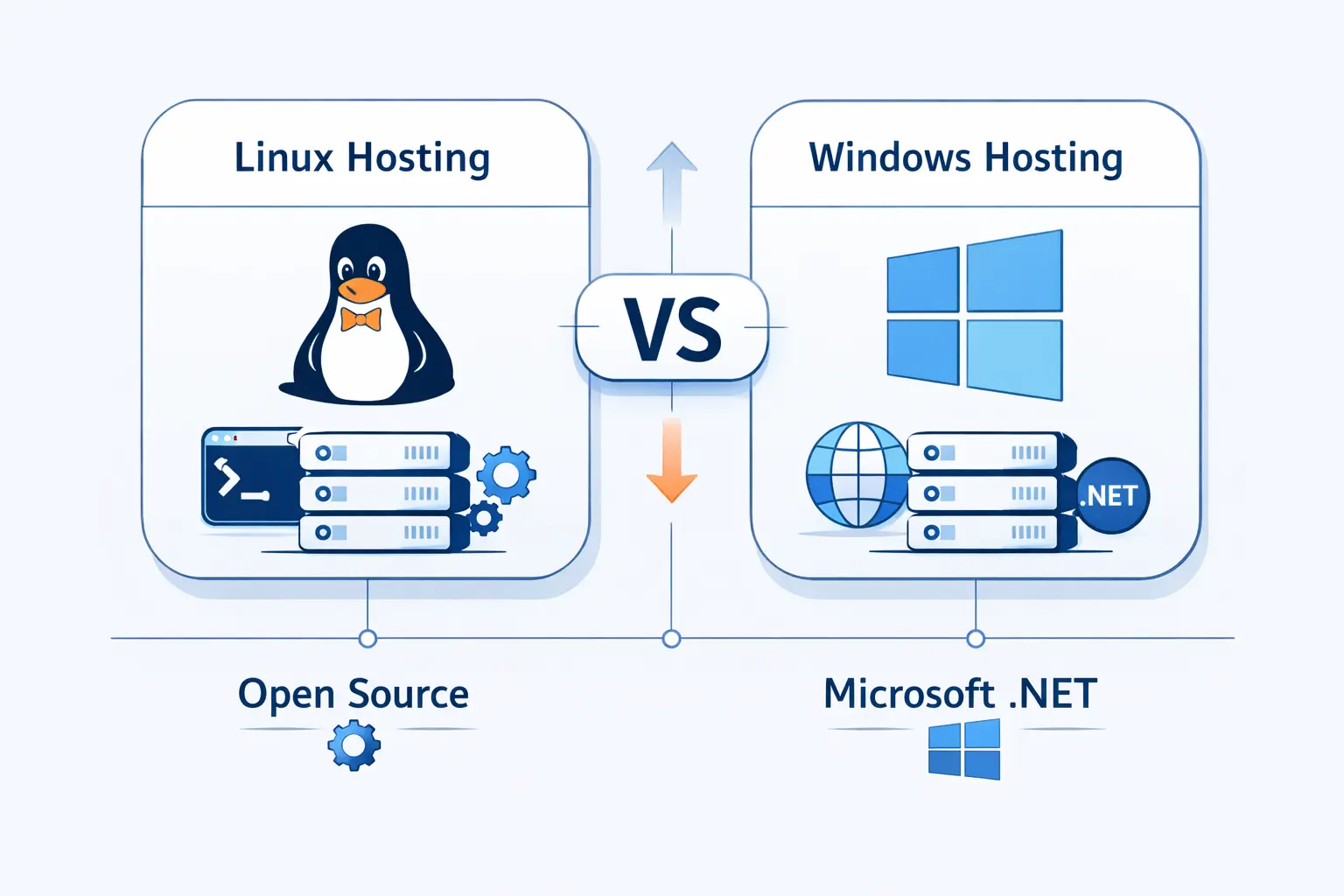
Once we move past brand names, the main differences become practical. They show up in licensing, control panels, file behavior, and how predictable the environment feels for a given stack.
1. Open-Source Linux vs Licensed Windows
Linux hosting usually starts cheaper because the operating system itself is often open-source, even when the provider adds commercial support around it. Windows Server is different. Microsoft sells it under a core-based licensing model and adds Client Access License rules in many cases, so the cost floor is higher before we even talk about control panels or databases. That does not make Windows bad. It just means the budget math is different from day one.
2. cPanel and WHM on Linux vs Plesk on Windows
In day-to-day hosting, cPanel and WHM are strongly associated with Linux plans because cPanel publishes supported operating systems from the Linux family. Plesk, by contrast, spans both Linux and Windows, which is why many providers use it as the familiar face of Windows hosting. We think this matters because panel habits become part of a team’s workflow, and switching panels can feel like changing the dashboard in a car you drive every day.
3. Case-Sensitive Linux Files vs Case-Insensitive Windows Files
Linux file systems treat FOO.txt and foo.txt as different files. Standard Windows behavior treats them as the same path for most tools and APIs. This sounds tiny, but it can trip image paths, imports, includes, and deployment scripts. We have seen developers ship code that works on a Windows test box and then falls over on a Linux server because one filename used the wrong capitalization. That is not drama. That is Tuesday.
Supported Technologies and Server Software
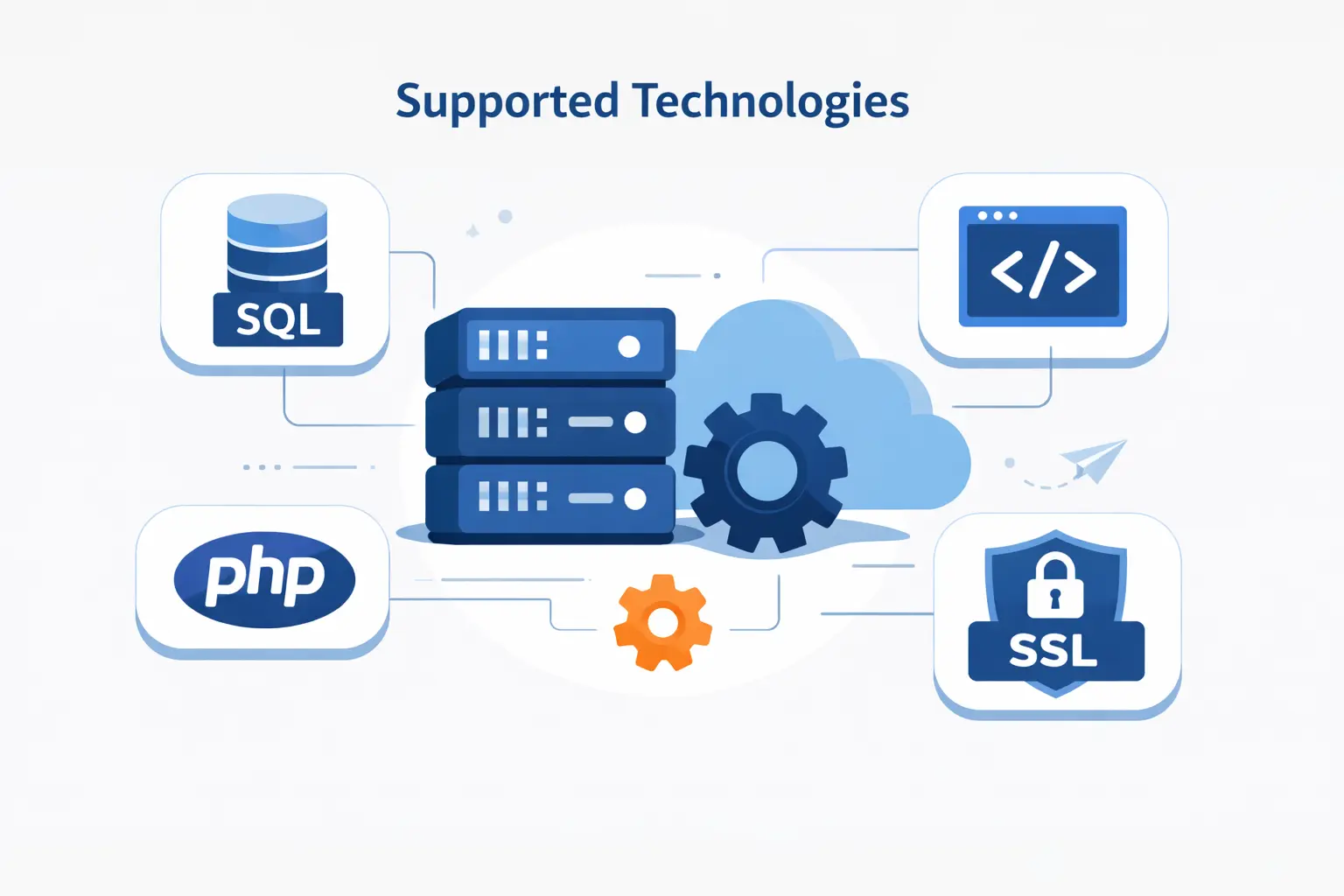
This is the section where the decision usually makes itself. If the application stack is clear, the hosting answer often becomes obvious. If the stack is fuzzy, this is where costly mistakes start.
1. When Windows Hosting Is Required for ASP.NET, MSSQL, Microsoft Access, C#, and Visual Basic
We need to be precise here. Legacy ASP.NET Web Forms belongs to the .NET Framework, while modern ASP.NET Core is cross-platform. So Windows hosting is often required for older ASP.NET and classic ASP applications, Microsoft Access based web apps, and software that expects IIS behavior or Windows-specific libraries. If the project depends on SharePoint Server or older Visual Basic web code, Windows is usually the safe and realistic choice.
MSSQL also needs a footnote many comparison pages skip. Microsoft now lists supported distributions for SQL Server on Linux, so SQL Server alone no longer forces Windows hosting. In our view, the real question is whether your application also needs IIS, Windows authentication patterns, old COM components, or other Windows-only pieces around the database.
2. When Linux Hosting Fits PHP, MySQL, PostgreSQL, Python, Perl, CGI Scripts, Apache, and NGINX
Linux hosting is the natural home for the classic open-source web stack. That includes PHP apps, MySQL or MariaDB sites, PostgreSQL-backed projects, Python services, Perl tools, and many CGI-based workloads. It also lines up cleanly with Apache and NGINX, which is why WordPress, Joomla, Drupal, Laravel, and a long list of other open-source systems feel most at home there. We usually tell beginners that if the app world around you sounds open-source, Linux is probably your shortest path to a stable setup.
3. Which Languages and Scripts Can Work on Both Platforms
Some workloads do not care much about the server operating system. Static HTML, CSS, and JavaScript sites can run anywhere. Modern ASP.NET Core can run on Linux or Windows. Some database combinations also cross the aisle more than they used to. The trap is assuming that because a language can run on both platforms, your full application can too. Framework versions, extensions, background jobs, and admin tooling still decide the final answer.
4. How Third-Party Apps, Integrations, and Server Modules Affect the Choice
Third-party requirements are often the tie-breaker. An app may expect an IIS module, a certain Apache behavior, a Windows service, a mail stack, a backup plugin, or a hosting panel feature that behaves differently by platform. Plesk’s own documentation splits supported components by Linux and Windows, and Microsoft’s server products do the same with prerequisites around IIS and Windows roles. We always advise reading the software vendor’s requirements before buying the plan. One hour of checking can save a week of rework.
Linux Hosting Strengths and Tradeoffs

Linux is the default choice for good reasons. We recommend it often. Even so, it is worth being honest about both the upside and the rough edges.
1. Lower Costs and Broad Open-Source Compatibility
Linux hosting usually wins on price because it avoids Windows Server licensing and fits naturally with open-source software. For a business website, blog, portfolio, or store built on common PHP tools, that is a big deal. You are not paying extra for an operating system you do not need. We like Linux here because the budget stays focused on storage, backups, CPU, memory, and support rather than licensing overhead.
2. Strong Stability, Reliability, and Scalability
Linux did not become the mainstream web choice by accident. It sits underneath the overwhelming majority of public websites, and providers have spent years tuning Linux-based stacks for shared hosting, VPS plans, containers, and cloud servers. That history gives it a deep bench of tested patterns. In our experience, that matters more than flashy marketing claims. Boring and predictable is a virtue in hosting.
3. Command Line Flexibility and Deep Customization
Linux gives technical teams room to breathe. SSH, package managers, cron jobs, file permissions, web server configs, and automation scripts are all part of the normal toolkit. If your team likes to script deployments, tune NGINX, or manage services directly, Linux feels natural. We often prefer it for developers because it stays out of the way and rewards people who like precise control.
4. Community Support and a Steeper Learning Curve
The Linux world benefits from huge community knowledge, open documentation, and a long history of shared troubleshooting. That is the good news. The harder part is that beginners can feel dropped into the deep end. File permissions, shell commands, package choices, and case sensitivity can surprise new users. We would not call that a deal breaker, but we would call it real.
Windows Hosting Strengths and Tradeoffs
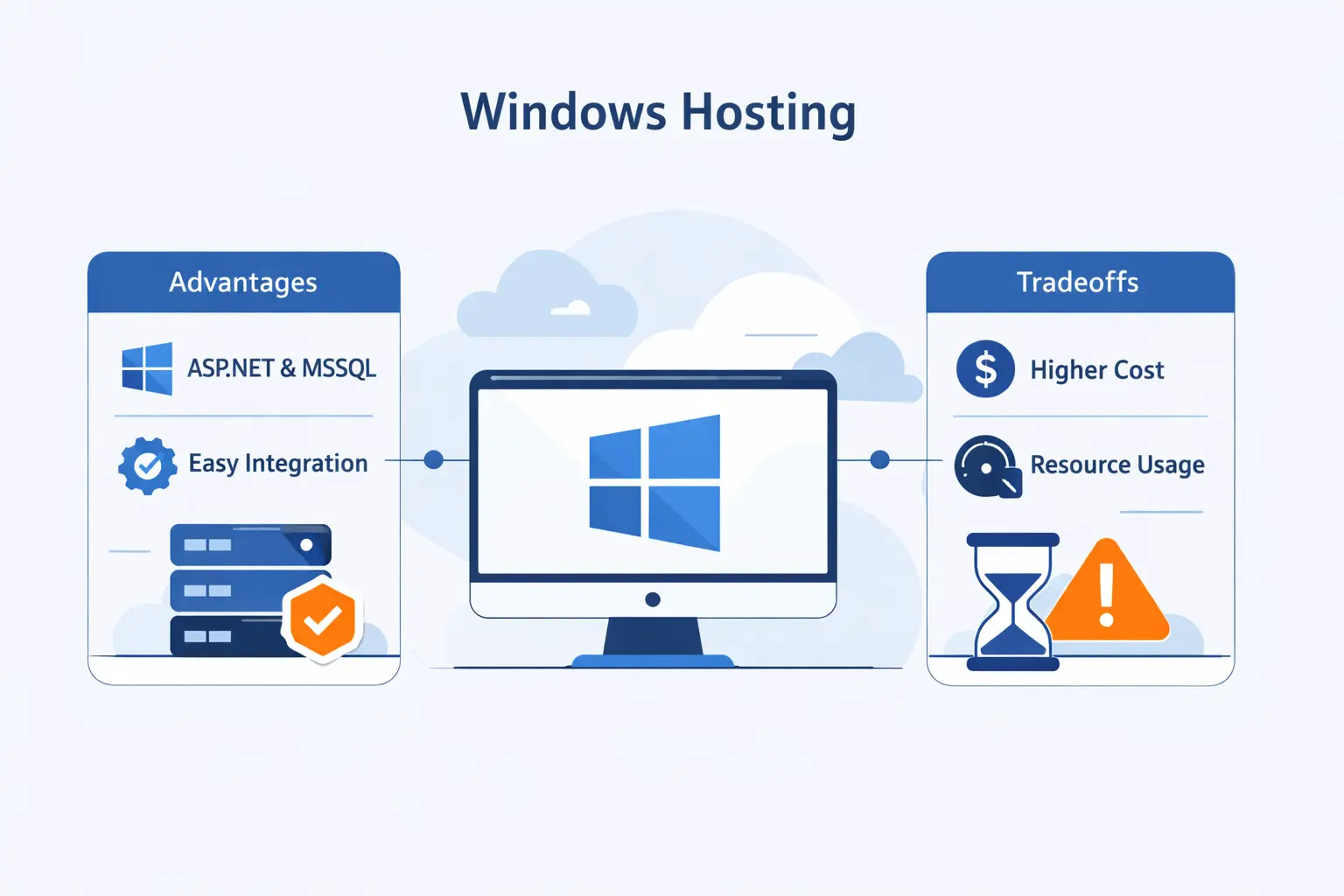
Windows hosting is a niche, but it is not a relic. We still see many valid reasons to choose it, especially in organizations with Microsoft-first systems or teams that want familiar administration tools.
1. Familiar Interface and Easier Administration for Many Teams
For teams used to Windows Server, IIS, and Microsoft admin workflows, Windows hosting can feel more approachable. IIS has a structured management model, application pools, and clear integration points with ASP.NET. Windows-based organizations also tend to find permissions, user accounts, and remote administration more familiar. When a team already thinks in Microsoft terms, Windows hosting lowers the friction of daily maintenance.
2. Native Support for Microsoft Tools Such as SharePoint and Exchange
This is where Windows hosting earns its keep. Microsoft’s SharePoint Server documentation lists supported operating systems as Windows Server releases and includes IIS in the prerequisite stack. Exchange Server documentation follows the same Windows-centered pattern. If your website or portal is tied to these products, Windows stops being optional and starts being the correct tool for the job.
3. Official Vendor Support and Automated Updates
Many teams choose Windows because they want Microsoft’s direct support boundaries and lifecycle rules. That matters in regulated environments and in organizations that care more about official compatibility than squeezing every dollar from the stack. We understand that instinct. A supported path can be worth the premium when the application is business-critical and the risk tolerance is low.
4. Higher Licensing Costs and Heavier Resource Use
The tradeoff is cost and overhead. Microsoft’s pricing model adds licensing complexity, and Windows plans often cost more once control panels and database choices are factored in. Plesk’s published requirements also ask for a higher baseline on Windows than on Linux. We do not say this to knock Windows. We say it because budgets have gravity, and Windows pulls harder on them.
Cost, Performance, and Security Comparison

These three topics get oversimplified all the time. We prefer a calmer view. Cost is about licensing and features. Performance is about workload and tuning. Security is about discipline.
1. How Licensing and Budget Shape the Decision
If you want the cheapest path for a standard business site, Linux usually wins. If you need Windows Server, IIS, or Microsoft-specific tools, the price goes up for good reasons, not because providers are being dramatic. We encourage buyers to compare total stack cost, not headline plan price. The operating system, panel, database, backups, and support all count.
2. Why Performance Depends on Workload, Architecture, and Traffic
There is no honest universal winner on raw performance. A tuned Linux stack with NGINX and PHP-FPM is excellent for common content sites. A well-configured IIS and ASP.NET application can also perform very well for the right workload. Performance follows the application architecture, caching strategy, database design, and traffic pattern more than the logo on the server. We think that point deserves repeating because too many buyers chase myths instead of bottlenecks.
3. Why Security and Reliability Depend on Patching, Permissions, and Administration
Security is not magically solved by choosing Linux or Windows. Old PHP versions, weak folder permissions, neglected patches, risky plugins, and bad deployment habits create trouble on either platform. WordPress explicitly warns that old PHP and database versions can expose sites to vulnerabilities, and cPanel strongly recommends regular updates. We have the same view. Good administration beats platform tribalism every time.
How to Choose Between Linux and Windows Hosting
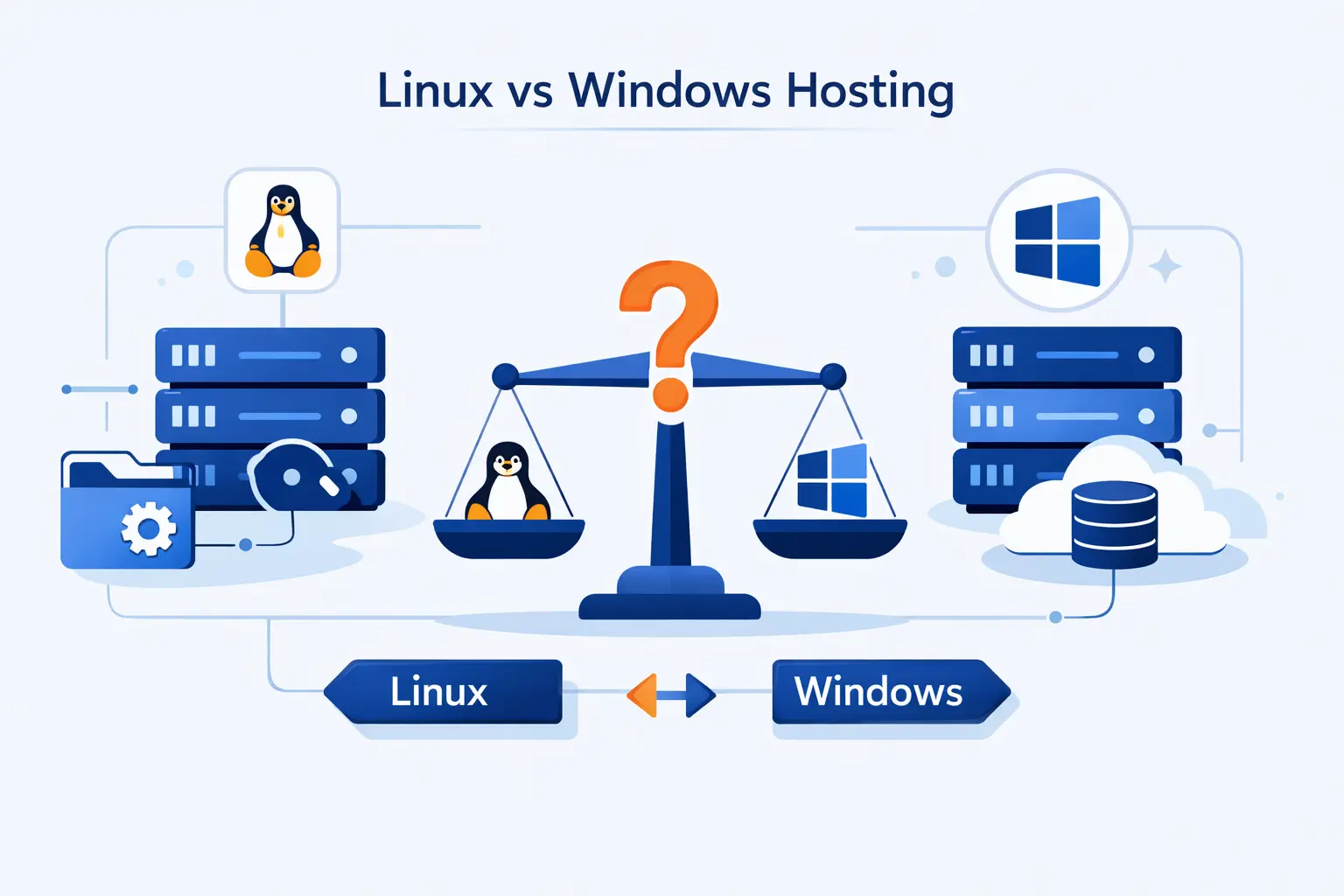
When we guide customers through this choice, we do not start with opinions. We start with a checklist. What code are you running, what database do you need, what control panel do you expect, and who will maintain the server after launch?
1. Match the Hosting Platform to Your Development Stack
If the project is WordPress, Laravel, Drupal, or another open-source stack, Linux is usually the clean answer. If it is legacy ASP.NET Web Forms, classic ASP, Access-based logic, SharePoint-linked software, or another Windows-first product, choose Windows. If it is modern ASP.NET Core or SQL Server, pause and verify the full environment before you decide, because those are no longer simple Windows-only signals.
2. Confirm Database, Control Panel, and Software Requirements
We advise customers to confirm database engines, control panel expectations, mail features, scheduled tasks, backup tooling, and third-party modules before buying. cPanel points toward Linux-oriented hosting. Plesk can fit both Linux and Windows. Databases may also shape the result, especially if the software vendor officially tests only one combination. This is dull homework, but it is the kind that prevents expensive surprises.
3. Weigh Team Expertise, Support Expectations, and Growth Plans
If your team is comfortable with SSH and open-source tooling, Linux often gives you more flexibility for less money. If your administrators live in the Microsoft ecosystem and want official vendor support boundaries, Windows may be the smoother operational fit. We also ask one more question. What will this site become in a year? A platform that fits today but blocks tomorrow is no bargain.
Best Use Cases for Linux and Windows Hosting
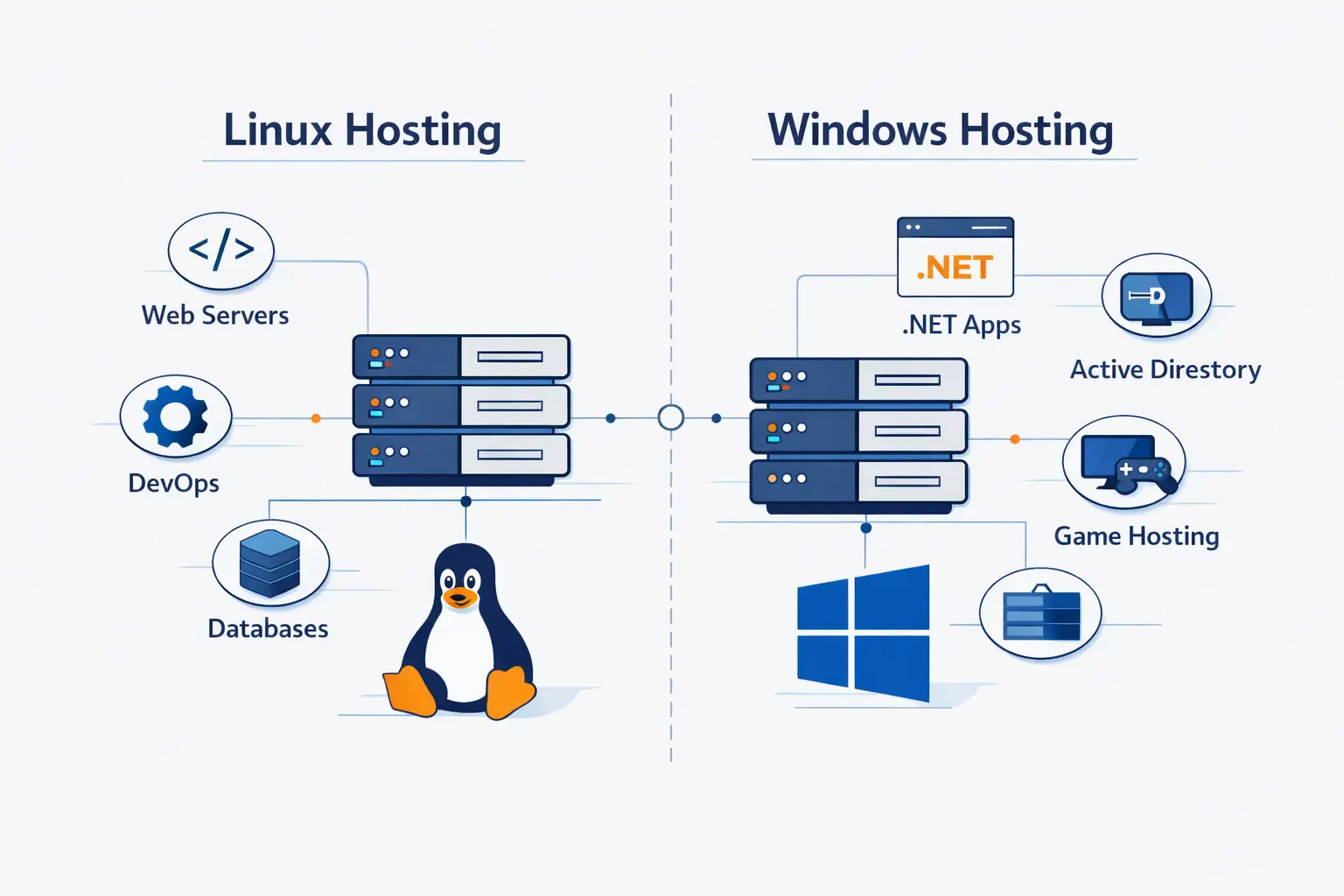
Use cases tell the story better than slogans. We find that buyers stop second-guessing themselves when they see where each platform naturally shines.
1. When Linux Hosting Is the Better Choice for WordPress and Open-Source Sites
Linux is the better choice for WordPress, most PHP applications, open-source CMS platforms, many Python-based services, and standard business websites. It is usually cheaper, well supported, and closely aligned with the tools these projects expect. If the site is marketing-led, content-led, or built on a familiar open-source stack, Linux is often the straightforward answer.
2. When Windows Hosting Is the Better Choice for Microsoft-Based Websites
Windows is the better choice when the application depends on IIS behavior, classic ASP, legacy ASP.NET, Access-linked web logic, SharePoint-connected systems, or other Microsoft server products. It also makes sense when the organization already manages Windows infrastructure and wants the hosting environment to match internal skills. In those cases, forcing Linux can create more pain than savings.
3. When a Migration Between Linux and Windows Hosting May Make Sense
A migration can make sense when the software has changed enough that the old platform is now just baggage. For example, moving from legacy ASP.NET to modern ASP.NET Core may open the door to Linux. Moving a simple site into a SharePoint-linked or IIS-dependent environment may push it toward Windows. That last step is partly our inference from Microsoft’s current support posture and cross-platform guidance, but it is a practical inference, not a wild guess.
Common Misconceptions About Linux vs Windows Hosting
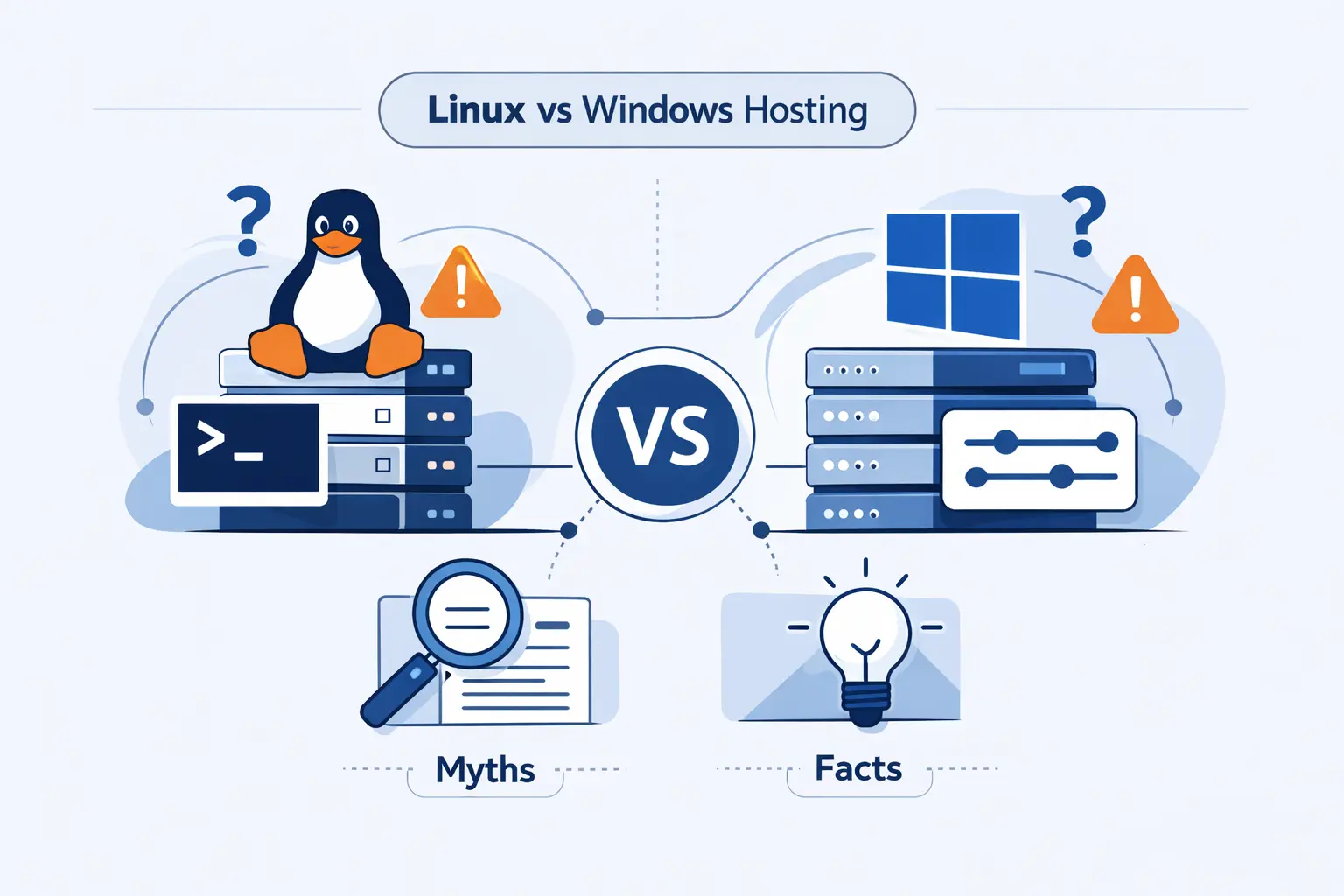
This topic collects a lot of bad advice. We hear the same myths again and again, so it helps to clear the air before you spend money on the wrong plan.
1. Your Personal Computer Operating System Does Not Determine Hosting Choice
If you use a Windows laptop, you do not automatically need Windows hosting. If you use a Mac, you do not automatically need Linux hosting. Your personal computer is where you work. The hosting platform is where the application runs. Those are different questions, and mixing them up sends many buyers down the wrong road.
2. Linux Is Not Automatically the Best Fit for Every Website
Linux is the default for many sites, but default is not the same as universal. If the application expects SharePoint, Exchange, classic ASP, or old ASP.NET behavior, Windows is often the cleaner and safer fit. We like Linux a lot, but we do not pretend it is the answer to every server-side problem. That would be wishful thinking dressed up as expertise.
3. Security Depends More on Setup Than on Platform Alone
Both platforms can be secure. Both can be neglected. Patching, least-privilege permissions, update hygiene, backup discipline, and sane application choices matter more than operating system tribalism. In our experience, the most dangerous server is usually not the one running the “wrong” platform. It is the one nobody has maintained.
FAQ About Linux vs Windows Hosting
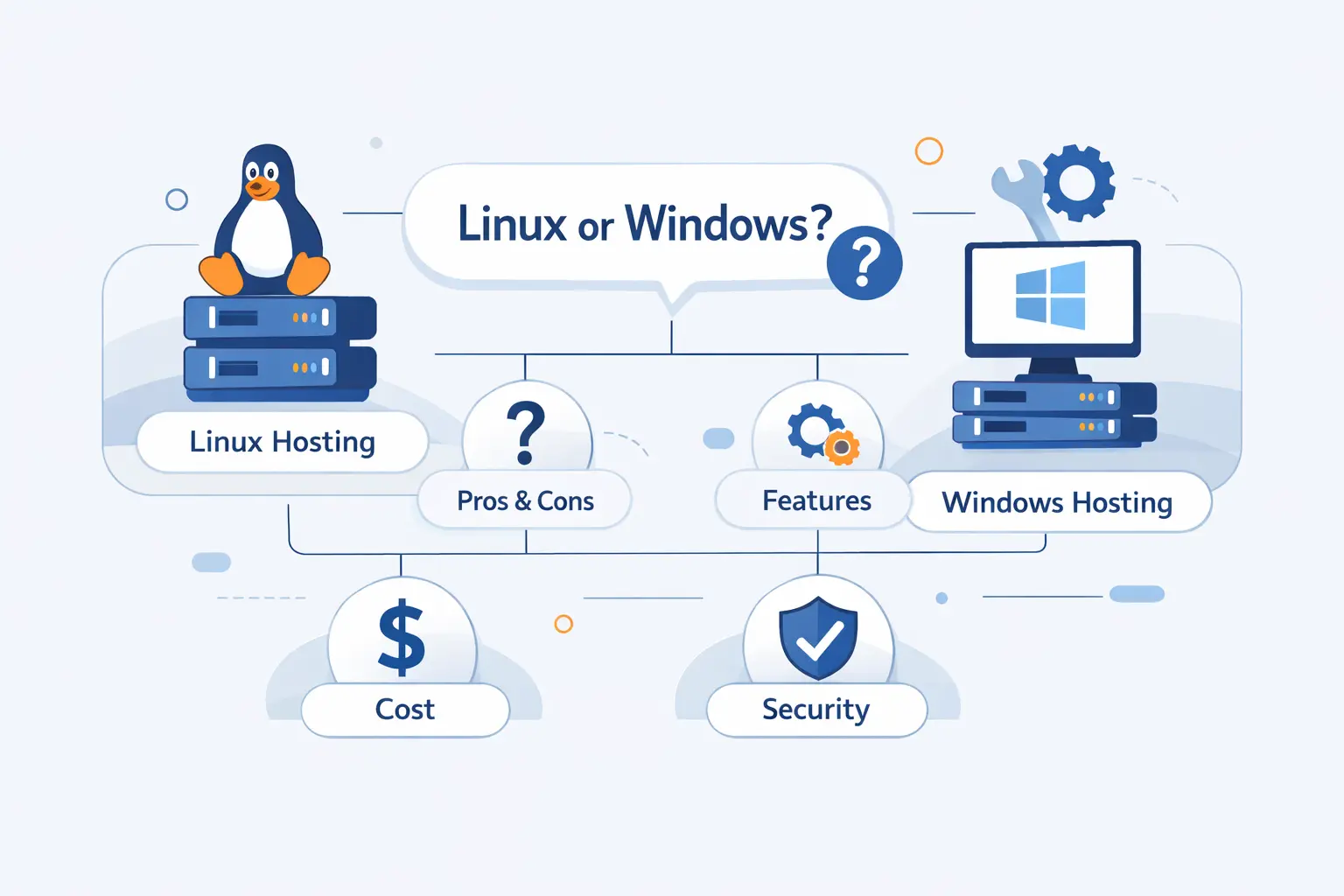
Here are the short answers we give most often when customers want a quick decision without the fog.
1. Which Hosting Is Better, Linux or Windows?
Linux is better for most open-source websites and budget-conscious projects. Windows is better for Microsoft-specific workloads and legacy IIS-based applications. The better platform is the one that matches your software stack, not the one with the louder fan club.
2. Why Is Linux Preferred Over Windows?
Linux is preferred because it aligns with the most common public web stacks, usually costs less, and supports the tools many websites already use. Its dominant share across public websites also reflects how comfortable the market is with Linux-based hosting.
3. Is Linux Better for Hosting Servers?
Often, yes, for general-purpose web hosting. But not always. If your application is built around Microsoft server products or older Windows-specific frameworks, Windows can be the better operational choice.
4. Do You Need Windows Hosting If You Use a Windows Computer?
No. Your desktop operating system does not decide the hosting platform. The site’s server-side software does.
5. Which Control Panel Comes With Linux and Windows Hosting?
Linux hosting commonly comes with cPanel and WHM, while Windows hosting often comes with Plesk. Plesk can also run on Linux, which is why some providers use it across both product lines.
6. Can You Migrate From Linux Hosting to Windows Hosting?
Yes, but the ease depends on the application. Content can often move. Code, databases, modules, and path behavior may need changes. Plesk publishes supported operating systems for both Linux and Windows, and its documentation also notes migration paths from older Plesk versions and cPanel sources, which shows that tooling exists even when the app still needs careful review.
How 1Byte, a Cloud Computing and Web Hosting Provider, Supports Your Hosting Journey
At 1Byte, we do not think hosting should begin with confusion. We prefer a practical path. Start with what the site needs today, then leave yourself room to grow without rebuilding everything from scratch.
1. Register Domains and Protect Websites With SSL Certificates
We help customers begin at the foundation. That means registering domains, setting up DNS cleanly, and protecting websites with SSL certificates from the start. For us, this is not decoration. It is the first layer of trust and the first sign that a project is being taken seriously.
2. Launch WordPress Hosting and Shared Hosting for Business Websites
For many businesses, the right answer is not exotic. It is a dependable WordPress hosting or shared hosting plan that matches the site’s actual traffic, software, and budget. We like this approach because it keeps early costs sensible while giving owners a clear place to launch, test, and publish.
3. Scale With Cloud Hosting, Cloud Servers, and AWS Partner Expertise
When a project grows past simple hosting, we support the next step with cloud hosting, cloud servers, and AWS Partner expertise. That matters when applications need more control, stronger isolation, custom environments, or a migration strategy that respects uptime and business risk. In our view, good hosting is a journey, and the best provider helps at each stage instead of selling one-size-fits-all plans.
Final Verdict on Linux vs Windows Hosting
1. Choose Linux for Most Open-Source, Budget-Conscious, and Flexible Projects
If the site runs on WordPress, PHP, MySQL, PostgreSQL, Python, or another open-source stack, Linux is usually the right call. It fits the mainstream web, keeps costs lower, and gives technical teams plenty of room to work. For most public websites, that is the sweet spot.
2. Choose Windows for Microsoft Technologies and Familiar Administration
If the project depends on SharePoint, classic ASP, legacy ASP.NET, Windows-first integrations, or a team that lives in the Microsoft ecosystem, Windows hosting is the sensible choice. We would rather pay for the right environment than save a little money and fight the platform every week.







3. Pick the Hosting Platform That Best Matches Your Site, Tools, and Team
Our final view at 1Byte is simple. Do not choose based on habit, desktop preference, or internet folklore. Choose based on your application, your maintenance style, and the people who will run the server after launch. Get that match right, and the linux vs windows hosting question stops being a headache and becomes what it should be, a clear technical decision.