

- Quick Comparison of Mobile CRM App
- Top 20 Mobile CRM App Solutions for Teams
- What Is a Mobile CRM App?
- Evaluation Criteria for the Best Mobile CRM App
- Key Mobile CRM App Features to Compare
- Best Mobile CRM App Use Cases by Team
- Benefits of Using a Mobile CRM App
- Common Mobile CRM App Limitations to Check
- How to Choose the Best Mobile CRM App
- Mobile CRM App Security and Implementation Checklist
- Mobile CRM App FAQs
- How 1Byte Supports Mobile CRM App Projects With Domains, SSL, Hosting, Cloud Servers, and AWS Partner Expertise
At 1Byte, we see the mobile CRM app market moving out of the “nice-to-have” lane and into core revenue operations. Gartner says CRM software grew 13.4% to $128 billion in 2024, which tells us buyers now expect far more than a digital Rolodex when they evaluate sales tools.
That expectation is rising because AI is no longer experimental for most organizations. McKinsey found 88 percent report regular AI use in at least one business function, so sellers now assume their CRM can summarize activity, suggest next steps, and shave admin time without turning every workflow into a science project.
We also think buyers make one recurring mistake: they compare feature grids before they compare selling motions. A field rep leaving a construction site, a founder living in Gmail, and an enterprise account team juggling approvals all need different kinds of speed. The best mobile CRM app is the one your team actually uses in the moment, when the note is fresh, the promise is clear, and the next task should be set before anyone forgets.
Quick Comparison of Mobile CRM App
We built this quick scan for readers who want the shortlist first. Prices below reflect public entry points where vendors publish them, and we flag custom-quote products honestly rather than pretending every tool is equally transparent.
| Service/Tool | Best for | From price | Trial/Free | Key limits |
|---|---|---|---|---|
| Streak | Gmail-based selling | $49/user/mo | 14-day trial on Pro+ | Same plan for all users; no view-only discount |
| Pipedrive | Visual pipeline teams | $14/user/mo | 14-day trial | Add-ons extra; deeper automation higher tiers |
| HubSpot CRM | Free-start GTM teams | $0/mo | Free plan | Free tier capped at 2 users and 1,000 contacts |
| Zoho CRM | Customization-minded SMBs | $14/user/mo | 30-day trial; free plan | Free plan limited to 3 users |
| Freshsales | Built-in phone/email/chat | $0/mo | Free for 3 users; 21-day trial | Advanced AI and reporting cost more |
| Zendesk Sell | Sales plus support context | $19/user/mo | Free trial | Best automation sits in upper tiers |
| Capsule | Simple small-business CRM | $0/mo | Free plan; 14-day paid trial | Free tier has 2 users and 250 contacts |
| Agile CRM | Tight budgets | $0/mo | Free for 10 users | Free tier capped at 1,000 contacts |
| SugarCRM | Complex B2B workflows | $49/user/mo | Demo-led | Heavier setup; many plans annual |
| Insightly | CRM-to-project handoff | $29/user/mo | 14-day trial | AI and scale limits vary by tier |
Top 20 Mobile CRM App Solutions for Teams
Our ranking leans toward adoption, not brochure theater. We favor tools that let reps log calls, update deals, set tasks, and move follow-ups while the meeting is still fresh, because a CRM that waits for desktop cleanup usually turns into stale pipeline fiction.
1. Streak
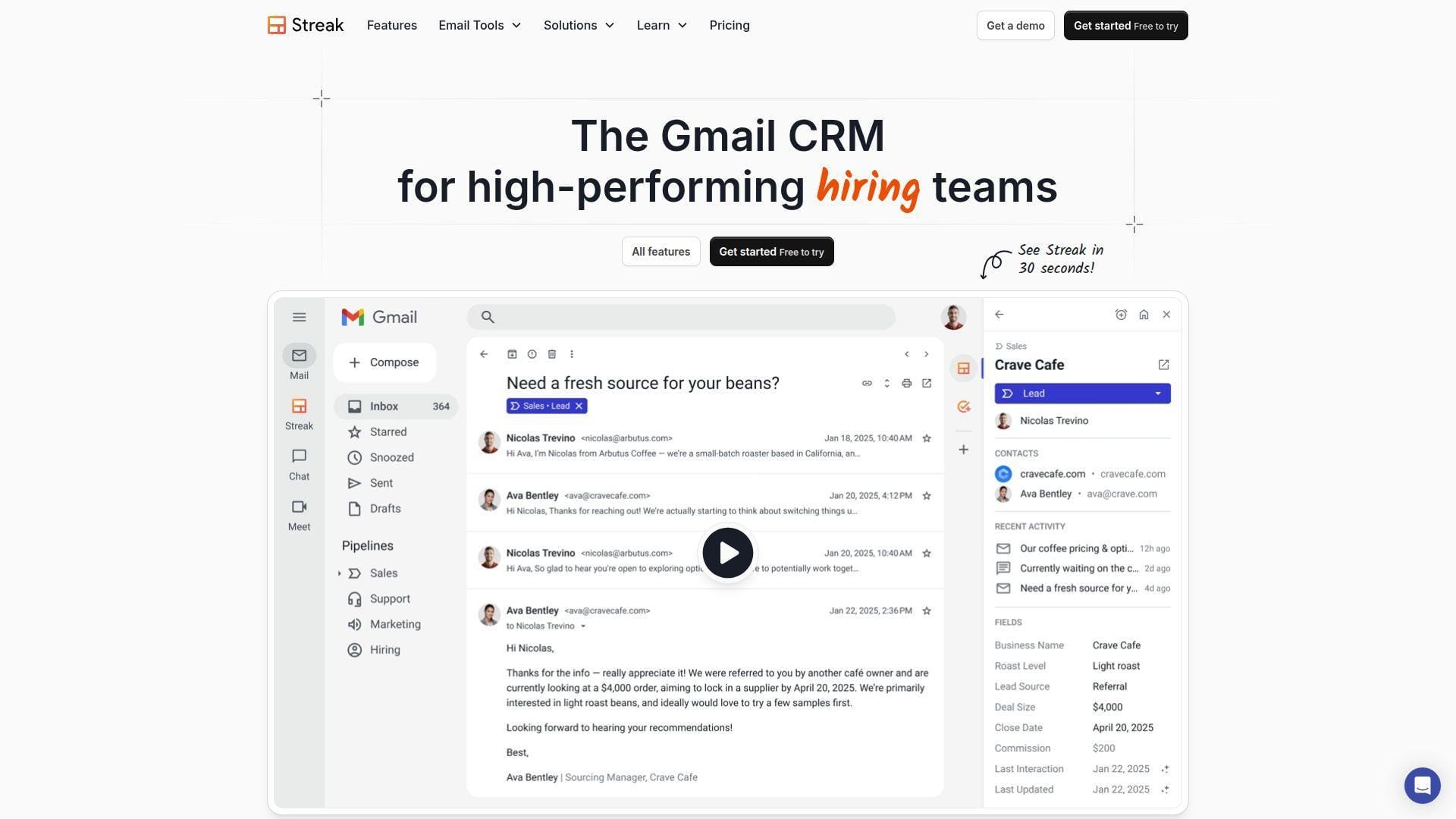
Streak is a Gmail-native CRM from a product-led team that built the whole experience around the inbox. We like that focus because it removes one of the biggest reasons small sales teams stop updating CRM data: switching tools.
Best for: founder-led sales teams, Google Workspace-heavy agencies.
- Inbox-first pipelines → reps can move stages, add notes, and assign tasks from the same thread, so fewer deals stall after email conversations.
- Mail merge, AI assists, and automations → cuts roughly 3–5 follow-up steps and saves several minutes on every active opportunity.
- Gmail-native UX → most small teams reach first useful value in half a day because the workflow already feels familiar.
Pricing & limits: From $49/user/mo billed annually for Pro; Pro+ is $69/user/mo and offers a 14-day trial; Enterprise is $129/user/mo. Records are unlimited, but everyone on a team must be on the same plan and view-only seats are not discounted.
Honest drawbacks: Streak still feels best on desktop Gmail, so route-heavy field teams may want stronger maps, calling, or offline controls. It beats many CRMs at inbox flow and trails Pipedrive on standalone pipeline analytics.
Verdict: If you sell from Gmail all day, this helps you keep pipeline discipline without asking your team to build a brand-new habit first.
2. Pipedrive
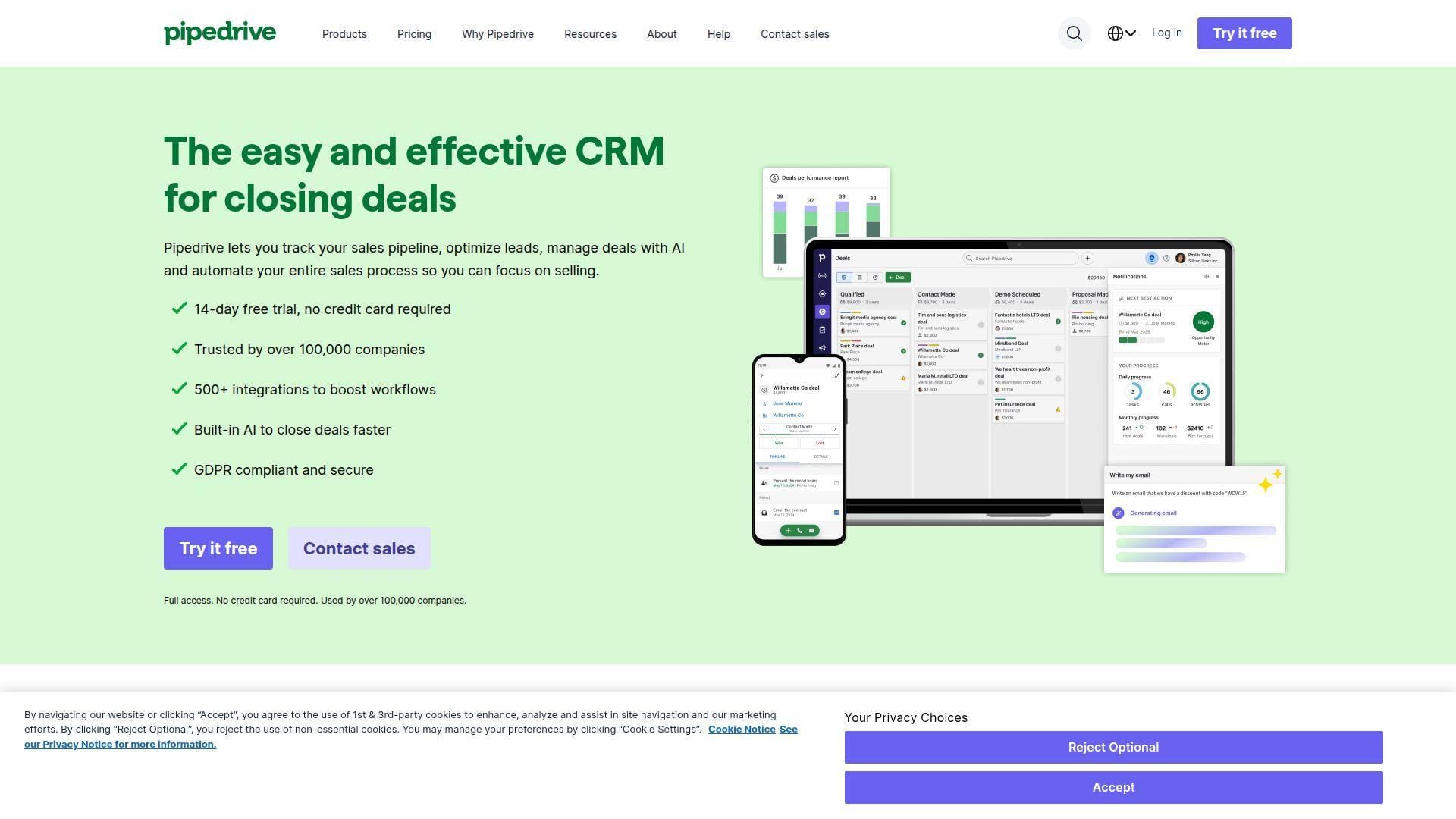
Pipedrive is a sales-first company with a product team that obsesses over pipeline clarity. We keep returning to it because it does the core job well: it shows reps what is open, what is late, and what should move next.
Best for: SMB sales managers, account executives who want clean visual pipelines.
- Activity-driven pipeline views → reps see overdue actions fast, which keeps next steps from disappearing between meetings.
- AI reporting and broad integrations → removes 2–4 export and reporting steps when managers need updates on the road.
- Focused mobile design → most teams get to first value the same day because the layout stays simple under pressure.
Pricing & limits: From $14/user/mo billed annually on Lite, with a 14-day free trial; Growth is $39, Premium is $59, and Ultimate is $79 per user/month. Add-ons can lift the total quickly, especially for lead capture and documents.
Honest drawbacks: Marketing, lead generation, and richer document flows often sit outside the base plan or behind add-ons. It beats HubSpot at pure pipeline focus and trails Salesforce on enterprise controls.
Verdict: If you want reps to update opportunities fast and managers to coach from live data, this helps you tighten execution in days, not months.
3. HubSpot CRM
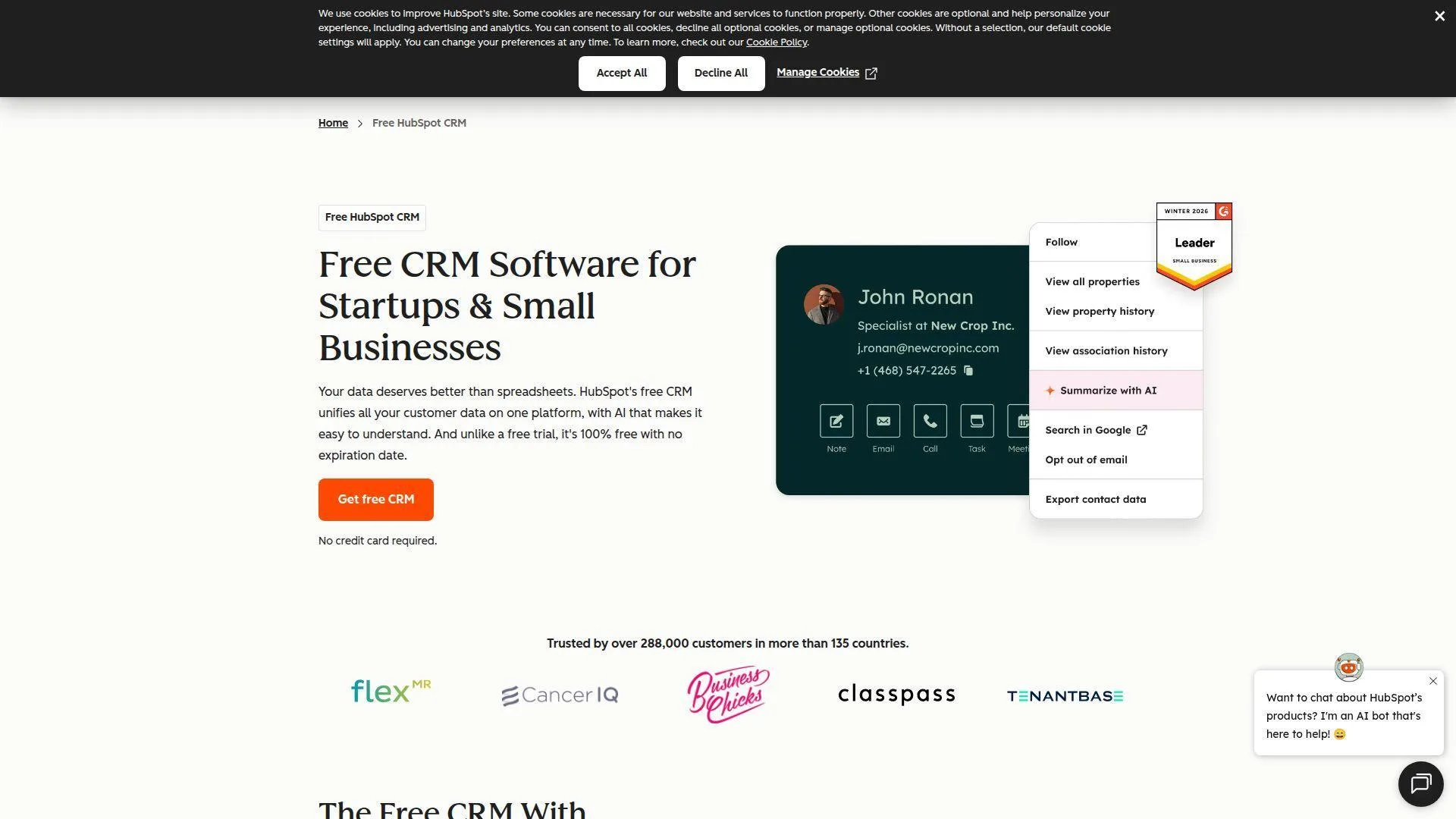
HubSpot comes from a large go-to-market software team that thinks in systems, not isolated sales screens. We appreciate that because mobile CRM only gets stronger when sales, marketing, and service share the same record.
Best for: startup sales teams, SMB revenue teams that want one platform for growth.
- Unified contact and deal records → sales, marketing, and service stay on the same timeline, which reduces duplicate follow-up and missed context.
- Email, meetings, forms, and automation → removes roughly 3–5 manual logging steps per interaction and keeps records cleaner by default.
- Polished onboarding and templates → most teams see first value in under a day, especially when they start from the free plan.
Pricing & limits: From $0/mo on the free CRM; paid seats start at $15/user/mo, with higher editions at $50 and $75 per seat/month. The free plan is generous but caps core CRM use at up to 2 users and 1,000 contacts.
Honest drawbacks: HubSpot gets expensive once you add multiple hubs, advanced permissions, or deeper reporting. It beats many suites on polish and trails Zoho on low-cost customization flexibility.
Verdict: If you need a mobile CRM app that can grow into a wider revenue stack, this helps you move from basic contact management to coordinated execution without switching platforms later.
4. Zoho CRM
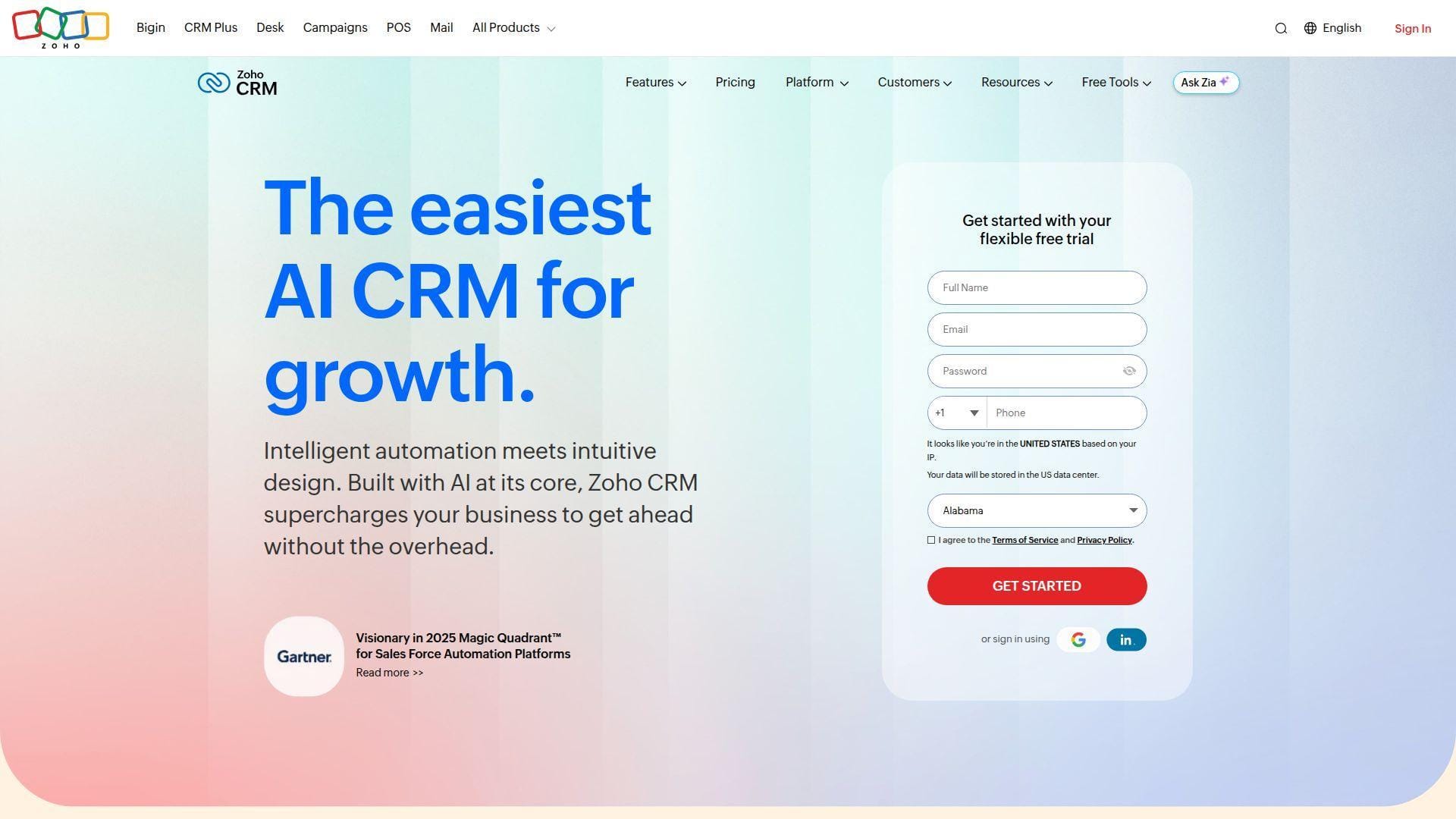
Zoho is built by an R&D-heavy company that prefers owning its stack instead of stitching together acquisitions. We like that mindset because mobile CRM gets stronger when the surrounding suite, admin tools, and workflows are deeply connected.
Best for: ops-minded SMBs, teams with custom sales processes.
- Blueprints, multiple pipelines, and custom modules → teams can shape the app around their process rather than forcing a generic pipeline.
- Workflows, marketplace extensions, and Zia AI → reduces repetitive follow-up and cuts several copy-paste steps across apps.
- Flexible configuration model → first value usually lands in 1–3 days, though cleaner setups take planning.
Pricing & limits: From $14/user/mo billed annually for Standard; Professional is $23, Enterprise is $40, and Ultimate is $52. There is a 30-day trial, plus a free plan for up to 3 users.
Honest drawbacks: Zoho’s flexibility can also create menu sprawl, and the interface is less instantly friendly than HubSpot or Capsule. It beats many SMB CRMs on value and trails Pipedrive on instant ease.
Verdict: If your sales motion has real process nuance, this helps you build a mobile CRM app that fits your operation instead of flattening it.
5. Freshsales
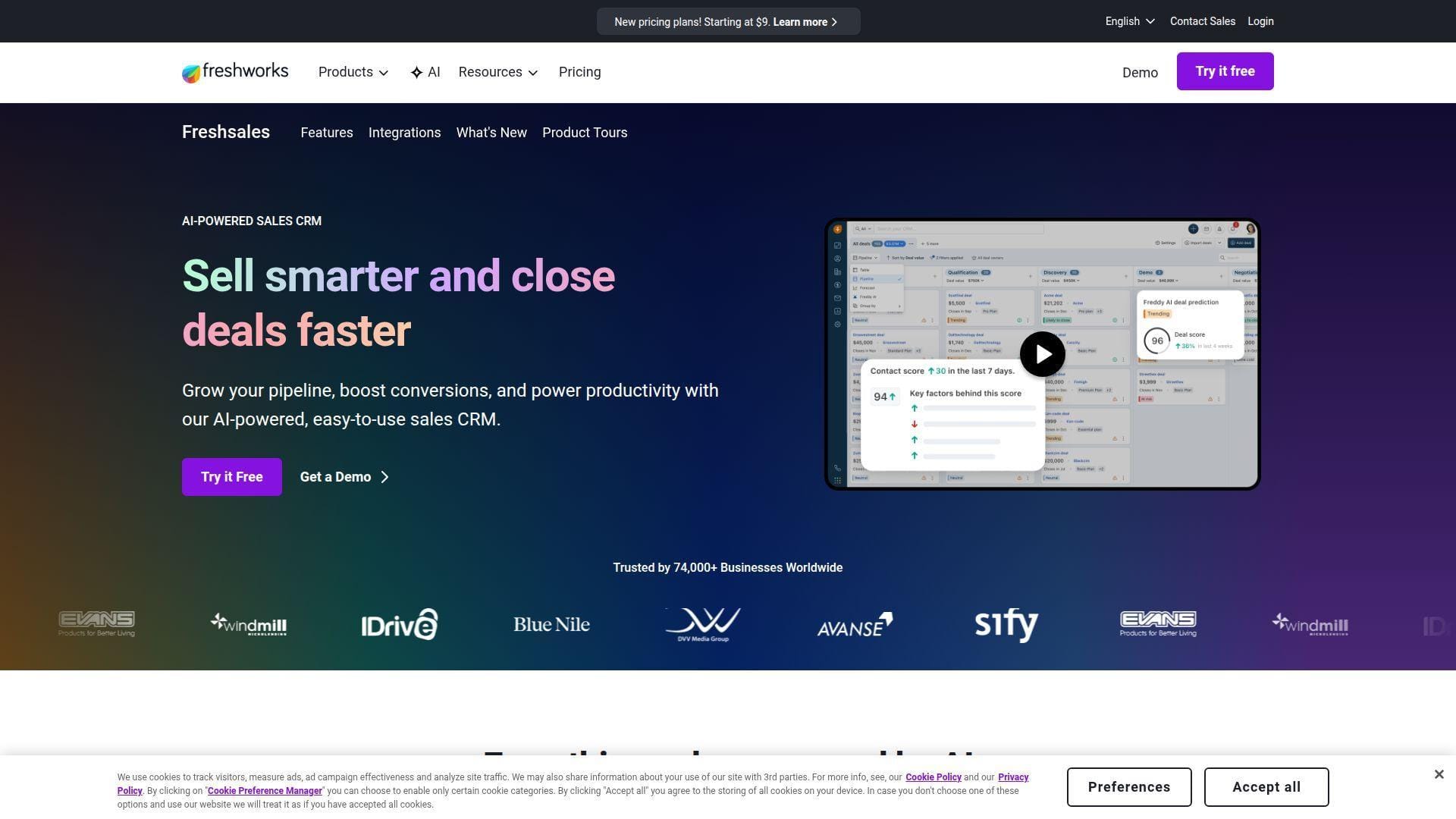
Freshsales comes from Freshworks, a company with deep roots in support software and practical business UX. We value that heritage because it shows up in a mobile experience that tries to keep communication, selling, and follow-up in one place.
Best for: growing inside sales teams, SMBs that want built-in calling and messaging.
- Built-in email, phone, and chat → reps can contact leads and log activity from one screen, which shortens the gap between outreach and record keeping.
- Freddy AI and workflow automation → trims repetitive follow-up tasks and can save several minutes on each qualified lead.
- Fast, practical setup → most small teams can reach first useful value in a few hours without consultant-heavy work.
Pricing & limits: From $0/mo for up to 3 users; paid plans start at $9/user/mo billed annually, with Pro at $39 and Enterprise at $59. A 21-day free trial is available on paid tiers.
Honest drawbacks: The strongest AI, analytics, and governance features live higher up the ladder, and deeper customization still trails enterprise-heavy tools. It beats Pipedrive on bundled communications and trails Zoho on process shaping.
Verdict: If you want one mobile CRM app that handles outreach and follow-up cleanly, this helps your reps act faster without juggling extra calling tools.
6. Zendesk Sell
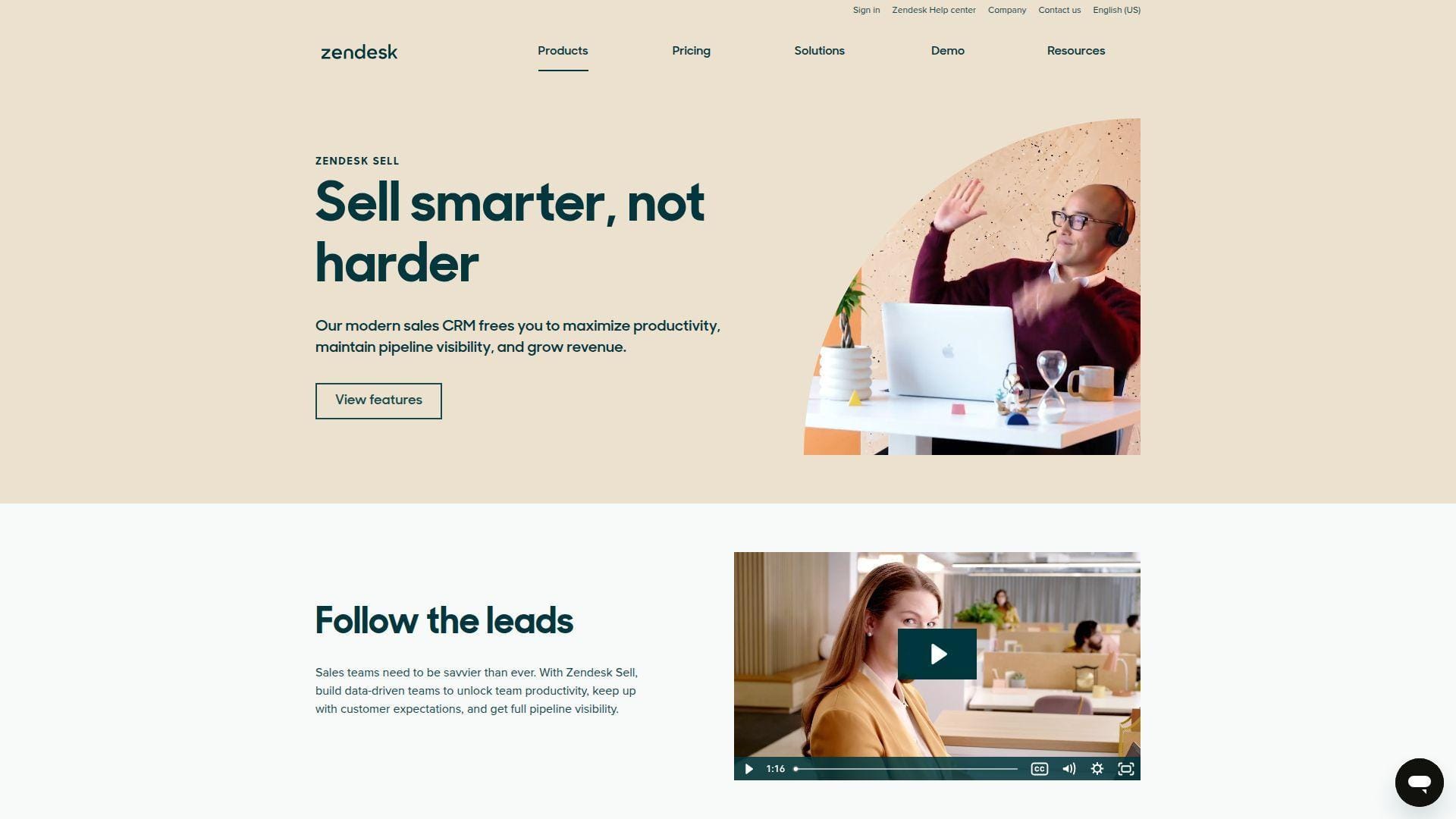
Zendesk Sell is shaped by a company that understands service as much as sales. We think that matters, because many teams do not lose deals from bad prospecting alone; they lose them when service context and revenue context live in separate worlds.
Best for: sales-plus-support organizations, customer-facing SMB teams that want shared context.
- Unified sales and service visibility → reps see more of the customer story, which reduces awkward handoffs and repeated questions.
- Calling, texting, geolocation, and automation → cuts several admin steps after meetings and helps field reps keep momentum on the road.
- Conversational UX → first value usually appears in 1–2 days because the app stays centered on everyday selling actions.
Pricing & limits: From $19/user/mo for Sell Team; Growth is $55, Professional is $115, and Enterprise is $169 per user/month. Zendesk offers a free trial, but the strongest forecasting, permissions, and automation live in upper tiers.
Honest drawbacks: If you do not use the broader Zendesk stack, the service advantage narrows. It beats many CRMs at service-aware selling and trails Salesforce on deep enterprise extensibility.
Verdict: If your reps need sales and support context in one mobile view, this helps them respond faster and sound better informed after every interaction.
7. Capsule
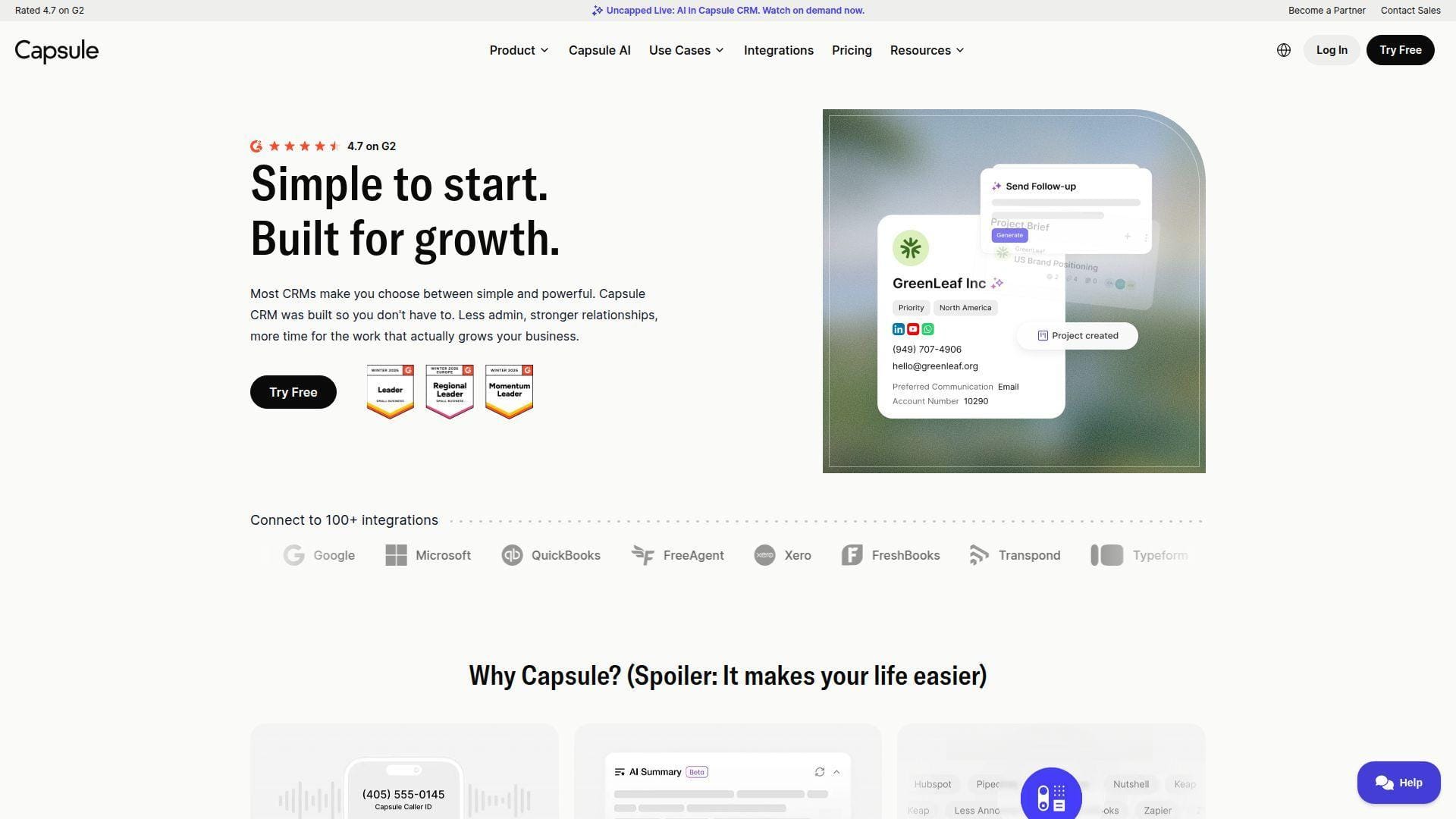
Capsule is a small-business CRM from a team that clearly prioritizes usability over feature bloat. We respect that restraint. A lean CRM with strong habits often beats a bloated suite that your team dreads opening.
Best for: consultancies, agencies, and small service businesses.
- Clean contact, task, and opportunity views → reps and owners can keep relationships organized without wading through enterprise clutter.
- Shared inbox and workflow tools → saves 2–3 chase emails and keeps follow-up responsibility visible.
- Low-friction UX → most teams see first value in hours because the app feels simple enough to trust immediately.
Pricing & limits: From $0/mo on the free plan or $18/user/mo on paid plans; paid tiers include a 14-day trial. The free plan is capped at 2 users, 250 contacts, and 1 sales pipeline, while Starter expands to 30,000 contacts.
Honest drawbacks: Capsule is lighter on enterprise permissions, complex automation, and route-based field tools. It beats HubSpot on simplicity and trails Zoho on structural depth.
Verdict: If you want a mobile CRM app that your small team will actually keep updated, this helps you create steady follow-up without drowning in setup.
8. Agile CRM
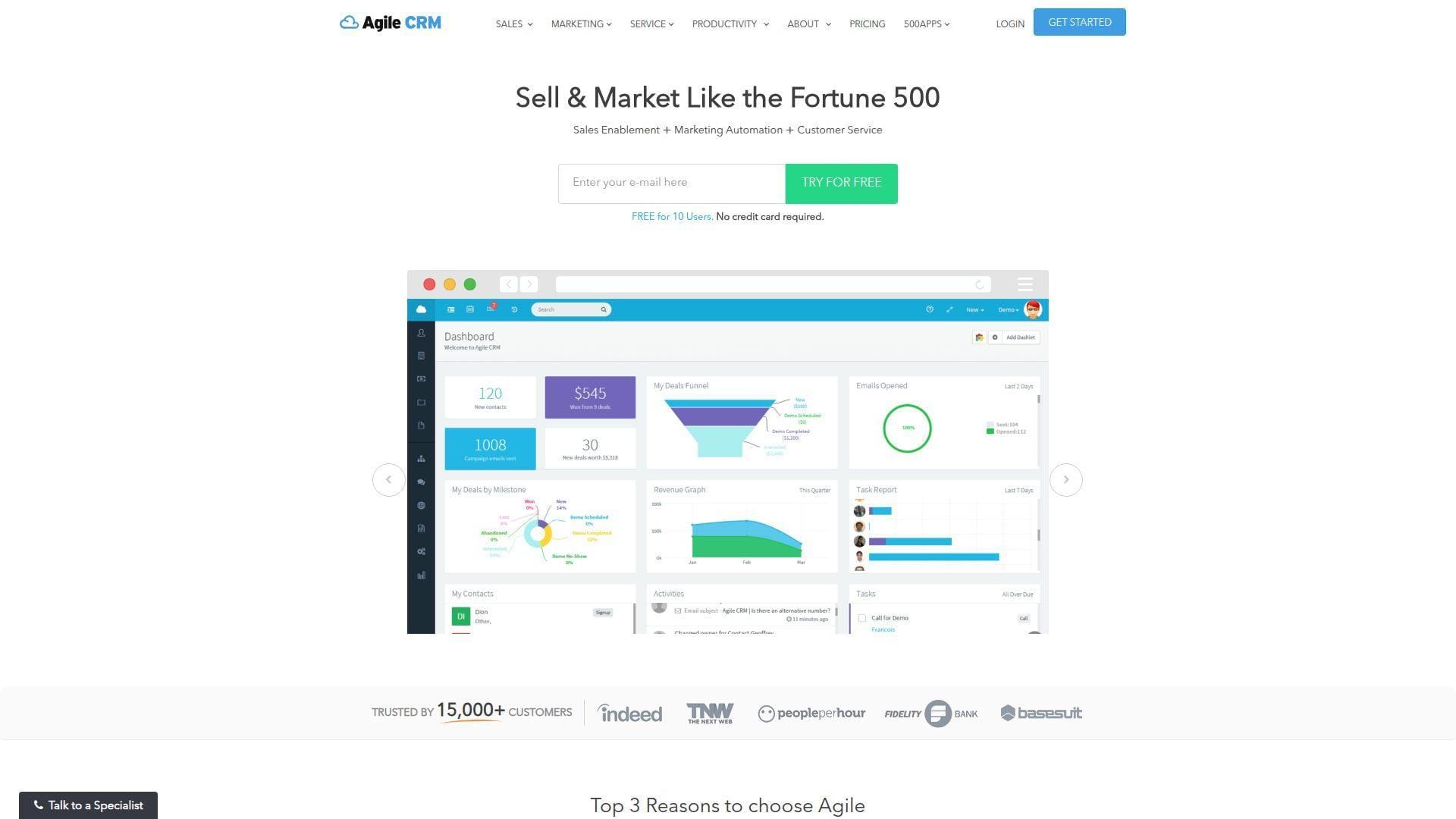
Agile CRM is built for buyers who want a broad toolset without a premium bill on day one. We see its appeal for very small teams because it bundles sales, marketing, and service ideas into one budget-friendly package.
Best for: price-sensitive startups, small digital sales teams.
- All-in-one contact, deal, and campaign stack → small teams can manage more of the customer cycle without paying for multiple products.
- Email, telephony, and automation features → reduces tool sprawl and removes several repetitive handoff steps.
- Generous free starting point → time-to-first-value is often under a day for teams that need basic structure fast.
Pricing & limits: From $0/mo for up to 10 users on the free plan, with paid plans starting at $8.99/user/mo. The free plan caps contacts at 1,000, while Regular and Enterprise plans unlock bigger automation and reporting depth.
Honest drawbacks: The interface feels dated in places, and larger teams may outgrow its polish, governance, and analytics. It beats pricier tools on entry-level bundle value and trails Freshsales on modern UX.
Verdict: If your budget is tight and you still need a workable mobile CRM app, this helps you get organized quickly without a painful first contract.
9. SugarCRM
SugarCRM is aimed at serious B2B selling, and that shows in how its team talks about forecasting, process control, and relationship-heavy industries. We usually recommend it when a sales motion is too complex for lightweight SMB CRM logic.
Best for: manufacturers, distributors, and enterprise B2B sales teams.
- Offline-capable mobile workflows → reps can keep working on opportunities, quotes, and tasks even when coverage gets patchy.
- AI prioritization, forecasting, and guided process tools → helps managers focus sellers on the deals most worth attention.
- Deeper process architecture → first value often takes 2–6 weeks, but the payoff is a system that matches complex sales reality.
Pricing & limits: From $49/user/mo on entry cloud pricing, with higher sell editions climbing fast and many plans sold on annual terms. In practice, buyers should expect sales-led purchasing and heavier minimums than typical SMB CRMs.
Honest drawbacks: SugarCRM is overkill for tiny teams, and the admin lift is meaningfully higher than Capsule, Pipedrive, or Freshsales. It beats lighter CRMs on rigor and trails Salesforce on ecosystem reach.
Verdict: If your mobile CRM app must support complex B2B process discipline, this helps you trade simplicity for control in a way that can pay off over time.
10. Insightly
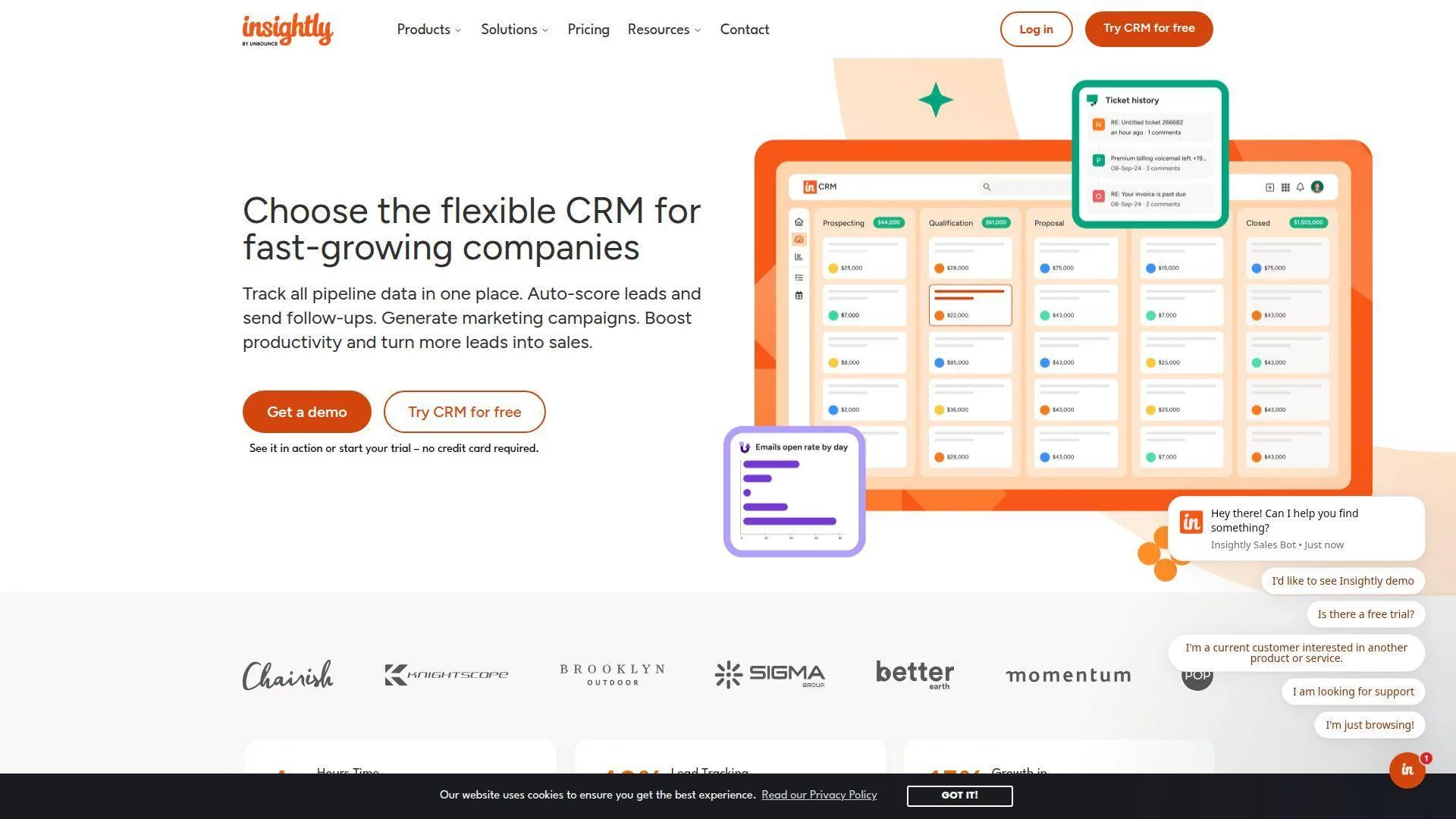
Insightly is strongest when sales does not end at closed-won. Its team has long leaned into the bridge between CRM, delivery, and workflow visibility, which makes it a pragmatic choice for service-heavy organizations.
Best for: professional services firms, teams that need CRM-to-project handoff.
- Sales plus project handoff logic → closed deals move into delivery with less lost context and fewer awkward internal relays.
- AI copilot, summaries, and workflows → saves repetitive email drafting and helps reps move faster after meetings.
- Dashboard-first setup → most teams can reach first useful value in 1–2 days once fields and pipelines are defined.
Pricing & limits: From $29/user/mo on Plus, with Professional at $49 and Enterprise at $99; paid plans include a 14-day trial. Plus caps records at 100,000 with 10GB storage and 2,500 mass emails per day, while Professional scales higher.
Honest drawbacks: The interface can feel denser than Capsule, and some AI and scale perks only become attractive on pricier tiers. It beats many CRMs at post-sale continuity and trails HubSpot on broader ecosystem pull.
Verdict: If you want sales data to survive the handoff into delivery, this helps your team keep momentum after the contract is signed.
11. Salesforce
Salesforce remains the heavyweight because its platform team has spent years turning CRM into a broad business operating layer. We do not recommend it lightly, but we also do not dismiss it when complexity, governance, and scale are genuine requirements.
Best for: enterprise revops teams, multi-region sales organizations.
- Custom objects, permissions, and automation depth → companies can model complicated selling motions instead of forcing everything into a basic pipeline.
- AppExchange, Slack, and AI ecosystem → removes a large amount of swivel-chair work once the stack is wired correctly.
- Mature admin framework → time-to-first-value ranges from 2–8 weeks, but the ceiling is exceptionally high.
Pricing & limits: From $0/mo on Free Suite or $25/user/mo on Starter Suite; Pro is $100, Enterprise is $175, and Unlimited is $350 per user/month. The free suite is capped at 2 users, and meaningful enterprise use starts higher.
Honest drawbacks: Salesforce is easy to overbuy, overspec, and overcustomize. It beats almost everyone on extensibility and trails simpler tools on speed, cost, and day-one clarity.
Verdict: If you need a mobile CRM app that can live inside a larger enterprise operating model, this helps you scale without repainting the house every year.
12. Microsoft Dynamics 365
Dynamics 365 Sales comes from a team that understands the daily gravity of Outlook, Teams, and Microsoft 365. That makes it especially compelling when your salespeople already spend most of their day inside the Microsoft universe.
Best for: Microsoft-centric enterprises, larger field and inside sales hybrids.
- Deep Outlook and Teams alignment → reps stay closer to their daily workflow and do less context switching between tools.
- Copilot summaries and sales automation → saves note-taking time and reduces repetitive record update steps after calls.
- Partner-friendly enterprise rollout → first real value often lands in 2–6 weeks with strong implementation support.
Pricing & limits: From $65/user/mo paid yearly for Sales Professional; Enterprise is $105 and Premium is $150. Microsoft Relationship Sales uses variable pricing and carries a 10-seat minimum; Microsoft also offers a free trial.
Honest drawbacks: Dynamics often wants partner help, and the UI can feel more enterprise-heavy than reps prefer. It beats Salesforce when you are already deep in Microsoft and trails Pipedrive on immediate simplicity.
Verdict: If your organization already runs on Microsoft, this helps you turn that existing gravity into a practical mobile CRM advantage.
13. Keap
Keap is less about classic enterprise sales management and more about disciplined small-business follow-up. Its team has long focused on automation, appointments, payments, and owner-operator workflows, which gives it a distinct angle.
Best for: service businesses, owner-led SMBs that need automation and payments together.
- Automation, appointments, and payments in one flow → teams can go from lead to booked call to invoice without breaking the thread.
- Text marketing and nurture automation → cuts several manual reminder steps and keeps follow-up from slipping off the calendar.
- Template-driven setup → first value often appears in 1–3 days if the business model is straightforward.
Pricing & limits: From $299/mo billed annually, with pricing rising as users and contacts grow. Keap now includes the full software platform under one core package, while implementation services are required and text usage tiers add another layer of planning.
Honest drawbacks: Keap is expensive for lean teams, and it is not the best fit for rep-heavy field sales organizations. It beats basic CRMs on automation depth and trails HubSpot on flexible entry pricing.
Verdict: If your real problem is sloppy follow-up and late collections, this helps you tighten the entire customer path faster than a traditional sales-only CRM.
14. BIGContacts
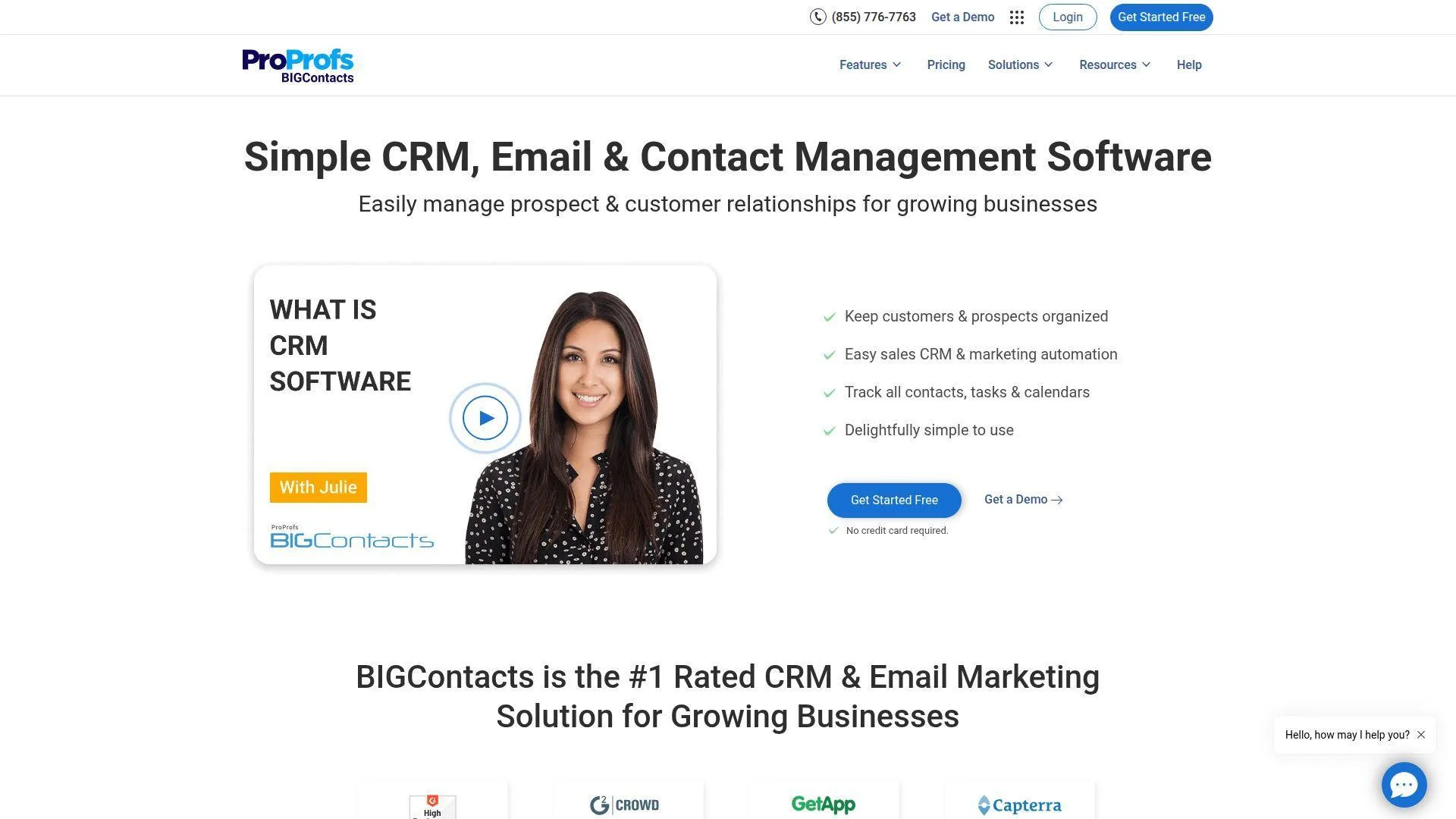
BIGContacts comes from the ProProfs orbit and keeps its pitch refreshingly plain: make relationship tracking simple for small businesses. We like that it prices by contacts more than by seat count, because that can fit broad small teams well.
Best for: contact-centric SMBs, teams that need simple follow-up reminders and shared visibility.
- Unified activity tracking and reminders → owners and reps miss fewer callbacks, birthdays, renewal nudges, and promised follow-ups.
- Contact-based pricing with built-in email tools → reduces seat-pricing pain and keeps basic outreach inside the same system.
- Easy import and low-friction use → most teams can reach first value in a few hours, not a multiweek rollout.
Pricing & limits: From $0/mo on the free plan for 100 contacts; Business starts at $9.99 per month per 1,000 contacts, with a 2,000-contact minimum. Pricing is simple, but advanced enterprise-style controls are not the point here.
Honest drawbacks: BIGContacts is lighter on complex pipelines, deep analytics, and marketplace breadth. It beats seat-based SMB tools on affordability for wider small teams and trails Pipedrive on visual deal management.
Verdict: If you mainly need dependable contact management with reminders that keep the team honest, this helps you get organized without a heavy bill.
15. LeadSquared
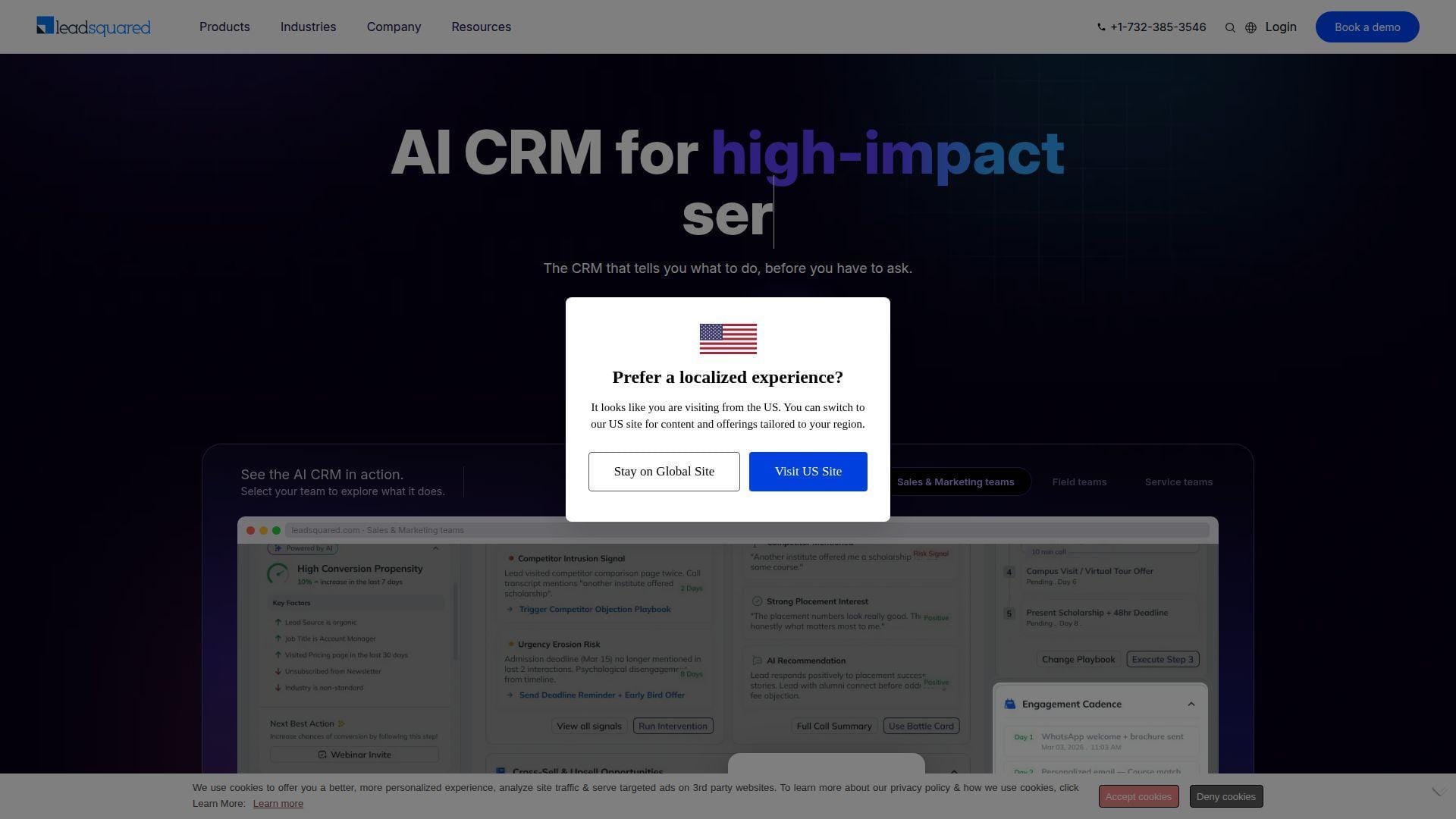
LeadSquared is one of the strongest choices when mobile CRM must do real field work instead of just mirror desktop records. Its team leans hard into industry workflows, telephony, routing, compliance, and field activity control.
Best for: field sales teams, operations-heavy businesses in education, finance, healthcare, or distribution.
- Check-in/out, nudges, cloud calling, and document capture → reps update activity on-site instead of rebuilding the day later from memory.
- Telephony, automation, and API-heavy workflow options → removes 4–6 manual handoff steps between marketing, sales, and ops.
- Industry-focused deployment approach → first value often arrives in 1–3 weeks when processes are mapped well up front.
Pricing & limits: Pricing is custom-quote, with sales-assisted trials rather than a clean public price card. Contract limits and add-ons can span users, leads or contacts, email usage, automations, API rate limits, forms, processes, and SMS credits.
Honest drawbacks: This is not a light SMB CRM, and smaller teams may find the setup weight excessive. It beats generic CRMs on field nuance and trails Capsule on simplicity.
Verdict: If your mobile CRM app must survive route plans, weak connectivity, and strict process control, this helps you run field execution with fewer blind spots.
16. Prophet CRM
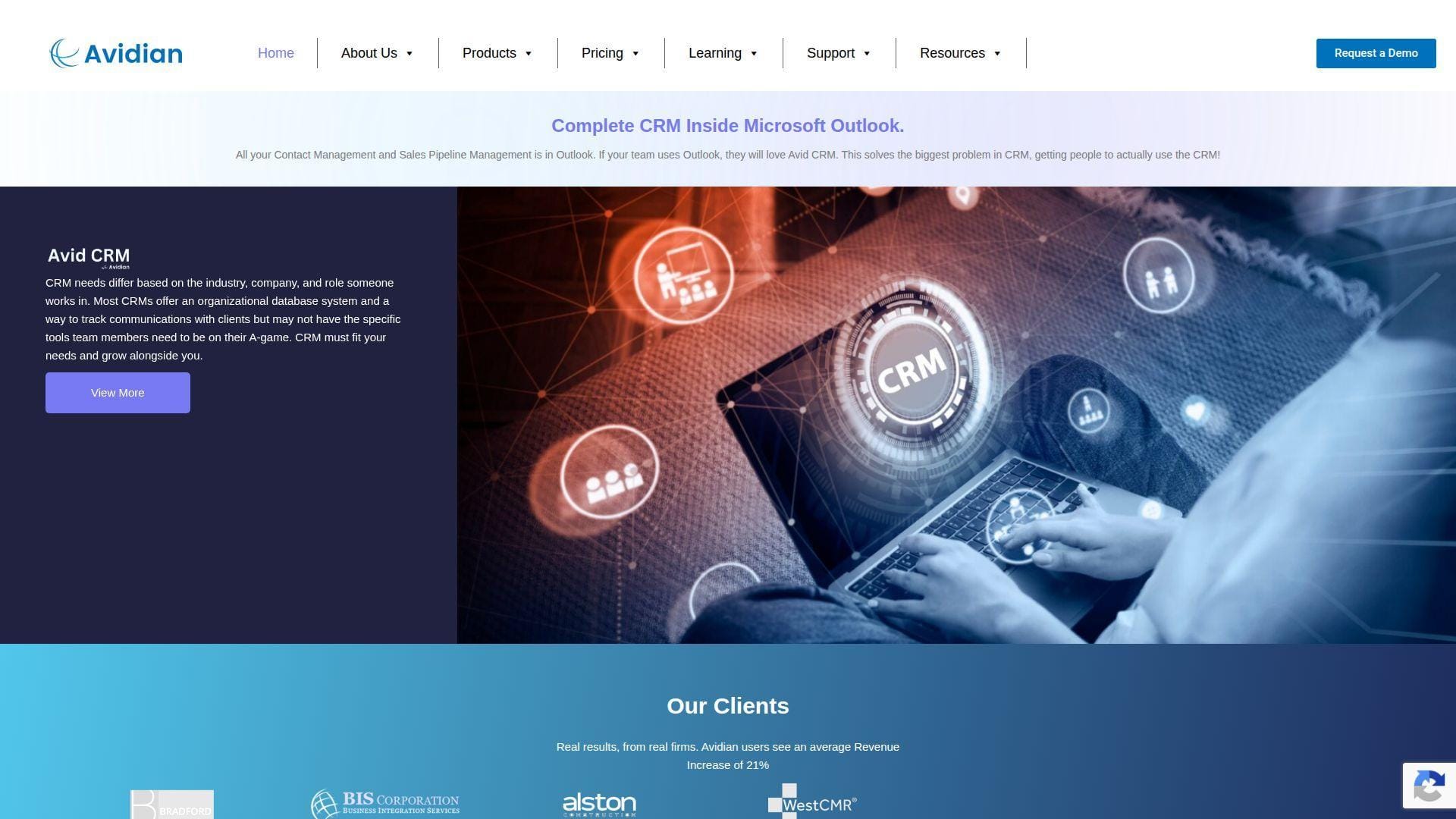
Prophet CRM, now under the Avidian banner, comes from a team with deep Outlook-first DNA. We still see a real place for that approach, because many B2B teams never wanted to abandon Microsoft habits in the first place.
Best for: Outlook-centric SMBs, Microsoft desktop-heavy sales teams.
- Outlook-native contact, calendar, and task tracking → users work where they already live, which improves consistency and adoption.
- Quote tools and automation inside familiar Microsoft workflows → saves several prep steps when reps need fast proposals.
- Low-learning-curve UX for Windows shops → many teams find first value in a day because almost nothing feels foreign.
Pricing & limits: From $20/user/mo billed annually for Standard; Professional is $30 and Enterprise is $50. The mobile app is included, and onboarding is typically demo-led rather than fully self-serve.
Honest drawbacks: Google-first or mobile-native startups will likely find Prophet too tied to older Microsoft habits. It beats many CRMs inside Outlook and trails HubSpot on browser-first flexibility.
Verdict: If your team wants a mobile CRM app without abandoning Outlook muscle memory, this helps you modernize gently instead of forcing a hard behavior reset.
17. LogicBox
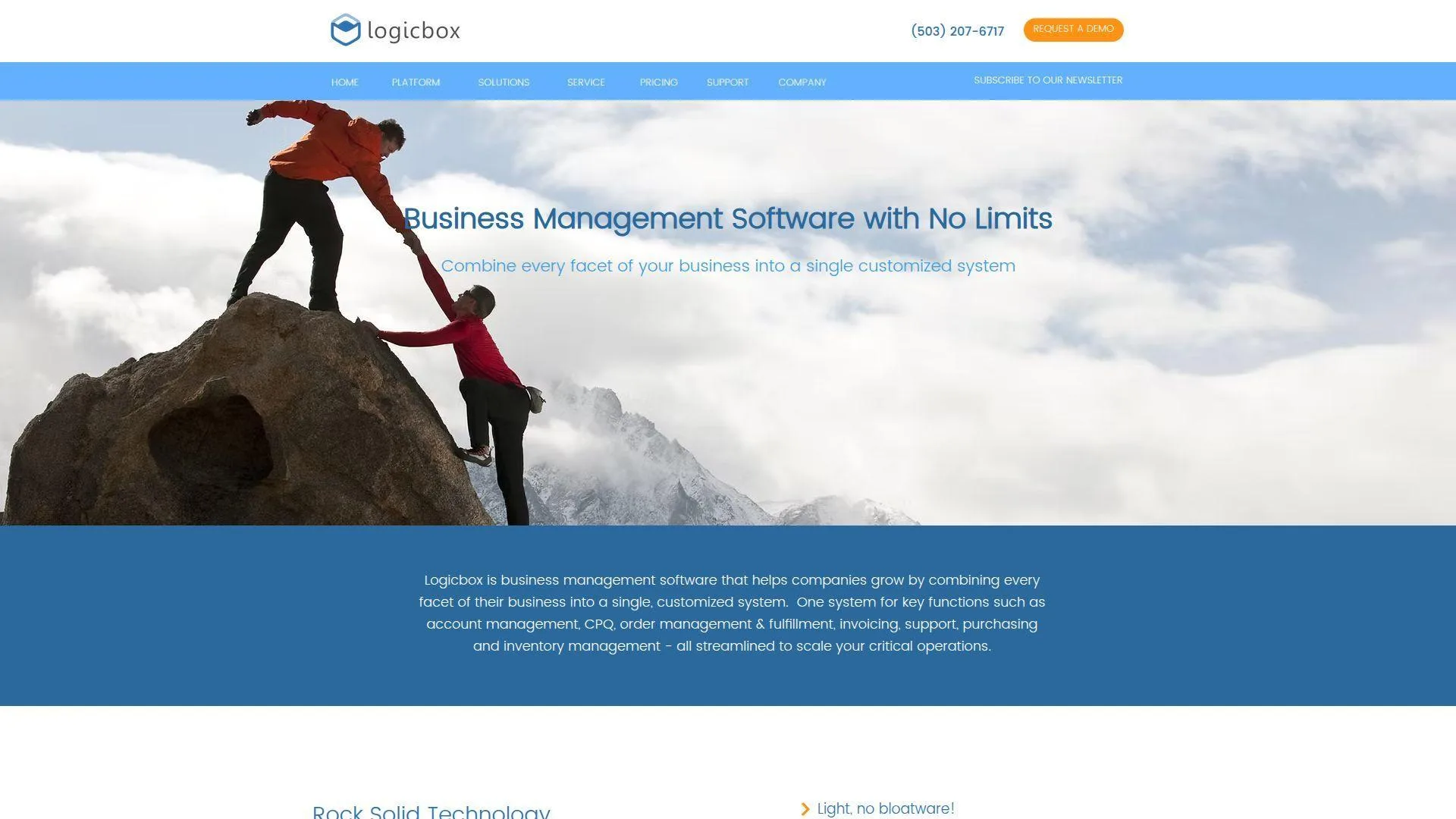
LogicBox is not a generic off-the-shelf CRM so much as a business application platform with CRM potential. We include it because some teams do not need another canned pipeline; they need custom workflow logic that ordinary CRMs cannot express cleanly.
Best for: custom operations teams, midmarket businesses with specialized processes.
- Configurable modules and business logic → teams can model unique approvals, calculations, and process paths instead of working around them.
- Integrations, notifications, and permission depth → removes dual entry and manual approval chasing across departments.
- Services-led implementation → first value typically lands in 2–6 weeks, depending on how much process design is needed.
Pricing & limits: From $55/user/mo with a 20-user minimum, and setup fees may apply. Cloud delivery, platform updates, and support are included, which helps if you need a managed relationship instead of a DIY product.
Honest drawbacks: Small teams will bounce off the seat minimum, and buyers wanting instant self-serve CRM value should look elsewhere. It beats packaged CRMs on custom fit and trails them on speed of adoption.
Verdict: If your mobile CRM app must reflect a custom operating model, this helps you build closer to the business instead of bending the business to the tool.
18. Salesflare
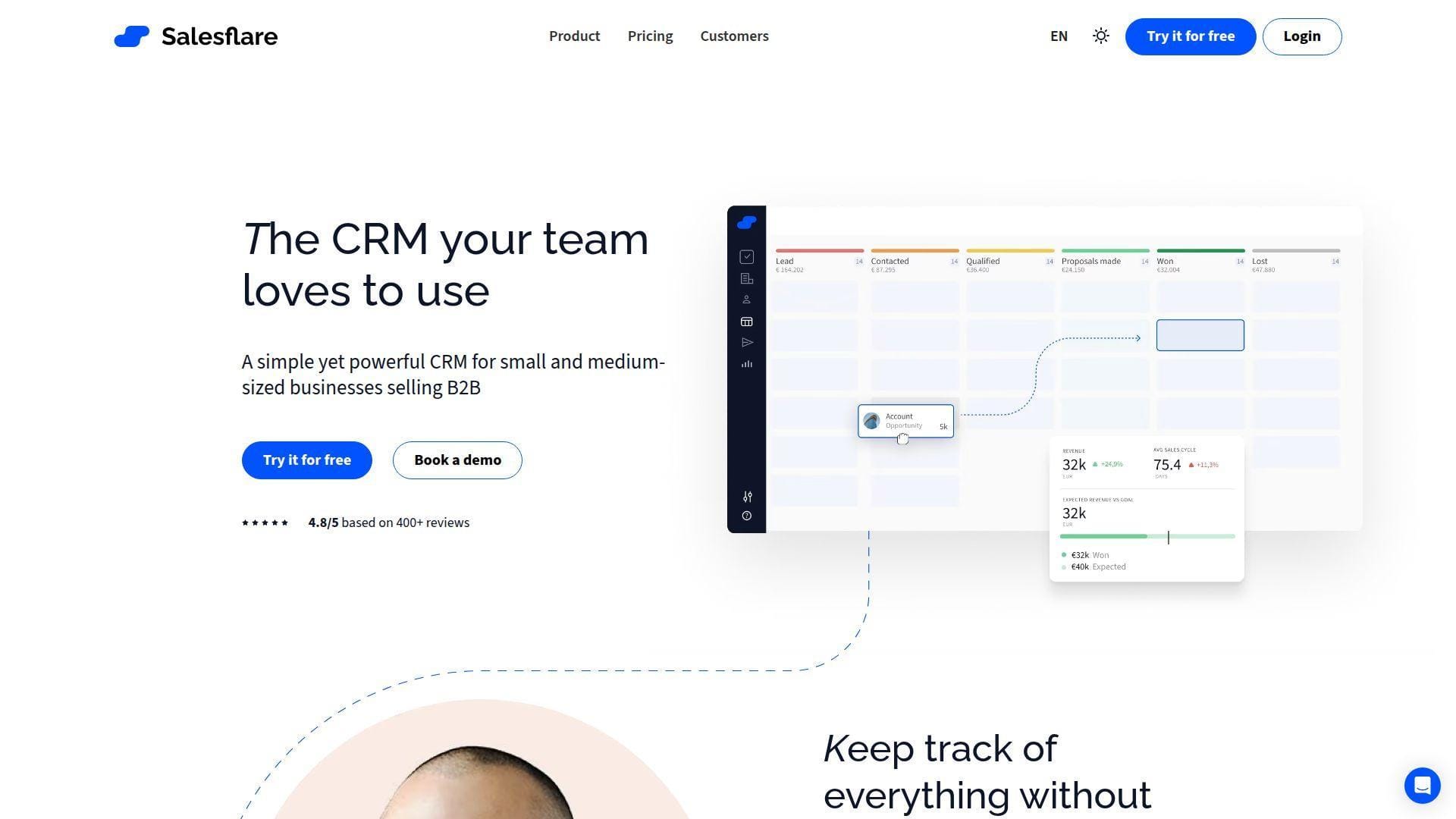
Salesflare is built by a B2B-focused team that clearly hates manual CRM data entry. We sympathize. Reps do not need another lecture about discipline; they need a system that captures more context automatically.
Best for: founder-led B2B sales teams, consultative SMB sellers using Gmail, Outlook, or LinkedIn.
- Automatic contact and company data capture → reps spend less time typing basics and more time progressing opportunities.
- Email, link, and site tracking with campaign tools → saves 3–5 follow-up steps and gives better timing for the next touch.
- Sidebar-led workflow plus mobile app → first value usually appears the same day because the product wraps around existing habits.
Pricing & limits: From $29/user/mo billed annually or $39 monthly on Growth; Pro is $49 annually, with Enterprise sold separately. The free trial lasts 30 days, and Growth includes 5 lead credits while Pro includes 100.
Honest drawbacks: Salesflare is not built for complex service management or enterprise governance. It beats HubSpot at automatic data entry and trails Salesforce on heavy-duty administration.
Verdict: If your team hates CRM admin more than it hates selling, this helps you keep records fresher without asking reps to become full-time typists.
19. DIAL ERP Mobile CRM
DIAL ERP Mobile CRM comes from a team that blends CRM with telephony and ERP-adjacent needs. We see it as a practical option for organizations that care about calls, beat plans, reminders, and local field execution more than global SaaS polish.
Best for: distributors, field collections teams, businesses that want IVR and ERP-flavored modules.
- Call recording, IVR, and reminder-heavy mobile workflows → teams capture phone activity faster and reduce missed follow-up after customer contact.
- Beat planning, GPS coverage, and field modules → saves route reporting time and improves visibility into who actually visited what.
- Template-led rollout → first value can appear in days when your process matches the product’s operating style.
Pricing & limits: From ₹500/user/mo on CRM Starter for up to 10 users; Enterprise is ₹600 for up to 50 users, and Corporate is ₹650 for up to 250. A free trial is available, though enterprise fit should be validated carefully.
Honest drawbacks: Documentation, integrations, and UI polish are thinner than global category leaders. It beats generic SMB tools on telephony-led field packaging and trails larger platforms on depth and finish.
Verdict: If your mobile CRM app must behave like a field operations console, this helps you move faster than prettier but less practical platforms.
20. Retool Mobile CRM App Builder
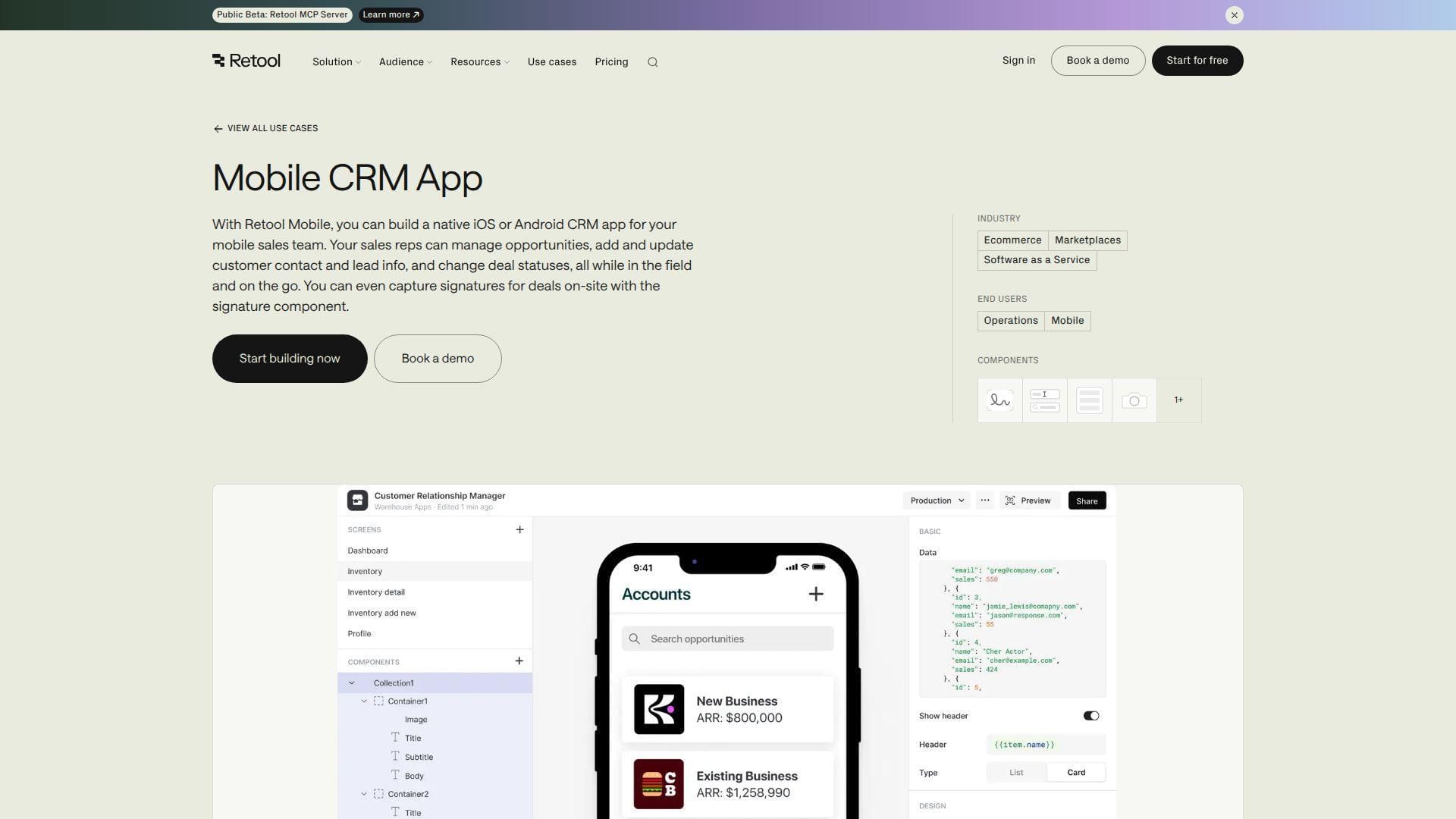
Retool is not a packaged CRM vendor at all. It is a builder platform for teams that want to create their own internal mobile CRM on top of existing systems and data sources. We include it because, for the right team, custom fit beats feature checklists.
Best for: ops engineering teams, enterprises that need a native internal CRM app.
- Custom native iOS and Android app building → your team gets a workflow shaped to your own objects, permissions, and field steps.
- Direct data connections, workflows, and offline-capable mobile tools → removes duplicate entry and collapses multiple handoff steps into one app.
- Builder-first deployment model → a sharp internal team can ship an MVP in days, though a polished rollout takes longer.
Pricing & limits: From $0/mo on the free plan for up to 5 users; Team starts at $10 per builder/mo plus $5 per internal user/mo. The free tier includes 500 workflow runs per month and 5GB each of database and file storage.
Honest drawbacks: Retool gives you freedom, but it also gives you homework. It beats every packaged CRM on custom fit and trails all of them on out-of-the-box completeness.
Verdict: If no packaged mobile CRM app really matches your process, this helps you build the exact field tool your operation actually needs.
What Is a Mobile CRM App?
A mobile CRM app is not just a smaller dashboard squeezed onto a phone. In our view, the good ones translate the selling moment into a phone-first sequence: capture, confirm, schedule, sync, and move on before the rep loses context.
1. Customer Data, Leads, Deals, Tasks, and Pipelines on Phones and Tablets
A true mobile CRM app puts the live customer record in a pocket. Reps should see contacts, deal stages, open tasks, past notes, files, and next actions without drilling through a maze of menus. When that works, the phone stops being just a communication device and becomes the place where revenue work actually happens.
2. Real-Time Updates Between Mobile and Desktop Workspaces
The magic is not the screen size. It is the sync trust. If a rep updates a note after a meeting, managers should see that change on desktop fast, and office teams should not wonder which version of the truth is current. Once sync credibility breaks, pipeline reviews turn into guesswork.
3. Essential Field Workflows Without Forcing Desktop Use
Field teams need more than read-only access. They need voice notes, image capture, signatures, card scans, GPS support, call logging, and quick task creation. If the app cannot handle those moments on site, the desktop becomes a backlog bin for work that should have been closed instantly.
4. Mobile CRM as a Companion to Desktop CRM, Not Always a Full Replacement
We rarely recommend treating mobile as the only interface. Heavy admin setup, bulk imports, advanced automation design, and complex reporting still belong on larger screens. The best mobile CRM app covers the high-frequency sales moments, while desktop remains the control room for deeper configuration.
Evaluation Criteria for the Best Mobile CRM App

We do not rank tools on shiny demos alone. We care about data model quality, mobile speed, adoption friction, and whether the app saves reps real time in the field. We also grade AI claims harshly because Gartner expects 40% of enterprise apps to feature task-specific AI agents by 2026, which means buyers will see plenty of AI labels and far fewer genuine workflow wins.
1. Overall CRM Quality, Core Features, and Sales Workflow Fit
We start with the engine under the hood. If contacts, deals, activities, permissions, and reporting are badly modeled, the mobile layer will not save the product. A strong mobile CRM app still needs a strong CRM behind it.
2. Mobile Experience, Speed, Stability, and Small-Screen Usability
Tap economy matters. We look for fast search, clear bottom navigation, sane field layouts, and note entry that does not feel like punishment. If routine updates take too long, reps wait, and delayed updates are usually bad updates.
3. Offline Support, Real-Time Sync, and Data Reliability
Some vendors say “mobile” when they really mean “browser with signal.” We prefer apps that cache records locally, queue edits, and show sync conflicts clearly. Silent sync failures corrode trust faster than almost any missing feature.
4. Ease of Setup, Onboarding, Training, and Customer Support
We score guided onboarding heavily because a sales team should not need a consulting army to log calls and set reminders. Strong templates, clean imports, practical docs, and responsive support shorten the gap between purchase and use.
5. Pricing, Free Plans, Trial Lengths, and Value for Money
Sticker price alone is a trap. We compare seat floors, contact caps, onboarding fees, add-ons, and which mobile-critical features hide in higher tiers. Cheap can get expensive the moment you need the one function that makes the app genuinely useful.
6. Fit for Small Teams, Field Reps, Enterprises, and Custom Operations
A two-person agency, a 50-rep distributor, and a multinational sales org do not need the same tool. We judge each app by who it serves well, not by how loudly it claims to serve everyone.
Key Mobile CRM App Features to Compare

Feature grids can mislead if they ignore mobile input types. A modern mobile CRM app must handle voice, photos, signatures, typed notes, and quick approvals gracefully. That matters because Gartner predicts 80% of enterprise software will be multimodal by 2030, so clumsy single-input apps will age badly.
1. Offline Access and Automatic Sync
Offline support is the difference between a field tool and a fragile toy. Reps should be able to open records, add notes, and update stages without coverage, then sync cleanly when service returns. We care more about conflict handling here than glossy animations.
2. Contact, Lead, Deal, and Task Management
This is the nonnegotiable core. Good mobile CRM app design lets a rep open a contact, see the latest context, update the deal, assign the next task, and move on in under a minute. If that flow is slow, everything else is decoration.
3. Call Recording, Caller ID, Dialers, and Voice Notes
Voice features matter because reps still sell through conversations, not just typed updates. Native dialers, instant logging, voice notes, and call history help capture reality while it is fresh instead of trusting memory at the end of a long day.
4. Email Tracking, Templates, and Shared Inbox Workflows
Follow-up often breaks after the meeting, not during it. Mobile-friendly email tracking, templates, and shared inbox views let a rep send the next message fast and help managers see whether promised outreach actually happened.
5. Geolocation, Route Planning, and Nearby Contact Mapping
For field teams, maps are not a bonus feature. They are a productivity engine. Nearby account views, route planning, and territory logic help reps cluster visits, shorten windshield time, and squeeze more customer conversations into a day.
6. Dashboards, KPI Reports, Analytics, and Forecasting Views
Managers need a mobile view too. We want dashboards that answer practical questions fast: what moved, what stalled, what is overdue, and where forecast risk is gathering. Tiny unreadable charts do not count as mobile analytics.
7. Business Card Scanning, Document Capture, and On-Site Signatures
These features reduce rekeying, and rekeying is where follow-up dies. If a rep can scan a card, attach a photo, or capture a signature on site, the record gets cleaner and the time from conversation to action gets shorter.
8. Call Logs, SMS Logs, IVR Access, Exportable Data, and Cloud Backup
Audit trails matter, especially in phone-heavy businesses. We like products that preserve communication history, let teams export data without drama, and keep backups straightforward. Portability is part of product quality, not an afterthought.
9. Security Controls, SSO, Biometrics, Permissions, and Encryption
Mobile CRM app security lives in layers. Biometric unlock is useful, but role controls, secure auth, encryption, SSO, remote wipe options, and sensible session rules matter more once real customer data starts moving through the device.
Best Mobile CRM App Use Cases by Team

Use case fit matters more than logo prestige. The right mobile CRM app for a field rep is not always the right one for a Gmail-heavy founder or an enterprise revops team. Shared context also matters because Gartner found more than half of customer service journeys now begin on third-party platforms, so sales and support data must travel together.
1. Field Sales Teams That Need Maps, Calls, and Offline Updates
We usually start with LeadSquared, SugarCRM, Zendesk Sell, and DIAL ERP Mobile CRM here. These tools lean harder into call activity, field workflows, geolocation, or offline resilience. If your reps spend half the day in motion, those details matter more than pretty dashboards.
2. Gmail and Google Workspace Teams That Prefer Inbox-Based CRM
Streak is the cleanest expression of this model. Salesflare and HubSpot also work well for Google-centered teams, but Streak wins when the inbox itself is the main operating surface and the team refuses to leave it.
3. Small Businesses That Need Contact Management and Follow-Up Reminders
Capsule, BIGContacts, HubSpot CRM, and sometimes Agile CRM make sense here. The common thread is low friction. Small teams do not need theoretical power; they need a mobile CRM app that keeps names, reminders, and open deals from slipping through cracks.
4. Sales Teams That Need Visual Pipeline Management on the Go
Pipedrive, Freshsales, and Insightly stand out for teams that think in stages, deadlines, and task queues. If your managers coach from pipeline screens and your reps respond well to visual movement, these products are easier to adopt.
5. Growing Teams That Need Automation, AI Insights, and Scalable Reporting
HubSpot, Freshsales, Microsoft Dynamics 365, and Salesforce all deserve attention here. We would separate them by stack fit and budget, not by headline count. The right answer depends on whether you need simplicity first or platform depth first.
6. Enterprise Teams That Need Custom Objects, Permissions, and Admin Control
Salesforce and Dynamics 365 dominate this conversation, with SugarCRM relevant in more relationship-heavy B2B environments. These are the tools to test when territory rules, approval chains, security layers, and structured admin ownership are real needs instead of future fantasies.
7. Custom Operations Teams That Need a Native Internal CRM App
Retool and LogicBox fit teams that have unique data models or workflow rules ordinary CRMs cannot handle elegantly. We only recommend this path when internal product ownership is strong, because custom fit without internal discipline turns into custom chaos.
Benefits of Using a Mobile CRM App

When a mobile CRM app fits the workflow, the gains are simple and compounding. Reps update faster, managers coach from fresher data, and office teams stop chasing missing notes after every meeting.
1. Access Sales and Customer Data Anywhere
The obvious benefit is still the right one. A rep on a shop floor, in a parking lot, or between airport gates can open the account record and work from the same source of truth as the office team. That alone reduces embarrassing gaps.
2. Increase Responsiveness After Calls, Meetings, and Field Visits
This is where good mobile design earns its keep. A rep can leave a buyer meeting, send the promised follow-up, set the next task, and update the opportunity before the elevator reaches the lobby. Speed creates trust, both inside the team and with the customer.
3. Improve Sales Productivity With Real-Time Notes, Reminders, and Tasks
Real-time capture is underrated. When notes, reminders, and next steps are entered immediately, reps spend less time rebuilding the day from memory. Managers also get cleaner coaching material because the record reflects what actually happened.
4. Reduce Follow-Up Backlogs and Missed Tasks
Backlogs form when work gets deferred until desktop time that never arrives. Mobile task creation and reminders break that pattern. We have seen even simple reminder discipline lift team reliability more than flashy dashboards ever do.
5. Shorten the Sales Cycle With Faster Pipeline Updates
Faster updates do not close deals by themselves, but they remove avoidable lag. Quotes go out sooner, internal approvals start earlier, and stalled deals get spotted before the quarter-end panic. Small timing gains stack up across a pipeline.
6. Keep Sales, Support, and Office Teams Aligned
Alignment improves when everyone can see the latest field activity without waiting for a recap call. Office staff can prepare documents, support teams can avoid stepping on live deals, and managers can coach from current signals instead of stale summaries.
Common Mobile CRM App Limitations to Check
This category still has traps. We see buyers overpay for features they can only configure on desktop, then wonder why mobile adoption plateaus after the first wave of enthusiasm.
1. Desktop-Only Automation, Reporting, and Admin Setup
Many vendors advertise automation and analytics, but the mobile app only exposes a thin slice of those capabilities. That is not always fatal, but buyers should know what really works on phone versus what still demands a laptop and admin time.
2. Offline Editing Gaps or Sync Conflicts
Offline claims deserve testing, not trust. Some apps cache records well but fail on edits. Others sync eventually but surface conflicts badly. We treat sync design as a major buying factor because broken trust kills adoption quietly.
3. Mobile Search, Speed, Lag, and Crash Issues
Search quality is one of the fastest ways to expose a weak mobile CRM app. If reps cannot find the right contact or last note instantly, the app becomes a burden. Lag and crashes are even worse, because they teach the team to avoid the tool.
4. Cluttered Interfaces When Too Many Fields Move to Mobile
Desktop field sprawl becomes painful on a small screen. We often advise teams to design a mobile-specific layout instead of shoving every admin field into the app. Mobile should prioritize the few things reps must do now.
5. Advanced Features Hidden Behind Higher-Tier Plans
Many CRMs look affordable until you price the real workflow. Forecasting, permissions, routing, AI, calling, or deeper dashboards may sit a tier or two above the entry plan. Buyers should price the required workflow, not the marketing headline.
6. Separate Sales and Support Apps That Create Data Silos
When sales and support live in different mobile apps with weak synchronization, context disappears. Customers feel that instantly. We prefer platforms or integrations that let the teams see a coherent history instead of partial fragments.
How to Choose the Best Mobile CRM App
Selection gets easier when you stop asking which CRM is “best” and start asking which one matches the motion of the team. A mobile CRM app should fit the work your reps already do under real conditions, not ideal conditions.
1. Match the App to Field Sales, Inside Sales, or Service Workflows
Start with the daily path of the rep. Do they drive routes, run demos, answer inbound leads, or hand off into service? That answer narrows the shortlist faster than any analyst badge because it tells you which screens actually matter.
2. Prioritize Offline Access Where Connectivity Is Unreliable
If your team works in warehouses, rural territories, trade shows, plant floors, or customer sites with weak reception, offline support should sit near the top of the buying checklist. Fancy AI matters far less than not losing a field note.
3. Check Integrations With Email, Calendar, Maps, Calling, and Support
A CRM app rarely works alone. We check email sync, meeting sync, dialer support, map behavior, support platform ties, and basic data portability early. Weak integration fit can turn a good-looking app into daily friction.
4. Test Mobile Data Entry, Search, Notifications, and Sync Speed
This step should be brutally practical. Have reps create a contact, log a call, add a note, find a prior conversation, and update a deal stage. If any of that feels slow or awkward, keep shopping.
5. Review Security, User Permissions, Training, and Support
Security is not just an IT concern. It directly affects rollout confidence. We look for clear roles, audit visibility, strong login options, practical support, and training that teaches the few behaviors reps actually need every day.
6. Compare Free Plans, Trial Lengths, Per-User Pricing, and Upgrade Limits
Free plans are helpful, but they can mislead if they hide the features you truly need. Price the realistic team size, expected contact volume, likely add-ons, and the moment when you will need better permissions or reporting.
Mobile CRM App Security and Implementation Checklist

We are stricter on security than many CRM roundups because mobile habits are messy in real life. Deloitte reports nearly 7 in 10 surveyed workers who use gen AI on the job rely on their own tools through personal devices or accounts, which is exactly how customer data starts leaking into screenshots, note apps, and private inboxes.
1. Encrypt Customer Data and Require Secure Login
Encryption should be table stakes, but login policy still matters. We prefer secure login defaults, session controls, and the ability to protect sensitive records if a device is lost, shared, or casually left unlocked during travel.
2. Enable Two-Factor Authentication, Biometrics, and SSO Where Available
Biometrics make daily use easier, but SSO and two-factor authentication do the heavier lifting for policy control. Enterprises should also check whether identity rules can align with existing employee access standards and device governance.
3. Define Roles, Permissions, and Device Access Policies
Not every rep should see every record. Clear roles, territory visibility, and device access rules help prevent accidental data spread. We also recommend deciding early whether exports, local downloads, or personal-device use need tighter control.
4. Train Reps on Call Logging, Notes, Reminders, and Offline Sync
Rollouts fail when training focuses on everything. We advise teams to teach four or five critical habits first: open the record, log the call, write the note, set the next task, and understand what happens offline. Master the basics before expanding.
5. Collect User Feedback Before Rolling Out to the Entire Team
Pilot groups expose the real friction fast. They will tell you whether search fails, sync feels risky, fields are too many, or reminders arrive too late. That feedback is cheaper before the full rollout than after adoption slips.
Mobile CRM App FAQs
These are the questions we hear most when teams move from spreadsheets or desktop-only CRM to a real mobile workflow. The short answers matter, but the right answer still depends on how your team sells.
1. What Is a CRM Mobile App?
A CRM mobile app is the phone or tablet version of a customer relationship management system. It lets reps view and update contacts, deals, tasks, notes, and activity history while away from a desk.
2. Can You Use a CRM on Mobile?
Yes, and most serious CRM vendors now support it. The real question is not whether mobile exists, but whether the app is strong enough for your team’s actual workflow, especially around notes, calls, sync, and search.
3. Which CRM Has the Best Mobile App for Small Businesses?
For many small businesses, we start with Pipedrive, HubSpot CRM, Capsule, and Freshsales. Pipedrive wins on pipeline clarity, HubSpot on free runway, Capsule on simplicity, and Freshsales on bundled communication tools.
4. Which Mobile CRM App Is Best for Field Sales Teams?
LeadSquared is usually our first check for route-heavy teams. SugarCRM, Zendesk Sell, and DIAL ERP Mobile CRM also deserve close evaluation when offline work, geolocation, call activity, or field enforcement matter.
5. Can a Mobile CRM App Work Offline?
Yes, some can, but support quality varies a lot. Buyers should test whether the app only reads offline, or whether it can also edit records and resolve sync conflicts safely after the connection returns.
6. Can a Mobile CRM App Sync With a Desktop CRM?
In most cases, yes. Good systems sync mobile and desktop continuously so managers, support staff, and office teams all see the same timeline without waiting for manual updates or exports.
7. Is a Mobile CRM App Secure Enough for Client Data?
It can be, provided the vendor offers solid encryption, permissions, secure authentication, and admin visibility. Your own policies also matter, especially around personal devices, exports, screenshots, and identity management.
8. What Are the Four Main Types of CRM?
The four main types are operational, analytical, collaborative, and strategic CRM. Operational CRM runs day-to-day sales and service work, analytical CRM studies the data, collaborative CRM improves cross-team sharing, and strategic CRM focuses on long-term customer value.
How 1Byte Supports Mobile CRM App Projects With Domains, SSL, Hosting, Cloud Servers, and AWS Partner Expertise
At 1Byte, we rarely see a mobile CRM app project fail because reps dislike the idea. More often, the surrounding infrastructure is weak from day one: the domain is messy, SSL is inconsistent, landing pages are slow, or the back end cannot scale cleanly once adoption starts.
1. Secure CRM Portals With Domain Registration and SSL Certificates
We help teams create a cleaner front door for customer and internal CRM traffic with domain registration and SSL certificates that reduce trust friction. A branded secure portal matters more than many buyers expect. It clarifies where customers log in, where forms submit, and where staff should work. From our side, domain hygiene and certificate discipline are part of CRM usability, not just infrastructure housekeeping.
2. Launch CRM Websites and Lead Capture Pages With WordPress Hosting and Shared Hosting
Many mobile CRM app projects still begin with something simple: campaign pages, contact forms, quote requests, or lead magnets. We support that layer with WordPress hosting and shared hosting options that make it easier to launch fast, collect leads reliably, and keep the marketing side of the funnel stable while the CRM does the downstream routing, qualification, and follow-up work.







3. Scale Custom CRM Back Ends With Cloud Hosting, Cloud Servers, and AWS Partner Support
When a business needs more than a packaged app, we help support the infrastructure behind custom CRM portals and internal tools with cloud hosting, cloud servers, and AWS Partner expertise. That means thinking about app tiers, databases, backups, staging, SSL termination, private connectivity, and growth paths before traffic and team size force rushed fixes. If your shortlist is ready, the next smart step is to ask a harder question: is the infrastructure behind your mobile CRM app ready to carry real sales activity safely and at scale?