

- Quick Comparison of Personal CRM Tools
- Top 20 Personal CRM Tools for Individuals and Network Builders
- What Personal CRM Tools Are and When They Are Worth Using
- Essential Personal CRM Features Readers Should Compare
- How to Choose Personal CRM Tools by Use Case
- Personal CRM Tools Versus Business CRMs, Contact Managers, and DIY Databases
- Privacy, Security, and Data Ownership in Personal CRM Tools
- Personal CRM Setup Workflow for First-Time Users
- Pricing and Free Plan Trade-Offs for Personal CRM Tools
- Frequently Asked Questions About Personal CRM Tools
- How 1Byte Supports Personal CRM Tool Users With Domain Registration, SSL Certificates, WordPress Hosting, Shared Hosting, Cloud Hosting, Cloud Servers, and AWS Partner Expertise
Personal CRM tools are no longer a quirky productivity niche. They sit at the intersection of contact management, AI memory, sales discipline, and privacy engineering, which is why we at 1Byte watch this category closely. The wider CRM software market gives the backdrop: Statista forecasts worldwide CRM software revenue to reach US$98.84bn in 2025, and that gravity keeps pulling lighter relationship tools into everyday workflows.
Gartner’s CRM sales software market analysis adds a sharper business signal, reporting growth of 12.2% to $25.7 billion in 2024. Yet the most interesting movement is not only inside enterprise sales teams. It is in founder networks, alumni communities, creator partnerships, investor relations, real estate referrals, and job-search pipelines where people need CRM-like memory without enterprise ceremony.
Our bias is simple: a personal CRM should make relationships warmer, not more mechanical. The best tools help us remember context, follow up at the right moment, and respect the private nature of human networks. A spreadsheet can store names. A real personal CRM helps us act with care.
Quick Comparison of Personal CRM Tools
Here is the fast scan we would use before deeper testing. We kept the table compact because the real buying decision depends on workflow fit, not feature bingo.
| Service/Tool | Best for | From price | Trial/Free | Key limits |
|---|---|---|---|---|
| OnePageCRM | Action-based sales follow-up | $9.95/user/mo | 21-day trial | Sales-first workflow |
| Mesh | Private relationship intelligence | $0/mo | 14-day Pro trial | Free contact cap |
| Dex | LinkedIn and email networking | $0/mo | 7-day trial | Advanced sync paid |
| Monica | Self-hosted life CRM | $0/mo | Free hosted tier | Manual data entry |
| Covve | Mobile contact reminders | $0/mo | Free plan | Free relationship cap |
| Folk | LinkedIn prospecting and pipelines | $24/member/mo | 14-day trial | Credits and sync caps |
| Streak | Gmail-native CRM | $0/mo | Free email tools | Gmail dependency |
| Contacts+ | Clean synced address book | $0/mo | Free plan | CRM depth is light |
| Mogul | Private personal memory | $0/mo | Free trial | Paid caps unclear |
| Relatable | High-value professional networks | $44/user/mo | 10-day trial | Single paid plan |
Top 20 Personal CRM Tools for Individuals and Network Builders
This section is where we move from category theory to practical selection. We reviewed each tool as a buyer would: who built it, who should care, what makes it different, what it costs, and where it may break down.
1. OnePageCRM
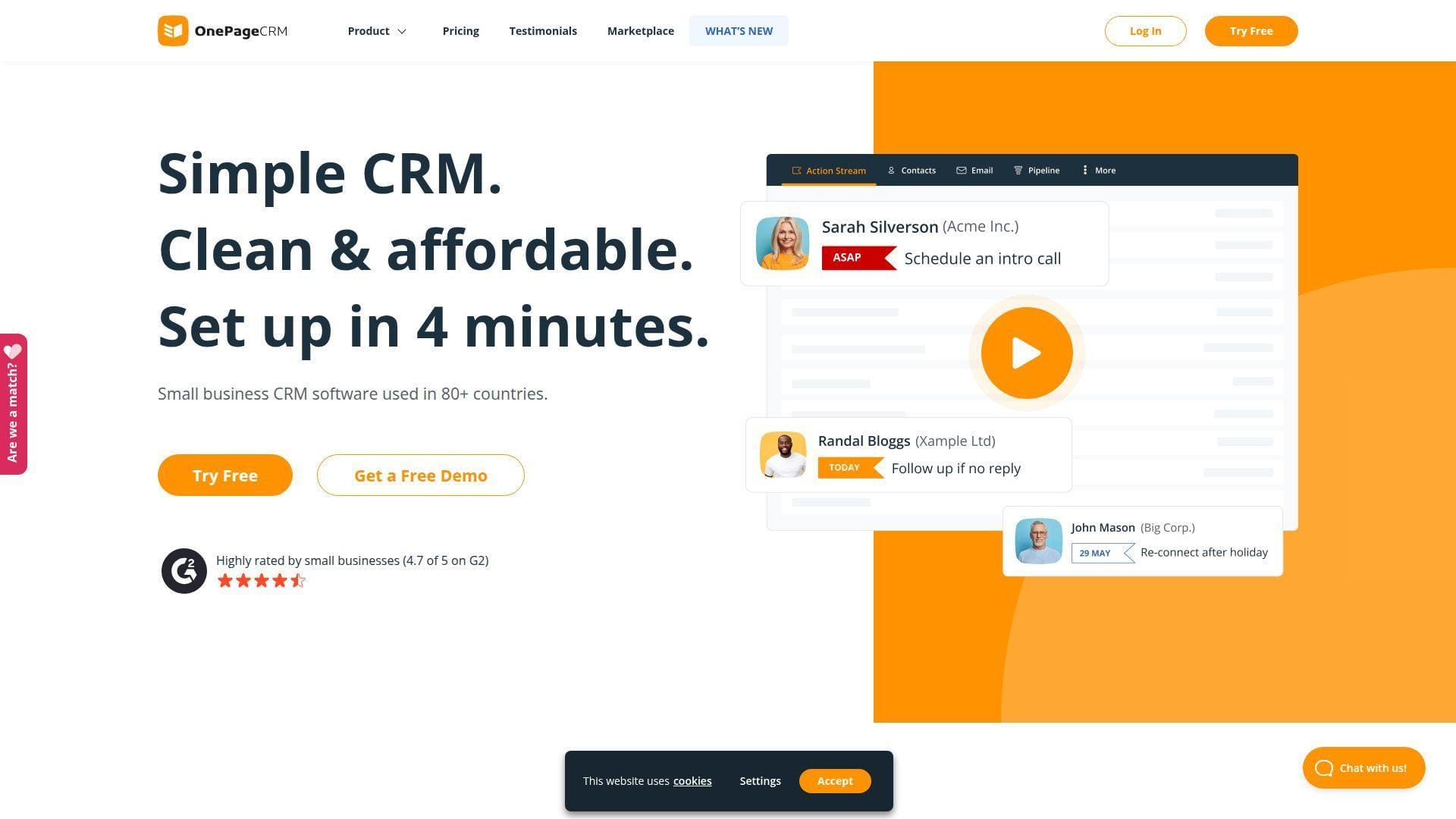
OnePageCRM is a focused CRM team built around the “next action” method. Its product philosophy is refreshingly opinionated: every meaningful relationship should have a next step, not just a stale record.
Best for: solo consultants and SMB sales reps who want disciplined follow-ups without a heavy enterprise CRM.
- Next-action selling → every contact gets a concrete next step, so warm leads stop drifting.
- Email sync, reminders, and pipeline actions → saves several clicks when turning a conversation into a task.
- Guided sales UX → time-to-first-value is usually one working afternoon for a small pipeline.
Pricing & limits: From $9.95/user/mo billed annually; 21-day free trial; no credit card required; paid access is per user, and the account owner retains export and billing control after trial expiry.
Honest drawbacks: OnePageCRM is better at sales rhythm than personal life memory. If you want birthdays, family context, and subtle relationship notes, Monica or Covve feels more natural.
Verdict: If you need every important contact to trigger a next action, this helps you rebuild follow-up discipline within a week.
2. Mesh
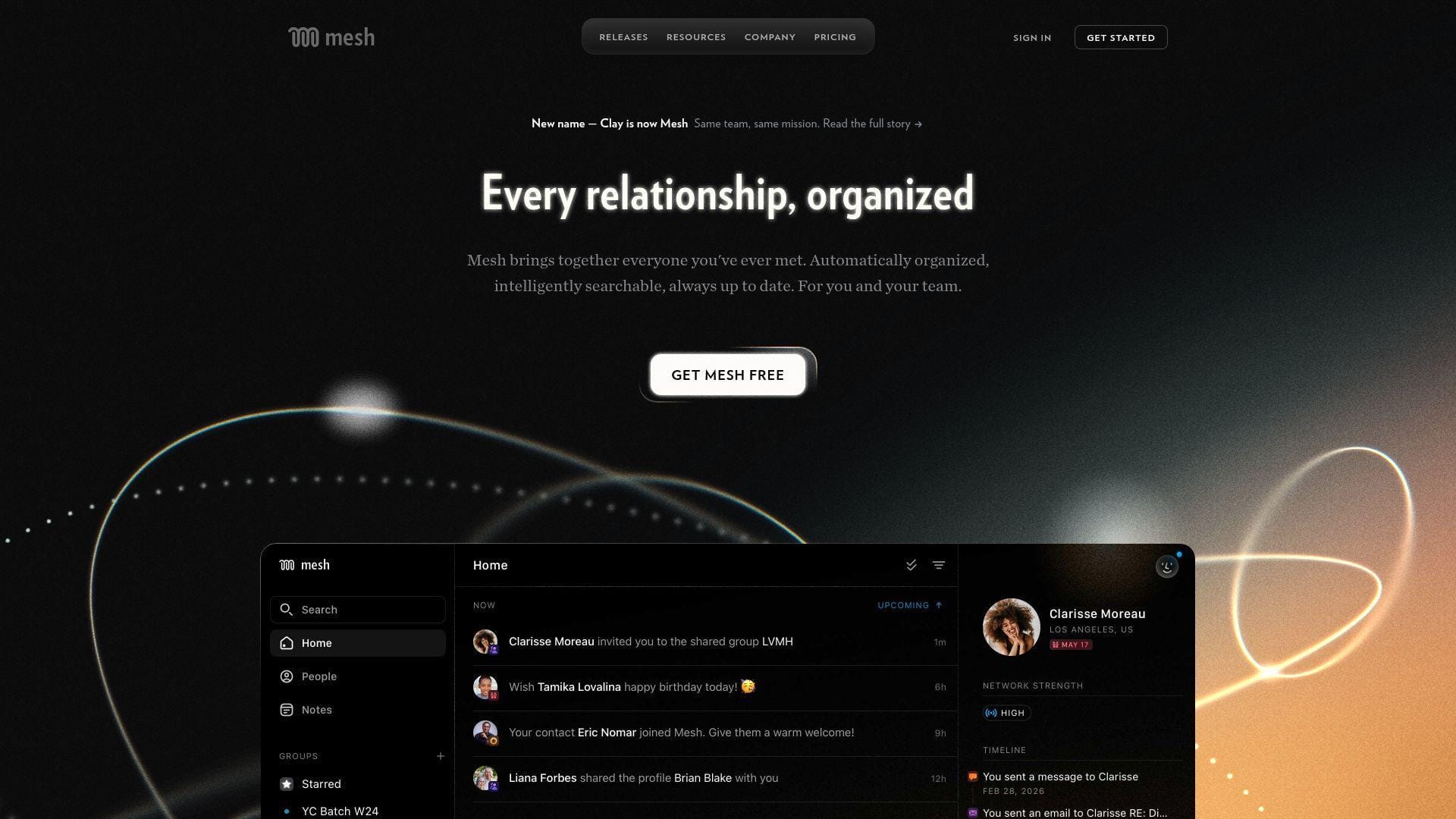
Mesh is an independent, privacy-conscious personal CRM team focused on relationship intelligence. It tries to combine the calmness of a personal address book with the data awareness of a modern network engine.
Best for: founders and investors who need life updates, reconnect prompts, and a broad view of professional relationships.
- Reconnect groups and life updates → you can spot career moves and timely reasons to reach out.
- Email, calendar, social, and message imports → cuts manual data gathering from hours to a short setup flow.
- Clean personal dashboard → time-to-first-value is around half an hour if your accounts are ready.
Pricing & limits: From $0/mo; 14-day Pro trial; Personal supports up to 1,000 contacts; Pro is $10/mo for unlimited contacts; Team is $40/seat/mo and Enterprise adds larger-team controls.
Honest drawbacks: Mesh asks for broad data connections, so conservative users should inspect permissions carefully. Team pricing also moves fast if several colleagues need shared access.
Verdict: If you want relationship signals without building dashboards yourself, Mesh helps you notice the right outreach moments in days.
3. Dex
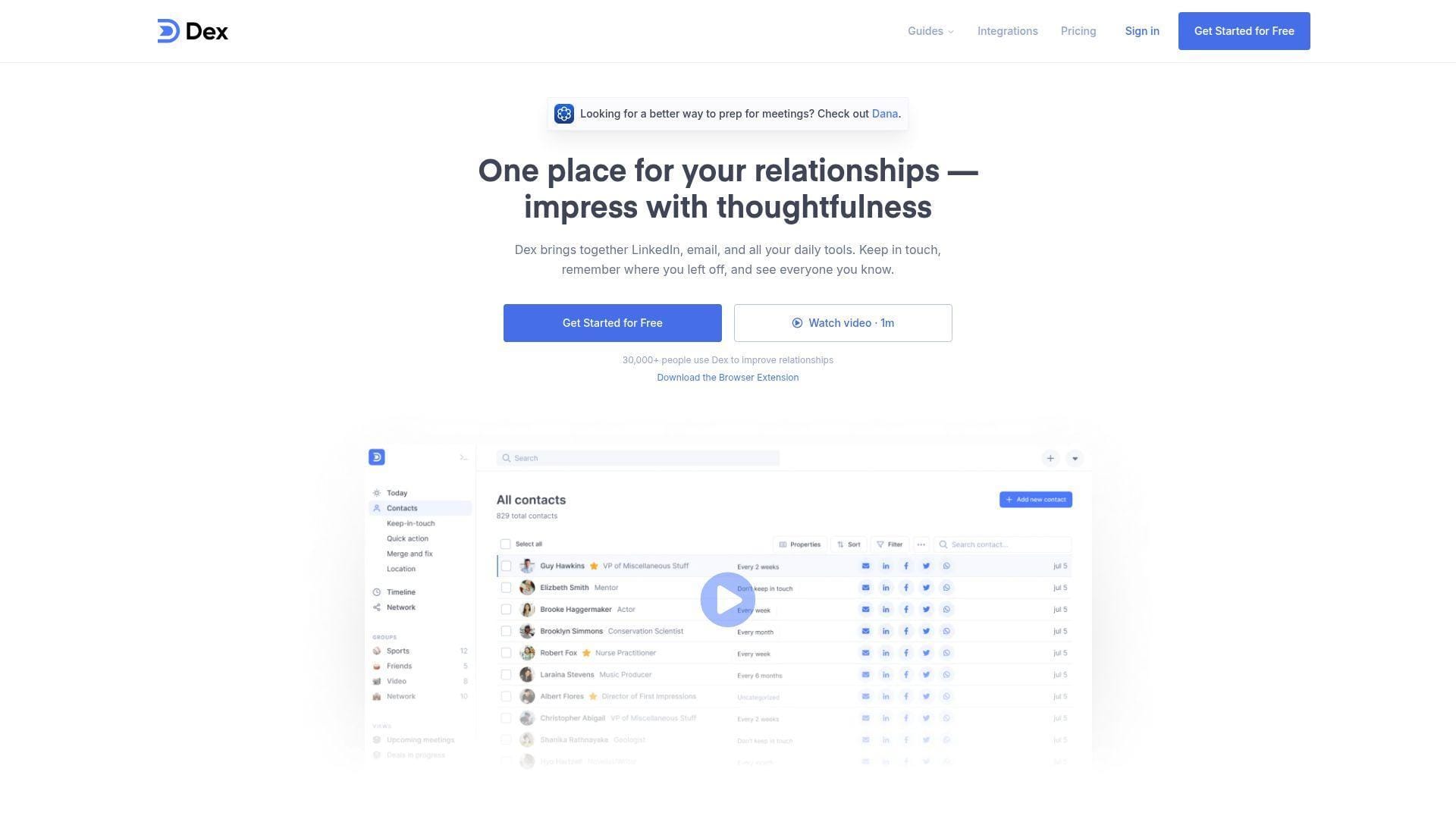
Dex is one of the best-known personal CRM teams in the founder, MBA, creator, and investor networking crowd. It keeps the product centered on people, reminders, and lightweight context rather than sales pipeline theater.
Best for: LinkedIn-heavy networkers and job seekers who need simple reconnect reminders.
- Contact timelines and keep-in-touch prompts → prevents promising conversations from going cold.
- LinkedIn, Gmail, calendar, and contact sync → removes several manual import steps from network setup.
- Web, mobile, desktop, and browser extension flow → time-to-first-value is often under an hour.
Pricing & limits: From $0/mo; 7-day free trial; Premium is commonly listed at $12/mo; Professional adds deeper LinkedIn, Outlook, API, Zapier, and mail-merge capabilities at a higher tier.
Honest drawbacks: Dex is not a stakeholder-mapping or team-selling system. Beats Notion at reminders; trails Orvo on AI meeting prep and organizational context.
Verdict: If you want a relationship habit that survives after a conference, Dex helps you build a repeatable outreach rhythm within the first week.
4. Monica
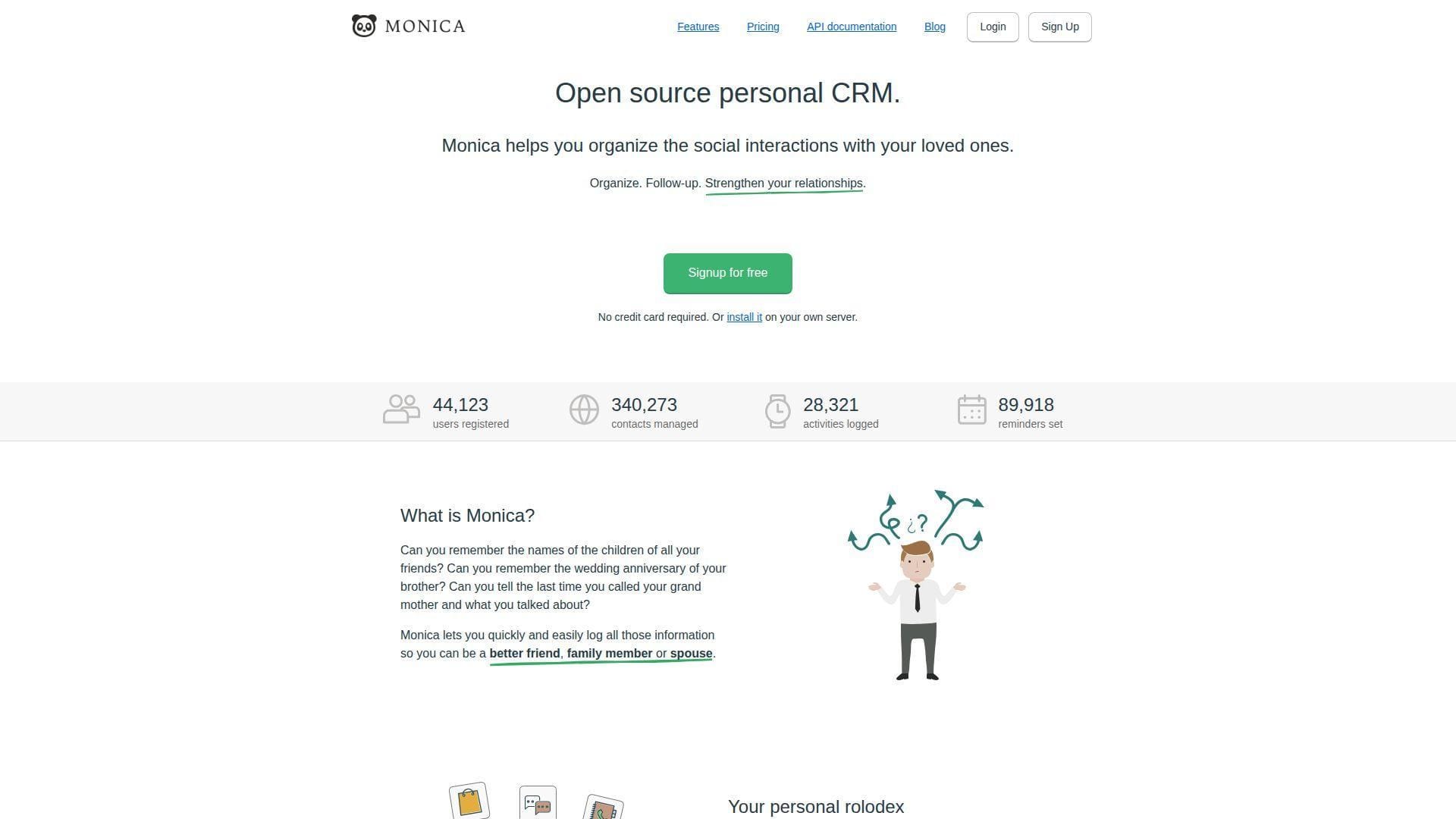
Monica is an open-source personal CRM project with a strong community feel. It was built for personal relationship memory, not sales quotas, which gives it a different emotional texture from business CRMs.
Best for: privacy-minded individuals and self-hosting users who want a life-centered CRM.
- Personal profiles, reminders, and life events → helps you remember family, friends, mentors, and colleagues with care.
- Open-source and self-hostable architecture → saves vendor-lock-in steps for users who control their own server.
- Simple hosted or self-hosted setup → time-to-first-value ranges from minutes on hosted to an evening on Docker.
Pricing & limits: From $0/mo; self-hosting is free; hosted Monica is $9/mo or $90/year; the hosted free plan is capped at 10 contacts, while paid hosting supports unlimited contacts and reminders.
Honest drawbacks: Monica is manual by design. It will not enrich LinkedIn profiles or auto-build a sales pipeline without extra work.
Verdict: If you want a humane, private relationship memory system, Monica helps you create one in a weekend.
5. Covve
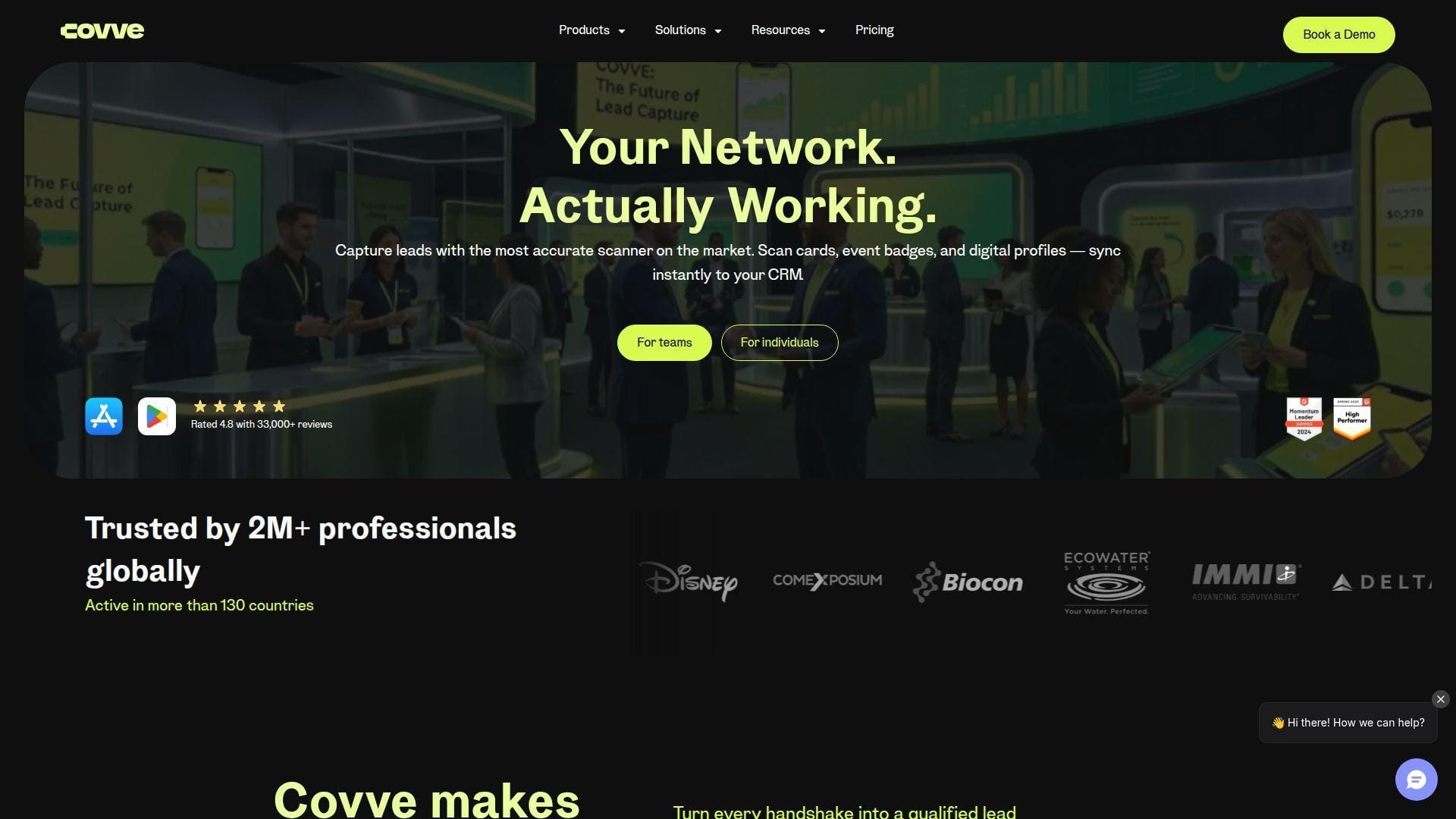
Covve is a mobile-first relationship management company with contact management, reminders, business card scanning, and lead capture products. Its personal CRM app is strongest when your phone is the center of your networking life.
Best for: mobile networkers and independent consultants who want simple reminders and contact cleanup.
- Relationship reminders and activity logs → turns casual phone contacts into follow-up opportunities.
- Contact sync, notes, and smart updates → saves repetitive profile-checking before calls and meetings.
- Mobile-first interface → time-to-first-value is often the same day, especially after contact import.
Pricing & limits: From $0/mo; free plan caps relationships, auto-reminders, notes, and tagging at 20 each; Covve Pro is $9.99/mo and removes those personal CRM caps.
Honest drawbacks: Covve can feel lighter than Dex or Folk for pipeline-heavy professional networking. Its separate scanner and lead-capture pricing may confuse buyers.
Verdict: If your network lives in your phone, Covve helps you organize key people and schedule thoughtful follow-ups within a day.
6. Folk
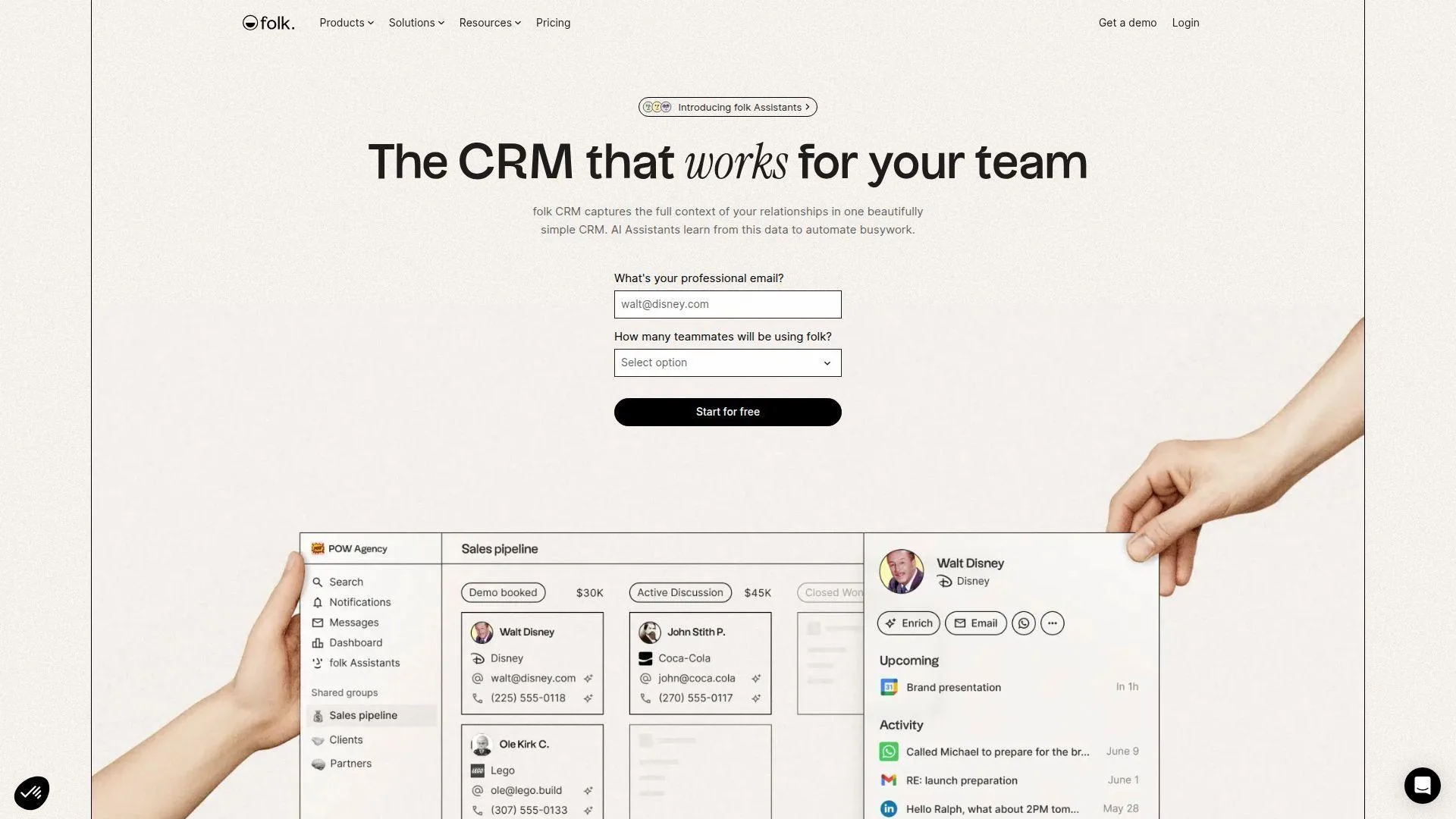
Folk is a modern CRM team aimed at relationship-led sales, recruiting, partnerships, and founder-led growth. It blends a clean database, LinkedIn capture, messaging, enrichment, and light automation.
Best for: agency founders and LinkedIn-heavy prospectors who want more structure than a personal address book.
- Groups, views, and pipelines → turns different relationship contexts into separate working boards.
- LinkedIn extension, enrichment, messaging, and integrations → removes several copy-paste steps from prospect capture.
- Polished collaborative UX → time-to-first-value is usually one focused setup session.
Pricing & limits: From $24/member/mo billed annually or $30 monthly; 2-week free trial; Standard includes account-sync and enrichment caps, while Premium raises credits and adds deals, dashboards, API access, and fuller history.
Honest drawbacks: Folk is excellent for professional relationship workflows, but it is not cheap for casual users. Beats Airtable at outreach flow; trails HubSpot on mature enterprise reporting.
Verdict: If you want LinkedIn capture plus lightweight CRM execution, Folk helps you turn prospect lists into active outreach within a week.
7. Streak
Streak is a Gmail-native CRM team that keeps relationship and deal work inside the inbox. That design is powerful for people who already treat Gmail as their command center.
Best for: solo recruiters and Gmail-first consultants who manage opportunities through email threads.
- Pipeline boxes inside Gmail → converts email conversations into trackable relationship stages.
- Mail merge, snippets, tracking, and AI credits → saves context switching between inbox and CRM.
- No separate CRM tab required → time-to-first-value is often one inbox-cleanup session.
Pricing & limits: From $0/mo for email power tools; CRM plans start at $49/user/mo billed annually; Pro+ offers a 14-day trial; free mail merge is capped, and AI credits increase by tier.
Honest drawbacks: Streak is deeply tied to Gmail. If your team lives in Outlook, Slack, and mobile contacts, a broader CRM will feel safer.
Verdict: If Gmail is where relationships already happen, Streak helps you manage follow-ups without leaving your inbox.
8. Contacts+
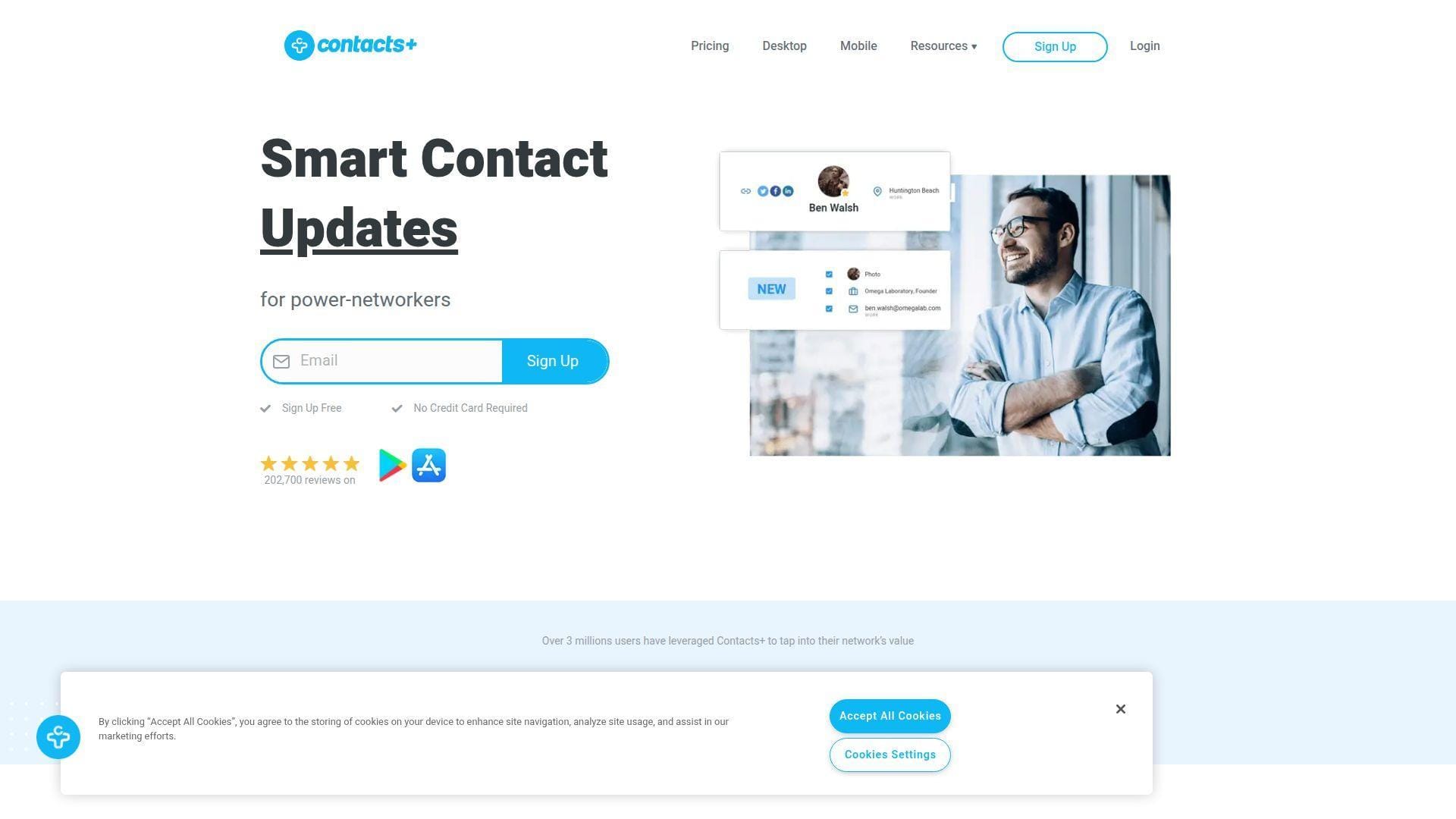
Contacts+ is a mature contact-sync and address-book company. It is less of a motivational follow-up coach and more of a clean, cross-platform contact system.
Best for: independent advisors and operations assistants who need accurate contacts across Apple, Google, and Microsoft accounts.
- Cross-account sync and deduplication → keeps address books clean across devices and ecosystems.
- Enrichment, signature extraction, and card transcription → saves manual contact cleanup after email and event activity.
- Web and mobile access → time-to-first-value is usually quick after connecting core accounts.
Pricing & limits: From $0/mo; Premium is $9.99/mo on annual billing or $13.99 monthly; Free syncs 1 account and 1,000 contacts; Premium supports 5 accounts and 25,000 contacts; Teams adds shared address-book features.
Honest drawbacks: Contacts+ is not built around relationship cadence. If reminders and warm outreach are the main need, Dex, Mesh, or Covve will feel more alive.
Verdict: If your main problem is messy contacts, Contacts+ helps you create a cleaner relationship database in a few hours.
9. Mogul
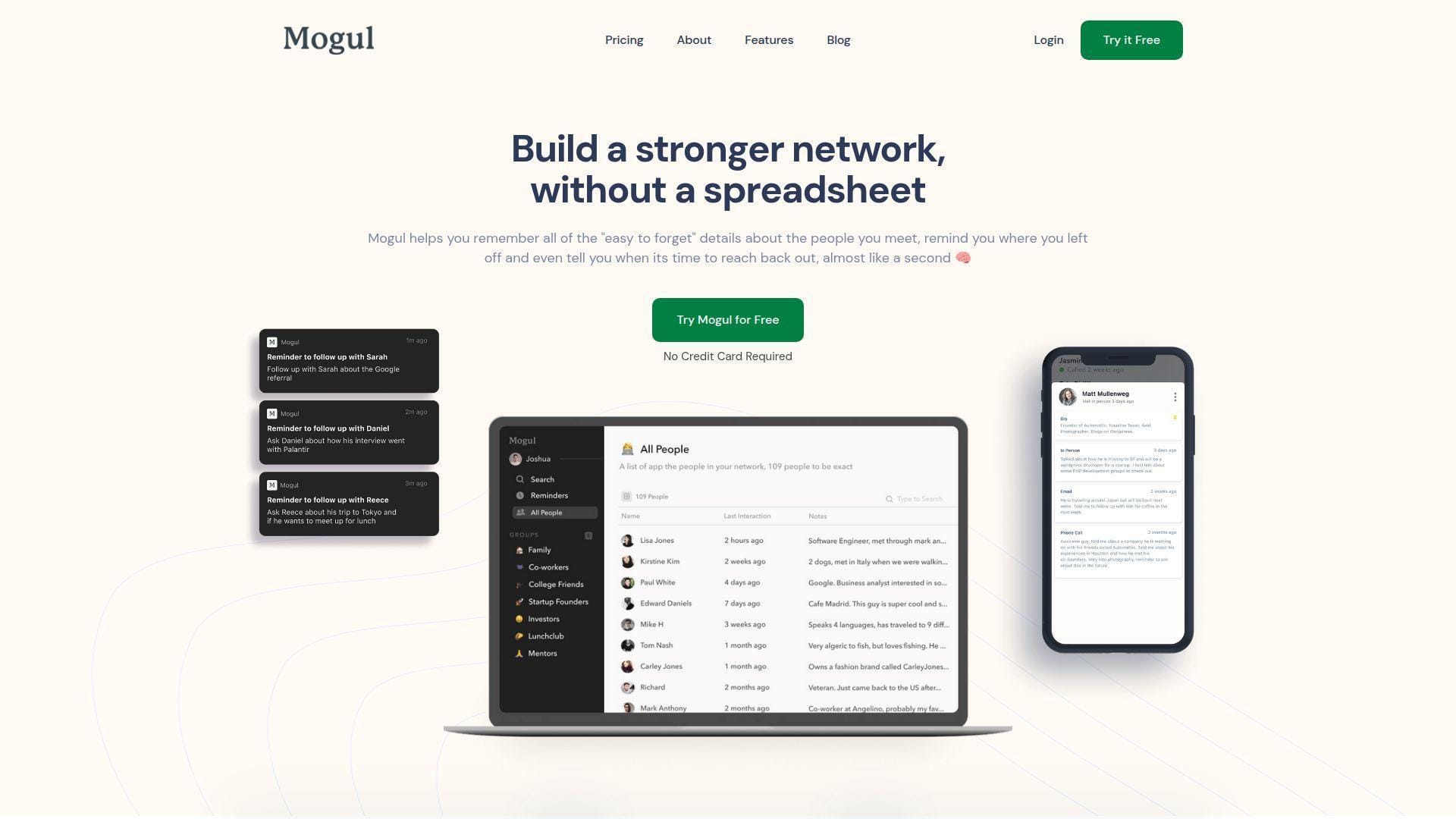
Mogul is a small, creator-led personal CRM built for thoughtful networking. Its message is refreshingly human: remember the little details that make people feel seen.
Best for: privacy-minded networkers and relationship-driven professionals who dislike salesy CRM interfaces.
- Groups, profiles, and interaction notes → keeps personal context accessible before calls and meetings.
- Recurring reminders and privacy-first design → reduces forgotten follow-ups without turning outreach into spam.
- Beautiful lightweight app experience → time-to-first-value is quick if your contact list is curated.
Pricing & limits: From $0/mo for trial entry; free trial is available without a credit card; public paid caps and plan details are not clearly posted, while discounts are offered for students, teachers, nonprofits, and military users.
Honest drawbacks: Pricing opacity is the obvious concern. Mogul also has a smaller ecosystem than Dex, Folk, or HubSpot.
Verdict: If you value private memory over sales dashboards, Mogul helps you build a more intentional contact habit quickly.
10. Relatable
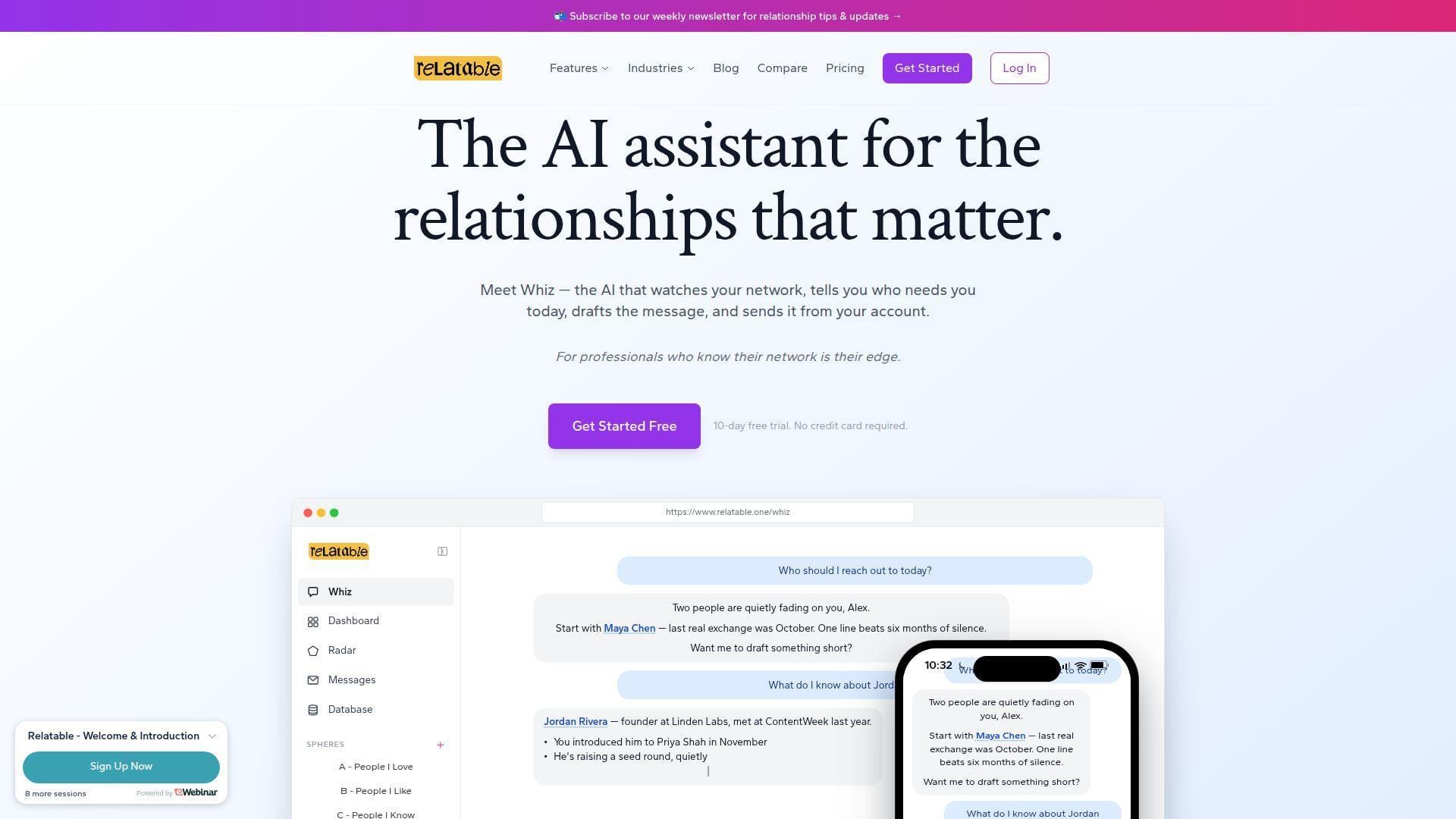
Relatable comes from the relationship-first lineage of Contactually, with Zvi Band’s methodology visible in the product’s positioning. The team frames networks as strategic assets, not just contact lists.
Best for: executives and fundraisers who manage high-value professional relationships.
- Spheres for relationship priority → helps focus energy on the people who create the most leverage.
- Gmail, Outlook, LinkedIn, calendar, AI assistant, and split messaging → compresses personalized outreach into fewer workflow steps.
- Web, mobile, and Chrome workflows → time-to-first-value is around one short onboarding session.
Pricing & limits: From $44/user/mo; 10-day free trial; no credit card required; one plan includes unlimited contacts, AI assistant, sync, split messaging, team collaboration, export, and Zapier.
Honest drawbacks: Relatable is expensive for casual personal use. A student or early job seeker may get enough value from Dex, Mesh, or Notion first.
Verdict: If your network materially affects revenue or career access, Relatable helps you systematize high-value follow-up within days.
11. UpHabit
UpHabit is a privacy-first personal CRM app built around relationships, introductions, and reminders. The team has long emphasized that it does not need to sell user data to fund the product.
Best for: super connectors and Salesforce-adjacent professionals who make frequent introductions.
- Relationship tracking and reminder cadence → keeps priority contacts visible without overbuilding a pipeline.
- Salesforce, Mailchimp, and Constant Contact integrations → saves export and re-entry steps for business users.
- Mobile and contact-sync workflow → time-to-first-value is same day for a curated relationship list.
Pricing & limits: From $0/mo; free plan manages 10 relationships, unlimited contacts, daily sync, and up to 5 introductions; Business is $19.99/mo or $119.99/year for unlimited relationships and faster sync.
Honest drawbacks: The free relationship cap is tight. The interface may also feel more practical than modern compared with newer AI-first tools.
Verdict: If introductions are central to your reputation, UpHabit helps you track who needs connecting in the first week.
12. Orvo
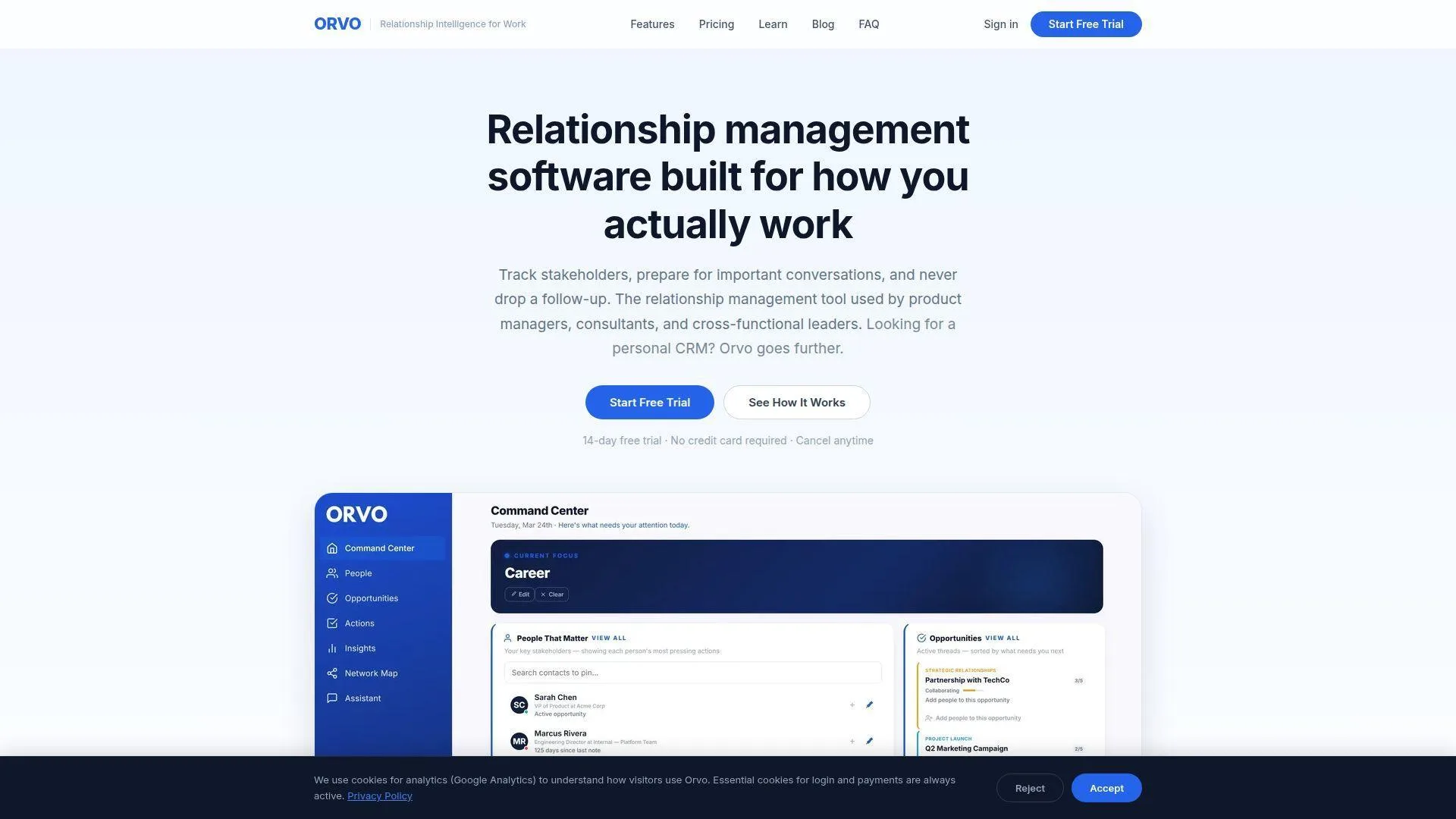
Orvo is a newer relationship-intelligence team focused on career builders, managers, consultants, and executives. It positions itself less as a contact book and more as a stakeholder-navigation system.
Best for: managers and career builders who need meeting prep, stakeholder maps, and work relationship context.
- Stakeholder maps and relationship health → shows where influence and context sit inside an organization.
- AI briefs, voice transcription, and career modules → saves meeting-prep and note-cleanup time after conversations.
- Guided career-oriented workflows → time-to-first-value is a few sessions, not a months-long CRM rollout.
Pricing & limits: From $19/mo; 14-day free trial; Pro includes unlimited contacts and 40 hours of voice transcription; Business is $39/mo and adds sharing, task assignment, and unlimited voice.
Honest drawbacks: Orvo is newer, so its community and integration ecosystem are smaller. Beats Dex at stakeholder intelligence; trails Folk on general sales-pipeline maturity.
Verdict: If career advancement depends on navigating complex relationships, Orvo helps you prepare better conversations within a week.
13. Wave Connect
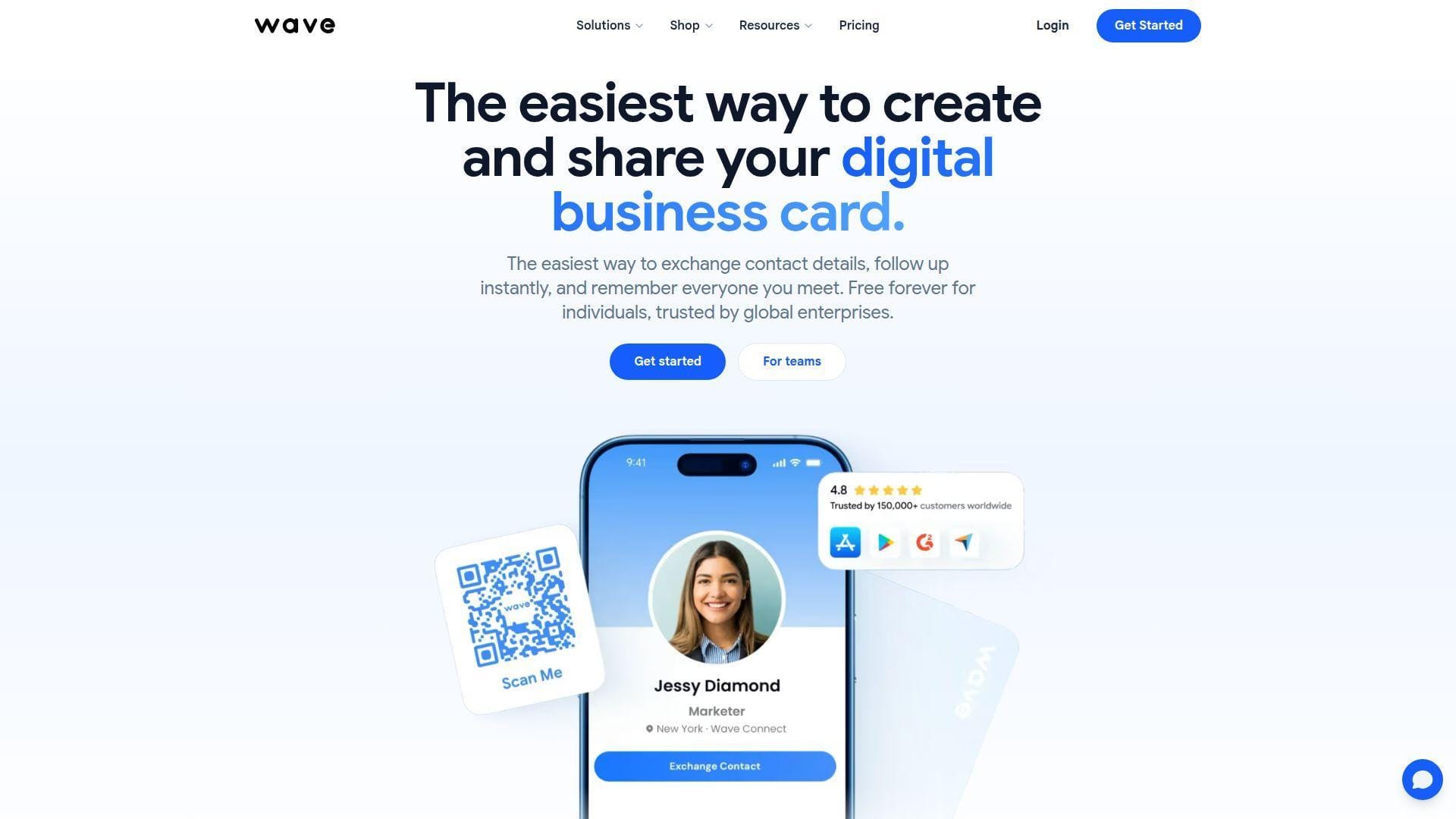
Wave Connect is a digital business card and lead-capture team. It belongs in a personal CRM list because event networking often begins with fast contact capture, not detailed database design.
Best for: event networkers and field sales professionals who collect contacts in person.
- Digital card, QR, NFC, and wallet sharing → makes first-contact exchange frictionless at events.
- Badge scanner AI, paper card scanner AI, enrichment, and CRM sync → saves manual transcription after conferences.
- Simple free profile setup → time-to-first-value is minutes before an event.
Pricing & limits: From $0/mo; Free includes unlimited sharing and 10 paper or badge scans; Pro is $7/mo annually or $9 monthly; Teams starts at $5/user/mo annually with a 3-seat minimum.
Honest drawbacks: Wave is not a deep personal CRM by itself. It is best paired with a contact manager, sales CRM, or spreadsheet after capture.
Verdict: If your biggest leak happens at events, Wave helps you turn handshakes into clean records immediately.
14. BlaBlaNote
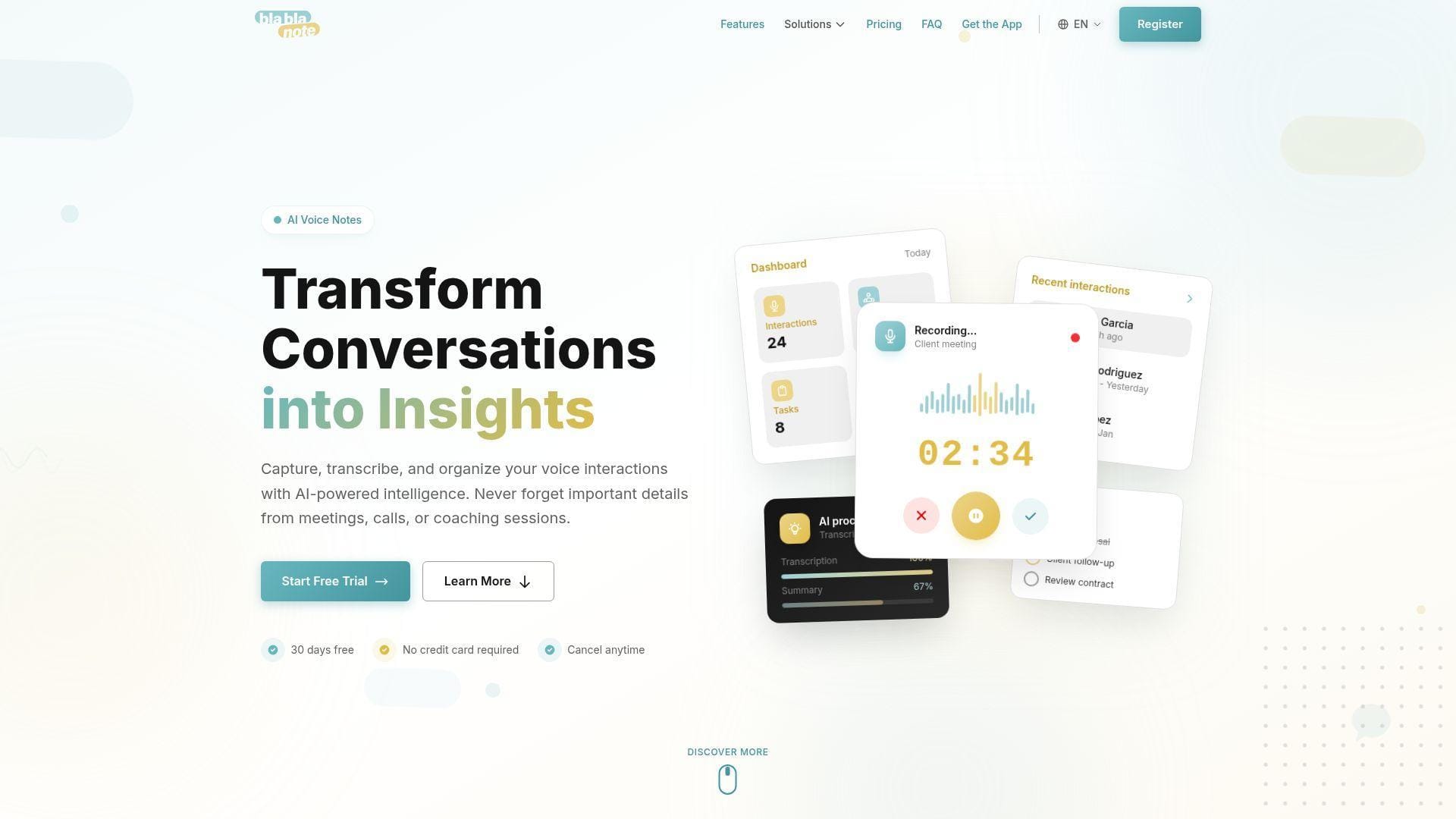
BlaBlaNote is an AI voice-notes app with relationship and networking use cases. The team’s angle is practical: speak the context, let AI structure the notes, then turn conversations into tasks.
Best for: coaches and consultants who capture relationship context by voice after meetings.
- Voice recording, upload, and transcription → converts spoken notes into searchable relationship memory.
- AI summaries, tasks, and contact extraction → saves post-call cleanup and follow-up drafting time.
- Lightweight app workflow → time-to-first-value is the first recorded conversation.
Pricing & limits: From about $10/mo equivalent; 30-day free trial; Individual billing is listed in euros at €9/mo annually or €12 monthly; voice notes are unlimited, with each audio capped at 10 minutes.
Honest drawbacks: BlaBlaNote is not as mature as a full contact-native CRM. It also depends heavily on AI quality and recording habits.
Verdict: If your best relationship context is spoken after meetings, BlaBlaNote helps you preserve it before memory fades.
15. Airtable
Airtable is a no-code database platform rather than a dedicated personal CRM. Still, for builders, operators, and systematic solopreneurs, it can become a powerful custom relationship database.
Best for: DIY database builders and operations-minded freelancers who want custom fields, views, and automations.
- Relational tables, views, and interfaces → models people, companies, events, deals, and referrals in one base.
- Automations and integrations → saves repetitive reminders once the schema is stable.
- Template-first setup → time-to-first-value is a few hours if you resist over-designing.
Pricing & limits: From $0/mo; Team is $20/seat/mo billed annually; Free is useful for small bases but caps records, attachments, automation runs, extensions, and revision history.
Honest drawbacks: Airtable will not behave like a personal CRM until you design it. Beats spreadsheets at relational structure; trails Dex at out-of-the-box reminders.
Verdict: If you want a custom relationship system and enjoy database thinking, Airtable helps you build one in a weekend.
16. Notion
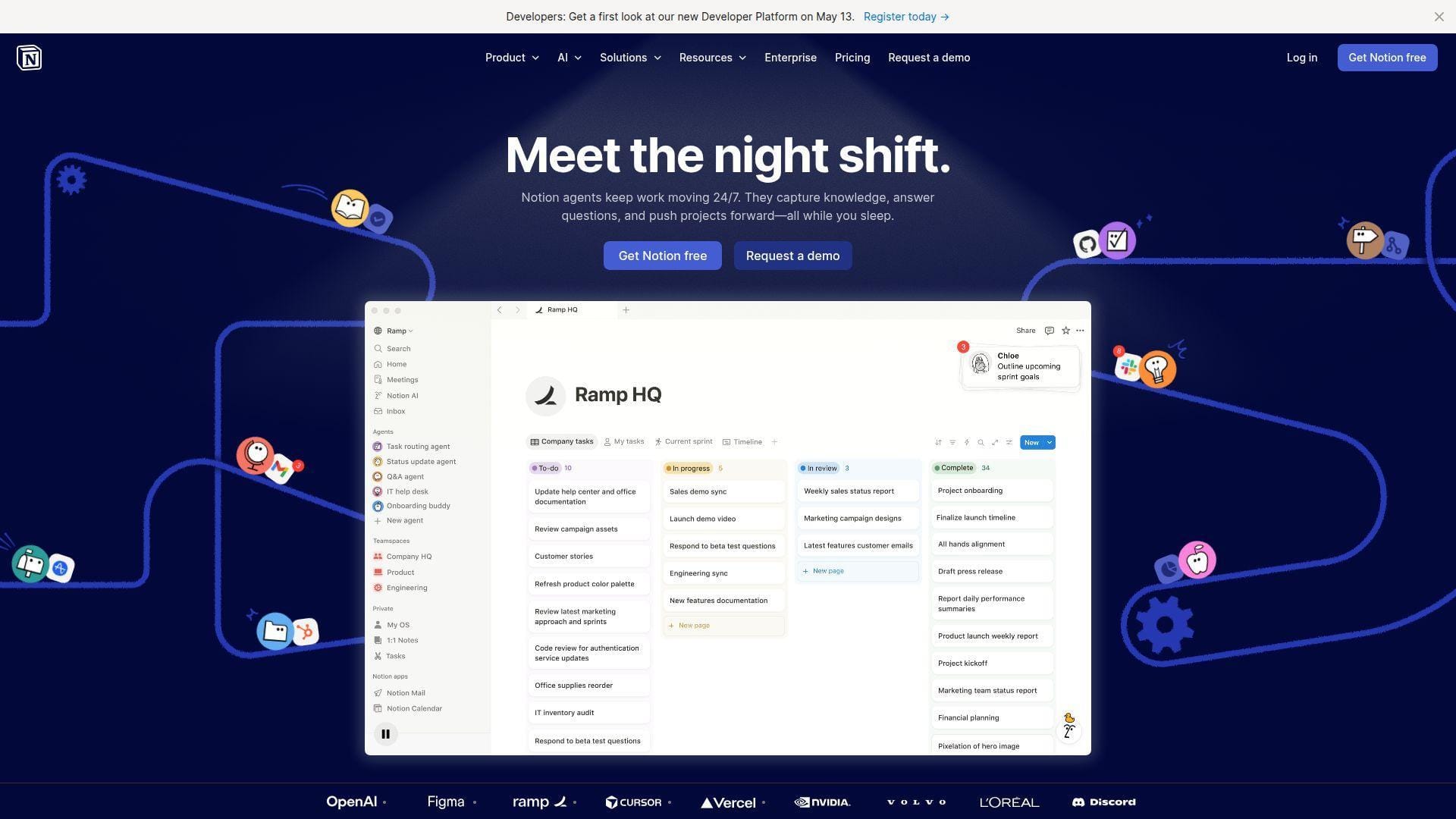
Notion is a connected workspace for notes, docs, databases, projects, and lightweight knowledge management. It becomes a personal CRM when you build or import a relationship template.
Best for: writers and students who already live in Notion and want CRM context next to notes.
- Flexible databases and page templates → stores contact notes, meeting logs, goals, and reminders together.
- Database views, buttons, and Notion AI on higher plans → saves formatting time once the template is tuned.
- Familiar workspace UX → time-to-first-value is fast if you start from a simple template.
Pricing & limits: From $0/mo; Plus is commonly positioned around $10/seat/mo and Business around $20/seat/mo; Free is generous for individuals but has team and upload limits, and advanced AI access depends on plan.
Honest drawbacks: Notion has no native contact sync, enrichment, or relationship cadence engine. It is a beautiful notebook until you maintain it like a system.
Verdict: If you already use Notion daily, it helps you test personal CRM habits before paying for a dedicated app.
17. Cloze
Cloze is an AI-assisted relationship CRM with strong roots in real estate, consulting, and relationship-heavy sales. It tries to reduce data entry by pulling together communication history and contact context.
Best for: real estate agents and consultants who need passive contact intelligence across email and calendar.
- Unified contact timeline → gathers calls, emails, meetings, notes, and files around each person.
- AI prompts, templates, mail merge, and reminders → saves manual follow-up planning after active conversations.
- Passive data-capture workflow → time-to-first-value improves after connecting core accounts.
Pricing & limits: From $17/mo billed annually; 14-day trial; month-to-month Pro is higher; Pro includes caps on custom segments, custom fields, and templates, while Business tiers unlock deeper team and AI features.
Honest drawbacks: Cloze can feel complex for people who only need a friendly reminder app. Some support and advanced AI capabilities sit behind higher tiers.
Verdict: If your inbox already contains the relationship history, Cloze helps you surface it with less manual logging.
18. Nimble
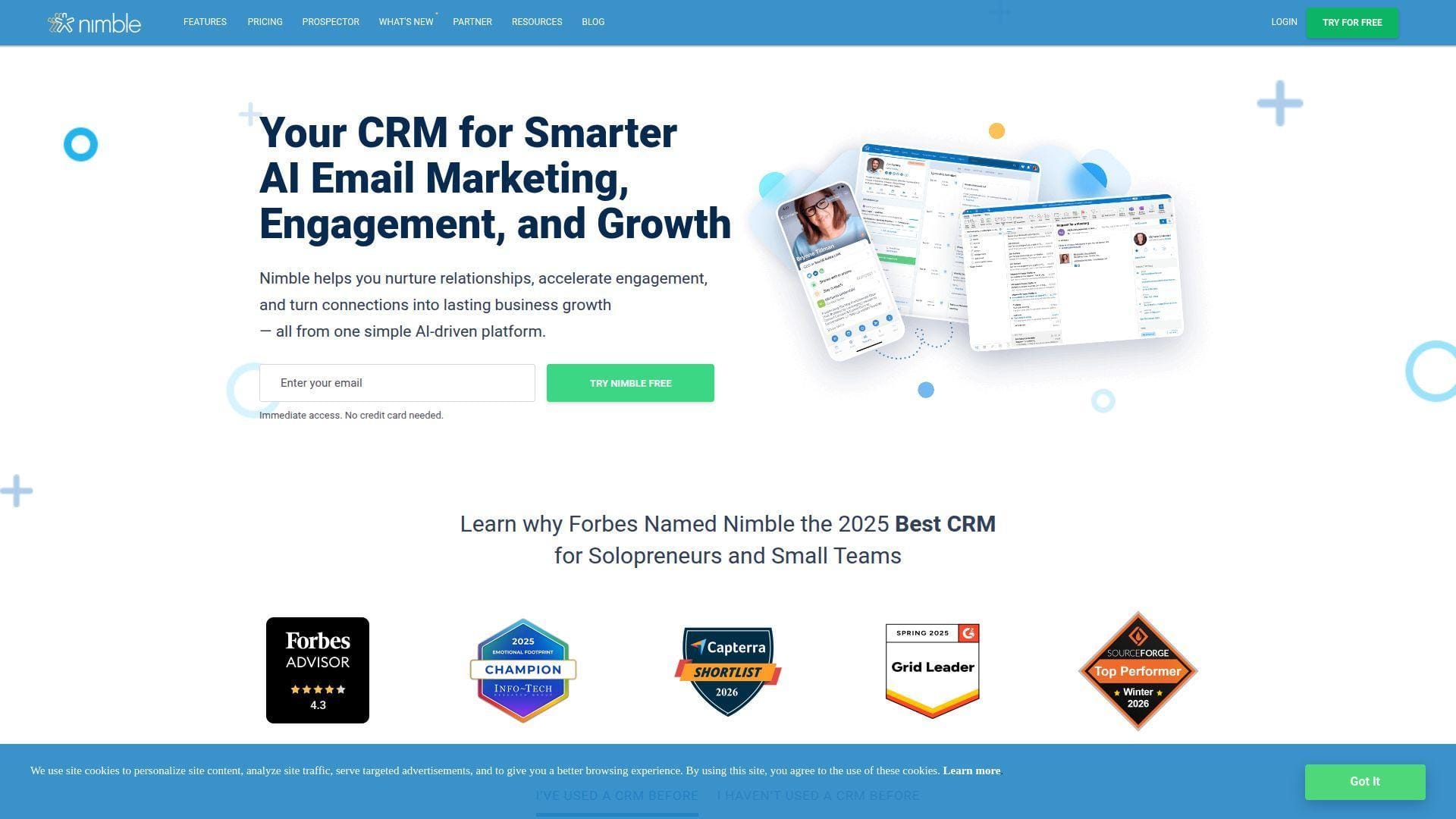
Nimble is a social CRM company built for relationship selling. Its team focuses on contact enrichment, browser-based prospecting, social context, and small-business CRM simplicity.
Best for: social sellers and SMB relationship teams that need contact intelligence plus outreach.
- Nimble Prospector and contact records → captures people from websites and social profiles into the CRM.
- Enrichment, group messaging, templates, and tracking → saves research and outreach setup time.
- Single-plan product structure → time-to-first-value is shorter than multi-tier enterprise CRMs.
Pricing & limits: From $24.90/license/mo billed annually; 14-day free trial; base allowances include contact, storage, group-message, and enrichment-credit limits, with extra credits and email marketing available as add-ons.
Honest drawbacks: Nimble is more business CRM than personal CRM. It may be overkill if you only want birthday reminders and notes for friends.
Verdict: If professional relationships begin on LinkedIn and company websites, Nimble helps you capture and enrich them quickly.
19. HubSpot CRM
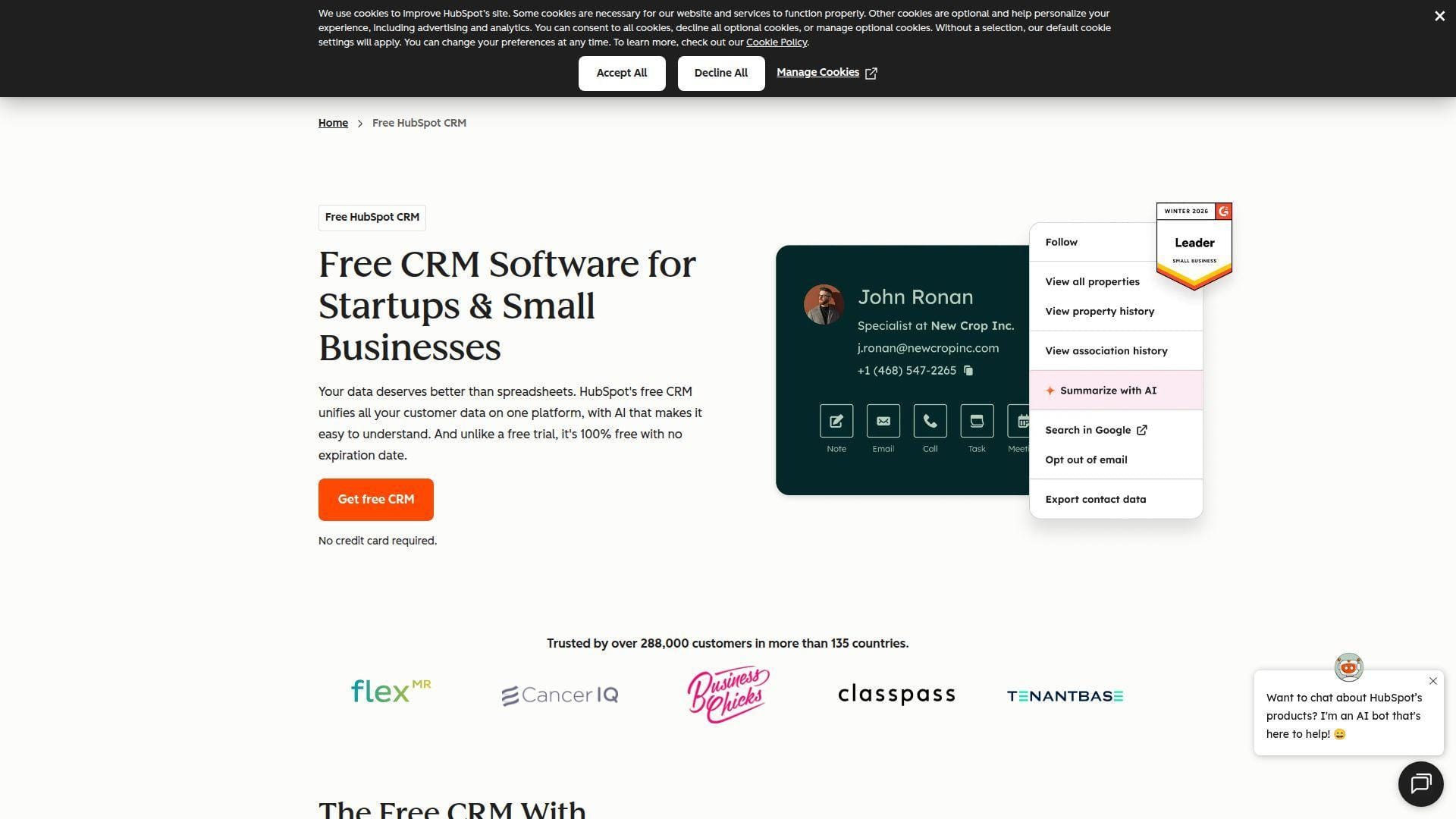
HubSpot CRM is part of HubSpot’s broader customer platform, with sales, marketing, service, content, operations, and commerce tools around one contact database. For personal CRM use, it is powerful but business-oriented.
Best for: startups and SMB teams that want free CRM foundations with a path to sales and marketing automation.
- Contacts, companies, deals, tasks, and activities → gives small teams a business-grade relationship system.
- Email tracking, forms, meetings, inbox, and hub integrations → saves tool sprawl as operations mature.
- Polished onboarding and templates → time-to-first-value is quick for basic sales pipelines.
Pricing & limits: From $0/mo; Starter Customer Platform is commonly promoted from $15/seat/mo with annual commitment; free tools cover basic CRM needs but cap advanced automation, reporting, branding control, and marketing scale.
Honest drawbacks: HubSpot can become expensive as hubs, seats, and marketing contacts grow. For purely personal relationships, it may feel like driving a delivery truck to buy coffee.
Verdict: If your personal network is becoming a real business pipeline, HubSpot helps you scale from free CRM to structured operations.
20. ClickUp
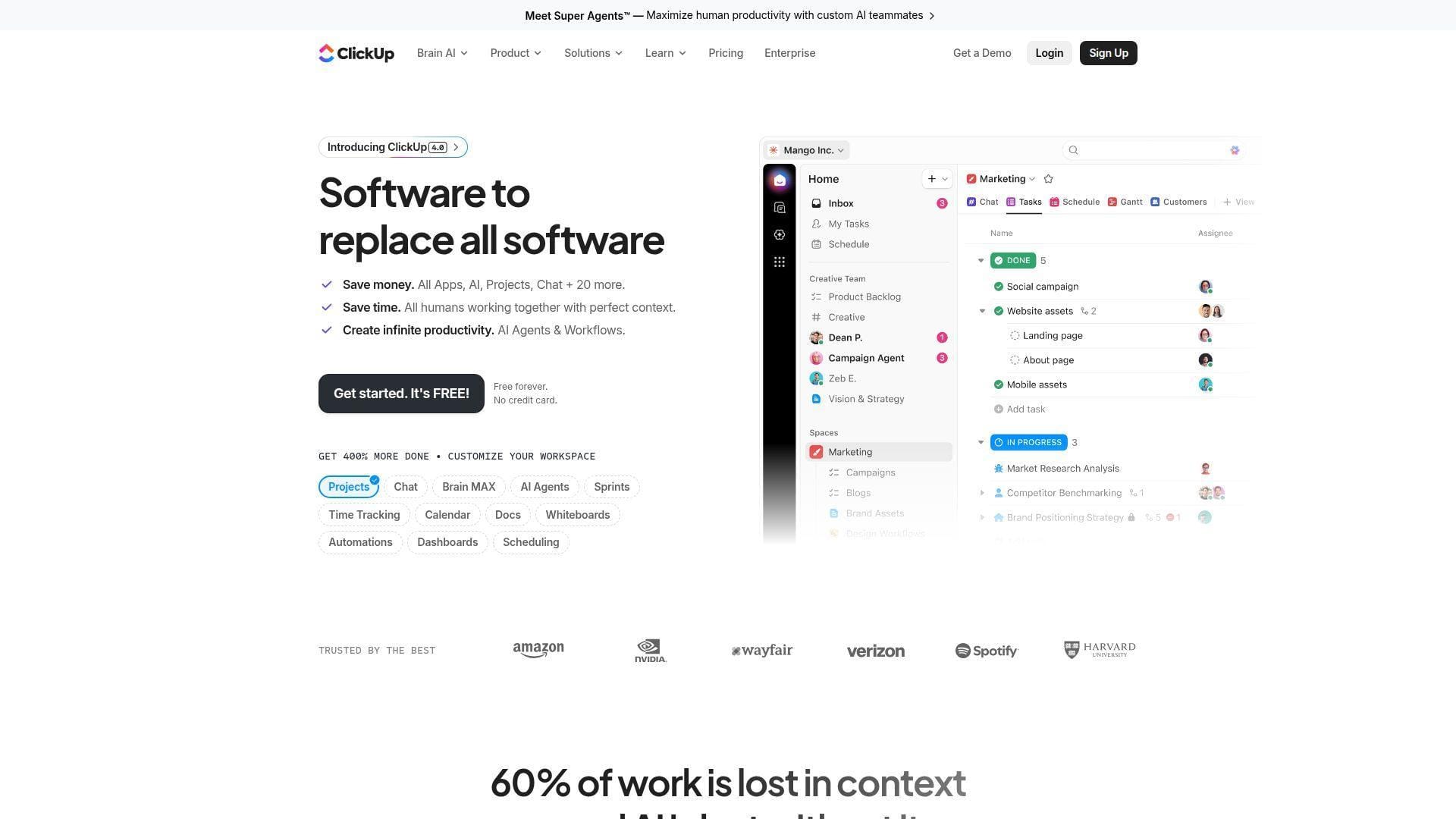
ClickUp is a work management platform, not a dedicated personal CRM. Yet many freelancers and small teams use it to manage client relationships, follow-up tasks, referral pipelines, and project context.
Best for: solopreneurs and client-service teams that want CRM tasks inside project operations.
- Lists, custom fields, views, and docs → models leads, clients, projects, renewals, and follow-ups together.
- Automations, templates, dashboards, and AI add-ons → saves recurring admin once the workspace is designed.
- Task-first interface → time-to-first-value is fast for people already using ClickUp for delivery work.
Pricing & limits: From $0/mo; Unlimited is commonly listed at $7/user/mo annually and Business at $12/user/mo annually; Free Forever has storage and feature-use limits, and AI is an add-on.
Honest drawbacks: ClickUp can become too broad and noisy for relationship management. It also lacks native contact enrichment, social updates, and personal reconnect intelligence.
Verdict: If relationships turn into tasks and deliverables, ClickUp helps you keep pipeline and execution in one workspace.
What Personal CRM Tools Are and When They Are Worth Using
Personal CRM tools help individuals manage relationships with the structure businesses use for customers. The difference is tone. A good personal CRM remembers context; it should not make every friend, investor, classmate, or mentor feel like a sales lead.
1. Personal CRMs as Smarter Address Books for Modern Networks
A phone contact list stores names, numbers, and email addresses. A personal CRM stores the reason the relationship matters. That distinction is everything.
Modern networks spread across Gmail, Outlook, LinkedIn, WhatsApp, iMessage, Slack, events, alumni groups, and community platforms. A personal CRM becomes the layer that connects those fragments into a usable memory. It answers questions like: Where did we meet? What did we discuss? When should we reconnect? Who introduced us?
2. Relationship Context, Follow-Ups, and Memory Support
We rarely lose opportunities because we lack contacts. We lose them because context decays. The smart investor intro, the promising hiring lead, and the former client who loved our work can all disappear into the fog.
Personal CRM tools fight that decay with notes, timelines, follow-up dates, reminders, and signals. The best ones make memory operational. They do not just help us remember a person. They help us remember why now is a good time to reach out.
3. Personal and Professional Relationship Use Cases
Job seekers use personal CRMs to manage referral conversations. Founders use them for investors, advisors, early customers, and talent. Consultants use them to track clients, prospects, partners, and previous collaborators.
There are personal uses too. Monica, for example, is excellent for remembering family milestones and personal details. The same pattern applies everywhere: if a relationship matters and memory is unreliable, a personal CRM can help.
4. When a Phone Contact List or Spreadsheet Is Enough
A dedicated personal CRM is not always necessary. If your network is small, your follow-ups are rare, and you do not need reminders, a phone contact list may be enough.
A spreadsheet also works when the workflow is static. For example, a student tracking a short list of internship contacts can use a simple sheet. The trouble starts when relationships become recurring, contextual, and time-sensitive.
5. When Follow-Up Reminders Justify a Dedicated Personal CRM
The clearest trigger is missed follow-up. If you regularly think, “I should have reached out months ago,” the system is failing.
Another signal is emotional friction. If outreach feels awkward because too much time passed, a personal CRM pays for itself by reducing that gap. The goal is not constant contact. It is timely, relevant contact.
Essential Personal CRM Features Readers Should Compare
Feature lists can mislead buyers. We prefer comparing the workflows a feature enables. A sync feature matters only if it reduces manual entry. A reminder matters only if it leads to better outreach.
1. Contact Sync Across Email, Calendar, LinkedIn, and Phone Contacts
Sync is the backbone of any serious personal CRM. Without it, the tool becomes another database to maintain. That is where adoption dies.
Look for Gmail, Outlook, Google Calendar, Apple Contacts, Microsoft contacts, LinkedIn import, and mobile contact support. Then inspect permissions. A tool that asks for full email and calendar access may be powerful, but it also deserves careful review.
2. Tags, Groups, Segments, and Custom Fields
Tags and custom fields turn a flat address book into a map. They let us distinguish investors from mentors, clients from friends, and warm referrals from casual contacts.
Keep the taxonomy simple at first. We like relationship type, priority, source, and next action. When users create too many tags too early, they spend more time classifying relationships than strengthening them.
3. Notes, Activities, Timelines, and Conversation History
A useful contact record should show the story of the relationship. Notes, meetings, emails, calls, tasks, and reminders belong in one timeline.
This matters before every meaningful conversation. A clean timeline helps us avoid generic outreach. It lets us say, with honesty, “Last time we spoke, you were exploring a new role. How did that turn out?”
4. Reconnect Cadence, Follow-Up Reminders, and Due Dates
Reconnect cadence is the feature that separates personal CRM tools from static contact databases. It converts intent into a calendar-aware habit.
Choose a tool that supports both one-time reminders and recurring cadences. The cadence should vary by relationship. A close mentor, a hiring manager, and a conference acquaintance do not need the same rhythm.
5. Contact Enrichment, Job Change Alerts, and Social Profile Updates
Contact enrichment can save hours of research, especially when people change companies or roles. It can also create noise, stale assumptions, and privacy concerns.
AI makes this more important. McKinsey estimated that generative AI could raise customer-care productivity by 30 to 45 percent, and we see a smaller version of that effect in relationship tools: AI can summarize context, prepare briefs, and suggest follow-ups, but humans still own the tone.
6. Relationship Mapping for Introductions and Shared Connections
Relationship mapping is underrated. It shows how people connect, who can introduce whom, and where influence sits inside an organization.
This is especially useful for founders, sales leaders, fundraisers, and job seekers. A warm path often matters more than a cold message. Tools like Orvo, Relatable, Mesh, and UpHabit are interesting because they acknowledge that networks have structure.
7. Mobile Apps, Browser Extensions, and Instant Contact Capture
Relationship data is most valuable when captured near the moment it happens. That is why mobile apps, browser extensions, and event scanners matter.
A LinkedIn extension helps after online research. A mobile app helps after a coffee meeting. A badge scanner helps at events. The best personal CRM is the one you can update before context disappears.
8. Privacy Controls, Data Export, and Self-Hosting Options
Relationship data is sensitive. It includes names, messages, introductions, personal notes, career plans, and sometimes family details.
Compare data export, deletion controls, encryption, self-hosting, and permission scope. Monica stands out for self-hosting. Mogul emphasizes end-to-end encryption. Mesh emphasizes privacy. The right choice depends on your risk tolerance.
How to Choose Personal CRM Tools by Use Case
There is no universal best personal CRM. A founder raising capital, a teacher maintaining alumni relationships, and a freelancer tracking clients need different systems. Start with the use case, then choose the tool.
1. Best for LinkedIn-Heavy Networking
For LinkedIn-heavy work, we would compare Dex, Folk, Nimble, Relatable, and Orvo first. The key feature is not just importing LinkedIn contacts. It is turning a profile into a usable relationship record.
Folk is strongest when LinkedIn capture turns into prospecting. Dex is easier for personal follow-up. Nimble adds business enrichment. Orvo is better when LinkedIn contacts become stakeholders in a career or organization map.
2. Best for Gmail-First Workflows
If Gmail is your operating system, Streak deserves a serious look. It turns the inbox into a CRM layer and keeps the context close to the thread.
Dex, Folk, HubSpot, Cloze, and Relatable also work well with email-centric users. The trade-off is depth. Streak wins inside Gmail. Broader tools win when email is only one channel among many.
3. Best for Mobile-First Relationship Management
For mobile-first users, Covve, Contacts+, UpHabit, Dex, and Wave Connect are the natural shortlist. They support the reality that many relationship moments happen away from a desk.
Mobile-first design matters after events, calls, dinners, and quick intros. If it takes too long to capture a note, the note will not happen.
4. Best for Privacy-First and Self-Hosted Personal CRM
Privacy-first users should begin with Monica, Mogul, Mesh, and carefully configured self-hosted or low-permission setups. Monica is the clearest self-hosted option in this list.
We would avoid connecting every account on day one. Start with manual contacts. Then add integrations only when the benefit outweighs the exposure.
5. Best for Solopreneurs, Freelancers, and Client Pipelines
Solopreneurs often need more than memory. They need deals, tasks, invoices, proposals, referrals, and delivery context. OnePageCRM, Folk, HubSpot, ClickUp, Airtable, and Cloze all fit parts of that picture.
Our advice is to separate relationship stages from project stages. A prospect becomes a client, but the relationship continues after the project closes. Your CRM should preserve both stories.
6. Best for DIY Databases and Custom Relationship Tracking
Airtable and Notion are the obvious DIY choices. They are flexible, attractive, and familiar to many knowledge workers.
The danger is overbuilding. A beautiful Notion CRM that nobody updates is worse than a plain Dex reminder that gets used. Build only the fields you will maintain.
7. Best for AI Notes, Voice Capture, and Relationship Intelligence
BlaBlaNote, Orvo, Relatable, Folk, and Mesh are the AI-oriented tools to watch. They approach AI from different angles: notes, stakeholder intelligence, relationship assistant, enrichment, and life updates.
AI is best used as a preparation and recall layer. It should draft, summarize, and surface context. It should not replace human judgment about whether outreach is welcome.
8. Best for Event Networking and Fast Contact Capture
Wave Connect, Covve, Contacts+, and UpHabit are strong event-networking companions. They help capture cards, badges, QR scans, and quick contact notes.
The important step happens after capture. Schedule a follow-up before the event energy fades. Otherwise, even the best scanner becomes a digital shoebox.
Personal CRM Tools Versus Business CRMs, Contact Managers, and DIY Databases
Many readers compare personal CRM tools with business CRMs, contact managers, and DIY databases. That is wise. The wrong category can create months of friction.
1. How Personal CRMs Differ from Sales Pipeline Software
Sales pipeline software asks, “What is the deal stage?” Personal CRM software asks, “What is the relationship context?” Those questions overlap, but they are not the same.
A founder may track an investor relationship for years before there is a deal. A job seeker may track mentors who never become “opportunities.” A personal CRM respects those softer, longer cycles.
2. When Business CRMs Like HubSpot, Nimble, or Cloze Make Sense
Business CRMs make sense when relationships produce repeatable business processes. That includes leads, deals, support tickets, marketing campaigns, referrals, and customer success tasks.
HubSpot is best when CRM is becoming a full growth platform. Nimble fits social selling and SMB outreach. Cloze fits relationship-heavy professionals who want communication history with less data entry.
3. When Contact Managers Like Contacts+ Are the Better Starting Point
Sometimes the problem is not follow-up. It is contact hygiene. Duplicate records, outdated phone numbers, and scattered address books create daily friction.
In that case, Contacts+ can be the better first move. Clean data makes every later CRM decision easier. We often prefer cleaning contacts before designing cadences.
4. When Notion, Airtable, or Google Sheets Is Enough
DIY tools are enough when your workflow is simple and your discipline is high. Notion is excellent for notes. Airtable is excellent for structured databases. Google Sheets is universal and fast.
They fail when reminders, sync, enrichment, and mobile capture become important. At that point, the low cost of DIY can become expensive in missed opportunities.
5. When to Move from a Spreadsheet to a Dedicated Personal CRM
Move when your spreadsheet stops prompting action. A row that says “follow up soon” is not a system.
Another trigger is context fragmentation. If the contact is in Google Contacts, the meeting is in Calendar, the note is in Notion, and the last message is in LinkedIn, a dedicated personal CRM can reduce cognitive load.
Privacy, Security, and Data Ownership in Personal CRM Tools
We run cloud infrastructure, so we cannot discuss personal CRM tools without discussing data gravity. Once relationship data enters a platform, the platform becomes part of your trust boundary.
1. Risks of Connecting Email, Calendar, Social, and Phone Accounts
Email and calendar integrations are powerful because they reveal context. They are risky for the same reason. A compromised CRM connection can expose messages, meetings, participants, and metadata.
API security matters here. Connected CRMs depend on tokens, scopes, webhooks, and third-party integrations, so the API Security Top 10 is a useful lens for evaluating vendors and your own configuration.
2. Open-Source, Self-Hosted, and End-to-End Encrypted Options
Self-hosting gives control, but it also gives responsibility. Monica is attractive because the code is open and deployable on your own infrastructure. That helps users who want stronger ownership.
End-to-end encryption, as promoted by tools like Mogul, addresses a different concern. It limits what the vendor can read. Still, users must understand recovery, device security, exports, and backups.
3. Data Export, Account Deletion, and Vendor Lock-In
Before importing your network, test export. A personal CRM should let you leave with contacts, notes, tags, and core relationship fields.
Deletion matters too. Relationship data can be deeply personal. If a vendor makes export easy but deletion vague, that is a trust warning. We prefer tools that treat portability as a product feature.
4. Cloud Storage, Permissions, and Relationship Data Hygiene
Good hygiene starts with least privilege. Connect only the accounts you need. Remove stale integrations. Review OAuth access after trials. Do not keep old exports in random downloads folders.
For teams and self-hosters, we borrow ideas from zero trust architecture: verify access, segment sensitive data, reduce standing permissions, and log meaningful activity.
Personal CRM Setup Workflow for First-Time Users
The best personal CRM setup is not the most complete setup. It is the setup you will keep using. We recommend starting small, proving the habit, then adding automation.
1. Import a Small Set of High-Value Contacts First
Do not import your entire address book on day one. Start with the people who matter most this quarter: active clients, mentors, investors, hiring contacts, partners, or close collaborators.
This keeps the database emotionally relevant. If the first screen is cluttered with old delivery drivers and one-time vendors, the tool will feel noisy before it becomes useful.
2. Create Tags for Relationship Type, Context, and Priority
Use a small tag system. We like relationship type, context, and priority. For example: mentor, client, alumni, investor, event, warm intro, high priority.
Avoid clever taxonomies at first. The goal is retrieval, not decoration. If tags do not help you decide who to contact next, remove them.
3. Add Last Contacted Dates, Follow-Up Dates, and Notes
Every high-value contact should have a last-contacted date, a next-follow-up date, and a short note. That is the minimum viable relationship record.
The note should include human context. What do they care about? What did they ask for? What did you promise? This is where trust is preserved.
4. Set Reconnect Cadences Without Over-Automating Outreach
Cadence is useful. Robotic cadence is not. Set different reconnect rhythms for different relationships, and leave room for judgment.
We prefer reminders that prompt a decision rather than auto-send a message. Personal outreach should still feel personal. Automation should support timing, not replace sincerity.
5. Review Stale Relationships Weekly and Update Context
A weekly review keeps the system alive. Look at overdue reminders, stale high-priority contacts, and recent conversations that need notes.
This review does not need to be long. A short ritual is enough. The habit matters more than the tool.
6. Automate New Contact Capture Only After the System Works Manually
Automation amplifies the system you already have. If the manual workflow is messy, automation creates faster mess.
Once tags, notes, and follow-up habits work, add LinkedIn capture, email sync, enrichment, or event scanning. The sequence matters. Manual clarity first, automation second.
Pricing and Free Plan Trade-Offs for Personal CRM Tools
Personal CRM pricing looks simple until usage grows. Free plans are often generous enough to test habits, but the meaningful limits usually appear around contacts, sync, AI, enrichment, automation, storage, and team seats.
1. Free Plans With Contact Limits or Manual Work
Free plans are excellent for experimentation. Mesh, Dex, Monica, Covve, Contacts+, UpHabit, Wave Connect, Airtable, Notion, HubSpot, and ClickUp all offer some form of free entry.
The trade-off is usually one of three things: fewer contacts, less automation, or more manual work. That is fair. A free plan should prove the habit, not solve every edge case.
2. Paid Plans That Add Enrichment, AI, and Automation
Paid tiers usually become worthwhile when the tool saves research, context switching, or missed follow-up. Enrichment, AI summaries, job change alerts, and sync automation are the common upgrade triggers.
Before upgrading, calculate the avoided work. If a tool saves one awkward missed follow-up or one hour of weekly admin, the subscription may be easy to justify.
3. Self-Hosted Costs for Open-Source Personal CRMs
Self-hosting is not truly free. You may pay for a domain, cloud server, storage, backups, SSL certificate management, monitoring, and your own maintenance time.
Still, self-hosting can be the right choice for sensitive relationship data. Monica is the main example here. We like it when users understand both the freedom and the operational burden.
4. Annual Billing Risks for Individual Users
Annual billing lowers the monthly equivalent, but it also locks in a habit you may not keep. Individual users should be cautious.
Our rule is simple: use the tool for a full relationship cycle before paying annually. If you do not complete imports, notes, reminders, and reviews during the trial, a discount will not fix adoption.
5. Budget-Friendly Options for Students, Job Seekers, and Solopreneurs
Students and job seekers should start with free or low-cost tools. Dex, Mesh, Monica, Covve, Notion, Airtable, and Contacts+ are practical first stops.
Solopreneurs can justify more if revenue relationships are involved. OnePageCRM, Folk, Cloze, HubSpot, Nimble, and ClickUp become easier to defend when follow-ups connect directly to proposals, renewals, or referrals.
Frequently Asked Questions About Personal CRM Tools
These are the questions we hear from users who know they need a better relationship system but are unsure whether “CRM” is too formal for personal networks.
1. Which Personal CRM Is Best for an Individual User?
For most individual users, Dex, Mesh, Covve, Monica, and Contacts+ are the first tools we would test. Dex is balanced and simple. Mesh adds privacy-aware intelligence. Covve is mobile-friendly. Monica is best for self-hosted personal memory. Contacts+ is best for contact hygiene.
If the individual user is really a solo business owner, add OnePageCRM, Folk, Cloze, or HubSpot to the shortlist.
2. Do Personal CRM Tools Really Exist for Non-Business Use?
Yes. Monica is the clearest example because it was built for personal relationships, not sales. Covve, Dex, Mesh, Mogul, UpHabit, and Relatable also serve non-enterprise relationship management.
The phrase “CRM” can sound cold. The underlying need is warm: remember people, follow up thoughtfully, and maintain context.
3. Which Five Personal CRM Tools Should Readers Compare First?
If we had to narrow the field quickly, we would compare Dex, Mesh, Monica, Covve, and Folk. That set covers simple reminders, privacy-aware intelligence, self-hosting, mobile-first contact management, and professional pipelines.
For business-heavy users, replace Monica or Covve with OnePageCRM, HubSpot, Cloze, or Nimble.
4. Which Basic CRM Features Matter Most for Personal Use?
The essentials are contact sync, notes, tags, last-contacted dates, follow-up reminders, search, export, and mobile capture. Everything else is secondary.
AI is useful, but only after the basics work. A beautiful AI summary cannot help if the contact never entered the system.
5. Can Notion, Airtable, or Google Sheets Replace a Dedicated Personal CRM?
Yes, if your workflow is simple and you update it consistently. Notion is best for narrative notes. Airtable is best for structured relationship databases. Google Sheets is best for quick, universal tracking.
They struggle with automatic sync, enrichment, mobile capture, and proactive follow-up. Once those matter, a dedicated tool usually wins.
6. How Are Personal CRM Tools Different from Business CRM Platforms?
Personal CRM tools prioritize relationship memory and thoughtful follow-up. Business CRMs prioritize pipeline, revenue, reporting, automation, and team process.
The overlap is real, but the emotional design differs. A personal CRM should make outreach feel considerate. A business CRM should make revenue operations measurable.
7. Are Free Personal CRM Tools Safe and Useful Enough?
Some are useful enough, especially for testing habits. Safety depends on the vendor, permissions, hosting model, and your configuration.
We recommend starting with minimal permissions. Import a small contact set, verify export, read deletion controls, and connect email or calendar only when needed.
8. Which Personal CRM Tools Are Best for Privacy?
Monica is the strongest choice for self-hosting. Mogul is notable for privacy positioning and encryption. Mesh is interesting for users who want privacy-aware intelligence without fully self-hosting.
Privacy is not only a vendor promise. It is also a user practice. Limit connected accounts, review permissions, export carefully, and delete old data.
How 1Byte Supports Personal CRM Tool Users With Domain Registration, SSL Certificates, WordPress Hosting, Shared Hosting, Cloud Hosting, Cloud Servers, and AWS Partner Expertise
At 1Byte, we see personal CRM tools from the infrastructure side as well as the user side. Some readers will choose SaaS tools. Others will self-host, publish resources, build private client portals, or connect CRM workflows to cloud systems. That is where our work becomes practical.
1. Secure Self-Hosted Personal CRMs With Cloud Hosting, Cloud Servers, and SSL Certificates
Self-hosted personal CRMs need more than a server. They need DNS, HTTPS, firewall rules, backups, patching, monitoring, and a recovery plan. Otherwise, private relationship data sits on fragile ground.
We can support Monica-style deployments on cloud hosting or cloud servers, with SSL certificates to encrypt traffic and sensible backup routines to protect notes, contacts, and reminders. For privacy-minded users, that combination gives control without treating infrastructure as an afterthought.
2. Publish CRM Guides and Resource Hubs With Domain Registration, WordPress Hosting, and Shared Hosting
Many coaches, consultants, recruiters, and community builders do not only use personal CRM tools. They teach relationship systems, publish networking guides, and share templates with clients or members.
We help those users register domains, set up WordPress hosting, and run shared hosting for resource hubs. A personal CRM can manage private relationships. A public website can turn that expertise into trust, search visibility, and inbound demand.







3. Plan Scalable CRM Infrastructure With 1Byte as an AWS Partner
When personal CRM workflows become business infrastructure, the architecture changes. Users start asking about CRM integrations, analytics, serverless automations, secure APIs, customer portals, and data pipelines.
As an AWS Partner, we can help teams plan scalable infrastructure around those needs. The goal is not to make every individual run enterprise cloud systems. The goal is to know when a simple tool is enough, and when relationship data deserves a stronger foundation. If your next move is self-hosted, content-led, or cloud-connected, start with one high-value contact group and let us help map the domain, SSL, hosting, backup, and scaling path before you import the whole address book.