

- Quick Comparison of Marketing Project Management Software
- Top 20 Marketing Project Management Software Tools for 2026
- What Marketing Project Management Software Is
- Key Features to Compare in Marketing Project Management Software
- How to Choose the Right Marketing Project Management Software
- Best Marketing Project Management Software by Team Type and Use Case
- Pricing, Trials, and Total Cost of Ownership
- Implementation Checklist for Marketing Teams
- Marketing Project Management Software Trends to Watch
- FAQ About Marketing Project Management Software
- How 1Byte Supports Marketing Teams Beyond Project Management Software
Marketing project management software has become the control plane for campaigns, creative assets, approvals, reporting, and launch infrastructure. At 1Byte, we see it less as “task software” and more as the operating layer between marketing strategy and production reality. Our market read is blunt: marketing leaders must produce more work with tighter governance, and Gartner found marketing budgets at 7.7% of revenue in 2024. AI adds another pressure point. McKinsey estimated generative AI could unlock $2.6 trillion to $4.4 trillion in annual value across business functions.
Real-world execution supports the trend. Telefónica’s O2 Priority team reported becoming 30% more efficient with monday.com while delivering large campaign programs. Enterprise examples matter too. Adobe has cited Deloitte, IPG Health, and NASCAR in Workfront Planning use cases for coordinated campaign work.
Quick Comparison of Marketing Project Management Software
Here is our fast buyer’s table for the first ten platforms. We kept it concise because the real decision depends on workflow depth, approval complexity, reporting needs, and how much administration your team can absorb.
| Service/Tool | Best for | From price | Trial/Free | Key limits |
|---|---|---|---|---|
| Wrike | Marketing ops | $10/user/mo | 14-day trial; free plan | Team seat range; annual higher tiers |
| monday.com | Visual campaign workflows | $9/seat/mo | 14-day Pro trial; free plan | Automation and dashboard caps |
| ClickUp | All-in-one teams | $7/user/mo | Free Forever | Free storage and advanced-control limits |
| Jira | Technical launches | $7.91/user/mo | 7-day trial; free plan | Engineering-first learning curve |
| Adobe Workfront | Enterprise marketing | Custom | Demo-led | Procurement and admin overhead |
| Screendragon | Agency operations | Custom | Pricing consultation | Setup fee and guided rollout |
| Productive | Agency profitability | $10/user/mo | 14-day trial | Contractors are paid users |
| Teamwork.com | Client services | $9.99/user/mo | 30-day trial; free plan | Free plan project caps |
| Smartsheet | Spreadsheet-style PM | $9/member/mo | 30-day trial | Pro member cap; premium apps extra |
| Basecamp | Simple collaboration | $15/user/mo | 30-day or 60-day trial | Limited native reporting |
Top 20 Marketing Project Management Software Tools for 2026
We evaluated these tools as practitioners, not brochure collectors. The best marketing project management software should reduce status meetings, protect creative quality, shorten approval cycles, and make launch dates visible before they become emergencies.
1. Wrike
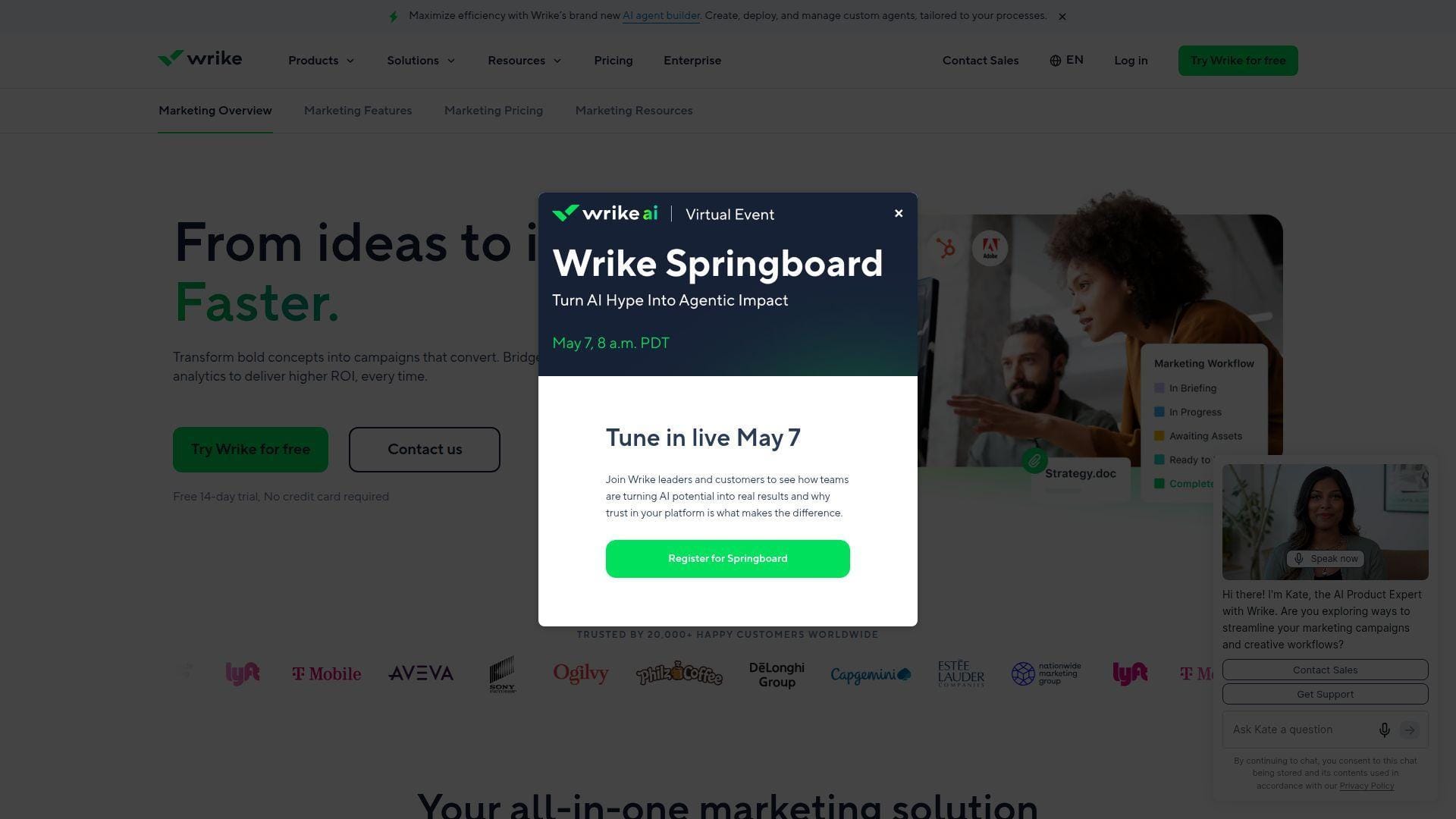
Wrike is a mature work-management platform built for marketing, creative, operations, and PMO teams that need structure without losing flexibility. Its team has leaned hard into request forms, dashboards, Gantt planning, approvals, and AI-assisted work orchestration.
Best for: marketing operations teams and in-house creative studios.
- Dynamic request intake and templates → route campaign briefs to the right owner without another kickoff spreadsheet.
- AI summaries, automations, and standard integrations → cut repetitive status chasing by several manual steps per project.
- Dashboards, Gantt, and folder-based workspaces → reach first useful campaign visibility in about one week.
Pricing & limits: From $10/user/mo; 14-day trial; Team is designed for small groups, while Business expands users, templates, integrations, and reporting controls. Higher plans move toward annual and sales-assisted packaging.
Honest drawbacks: Wrike can feel heavy if your team only needs a lightweight content calendar. Seat bundling and add-ons also need scrutiny during procurement.
Verdict: If you need governed campaign intake and reliable reporting, this helps you move from “who owns this?” to predictable delivery in the first month. Beats Basecamp at process depth; trails Adobe Workfront on enterprise Adobe ecosystem alignment.
2. monday.com
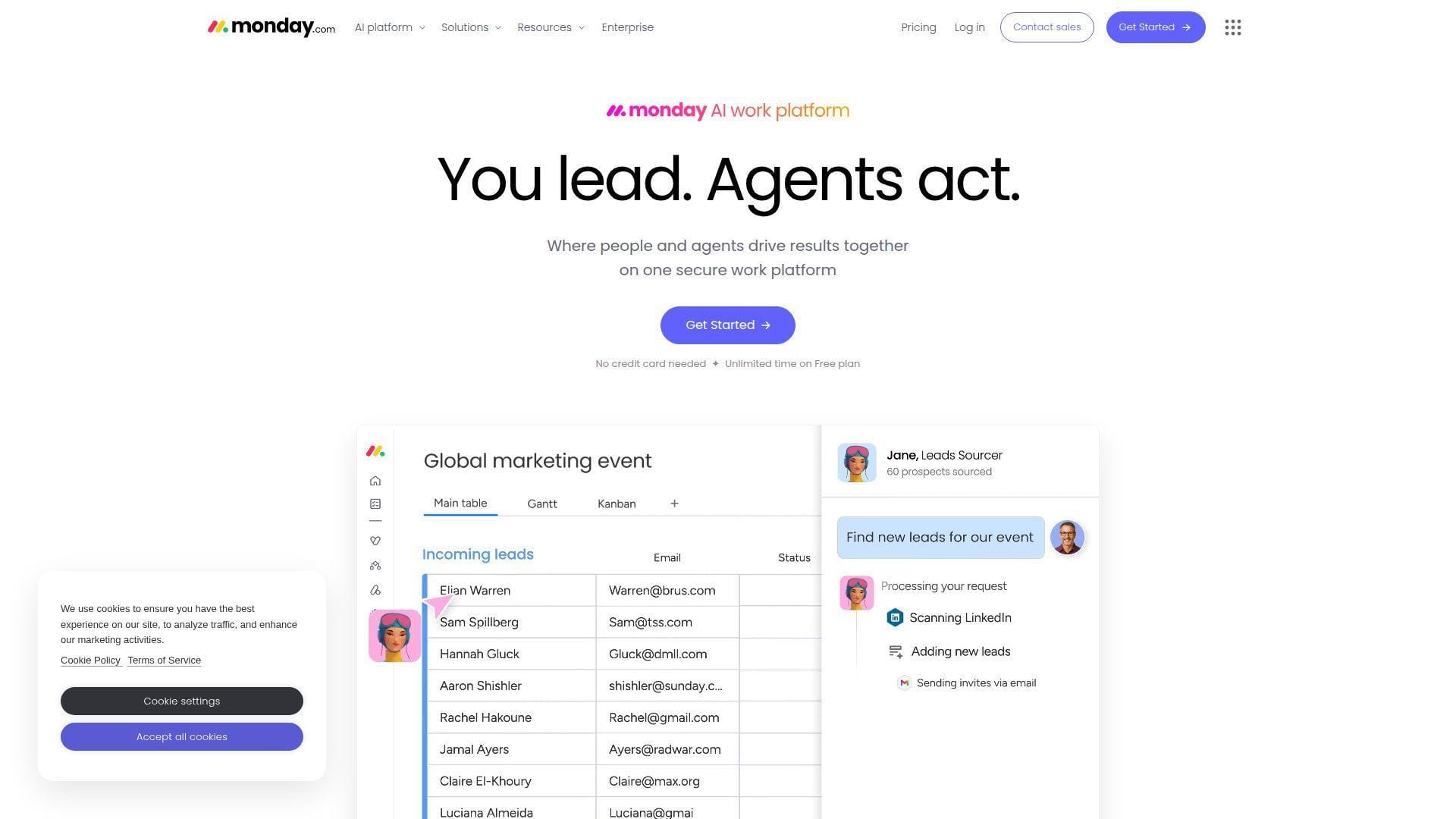
monday.com is a highly visual Work OS with a product team that understands non-technical adoption. It works well when marketing teams want boards, calendars, dashboards, automations, and stakeholder-friendly status views without long implementation cycles.
Best for: solo marketers scaling into teams and SMB marketing departments.
- Color-coded boards and campaign templates → turn scattered content, email, and event work into one readable pipeline.
- Automations, integrations, and AI sidekick flows → remove two or three handoff steps from weekly campaign operations.
- Friendly UX and fast templates → reach time-to-first-value in one to three days for simple workflows.
Pricing & limits: From $9/seat/mo; 14-day Pro trial; Basic includes limited storage, Standard adds timeline, calendar, guests, automations, and integrations, while Pro raises automation and dashboard capacity.
Honest drawbacks: monday.com can become expensive as automations, seats, and advanced permissions grow. Deep resource management still needs careful configuration.
Verdict: If you want adoption without a training marathon, this helps you launch a shared campaign board this week. Beats Smartsheet on visual onboarding; trails Workfront on enterprise approval governance.
3. ClickUp
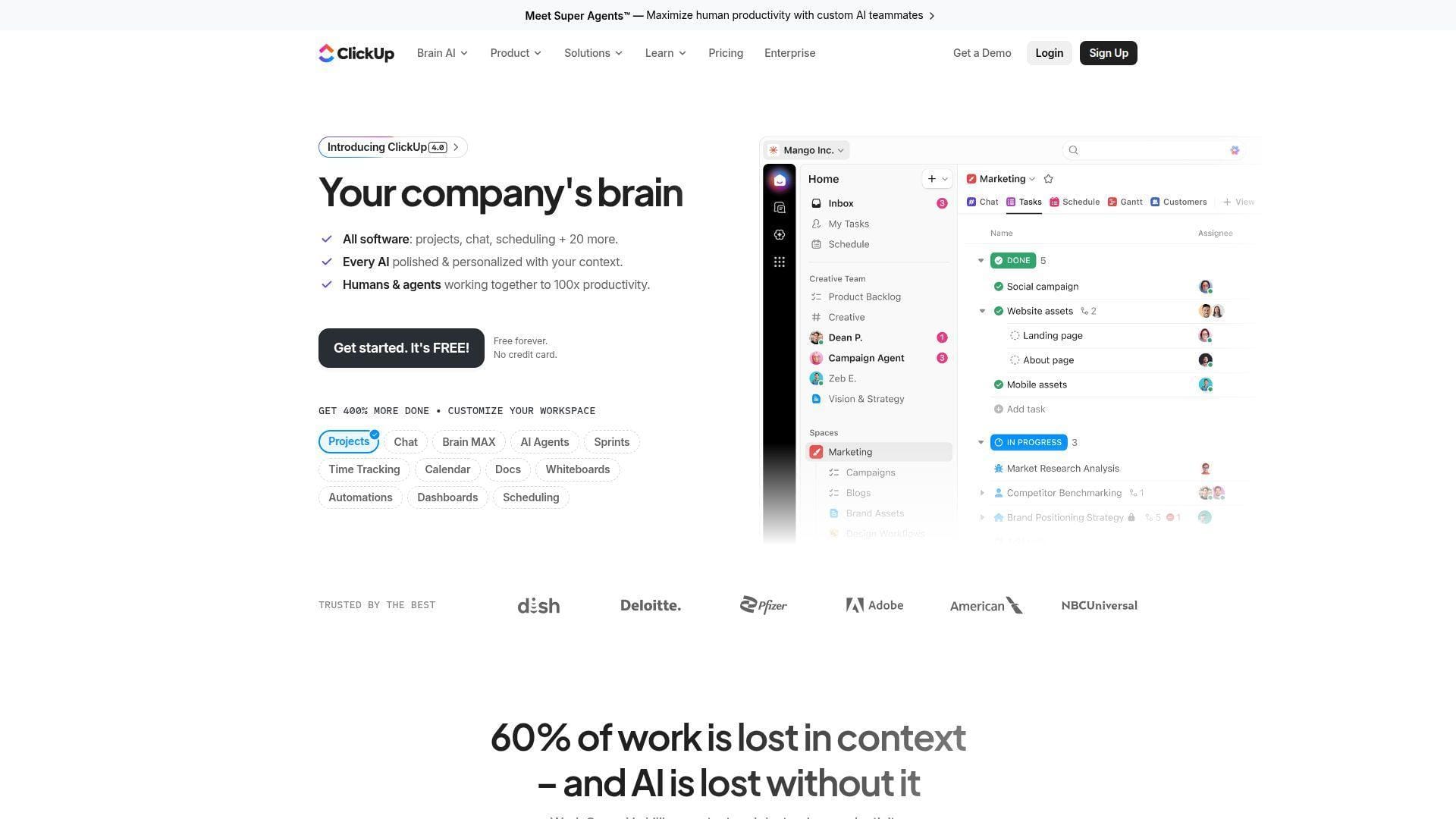
ClickUp is the “bring everything into one workspace” contender. Its product and engineering teams ship quickly, which makes it attractive for marketing teams that want tasks, docs, chat, whiteboards, dashboards, goals, proofing, and AI in one product.
Best for: growth teams and operations-minded SMBs.
- Tasks, Docs, Goals, Dashboards, and Whiteboards → consolidate campaign planning and execution in one workspace.
- Automations, webhooks, and AI add-ons → save several admin steps across briefs, reminders, and recurring reports.
- Template-rich setup and imports → reach first useful workflow in two to five days.
Pricing & limits: From $7/user/mo; Free Forever available; the free plan has storage limits, Unlimited unlocks more workspace capacity, and Business adds advanced dashboards, proofing, SSO options, and larger automation pools.
Honest drawbacks: ClickUp’s breadth can create feature fatigue. Teams that prize calm, opinionated software may prefer Asana or Basecamp.
Verdict: If you want one flexible workspace for content, creative, launches, and dashboards, this helps you replace several disconnected tools within a quarter. Beats Asana on feature density; trails Asana on interface restraint.
4. Jira
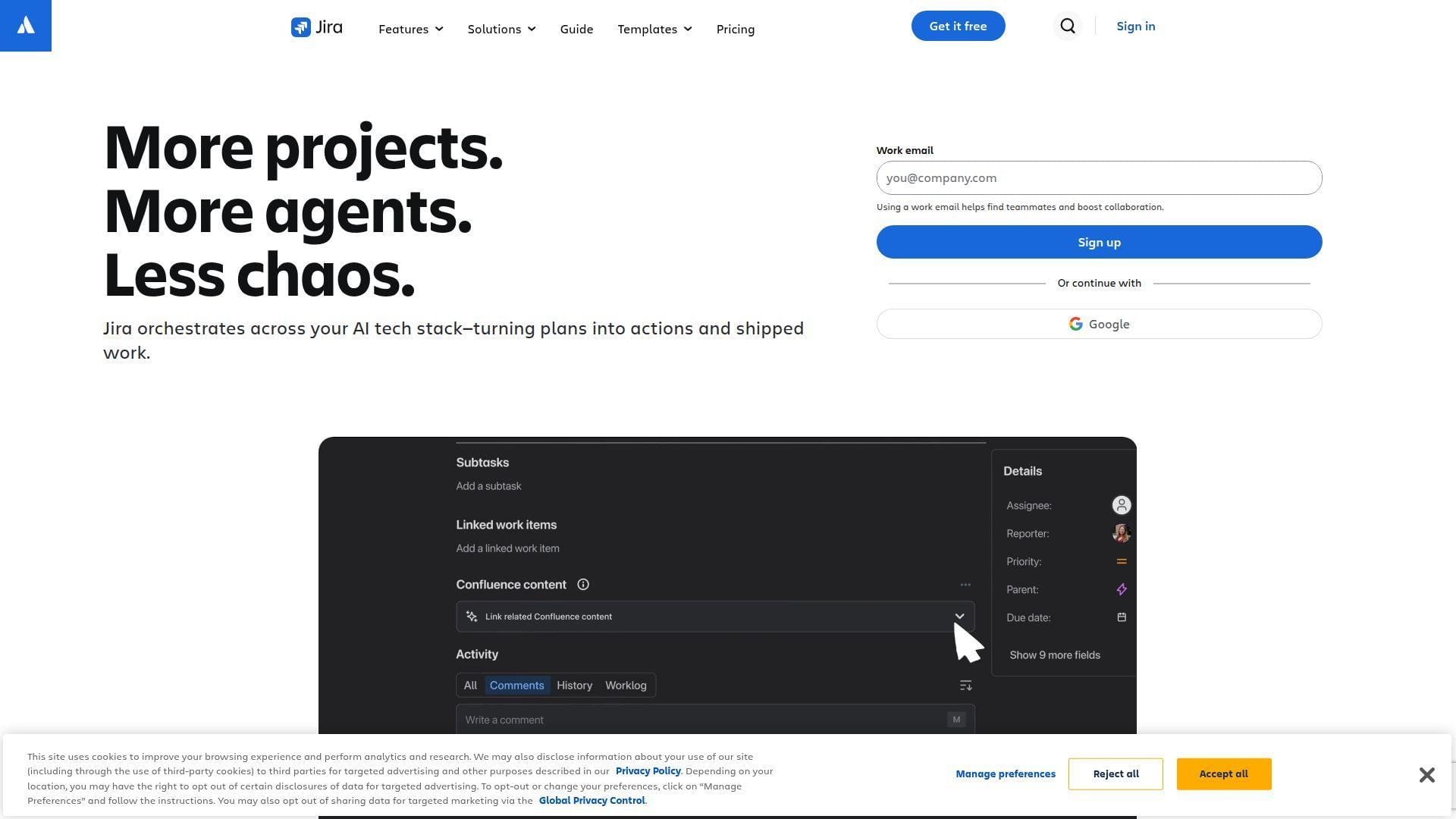
Jira is Atlassian’s work-tracking engine, born in software teams but increasingly used for cross-functional marketing launches. It suits environments where product, engineering, growth, and marketing must coordinate dependencies with precision.
Best for: product marketing teams and technical go-to-market teams.
- Issues, workflows, dependencies, and releases → align campaign tasks with product milestones and engineering blockers.
- Rovo, automation rules, and Atlassian integrations → reduce triage and update loops between Jira, Confluence, and Slack.
- Templates, list, board, timeline, and calendar views → reach first structured launch plan in about a week.
Pricing & limits: From $7.91/user/mo; 7-day trial; Free supports small teams with storage and automation limits, while Standard and Premium add stronger permissions, storage, planning, and support.
Honest drawbacks: Jira speaks an engineering dialect. Creative teams may resist issue terminology, and native proofing is not its strongest lane.
Verdict: If your launches depend on product and engineering dates, this helps you surface blockers before marketing promises outrun build reality. Beats most tools at technical dependency tracking; trails Wrike on creative workflow polish.
5. Adobe Workfront
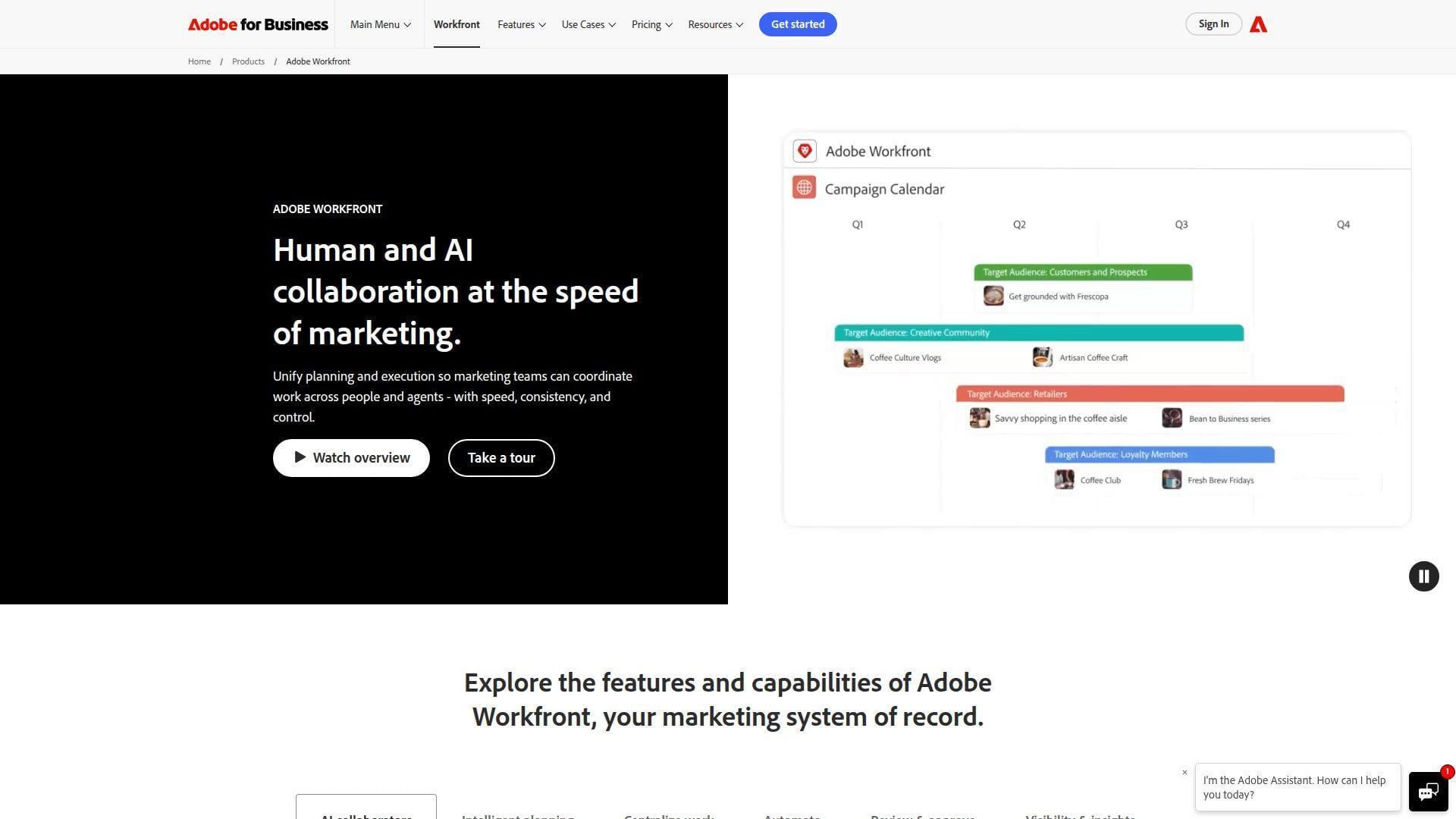
Adobe Workfront is an enterprise work management platform built for complex planning, approvals, resource management, and marketing operations at scale. Adobe positions it as a system for coordinating work across campaigns, content supply chains, and enterprise stakeholders.
Best for: enterprise marketing operations teams and regulated creative organizations.
- Enterprise intake, approvals, portfolios, and resource planning → standardize campaign governance across business units.
- Adobe ecosystem, Fusion, and planning add-ons → reduce handoffs between work, content, and campaign systems.
- Configured implementation model → reach durable value after a structured rollout, usually measured in weeks.
Pricing & limits: From custom quote/mo; demo-led buying; packages are sales-assisted, and limits depend on plan, add-ons, users, storage, governance, and implementation scope.
Honest drawbacks: Workfront is not a casual team tool. It needs executive sponsorship, administrators, process design, and budget discipline.
Verdict: If you need enterprise campaign governance, this helps you connect planning, approvals, and resources across departments within a formal rollout. Beats monday.com at enterprise controls; trails smaller tools on self-serve speed.
6. Screendragon
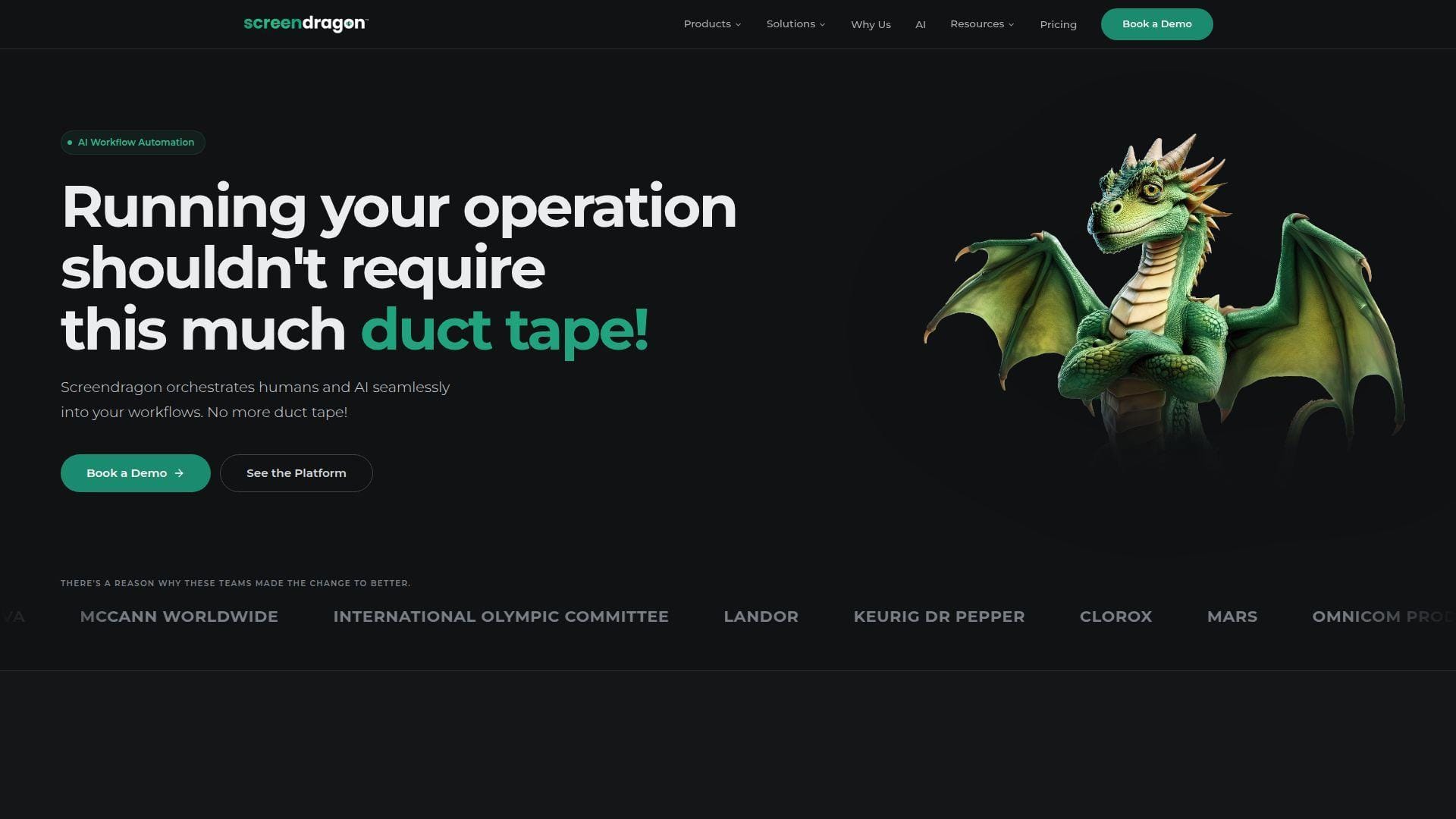
Screendragon is a marketing and agency operations platform built for teams that care about process, approvals, workflow automation, and branded stakeholder experiences. Its team focuses on configurable marketing work management rather than generic task tracking.
Best for: global agencies and enterprise brand teams.
- Custom workflows, portals, and approval paths → route creative requests through governed brand processes.
- Large integration catalog and automation options → remove repeated copy-paste steps across agency and client systems.
- Guided configuration and training → reach meaningful value after a planned setup, often in several weeks.
Pricing & limits: From custom quote/mo; pricing discussion required; expect per-user monthly costs plus an initial setup and training fee, with limits shaped by implementation.
Honest drawbacks: Screendragon is not ideal for teams wanting instant self-serve signup. Smaller teams may find the setup model too formal.
Verdict: If you run repeatable client or brand workflows, this helps you enforce process quality without building a custom system from scratch. Beats generic PM tools on marketing-specific process design; trails ClickUp on immediate DIY setup.
7. Productive
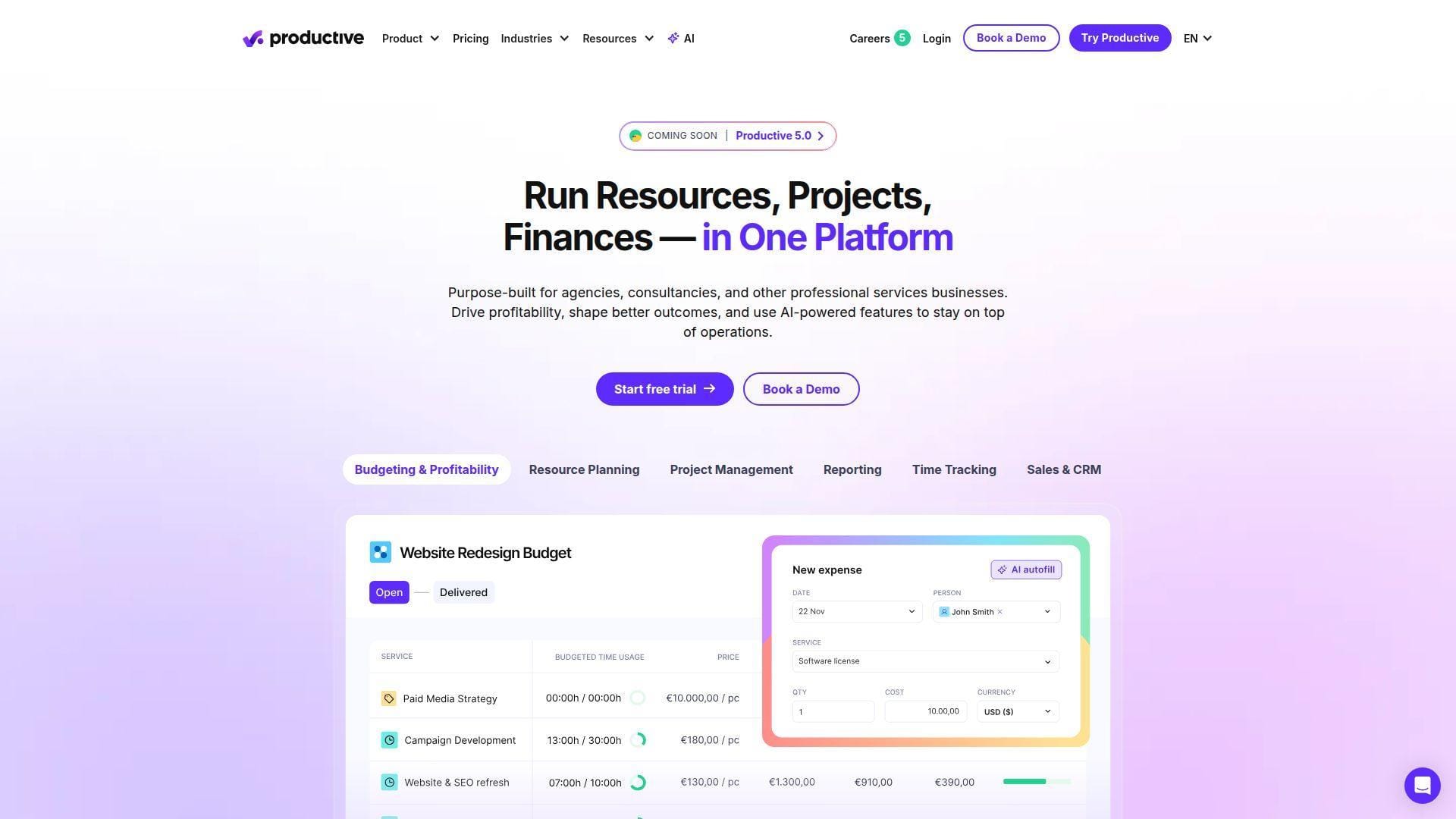
Productive is a professional services automation platform that combines project management, budgeting, time tracking, resourcing, CRM, invoicing, and profitability reporting. Its team clearly understands agency economics, not just task completion.
Best for: marketing agencies and consulting teams.
- Budgets, rate cards, time tracking, and resourcing → see margin risk before a campaign becomes unprofitable.
- Reporting, Slack/email scheduling, and finance integrations → save hours during weekly utilization and revenue reviews.
- PSA-style onboarding and structured modules → reach first financial insight in one to two weeks.
Pricing & limits: From $10/user/mo; 14-day trial; Essential includes projects, budgets, resource planning, time tracking, reporting, and AI assistance, while higher tiers expand custom fields, workflows, pipelines, and forecasting.
Honest drawbacks: Productive is stronger for service operations than pure creative proofing. Contractors and freelancers are usually treated as paid collaborators.
Verdict: If you sell marketing work to clients, this helps you connect deadlines to revenue and margin within the first billing cycle. Beats Teamwork.com on profitability modeling; trails Workfront on enterprise marketing governance.
8. Teamwork.com
Teamwork.com is purpose-built for client work. Its team has moved the product toward agencies and service businesses that need projects, time, budgets, resource planning, client collaboration, and reporting in one place.
Best for: SMB agencies and client services teams.
- Client projects, time budgets, proofs, and planned-vs-actual views → protect delivery scope before margins slip.
- Automations, HubSpot, QuickBooks, and imports → reduce migration and billing handoff steps during client delivery.
- Templates and guided trial setup → reach useful client-project visibility in under a week.
Pricing & limits: From $9.99/user/mo; 30-day trial; Free supports small teams with project, user, automation, and storage caps, while paid tiers expand projects, storage, automations, proofs, and financial controls.
Honest drawbacks: Teamwork.com is client-work biased. Internal brand teams may not need its billing, client, and profitability emphasis.
Verdict: If your marketing team bills clients or tracks retainers, this helps you connect tasks to time, budgets, and scope within a month. Beats Basecamp on billable delivery; trails Productive on deeper PSA forecasting.
9. Smartsheet
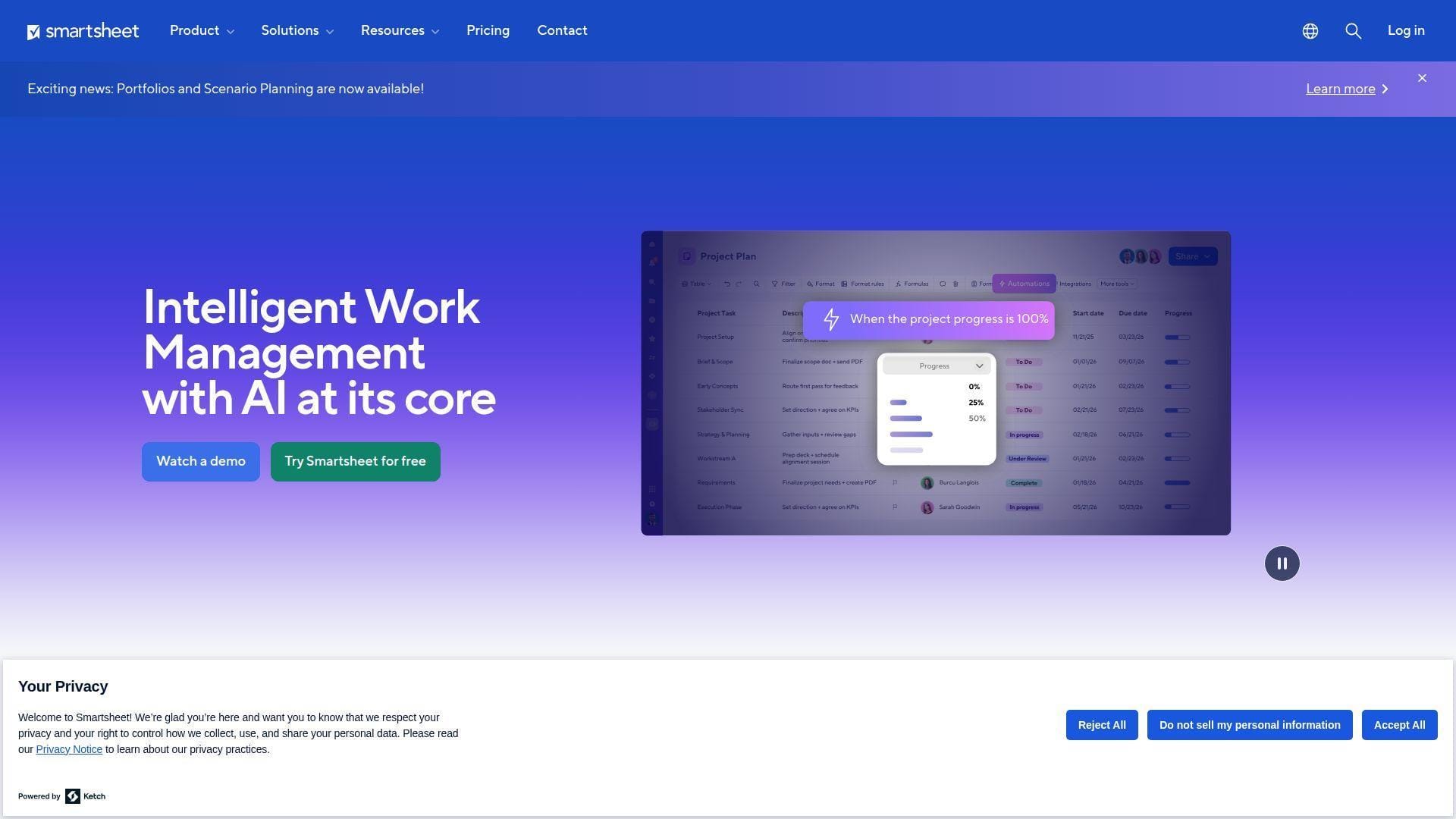
Smartsheet brings spreadsheet familiarity into project, program, and portfolio work. Its team serves organizations that already think in rows, owners, dates, dependencies, forms, automations, dashboards, and cross-sheet reporting.
Best for: operations-heavy marketing teams and enterprise program managers.
- Sheets, forms, Gantt, dashboards, and reports → centralize campaign schedules without abandoning spreadsheet habits.
- Automations, connectors, and premium apps → reduce manual consolidation between forms, plans, and executive dashboards.
- Spreadsheet-like UX → reach first campaign tracker in one or two days.
Pricing & limits: From $9/member/mo; 30-day trial; Pro has member, automation, storage, and report limits, while Business unlocks stronger collaboration, storage, proofing, workload, and automation capacity.
Honest drawbacks: Smartsheet can feel less natural for creative conversations than visual PM tools. Premium capabilities may require add-ons or higher plans.
Verdict: If your team already trusts spreadsheets but needs governance, this helps you upgrade campaign tracking without a cultural revolt. Beats Airtable for classic program control; trails monday.com on visual adoption.
10. Basecamp
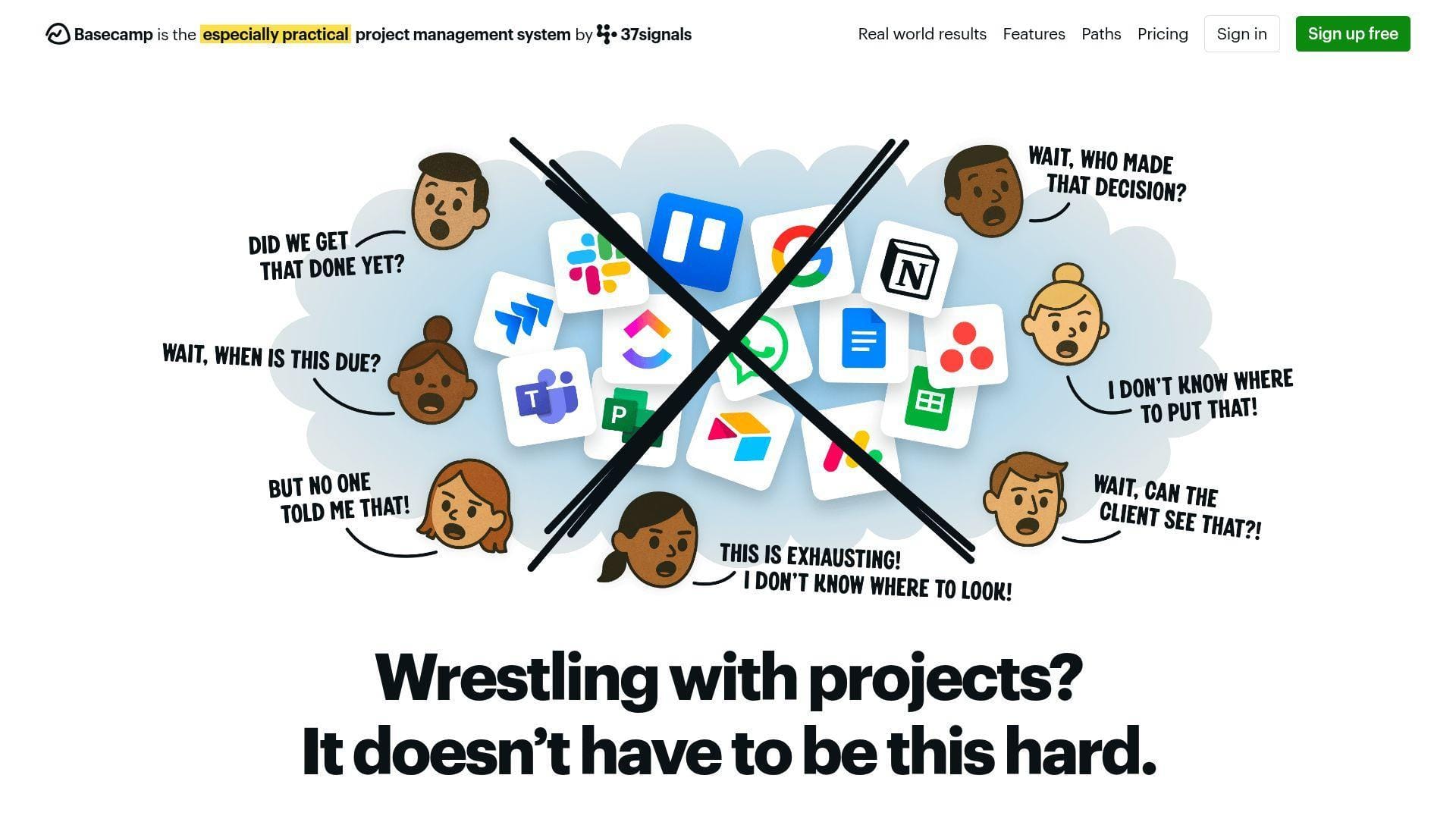
Basecamp is 37signals’ long-running collaboration tool, built around simplicity, calm communication, and team accountability. Its philosophy is refreshingly opinionated: fewer knobs, fewer dashboards, fewer admin rabbit holes.
Best for: small remote teams and founder-led marketing groups.
- Messages, to-dos, schedules, docs, files, and check-ins → replace long email threads with one project home.
- Client access, notifications, and automatic check-ins → remove recurring status-meeting friction with lightweight prompts.
- Minimal setup and simple project spaces → reach time-to-first-value the same day.
Pricing & limits: From $15/user/mo; Free supports one project with storage and user caps; Plus offers unlimited projects and larger storage, while Pro Unlimited provides flat organization pricing and a longer trial.
Honest drawbacks: Basecamp intentionally avoids deep resource planning, complex approvals, and advanced analytics. That calm design can become a ceiling.
Verdict: If you want less tool drama and more accountability, this helps a small team organize campaign work today. Beats Jira at non-technical adoption; trails Wrike on structured marketing operations.
11. Asana
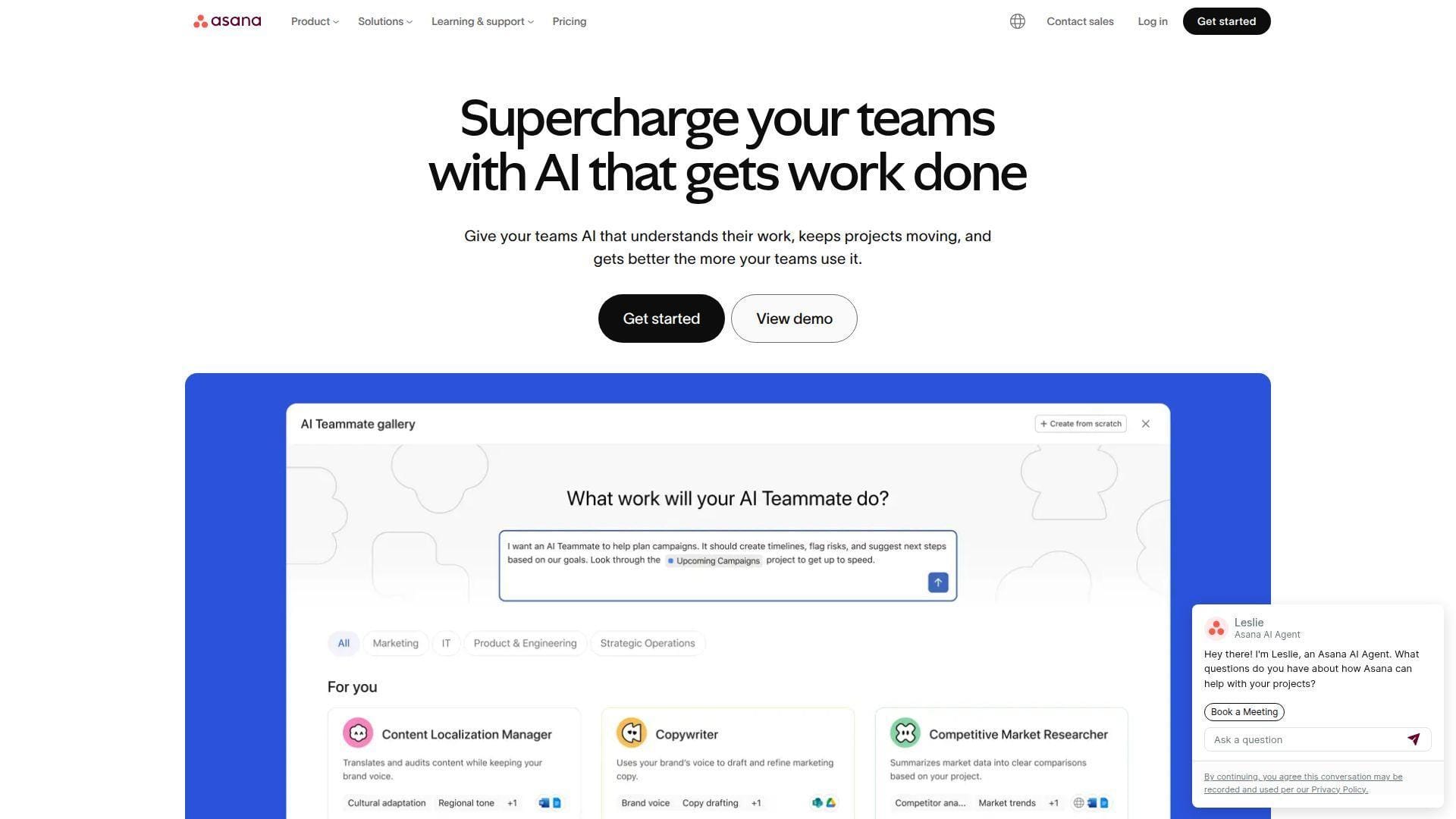
Asana is one of the most polished work-management platforms for cross-functional teams. Its product team balances task clarity, portfolios, goals, reporting, automation, and AI features with an interface that remains easier to teach than many dense competitors.
Best for: content teams and cross-functional marketing departments.
- Projects, tasks, goals, portfolios, timeline, and Gantt → translate strategy into visible execution plans.
- Rules, AI Studio, app integrations, and smart summaries → cut repetitive assignment and status-update steps.
- Clean UX and strong templates → reach first adoption in two to four days.
Pricing & limits: From $10.99/user/mo; Free Personal supports very small use; Starter and Advanced expand users, reporting, portfolios, goals, approvals, and resource visibility, while some budgeting features require add-ons.
Honest drawbacks: Asana becomes costly when teams need Advanced features across many seats. Native proofing and deep financial controls are not its strongest points.
Verdict: If you need clean cross-functional execution, this helps marketing, sales, and product teams share priorities within weeks. Beats ClickUp on simplicity; trails Productive on agency profitability.
12. Zoho Projects
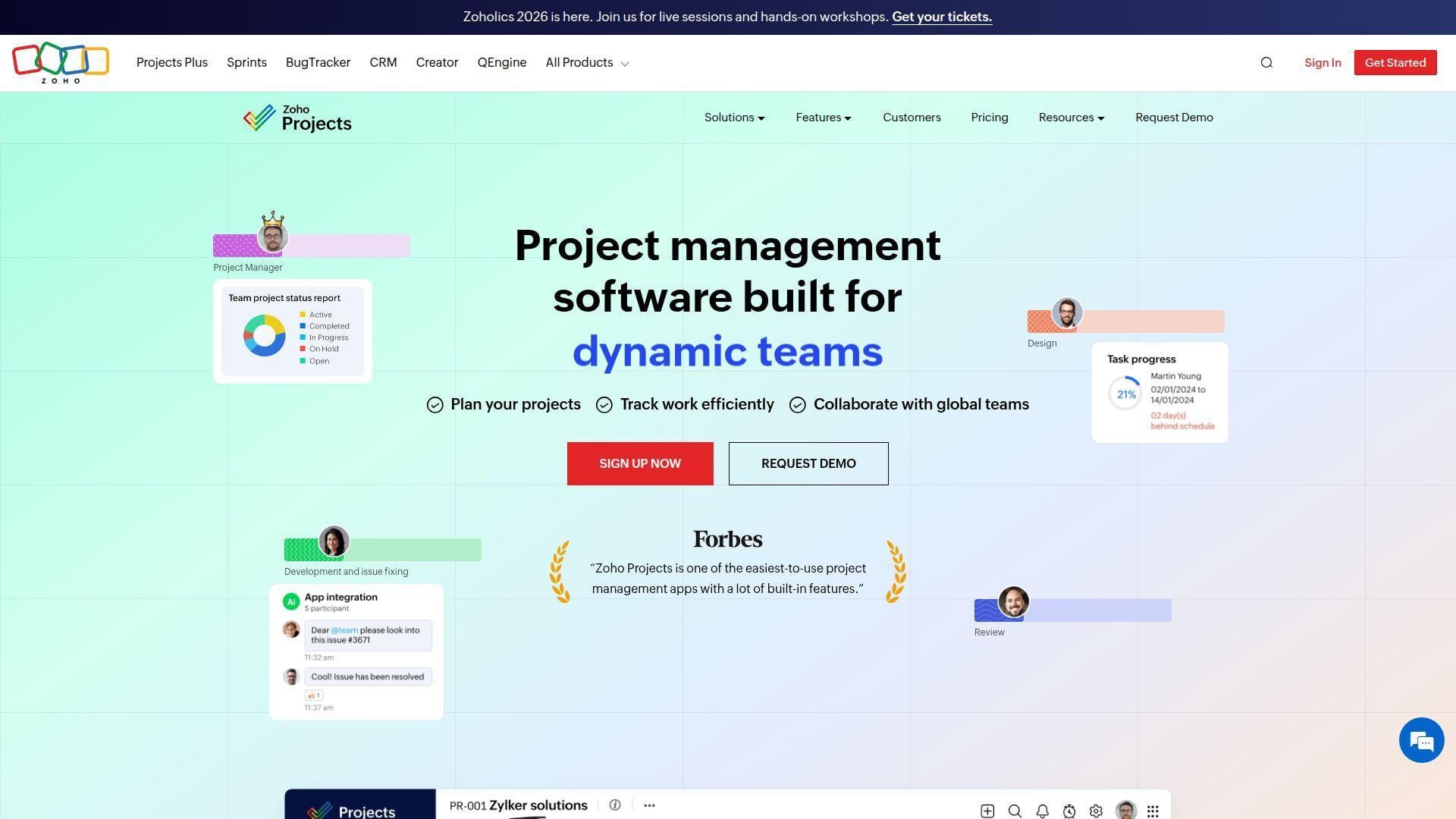
Zoho Projects is the project management branch of Zoho’s broader business software suite. Its team has built a cost-conscious option with tasks, milestones, Gantt charts, time tracking, automations, issue tracking, and Zoho ecosystem integrations.
Best for: budget-conscious SMBs and Zoho CRM users.
- Projects, subtasks, Gantt, blueprints, budgets, and timesheets → manage campaign execution without enterprise pricing.
- Zoho integrations, Zia AI, and workflow actions → reduce switching between CRM, billing, forms, and project records.
- Familiar suite layout and templates → reach first useful project plan in a few days.
Pricing & limits: From $4/user/mo; 15-day trial; Free covers small teams with project and storage caps, while Premium and Enterprise unlock unlimited projects, workflow actions, storage, read-only users, and advanced controls.
Honest drawbacks: The interface is practical rather than glamorous. Teams outside the Zoho ecosystem may need extra setup to make integrations feel seamless.
Verdict: If you want capable marketing project management software on a careful budget, this helps you formalize work without overspending. Beats many tools on entry cost; trails monday.com on visual polish.
13. Hive
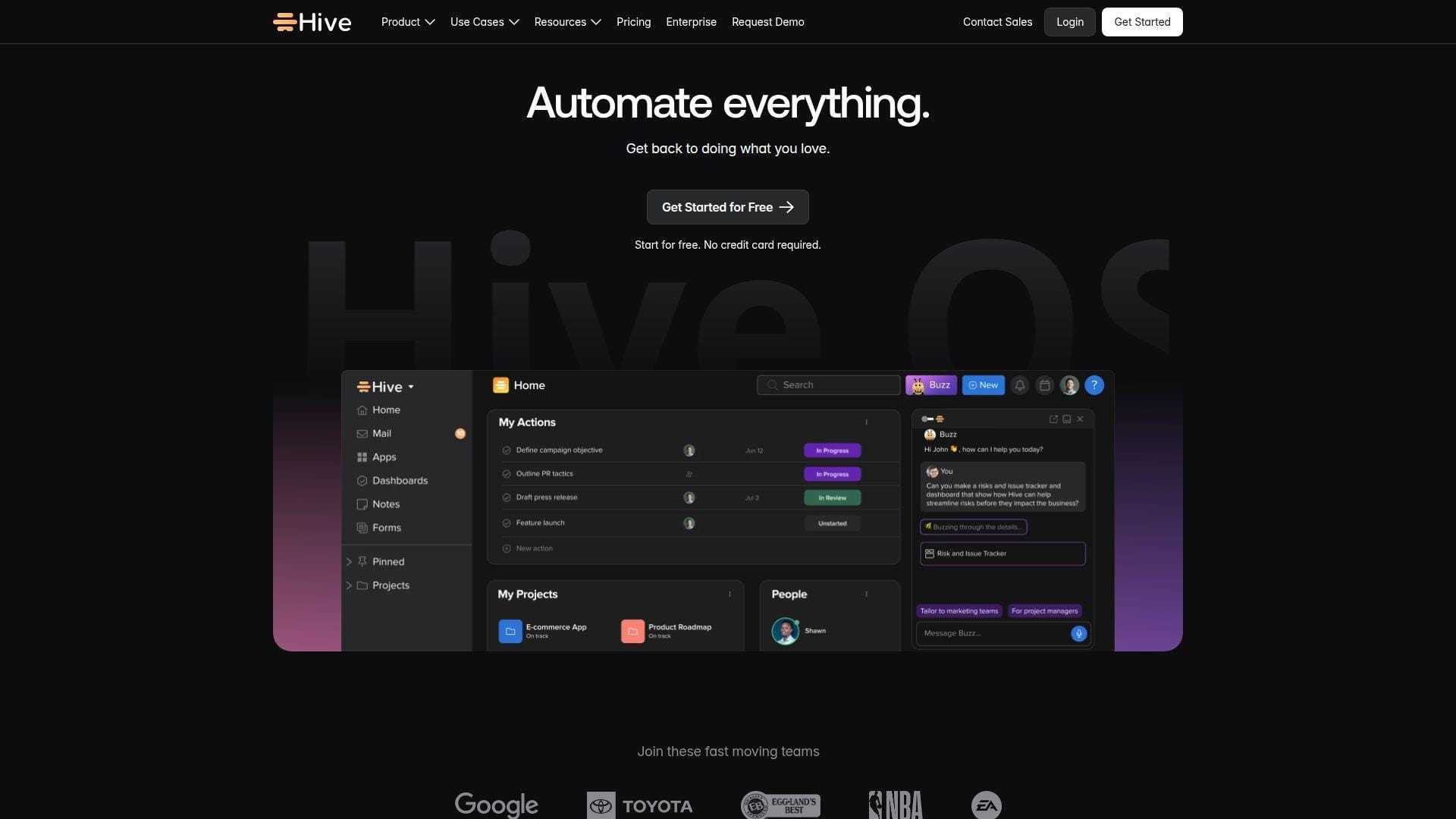
Hive is a collaborative project platform with tasks, notes, chat, views, forms, portfolios, time tracking, and optional add-ons. Its team positions the product for teams that want flexible workflows without jumping into enterprise-heavy software.
Best for: remote marketing teams and campaign coordinators.
- Multiple project views, notes, forms, and portfolios → keep campaigns moving across planning and execution modes.
- AI assistant, Slack/Zoom, automations, and flexible add-ons → save several coordination steps per recurring campaign.
- Fast templates and friendly UX → reach first campaign board in two or three days.
Pricing & limits: From $5/user/mo; 14-day trial; Free includes light project management with member and storage limits, Starter caps projects and members, and Teams adds broader workspace capacity with optional add-ons.
Honest drawbacks: Proofing, timesheets, resourcing, dashboards, SSO, and AI can add cost. Enterprise buyers should model add-ons early.
Verdict: If you need a visual campaign hub without Workfront weight, this helps remote teams coordinate faster within a week. Beats Basecamp on project views; trails Wrike on governance depth.
14. ProProfs Project
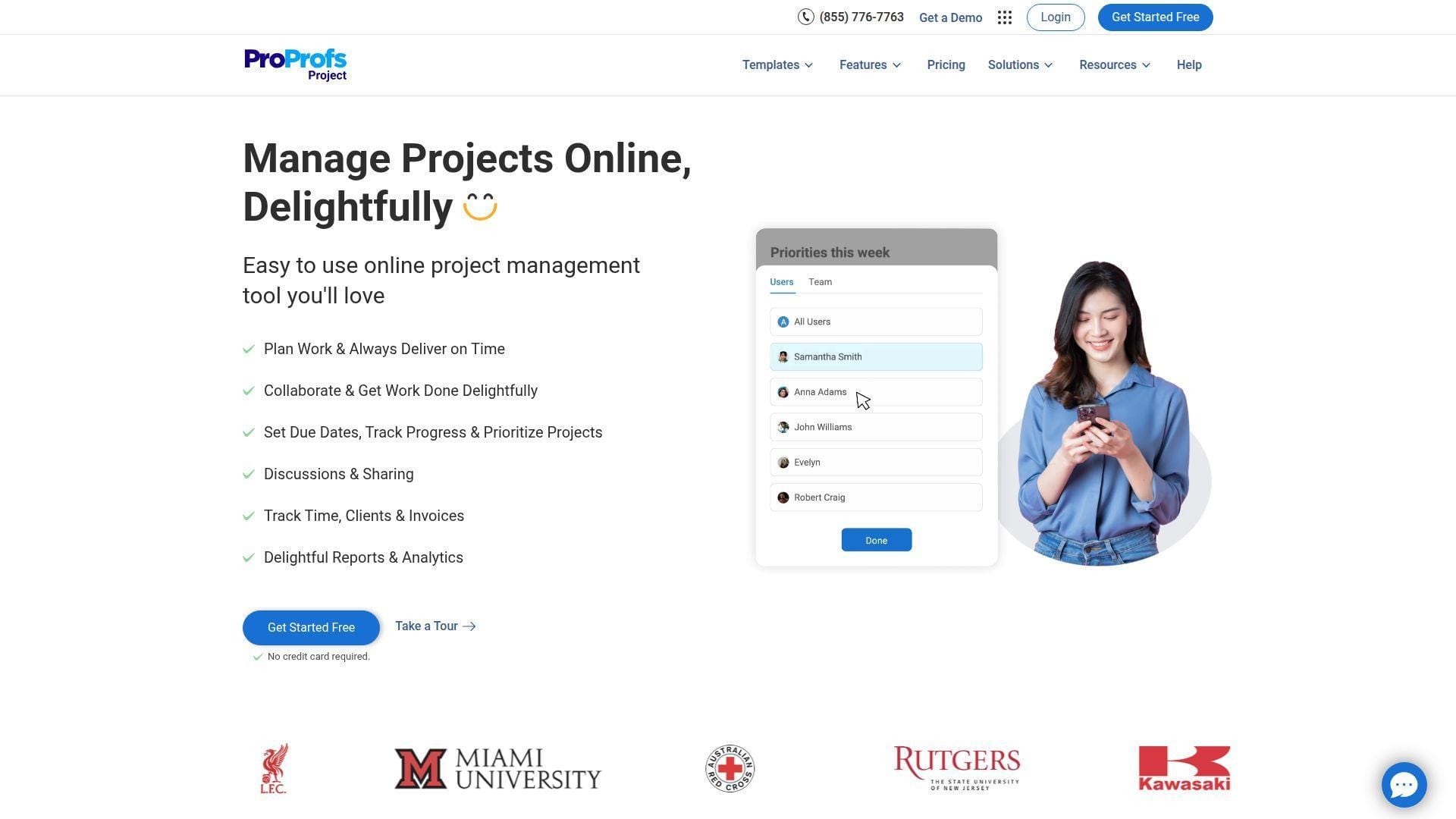
ProProfs Project is a straightforward project management tool inside the broader ProProfs product family. Its team aims at small businesses that want tasks, reports, time tracking, templates, collaboration, and simple billing without a complex platform rollout.
Best for: small marketing teams and service teams wanting flat pricing.
- Tasks, subtasks, templates, time tracking, and reports → organize client or campaign work without a dedicated admin.
- Automation, invoices, and suite connections → remove repeated tracking and billing handoff steps.
- Simple setup and free small-team entry → reach first project value in one to two days.
Pricing & limits: From $39.97/mo; 14-day trial; Free supports up to three users, while Business emphasizes unlimited users, projects, storage, reports, templates, and collaboration with lightweight task caps to confirm during trial.
Honest drawbacks: ProProfs is not a deep enterprise marketing operations platform. Larger teams may outgrow its reporting and customization model.
Verdict: If you need simple project control and predictable cost, this helps you move out of spreadsheets quickly. Beats enterprise suites on affordability; trails Smartsheet on program-level reporting.
15. ProofHub
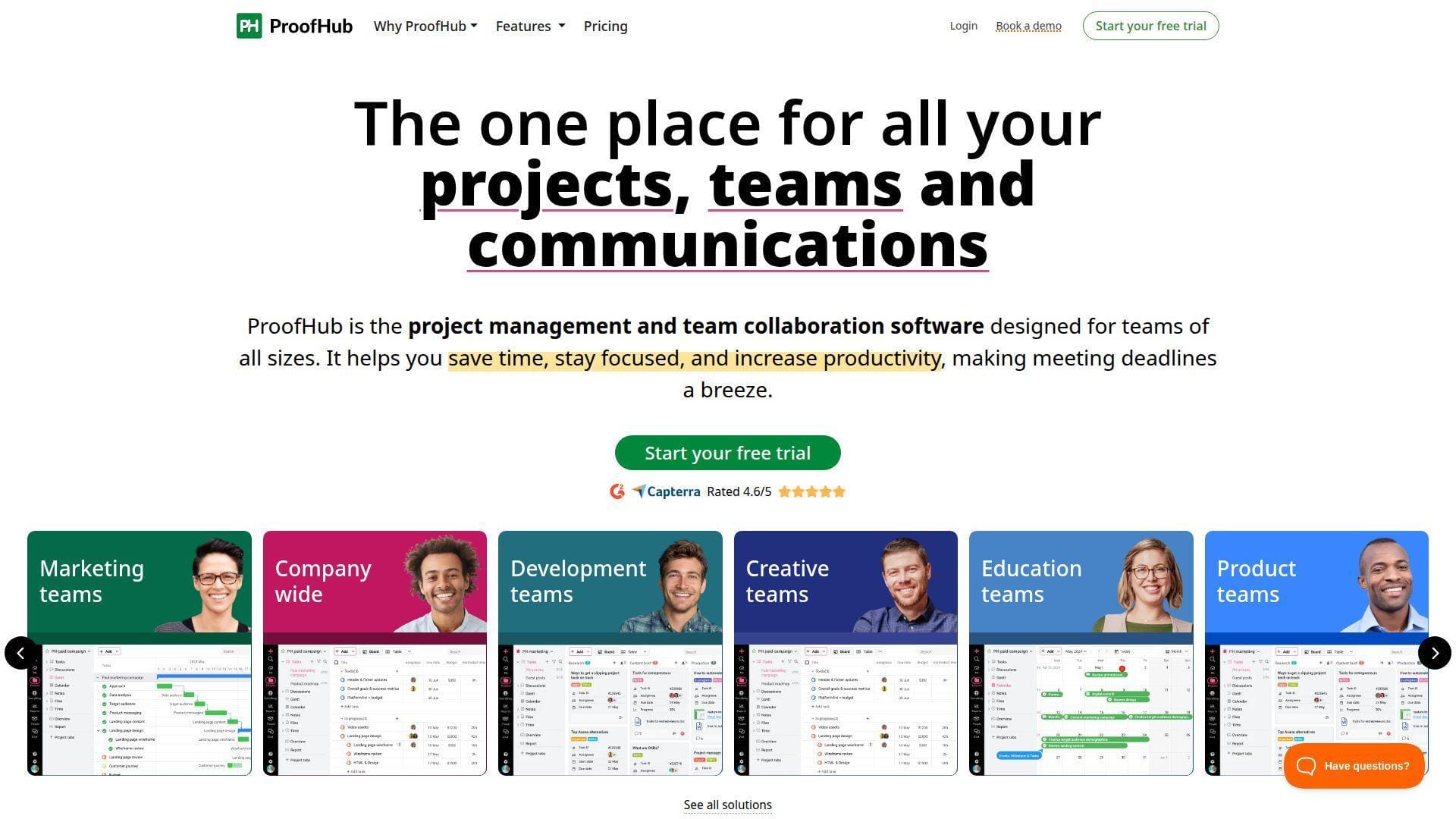
ProofHub is a flat-pricing project management and collaboration tool for teams that dislike per-user billing. Its team focuses on tasks, boards, Gantt, chat, discussions, notes, files, proofing, time tracking, and simple role control.
Best for: remote creative teams and SMB marketing departments.
- Boards, Gantt, discussions, files, proofing, and chat → keep creative feedback and execution in one place.
- Flat pricing, roles, workflows, and approvals → save procurement steps when many clients or reviewers need access.
- Simple account setup and broad feature set → reach practical value in several days.
Pricing & limits: From $45/mo; 14-day trial; Essential includes limited projects and storage with unlimited users, while Ultimate Control expands projects, storage, roles, reports, workflows, API access, and priority support.
Honest drawbacks: ProofHub’s automation and analytics are less advanced than monday.com, ClickUp, or Workfront. Enterprise teams may need more granular governance.
Verdict: If per-seat pricing punishes your collaboration model, this helps you include stakeholders without watching every guest license. Beats Asana on flat-cost predictability; trails Workzone on guided onboarding.
16. Workzone
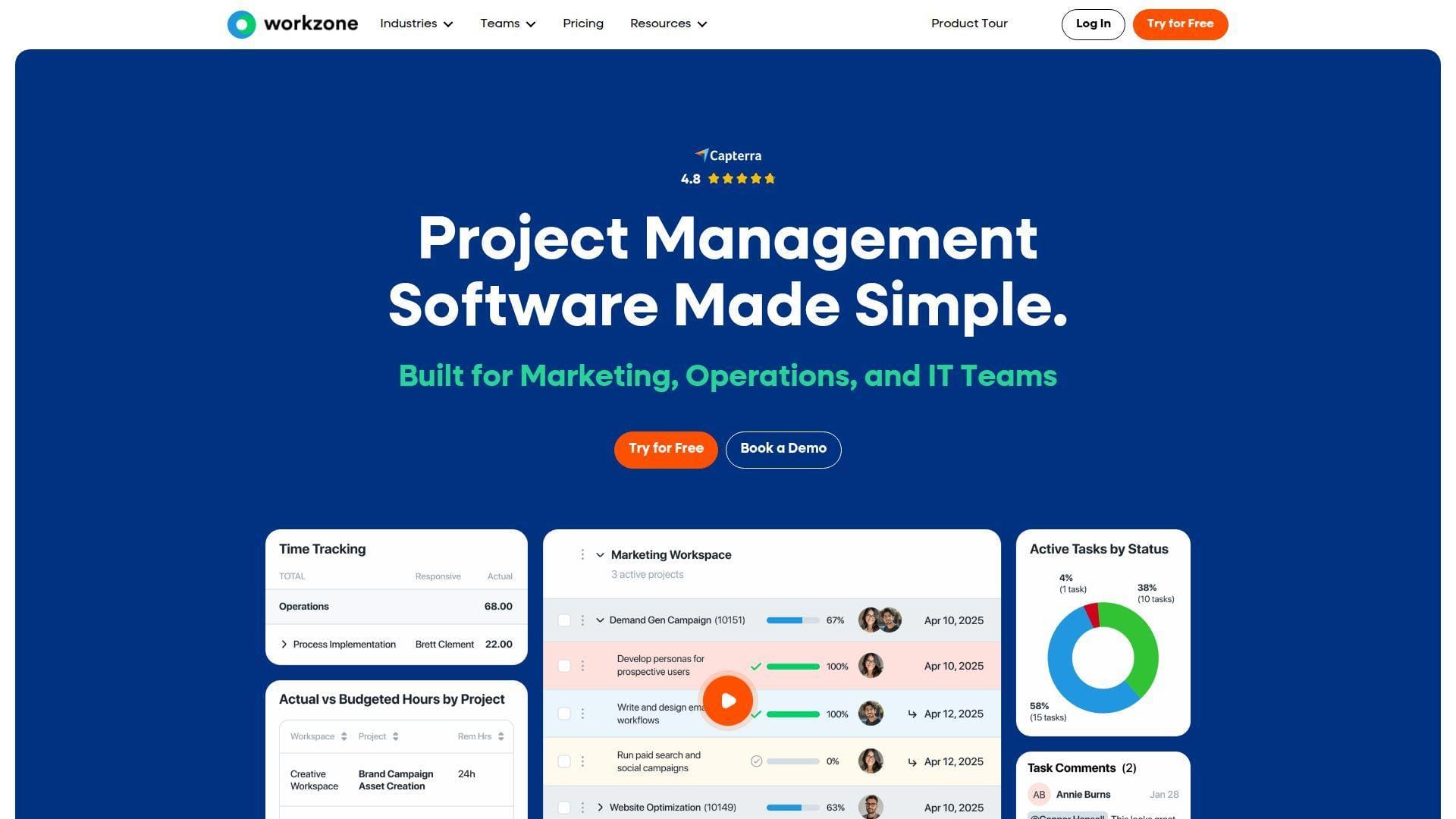
Workzone is a project management platform built for teams that need more than task lists but less bloat than some mega-suites. Its team differentiates with human support, onboarding, training, workload management, proofing, and straightforward pricing.
Best for: higher-ed marketing teams and mid-market creative operations teams.
- Project requests, Gantt, Kanban, proofing, reports, and workload → manage campaigns from intake to approval.
- Native integrations, templates, training, and support → save setup time when teams lack dedicated PM admins.
- Human-led rollout and platform walkthroughs → reach organization-ready value in three to four weeks.
Pricing & limits: From $8/user/mo; two-week trial; Starter limits users, projects, workspaces, templates, and storage, while Team and Enterprise expand projects, proofing, collaborators, guests, storage, and support.
Honest drawbacks: Workzone is annual-billing oriented. Teams that want endless self-serve tinkering may prefer ClickUp or monday.com.
Verdict: If adoption support matters as much as features, this helps you roll out disciplined marketing project management with less internal training strain. Beats Smartsheet on guided implementation; trails Airtable on no-code flexibility.
17. Scoro
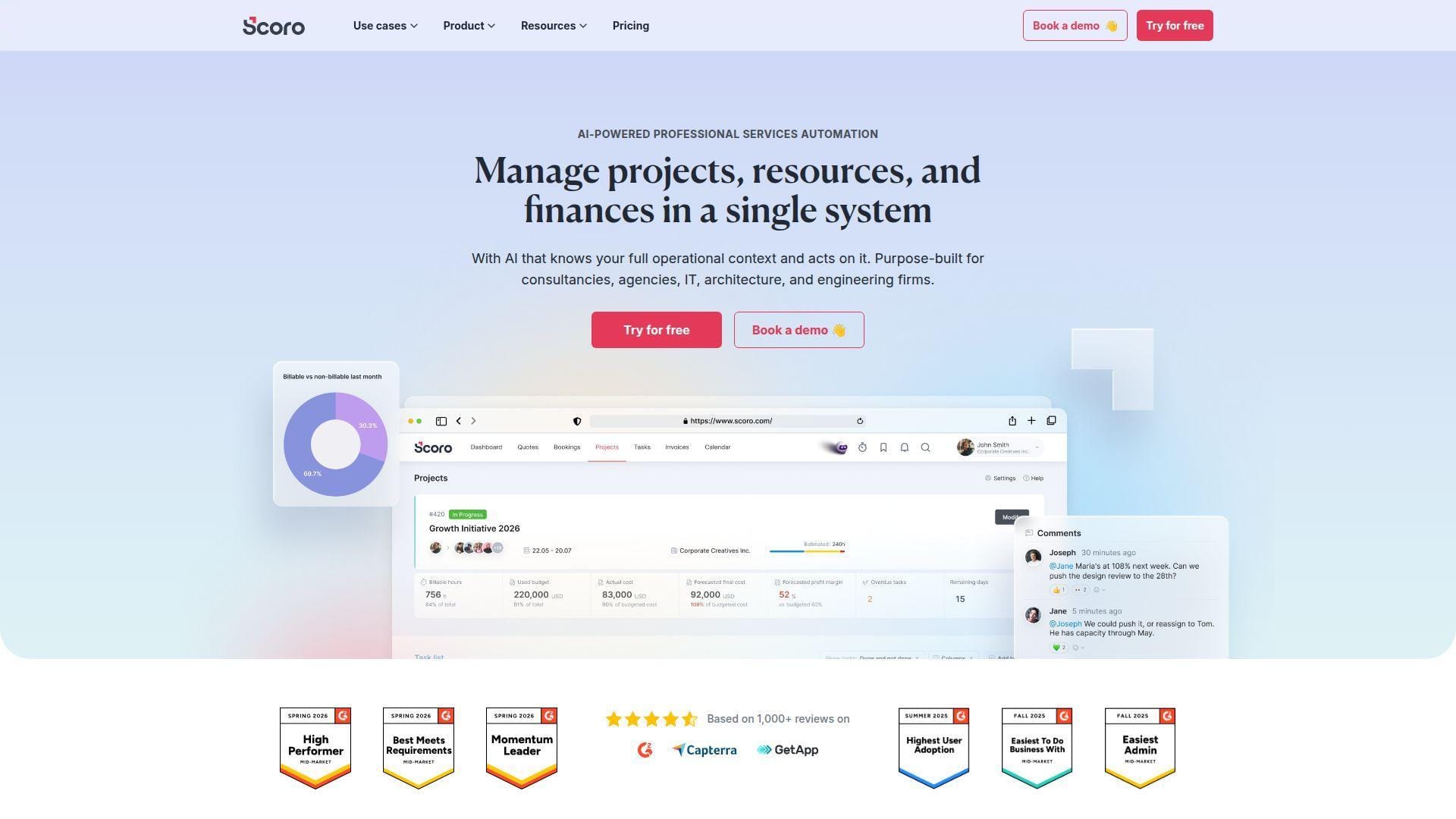
Scoro is a professional services automation platform for agencies, consultancies, and creative services firms. Its team blends projects, time, quotes, invoices, budgets, resource planning, CRM, dashboards, and profitability intelligence into one operating system.
Best for: agencies and professional services marketers.
- Projects, quotes, invoices, budgets, and utilization → connect campaign delivery to revenue and profit.
- Triggers, dashboards, reporting, and integrations → reduce manual reporting work before weekly leadership meetings.
- Structured PSA implementation → reach first operational insight in two to four weeks.
Pricing & limits: From $19.90/user/mo; 14-day trial; Core includes project lifecycle basics, while Growth and Performance expand budgets, retainers, utilization, forecasting, dashboards, custom fields, API capacity, and storage.
Honest drawbacks: Scoro requires disciplined data entry. Pure content teams may find its finance and operations features heavier than needed.
Verdict: If your marketing work must prove profitability, this helps you run projects like a business unit within a quarter. Beats Asana on revenue visibility; trails Workfront on enterprise marketing governance.
18. RoboHead
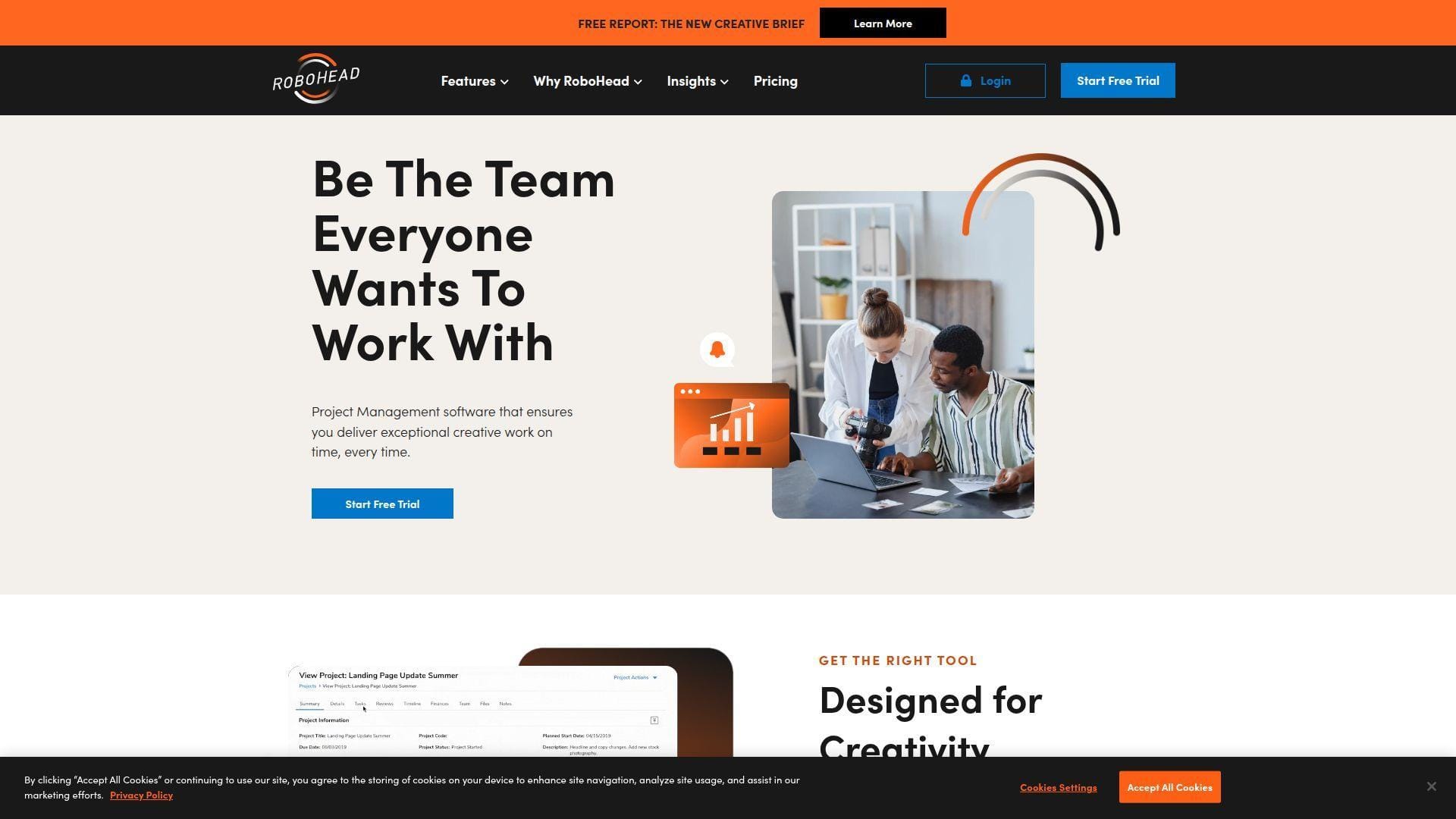
RoboHead is marketing project management software designed for in-house creative, brand, and marketing teams. Its product centers on requests, project planning, reviews, approvals, asset handling, proofing, workload visibility, and stakeholder collaboration.
Best for: in-house creative departments and brand production teams.
- Creative requests, proofing, reviews, and approvals → reduce chaos around design, copy, and brand feedback cycles.
- Workflow routing, dashboards, and workload views → save repeated traffic-manager follow-up steps every week.
- Configured creative operations setup → reach reliable value after process mapping and team training.
Pricing & limits: From custom quote/mo; demo-led buying; public self-serve limits are not posted, so teams should confirm seats, storage, proofing volume, integrations, onboarding, and support terms.
Honest drawbacks: RoboHead is specialized. Teams needing general no-code databases, broad IT workflows, or deep PSA finance may prefer Airtable, Jira, or Productive.
Verdict: If creative approvals are your bottleneck, this helps you move feedback from inboxes into controlled review cycles within a rollout. Beats Basecamp on proofing discipline; trails Airtable on flexible database design.
19. Airtable
Airtable is a relational database wrapped in a friendly spreadsheet-like interface. Its team has expanded it into app building, interfaces, automations, forms, synced data, AI, and workflows that can support content calendars, campaign trackers, and marketing databases.
Best for: content operations teams and no-code marketing builders.
- Custom bases, linked records, forms, interfaces, and views → model campaign data exactly how your team works.
- Automations, API, sync, and AI features → save manual updates between intake, calendars, CRM, and reporting tables.
- Template library and spreadsheet familiarity → reach first useful content calendar in a day.
Pricing & limits: From $20/user/mo; Free plan available; Free includes record, attachment, automation, and API limits, while Team and Business raise records, storage, automation runs, interfaces, permissions, and admin controls.
Honest drawbacks: Airtable is powerful because it is flexible, but that also means someone must design the data model. Native resource planning is not as deep as PSA or enterprise PM suites.
Verdict: If your marketing work is really a database problem, this helps you build a custom operating layer in days. Beats Smartsheet on relational flexibility; trails Workzone on managed implementation support.
20. Nifty
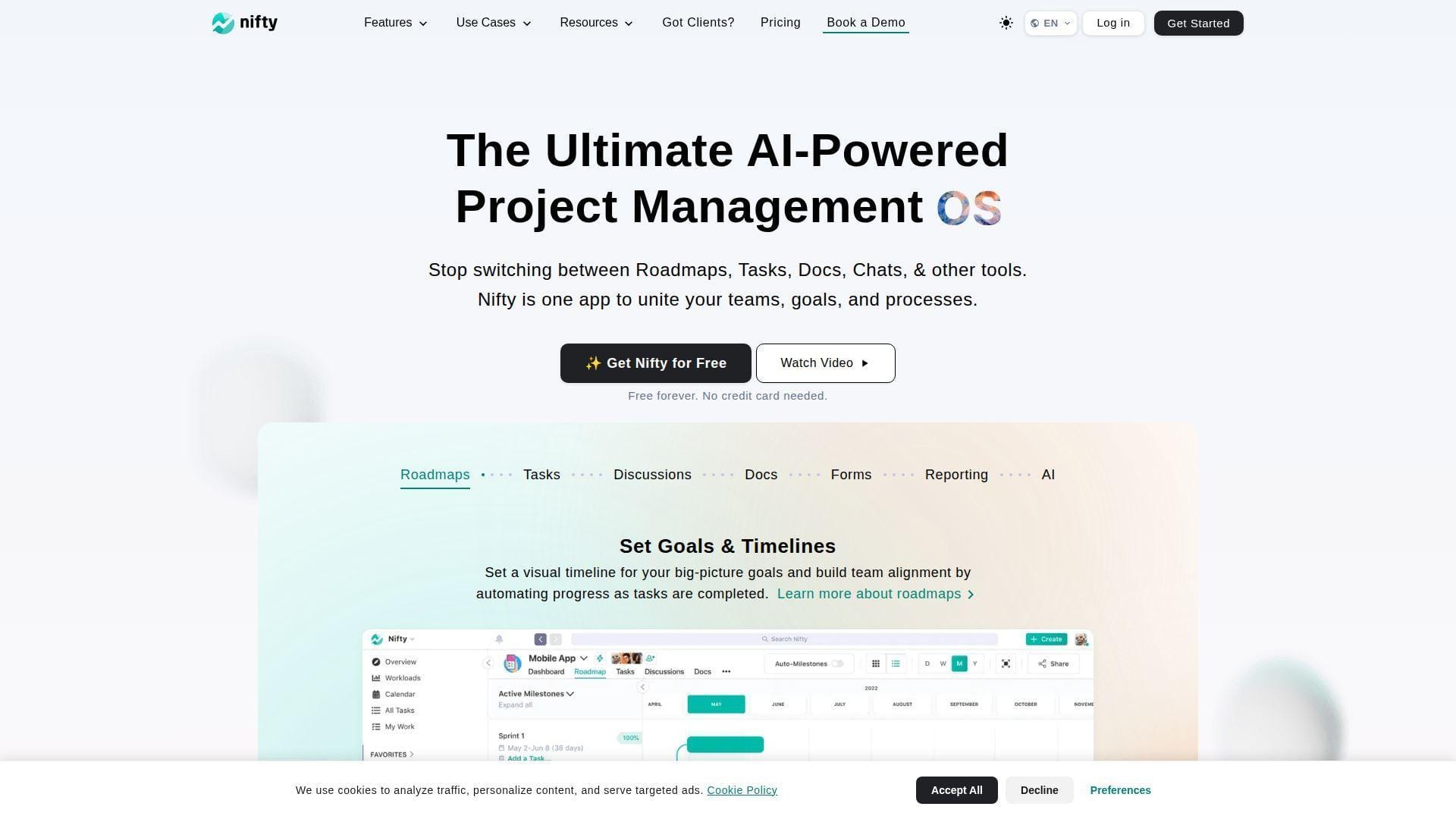
Nifty combines tasks, milestones, roadmaps, docs, files, discussions, team chat, workloads, and proofing into a compact collaboration platform. Its team appeals to organizations that want fewer tabs and a friendlier project hub.
Best for: small remote teams and startup marketing teams.
- Milestones, tasks, docs, discussions, and roadmaps → turn campaign goals into shared delivery timelines.
- Automations, chat, proofing, and file workflows → save context-switching across separate chat, document, and task tools.
- Simple workspace setup and templates → reach first-value in one to three days.
Pricing & limits: From $0/mo; Free Forever available; paid plan details and trial availability should be confirmed during signup, especially for project, member, storage, proofing, workload, and automation needs.
Honest drawbacks: Nifty has a smaller enterprise ecosystem than Atlassian, Adobe, or Smartsheet. Governance-heavy teams should test permissions and reporting carefully.
Verdict: If you want a compact hub for remote campaign delivery, this helps you replace chat-plus-spreadsheet habits within a week. Beats Basecamp on roadmap views; trails Jira on technical release tracking.
What Marketing Project Management Software Is
Marketing project management software is the structured workspace where campaign ideas become briefs, tasks, deadlines, creative reviews, launch checklists, and performance reports. The best tools make marketing visible before problems become expensive.
1. From Scattered Campaign Work to a Single Source of Truth
Marketing work often starts in too many places. A launch idea appears in Slack. A brief lives in a document. Final copy hides in email. A deadline sits on someone’s private calendar.
That fragmentation creates operational debt. People waste time asking where files live, which version is approved, and whether paid media is waiting on creative.
A strong platform becomes the single source of truth. It stores the brief, owner, files, comments, dependencies, approvals, budget context, and status. That matters because marketing is a dependency network, not a simple checklist.
We like tools that force clarity at intake. If the brief asks for audience, channel, offer, region, due date, asset type, and approver, the campaign starts with fewer hidden assumptions.
2. Planning, Execution, Tracking, and Reporting in One Workspace
Planning without execution creates pretty calendars and missed launches. Execution without reporting creates motion without accountability. Marketing project management software should connect both.
The planning layer includes calendars, milestones, timelines, campaign templates, dependencies, and workload views. The execution layer includes tasks, comments, files, proofs, approvals, and automations.
Reporting closes the loop. Dashboards should show overdue work, at-risk launches, workload pressure, approval bottlenecks, campaign status, and budget variance. The best reporting is boring in the best way: always current, always visible, and trusted by leadership.
From an infrastructure perspective, this mirrors good cloud operations. You do not just deploy workloads. You monitor them, log them, govern them, and improve the next release.
3. Coordination for Campaigns, Content, Events, and Product Launches
Marketing teams need different workflows for different work types. A blog calendar is not an event plan. A product launch is not a social campaign. A brand refresh is not a webinar sequence.
Good software supports this variety without forcing every project into one rigid template. Content teams need editorial calendars, review steps, SEO fields, and publishing statuses. Creative teams need proofing, versioning, and approvals. Product marketing needs launch dependencies, sales enablement, and stakeholder updates.
Events require venue, speaker, asset, registration, sponsor, and follow-up workflows. Paid campaigns require creative, tracking, audience, budget, QA, and performance handoffs.
We prefer tools that support reusable templates by workflow type. Templates prevent teams from re-learning the same process every time a campaign starts.
Key Features to Compare in Marketing Project Management Software
The right feature set depends on your workflow maturity. A solo marketer needs speed. A global marketing operations team needs governance. Most teams sit somewhere between those poles.
1. Campaign Planning, Marketing Calendars, and Reusable Templates
Campaign planning should start with a shared calendar, but it should not stop there. Calendars are only useful when they connect to tasks, owners, assets, and deadlines.
Reusable templates are where real operational leverage appears. A demand generation team can standardize webinar workflows. A content team can standardize editorial production. A product marketing team can standardize launch readiness.
Templates also protect institutional knowledge. When a senior marketer leaves, the process stays behind. That is not glamorous, but it is priceless.
2. Task Management, Kanban Boards, Gantt Charts, and Timeline Views
Task management is the foundation. Every task should have an owner, due date, priority, status, and context. Without those basics, dashboards become decorative.
Kanban boards help teams see production flow. They work well for content, design, social, and paid creative. Gantt charts and timeline views help teams see dependencies, especially for product launches and events.
The best tools let teams switch views without duplicating work. Executives may want a timeline. Designers may want a board. Project managers may want a table. One data layer should support all of them.
3. Creative Proofing, Markups, Review Cycles, and Approval Workflows
Creative review is where many marketing workflows break. People comment on old PDFs. Stakeholders approve the wrong version. Feedback arrives after launch. Nobody knows whether legal signed off.
Proofing tools solve this by attaching comments to specific visual, video, or document locations. Approval workflows add accountability. Versioning preserves history.
We recommend testing proofing with real assets during a trial. Upload an ad, landing page mockup, video, and PDF. Then ask reviewers to mark changes, approve, reject, and compare versions. You will learn more in one afternoon than in any demo.
4. Resource Allocation, Workload Balancing, Budgeting, and Time Tracking
Marketing capacity is often invisible until people burn out. Workload views expose who is overbooked, which roles are constrained, and where deadlines are unrealistic.
Budgeting and time tracking matter most for agencies, professional services teams, and internal teams with chargebacks. They also matter when leaders ask why campaigns are late. Sometimes the answer is not poor execution. It is insufficient capacity.
Good tools help teams model work before assigning it. Great tools connect planned work, actual work, cost, margin, and forecast.
5. Dashboards, Reporting, KPIs, and Campaign Performance Visibility
Dashboards should answer practical questions. What is late? What is blocked? Which campaigns launch this week? Which stakeholder has not approved? Which team is overloaded?
Marketing performance visibility is a separate layer. Project dashboards show work health. Analytics dashboards show campaign outcomes. The best stack connects both, so teams can see whether operational delays affected pipeline, revenue, engagement, or retention.
We avoid dashboards that require manual weekly grooming. If a dashboard needs constant hand-editing, it is not a dashboard. It is another project.
6. Integrations With CRM, Email, DAM, Analytics, and Creative Tools
Marketing project management software should not become another silo. It should connect to CRM, email platforms, analytics tools, digital asset management systems, storage, design tools, and collaboration apps.
Integrations reduce double entry. They also reduce errors. For example, a campaign record can connect to a CRM campaign, a landing page brief, creative files, UTM requirements, and performance reports.
API access matters when the marketing stack is mature. If your team uses custom dashboards, data warehouses, or automated campaign provisioning, check API limits early.
How to Choose the Right Marketing Project Management Software
Buying the wrong platform is rarely a feature problem. It is usually a fit problem. The tool does not match the team’s workflow maturity, governance needs, budget, or implementation capacity.
1. Start With the Marketing Project Management Feature Gap
Start by documenting where work breaks today. Are briefs incomplete? Are approvals slow? Are designers overloaded? Are launch dates hidden? Are reports manual? Are files scattered?
Then map each pain point to a required capability. Incomplete briefs require forms and required fields. Slow approvals require proofing and approval routing. Hidden capacity requires workload views.
This avoids the classic trap of buying the flashiest interface. A beautiful board will not fix missing intake fields or unclear approvers.
2. Match Tool Depth to Team Size, Budget, and License Needs
Small teams should prioritize speed, simplicity, and low administration. They need tools people will use every day. Overbuilt governance can kill adoption.
Mid-sized teams need more structure. They should compare templates, permissions, reporting, workload views, automations, and integrations. They also need cost discipline because per-seat pricing climbs quickly.
Enterprise teams need security, audit trails, SSO, data residency, permission models, admin controls, APIs, onboarding, and change management. Those features rarely live in the cheapest tiers.
3. Compare Generic Project Management Tools With Marketing-Specific Workflows
Generic tools can work well for marketing. monday.com, ClickUp, Asana, Smartsheet, and Airtable can support many campaign workflows with templates and configuration.
Marketing-specific tools are stronger when creative review, approvals, brand governance, and resource planning dominate. Wrike, Workfront, Screendragon, RoboHead, and Workzone often fit that world better.
Agency-focused tools are different again. Productive, Teamwork.com, and Scoro connect work to time, budget, utilization, and margin. That matters when project overruns hit profit directly.
4. Check Integrations, Data Migration, Security, and Scalability
Before signing, list your core systems. Include CRM, analytics, email, DAM, storage, chat, design, finance, identity, and BI. Then verify native integrations, connector quality, API limits, and webhook support.
Migration is another hidden cost. Ask how tasks, comments, attachments, custom fields, statuses, and dependencies import. A bad migration can sabotage adoption before launch.
Security should not be an afterthought. Review SSO, SCIM, role-based permissions, audit logs, encryption posture, backup policies, data residency, and vendor trust documentation.
5. Run Demos, Free Trials, and Pilot Projects Before Rollout
A demo shows what the vendor wants you to see. A pilot shows what your team will actually use.
Pick one real campaign. Include a brief, tasks, creative review, approvals, dependencies, files, and reporting. Invite the people who usually create bottlenecks, not just tool champions.
Score the pilot on clarity, speed, adoption, reporting accuracy, admin effort, and stakeholder satisfaction. If the tool cannot survive one real campaign, it will not survive a full rollout.
Best Marketing Project Management Software by Team Type and Use Case
No single platform wins every category. We recommend matching software to the dominant business problem, then validating it with a real workflow.
1. Enterprise Marketing Operations and Cross-Functional Campaign Planning
Enterprise teams should shortlist Adobe Workfront, Wrike, Smartsheet, Screendragon, Workzone, and Jira. These tools handle complex dependencies, permissions, reporting, and cross-functional visibility better than lightweight apps.
Workfront stands out for Adobe-centered enterprise marketing operations. Wrike fits teams that need strong work management with less procurement weight. Smartsheet helps spreadsheet-native organizations manage programs at scale.
Jira belongs on the list when product, engineering, and marketing share launch dependencies. It is not the warmest creative tool, but it is formidable for technical coordination.
2. Agencies, Client Work, Profitability, and Billable Time Tracking
Agencies should look closely at Productive, Teamwork.com, Scoro, and ProofHub. The key question is whether you need profitability intelligence or simply better collaboration.
Productive and Scoro are stronger when margins, utilization, forecasting, retainers, and invoices matter. Teamwork.com is practical for client work and project delivery. ProofHub can be cost-effective when many users need access without per-seat billing.
We advise agencies to test time tracking and budget reports during the pilot. If the finance data is painful to enter, people will stop entering it.
3. Creative Teams, Asset Proofing, and Brand Review Workflows
Creative teams should prioritize proofing, versioning, approval paths, file storage, and reviewer permissions. Wrike, Workfront, RoboHead, Workzone, ProofHub, and Screendragon fit this category.
The best choice depends on governance depth. A small design team may be happy with ProofHub or Wrike. A regulated brand team may need Workfront, Screendragon, or RoboHead.
Proofing should be tested with messy reality. Use a video, a PDF, a static image, and a page mockup. Include legal, brand, and business reviewers. Then measure approval time.
4. Small Marketing Teams, Remote Teams, and Simple Visual Workflows
Small teams should not overbuy. monday.com, ClickUp, Basecamp, Nifty, Hive, Zoho Projects, and Asana are strong options.
Basecamp is best when the goal is calm communication. monday.com is best when visual campaign tracking drives adoption. ClickUp is best when the team wants an all-in-one workspace. Zoho Projects is attractive when budget matters.
Remote teams should test notifications carefully. Too many alerts create noise. Too few alerts create missed deadlines. The right tool should make async work calmer, not louder.
5. Product Marketing, Content Marketing, Events, and Go-to-Market Launches
Product marketing teams should compare Jira, Asana, Wrike, ClickUp, and monday.com. These tools support launch dependencies, stakeholder updates, cross-functional tasks, and templates.
Content marketing teams should compare Airtable, Asana, monday.com, ClickUp, and Smartsheet. Airtable is especially strong when content metadata, channels, authors, and status fields matter.
Event teams should test milestone dependencies, vendor tasks, approvals, file storage, registration handoffs, and post-event reporting. A great event workflow is a chain of small promises kept on time.
Pricing, Trials, and Total Cost of Ownership
Pricing is not just the number on the pricing page. Total cost includes seats, guests, storage, automations, integrations, onboarding, add-ons, support, migration, and administrator time.
1. Free Plans and Starter Tiers for Small Marketing Teams
Free plans are useful for pilots, solo marketers, and small internal experiments. They are rarely enough for serious marketing operations.
The usual limits appear in storage, automation runs, projects, users, records, dashboards, file size, permissions, and reporting. Those limits are not bad. They simply reveal when your workflow has outgrown the free tier.
Starter tiers are often enough for basic content calendars, social planning, and small campaign trackers. Before upgrading, confirm whether you need timeline views, Gantt, custom fields, guests, automations, and dashboards.
2. Per-User Pricing Versus Flat-Fee Pricing
Per-user pricing scales cleanly at first. It becomes expensive when many stakeholders need edit access. Marketing teams often include reviewers, freelancers, executives, agencies, and clients, so billable-seat rules matter.
Flat-fee pricing can be excellent when many people need access. ProofHub and Basecamp are good examples. The trade-off is that flat-fee tools may not include the deepest enterprise controls.
We recommend modeling three scenarios: today’s team, next year’s team, and the “every stakeholder needs access” scenario. That last one exposes hidden cost risk quickly.
3. Professional and Enterprise Plans for Automation, Reporting, and Security
Professional tiers usually unlock serious workflow features. Expect better automations, dashboards, integrations, workload views, proofing, time tracking, custom fields, and reporting.
Enterprise tiers usually unlock security and governance. Look for SSO, SCIM, audit logs, data residency, advanced permissions, admin controls, contract support, and premium onboarding.
Do not buy enterprise features because they sound impressive. Buy them because your risk profile requires them. A five-person team does not need the same governance as a global regulated brand.
4. Cost Checks for Storage, Guest Access, Integrations, and Onboarding
Storage costs matter when teams upload videos, design files, event assets, and proofs. Check attachment limits, file-size limits, archive rules, and long-term retention.
Guest access can change the economics. Some tools offer free viewers or guests. Others bill collaborators if they can edit. Agencies should pay close attention here.
Onboarding is also real money. A tool that costs less but requires months of internal configuration may not be cheaper. Time is part of the bill.
Implementation Checklist for Marketing Teams
Implementation succeeds when teams design the workflow before configuring the tool. We have seen too many rollouts start with fields and boards, then collapse because nobody agreed on process.
1. Map Requests, Briefs, Reviews, and Launch Milestones
Start with the full request lifecycle. Who asks for work? What information must they provide? Who accepts or rejects the request? What happens when the brief is incomplete?
Next, map review cycles. Identify brand, legal, product, executive, and client approvals. Define what “approved” means. Silence should never equal approval unless your process explicitly says so.
Finally, map launch milestones. Include campaign build, creative handoff, landing page QA, tracking, email, media, publishing, sales enablement, and post-launch reporting.
2. Build Reusable Campaign, Content, Email, and Event Templates
Templates should reflect real work, not wishful thinking. Build them from completed campaigns. Ask the team what steps they repeat, what they forget, and what always causes delays.
Keep templates modular. A product launch template may include optional modules for webinar, sales deck, paid media, partner announcement, and customer email.
Good templates reduce cognitive load. They let marketers focus on strategy and execution instead of rebuilding the same checklist again.
3. Define Roles, Permissions, Approvers, and Stakeholder Feedback Loops
Role clarity prevents chaos. Define requesters, owners, contributors, reviewers, approvers, watchers, admins, and external collaborators.
Permissions should match risk. Executives may only need dashboards. Freelancers may need project-level access. Clients may need proofing access without internal comments.
Feedback loops must be explicit. Decide where comments belong, when reviewers must respond, how conflicts are resolved, and who has final approval authority.
4. Set Dashboards for Deadlines, Budgets, Workloads, and Campaign KPIs
Dashboards should serve specific audiences. A project manager needs overdue tasks and blockers. A CMO needs campaign health and resource risk. Finance needs budget and time data.
Start with operational dashboards before performance dashboards. If launch execution is unclear, revenue attribution will not fix the workflow.
Once operations are stable, connect campaign KPIs. Tie projects to pipeline, leads, conversions, revenue, engagement, retention, or audience growth where possible.
5. Train the Team With a Pilot Project Before Full Rollout
Training should happen inside real work. Avoid abstract sessions that show every feature. Teach the workflow people will use tomorrow.
Pick a pilot project with moderate complexity. It should include intake, tasks, creative files, comments, approvals, deadlines, and reporting.
After the pilot, ask what slowed people down. Then fix the template, permissions, notifications, and dashboard before expanding. Rollout is not a single event. It is an adoption curve.
Marketing Project Management Software Trends to Watch
The category is changing quickly. We see four trends shaping buying decisions: AI assistance, automated intake, performance visibility, and stronger governance.
1. AI Assistants, AI Agents, and Automated Workflow Optimization
AI is moving from novelty to workflow infrastructure. McKinsey’s State of AI research reported that 72% of organizations had adopted AI.
In marketing project management software, AI now summarizes comments, drafts briefs, creates tasks, identifies blockers, suggests priorities, and answers questions across project data.
The next step is agentic work. Instead of asking AI to summarize a launch, teams will ask it to detect missing approvals, create follow-up tasks, schedule stakeholder reminders, and flag risk before meetings.
We are optimistic, but cautious. AI is useful only when project data is clean. Garbage in still means garbage out, just faster.
2. Automated Intake, Creative Brief Generation, and Task Prioritization
Marketing intake is becoming more automated. Forms can collect request details, assign owners, generate tasks, apply templates, and route approvals.
AI-generated briefs will help teams move faster, especially when requesters provide rough notes. The best workflows will not replace human strategy. They will make incomplete requests obvious.
Task prioritization will also improve. Systems can weigh deadlines, dependencies, campaign value, workload, and SLA rules. That will help teams decide what matters now, not just what arrived first.
3. Campaign Analytics, Ecommerce Integrations, and ROI Visibility
Marketing leaders increasingly want operational data connected to performance data. Did delayed creative reduce paid campaign performance? Did slow legal review compress the launch window? Did overloaded designers affect output quality?
Project management tools will not replace analytics platforms. But they can explain the operational causes behind performance outcomes.
Ecommerce teams should watch integrations with storefronts, advertising platforms, analytics tools, CRM, and data warehouses. The future stack will connect work, spend, content, and revenue more tightly.
4. Security, Audit Trails, Permissions, and Data Governance
Marketing teams handle sensitive information. Campaign plans, unreleased products, customer data, partner announcements, pricing, and financial projections often live inside project tools.
Security features are becoming central. Expect stronger demand for SSO, SCIM, audit logs, data residency, encryption posture, role-based permissions, guest controls, and retention policies.
Governance is not bureaucracy when the stakes are high. It is how teams move quickly without leaking data, misusing assets, or launching unapproved work.
FAQ About Marketing Project Management Software
These are the questions we hear most often from marketing teams comparing tools. The honest answer is usually “it depends,” but good evaluation criteria make the decision easier.
1. What Is Marketing Project Management Software?
Marketing project management software is a platform for planning, assigning, tracking, reviewing, approving, and reporting marketing work.
It usually includes campaign calendars, tasks, templates, files, comments, proofing, approvals, workload views, dashboards, and integrations. The goal is simple: keep campaigns moving with fewer surprises.
2. What Is the Best Project Management Software for Marketing Teams?
The best tool depends on your team type. Wrike, monday.com, Asana, ClickUp, Smartsheet, and Teamwork.com are strong general options.
Adobe Workfront, Screendragon, RoboHead, and Workzone fit deeper marketing operations and creative approval workflows. Productive and Scoro fit agencies that need profitability and resourcing.
3. What Are the Top Marketing Project Management Software Options?
Our top options for 2026 include Wrike, monday.com, ClickUp, Jira, Adobe Workfront, Screendragon, Productive, Teamwork.com, Smartsheet, Basecamp, Asana, Zoho Projects, Hive, ProProfs Project, ProofHub, Workzone, Scoro, RoboHead, Airtable, and Nifty.
That list covers enterprise marketing operations, agencies, creative teams, remote teams, small teams, and technical go-to-market workflows.
4. What Features Should Marketing Project Management Software Have?
At minimum, it should include tasks, owners, due dates, comments, files, calendars, templates, and reporting.
Stronger marketing teams should also compare intake forms, approval workflows, proofing, versioning, workload views, time tracking, budgeting, dashboards, CRM integrations, DAM integrations, and automation.
5. Can Marketing Project Management Tools Integrate With CRM, Email, DAM, and Analytics Platforms?
Yes, many tools integrate with CRM, email, storage, DAM, analytics, chat, design, and finance platforms. The depth varies by vendor and plan.
We recommend checking native integrations first, then connector platforms, then API support. Also test whether the integration syncs the fields you actually need.
6. How Much Does Marketing Project Management Software Cost?
Costs range from free plans to custom enterprise contracts. Entry-level plans usually work for simple task tracking. Professional and enterprise plans unlock stronger automation, reporting, security, proofing, resourcing, and support.
Do not compare only sticker price. Include seats, guests, storage, add-ons, automations, onboarding, integrations, migration, and administrator time.
7. Which Marketing Project Management Software Is Best for Remote Teams?
For remote teams, we like monday.com, ClickUp, Asana, Basecamp, Hive, Nifty, and ProofHub. They are easier to adopt and support asynchronous communication well.
Remote teams should prioritize notifications, comments, file access, status visibility, templates, and timezone-friendly workflows. The tool should reduce meetings, not create more of them.
8. Is Jira Good for Marketing Teams?
Jira is good for marketing teams that work closely with product, engineering, IT, or technical operations. It is especially useful for product launches, bug-driven communications, release notes, and dependency-heavy go-to-market work.
It is less ideal for teams that need creative proofing, brand review, or non-technical stakeholder adoption. In those cases, Wrike, Workfront, monday.com, or Asana may feel more natural.
9. Should Marketing Teams Use One Platform for Project Management and Task Tracking?
Usually, yes. Splitting project planning and task tracking creates duplicated updates and conflicting truths.
However, large enterprises may use one strategic planning platform and several execution tools. If that happens, integrations and governance become essential. The data model must be clear, or reporting will break.
How 1Byte Supports Marketing Teams Beyond Project Management Software
Project software coordinates the work. Infrastructure delivers the work to customers. At 1Byte, we care about both because a perfect campaign plan still fails if the landing page is slow, the domain is misconfigured, or the server cannot handle launch traffic.
1. Domain Registration, SSL Certificates, and WordPress Hosting for Campaign Launches
Every campaign needs a reliable digital foundation. Domains, DNS, SSL certificates, and WordPress hosting may sound basic, but they are often where launches stumble.
We help marketing teams prepare campaign domains, secure pages with SSL, and host WordPress sites that can support landing pages, content hubs, product pages, and lead-generation forms.
Our practical advice is simple: involve infrastructure early. If the project plan says “landing page live Friday,” DNS, SSL, caching, plugin testing, and form routing should not begin Thursday night.
2. Shared Hosting, Cloud Hosting, and Cloud Servers for Scalable Marketing Websites
Shared hosting can work for small brochure sites and early campaigns. Cloud hosting and cloud servers are better when traffic, uptime, customization, or performance requirements increase.
The cloud market keeps expanding, and Gartner projected worldwide public cloud end-user spending at $723 billion in 2025.
For marketing teams, that growth is not abstract. It means campaign stacks are increasingly cloud-native: CDNs, scalable web servers, managed databases, object storage, monitoring, backups, and deployment pipelines.
We see infrastructure as part of campaign risk management. If a product launch succeeds and traffic spikes, the hosting layer should scale quietly in the background.







3. AWS Partner Support for Reliable Marketing Infrastructure and Customer Growth
As an AWS Partner, we support teams that need more than basic hosting. That includes cloud architecture, migration planning, server provisioning, cost-aware scaling, backups, monitoring, and performance hardening.
Marketing teams benefit when infrastructure is treated as a launch dependency. A high-converting landing page needs fast response times, stable uptime, secure configuration, and clean recovery plans.
Our viewpoint is practical: choose marketing project management software to coordinate people, then choose infrastructure that protects the customer experience. If your next campaign suddenly doubles traffic, will your workflow and hosting stack be ready?