

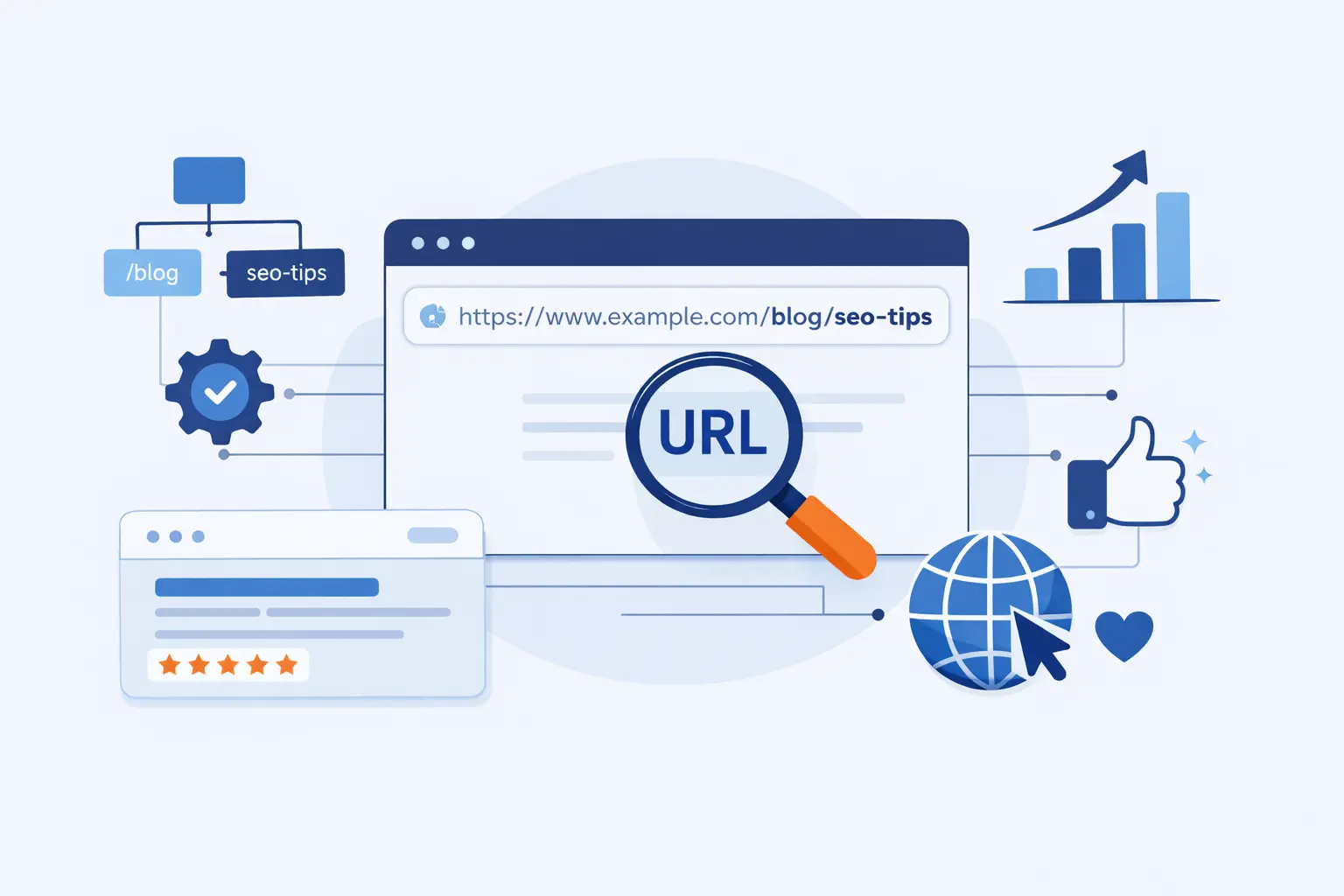
- What SEO URL Structure Means
- The Main Parts of a URL
- Why SEO URL Structure Matters
- How to Choose the Right URL Architecture
- Core URL Best Practices
- Formatting Rules That Keep URLs Clean
- How to Handle Parameters, Filters, and Duplicates
- Technical URL Issues to Avoid
- Multi-Regional and International URL Structure
- How to Audit URL Structure
- When to Change URLs and How to Protect SEO Value
- FAQ About SEO URL Structure
- How 1Byte Supports Better URL Structure with Hosting and Cloud Services
- Final Thoughts on URL Structure
At 1Byte, we think URL structure is one of the most underrated parts of technical SEO. It looks small, almost cosmetic, until a site grows, product filters multiply, content expands across regions, and migrations start breaking traffic. Search is still a serious commercial battlefield, with worldwide search advertising spending reaching $190.5 billion in 2024, so every signal that improves clarity, trust, and crawl efficiency deserves real attention.
Seen in the wild, the pattern is easy to spot. REI uses readable product paths that give both category context and a human-friendly slug, while Apple uses country-language paths such as its German iPhone section to make regional targeting obvious without turning the site into a maze. Neither example succeeds because the URL alone carries rankings, but both show how a sensible path helps people orient themselves fast.
From our perspective, strong URL structure is less about gaming algorithms and more about building a site that stays understandable under pressure. A clean path helps teams link consistently, helps crawlers avoid junk variations, and helps users trust what they are about to click. That is why we treat URL design as architecture, not decoration.
What SEO URL Structure Means
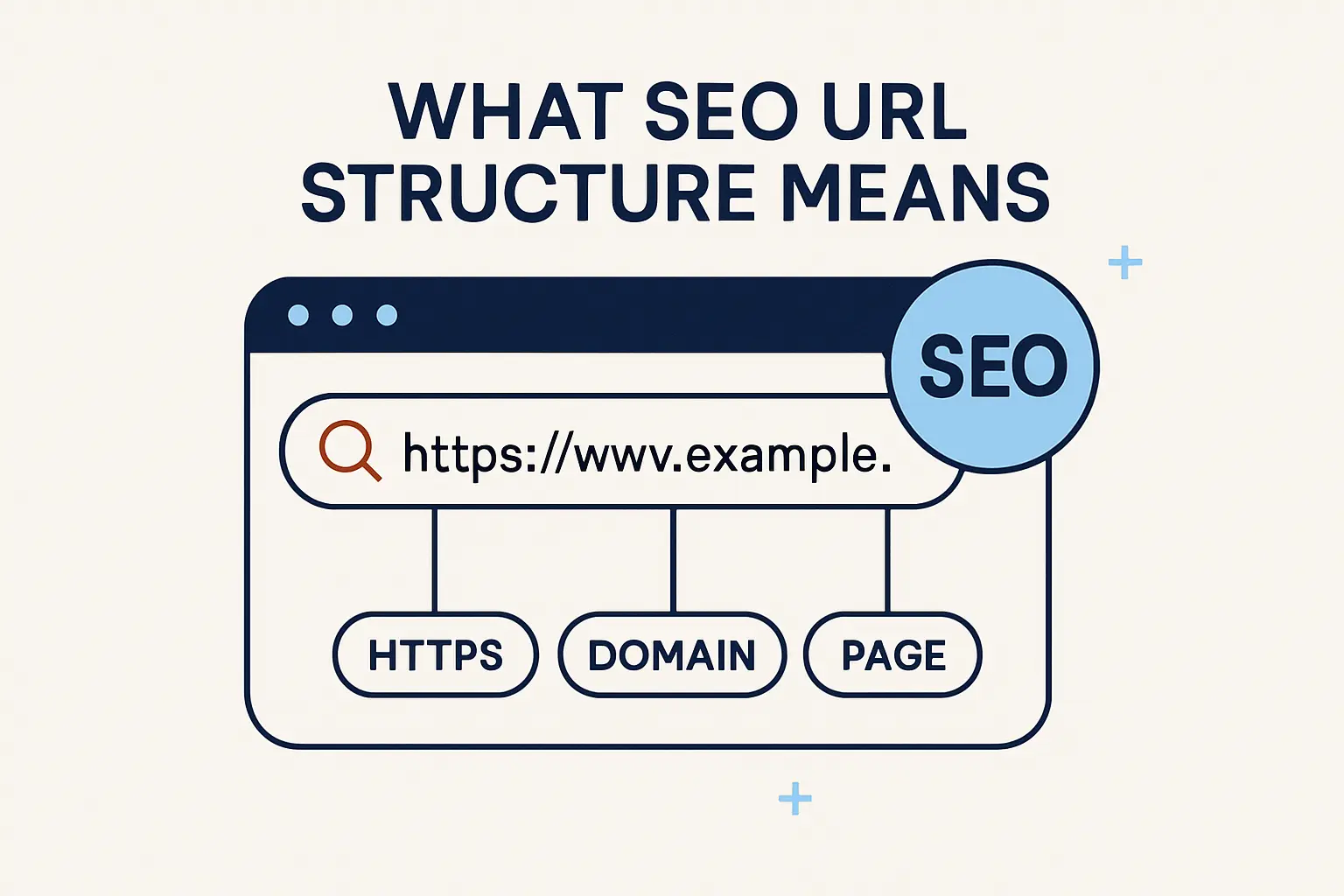
Before we talk about best practices, we need a plain definition. In practice, SEO URL structure means the rules that determine how page addresses are formed, grouped, and kept stable over time. Done well, those rules create URLs that humans can read and search engines can process without wasting effort.
1. What a URL and permalink are
A URL is the address used to request a resource on the web, while a permalink is the stable URL you intend to keep for a page or post over the long haul. Put simply, every permalink is a URL, but not every URL variation should become a permalink. In SEO work, that distinction matters because one page often spawns many alternate addresses through filters, tracking codes, casing, or protocol differences, and only one of them should usually represent the page publicly.
2. What makes a URL structure SEO-friendly
An SEO-friendly structure is readable, consistent, and durable. Google recommends descriptive URLs, readable words instead of long ID strings, and wording that matches the audience’s language, which tells us the winning pattern is usually the plainest one, not the cleverest one. If a visitor can guess the topic of a page from the path alone, you are usually on solid ground.
3. How site architecture shapes page paths
Here is the subtle part: site architecture and URL architecture overlap, but they are not the same thing. Google says it generally understands site structure from links and navigation relationships rather than from the URL pattern alone, yet your paths still shape how teams organize content and how users interpret hierarchy. In our view, the smartest setup is when internal linking, breadcrumbs, menus, and paths all tell the same story.
The Main Parts of a URL
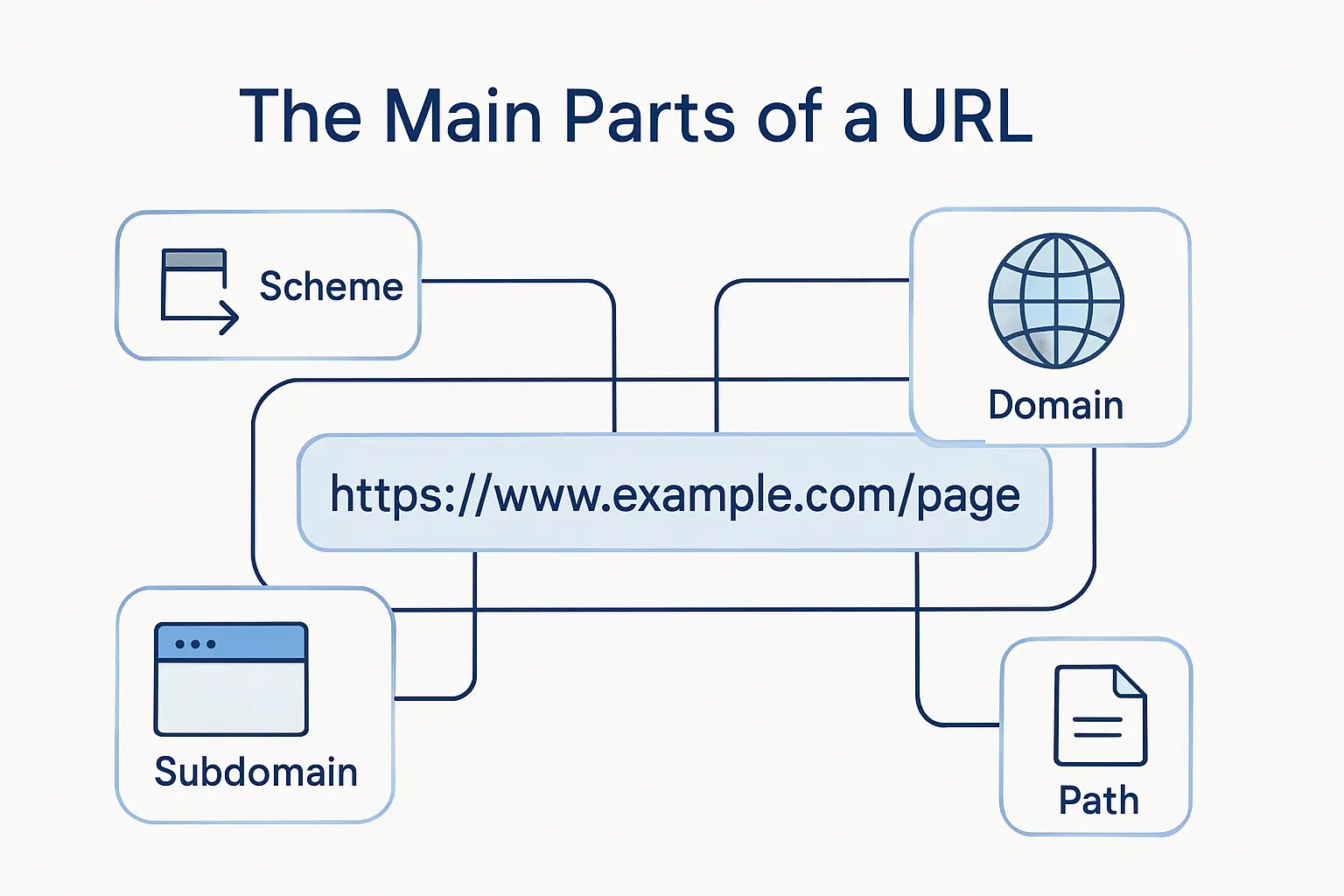
We like to slow down here because many SEO mistakes come from mixing up URL parts. Once you know what each piece does, it becomes much easier to choose what belongs in the host, what belongs in the path, and what should never be indexable in the first place.
1. Scheme, subdomain, domain name, and top-level domain
At the standards level, a URI is organized around the scheme, authority, path, query, and fragment; in everyday SEO work, we usually split the authority into the subdomain, domain name, and top-level domain so people can reason about hosts more easily. The scheme is typically HTTP or HTTPS, the subdomain might be www or a section such as support, the domain is your brand name, and the TLD is .com, .org, .de, and so on. That practical breakdown is useful because different hosts can behave like different sites if you do not canonicalize and redirect them carefully.
2. Path, subfolder, and slug
The path is the part after the host that points to the location or logical section of the resource. Inside that path, subfolders express hierarchy, while the slug is the final descriptive segment that usually names the page itself. For SEO, this is the area where clarity pays off fastest, because readable words beat cryptic IDs for both humans and site operators.
3. Parameters and fragment identifiers
Parameters come after a question mark and usually pass options such as sort order, filters, pagination, or tracking information. Fragments come after a hash sign and are meant to point to a location within a page, not define a new indexable page. Google explicitly advises against using fragments to change page content for Search, which is why hash-based routing remains a trap when the content is supposed to rank.
Why SEO URL Structure Matters
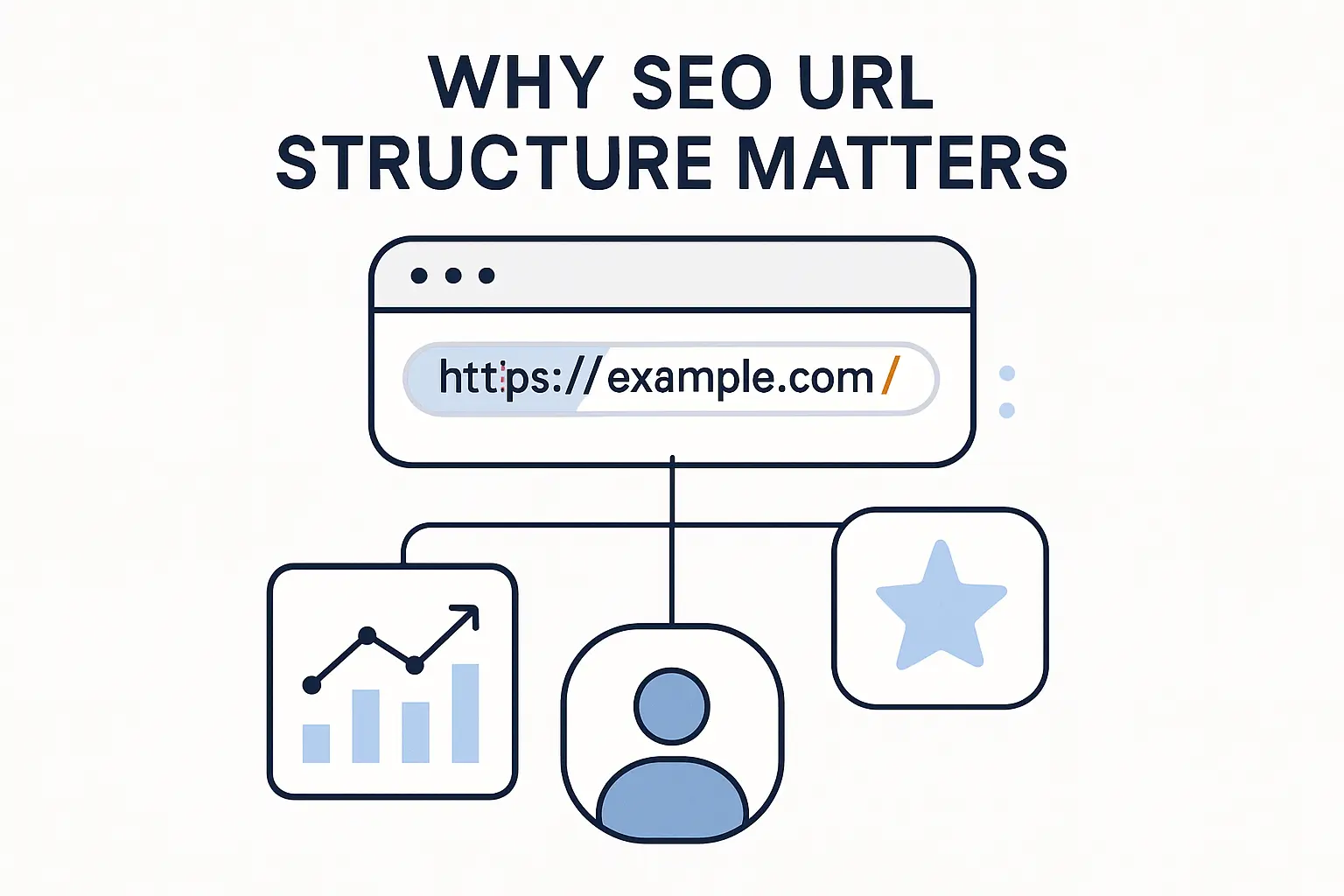
URL structure does not act like a magic ranking lever by itself, and we should be honest about that. Still, it influences trust, crawl efficiency, duplication, analytics clarity, and the cost of future maintenance. Those are not side issues; for businesses, they are the plumbing behind sustainable organic growth.
1. Stronger user experience and trust
Readable URLs help people judge where a click will take them before they commit. A short path with familiar words feels safer than a tangle of symbols, random IDs, or mixed-case gibberish, especially on mobile screens where users scan fast. We at 1Byte see this as a trust signal first and an SEO benefit second, because better trust tends to improve the behavior signals and click confidence that search visibility depends on.
2. Better crawlability, indexing, and duplicate control
Complex URLs create crawl waste. Google warns that overly complex URLs, especially those with multiple parameters, can generate many addresses that lead to identical or similar content, which can consume unnecessary crawl resources and make full indexing harder. Once that starts happening, important pages compete with junk variants for attention, and the whole site feels like it is running in wet cement.
3. Clearer topical relevance and better click-through rate
A sensible path reinforces page meaning. When the slug, category, and page title point in the same direction, the page is easier to understand, easier to share, and more likely to earn a click from a human who wants reassurance before opening a result. We treat the click-through benefit as an informed inference rather than a standalone ranking law, but it is a practical advantage we would not leave on the table.
How to Choose the Right URL Architecture
Good architecture is not just about what looks neat on a whiteboard. It has to survive product expansion, international pages, CMS quirks, and future redesigns without forcing painful migrations. In our experience, the right URL plan is the one that still makes sense two years later when the site is much larger than it is today.
1. Flat vs hierarchical URL structure
Neither model is universally better. Flat URLs can work beautifully for small sites or high-authority content hubs, while hierarchical paths become more useful as catalogs, documentation, or service pages multiply. The key nuance is that Google generally reads site structure from links rather than URL shape alone, so hierarchy should support users and editors first instead of becoming a ritual for its own sake.
2. When subfolders work better than extra subdomains
When content belongs to one brand, one search journey, and one operating team, we usually favor subfolders over extra subdomains. Separate hosts create separate URL spaces, which later means more canonical decisions, more redirect work, and more room for measurement drift. Subdomains still make sense for genuine platform separation, but for ordinary site sections they often add ceremony without adding clarity.
3. Durable URLs for blogs, ecommerce, and evergreen content
Durability is the north star here. Blog posts should not need a new path every time the headline changes, product URLs should survive merchandising tweaks whenever possible, and evergreen guides should avoid brittle patterns that force redirects later. A URL is easiest to preserve when it describes the stable topic of the page rather than its temporary campaign framing.
Core URL Best Practices
Now we can get practical. These are the rules we come back to again and again because they reduce ambiguity for users, crawlers, and internal teams at the same time. None of them are flashy, but together they do an enormous amount of work.
1. Use HTTPS and one preferred domain version
Google says it prefers HTTPS versions as canonicals when equivalent HTTP and HTTPS pages exist, and the same logic applies to www versus non-www host choices. Pick one preferred version, serve it consistently, and redirect the alternatives so your links, canonicals, sitemaps, and reports all line up. Split hosts are where duplicate headaches quietly begin.
2. Keep URLs short, descriptive, and keyword-focused
Short does not mean vague, and keyword-focused does not mean stuffed. The better rule is to keep only the words that help a person understand the page topic and remove the rest. Once filler terms, dates, codes, and redundant folders creep in, the path gets harder to scan and much harder to maintain cleanly.
3. Use audience language and logical page hierarchy
Google recommends using words in your audience’s language in the URL, and we strongly agree. A path should sound like the way your customer thinks, not the way your database thinks. Pair that language with a logical hierarchy, and the result is a site that feels coherent from the first click to the final conversion.
Formatting Rules That Keep URLs Clean
Formatting is where discipline shows. Two sites may target the same topics, yet the one with consistent separators, casing, and encoding almost always creates fewer technical SEO problems downstream. This is the part that feels nitpicky until it saves you from a pile of duplicate pages.
1. Use hyphens instead of underscores or merged words
Google explicitly recommends using hyphens (-) instead of underscores (_) because people and search engines can identify concepts more clearly that way. Merged words are not much better, since they force readers to guess where one term ends and another begins. If a slug needs separators, hyphens are the safe and boring choice, and boring is beautiful here.
2. Stick to lowercase and consistent trailing slash rules
Case consistency matters because Google treats differently cased URLs as distinct addresses, and trailing slash versions can also exist as separate URLs if you let both return a normal page. Choose a lowercase convention, choose a slash convention, and enforce both consistently through internal links, sitemaps, canonicals, and redirects. Otherwise, the same page starts wearing multiple costumes.
3. Avoid special characters, stop words, and long ID strings
Percent encoding has its place, especially for international characters, but most URLs should not look like they were generated by a broken vending machine. Long IDs, unnecessary symbols, and low-value filler words reduce readability without adding search value. Our rule of thumb is simple: if a segment does not help identify the page for a human, it probably does not deserve to live in the slug.
How to Handle Parameters, Filters, and Duplicates
This is where many large sites lose the plot. Parameters are not evil, but unmanaged parameters can explode URL counts, dilute signals, and flood reports with alternate versions that no one actually wants indexed. Ecommerce sites feel this pain first, though content-heavy sites are not immune either.
1. Use readable key-value parameters only when needed
For filters, pagination, and sorting, Google recommends use ?key=value URL parameters rather than ?value because the structure is clearer and easier to understand. That does not mean every filter deserves indexable exposure. It simply means that if parameters must exist, they should be explicit, readable, and used with intent rather than sprayed everywhere by default.
2. Control sorting, filtering, tracking codes, and session IDs
Sorting, filter combinations, referral tags, and session IDs are classic duplication engines. Google still warns against session IDs in URLs, and the old URL Parameters tool in Search Console was deprecated in March 2022, which means site owners now need to control these patterns at the source with better architecture, internal linking, and crawl management instead of leaning on a legacy console setting.
3. Use canonicals, robots controls, and one indexable URL per page
For Google, redirects and rel=”canonical” link annotations are strong signals, while sitemap inclusion is weaker, so the winning pattern is to choose one preferred URL and reinforce it consistently. Robots controls also matter, but they work best when used carefully: a noindex rule can only be read if crawlers are allowed to access the page, so blocking the URL too early can backfire. One page, one preferred URL, one clear set of signals—that is the cleanest model.
Technical URL Issues to Avoid
Some URL problems look harmless because the page still loads. Search engines, however, are far less sentimental. If a setup creates ambiguity about what is indexable, what is duplicate, or what content changes a route really represents, technical debt starts piling up quickly.
1. Do not use fragments or hash-based URLs for indexable content
Google’s guidance here is unusually direct: do not use fragments to change content for Search. A hash route can be fine for front-end behavior inside a page, but if the content should rank as its own page, it needs a proper crawlable URL and, ideally, a rendering approach that exposes the content cleanly. Otherwise, you are asking Search to admire a page it may never fully see.
2. Avoid duplicate URLs from case changes, categories, and near-duplicate variants
Duplicate states are sneaky because each one can seem reasonable in isolation. Mixed case, slash and non-slash versions, alternate category paths, and lightly modified parameter pages all create multiple entrances to nearly the same destination. Once that happens, links, reports, and crawl time start scattering unless you normalize aggressively with redirects, canonicals, and consistent internal links.
3. Avoid cryptic, deep, and auto-generated URL patterns
Depth itself is not a sin, yet very deep auto-generated paths usually signal weak information architecture or uncontrolled faceting. If a URL contains several folders that no visitor understands plus a slug that looks machine-spawned, the problem is usually upstream in taxonomy design. We prefer shallow-enough paths that describe the page honestly and stop there.
Multi-Regional and International URL Structure
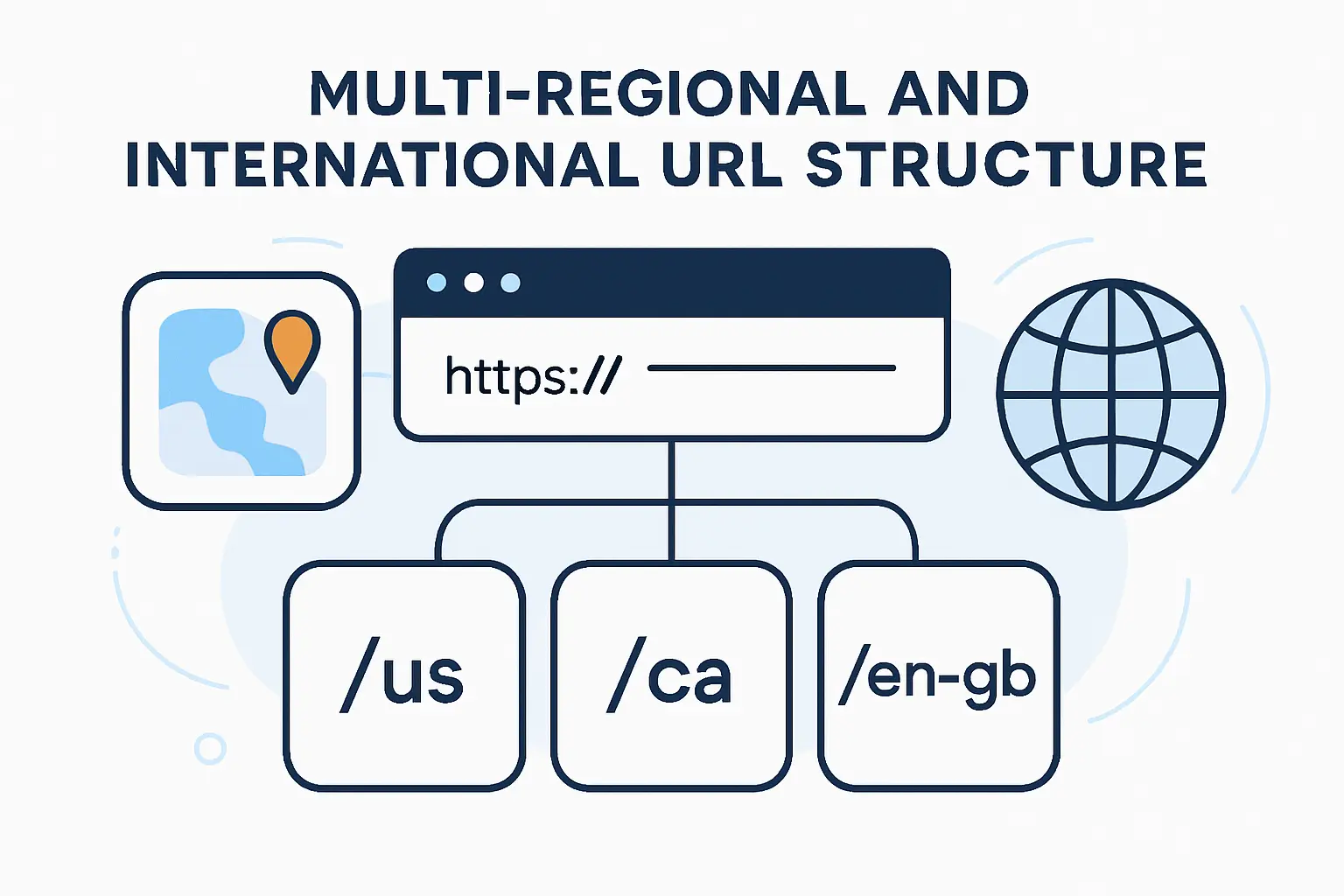
International SEO turns URL design into a strategic choice rather than a formatting choice. The structure has to signal language or region clearly, remain maintainable for the team, and help search engines serve the right page without creating duplicate headaches across markets. There is no one-size-fits-all answer, but there are definitely bad shortcuts.
1. Country domains, subdomains, and subdirectories
Google’s documentation lays out the trade-offs cleanly. Country-code domains send the strongest geotargeting signal but are more expensive and heavier to operate, subdomains are easy to separate, and subdirectories are lower maintenance because they stay on the same host. In our view, subdirectories win more often than they lose for businesses that want international reach without unnecessary operational sprawl.
2. Use hreflang, geotargeting, and audience language signals
If you publish regional or language variants, Google says to Use hreflang to tell Google about the variations of your content. That is crucial because Google does not use hreflang or the HTML lang attribute to detect page language by itself; instead, hreflang helps map equivalent variants so the right URL can be shown to the right audience. Pair that with obvious on-page language, local currency or contact cues where relevant, and explicit internal links between versions.
3. Handle international characters with proper encoding
Localized words in URLs are perfectly acceptable, and that is good news because native-language slugs often help users more than transliterated compromises. Google recommends UTF-8 and proper escaping when you use international characters, while its URL guidance also recommends percent encoding where necessary. The practical lesson is straightforward: use audience language confidently, but encode and link it correctly.
How to Audit URL Structure
An audit is where theory meets reality. We at 1Byte like URL audits because they reveal problems a site owner stopped noticing months ago: mixed casing, orphaned parameters, duplicate directories, broken redirect logic, or migrations that were never fully cleaned up. Once you see the pattern, the fix list becomes much easier to prioritize.
1. Find long, mixed-case, and parameter-heavy URLs
Start with a crawl export and sort ruthlessly. Look for unreadable IDs, uppercase variants, extra query strings, and paths that keep repeating the same folder logic with slight changes. Those patterns usually identify the clusters where crawl waste and canonical confusion are quietly accumulating.
2. Check for broken links, redirect chains, and duplicate versions
Next, test slash and non-slash pairs, HTTP versus HTTPS, www versus non-www, and old URLs that still attract traffic. Google recommends redirecting directly to the final destination and warns that chains add latency for users, so every extra hop is worth trimming. Broken links deserve the same urgency because they fracture both user flow and crawler flow.
3. Monitor crawling, indexing, and server logs after major changes
After structural changes, do not rely on intuition. The Search Console Crawl Stats report shows total requests, download size, response time, grouped crawl data, and host status information, while server logs tell you whether bots are still spending time on junk routes or old redirects. That combination is where post-migration truth usually lives.
When to Change URLs and How to Protect SEO Value
Changing URLs is one of those decisions that sounds cleaner in a planning meeting than it feels in production. Sometimes it is necessary, but every change creates risk, especially on sites with existing links, rankings, campaigns, or saved bookmarks. Our bias is conservative: change a URL only when the long-term gain clearly beats the short-term disruption.
1. Know when a URL update is worth the risk
A URL update is usually justified when the current path is truly broken: duplicate-prone, misleading, non-canonical, impossible to scale, or tied to a retired information model. It is rarely worth changing a stable URL just to squeeze in one more keyword. Search gains from tidier wording seldom beat the risk of migration friction unless a deeper structural problem is being solved at the same time.
2. Use 301 redirects to preserve traffic and ranking signals
When a move is necessary, Google recommends use HTTP permanent redirects such as 301 and 308 and keep redirect paths as direct as possible. A good redirect map should send each old URL to its closest new equivalent, not lazily dump everything on the home page. Done right, redirects protect users first and preserve SEO value as a consequence.
3. Update internal links, sitemaps, and canonicals after migration
Redirects are not the whole job. Google’s migration guidance also says to update internal links, self-referencing canonicals, hreflang annotations where relevant, and the sitemap that lists the new URLs. That cleanup matters because the fastest way to stabilize a move is to stop your own site from continuing to reference the old addresses.
FAQ About SEO URL Structure
These are the questions we hear most often from site owners, marketers, and developers. Most of them sound simple on the surface, yet each one hides an important technical nuance that can save a lot of cleanup later.
1. Does URL structure matter for SEO?
Yes, but not because a perfect slug automatically pushes a page to the top of search results. URL structure matters because it affects readability, crawl efficiency, duplicate control, and the consistency of your canonical signals. In short, it shapes the conditions that make the rest of your SEO work easier or harder.
2. What are the 7 parts of a URL?
In strict standards language, RFC 3986 describes scheme, authority, path, query, and fragment. In everyday SEO practice, people often split the authority into subdomain, domain name, and top-level domain, which gives you a practical seven-part model: scheme, subdomain, domain, TLD, path, query string, and fragment. That is why different articles count the parts differently without necessarily disagreeing.
3. Should you use hyphens or underscores in SEO URLs?
Use hyphens. Google explicitly recommends them because they help users and search engines identify separate words more clearly, while underscores and merged strings are harder to scan at a glance. This is one of the rare URL questions where the practical answer is refreshingly crisp.
4. How long should an SEO-friendly URL be?
There is no universal character limit that makes or breaks rankings. The better principle is to keep the path as short as possible while preserving meaning, which usually means descriptive words, no fluff, and no unnecessary folders or parameters. If cutting a segment makes the URL less clear, you have cut too far.
5. Should blog post URLs include dates?
Only include dates when the date itself is part of the user’s intent, the editorial model, or a compliance need. For most evergreen content, dates make the URL age faster than the content and often tempt teams into unnecessary migrations later. We prefer timeless slugs unless freshness is essential to the meaning of the page.
6. Should you change existing URLs for SEO?
Usually not. If an existing URL is clean, stable, and already earning traffic or links, changing it just for cosmetic SEO reasons is rarely worth the migration cost. Make the move only when the current structure creates a real business or technical problem, and then redirect and update everything with discipline.
How 1Byte Supports Better URL Structure with Hosting and Cloud Services
URL quality is not only an SEO issue; it is also an infrastructure issue. The cleaner your hosting stack, certificate setup, CMS controls, redirects, and logs, the easier it becomes to keep one preferred URL for every important page. That is where we at 1Byte see hosting and SEO meeting in the middle.
1. Domain registration and SSL certificates for a secure URL foundation
A strong URL foundation starts with the basics: the right domain, a valid SSL certificate, and a single preferred host version. When that groundwork is solid, HTTPS canonicals, redirects, and trust signals line up far more cleanly. From our side at 1Byte, domain registration and SSL are not add-ons to SEO hygiene; they are the floor you stand on.
2. WordPress hosting and shared hosting for clean, manageable site architecture
Most URL messes begin in the CMS layer, not the ranking layer. Managed WordPress hosting and well-configured shared hosting make it easier to control permalink settings, enforce one canonical pattern, generate consistent sitemaps, and avoid accidental duplicates from plugin or theme behavior. We like setups that keep editors productive without letting the URL system drift into chaos.
3. Cloud hosting, cloud servers, and AWS Partner support for scalable website growth
As a site scales, URL governance becomes inseparable from operational visibility. Cloud hosting and cloud servers give teams room to manage redirects at the server level, inspect logs, watch crawl behavior, and handle international or catalog growth without turning every change into a fire drill. Add AWS Partner support to that picture, and the result is a setup built not just to launch pages, but to keep them stable as complexity climbs.







Final Thoughts on URL Structure
For all the noise around SEO, URL structure remains a wonderfully practical discipline. It asks you to be clear, consistent, and patient, which happens to be the same mindset that produces better sites in general. When a URL is simple enough for a human, durable enough for a business, and disciplined enough for a crawler, it usually earns its keep.
Our advice at 1Byte is to treat every important URL like a long-term asset, not a disposable string. Choose one preferred version, keep the wording plain, control duplicates before they spread, and resist migrations that solve vanity problems instead of real ones. If your current site has grown wild over time, why not audit your top templates this week and decide which URLs truly deserve to last?