

- Quick Comparison of Engineering Project Management Software
- Top 20 Engineering Project Management Software Tools for Engineering Teams
- What Is Engineering Project Management Software?
- Who Should Use Engineering Project Management Software?
- Core Features to Compare in Engineering Project Management Software
- How to Choose the Best Engineering Project Management Software
- Benefits of Engineering Project Management Software
- Pricing and Total Cost of Ownership
- Implementation Checklist for Engineering Teams
- Common Trade-Offs and Risks to Review
- Engineering Project Management Software Trends in 2026
- Frequently Asked Questions About Engineering Project Management Software
- How 1Byte Supports Engineering Project Management Software Teams
Engineering project management software has become the quiet operating system behind profitable engineering work. At 1Byte, we see this every day: teams do not fail because they lack effort; they fail because budgets, drawings, dependencies, approvals, and invoices live in different rooms. Gartner forecast worldwide public cloud end-user spending would total $723.4 billion in 2025, and that shift keeps pulling project controls, accounting, collaboration, and analytics into cloud-first platforms.
The stakes are not theoretical. McKinsey has warned that large capital projects often take 20 percent longer and run up to 80 percent over budget. We read that less as a construction statistic and more as a management warning. If the project system cannot expose risk early, the invoice will expose it late.
Real operators show the same pattern. Atlassian’s customer material notes that Canva’s agile teams scaled with Jira Software, while A&E firms increasingly use purpose-built tools to turn phase budgets into weekly decisions. Our view is simple: the best software does not just store tasks. It shortens the distance between technical work and commercial truth.
Quick Comparison of Engineering Project Management Software
We would not compare a bridge design firm, a software platform team, and a multidisciplinary consulting practice with the same yardstick. This table gives a fast first pass across the first ten tools, so buyers can narrow the shortlist before the deeper reviews.
| Service/Tool | Best for | From price | Trial/Free | Key limits |
|---|---|---|---|---|
| Factor A/E | Small A&E firms | $30/user/mo | Free trial | Seat pricing; A&E focus |
| Monograph | Architecture studios | $25/mo | Select trials | No full ERP ledger |
| BQE Core | A&E accounting | Custom quote | Demo/trial | Module-based cost |
| Deltek Vantagepoint | Enterprise A&E | Custom quote | Demo | Heavier implementation |
| Productive | Services teams | $10/user/mo | 14-day trial | Less A&E-specific |
| OpenProject | Open-source PM | Free; €5.95 paid | 14-day trial | Paid minimums |
| Microsoft Project | Microsoft PMOs | $10/user/mo | 1-month trial | M365 extras needed |
| Smartsheet | Portfolio sheets | $9/member/mo | 30-day trial | No native accounting |
| Wrike | Workflow control | Free; $10/user/mo | 14-day trial | Seat bundles |
| ProjectManager | Gantt planning | $14/user/mo | 30-day trial | Team tier project cap |
Top 20 Engineering Project Management Software Tools for Engineering Teams
For this toplist, we are separating glossy project tracking from tools that can survive real engineering pressure. We looked for planning depth, phase control, resource visibility, budget discipline, integration posture, security options, and the speed at which a team can stop guessing.
1. Factor A/E
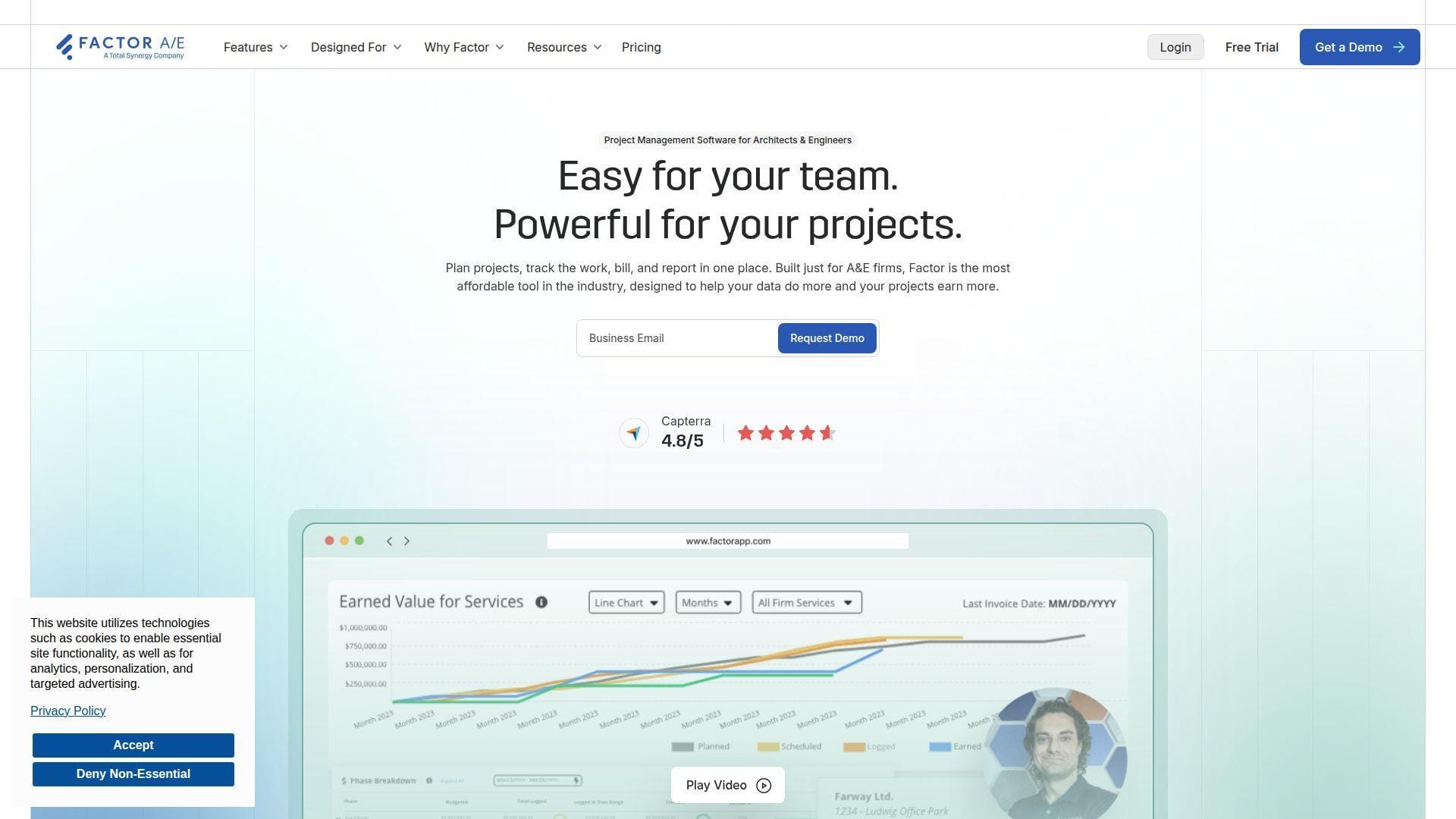
Factor A/E is a focused practice-management platform built for architecture and engineering firms. We like its product stance because it does not pretend every team is a generic marketing department. It speaks the daily language of principals, project managers, bookkeepers, and resource planners.
Best for: small A&E firm owners and operations managers who want project, staffing, invoicing, and profitability visibility without a heavyweight ERP rollout.
- Phase budget setup → project managers see fee burn before invoice week.
- QuickBooks-centered billing flow → removes 2-3 spreadsheet exports from month-end invoicing.
- Guided trial with demo projects → time-to-first-value in about 1-2 days for a clean pilot.
Pricing & limits: From $30/user/mo on annual billing; monthly billing is higher. The free trial can include tailored setup and preloaded demo projects. Pricing is seat-based, with quantity discounts for larger firms and no public cap on projects.
Honest drawbacks: Factor is not a general software engineering tracker. It also does not have the broad marketplace depth of Microsoft, Atlassian, or Smartsheet. If your accounting workflow is not QuickBooks-friendly, test the handoff carefully.
Verdict: If you run a lean A&E practice and need healthier billing rhythm, Factor helps you move from “Where did the fee go?” to “Here is the margin trend” within the first billing cycle.
2. Monograph
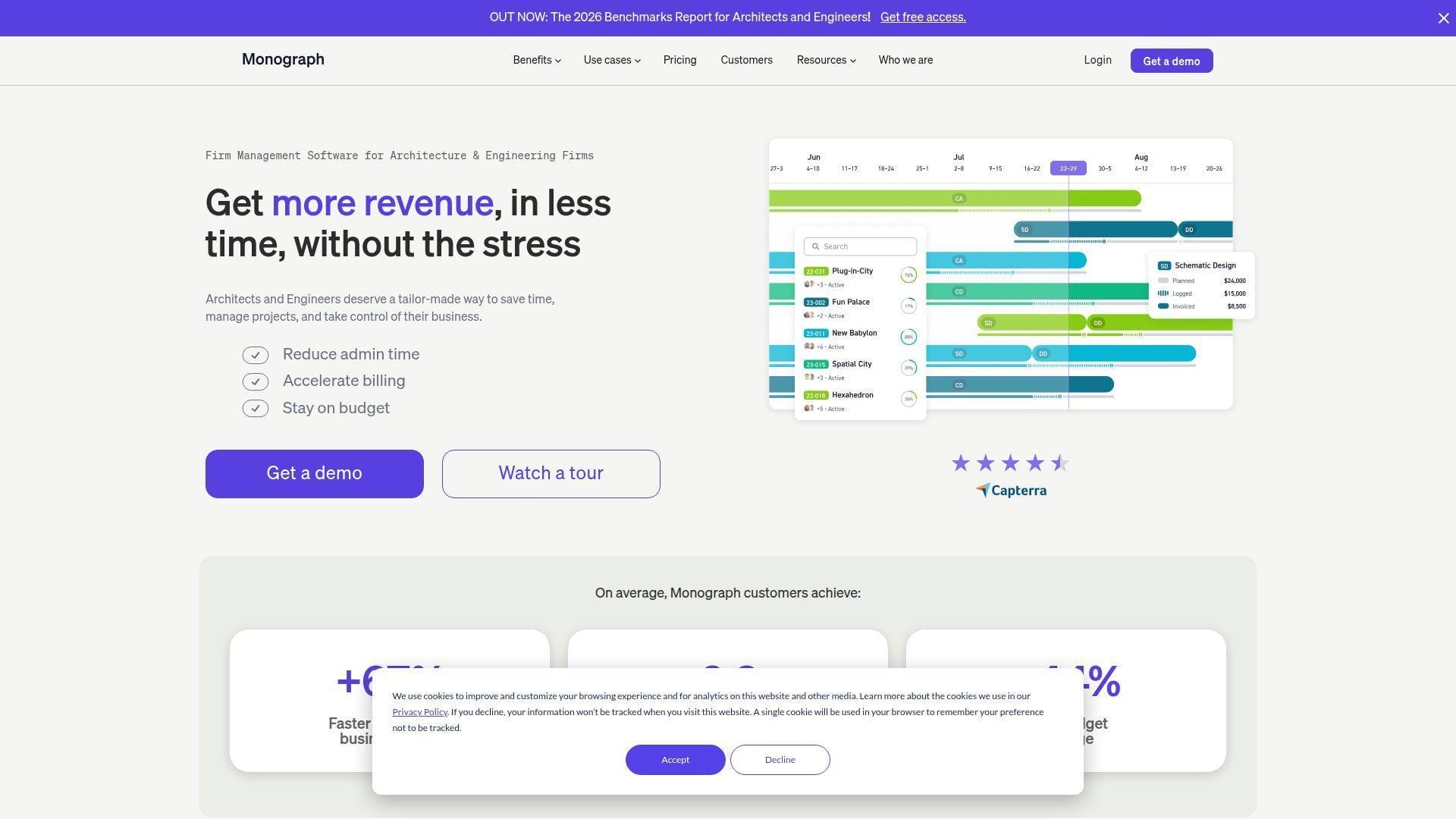
Monograph is one of the clearest purpose-built choices for architecture and engineering firms. Its team has positioned the product around firm performance, not just task completion, which matters when a project phase can look busy and still lose money.
Best for: architecture principals and project managers at small to midsize A&E firms that want cleaner budgets, schedules, time tracking, and invoicing.
- Project planner and phase budgets → PMs can forecast staffing before the schedule breaks.
- QuickBooks and invoicing workflows → cuts the “timesheets to invoice” loop from days to hours.
- Design-centric interface → most teams can understand budget status in the first week.
Pricing & limits: From $25/user/mo, with firm-size pricing shown through its calculator. Trials are available for select firms. Paid plans emphasize unlimited projects and reports, while the lighter Track option fits very small firms and omits deeper forecasting.
Honest drawbacks: Monograph is not a full general ledger replacement. It also suits architects and consulting engineers better than plant, EPC, or government-contracting teams with deep compliance needs. Beats spreadsheets at phase visibility; trails Deltek on enterprise ERP depth.
Verdict: If you want A&E project clarity without teaching everyone an ERP, Monograph helps principals see staffing, budget, and billing risk within a few weeks.
3. BQE Core
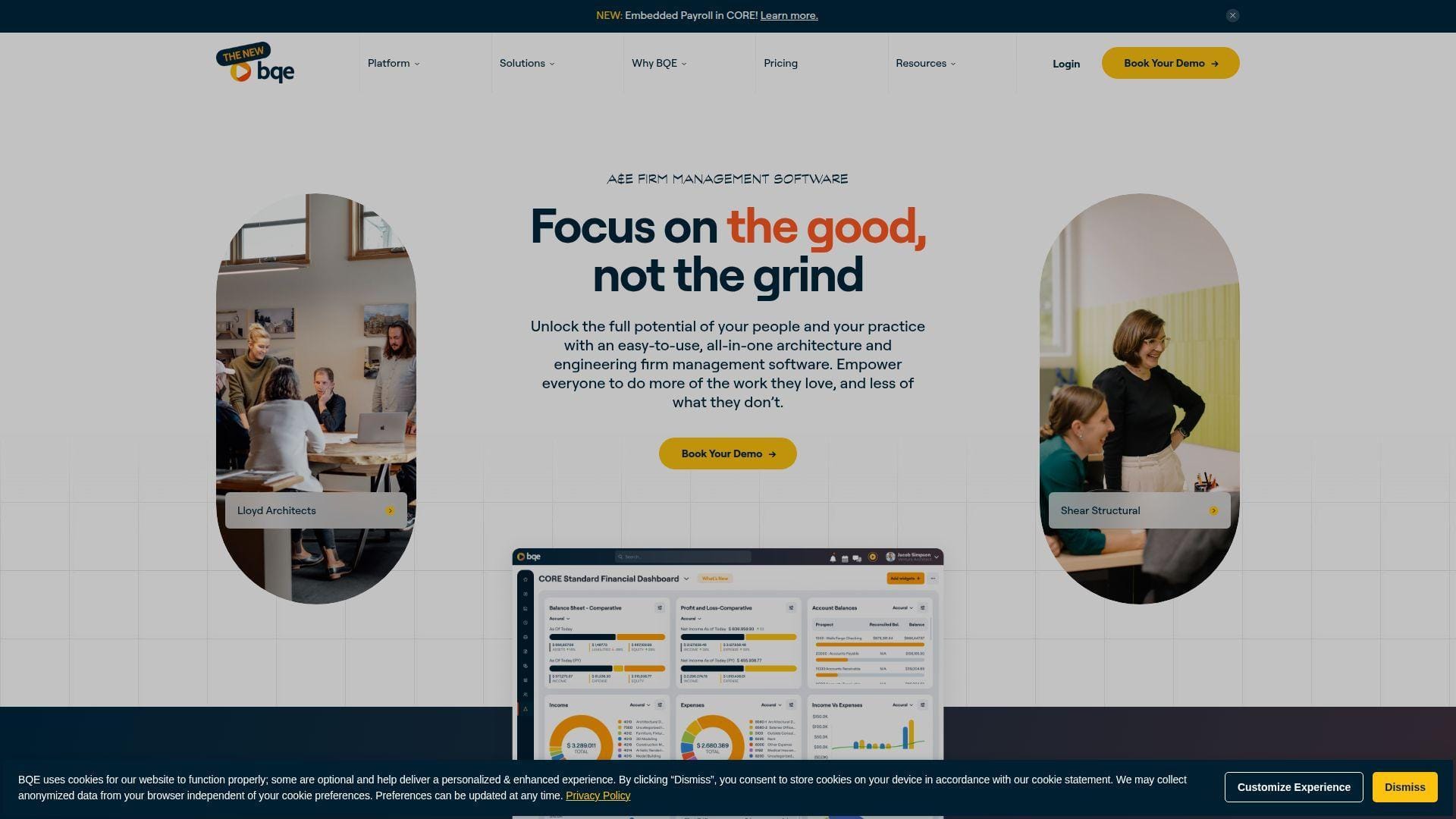
BQE Core is a mature cloud platform for professional services firms, especially A&E practices that need time, billing, project accounting, and reporting in one environment. Its team has spent years around billable work, so the product feels more financially aware than a generic task board.
Best for: engineering finance leaders and A&E operations teams that need project accounting, invoicing, and utilization in one system.
- Time, expense, billing, and accounting modules → fewer reconciliation gaps between PMs and finance.
- Mobile time capture and approvals → saves several reminder cycles each week.
- Cloud-hosted implementation path → usable pilot in 2-4 weeks when chart-of-accounts data is ready.
Pricing & limits: From custom pricing/mo; BQE prices by modules and users. Demos and supported trials are available. Caps depend on selected modules, seat count, reporting needs, and whether accounting functionality is included.
Honest drawbacks: BQE can feel heavier than Monograph or Factor for firms that only need planning and billing basics. The modular model also makes procurement less transparent. Test reporting and invoice formats before committing.
Verdict: If your biggest pain is project accounting discipline, BQE Core helps you tighten time capture, billing, and profitability reporting over one or two accounting periods.
4. Deltek Vantagepoint
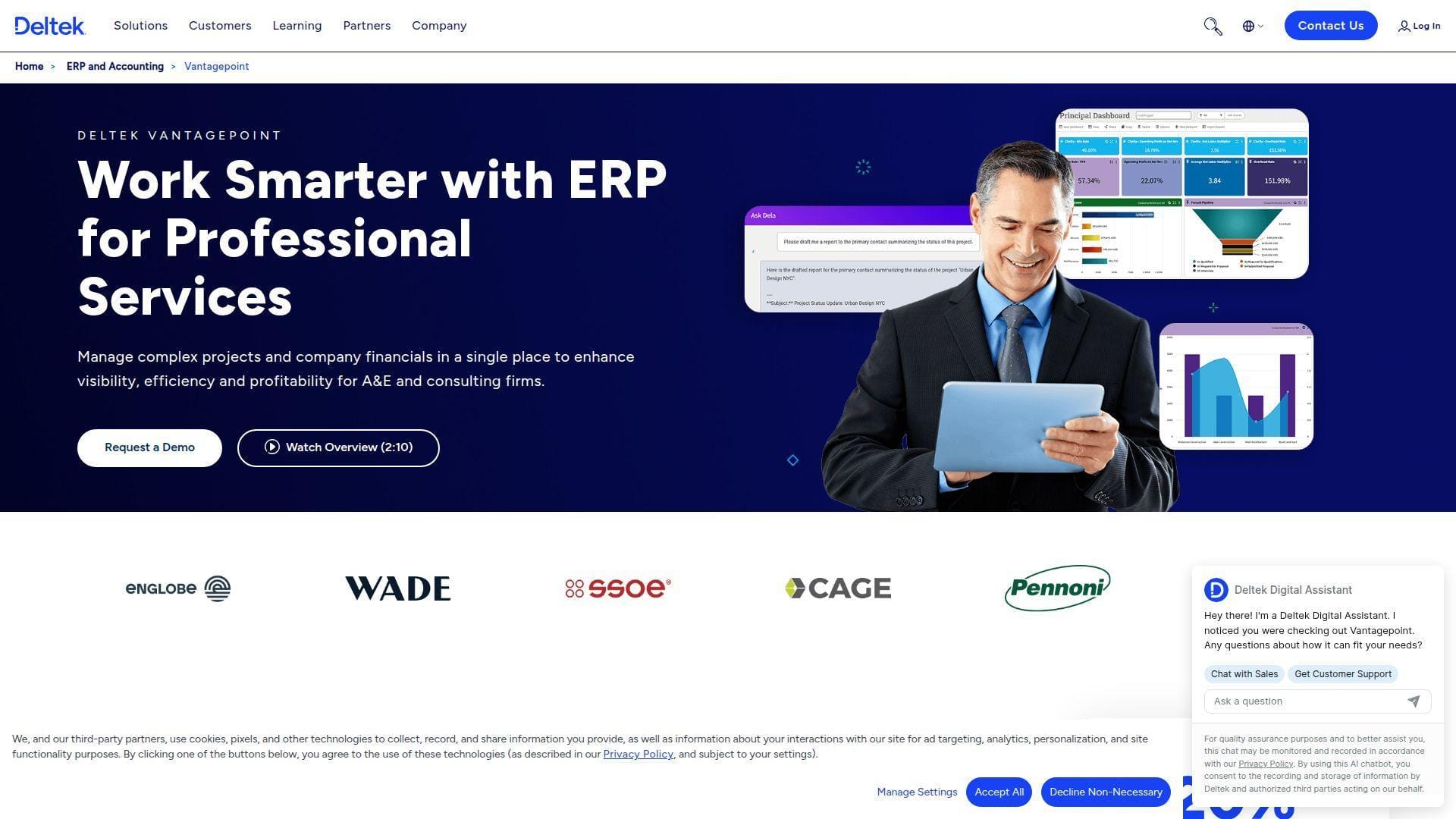
Deltek Vantagepoint is an industry-tuned ERP for professional services, A&E, consulting, and project-based organizations. The Deltek team serves firms that outgrow simple practice tools and need CRM, projects, resources, accounting, and executive reporting in one system.
Best for: midsize to enterprise A&E firms and PMOs that need firmwide project financial control, compliance, and portfolio visibility.
- CRM-to-project-to-accounting workflow → prevents handoff loss from pursuit through closeout.
- Resource planning and financial dashboards → saves principals from rebuilding utilization packs manually.
- Structured ERP rollout → time-to-first-value in 8-16 weeks when governance is strong.
Pricing & limits: From custom quote/mo; pricing depends on roles, modules, deployment scope, and services. Evaluation is demo-led. Caps for users, storage, integrations, and reporting are contract-specific.
Honest drawbacks: Vantagepoint is not a casual setup. It needs executive sponsorship, clean master data, and trained administrators. Beats purpose-built SMB tools on ERP depth; trails them on speed and simplicity.
Verdict: If your firm needs one operating backbone for pursuits, projects, labor, billing, and financial control, Vantagepoint helps you standardize project performance over a full implementation cycle.
5. Productive
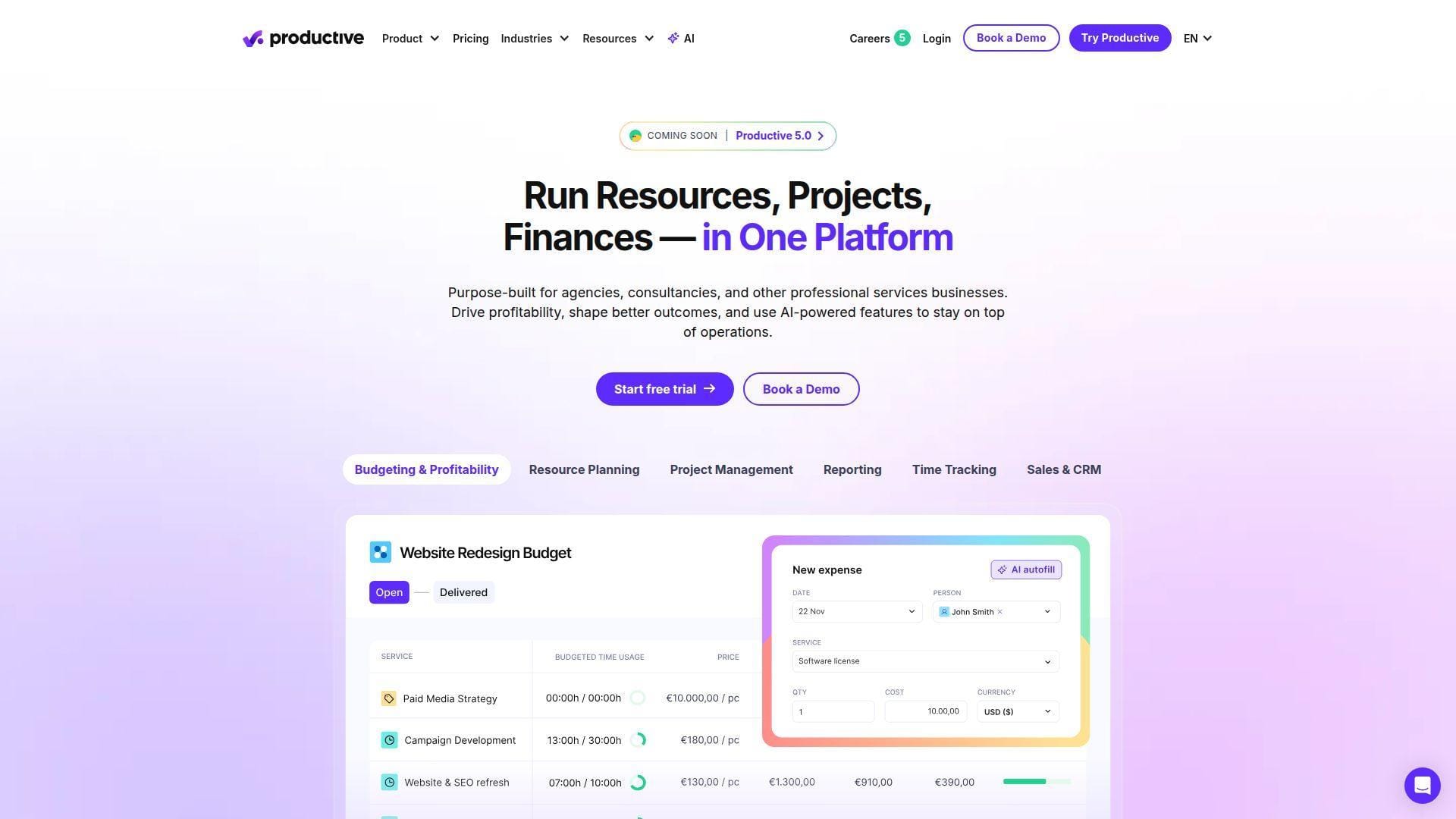
Productive is a professional services automation platform with a strong focus on budgets, utilization, sales pipeline, time, invoicing, and reporting. Its team has built a practical system for agencies, consultancies, and service teams that sell people’s time.
Best for: engineering consultancies and SMB services teams that need PSA discipline without A&E-only assumptions.
- Budget and revenue tracking → leaders see margin risk before the project is fully delivered.
- Automation, approvals, and integrations → removes 3-5 manual follow-ups from timesheet and invoice cycles.
- Modern PSA interface → time-to-first-value in roughly one week for a small services team.
Pricing & limits: From $10/user/mo on annual billing; higher tiers add deeper forecasting, revenue recognition, approvals, and invoicing controls. A 14-day free trial is available. Advanced financial workflows sit behind Professional or Ultimate plans.
Honest drawbacks: Productive is not as A&E-specific as Factor or Monograph. Subconsultant workflows, phase conventions, and construction administration nuance may need configuration. Beats general PM tools at services profitability; trails Deltek on ERP governance.
Verdict: If you sell engineering expertise by the hour or retainer, Productive helps turn time, budget, and revenue into one operating dashboard within the first month.
6. OpenProject
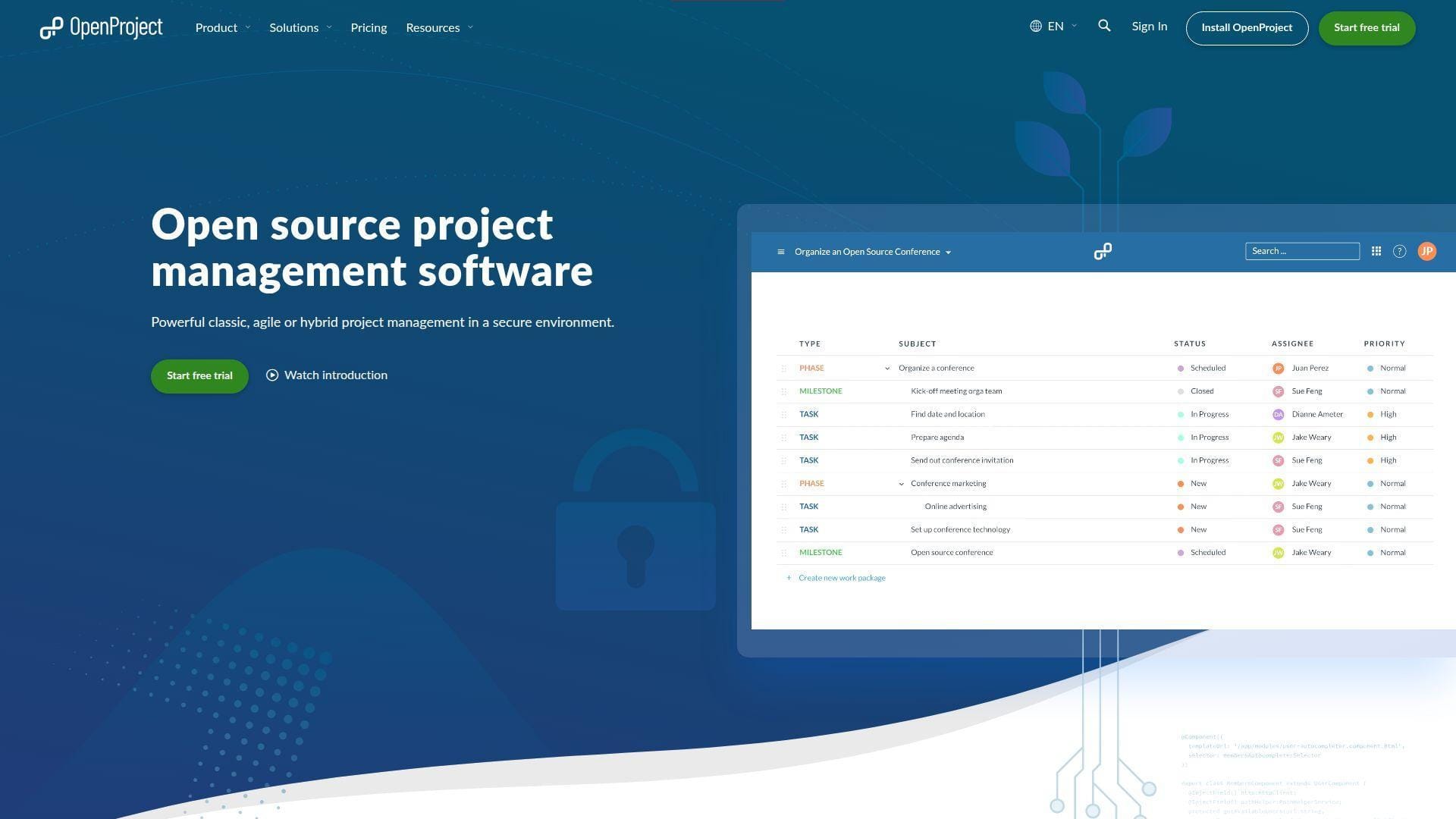
OpenProject is an open-source project management platform with cloud and self-managed options. Its team appeals to engineering groups that care about transparency, data control, and classic project structure, including work packages, Gantt charts, roadmaps, and documentation.
Best for: IT engineering teams, public-sector groups, and security-conscious PMOs that prefer open source or on-premises deployment.
- Work packages, Gantt, and roadmaps → engineers can link deliverables to milestones without vendor lock-in.
- Open-source deployment and integrations → saves procurement cycles when internal hosting is approved.
- Community edition first → technical teams can validate value in a few hours.
Pricing & limits: From free for Community; paid cloud starts at €5.95/user/mo with minimum-user requirements. A 14-day trial is available for cloud and enterprise editions. Enterprise add-ons, stronger support, and SSO require paid tiers.
Honest drawbacks: OpenProject rewards teams with internal admin skill. The interface is practical, not flashy, and paid cloud minimums can surprise tiny teams. Beats proprietary tools at data control; trails Wrike on polished work automation.
Verdict: If you need structured project management with open-source confidence, OpenProject helps you prove governance and data control in the first pilot sprint.
7. Microsoft Project
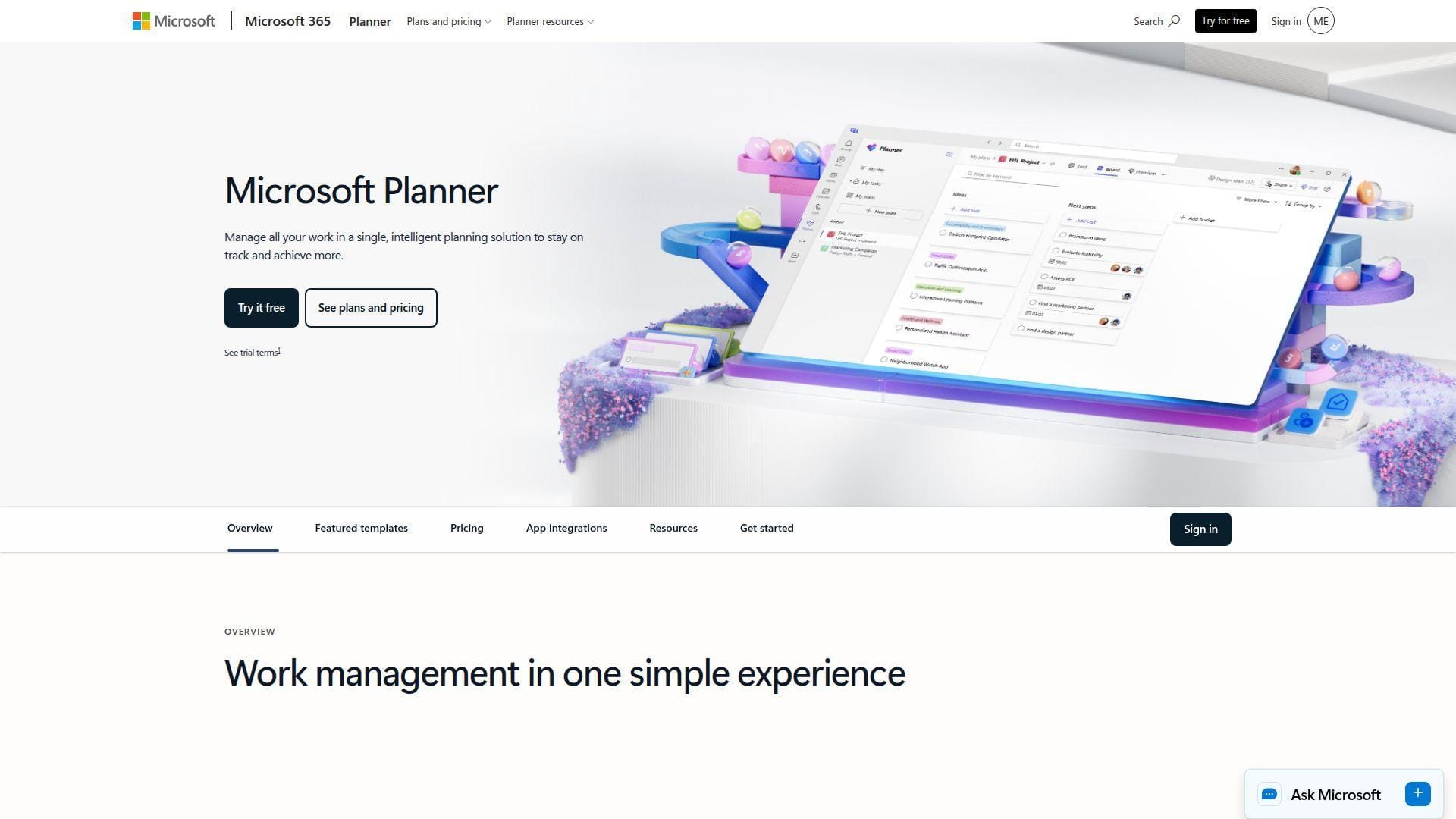
Microsoft Project now sits inside the broader Planner and Microsoft 365 work-management story. The Microsoft team brings enterprise familiarity, scheduling depth, roadmaps, resource management, and integration with Teams, Power BI, and Power Platform.
Best for: enterprise PMOs and engineering organizations already standardized on Microsoft 365.
- Timeline, critical path, baselines, and costing → project controllers can manage schedule variance formally.
- Power Platform and Microsoft 365 integrations → saves 4-6 reporting steps for teams already in Teams and Power BI.
- Familiar Microsoft ecosystem → time-to-first-value in 1-2 weeks for experienced PMs.
Pricing & limits: From $10/user/mo for Planner Plan 1; Plan 3 is higher and adds desktop Project plus richer controls. A one-month trial is available on selected plans. Copilot features require separate licensing, and Microsoft 365 apps may be sold separately.
Honest drawbacks: Microsoft Project can feel too formal for lightweight teams and not specialized enough for A&E billing. Migration from legacy Project Online or desktop schedules needs care. Beats most tools at enterprise scheduling; trails modern tools on everyday UX.
Verdict: If your PMO already lives in Microsoft, Microsoft Project helps standardize schedule control, reporting, and resource planning during a controlled rollout.
8. Smartsheet
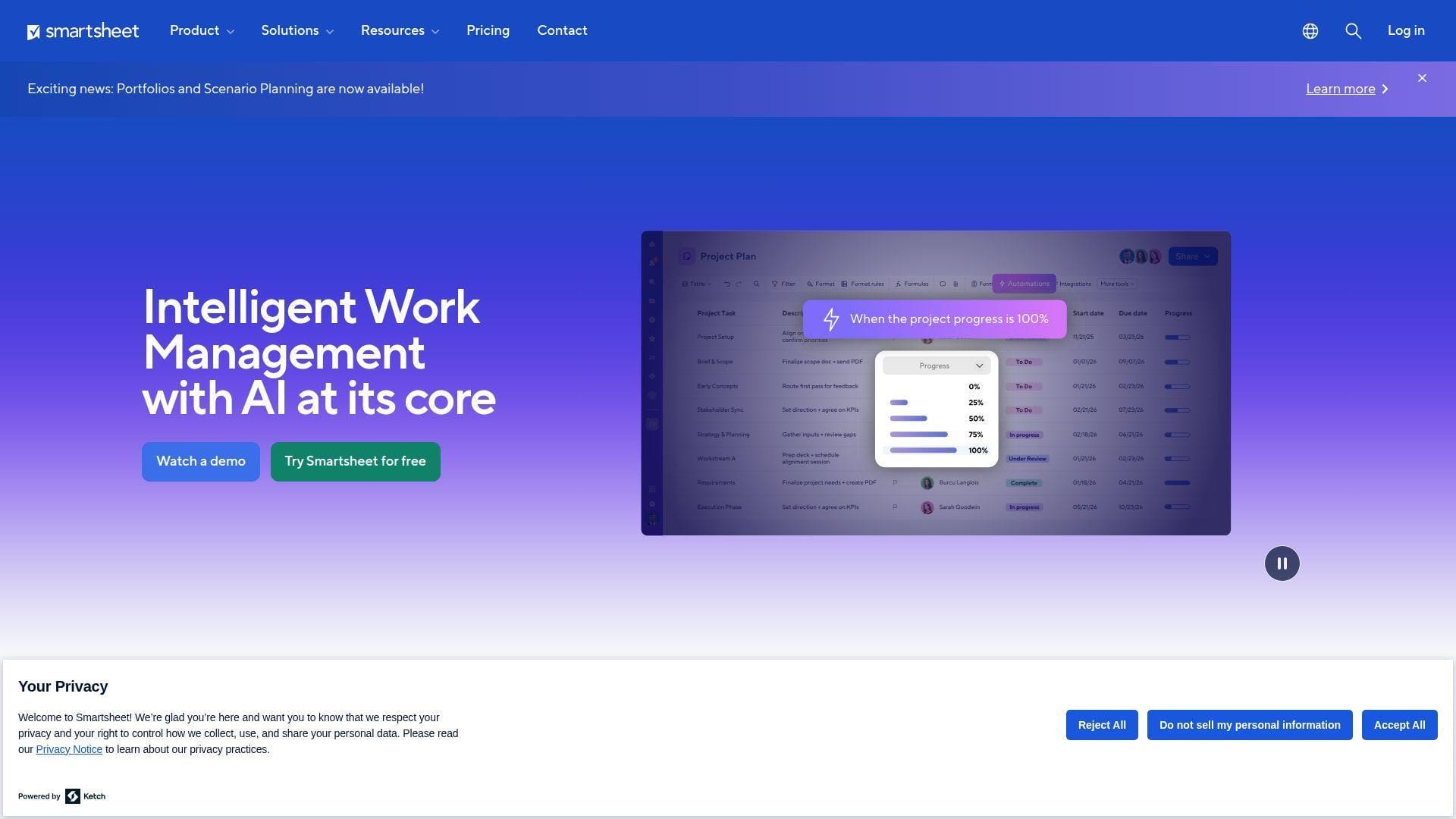
Smartsheet is a flexible work management platform that looks familiar to spreadsheet-native teams but adds automation, dashboards, forms, Gantt views, workload tracking, and portfolio reporting. Its team has leaned into enterprise collaboration without making every workflow feel like code.
Best for: engineering operations teams and PMOs that want spreadsheet familiarity with stronger automation and dashboards.
- Grid, Gantt, board, calendar, and timeline views → stakeholders consume the same plan in different formats.
- Forms, automations, and connectors → removes 3-4 intake and status-report steps per project cycle.
- Low-friction rollout → time-to-first-value in a few days for spreadsheet-heavy teams.
Pricing & limits: From $9/member/mo on annual billing. A 30-day trial is available. Pro supports small member counts and has automation limits, while Business raises collaboration, storage, and workload capabilities.
Honest drawbacks: Smartsheet can sprawl if governance is weak. It also lacks native project accounting and subconsultant billing. Beats Excel at visibility and automation; trails A&E tools on phase-based financial workflows.
Verdict: If your engineering team already trusts spreadsheets, Smartsheet helps you add control, forms, dashboards, and portfolio views within the first two weeks.
9. Wrike
Wrike is an intelligent work management platform for teams that need task control, Gantt charts, dashboards, approvals, and structured collaboration. Its product team aims at cross-functional execution rather than one vertical, which makes Wrike adaptable across engineering, operations, IT, and product work.
Best for: engineering operations teams and SMB PMOs that need workflow discipline across departments.
- Task hierarchy, dashboards, and interactive Gantt charts → managers catch blocked dependencies earlier.
- AI summaries and automation generation → saves several minutes per status update and rule setup.
- Trial-first workspace → time-to-first-value in 2-5 days for a motivated team lead.
Pricing & limits: From free; Team starts at $10/user/mo. A 14-day trial is available. Team is designed for smaller groups, while Business and above add deeper reporting, approvals, and governance; seat bundles can affect the true bill.
Honest drawbacks: Wrike’s packaging can push teams upward for analytics, forms, or add-ons. It is also not a project accounting tool. Beats ClickUp at structured enterprise workflows; trails Jira for software issue depth.
Verdict: If you need reliable work intake, scheduling, and executive visibility, Wrike helps cross-functional engineering teams reduce status chaos within a month.
10. ProjectManager
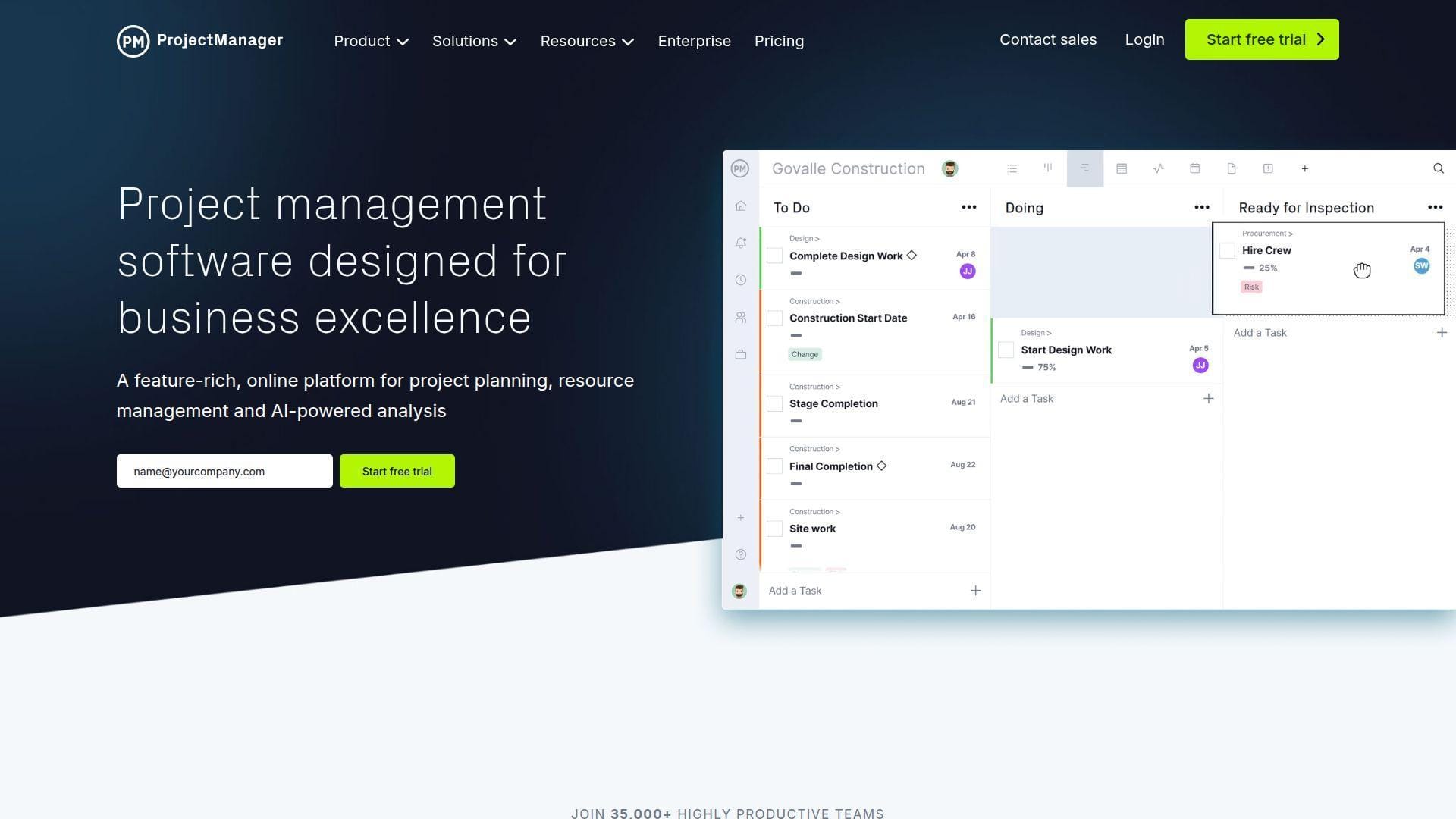
ProjectManager is a cloud project and portfolio management tool built around Gantt planning, dashboards, workload, project views, and collaboration. Its team targets managers who want practical schedule and resource control without a long enterprise implementation.
Best for: project managers and small engineering PMOs that need fast Gantt, workload, dashboard, and portfolio visibility.
- Gantt, list, sheet, board, and calendar views → teams plan once and execute in the view they prefer.
- Dashboards, reports, and workload tools → saves weekly manual status-pack assembly.
- Import-first setup → time-to-first-value in a few days when existing plans are clean.
Pricing & limits: From $14/user/mo on annual Team pricing; Business costs more and unlocks portfolio and resource depth. A 30-day free trial is available. The Team tier is limited to smaller teams and project counts.
Honest drawbacks: ProjectManager does not replace A&E accounting or ERP. Its greatest strength is planning and visibility, not phase billing or subconsultant control. Beats Microsoft Project at browser-first collaboration; trails Deltek on financial governance.
Verdict: If your first goal is better planning and workload visibility, ProjectManager helps managers move from static schedules to live project control within weeks.
11. Accelo
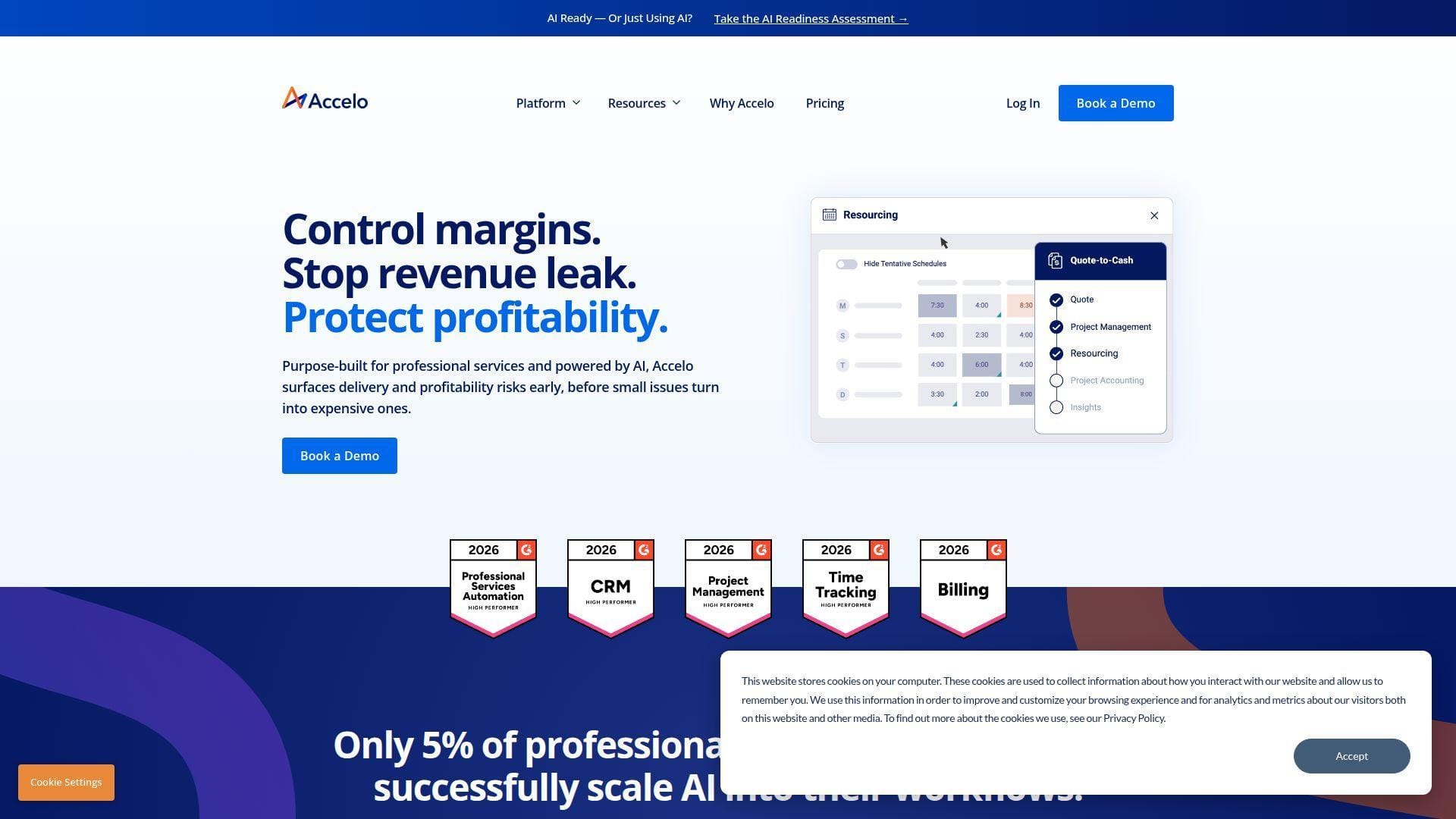
Accelo is a professional services automation platform centered on client work, quote-to-cash operations, projects, retainers, tickets, and financial visibility. Its team thinks in service-firm workflows, which helps engineering consultancies connect delivery work to revenue.
Best for: engineering consultancies and client-services teams that want CRM, projects, retainers, tickets, and invoicing under one roof.
- Client communication stream and project records → reduces account-history hunting across inboxes.
- Quote, project, retainer, and ticket automation → removes several handoffs from client work intake.
- Demo-led operating-model fit → time-to-first-value in 3-6 weeks after workflow mapping.
Pricing & limits: From custom pricing/mo. Accelo now pushes personalized pricing, with Core, Professional, Business, and Advanced packaging. Core indicates a minimum user count, while client portal and advanced automation sit in higher plans.
Honest drawbacks: Pricing opacity makes quick comparison difficult. Accelo can also feel CRM-heavy if your firm only wants schedules and budgets. Beats basic PM tools at quote-to-cash flow; trails A&E-native products on design-phase language.
Verdict: If client work leaks margin between sales, delivery, and support, Accelo helps you standardize the lifecycle over a structured onboarding period.
12. Scoro
Scoro is a PSA and work management platform for professional services firms that want projects, quotes, billing, resource planning, dashboards, and profitability in one place. Its team has built a polished, commercially aware platform for service businesses.
Best for: engineering consultancies and operations leaders who want end-to-end project commercial control.
- Quotes, projects, bills, invoices, and dashboards → leaders see delivery and money in one system.
- Automation and reporting workflows → saves hours of weekly management-report assembly.
- Structured onboarding options → time-to-first-value ranges from days to weeks by team size.
Pricing & limits: From $19.90/user/mo on annual Core pricing. A 14-day trial is available. Scoro has a minimum seat requirement, and advanced resource planning, forecasting, approvals, and enterprise security require higher tiers.
Honest drawbacks: Scoro may be more platform than a small technical team needs. It is also not as A&E-specific as Monograph or Factor. Beats generic tools at business management; trails Deltek on deep ERP controls.
Verdict: If you want project delivery tied tightly to margin and billing, Scoro helps services leaders get a practical operating dashboard within the first month.
13. Zoho Projects
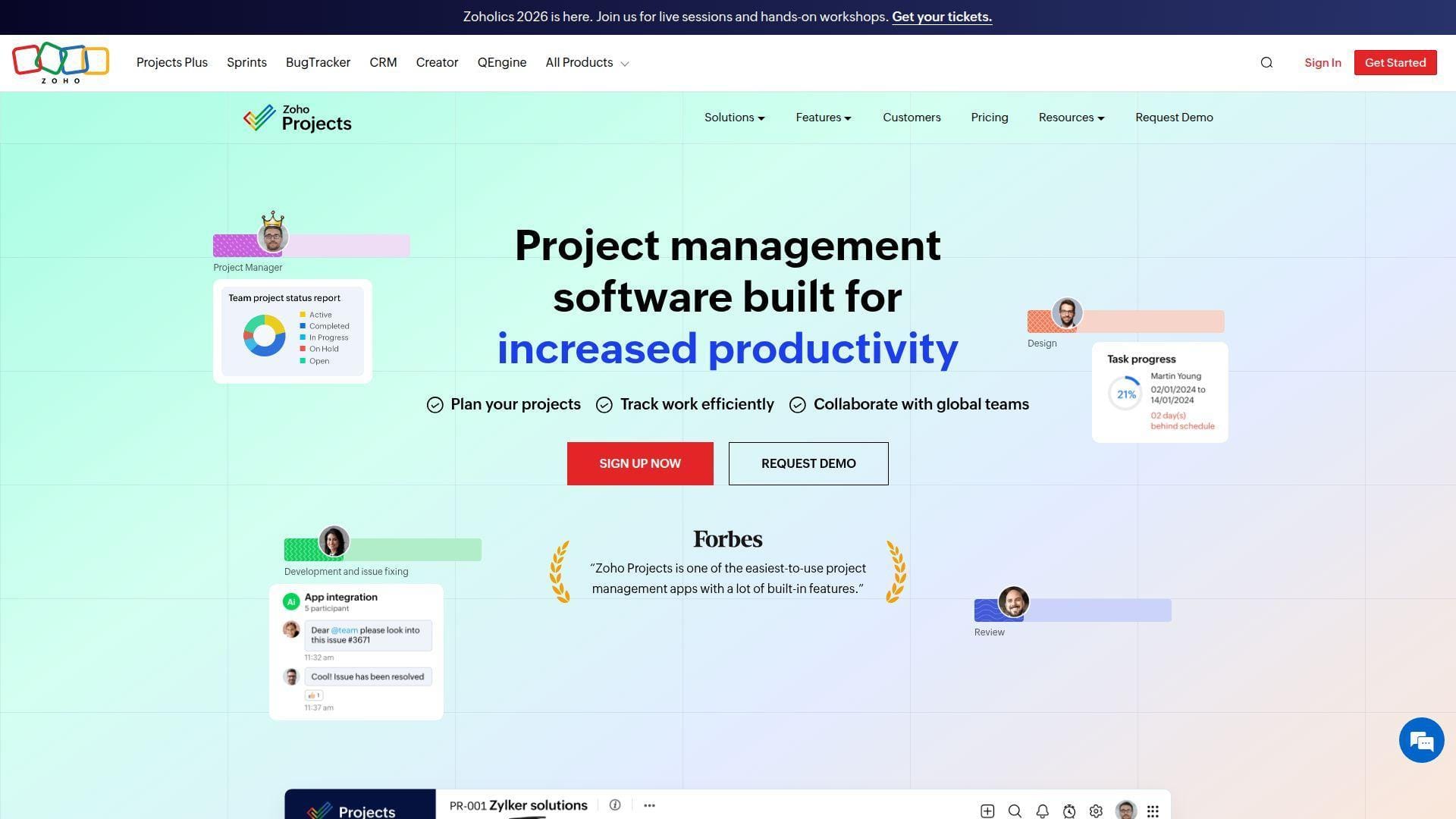
Zoho Projects is part of the broader Zoho ecosystem, which makes it attractive for teams already using Zoho CRM, Books, Analytics, or Desk. The Zoho team has long competed on affordability, breadth, and integrated business apps.
Best for: cost-conscious SMB engineering teams and Zoho-based organizations that need tasks, Gantt, issues, time logs, and reporting.
- Tasks, milestones, issues, and Gantt charts → teams manage delivery without buying enterprise PPM.
- Zoho app and third-party integrations → saves 2-4 tool-switches for CRM, finance, and support teams.
- Low-cost entry → time-to-first-value in 1-3 days for simple project tracking.
Pricing & limits: From free for small teams; paid Premium starts at $4/user/mo annually. A 15-day trial is available. The free plan has user, project, storage, and workflow caps; higher plans unlock stronger automation, baselines, portfolios, and reporting.
Honest drawbacks: Zoho Projects can feel busy because the ecosystem is broad. Advanced resource planning and portfolio visibility require careful plan selection. Beats most tools on price; trails Smartsheet and Wrike on polished executive presentation.
Verdict: If affordability and integrated business apps matter, Zoho Projects helps engineering teams gain structure quickly without stretching the software budget.
14. Asana
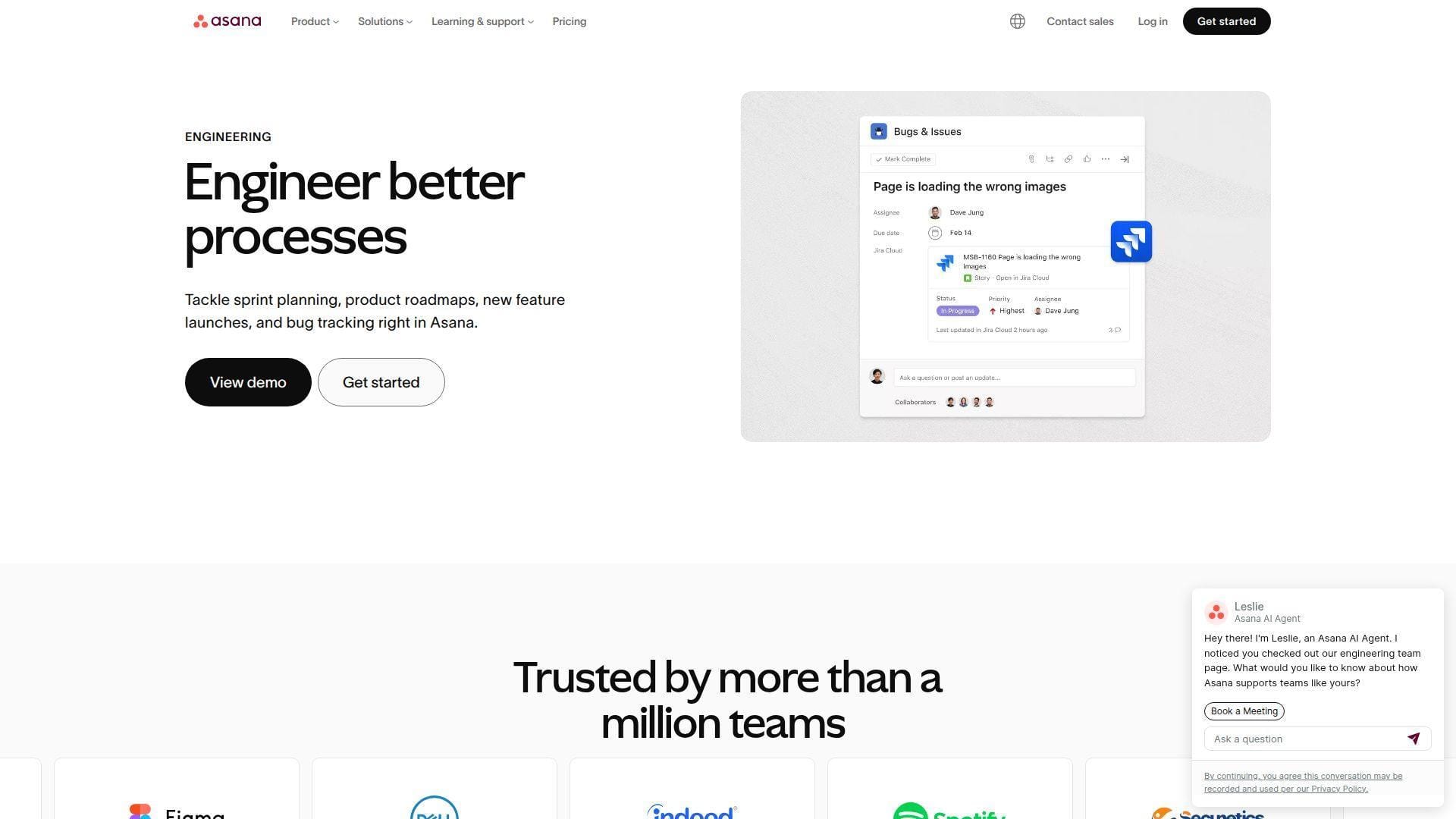
Asana is a work management platform used across product, operations, marketing, IT, and engineering-adjacent teams. Its team emphasizes clarity, ownership, workflow automation, goals, and portfolio-level visibility.
Best for: engineering program managers and cross-functional product teams that need clear ownership across many moving parts.
- Tasks, projects, timelines, Gantt, and portfolios → leaders see work across teams without weekly status chasing.
- Rules, forms, AI, and integrations → removes repetitive triage and assignment steps from intake.
- Clean UX and templates → time-to-first-value in under a week for most teams.
Pricing & limits: From free for small personal use; Starter begins at $10.99/user/mo annually. Trials are available for paid plans. Personal has a small collaboration cap, file-size limits apply, and native time tracking sits in Advanced.
Honest drawbacks: Asana is not an engineering design, issue-tracking, or project accounting system. Complex WBS, earned value, or subconsultant workflows need workarounds. Beats Notion at operational execution; trails Jira for software development depth.
Verdict: If coordination, ownership, and status visibility are your biggest blockers, Asana helps engineering-adjacent teams reduce ambiguity within one planning cycle.
15. Jira
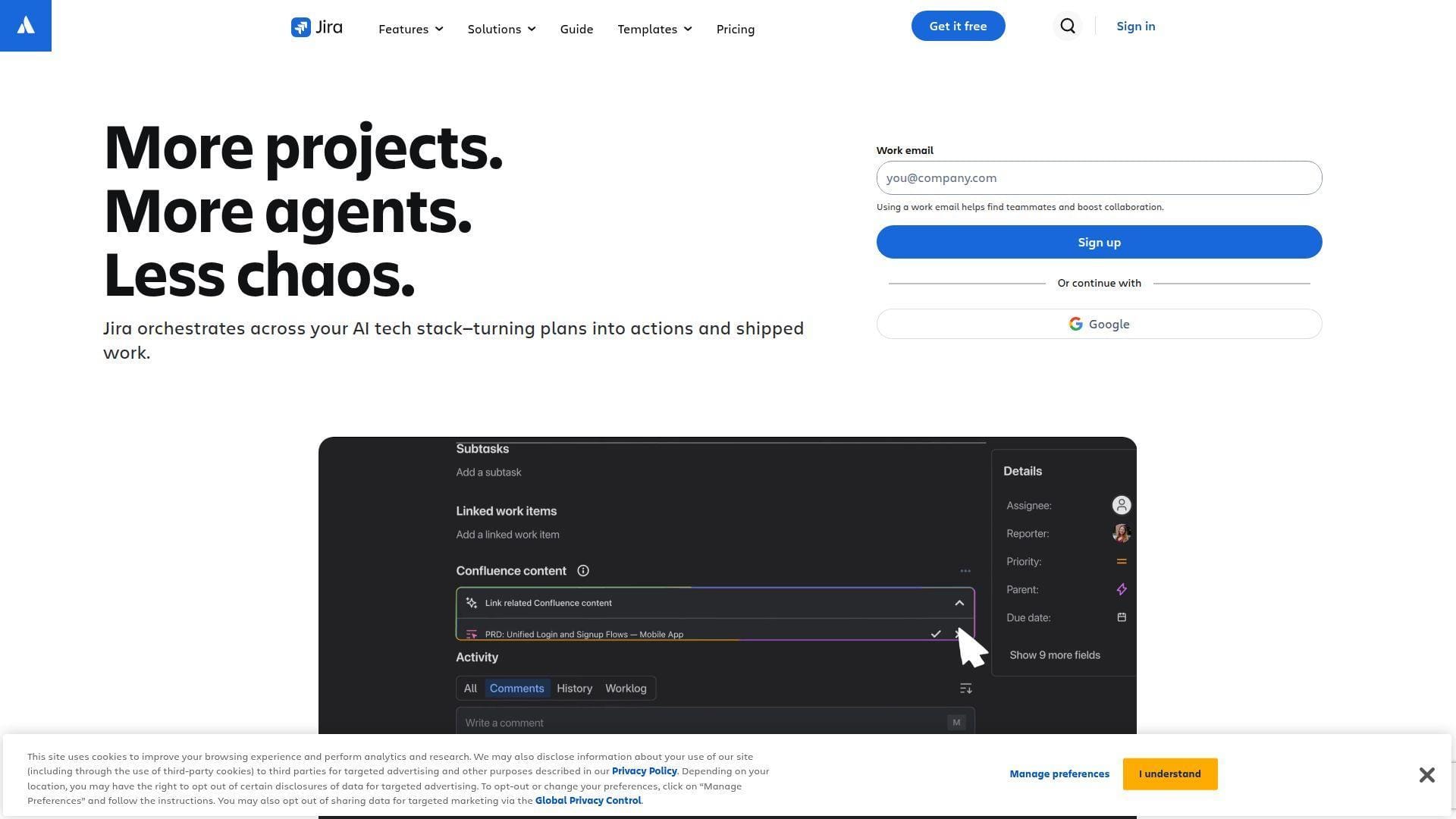
Jira is the heavyweight issue and agile planning system for software engineering teams. Atlassian’s team has shaped the language of backlogs, sprints, boards, issue types, releases, and engineering workflows for a generation of software teams.
Best for: software engineering teams and technical PMOs that manage agile delivery, bugs, releases, dependencies, and development metrics.
- Backlogs, boards, workflows, and issue types → engineering teams keep technical work traceable.
- Automation, DevOps integrations, and Atlassian ecosystem → saves handoffs between code, tickets, docs, and releases.
- Free startup path → time-to-first-value in hours for a small software team.
Pricing & limits: From $0/mo for small teams; Standard pricing depends on users and billing tier. New Standard trials are short, while existing customers may receive different evaluation windows. Free has user, storage, and automation caps; Premium adds advanced planning, AI, support, and storage.
Honest drawbacks: Jira can become overconfigured. Non-software teams may find it rigid unless an admin protects simplicity. Beats Asana at software issue governance; trails Monograph or Deltek on A&E financial management.
Verdict: If engineering delivery depends on backlog quality and release traceability, Jira helps teams tighten technical execution almost immediately.
16. ClickUp
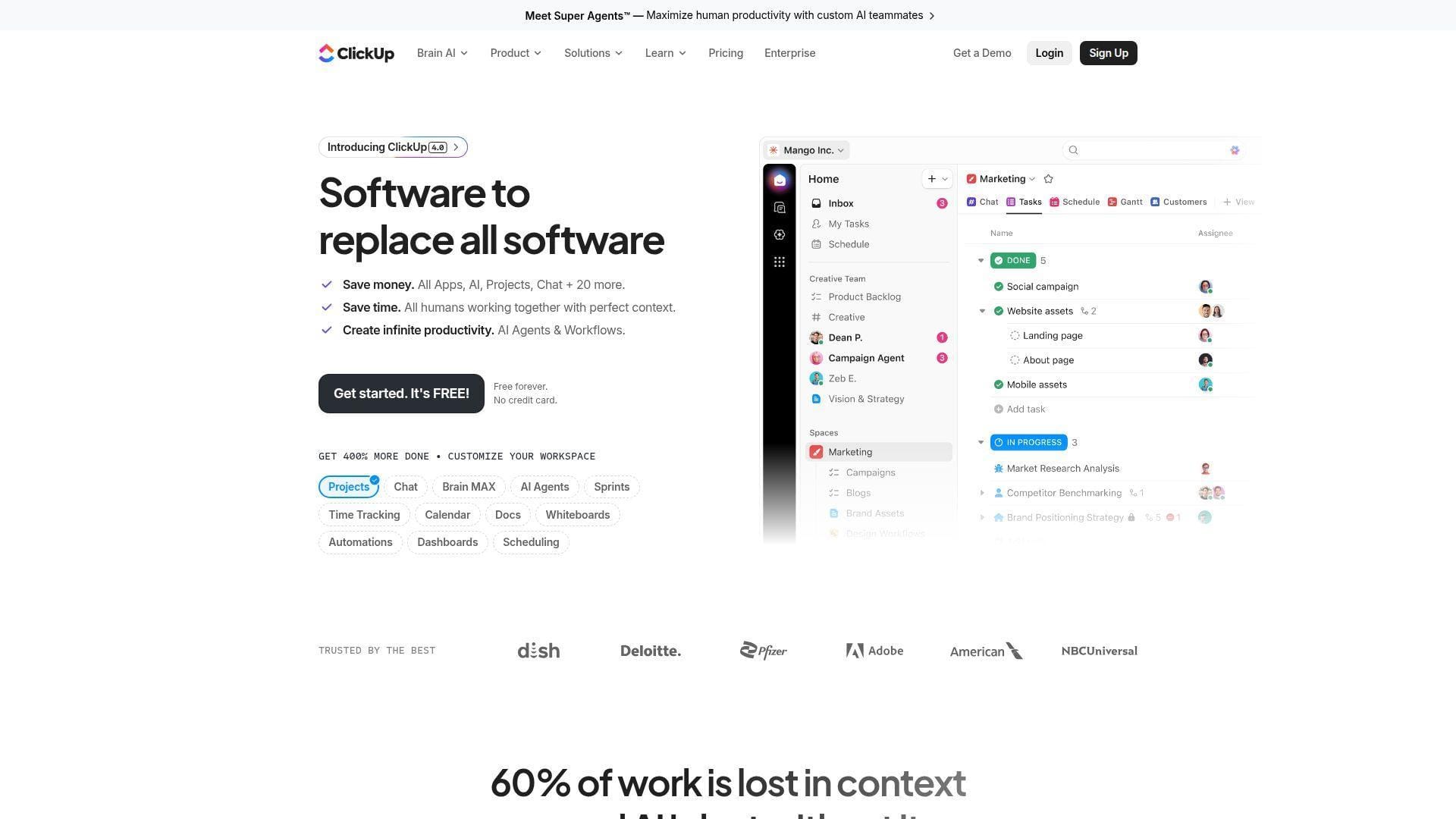
ClickUp is an all-in-one productivity and work management platform that tries to combine tasks, docs, goals, dashboards, whiteboards, automation, and AI. Its team moves fast, often shipping breadth before every edge case feels fully settled.
Best for: startups and SMB engineering teams that want one flexible workspace for tasks, docs, goals, and lightweight project tracking.
- Multiple task views and custom statuses → teams adapt the same workspace to sprint, Kanban, or Gantt styles.
- Automations, AI, docs, and integrations → saves several app switches per day for small teams.
- Template-rich workspace setup → time-to-first-value in 1-3 days for simple engineering workflows.
Pricing & limits: From $7/user/mo on annual Unlimited pricing, with a free plan available. Trials and promotions vary. Free has storage and advanced-feature limits, while higher tiers unlock stronger dashboards, workload, automation, permissions, and AI usage.
Honest drawbacks: ClickUp’s flexibility can become clutter. Teams often need governance to avoid duplicate spaces, fields, and views. Beats Notion at task execution; trails Wrike on enterprise workflow discipline.
Verdict: If your team wants one flexible workspace and can enforce naming rules, ClickUp helps consolidate work management in the first week.
17. Monday Work Management
Monday Work Management is a visual work operating system built around boards, dashboards, automations, forms, and team workflows. Its team has made structured work approachable for non-technical users, which is why adoption can be fast.
Best for: cross-functional engineering operations teams and SMB PMOs that want visual boards with approachable automation.
- Boards, dashboards, forms, and status columns → stakeholders see ownership and progress at a glance.
- Automation and integration actions → removes recurring reminders, handoffs, and status-change chores.
- Colorful, guided UX → time-to-first-value in 1-2 days for a simple workflow.
Pricing & limits: From $9/seat/mo annually for Basic, with a free Work Management plan for very small teams. New accounts typically start with a 14-day Pro trial. Paid plans bill by seat groups, and automation, integration, dashboard, and board limits vary by tier.
Honest drawbacks: Monday is not a native engineering accounting or CAD/BIM management system. Costs can rise when viewers become editors. Beats Smartsheet on friendliness; trails Smartsheet on spreadsheet-native formulas and large operational grids.
Verdict: If adoption matters more than deep engineering controls, Monday helps teams make work visible and accountable within days.
18. Celoxis
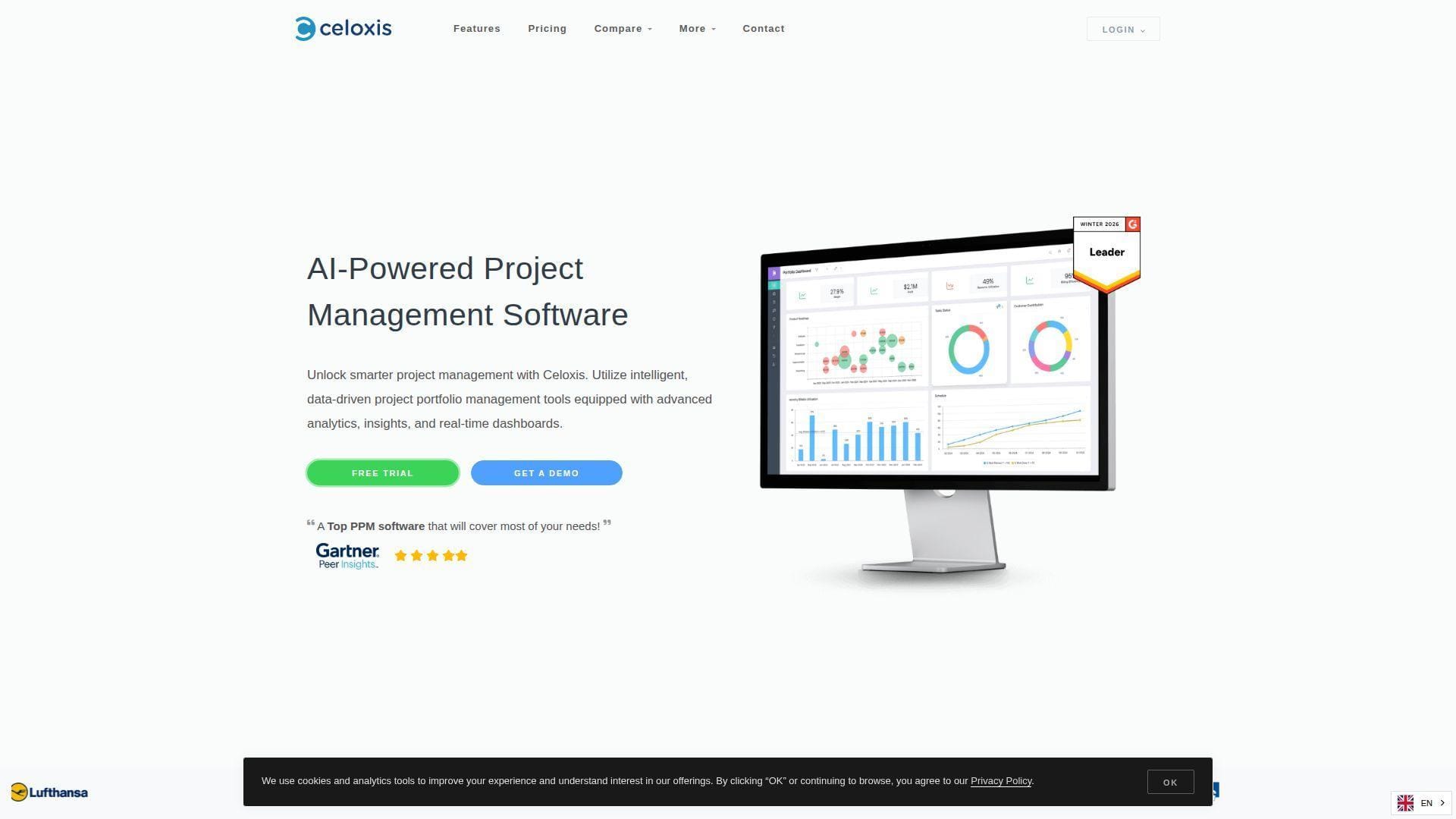
Celoxis is a project portfolio management platform with cloud and on-premises deployment. Its team focuses on advanced analytics, resource management, dashboards, Gantt scheduling, risk, intake, costing, billing, and enterprise project controls.
Best for: engineering PMOs and enterprises that need PPM, resource planning, analytics, and deployment choice.
- Portfolio dashboards, Gantt, baselines, and risks → PMOs manage delivery health beyond task completion.
- Jira, Azure DevOps, and QuickBooks add-ons → saves manual bridges between delivery and finance systems.
- Cloud or on-premises setup → time-to-first-value in 2-4 weeks for a governed pilot.
Pricing & limits: From $10/standard user/mo on annual Core pricing. A 14-day trial is available. Celoxis requires a minimum full-access user count, and API requests, custom fields, support level, billing, and security depth vary by plan.
Honest drawbacks: Celoxis is stronger for PMOs than casual teams. The interface and configuration demand project-management maturity. Beats Microsoft Project at integrated PPM dashboards; trails Monday on casual adoption speed.
Verdict: If your PMO needs real portfolio control and deployment flexibility, Celoxis helps standardize project governance within a disciplined rollout.
19. Paymo
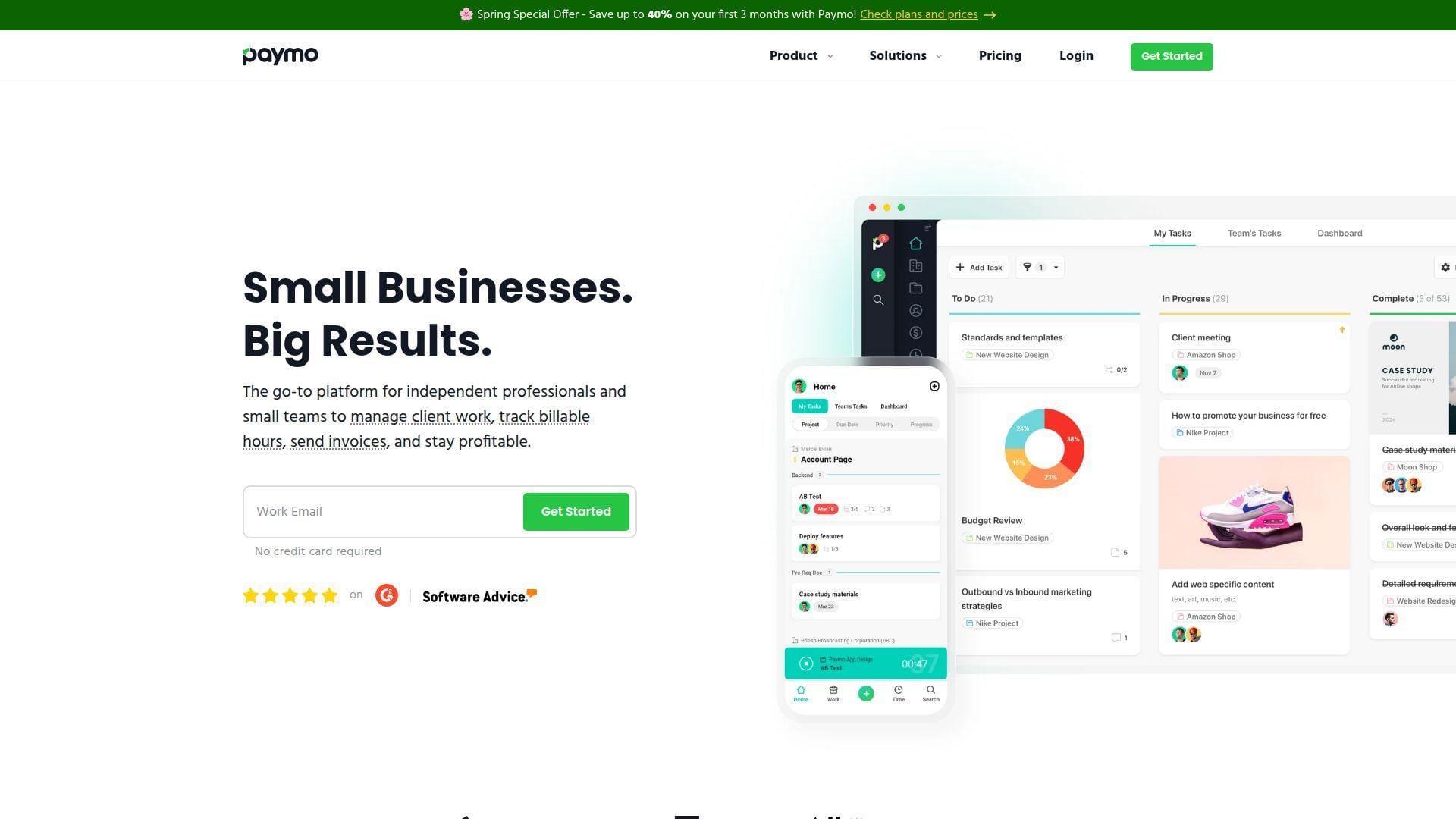
Paymo is a project management, time tracking, and invoicing tool for freelancers and small teams. Its team has kept the product practical: track the work, capture the time, send the invoice, and understand whether the client is profitable.
Best for: freelance engineers, small design teams, and boutique consultancies that need tasks, time, and invoicing in one place.
- Tasks, time tracking, and invoicing → reduces leakage between delivery work and billable records.
- Desktop timer, estimates, expenses, and reports → saves weekly admin time for small billable teams.
- Simple setup → time-to-first-value in a day for solo consultants.
Pricing & limits: From free for limited use; paid Starter begins at $5.90/user/mo on annual billing. A 14-day trial is available. Free and low tiers limit clients, projects, or advanced planning, and companies cannot mix different paid plans in one account.
Honest drawbacks: Paymo is not built for complex engineering portfolios or enterprise resource governance. Its reporting depth is practical, not boardroom-grade. Beats spreadsheets for solo billing; trails Scoro on services management depth.
Verdict: If your engineering work is small-team and billable, Paymo helps you connect task execution to invoices immediately.
20. Notion
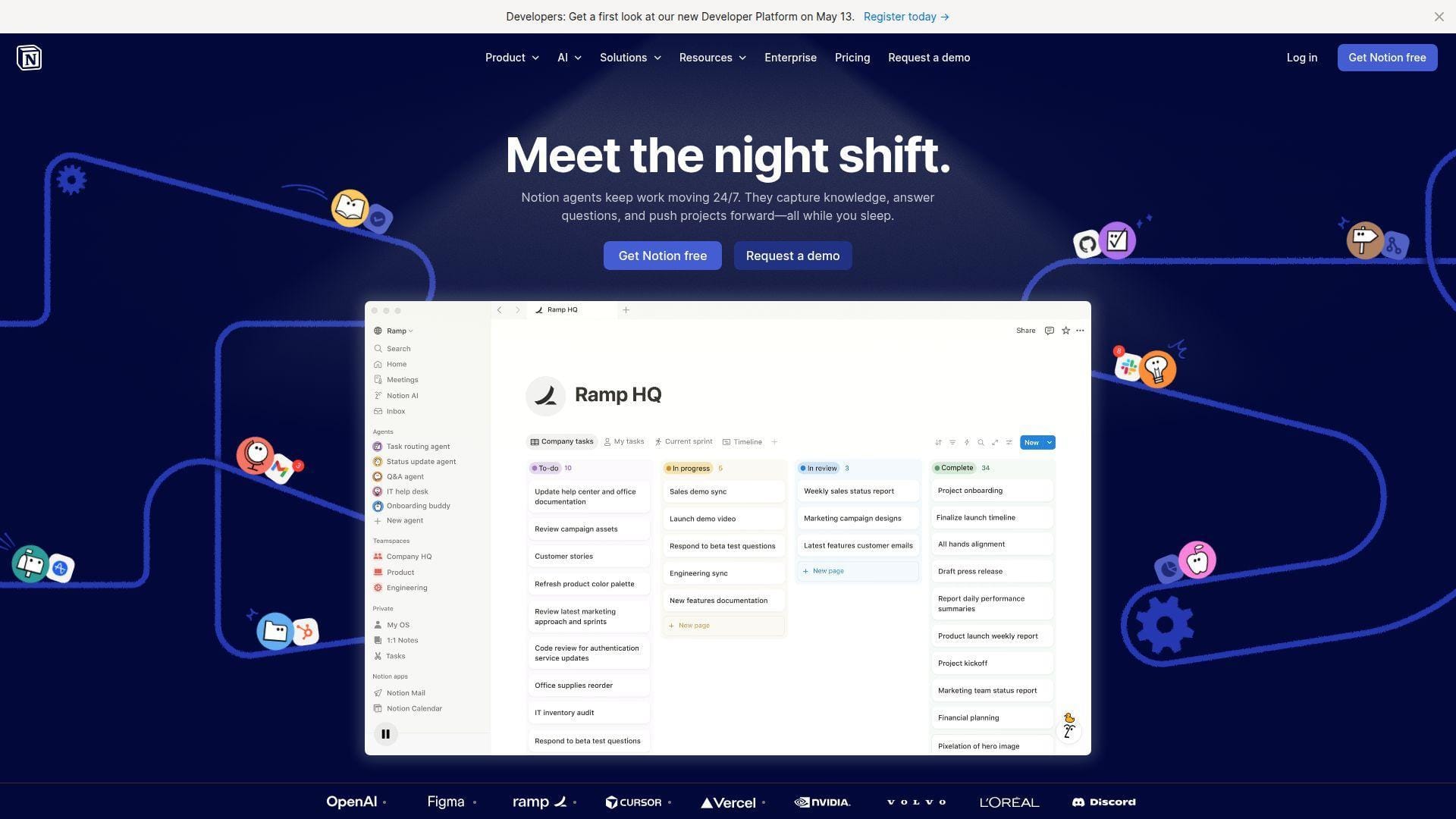
Notion is an all-in-one workspace for documents, databases, wikis, project pages, lightweight tasks, forms, charts, and AI-assisted knowledge work. Its team has built a flexible canvas rather than a strict engineering PM tool.
Best for: technical founders and engineering teams that need documentation, lightweight project tracking, decision logs, and knowledge bases in one workspace.
- Docs, databases, tasks, and templates → teams connect project context to execution records.
- AI, synced databases, integrations, and automations → saves context switching between notes and task systems.
- Low-friction workspace design → time-to-first-value in a few hours for documentation-heavy teams.
Pricing & limits: From $0/mo; Plus starts at $10/seat/mo and Business at a higher tier. Free has file-upload, guest, history, and multi-member block limits. Paid tiers unlock larger history, stronger collaboration, more analytics, AI access, and enterprise controls.
Honest drawbacks: Notion is not a serious scheduling engine, resource planner, or project accounting platform. Without templates and governance, every team invents a different database. Beats Confluence-style docs for flexibility; trails Jira on engineering workflow rigor.
Verdict: If your first gap is project knowledge rather than cost control, Notion helps engineering teams centralize decisions, specs, and lightweight plans within days.
What Is Engineering Project Management Software?
Engineering project management software is a system for planning, coordinating, tracking, and controlling engineering work. The best platforms connect scope, schedules, dependencies, resources, budgets, technical documents, approvals, and reporting so teams can make earlier decisions with cleaner data.
1. How It Differs from Engineering Design Software
Engineering design software helps people create technical outputs: CAD drawings, BIM models, schematics, simulations, product designs, infrastructure layouts, or code. Engineering project management software governs the work around those outputs. It asks who owns the deliverable, which phase funds it, what dependencies block it, what review gate it must pass, and whether the budget can survive the remaining work.
We think of design tools as the workshop and project management tools as the control room. The workshop produces the bridge model, plant layout, API service, or mechanical assembly. The control room makes sure the right people, dates, versions, approvals, and costs align before the client asks the uncomfortable question.
2. How It Supports Planning, Execution, Monitoring, and Control
In planning, these systems define the WBS, milestones, dependencies, budgets, labor roles, and risk assumptions. During execution, they manage assignments, status updates, timesheets, issues, approvals, and collaboration. During monitoring, they expose schedule drift, utilization, earned value, open risks, and budget variance.
Control is where the best tools earn their keep. A project manager needs to know whether a late submittal is a schedule problem, a resource problem, a scope problem, or a billing problem. Good engineering project management software links those signals before they become separate meetings.
3. How Engineering Management Software Fits Software Teams
For software engineering teams, the same category often appears as Jira, Azure DevOps, Linear, Asana, ClickUp, or GitHub-linked planning. The units of work are tickets, epics, bugs, releases, service requests, architecture decisions, and incident follow-ups. The management problem is still engineering: capacity, dependencies, sequencing, risk, quality, and accountability.
Software teams should not ignore financial structure. Cloud infrastructure tasks, security hardening, platform refactoring, and compliance work all consume scarce engineering capacity. When the roadmap is disconnected from sprint data and infrastructure spend, leaders mistake motion for value.
4. Why Engineering Firms Move Beyond Spreadsheets
Spreadsheets survive because they are flexible, familiar, and cheap. They fail because they do not enforce workflow, permissions, audit trails, real-time resource data, or consistent project accounting. One spreadsheet becomes five. Five become a weekly reconciliation ritual. Then everyone argues about which file is true.
We do not hate spreadsheets. We use them when exploration matters. But when a live engineering portfolio depends on accurate commitments, spreadsheets should become inputs, not the operating system.
Who Should Use Engineering Project Management Software?
Not every engineering team needs the same tool. A two-person consulting practice may need time, invoices, and phase budgets. A software platform team may need backlog governance. A capital-project PMO may need portfolio risk, resource forecasting, compliance, and executive dashboards.
1. Architecture and Engineering Firms
A&E firms need project management software because fee, phase, and staffing decisions sit close together. A project can look on schedule while quietly burning through the design budget. Principals need visibility into utilization, backlog, proposals, invoices, write-offs, and subconsultant commitments.
Purpose-built A&E tools such as Factor A/E, Monograph, BQE Core, and Deltek Vantagepoint make the most sense when phase-based budgeting and billing are daily realities. General tools can work, but they usually require more configuration to speak A&E finance.
2. Civil, Mechanical, Electrical, and Plant Engineering Teams
Civil, MEP, mechanical, electrical, and plant teams juggle deliverables that often depend on external reviewers, field data, procurement constraints, and design packages. They need dependency visibility, drawing review logs, document control, resource capacity, and risk tracking.
These teams should pay close attention to document workflows and version control. A late drawing revision can cause more damage than a late task update. The software must make technical files visible without turning the project workspace into a dumping ground.
3. Software Engineering and IT Teams
Software engineering and IT teams need backlog management, sprint planning, release tracking, service dependencies, change control, and incident follow-up. Jira is often the default, but Asana, ClickUp, Wrike, OpenProject, and Microsoft Planner can fit depending on governance and team culture.
The trap is thinking code tools alone solve project management. Git commits, pull requests, and CI/CD pipelines show technical progress. They do not automatically show roadmap trade-offs, staffing conflicts, product commitments, or cost exposure.
4. PMOs Managing Cross-Functional Engineering Portfolios
PMOs need portfolio visibility across schedules, resources, budgets, risks, and dependencies. Their job is not to micromanage every engineer. It is to create a dependable operating picture so leaders can choose priorities before teams overload.
For PMOs, tools such as Microsoft Project, Celoxis, Smartsheet, Wrike, Deltek, and Scoro often matter because they support reporting layers above the project. The best PMO system turns project noise into a small set of decisions.
5. Professional Services Firms with Billable Engineering Work
Consultancies, implementation partners, technical agencies, and specialist engineering firms need to connect delivery with revenue. Time tracking, utilization, realization, invoicing, retainers, expenses, and margin reporting are not back-office trivia. They determine whether growth is profitable.
Productive, Scoro, Accelo, BQE Core, Paymo, and similar PSA tools fit this world well. We recommend looking beyond task features and asking: “Can this system show whether our best client is actually profitable?”
Core Features to Compare in Engineering Project Management Software
The feature list can look endless, but the real comparison is simpler. Engineering teams need to know what work exists, who owns it, what blocks it, what it costs, what changed, and what decision is needed next.
1. Task Management, Work Packages, and Issue Tracking
Task management should support more than checkboxes. Engineering teams need work packages, owners, priorities, dependencies, status rules, review states, comments, attachments, and escalation paths. Software teams also need issue types, bug severity, backlog refinement, release links, and acceptance criteria.
We look for tools that make ownership obvious. If a task can sit for a week without a responsible person, the system is not managing work. It is merely observing it.
2. Gantt Charts, Dependencies, and Milestone Tracking
Gantt charts still matter because engineering work has sequence. Design reviews, procurement decisions, permit milestones, sprint releases, commissioning activities, and client approvals all depend on timing. A good Gantt view shows where delay propagates.
Dependencies should be easy to create and even easier to audit. If changing one finish date silently breaks five downstream commitments, the tool should make that visible before the next client meeting.
3. Resource Scheduling, Capacity Planning, and Utilization
Capacity planning is where many firms discover their real bottleneck. The constraint is not always the project manager. It may be the senior structural engineer, security architect, BIM coordinator, estimator, QA lead, or cloud platform engineer.
Good engineering project management software shows planned hours, availability, utilization, overallocations, skills, roles, and forecast demand. Great software shows those signals early enough to change staffing, scope, or deadlines.
4. Budgeting, Time Tracking, and Project Accounting
Engineering teams often underestimate the cost of loose time tracking. When hours are late, misclassified, or disconnected from phases, project managers lose the ability to correct course. Finance then discovers the problem after delivery.
Budgeting should tie to phases, tasks, labor categories, expense types, and billing rules. Time tracking should be easy enough that engineers actually use it. Project accounting should expose margin, not bury it in month-end exports.
5. Phase-Based Billing, Earned Value Tracking, and Subconsultant Management
A&E and capital-project teams often work by phases: concept, schematic design, design development, construction documents, procurement, construction administration, closeout, and support. Each phase may have its own fee, budget, and billing rule.
Earned value and subconsultant management add more pressure. The system should track planned value, actual cost, percent complete, commitments, invoices, retainage, and approval status. Without that structure, project controls become folklore.
6. Document Management, Version Control, and Technical Files
Engineering documents carry risk. Drawings, specifications, calculations, test plans, as-builts, contracts, submittals, and code artifacts need version discipline. A file attached to a task is useful; a file with lifecycle state, approval history, access control, and revision context is safer.
We prefer systems that integrate with document repositories rather than forcing everything into one database. The goal is not to imprison files. The goal is to make the right version findable at the right decision point.
7. Dashboards, Reporting, Forecasting, and Analytics
Dashboards should drive decisions, not decorate status meetings. Useful dashboards show schedule risk, budget variance, resource overload, aging issues, invoice readiness, change requests, and overdue approvals. Forecasting should show what happens if today’s trend continues.
Executives need a different view than project engineers. If one dashboard tries to serve everyone, it usually serves nobody. The best tools let each role see a truthful slice of the same project data.
8. Security, Permissions, Compliance, and Deployment Options
Engineering projects often involve confidential designs, regulated infrastructure, client contracts, export-controlled information, or sensitive production systems. Security cannot be an afterthought. Permissions, SSO, MFA, audit logs, data residency, backups, encryption, and deployment model all matter.
We like mapping controls to the NIST Cybersecurity Framework functions: govern, identify, protect, detect, respond, and recover. That keeps security grounded in business operations instead of check-the-box theater.
9. Integrations with CAD, BIM, Jira, GitHub, QuickBooks, and Microsoft Tools
No project management platform should pretend to be the only system in the engineering stack. CAD, BIM, GitHub, GitLab, Jira, Azure DevOps, QuickBooks, Microsoft Teams, Outlook, SharePoint, Power BI, Slack, and accounting systems all hold useful context.
The integration question is practical: what manual step disappears? If an integration only creates another place to look, it is not integration. It is duplication with better branding.
How to Choose the Best Engineering Project Management Software
Choosing the best engineering project management software is less about feature count and more about workflow fit. We recommend starting with the business problem, then matching tool category, implementation effort, and total cost.
1. Match the Tool to Your Engineering Workflow
An A&E principal, a software engineering manager, and a capital-project controller need different operating models. Do not buy Jira because software teams love it if your real pain is phase billing. Do not buy an ERP if your team only needs a better backlog and release board.
Map the work first. Identify phases, roles, approvals, files, budgets, and reporting expectations. Then test tools against that map instead of being dazzled by a vendor demo.
2. Prioritize Purpose-Built Features Over Heavy Custom Configuration
Configuration is seductive. It makes almost any tool look possible. But every custom field, workflow rule, and dashboard becomes something your team must maintain. Purpose-built software can be cheaper in the long run if it removes that maintenance burden.
We are not against flexible platforms. Smartsheet, Wrike, Monday, ClickUp, and Notion can be excellent. But if your process is highly specialized, ask how much tailoring is required before the tool speaks your business language.
3. Test Phase-Based Billing and Subconsultant Management
For A&E and consulting engineering firms, we would test billing before task boards. Create a sample project with phases, labor rates, expenses, subconsultants, invoices, write-offs, and a change order. Then run a mock billing cycle.
If the system cannot handle your most common billing pattern cleanly, the project management features will not save it. Billing pain has a way of overruling every nice dashboard.
4. Check Real-Time Accounting and ERP Integration
Project managers need timely financial signals. If accounting data arrives weeks late, the PM is steering through fog. That is why integrations with QuickBooks, ERP systems, payroll, expenses, and invoicing matter so much.
Ask whether the tool syncs summaries or transaction-level data. Also ask who owns data correction when time, cost, or invoice records disagree. The integration support model matters as much as the connector itself.
5. Evaluate Ease of Use, Training, and Adoption
The best tool on paper can fail if engineers avoid it. Adoption depends on interface clarity, mobile access, notification hygiene, templates, training, and manager behavior. A platform that requires constant policing may be too complex for the team’s maturity.
During trials, watch actual users. Do they update tasks without being reminded? Can they find project context? Do PMs trust the dashboard? Adoption is not a survey answer; it is behavior.
6. Review Scalability, Customization, and Support
Scalability is not just user count. It includes project volume, file storage, automation limits, API rate limits, reporting performance, permission complexity, audit requirements, and support responsiveness. A tool that works for five projects may creak at five hundred.
Ask vendors what breaks first. Good vendors will answer frankly. If every answer is “unlimited,” keep digging.
7. Compare Cloud, On-Premises, and Open-Source Options
Cloud tools are easier to launch, update, and integrate. On-premises tools offer more data control and may fit regulated environments. Open-source tools add transparency and customization, but require internal technical ownership.
We usually favor cloud for speed and resilience, provided security is mature. But for sensitive infrastructure, government, or regulated engineering workloads, deployment choice can outweigh interface polish.
Benefits of Engineering Project Management Software
The benefit is not “better organization.” That is too soft. The real benefits are earlier risk detection, cleaner capacity decisions, stronger billing discipline, better accountability, and a more reliable link between engineering work and business performance.
1. Fewer Schedule Delays and Bottlenecks
Delays often begin as tiny hidden dependencies. A reviewer is unavailable. A model revision is late. A vendor answer is missing. A sprint cannot close because one service owner is overloaded. Good software makes those constraints visible.
When teams see the bottleneck early, they can resequence work, reassign capacity, change scope, or reset client expectations. That is not glamorous. It is how projects survive.
2. Clearer Resource Allocation Across Projects
Engineering talent is expensive, specialized, and often shared. Resource planning helps leaders understand who is overbooked, who is underused, and which projects depend on the same scarce skill.
This matters most when the sales pipeline looks healthy. New work feels good until it collides with delivery capacity. A resource forecast turns optimism into a staffing decision.
3. Better Budget Control and Profitability Visibility
Budget control improves when hours, phases, expenses, and percent complete sit in the same system. The project manager can spot burn rate problems before the entire fee is gone.
Profitability visibility also changes behavior. Teams begin asking sharper questions: Is this client requesting out-of-scope work? Are senior engineers doing tasks that juniors could handle? Are we pricing similar work too low?
4. Faster Billing and More Accurate Invoices
Billing speed is a cash-flow issue. If timesheets, expenses, approvals, and invoice drafts live in disconnected tools, the billing cycle drags. Errors become normal, and project managers lose trust in the numbers.
A connected system can turn approved time and expenses into cleaner invoices faster. That helps finance, but it also helps project managers protect margin while memories are still fresh.
5. Centralized Collaboration for Clients, Consultants, and Teams
Engineering projects rarely stay inside one company. Clients, subconsultants, contractors, vendors, reviewers, and internal specialists all contribute. Centralized collaboration reduces the risk of decisions hiding in email threads.
Client portals, guest access, permissioned workspaces, and document workflows help here. The goal is controlled transparency: enough access to move the project, not enough chaos to create confusion.
6. Stronger Risk Control, Compliance, and Accountability
Risk control improves when issues, decisions, approvals, changes, and documents are traceable. Compliance improves when audit trails are built into the workflow. Accountability improves when ownership is visible and reminders are not personal favors.
We like systems that make the responsible next action obvious. Ambiguity is expensive. In engineering, it can also be unsafe.
Pricing and Total Cost of Ownership
Sticker price is only the beginning. The true cost includes paid seats, guests, modules, add-ons, implementation, training, integrations, data migration, admin time, support, and the opportunity cost of a failed rollout.
1. Free and Entry-Level Plans
Free plans are useful for pilots, small teams, and proof-of-concept work. Jira, ClickUp, Zoho Projects, Notion, Wrike, Paymo, and OpenProject all offer meaningful free or community entry points.
Still, free plans usually limit users, storage, automations, guests, history, integrations, permissions, or reporting. Treat free as a sandbox, not a procurement strategy.
2. Per-User Pricing for Growing Teams
Per-user pricing feels simple until occasional collaborators, executives, clients, and subcontractors need access. Then the question becomes: who really needs a paid seat?
We recommend modeling three usage groups: daily contributors, occasional reviewers, and external stakeholders. A tool with free viewers or guests can be much cheaper than one that bills every collaborator the same way.
3. Custom Pricing for Enterprise and A&E Firms
Custom pricing is common for Deltek, BQE Core, Accelo, enterprise Smartsheet, advanced Wrike, and larger PSA platforms. Vendors quote based on modules, users, support, data migration, training, security, and deployment scope.
Custom does not automatically mean bad. It can match complex needs better. But buyers should insist on a clear bill of materials, renewal terms, implementation assumptions, and what happens when headcount changes.
4. Implementation, Migration, and Training Costs
Implementation costs often surprise teams because the hardest work is not software setup. It is process cleanup. Old project codes, inconsistent phases, duplicate clients, messy time categories, and stale task lists do not become clean just because a new tool exists.
Budget time for data mapping, pilot projects, training, administrator setup, template design, and user support. A cheap tool with poor implementation can become the expensive option.
5. Add-Ons, Integrations, and Accounting Modules
Add-ons can change the economics quickly. AI credits, premium dashboards, connectors, resource management, SSO, audit logs, advanced automations, accounting modules, API usage, and client portals may sit outside the entry plan.
Ask vendors to price the workflow you will actually run. If your must-have integration is a paid add-on, include it from day one. Nobody enjoys explaining a surprise renewal increase later.
6. When to Pay More for Purpose-Built Software
Pay more when the software reduces recurring operational pain. A&E firms should pay for phase-based billing if it shortens invoicing and reduces write-offs. PMOs should pay for resource forecasting if overload decisions keep damaging delivery.
Do not pay more for prestige. Pay more when the tool eliminates a weekly manual workaround, improves cash flow, reduces risk, or protects margin.
Implementation Checklist for Engineering Teams
Implementation is where buying decisions become operating decisions. We prefer a phased rollout: audit the current mess, map the target workflow, migrate only useful data, pilot with real users, and then scale with governance.
1. Audit Current Spreadsheets, Tools, and Manual Workarounds
Start by listing every spreadsheet, email ritual, shared drive, calendar, task board, invoice tracker, and reporting deck involved in project delivery. The messy inventory is the truth.
Then ask which artifacts are inputs, which are outputs, and which are manual glue. The best implementation replaces glue first because glue is where time disappears.
2. Map Project Phases, Budgets, Roles, and Approval Workflows
Engineering teams should define standard phases, project templates, labor roles, approval gates, billing rules, and status conventions before configuring the tool. Otherwise, the software will faithfully automate confusion.
We also recommend mapping exception paths. Change orders, urgent fixes, failed reviews, and rework happen. Your workflow should handle reality, not just the happy path.
3. Prepare Data Migration for Projects, Clients, Time, and Financials
Data migration should be selective. Active projects, current clients, open invoices, useful templates, rate cards, and recent time records usually matter. Ancient tasks and abandoned spreadsheets rarely deserve a second life.
Clean naming conventions before import. Standardize client names, project codes, phase labels, and user roles. Bad naming multiplies reporting errors.
4. Run a Pilot with Project Managers and Principals
A pilot should use real projects, not toy examples. Include at least one project manager, one principal or portfolio leader, one finance user, and a few contributors. That mix tests execution and oversight.
Keep the pilot short but serious. We like one billing cycle for A&E tools or one sprint/release cycle for software tools. Anything less may miss the hard parts.
5. Define Adoption Metrics, Governance, and Support Ownership
Adoption needs visible metrics. Track timesheet completion, overdue tasks, project update frequency, invoice readiness, budget review cadence, and dashboard usage. Then appoint owners for templates, permissions, fields, integrations, and training.
Without governance, flexible tools drift. With too much governance, users rebel. The art is setting enough structure to make reporting trustworthy.
6. Connect Accounting, Communication, and Engineering Toolchains
After the pilot proves workflow value, connect the surrounding systems. Accounting, Teams, Slack, Outlook, SharePoint, GitHub, Jira, CAD repositories, BIM coordination tools, and dashboards should support the project process.
Integrate gradually. Each integration should remove a manual step or improve decision quality. If it does neither, leave it out.
Common Trade-Offs and Risks to Review
No platform wins every category. The smart buyer names trade-offs early, chooses consciously, and avoids pretending the tool will solve cultural problems by itself.
1. Purpose-Built A&E Software Versus General Work Management Tools
Purpose-built A&E software understands phase budgets, utilization, invoicing, and firm performance. General work management tools are often easier to adopt across varied departments.
If your pain is financial, purpose-built usually wins. If your pain is cross-functional coordination, a general platform may be enough. The wrong choice creates either underpowered finance or overbuilt workflow.
2. Simple Interfaces Versus Advanced Reporting Depth
Simple tools get adopted faster. Advanced tools answer harder executive questions. The tension is real, especially when principals want dashboards but contributors want fewer clicks.
We recommend testing both personas. If engineers will not update the system, executive reports are fiction. If reports are too shallow, leaders will rebuild spreadsheets.
3. Fast Setup Versus Deep Customization
Fast setup is valuable because momentum matters. Deep customization is valuable because engineering workflows differ. The risk is configuring a beautiful system nobody understands.
Start with standard templates. Customize only where the workflow materially affects delivery, billing, risk, or compliance. Every custom choice should have an owner.
4. Cloud Convenience Versus Data Control
Cloud platforms offer faster deployment, automatic updates, easier integrations, and remote access. On-premises or self-managed systems offer more direct control over data location, upgrades, network access, and security architecture.
The right answer depends on client contracts, regulations, internal security maturity, and workload sensitivity. Convenience is not a strategy; neither is fear.
5. Feature Breadth Versus Team Adoption
Broad tools can consolidate systems, but they can also overwhelm users. ClickUp, Monday, Notion, Smartsheet, and Wrike all offer impressive breadth. That breadth becomes valuable only when teams agree on how to use it.
Adoption improves when leaders remove old tools. If the new platform becomes “one more place,” it will lose.
6. Data Visibility Versus Data Overload
Dashboards can reveal risk or drown people in metrics. Engineering teams need a small number of decision-grade signals: schedule, capacity, budget, risk, quality, and cash flow.
We prefer dashboards that lead to actions. A red metric should trigger a discussion, an assignment, or a decision. Otherwise, it is decoration.
Engineering Project Management Software Trends in 2026
The 2026 trend line is clear: tools are becoming more predictive, more integrated, more automated, and more financially aware. The winning systems will not merely track the project. They will warn teams before the project becomes unrecoverable.
1. AI-Driven Risk Prediction and Task Automation
AI is moving from novelty into workflow assistance. We now see AI summarizing status, drafting tasks, generating project plans, suggesting automations, identifying overdue patterns, and searching project knowledge.
The business value is not “AI wrote a note.” The value is earlier detection of risk and less administrative drag. Still, teams must govern AI outputs, especially around client commitments, technical decisions, and confidential data.
2. Real-Time Resource Planning and Capacity Forecasting
Resource planning is becoming more dynamic because engineering demand changes faster than hiring cycles. Teams need to know not only who is busy today, but which role becomes constrained next month.
Capacity forecasting will keep improving as tools connect pipeline, project plans, timesheets, and utilization. That connection lets leaders choose between hiring, subcontracting, delaying, or reprioritizing.
3. 3D Model, CAD, and BIM Integration
Project management platforms increasingly need to reference model data, drawing revisions, issue locations, and document packages. The goal is not to replace CAD or BIM. It is to connect technical artifacts to project decisions.
For AEC teams, model-linked issues can reduce ambiguity. A task tied to a drawing view, asset, or clash location is harder to misunderstand than a vague comment in an email.
4. Digital Twin Support for Asset Lifecycle Management
Digital twins extend project thinking beyond handover. Engineering data can support operations, maintenance, performance monitoring, and future upgrades. That makes project documentation more valuable and more demanding.
Project management tools will need cleaner metadata, asset references, approval history, and integration with operational systems. A messy closeout package is a weak foundation for a digital twin.
5. Built-In Compliance Tracking and Audit Trails
Compliance is becoming embedded in workflows rather than handled at the end. Teams need audit trails for approvals, document versions, access changes, security reviews, change requests, and client sign-offs.
This trend favors tools with permission depth, workflow states, history logs, and exportable evidence. In regulated engineering environments, “trust me” is not a control.
6. Engineering Metrics, DORA Dashboards, and Value Stream Mapping
Software engineering teams are connecting delivery metrics to management decisions. DORA popularized measuring deployment frequency, lead time, change failure rate, and recovery time, and those metrics increasingly appear beside roadmap, incident, and platform investment decisions.
Value stream mapping extends the same logic. It asks where work waits, where quality fails, and where feedback arrives too late. That mindset belongs in software, infrastructure, and consulting engineering alike.
7. Client Portals and Cross-Functional Collaboration
Clients want visibility without being buried in internal noise. Client portals, guest access, controlled dashboards, approval workflows, and shared documentation give external stakeholders enough information to act.
The best portals reduce email and speed decisions. The worst portals become abandoned login pages. Use them only when they simplify the client’s job.
Frequently Asked Questions About Engineering Project Management Software
These are the questions we hear most often from engineering buyers. The short answer is usually “it depends,” but the useful answer depends on workflow, billing model, project complexity, and team maturity.
1. What Software Do Project Engineers Use?
Project engineers use a mix of tools. For schedules and portfolios, they may use Microsoft Project, Smartsheet, ProjectManager, Celoxis, or Primavera-style systems. For A&E firm management, they may use Deltek, BQE Core, Monograph, or Factor A/E.
Software engineers often use Jira, Azure DevOps, GitHub Projects, Asana, ClickUp, or Linear. The right tool depends on whether the project engineer controls field work, design packages, software releases, client deliverables, or resource plans.
2. What Are the Top Five Engineering Project Management Software Options?
For A&E firms, our top five shortlist would usually include Factor A/E, Monograph, BQE Core, Deltek Vantagepoint, and Smartsheet. For software engineering, Jira, Asana, ClickUp, OpenProject, and Microsoft Project often deserve a look.
We would not crown one universal winner. A small architecture studio and an enterprise software PMO have different problems. The best shortlist follows the workflow.
3. What Software Does a PMO Use for Engineering Projects?
Engineering PMOs often use Microsoft Project, Smartsheet, Wrike, Celoxis, Deltek Vantagepoint, Scoro, ProjectManager, or Jira depending on the project type. A capital-project PMO may care most about schedule, cost, and risk. A software PMO may care more about roadmaps, dependencies, and delivery metrics.
The PMO should choose software that standardizes reporting without suffocating execution teams. Governance should clarify decisions, not create ceremonial updates.
4. What Features Matter Most in Engineering Project Management Software?
The most important features are task ownership, WBS or work packages, Gantt and dependencies, resource planning, time tracking, budgeting, reporting, permissions, document control, and integrations. For A&E firms, phase billing and project accounting matter deeply.
For software teams, issue workflows, backlog management, release tracking, DevOps integrations, and engineering metrics matter more. The key is matching features to risk.
5. How Is Engineering Project Management Software Different from Engineering Design Software?
Design software creates technical work products. Project management software controls the delivery process around those work products. CAD, BIM, simulation, and code tools answer “what are we building?” Project management tools answer “who is doing what, by when, with what budget, and what changed?”
Both categories should integrate, but they should not be confused. A beautiful model does not guarantee a controlled project.
6. Can Engineering Teams Use General Project Management Tools?
Yes, engineering teams can use general tools such as Asana, ClickUp, Monday, Smartsheet, Wrike, or Notion. These tools work well for coordination, task tracking, dashboards, and cross-functional visibility.
They may struggle with phase billing, earned value, subconsultants, formal project accounting, or regulated document control. If those are central to your business, use a purpose-built tool or expect serious configuration.
7. How Much Does Engineering Project Management Software Cost?
Costs range from free plans to per-user subscriptions and custom enterprise contracts. Lightweight tools can start at low monthly rates. PSA, A&E, ERP, and PPM systems cost more because they include accounting, resource planning, billing, security, and reporting depth.
Total cost should include implementation, migration, training, integrations, support, and administration. The cheapest license can become costly if the team rebuilds spreadsheets around it.
8. What Are the Five Cs of Project Management, and Do They Apply to Engineering Teams?
The five Cs are commonly framed as communication, collaboration, coordination, control, and commitment. They absolutely apply to engineering teams, though we would add commercial clarity as an unofficial sixth concern.
Engineering work fails when technical truth and project truth diverge. The five Cs help keep people aligned, but budget and scope discipline keep the business alive.
How 1Byte Supports Engineering Project Management Software Teams
As 1Byte, we sit on the infrastructure side of this story. Project management software succeeds when the surrounding digital foundation is secure, available, scalable, and easy to integrate. That includes domains, SSL, hosting, cloud servers, backups, monitoring, and architecture support.
1. Domain Registration and SSL Certificates for Secure Client Portals
Client portals need trust before they need polish. A branded domain and proper SSL certificate make the portal feel legitimate and protect data in transit. For engineering firms sharing drawings, reports, invoices, or approval forms, that first security layer matters.
We help teams think through DNS, certificate renewal, subdomain structure, redirects, and access boundaries. Those details sound small until a client portal fails during a deadline.
2. WordPress Hosting and Shared Hosting for Knowledge Bases, Project Sites, and Documentation
Many engineering teams need lightweight public or private project sites, documentation hubs, knowledge bases, proposal libraries, or client resource centers. WordPress hosting and shared hosting can be enough when the workload is mostly content, forms, and controlled access.
We like separating knowledge delivery from heavy project systems when it keeps things simpler. Not every project artifact belongs inside the PM platform. Sometimes a well-hosted documentation site is the cleaner answer.







3. Cloud Hosting, Cloud Servers, and 1Byte as an AWS Partner for Scalable Engineering Workloads
Engineering workloads can spike. BIM coordination files, analytics dashboards, APIs, client portals, automation workers, staging environments, and reporting services all need reliable infrastructure. As an AWS Partner, we help teams align hosting choices with the six Well-Architected pillars instead of guessing capacity after launch.
Our practical advice is to host for the workflow you are building, not the tool you just bought. If your next step is a secure client portal, a cloud-hosted knowledge base, or a scalable integration layer around your engineering project management software, start by mapping the data, users, risk, and growth path. What would fail first if your project volume doubled next quarter?