

- Quick Comparison of WordPress Security Experts
- Top 20 WordPress Security Experts, Platforms, and Tools to Consider
- Why WordPress Security Experts Matter
- What WordPress Security Experts Should Handle
- Common WordPress Security Threats to Prioritize
- How to Choose the Right WordPress Security Expert
- WordPress Security Tools and Expert Services: When to Use Each
- Budgeting for WordPress Security Experts
- Building a Long-Term Security Partnership
- FAQs About Hiring WordPress Security Experts
- How 1Byte Supports Customers Working With WordPress Security Experts
WordPress security experts matter because WordPress sites rarely fail in dramatic, cinematic ways. They fail through an abandoned plugin, an overpowered admin account, a weak backup routine, or a firewall rule that nobody tested after launch. At 1Byte, we see security as infrastructure, not decoration. A safer WordPress site starts with hosting discipline, clean access control, verified backups, and the right specialist watching the moving parts.
Market pressure is rising fast: Gartner projected worldwide information-security spending to reach $212 billion in 2025, and that spending trend is visible even in small business WordPress stacks.
Our view is simple. A plugin can block a noisy bot. A serious WordPress security expert can explain why the bot reached your checkout, which log proved it, which plugin opened the door, and how quickly you can restore service if it happens again. That distinction is the difference between “we installed security” and “we can recover with confidence.”
Quick Comparison of WordPress Security Experts
Here is the fast buyer’s view. We would use this table to shortlist options before matching them to site risk, revenue exposure, and response-time needs.
| Service/Tool | Best for | From price | Trial/Free | Key limits |
|---|---|---|---|---|
| Freshy WordPress Security Services | Agency-led hardening | $185/mo retainer | No public trial | Quote-based security scope |
| Wordfence | Plugin firewall and response | Free; $149/yr paid | Free plan | Free rules delayed |
| Codeable Security Developers | Vetted expert projects | $140/mo care | No trial | Premium expert rates |
| Upwork Security Experts | Flexible freelance hiring | $0/mo access | Free account | Buyer must vet deeply |
| WPScan | Vulnerability intelligence | $0/mo research | Free API tier | API call caps |
| Sucuri | Cleanup plus cloud WAF | $9.99/mo WAF | Free scanner | Platform plans per site |
| Patchstack | Agencies and vPatching | $69/mo annual | First month free | 25 sites, 3 seats |
| MalCare | Automated cleanup | $99/yr | Free plan | Bundle-based sites |
| Jetpack Protect | Simple daily scanning | Free; $4.95/mo Scan | Free plan | Not full hacked-site cleanup |
| Cloudflare WAF | Edge filtering | Free; $20/mo Pro | Free plan | Rules need tuning |
FURTHER READING: |
| 1. Top 20 Marketing Project Management Software Tools for 2026 |
| 2. Top 20 Engineering Project Management Software Tools in 2026 |
| 3. Top 20 ERP Companies for Modern Business Management |
Top 20 WordPress Security Experts, Platforms, and Tools to Consider
We grouped agencies, managed security services, marketplaces, vulnerability databases, WAFs, and plugins together on purpose. Real WordPress protection rarely comes from one tool. It comes from the right layers, operated by the right people, at the right risk level.
1. Freshy WordPress Security Services
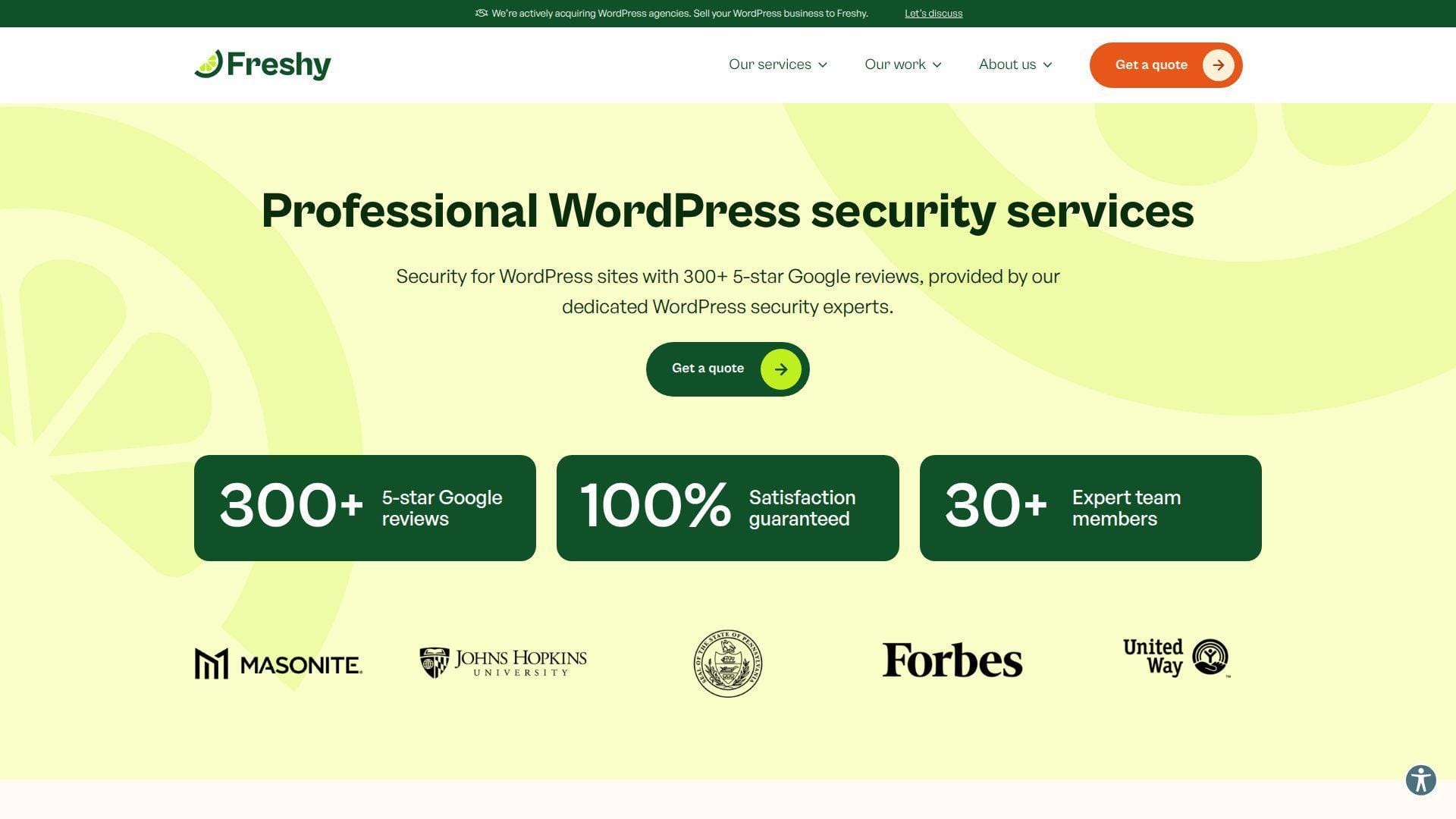
Freshy is a WordPress-focused agency with a support team built around audits, backups, malware scans, and daily monitoring. We like its service-led posture because many business owners do not want another dashboard. They want a team that can diagnose, explain, and fix.
Best for: service-business owners and nonprofit directors who want a human-led WordPress security partner.
- Security audit workflow → turns “is my site safe?” into a practical remediation list.
- Backup and monitoring routines → saves two or three manual checks each week.
- Agency onboarding → delivers first value after a discovery call and initial review.
Pricing & limits: From $185/mo on Freshy’s public monthly update retainer; deeper security work is scoped by quote. Trial length: no public trial. Clear caps include the retainer hour, site complexity, and whether eCommerce needs additional review.
Honest drawbacks: This is not a cheap self-serve scanner. Buyers who need instant, transparent checkout pricing may prefer a plugin or SaaS tool first.
Verdict: If you want an agency to audit, maintain, and explain the security picture, Freshy helps you move from guesswork to a documented plan within the first engagement.
2. Wordfence
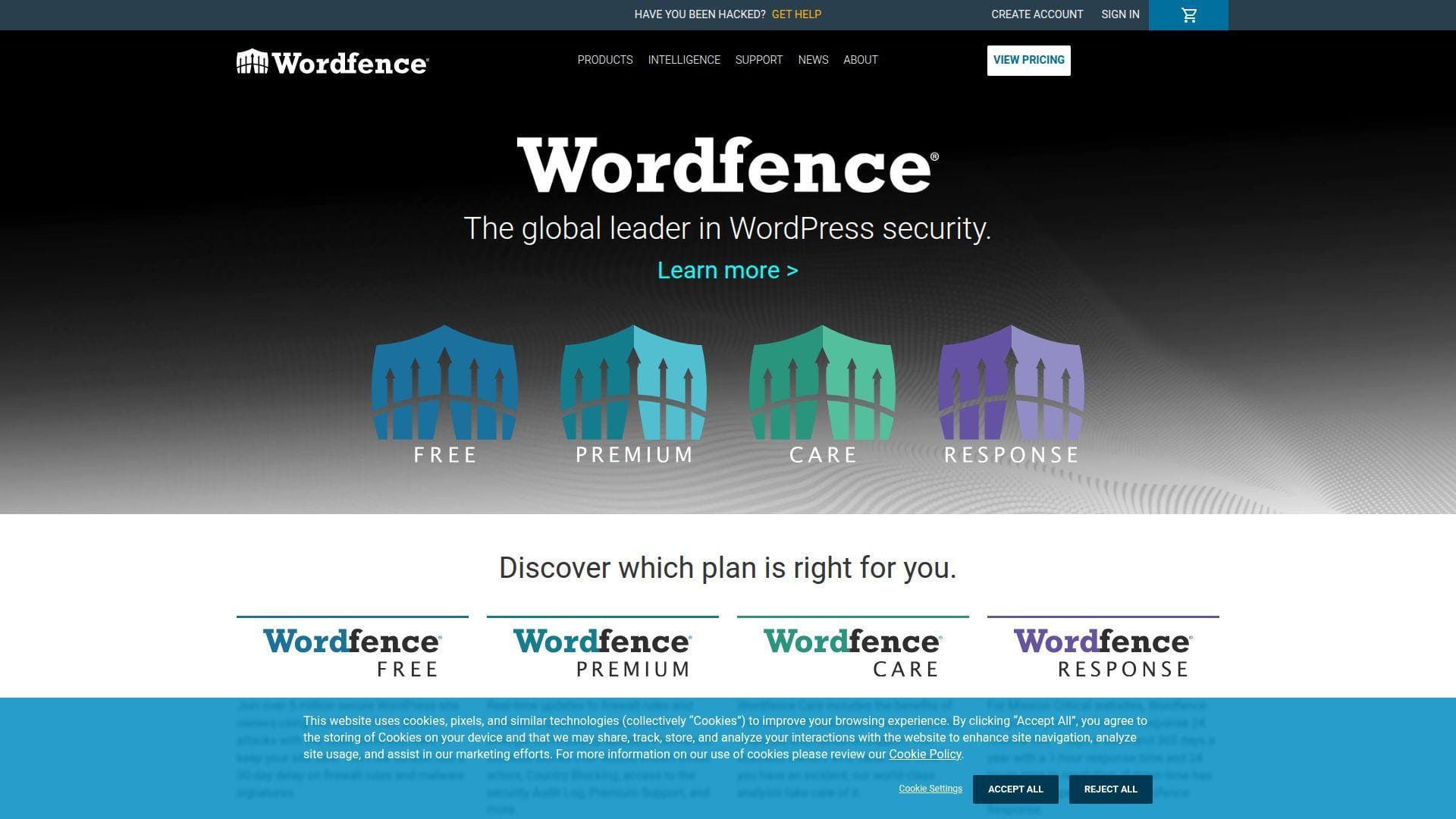
Wordfence is one of the best-known WordPress security companies. Its team combines a plugin firewall, malware scanner, login security, vulnerability intelligence, and higher-tier incident response. It feels built by people who live inside WordPress attacks every day.
Best for: technical site owners and SMB support teams that want strong plugin-level protection.
- Endpoint firewall and scanner → blocks common attacks before they become cleanup projects.
- Threat intelligence updates → saves hours of manual vulnerability tracking per month.
- Guided plugin setup → produces useful protection in under an hour for standard sites.
Pricing & limits: From $0/mo for Wordfence Free; Premium is $149/year, Care is $590/year, and Response is $1,250/year. Trial length: free plan available. Clear caps include per-site licensing, delayed free threat rules, and multisite limits on managed tiers.
Honest drawbacks: Wordfence can add load on thin shared hosting during scans. It also trails Cloudflare on edge-level traffic filtering before requests hit WordPress.
Verdict: If you want a mature WordPress-native firewall and scanner, Wordfence helps you harden login, files, and known exploit paths the same day.
3. Codeable Security WordPress Developers
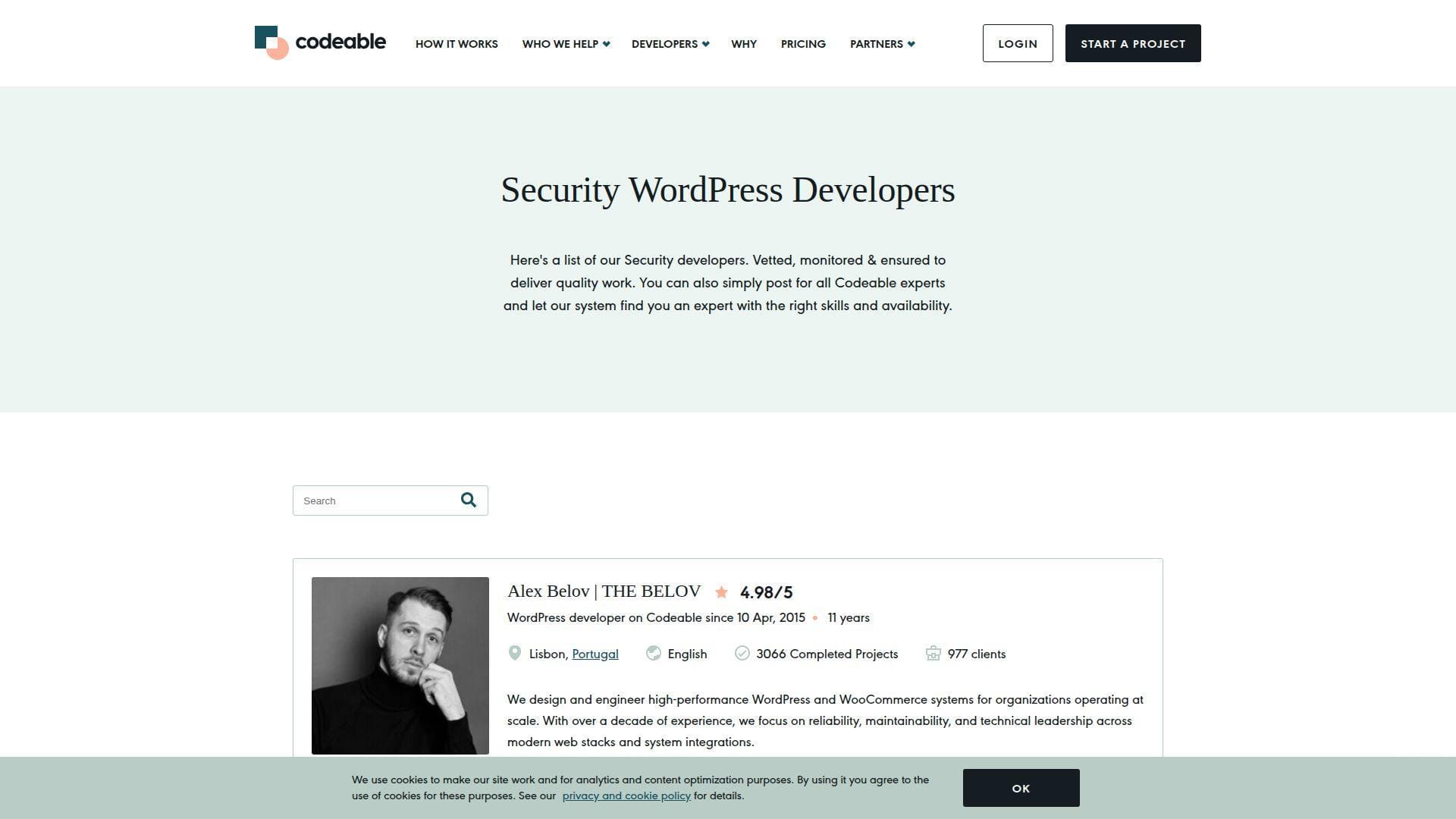
Codeable is a curated WordPress expert marketplace. Its team screens developers before clients ever submit a job, which changes the buying experience. Instead of racing through low bids, you describe the security goal and get matched with specialists who can scope the work.
Best for: founders and marketing teams that need vetted security hardening or custom remediation.
- Project-scoping process → converts vague cleanup needs into milestones and acceptance criteria.
- Vetted WordPress talent → saves ten or more screening steps compared with open marketplaces.
- Managed workroom → usually creates first value within one or two business days after matching.
Pricing & limits: From $140/mo for published maintenance packages; project work commonly uses expert hourly estimates plus platform fees. Trial length: no public trial. Clear caps depend on project scope, expert availability, included dev hours, and revision terms.
Honest drawbacks: Codeable costs more than general marketplaces. It also is not the fastest path for a midnight malware emergency.
Verdict: If you need senior WordPress judgment, Codeable helps you turn a security concern into a professionally scoped project in days.
4. Upwork WordPress Security Experts
Upwork is a broad freelance marketplace, not a WordPress-only security platform. That breadth is both the blessing and the trap. You can find capable malware cleanup specialists, server admins, and WooCommerce developers, but the vetting burden sits with you.
Best for: budget-conscious site owners and operations managers who can screen technical talent.
- Job-post workflow → attracts multiple approaches for audits, cleanups, and hardening.
- Milestones and hourly contracts → saves renegotiation steps when scope changes mid-incident.
- Marketplace messaging → can produce shortlists within a day for clear job posts.
Pricing & limits: From $0/mo for platform access; expert rates vary by freelancer, country, urgency, and skill. Trial length: no standard trial. Clear caps depend on the contract, milestones, access you grant, and the freelancer’s availability.
Honest drawbacks: Quality varies widely. You must ask for evidence of malware cleanup, log review, backup discipline, and post-cleanup hardening.
Verdict: If you can vet well, Upwork helps you find affordable WordPress security help quickly, often within a single hiring cycle.
5. WPScan
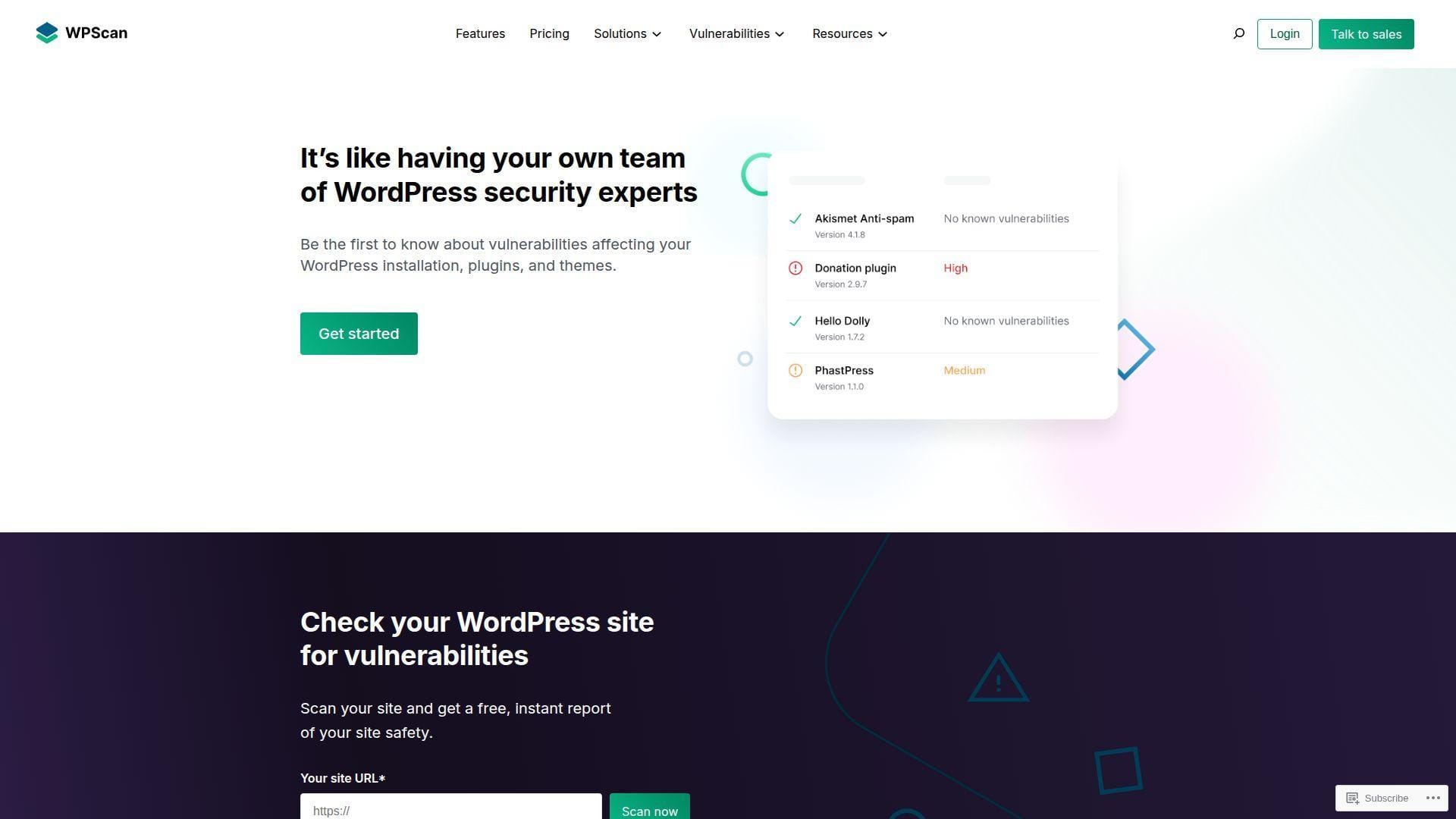
WPScan is a vulnerability database and scanner ecosystem built for WordPress security intelligence. We see it as a research and detection layer, not a full-service cleanup shop. It shines when developers, hosts, and security teams want structured plugin, theme, and core vulnerability data.
Best for: developers and hosting teams that need vulnerability checks in a repeatable workflow.
- CLI and API scanning → identifies risky components before they become incidents.
- Database integrations → saves manual CVE lookup steps during maintenance windows.
- Developer-friendly setup → delivers first useful scan results in under an hour.
Pricing & limits: From $0/mo for researcher use, with capped API access. Enterprise pricing is custom. Trial length: free researcher access. Clear caps include API calls, commercial use rules, and whether you need webhooks or database dumps.
Honest drawbacks: WPScan tells you where the danger is. It does not replace a cleanup expert, WAF, backup plan, or access-control review.
Verdict: If you manage updates seriously, WPScan helps you spot vulnerable components before an attacker automates the obvious route.
6. Sucuri
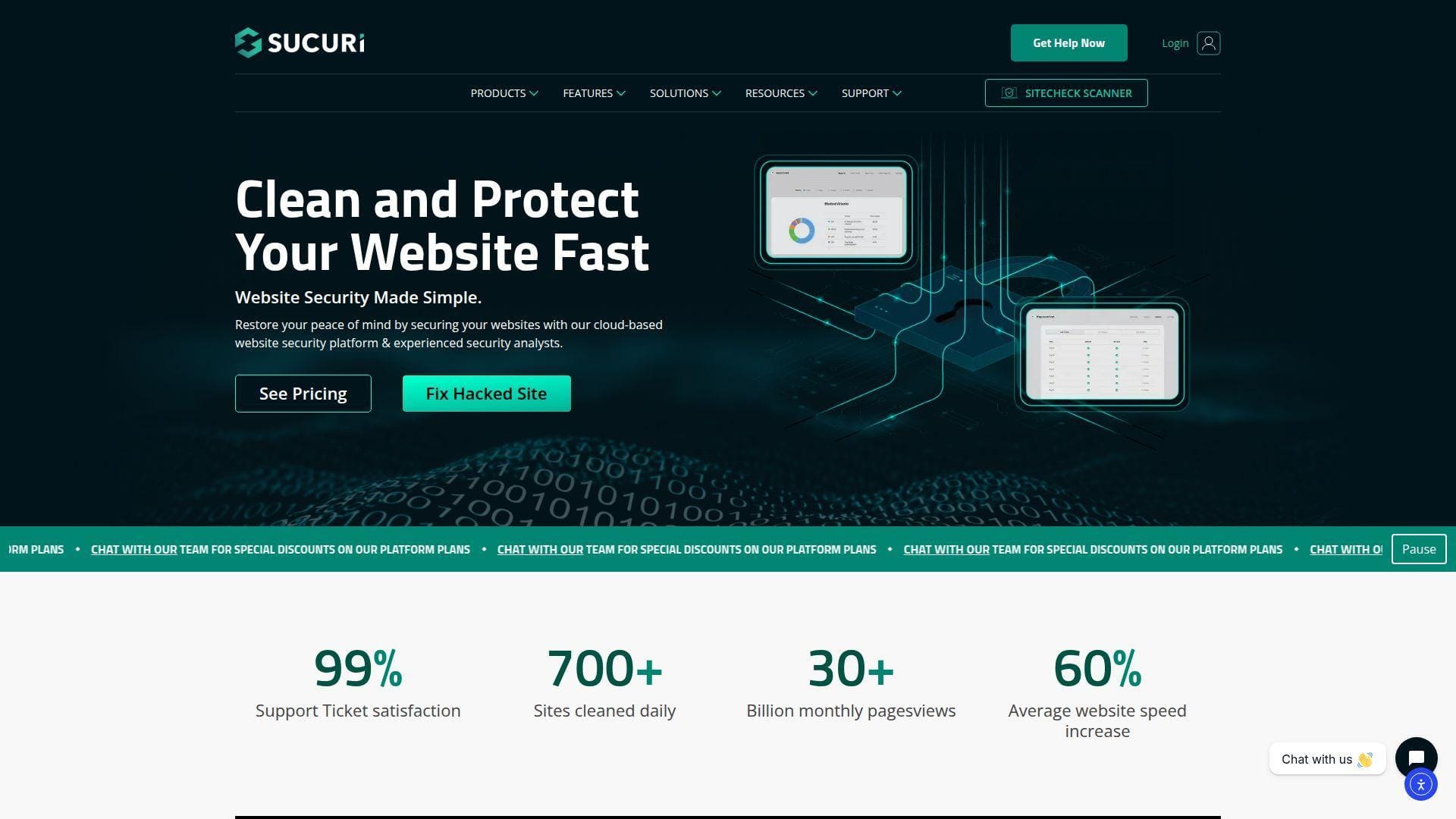
Sucuri is a long-running website security brand known for malware removal, cloud WAF protection, blacklist monitoring, and cleanup support. Its team appeals to owners who want protection at the DNS and application edge, not only inside WordPress.
Best for: small business owners and agencies that want cloud WAF plus cleanup support.
- Cloud WAF routing → filters hostile traffic before it reaches the origin server.
- Monitoring and cleanup workflows → saves repeated manual scans after suspicious redirects.
- Platform-agnostic setup → can produce protection after DNS and firewall configuration.
Pricing & limits: From $9.99/mo for firewall-only coverage; full website security platform plans are priced annually per site. Trial length: free scanner available, but no full-service trial. Clear caps include site count, plan tier, and cleanup response priority.
Honest drawbacks: DNS routing can feel invasive to beginners. Beats plugin-only tools at edge filtering; trails Wordfence on WordPress-dashboard-native detail.
Verdict: If you need cleanup backed by a cloud firewall, Sucuri helps you reduce repeat infections and block bad traffic quickly.
7. Patchstack
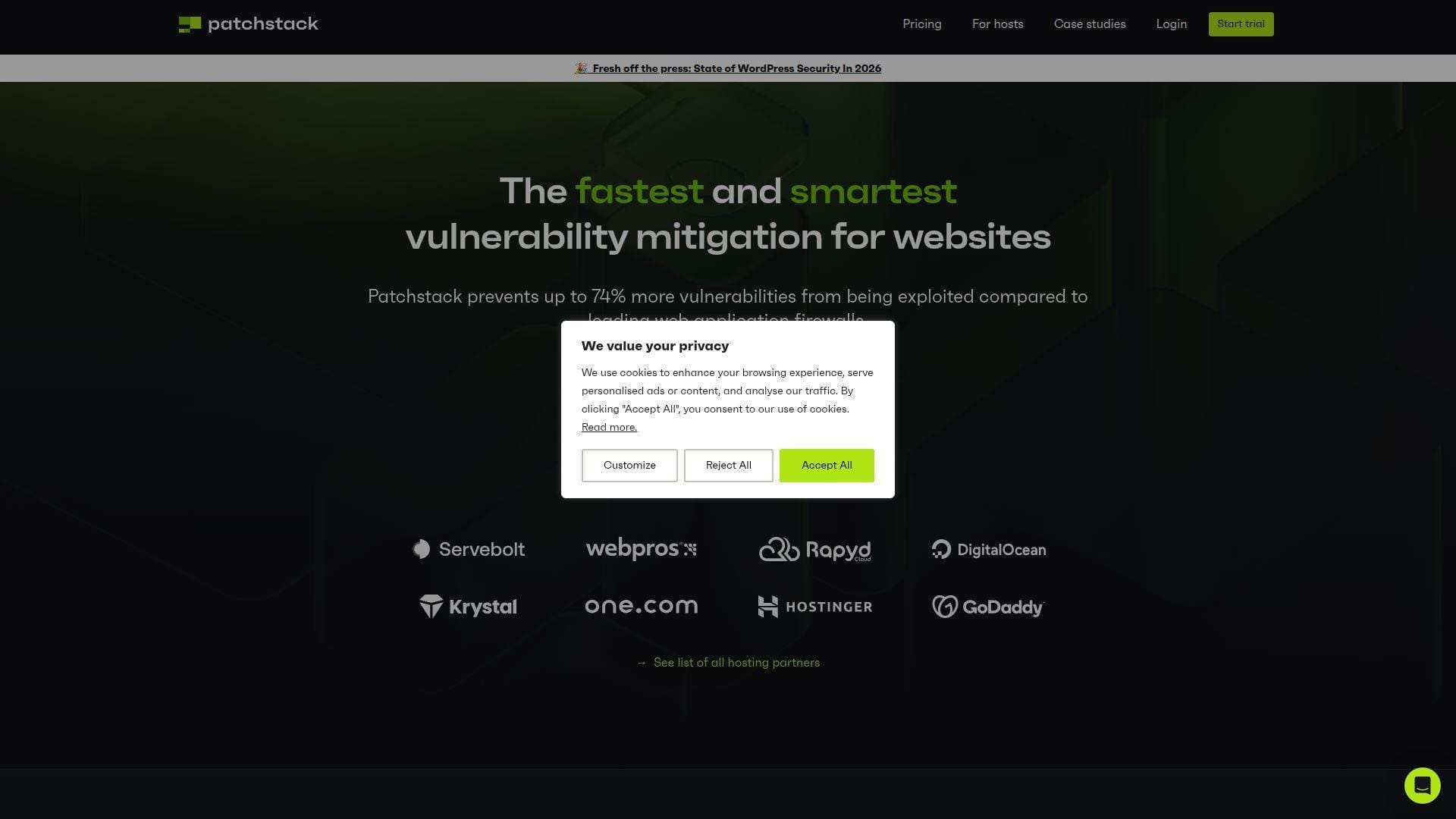
Patchstack focuses on vulnerability intelligence and virtual patching for WordPress sites. Its team is deeply connected to responsible disclosure and plugin-vendor coordination. We value it most for agencies that maintain many client sites and need early mitigation, not just alerts.
Best for: WordPress agencies and SMB teams managing multiple plugin-heavy sites.
- Virtual patching → blocks exploit traffic while you wait for safe updates.
- API and workflow integrations → saves several tracking steps across client portfolios.
- Centralized dashboard → reaches first value after connecting sites and reviewing risk.
Pricing & limits: From $69/mo when billed annually for the Developer plan, or $79/mo monthly. Trial length: first month free. Clear caps include 25 sites, 3 seats, paid seat add-ons, and site-volume upgrades.
Honest drawbacks: Patchstack is not a backup platform. It also works best when paired with update testing, hosting logs, and a recovery plan.
Verdict: If you manage many WordPress installs, Patchstack helps you reduce vulnerability exposure across a portfolio within the first month.
8. MalCare
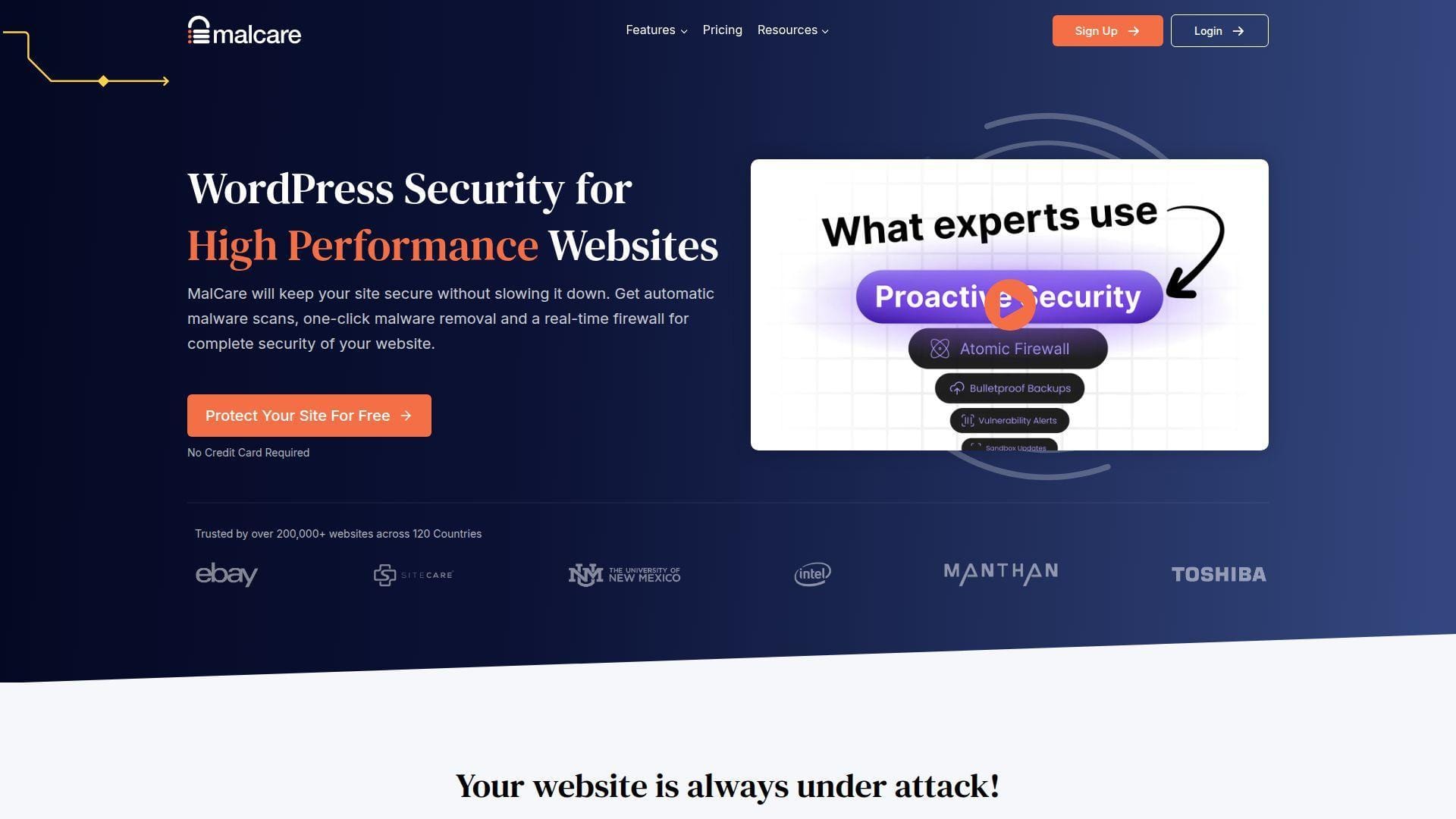
MalCare is a WordPress security platform built around scanning, firewall protection, and one-click malware cleanup. Its team positions the product for owners who do not want to inspect files manually. That makes it attractive for busy SMBs and agencies with many similar sites.
Best for: solo business owners and agency maintainers who need automated cleanup workflows.
- Off-site malware scanning → reduces load on the WordPress server during detection.
- Cleanup automation → saves the back-and-forth of file-by-file removal.
- Simple dashboard → gives first value after plugin connection and first scan.
Pricing & limits: From $8.25/mo equivalent, billed annually at $99/year for a 1-site Protect bundle. Trial length: free plan available. Clear caps include site bundles, scan frequency, activity-log retention, and two-factor limits on free coverage.
Honest drawbacks: Automated cleanup can miss unusual server-level persistence. It also cannot replace a skilled post-incident root-cause review.
Verdict: If you want fast scanning and guided cleanup, MalCare helps you move from panic to visible remediation in hours.
9. Jetpack Protect
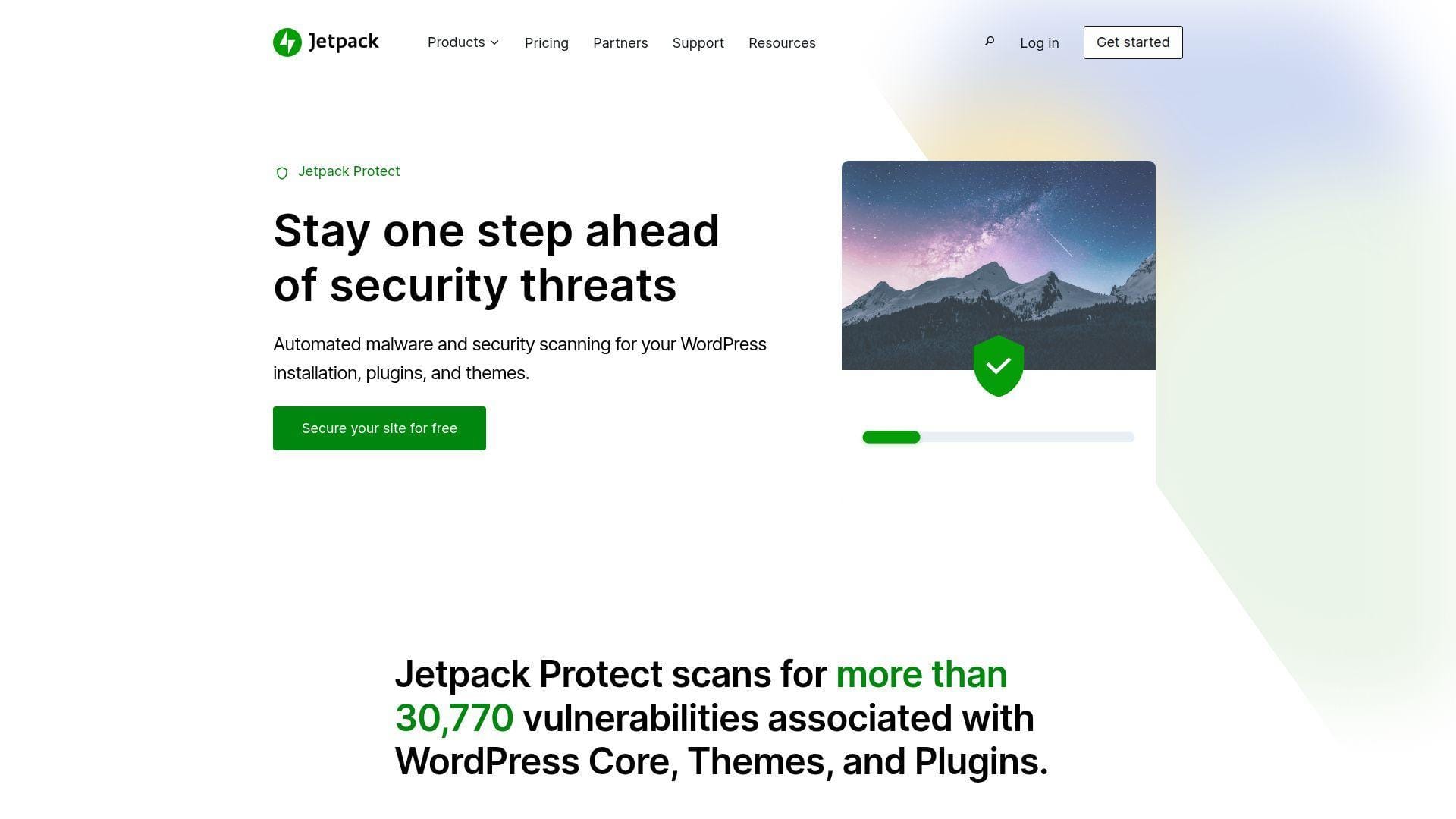
Jetpack Protect comes from Automattic’s Jetpack ecosystem. It focuses on vulnerability scanning and security visibility for WordPress users who already trust WordPress.com-connected services. It is approachable, calm, and better suited to prevention than full forensic cleanup.
Best for: bloggers and small business owners who want low-friction vulnerability scanning.
- Daily vulnerability checks → tells non-technical owners what needs attention.
- Jetpack ecosystem tie-ins → saves dashboard switching for sites already using Jetpack.
- Light setup → reaches first value after account connection and first scan.
Pricing & limits: From $0/mo for Jetpack Protect; Jetpack Scan starts at $4.95/mo for the first year when billed yearly. Trial length: free plan available. Clear caps include WordPress.com connection, daily scan cadence, and limited hacked-site cleanup scope.
Honest drawbacks: Jetpack Protect is not built to fully clean sites infected before activation. It also adds ecosystem dependency that some developers avoid.
Verdict: If you want straightforward vulnerability visibility, Jetpack Protect helps you catch obvious WordPress risks before they become late-night tickets.
10. Cloudflare WAF
Cloudflare WAF protects at the network edge, before traffic reaches your WordPress origin. Its team and network serve a far broader internet security role than WordPress alone. That scale is exactly why Cloudflare belongs in this list.
Best for: technical founders and growing SMBs that need edge filtering, CDN, and DDoS protection.
- Edge WAF rules → blocks hostile requests before PHP and MySQL spend resources.
- Bot, CDN, and DNS automation → saves separate setup steps across performance and security.
- Fast DNS onboarding → can deliver useful protection within the same day.
Pricing & limits: From $0/mo for the Free plan; Pro starts at $20/mo per domain. Trial length: free plan available. Clear caps include per-domain plans, limited custom rules on free tiers, and tuning work for WordPress-specific flows.
Honest drawbacks: Cloudflare will not clean malware inside wp-content. Beats plugin WAFs at pre-origin blocking; trails managed WordPress services on hands-on remediation.
Verdict: If bot traffic is hammering your site, Cloudflare WAF helps you reduce origin load and attack noise the same day.
11. Solid Security Pro
Solid Security Pro is the successor to the well-known iThemes Security line under the SolidWP brand. Its team combines login protection, two-factor authentication, passkeys, vulnerability scanning, and Patchstack-powered virtual patching.
Best for: WordPress maintainers and small agencies that want hardening inside the admin dashboard.
- Login and user protection → reduces brute-force success and weak credential exposure.
- Patchstack-powered vulnerability flow → saves manual checks when risky plugins appear.
- Familiar WordPress UX → can show value in one setup session.
Pricing & limits: From $8.25/mo equivalent, billed at $99/year for 1 site. Trial length: free plugin available. Clear caps include site tiers, separate backup products, and configuration quality.
Honest drawbacks: The product is stronger as a hardening layer than as a full incident-response team. It also requires careful setup to avoid locking out legitimate users.
Verdict: If login security is your weak point, Solid Security Pro helps you tighten authentication and vulnerability awareness in a single afternoon.
12. BlogVault
BlogVault is best known for WordPress backups, staging, restores, migrations, and security add-ons. Its team thinks like recovery engineers, which matters. We often tell clients that security without restore discipline is only half a plan.
Best for: WooCommerce operators and agencies that need backup-first resilience.
- Incremental backups and restores → reduces panic when an update breaks production.
- Malware scanning and cleanup bundles → saves tool juggling after suspicious file changes.
- Staging and migration flows → delivers first value after the first verified backup.
Pricing & limits: From $8.25/mo equivalent, billed at $99/year for the Personal plan. Trial length: free plan available. Clear caps include 1 site, backup retention, staging days, and website size limits by tier.
Honest drawbacks: BlogVault is not a pure WAF. It beats many security plugins at recovery workflows but trails Cloudflare on edge filtering.
Verdict: If recovery speed matters, BlogVault helps you prove that backups actually restore before an incident tests them.
13. WebPro WordPress Firewall
WebPro WordPress Firewall, from the WebProtect/Astra-style website protection ecosystem, focuses on WAF protection, malware scanning, custom rules, and security dashboards. Its team aims beyond WordPress, which helps when sites mix WordPress with custom PHP or API endpoints.
Best for: agencies and SaaS-adjacent teams that need website firewall controls across mixed stacks.
- No-code security boosters → converts common WAF rules into business-readable controls.
- Scanner and firewall automation → saves manual inspection steps after suspicious uploads.
- Dashboard implementation → shows first value after DNS, plugin, or code integration.
Pricing & limits: From $79/mo on yearly plans for website protection. Trial length: no public trial. Clear caps include 1 website, custom-rule limits, support response tier, and whether malware cleanup is included.
Honest drawbacks: Pricing pages can feel complex. Buyers should confirm cleanup, support hours, and whether the plan covers WordPress-only or all application paths.
Verdict: If you need managed WAF controls beyond a simple plugin, WebPro helps you centralize website protection in days.
14. WP Cerber
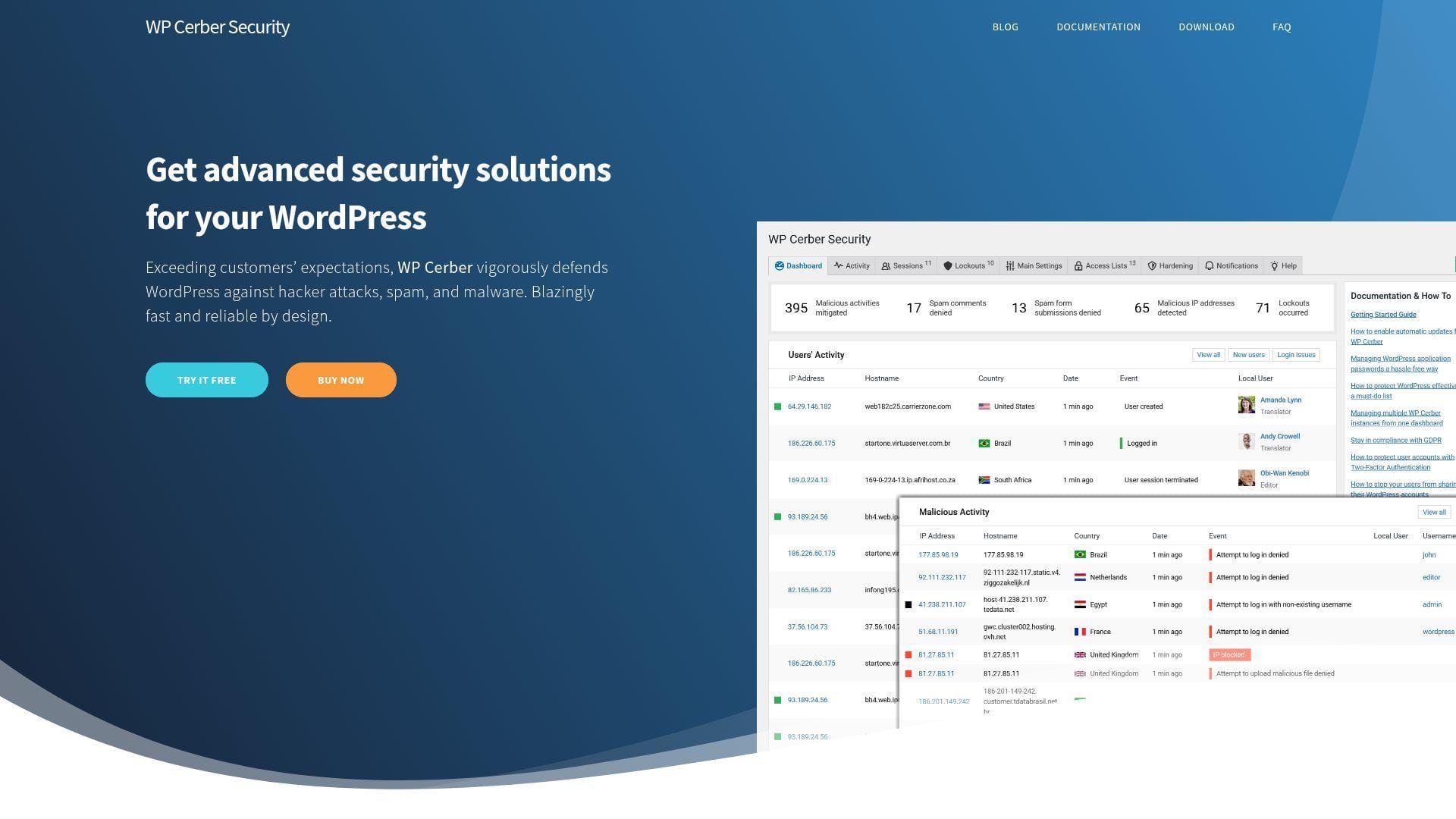
WP Cerber is a WordPress security plugin and professional platform developed by Cerber Tech. Its team emphasizes firewall rules, login protection, anti-spam, malware scanning, integrity checks, and traffic inspection.
Best for: technical WordPress admins and small agencies that want granular local controls.
- Traffic Inspector and login limits → blocks brute-force and suspicious request patterns.
- Cloud-based malicious IP data → saves manual blacklist maintenance across sites.
- Detailed admin controls → produces first value after a careful configuration pass.
Pricing & limits: From $0/mo for Free; Single Pro is $99/year or $29 quarterly. Trial length: 30-day money-back guarantee on Pro. Clear caps include 1 website on Single and per-install licensing.
Honest drawbacks: The interface can overwhelm casual users. It also requires attention when hiding login routes or restricting APIs.
Verdict: If you want detailed WordPress-side controls, WP Cerber helps you turn noisy attack traffic into enforceable rules within a day.
15. CleanTalk Security
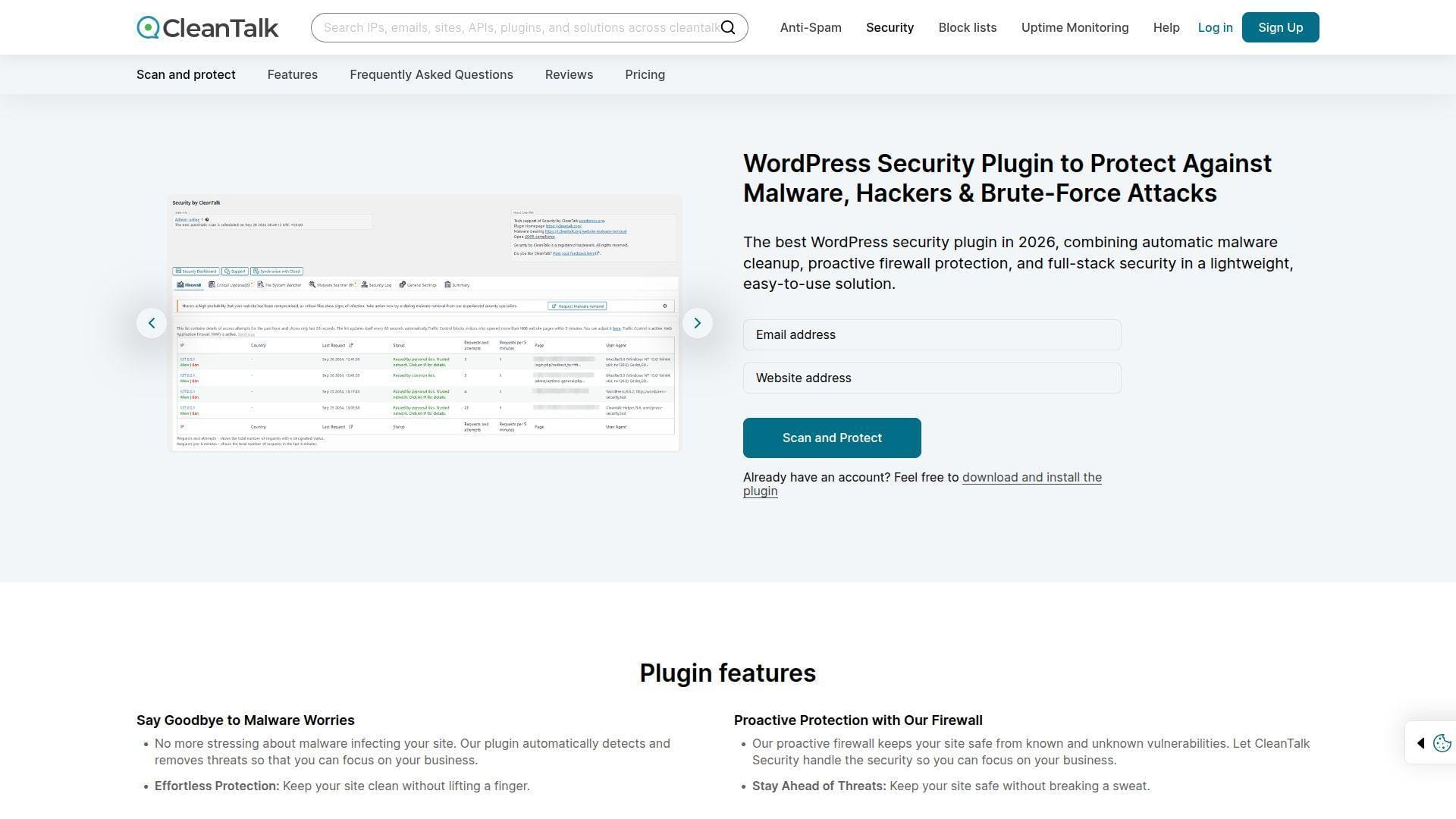
CleanTalk Security is a low-cost WordPress security, malware, firewall, and anti-spam option from the CleanTalk ecosystem. Its team is especially known for spam defense, but the security plugin adds malware scans, WAF features, brute-force protection, and traffic logs.
Best for: budget-conscious bloggers and small businesses with spam-heavy WordPress sites.
- Malware scanner and firewall → catches common infections and blocks known hostile IPs.
- Anti-spam ecosystem → saves moderation time on forms, comments, and registrations.
- Simple subscription setup → creates first value after plugin activation and account connection.
Pricing & limits: From $0.75/mo equivalent, billed at $9/year for 1 website. Trial length: no public trial length on the security pricing snapshot. Clear caps include website count, annual tiers, and separate expert malware cleaning.
Honest drawbacks: CleanTalk is inexpensive, but complex incidents still need human review. It trails premium services on response depth and forensic reporting.
Verdict: If budget is tight, CleanTalk helps add practical protection and spam reduction without turning security into a large monthly bill.
16. WP Umbrella
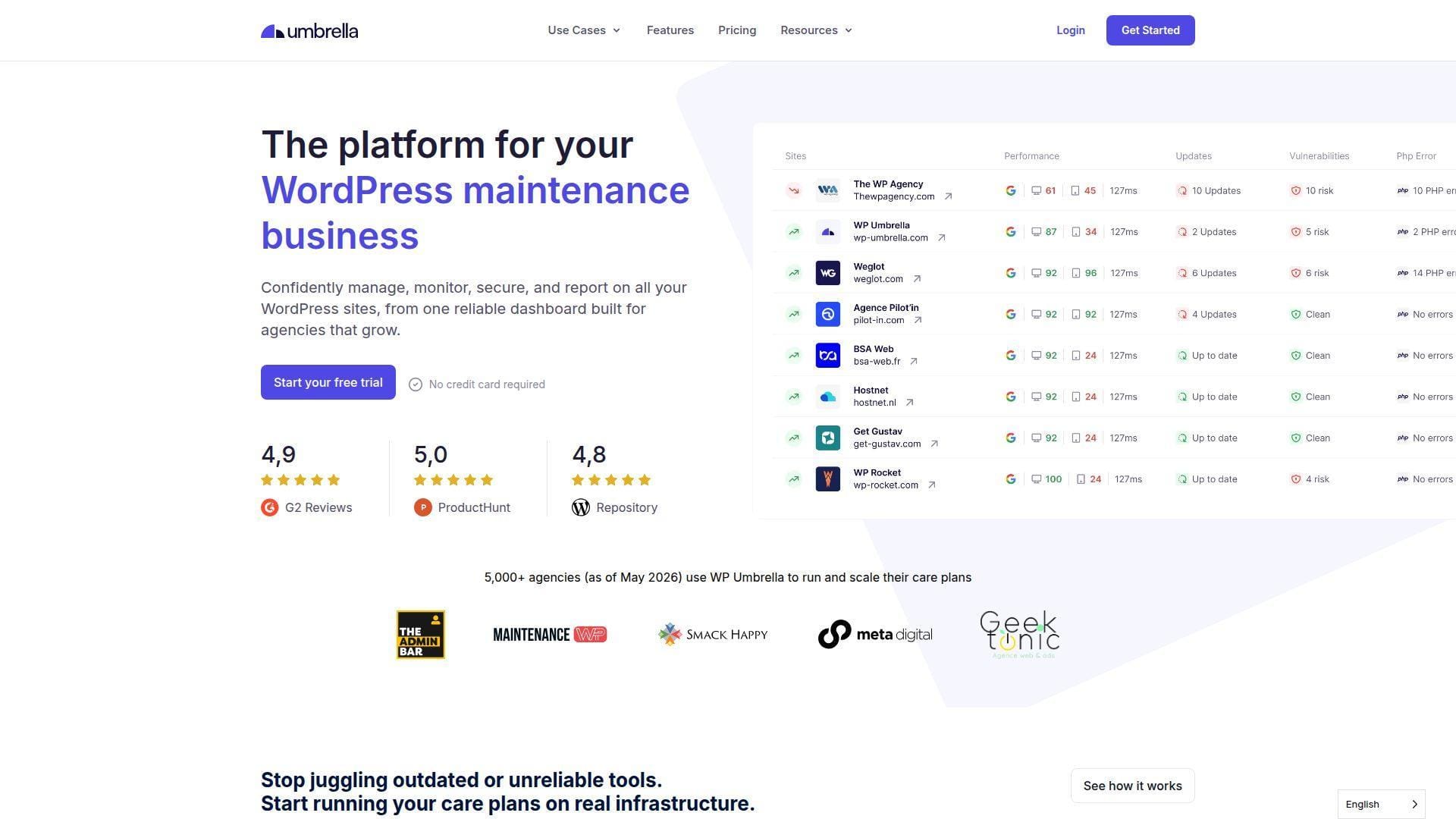
WP Umbrella is a WordPress management platform for agencies and maintainers. Its team focuses on backups, updates, uptime, performance, SSL, domain checks, PHP errors, and client reporting. It is not a pure security tool, but it strengthens the maintenance layer that prevents many incidents.
Best for: agencies and freelancers managing client care plans.
- Bulk safe updates → reduces broken-site risk across many client installs.
- Monitoring and reporting automation → saves hours of manual client status work monthly.
- Central dashboard → delivers first value once sites connect and checks run.
Pricing & limits: From €1.99/site/mo. Trial length: start free. Clear caps include per-site billing, add-on choices, backup settings, and the need for a separate incident-response path.
Honest drawbacks: WP Umbrella does not replace a WAF or malware cleanup service. It shines when paired with specialist security tooling.
Verdict: If you sell WordPress care plans, WP Umbrella helps you keep updates, monitoring, and reporting organized from the first week.
17. Fiverr WordPress Security Services
Fiverr offers fixed-scope WordPress security gigs from thousands of freelancers. Its marketplace team gives buyers search filters, reviews, seller levels, and package pricing. The appeal is speed and affordability; the risk is uneven depth.
Best for: microbusiness owners and solo marketers with simple malware cleanup or hardening tasks.
- Packaged gigs → turns urgent cleanup into a fixed deliverable.
- Seller filters and ratings → saves shortlisting time for basic jobs.
- Fast checkout → can create first value within hours when the gig is narrow.
Pricing & limits: From $0/mo for account access; many WordPress malware gigs start around $15 per project. Trial length: no standard trial. Clear caps include package scope, revision limits, response time, and seller skill.
Honest drawbacks: Extremely cheap gigs can be shallow. Avoid anyone who installs nulled plugins, refuses reports, or asks for permanent admin access.
Verdict: If the problem is small and well-defined, Fiverr helps you buy quick help, but only if you vet reviews and deliverables carefully.
18. PeoplePerHour WordPress Security Experts
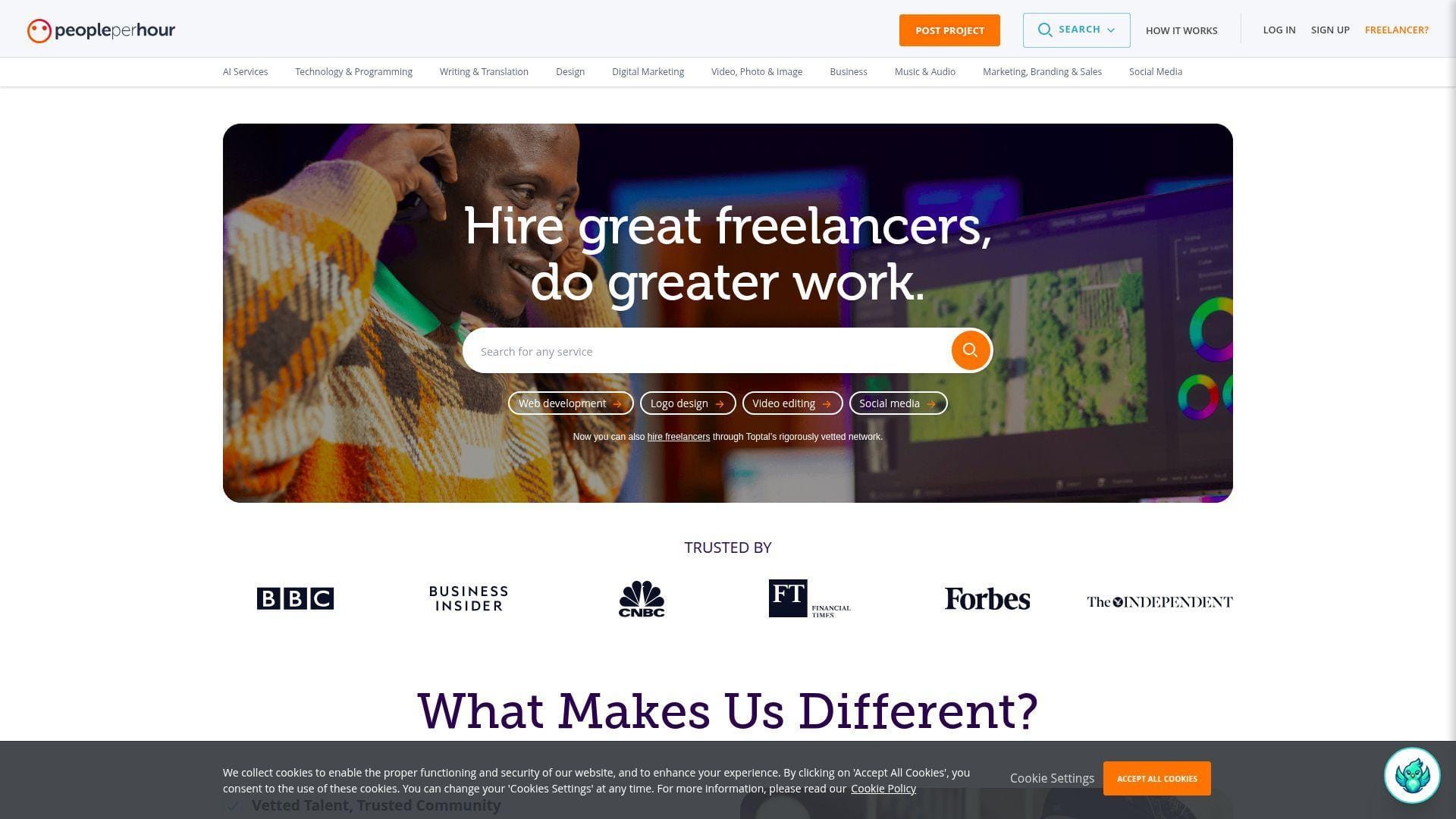
PeoplePerHour combines freelancer profiles, fixed offers, and project-based hiring. Its team gives buyers escrow-style workstreams and offer pages. For WordPress security, it is useful when you want a cleanup, audit, or hardening task with a stated deliverable.
Best for: UK and global SMBs that prefer fixed offers and freelancer messaging.
- Fixed security offers → clarifies what cleanup or hardening includes before payment.
- Escrow-style workflow → saves payment-risk steps during one-off remediation.
- Direct freelancer contact → produces first value after access sharing and scope confirmation.
Pricing & limits: From $0/mo for platform access; simple WordPress malware offers may start around £10 to £50, with advanced services higher. Trial length: no standard trial. Clear caps depend on the freelancer’s offer, delivery window, and access requirements.
Honest drawbacks: Like Fiverr, quality varies. Buyers must ask for root-cause notes, changed-file lists, and hardening steps.
Verdict: If you want a fixed-offer cleanup, PeoplePerHour helps you compare scope and delivery speed before committing.
19. Toptal WordPress Developers
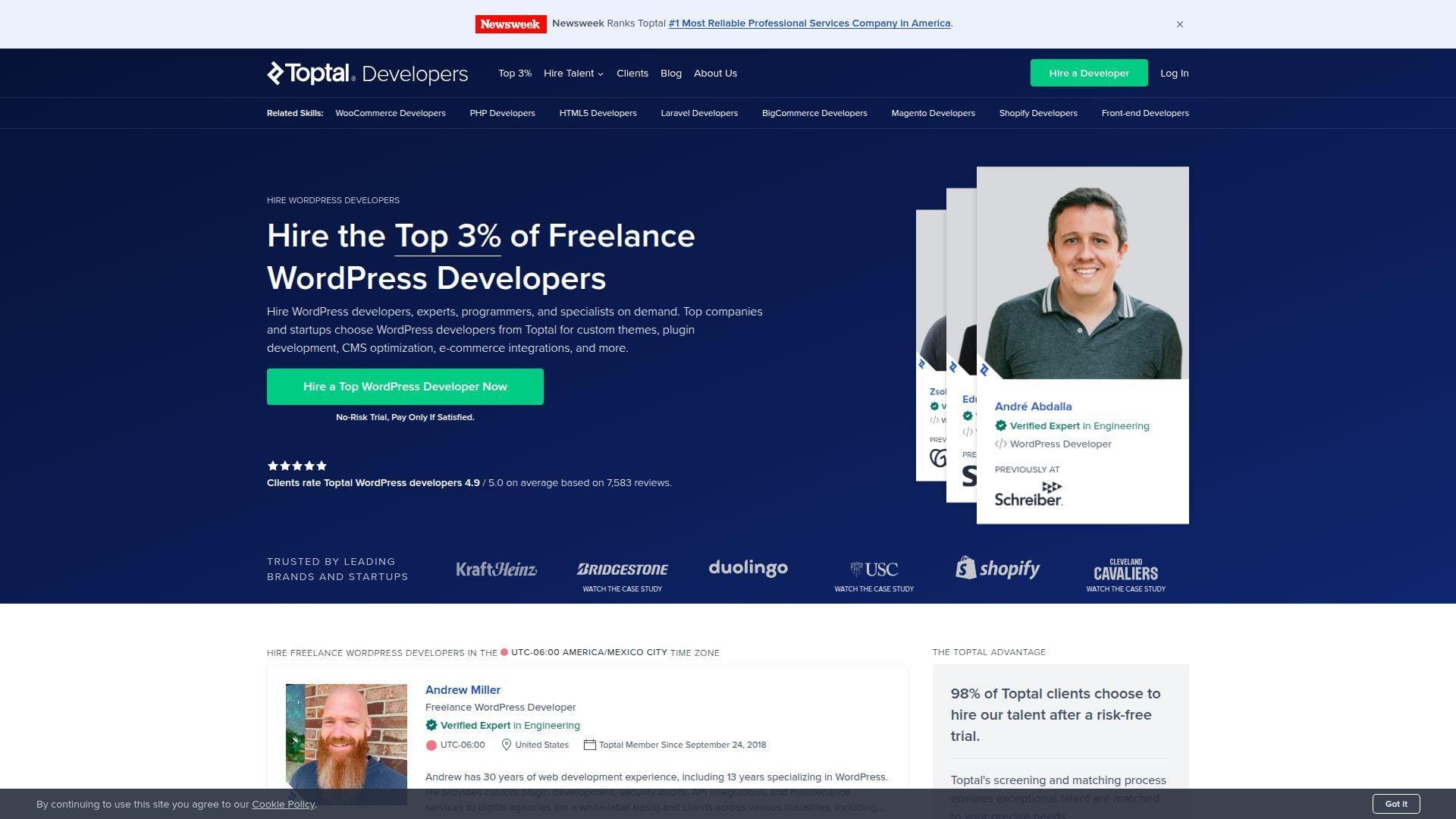
Toptal is a premium talent network for vetted developers, including WordPress specialists. Its team screens talent heavily and supports longer engagements. We see it as a strong option when WordPress security connects to architecture, custom plugins, WooCommerce, APIs, or enterprise workflows.
Best for: funded startups and enterprise teams with complex WordPress engineering needs.
- Vetted matching process → reduces the risk of hiring unqualified security-adjacent developers.
- Senior engineering depth → saves rework when security touches custom code or infrastructure.
- Engagement support → creates first value after matching, interviews, and kickoff.
Pricing & limits: From $0/mo for platform access; rates are custom by role, seniority, and engagement. Trial length: no-risk trial with pay only if satisfied. Clear caps include availability, minimum engagement fit, and premium pricing.
Honest drawbacks: Toptal is overkill for a basic plugin cleanup. It also may move slower than an emergency incident-response service.
Verdict: If security is tied to custom engineering, Toptal helps you bring senior WordPress talent into the project within a structured hiring process.
20. WordPress Jobs
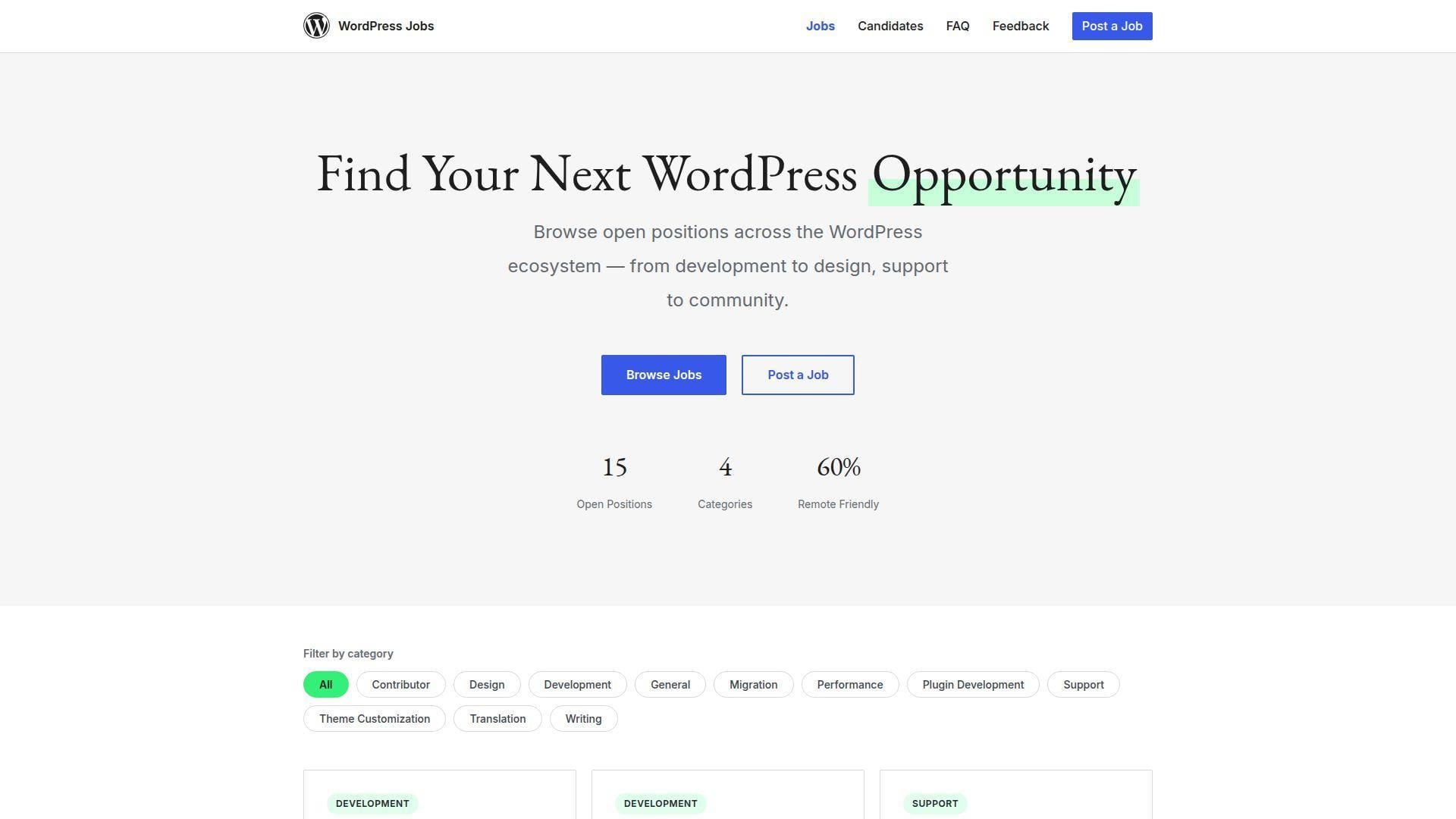
WordPress Jobs is the official WordPress-related job board. Its volunteer-moderated model attracts candidates already interested in the WordPress ecosystem. It is not an on-demand marketplace, but it is useful when you want to hire a security-aware developer or long-term maintainer.
Best for: agencies and product companies hiring WordPress specialists for ongoing roles.
- WordPress-specific listings → reaches people who already understand the ecosystem.
- Budget and role fields → saves screening time when compensation is clear.
- Community context → creates first value after moderation and applicant review.
Pricing & limits: From $0/mo to post a job. Trial length: not applicable. Clear caps include moderation, WordPress-only relevance, English-language posts, paid-work requirements, and a short listing window.
Honest drawbacks: This is not for emergency hacked-site recovery. You also need hiring discipline, interviews, and technical screening.
Verdict: If you want a long-term WordPress security partner, WordPress Jobs helps you reach ecosystem-native candidates without marketplace noise.
Why WordPress Security Experts Matter
Security experts matter because WordPress risk lives in layers. A WAF sees requests. A plugin sees files and roles. A host sees processes, logs, snapshots, and network behavior. A good expert connects those signals before the business pays for downtime.
1. Rising Vulnerabilities, Brute-Force Attacks, and Malware Injections
WordPress is popular, extensible, and constantly changing. That is good for business velocity. It is also good for attackers. Patchstack recorded 11,334 new vulnerabilities across the WordPress ecosystem in its 2026 security report, which explains why “we updated last quarter” is not a security strategy.
Brute-force attacks remain noisy and cheap. Malware injections are quieter. The dangerous cases hide in wp-content, database options, mu-plugins, cron tasks, rogue admin users, and modified configuration files. We prefer experts who inspect both WordPress and the hosting layer, because persistence often lives where a plugin scanner stops looking.
2. Business Risks From Downtime, Data Loss, Spam, Redirects, and SEO Penalties
A hacked WordPress site is not just a technical inconvenience. It can poison search results, leak customer data, break ad campaigns, and trigger browser warnings. Deloitte reported that 74% of family businesses experienced at least one cyberattack over a recent two-year period, which shows how far cyber risk has moved beyond large enterprises.
We have seen the same pattern in hosting support. The owner first notices fewer leads. Then Google flags suspicious pages. Then checkout fails because scripts are redirecting visitors. By the time revenue drops, the attacker has often had days to plant backups of the backdoor.
3. Responsible Disclosure and the WordPress Security Team’s Role
Responsible disclosure gives vendors time to patch before attackers receive a roadmap. WordPress explains its responsible disclosure expectations for core security, and the same culture matters across plugins, themes, hosts, and agencies.
Good WordPress security experts respect that process. They do not dump exploit details into public tickets. They preserve evidence, notify vendors properly, and help site owners update without turning production into a test lab. That professionalism is not glamorous, but it keeps the ecosystem safer.
What WordPress Security Experts Should Handle
A real expert should do more than install a plugin and declare victory. We look for people who can audit, clean, harden, monitor, and document. They should leave the site safer and the owner smarter.
1. Complete Security Audits for Core Files, Plugins, Themes, Logs, and Access Controls
A proper audit starts with inventory. Which WordPress core version is running? Which PHP version? Which plugins are inactive but still present? Which theme files differ from known-good sources? Which admin users have stale passwords or unknown email addresses?
Logs matter just as much. Access logs show exploit attempts. Error logs reveal broken files, suspicious includes, and outdated code paths. Authentication logs expose brute-force behavior. We want the expert to compare all of that with file-modification times, database changes, and hosting events.
2. Malware Removal, Hacked Site Recovery, and Post-Cleanup Hardening
Cleanup is not only deletion. Attackers often scatter persistence across hidden files, fake plugins, cron jobs, database injections, and malicious admin users. Removing the visible payload while leaving the entry point open is like mopping the floor while the pipe still leaks.
Post-cleanup hardening should include credential rotation, salts refresh, plugin replacement, role review, file permissions, XML-RPC policy, REST API exposure, WAF tuning, and backup verification. The expert should also state what they changed, what they could not verify, and what the owner should monitor next.
3. Firewall Configuration, Brute-Force Protection, and Real-Time Monitoring
Firewall placement changes outcomes. An edge WAF can block traffic before WordPress loads. A plugin WAF can understand WordPress-specific context. Server-level controls can stop repeated offenders before PHP spends CPU. The best stack often uses more than one layer.
Brute-force protection should balance safety with usability. Lockouts, CAPTCHA, passkeys, two-factor authentication, and IP allowlists can help. Overdo them, and legitimate customers get blocked. Experts should tune rules around real login behavior, not fear.
4. Backups, SSL Certificates, Database Protection, and Recovery Planning
Backups need proof. We do not trust backups that nobody has restored. A responsible security expert should define recovery point objectives, recovery time objectives, off-site storage, retention, encryption, and restore testing.
SSL certificates protect traffic in transit, but they do not clean malware. Database protection requires least-privilege credentials, careful prefix handling, restricted tools, and SQL injection awareness. Recovery planning ties it all together, so the business knows who acts first when the alarm rings.
Common WordPress Security Threats to Prioritize
Not every risk deserves the same budget. We recommend prioritizing threats by exploitability, business impact, and recovery difficulty. A brochure site and a WooCommerce store do not carry the same blast radius.
1. Unsafe Themes and Plugins
The plugin ecosystem is WordPress’s superpower and its soft underbelly. Unsafe components may include abandoned plugins, nulled premium themes, unmaintained page-builder add-ons, and small utilities that request too much permission.
We tell customers to remove what they do not use. Deactivation is not enough in every case. Old code can still expose files, confuse scanners, and create upgrade paths nobody understands. A smaller plugin footprint is easier to defend.
2. Outdated WordPress Core, PHP, Themes, and Plugins
Outdated software creates predictable attack paths. Attackers do not need creativity when public proof-of-concept code exists and your site still runs the vulnerable version. Maintenance windows matter, especially for WooCommerce, membership platforms, and sites with custom checkout logic.
The safest update process uses staging, visual checks, database backups, and rollback plans. We favor “test, update, verify” over blind auto-updates on revenue-critical sites. Automation is powerful, but it should not be reckless.
3. Cross-Site Scripting, SQL Injection, and Supply Chain Attacks
Cross-site scripting can steal sessions or alter what users see. SQL injection can expose or modify data. Supply chain attacks are nastier because the malicious path may arrive through a trusted update channel.
Smart Slider 3 Pro showed how trusted update systems can become dangerous when attackers compromise distribution; Patchstack published a technical analysis of the supply chain compromise. Our takeaway is blunt: verified backups and post-update monitoring are not optional.
4. Phishing Redirects, Spam, Malicious Uploads, and Data Theft
Many WordPress infections are not designed to destroy the site. They are designed to monetize trust. Spam pages, fake login forms, pharmacy redirects, malicious JavaScript, and stolen customer data can sit quietly while the front page looks normal.
Upload directories deserve special attention. Attackers love writable paths. Experts should prevent PHP execution where it is not needed, check MIME handling, scan media directories, and review form plugins that accept files from the public.
How to Choose the Right WordPress Security Expert
Hiring security help is partly technical and partly operational. The right expert for a hacked WooCommerce store is not always the right expert for a quarterly plugin audit. Match the provider to the risk.
1. Match the Provider to Your Site’s Risk Level, Budget, and Response-Time Needs
Start by classifying the site. A personal blog can tolerate slower response and lower spend. A membership site with payment flows, private records, and paid ads needs faster response, tested backups, and stronger monitoring.
We like a simple matrix: revenue impact, data sensitivity, plugin complexity, traffic level, and internal technical skill. High scores point toward managed services or vetted experts. Low scores may justify a plugin plus periodic review.
2. Review Vetted Talent, Ratings, Portfolios, and Security-Specific Experience
WordPress development and WordPress security overlap, but they are not identical. Ask for examples of malware removal, WAF tuning, brute-force mitigation, WooCommerce hardening, and post-incident reporting.
Marketplace ratings help, but read the substance. A five-star review for a theme tweak does not prove incident-response skill. Look for reviews mentioning hacked sites, redirects, blacklist removal, database cleanup, and prevention.
3. Ask for Clear Scopes, Confidentiality Terms, Milestones, and Reporting
A clear scope protects both sides. It should define what the expert will inspect, what access they need, what they will change, and what report you receive. For cleanup work, include before-and-after evidence.
Confidentiality matters because you may share admin credentials, hosting access, database exports, and customer-impact details. Use temporary accounts when possible. Remove access after the engagement. Never send credentials through plain email.
4. Confirm Experience With WordPress Core, Plugins, Themes, Hosting, PHP, and WAF Rules
Good WordPress security sits at the intersection of application and infrastructure. The expert should understand PHP versions, file ownership, cron, MySQL, Nginx or Apache, caching layers, CDN behavior, and WAF false positives.
We especially value experts who can explain tradeoffs. Blocking XML-RPC may help one site and break another. Aggressive country blocking may reduce noise and harm legitimate buyers. Security is judgment, not checkbox theater.
WordPress Security Tools and Expert Services: When to Use Each
Tools scale visibility. Experts supply judgment. The art is knowing when to automate and when to bring in a human who can read logs, infer root cause, and decide what matters.
1. Marketplaces for One-Time Audits, Emergency Fixes, and Specialist Hiring
Marketplaces work well for narrow jobs: remove malware, audit plugins, fix redirects, configure Cloudflare, or harden wp-admin. They are less ideal when the site is mission-critical and the scope is unknown.
WordPress Jobs can also help with longer-term hiring, and its FAQ states there is no fee for posting a job listing. That makes it useful when you want a maintainer, not a one-off cleaner.
2. Managed Security Services for Hands-On Incident Response
Managed services make sense when downtime costs more than the monthly fee. They bring process: monitoring, alerts, response expectations, cleanup, and follow-up hardening. For owners without technical staff, that process is worth real money.
We recommend managed response for WooCommerce, LMS, booking, healthcare, membership, and lead-generation sites with paid campaigns. Those sites do not just need alerts. They need someone accountable when alerts turn into incidents.
3. SaaS Scanners and WAFs for Continuous Vulnerability Monitoring
SaaS scanners and WAFs are excellent early-warning systems. WPScan, Patchstack, Cloudflare, and similar tools can surface vulnerabilities, block exploit traffic, and reduce the noise reaching the origin server.
The catch is ownership. Someone still must read the alerts, approve updates, test forms, and document exceptions. A dashboard nobody checks is not a security program. It is a decorative alarm panel.
4. Plugin-Based Protection for Smaller WordPress Sites
Plugin-based protection is often enough for simple sites with low risk. Wordfence, Solid Security, WP Cerber, Jetpack Protect, CleanTalk, and MalCare can improve login protection, scanning, firewall behavior, and alerts.
Still, do not stack too many security plugins. Overlap can create performance issues, duplicate lockouts, and confusing reports. Choose one primary WordPress security plugin, then pair it with hosting controls and off-site backups.
Budgeting for WordPress Security Experts
Security budgets should follow risk, not fear. Spend enough to prevent predictable losses, recover quickly, and prove due care. Overspend on the wrong layer, and you still may wake up to spam pages in Google.
1. Hourly Contracts for Uncertain or Expanding Security Work
Hourly work fits investigations. If nobody knows whether the problem is a bad plugin, server compromise, database injection, or rogue admin user, fixed pricing may force shallow work.
Set guardrails. Ask for an initial diagnostic block, a written hypothesis, and approval before deeper remediation. That keeps the engagement flexible without turning the invoice into a blank check.
2. Fixed-Price Projects for Defined Audits, Cleanups, and Hardening
Fixed-price work fits clear deliverables. Examples include “audit these plugins,” “remove this redirect malware,” “configure Cloudflare WAF,” or “harden admin access.” The better the scope, the fairer the fixed price.
Require deliverables, not vague promises. A useful fixed-price cleanup should include infected-file notes, user changes, plugin updates, password guidance, backup recommendations, and post-cleanup monitoring steps.
3. Retainers for Ongoing Monitoring, Updates, and Emergency Response
Retainers work when the site matters every month. They buy continuity. The expert learns your plugin stack, hosting setup, business cycles, and acceptable downtime windows.
For WooCommerce and membership sites, retainers often beat emergency hiring. A partner who already has access patterns, documentation, and backups can move faster than a stranger entering the fire.
Building a Long-Term Security Partnership
The best WordPress security relationships get quieter over time. Fewer surprises. Cleaner updates. Better logs. Faster recovery. That quietness is not luck; it is the result of routines.
1. Monthly or Quarterly Audits and Check-Ins
Monthly check-ins suit active sites with frequent plugin changes. Quarterly audits can work for smaller brochure sites. Either way, the cadence should include updates, logs, backups, roles, uptime, SSL, and vulnerability alerts.
We also like short security notes after each check-in. What changed? What remains risky? What should be budgeted next? Owners make better decisions when security is translated into business language.
2. Scaling Security for Traffic Growth, WooCommerce, and Membership Sites
Traffic growth changes the threat model. More visitors mean more bots, more form submissions, more login attempts, and more plugin pressure. Caching, CDN rules, WAF policies, and origin resources should scale together.
WooCommerce and membership sites deserve special care. Checkout, account pages, password resets, webhooks, subscriptions, and private content all create sensitive workflows. Experts should test security controls without breaking conversion paths.
3. Documentation, Reports, and Lessons Learned After Each Incident
Every incident should teach the site something. The final report should explain entry point, affected files, data exposure risk, cleanup actions, credential changes, and prevention steps.
We prefer plain-language lessons learned. Owners do not need a wall of jargon. They need to know what happened, how it was fixed, what remains uncertain, and what to fund next.
FAQs About Hiring WordPress Security Experts
These are the questions we hear most often from customers comparing tools, freelancers, agencies, and managed security services. The short answer is usually “it depends,” but the useful answer depends on the right variables.
1. What Does a WordPress Security Expert Do?
A WordPress security expert audits the site, identifies vulnerabilities, removes malware, configures defenses, reviews access, verifies backups, and documents risk. The best experts also review hosting, logs, PHP settings, WAF rules, and recovery planning.
They should not only say “your site is clean.” They should explain why they believe it is clean, what evidence supports that conclusion, and what could still go wrong.
2. When Should I Hire a WordPress Security Expert?
Hire one immediately if you see redirects, browser warnings, unknown admin users, spam pages, suspicious files, checkout issues, blacklist notices, or unexplained server load.
You should also hire one before risk increases. Major redesigns, WooCommerce launches, membership rollouts, plugin migrations, and traffic spikes are good moments for a security review.
3. Can a WordPress Security Expert Fix a Hacked Site?
Yes, a qualified expert can usually clean a hacked WordPress site. The work may include file cleanup, database repair, plugin replacement, user removal, password resets, WAF rules, and blacklist recovery.
The harder question is whether they can find the root cause. If they only remove visible malware, the site may be reinfected. Ask for post-cleanup hardening and a written incident summary.
4. How Often Should a WordPress Security Expert Audit My Site?
For small brochure sites, a quarterly or semiannual review may be enough. For WooCommerce, membership, LMS, or high-traffic sites, monthly review is safer.
Audit frequency should increase when plugins change often. Every new plugin adds code, permissions, update behavior, and potential conflict. A busy plugin stack needs more eyes.
5. Should I Use a WordPress Security Plugin or Hire an Expert?
Use both when the site matters. A plugin gives ongoing scanning, login protection, and alerts. An expert gives judgment, configuration, cleanup, and root-cause analysis.
If the site is simple, start with one reputable plugin, strong passwords, two-factor authentication, off-site backups, and managed hosting. Hire an expert when risk, revenue, or complexity rises.
6. How Much Do WordPress Security Experts Cost?
Costs range widely. Simple marketplace cleanups may be inexpensive. Vetted developers and agencies cost more because they bring deeper diagnosis, reporting, and accountability. Managed services add recurring cost but reduce response uncertainty.
We recommend budgeting by risk. If a day of downtime costs more than a year of security support, the math has already answered the question.
7. What Access Should I Safely Share With a WordPress Security Expert?
Share the least access needed. Create temporary WordPress admin accounts, SFTP or SSH accounts, hosting-panel users, and database access only when required. Avoid sharing your own permanent login.
Use a password manager, enable two-factor authentication, log access, and remove accounts after the job. For serious incidents, preserve logs before cleanup so the expert can reconstruct the attack path.
How 1Byte Supports Customers Working With WordPress Security Experts
At 1Byte, we see our role as the foundation layer. Security experts do their best work when the hosting environment is reliable, observable, backed up, and easy to coordinate. We help customers give experts a cleaner place to work.
1. Secure Foundations With Domain Registration, SSL Certificates, and WordPress Hosting
Security starts before WordPress loads. Domain control, DNS hygiene, SSL certificates, and hosting isolation all influence the final risk profile. If those foundations are weak, plugins cannot save the day.
We support customers by keeping the basics clear: domains under control, SSL in place, hosting aligned with WordPress needs, and access handled carefully. A security expert can then focus on real findings instead of fighting avoidable infrastructure confusion.
2. Reliable Environments Across Shared Hosting, Cloud Hosting, and Cloud Servers
Different WordPress sites need different environments. A small brochure site may run well on shared hosting. A growing WooCommerce store may need cloud hosting. A complex membership site may deserve a tuned cloud server.
Our job is to help customers choose the environment that matches traffic, plugin load, recovery needs, and support expectations. A well-sized server makes scans safer, updates smoother, and incident recovery less chaotic.







3. AWS Partner Support for Scalable WordPress Infrastructure and Customer Confidence
As an AWS Partner, we can support customers who need scalable WordPress infrastructure, cloud architecture guidance, and stronger reliability patterns. That matters when WordPress becomes more than a website and starts acting like a business platform.
For customers working with WordPress security experts, we can help align hosting, cloud resources, backups, access, and monitoring so the expert has a stable operational base. The next step is practical: choose your risk level, shortlist the right expert, and ask them to review your hosting, backups, WAF rules, and recovery plan before the next emergency asks first.