

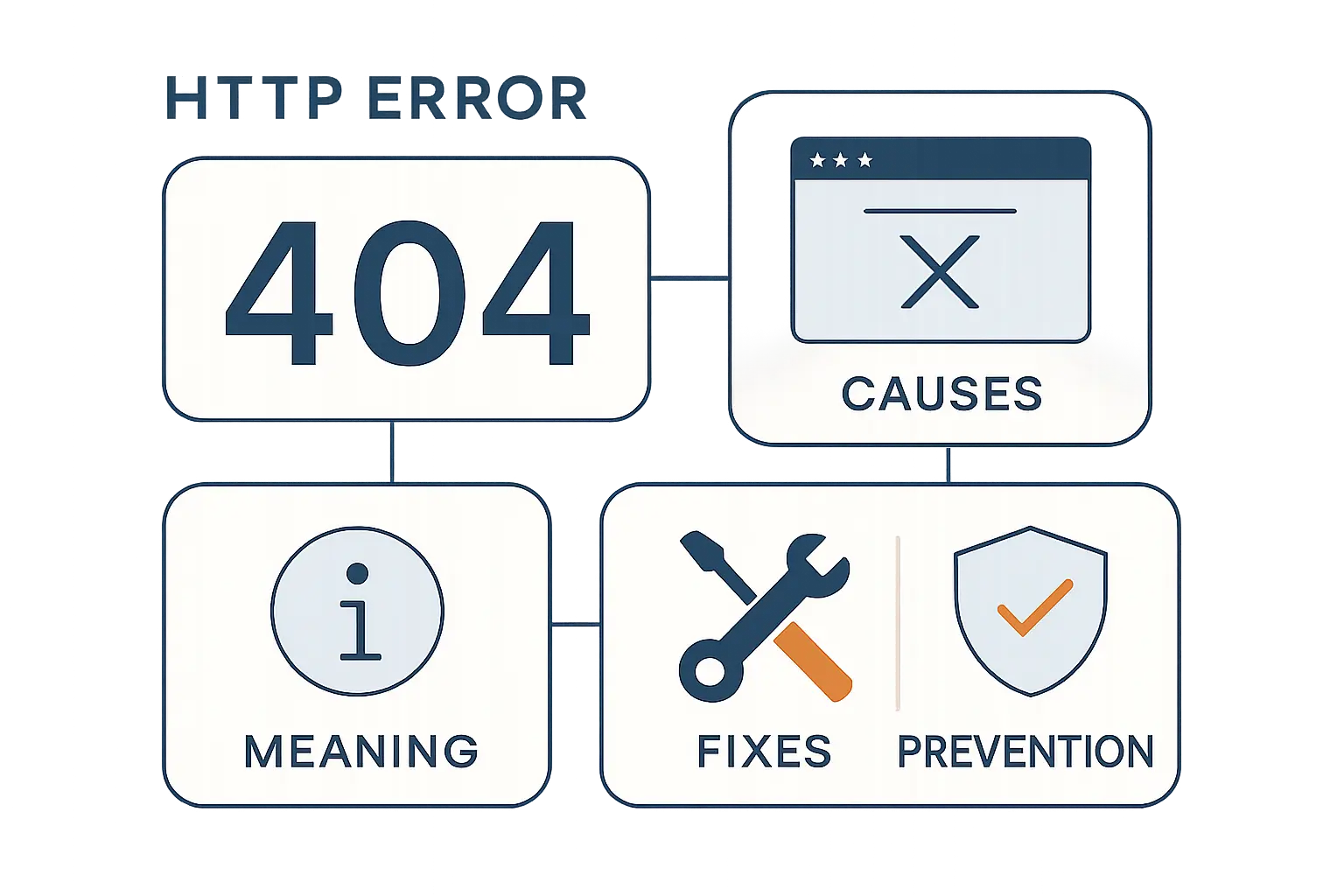
- What HTTP Error 404 Means
- Common Causes of 404 Errors
- How to Fix a 404 Error as a Visitor
- How Website Owners Can Fix 404 Errors
- Server and Configuration Issues Behind 404 Responses
- How 404 Errors Affect SEO and User Experience
- How to Find and Prevent 404 Errors on Your Website
- How to Create a Better Custom 404 Page
- 404 vs Similar Errors
- FAQ About HTTP Error 404
- How 1Byte Helps Prevent and Resolve 404 Errors
- Key Takeaways on HTTP Error 404
At 1Byte, we treat a 404 as more than a dead page. Across modern digital businesses, every URL is a doorway to a product, an article, a support answer, or a checkout step. As the web now serves 5.56 billion individuals worldwide in February 2025, even a small path mistake can affect real visitors, search crawlers, and revenue flows.
Just as important, digital commerce keeps getting bigger, not smaller. Global eCommerce is projected to reach US$4.32tn in 2025, which means a broken product page or missing landing page can quietly turn into lost demand. We have seen retailers break campaign URLs after seasonal cleanups, and we have seen SaaS teams lose help-center traffic after renaming knowledge-base slugs without mapping the old ones.
What HTTP Error 404 Means
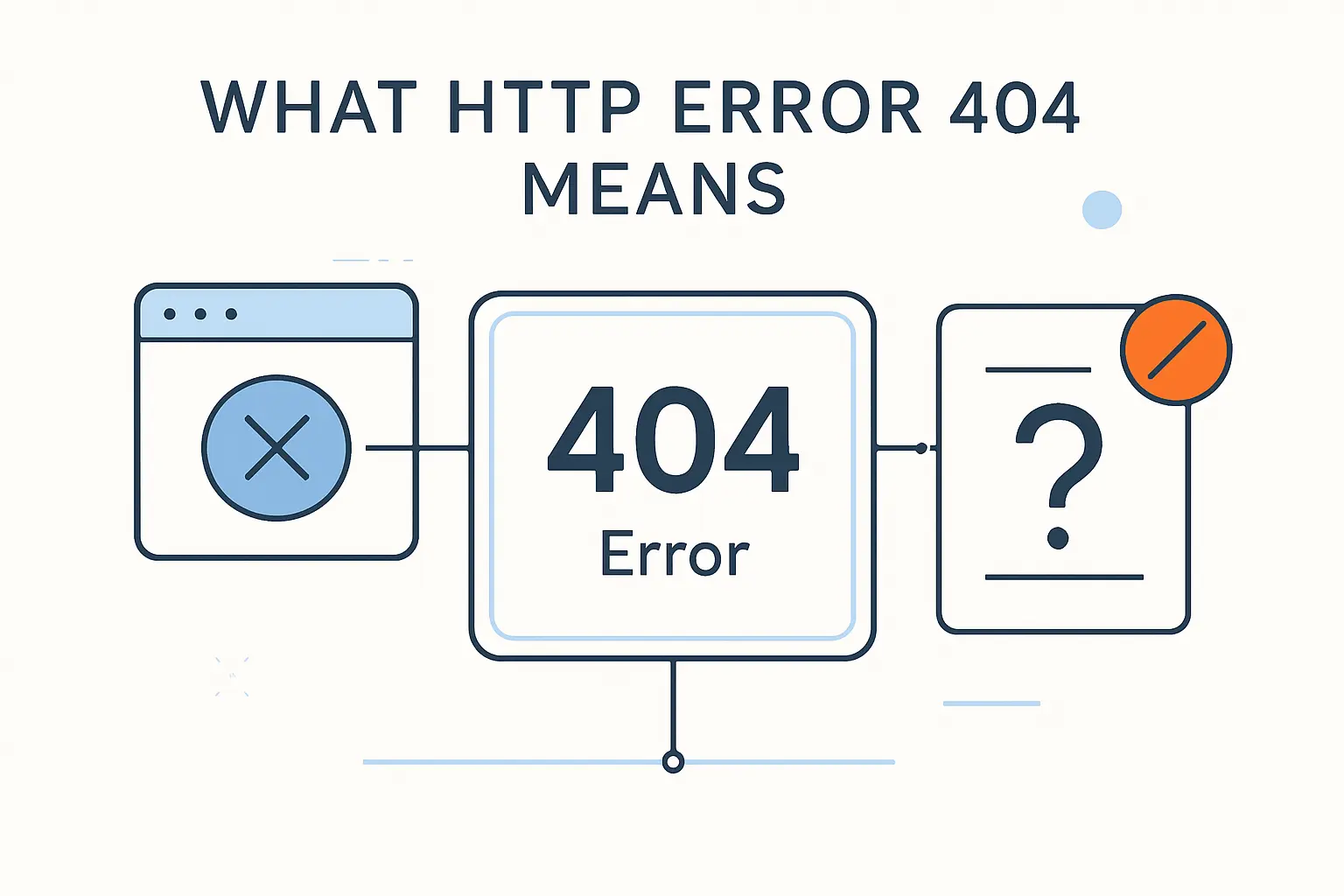
Before we fix a 404, we need to define it clearly. The code is simple on the surface, but the business meaning depends on context, timing, and server behavior.
1. How HTTP Error 404 fits into the 4xx status code range
In HTTP, the 4xx range covers client-side request problems. That does not always mean the visitor personally did something wrong; it means the server received the request and answered that something about the requested target is invalid, missing, blocked, or unsupported. From our perspective, 404 sits in that family because the server is reachable, the conversation happened, and the response is specifically “I cannot find that resource.”
2. Why a 404 does not always mean permanent removal
Often, people assume a 404 means the page is gone forever. That is too narrow. As MDN explains, a 404 only tells us the resource is missing, not whether the condition is temporary or permanent, so the same code can appear after a bad deployment, a typo in a link, a missing route, or a page that was intentionally deleted.
3. Why HTTP Error 404 is called 404
The plain answer is usually the correct one: 404 is the numeric status code assigned to “Not Found” in HTTP. Over the years, stories have circulated about room numbers and origin myths, but those tales are not the technical reason the web uses 404. For most site owners, the useful takeaway is not the folklore; it is that the number has a standardized meaning that browsers, bots, proxies, and servers all understand.
Common Causes of 404 Errors
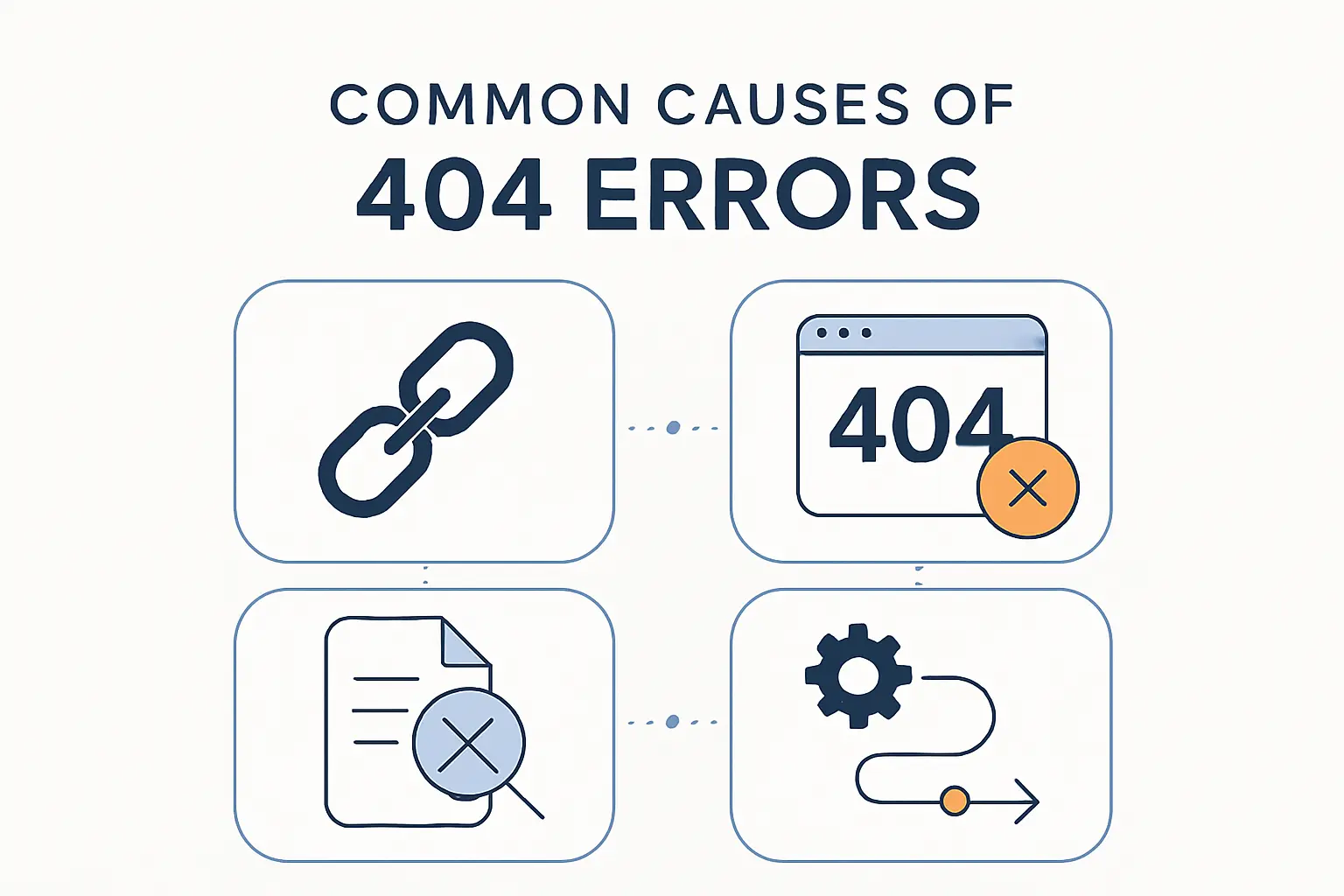
Most 404s are not mysterious. In practice, they usually appear after content changes, URL mistakes, or configuration gaps that nobody noticed during launch.
1. Moved or deleted pages without redirects
A page is often still valuable after its URL changes. Marketing teams rename campaign paths, bloggers shorten slugs, and stores archive seasonal collections, yet the old address keeps living in bookmarks, emails, and search results. We regularly see this after redesigns: a page moves cleanly in the CMS, but nobody creates a redirect, so the old URL becomes a dead end.
2. Mistyped URLs, broken links, and wrong path formatting
Some 404s are simply spelling problems. A missing character, an extra slash, the wrong file extension, or incorrect capitalization can all point a request to a location that does not exist. On Linux-based servers, case sensitivity matters, which means /About and /about may behave like two different paths.
3. Missing files, routes, and server configuration problems
Application logic can create 404s even when the content should be there. A missing image file, an unregistered framework route, a wrong document root, or a deployment that skipped one directory can make a working page vanish. In our hosting work, this is especially common when a site runs correctly on staging but production points to the wrong release folder.
How to Fix a 404 Error as a Visitor
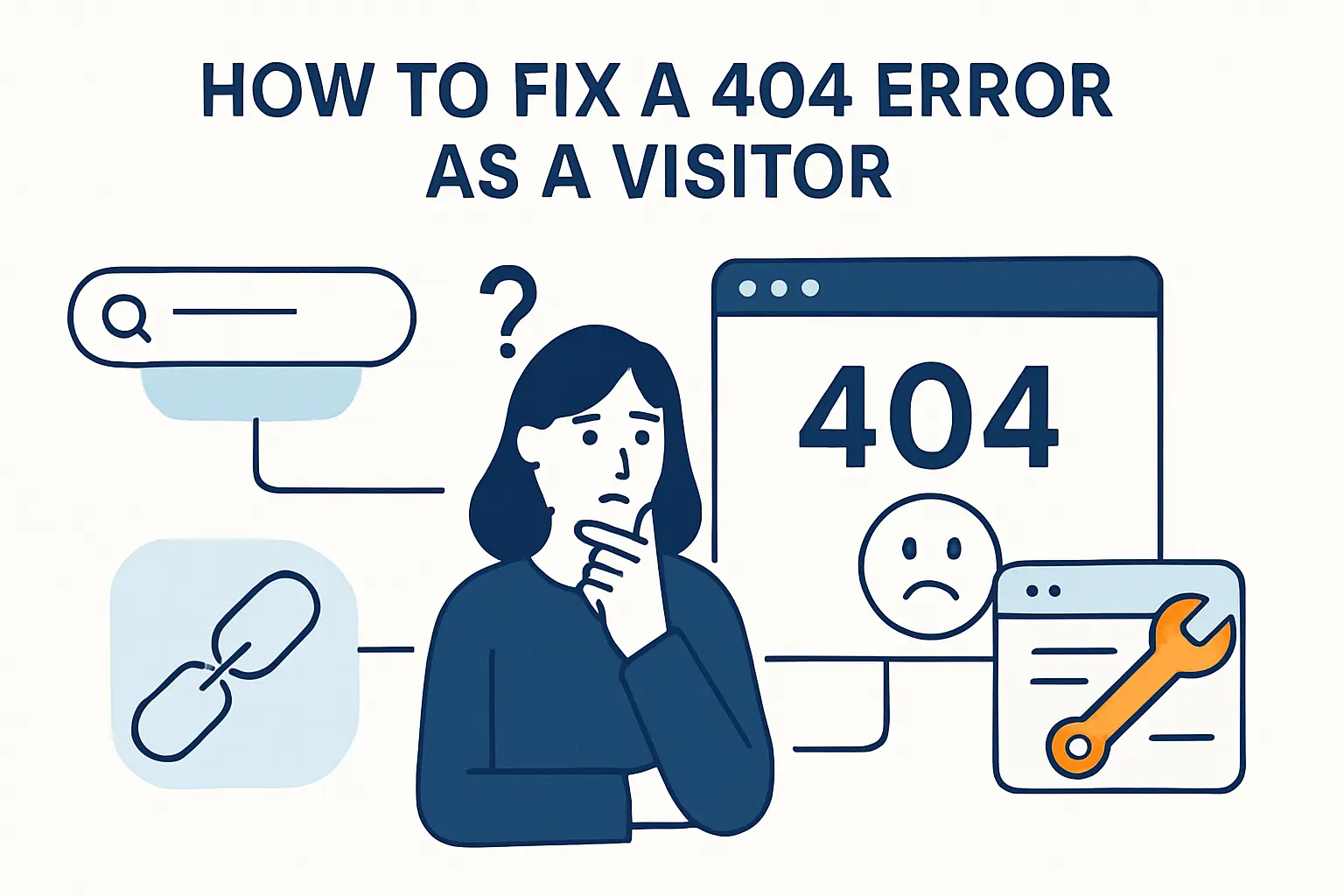
If you are the visitor rather than the site owner, your job is to test the obvious fixes quickly. Many 404s disappear after a few basic checks.
1. Reload the page and check spelling, case sensitivity, and slashes
Start with the easiest steps. Refresh the page, then inspect the address bar character by character. Sometimes the problem is as small as a capital letter, an omitted hyphen, or a trailing slash that the server expects in a specific format.
2. Work back through the folder path and use website search
When a deep page fails, trim the URL one level at a time. A broken article path might still let you reach the blog category, the docs home, or the product section above it. From there, site search or navigation menus can often reveal the new location of the content.
3. Clear cache and cookies or contact the website owner
Browsers sometimes hold on to outdated paths, redirects, or login state. Clearing cache and cookies can help if the site changed recently or if your session is confused. If the page still fails, contacting the website owner is the practical next move, especially when the broken URL came from their email, menu, or ad.
How Website Owners Can Fix 404 Errors
For site owners, a 404 is a maintenance signal. The right fix depends on whether the content still exists, moved somewhere else, or should stay gone.
1. Restore missing content or point users to the correct URL
If the page disappeared by mistake, restore it. When the content exists under a new address, send visitors there instead of leaving them stranded. Our rule is simple: if users still expect the old page to work, we should either bring it back or guide them to the closest valid destination.
2. Use 301 redirects for moved pages and 410 for permanently removed content
Choosing the status code tells both people and machines what happened. Google advises site owners to return a 404 or 410 when no replacement exists, and a 301 when the page has moved, which keeps intent clear for visitors, browsers, and search engines. In our view, that clarity is half the battle because vague handling usually creates more cleanup later.
3. Update internal links, navigation, and XML sitemaps
Redirects help, but they should not become a permanent crutch. Once a URL changes, menus, in-text links, breadcrumbs, canonicals, and sitemaps should point directly to the current page. Otherwise, the site keeps advertising outdated paths to users and bots, which turns one cleanup job into an ongoing leak.
Server and Configuration Issues Behind 404 Responses
Not every 404 is about missing content. Sometimes the resource exists, but the web stack routes the request to the wrong place or rejects it for a hidden reason.
1. Rewrite rules, document roots, and trailing slash issues in Apache and Nginx
On Apache and Nginx, routing rules can create surprising misses. The official Nginx documentation notes that Nginx can return a permanent redirect when a matching location is requested without its trailing slash, and that behavior can clash with application routes if the site expects a different path pattern. Apache can produce similar confusion when rewrite order, base paths, or the document root points requests at the wrong directory.
2. IIS virtual directories, handlers, web extensions, and MIME mappings
Windows hosting adds its own layer of specificity. Microsoft documents that IIS uses 404.3 for MIME type restriction and 404.8 for hidden namespaces, which means the browser may show “Not Found” even though the deeper issue is handler setup, MIME configuration, or a security rule. For beginners, that is a crucial distinction because restoring the file alone may not solve the problem.
3. Request filtering, hidden files, and host configuration mismatches
Security settings can also masquerade as simple missing pages. A request may hit the wrong virtual host, the wrong site binding, or a default server block that has no matching content for that hostname. Meanwhile, hidden directories, blocked extensions, and deny rules can trigger 404-like outcomes that look content-related until we inspect logs and host mappings closely.
How 404 Errors Affect SEO and User Experience
Some teams treat 404s as cosmetic. We do not. They shape trust, crawl behavior, and the efficiency of your entire conversion path.
1. Dead ends frustrate visitors and weaken trust
A 404 breaks momentum. Someone clicks with intent, expects an answer, and lands on an error instead. Once that happens on key pages such as pricing, support, product, or signup flows, trust drops fast because users begin to wonder what else on the site is outdated.
2. Search engines can remove missing URLs from results
Persistent 404s also have search consequences. Google states that URLs that return 4xx status codes are removed from Google’s index over time, so a page can quietly lose visibility if the error lingers. For businesses that rely on organic traffic, that makes cleanup a revenue issue, not just a technical chore.
3. Soft 404 pages send mixed signals to crawlers
A soft 404 happens when a page looks like an error page but returns a success status such as 200. Search engines see a mismatch: the HTTP layer says the page is fine, while the content says the page is gone or empty. From our standpoint, soft 404s are often worse than honest 404s because they confuse debugging, waste crawl attention, and blur reporting.
How to Find and Prevent 404 Errors on Your Website
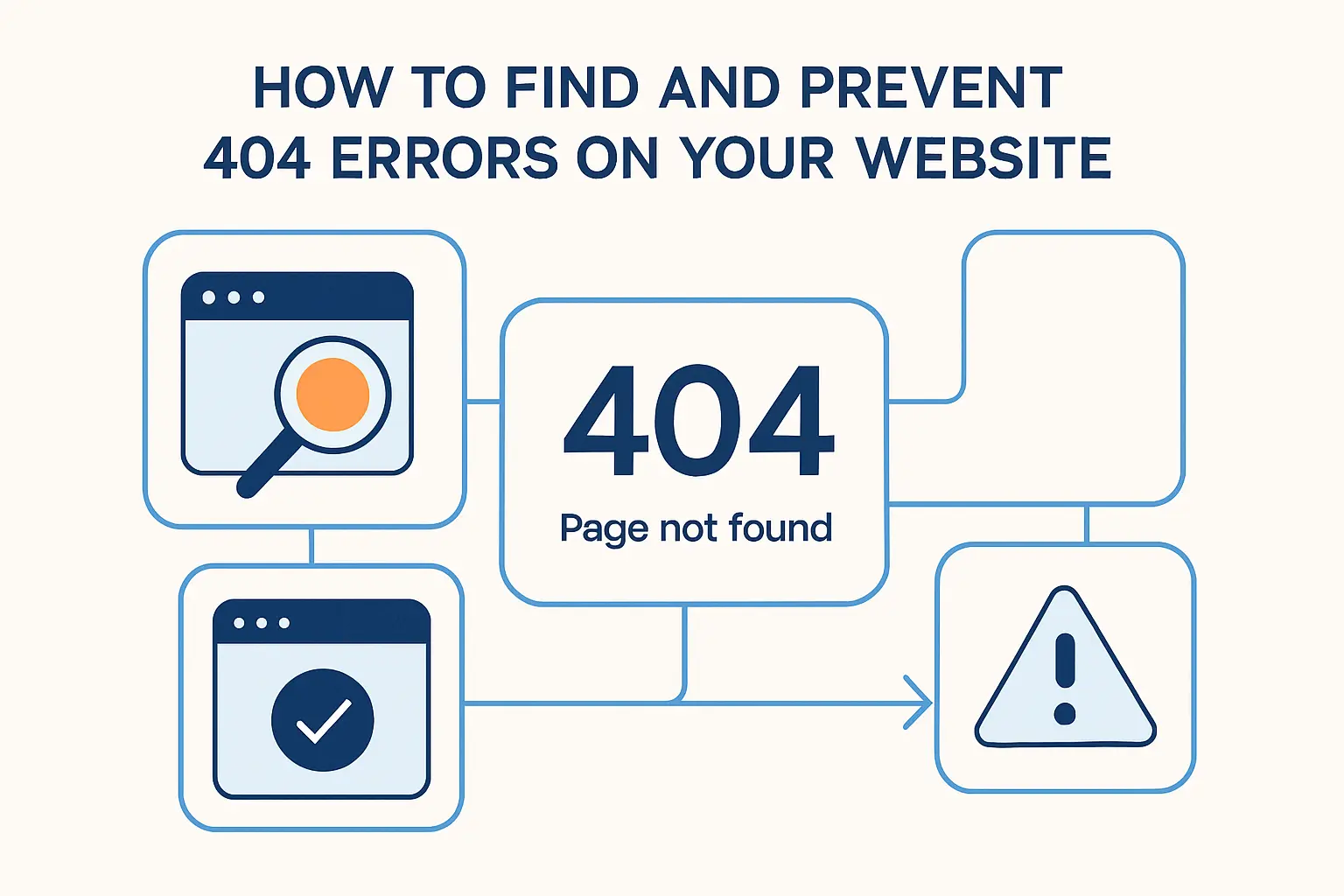
Good teams do not wait for angry emails to discover broken URLs. Prevention comes from monitoring, review habits, and disciplined release processes.
1. Use Google Search Console and website crawlers
Search Console shows which URLs Google tried to fetch and how they behaved, while crawl tools can simulate link discovery across your site before users do. We like using both because each sees a different slice of reality: crawlers expose internal link issues quickly, and Search Console shows what search engines actually encountered.
2. Review log files and traffic to 404 pages
Logs tell the truth when dashboards get fuzzy. They show the requested path, referrer, user agent, hostname, status, and frequency, which helps us separate random bot noise from high-value broken URLs. If a dead page still receives traffic, backlinks, or conversion-intent visits, it deserves priority.
3. Audit links after redesigns, migrations, and content updates
Most large 404 spikes arrive after change. A redesign can alter URL patterns, a CMS migration can rename slugs, and a content refresh can retire folders that still appear in menus or emails. That is why we recommend a structured post-launch audit every time templates, routes, domains, or permalink settings change.
How to Create a Better Custom 404 Page

A custom 404 page should not just apologize. It should recover the visit, protect the brand, and point people toward the next useful step.
1. Return the correct status code and avoid soft 404s
The design can be beautiful, but the HTTP response still matters. If the page says “not found,” the server should actually return a 404 or another intentional status that matches the situation. Otherwise, reporting becomes muddy, crawlers misread the page, and teams lose confidence in their monitoring.
2. Offer search, navigation, and links to key pages
The best custom 404 pages act like recovery hubs. A site search box, links to popular sections, the homepage, documentation, contact channels, or current offers can rescue the session. In our experience, even one good next step can turn a dead click into a successful visit.
3. Keep the design clear, helpful, and consistent with your brand
Humor can help, but clarity comes first. Visitors should instantly understand what happened and what they can do next. A clean design that matches the rest of the site reassures users that the business is still credible, even when the requested page is not.
404 vs Similar Errors
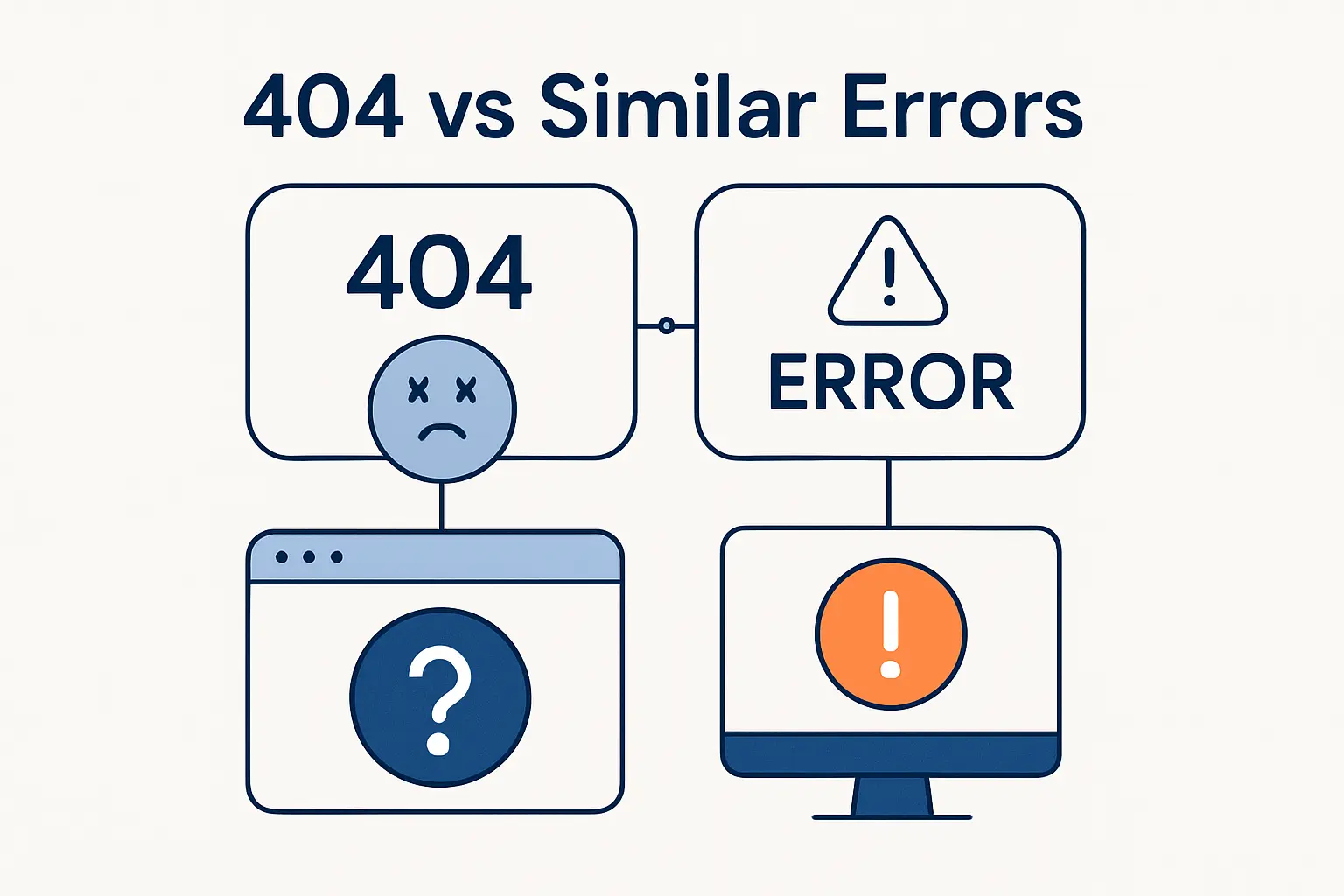
HTTP errors look alike to many users, but they mean different things technically. Getting that distinction right is essential when we troubleshoot or explain the problem to customers.
1. 404 vs 403 Forbidden
A 404 means the resource was not found at the requested URL. A 403 usually means the server understood the request but refuses access. In other words, 404 is about absence, while 403 is about permission, though some sites intentionally return 404 to hide the existence of protected resources.
2. 404 vs 410 Gone
A 410 is more explicit than a 404. It tells clients that the resource used to exist but is now intentionally gone. We use 410 when a page is retired for good and there is no sensible replacement, because that sends a cleaner signal than leaving everyone to guess.
3. 404 vs 500 Internal Server Error
These two often get confused by non-technical users. A 404 says the server is up and responding, but it cannot find the target resource. A 500 says the server itself failed while trying to handle the request, which points us toward application bugs, permissions, dependencies, or misbehaving server processes.
4. 404 vs DNS errors
A DNS error happens before HTTP really starts. If the domain name cannot resolve to the correct server, there may be no valid HTTP response at all, which is very different from a 404 coming from a reachable web server. Put plainly, 404 means “the server answered and said no page,” while a DNS issue means “the browser could not reliably reach the right server in the first place.”
FAQ About HTTP Error 404
Below are the questions we hear most often from beginners, site owners, and support teams. Short answers help, but the nuance matters, so we answer them plainly.
1. What does HTTP error 404 mean?
It means the server received the request but could not find the resource at that URL. The server may still be healthy, and the rest of the website may still work. Usually, the issue is the specific path, file, route, or page being requested.
2. How do I fix HTTP error 404?
As a visitor, check the URL, reload the page, move up the path, or use site search. As a site owner, restore the content, add a redirect, fix the route, or correct the server configuration. The right fix depends on whether the content moved, disappeared, or was never available at that address.
3. Does HTTP error 404 mean I was blocked?
Usually, no. A block is more commonly represented by a permission-related response such as 403, a login wall, or a firewall challenge. That said, some applications deliberately show 404 instead of 403 so they do not reveal whether a protected resource exists.
4. Is HTTP error 404 my fault?
Not necessarily. Sometimes the user typed the wrong address, but many 404s come from outdated links, broken menus, bad redirects, or server-side misconfiguration. When a link came from the website itself, the responsibility is usually on the site owner, not the visitor.
5. What is a soft 404 error?
A soft 404 is a page that looks missing or empty but still returns a success status instead of a real error status. Search engines and monitoring tools may flag it because the HTTP signal and the visible content do not agree. That mismatch makes diagnosis slower and SEO reporting messier.
6. What is the difference between HTTP error 404 and 410?
A 404 means the resource was not found, without clearly saying whether that is temporary or permanent. A 410 is a stronger statement that the resource is intentionally gone. If we know a page will not come back, 410 is usually the more precise choice.
How 1Byte Helps Prevent and Resolve 404 Errors
At 1Byte, we look at 404 prevention as part of overall website reliability. Broken URLs rarely live alone; they tend to appear beside DNS drift, rushed deployments, unclear redirects, and weak hosting workflows.
1. Build a reliable website foundation with domain registration and SSL certificates
Reliable web delivery starts with the basics. Domain registration, DNS hygiene, and SSL certificates help ensure users reach the right host securely and consistently. When those foundations are well managed, migrations and renewals are far less likely to create confusing broken paths or trust-damaging browser warnings.
2. Manage site changes with WordPress hosting, shared hosting, and cloud hosting
Different sites break in different ways, so hosting flexibility matters. WordPress projects often need careful permalink, plugin, and media-path management, while shared hosting users benefit from simpler file handling and clear redirect controls. On cloud hosting, teams gain more room for staging, release discipline, and rollback plans before a route change becomes a public 404.
3. Scale troubleshooting and performance with cloud servers from an AWS Partner
As an AWS Partner, we can help businesses move beyond guesswork when traffic grows or architectures become more distributed. Cloud servers, structured logging, reverse proxies, load balancing, and better observability make it easier to see whether a 404 comes from the app, the web server, the host mapping, or the deployment pipeline. For growing teams, that visibility is what turns repeated firefighting into a repeatable operating process.







Key Takeaways on HTTP Error 404
At 1Byte, our view is straightforward: a 404 is not just an error code, but a signal about how well a website handles change. Some 404s are harmless, some are temporary, and some quietly drain trust, traffic, and sales until someone notices. If your site has gone through a redesign, migration, slug cleanup, or hosting change recently, why not review your top broken URLs now and decide which ones should be restored, redirected, or retired with intent?