

- Quick Comparison of AI Stock Trading Bot Free
- Top 20 AI Stock Trading Bot Free Tools and Platforms
- Stock-Focused Tools Versus Crypto-First Bots
- How to Choose a Free AI Stock Trading Bot Platform
- How Free AI Stock Trading Bots Help Beginners
- Free Plans, Trials, and Hidden Limits
- Common Risks and Beginner Mistakes
- Frequently Asked Questions About Free AI Stock Trading Bots
- How 1Byte, a Cloud Computing and Web Hosting Provider, Supports Custom AI Trading Bot Setups
Searching for the best AI stock trading bot free option gets confusing fast. True no-cost stock bots are rare. Many tools sold as “AI” are really scanners, alert engines, or paper-trading sandboxes. Once we reviewed this market, we found that some of the cheapest options were also crypto-first, not stock-first. At 1Byte, we think beginners need that distinction before they compare anything else.
That confusion is not random. Product teams are pushing hard into finance AI, and Grand View Research estimated the generative AI in financial services market at USD 2.21 billion in 2024. So we judged these tools on stock relevance, honest free access, beginner fit, and whether they help us test a simple rule before we risk real cash.
Quick Comparison of AI Stock Trading Bot Free

We treat this table as a first-pass filter, not a final winner board. Some entries below are true free plans. Others are limited trials, delayed-data tiers, or platforms that skip a bot subscription but still charge normal trading fees.
| Service/Tool | Best for | From price | Trial/Free | Key limits |
|---|---|---|---|---|
| Trade Ideas | Intraday stock scanners | $89/mo | Free delayed plan | Expensive, Windows-first |
| StockHero | Easy stock bot setup | $49.99/mo | 14-day trial | Lite capped at 2 active bots |
| TrendSpider | Chart-driven stock analysis | $52.38/mo | 14-day paid trial | Caps by plan on bots and alerts |
| Tickeron | AI pattern ideas | $20/mo | 14-day trial | Modular pricing, not one flat plan |
| Composer | No-code stock and ETF systems | $40/mo | 14-day trial | Scheduled trading window |
| Capitalise.ai | Plain-language automation | $0 | Free via partners | Broker coverage is limited |
| Magnifi | Investment discovery | $0 | Free basic | Not a true bot executor |
| TradingView | Charts, alerts, paper trading | $0 | Free plan | Automation often needs add-ons |
| Finviz | Fast U.S. stock screening | $0 | Free plan | No native bot execution |
| MetaTrader 5 | DIY algo trading with demos | $0 | Free platform | Needs EAs, coding, or broker support |
Top 20 AI Stock Trading Bot Free Tools and Platforms
Our ranking leans toward tools that let beginners learn in the safest order: scan, paper trade, automate one narrow rule, then scale. That is why stock-first research and automation tools sit above cheaper crypto bots, and why managed-plan products with thin strategy transparency land near the bottom.
1. Trade Ideas
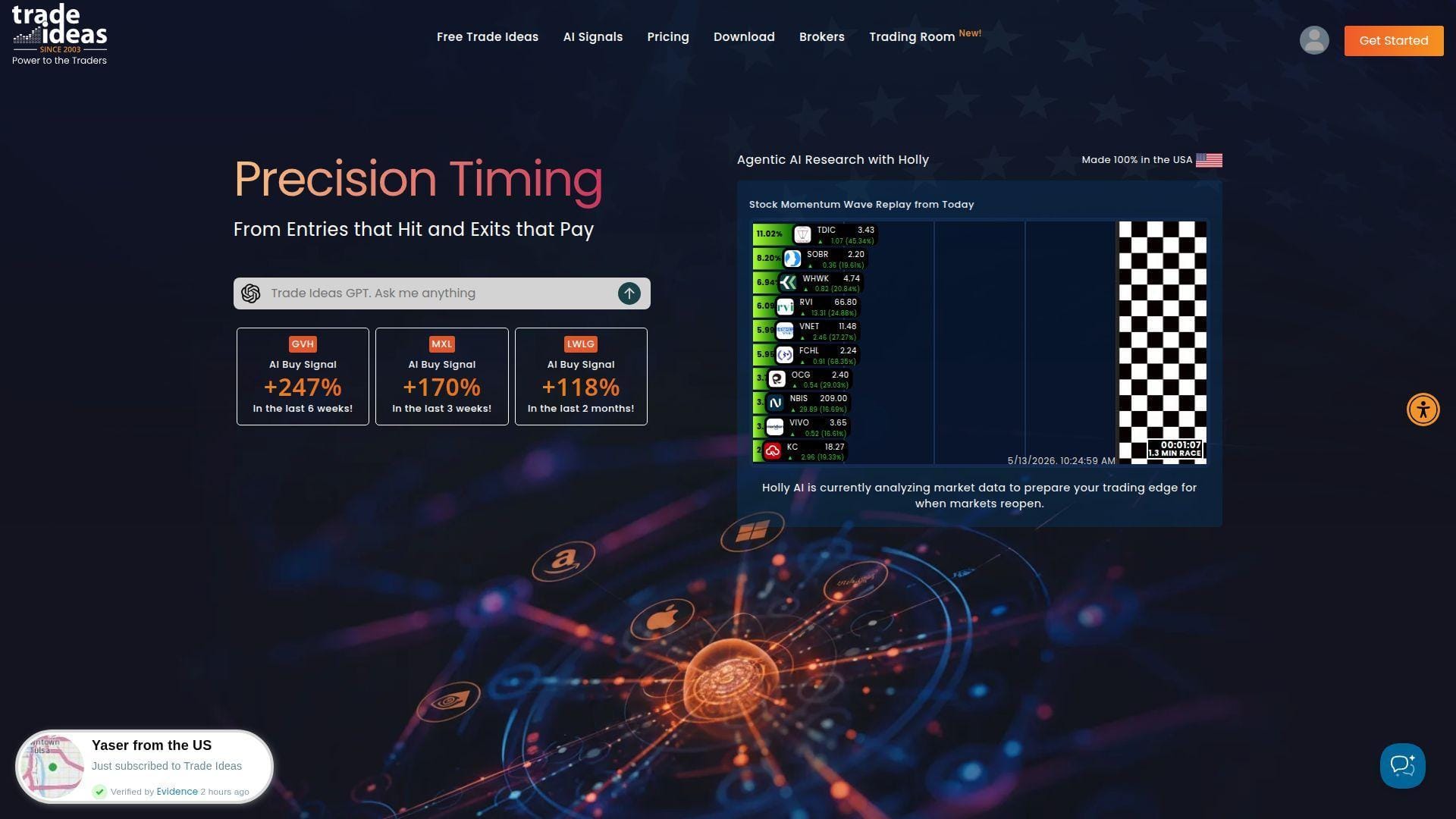
Trade Ideas still feels built by active stock traders, not by a generic AI startup. The company has spent years focused on U.S. equities, live scanning, and intraday workflows, and that focus shows. At 1Byte, we still think it is the sharpest pure stock scanner on this list, especially for traders who care about premarket momentum, price alerts, and fast watchlist building.
Best for: active day trader, solo momentum trader.
- Holly AI scanners and market dashboards → surface unusual movers early, so you can cut a giant stock universe down to a tight intraday list in one screen.
- Paper trading, Brokerage Plus, and in-app execution tools → move from scan to simulated or routed order without bouncing between three separate apps.
- Curated layouts and channel-bar templates → get to a workable setup in about 30 minutes, even if real mastery takes much longer.
Pricing & limits: From $89/mo billed annually or $127/mo month to month. There is a free browser account, but it is really a learning tier with delayed data, not a live trading plan. Basic gives you the core scanner stack. Premium adds Holly, backtesting, and heavier AI features.
Honest drawbacks: It is expensive. The Windows-first heritage still shows, and the interface can feel dense on day one. We also would not buy it until we already knew we wanted fast U.S. stock trading rather than slower swing setups.
Verdict: If you want the best stock-specific scanner here, this helps you spot and test setups fast. It beats Finviz at live signal depth and trails Composer on beginner-friendly automation.
2. StockHero
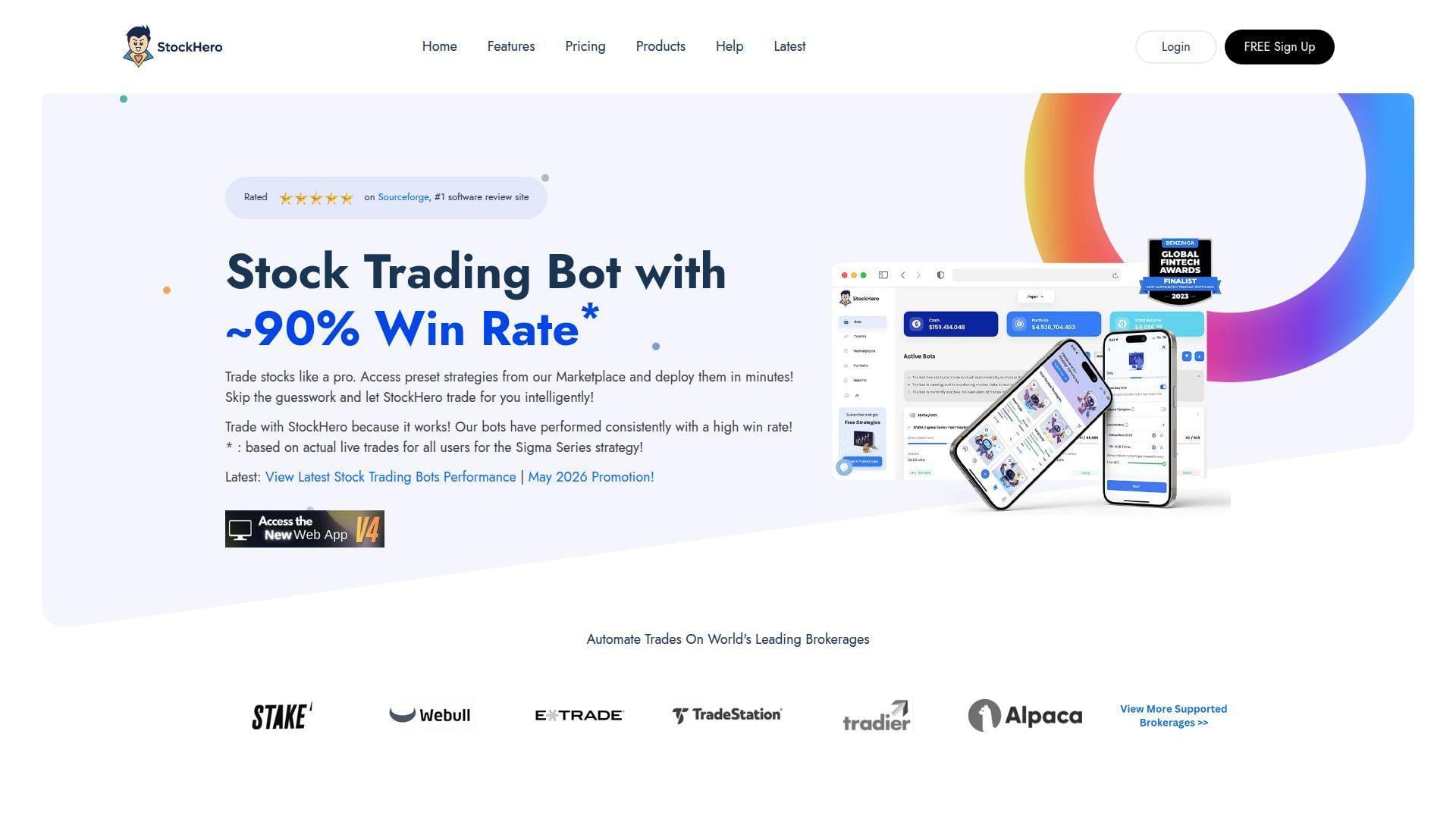
StockHero is a cloud-based stock bot platform with a much more practical feel than its name suggests. The team has centered the product on broker connections, preset bots, and guided setup rather than on abstract AI jargon. We like that. For beginners, that focus makes the product easier to understand than many “smart” platforms that still leave you wiring everything together by hand.
Best for: beginner stock trader, solo swing trader who wants presets before custom logic.
- Preset bots and marketplace strategies → launch a rule-based stock bot fast, even if you do not know how to build one from scratch yet.
- Broker integrations, TradingView support, and AI chatbot tools → cut several setup steps between a signal, a bot, and a live broker account.
- White Glove onboarding → get to first live value in under an hour if you start with a preset instead of a fully custom bot.
Pricing & limits: From $49.99/mo. The Lite plan includes a 14-day free trial with 1 active bot during the trial and 2 once paid. Premium raises that to 15 active bots. Professional goes to 50 and unlocks faster trading frequency and more advanced bot options.
Honest drawbacks: The serious features live behind Premium or Professional. Lite users also get lower bot-processing priority, which matters when you are testing fast signals. You still need a separate broker account, so it is not as self-contained as Composer.
Verdict: If you want easy stock automation without learning code, this helps you go from rule idea to broker-connected bot quickly. It beats Trade Ideas on simple automation and trails Composer on portfolio-level logic.
3. TrendSpider
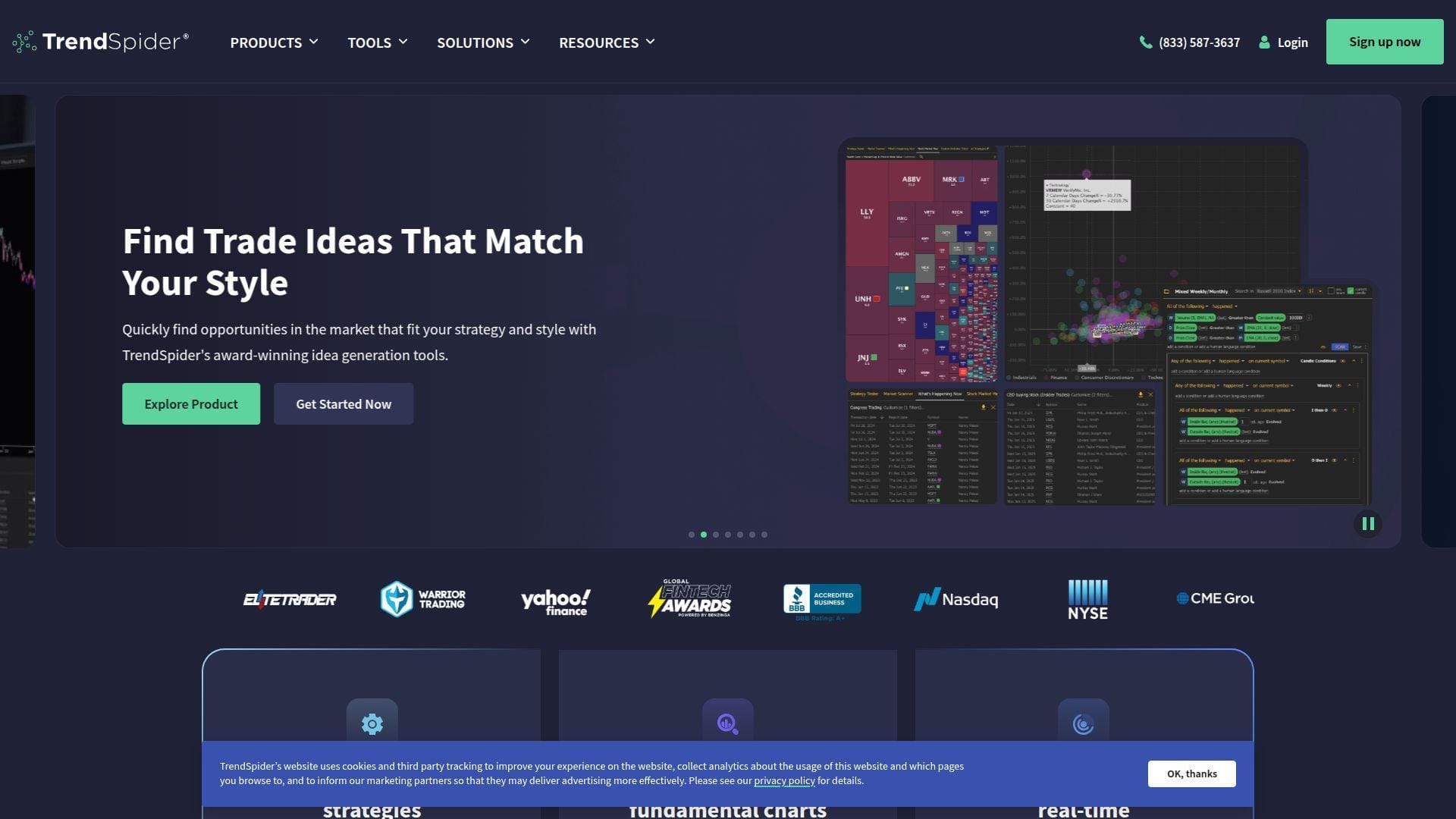
TrendSpider is one of the few platforms here that genuinely blends charting, scanning, backtesting, and light automation in one cloud product. The team built it for traders who think visually and want the software to do some of the repetitive chart work. We like it most for swing traders and technical users who want more than alerts, but do not want a raw coding stack.
Best for: visual swing trader, technical analyst who wants charts and automation in the same workflow.
- Automated trendlines, pattern recognition, and scanners → cut chart-markup time and help you validate setups faster across many symbols.
- Trading widget, SignalStack access, and built-in AI assistant → shorten the path from chart idea to alert or routed order without a messy tool chain.
- Cloud delivery plus templates → get to first useful scan or alert in about 30 to 60 minutes, which is fast for a tool this deep.
Pricing & limits: From $52.38/mo on annual billing for Standard. The trial is paid, starting at $19 depending on plan. Limits vary by plan across workspaces, alerts, bots, and backtest depth, so beginners should read that grid closely before upgrading.
Honest drawbacks: The paid trial will put off people who only want to browse. The interface is powerful but busy, and some users will still prefer TradingView for community scripts or simpler charting. It also is not a full brokerage like Composer.
Verdict: If you want a chart-first research platform that can grow into automation, this helps you move from visual setup to repeatable scan in a single afternoon. It beats TradingView on built-in automation and trails Trade Ideas on intraday stock specialization.
4. Tickeron
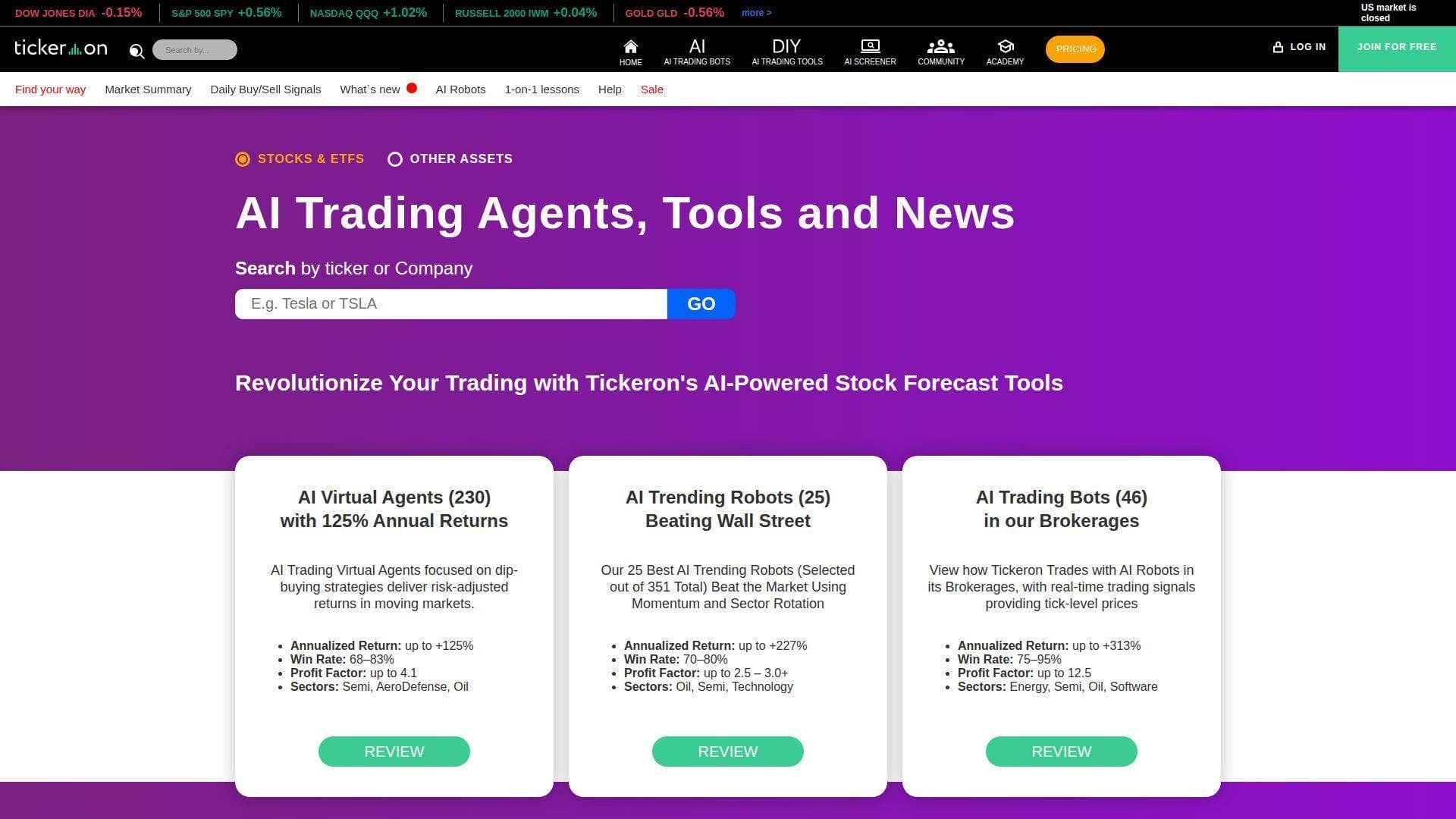
Tickeron is an AI-heavy research platform built around its Financial Learning Models, pattern tools, and trading agents. We do not think it is the cleanest product in this category, but it can be useful if your main goal is idea generation rather than instant, broker-level stock execution. The team clearly aims to serve traders who want AI help early in the workflow.
Best for: idea-hungry beginner, trader who wants AI pattern feeds before full automation.
- Real-Time Patterns and AI pattern search → find chart setups across stocks, ETFs, crypto, and forex faster than manual scanning ever could.
- AI agents, alerts, and paper-trade support → test ideas without needing to wire a separate coding stack first.
- Modular product entry points → get to a first usable signal feed in 10 to 20 minutes, even if choosing the right module takes longer.
Pricing & limits: From $20/mo for Real-Time Patterns after a 14-day free trial. Tickeron also advertises lower starting prices for some signals and higher bundles for AI robots, so the real cost depends on the exact tool you pick. That modular pricing can be useful, but it is also easy to underestimate.
Honest drawbacks: The pricing structure is fragmented. Marketing claims can feel louder than the product map. We would not recommend it to a beginner who wants one flat plan and one obvious workflow. It makes more sense if you already know whether you want patterns, signals, or a specific AI agent.
Verdict: If you want AI-generated trade ideas more than turnkey execution, this helps you build a smarter watchlist fast. It beats Finviz on AI patterning and trails Capitalise.ai on clean no-code automation.
5. Composer
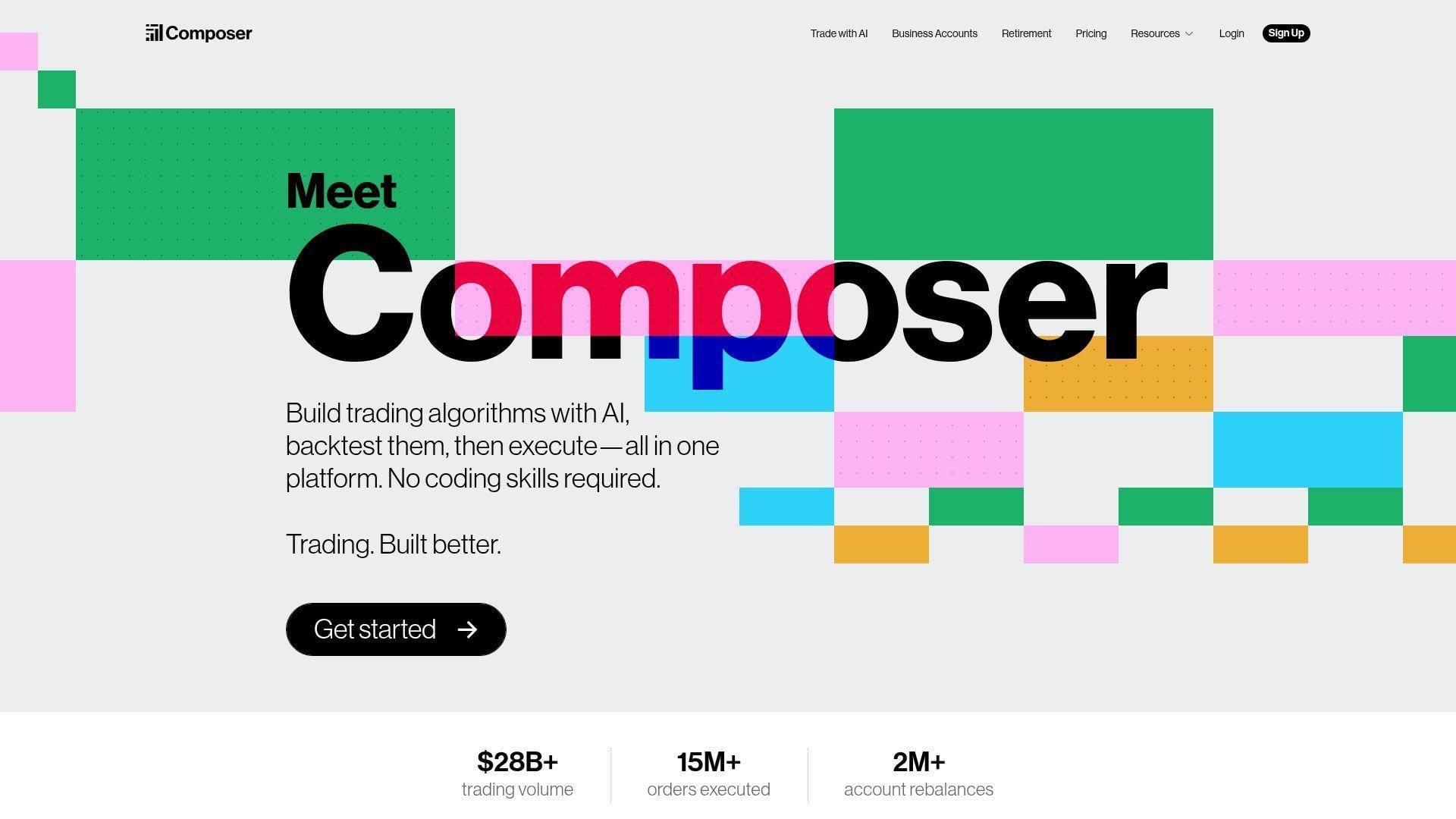
Composer is one of the most interesting stock-side products here because it is both the strategy builder and the brokerage layer. The company built a no-code system for “symphonies,” which are rule-based portfolios that trade automatically. We think that makes it one of the best beginner tools for systematic ETF and stock investing, even though it is not built for frantic intraday trading.
Best for: systematic ETF investor, beginner who wants portfolio logic instead of scalp logic.
- Visual strategy editor with backtesting → build allocation rules, conditionals, and rebalancing logic without writing code.
- AI-assisted strategy creation and one Trading Pass across accounts → cut setup time when you want to test the same logic in taxable and IRA accounts.
- Built-in brokerage and automated execution → reach first live value the same day, because you do not need to bridge to a separate broker app.
Pricing & limits: From $40/mo billed monthly, or $384/year on the annual plan. Composer also offers a 14-day free trial. One Trading Pass covers multiple account types, including individual accounts and IRAs, but trades usually execute during Composer’s scheduled trading period near the close.
Honest drawbacks: This is not the right tool for fast, precise intraday entry timing. The scheduled execution window is a feature for some users and a deal-breaker for others. If you want to control every minute bar, you will feel boxed in.
Verdict: If you want disciplined, automated stock or ETF systems, this helps you move from idea to live portfolio in a weekend, not in months. It beats Capitalise.ai on all-in-one execution and trails Trade Ideas on pure intraday stock scanning.
6. Capitalise.ai
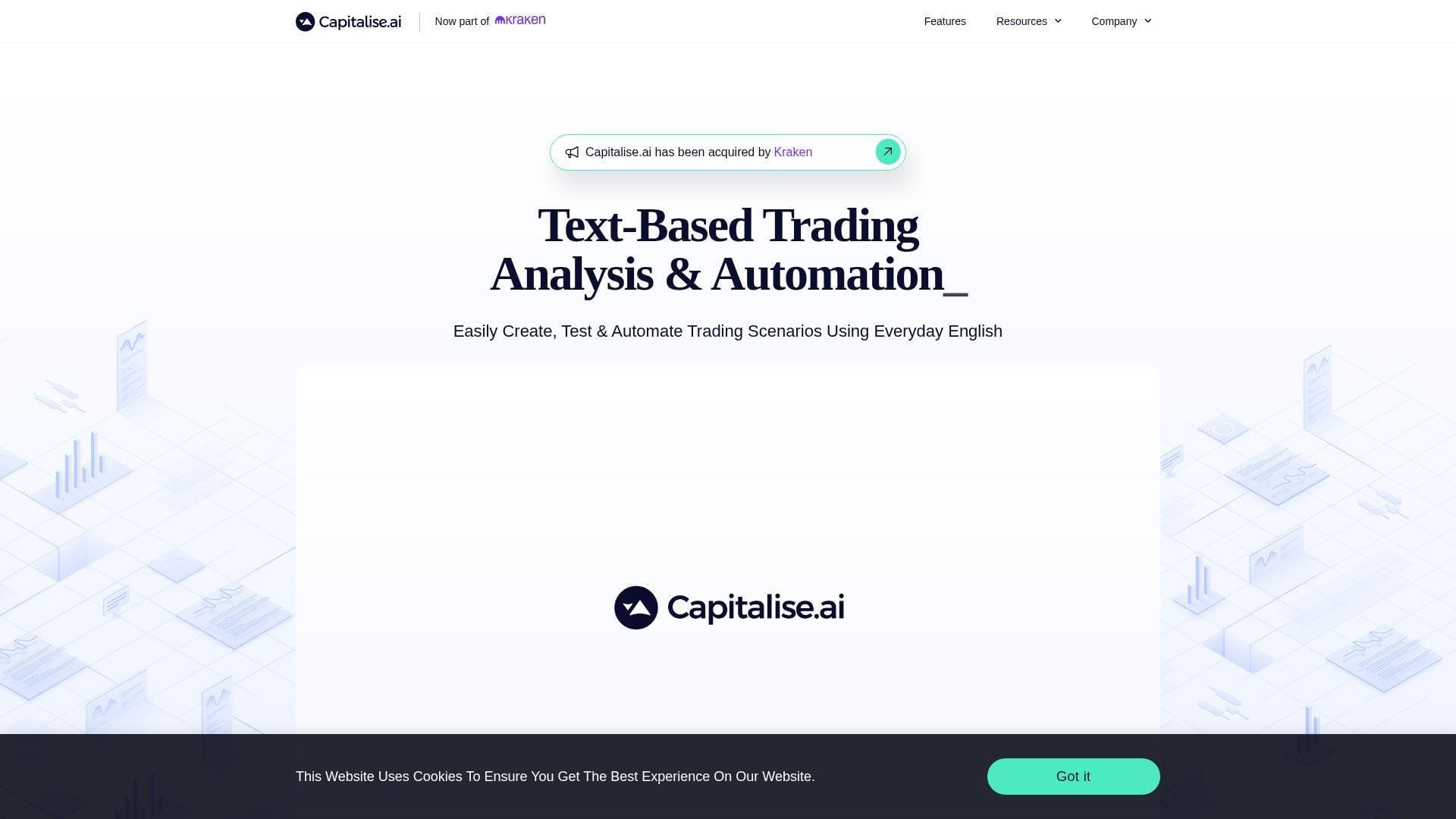
Capitalise.ai sits in the sweet spot between alerts and full code. The team built the product around plain-English strategy creation, backtesting, simulation, and broker-linked execution. We like it because it lowers the barrier without pretending trading is simple. It is one of the clearest ways for beginners to turn “I want to buy when X happens” into a rule.
Best for: broker client who wants no-code rules, beginner who thinks in checklists more than charts.
- Everyday-English strategy builder → turn a trade idea into a readable rule without learning a scripting language first.
- Backtests, simulations, and TradingView webhooks → save several setup steps when moving from chart signal to automated action.
- Free access through partner brokers and exchanges → reach first simulation or live-linked strategy in 15 to 30 minutes if your broker is supported.
Pricing & limits: From $0. Capitalise.ai says anyone can sign up for a free account for now through supported brokers or exchanges, with no monthly fee. On the stock side, it supports U.S. stocks and ETFs, but not traditional futures or options. Broker support is the real gate.
Honest drawbacks: If your broker is not supported, the platform may not help you much. Live results can also differ from backtests because of slippage, timing, and partial fills. That is not a flaw unique to Capitalise.ai, but it matters more here because the product makes automation feel so approachable.
Verdict: If you want to graduate from alerts to rule-based execution, this helps you automate a simple stock workflow quickly and safely. It beats TradingView on plain-language automation and trails Composer on true all-in-one brokerage handling.
7. Magnifi
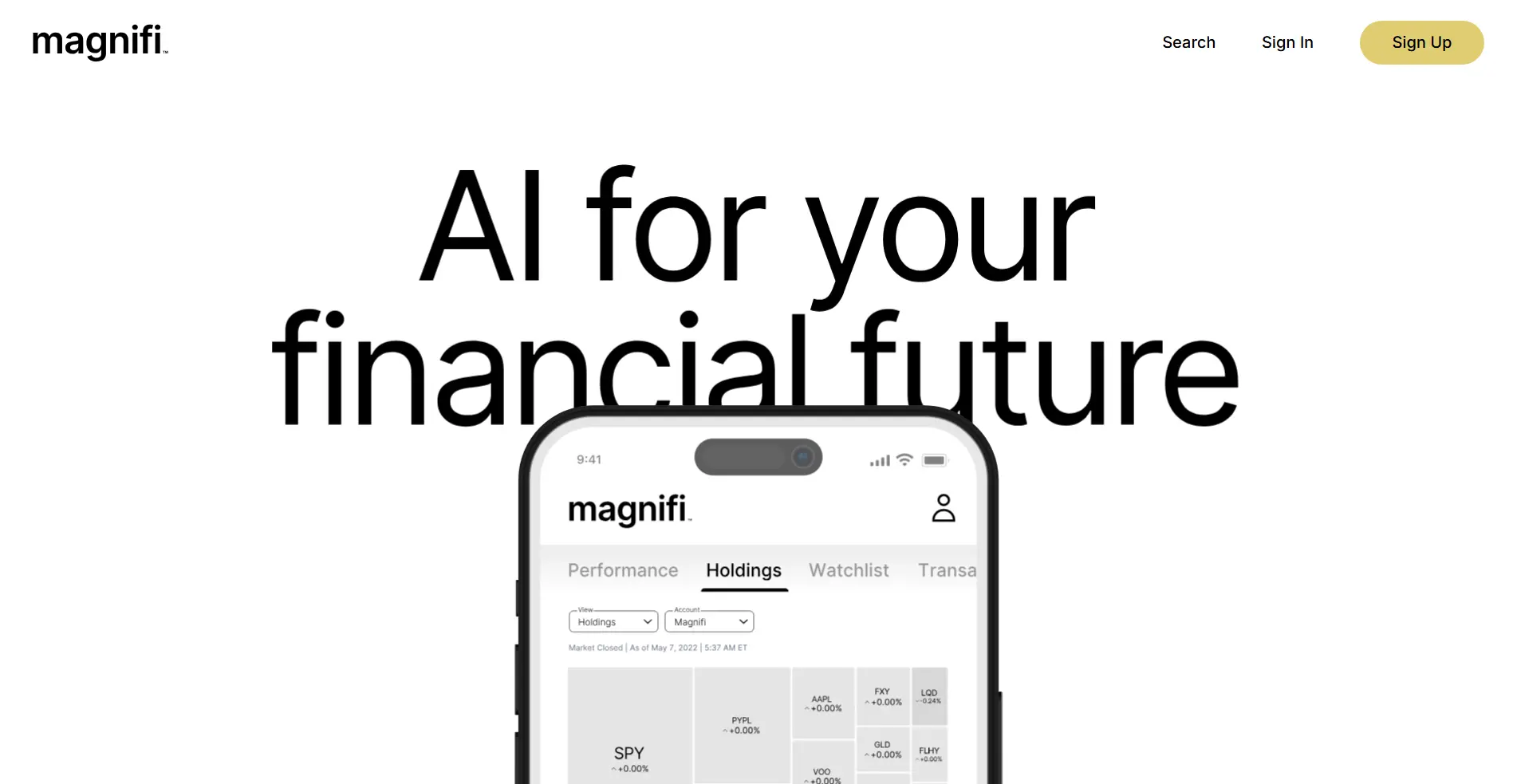
Magnifi is not a true stock trading bot, and we want to be blunt about that. It is an AI-assisted investment discovery platform from the TIFIN group, built around natural-language search and fund comparison. That said, it deserves a place here because many beginners searching for “AI bot” actually need help choosing investments before they need help automating trades.
Best for: beginner investor, advisor or researcher comparing funds and themes.
- Natural-language investment discovery → find ETFs, mutual funds, and stocks by theme instead of memorizing ticker symbols.
- Selector, builder, and proposal tools on paid tiers → compress a lot of compare-and-document work into one workflow.
- Free Basic access → reach first value in minutes because the starting point is search, not setup.
Pricing & limits: From $0/mo for Magnifi Basic. Pro is listed at $250/mo and Pro+ at $500/mo. Magnifi says there are no account minimums, and its FAQ notes that options trading is not supported.
Honest drawbacks: This is research-first, not execution-first. If you want a bot that places stock trades from technical rules, Magnifi is the wrong tool. The premium tiers are also priced more like advisor software than beginner retail tooling.
Verdict: If you are stuck on what to buy rather than how to automate it, this helps you narrow options fast. It beats generic screeners on thematic search and trails almost every other tool here on actual bot execution.
8. TradingView
TradingView is the charting home base for a huge number of retail traders, and for good reason. The product blends charts, alerts, screeners, paper trading, broker connections, and a massive script community. We do not see it as a full AI trading bot by itself. We do see it as one of the best starting points for learning how automated logic should behave.
Best for: chart-first beginner, self-directed trader who wants alerts and scripts before full bot execution.
- Supercharts, screeners, and community scripts → validate and refine ideas quickly without needing a separate research platform.
- Paper trading, broker connections, and webhook-friendly alerts → move from chart idea to testable automation with fewer handoffs.
- Free plan plus long paid-plan trials → get to first useful chart setup in minutes and first serious workflow the same day.
Pricing & limits: From free. Paid plans start at $12.95/mo on annual billing, then $29.95, $59.95, and $199.95 as you move up the stack. The free tier is usable, but alert, chart, and indicator limits arrive quickly if you trade actively.
Honest drawbacks: Most serious automation still needs a bridge, a broker integration, or an external executor. The huge script library is also a mixed blessing. Beginners can drown in community indicators before they learn one clean setup.
Verdict: If you want one place to chart, alert, and paper trade, this helps you build trading discipline fast. It beats Finviz on chart depth and trails TrendSpider on built-in stock automation.
9. Finviz
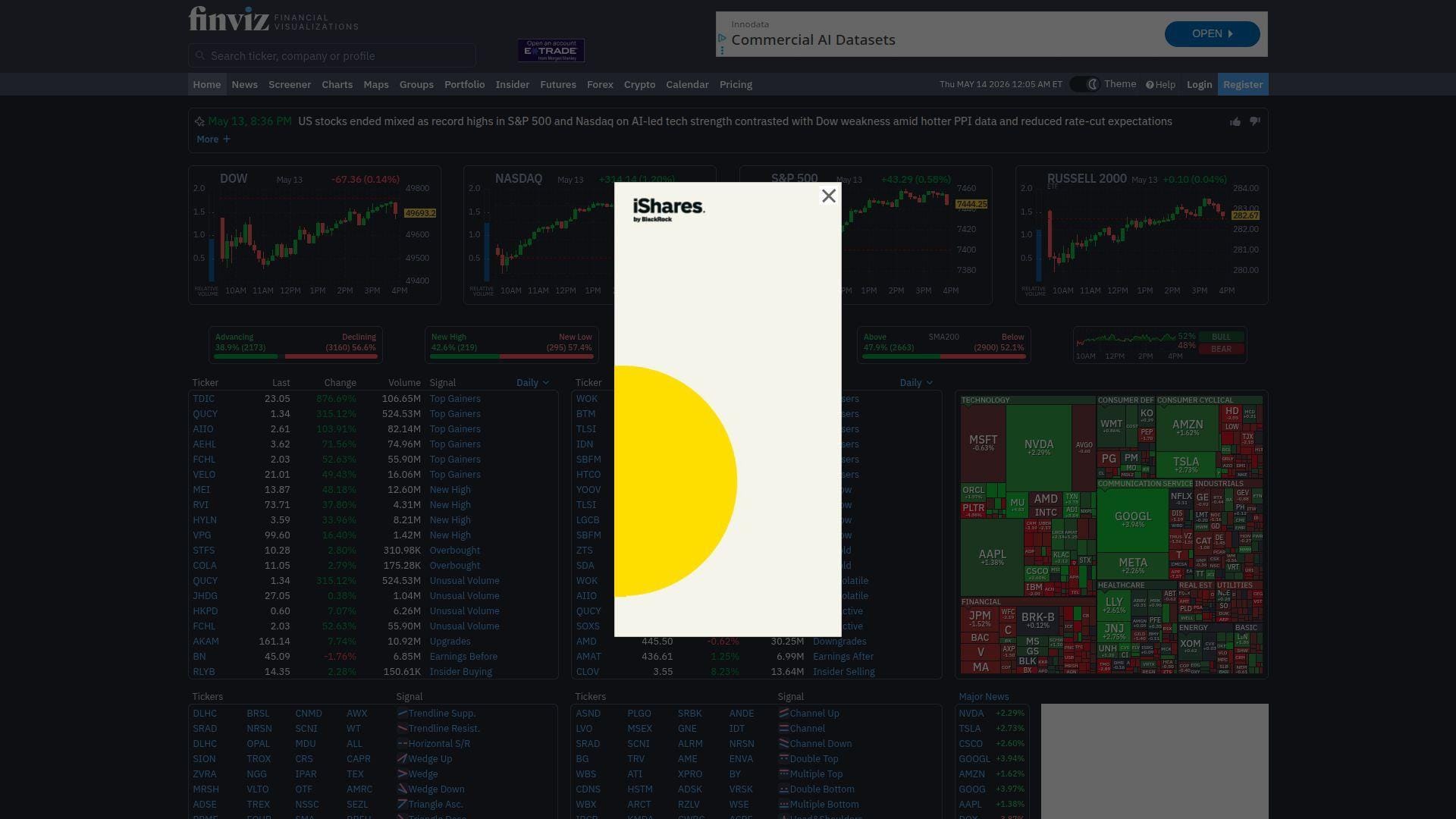
Finviz stays on our shortlist because it is still one of the fastest ways to scan U.S. stocks without overthinking the process. The team has kept the product lean, practical, and research-first. We would not call it an AI bot. We would call it one of the strongest stock idea filters a beginner can use before moving into paper trades or automation.
Best for: beginner stock picker, swing trader who wants a fast stock screener.
- Screener, heatmaps, and market snapshots → narrow the market quickly and stop forcing trades from random ticker chatter.
- Elite real-time data, alerts, and backtests → turn a plain screener into a more serious research workflow with fewer manual exports.
- Instant free access → reach first value in under 10 minutes because the learning curve is lighter than most platforms here.
Pricing & limits: From free. Elite runs $39.50/mo or $299.50/year and includes a 7-day trial with no credit card required. Finviz covers U.S. markets well, but it is not a broker and it is not a native execution platform.
Honest drawbacks: Charts are lighter than TradingView. There is no native bot execution layer. Free access works well for planning, but it does not answer live intraday timing questions if you need current quotes.
Verdict: If you want the quickest way to scan U.S. stocks, this helps you find candidates before the market finds you. It beats TradingView on fast filter-based scanning and trails Trade Ideas on real-time intraday depth.
10. MetaTrader 5
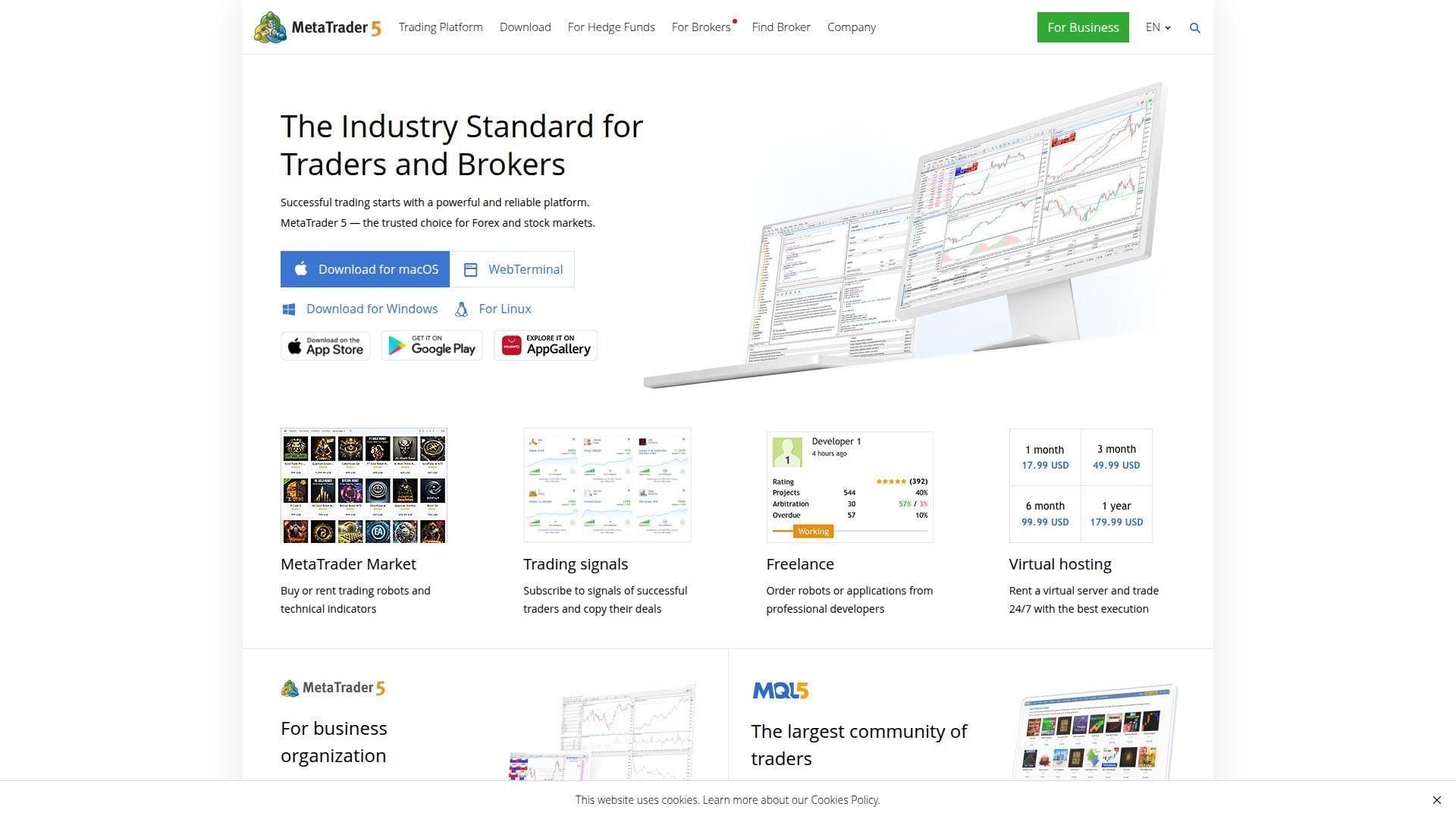
MetaTrader 5 is the old-school platform choice on this list, but it still matters because its broker ecosystem, demo accounts, and strategy tester make it a solid sandbox for DIY automation. We would not call it beginner-friendly in the same way as Capitalise.ai or Composer. We would call it powerful if you want to learn how a real trading platform handles robots, indicators, and testing.
Best for: DIY algo tinkerer, trader who wants broker demos and serious backtesting.
- Expert Advisors and built-in strategy tester → test and optimize rule-based systems before letting them near live money.
- MQL5 marketplace and cloud testing support → save time on infrastructure when you want to try existing robots or indicators first.
- Free platform plus broker demo accounts → get to first value the same day if your broker supports the assets you want.
Pricing & limits: From $0/mo for the platform itself. Demo accounts are typically free through brokers. Real costs depend on the broker, data entitlements, and whether you buy or code an Expert Advisor. That means the cheap entry price can hide a steeper setup bill later.
Honest drawbacks: Stock access depends entirely on the broker, not on MT5 alone. The interface is less friendly than newer web apps, and many beginners will hit a wall unless they are willing to learn MQL or buy third-party tools. Broker quality also varies a lot.
Verdict: If you want to learn platform-based automation rather than buy a hosted stock bot, this helps you build real testing habits. It beats many web apps on tester depth and trails Composer and Capitalise.ai on beginner clarity.
11. MoneyFlare
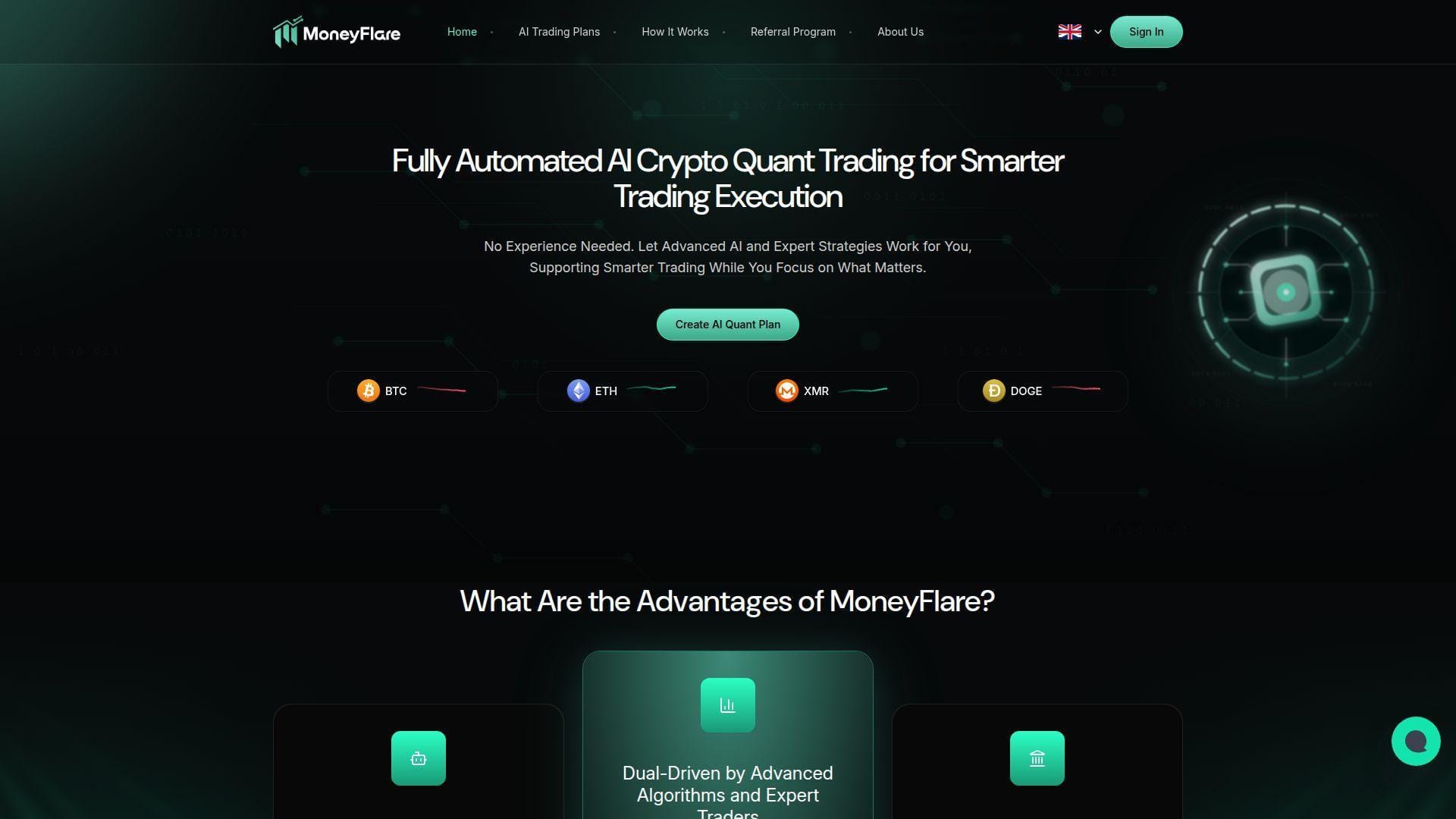
MoneyFlare is very different from the stock-first tools at the top of this list. The site presents a fully managed AI crypto trading service operated by Ai Actuarial Limited, with users choosing plans while the platform handles the strategy process. We think it is important to include it because beginners will see it in searches, but we also think it belongs in a separate risk bucket from real DIY bot platforms.
Best for: high-risk user comparing managed crypto plans, not a beginner who wants to learn stock bot logic.
- Fully managed workflow → remove nearly all setup work if your only goal is passive participation rather than rule building.
- Algorithm plus expert-team framing → cut the usual strategy-design steps down to plan selection and monitoring.
- Simple onboarding → reach first value in minutes because there is almost nothing to configure.
Pricing & limits: From $0 to test via the site’s daily trial credit. After that, the product shifts into fixed-duration plan purchases with stated daily-return terms, not into a normal monthly software subscription. That matters because you are not really buying a stock bot dashboard. You are buying access to a managed-plan structure.
Honest drawbacks: It is not a stock bot. It is not a no-code builder. Strategy transparency is limited, and the structure looks nothing like Capitalise.ai, StockHero, or Composer. We would be extra careful with any platform where plan selection matters more than rule inspection.
Verdict: If you want to learn automation, this will not teach you much. If you are specifically comparing managed crypto plans, it helps you see that there is a big difference between passive-plan products and trader-controlled tools.
12. BulkQuant
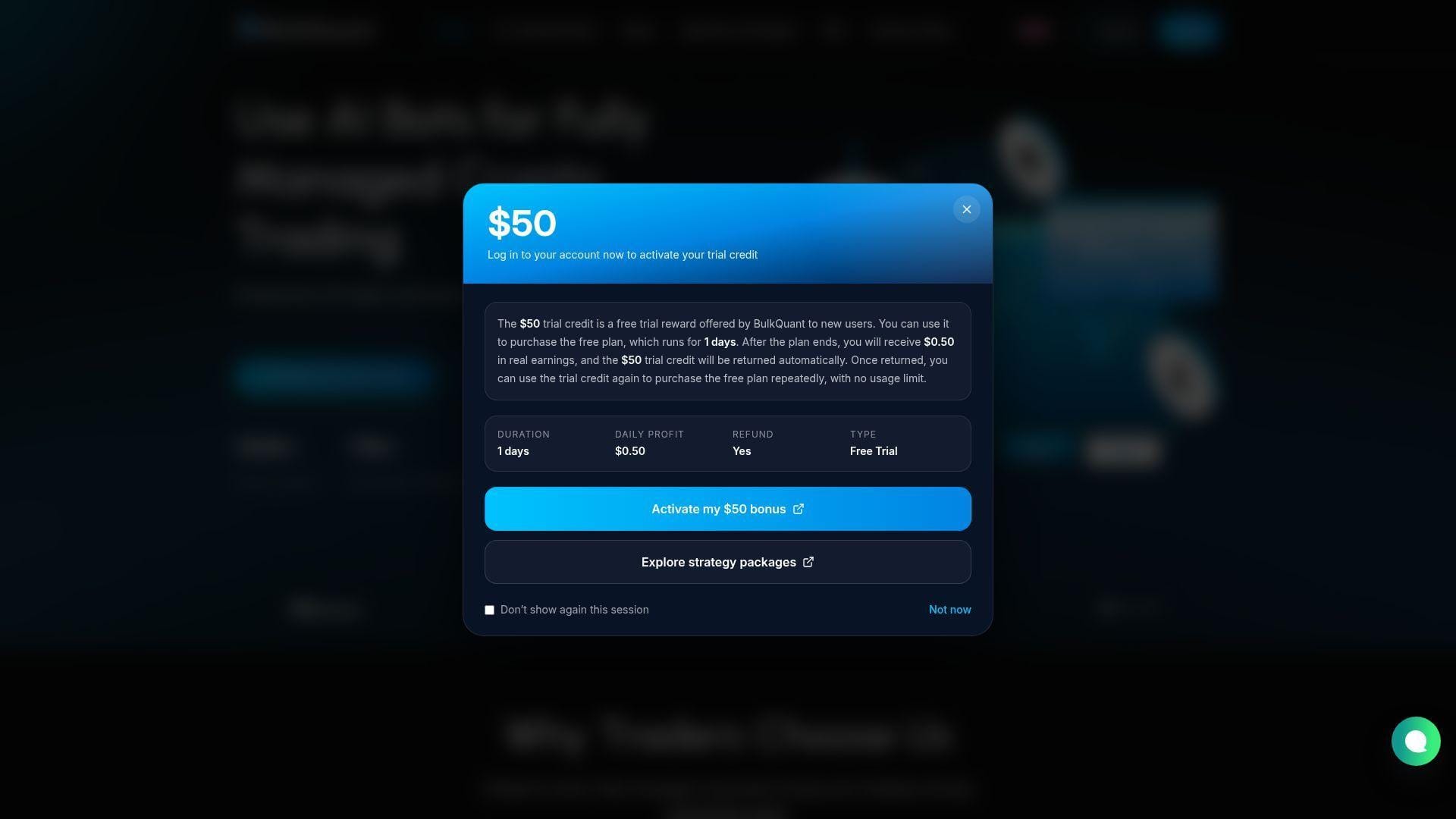
BulkQuant sits in the same broad bucket as MoneyFlare. The platform, run by AI MISTRAL LIMITED, frames itself as a fully managed AI trading service rather than as a hands-on bot builder. We include it because beginners will run into it, but we would not put it in the same decision lane as Trade Ideas, TradingView, or Capitalise.ai.
Best for: users comparing managed AI trading plans, not hands-on traders building stock rules.
- Fully managed service model → remove chart watching, rule writing, and most of the normal bot setup steps.
- AI plus expert-oversight pitch → present a simpler user path than DIY bot platforms, with fewer moving parts to configure.
- Quick account setup → get to first account view fast because plan choice, not rule building, is the main action.
Pricing & limits: From $0 to test with the platform’s free or experience-credit entry path. After that, BulkQuant uses plan purchases rather than a normal monthly software fee structure. The FAQ also highlights referral rewards, which tells us the product economics are very different from a standard stock bot SaaS tool.
Honest drawbacks: Strategy transparency is thin, the product makes broad claims across markets, and users do not get much hands-on control over entries, exits, or venue selection. If your goal is to learn bot logic, BulkQuant is the wrong classroom.
Verdict: If you want a trader-controlled bot, skip it. If you want to compare managed-plan products against real no-code automation tools, this helps clarify the difference fast.
13. Coinrule
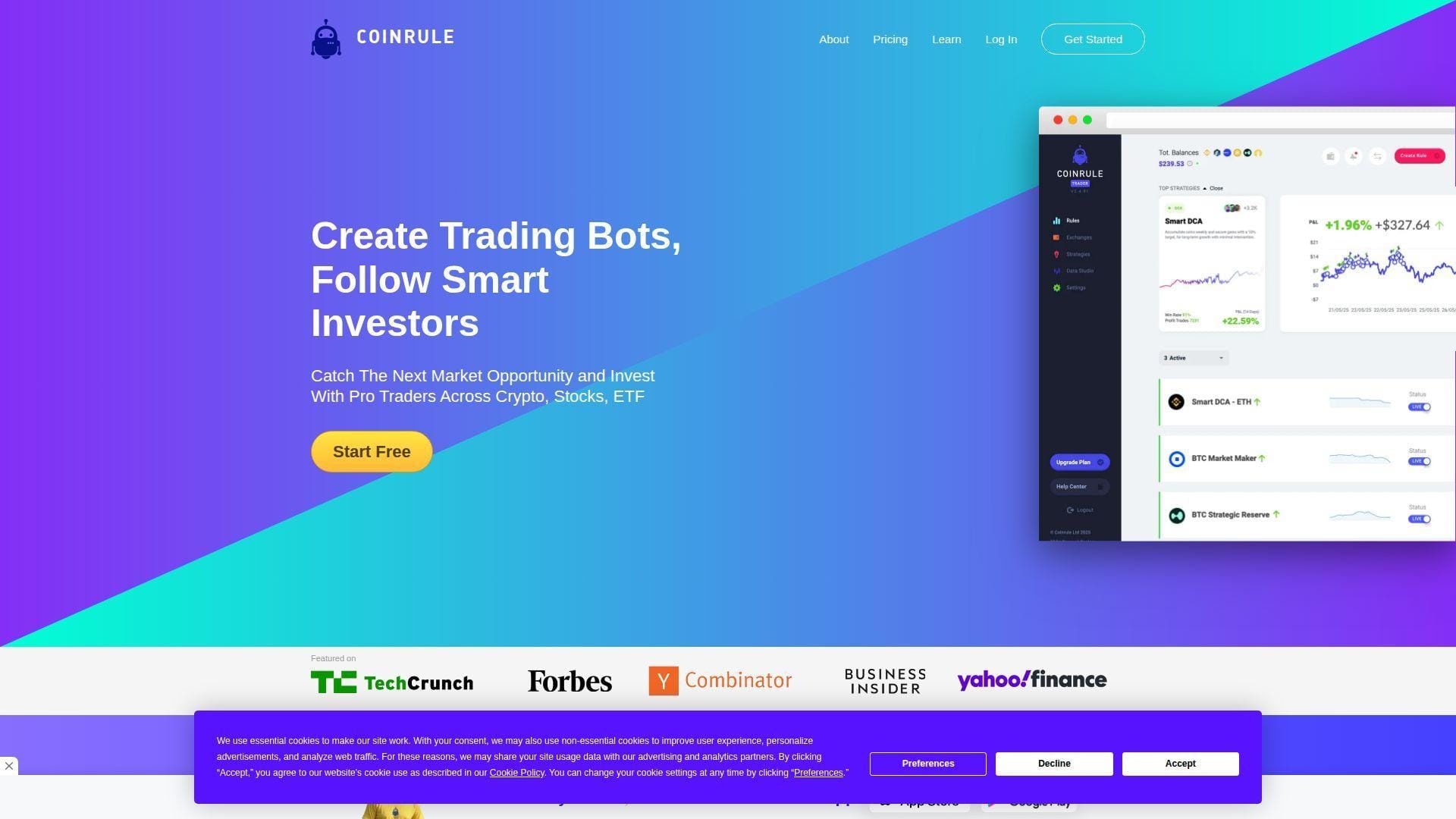
Coinrule is one of the cleaner no-code automation platforms in crypto, and its rule-builder style is easy for beginners to understand. The company positions the current cloud product as AI-powered trading automation with exchange connectivity, paper trading, and credit-based usage. We like the clarity of the rule-based approach, even if the product still feels more crypto-native than stock-native.
Best for: beginner crypto bot user, non-coder who wants if-this-then-that automation.
- Template rules and indicator logic → turn a simple trading idea into a 24/7 rule without writing code.
- 30+ exchanges, TradingView webhooks, and AI strategy interpretation → cut the number of manual bridge steps between signal and execution.
- Paper trading and fast onboarding → get to first test in minutes instead of spending a day wiring infrastructure.
Pricing & limits: From $0/mo on the Starter path. The current cloud pricing page shows caps like 2 concurrent live agents, 1 connected exchange, and 500 monthly credits, with overages billed per credit. Older public pricing pages show paid tiers starting around $29.99/mo, so we would verify the current billing model before committing.
Honest drawbacks: The credit model is less intuitive than flat pricing, especially for beginners. Coinrule also talks more broadly about stocks on some pages than the day-to-day product experience suggests. In practice, it still feels like a crypto-first automation tool.
Verdict: If you want clear rule logic without code, this helps you automate simple strategies quickly. It beats 3Commas on basic rule clarity and trails Gainium on flexibility for users who may want a free cloud start plus a self-host path later.
14. 3Commas
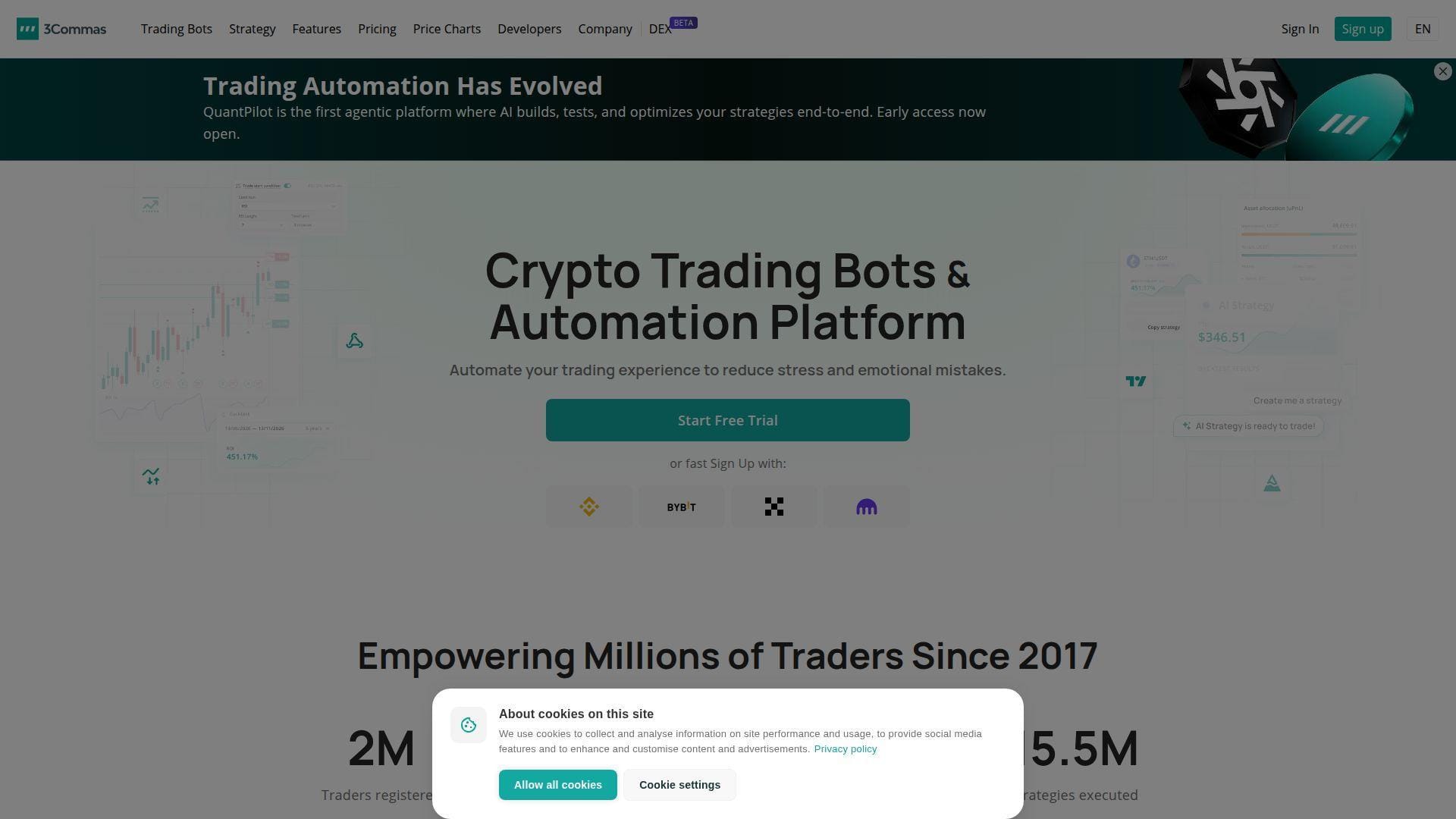
3Commas is still one of the most recognizable crypto bot platforms because it sits between chart alerts and exchange execution so well. The product is broad, with SmartTrade, DCA bots, signal bots, TradingView automation, and exchange connections across a large ecosystem. We think it makes the most sense once a user already knows they want multi-exchange crypto automation, not stock-first learning.
Best for: multi-exchange crypto trader, TradingView user who wants alert-to-trade routing.
- SmartTrade, DCA, and signal bots → manage entries, exits, and bot logic from one dashboard instead of hopping exchange to exchange.
- TradingView webhooks, Pine variables, and execution logs → save manual routing steps and make debugging much easier.
- Free backtesting plus a short premium trial → reach first practical test the same day if you already trade on supported exchanges.
Pricing & limits: The free plan is backtesting-only. Paid plans run about $20, $50, and $140 monthly, or less on annual billing, with active trading-account caps of 1, 3, and 15. New users can start a 7-day free trial of paid tiers after adding payment details.
Honest drawbacks: The free plan does not let you live trade. API setup adds complexity, and the product is much stronger for crypto than for stock beginners. If you do not already use TradingView or multiple exchanges, the product can feel like overkill.
Verdict: If you already live in TradingView and want one bridge into several exchanges, this helps you automate faster than building your own stack. It beats Coinrule on multi-account depth and trails Pionex on pure low-friction simplicity.
15. Cryptohopper
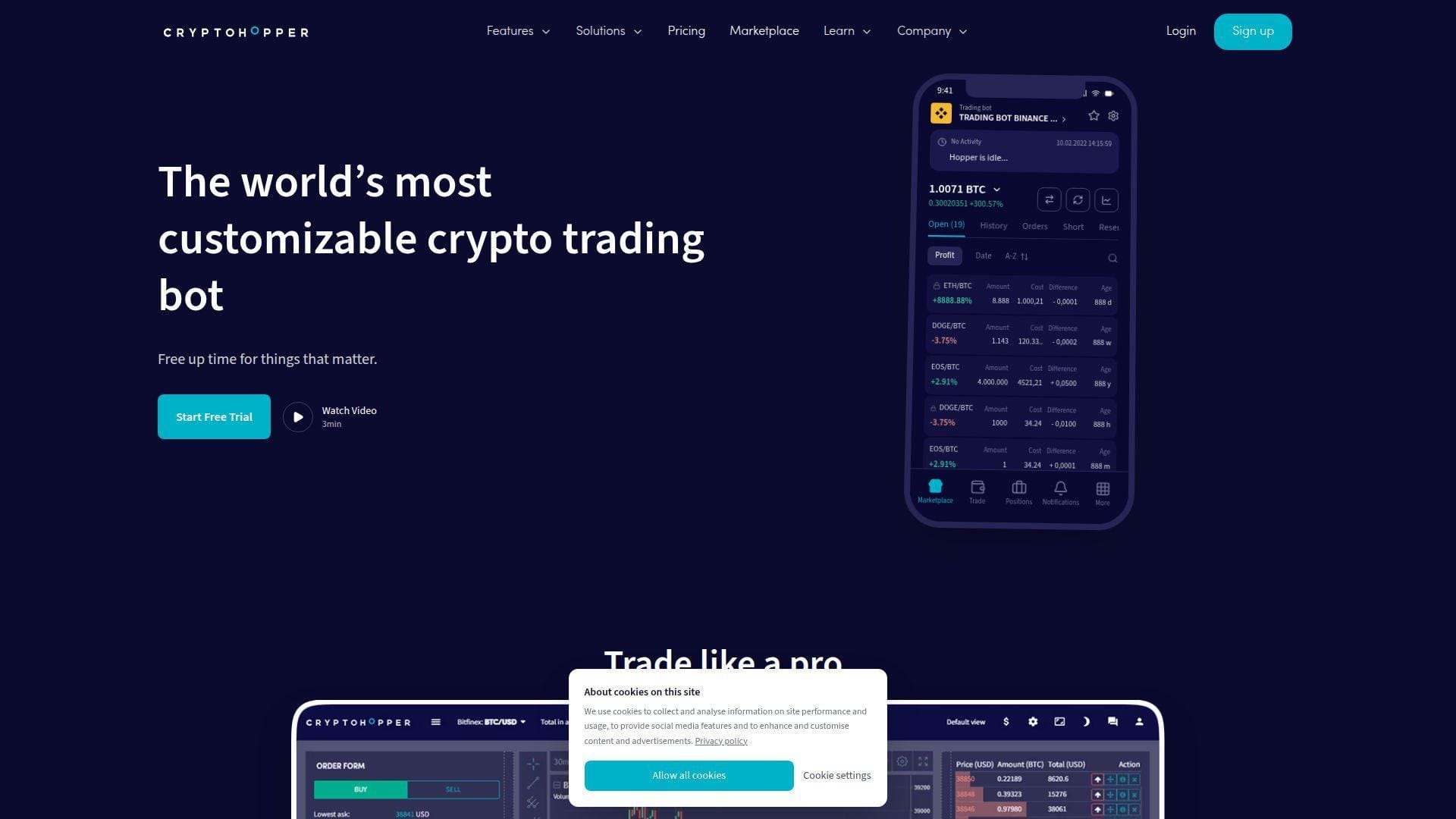
Cryptohopper remains relevant because of its large marketplace, broad exchange support, and long history in retail crypto botting. The Amsterdam-based team has built a bigger ecosystem than some newer rivals, with paper trading, strategy design, copy functions, and several paid tiers. We think it is best for users who want optionality, even though that optionality also makes the product busier.
Best for: copy-trading curious user, advanced crypto tinkerer who wants a marketplace and paper trading.
- Marketplace, strategy designer, and portfolio bots → explore, copy, or modify approaches without starting from a blank page.
- Paper trading and backtesting → test ideas before moving to live funds and reduce expensive guesswork.
- Free Pioneer entry tier → start learning the interface quickly before deciding if the paid bot tiers are worth it.
Pricing & limits: Pioneer is free, but true automated trading requires a paid subscription according to Cryptohopper’s support docs. Paid plans start at $24.16/mo on annual billing, then scale to $57.50 and $107.50, with open-position and scan-power limits rising at each tier.
Honest drawbacks: The product has many moving parts, and costs rise quickly once you need faster checks, more open positions, or AI strategies. Beginners who only want a clean first bot may find Bitsgap or Pionex easier to digest.
Verdict: If you want a deep crypto bot ecosystem with paper testing and a marketplace, this helps you explore more paths than most rivals. It beats TradeSanta on ecosystem depth and trails Bitsgap on cleaner all-in-one terminal design.
16. Pionex

Pionex is one of the easiest true automation starts in crypto because the bots live inside the exchange. That matters. There are no separate SaaS credentials, no external API key dance for the basic experience, and no extra monthly bot subscription in the normal sense. We think that makes it one of the best beginner choices if you only care about crypto and want the least possible setup.
Best for: complete beginner crypto trader, fee-sensitive user who wants bots without a separate software bill.
- Built-in exchange bots → skip the usual API-key setup and start automating directly where the trade executes.
- AI parameter suggestions and Signal Bot links → reduce the number of manual tuning steps before a first test.
- Simple account-to-bot workflow → get to first live bot in minutes, which is faster than most third-party crypto bot dashboards.
Pricing & limits: From $0/mo at the bot layer. Pionex folds automation into the exchange experience, so you face trading fees rather than a separate monthly bot invoice. There is no trial cliff in the usual SaaS sense, which is a major reason beginners try it first.
Honest drawbacks: It is crypto-only, and that matters if you searched for a stock bot first. You also give up some flexibility versus standalone platforms that let you build more custom rule trees or route across many venues from one panel.
Verdict: If you want the cheapest true automation start in crypto, this helps you move from curiosity to first live bot faster than almost anything here. It beats 3Commas on simplicity and trails Coinrule on custom rule-building depth.
17. Bitsgap
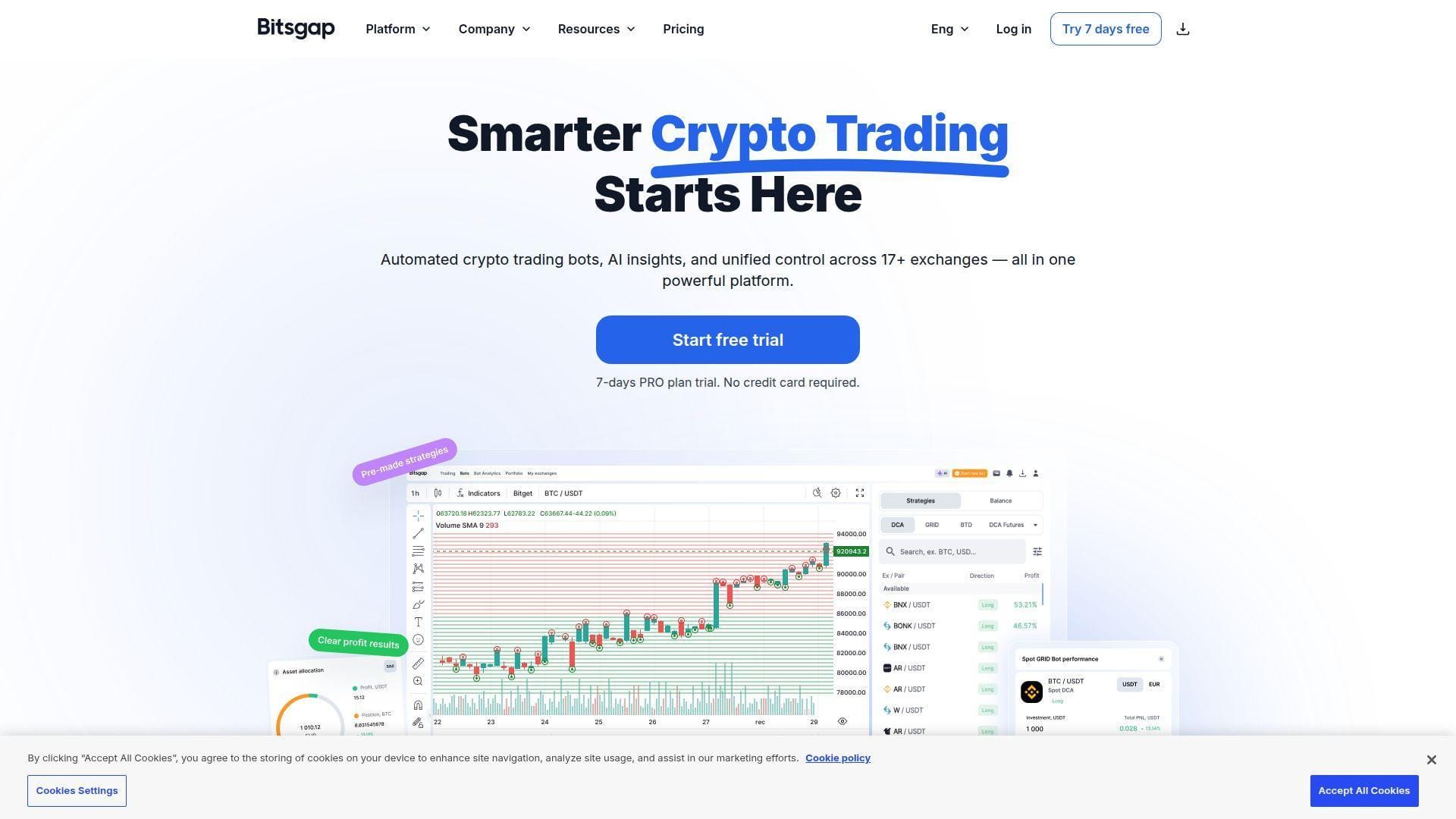
Bitsgap is the all-in-one crypto terminal pick on this list. The team bundles grid bots, DCA bots, manual trading tools, smart orders, backtesting, and exchange aggregation into one interface. We think that makes it especially attractive for users who want both botting and manual oversight in the same place rather than two disconnected products.
Best for: trader who wants bots and a manual crypto terminal in one workspace.
- Grid, DCA, and smart-order tools → manage automation and manual exits without leaving the same dashboard.
- AI assistant and multi-exchange interface → save several steps when monitoring pairs across many venues.
- 7-day Pro trial plus demo mode → get to first practical test quickly and keep learning after the paid trial window ends.
Pricing & limits: From $23/mo on annual billing or $29 month to month. The Basic tier caps you at 3 active grid bots and 10 active DCA bots. Higher plans scale fast, with Advanced and Pro aimed more at serious multi-bot users.
Honest drawbacks: This is still a crypto-first platform, so stock beginners will not get much value from it. Costs also climb quickly if you need lots of bots, and that makes it easy to overbuy before you have a tested edge.
Verdict: If you run many crypto pairs and want an all-in-one terminal, this helps you keep execution and monitoring in one view. It beats TradeSanta on terminal quality and trails Pionex on zero-subscription simplicity.
18. TradeSanta
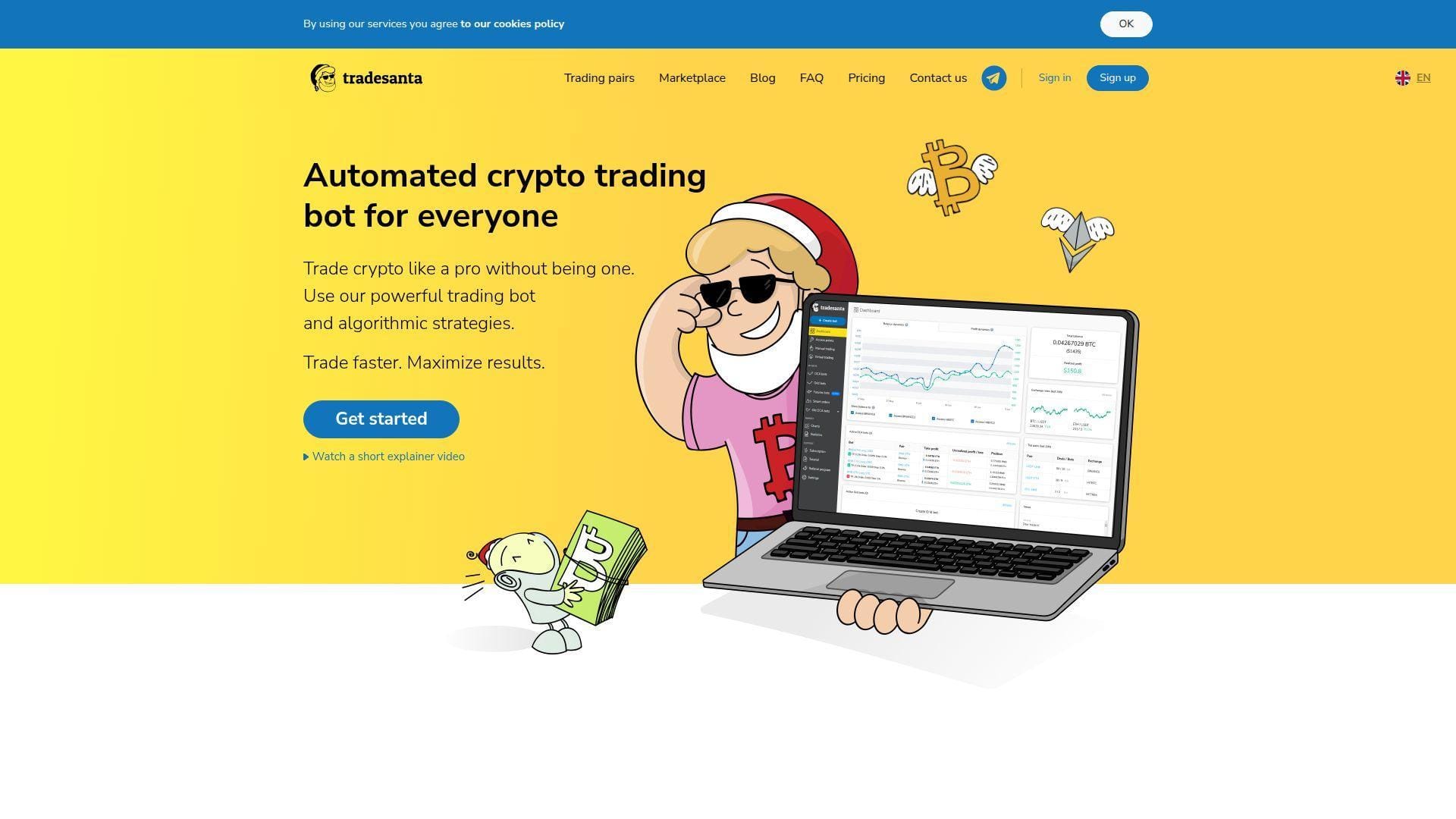
TradeSanta is the simpler preset-bot option in this crypto-heavy part of the list. The product leans into templates, easy setup, and straightforward tiering. We think that simplicity is its biggest advantage. It is not the deepest platform here, but it is easier to grasp than 3Commas for many beginners who only want to automate basic spot strategies.
Best for: beginner crypto trader, small-account user who wants preset automation.
- Preset long and short bot flows → launch a basic strategy fast without building every condition yourself.
- TradingView screener and custom-signal support on higher tiers → reduce the amount of manual monitoring once you outgrow the simplest plans.
- Short free trial and demo-friendly setup → reach first value in minutes if your goal is just to understand how bot flows work.
Pricing & limits: TradeSanta offers a 3-day free trial. Paid plans start at $25/mo or $18/mo on annual billing, with bot caps at 49, 99, or unlimited depending on plan. Some site sections show slightly different pricing paths, so we would confirm the exact page you are buying from.
Honest drawbacks: The pricing pages are not perfectly consistent, which is never our favorite sign. The interface is friendly, but flexibility trails 3Commas and Bitsgap once you want deeper execution logic or broader workflows.
Verdict: If you want something simpler than 3Commas, this helps you get a first crypto bot running with less friction. It beats OctoBot on beginner polish and trails Bitsgap on depth.
19. Gainium
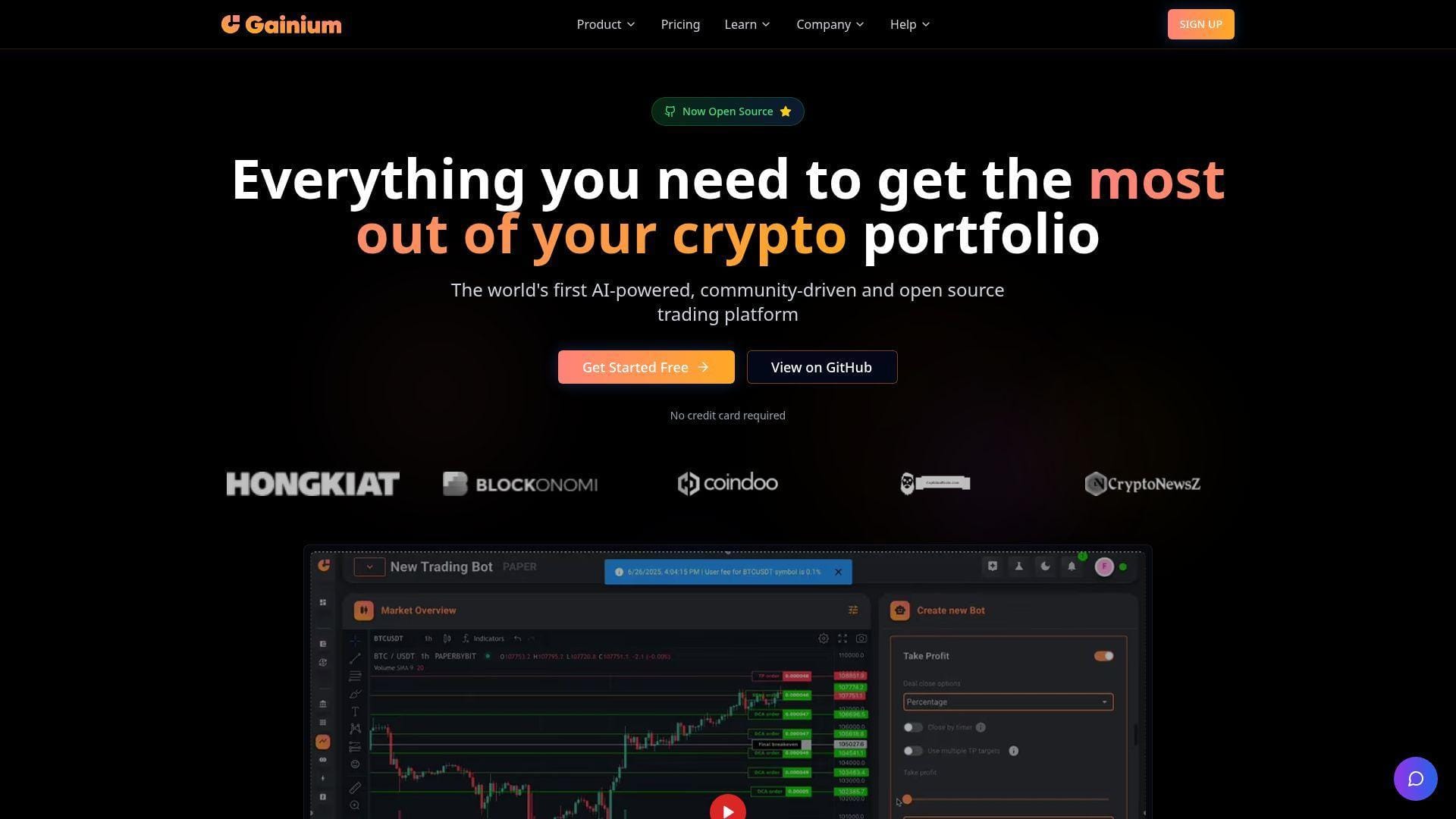
Gainium stands out because it gives users more than one entry path. You can use the cloud product, start on a real free tier, or move toward the Community Edition if you want a self-host angle later. We like that flexibility a lot. It makes Gainium one of the more interesting crypto bot tools for people who might eventually want more control than a standard hosted dashboard allows.
Best for: tinkerer who wants a free cloud start, technical user who may self-host later.
- Free cloud tier and open Community Edition → choose a learning path that matches your comfort with hosted tools versus infrastructure.
- TradingView integration, API access, and market screener → shrink the number of tools you need to combine for testing and execution.
- Fast free onboarding plus paid-plan trials → get to first useful test quickly and still have room to grow into more advanced setups.
Pricing & limits: From free forever, with limited bot credits and a smaller exchange list on the no-cost tier. Public pricing grids place paid plans from about $15/mo, and paid tiers include a 14-day free trial. Credits, not seats, are the main constraint, so you need to understand usage before you upgrade.
Honest drawbacks: The credits model takes a minute to understand, and stock support is not the point here. Beginners who only want a simple stock scanner or U.S. equity bot should look much higher up this list.
Verdict: If you want a free plan with room to become more technical later, this helps you start small without boxing yourself into one hosted path. It beats Coinrule on the self-host angle and trails Pionex on pure ease of use.
20. OctoBot
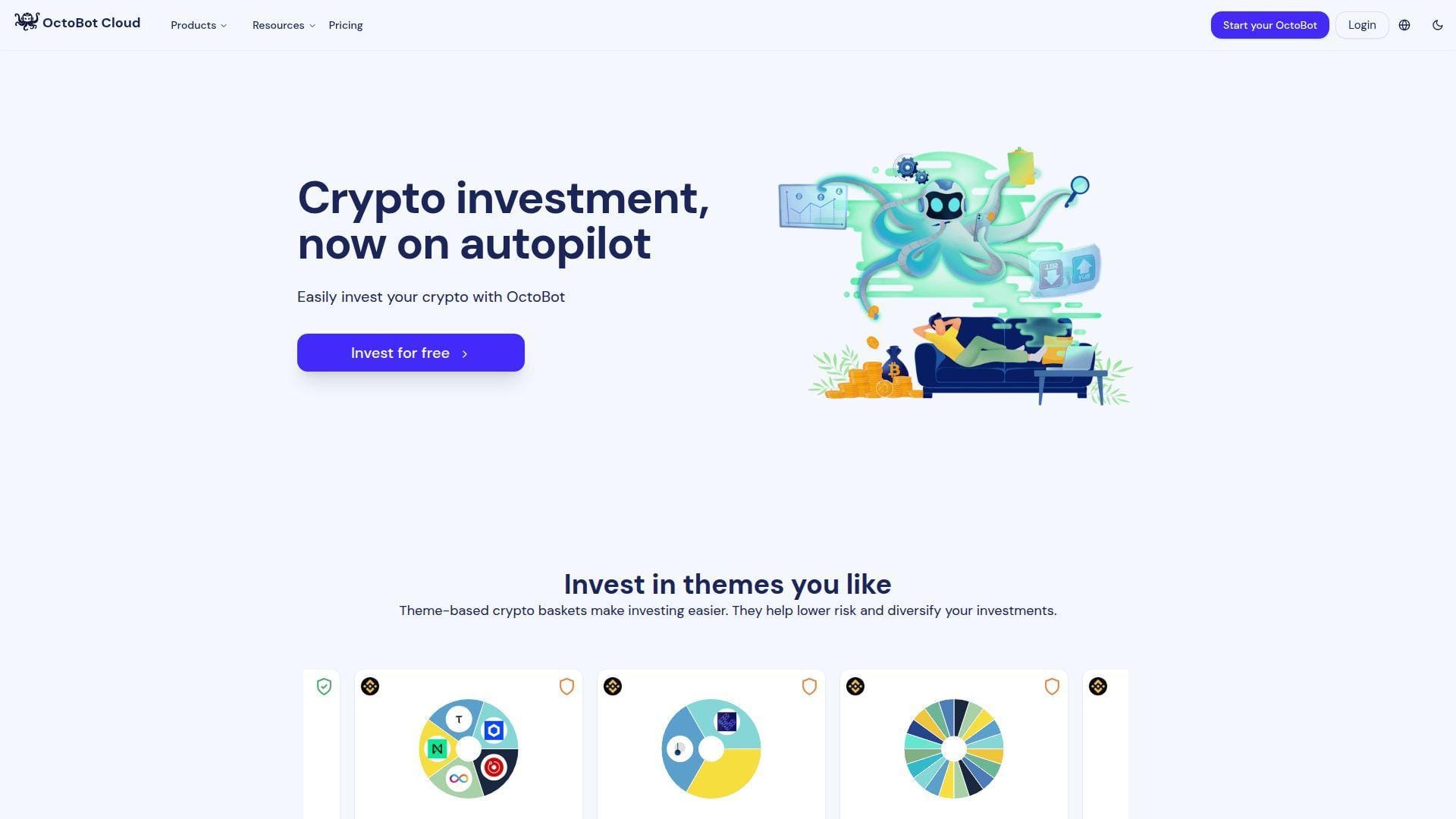
OctoBot is interesting because it still carries some open-source DNA while offering a cloud product that beginners can actually use. Drakkar-Software positions it around crypto baskets, DCA, AI features, TradingView bots, and paper trading. We like the product most for users who want a low-cost crypto automation layer and may later care about self-custody or more technical control.
Best for: crypto investor who wants a free plan, paper trading, and light AI help.
- Crypto baskets, DCA, AI, and TradingView bot options → try several automation styles without buying several separate apps.
- AI assistant and AI strategy creation → reduce the time needed to sketch a first ruleset or refine an existing one.
- Free Investor tier with virtual money → reach first value fast and test ideas safely before you pay.
Pricing & limits: From free on the Investor plan. Paid tiers start at $9.99/mo and $29.99/mo. Limits expand by plan across bot counts, paper-trading duration, and daily AI-assistant usage. The public page shows a short trial on paid plans, while the FAQ mentions a richer signup trial, so we would confirm the exact current trial window before subscribing.
Honest drawbacks: It is crypto-only, and some free features unlock through missions. The messaging around trial length is also not perfectly consistent, which makes it harder to compare cleanly against Gainium or TradeSanta.
Verdict: If you want a low-cost crypto bot with paper trading and AI assistance, this helps you get started without a big upfront bill. It beats TradeSanta on free-tier richness and trails Gainium on the free-plus-self-host path.
Stock-Focused Tools Versus Crypto-First Bots
Stock-first tools deserve their own lane. In the U.S., 62% of Americans in 2025 report owning stock, yet search results for “AI bot” still skew heavily toward crypto because exchange automation is easier to package than stock brokerage automation. That mismatch is why so many beginners end up comparing the wrong products.
1. When Stock-First Platforms Make More Sense
If your money lives in U.S. stocks or ETFs, stock-first tools usually win because they understand market sessions, watchlist scanning, earnings moves, and broker-specific execution rules better. Trade Ideas, Finviz, TrendSpider, StockHero, Composer, Capitalise.ai, and TradingView all fit that workflow better than a crypto bot that happens to mention stocks on a landing page. We would start in this bucket if our goal were liquid U.S. names, market-hours testing, or simple ETF automation.
A practical beginner stack can be boring on purpose. Scan with Finviz, validate the chart in TradingView, then move one narrow rule into Capitalise.ai or Composer once it survives paper trading. We like that path because it forces learning before automation. Boring is underrated when the alternative is an expensive mistake.
2. Why Many Free Bot Options Still Lean Toward Crypto
Crypto dominates “free bot” searches because crypto venues are easier to automate. Exchanges expose direct APIs, markets run around the clock, and some products bundle execution inside the venue itself. Pionex is the clearest example, since its bots live inside the exchange and it charges 0.05% as the trading fee for spot trading instead of a separate software subscription.
That is why Coinrule, 3Commas, Bitsgap, TradeSanta, Gainium, and OctoBot can look more generous on paper than stock tools. The trade-off is simple. They are better at always-on exchange automation and worse at stock-specific workflows like IRAs, U.S. broker coverage, or premarket equity scanning.
3. Which Multi-Asset Tools Bridge Both Markets
A few names bridge the gap. TradingView covers charts across stocks, crypto, forex, and futures, then hands execution to brokers or external automation layers. Capitalise.ai supports stocks, CFDs, crypto, and more through partner brokers. MetaTrader 5 can reach stocks too, but only if the broker actually offers them. These are useful bridge tools when you want one research surface for several markets.
We would still call them bridge tools, not magic tools. They help when you want one charting or rule-builder layer and do not mind adding a broker, exchange, or webhook bridge behind it. If you want a fully self-contained stock workflow, Composer is usually the cleaner answer.
How to Choose a Free AI Stock Trading Bot Platform
When we compare an AI stock trading bot free option, we ignore flashy backtests first. We ask three dull questions instead: what exactly does it automate, how safe is the test environment, and what disappears when the free period ends. Those questions save more money than any sales demo.
1. Automation Depth and Strategy Control
There is a big difference between a scanner, an alert engine, and a true execution bot. Finviz and Tickeron mostly help you find ideas. TradingView excels at alerts and scripts. Capitalise.ai, Composer, StockHero, 3Commas, and Pionex can actually place or route trades. MoneyFlare and BulkQuant are different again, because they act more like managed programs than trader-controlled bots. If you skip that distinction, you will compare the wrong features.
Beginners usually do better with light control at first. A simple rule is easier to debug than a giant AI template with ten conditions you do not understand. If we cannot explain the entry, exit, and position size in one breath, we do not automate it yet.
2. Backtesting, Paper Trading, and Demo Environments
Good testing is not just a checkbox. Composer backtests and then trades during a scheduled window. Capitalise.ai separates backtest, simulation, and live modes. TradingView offers realistic paper trading. MetaTrader 5 has one of the deepest strategy testers here, and Tickeron lets users paper trade ideas generated by its research tools. Those differences matter because fake fills can hide slippage, spread, and timing problems.
Our rule is simple. Before real money, test order size, exit logic, session timing, and what happens when the signal fires twice. We also want to know whether the platform lets us pause, edit, or liquidate cleanly without breaking the whole workflow.
3. Free Access Quality, Data Speed, and Upgrade Paths
Free access often means a tiny slice of the real product. TrendSpider, for example, includes 5 Free Automated Orders per Month, which is enough to learn the mechanics and nowhere near enough to evaluate a busy live strategy. That kind of limit is useful for onboarding, not for proof of edge.
Trade Ideas makes the same point from another angle. Its free account gives 15 minute delayed data, so you can learn layouts and dashboards but not judge real intraday fills. We like these limits when they are honest. We dislike them when a vendor calls that “full access.”
An upgrade is worth it only after the learning goal is clear. That could mean more alerts in TradingView, real-time data in Finviz, more bot room in StockHero, or live rule capacity in Coinrule and Gainium. Buy capacity only when the simple version already makes sense.
How Free AI Stock Trading Bots Help Beginners
Used the right way, these tools teach process. They force beginners to write rules down, test them, and see where the thinking breaks. That learning loop matters more than the word AI on the pricing page. We care less about the label and more about what the tool teaches you in the first week.
1. AI Scanners, Alerts, and Trade Idea Generation
This is where most beginners should start. Trade Ideas, TrendSpider, Tickeron, Finviz, and TradingView can all help answer the same basic question: what is moving, and why should we care. The better ones do not just dump symbols. They sort, score, and frame the setup so we can compare candidates fast and avoid random entries.
A scanner is especially useful when your biggest mistake is forcing trades from memory or social media chatter. Let the tool show you gappers, unusual volume, breakouts, or pattern matches, then study only the short list. That is a much better use of beginner energy.
2. No-Code Rules, Natural-Language Automation, and Managed Workflows
The next step is turning an idea into a rule. Capitalise.ai does that with plain-English logic. Composer does it with a visual portfolio builder. StockHero uses presets and bot templates. Coinrule and OctoBot make rule blocks easier to assemble than code. These products help beginners because they reduce typing and plumbing, not because they remove risk.
Managed workflows can help too, but we separate them carefully. A hosted bot you configure yourself is different from a managed-plan service that mostly asks you to deposit and watch. We prefer tools that let us inspect the rule, the trigger, and the exit before the system touches money.
3. Research, Sentiment, and Portfolio Support Tools
Research support is becoming its own lane. Deloitte expects gen-AI advice tools to reach 78% usage in 2028 among retail investors, and we can already see why. Tools like Magnifi, Tickeron, and even TradingView’s script ecosystem help beginners frame what to buy, not just when to click buy.
That matters because many beginners do not need a bot first. They need a better way to compare ETFs, spot repeated chart behavior, or track a paper portfolio without getting lost. A good research tool often saves more bad trades than a flashy automation feature.
Free Plans, Trials, and Hidden Limits
Free plans sound generous until you read the fine print. In this category, “free” usually means free research, free paper trading, a short premium trial, or no monthly bot fee but normal exchange fees. That is not a problem by itself. It becomes a problem when beginners mistake product access for trading proof.
1. What Free Access Really Means Across Plans and Trials
We see four patterns again and again. Finviz and TradingView give permanent free research layers. Trade Ideas gives a limited learning tier. StockHero, Tickeron, Bitsgap, and TradeSanta offer short premium trials. Pionex removes the bot subscription but keeps the exchange model. Gainium and OctoBot give real free tiers, but cap credits, bots, or AI features.
That is not necessarily bad. A short trial can be enough if you know exactly what to test. The problem starts when a beginner treats a free window like performance proof instead of what it really is, which is a product demo with training wheels.
2. How Delayed Data and Limited Rules Affect Results
Delayed data changes the whole experience for fast traders. So do tiny rule caps, low bot counts, and paper-only plans. A backtest can still teach structure, but it cannot answer whether the live signal arrives soon enough or whether the route holds up when prices jump. That is why we care so much about how the free tier is limited, not just whether it exists.
We also pay attention to workflow caps. That could be a small credit bucket in Gainium or Coinrule, a low active-bot limit in StockHero, or a free plan that only backtests like 3Commas. The free badge matters less than the real room you have to test one clean idea properly.
3. When a Paid Upgrade Is Worth Considering
We pay only when one of three things happens. First, the strategy already works in paper. Second, the free limits are blocking learning rather than protecting us from rushing. Third, the upgrade unlocks something concrete, like real-time data, more alerts, live execution, or enough bot capacity to run the same rule across several symbols.
If the upgrade only unlocks more AI marketing copy, we pass. Beginners do better buying clearer data or cleaner execution before they buy a fancier dashboard.
Common Risks and Beginner Mistakes
This is the part many roundup posts skip. Bots do not remove risk. They remove some clicking, and sometimes some emotion. They can also speed up bad decisions if the rule is weak, the size is too big, or the data is late.
1. Why AI Signals Do Not Guarantee Profits
AI signals are still just model outputs built on old data, current inputs, and platform assumptions. Capitalise.ai explicitly notes that backtests, simulations, and live trading can diverge because of slippage, fills, and execution realities. MetaTrader’s forward-testing features exist for the same reason. Markets change faster than a pretty backtest screenshot.
We treat AI like a fast research assistant, not like an oracle. A good tool can improve discipline. None of these tools can promise a winning month, and any platform that sounds like it can deserves extra skepticism.
2. Overfitting, Black-Box Claims, and Scam Warning Signs
Overfitting is the oldest trap here. A rule can look brilliant on old data and fall apart once the regime changes. We get even more careful when a product shows fixed-duration payout plans, gives very little detail on how signals are generated, or frames the service more like passive earnings than trader-controlled execution. That is why MoneyFlare and BulkQuant land near the bottom of our list, not the top.
The warning signs are simple. Vague strategy language. Hard-to-verify workflow details. No clear broker or exchange path. Heavy focus on referral economics or on promised daily returns. When we see that mix, we slow down and ask harder questions.
3. Position Sizing, Fees, and Data Delays
Most beginner damage comes from size, not from tool choice. Start tiny. One rule, one asset, one small position. Then account for fees, spreads, and overnight gap risk. Crypto bots can look cheap until round-trip costs eat the edge. Stock tools can look accurate until delayed data or thin liquidity turns a clean paper trade into a bad live fill.
If we cannot explain our maximum loss before the order fires, the bot is already moving too fast for us.
Frequently Asked Questions About Free AI Stock Trading Bots
Here are the short answers we would give a beginner who just wants a safe place to start. They come straight from how these plans, trials, and execution paths actually work in practice.
1. Are Free AI Trading Bots Really Free?
Sometimes. Often, no. A free plan may mean delayed data, paper trading only, backtesting only, a tiny bot allowance, or an exchange model with normal trading fees. For stock beginners, the cleaner free starts are usually TradingView, Finviz, Capitalise.ai through supported partners, and trial-based testing in Composer or StockHero. For crypto, Pionex, Gainium, Coinrule, and OctoBot give the most usable zero-cost entry points.
2. How Well Do AI Trading Bots Work for Beginners?
They work best as structure. Good tools can generate watchlists, enforce exits, run paper trades, and keep you from revenge trading. They do not create an edge by themselves. Beginners usually improve faster when they use AI to narrow decisions, then test one simple setup until the results are understandable.
3. Which Platform Is the Best Starting Point for New Traders?
Our answer depends on the market. For stock research and charting, we would start with TradingView or Finviz. For stock automation, Capitalise.ai and Composer are the cleanest beginner paths. If your goal is active U.S. intraday trading and you can pay later, Trade Ideas is still the strongest specialist tool. If you only want crypto automation with the least setup, Pionex is the easiest on-ramp.
4. What Should You Test Before Using Real Money?
Test signal timing, order type, session rules, position size, stop logic, and what happens after an internet or API failure. Then test the boring parts too: can you pause the strategy, edit it safely, and close the position without confusion. If a platform cannot pass those checks in paper or demo mode, it has not earned real money yet.
How 1Byte, a Cloud Computing and Web Hosting Provider, Supports Custom AI Trading Bot Setups
Once a strategy grows past a browser tab, infrastructure becomes part of risk management. At 1Byte, we do not sell trading signals. We help teams run the surrounding stack more reliably, from VPS-hosted terminals to webhook receivers, dashboards, journals, and status pages.
1. Cloud Servers and Cloud Hosting for 24/7 Bot Uptime
Custom bots usually break for boring reasons. The script stops. The desktop sleeps. The webhook dies. That is why we like cloud servers for anything that must stay awake, whether that is a MetaTrader 5 terminal, a TradingView webhook receiver, or a self-managed bot like OctoBot Community. Reliable uptime will not fix a weak strategy, but it will stop preventable outages from creating fake performance surprises.
Our preference is simple. Separate execution from experimentation. Run the worker on cloud hosting, keep logs, restart failed processes automatically, and alert yourself when nothing happens for too long. Silence is not always safety in automated trading.
2. Domain Registration, SSL Certificates, and WordPress Hosting for Trading Sites
Not every trading project is a bot. Sometimes you need a clean home for research notes, a private knowledge base, a client onboarding page, or a public strategy journal. Domain registration and SSL help give that layer a clear identity and basic security. WordPress hosting can handle the publishing side well, as long as the execution engine stays off the public site and sensitive keys never live inside a theme or plugin.
We like that separation because it keeps the bot boring and the site flexible. Change the content layer all you want. Keep the trading worker locked down.







3. Shared Hosting and AWS Partner Support for Scalable Growth
Shared hosting is fine for docs, blogs, and lightweight dashboards. We would not use it for a latency-sensitive worker or a strategy that must react around the clock. Once the project grows, we split the stack: public site on simple hosting, execution layer on cloud servers, and storage, backups, and monitoring where they belong.
If you outgrow turnkey platforms, AWS-backed architecture and partner guidance can help with queues, databases, failover, and staged deployments without forcing a full rebuild on day one. Our honest advice, though, is to earn that complexity. Start with a hosted tool. Prove the rule. Then decide what you want more next, a shortcut or full control over the stack.