

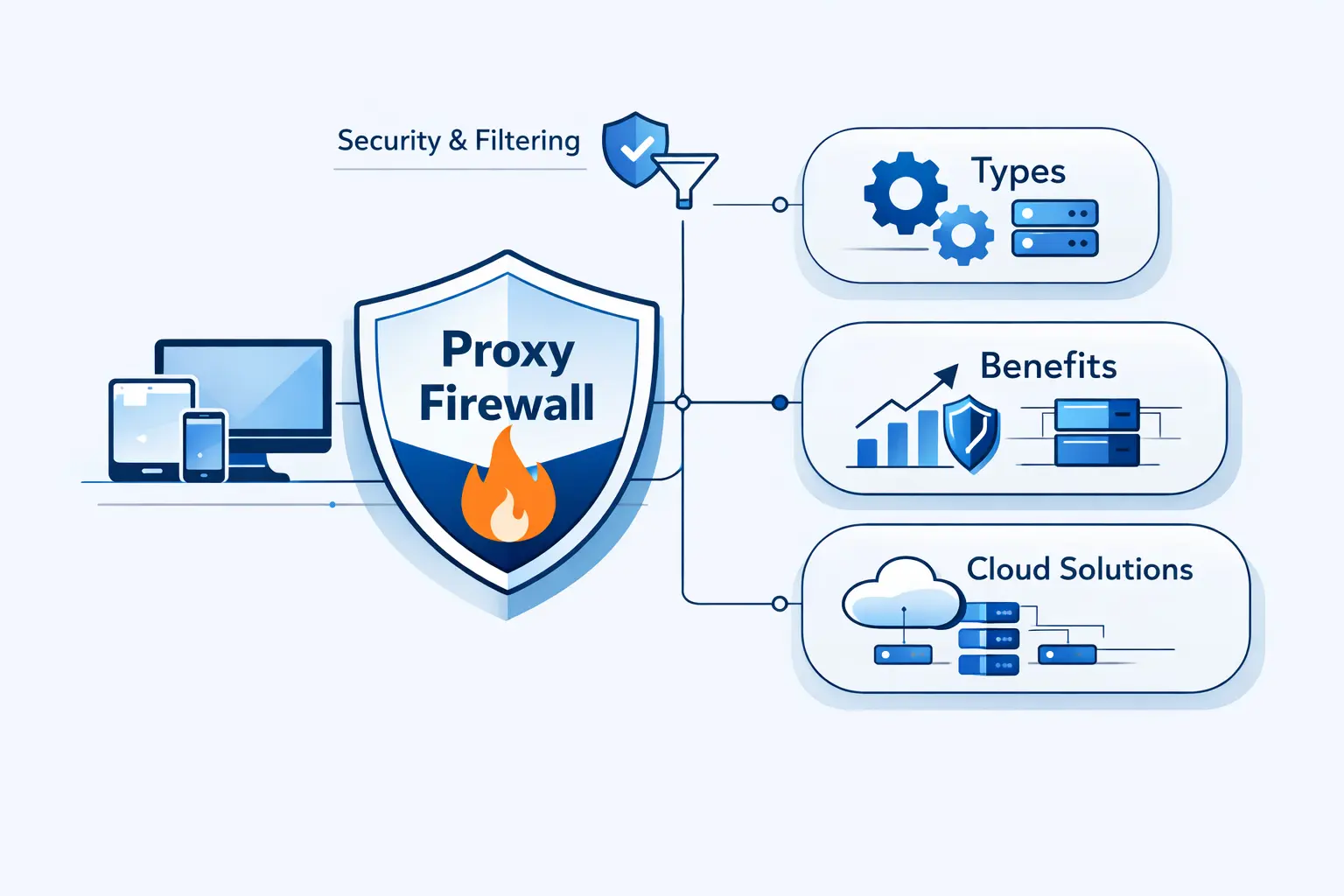
- What Is a Proxy Firewall?
- How a Proxy Firewall Works
- Key Features and Core Components
- Types of Proxy Firewalls
- Benefits of a Proxy Firewall
- Limitations and Disadvantages
- Proxy Firewall Compared With Other Security Approaches
- Common Use Cases
- Deploying a Proxy Firewall in Cloud and Egress Architectures
- Proxy Firewall FAQs
- How 1Byte Supports Secure Hosting and Cloud Infrastructure
- Final Thoughts on Choosing the Right Proxy Firewall
At 1Byte, we hear the term proxy firewall used loosely. Some teams mean any filtered proxy. Others mean a full application-layer firewall that breaks a connection into two controlled conversations. We think the difference matters, because architecture choices follow definitions.
That difference matters even more in cloud infrastructure. Gartner expects public cloud spending to reach $723.4 billion in 2025, and we read that as a sign that outbound control, application awareness, and egress design now sit on the main road, not the side street.
What Is a Proxy Firewall?
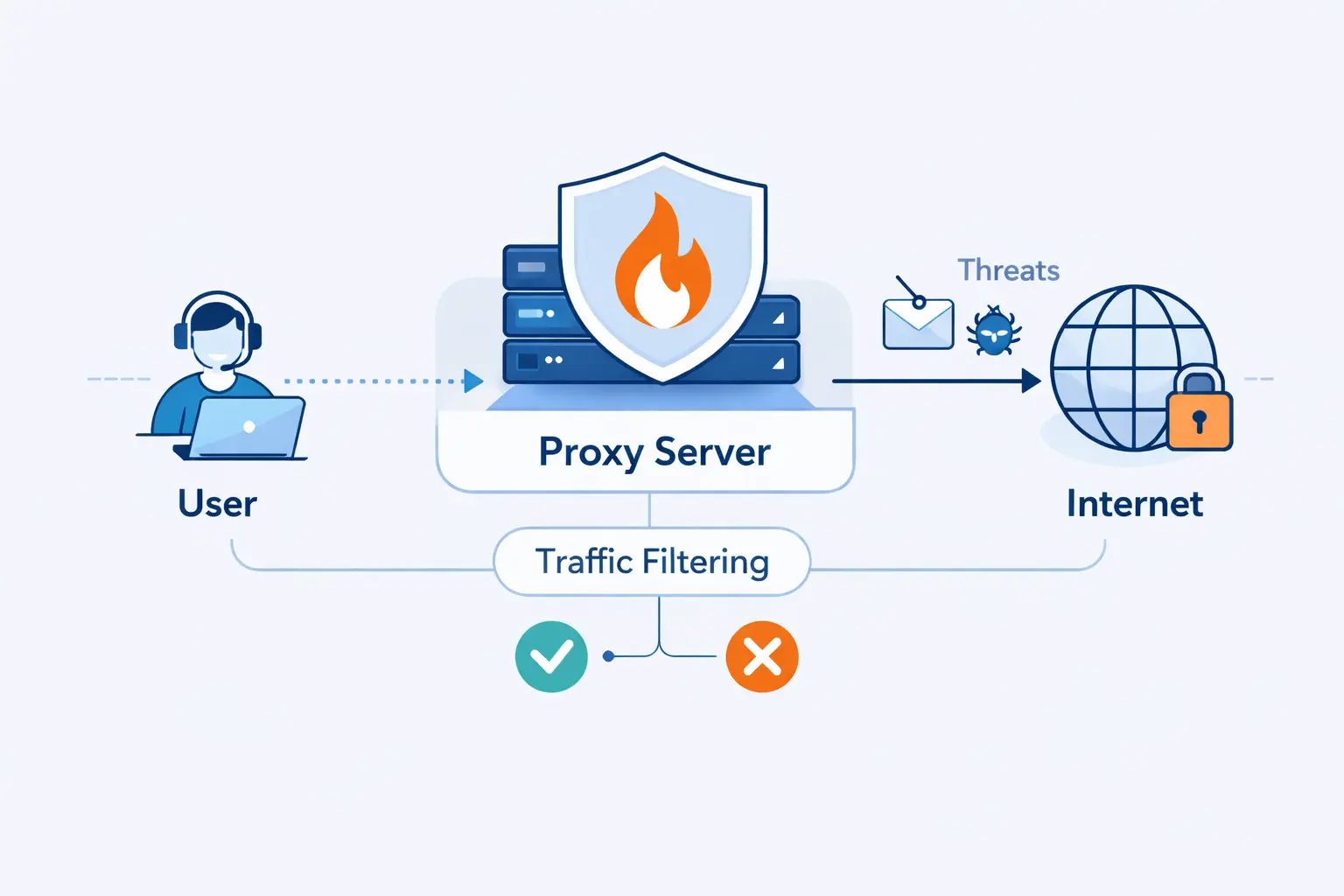
We like to start with the plain meaning. A proxy firewall sits between a client and a destination, then decides what may pass. Its value is not just relaying traffic. Its value is examining traffic before the other side ever sees it.
1. Proxy Firewall Meaning and Core Purpose
A proxy firewall is a security control that stands in the middle of a conversation. The client talks to the proxy. The proxy talks to the server. That gives the firewall a chance to authenticate the requester, inspect the request, and apply policy before the real destination receives anything.
2. Why It Is Also Called an Application Firewall
People call it an application firewall because it works at the application layer, where HTTP methods, URLs, headers, and commands live. In stricter technical language, NIST separates a full application-proxy gateway from other application-aware firewalls, and we find that distinction useful when a design must fully mediate traffic instead of only inspecting it.
3. How It Differs From a Basic Proxy Server
A basic proxy server can route traffic, hide internal addresses, or cache common content. A proxy firewall adds security judgment. It ties traffic to rules, identities, logging, and sometimes response inspection. In practice, a plain proxy helps traffic move. A proxy firewall decides whether traffic should move at all.
How a Proxy Firewall Works
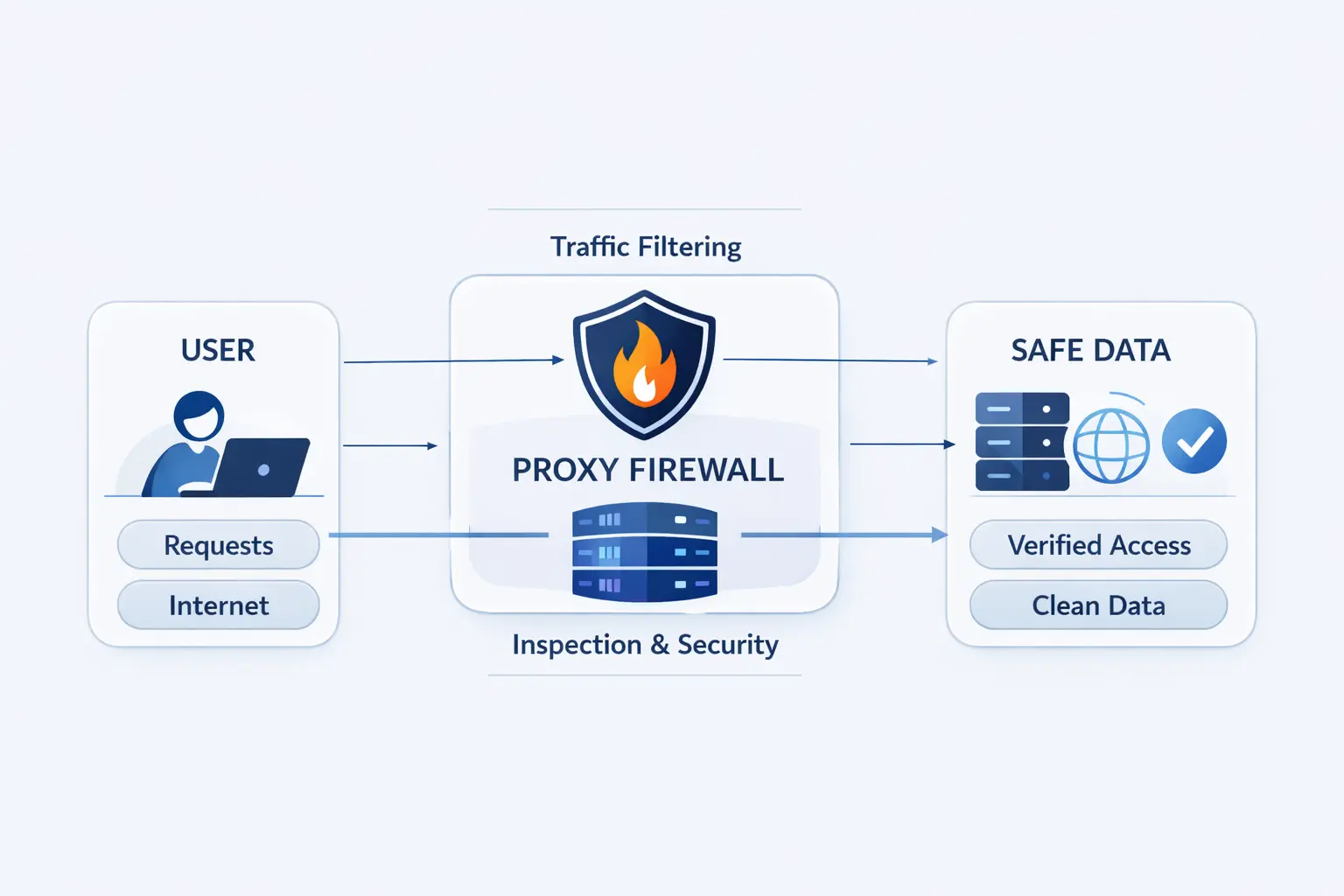
Once the definition is clear, the mechanics get easier. Think in simple steps. The client opens a session to the proxy, the proxy checks policy, and only then does it build a second session outward. That split is the whole trick.
1. How It Prevents Direct Connections Between Internal and External Systems
This design stops internal systems from facing the internet directly. The destination does not meet the workstation, container, or private server. It meets the proxy. That lowers direct exposure and gives defenders one clear place to enforce web policy, identity checks, and outbound allowlists.
2. Separate Connections on Both Sides of the Proxy
The heart of a proxy firewall is connection splitting. One session exists between the client and the proxy. Another exists between the proxy and the destination. Because the proxy owns both sides, it can terminate risky requests early, sanitize headers, hide internal addresses, and inspect the middle of the exchange instead of merely watching packets pass by.
3. Inspection at the Application Layer and Deep Packet Inspection
Inspection happens at the application layer. That means the firewall can reason about the request itself, not just the IP address and port. Depending on the product, it may check the domain, URL path, method, headers, content type, or suspicious command order. People often call this deep packet inspection. The real point is simpler. The firewall understands more context.
4. How Requests, Responses, and Policy Checks Move Through the Proxy
A normal flow goes like this. The client sends a request to the proxy. The proxy checks rules, identity, and destination details. If the traffic is allowed, the proxy opens the outward session, forwards the request, receives the response, and can inspect that response before returning it. If any policy fails, the conversation ends there.
Key Features and Core Components
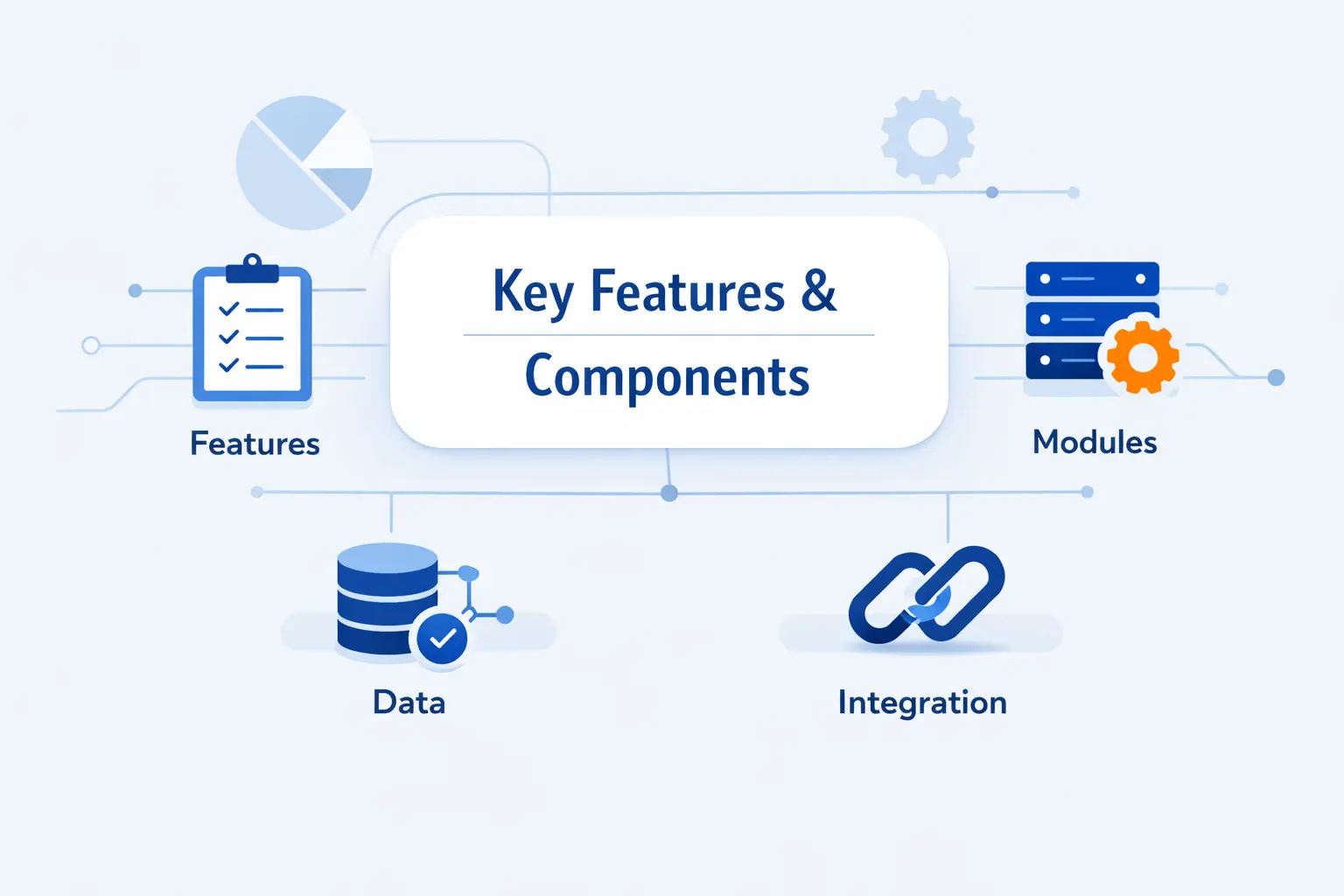
A useful proxy firewall is more than a middle box. It combines traffic relay, policy logic, identity checks, and records you can actually audit later. That mix is what turns a proxy into a security control instead of a simple traffic helper.
1. Proxy Server, Filtering Engine, Authentication, and Logging
The core pieces are straightforward. You need the proxy engine itself, a filtering engine for rules, some way to authenticate users or workloads, and detailed logs. Authentication can be tied to people, service accounts, devices, or network location. Without logging, teams cannot prove what was blocked, what was allowed, or which exception caused trouble.
2. Web Access Control, URL Filtering, and Policy Enforcement
Web access control is where many teams feel the value first. A proxy firewall can allow approved domains, block risky categories, restrict uploads, deny certain methods, or apply different policies to users, servers, and automation. That is far more precise than a flat rule that says “allow web” and hopes for the best.
3. Traffic Caching and Internal IP Masking
The caching proxy model still matters for repetitive downloads, software repositories, and busy office traffic, while the proxy layer also masks internal IP space from the outside. We like this benefit, but with one warning. Cache only what is safe to reuse, and never treat caching as a free win for sensitive or highly personalized content.
4. Common Protocols and Protocol-Specific Handling
HTTP and HTTPS are the usual focus, because web traffic dominates modern egress. But protocol-specific handling also matters for SMTP, FTP, DNS, and older enterprise apps. The catch is obvious. If the firewall does not understand a protocol well, policy becomes blunt or traffic breaks. In our view, protocol support is the first question to ask during discovery.
Types of Proxy Firewalls
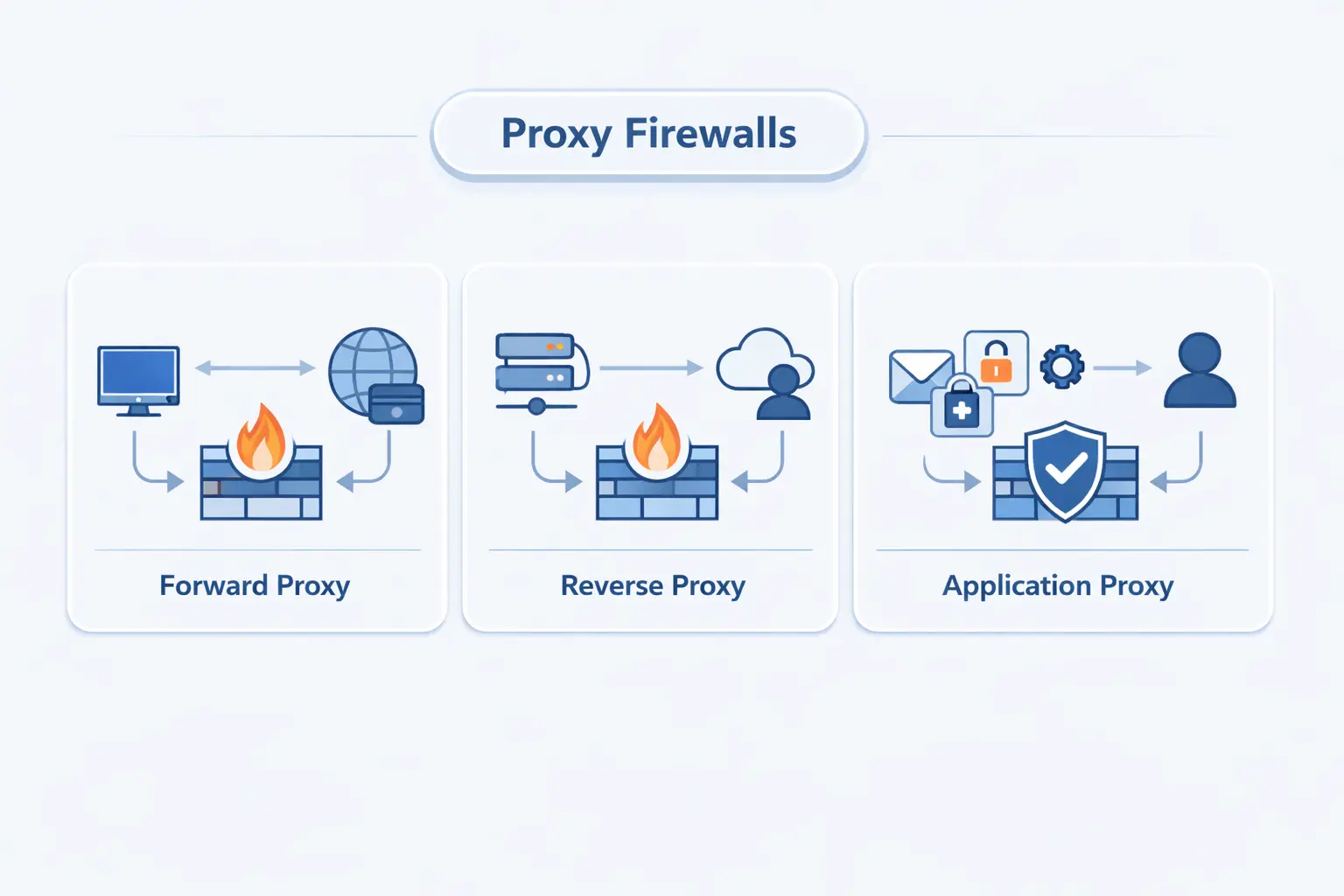
The words around proxy firewalls can get slippery fast. Vendors mix marketing language, engineers use old terms, and products blend roles. We prefer to separate them by traffic direction, visibility model, and how deeply the proxy understands the protocol.
1. Forward Proxy and Reverse Proxy Designs
A forward proxy sits in front of users or workloads that are reaching outward. A reverse proxy sits in front of servers that receive inbound requests. Forward designs are common for safe browsing and egress control. Reverse designs are common for web apps, APIs, and login systems. Same family, different traffic direction, different job.
2. Transparent and Nontransparent Proxy Models
A transparent proxy intercepts traffic without asking the client to configure proxy settings. That can simplify enforcement in tightly managed networks, but it often complicates authentication, troubleshooting, and HTTPS behavior. A nontransparent, or explicit, proxy is usually easier to reason about because the client knowingly talks to it. We usually prefer explicit mode in cloud environments, because surprises are expensive.
3. Application-Level Gateways, Circuit-Level Gateways, and Forwarding Proxies
Application-level gateways understand the application protocol itself. Circuit-level gateways are lighter. They relay sessions and check connection rules, often through SOCKS v5, but they do not usually parse web requests as deeply as an HTTP-aware proxy firewall. Forwarding proxies sit on a spectrum between the two, depending on how much security logic they actually carry.
Benefits of a Proxy Firewall
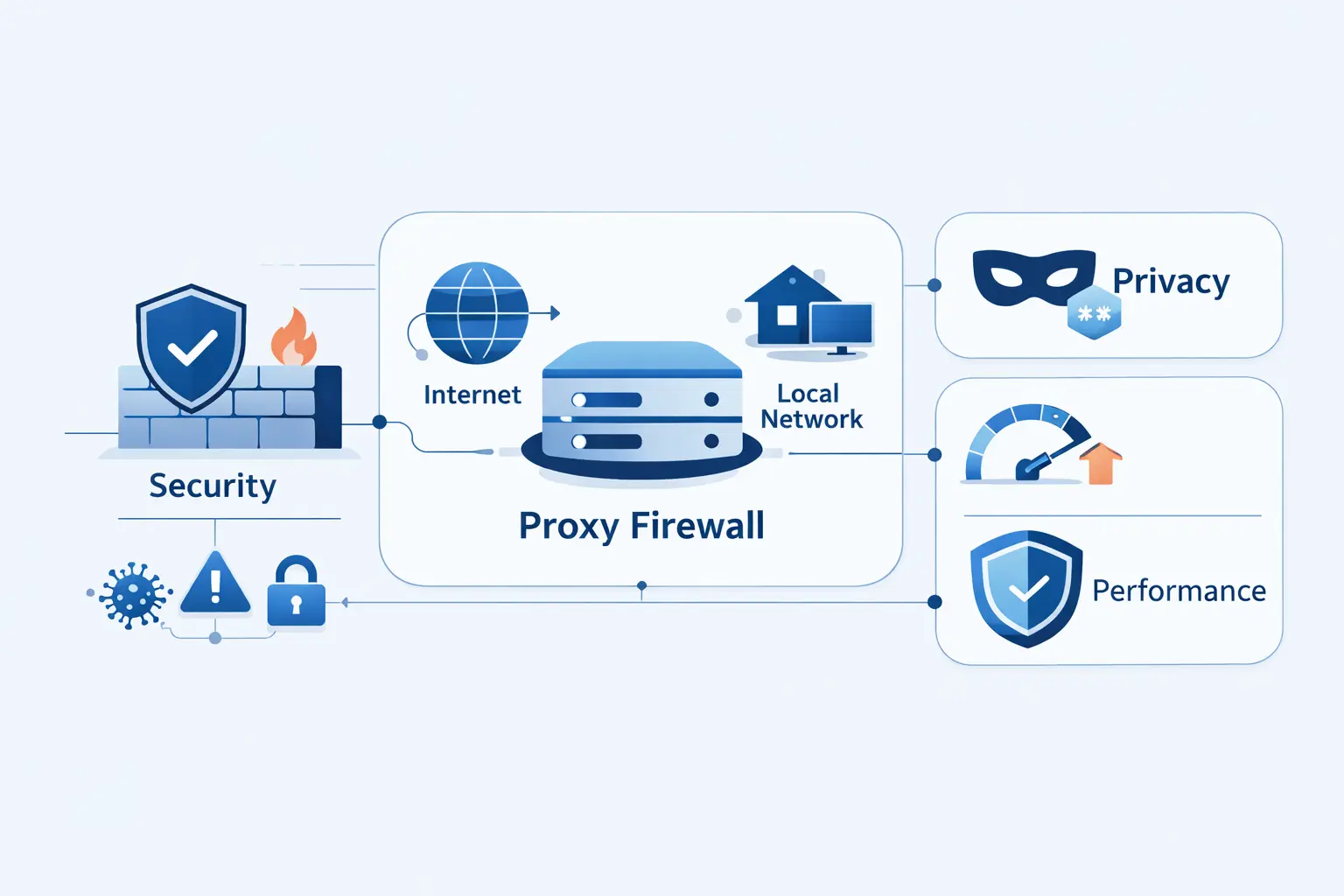
We do not recommend a proxy firewall for everything. We recommend it when the job calls for application-aware control. In the right spot, it offers visibility and precision that simple network filtering cannot match.
1. Security at the Application Layer and Threat Detection
The biggest benefit is application-layer security. A proxy firewall can block file uploads to unapproved destinations, deny executable downloads, reject dangerous methods, and inspect requests before they touch the target. That matters most for outbound web traffic, where data loss and browser-based threats often hide inside allowed ports.
2. Privacy, Internal IP Masking, and Reduced Direct Exposure
Privacy and reduced exposure matter too. External systems see the proxy, not the internal workstation or server. That makes reconnaissance harder and helps preserve internal addressing details. It also gives teams a cleaner choke point for outbound policy, which is often easier to manage than scattered host-by-host controls.
3. Granular Control, Compliance Logging, and Audit Visibility
Granular control is what turns a security policy into something enforceable. Teams can tie access to users, roles, devices, service accounts, domains, methods, and time windows. The resulting logs are useful for compliance reviews, incident response, and plain old troubleshooting when a request fails at the worst possible moment.
4. Faster Access Through Cached Content
Cached content can make repeat access faster. We see this work well for update mirrors, package downloads, training assets, and common static files. It helps much less with personalized apps or live data, so teams should treat it as a targeted performance bonus, not the main reason to deploy a proxy firewall.
Limitations and Disadvantages
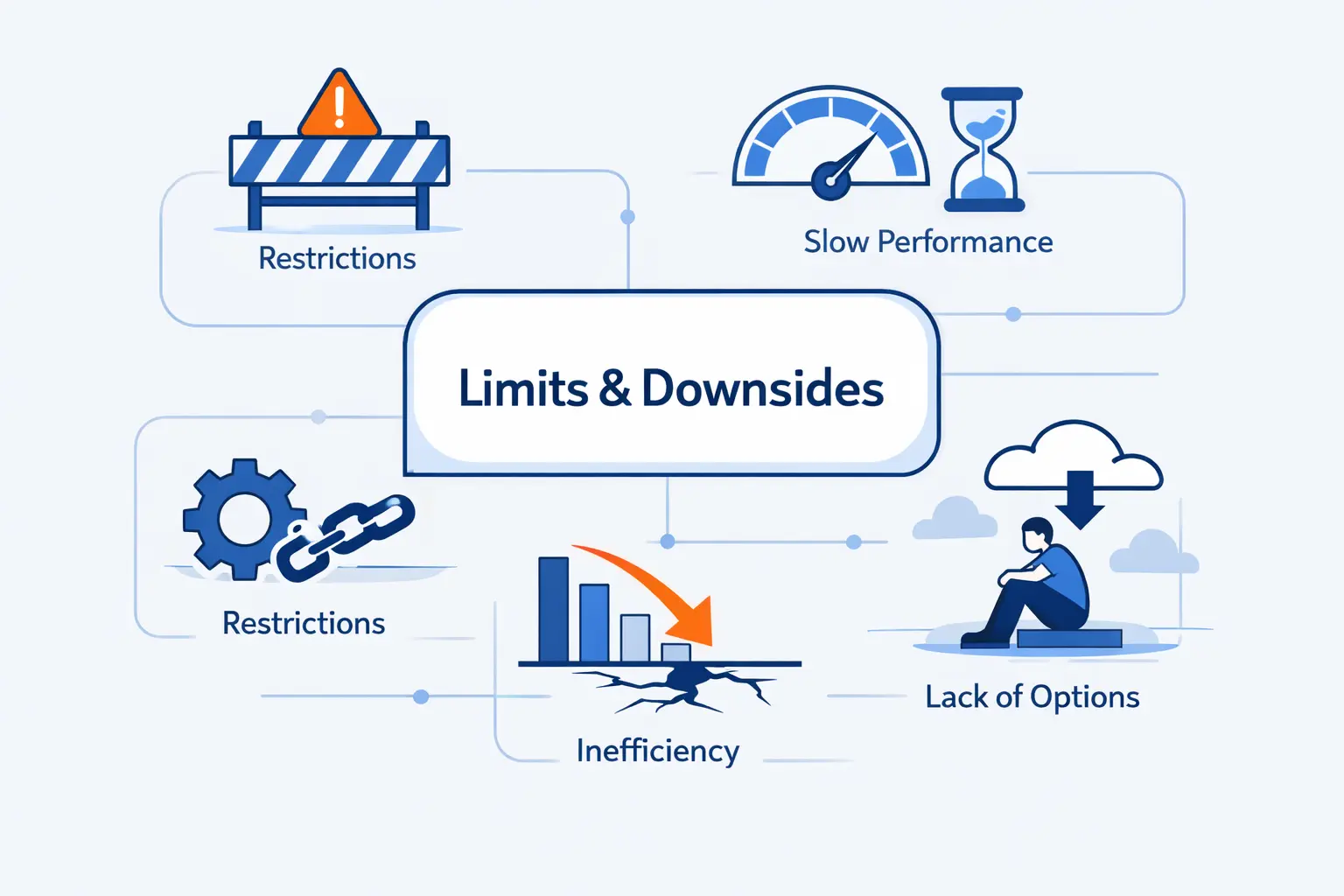
There is no free lunch here. Proxy firewalls buy visibility by sitting deeper in the traffic path, and that design adds cost, care, and sometimes friction. We think those tradeoffs are worth it only when the use case is clear.
1. Latency, Bottlenecks, and Performance Overhead
Latency and overhead come first. Every request takes an extra hop, plus CPU time for parsing, policy checks, logging, and sometimes content inspection. Under heavy load, the proxy can become the bottleneck. Real-time or long-lived flows may not tolerate that extra friction well. That is why sizing, scaling, and failover are design issues, not afterthoughts.
2. Protocol Gaps and Reduced Application Flexibility
Protocol coverage is another limit. A proxy firewall works best when it understands the protocol in front of it. New browser behavior, encrypted app patterns, certificate pinning, and unusual enterprise software can all force exceptions. When that happens, the elegant policy you imagined can turn into a patchwork.
3. Configuration Complexity and Ongoing Management
Configuration is rarely light work. Teams must define rules, plan bypass paths, manage certificate trust, keep logs searchable, and update policies as applications change. In our view, the ongoing management burden is the most underestimated cost in a proxy firewall project. Buying the product is easy. Operating it cleanly is the real job.
4. Single Point of Failure, Caching Risks, and Encryption Considerations
A proxy firewall can also become a single point of failure if it is not designed for redundancy. Caches can expose stale or sensitive data when configured badly, and modern encryption adds real operational questions. NIST’s work on TLS 1.3 visibility challenges is a useful reminder that inspection must be deliberate, lawful, and technically sound, not just switched on because the button exists.
Proxy Firewall Compared With Other Security Approaches
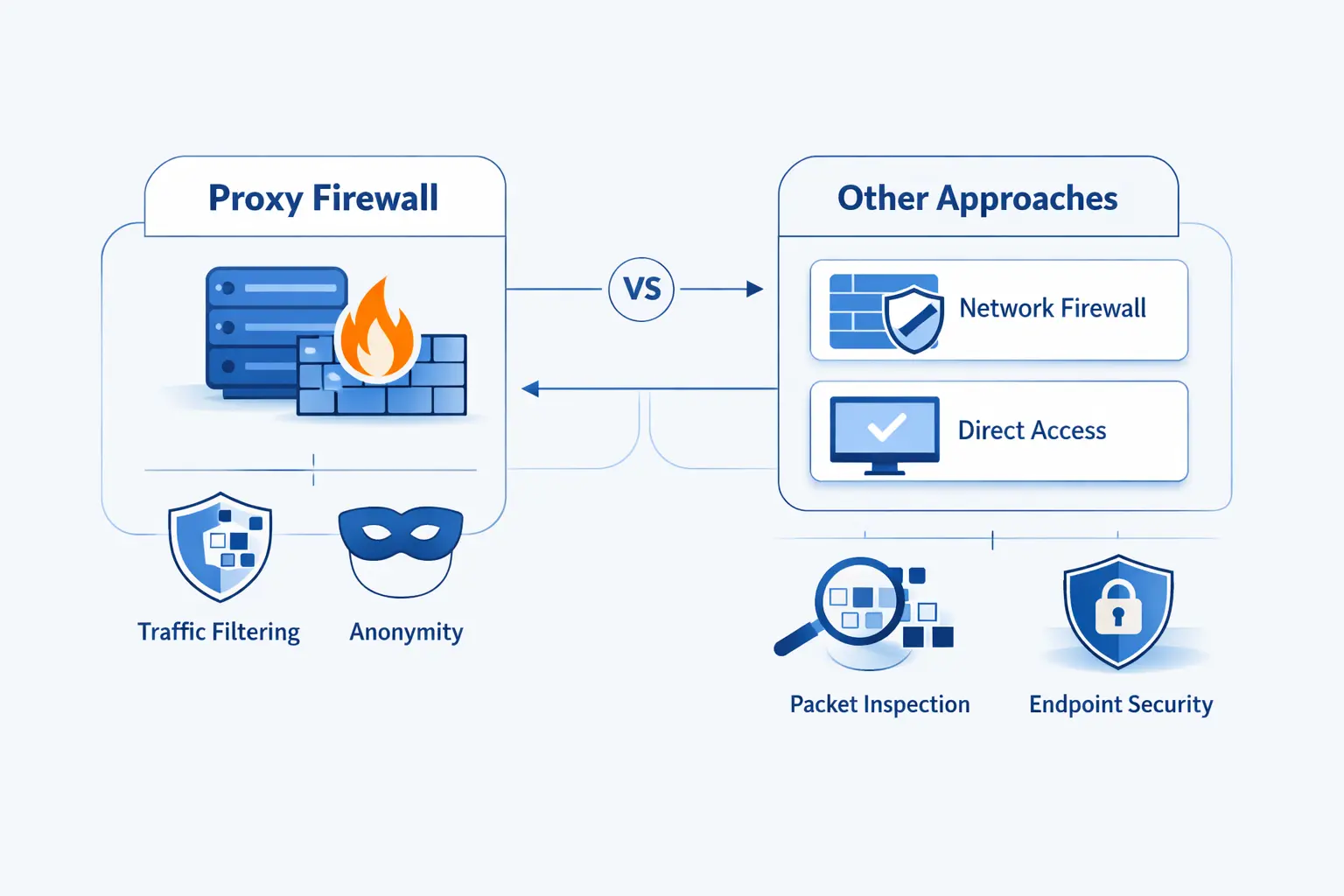
A proxy firewall makes the most sense when you compare it with the alternatives. Different controls solve different layers of the problem. Mixing them up leads to bad expectations and messy diagrams.
1. Traditional and Packet Filtering Firewalls
Traditional packet filtering firewalls are simpler and faster. They make decisions from IP addresses, ports, protocols, and basic rules. That is still useful. But they do not understand what the application is doing inside the session, so they cannot match the same level of policy detail.
2. Stateful Inspection and Next Generation Firewalls
Stateful inspection improves on packet filtering by tracking whether traffic belongs to a valid connection. Next generation firewalls go further with application awareness, intrusion prevention, and richer policy features. Some of them behave like proxies in certain flows. Others inspect without fully relaying every session. That distinction matters when you need true connection mediation.
3. Proxy Servers, VPNs, and Other Security Layers
A proxy server is not a firewall by default, and a VPN is not a content inspection tool by default. A VPN mainly protects the path between endpoints. A proxy server mainly intermediates traffic. A proxy firewall adds enforcement, identity, and audit logic. In layered security, it usually complements other controls instead of replacing them.
Common Use Cases
We see proxy firewalls work best when the goal is narrow and concrete. Protect outbound browsing. Guard a high-value web service. Control egress from private workloads. The clearer the mission, the better the policy set.
1. Safe Web Browsing, Malware Screening, and URL Filtering
For safe web browsing, explicit forward proxies are still practical. NGINX documents an HTTP CONNECT forward proxy pattern that shows the idea clearly, with client requests tunneling through the proxy so policy can sit in one place. Add malware screening, domain controls, blocked file types, and user authentication, and you have a strong outbound web control point.
2. Protecting Web Servers and High Value Services With Reverse Proxy Layers
Reverse proxy layers are common in front of web servers, APIs, and login endpoints. The reverse proxy basics that NGINX documents show the core flow, receive the client request, forward it upstream, and return the response. When teams pair that with firewall policy, header validation, and tight origin exposure, high-value services get a much safer front door.
3. Securing Outbound and Egress Traffic Across Cloud and Hybrid Environments
Cloud and hybrid egress is where proxy firewalls earn their keep. IBM found that 40% of breaches involved data stored across multiple environments, which lines up with what we see in real architectures. Traffic now crosses cloud accounts, private subnets, SaaS endpoints, and on-prem paths, so outbound policy can no longer be treated like a footnote.
Deploying a Proxy Firewall in Cloud and Egress Architectures
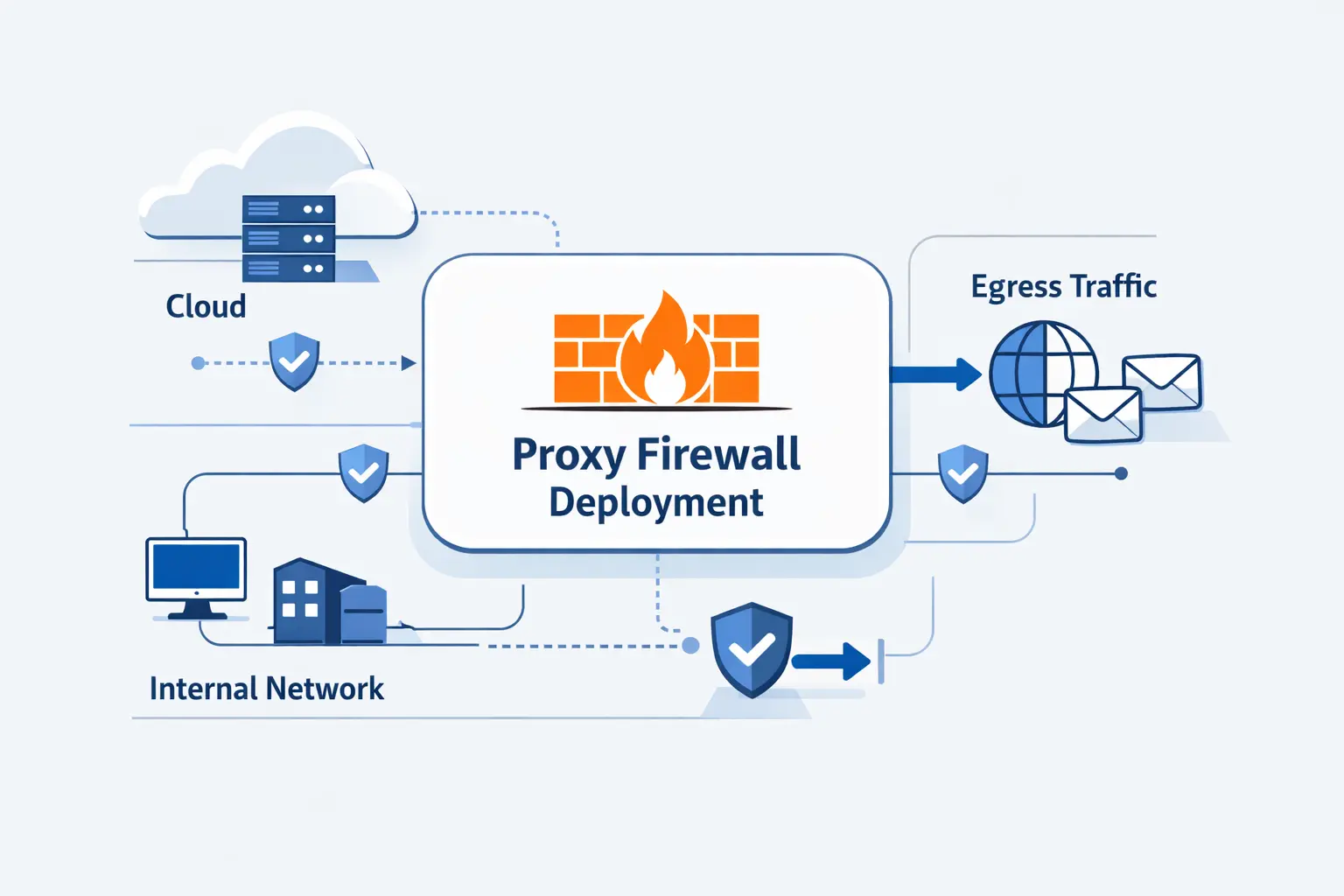
Cloud deployment changes the conversation. The firewall is not just a rack appliance anymore. It becomes part of routing, identity, trust stores, and shared egress design. That is why clean architecture matters more than brand slogans.
1. Explicit Proxy Configuration for HTTP and HTTPS Traffic
In cloud environments, we usually prefer explicit proxying for web traffic. AWS documents the familiar HTTP_PROXY, HTTPS_PROXY, and NO_PROXY variables for workloads that should send web requests through a proxy, and that approach keeps behavior visible to operators instead of hiding it behind interception tricks.
2. Rule Groups, Match Conditions, and Phase-Based Policy Evaluation
Modern managed proxies also make policy evaluation more structured. AWS describes rule groups and traffic phases such as pre-DNS, pre-request, and post-response, which is a helpful mental model even if you use another vendor. Check the destination early, inspect the request before it leaves, and inspect the response before it returns. Common actions are allow, deny, and alert.
3. TLS Interception and Certificate Trust
TLS inspection deserves its own design review. If you want URL paths, verbs, or response headers from HTTPS traffic, the proxy has to decrypt and re-encrypt it. AWS exposes this as TLS intercept mode, but the real work is broader. You must distribute trust roots, define bypasses, and document which traffic should never be inspected.
4. Single VPC, Multi VPC, and Centralized Egress Models
A single VPC deployment is the easy starting point. Multi-VPC and multi-account estates push teams toward centralized egress, where one inspection path handles internet-bound traffic for many workloads. We like that model when governance matters, but only if routing, ownership, and failure domains are crystal clear.
5. PrivateLink, Transit Gateway, Cloud WAN, and Application Networking Integrations
Some traffic never needs the public internet at all. PrivateLink private connectivity lets workloads reach supported services and resources from private subnets without an internet gateway or NAT device, which can shrink the amount of traffic your proxy must inspect in the first place.
For shared inspection across many networks, AWS also supports a network function attachment between Transit Gateway and Network Firewall. That matters because centralized inspection should not always require a full inspection VPC just to steer traffic through a managed security path.
At a broader estate level, Cloud WAN service insertion can steer traffic through security appliances for both east-west and north-south flows. In practice, that means proxy and firewall policy can become part of the wider application networking plan, not a separate island.
6. Combining Proxy and Routed Traffic Paths
We rarely send every packet through a proxy. A cleaner pattern is mixed paths. Use the proxy for outbound web traffic that benefits from application-layer rules. Keep routed paths for database replication, voice traffic, private service endpoints, or other flows that need low friction. We use that pattern often because it keeps the design understandable.
Proxy Firewall FAQs
These are the questions we hear most often from hosting customers, cloud teams, and developers who are trying to decide whether a proxy firewall is worth the effort.
1. What Are the Disadvantages of a Proxy Firewall?
The main disadvantages are added latency, operational complexity, protocol limits, and certificate management. A proxy firewall can also become a choke point if capacity or failover is weak. We think the operational burden is usually harder than the initial install.
2. What Is a Proxy and Why Is It Used?
A proxy is an intermediary that receives a request and then makes another request on the client’s behalf. People use it for access control, privacy, caching, policy enforcement, or simple network reachability. On its own, though, a proxy is not automatically a firewall.
3. What Is the Difference Between a Proxy Firewall and a Traditional Firewall?
A traditional firewall usually makes decisions from network and connection data. A proxy firewall goes deeper and evaluates the application conversation itself. That gives you finer control, but it also means more processing and more setup.
4. What Is the Difference Between a Proxy Firewall and a Proxy Server?
A proxy server mainly routes or intermediates traffic. A proxy firewall adds security policy, auditing, filtering, and often user or workload identity checks. If a product cannot enforce meaningful security policy, we would not call it a proxy firewall.
5. Is a Proxy Firewall the Same as an Application Firewall?
Sometimes yes, sometimes no. Many teams use the terms interchangeably because both work at the application layer. We prefer a narrower reading. A proxy firewall fully mediates the connection, while an application firewall label can be broader and product-specific. A web application firewall is also narrower, because it usually focuses on web attacks against web apps.
6. How Do You Set Up a Proxy Firewall?
Start with the use case. Decide which flows should be proxied, where the proxy will sit, and what users or workloads must trust it. Then define allow and deny rules, configure explicit clients where possible, test bypasses, validate logs, and build redundancy before you enforce hard blocks.
How 1Byte Supports Secure Hosting and Cloud Infrastructure
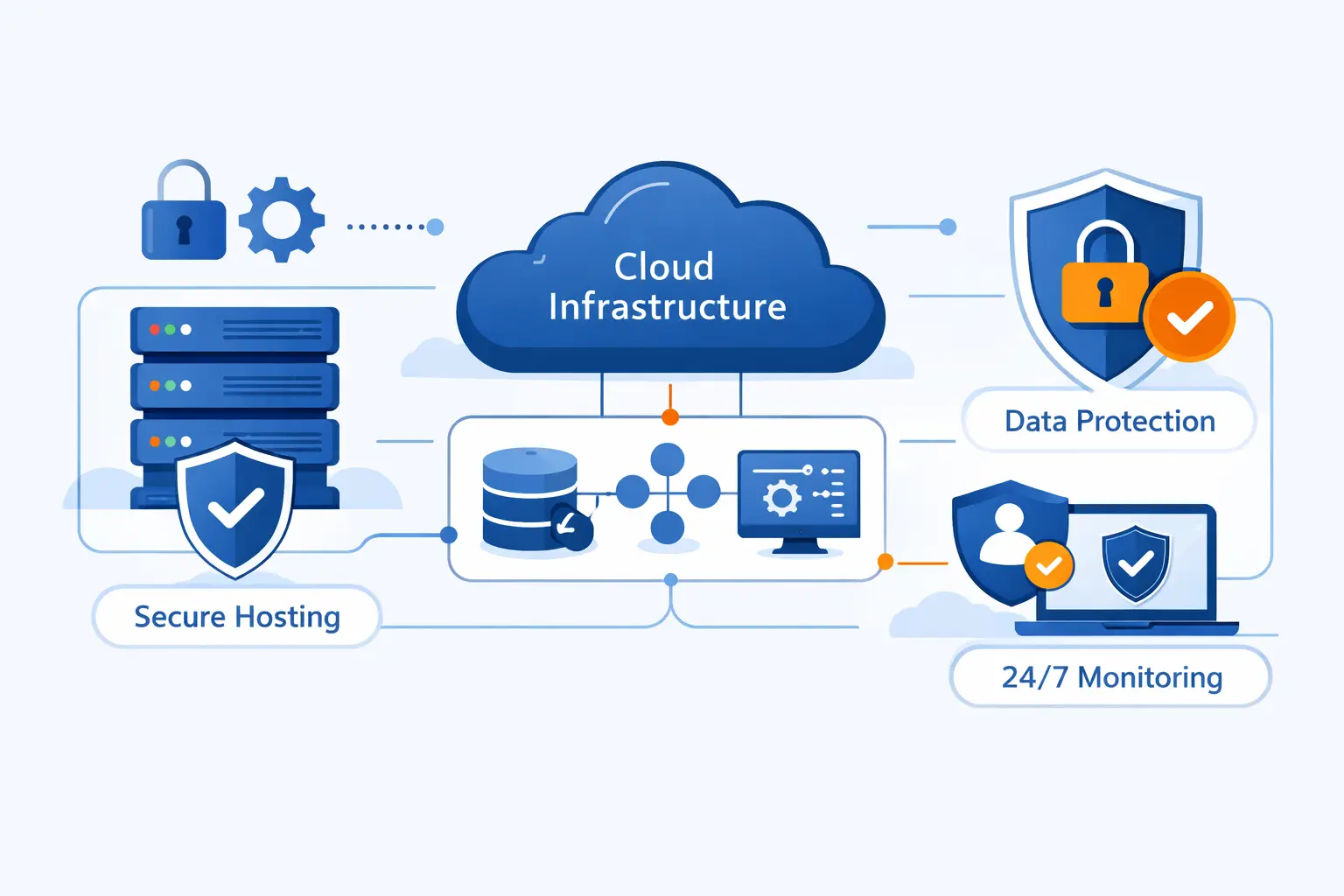
At 1Byte, we approach security foundations before fancy architecture. A proxy firewall can be excellent, but it works best when the basics are already tidy, domains, certificates, hosting layout, and clear ownership.
1. Domain Registration, SSL Certificates, and Security Foundations
We support domain registration and SSL certificate management because identity and trust begin there. Clean DNS records, valid certificates, and sane renewal practices remove a lot of friction from reverse proxying, TLS termination, and secure site delivery. That groundwork is less exciting than firewall diagrams, but we think it matters more.
2. WordPress Hosting and Shared Hosting for Managed Websites
For managed websites, including WordPress Hosting and Shared Hosting, we focus on secure defaults and dependable operations. Many sites need steady patching, SSL, backups, and access controls before they need a complex proxy firewall. We do not force enterprise controls onto simple workloads. We match the control to the real risk.
3. Cloud Hosting, Cloud Servers, and Support From an AWS Partner
We also provide Cloud Hosting and Cloud Servers, and we support customers as an AWS Partner when they need broader cloud guidance. That helps when the conversation moves beyond a single website and into shared egress, reverse proxies, private connectivity, and layered application security. Our bias is practical. We map the control to the workload instead of bolting it on late.







Final Thoughts on Choosing the Right Proxy Firewall
A proxy firewall is a strong tool when you need application-layer control, especially for outbound web traffic and high-value service fronts. It is less compelling when the traffic is not web-shaped, when latency budgets are tight, or when the team cannot support certificate trust and policy care.
Our view at 1Byte is simple. Choose a proxy firewall for a clear job, not as a reflex. Start small, test with real traffic, watch the logs, and keep exception handling honest. When the use case is right, a proxy firewall gives you control where simpler firewalls run out of detail.