

- What AWS Cost Allocation Tags Are and Why They Matter
- Types of AWS Cost Allocation Tags
- How to Activate AWS Cost Allocation Tags
- Choose the Right AWS Cost Allocation Model
- Common AWS Cost Allocation Tag Examples and Use Cases
- How AWS Cost Allocation Tags Work in Reports and Tools
- Using Account Tags in AWS Organizations
- When to Use AWS Cost Categories with AWS Cost Allocation Tags
- Best Practices for AWS Cost Allocation Tags
- Limitations and Common Challenges to Plan for
- How to Measure Tagging Success
- Frequently Asked Questions on AWS Cost Allocation Tags
- How 1Byte Supports Cloud Infrastructure and Hosting Needs
- Final Thoughts on AWS Cost Allocation Tags
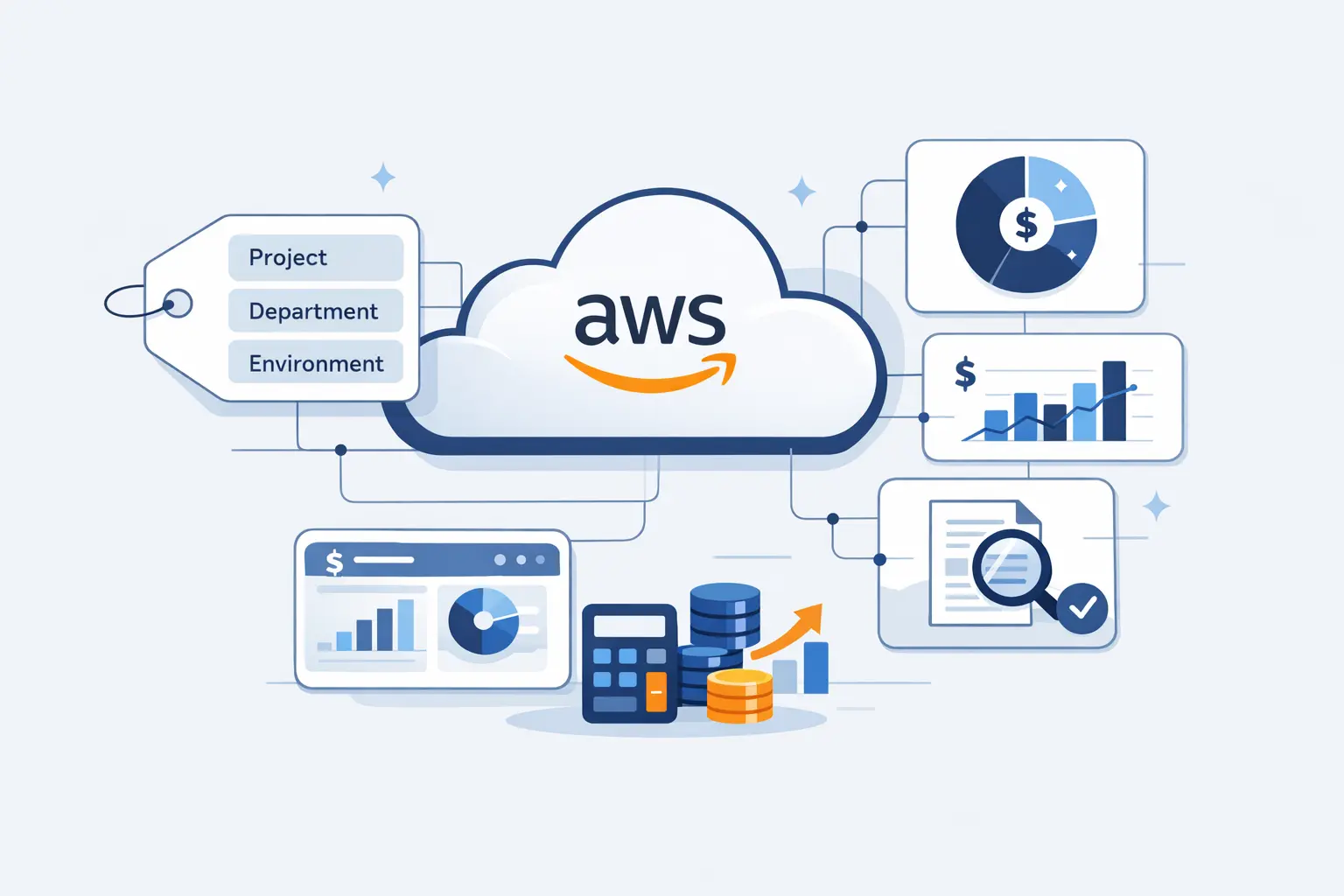
At 1Byte, we treat AWS cost allocation tags as the bridge between engineering activity and finance reality. When IDC expects public cloud services spending to surpass $1 trillion in 2026, loose tagging stops being a small annoyance and starts becoming a budgeting problem.
We have seen teams call a bill unexpected when the real issue was missing ownership. Tags do not shrink costs on their own. They give finance, engineering, and operations the same map, which is what makes showback and chargeback workable.
What AWS Cost Allocation Tags Are and Why They Matter
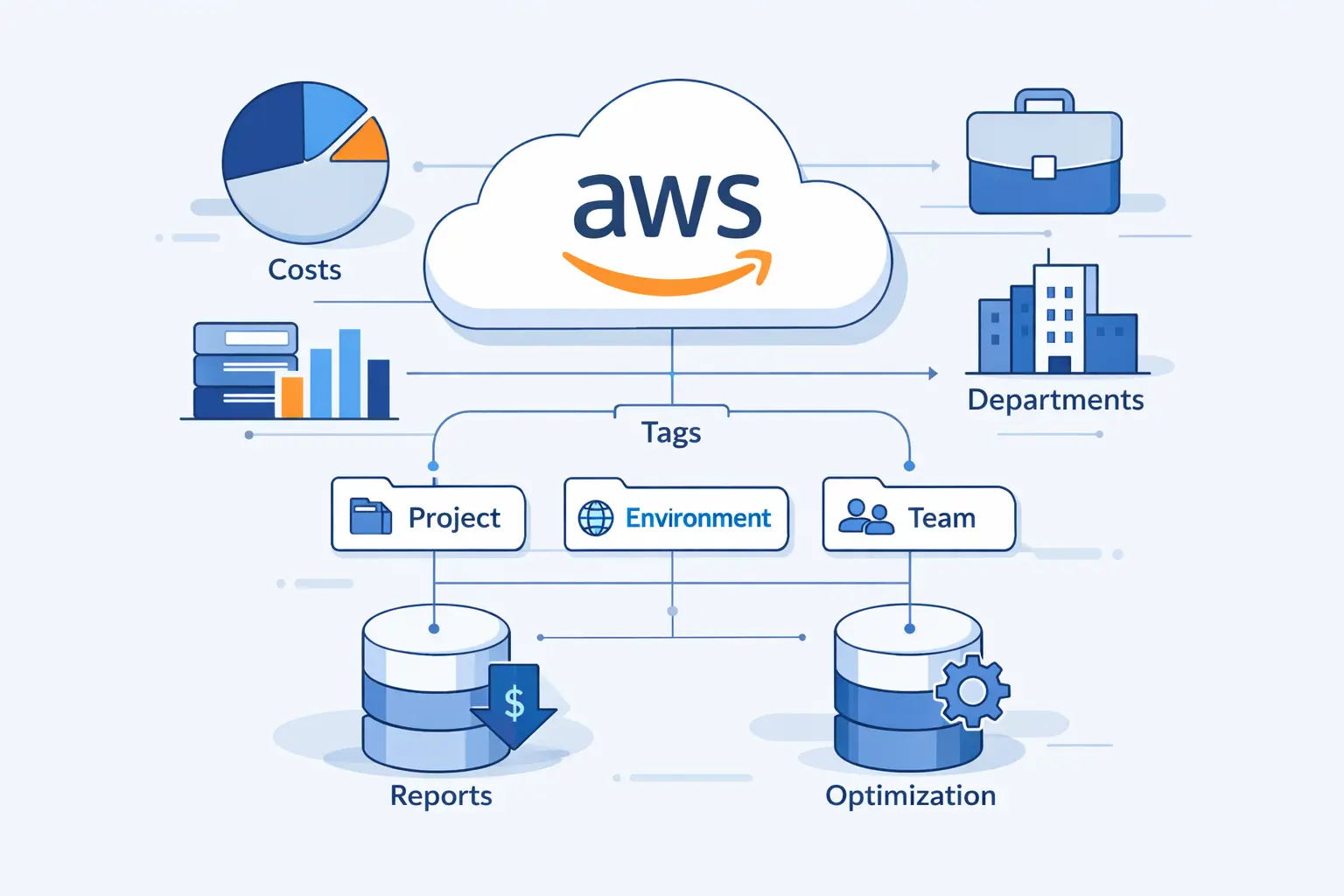
AWS cost allocation tags are billing-aware labels. AWS takes tag keys and values, then exposes them in reports and analysis tools after activation. That sounds simple, but it changes how a cloud bill can be read and discussed.
1. How Tags Use Unique Keys and Values
Each tag is a key-value pair, such as Application=checkout or CostCenter=finance. On a single resource, a key can appear only once, so every key needs a clear meaning. We prefer stable keys and predictable values because finance hates guesswork, and so do engineers.
2. How Cost Allocation Tags Improve Visibility and Accountability
Visibility is the obvious win. Instead of staring at a flat EC2 or S3 line item, we can attribute spend to an owner, application, or cost center across services. Accountability follows right behind, because once spend has a named home, showback becomes credible and chargeback stops feeling like a political argument.
3. Where AWS Cost Allocation Tags Appear in Billing Reports and Cost Explorer
After activation, AWS adds tag columns to the cost allocation report and makes those keys available in billing analysis views.
We usually treat that report as the raw ledger and the dashboard as the working view. For deeper analysis, we point teams to CUR, because AWS recommends that richer export over the older monthly file.
Types of AWS Cost Allocation Tags
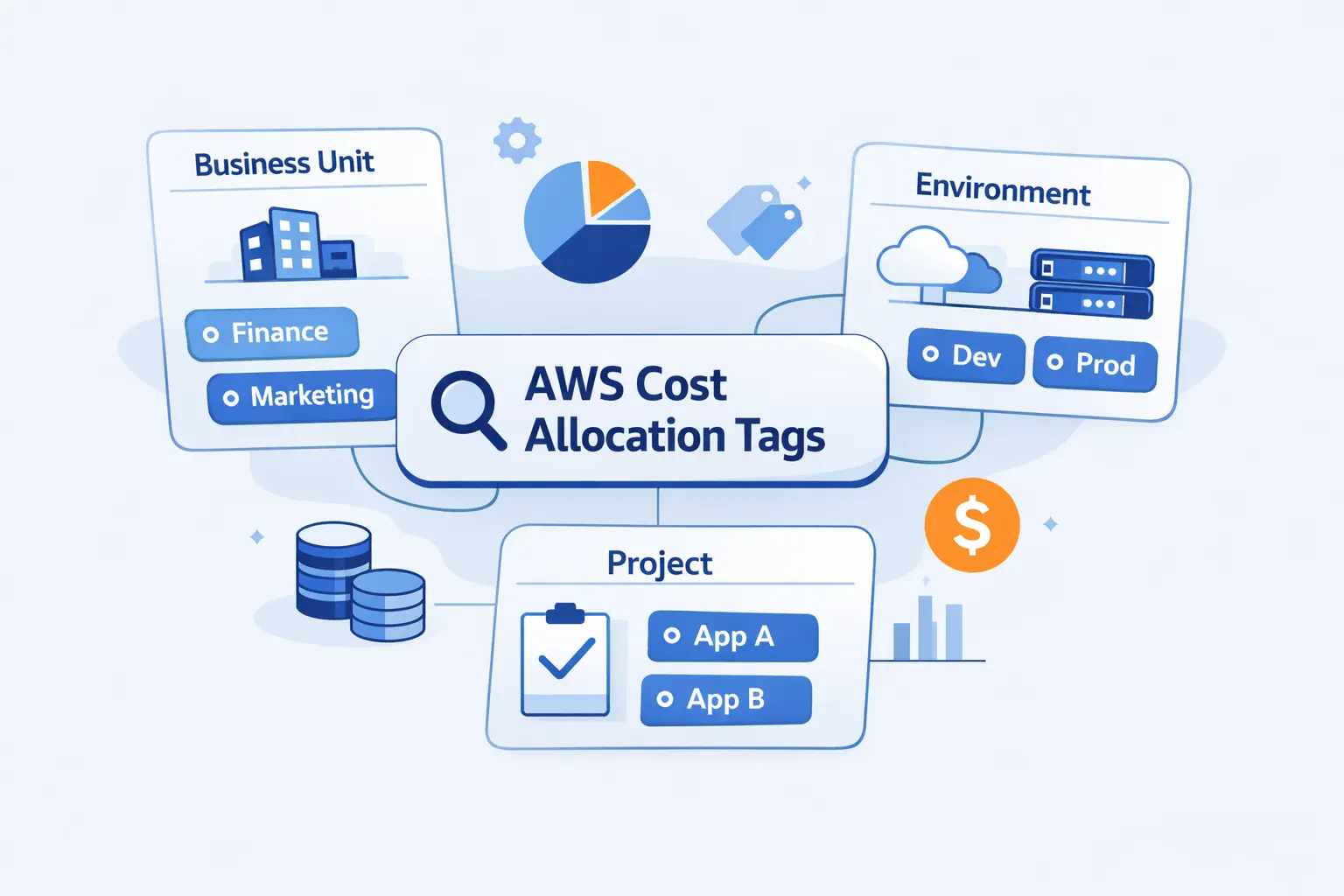
AWS splits cost allocation tags into an AWS-managed family and a user-managed family. We want that distinction clear from the start, because it changes who owns the tag, how it appears in reports, and how much control we really have.
1. AWS-Generated Cost Allocation Tags
AWS-generated tags come from AWS, not from us. They use the aws: prefix in reports, and the best-known example is aws:createdBy. A management account owner activates them in Billing, and AWS then applies them to supported resources created after activation.
2. User-Defined Cost Allocation Tags
User-defined tags are the ones most teams live with every day. We decide the keys, the values, and the naming rules, then apply them through the console, automation, or APIs. AWS also notes that behavior varies by service, so we always check how a given service handles tagging before we trust the report.
3. Prefixes, Ownership, and Activation Differences
In reports, user-defined tags are separated from AWS-generated tags by prefixes. User-defined tags show up with user: and AWS-generated tags with aws:. We also have to activate each family separately, which is easy to miss when a resource already looks tagged in the console.
How to Activate AWS Cost Allocation Tags
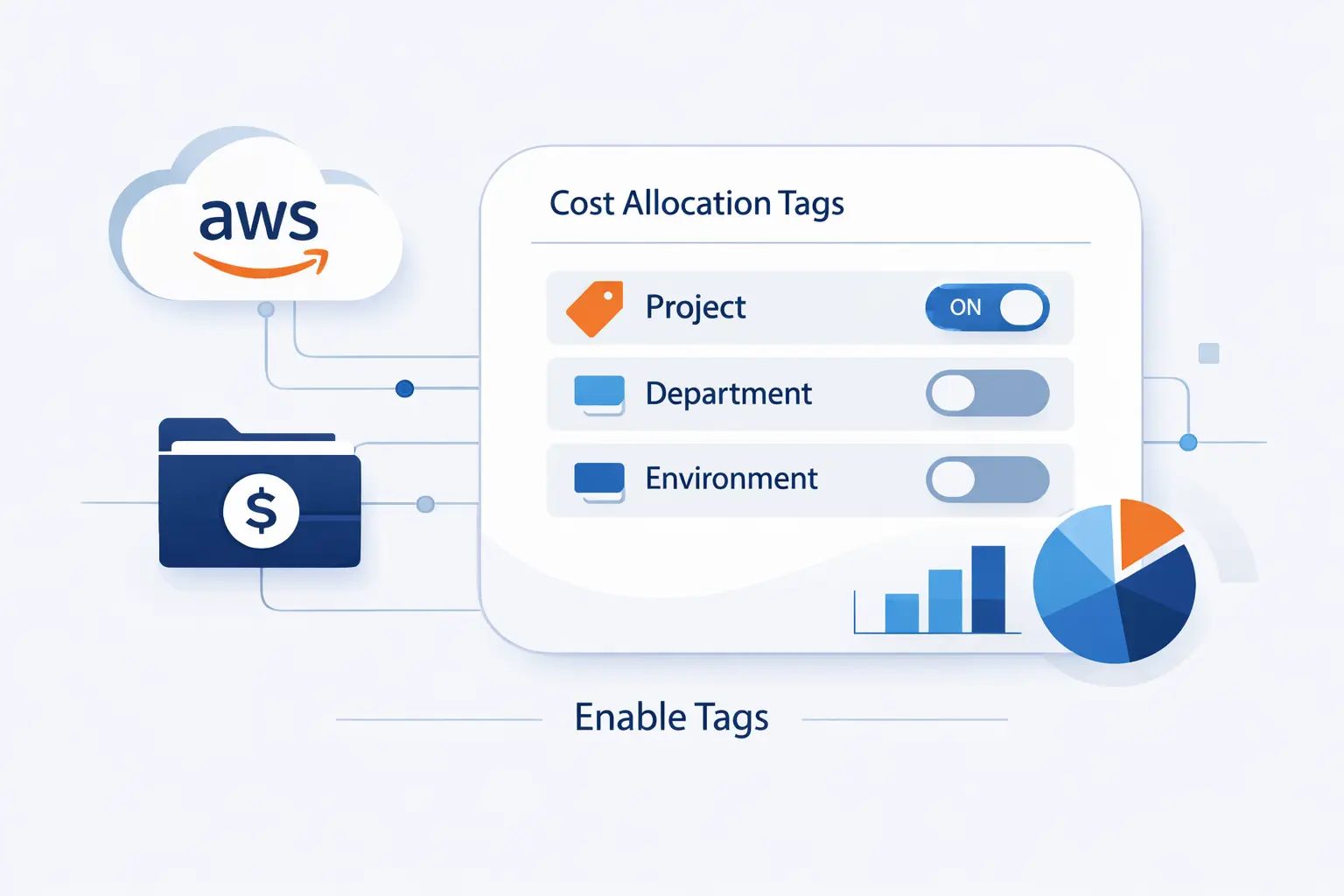
Applying a tag is not the same as making it usable for billing. We see this confusion all the time. In an organization, the cost allocation tag controls sit with the management account, not with every member account.
1. Apply User-Defined Tags with Tag Editor, the Console, or APIs
For bulk cleanup, Tag Editor earns its keep. It lets us search across supported resources and tag or correct them in batches. We also keep sensitive data out of tag values, because AWS uses tags for billing and administration, not as a safe place for secrets.
2. Enable Cost Explorer, AWS Budgets, or the AWS Cost and Usage Report
We usually start with Cost Explorer because it exposes the current month and the previous 13 months in a quick interface.
User-defined cost allocation tags do not become useful for billing until a supported cost tool is enabled. After that, AWS Budgets can use active resource tags as filters, and CUR becomes the deeper export for Athena, BI dashboards, or finance handoffs.
3. Activate Tag Keys in Billing and Cost Management from the Management Account
After the tags exist and the cost tools are on, there is still one more step. In Billing and Cost Management, the management account selects the tag keys and activates them for cost allocation. We can do that in the console or in bulk through the cost allocation tags API.
4. Allow for Processing Time and Know That Tags Do Not Backfill Historical Usage
Then we wait. Billing metadata moves on its own timetable, not ours. In AWS guidance, newly activated tags can need up to 24 hours before they show in Cost Explorer, so we never judge a fresh setup too early.
The second part of this heading needs an update. AWS now allows a backfill request for up to 12 months when the resource already had that tag historically. That backfill is manual, and it cannot rescue months where the tag never existed on the resource.
Choose the Right AWS Cost Allocation Model
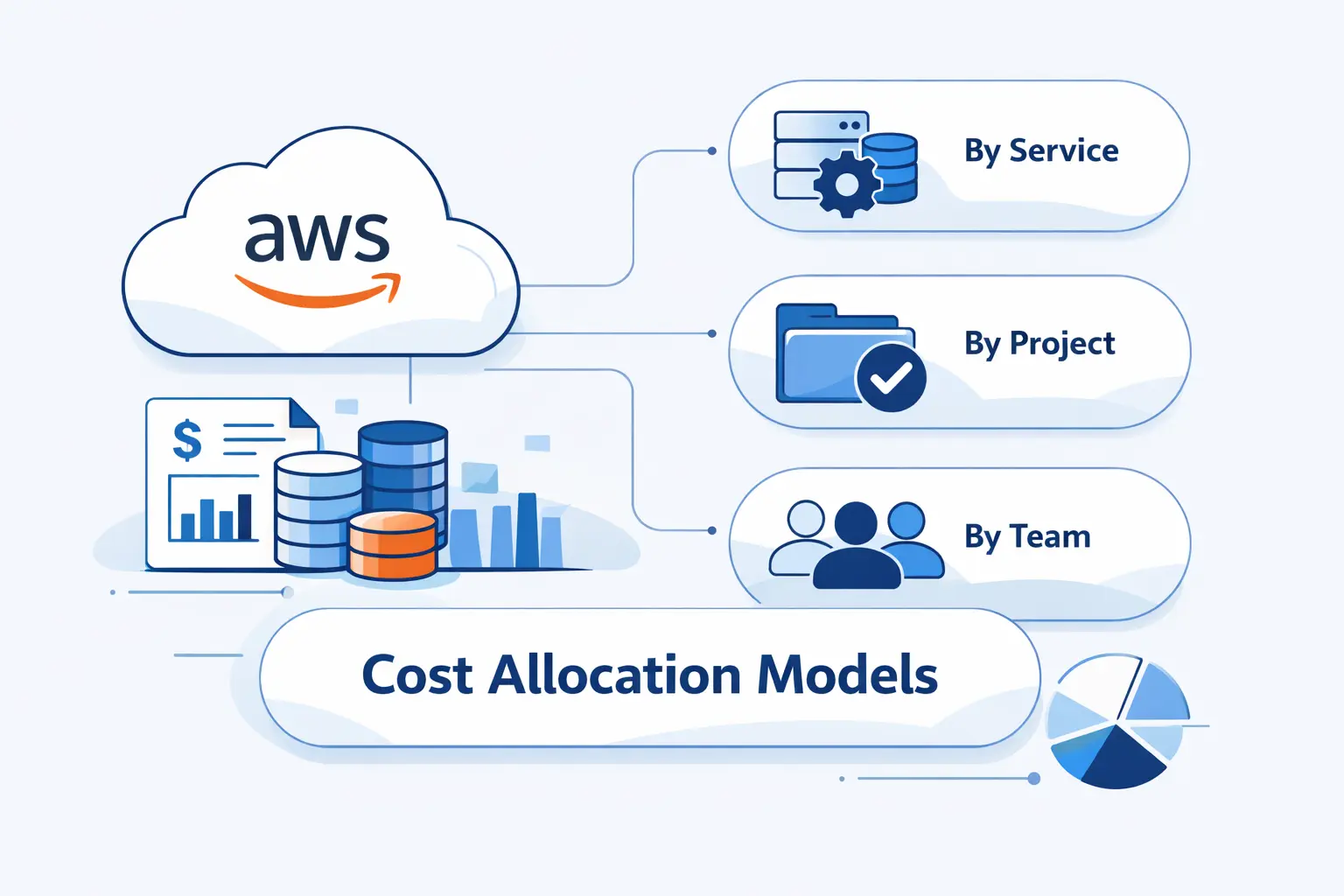
Before we build a tag dictionary, we choose the cost allocation model. We start with account structure, because it is the coarsest and often the cleanest signal. Tags should refine the model, not replace a broken account layout.
1. Account-Based Cost Allocation
Account-based allocation is the cleanest starting point when a workload lives in its own account. Every line item in that account already points to a single owner or purpose. We like this model for strong isolation, simpler showback, and fewer arguments about shared spend.
2. Team-Based Cost Allocation
Team-based allocation works when a team owns services across several accounts or shared platforms. Here, a team tag, a team-focused cost category, or both create a manager-friendly view. This model is less tidy than account-based allocation, but it often matches how real organizations work.
3. Tag-Based Cost Allocation for Granular Workloads
Tag-based allocation is the right move when shared accounts hide the truth. We use it for shared clusters, platform accounts, or mixed environments where account-level data is too blunt. It gives granular visibility, but only if the tag rules are simple and enforced.
Common AWS Cost Allocation Tag Examples and Use Cases
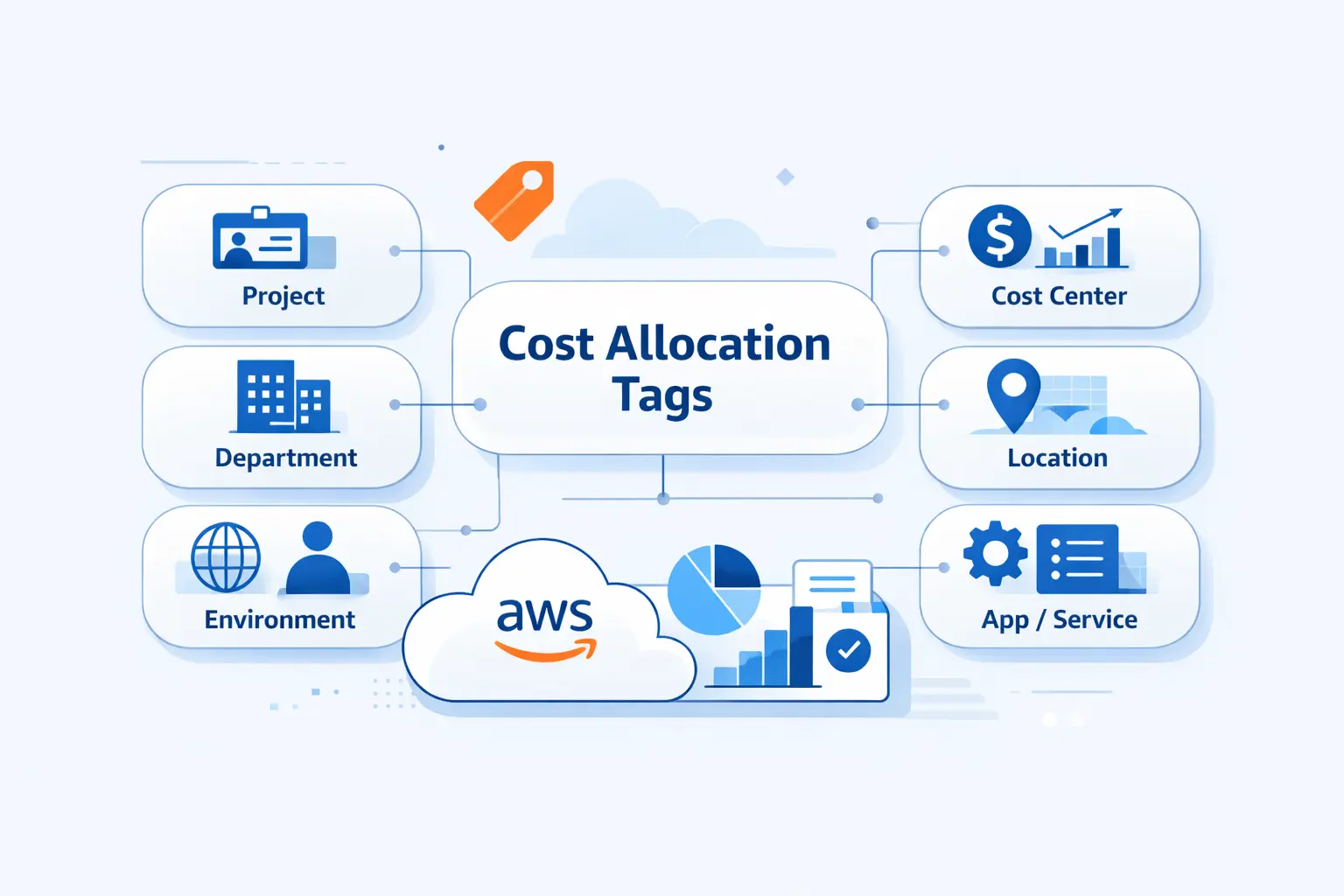
A useful tag set answers recurring questions. Who owns this. Which product pays. Which project should absorb the bill. If a tag does not help answer those questions, we usually leave it out.
1. Cost Center, Owner, Application, and Stack
Cost Center, Owner, Application, and Stack are the classic starters. Together, they tell us who pays, who acts, what service this is, and which deployment group it belongs to. Our opinion is simple here. An Owner tag tied to a team alias is often more helpful than an individual name.
2. Business Units, Products, Projects, and Regions
BusinessUnit, Product, Project, and Region become important once the cloud bill needs executive rollups. These tags help finance map spend to revenue lines, initiatives, and geography. We also avoid duplicating information the account structure already tells us, because duplicate truth drifts apart.
3. Forecasting, Underutilization, Security, and Disaster Recovery
We use tags for more than accounting. Environment or project tags support budget filters and forecast views. Security tags can flag data classification. Recovery-related tags can separate primary systems from standby or disaster recovery assets, which makes readiness reviews much more concrete.
A good real-world example comes from AWS’s QuickSight guidance, where a costcenter tag on users feeds CUR and supports custom chargeback reporting. We like that example because it turns a tag into a finance action, not just a label.
How AWS Cost Allocation Tags Work in Reports and Tools
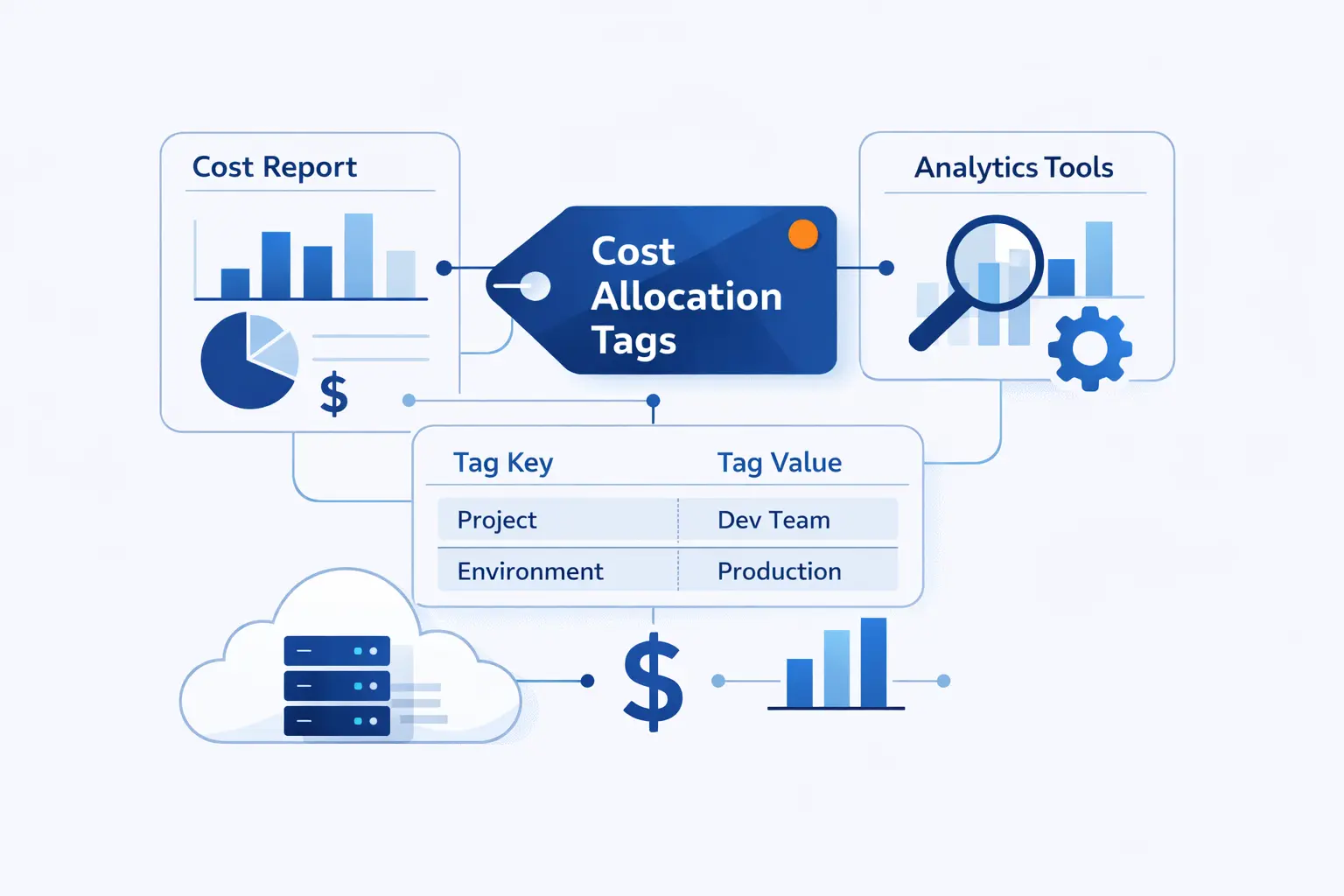
Tags only become useful when reports and tools expose them clearly. We think of reporting in layers. First there is raw billing data, then there are views for humans, budgets for alerts, and exports for deeper analysis.
1. Monthly and Hourly Cost Allocation Reports
CUR matters because it can break costs down by hour, day, or month and still include the tag dimensions we care about.
The legacy monthly cost allocation report still exists, but AWS points serious users toward CUR. When we need real analysis, that richer export and finer granularity win.
2. Use Cost Explorer, AWS Budgets, and the AWS Cost and Usage Report
Cost Explorer is our fast reading tool. AWS Budgets is where we place guardrails against unwanted growth. CUR is where we join cost data with business context, usually in Athena or another analytics layer. Used together, these tools turn tags from metadata into reporting workflow.
3. View Tagged, Untagged, and Unallocated Costs
We always compare tagged costs against what remains untagged or loosely allocated. AWS reports include tagged and untagged resources, which helps us see coverage gaps. The leftover bucket often contains missing tags, hard-to-tag shared charges, or credits and refunds that need account-level handling.
Using Account Tags in AWS Organizations
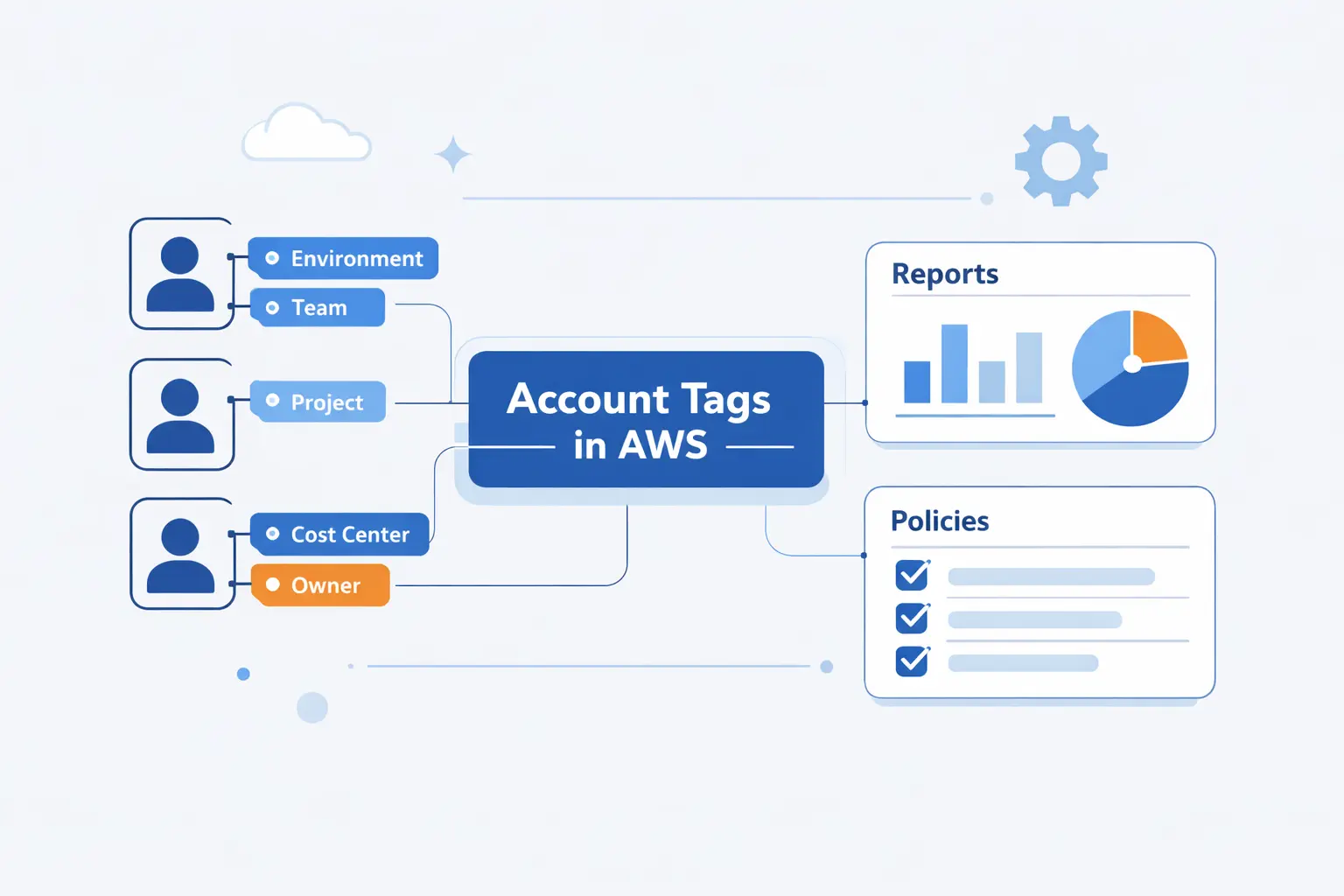
Account tags are a newer and very practical addition. They live on AWS Organizations accounts, not on resources. That sounds subtle, but it gives us a way to allocate spend that resource tags can miss.
1. Apply Account Tags Across Member Accounts
We apply account tags in AWS Organizations, then activate them in Billing from the management account. Once active, those tags travel with metered usage inside the tagged member accounts. This is one of the cleanest ways to mirror business structure in a large organization.
2. Use Account Tags in Cost Explorer, AWS Budgets, Cost Categories, and the AWS Cost and Usage Report
After activation, account tags work across Cost Explorer, AWS Budgets, Cost Categories, and CUR. We use them when we want every charge in an account to inherit the same business context without touching every resource. That is especially handy during fast growth, migrations, or messy legacy cleanup.
3. Cover Refunds, Credits, and Other Costs That Are Difficult to Tag at the Resource Level
Account tags shine when a charge has no useful resource tag. AWS specifically calls out refunds, credits, and certain service charges that are hard or impossible to tag at the resource level. In practice, this makes account tags a coverage tool, not just a convenience.
When to Use AWS Cost Categories with AWS Cost Allocation Tags
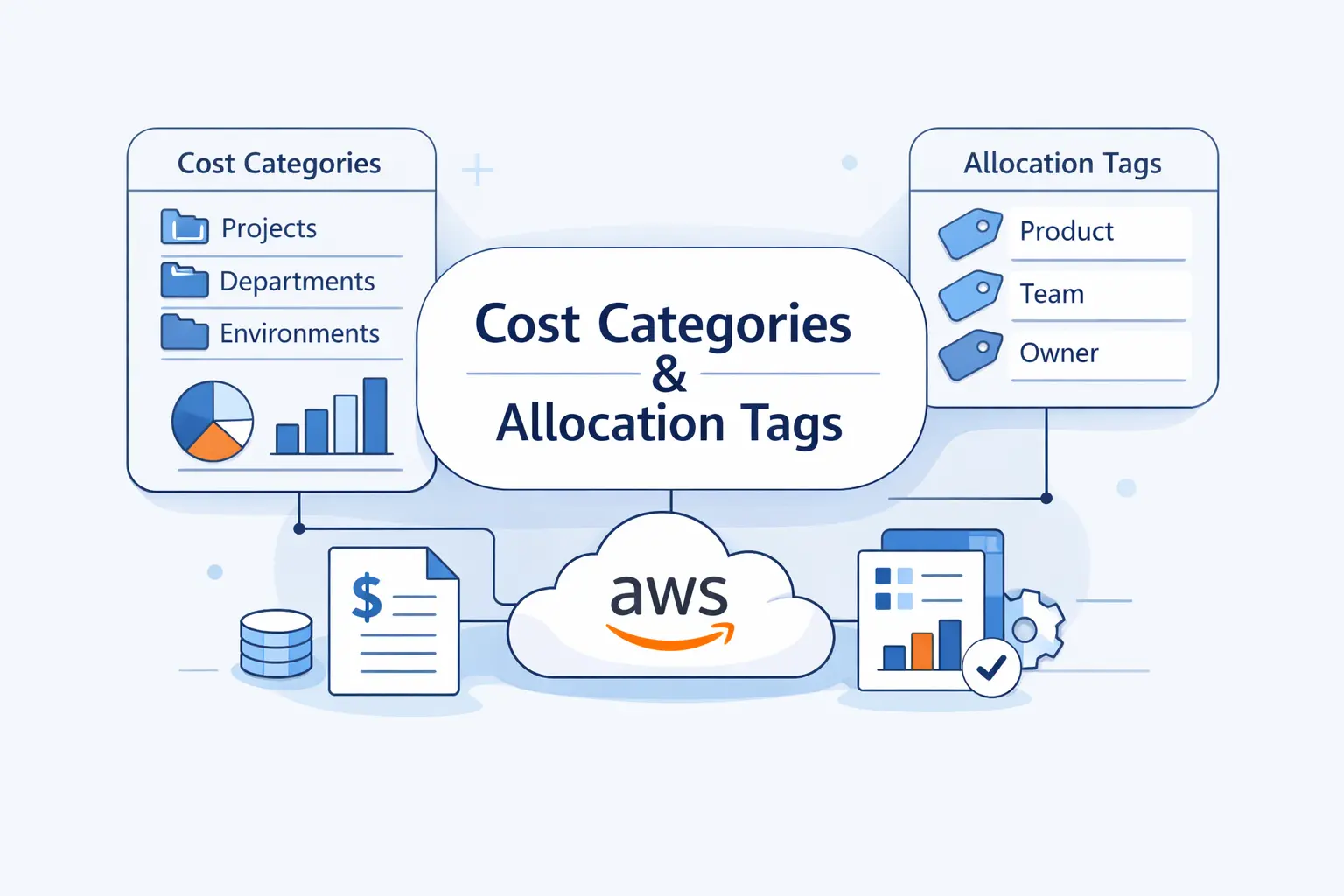
Cost allocation tags tell us what the infrastructure says it is. Cost Categories tell finance how the business wants to read the bill. We use both, because growing organizations rarely fit neatly into raw tags alone.
1. Group Accounts and Tags into Business Categories
Cost Categories let us combine accounts, tags, services, and even Charge Type into a business lens. That is how we build views like Shared Platform, Internal Tools, Customer Delivery, or Business Unit. Tags stay important, but categories turn them into rollups people can actually use.
2. Support Showback and Chargeback Across Complex Organizations
In complex organizations, showback and chargeback need more than raw line items. AWS even published a departmental cost allocation pattern that uses Organizations, Lambda, and Cost Categories while the tagging program matures. We like that approach because it meets finance where it is, instead of waiting for perfect tagging.
3. Handle Commitment Discounts and Other Unallocatable Spend
Shared spend is where plain tags run out of road. With split charge rules, we can distribute shared platform costs across target teams with fixed, proportional, or even splits. This is also where many organizations handle enterprise support, data transfer, and commitment benefits that do not belong to a single resource tag.
Best Practices for AWS Cost Allocation Tags
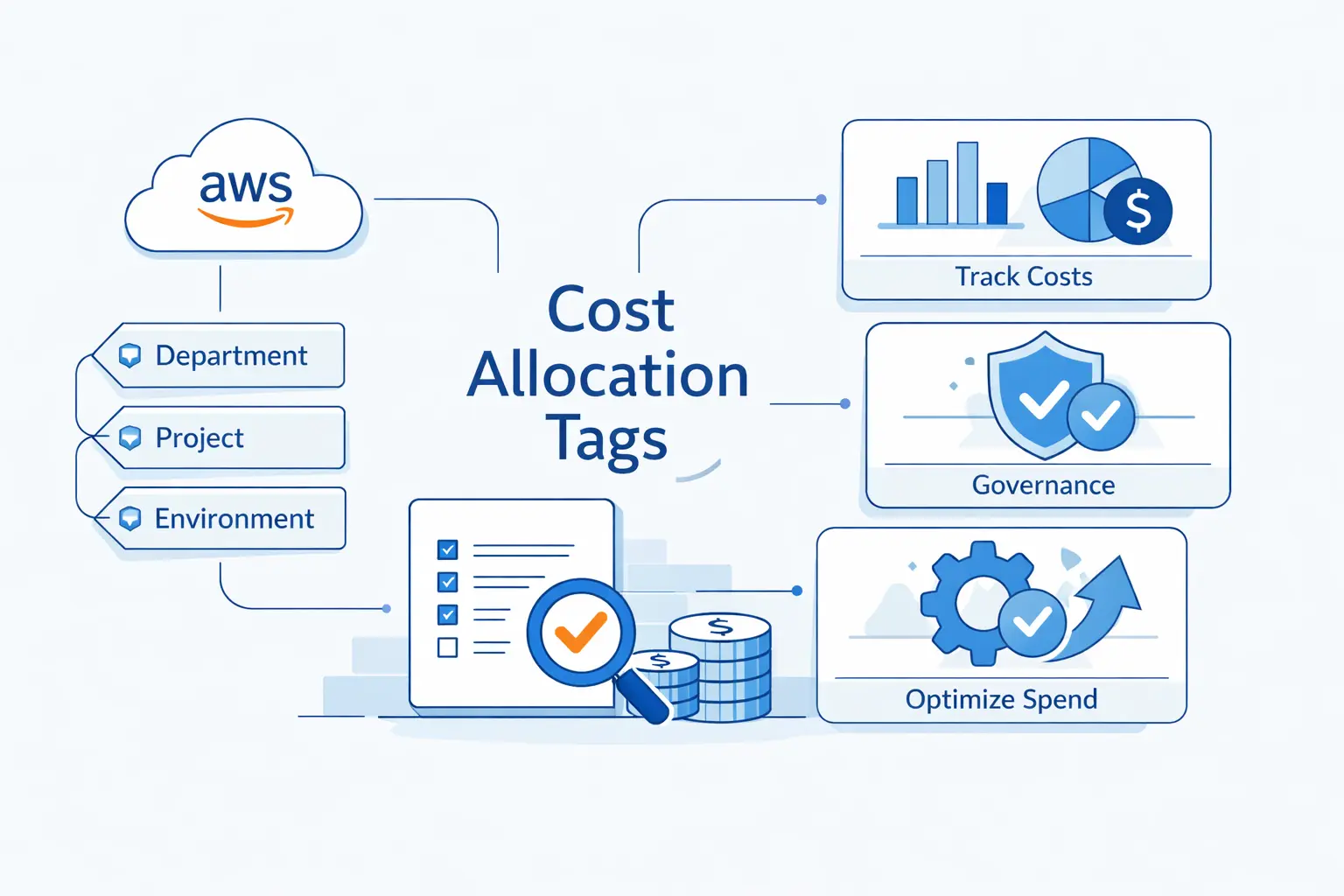
Best practices matter because tags decay fast without rules. We have seen good intentions dissolve into several spellings of the same key in a single reporting cycle. Boring standards beat clever taxonomies every time.
1. Build a Consistent Naming Standard and Required Tag Set
We start with a small naming standard and a required tag set. Keys should have one meaning, one accepted case style, and a short allowed value list where possible. Because tags are case sensitive, CostCenter and costcenter are different keys. That tiny detail causes a surprising amount of pain.
2. Align Tag Keys with Financial Reporting and Showback Needs
We design tag keys backward from reporting needs. If finance wants spend by business unit and project, those keys belong in the standard. If nobody reads a field in reports, budgets, or automation, we usually cut it. The best tag set is the one people can keep consistent.
3. Automate Tagging, Propagate Values, and Govern Tag Quality
We prefer policy over cleanup days, and tag policies are the obvious starting point for standardizing allowed keys and values.
From there, SCPs can block bad creation paths, and AWS Config can flag drift after the fact. We also make sure tags propagate to child resources when services support that behavior. And we keep secrets and personal data out of tag fields.
Limitations and Common Challenges to Plan for
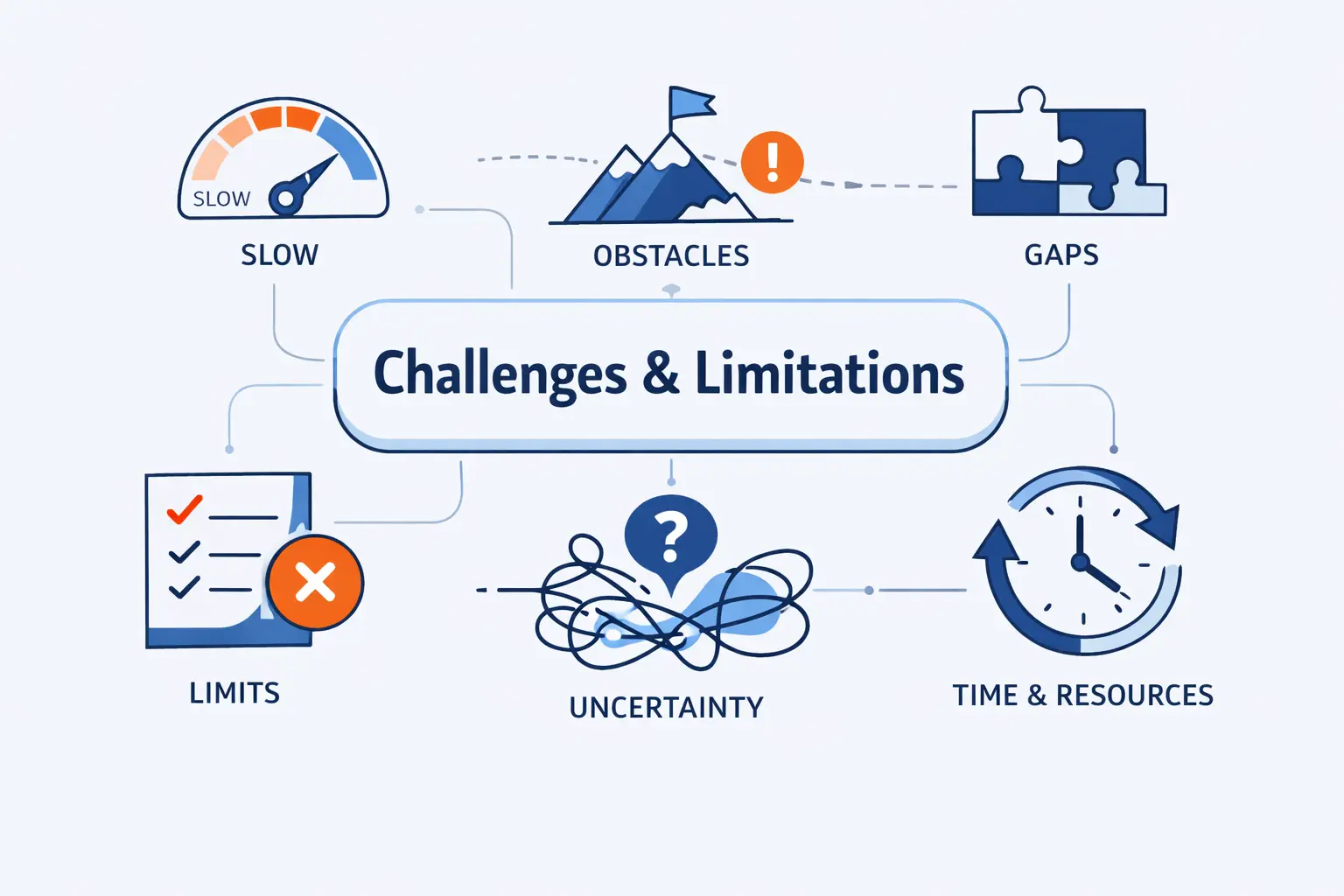
Even a disciplined tagging program hits limits. Some are AWS rules. Some are service quirks. Some are just organizational habits that keep leaking into the bill.
1. Reserved Prefixes, Unique Keys, and Service-Specific Behavior
We cannot use reserved prefixes like aws: for user-defined tags, and each resource can hold a key only once. Service behavior also differs, which means a tag that works well on one resource type might not carry the same way on a supporting resource. We test service-specific behavior before we promise reporting accuracy.
2. Shared Environments, Null Values, and Inconsistent Tagging
Shared environments create messy attribution. So do empty values and inconsistent spelling. In our view, a blank Owner tag is worse than no Owner tag because it creates fake confidence. Coverage and data quality need to be measured together.
3. Non-Metered Services, Untaggable Costs, and Moving Accounts Between Organizations
Some charges are simply awkward to tag at resource level, including credits, refunds, and certain non-resource costs. Moving a member account between organizations can also reset earlier activation status, so the new management account must reactivate its cost allocation tags. That is the sort of gotcha that bites only after a reorg.
How to Measure Tagging Success
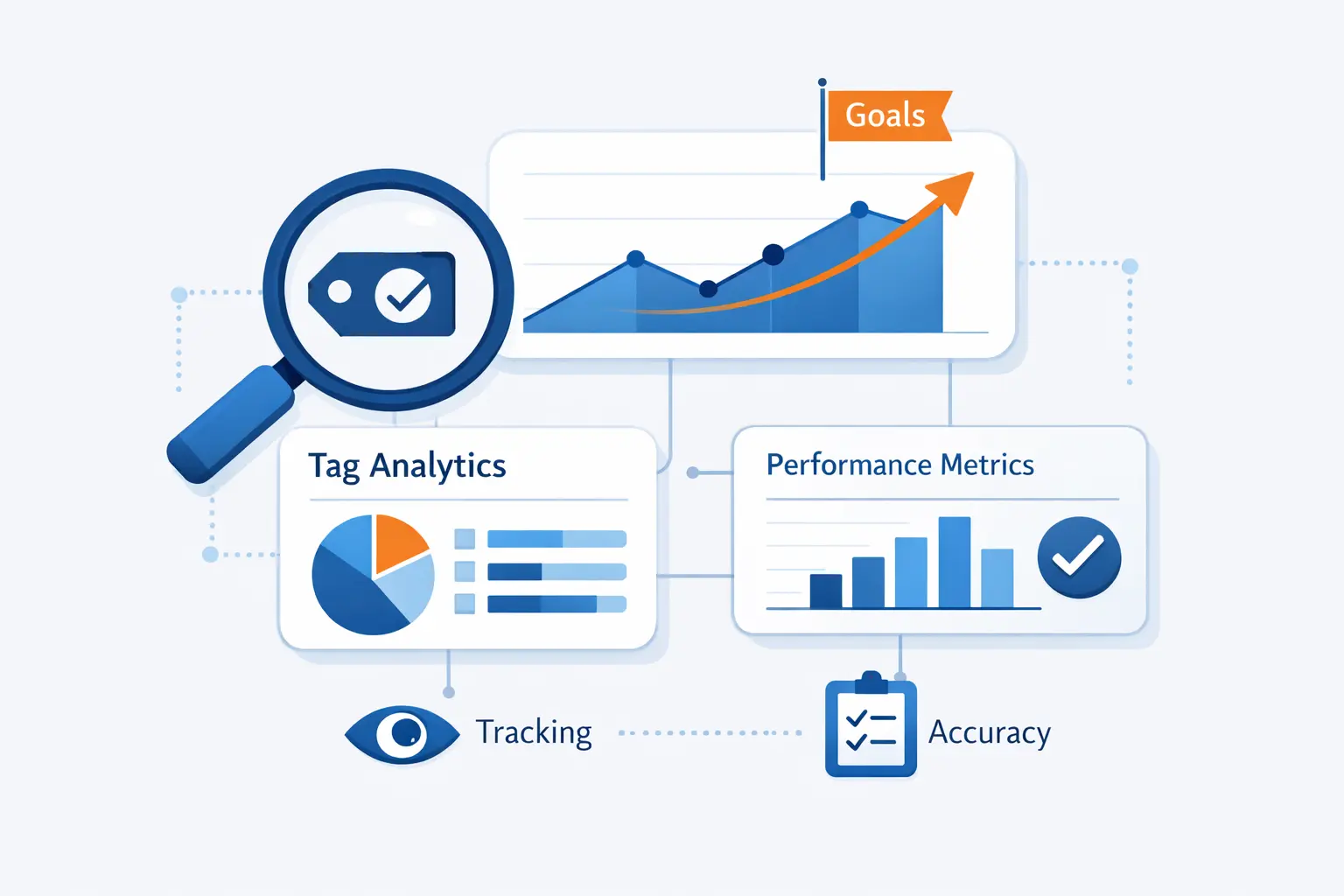
We do not judge tagging success by good intentions. We judge it by coverage, completeness, and trend lines. If those measures improve, the program is working.
1. Percentage of Untagged Resources
Our first KPI is the percentage of untagged resources. We count resources that should carry the required keys but do not. Tag Editor and the Resource Groups Tagging API help find them, and we review the metric by account and by owner.
2. Percentage of Resources with Null Tag Values
Our second KPI is the percentage of resources with null or placeholder values. This is our own favorite metric, drawn from the same coverage logic AWS recommends, because presence alone can fool a dashboard. A tag key with an empty value is still a reporting defect.
3. Tagging Coverage Trends and KPI Reviews
We also track coverage trends over time and review them against business outcomes. AWS guidance calls out coverage rate, percent of spend tagged, and non-allocable spend as useful measures. We review those KPIs on a schedule, not just when finance escalates a bad bill.
Frequently Asked Questions on AWS Cost Allocation Tags
We hear the same beginner questions again and again. Here are the answers we give most often when teams start using AWS cost allocation tags.
1. What Is the Purpose of Cost Allocation Tags in AWS?
The purpose is simple. Cost allocation tags let us group and track AWS costs by business-relevant dimensions such as owner, project, application, or cost center. That makes bills readable and makes follow-up action possible.
2. How Do I Activate AWS Cost Allocation Tags?
First, apply the tags to the resources. Then enable a supported cost tool such as Cost Explorer, Budgets, or CUR, and activate the tag keys in Billing and Cost Management from the management account. Until that activation step happens, the tags are not usable for cost allocation.
3. What Is the Difference Between AWS-Generated and User-Defined Cost Allocation Tags?
AWS-generated tags come from AWS and appear with an aws: prefix in reports. User-defined tags come from us and appear with a user: prefix. The difference is about ownership, activation behavior, and how much control we have over the tag design.
4. Do AWS Cost Allocation Tags Work Retroactively?
Not by default. AWS can backfill earlier months for historically tagged resources, but that still requires a backfill request. If the historical tag never existed on the resource, earlier usage stays untagged.
5. Can AWS Account Tags Be Used for Cost Allocation?
Yes. AWS Organizations account tags can be activated for cost allocation and used in Cost Explorer, AWS Budgets, Cost Categories, and CUR. They are especially useful when we want whole-account context or need coverage for costs that resource tags miss.
6. Why Are Some AWS Costs Still Unallocated?
Some costs stay unallocated because the resource was never tagged, the value was inconsistent, or the charge was not tied cleanly to a taggable resource. Shared platform costs, refunds, credits, and similar items often need account tags or Cost Categories to place them sensibly.
7. What Is a Cost Allocation Tag in Amazon S3?
In Amazon S3, a cost allocation tag is a bucket tag used by AWS billing tools to organize bucket costs in cost reports. It is about billing visibility for the bucket. It is not the same thing as object tags used for object-level classification or workflow.
How 1Byte Supports Cloud Infrastructure and Hosting Needs
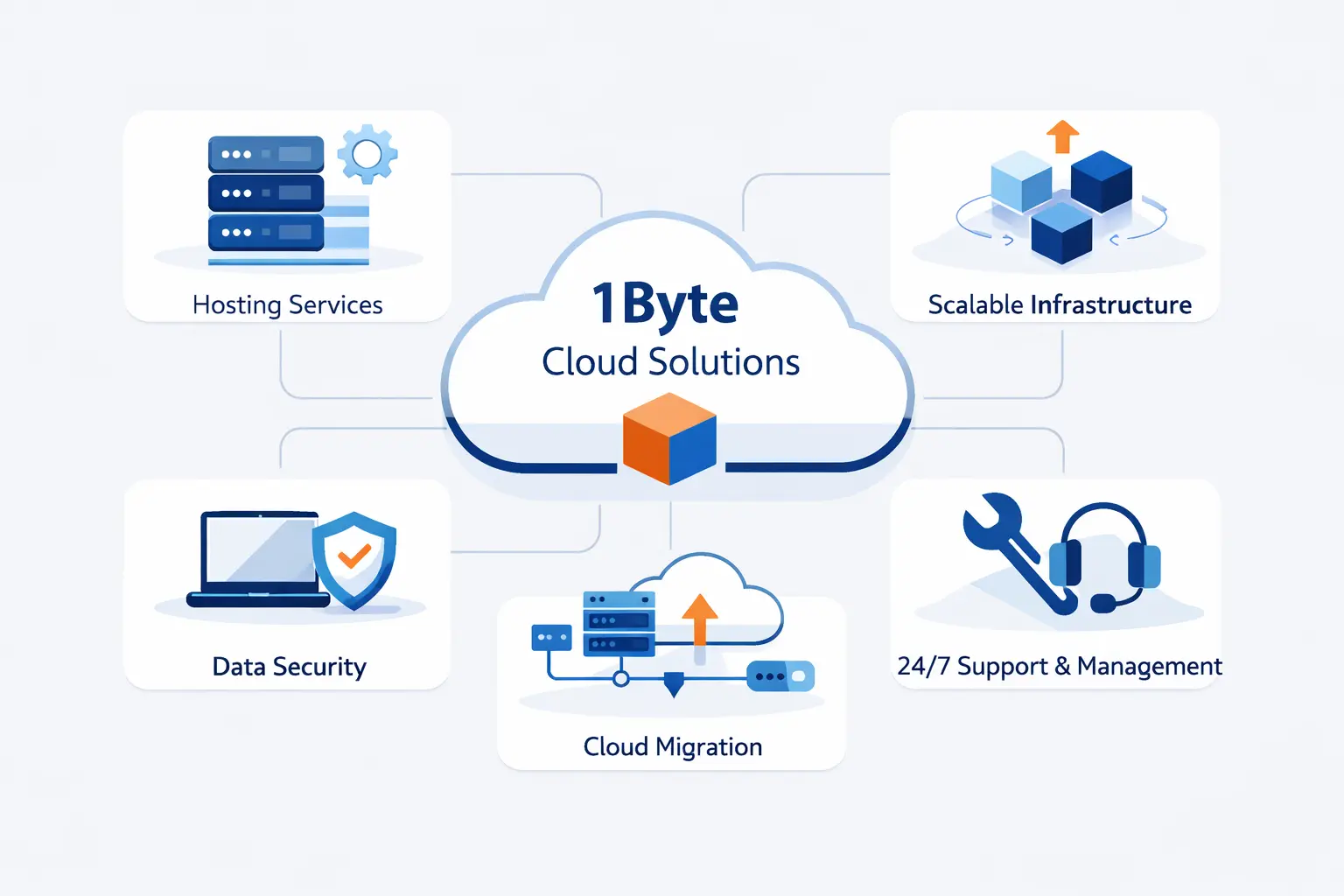
At 1Byte, we do not separate spend visibility from infrastructure basics. The same team that needs clean billing often needs help with hosting, certificates, and cloud operating choices. That is why our work spans both website foundations and AWS support.
1. Build a Secure Foundation with Domain Registration, SSL Certificates, and WordPress Hosting
We help teams build the front door first. Our catalog includes domain registration, SSL certificates, and WordPress hosting, which gives smaller businesses a practical way to launch securely before they tackle bigger cloud architecture questions. We like that order because stable basics make cost control easier later.
2. Scale with Shared Hosting, Cloud Hosting, and Cloud Servers
We also support the next step up. Shared hosting suits simpler websites with predictable needs. Cloud hosting and cloud servers fit teams that need more control, stronger isolation, or room to customize their stack. We also value hands-on features like backups, auto SSL, and managed website tools because they reduce avoidable operational noise.
3. Work with an AWS Partner for Flexible Cloud Support
AWS recognized 1Byte as an AWS Partner of the Year in Cambodia.
That matters to us because partner status should mean practical help, not theater. Our AWS work is built around migration, deployment, and support conversations that stay close to real operating needs. We aim for clear architecture, clear ownership, and a bill people can explain.







Final Thoughts on AWS Cost Allocation Tags
If we had to reduce all of this to the main lesson, it would be this. Start with a sane account model, add a small required tag set, activate early, and review what still falls through the cracks. Then add account tags and Cost Categories where raw resource tags stop being enough.
We at 1Byte think the best AWS cost allocation tags strategy is a boring one. It survives staff changes, shared environments, and finance deadlines. If engineers can find the owner and finance can trust the rollup, the system is doing its job.