

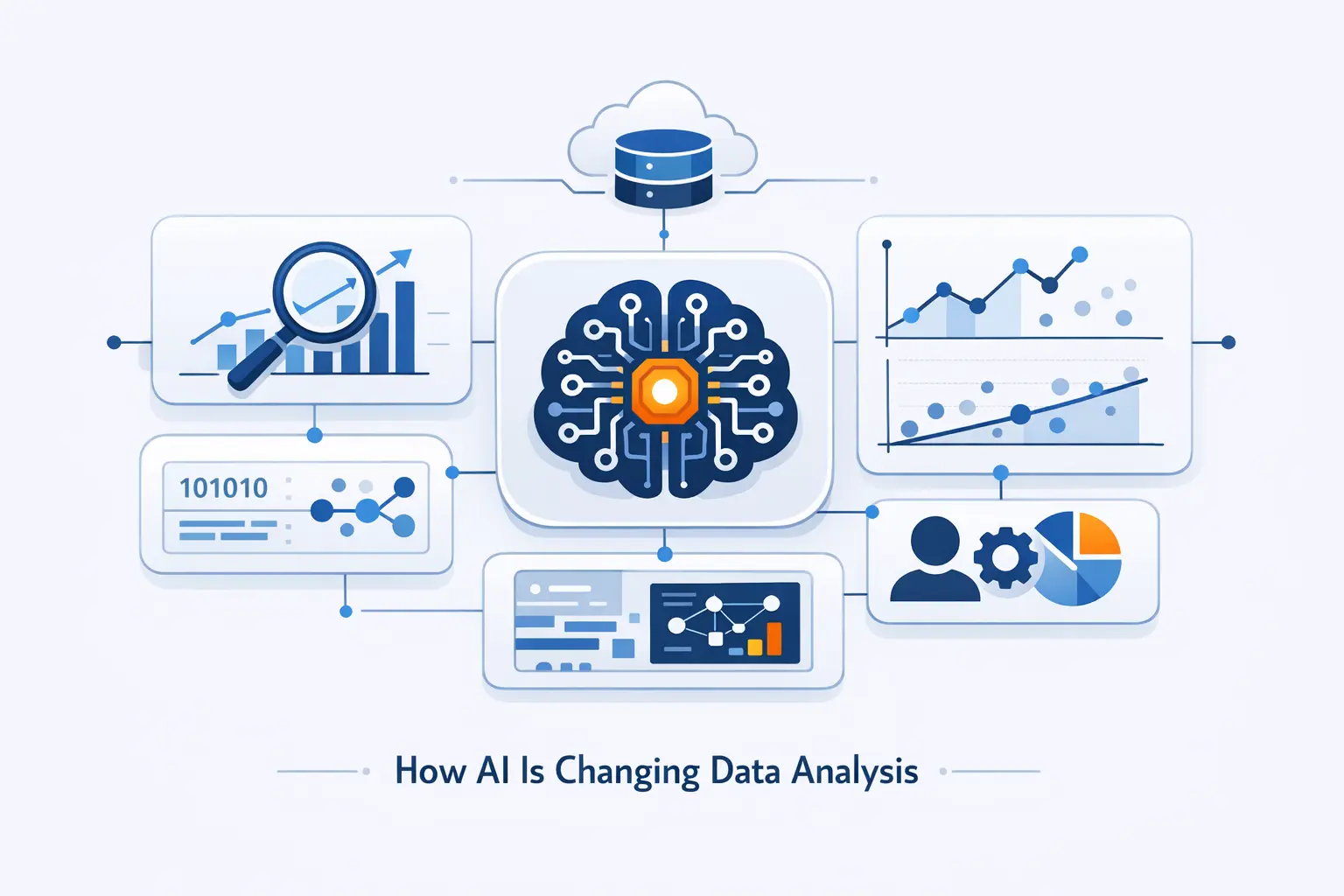
- What AI in Data Analysis Means Today
- How AI Is Changing Data Analysis Across the Workflow
- How AI Improves Every Type of Analytics
- Technologies Powering AI-Driven Data Analysis
- Real-World Use Cases for AI in Data Analysis
- The Biggest Benefits of AI in Data Analysis
- How AI Is Changing Data Analyst Jobs and Roles
- Skills Data Analysts Need in the AI Era
- Risks, Limits, and Governance in AI-Driven Data Analysis
- How to Start Using AI for Data Analysis
- The Future of AI and Data Analysis
- FAQ
- How 1Byte Supports AI-Driven Data Analysis Projects
- Conclusion
At 1Byte, we think AI in data analysis has crossed the line from experiment to working infrastructure. IDC expects global AI and generative AI spending to rise to over $631 billion by 2028, which tells us this is no passing wave. For most teams, the practical change is simpler. More people can ask good questions, analysts can move faster, and insight can reach the business without so much waiting.
What AI in Data Analysis Means Today
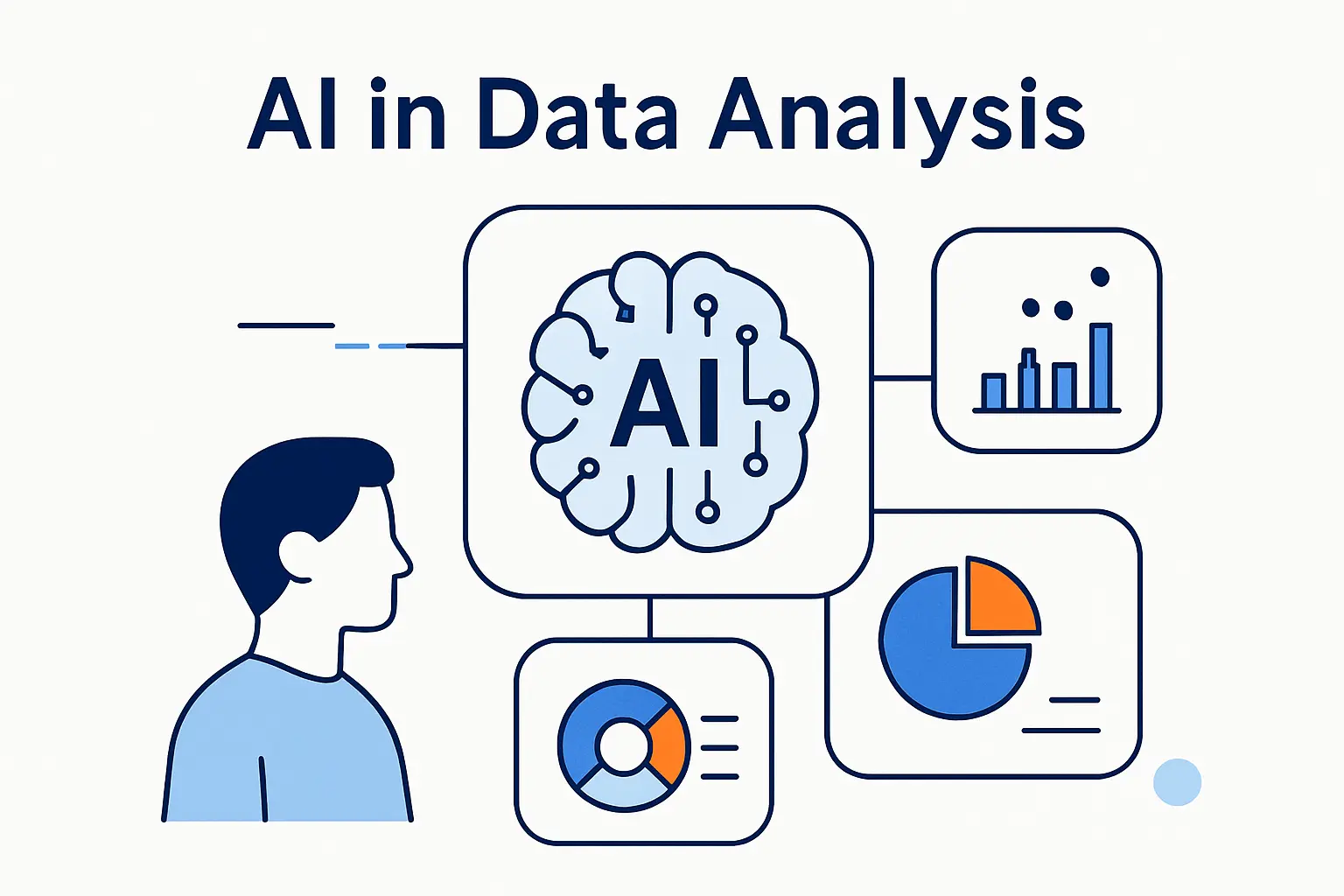
We think the clearest way to read this shift is to stop treating AI as a separate product category. It now sits inside analytics workflows, and that changes who can work with data, how fast they can move, and where control has to live.
1. Why AI Is No Longer Separate From Analytics
We no longer see AI bolted onto reporting at the edge. Gartner found 61% of organizations are changing their data and analytics operating model because of AI. The shift touches budgeting, governance, team structure, and tool selection. In our view, once AI changes the operating model, it is part of analytics.
2. How Generative AI Expands Access to Data Insights
Generative AI expands access by turning natural language into summaries, formulas, queries, and chart drafts. McKinsey reported 65% of respondents say their organizations use generative AI regularly. That helps explain why more non-technical staff are getting closer to data work. We like these tools best when they produce the first draft and an analyst checks the logic.
3. Where Human Judgment Still Matters Most
Human judgment matters most when data is messy, definitions are fuzzy, or the stakes are high. AI can spot patterns and draft explanations. It still cannot know whether a metric is well-defined, whether a segment makes business sense, or whether an answer is safe enough to use. That is where people earn their keep.
How AI Is Changing Data Analysis Across the Workflow
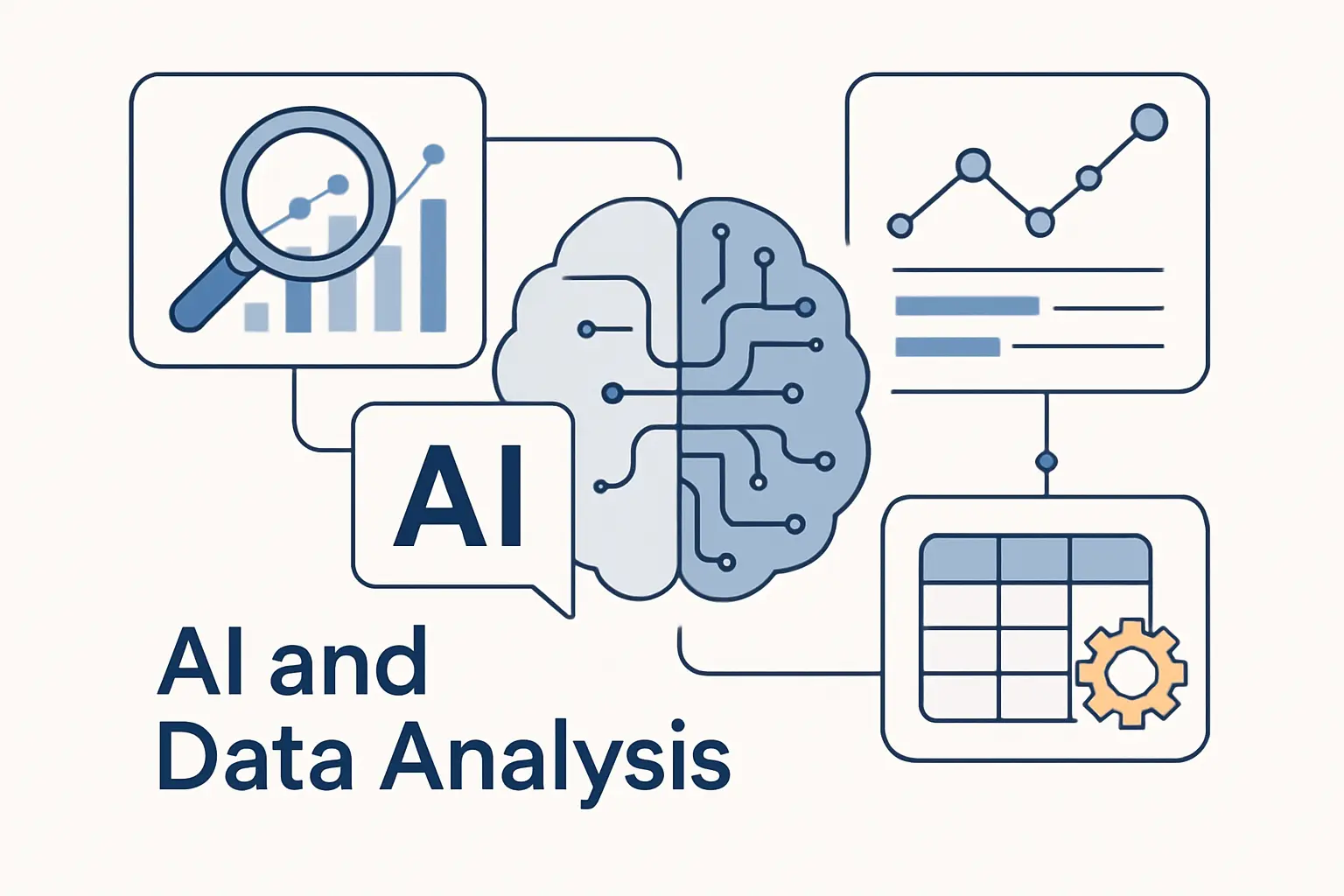
To us, the biggest shift is not a single smart model. It is the way AI touches the whole workflow, from raw inputs to the final chart on an executive screen.
1. Data Collection and Preparation
A lot of analytics work happens before analysis. Teams clean columns, reconcile names, tag text, and fix missing values. AI can now suggest types, spot duplicate records, and pull structure out of messy files. We still review every important transformation, because bad prep poisons everything downstream.
2. Exploratory Analysis, Modeling, and Forecasting
During exploration, AI surfaces clusters, outliers, seasonal shifts, and weak signals faster than manual scanning. In modeling work, it can draft baselines, compare features, and rerun forecasts under different assumptions. We think this matters most when time is tight. A fast rough model often shows where deeper human analysis is worth the effort.
3. Visualization, Reporting, and Decision Support
At the reporting stage, AI can write chart summaries, answer follow-up questions, and suggest the next slice of data to inspect. Modern BI tools also let people chat with reports instead of digging through filters. That sounds small, but it changes behavior. Users ask more follow-up questions when the dashboard answers back.
How AI Improves Every Type of Analytics
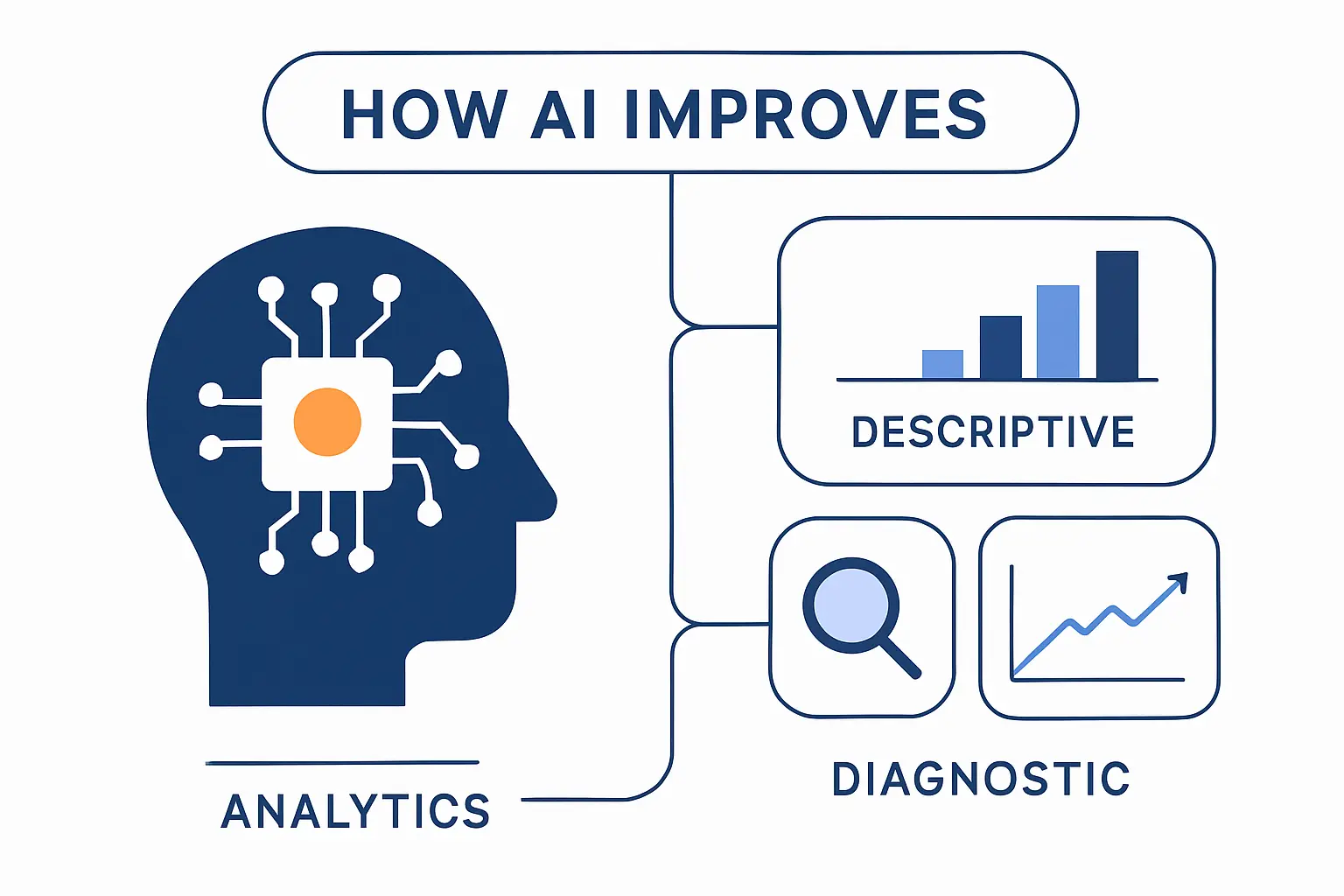
AI does not improve only one kind of analytics. It changes descriptive, diagnostic, predictive, and prescriptive work in different ways, and that distinction helps teams pick the right tool.
1. Descriptive and Diagnostic Analytics
For descriptive and diagnostic analytics, AI is best at compressing large volumes of data into a readable story. It can summarize trends, compare segments, and highlight likely drivers behind movement in a metric. We treat those outputs as leads, not verdicts. The point is to shorten the path from a dashboard view to a sound explanation.
2. Predictive Analytics and Scenario Modeling
In predictive work, AI speeds up forecasting, classification, and scenario testing. It can compare models, generate assumptions, and rerun projections when inputs change. That helps teams move beyond a single forecast line. In our view, the real value comes when analysts can show what changes under different pricing, staffing, demand, or churn assumptions.
3. Prescriptive Analytics and Next-Best Actions
Prescriptive analytics goes a step further and suggests what to do next. That might mean adjusting inventory, prioritizing leads, routing support work, or triggering a retention offer. Useful? Yes. Safe by default? Not always. Recommendations need business rules, budgets, and policy guardrails around them.
Technologies Powering AI-Driven Data Analysis
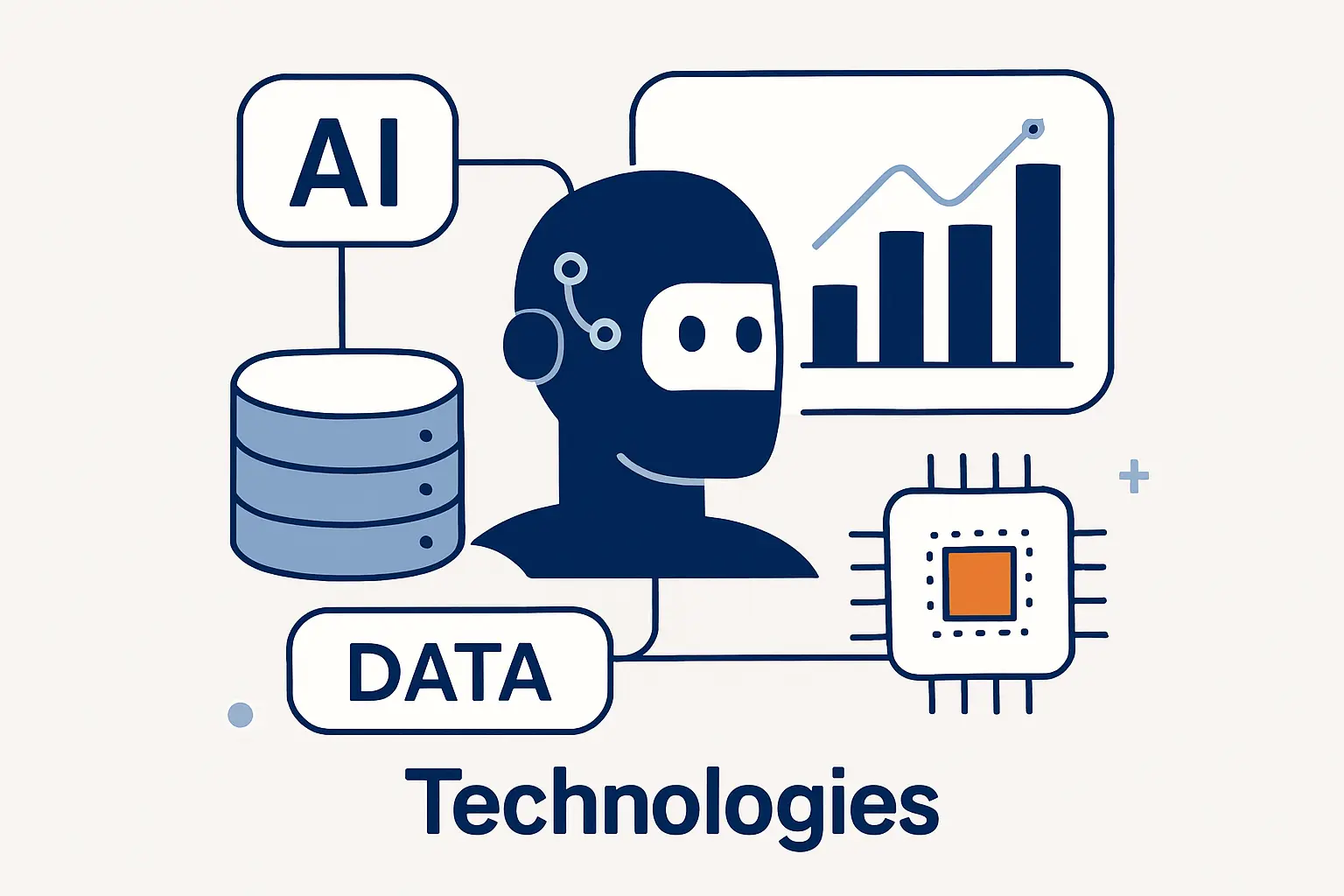
The technology behind AI-driven data analysis is less mysterious than it looks. It is a stack of models, definitions, permissions, analytics engines, and workflow tools. When those pieces fit together well, the user experience feels simple.
1. Natural Language Querying and Text to SQL
Natural language querying lets people ask for data the way they would ask a coworker. Text to SQL takes the request and turns it into a database query. We like it because it lowers friction when tables and definitions are clear. We stay cautious because vague wording, poor definitions, or a bad join can still send the query off course.
2. AutoML, Generative AI, and Code Assistants
AutoML helps analysts build useful baselines without tuning every setting by hand. Generative AI helps with code snippets, transformation logic, documentation, and test cases. Code assistants are handy here because analytics work includes a lot of repetitive SQL and Python. The trick is to review assumptions, not just syntax, before anything ships.
3. AI-Enabled BI Platforms, Dashboards, and AI Agents
AI-enabled BI platforms mix dashboards with chat, guided summaries, and agent-like tasks. A system can watch KPIs, answer questions, and sometimes trigger a follow-up action. We think many teams will feel the shift here first. The interface becomes conversational, while trust still depends on clean data and tight permissions underneath.
Real-World Use Cases for AI in Data Analysis
This is where the theory starts to matter. We look for use cases where the output changes a decision, not just a slide deck.
1. Demand Forecasting, Churn Prediction, and Scenario Planning
Demand forecasting is a strong example because the business outcome is plain. Better forecasts mean better purchasing, staffing, and replenishment choices. AWS says Getir achieved a 10% improvement in forecast accuracy, and we like that case because it ties model quality to less waste and better availability. Scenario planning follows the same logic. You ask what happens if demand jumps, a campaign lands early, or a supplier slips.
2. Anomaly Detection, Fraud Monitoring, and Real-Time Alerts
Anomaly detection shines when speed matters. A suspicious payment, login surge, or infrastructure spike is worth more when caught immediately than when explained later. N26 says its fraud system can analyze transactions in 500 ms, and that is the real lesson. Real-time alerts let teams respond while the event still matters.
3. Sentiment Analysis, Text Analytics, and Customer Intelligence
Text analytics turns messy customer language into structured signals. Teams can group complaints, tag themes, detect tone, and find which product issues show up together. Microsoft documents that a customer sentiment model can handle up to 10 million feedback records in a single run. For us, that captures the appeal of AI in data analysis. It lets business teams learn from far more text than any manual review process could cover.
The Biggest Benefits of AI in Data Analysis
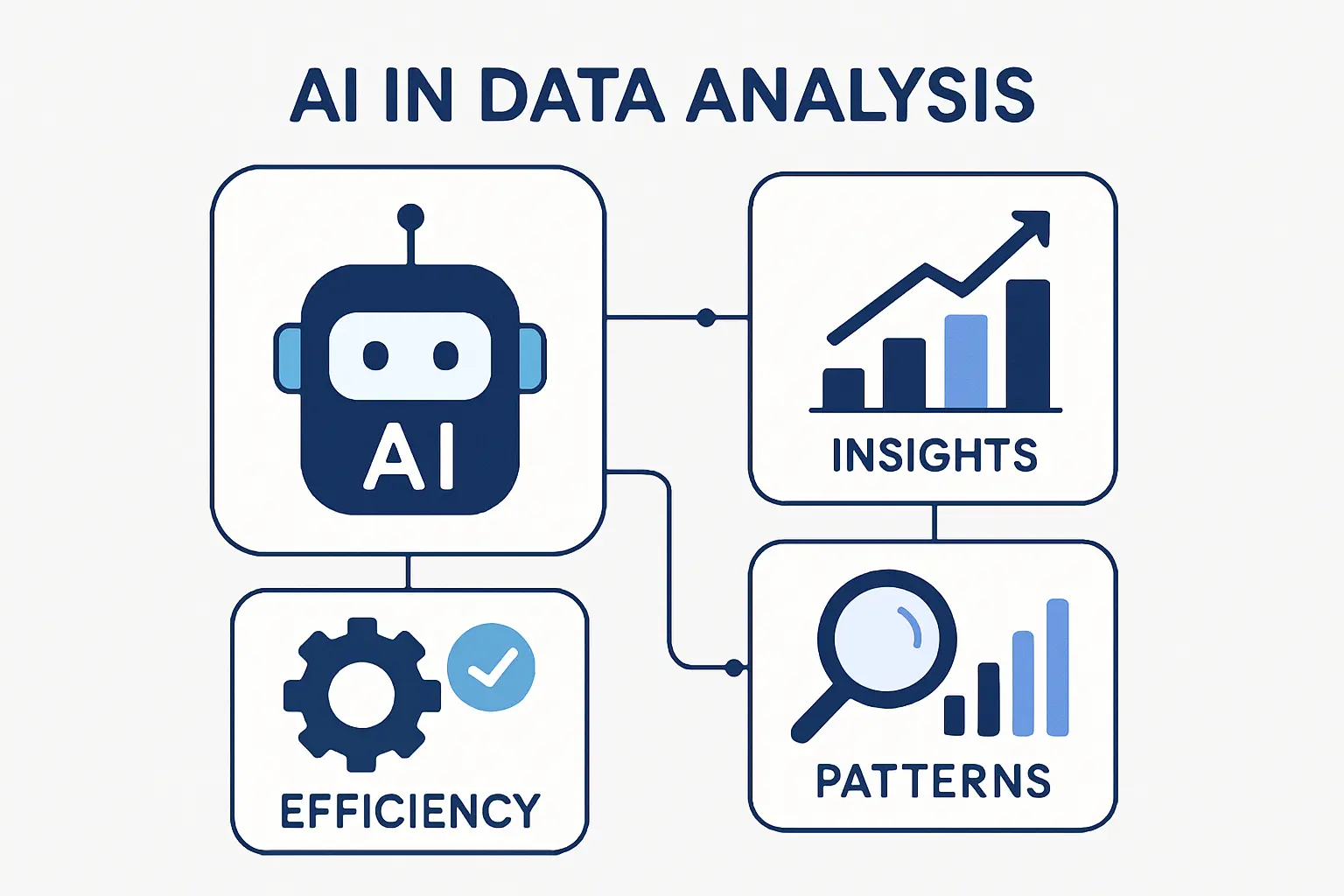
The benefits are real, but they are often less glamorous than the hype. Most of the value comes from removing delay, reducing blind spots, and widening access to good questions.
1. Faster Analysis and Better Productivity
Faster analysis does not just mean shorter wait times. It means less manual work writing routine queries, labeling text, drafting report summaries, and checking the same patterns every week. When AI handles those repeatable steps, analysts can spend more time on metric design, exception review, and decision support. That is a better use of expert attention.
2. Stronger Accuracy, Pattern Discovery, and Scale
AI also helps at scale. It can scan logs, comments, tickets, tables, and time series together, which makes weak signals easier to spot. That widens coverage and sometimes improves consistency. But we hold a firm view here. Better models do not rescue weak source data.
3. Better Access to Insights for Business Users
Access is another big gain. Product managers, marketers, and operators can ask sharper data questions without waiting for every answer to be hand-built. That does not remove the analytics team. It pushes the team toward model design, clear metric definitions, and quality control, which is where a lot of value belongs.
How AI Is Changing Data Analyst Jobs and Roles
We do not think AI wipes out analyst jobs. We think it changes the task mix, and that is a more useful way to plan careers.
1. Which Tasks AI Can Automate Today
Today, AI can automate parts of query drafting, data classification, routine report generation, alerting, basic documentation, and first-pass anomaly review. It can also suggest formulas and chart descriptions. These are real time savers, but they are still partial automations. Someone must define the metric, inspect the output, and own the business consequence.
2. Why Data Analysts Are Moving Toward Oversight and Strategy
As automation rises, analysts spend more time framing questions, validating outputs, designing experiments, and explaining tradeoffs. We see more value in people who can connect data to pricing, retention, service quality, or risk. The role moves closer to decision quality. The keyboard work shrinks a bit, and the judgment work grows.
3. Emerging Roles Such as AI Analyst and Workflow Automation Analyst
New job shapes are already appearing around evaluation, orchestration, and governance. Gartner reports 67% of mature organizations are creating new roles for generative AI. We are not surprised. Teams now need people who can manage prompt libraries, review AI outputs, map automations to real workflows, and keep humans in the loop where it counts.
Skills Data Analysts Need in the AI Era
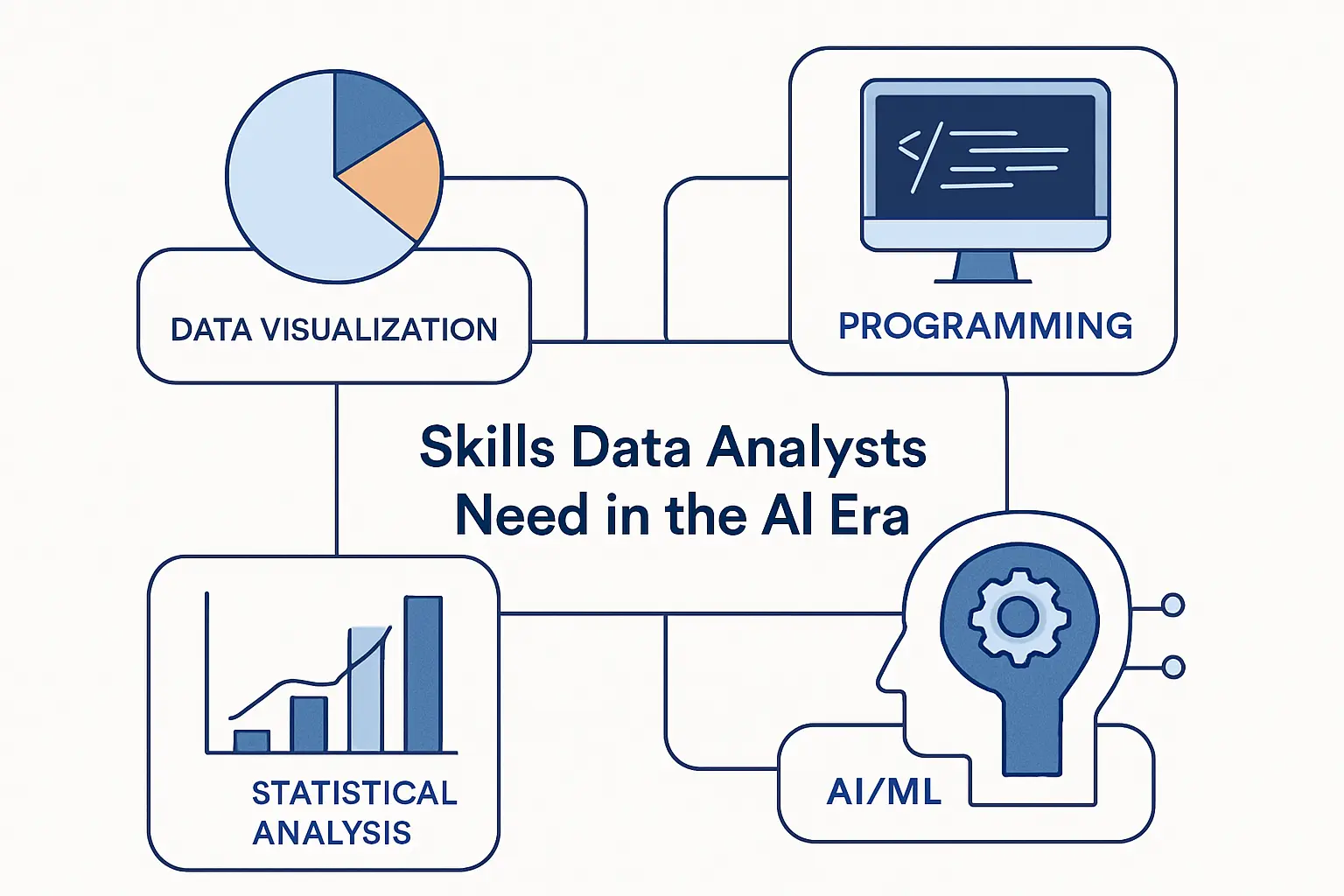
The AI era does not erase core analytics skills. It widens the list. We still want strong fundamentals first, then enough AI fluency to use new tools without getting fooled by them.
1. Technical Skills Across SQL, Python, Machine Learning, and Cloud Platforms
SQL and Python still sit at the center of practical data work. Add basic machine learning, version control, and cloud platform awareness, and an analyst can do a great deal. The gap is training. Microsoft and LinkedIn found only 39% of users had received AI training from their employer, so many analysts have to build this muscle on their own. We think that starts with trustworthy data habits, not prompt tricks.
2. Prompt Design, Validation, and Explainable AI
Prompt design is really instruction design. Analysts need to ask clearly, give context, and break complex requests into steps. Validation matters just as much. We compare AI answers to known results, test edge cases, and ask for traceable reasoning or evidence when possible. If an answer cannot be explained, it should not drive a serious decision.
3. Business Acumen, Communication, and Data Storytelling
Business acumen keeps analysis useful. A technically correct model can still miss the point if it ignores margin rules, customer behavior, or how a team actually works. Analysts who can explain tradeoffs in plain language will stay valuable. The best data story is simple, what changed, why it likely changed, and what we should do next.
Risks, Limits, and Governance in AI-Driven Data Analysis
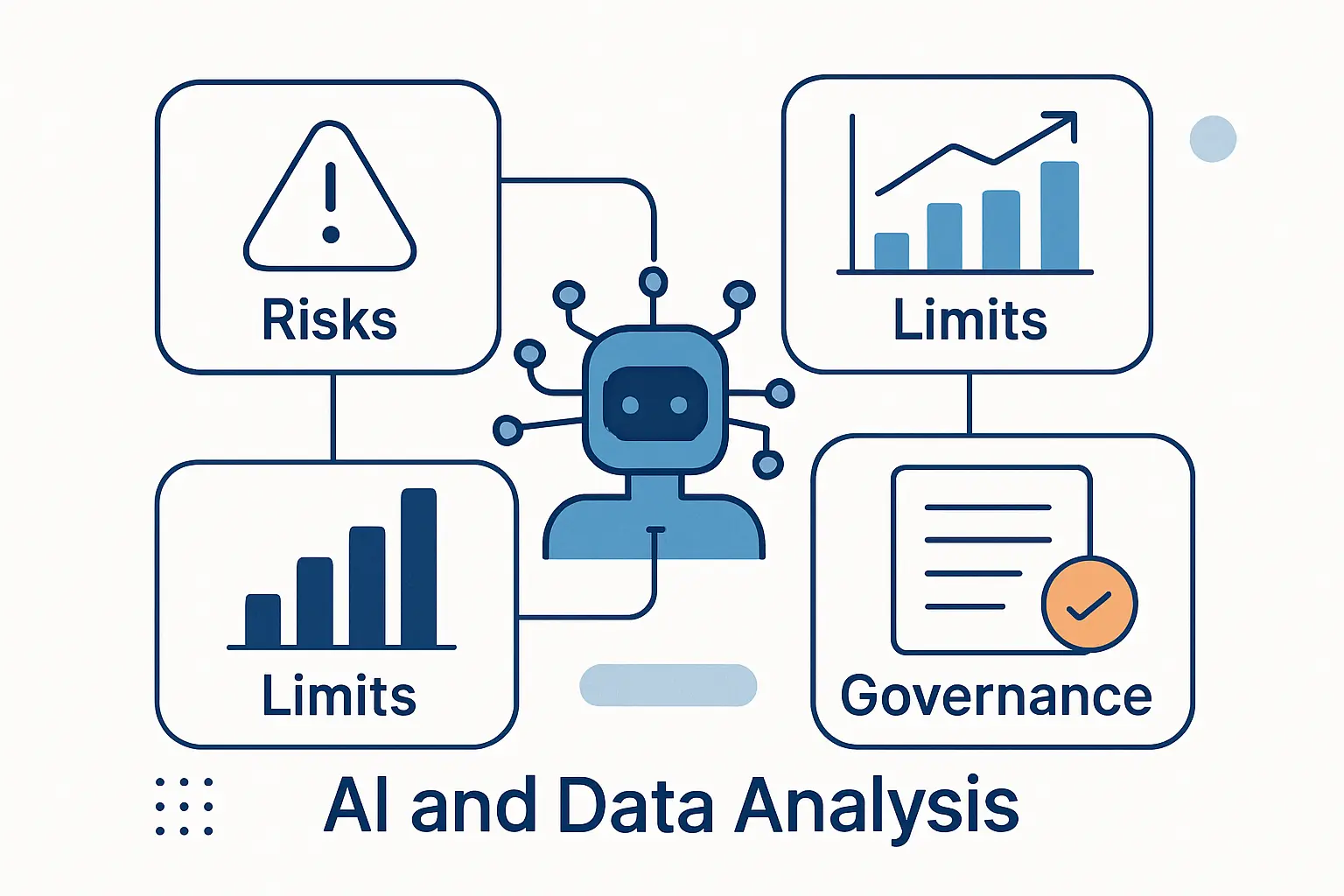
This is the section many teams skip, and it is often where projects fail. AI-driven data analysis needs governance from the start, especially when the data is sensitive or the output affects customers.
1. Bias, Hallucinations, and Data Quality Problems
Bias can enter through sampling, labels, missing fields, or uneven coverage. Hallucinations can show up as invented explanations, wrong joins, or polished answers that sound right and are wrong. Data quality problems make both worse. We have seen teams blame the model when the real issue was fuzzy definitions or broken upstream data.
2. Privacy, Security, and Compliance Challenges
Privacy and security are no longer side concerns. Analysts often move fast, and that is exactly when unsafe copy-paste behavior creeps in. Cisco reported 27% had banned its use at least temporarily because of privacy and data security risks. In our view, every AI analytics workflow needs clear tool approval, access control, redaction rules, and logging.
3. Human Oversight, Audit Trails, and Responsible AI Use
Responsible AI use needs more than a policy file. It needs review steps, audit trails, versioned prompts, approval thresholds, and a clear fallback when the model is uncertain. We like the NIST AI Risk Management Framework because it pushes teams to treat trust, accountability, privacy, and explainability as system design work. That is the level where good governance becomes practical.
How to Start Using AI for Data Analysis
If you are starting from scratch, the safest path is boring on purpose. Begin with a narrow problem, measure it, and build discipline before you widen the scope.
1. Choose One High-Value Workflow First
We usually recommend starting with a repetitive workflow that already hurts. Think weekly sales reporting, ticket tagging, forecast refreshes, or dashboard commentary. The best first project has a clear owner and a clear measure of success. If the business case is fuzzy, the AI layer will only make it harder to judge.
2. Test AI Outputs on Smaller Datasets
Use smaller datasets first so humans can inspect the results line by line. Compare AI outputs to a baseline process, then look for failure patterns, not just wins. We pay special attention to edge cases, quiet errors, and prompts that produce confident nonsense. That early discipline saves pain later.
3. Scale With Checklists, Guardrails, and Human Review
Once the early workflow is stable, scale it with checklists and guardrails. Define who reviews outputs, what gets logged, which prompts are approved, and when a human must intervene. We also recommend simple rollback plans. If the AI layer misfires, the team should know how to return to a safe manual path quickly.
The Future of AI and Data Analysis
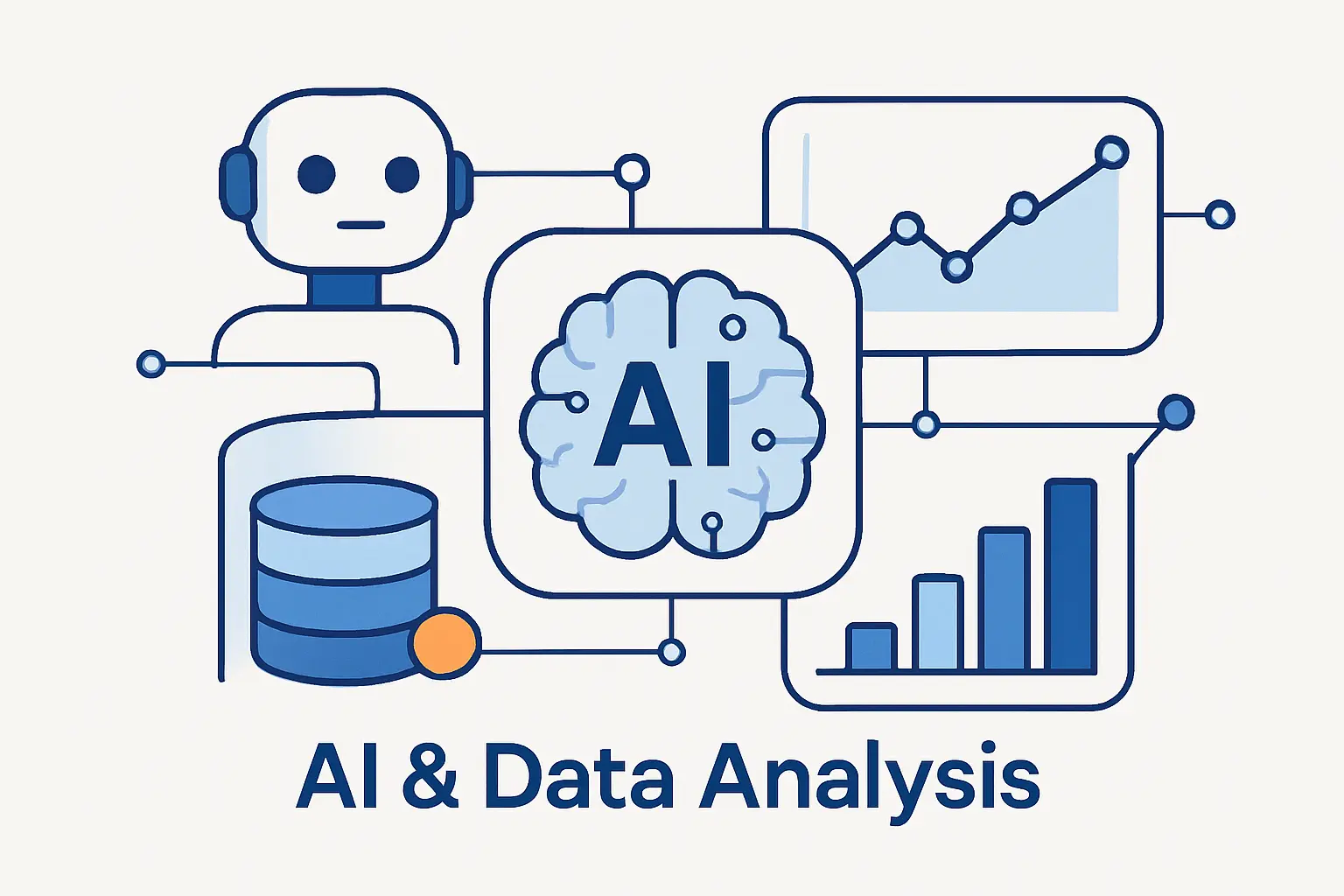
The future of AI and data analysis looks less like a robot replacing analysts and more like a deeper partnership between people, models, and workflow software.
1. More Natural Language Analytics and Self-Service BI
Natural language analytics will keep growing because it meets people where they already are. They ask questions in everyday language and refine the answer through follow-ups. The catch is that self-service only works when the data model is prepared well. Otherwise, the chat layer becomes a very friendly way to get the wrong answer.
2. More Real-Time Monitoring and Autonomous Insight Generation
We expect more systems to watch data continuously, summarize changes, and push alerts with likely causes attached. Some will also prepare recommended actions or launch narrow follow-up tasks on their own. We welcome that, with limits. Autonomous insight is useful. Autonomous action still needs hard boundaries.
3. More Collaboration Between Analysts and AI Systems
The most effective teams will treat AI as a collaborator inside the workflow. The model drafts, classifies, and proposes. The analyst judges, edits, prioritizes, and decides. We think that division of labor is here to stay because speed without judgment is noisy, and judgment without speed is slow.
FAQ
We hear the same practical questions from teams exploring AI in data analysis, so here are our short answers.
1. How Is AI Changing Data Analytics?
AI is making analytics faster, more conversational, and more available to non-specialists. It helps with cleaning data, generating queries, finding patterns, building forecasts, and summarizing results. The bigger shift is that analysts spend more time reviewing and guiding work, not just producing it.
2. Can Data Analysis Be Replaced by AI?
No. Parts of the workflow can be automated, but data analysis still needs human framing, validation, and business judgment. AI can draft answers. People still decide whether those answers are true, useful, and safe to act on.
3. How Does AI Do Data Analysis?
AI looks for patterns in historical data, text, events, and relationships between variables. Depending on the tool, it may classify records, predict outcomes, summarize results, or generate code and queries from a prompt. The output is only as good as the data, instructions, and review around it.
4. What Tasks Can AI Automate in Data Analysis?
It can automate parts of data cleaning, SQL drafting, labeling, chart summaries, recurring reports, anomaly alerts, and text categorization. Some systems can also watch metrics and suggest follow-up questions. High-stakes decisions still need a person in the loop.
5. What Skills Do Data Analysts Need in the AI Era?
Analysts still need SQL, Python, statistics, and data modeling basics. On top of that, they need prompt design, validation, governance awareness, and the ability to explain results clearly. Business context matters more, not less.
6. What Are the Biggest Risks of Using AI in Data Analysis?
The biggest risks are bad data, biased outputs, hallucinated explanations, privacy mistakes, and overconfidence in automated results. Weak governance makes every one of those risks worse. That is why review steps and audit logs matter.
How 1Byte Supports AI-Driven Data Analysis Projects
At 1Byte, we think successful AI analytics projects need dependable infrastructure as much as smart models. If the site is slow, the certificate is missing, or the server fit is wrong, the analysis will not look very convincing in front of users.
1. Launch Secure Dashboards and Content Sites With Domain Registration, SSL Certificates, and WordPress Hosting
When teams need a public-facing layer for dashboards, documentation, reports, or stakeholder portals, we can help with domain registration, SSL certificates, and WordPress hosting. That combination fits teams that need a secure front end for sharing insight, publishing commentary, or explaining metrics to non-technical readers. In many projects, the delivery layer matters as much as the model.
2. Match Performance Needs With Shared Hosting, Cloud Hosting, and Cloud Servers
We usually match infrastructure to the workload, not the buzz. Shared hosting fits lighter reporting sites and content hubs. Cloud hosting fits applications that need more headroom and easier resource changes. Cloud servers fit teams that need custom software stacks, tighter control, or a place to run scheduled analytics jobs beside the app.
3. Scale AI and Data Workloads With an AWS Partner
As an AWS Partner, we can also help teams place heavier AI and data workloads on cloud infrastructure that matches the job. That can include data storage, compute sizing, network setup, backups, and the practical work of getting an analytics stack from idea to stable operation. We think that kind of plumbing is easy to underrate, right up until it breaks.
Conclusion
1. AI Automates More of the Workflow, Not the Need for Human Analysts
AI automates more of the data workflow, but it does not remove the need for analysts. If anything, it raises the value of people who can define the question, test the output, and connect the answer to a real business decision. That is the part machines still do poorly.







2. The Future of Data Analysis Depends on Human and AI Collaboration
The future of data analysis belongs to teams that pair machine speed with human judgment. We at 1Byte see the best results when AI drafts the work, people verify the meaning, and the infrastructure underneath stays secure and dependable. That is not hype. That is how useful systems are built.